


KAI Overview
KAI, also known as KeyboardAI, is a revolutionary mobile application that transforms your standard iPhone keyboard into a powerful AI assistant. By seamlessly integrating the capabilities of advanced language models like ChatGPT, KAI allows you to access AI-driven writing help, content generation, and knowledge retrieval from within any application on your device. Whether you're drafting an email, sending a text message, taking notes, or posting on social media, KAI is there to enhance your communication, spark your creativity, and save you valuable time.
The core principle of KAI is to eliminate the friction of switching between apps. Instead of copying text, opening a separate AI app, pasting, getting a response, and copying it back, KAI brings the entire workflow directly into your keyboard interface. This makes the process of improving text, generating new ideas, or finding information incredibly fluid and efficient, fundamentally changing how you interact with your iPhone.
How to use KAI
Getting started with KAI is a simple and straightforward process designed for maximum convenience:
- Download and Install: First, download the KAI app from the Apple App Store on your iPhone.
- Enable the Keyboard: Navigate to your iPhone's Settings > General > Keyboard. Tap on 'Keyboards' and then 'Add New Keyboard...'. Select 'KAI' from the list of third-party keyboards.
- Grant Full Access: After adding the keyboard, tap on 'KAI' again in your keyboard list and toggle on the 'Allow Full Access' switch. This is essential for the AI to connect to the internet and process your requests to provide intelligent responses. KAI respects your privacy and only processes the text you explicitly submit for AI assistance.
- Switch and Use: Open any app where you can type (e.g., Messages, Mail, Notes, Safari). Tap and hold the globe icon on the bottom-left of your keyboard and select 'KAI - KeyboardAI'. You can now use the various AI functions directly from the keyboard toolbar. Simply type your text or a prompt and choose an action like 'Improve', 'Translate', or 'Ask AI'.
Core Features of KAI
- AI Writing Assistant: Instantly correct grammar and spelling, rephrase sentences for better clarity, or adjust the tone of your text to be more professional, casual, friendly, or persuasive.
- Content Generation: Overcome writer's block by generating entire emails, social media posts, blog ideas, or replies based on a simple prompt.
- Instant Answers (Ask AI): Ask any question, from general knowledge queries to complex problem-solving, and get concise answers directly in your text field without opening a browser.
- Seamless Translation: Write in your native language and have it instantly translated into dozens of other languages, breaking down communication barriers.
- Summarization: Paste a long piece of text and ask KAI to summarize it into key points, perfect for quickly understanding articles or long email threads.
- Context-Aware Suggestions: The AI understands the context of your conversation to provide relevant and helpful suggestions for replies.
Use Cases for KAI
KAI is a versatile tool that benefits a wide range of users:
- Professionals: Draft polished, error-free emails, create compelling reports, and communicate effectively with international clients through instant translation.
- Students: Improve essays and assignments, summarize research papers for quick study, and get help with difficult homework questions.
- Social Media Managers: Generate creative and engaging captions for Instagram, tweets for X (Twitter), and posts for Facebook, complete with relevant hashtags.
- Writers and Creatives: Brainstorm story ideas, write poetry, compose song lyrics, and overcome creative blocks.
- Non-Native English Speakers: Enhance language skills by correcting grammar and learning how to phrase sentences more naturally.
- Everyday Users: Write witty text messages, compose thoughtful birthday wishes, or quickly settle a debate with friends by getting fast facts.
Advantages of KAI
KAI stands out by offering significant advantages over traditional writing and app-switching workflows. Its primary strength is its deep integration into the iOS ecosystem, which provides an unparalleled level of convenience. The ability to enhance your writing in-place saves a tremendous amount of time and mental energy. Furthermore, it democratizes access to powerful AI, making sophisticated language tools available for everyday tasks. This boosts not only productivity but also confidence in written communication for all users.
Pricing and Plans
KAI typically operates on a freemium model, providing both a free and a premium subscription plan:
- Free Plan: Users can enjoy basic AI features, such as grammar correction and a limited number of advanced AI queries per day. This is ideal for casual users who need occasional assistance.
- Pro Plan (Subscription):- For a monthly or annual fee, the Pro plan unlocks unlimited access to all AI features, including advanced models (e.g., GPT-4), faster response times, unlimited translations, and priority access to new features. This plan is designed for power users, professionals, and anyone who wants to fully leverage AI in their daily mobile usage.
For the most current pricing details, please check the KAI page on the Apple App Store.
Traffic
Latest traffic
Status
Monthly traffic trend
- 2025-7: 86
- 2025-8: 0
- 2025-9: 569
- 2026-3: 0
- 2026-4: 0
- 2026-5: 1.5K
Geography
Top 5 countries / regions
- 🇺🇸United States95.8%
- 🇮🇹Italy4.2%
KAI Alternatives
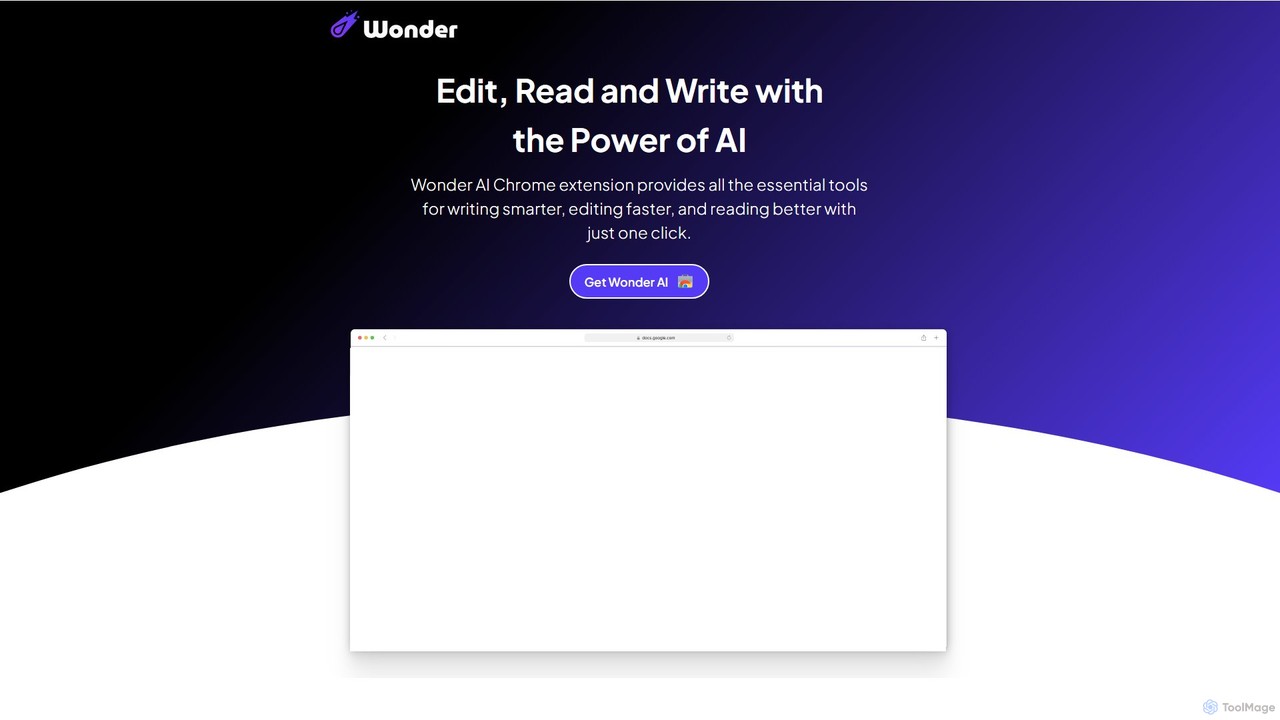
Wonder AI
Wonder AI is a powerful Chrome extension that enhances your writing, editing, and reading. It integrates directly into your browser, offering one-click tools to rewrite text, check grammar, summarize articles, explain complex concepts, and translate content, boosting your daily productivity and communication skills.
Chrome Extensions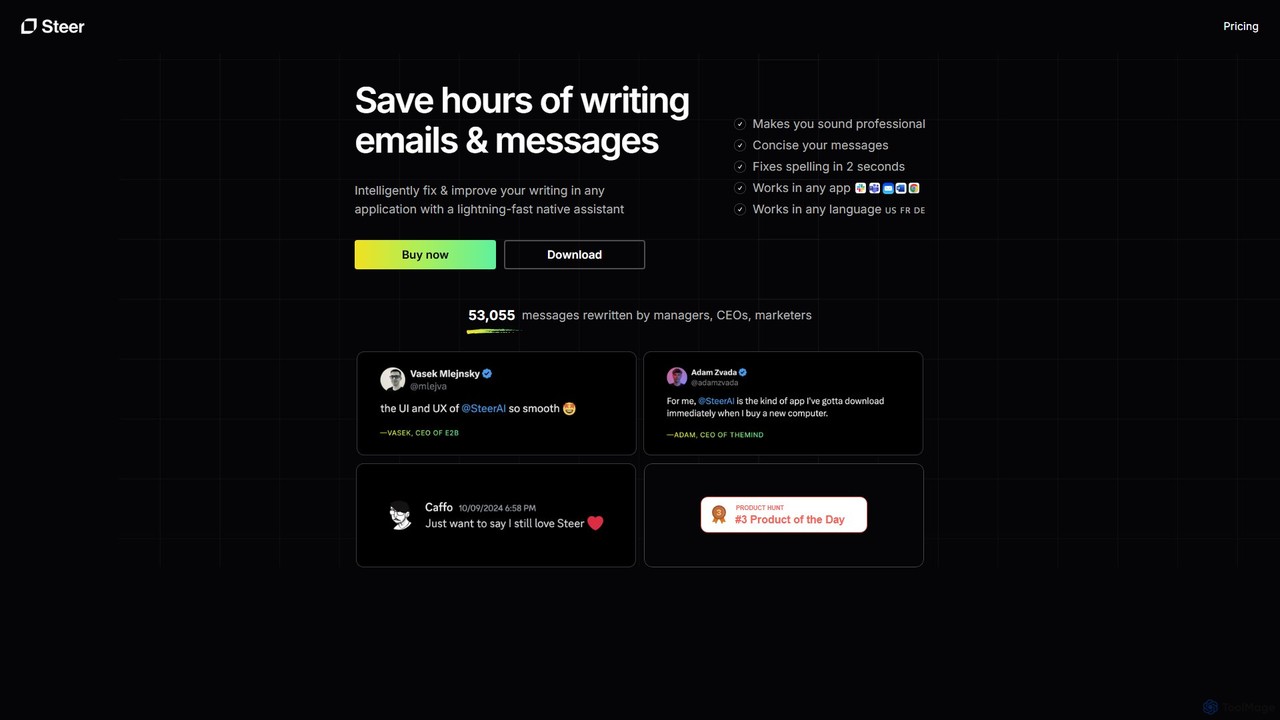
Steer
Steer is a native AI writing assistant for macOS and Windows that helps you save hours on writing. It intelligently fixes grammar, improves tone, and enhances your messages to sound professional, all directly within any application without interrupting your workflow.
Email Assistant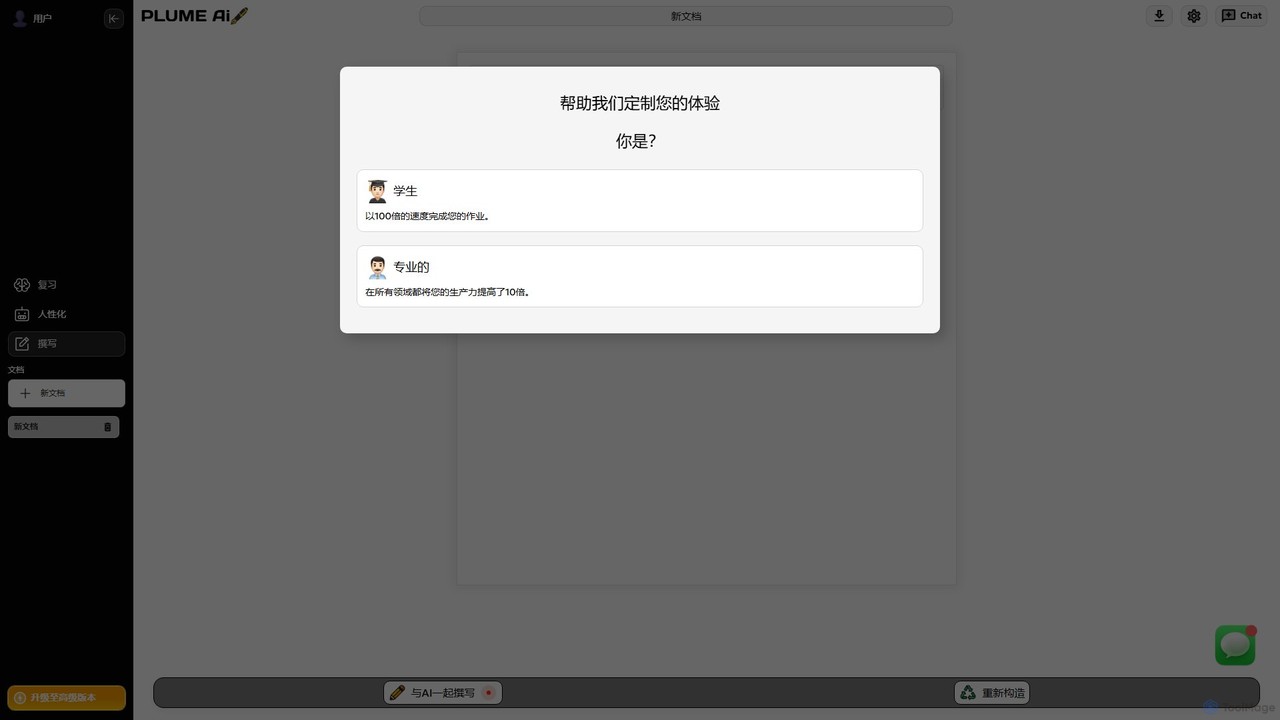
Plume AI
Plume AI is an advanced AI writing assistant designed for students and professionals. It helps you write, rephrase, review, and humanize text to enhance productivity and improve content quality. Create high-quality, natural-sounding documents 10x faster.
Academic Writing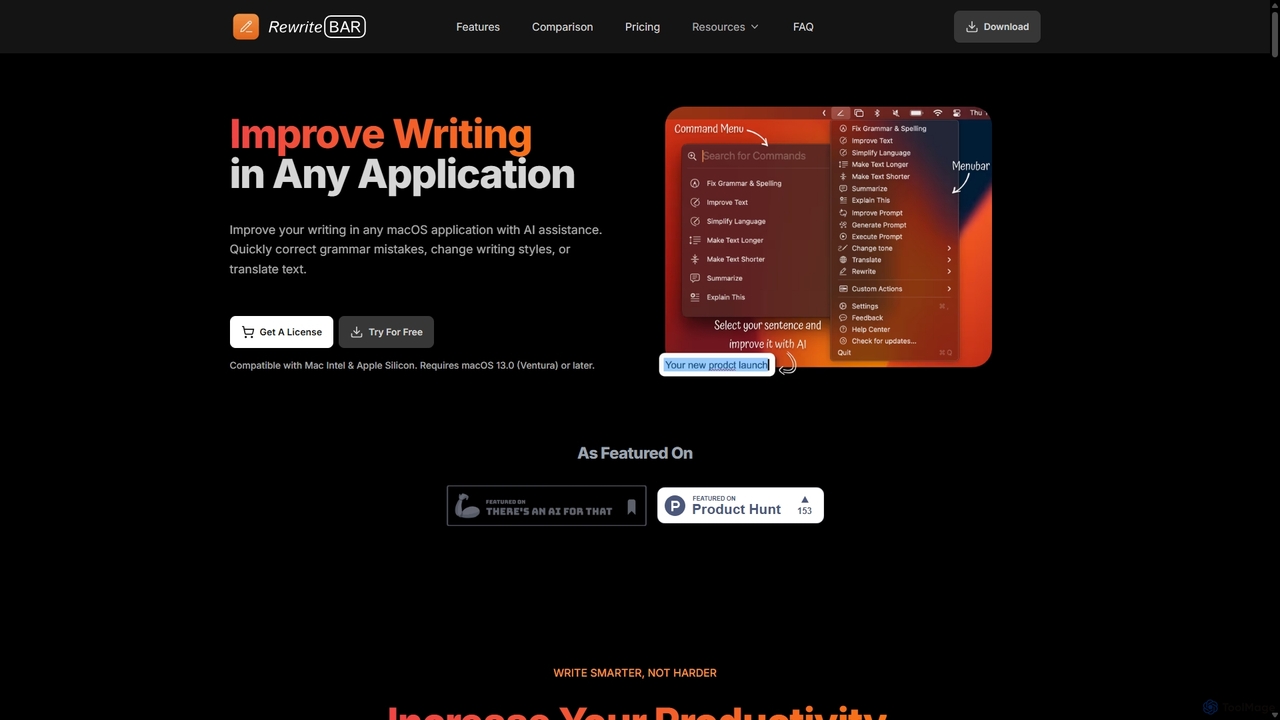
RewriteBar
RewriteBar is a native macOS menu bar app that acts as your personal AI writing assistant. It works seamlessly across all applications, allowing you to instantly correct grammar, change tone, translate text, summarize content, and more with a simple keyboard shortcut. It supports over 12 AI providers, including local models for ultimate privacy, offering a powerful and flexible writing enhancement experience.
Code Assistant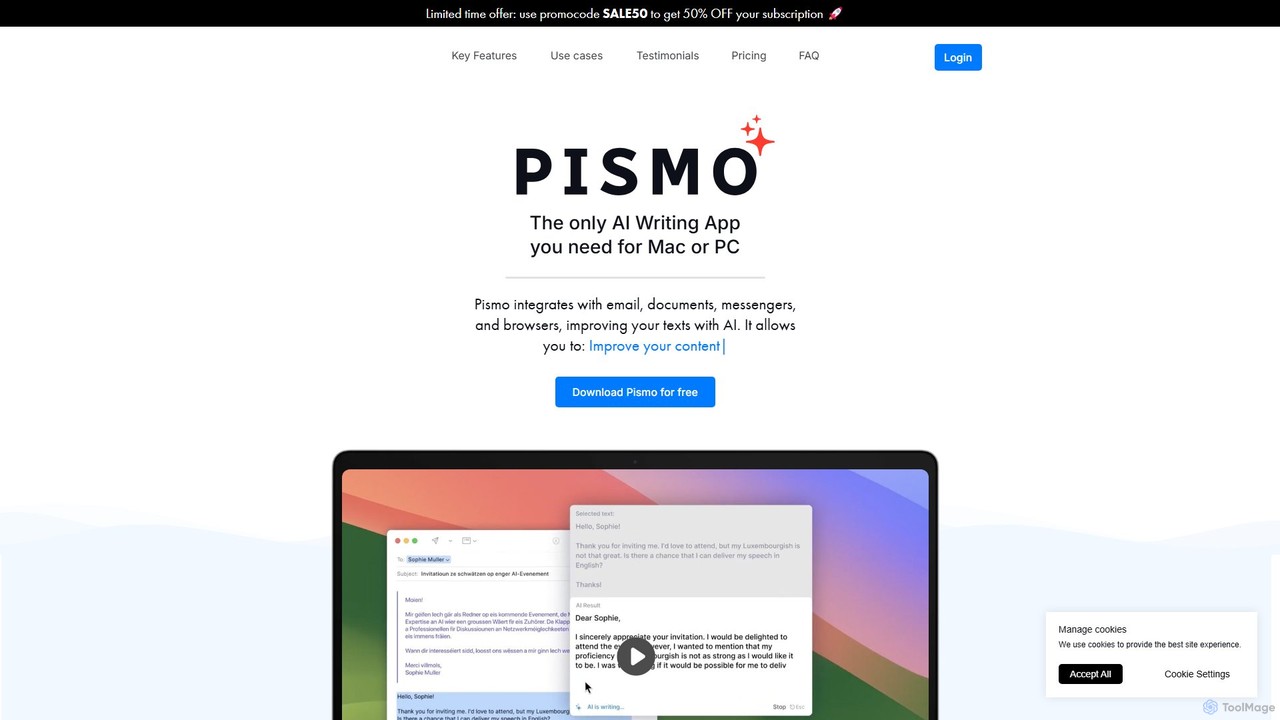
Pismo
Pismo is a native AI writing assistant for Mac and Windows. It integrates seamlessly into any application, allowing you to improve writing, fix grammar, translate text, change tone, and use custom prompts with hotkeys to boost your productivity.
ParaphraserKAI Categories
KAI Embed Widget
Copy this embed code to place the badge on your blog, article, or product site and send readers directly to this ToolMage detail page.

Related AI tools
Wonder AI
Wonder AI is a powerful Chrome extension that enhances your writing, editing, and reading. It integrates directly into your browser, offering one-click tools to rewrite text, check grammar, summarize articles, explain complex concepts, and translate content, boosting your daily productivity and communication skills.
Chrome ExtensionsPlume AI
Plume AI is an advanced AI writing assistant designed for students and professionals. It helps you write, rephrase, review, and humanize text to enhance productivity and improve content quality. Create high-quality, natural-sounding documents 10x faster.
Academic WritingRewriteBar
RewriteBar is a native macOS menu bar app that acts as your personal AI writing assistant. It works seamlessly across all applications, allowing you to instantly correct grammar, change tone, translate text, summarize content, and more with a simple keyboard shortcut. It supports over 12 AI providers, including local models for ultimate privacy, offering a powerful and flexible writing enhancement experience.
Code AssistantPismo
Pismo is a native AI writing assistant for Mac and Windows. It integrates seamlessly into any application, allowing you to improve writing, fix grammar, translate text, change tone, and use custom prompts with hotkeys to boost your productivity.
Paraphraser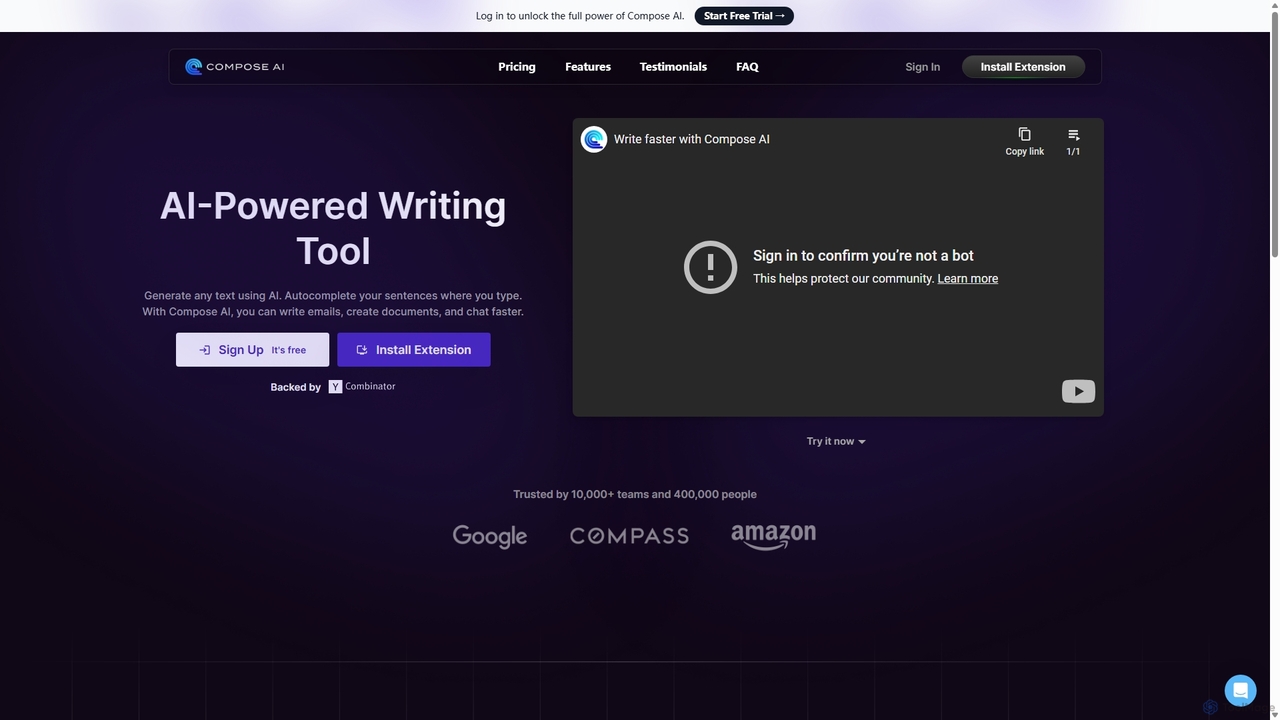
Compose AI
Compose AI is an AI-powered writing assistant and Chrome extension that accelerates your writing process. It offers intelligent autocompletion, text generation, and rephrasing capabilities across all your favorite sites, from emails to documents. By learning your personal writing style, it helps you write faster and more effectively, saving up to 40% of your time.
Chrome Extensions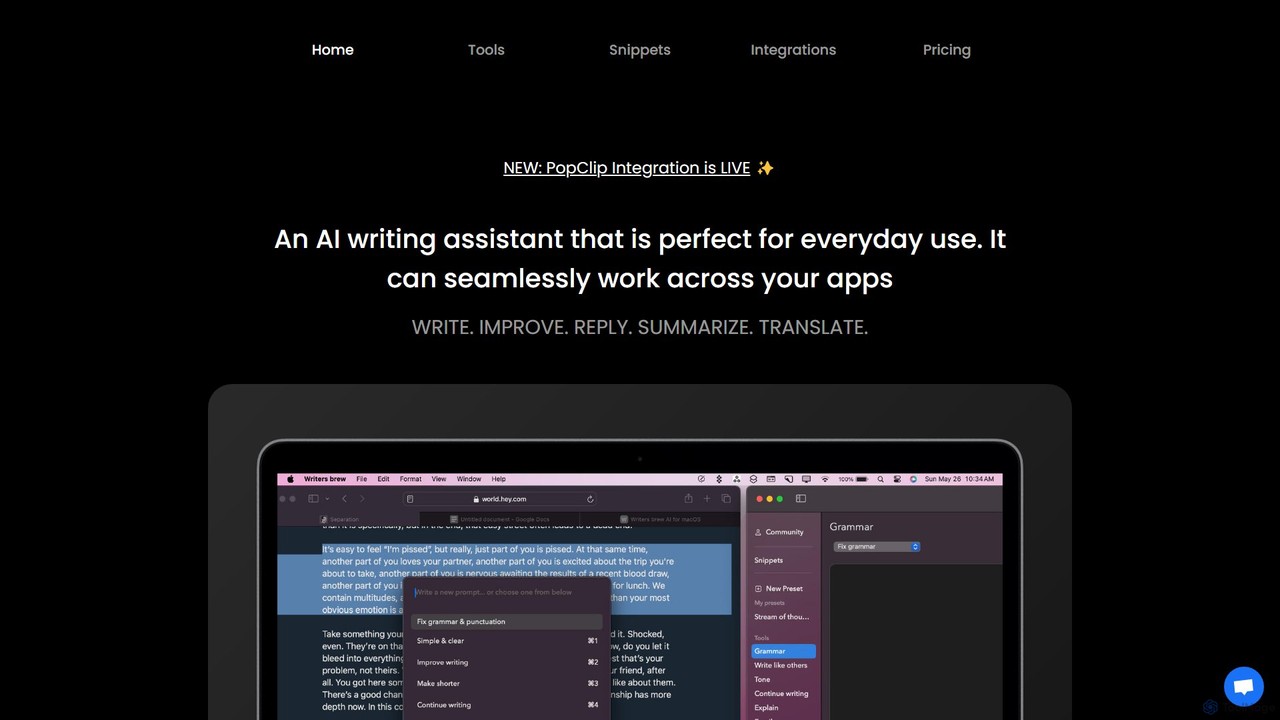
Writers brew
Writers brew is a native AI writing assistant for macOS that integrates seamlessly across all applications. It helps you write, improve, summarize, translate, and reply to text anywhere with a simple keyboard shortcut, also featuring text snippets, OCR, and other productivity utilities.
Macos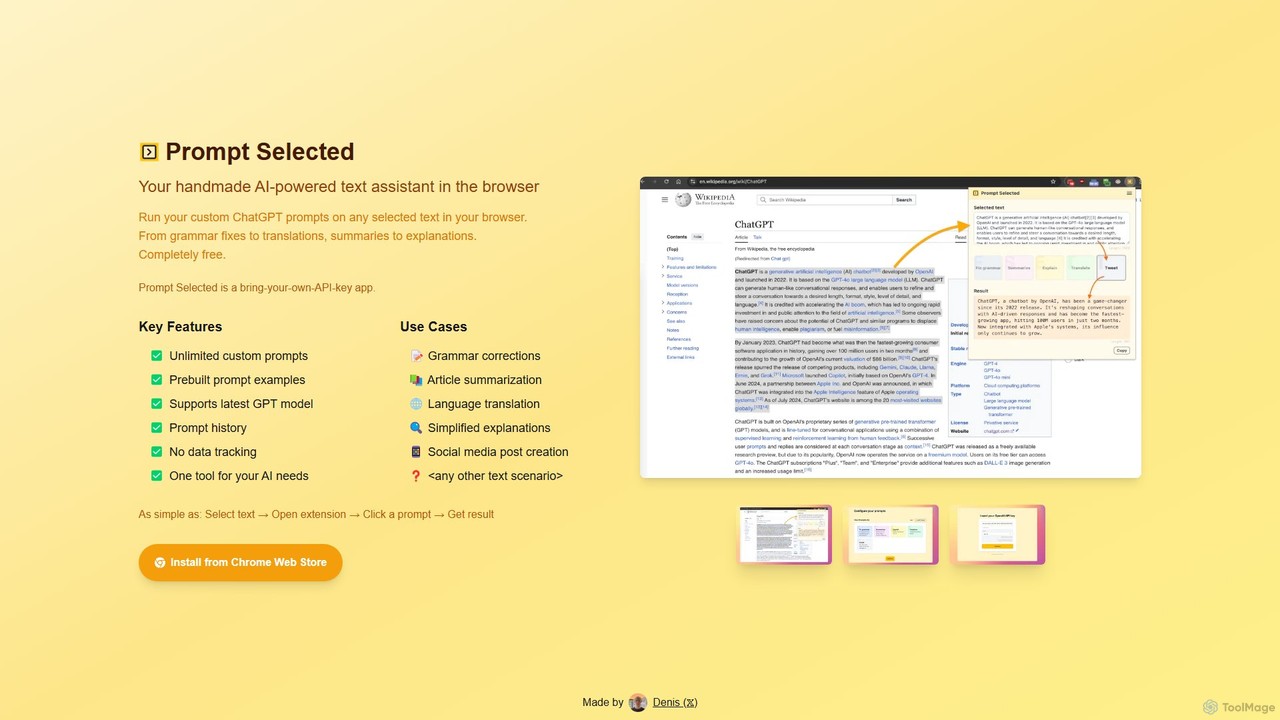
Prompt Selected
A free, privacy-focused Chrome extension that acts as your personal AI text assistant. Run unlimited custom ChatGPT prompts on any selected text directly in your browser for tasks like summarization, translation, and grammar correction using your own API key.
Prompt Engineering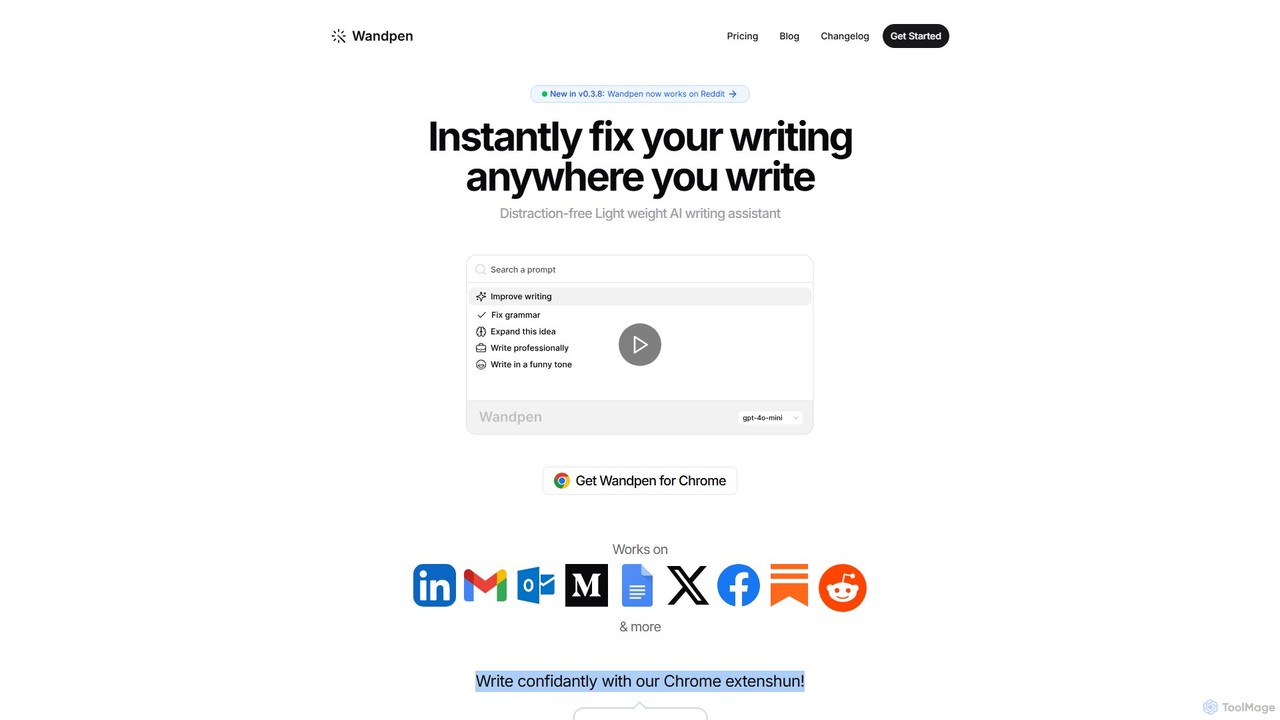
Wandpen
Wandpen is a lightweight AI writing assistant for Chrome that seamlessly integrates into your workflow. It allows you to instantly fix grammar, rewrite text, and brainstorm ideas directly on any website, including Google Docs, Reddit, and LinkedIn. By eliminating the need to switch tabs, Wandpen boosts your productivity and writing confidence using powerful AI models like GPT-4o, Claude 3.5, and Gemini.
Chrome Extensions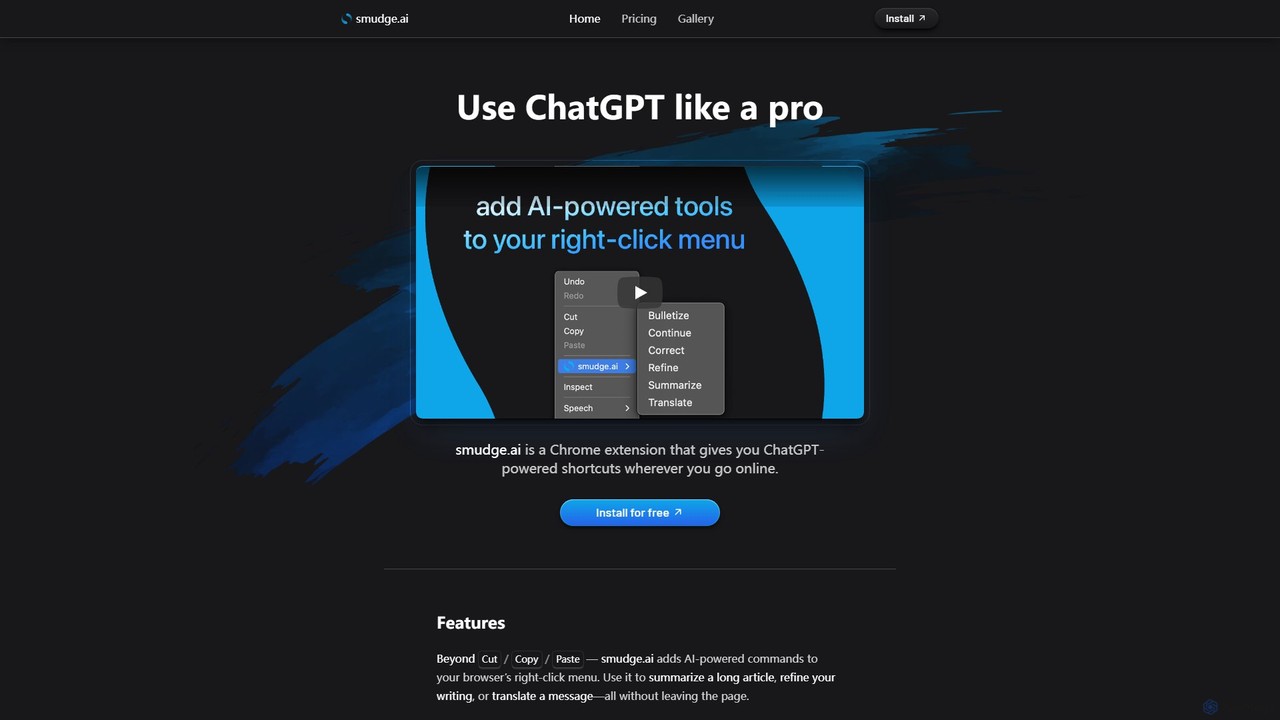
smudge.ai
smudge.ai is a powerful Chrome extension that integrates ChatGPT-powered shortcuts directly into your browser's right-click menu. Instantly summarize articles, refine your writing, translate text, and create custom commands without ever leaving your current page, streamlining your online workflow.
Chrome Extensions
Pointer AI
Pointer AI is a powerful Chrome extension that integrates ChatGPT-like capabilities directly into Google Docs. It streamlines your writing and editing process by allowing the AI to make changes directly in your document, eliminating the tedious copy-pasting and reformatting. Watch as it types out suggestions for you to approve, preserving your original document styling.
Chrome Extensions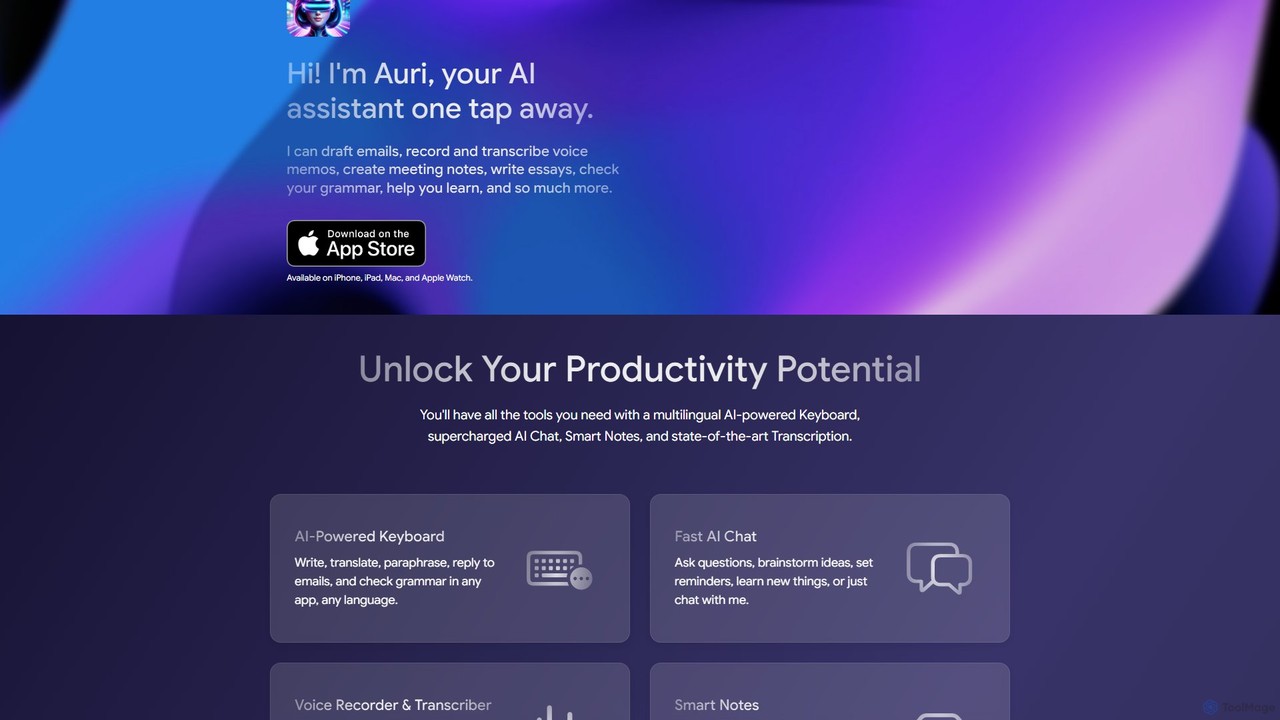
Auri
Auri is an all-in-one AI assistant integrated into a keyboard for Apple devices. It enhances your writing, checks grammar, paraphrases text, translates languages, and transcribes voice memos directly within any app. Boost your productivity and communication on iPhone, iPad, Mac, and Apple Watch.
Transcription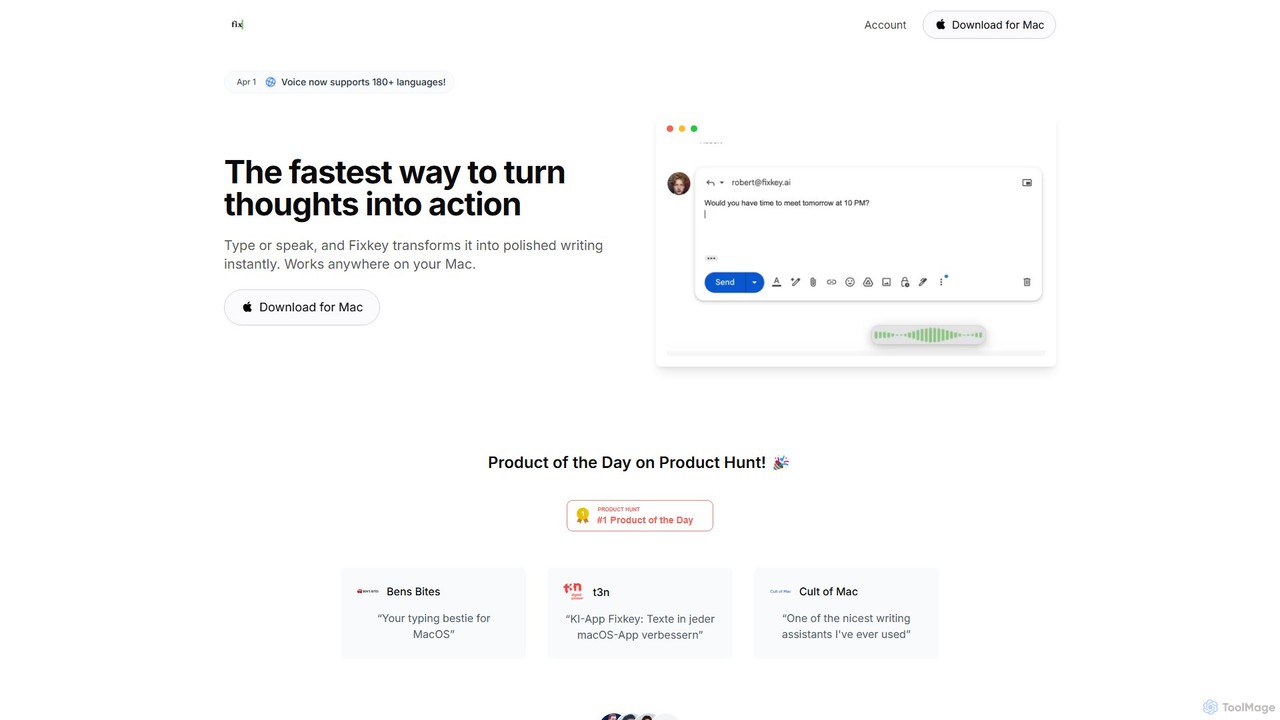
Fixkey
Fixkey is a native AI writing assistant for macOS that enhances your productivity. It transforms your voice or text into polished, professional writing instantly, working seamlessly across all Mac applications. Features include real-time speech-to-text, one-click text improvement, translation into over 180 languages, and customizable AI prompts.
Response Management
Chippy
Chippy is a smart ChatGPT-powered Chrome extension that acts as your AI assistant across the web. Seamlessly summarize articles, translate text, research topics, and draft emails without ever leaving your current tab. It offers context-aware answers by focusing on the page you're viewing, overcoming ChatGPT's knowledge limitations. With a generous free tier and a focus on user privacy, Chippy enhances your browsing productivity by putting the power of AI at your fingertips.
Search Assistant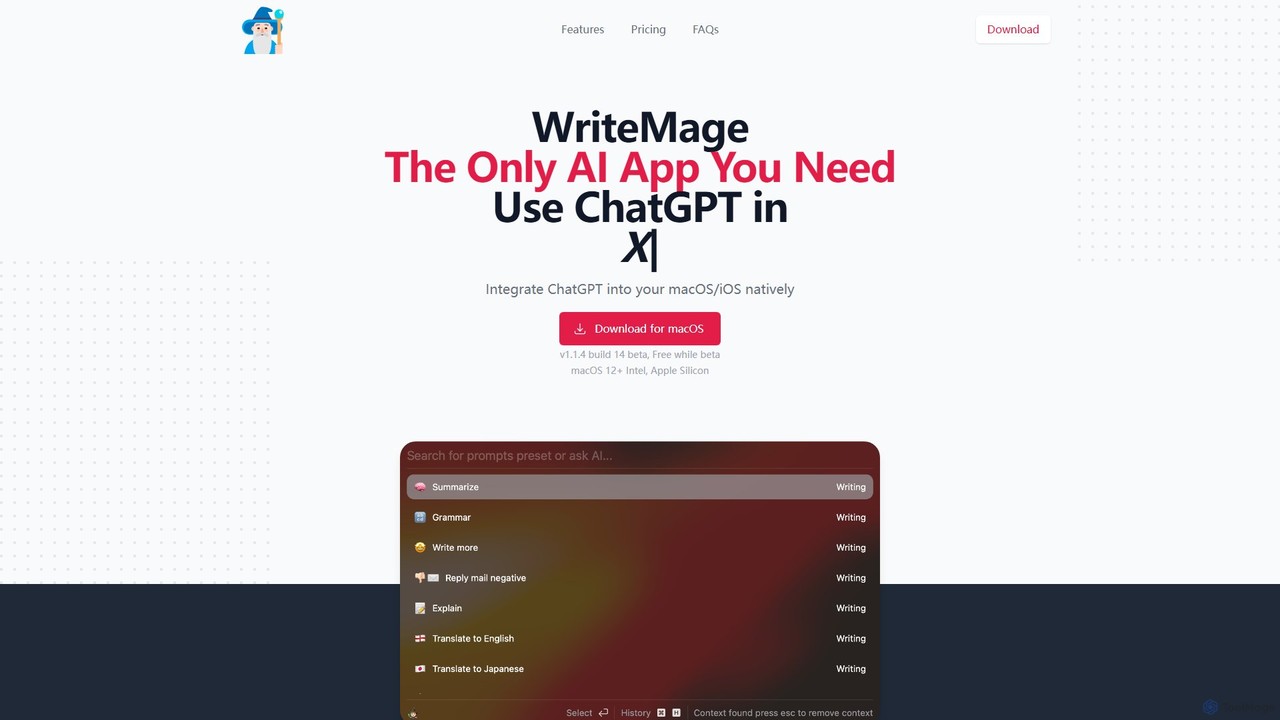
WriteMage
WriteMage is a native AI assistant for macOS and iOS, integrating ChatGPT seamlessly into any application. It functions like a system-wide utility, allowing you to write, code, and create content with context-aware AI without ever leaving your current app. It features a customizable prompt editor, local chat history, and flexible pricing plans.
Code Assistant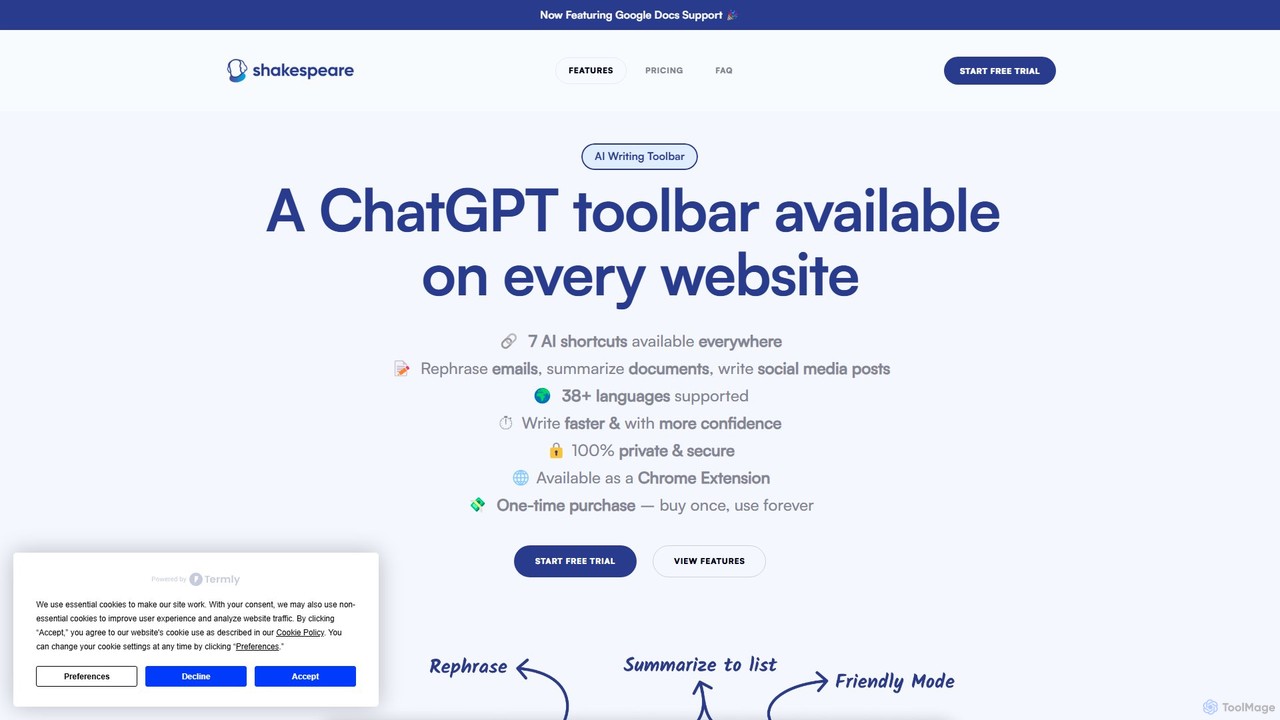
Shakespeare Toolbar
Shakespeare Toolbar is a ChatGPT-powered Chrome extension that integrates AI writing assistance directly into your browser. Work seamlessly on any website, including Google Docs, to rephrase, summarize, simplify text, and generate content without switching tabs. It's designed for writers, marketers, and professionals to enhance productivity and communication.
Chrome Extensions
KAI Comments (0)
Sign in to comment.
Sign inNo comments yet.