ToolMage
Sign in

Best 17 Ios Apps for Mobile

Popular Ios Apps in Mobile include MonAi, Wand, NeuralCam, Type AI, KAI, Shortify, Word Dose, epiphanyvoice, LiveMinder, and Insightfull, helping you work more efficiently.

Wand
Freemium

Wand

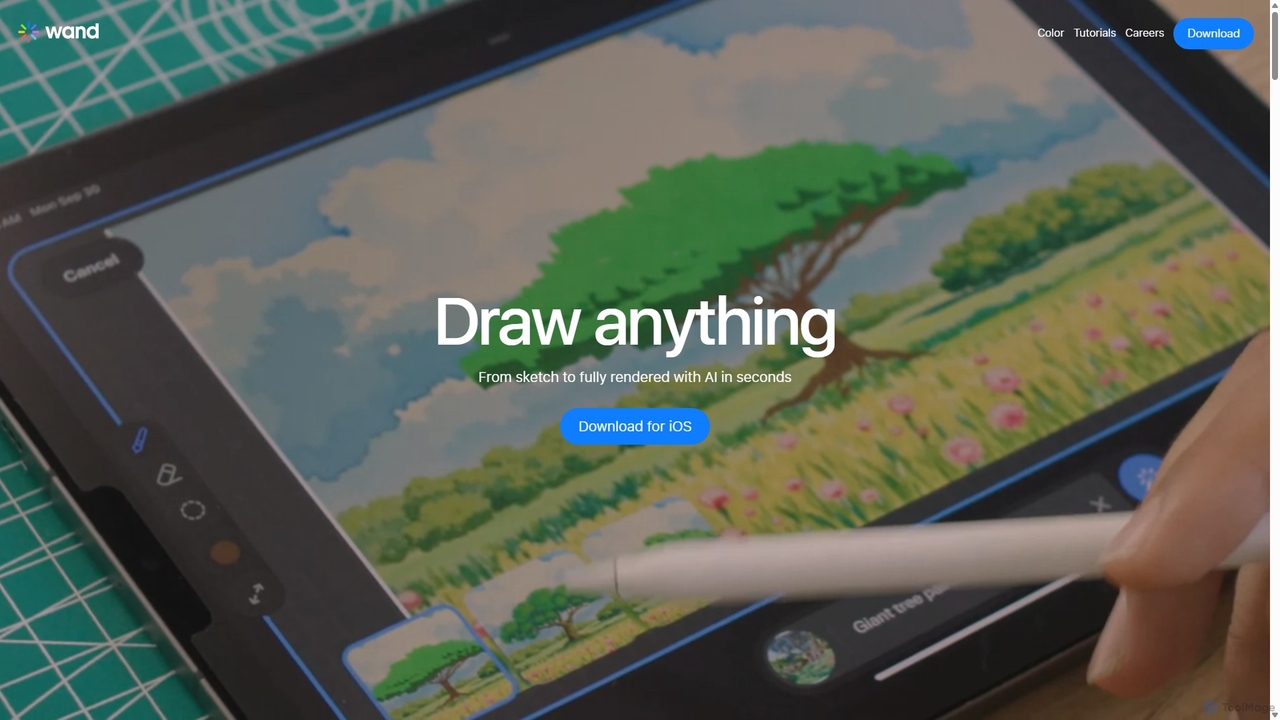
Wand is a revolutionary AI-powered art studio for iPhone and iPad. It seamlessly blends your drawing skills with powerful AI features like a custom brush engine, preloaded style libraries, and instant coloring. Designed for artists, designers, and students, Wand accelerates the creative process, allowing you to explore new techniques, refine details with precision, and produce professional-quality artwork faster than ever before.

Image Generation
Visits 26.2KFavorites 138Likes 140
NeuralCam
Freemium

NeuralCam

NeuralCam is an AI-powered camera app for iOS that enhances mobile photography. It offers real-time composition guidance from an AI Photo Coach, smart capture modes for any lighting, and professional-grade auto-editing features like DSLR-like bokeh, intelligent illumination, and AI color grading. It's a complete system designed to help both beginners and experienced photographers take stunning photos.

Ios Apps
Visits 8.1KFavorites 142Likes 130
Stillgram
Freemium

Stillgram

Stillgram is an AI-powered camera app for iPhone designed for travelers. It magically removes crowds and unwanted people from your photos, allowing you to capture perfect, empty shots of famous landmarks. It works completely offline and features unique 'Live Stillgrams' for stunning social media content.

Ios Apps
Visits 3.8KFavorites 106Likes 120
NeuralPix
Free

NeuralPix

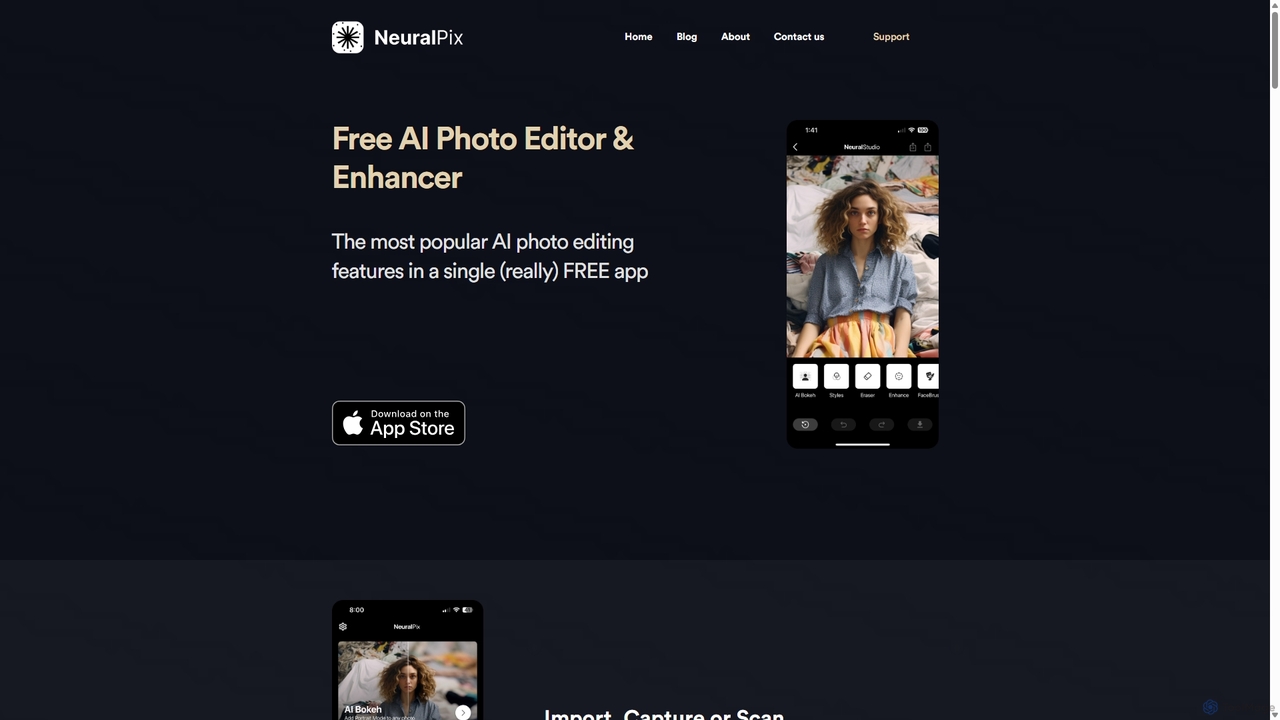
NeuralPix is a completely free, all-in-one AI photo editor and enhancer app. It packs powerful features like Magic Eraser, AI Bokeh, Photo Enhancer, Unblur, Colorization, and Upscaling into a single, user-friendly interface. Perfect for both casual users and professionals to effortlessly improve photos, restore old memories, and create stunning images without subscriptions or ads.

Image Editing
Visits 4.1KFavorites 122Likes 133
Metkagram
Freemium

Metkagram

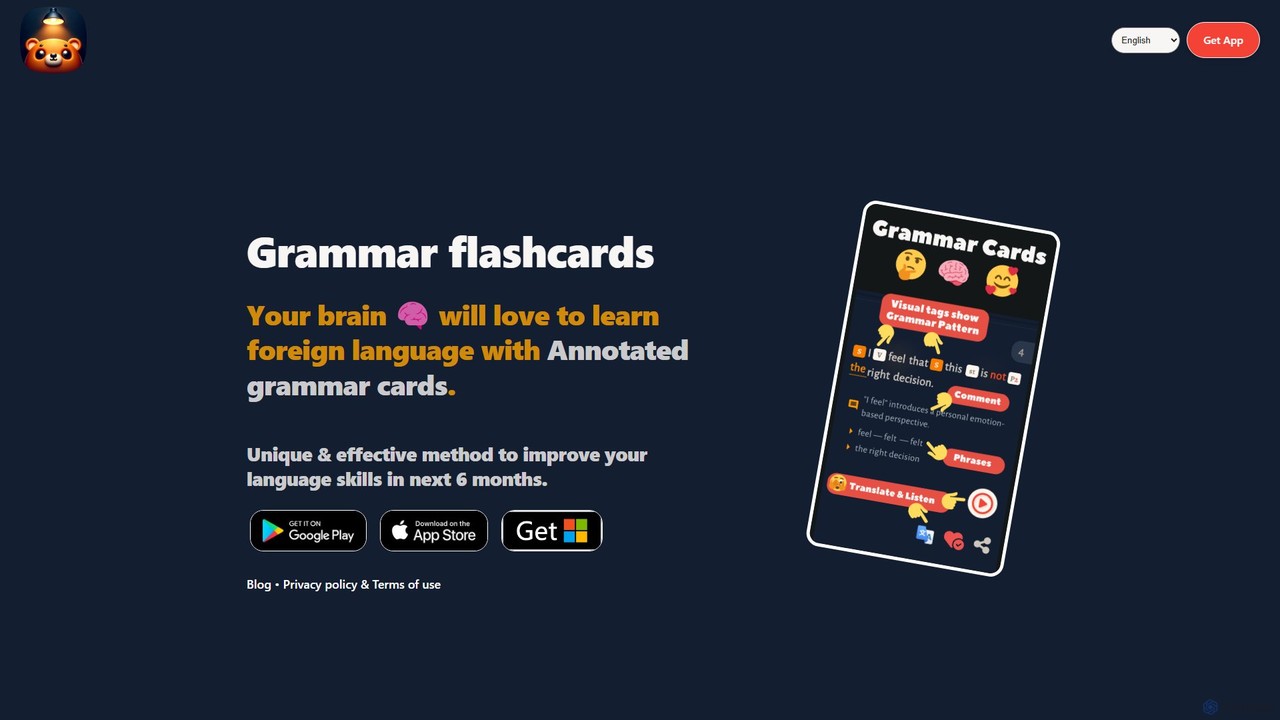
Metkagram is an AI-powered language learning app that uses unique, annotated grammar flashcards to help you master English or German. It combines visual learning with a spaced repetition system (SRS) to make understanding and memorizing complex grammar rules intuitive and efficient, promising significant improvement in just six months.

Language Learning
Visits 3.7KFavorites 141Likes 142
Shortify
Freemium

Shortify

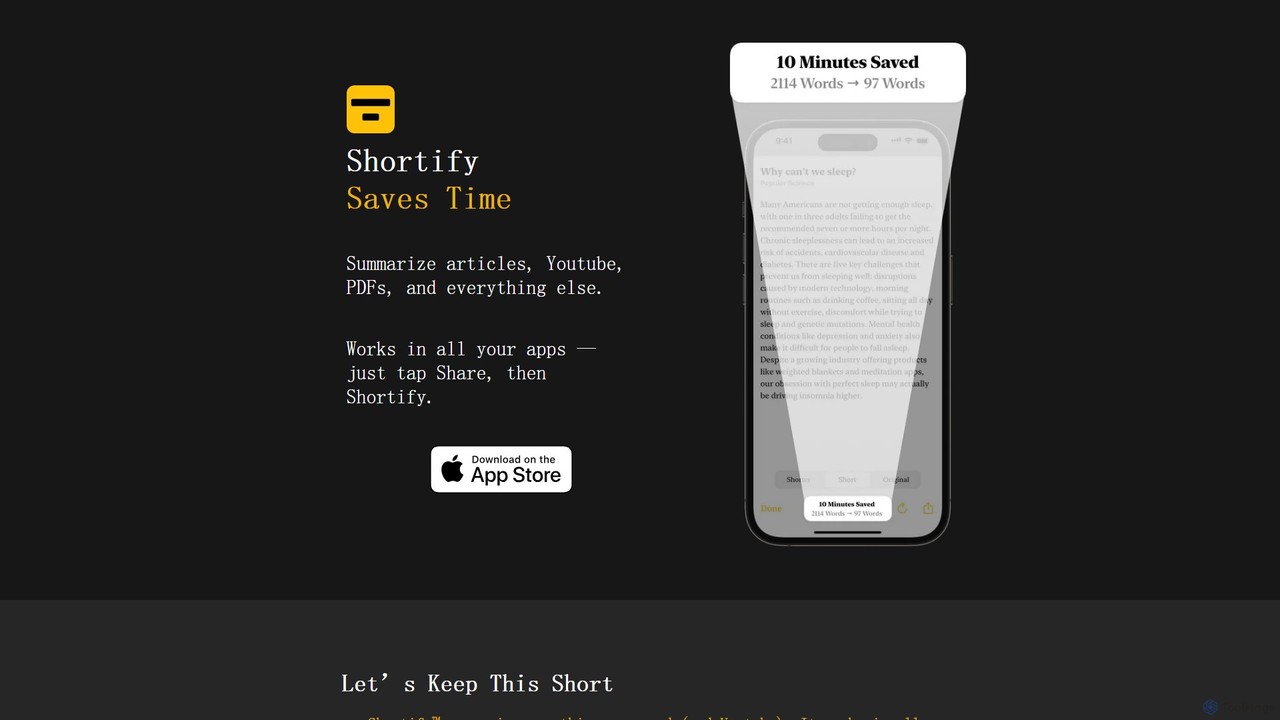
Shortify is an AI-powered app for iOS that instantly summarizes articles, YouTube videos, PDFs, and any web content. It integrates seamlessly with the 'Share' feature, allowing you to get the gist of long content from any app, saving you valuable time. It's privacy-focused, with no account sign-up required.

Research
Visits 5.5KFavorites 110Likes 125
KAI
Freemium

KAI

KAI is an AI-powered keyboard for iPhone that integrates ChatGPT-like capabilities directly into any app. It helps you upgrade your writing, brainstorm ideas, translate text, and get instant answers, boosting your productivity and creativity on the go.

Email Assistant
Visits 6KFavorites 103Likes 94
epiphanyvoice
Freemium

epiphanyvoice

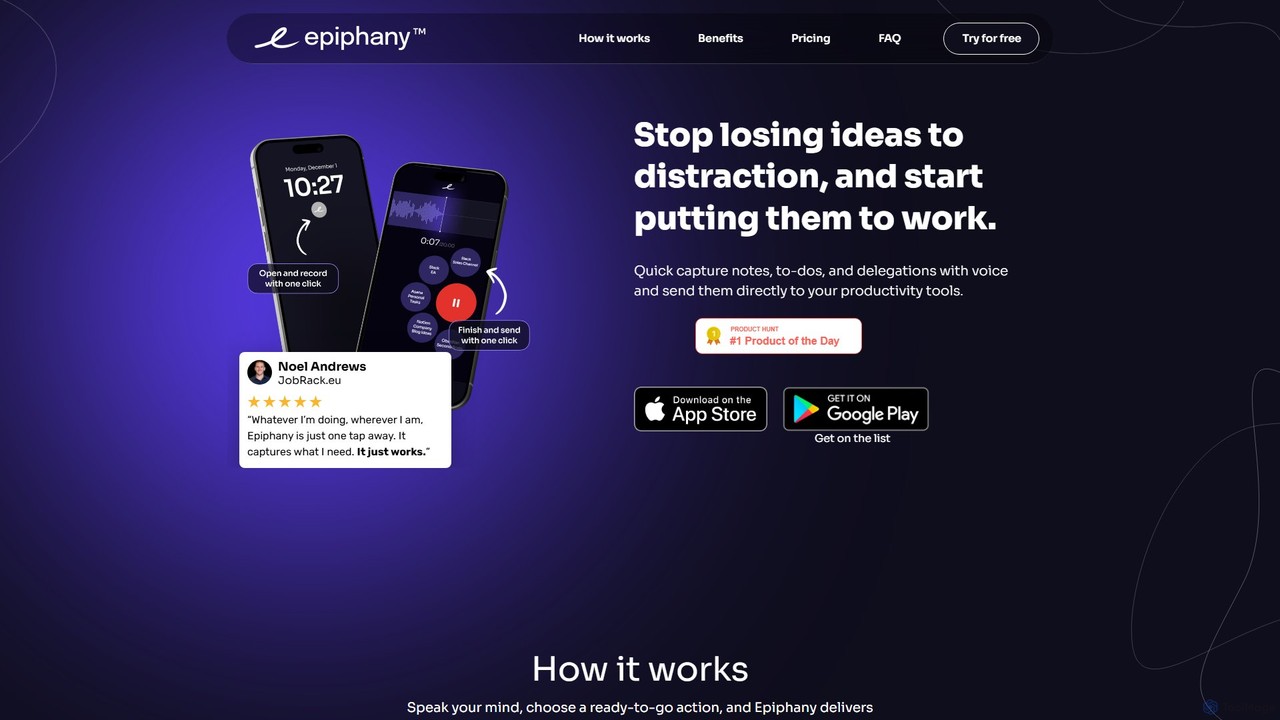
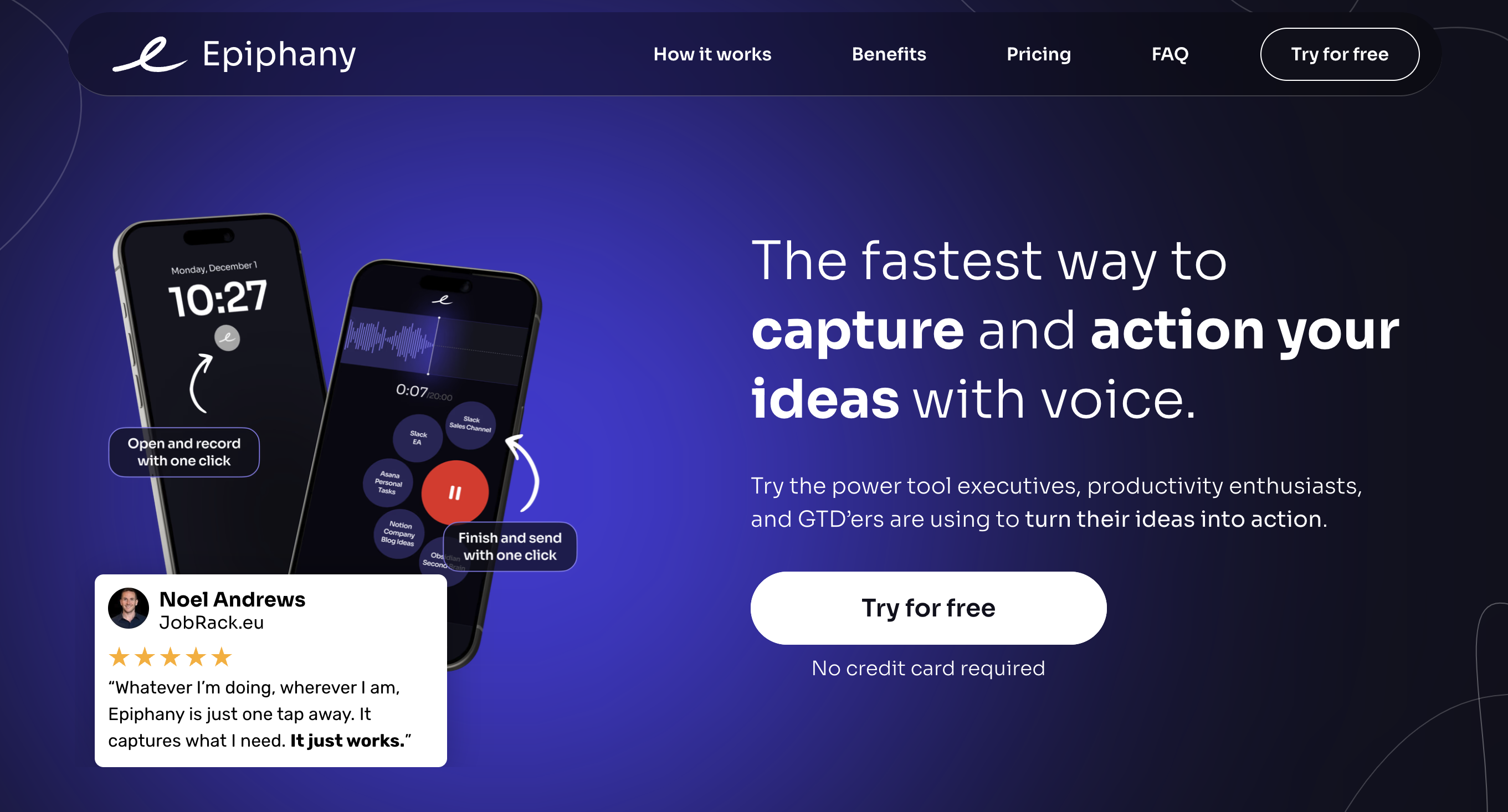
epiphanyvoice is a frictionless voice-to-action app for iPhone and Apple Watch. It allows you to instantly capture fleeting ideas, notes, to-dos, and delegations with your voice and send them directly to your favorite productivity tools, eliminating context switching and ensuring no thought is ever lost.

Ios Apps
Visits 4.5KFavorites 151Likes 147
Type AI
Freemium

Type AI

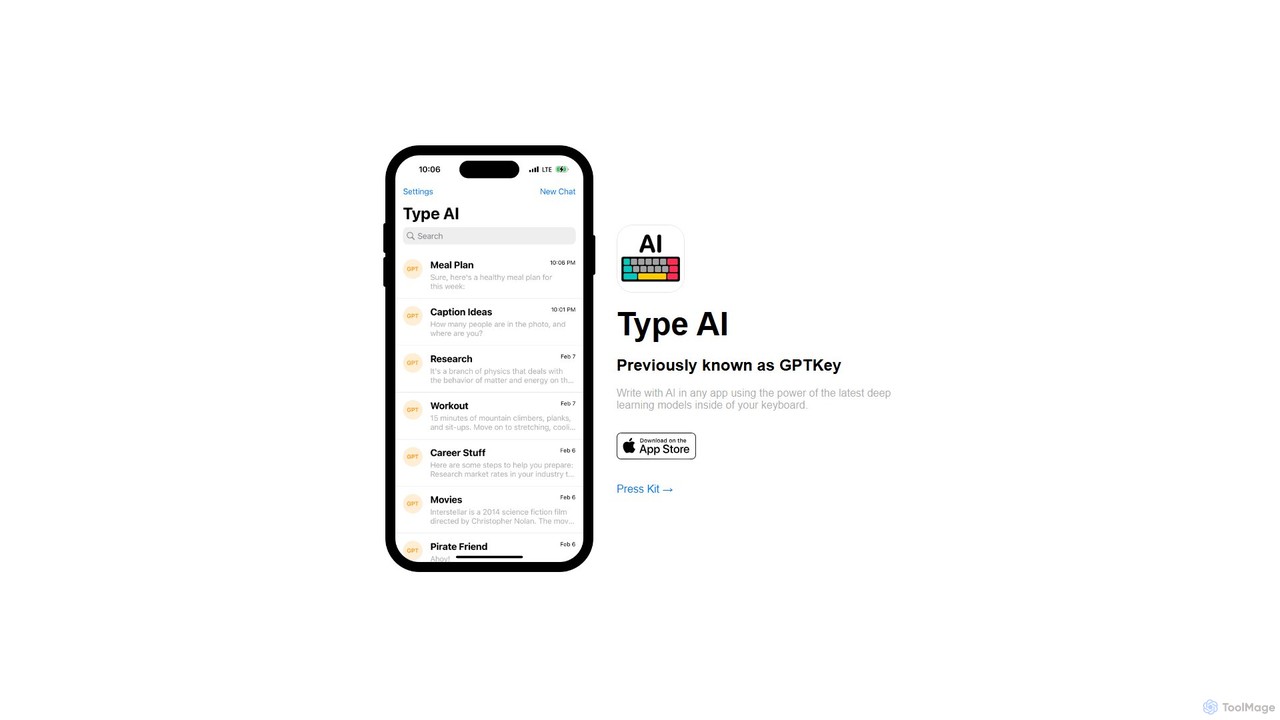
Type AI is a revolutionary AI keyboard for iOS that integrates the power of advanced language models, like ChatGPT, directly into any app. Write, reply, rephrase, and translate text seamlessly without switching applications, boosting your productivity and creativity on the go.

Ios Apps
Visits 6.5KFavorites 103Likes 105
Insightfull

Insightfull

Insightfull is an AI-powered iOS app designed to help users understand their health by analyzing symptoms, food intake, and medication. It identifies potential triggers for symptoms, empowering users to manage chronic conditions and improve their overall well-being through data-driven insights.

Symptom Tracking
Visits 4.4KFavorites 122Likes 139
LiveMinder
Freemium

LiveMinder

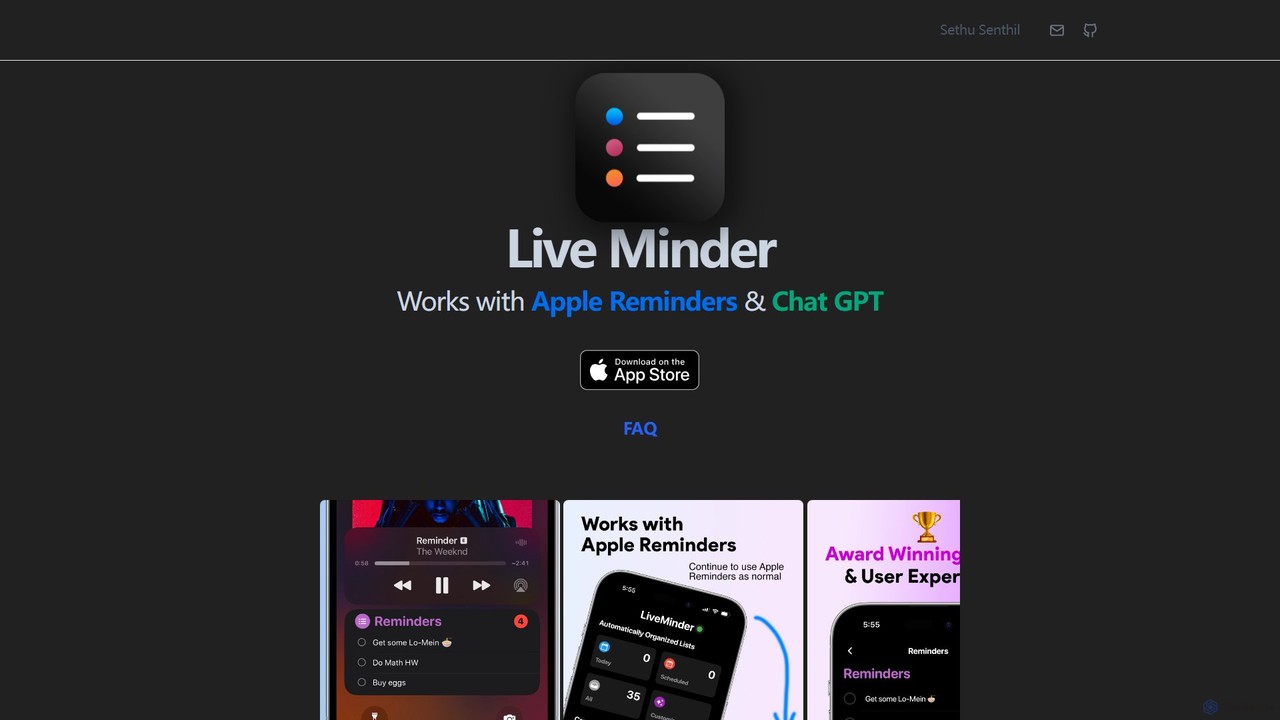
LiveMinder brings your Apple Reminders and to-do lists directly to your iOS Lock Screen, Dynamic Island, and Always On Display. It features seamless iCloud sync and integrates ChatGPT to instantly generate task lists, shopping lists, and more, enhancing your productivity without replacing your existing workflow.

List Generation
Visits 4.4KFavorites 106Likes 102
RetouchAI
Freemium

RetouchAI

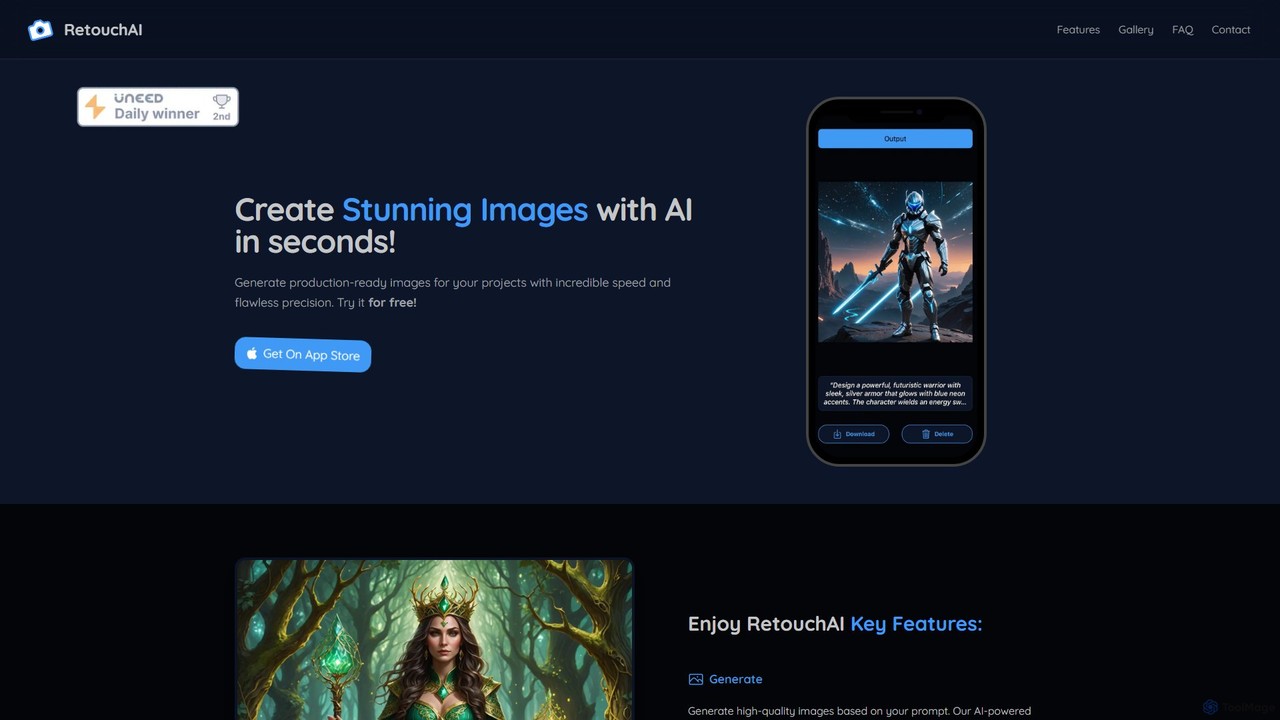
RetouchAI is a powerful iOS app that leverages AI to generate and edit images in seconds. It offers a suite of tools including text-to-image generation, outpainting to expand images, inpainting to modify specific areas, and an erase tool to remove unwanted objects, all within a user-friendly mobile interface.

Image Editing
Visits 4.4KFavorites 113Likes 92
Word Dose
Freemium

Word Dose

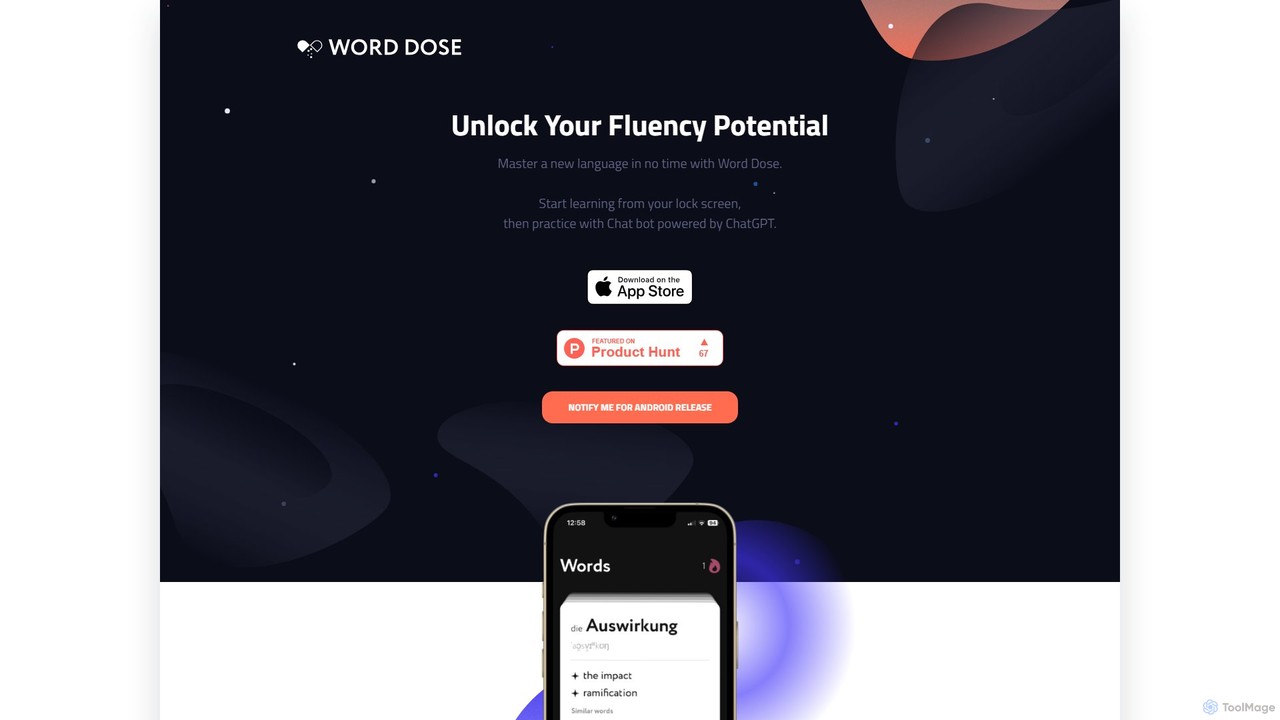
Word Dose is an AI language learning app that helps you master vocabulary from your lock screen. It uses widgets for daily word exposure and features a ChatGPT-powered chatbot for conversational practice, providing a seamless and consistent way to build fluency.

Language Learning
Visits 5.2KFavorites 106Likes 114
Neuro Concussion Tracker
Paid

Neuro Concussion Tracker

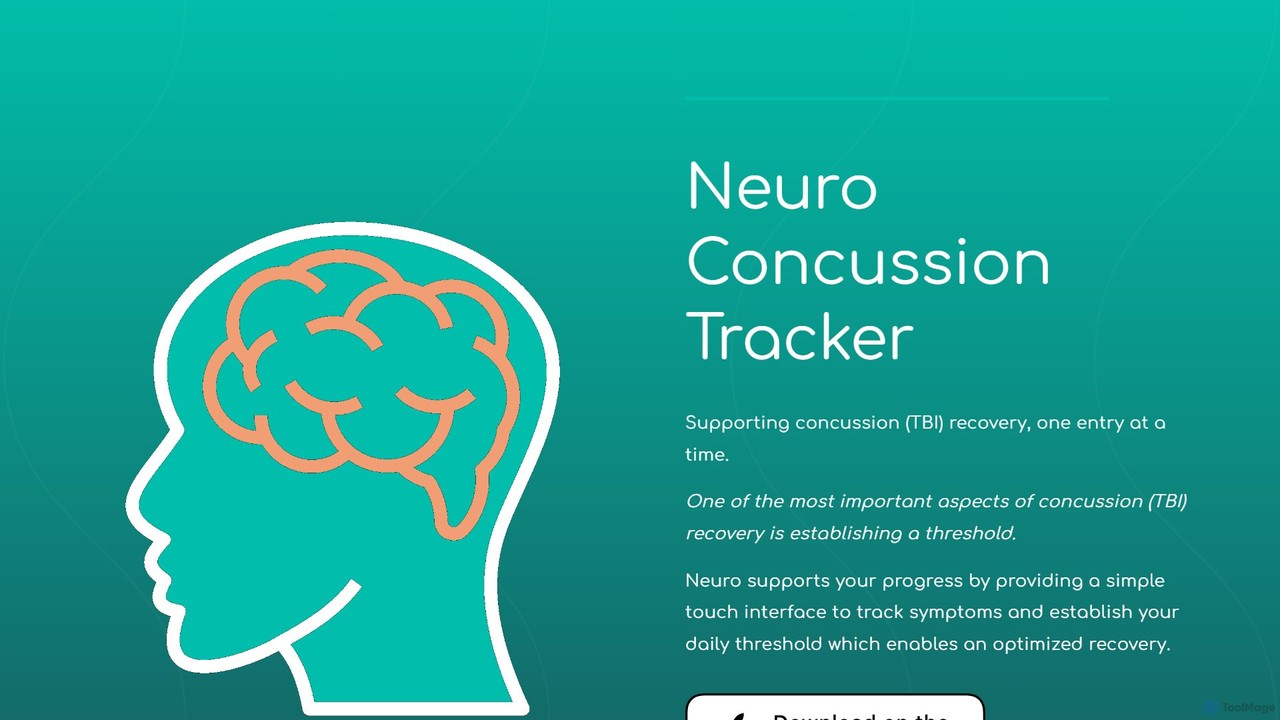
An iOS app designed to support concussion (TBI) recovery by tracking symptoms, using device sensors to monitor activity and environment, and leveraging AI to provide actionable insights for a more optimized and data-driven healing process.

3D
Visits 4.3KFavorites 125Likes 128
Presets
Freemium

Presets

An iOS & iPadOS app that acts as a companion to the native Photos app. It allows users to save, organize, and quickly apply their favorite photo edits as custom presets, streamlining their mobile photography workflow.

3D
Visits 3.9KFavorites 172Likes 168
MonAi
Freemium

MonAi

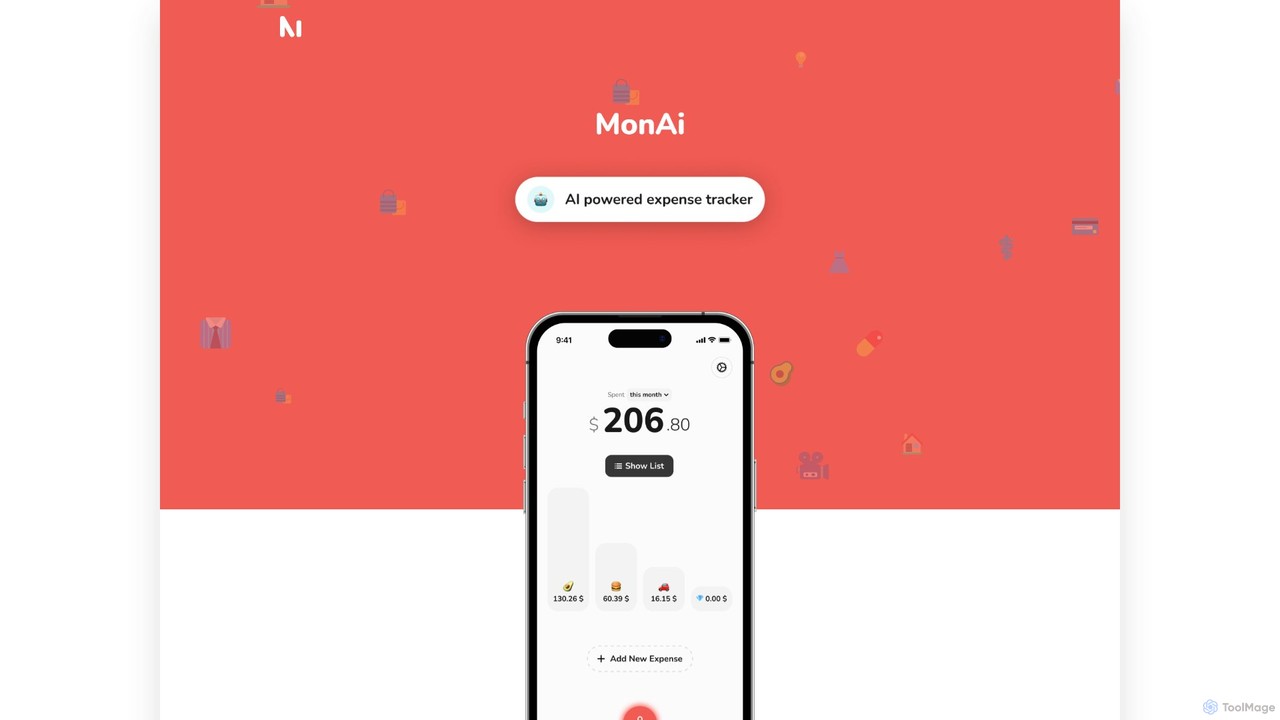
MonAi is an AI-powered expense tracker for iOS that simplifies logging expenses. Just speak or type your spending in natural language, and the AI automatically extracts the amount, description, and category. It's private, requires no login, and securely stores all data in your personal iCloud, allowing for easy sharing and collaboration.

Expense Tracking
Visits 40.2KFavorites 98Likes 116
Harmony
Freemium

Harmony

Harmony is an AI-powered email voice assistant that lets you manage your inbox hands-free. It reads your emails aloud and allows you to reply, delete, archive, and organize them using simple voice commands, perfect for when you're driving, exercising, or doing chores. Achieve Inbox Zero without ever looking at your screen.

Ios Apps
Visits 3.7KFavorites 127Likes 113

About Ios Apps

iOS Apps are AI-powered applications specifically designed for Apple's mobile ecosystem, including iPhones and iPads. These tools leverage on-device machine learning capabilities, often utilizing Apple's Neural Engine and Core ML framework, to deliver intelligent functionalities directly on your device. They enhance productivity, creativity, and daily utility by offering features like advanced photo editing, real-time language translation, smart personal assistants, and intelligent content generation, all optimized for mobile use and often with enhanced privacy.

Core Features

  • On-Device AI Processing: Execute complex AI models directly on the device, ensuring faster performance, offline functionality, and enhanced data privacy.
  • Seamless Ecosystem Integration: Deeply integrate with iOS features like Siri, Photos, Camera, and Files, providing a cohesive user experience.
  • Intuitive Touch Interface: Designed from the ground up for touch-based interaction, making AI functionalities accessible and easy to use on mobile screens.
  • Optimized Performance: Engineered to efficiently utilize Apple's hardware, including the Neural Engine, for superior speed and energy efficiency in AI tasks.

Use Cases

Professionals and everyday users alike benefit from AI-powered iOS apps. Content creators can leverage intelligent photo and video editors for on-the-go enhancements, while students use AI tutors for personalized learning. Business users gain insights from mobile analytics tools, and travelers utilize real-time translation apps. These applications are ideal for tasks requiring immediate processing, personal data handling, or seamless integration with mobile workflows.

How to Choose

When selecting an iOS AI app, consider its core functionality and how well it addresses your specific needs. Evaluate its reliance on on-device versus cloud processing for performance and privacy. Check for seamless integration with other iOS features and apps you use. Assess the user interface for intuitiveness and ease of use on a mobile device, and review the pricing model, whether it's a one-time purchase, subscription, or freemium, to ensure it aligns with your budget and usage expectations.

Featured tool rankings

Ios Apps use cases

1

Real-time Language Translation on the Go

A global traveler uses an iOS AI translation app to instantly translate spoken conversations or text from images while navigating foreign countries. The app leverages on-device AI for quick processing, allowing for seamless communication without relying on an internet connection, enhancing travel independence and cultural immersion.

2

Intelligent Photo Editing for Social Media

A social media influencer quickly edits photos directly on their iPhone using an AI-powered app. Features like automatic object removal, smart background replacement, and AI-driven color correction allow them to create professional-looking content in minutes, optimizing their workflow for frequent posts and maintaining a consistent brand aesthetic.

3

Personalized Fitness Coaching and Tracking

An individual seeking to improve their fitness uses an iOS AI app that analyzes their workout videos for form correction and provides personalized exercise plans. The app tracks progress, adapts recommendations based on performance, and integrates with Apple Health, offering a comprehensive and tailored wellness experience directly from their mobile device.

4

Smart Note-Taking and Transcription for Meetings

A student or professional records lectures or meetings using an iOS AI note-taking app. The app automatically transcribes speech to text, identifies key speakers, summarizes main points, and even suggests action items, transforming raw audio into organized, searchable notes, significantly reducing post-meeting administrative work.

5

On-Device Object Recognition for Accessibility

A visually impaired user employs an iOS AI app that identifies objects, text, and people in their surroundings through the device's camera. The app provides real-time audio descriptions, helping them navigate unfamiliar environments, read labels, and recognize faces, thereby enhancing their independence and safety in daily life.

6

AI-Powered Writing Assistant for Mobile Content

A blogger or marketer drafts articles and social media captions on their iPad using an AI writing assistant app. The app offers grammar and style suggestions, helps generate creative ideas, and can even rephrase sentences for clarity and impact, streamlining the content creation process while on the move and ensuring high-quality output.

Ios Apps FAQ

What are iOS AI Apps?

iOS AI Apps are mobile applications designed for Apple devices (iPhone, iPad) that integrate artificial intelligence capabilities. They leverage on-device processing, often powered by Apple's Neural Engine and Core ML, to perform intelligent tasks like image recognition, natural language processing, and predictive analytics directly on the user's device, enhancing functionality and user experience.

How do iOS AI Apps differ from general mobile apps?

While all iOS AI apps are mobile apps, the key difference lies in their integration of AI. General mobile apps perform predefined functions, whereas iOS AI apps use machine learning to adapt, learn from user data, and perform complex, intelligent tasks such as personalized recommendations, real-time content generation, or advanced data analysis, often with greater autonomy and sophistication.

What are the main benefits of using AI apps on iOS devices?

The primary benefits include enhanced performance due to on-device processing (leveraging Apple's Neural Engine), improved privacy as data often stays on the device, and seamless integration with the iOS ecosystem (e.g., Siri, Photos). They offer convenience, allow for offline functionality, and provide a highly optimized user experience tailored for Apple's hardware and software environment.

How can I choose the best iOS AI app for my needs?

To choose the best iOS AI app, first identify your specific needs (e.g., photo editing, productivity, health). Then, evaluate the app's core AI features, checking if they are robust and accurate. Consider user reviews, the developer's reputation, and the app's privacy policy, especially regarding data handling. Finally, assess the user interface for intuitiveness and check for compatibility with your device and other apps.

Are iOS AI Apps secure and private?

Many iOS AI apps prioritize security and privacy, especially those utilizing on-device AI processing, where data remains on your device rather than being sent to the cloud. Apple's strict App Store guidelines also enforce privacy standards. However, it's crucial to always review an app's specific privacy policy and permissions requested before use, as practices can vary between developers.