
Presets Overview
Presets is a revolutionary companion app for the native iOS and iPadOS Photos application, designed for photographers, influencers, and anyone who loves to edit photos on their Apple devices. It masterfully solves a common frustration: the inability to save and reuse custom editing adjustments within the Photos app. With Presets, you can effortlessly create, store, and manage a personal library of your unique editing styles. Whether it's a subtle color correction, a dramatic black-and-white conversion, or your signature aesthetic, you can apply it to any photo in seconds, ensuring consistency and saving a significant amount of time.
The app is built on a foundation of simplicity and seamless integration. It doesn't replace your favorite editing tools; it enhances them. By working directly with the 'Copy Edits' and 'Paste Edits' functionality of the iOS Photos app, Presets provides a missing link in the mobile editing workflow, making professional-level consistency accessible to everyone.
How to use Presets
The workflow is ingeniously simple and designed to be intuitive for any iOS user. Here’s a step-by-step guide to integrating Presets into your photo editing routine:
- Edit Your Photo: Open the standard iOS Photos app and edit any picture. Adjust exposure, contrast, saturation, filters, and more until you achieve the perfect look.
- Copy the Edits: Once you're satisfied, tap the menu icon (three dots) and select 'Copy Edits'. This action copies all the adjustments you've made to your device's clipboard.
- Save to Presets: Open the Presets app. It will automatically detect the copied edits from your clipboard. Simply tap on the detected edit to save it. You can name it and organize it into a specific collection (e.g., 'Summer Vibes', 'Urban Moody', 'Portraits').
- Apply to New Photos: To use a saved preset, open the Presets app and select the desired style from your library. This copies it to your clipboard. Then, navigate to the new photo in your Photos app, tap the menu, and select 'Paste Edits'. Your custom style is instantly applied.
Core Features of Presets
- Unlimited Preset Library: Create and save an endless number of custom presets. Build a comprehensive library that covers every possible style or lighting condition.
- Smart Clipboard Detection: The app intelligently and automatically detects when you have copied edits from the Photos app, making the saving process seamless and quick.
- Effortless Organization: Group your presets into collections to keep your library tidy and efficient. Easily find the right look for any occasion.
- Included Starter Pack: The app comes with a variety of ready-to-use presets, perfect for inspiration or for those who want to start applying beautiful edits right away.
- Home Screen Widget: For ultimate convenience, you can add a widget to your home screen for instant access to your most-used or favorite presets.
- iCloud Sync: Your preset collections are synced across your iPhone and iPad, so your styles are always with you, no matter which device you're using.
Use Cases for Presets
Presets is a versatile tool that benefits a wide range of users:
- Social Media Influencers & Content Creators: Maintain a consistent and professional aesthetic across your Instagram, TikTok, and other social media platforms. A cohesive feed helps build a stronger brand identity.
- Hobbyist & Amateur Photographers: Experiment with different editing styles without fear of losing them. Save your best creations and develop your unique photographic voice over time.
- Families and Individuals: Give all your vacation photos or family event pictures a beautiful, uniform look. Create a cohesive album with just a few taps.
- Small Business Owners: Ensure all your product photos for your e-commerce store or marketing materials have a consistent, branded, and professional appearance.
Advantages of Presets
The primary advantage of Presets is the massive boost in efficiency and consistency. It transforms a repetitive, manual task into a quick, two-tap process. By integrating with the native Photos app, it avoids the need for complex, subscription-based third-party applications. Its focus on a single, powerful function makes it lightweight and easy to use. The 'no subscription' model is a significant benefit, offering a transparent and user-friendly pricing structure that stands out in the crowded app market.
Pricing and Plans
Presets operates on a freemium model. Users can download the app for free to try its core features and see how it fits into their workflow. This free version may have limitations, such as the number of presets you can save. To unlock the full potential of the app, including unlimited preset storage and all advanced features, users can make a one-time purchase. There are no recurring monthly or annual subscriptions, making it an affordable and permanent addition to your mobile photography toolkit.
Presets Alternatives
ManyPI
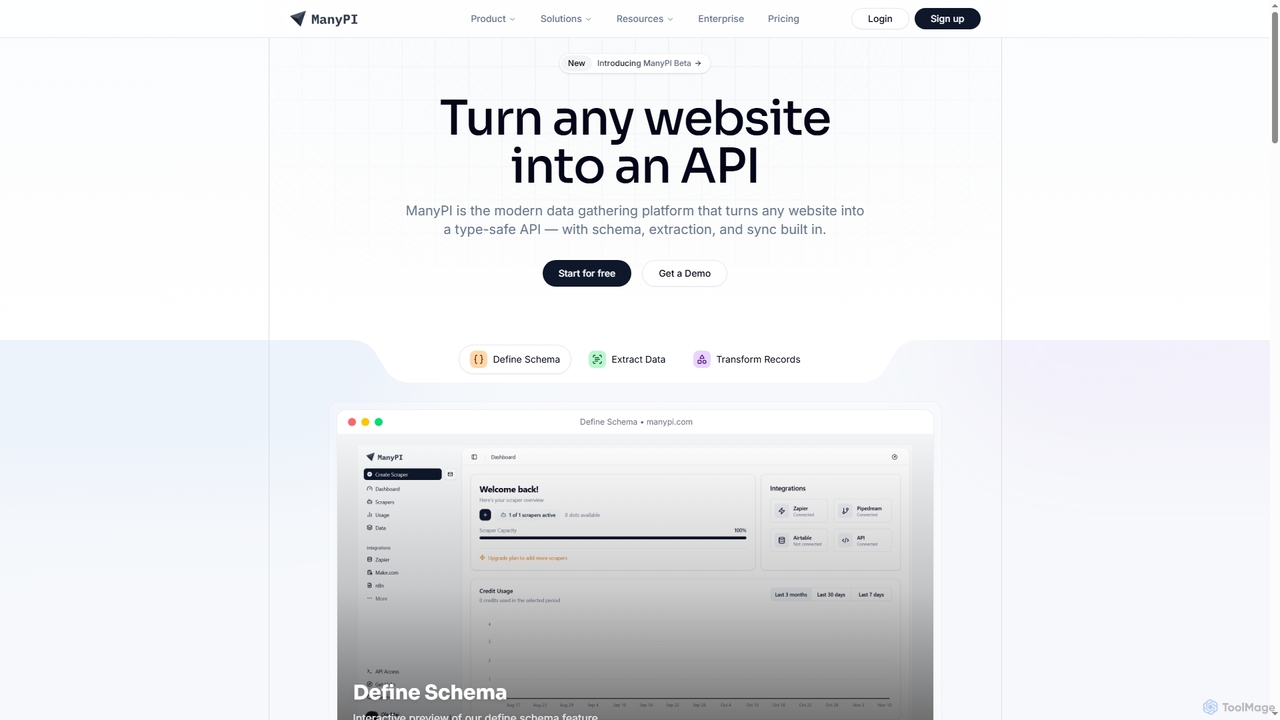
ManyPI is a modern data gathering platform that transforms any website into a type-safe API. It simplifies structured data extraction with built-in schema definition, data extraction, and record transformation, empowering developers and technical teams to reliably collect web data at scale.
3D
Autobot
Autobot is an AI-powered hyperautomation platform designed for cloud and security operations. It leverages generative AI and agentic workflows to transform security alerts into automated actions, significantly reducing alert fatigue and improving response times. With its full-code flexibility and universal integration capabilities, Autobot streamlines complex processes, enhances security posture, and drives operational excellence for SecOps, CloudOps, and ITOps teams.
3D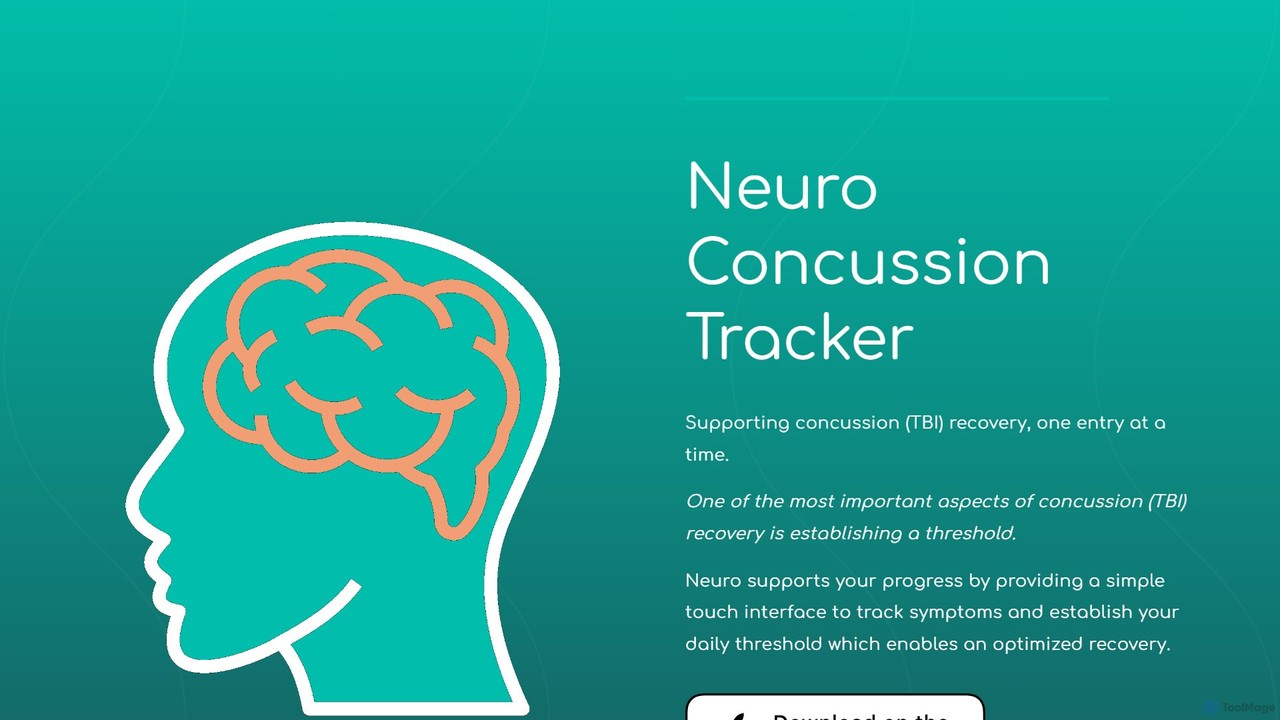
Neuro Concussion Tracker
An iOS app designed to support concussion (TBI) recovery by tracking symptoms, using device sensors to monitor activity and environment, and leveraging AI to provide actionable insights for a more optimized and data-driven healing process.
3D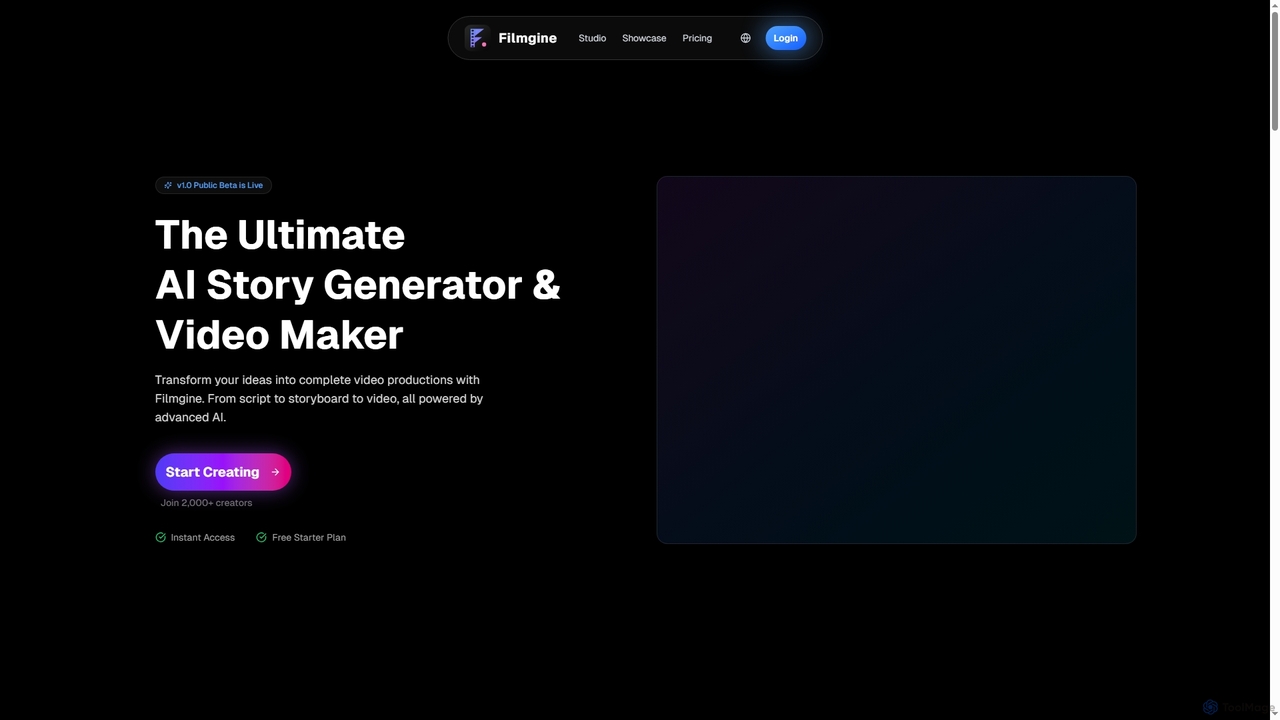
Filmgine
Filmgine is an ultimate AI story generator and video maker that transforms creative ideas into complete video productions. It streamlines the filmmaking process from script to storyboard to dynamic video, all powered by advanced AI, making professional content creation accessible and efficient for creators of all levels.
3D
Ask Astro
Ask Astro is an AI-powered collaborative intelligence platform designed for business leaders, advisors, and franchisors. It integrates real-time data, automates reporting, and generates strategic insights to foster proactive decision-making and enhance continuous partnerships, eliminating data fragmentation and manual busywork.
3DPresets Categories
Presets Embed Widget
Copy this embed code to place the badge on your blog, article, or product site and send readers directly to this ToolMage detail page.

Related AI tools
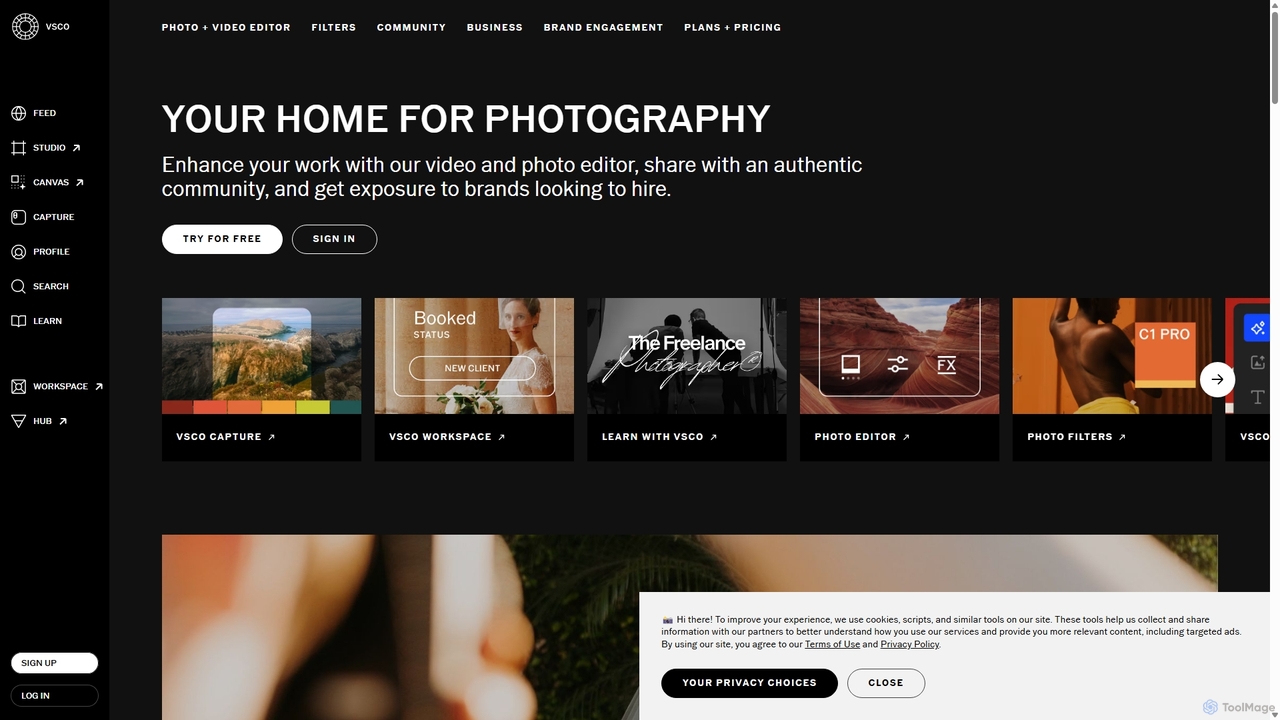
VSCO
VSCO is an all-in-one platform for photographers, offering a powerful photo and video editor with over 200 presets, AI-powered tools, and a vibrant creative community. It also provides professional tools like portfolio websites, studio management software, and opportunities to get hired, supporting creators at every stage of their journey.
3D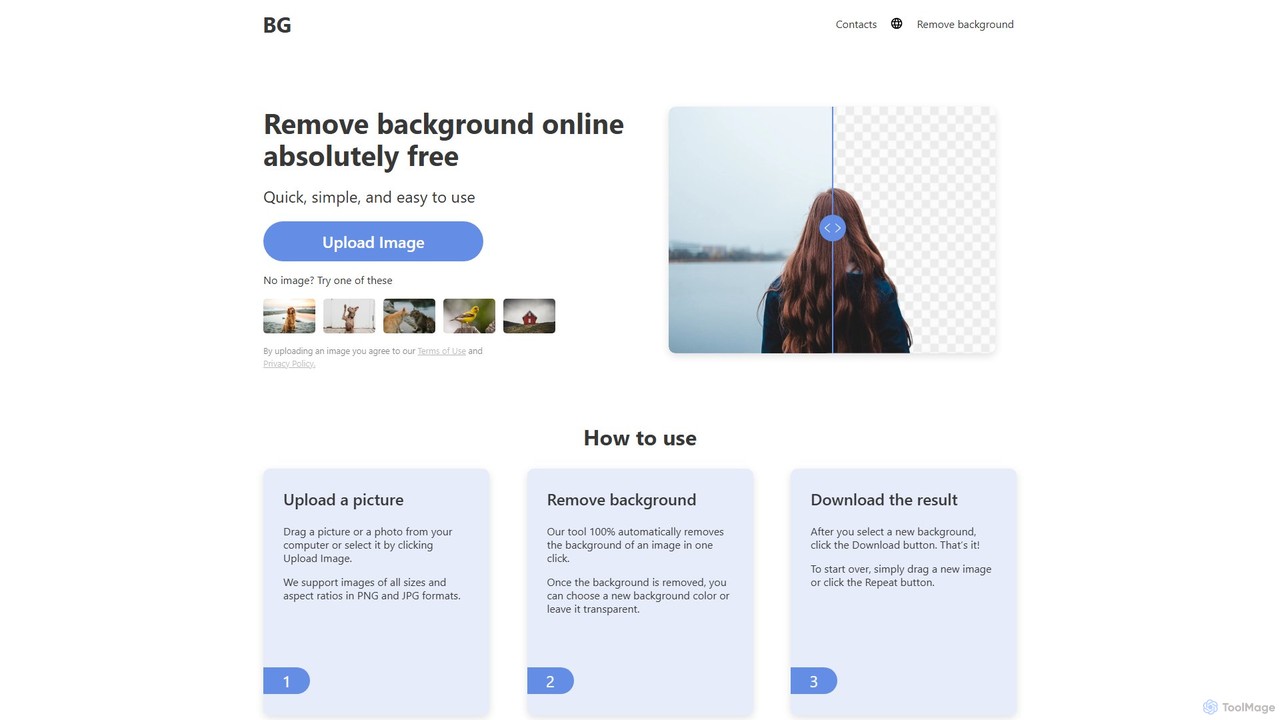
background_remover
background_remover is a free, AI-powered online tool that automatically removes the background from any image in a single click. It requires no registration or software installation. Simply upload your JPG or PNG image to get a high-quality, transparent background instantly. Ideal for e-commerce, graphic design, and personal projects, it supports high-resolution images and works on any device.
3D
Magic Studio
Magic Studio is an all-in-one AI-powered image editing suite designed for everyone. It allows users to effortlessly create stunning visuals, remove unwanted objects, change backgrounds, generate images from text, and enhance photo quality in seconds, no design skills required.
Product Photos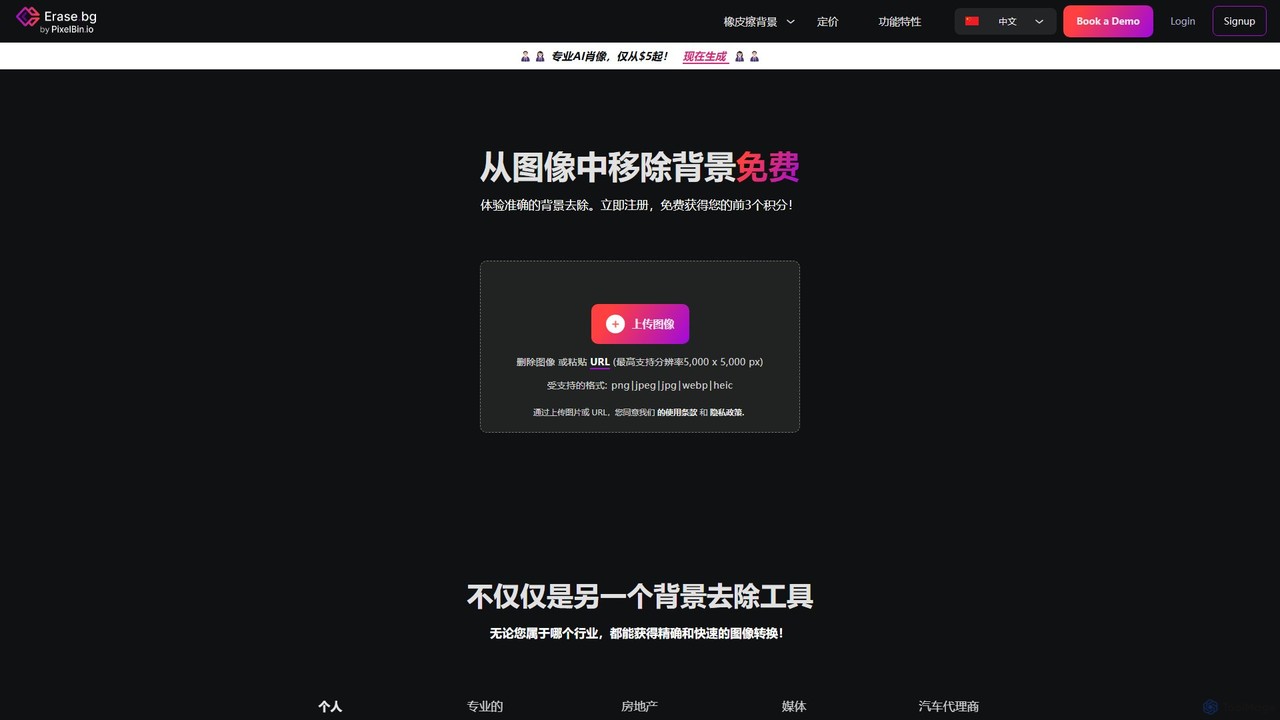
Erase.bg
Erase.bg is an AI-powered tool that automatically removes backgrounds from images in seconds. It's designed for a wide range of users, from individuals creating social media content to e-commerce businesses needing clean product photos. The tool supports various formats, offers high-resolution output, and provides simple editing options to add new backgrounds. It is accessible via web and mobile apps, with an API for developers.
Editing
Retoucher.online
Retoucher.online is an AI-powered tool that automatically removes backgrounds from images in seconds. It's designed for e-commerce, marketing, and personal use, offering features like bulk processing, background replacement, and a built-in editor. No signup is required for free use, making professional photo editing accessible to everyone.
Editing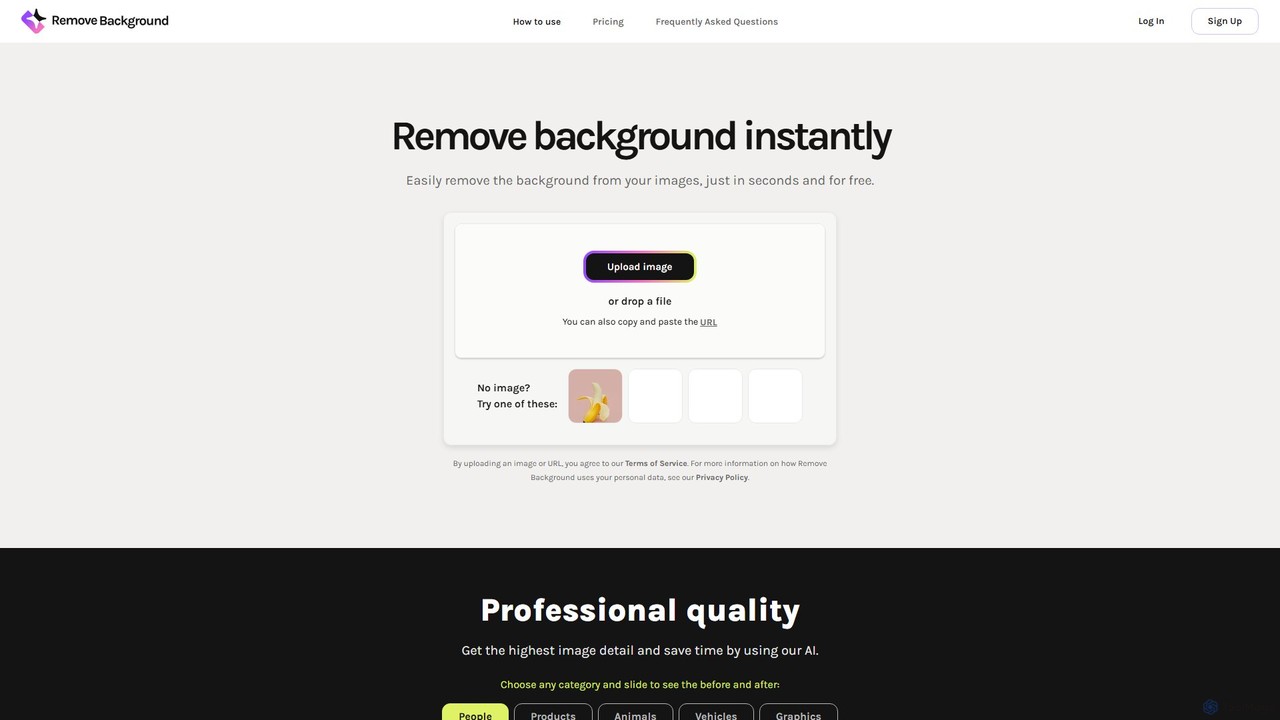
remove_background
An AI-powered tool to instantly remove image backgrounds for free. It creates high-quality transparent backgrounds, offers advanced editing tools, and can even generate custom backgrounds using AI prompts. Ideal for e-commerce, social media, and professional designs.
Editing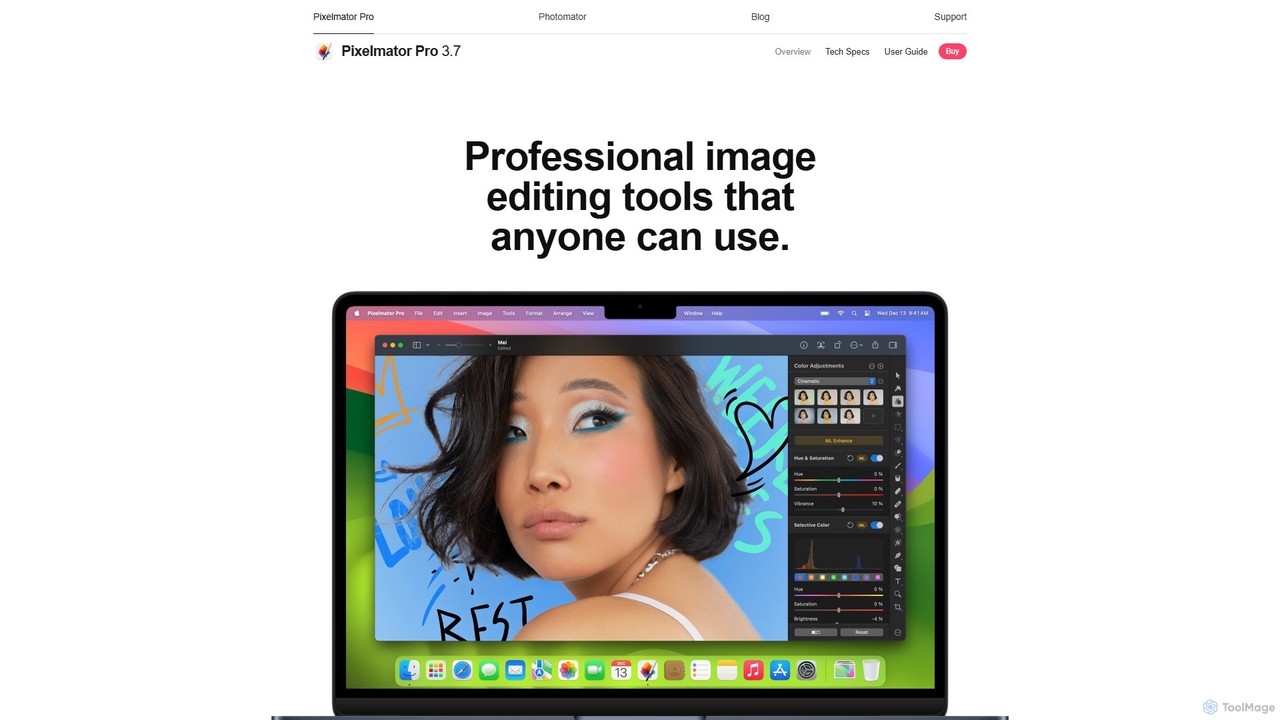
Pixelmator Pro
Pixelmator Pro is a powerful, beautiful, and easy-to-use image editor exclusively for Mac. It leverages advanced AI and machine learning to offer professional-grade photo editing, graphic design, and vector tools. Features include one-click photo enhancement, automatic background removal, advanced color adjustments, RAW editing, video layer support, and a vast library of templates and mockups, making it ideal for both beginners and seasoned professionals.
Image Editing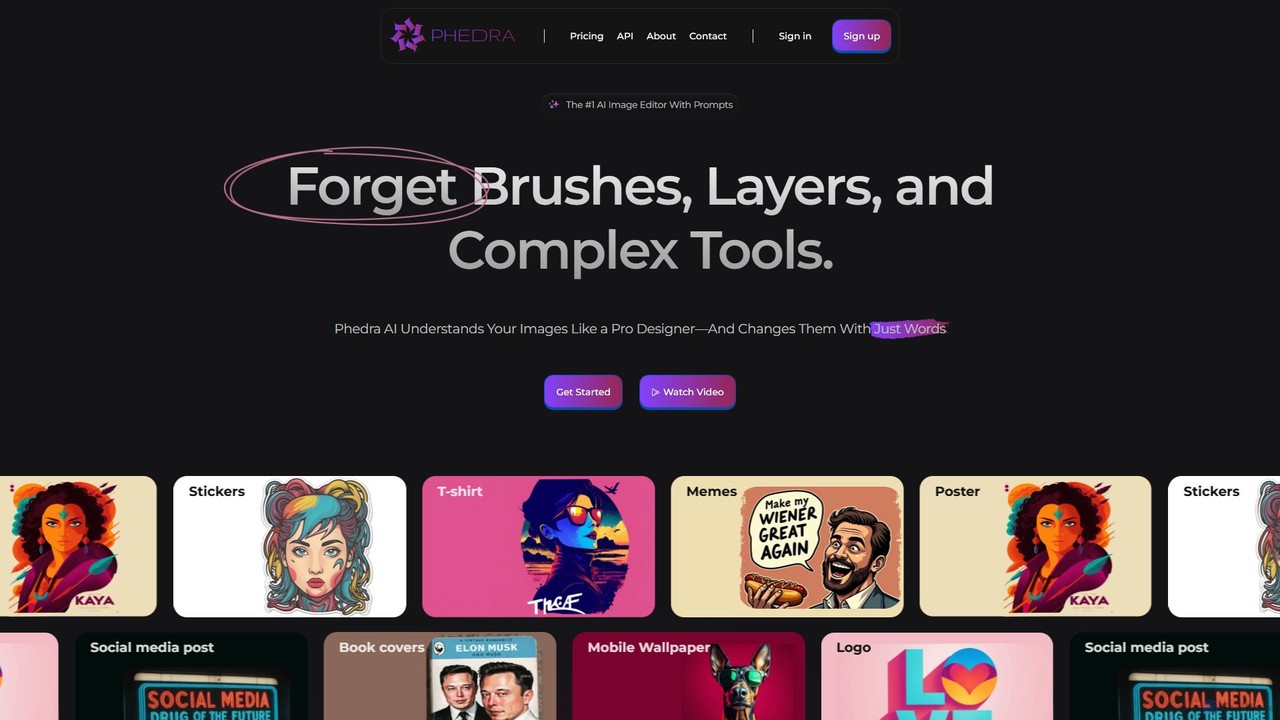
Phedra
Phedra is an AI-powered image editor that transforms your photos using simple text prompts. Instead of complex tools, you can add or remove objects, change styles, replace backgrounds, and modify text with natural language commands. It's designed for everyone, from marketers to individuals, to create professional-quality designs like social media posts, logos, and t-shirts effortlessly.
Graphic Design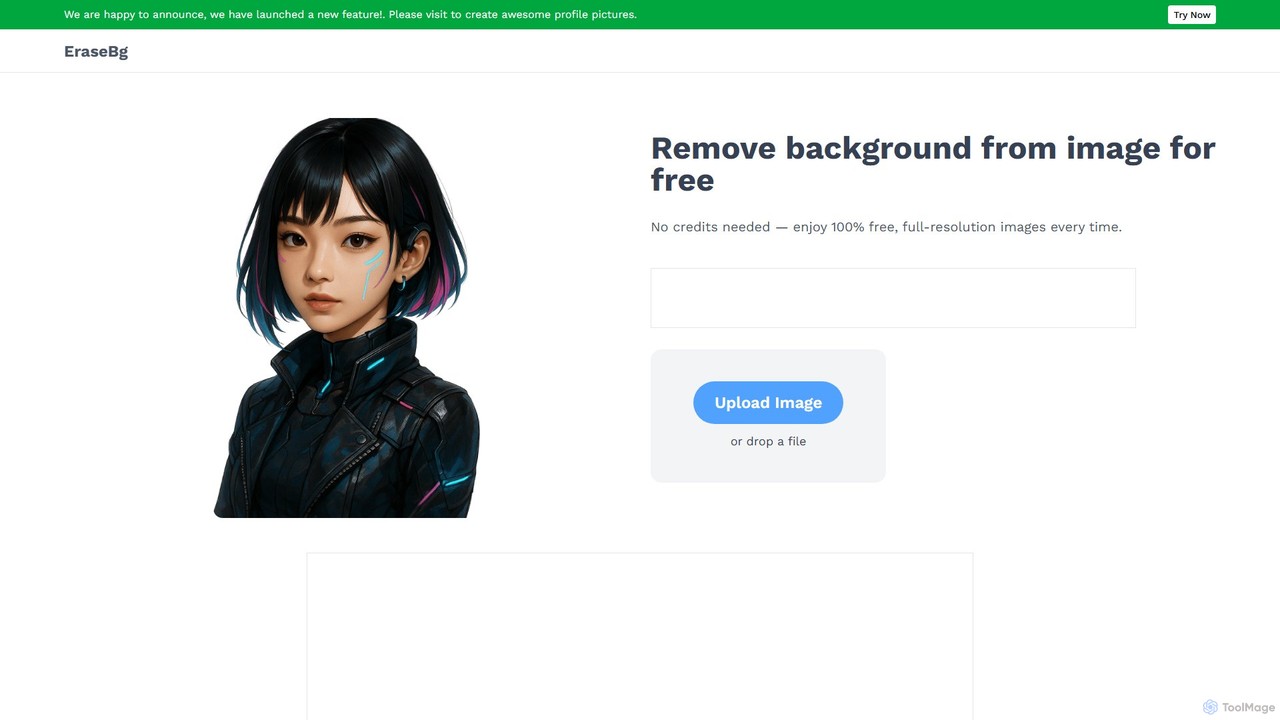
Erase BG
Erase BG is a completely free AI-powered tool that instantly removes backgrounds from images. It requires no registration or credits, offering unlimited downloads in high resolution (up to 4K). Simply upload your image to get a clean, transparent PNG or a white-background JPEG in seconds. It also features a creative GIF maker for personalized animations.
Image Editing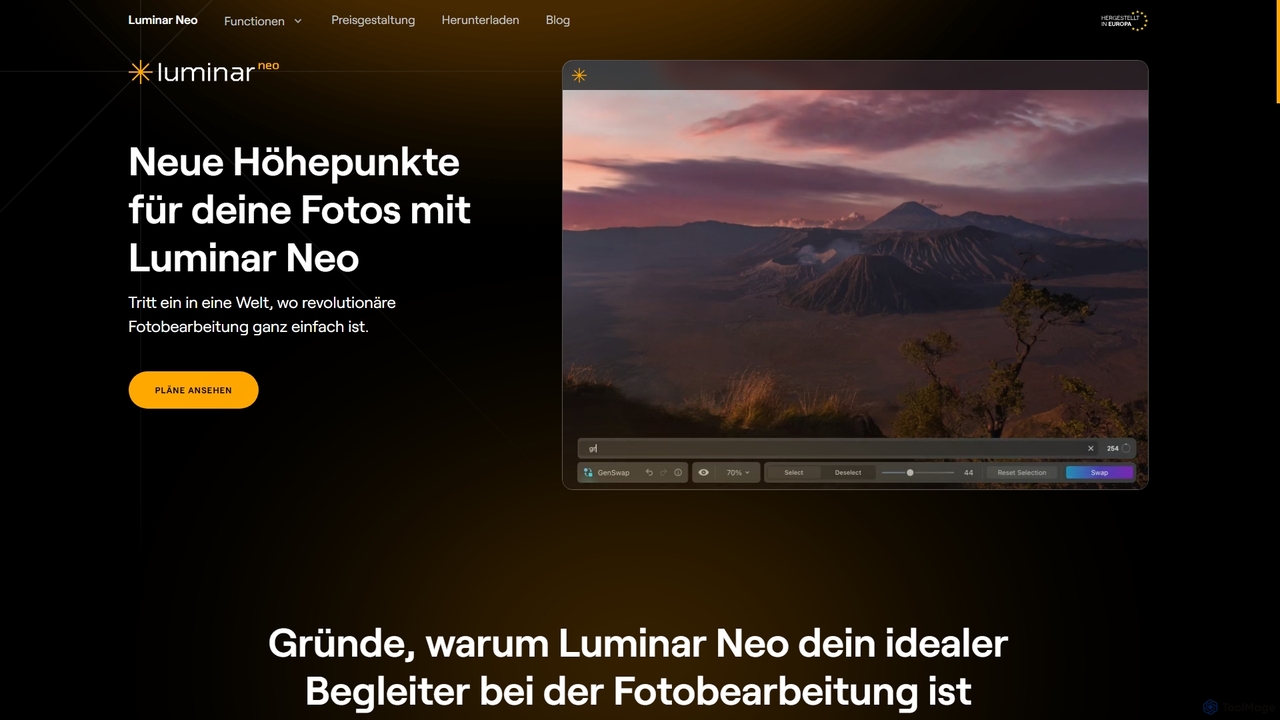
Luminar Neo
Luminar Neo is a revolutionary AI-powered photo editing software designed to simplify complex tasks and unleash creativity. It offers a comprehensive suite of advanced tools for image enhancement, RAW processing, and creative composition, making professional-grade results accessible to both beginners and experienced photographers on macOS and Windows.
Digital Art
Pixmiller
Pixmiller is an AI-powered tool that automatically removes backgrounds from images in seconds. It provides high-precision cutouts, creating transparent PNGs or e-commerce-compliant white backgrounds. Ideal for product photos, portraits, and graphic design, it offers a free online tool, desktop apps for batch processing, and an API for developers.
Image Editing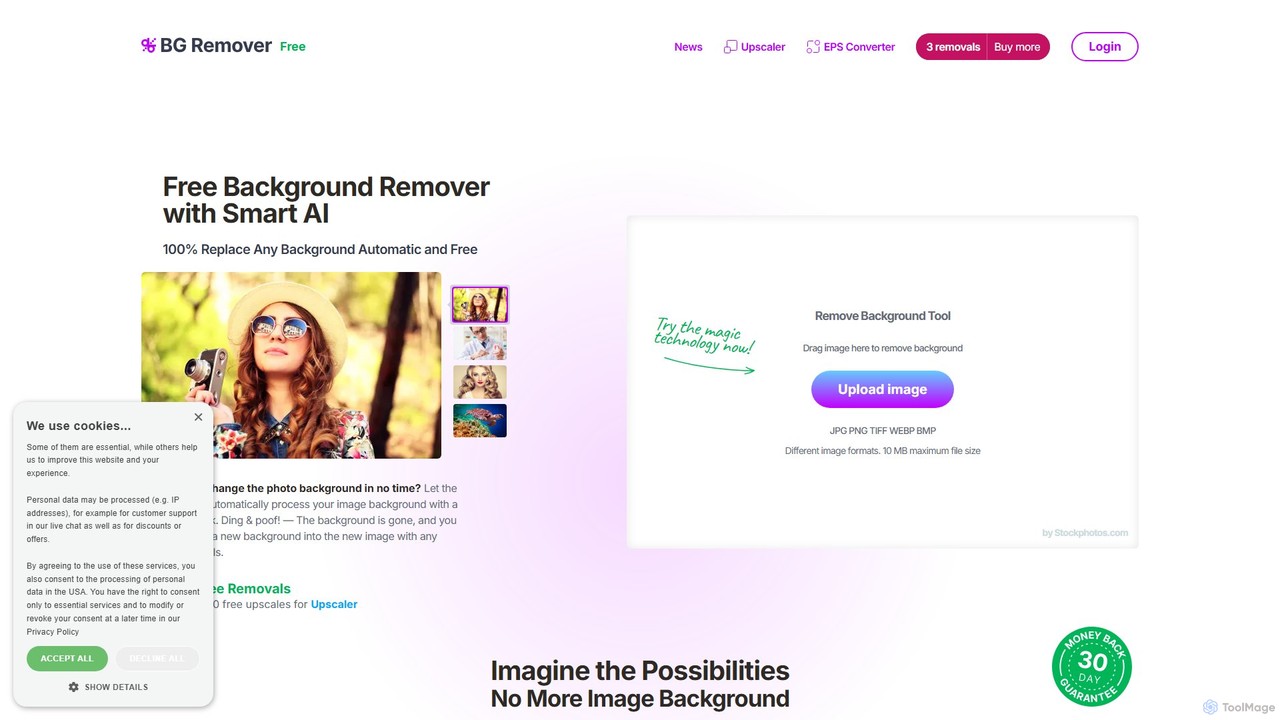
bgremover
bgremover by Stockphotos.com is an AI-powered tool that automatically removes backgrounds from images in seconds. Simply upload your image to get a clean, transparent PNG. It's ideal for e-commerce, marketing, and creative projects, offering high-precision results for people, products, and graphics. It provides a free trial and flexible pay-as-you-go plans.
Editing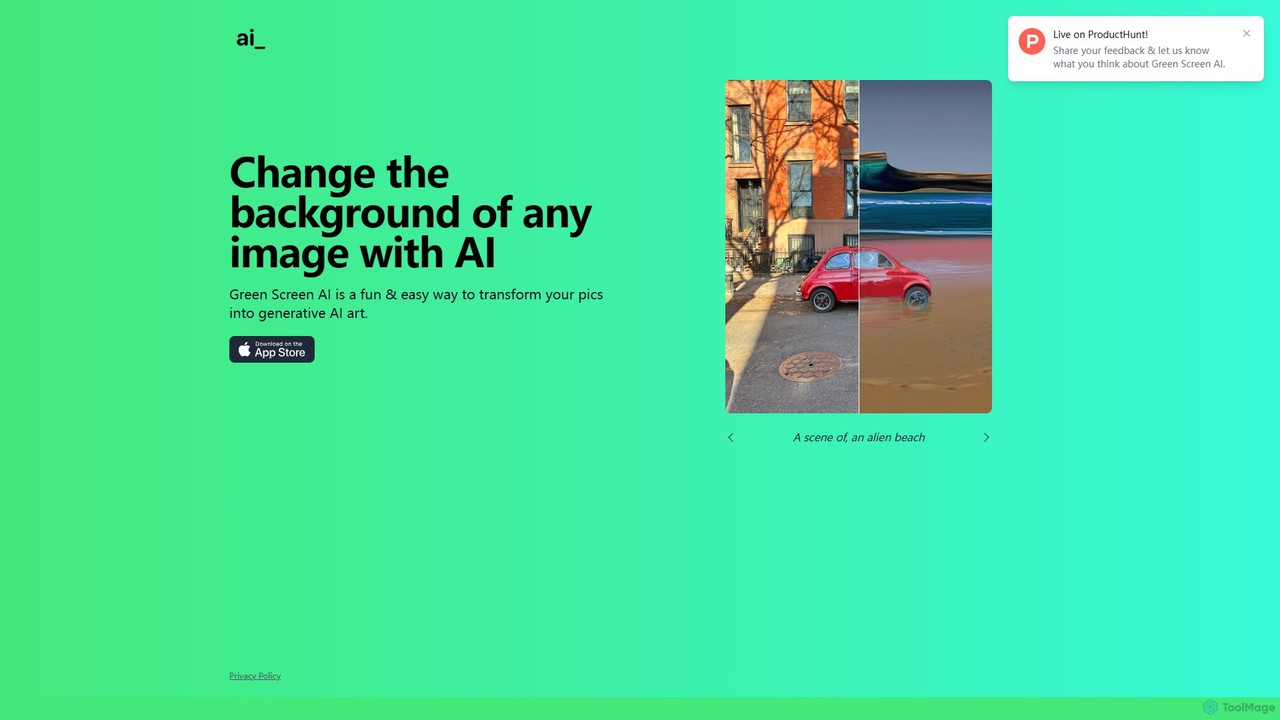
Green Screen AI
Green Screen AI is a fun and powerful tool that uses generative AI to instantly change the background of any image. Simply upload a photo, describe the new scene you want, and watch as the AI creates a unique, high-quality background for you.
Background Removal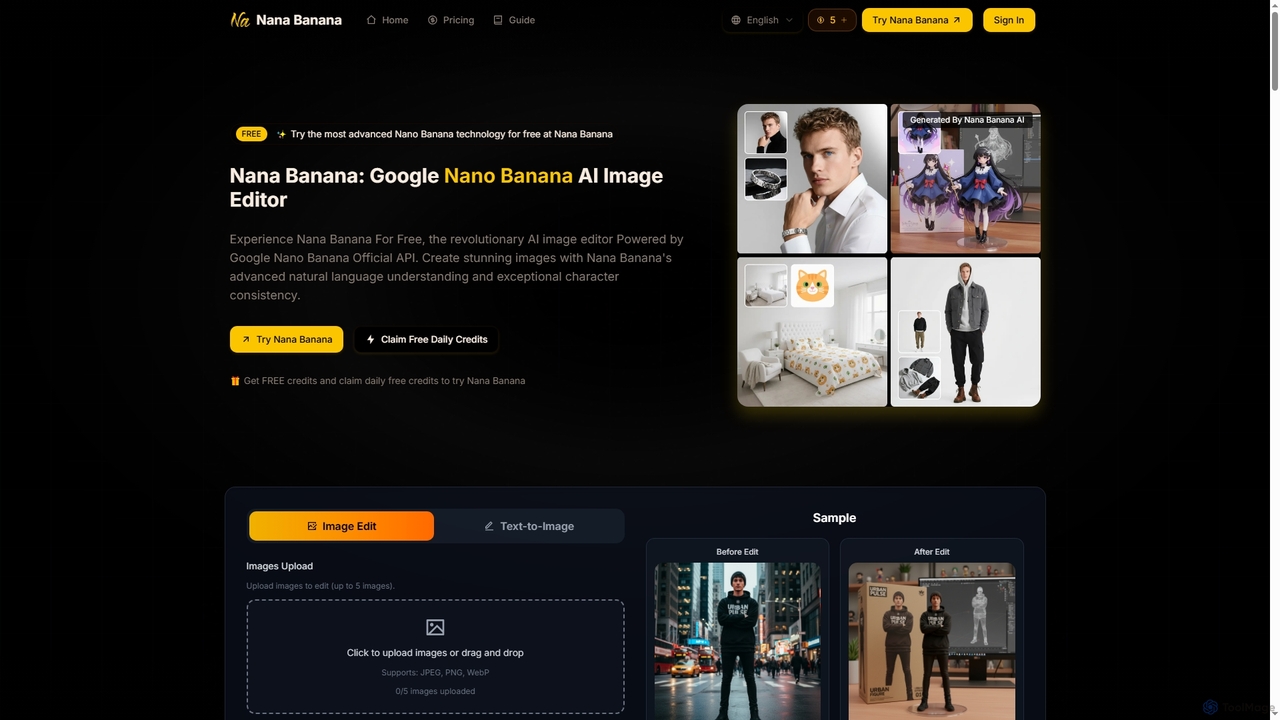
Nana Banana
Nana Banana is an advanced AI image editor and generator powered by Google's cutting-edge Gemini 2.5 Flash Image model. It enables users to create stunning visuals from text prompts or by editing existing images with exceptional natural language understanding, character consistency, and one-shot editing capabilities, delivering professional-grade 4K+ output rapidly.
Graphic Design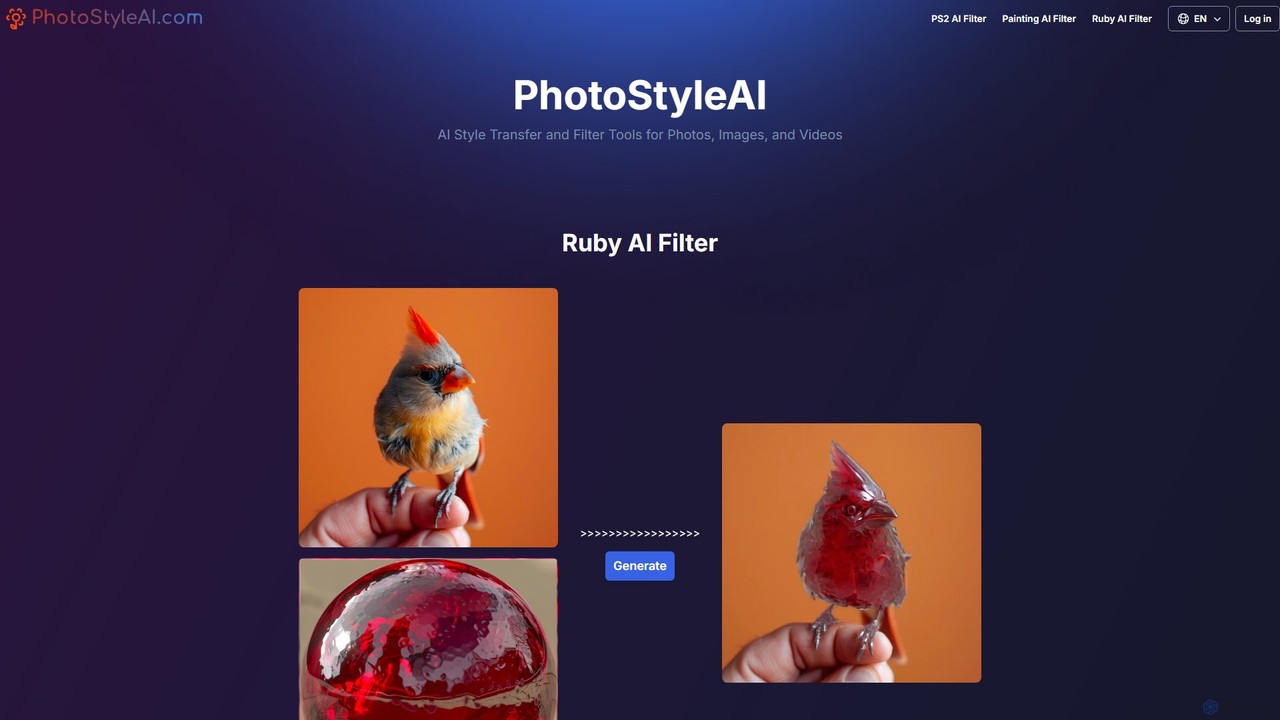
PhotoStyleAI
PhotoStyleAI is an AI-powered online tool that transforms your photos and images with unique artistic style filters. It specializes in trendy effects like the PS2 AI Filter, which gives images a retro video game look, and the Painting AI Filter, which converts photos into the style of famous artworks like 'The Scream'.
Generative Art
Presets Comments (0)
Sign in to comment.
Sign inNo comments yet.