ToolMage
Sign in

Best 36 Background Removal AI tools for Image

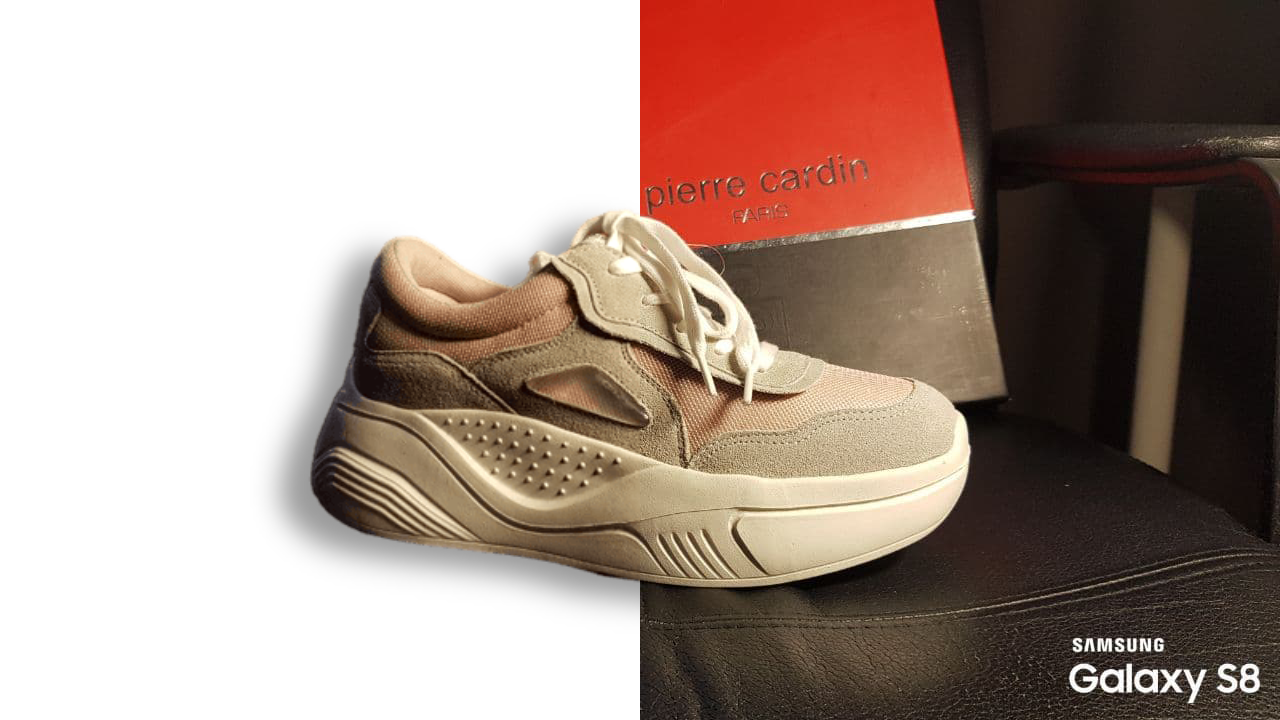
Popular Background Removal AI tools in Image include remove.bg, ezremove, removal.ai, SnapEdit, Erase.bg, Slazzer, Retoucher.online, bgeraser, Pixian.ai, and remove_background, helping you work more efficiently.

BgSub
Free

BgSub

BgSub is a free, AI-powered tool for instantly removing and replacing image backgrounds. It prioritizes user privacy by processing images directly in the browser without any uploads. Features include high-precision cutouts, background replacement with colors, gradients, or images, and AI-driven color correction.

Image Editing
Visits 53.2KFavorites 103Likes 102
Slazzer
Freemium

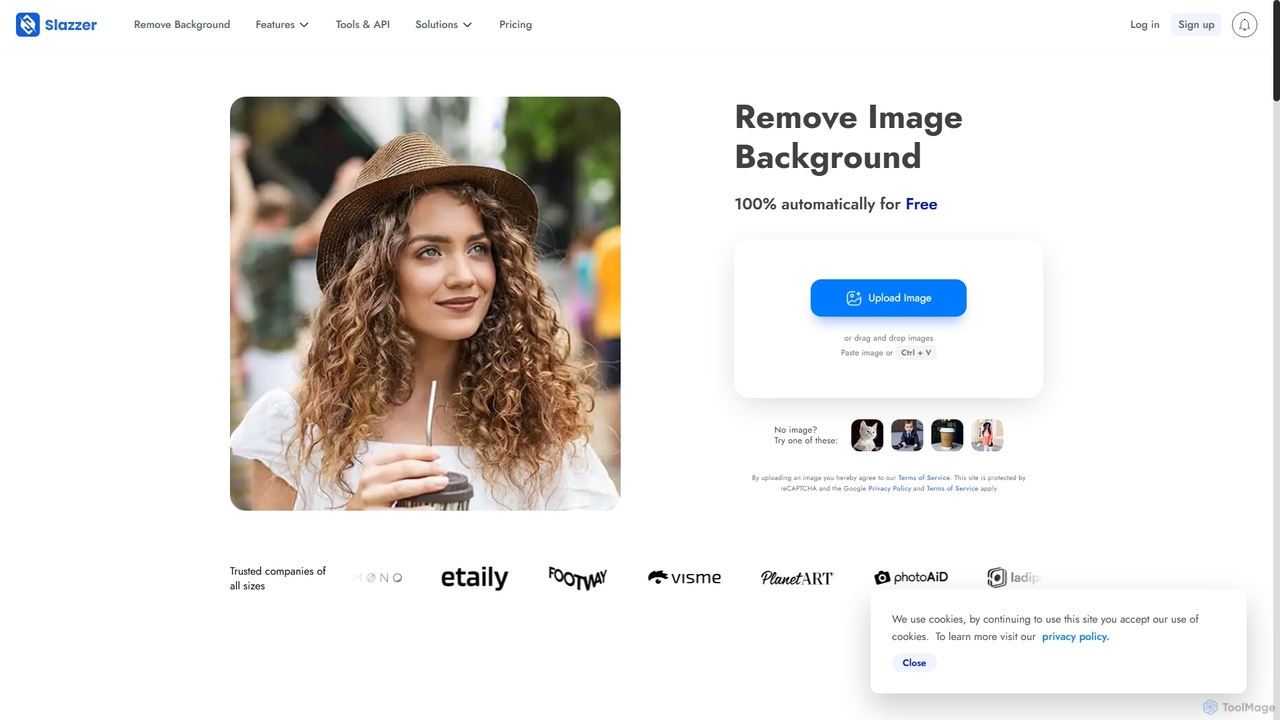
Slazzer

Slazzer is an AI-powered visual editing platform that automatically removes image backgrounds in seconds. It offers a suite of tools including AI background generation, image enhancement, upscaling, and shadow creation. Designed for efficiency, it serves e-commerce, photographers, marketers, and developers with web-based tools, desktop apps, and API integration for bulk processing.

Api
Visits 686.4KFavorites 72Likes 82
bgeraser
Free

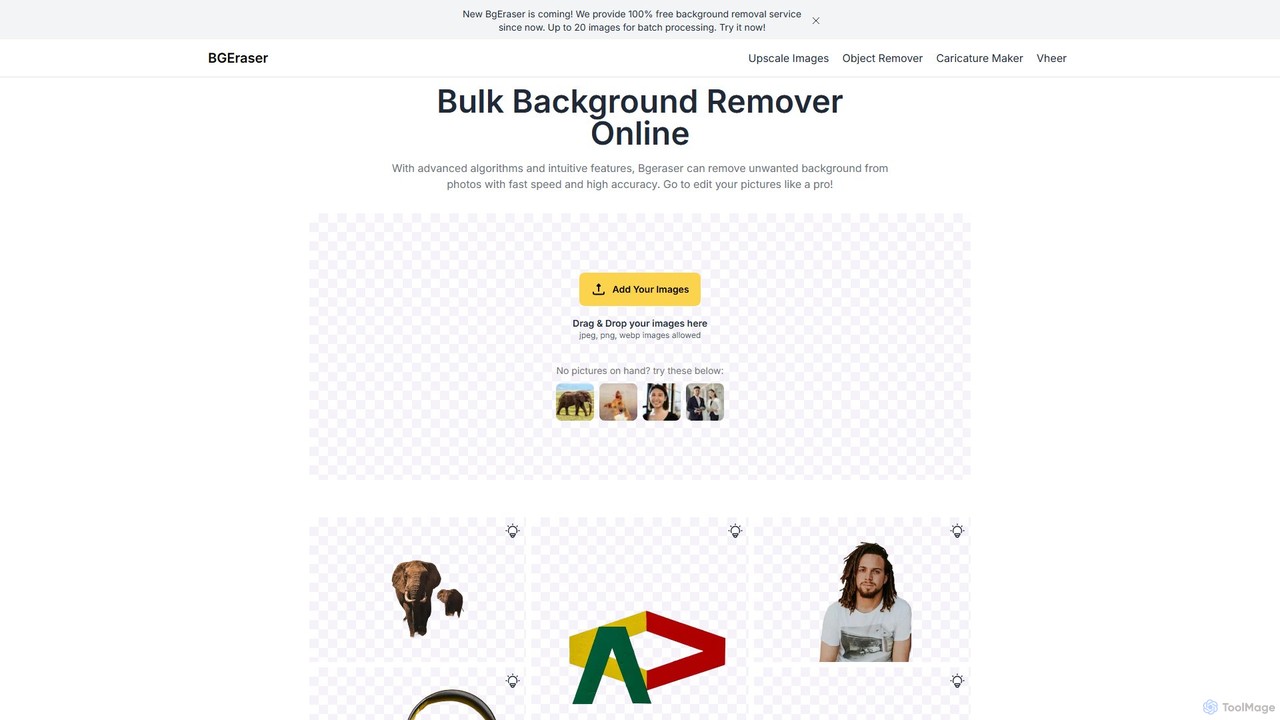
bgeraser

bgeraser is a free, AI-powered online tool for bulk background removal. It allows users to quickly and accurately remove backgrounds from multiple images (JPEG, PNG, WEBP) simultaneously, offering high-precision, watermark-free results ideal for e-commerce, marketing, and design.

Image Editing
Visits 275.5KFavorites 124Likes 138
Pixian.ai
Freemium

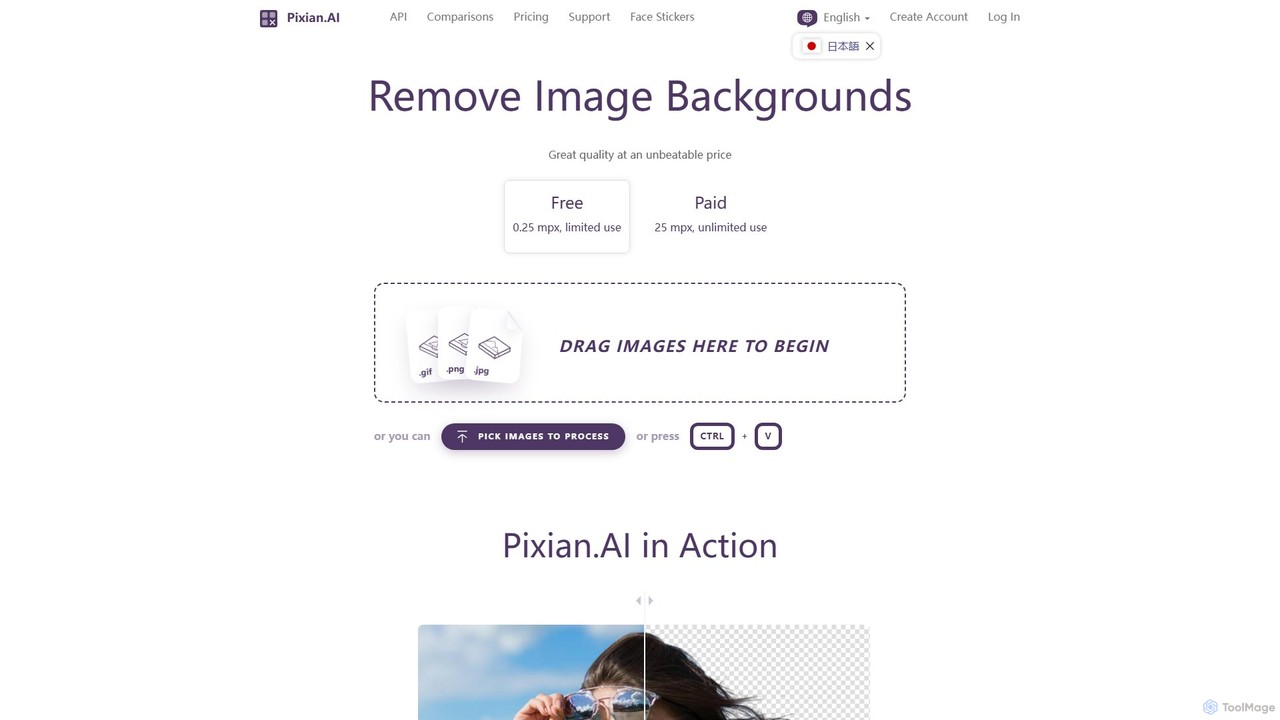
Pixian.ai

Pixian.ai is an AI-powered tool for instantly removing backgrounds from images. It offers a free service for basic use and a highly affordable pay-as-you-go API for high-resolution images. Leveraging a custom AI model, it excels at handling complex details like hair and fur on a wide range of images, including photos, logos, and AI-generated art. It's designed for efficiency, quality, and outstanding value.

Image Editing
Visits 124.7KFavorites 121Likes 131
magicbackgroundremover
Freemium

magicbackgroundremover

magicbackgroundremover is an AI-powered tool that automatically removes backgrounds from any image in seconds. With just one click, get a high-precision cutout with a transparent background, perfect for e-commerce, marketing, and creative projects. It handles complex edges like hair and fur with ease, saving you time and effort compared to manual editing. Simply upload your image and let the AI do the magic.

Image Editing
Visits 4.1KFavorites 112Likes 109
remove.bg
Freemium

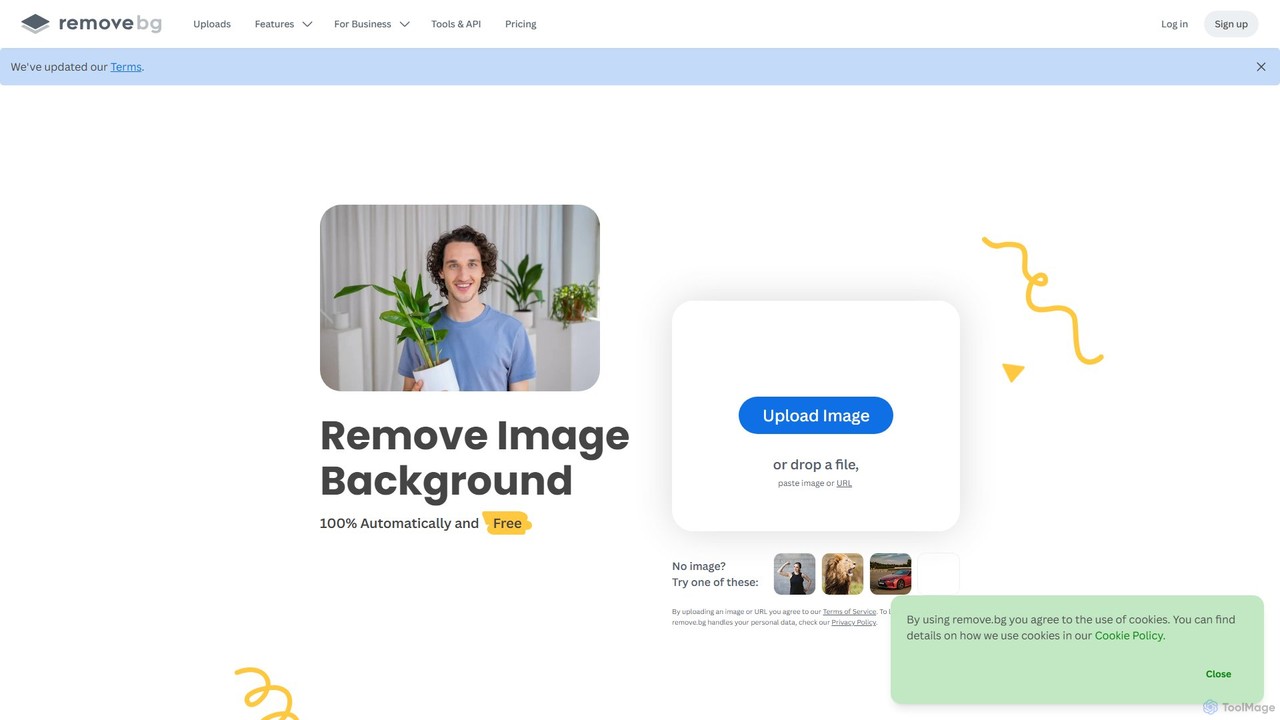
remove.bg

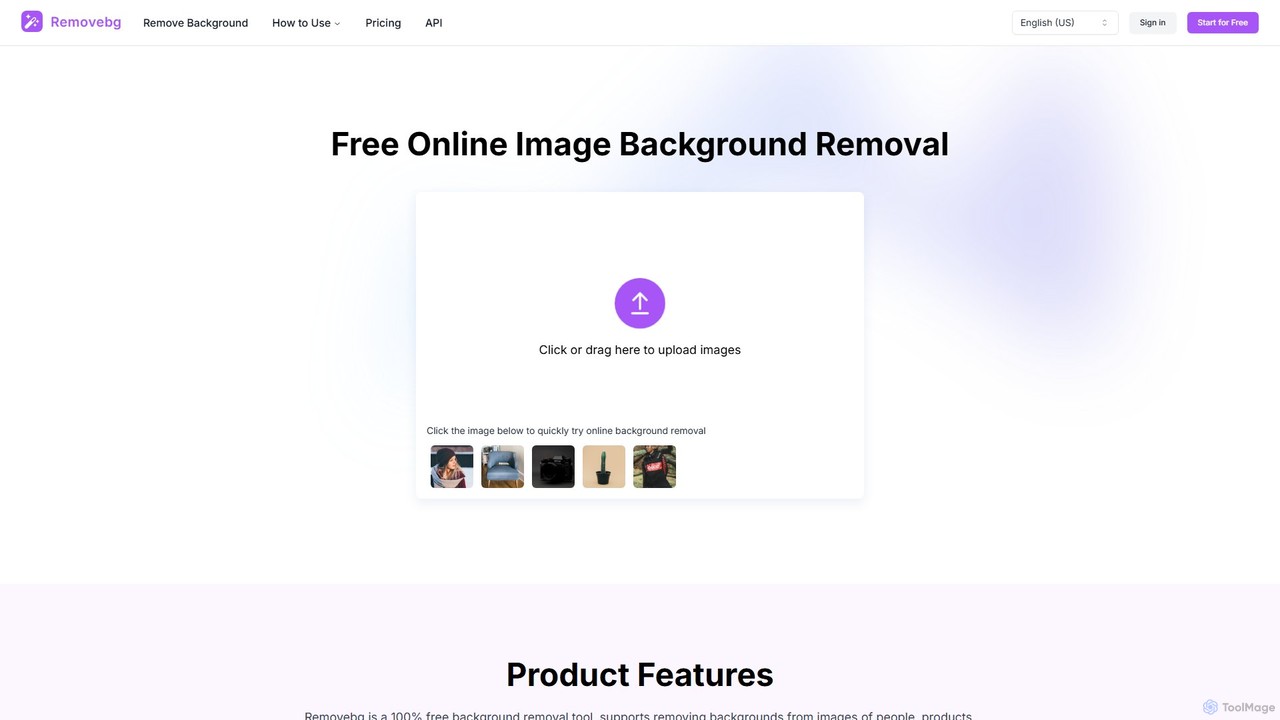
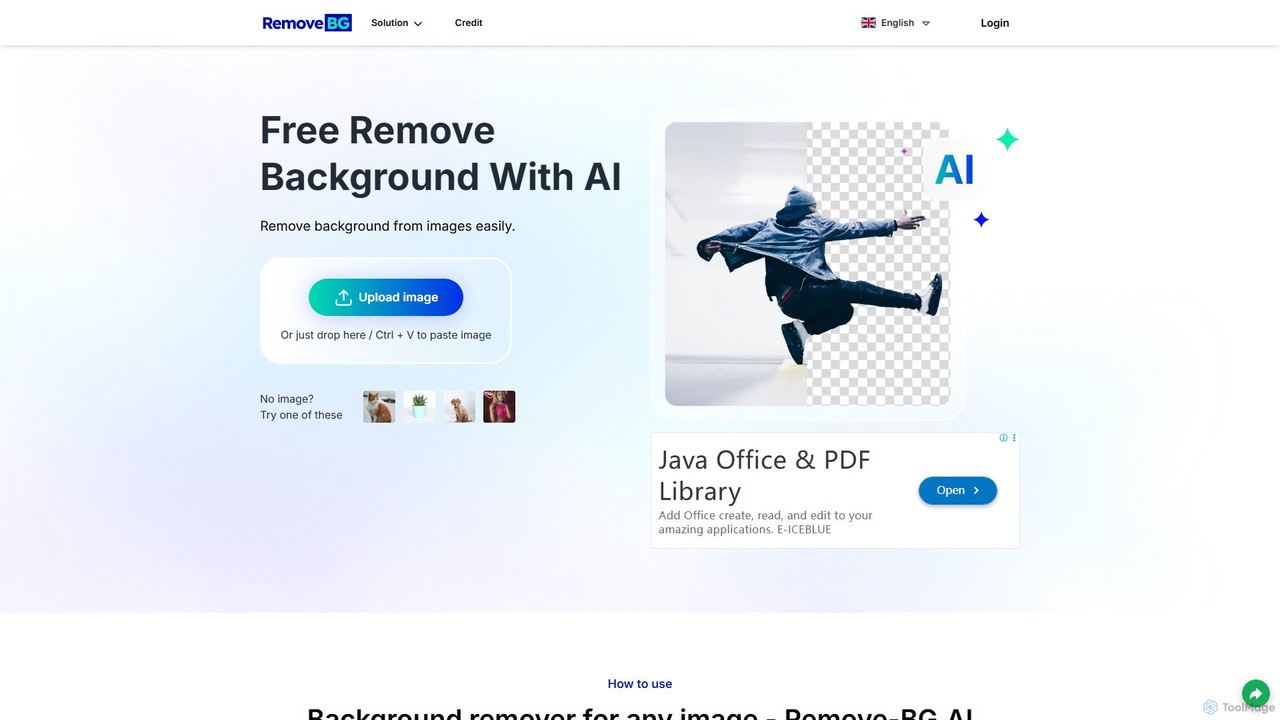
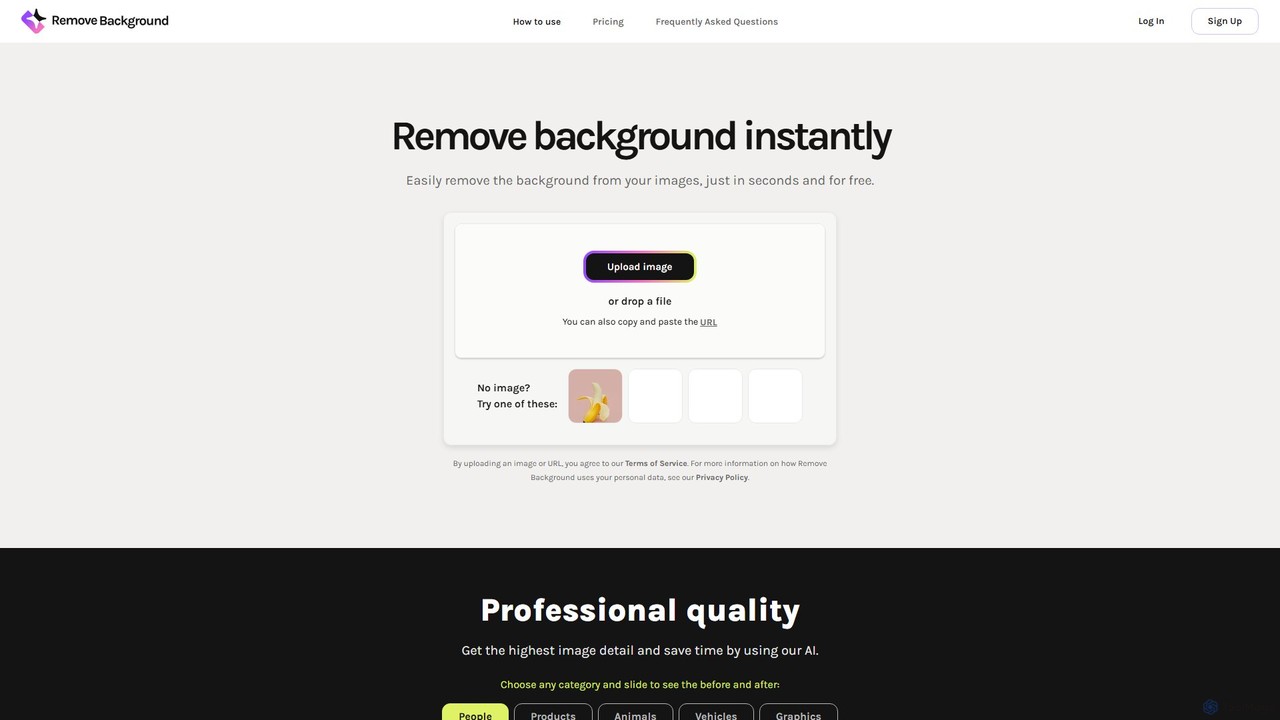
remove.bg is an AI-powered tool that automatically removes the background from any image in just 5 seconds. It uses advanced AI to accurately handle challenging edges like hair and fur. Ideal for photographers, e-commerce businesses, marketers, and developers, it offers web, desktop, and plugin integrations to streamline workflows.

Editing
Visits 62.6MFavorites 134Likes 116
Background Removal AI
Freemium

Background Removal AI

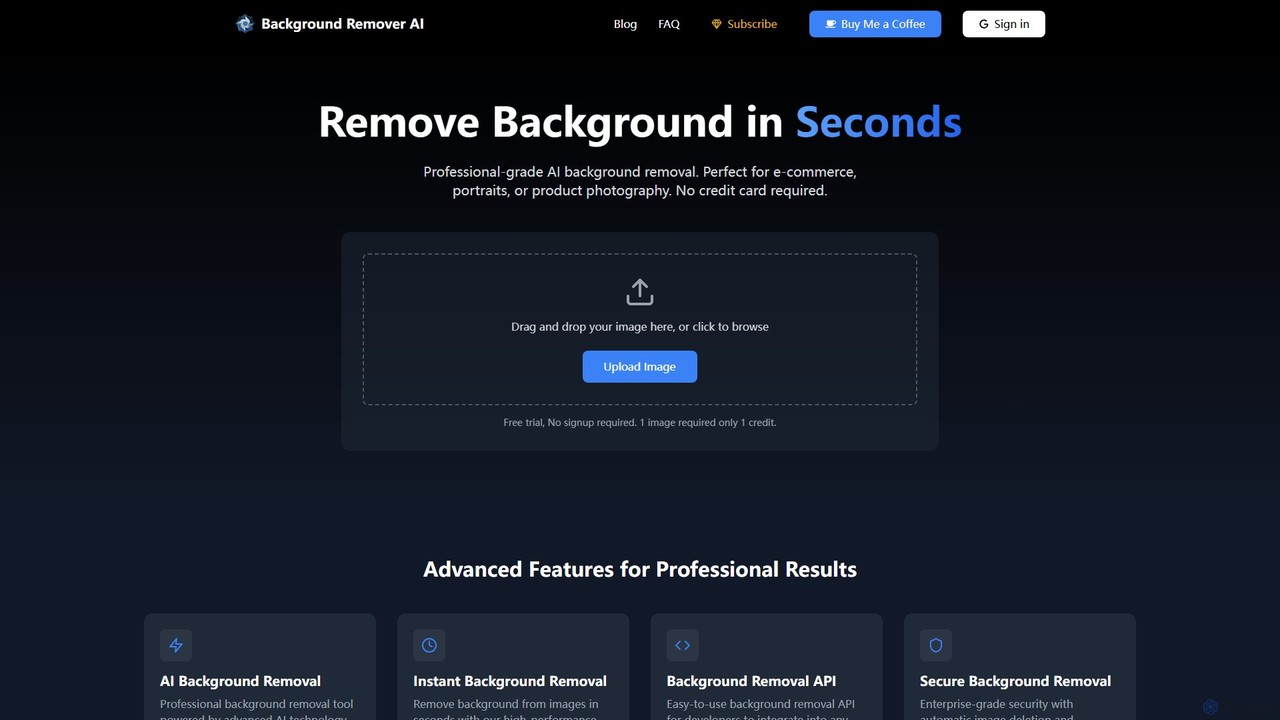
An AI-powered tool that instantly and automatically removes backgrounds from any image for free. Ideal for e-commerce, graphic design, marketing, and personal use, it offers high-precision results, batch processing, and API integration for streamlined workflows. Get clean, professional images with transparent backgrounds in seconds.

Image Editing
Visits 4.1KFavorites 130Likes 129
RMBG AI
Free

RMBG AI

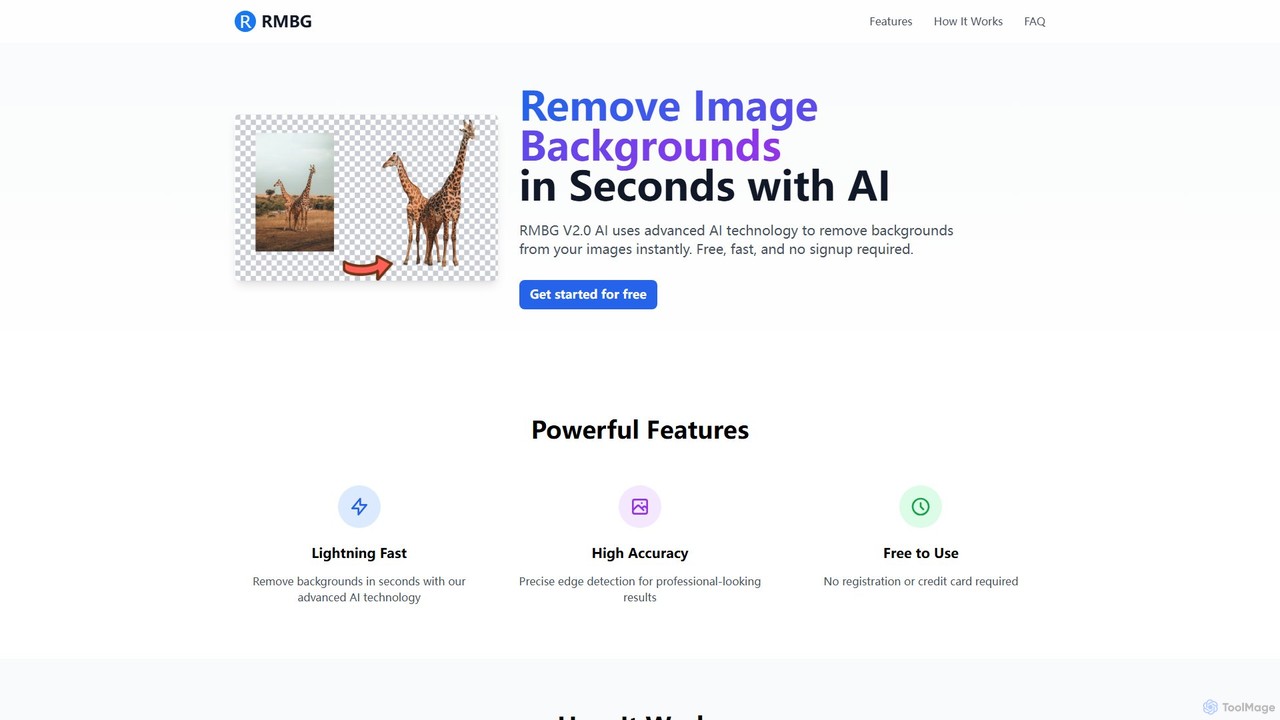
RMBG AI is a free online tool that uses advanced AI to instantly remove backgrounds from images. Developed by BRIA AI, it offers high-precision results in seconds without any need for registration or payment. It supports various image formats and is ideal for e-commerce, graphic design, and personal projects.

Editing
Visits 4.1KFavorites 141Likes 123
oneimg
Free

oneimg

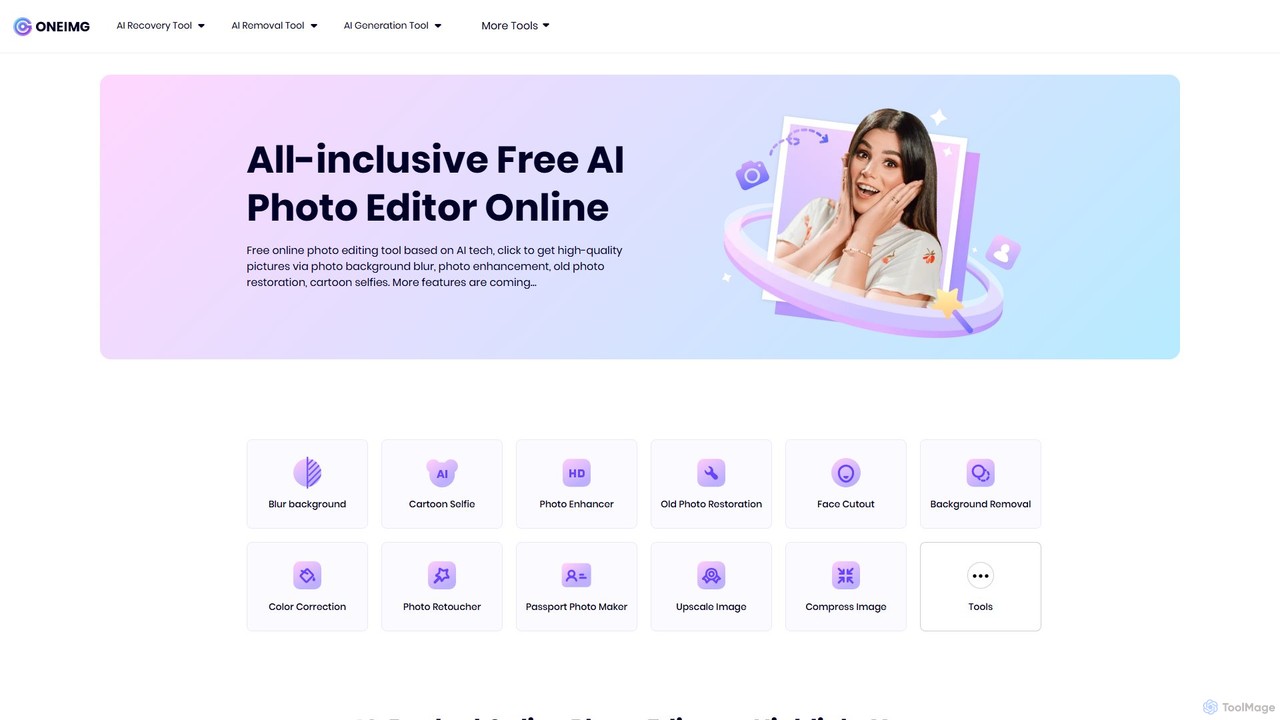
oneimg is a free, all-in-one online photo editor powered by AI. It offers a comprehensive suite of tools for image enhancement, background manipulation, old photo restoration, and creative effects like cartoon selfies. Designed for ease of use, it allows users to achieve professional-quality results with just a few clicks, no software installation or technical skills required.

Background Removal
Visits 5.3KFavorites 114Likes 122
removerized
Free

removerized

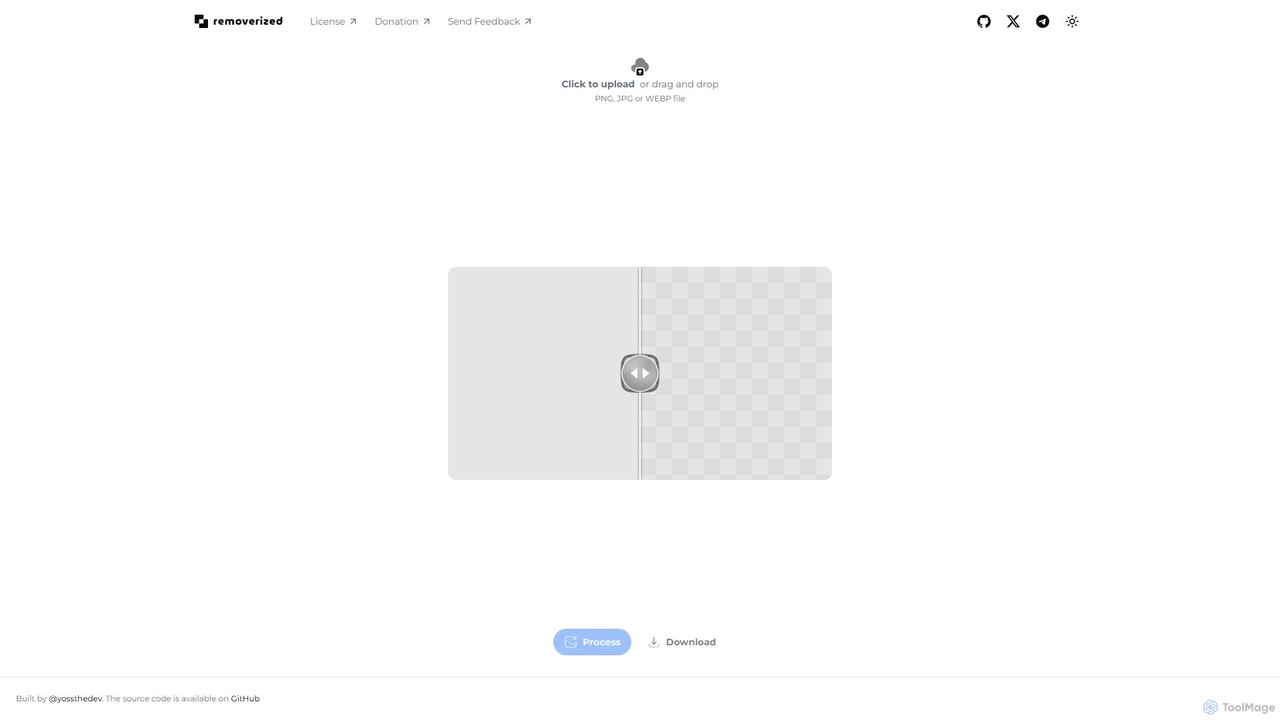
A free, open-source AI tool that instantly removes backgrounds from images. Simply upload your PNG, JPG, or WEBP file, and the AI will automatically detect and erase the background, providing a high-quality transparent image for download.

Image Editing
Visits 4.1KFavorites 98Likes 112
RemoveBackgroundAI
Freemium

RemoveBackgroundAI

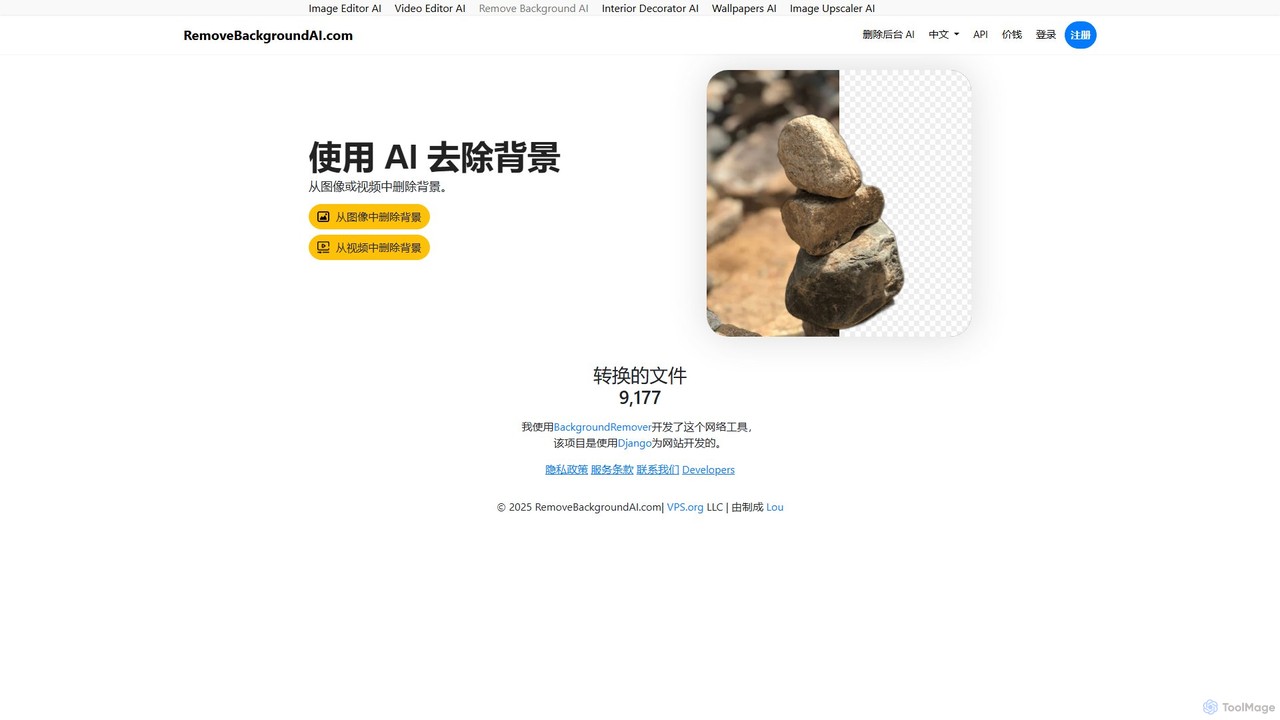
RemoveBackgroundAI is a free, AI-powered online tool that automatically removes backgrounds from both images and videos. With a simple drag-and-drop interface, it quickly generates transparent PNGs for images and background-free MOV or GIF files for videos, catering to designers, marketers, and e-commerce professionals.

Background Removal
Visits 7.5KFavorites 120Likes 126
clyrbg
Freemium

clyrbg

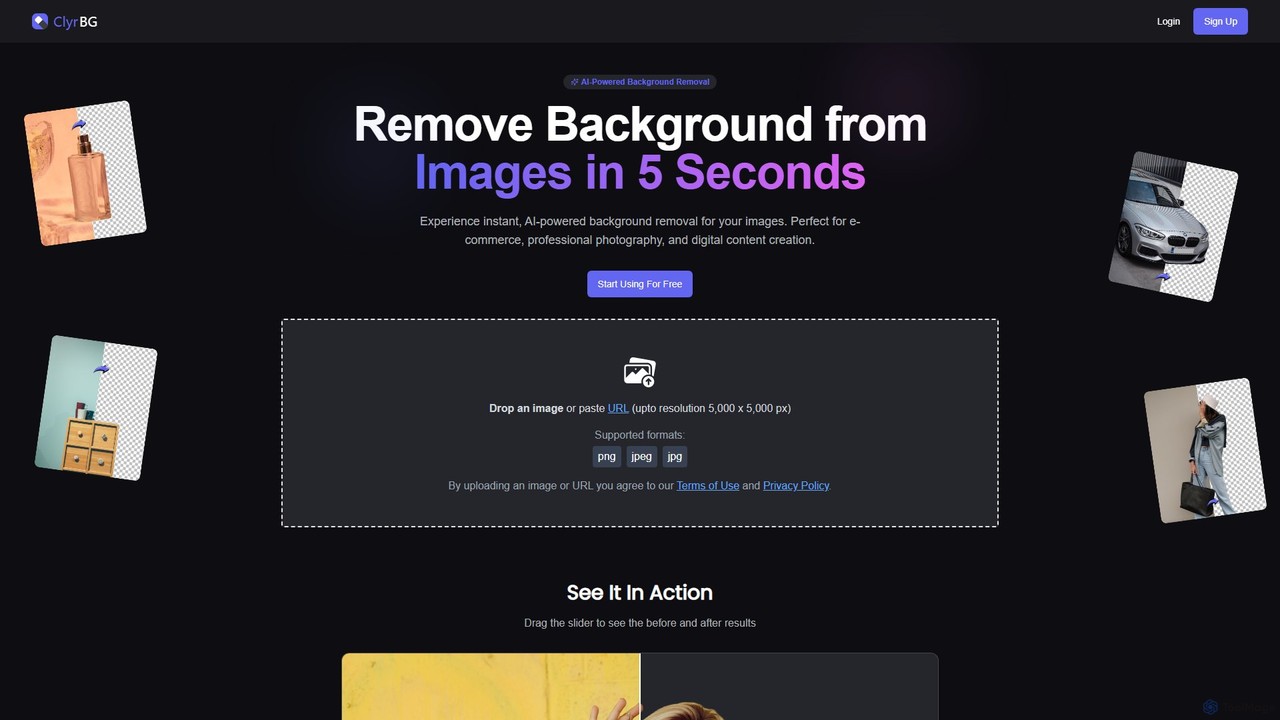
ClyrBG is an AI-powered tool that automatically removes backgrounds from images in just 5 seconds. It's designed for e-commerce, photographers, marketers, and designers, offering high-precision cutouts, batch processing, and an API for integration. Simply upload an image to get a transparent background instantly, no technical skills required.

Image Editing
Visits 4KFavorites 120Likes 124
removebg.one
Freemium

removebg.one

removebg.one is a free, AI-powered online tool for instantly removing backgrounds from images. It supports various subjects like people, products, animals, cars, and logos. Ideal for e-commerce, graphic design, and social media, it offers high-resolution downloads and an optional API for developers. No registration is required for web use, providing a fast and efficient solution for clean, professional cutouts.

Image Editing
Visits 9.2KFavorites 109Likes 109
Erase.bg
Freemium

Erase.bg

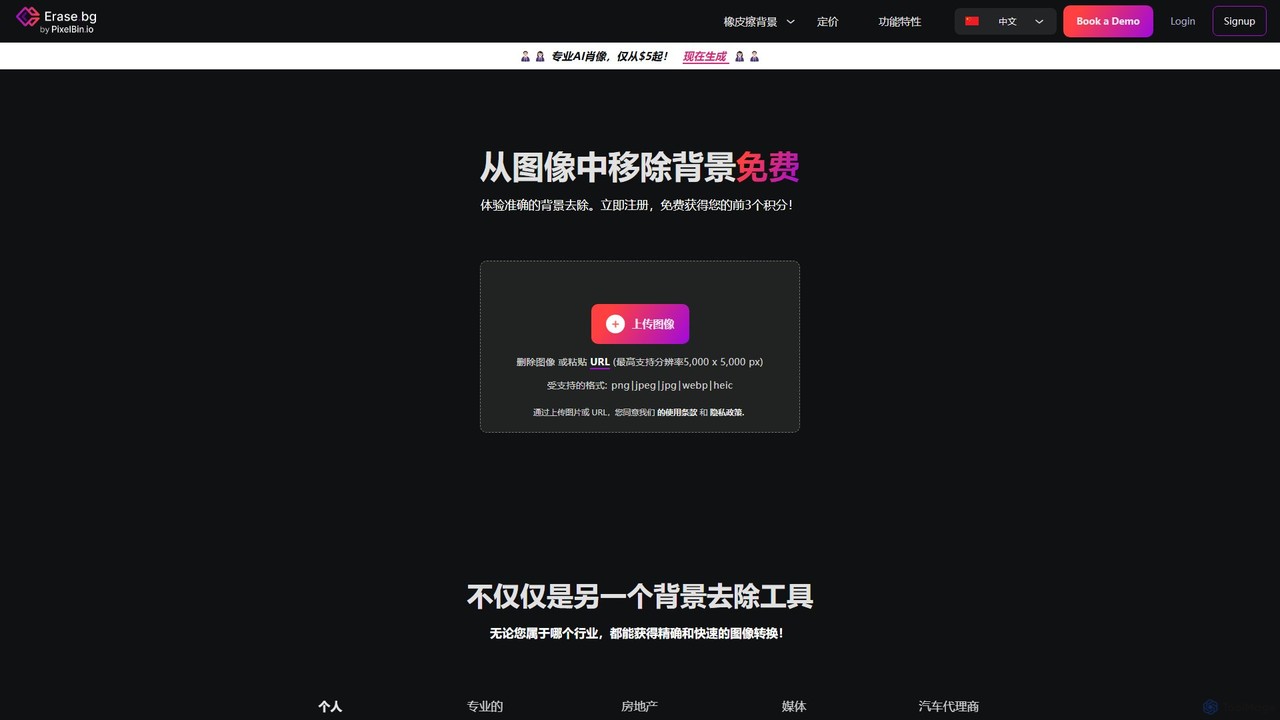
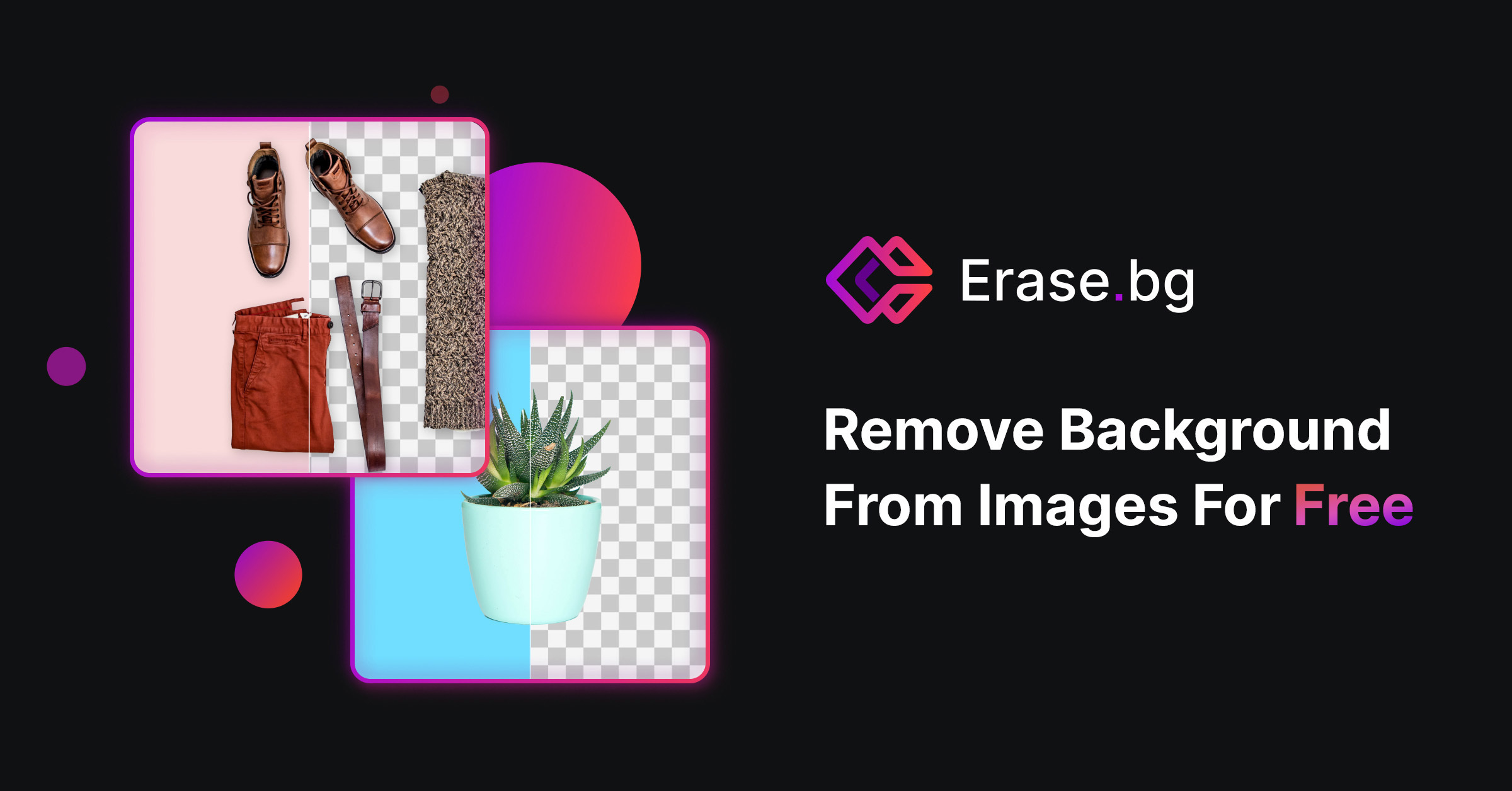
Erase.bg is an AI-powered tool that automatically removes backgrounds from images in seconds. It's designed for a wide range of users, from individuals creating social media content to e-commerce businesses needing clean product photos. The tool supports various formats, offers high-resolution output, and provides simple editing options to add new backgrounds. It is accessible via web and mobile apps, with an API for developers.

Editing
Visits 834.1KFavorites 110Likes 104
UnlimitedBG
Freemium

UnlimitedBG

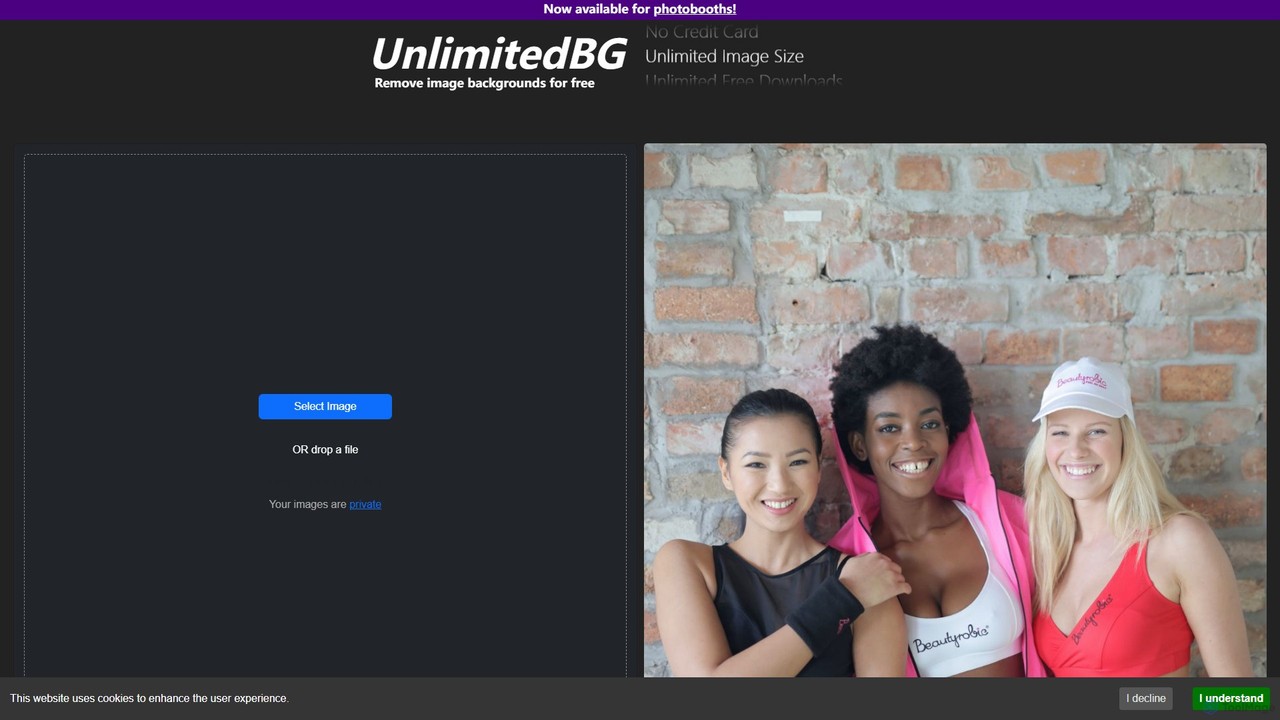
UnlimitedBG is a versatile AI tool offering a 100% free online background remover with no limits on usage, size, or downloads. It also provides a professional, offline-capable desktop application for photobooths with a flat-rate subscription, ensuring high-quality, instant results for both casual users and event professionals.

Background Removal
Visits 11.4KFavorites 128Likes 120
bgclearer
Freemium

bgclearer

bgclearer is an AI-powered tool that automatically removes the background from any image in seconds. It provides professional-grade, clean cutouts perfect for e-commerce, product photography, and graphic design. The service offers a free trial, a simple drag-and-drop interface, and a developer API for seamless integration.

Image Editing
Visits 4KFavorites 106Likes 90
removal.ai
Freemium

removal.ai

An AI-powered background remover that instantly erases the background from images for free. It offers high-quality cutouts, batch processing, a built-in photo editor, and an API for seamless integration, catering to photographers, e-commerce, marketers, and developers.

Photo Editing
Visits 1.8MFavorites 130Likes 131
ezremove
Free

ezremove

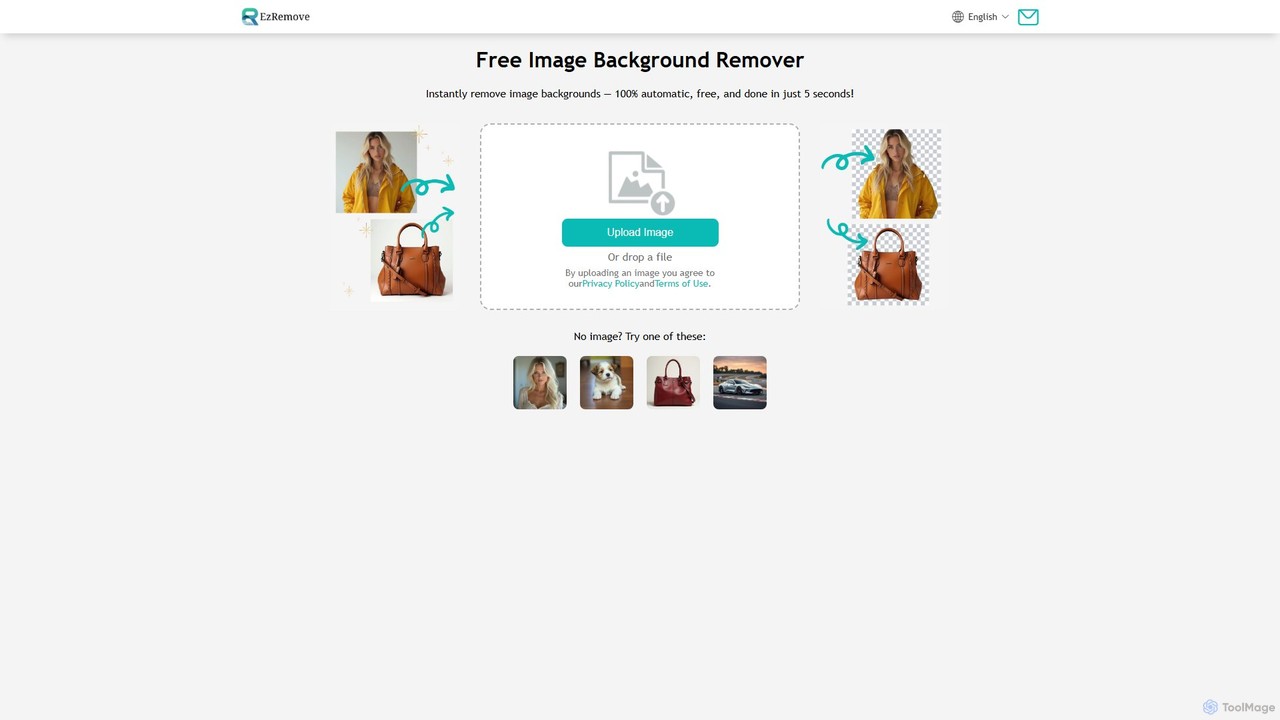
ezremove is a free, AI-powered image background remover that automatically creates transparent backgrounds in just 5 seconds. Ideal for e-commerce, graphic design, and social media, it supports batch processing, basic editing, and various image formats. No software or technical skills required—simply upload your image and download a high-quality, clean PNG file instantly.

Image Editing
Visits 4.3MFavorites 110Likes 113
remove-bg.ai
Free

remove-bg.ai

A free, AI-powered tool that automatically removes backgrounds from images in seconds. Upload any photo to get a high-quality, transparent background. Features include manual editing tools, background customization with colors and templates, and support for all common image formats. Ideal for e-commerce, marketing, and personal use without needing an account.

Image Editing
Visits 4.2KFavorites 136Likes 134
Snapclear
Freemium

Snapclear

Snapclear is an AI-powered desktop application designed for offline image enhancement. It offers one-click solutions for upscaling images, removing backgrounds, and reducing noise. Supporting bulk processing and multiple formats, it's a versatile tool for photographers, designers, and content creators who prioritize privacy and efficiency.

Background Removal
Visits 5.6KFavorites 113Likes 106
stripbackground
Free

stripbackground

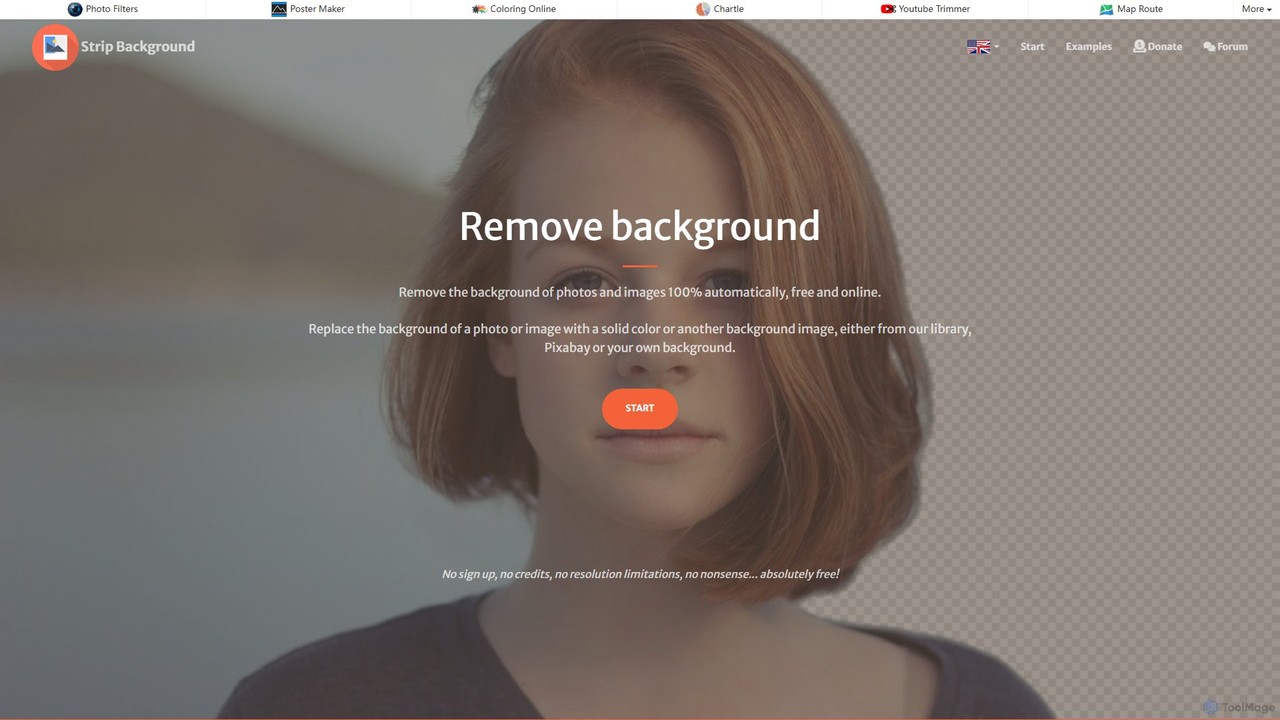
A free, AI-powered online tool to instantly remove backgrounds from photos. Supports various image formats and allows replacing the background with a solid color or a new image. Ideal for e-commerce, graphic design, and personal use, with a focus on privacy and ease of use.

Image Editing
Visits 7.9KFavorites 97Likes 107
Green Screen AI
Freemium

Green Screen AI

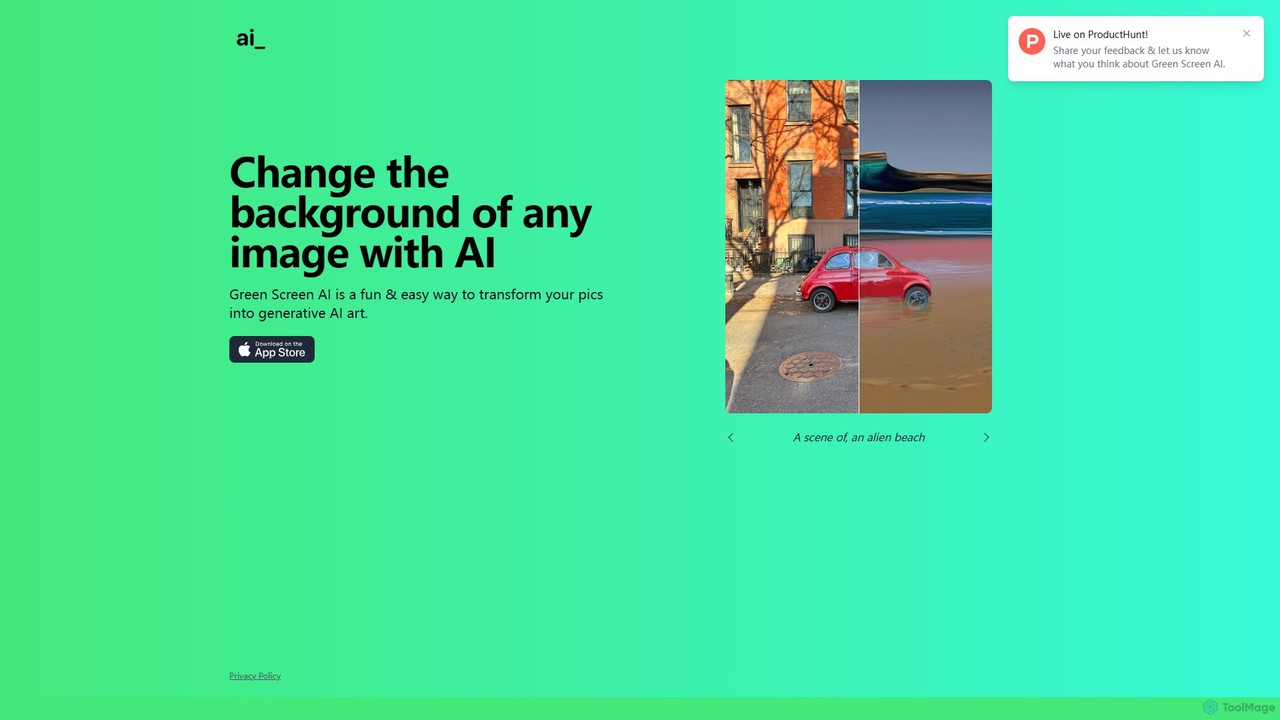
Green Screen AI is a fun and powerful tool that uses generative AI to instantly change the background of any image. Simply upload a photo, describe the new scene you want, and watch as the AI creates a unique, high-quality background for you.

Background Removal
Visits 5.9KFavorites 172Likes 153
imageenhan
Freemium

imageenhan

An AI-powered suite of tools for enhancing images and videos. It offers one-click upscaling, sharpening, denoising, background removal, and creative features like cartoonizers and face swapping. Ideal for photographers, designers, and social media users to improve visual quality effortlessly.

Generators
Visits 5.8KFavorites 104Likes 109
remove_background
Freemium

remove_background

An AI-powered tool to instantly remove image backgrounds for free. It creates high-quality transparent backgrounds, offers advanced editing tools, and can even generate custom backgrounds using AI prompts. Ideal for e-commerce, social media, and professional designs.

Editing
Visits 104.6KFavorites 134Likes 130

About Background Removal

AI Background Removal tools are a specialized class of image editing software that automatically isolates the main subject and removes its background. Leveraging computer vision and deep learning models, these tools precisely identify edges, handle complex details like hair or fur, and generate a transparent background. This capability is crucial for e-commerce, graphic design, and content creation, enabling clean, professional visuals without time-consuming manual editing. They offer significant advantages in speed and accessibility over traditional methods.

Core Features

  • Automatic Subject Detection: Instantly identifies and isolates the primary subject, whether it's a person, product, or object.
  • High-Precision Edge Refinement: Intelligently processes complex edges like hair, fur, and fine details for a natural-looking cutout.
  • Bulk Processing: Supports uploading and processing multiple images simultaneously, automating large-scale editing tasks.
  • Customizable Backgrounds: Allows exporting with a transparent background (PNG) or replacing the original with a solid color, gradient, or new image.

Use Cases

These tools are widely used by e-commerce businesses for creating clean product listings, graphic designers for composing marketing materials, and social media managers for producing engaging visual content. They are also valuable for photographers streamlining their workflow and individuals creating personal projects.

How to Choose

When selecting a tool, consider its processing accuracy (especially for complex subjects), batch processing capabilities, API access for integration, supported output resolution, and the pricing model (e.g., per-image credits vs. a monthly subscription). The best choice depends on your specific volume and quality needs.

Featured tool rankings

Background Removal use cases

1

E-commerce Product Image Preparation

E-commerce store owners use AI background removal tools to process hundreds of product photos efficiently. They upload raw images, and the tool automatically creates clean, white-background versions required by platforms like Amazon and Shopify. This eliminates hours of manual work in Photoshop, ensures a consistent and professional look across the store, and significantly speeds up the time-to-market for new products.

2

Creating Professional Profile Pictures

Individuals and professionals use these tools to create clean headshots for LinkedIn, resumes, or company websites. By removing a distracting or unprofessional background, they can replace it with a solid color or a subtle office-like setting. This instantly elevates the image's quality and helps make a better first impression without the need for a professional photoshoot.

3

Graphic Design and Marketing Collateral

Graphic designers frequently need to isolate objects or people to incorporate into brochures, social media posts, or website banners. AI background removal allows them to quickly extract elements from stock photos or client-provided images, seamlessly integrating them into new compositions. This process significantly accelerates their design workflow and allows for greater creative flexibility.

4

Automotive Dealership Car Photography

Car dealerships use AI background removal to standardize their vehicle inventory photos. They can photograph cars in any location, such as a cluttered lot, and then automatically replace the background with a clean, professional studio setting or a branded backdrop. This creates a uniform and high-end look for their online listings, helping to attract more potential buyers and build a stronger brand image.

5

Social Media Content Creation

Social media managers and content creators use these tools to make their visuals pop. They can remove the background from a selfie to create a custom YouTube thumbnail, isolate a product for an Instagram story, or create eye-catching memes and graphics. This allows for greater creative freedom and helps their content stand out in a crowded feed, leading to higher engagement rates.

6

API Integration for Automated Workflows

Developers and large businesses integrate background removal APIs into their own applications or websites. For example, a user-generated content platform can automatically remove backgrounds from user uploads to maintain a consistent style. Similarly, a print-on-demand service can allow customers to upload a photo and instantly see a preview of it on a t-shirt with the background removed, creating a seamless user experience.

Background Removal FAQ

What is an AI Background Removal tool?

An AI Background Removal tool is software that uses artificial intelligence, specifically computer vision, to automatically detect the main subject in an image and erase the background. Unlike manual tools, it requires minimal user input and can process images in seconds. The output is typically a subject with a transparent background (in PNG format), ready to be used in various design projects or product listings.

How to choose the right AI Background Removal tool?

To choose the right tool, consider these key factors:

  • Accuracy: How well does it handle complex edges like hair, fur, or semi-transparent objects? Look for examples or free trials.
  • Speed & Batch Processing: Can it process multiple images at once? This is crucial for e-commerce and large projects.
  • Output Quality: Does it support high-resolution downloads without compressing or losing quality?
  • Integration: Does it offer an API if you need to integrate it into your own application or workflow?
  • Cost: Compare pricing models, such as pay-per-image credits, monthly subscriptions, or one-time fees, to find what best suits your usage volume.
What's the difference between AI Background Removal and manual editing in Photoshop?

The primary difference is speed and skill requirement. AI Background Removal is automated and nearly instantaneous, requiring no technical skill from the user. Manual editing in Photoshop using tools like the Pen Tool or Layer Masks offers maximum precision and control but is very time-consuming and requires significant expertise. AI tools are ideal for speed and scale, especially for simple to moderately complex images, while manual methods are better for images requiring artistic interpretation or perfect accuracy on extremely complex details.

Can these tools handle video backgrounds?

While the core technology is related, most tools specialize in either images or video. Standard background removal tools are designed for static images. Removing backgrounds from video, a process known as rotoscoping, is much more computationally intensive. However, there are specialized AI tools specifically designed for video background removal. If you need this functionality, you should look for a tool that explicitly lists video support as a feature.

Who are the primary users of Background Removal tools?

The primary users span a wide range of professions and roles. Key groups include:

  • E-commerce Sellers: To create clean, consistent product photos for online stores and marketplaces.
  • Graphic Designers: To quickly isolate elements for use in marketing materials, websites, and creative compositions.
  • Social Media Managers: To produce eye-catching posts, stories, and thumbnails that stand out.
  • Photographers: To speed up their post-production workflow, especially for portrait and product photography.
  • Individuals: For personal projects, creating custom avatars, or making fun photo edits.