Design Best in category 7 results Photo Editing AI Tool

Popular AI tools in the Photo Editing field of Design include removal.ai、Flux Ai、PixExtender、ARspar、Ketchup AI、Restore Photos、WindyBot, etc., helping you quickly improve efficiency.

Ketchup AI

Ketchup AI

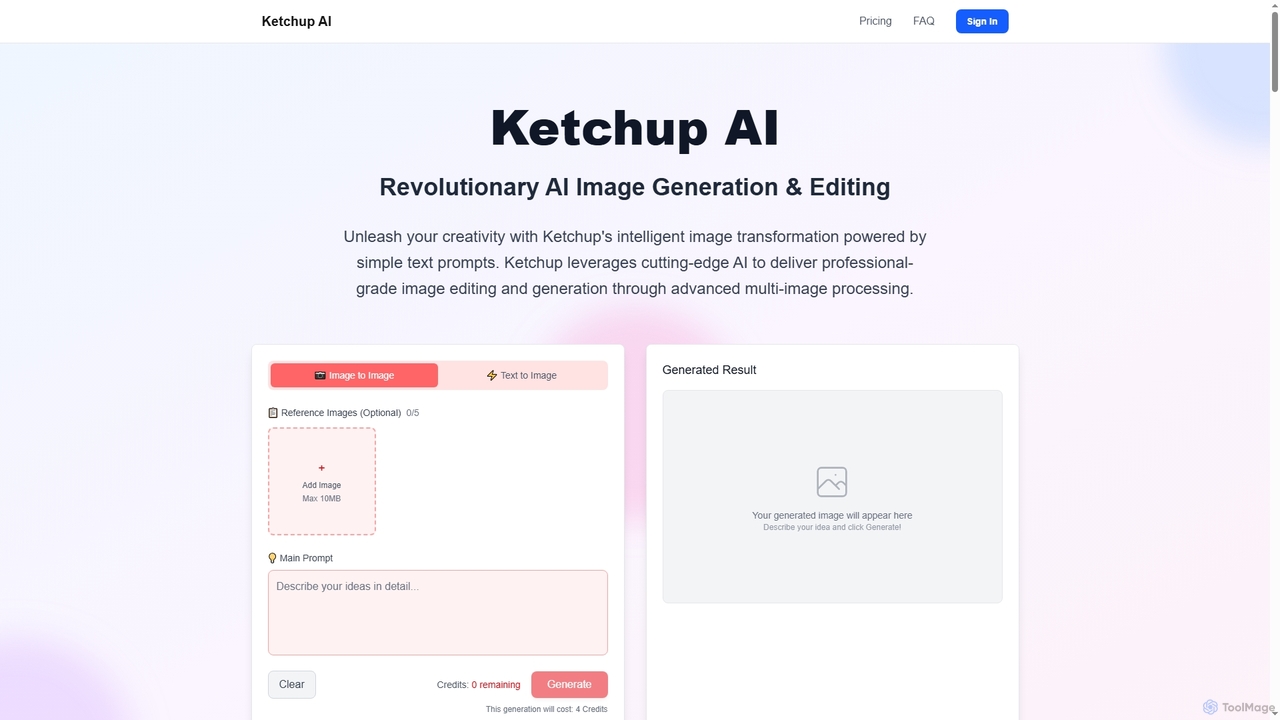
Ketchup AI is a revolutionary AI image generation and editing platform that transforms visual ideas into professional-quality results …

3.8K
PixExtender

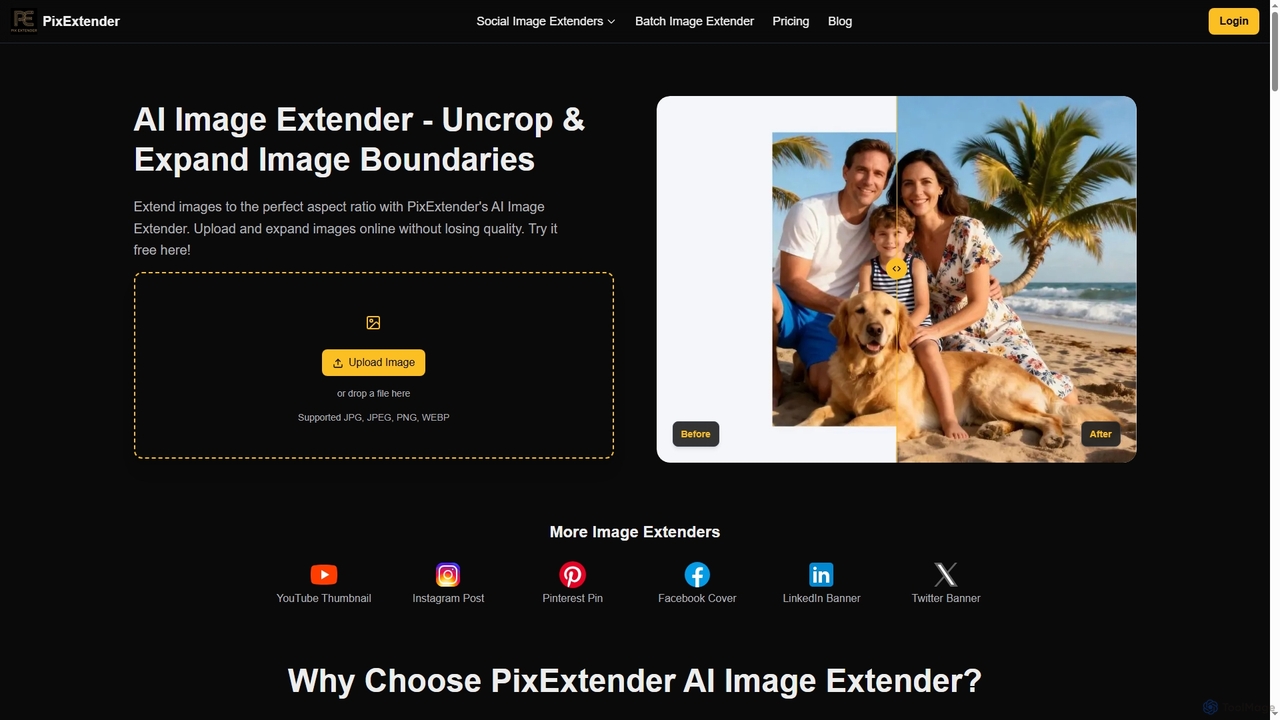
PixExtender

PixExtender is an AI-powered image extender that uses context-aware outpainting to seamlessly expand image boundaries and uncrop photos. …

52.8K
Flux Ai

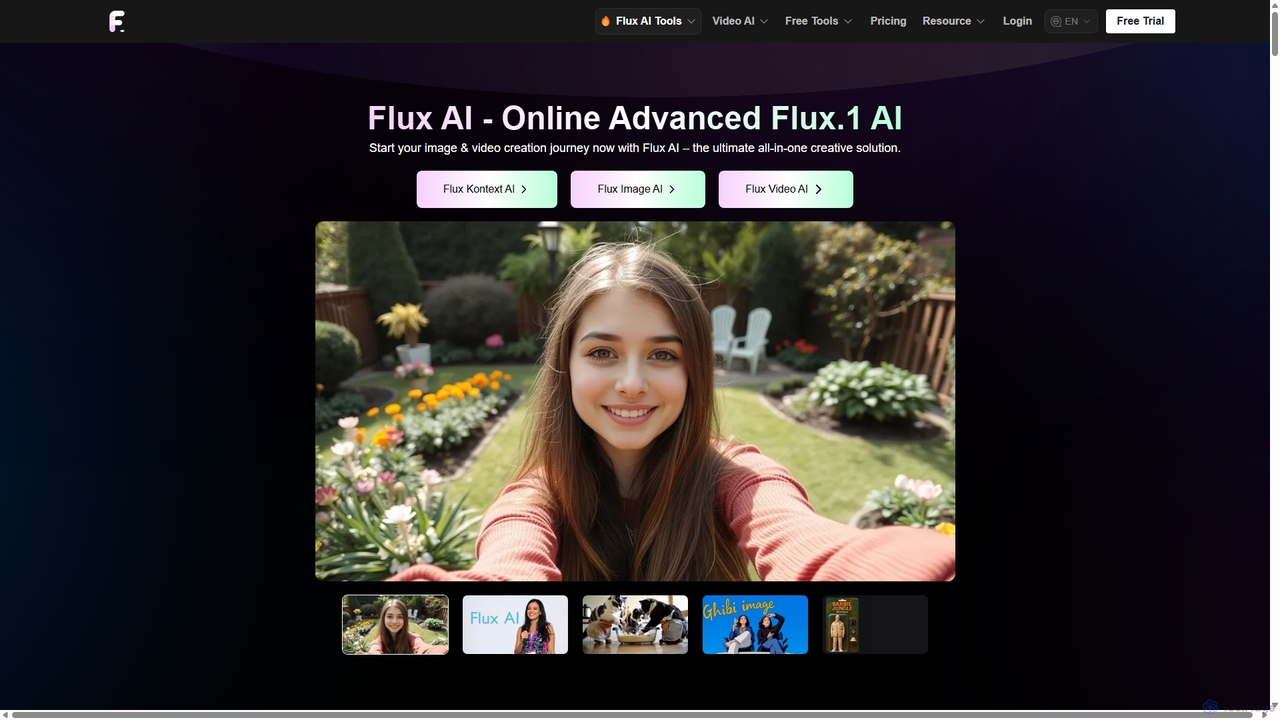
Flux Ai

Flux AI is a comprehensive creative suite for generating and editing high-quality images and videos. It offers a …

316.1K
removal.ai

removal.ai

An AI-powered background remover that instantly erases the background from images for free. It offers high-quality cutouts, batch …

1.7M
WindyBot

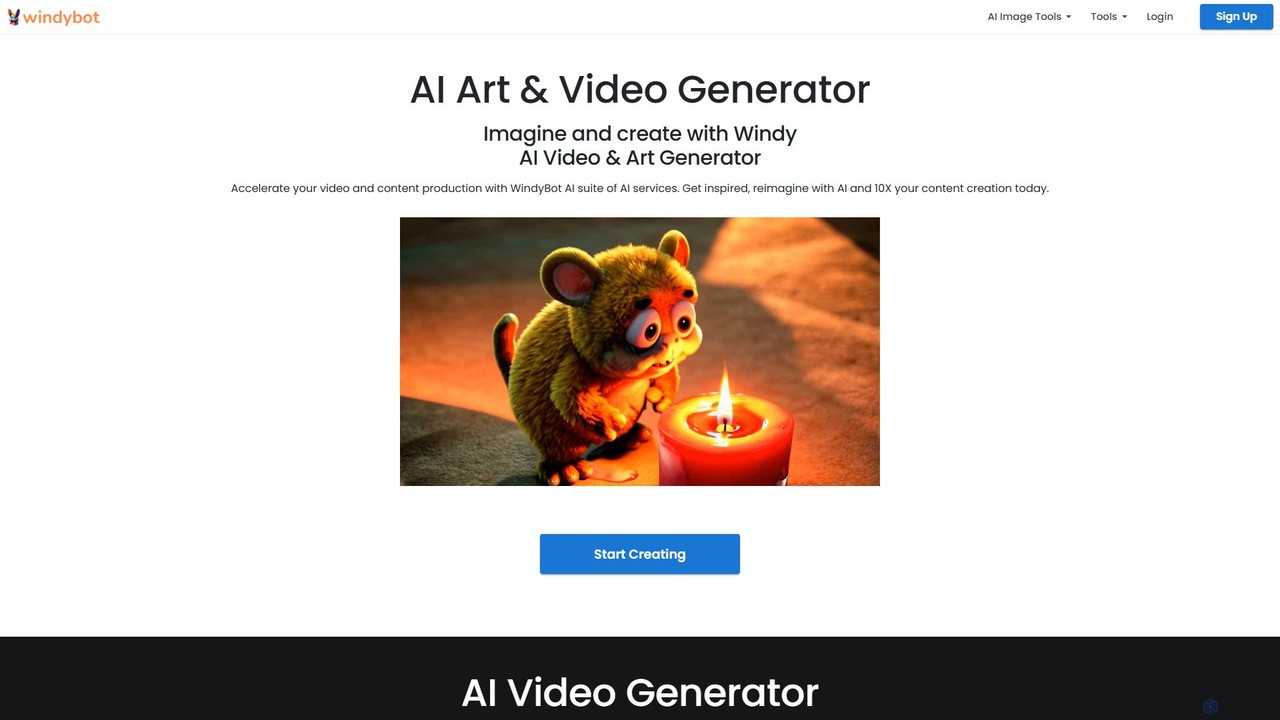
WindyBot

WindyBot is a comprehensive AI suite for creative content generation. It features an AI video and art generator, …

3.0K
Free
Restore Photos

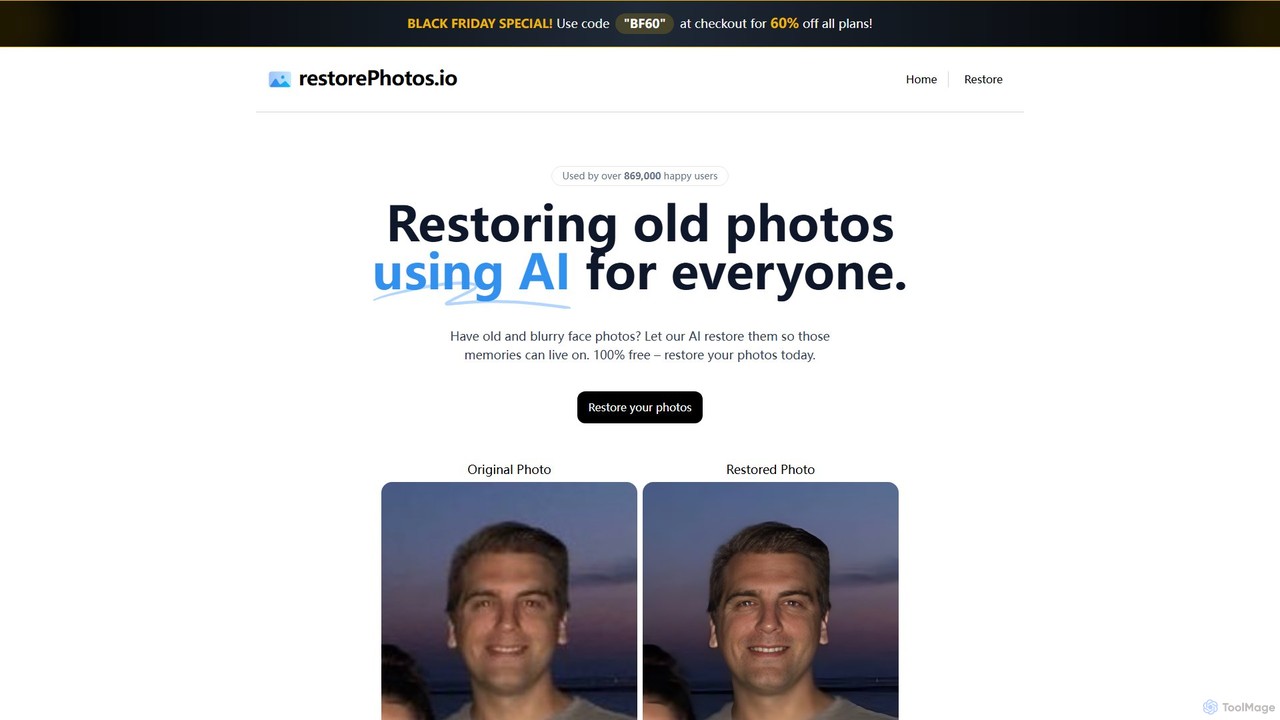
Restore Photos

Restore Photos is a free, AI-powered online tool designed to bring your old memories back to life. It …

3.0K
ARspar

ARspar

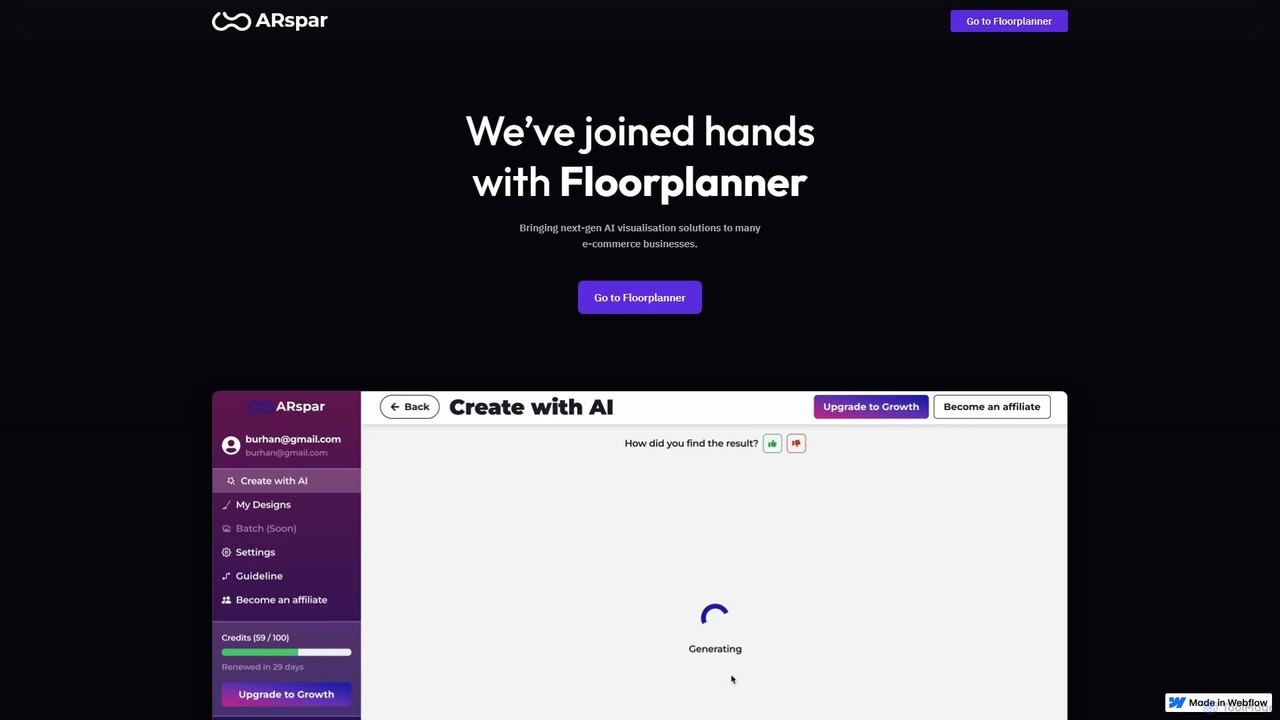
ARspar is an all-in-one AI photo editing and product visual generation platform designed for e-commerce. It empowers businesses …

4.1K

About Photo Editing

AI Photo Editing tools are applications that leverage artificial intelligence to enhance, modify, and optimize images. They utilize advanced algorithms for tasks like object recognition, content-aware filling, and style transfer. These tools significantly streamline the image manipulation process, offering both automated enhancements and creative control. They empower users to achieve professional-grade results with greater speed and efficiency, even without extensive graphic design skills.

Core Features

  • Automated Enhancement: Automatically adjusts exposure, color, contrast, and sharpness for optimal image quality.
  • Background Removal & Replacement: Precisely isolates subjects from backgrounds, allowing for seamless removal or substitution.
  • Object Removal & Retouching: Intelligently erases unwanted elements or imperfections from photos without leaving traces.
  • Style Transfer & Filters: Applies artistic styles or predefined filters to transform the aesthetic of an image.
  • Upscaling & Resolution Enhancement: Increases image resolution and detail, improving clarity for printing or larger displays.

Use Cases

Photographers can quickly batch-process hundreds of images, marketers can create eye-catching visuals for campaigns, and e-commerce businesses can standardize product photos. These tools are invaluable for anyone needing efficient, high-quality image manipulation.

How to Choose

Consider the specific AI features offered, such as advanced retouching or generative fill. Evaluate ease of use and integration with existing workflows or other design software. Check the output quality and resolution capabilities for your intended purpose. Compare pricing models, including subscription tiers and credit-based systems.

Photo EditingUse Cases

1

Batch Process Product Images

E-commerce businesses or online sellers can use AI photo editing tools to automatically remove backgrounds, adjust lighting, and standardize the look of hundreds of product photos. This ensures consistency across product listings and saves significant time compared to manual editing, accelerating product launches and updates.

2

Professional Portrait Retouching

Portrait photographers can leverage AI to quickly smooth skin, whiten teeth, remove blemishes, and enhance facial features in their photos. This allows them to deliver polished, high-quality results to clients without the tedious and time-consuming manual brushwork typically required for such detailed retouching tasks.

3

Generate Social Media Visuals

Social media managers and content creators can utilize AI photo editing to rapidly transform raw images into engaging posts. By applying trending filters, adding text overlays, or resizing for different platforms with AI assistance, they can boost content production speed and maintain a consistent brand aesthetic across various social channels.

4

Restore Old or Damaged Photos

Individuals or archivists can employ AI tools to repair scratches, reduce noise, enhance colors, and sharpen details in old or damaged photographs. This capability allows them to bring cherished memories back to life with minimal effort, preserving historical images that might otherwise be lost due to degradation.

5

Create Marketing Campaign Assets

Marketing teams can use AI photo editing to quickly adapt images for various ad formats, perform content-aware resizing, or even generate variations of a single image to test different visual appeals across campaigns. This accelerates the creation of diverse marketing materials and optimizes visual content for maximum impact.

6

Enhance Real Estate Photography

Real estate agents and architectural photographers can enhance property photos by correcting perspectives, improving lighting in dark areas, removing unwanted objects, and sharpening details. AI tools help make listings more appealing and professional, attracting more potential buyers and showcasing properties in their best light.

Photo EditingFrequently Asked Questions