ToolMage
Sign in

Best 4 Image Generation AI tools for Creative Tools

Popular Image Generation AI tools in Creative Tools include Cosmicup, Ketchup AI, Lumedream, and Antekirt, helping you work more efficiently.

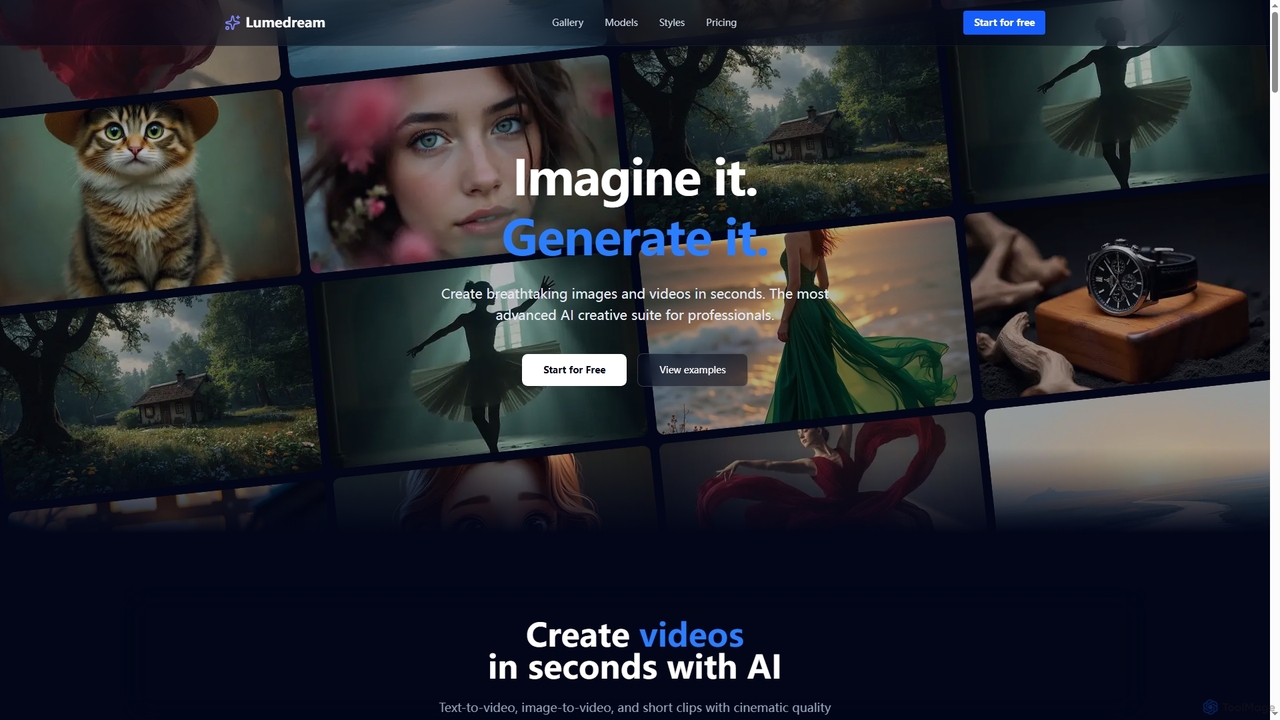
Lumedream
Freemium

Lumedream

Lumedream is an advanced AI creative suite designed for professionals to generate stunning images and videos in seconds. It offers text-to-video, image-to-video, motion graphics, and an AI upscaler, powered by a wide array of modern AI models and hundreds of ready-to-use styles.

Image Generation
Visits 3.6KFavorites 62Likes 49
Cosmicup
Freemium

Cosmicup

Cosmicup is an all-in-one AI platform offering unlimited access to a wide array of advanced AI models like ChatGPT 5, Claude 4.5, Gemini 2.5, and Grok 4 through a single subscription. It streamlines workflows with features including multi-model interaction, code assistance, document analysis, real-time web search, deep research, and AI image generation, eliminating the need for multiple subscriptions.

Multimodal Ai
Visits 17.7KFavorites 90Likes 102
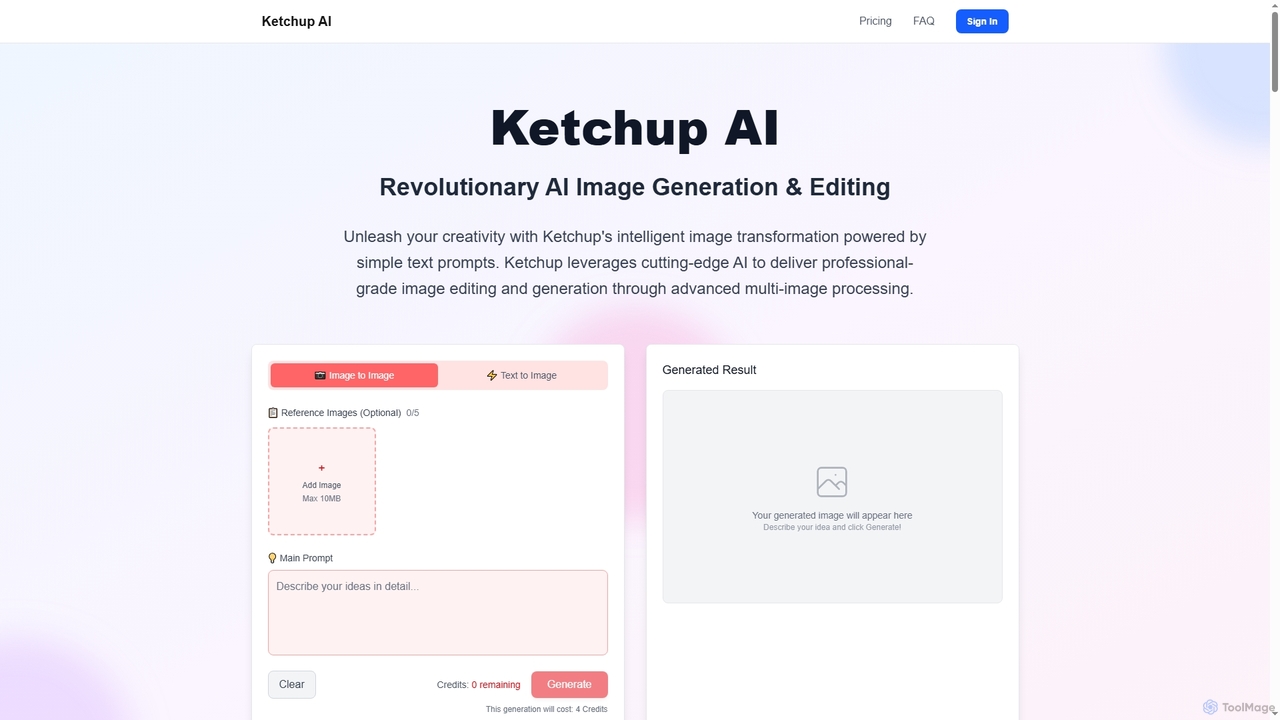
Ketchup AI
Paid

Ketchup AI

Ketchup AI is a revolutionary AI image generation and editing platform that transforms visual ideas into professional-quality results using simple text prompts. It offers advanced multi-image processing, precise modifications, and intelligent context understanding, enabling users to effortlessly change backgrounds, remove text, restore photos, and apply virtual try-ons with unparalleled accuracy and consistency.

Image Generation
Visits 7KFavorites 130Likes 115
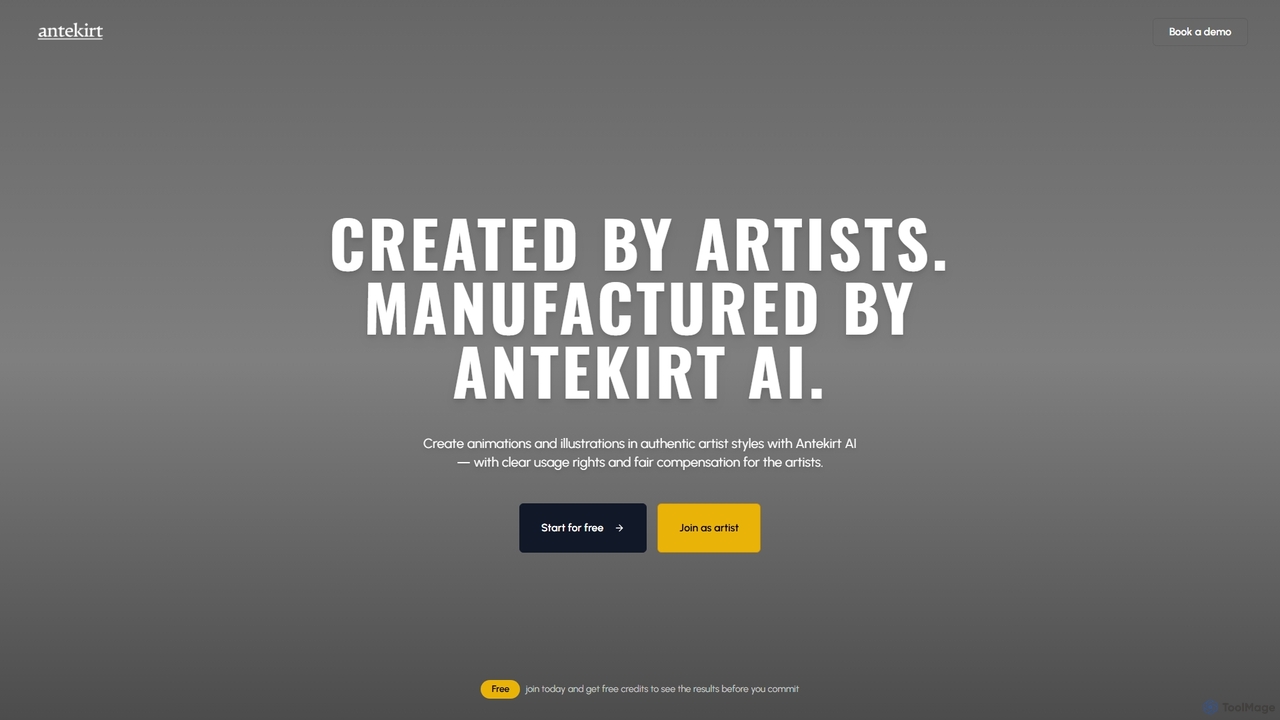
Antekirt
Freemium

Antekirt

Antekirt is an innovative AI tool that empowers users to create unique animations and illustrations in authentic artist styles. It ensures clear usage rights and fair compensation for the contributing artists, blending human creativity with AI efficiency. Users can start for free and receive credits to explore its capabilities.

Ai Animation
Visits 3.6KFavorites 100Likes 106

About Image Generation

Image Generation tools are AI-powered platforms that create new visual content from various inputs, revolutionizing how digital art and media are produced. These tools leverage advanced deep learning models, such as Generative Adversarial Networks (GANs) and Diffusion Models, to transform detailed text descriptions, existing images, or even simple sketches into unique, high-quality graphics. They empower users to rapidly produce diverse visual assets, from realistic photos to abstract art, significantly boosting creative workflows and content production efficiency across numerous industries, making complex visual creation accessible to a broader audience.

Core Features

  • Text-to-Image Synthesis: Generates highly detailed and contextually relevant images directly from descriptive text prompts, allowing users to visualize complex concepts instantly and explore endless creative possibilities.
  • Image-to-Image Transformation: Modifies existing images based on new textual prompts, style references, or structural guidance, enabling sophisticated creative alterations and artistic reinterpretations.
  • Style Transfer: Applies the distinct artistic style of one image, such as a famous painting or a specific aesthetic, to the content of another, creating unique and visually compelling fusions.
  • Inpainting & Outpainting: Intelligently fills in missing or unwanted parts of an image, or seamlessly extends its boundaries beyond the original frame, expanding visual narratives and correcting imperfections.
  • Variations Generation: Produces multiple distinct and creative versions of a single generated image or input, offering a wide array of diverse options for design iteration and selection.

Applicable Scenarios

These tools are indispensable for content creators, digital marketers, graphic designers, game developers, and architects who require high-volume, diverse, and unique visual assets. They streamline the rapid creation of engaging marketing campaign visuals, accelerate concept art development for games and films, facilitate the design of product mockups, and provide endless possibilities for personalized digital content and virtual environments.

How to Choose

When selecting an Image Generation tool, consider the desired output quality and resolution, which can vary significantly between models. Evaluate the flexibility of customization through detailed prompts and adjustable parameters, the generation speed and associated costs, and its integration capabilities with your existing creative software workflows. Additionally, assess the model's ability to understand complex prompts, produce consistent results, and adhere to specific artistic styles or brand guidelines.

Featured tool rankings

Image Generation use cases

1

Generate Diverse Marketing Campaign Visuals

Digital marketers and advertising agencies can leverage image generation tools to quickly produce a wide array of visual assets for campaigns. By inputting text prompts describing target audiences, product features, or campaign themes, they can generate multiple ad creatives, social media banners, and website hero images. This significantly reduces reliance on stock photos and graphic designers, enabling rapid A/B testing and personalized content delivery, ultimately improving campaign performance and engagement.

2

Accelerate Game and Film Concept Art Development

Game artists and film concept designers utilize image generation AI to rapidly iterate on visual ideas for characters, environments, and props. Instead of manual sketching, they can input textual descriptions or rough sketches to generate hundreds of unique concept variations in minutes. This speeds up the pre-production phase, allowing creative teams to explore more design directions, refine their vision faster, and present diverse options to stakeholders, enhancing the overall creative process.

3

Create Engaging Social Media Content Instantly

Social media managers and content creators often need a constant stream of fresh, engaging visuals. Image generation tools allow them to input simple prompts related to trending topics, brand messages, or blog post themes, generating unique images, illustrations, or graphics on demand. This eliminates the need for extensive photo shoots or complex design software, enabling consistent posting schedules, maintaining brand aesthetics, and keeping audiences engaged with novel visual storytelling.

4

Visualize Product Design Variations and Mockups

Product designers and e-commerce businesses can use AI image generation to visualize new product concepts or variations without physical prototypes. By describing material, color, texture, and form, they can generate realistic mockups of products like furniture, apparel, or electronics. This facilitates faster design iterations, helps in market research by presenting diverse options to potential customers, and reduces costs associated with early-stage prototyping, accelerating product development cycles.

5

Produce Personalized Digital Art and Avatars

Individual users and digital artists can create highly personalized digital art, profile pictures, and avatars using image generation tools. By providing self-descriptions, preferred styles, or even personal photos as input, the AI can generate unique artistic renditions or stylized avatars that reflect their identity or creative vision. This offers a novel way for self-expression, enables custom digital collectibles, and provides a fun, accessible entry point into digital art creation for non-designers.

6

Generate Architectural and Interior Design Concepts

Architects and interior designers can leverage image generation AI to quickly visualize initial design concepts for buildings, rooms, or landscapes. By inputting textual descriptions of styles, materials, lighting, and spatial arrangements, they can generate various photorealistic or artistic renderings. This aids in early-stage client presentations, helps explore different aesthetic directions, and provides a rapid way to communicate complex design ideas before detailed CAD work begins, enhancing client collaboration and design exploration.

Image Generation FAQ

What are AI Image Generation tools?

AI Image Generation tools are software applications that use artificial intelligence, specifically deep learning models like GANs (Generative Adversarial Networks) and Diffusion Models, to create new images from scratch. Users typically provide text prompts, existing images, or sketches as input, and the AI interprets these inputs to produce unique visual content. These tools are designed to automate and accelerate the creation of diverse graphics, illustrations, and photorealistic images across various styles and themes.

How do AI Image Generation tools work?

Most AI image generation tools operate by training large neural networks on vast datasets of images and their corresponding descriptions. When a user provides a text prompt, the AI model processes this language input to understand the desired visual elements, styles, and composition. Diffusion models, for instance, start with random noise and iteratively refine it, guided by the text prompt, until a coherent image emerges. This process allows the AI to "imagine" and construct visuals that match the user's instructions.

What's the difference between AI Image Generation and AI Image Editing?

AI Image Generation focuses on creating entirely new images from textual or visual prompts, essentially "imagining" visuals that didn't exist before. It's about creation from nothing or a concept. In contrast, AI Image Editing tools modify existing images. They might perform tasks like background removal, object manipulation, color correction, upscaling, or applying filters to an already existing photograph or graphic. While both use AI for visual tasks, generation is about creation, and editing is about modification.

How do I choose the best AI Image Generation tool for my needs?

To choose the best tool, consider several factors. First, evaluate the quality and style of the generated images – some excel at photorealism, others at artistic styles. Second, assess the ease of use and prompt engineering capabilities; some offer more intuitive interfaces or advanced controls. Third, look at the pricing model, generation speed, and resolution limits. Finally, consider integration options with your existing creative workflow and the community support or available tutorials for learning advanced techniques.

What are the common challenges or limitations of AI Image Generation?

Despite their power, AI image generation tools have limitations. They can sometimes struggle with anatomical accuracy, especially with hands or complex human figures, or misinterpret nuanced prompts, leading to unexpected or nonsensical results. Ethical concerns regarding deepfakes, copyright, and the potential for misuse are also significant. Furthermore, achieving highly specific artistic control often requires extensive prompt engineering skills, and the computational resources can be substantial, impacting speed and cost for high-volume, high-resolution outputs.