ToolMage
Sign in

Best 3 Art Generation AI tools for Creative Tools

Popular Art Generation AI tools in Creative Tools include Monkey AI, Neurona, and AI Sticker Generator, helping you work more efficiently.

Monkey AI

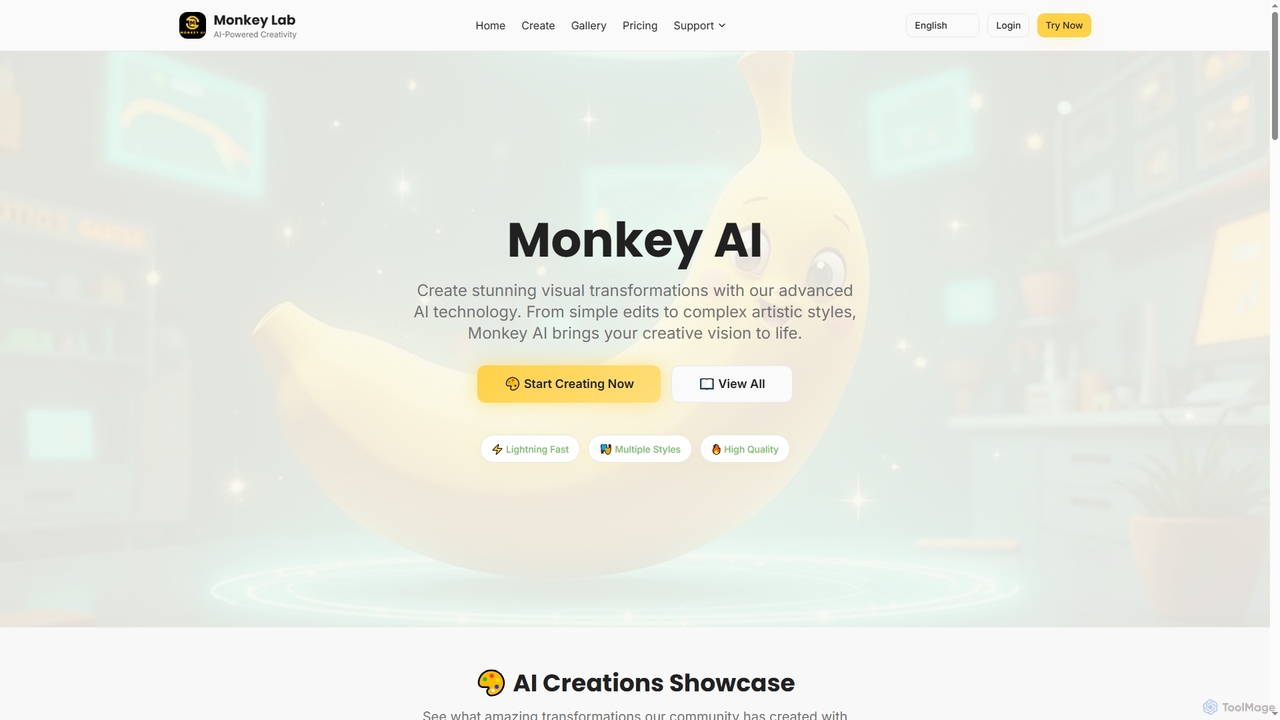
Monkey AI

Monkey AI is an advanced online AI image generator that transforms visual concepts into stunning creations. It offers lightning-fast processing, multiple artistic styles, and high-quality outputs, enabling users to perform complex artistic transformations and simple edits with ease, bringing diverse creative visions to life.

Art Generation
Visits 15.9KFavorites 140Likes 154
AI Sticker Generator
Freemium

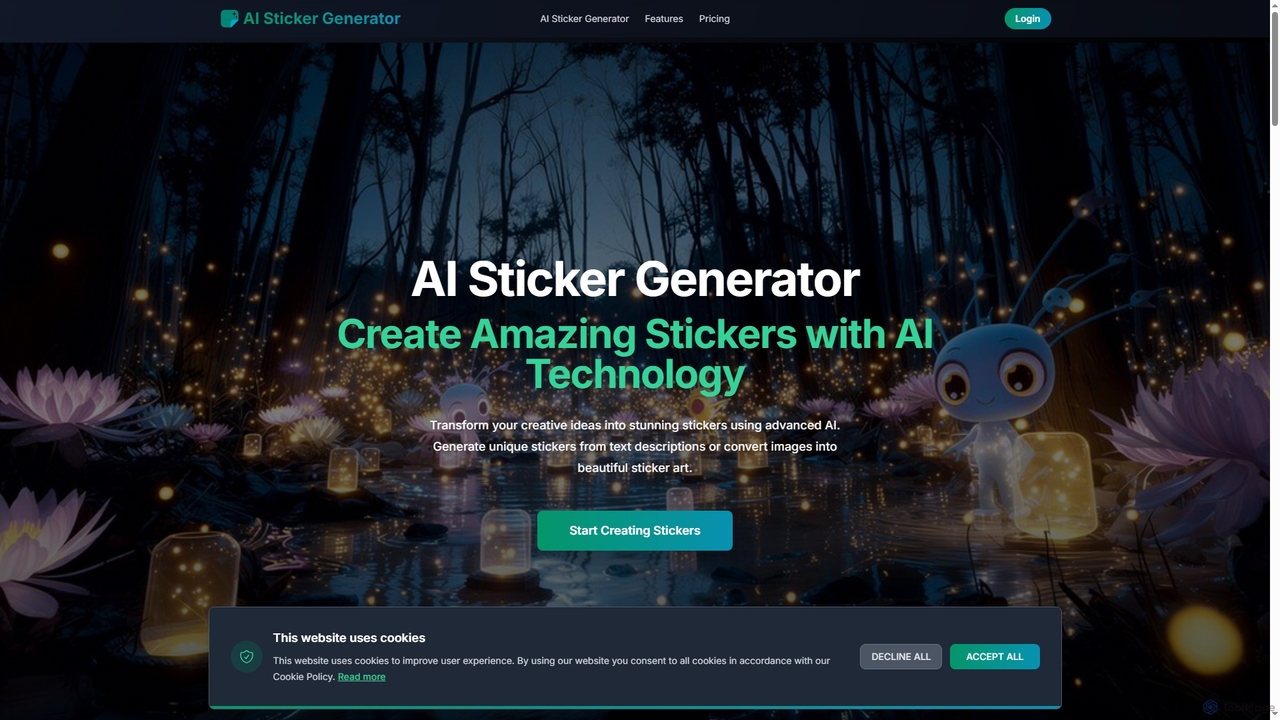
AI Sticker Generator

AI Sticker Generator transforms text descriptions or images into unique, high-quality stickers using advanced AI. Choose from various styles like cartoon, emoji, or line art, and get instant, customizable results with commercial rights. Perfect for social media, messaging, and creative projects, no design skills needed.

Art Generation
Visits 4.2KFavorites 109Likes 107
Neurona
Freemium

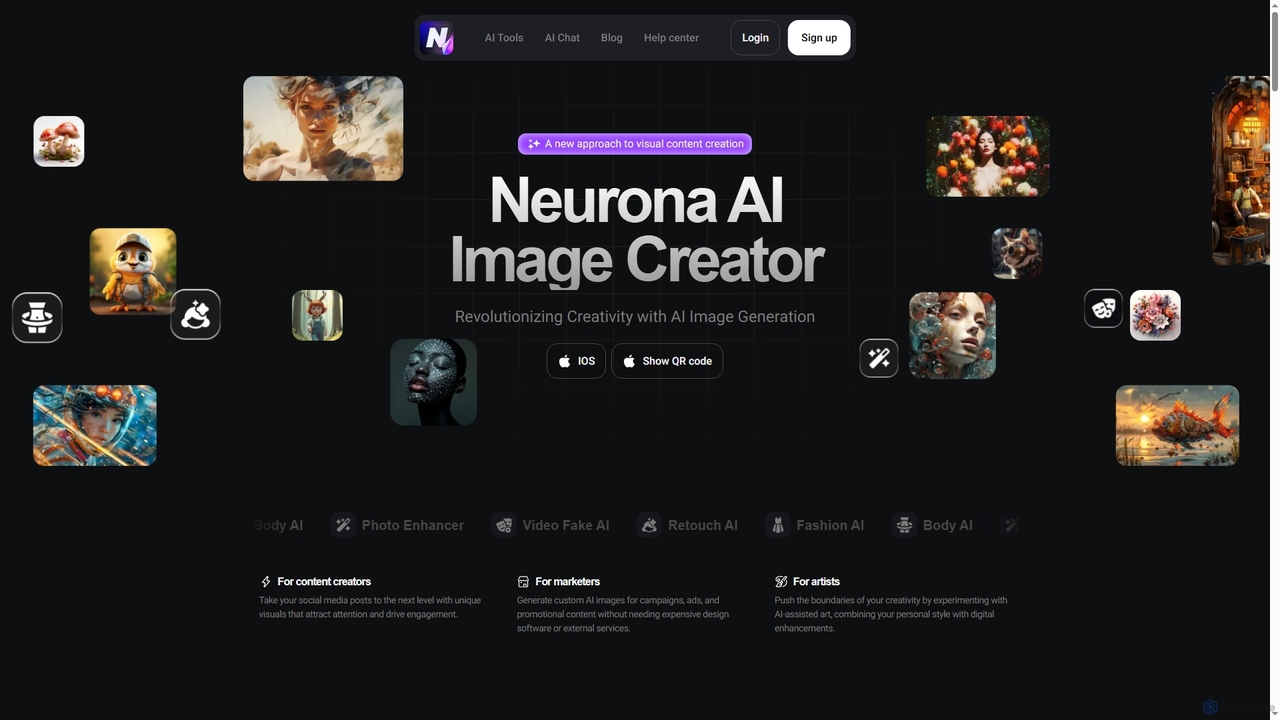
Neurona

Neurona is an AI-powered platform that revolutionizes visual content creation, offering advanced tools for generating high-quality images from text prompts, performing realistic face swaps in photos and videos, enhancing image quality, and professional photo retouching. It's designed for creators, marketers, and artists seeking fast, customizable, and stunning visuals.

Art Generation
Visits 4.3KFavorites 118Likes 109

About Art Generation

AI Art Generation tools are a class of creative software that use artificial intelligence to create novel visual art from textual descriptions or other inputs. These tools leverage generative models, such as diffusion models, to translate natural language prompts into complex and detailed images. This technology empowers artists, designers, and content creators to rapidly prototype ideas, generate unique marketing assets, and explore new aesthetic possibilities. Unlike traditional image editors that modify existing pixels, these tools synthesize entirely new visual content, offering a distinct form of digital creation.

Core Features

  • Text-to-Image Generation: Converts written prompts into detailed, original images.
  • Style Control: Applies specific artistic styles (e.g., impressionism, cyberpunk) or mimics the work of famous artists.
  • Image-to-Image Transformation: Modifies an existing image based on a text prompt, including inpainting and outpainting.
  • Parameter Customization: Allows fine-tuning of aspect ratio, resolution, seed number, and generation steps for precise control.
  • Model Variation: Provides access to different AI models trained for specific aesthetics like photorealism, anime, or abstract art.

Use Cases

AI Art Generation tools are widely used across various creative fields. Digital artists and illustrators use them for concept art and inspiration, quickly exploring different visual directions. Marketing teams create unique visuals for social media campaigns and advertisements, avoiding generic stock photos. Game developers also utilize these tools to generate textures, environments, and character concepts during pre-production.

How to Choose

When selecting an AI Art Generator, consider the model's output quality and its alignment with your desired aesthetic. Evaluate the level of control and customization offered, such as negative prompts and parameter adjustments. It is crucial to understand the commercial usage rights and licensing for the generated images. Finally, compare pricing models, such as credit-based systems versus subscriptions, to find one that suits your usage volume and budget.

Featured tool rankings

Art Generation use cases

1

Creating Concept Art for Game Development

A game designer needs to visualize a new character, a 'cyberpunk druid.' They use an AI Art Generator, inputting prompts like 'cyberpunk druid, neon forest, glowing staff, detailed armor, photorealistic.' The tool generates dozens of visual variations in minutes, allowing the team to quickly iterate on the character's look and feel before committing to expensive 3D modeling. This process saves significant time and resources in the pre-production phase.

2

Generating Unique Marketing Visuals

A social media manager for a sustainable coffee brand needs fresh, eye-catching images for an ad campaign. Instead of using generic stock photos, they use an AI Art Generator with prompts like 'surreal image of a coffee cup growing from a tree in a lush rainforest, morning light, macro shot.' This produces a completely original and on-brand image that stands out in a crowded feed, helping to increase engagement and brand recall without the cost of a custom photoshoot.

3

Designing Album Covers for Musicians

An independent musician wants a unique album cover for their new electronic music release. They use an AI Art Generator to translate the mood of their music into visuals. Prompts like 'abstract soundwaves, cosmic nebula, vibrant colors, glitch art style, 8k resolution' help them explore various abstract concepts. They can generate and refine ideas until they find a cover that perfectly represents their sound, providing a professional-quality result without needing a large budget for a graphic designer.

4

Prototyping Architectural Visualizations

An architect is in the early stages of designing a modern residential building. To quickly communicate their vision to a client, they use an AI Art Generator. They input a simple sketch of the building's form and add a text prompt: 'modern minimalist house, concrete and glass, surrounded by a Japanese garden, sunset lighting.' The tool generates realistic renderings, helping the client visualize the final project and provide feedback much earlier in the design process, accelerating approvals.

5

Illustrating Children's Books

An author writing a children's book needs illustrations but has a limited budget. They use an AI Art Generator with a consistent style prompt, such as 'charming watercolor style, friendly cartoon dragon, whimsical forest.' For each scene, they describe the action, like 'cartoon dragon roasting a marshmallow over a tiny volcano.' This allows them to generate a full set of stylistically consistent illustrations for their story, making professional-quality book creation more accessible.

6

Creating Custom Patterns for Textiles

A fashion designer is developing a new fabric collection and wants to create unique, seamless patterns. They use an AI Art Generator with prompts like 'seamless pattern, art deco floral design, gold and emerald green, intricate lines.' The tool can generate endless variations, allowing the designer to explore novel concepts that would be time-consuming to draw by hand. They can then select the best outputs to be printed on fabric, creating a truly original textile line.

Art Generation FAQ

What is AI Art Generation?

AI Art Generation refers to the use of artificial intelligence tools to create new images from text descriptions or other inputs. These tools employ complex models, like diffusion or GANs, to synthesize visual content that did not exist before. Unlike photo editors that modify existing images, art generators create original works, enabling users to produce everything from photorealistic scenes to abstract art simply by describing what they want to see.

How do I choose the right AI Art Generator?

Choosing the right tool depends on your needs. Consider these factors:

  • Artistic Style: Does the generator excel at the style you need (e.g., photorealism, anime, fantasy)? Review its gallery or community creations.
  • Control Features: Look for tools with advanced options like negative prompts, image-to-image editing, and parameter tuning for more precise results.
  • Ease of Use: Some tools are beginner-friendly, while others offer a steeper learning curve with more powerful features.
  • Pricing: Compare subscription plans, pay-per-image credits, and free tiers to find what fits your budget and usage.
  • Commercial Rights: Always check the terms of service to ensure you can use the generated images for your intended purpose.
What's the difference between AI Art Generators and AI Image Editors?

The key difference is creation versus modification. AI Art Generators create entirely new images from scratch based on prompts. They synthesize pixels to form an original piece of art. In contrast, AI Image Editors, a broader category of creative tools, use AI to enhance or alter existing images. For example, an editor might remove an object, upscale resolution, or apply a filter to a photo you provide. Generators are for synthesis; editors are for refinement and manipulation of pre-existing visuals.

Can I use AI-generated art for commercial projects?

This depends entirely on the terms of service of the specific AI Art Generator you use. Many platforms offer paid subscription tiers that grant commercial usage rights for the images you create. However, free tiers often restrict use to personal projects only. The legal landscape around AI art copyright is also evolving. Always read the licensing agreement carefully before using generated art for business, marketing, or any for-profit activity to ensure compliance and avoid potential legal issues.

How do I write effective prompts for AI Art Generation?

Writing good prompts is a skill. Start with a clear subject, then add descriptive details about the style, composition, lighting, and mood. Be specific. Instead of 'a dog,' try 'a photorealistic golden retriever puppy sitting in a sunlit meadow, detailed fur, soft lighting.' Use commas to separate concepts and add weight to certain terms if the tool allows. Experiment with adding artist names ('in the style of Van Gogh'), art movements ('impressionism'), or technical terms ('4k resolution,' 'cinematic lighting') to guide the AI toward your desired output.