ToolMage
Sign in

Best 5 Animation AI tools for Creative Tools

Popular Animation AI tools in Creative Tools include Joyfun, Bunnie AI, Motion Control AI, Sora2Video, and Sora2 Video Generator, helping you work more efficiently.

Motion Control AI
Paid

Motion Control AI

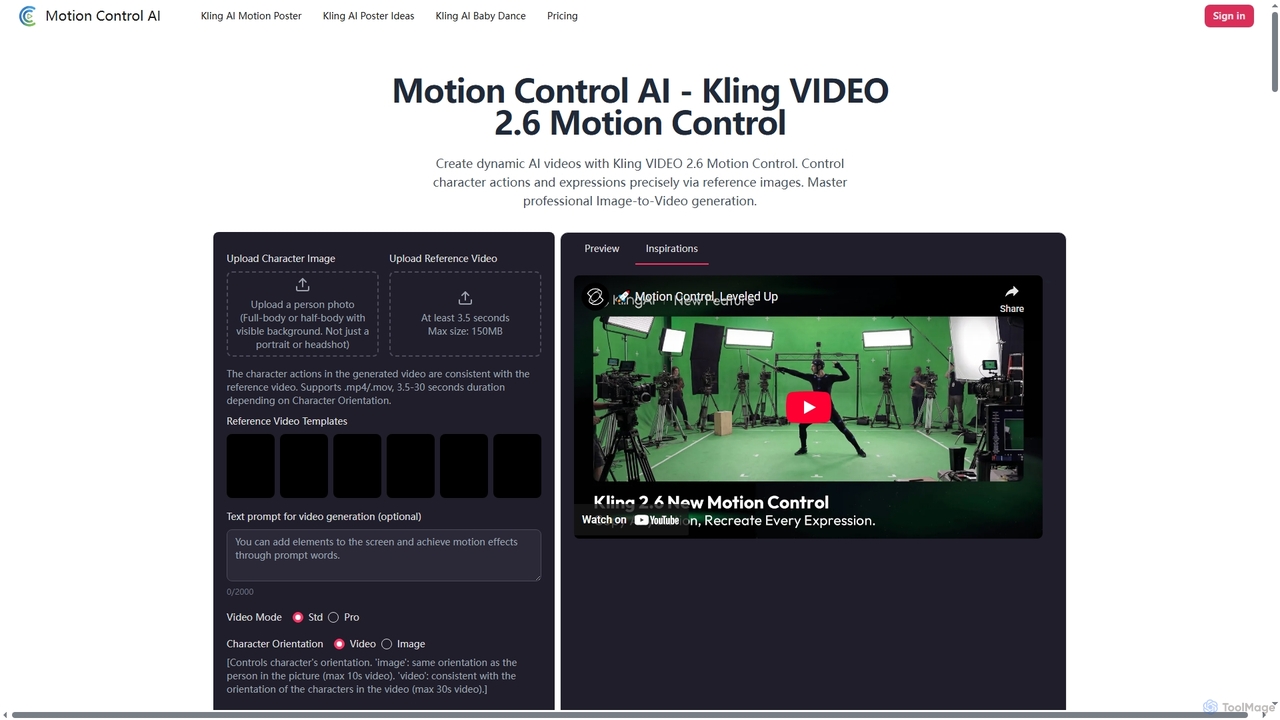
Motion Control AI, powered by Kling 2.6, transforms static images into dynamic, high-fidelity videos. It offers precise control over character actions, expressions, and camera movements using reference images and text prompts, enabling professional-grade image-to-video generation for various creative and commercial applications.

3D
Visits 4.6KFavorites 8Likes 4
Sora2Video
Freemium

Sora2Video

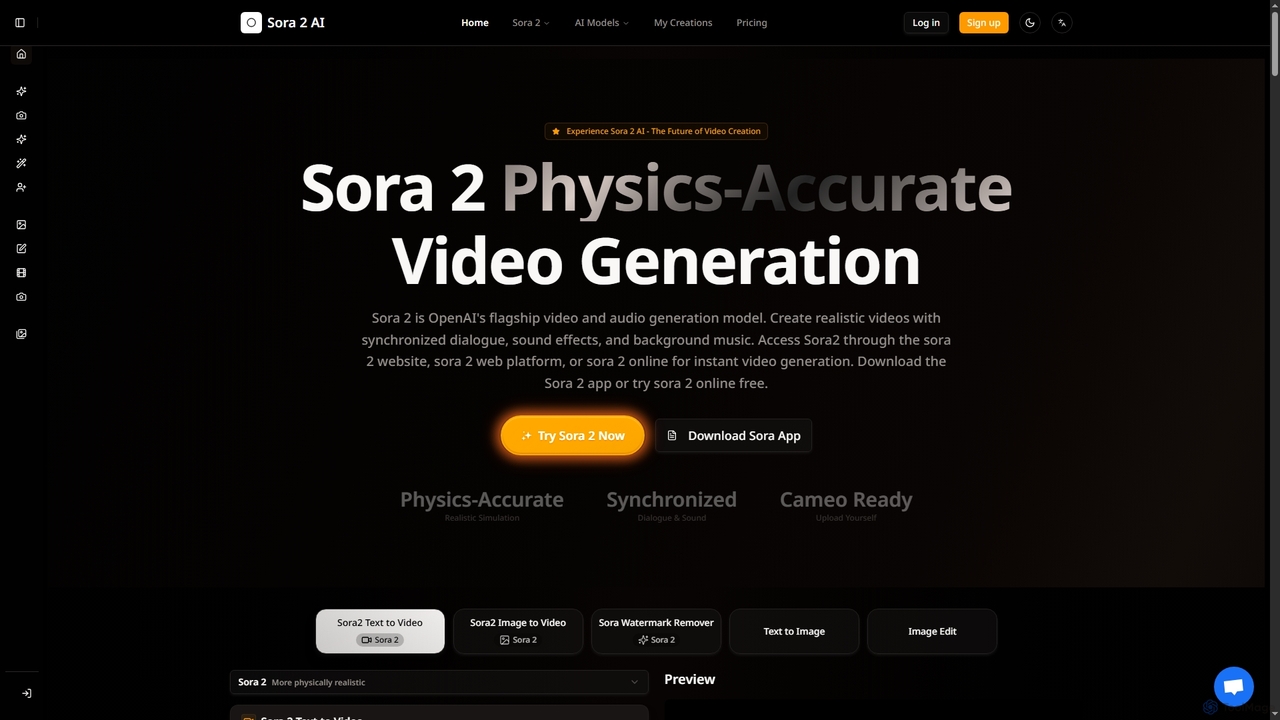
Sora2Video is OpenAI's advanced AI video generation model, creating physics-accurate videos with synchronized audio, realistic simulations, and a revolutionary cameo feature. It transforms text and images into high-quality cinematic or anime-style content, accessible via web or iOS app.

3D
Visits 4.1KFavorites 122Likes 111
Bunnie AI
Freemium

Bunnie AI

Bunnie AI is an advanced AI video generator that transforms photos into dynamic, ready-to-share videos using a vast library of over 1000 templates. It offers next-gen motion effects, body shaping, and AI clothes changing features, designed for quick, high-quality content creation without complex editing, making professional video creation accessible to everyone.

3D
Visits 17.6KFavorites 92Likes 87
Joyfun
Free

Joyfun

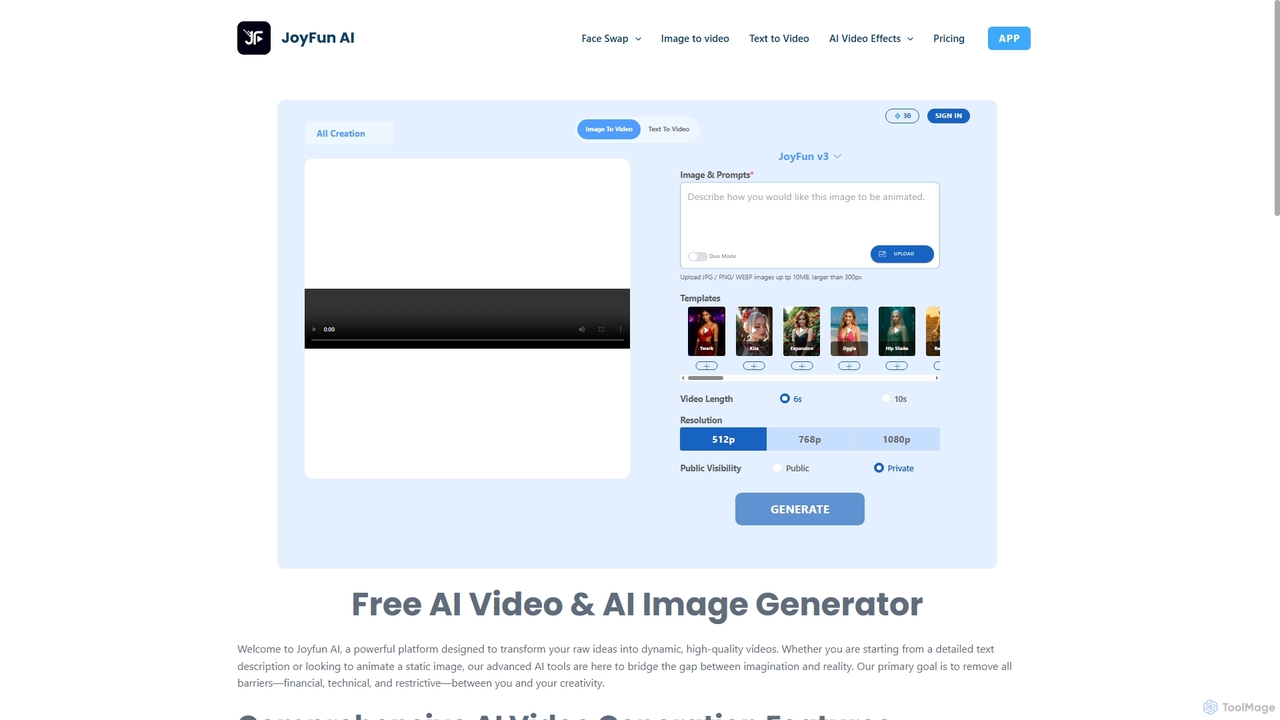
Joyfun is a powerful, free, and unlimited AI platform for generating high-quality videos from text or images, and performing advanced face swaps in both photos and videos. It integrates a vast library of top-tier AI models, offering unparalleled creative freedom without requiring sign-ups or subscriptions.

Animation
Visits 1.8MFavorites 70Likes 71
Sora2 Video Generator
Freemium

Sora2 Video Generator

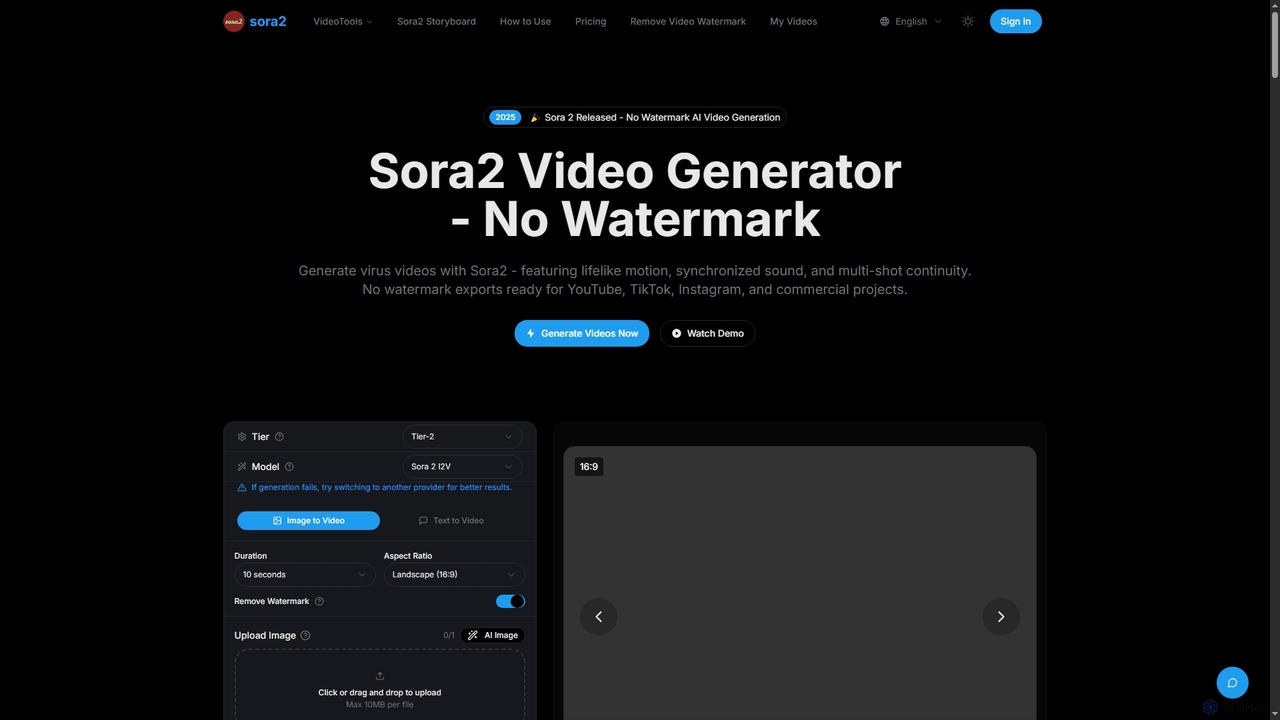
Sora2 Video Generator is an advanced AI tool for creating professional videos from text prompts and images. It features breakthrough physics simulation, synchronized audio, and multi-shot continuity, enabling users to generate high-quality, watermark-free videos for social media, marketing, and cinematic projects.

3D
Visits 3.5KFavorites 125Likes 129

About Animation

AI Animation tools are a class of software that uses artificial intelligence to generate or simplify the creation of animated content. These tools leverage generative models and machine learning to transform text, images, or audio into dynamic motion. They significantly lower the barrier to entry for animation, enabling users without technical expertise to produce engaging videos and visual effects. This makes them valuable for rapid content creation in marketing, education, and entertainment.

Core Features

  • Text/Image to Animation: Generates animated sequences from simple text prompts or static images.
  • AI Motion Capture: Extracts human movement from standard video and applies it to 2D or 3D characters.
  • Automated Lip-Sync: Automatically synchronizes character mouth movements to an audio track.
  • Style Transfer: Applies the visual style of a source image or video to the entire animation.
  • Scene Generation: Creates entire animated scenes, including characters and backgrounds, based on descriptions.

Use Cases

These tools are widely used by marketers for creating social media ads, educators for developing explainer videos, and content creators for producing animated stories or virtual avatars. They are also valuable in pre-production for film and games to quickly prototype character movements and scenes.

How to Choose

When selecting an AI Animation tool, consider the desired output style (2D, 3D, realistic, cartoon), the input formats it supports (text, image, audio, video), and its ease of use. Also, evaluate the available export options (resolution, format) and the pricing model, whether it's subscription-based or pay-per-use.

Featured tool rankings

Animation use cases

1

Create Animated Social Media Ads

A social media manager for a small e-commerce brand needs to produce engaging video ads quickly without a large budget. Using an AI animation tool, they can input a product image and a short promotional text. The tool automatically animates the product, adds dynamic text effects, and generates a short, eye-catching video clip formatted for platforms like Instagram or TikTok. This process reduces production time from days to minutes, allowing for rapid A/B testing of different ad creatives.

2

Develop Animated Explainer Videos

An instructional designer is tasked with creating a training module on a complex technical process. To make the content more digestible, they use an AI animation tool. By providing a script, the tool generates a character-driven animation where a virtual instructor explains the process step-by-step. The AI handles character movement, lip-syncing with the voiceover, and generates simple background scenes, transforming a dry script into an engaging and easy-to-understand educational video.

3

Animate a Static Avatar for Content Creation

A podcaster wants to expand their content to YouTube but is not comfortable appearing on camera. They use an AI animation tool to bring their podcast's logo or a custom avatar to life. By uploading an audio file of their podcast episode, the tool animates the avatar's mouth to match the speech perfectly. It can also add subtle movements like head nods and blinks to make the avatar appear more natural and engaging, creating a 'vodcast' (video podcast) with minimal effort.

4

Prototype Character Movements for Games

A game developer in the early stages of creating a new character needs to visualize its movements quickly. Instead of spending hours manually rigging and animating, they film themselves performing basic actions like walking, jumping, and gesturing. They upload this video to an AI motion capture tool, which extracts the motion data and applies it to their 3D character model. This allows for rapid prototyping and iteration of character animations, saving significant time in the pre-production phase.

5

Generate Animated Storyboards from a Script

A film director or writer wants to visualize a scene before committing to expensive production. They input a portion of their script into a text-to-animation tool. The AI interprets the scene descriptions, character actions, and dialogue to generate a simple animated storyboard or 'animatic'. This provides a dynamic preview of the scene's pacing, camera angles, and character blocking, helping the creative team make decisions and refinements much earlier in the production process.

6

Turn Family Photos into Animated Clips

For personal enjoyment or sharing on social media, a user wants to create a fun video from old family photos. They upload a static portrait to an AI animation tool. The tool identifies facial features and animates the person in the photo to smile, blink, or look around. Some tools can even make the person in the photo appear to sing along to a selected audio track. This creates a surprising and often humorous short video, perfect for sharing with family and friends for special occasions like birthdays or anniversaries.

Animation FAQ

What are AI Animation tools?

AI Animation tools are applications that use artificial intelligence to automate complex animation tasks. Unlike traditional software that requires manual frame-by-frame work, these tools can generate motion, characters, and scenes from simple inputs like text, images, or audio. Key features often include automated lip-syncing, AI-driven motion capture from video, and style transfer. They are designed to make animation faster and more accessible to creators, marketers, and educators.

How do I choose the right AI Animation tool?

To choose the right tool, first define your goal. Consider the following factors:

  • Input Type: Do you want to animate from text, an image, a video, or audio? Choose a tool that specializes in your primary input format.
  • Output Style: Are you looking for realistic 3D, 2D cartoons, or simple motion graphics? Each tool has its own aesthetic strengths.
  • Ease of Use: Some tools are designed for beginners with one-click interfaces, while others offer more control for experienced users.
  • Export Options: Check if the tool can export in the format (e.g., MP4, GIF) and resolution you need for your project.
  • Pricing: Compare subscription plans, credit-based systems, or free tiers to find what fits your budget and usage frequency.
What's the difference between AI Animation and traditional animation software?

The main difference lies in the creation process. Traditional animation software (like Adobe After Effects or Blender) requires manual control over every element. Animators must create keyframes, rig characters, and adjust timelines by hand, which demands significant skill and time. AI Animation tools automate many of these steps. Instead of manual keyframing, you provide a prompt (text, image, video), and the AI generates the motion. This makes AI tools much faster for specific tasks and more accessible to non-animators, while traditional software offers greater creative control and precision for professional productions.

What kind of animations can I create with AI tools?

AI animation tools are versatile and can create a wide range of content. Common outputs include:

  • Short Video Clips: Ideal for social media posts, ads, and memes, often generated from a single image or text prompt.
  • Talking Avatars: Animating a character or portrait to speak along with an audio track, used in presentations and video podcasts.
  • Explainer Videos: Simple character-based animations to illustrate concepts or processes for educational or marketing purposes.
  • Motion Capture Prototypes: Applying real-world human motion from a video to a 3D model for game and film pre-visualization.
  • Abstract Visuals: Generating dynamic, abstract motion graphics based on text descriptions or music.

While they excel at automating specific tasks, they may not be suited for creating feature-length films with complex narratives entirely on their own yet.

Do I need animation skills to use AI Animation tools?

Generally, no. One of the primary advantages of AI Animation tools is their accessibility. Most are designed with user-friendly interfaces that allow individuals without a background in animation, 3D modeling, or video editing to create animated content. The process often involves simple actions like typing text, uploading an image, or recording a short video. While professional animators can use these tools to speed up their workflow (for example, by creating quick prototypes), the core audience is often beginners and those in other fields, like marketing or education, who need animation without the steep learning curve.