

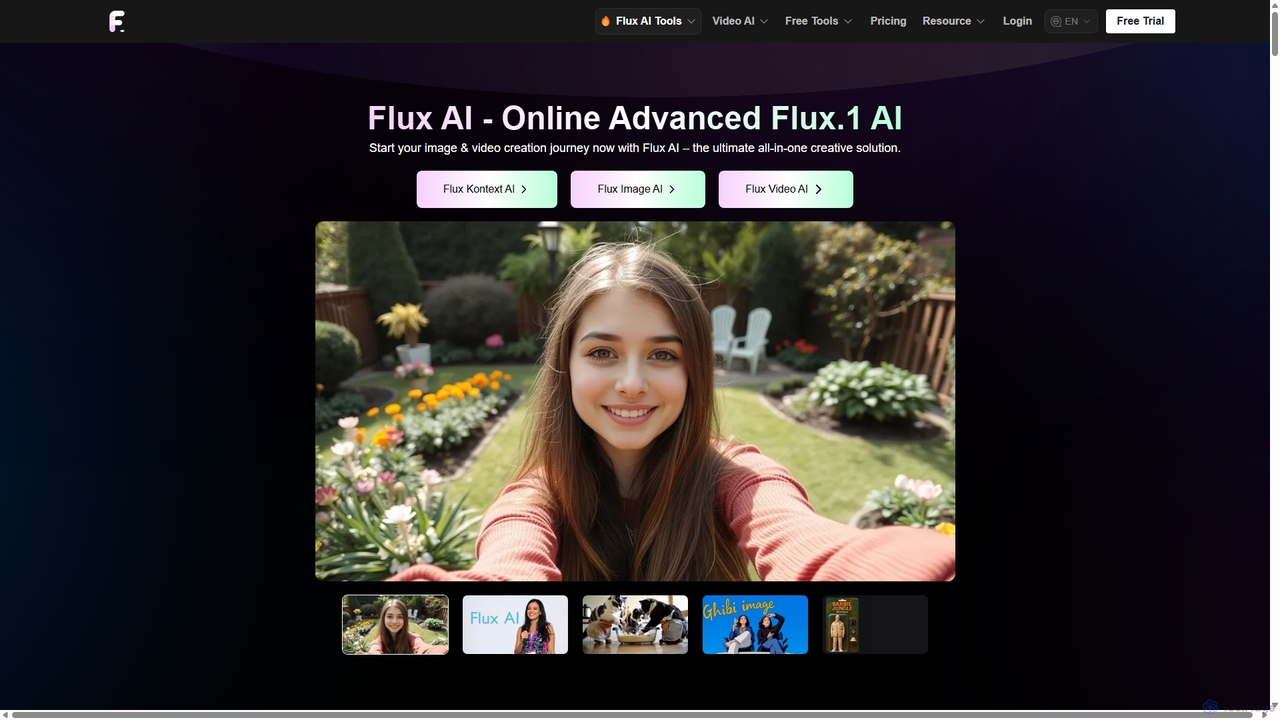
Flux Ai Overview
Flux AI is a comprehensive and versatile all-in-one creative suite designed to empower users in generating and editing stunning visual content. It serves as a centralized hub for a wide array of advanced AI models, including its proprietary Flux.1 series developed by Black Forest Labs, as well as state-of-the-art models like Google's VEO3 and Kling 2.1. This platform caters to a broad spectrum of users, from beginners and hobbyists to professional designers, marketers, and developers, by offering a seamless workflow for creating high-quality images and captivating videos from simple text prompts or existing media.
The core of Flux AI lies in its powerful generation capabilities. Users can leverage text-to-image, image-to-image, text-to-video, and image-to-video technologies to bring their creative visions to life. The platform's unique strength is its integration of multiple specialized models, each tailored for different needs—from the lightning-fast 'Schnell' model for rapid prototyping to the 'Kontext Max' model for ultra-photorealistic rendering and flawless typography. This variety ensures that whether the goal is creating concept art, marketing visuals, or e-commerce product photography, there is a perfect tool for the job.
How to use Flux Ai
Getting started with Flux AI is straightforward and accessible for all skill levels. Here’s a typical workflow:
- Sign Up and Get Credits: Create a free account on the Flux AI website. New users receive a starting bonus of 40 credits, with an additional 20 credits available through daily check-ins, allowing you to explore the platform's features immediately.
- Choose Your Tool: Navigate the user-friendly dashboard to select the desired function. Options include the Flux AI Image Generator, Flux AI Video Generator, the powerful Flux Kontext for editing, or one of the many specialized tools like the AI Avatar Generator or Old Photo Restorer.
- Provide Your Input:
- For Text-to-Image/Video: Write a detailed descriptive prompt in the input field. The more specific your description (e.g., including style, lighting, camera angles), the better the result. Select the AI model you wish to use (e.g., Flux.1 Pro, Krea, VEO3).
- For Image-to-Image/Video: Upload your source image. Provide a text prompt to guide the transformation or animation.
- For Image Editing: Use Flux Kontext by uploading your photo and describing the desired changes in natural language, such as "change the background to a sandy beach" or "make the lighting warmer."
- Generate and Refine: Click the generate button. The AI will process your request and produce the visual content. You can then download the result or refine it by adjusting the prompt and generating new variations until you are satisfied.
Core Features of Flux Ai
- Multi-Model Image Generation: Access a diverse suite of text-to-image models, including the open-source Flux.1 Krea, the professional-grade Flux.1 Kontext Pro for superior prompt adherence and photorealism, and the rapid Flux.1 Schnell.
- Advanced Video Generation: Create high-quality videos from text or images using leading models like Google VEO3, Kling 2.1, and Seedance. Supports various formats and lengths.
- Flux Kontext AI Editor: A powerful, context-aware image editor that allows for seamless modifications, background changes, object removal, and style adjustments while preserving key details.
- Specialized Creative Tools: A wide range of purpose-built tools including an AI Headshot Generator, Virtual Try-On for fashion, Old Photo Restorer, AI Haircut Styler, and fun generators for Ghibli-style art, action figures, and more.
- Product Photography Suite: Dedicated features for creating professional, studio-grade e-commerce product photos from scratch or by enhancing existing images.
- Developer and Open-Source Support: Provides open-weight models like Flux.1 Dev and Flux.1 Krea, along with LoRA support, giving developers flexibility and customization options.
- Free Utility Tools: Offers a collection of free tools such as a Background Remover, Image Upscaler, Image to Prompt generator, and an Image Describer to enhance the creative workflow.
Use Cases for Flux Ai
Flux AI's versatility makes it suitable for numerous professional and personal applications:
- Marketing and Advertising: Create unique visuals for social media campaigns, digital ads, and website banners without the need for expensive photoshoots.
- E-commerce: Generate consistent, high-quality product photography for online stores, place products in various lifestyle settings, and create promotional videos.
- Content Creation: Illustrate blog posts, generate custom thumbnails for YouTube videos, and create animated sequences for digital storytelling.
- Design and Art: Develop concept art for games and films, explore different artistic styles, and create character designs or intricate digital art pieces.
- Personal Projects: Design custom avatars, restore old family photos, create personalized art, or experiment with fun video effects like AI Kissing or Kung Fu animations.
Advantages of Flux Ai
Flux AI stands out in the crowded field of generative AI tools due to several key advantages:
- All-in-One Platform: It consolidates image generation, video creation, and advanced editing into a single, cohesive interface, eliminating the need to switch between multiple tools.
- Access to Premier Models: By integrating not only its own powerful models but also top-tier third-party models, Flux AI ensures users always have access to the latest and greatest technology.
- Superior Quality and Control: The models are fine-tuned for high prompt adherence, realistic rendering of human features (especially hands), and excellent typography.
- Generous Freemium Model: The free plan with daily credits allows users to extensively test the platform's capabilities before committing to a paid subscription.
- Scalability for Professionals: With private generation queues, commercial rights, and large credit bundles in its paid plans, Flux AI is built to support professional workflows and commercial projects.
Pricing and Plans
Flux AI operates on a freemium, credit-based model, offering flexibility for different usage levels.
- Free Plan: $0/month. Includes 40 initial credits for new users and 20 daily check-in credits. Provides access to select models (Flux.1 Schnell & Dev) and 50 daily uses of free AI tools. Generations are in a shared queue.
- Standard Plan: $9.99/month. Provides 5,000 credits per month, access to all premium features and models, a fast generation queue, private generations, and commercial rights.
- Popular Plan: $19.99/month. Includes 13,000 credits per month with all the benefits of the Standard plan.
- Professional Plan: $29.99/month. Offers a substantial 21,000 credits per month for heavy users, along with all premium features.
- Credit Costs: The number of credits consumed varies by the complexity and model used. For example, a simple image might cost 10 credits, while a high-quality 10-second video could use 2,000 credits or more. One-time credit packs are also available for purchase.
Traffic
Latest traffic
Status
Monthly traffic trend
- 2025-9: 1.5M
- 2026-1: 772.9K
- 2026-2: 741.1K
- 2026-3: 600.0K
- 2026-4: 313.1K
- 2026-5: 124.8K
Geography
Top 5 countries / regions
- 🇺🇸United States32.8%
- 🇧🇷Brazil24.8%
- 🇻🇳Vietnam18.8%
- 🇰🇷South Korea12.3%
- 🇫🇷France11.3%
Traffic sources
| Source type | Percentage |
|---|---|
Direct | 87.5% |
Referral | 11.6% |
Email | 0.9% |
Top keywords
| Keyword | Cost per click |
|---|---|
| flux | $0.81 |
| flux ai | $0.81 |
| higgsfield ai | $0.39 |
| krea ai | $0.33 |
| recraft | $0.42 |
Flux Ai Videos on YouTube


Amir Tutorial
Tinkr | Reviews & Guides

Thrive Media


Steven Digital
Flux Ai Alternatives
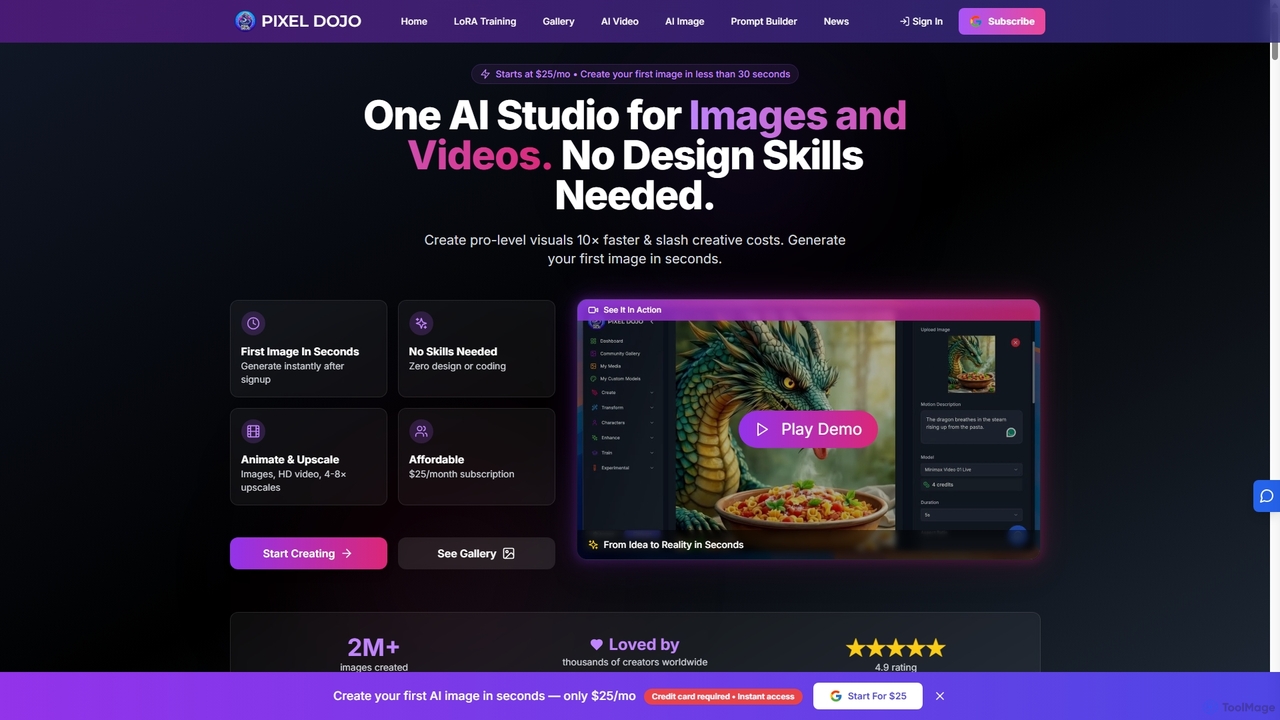
Pixeldojo
Pixel Dojo is an all-in-one AI creative studio for generating professional-quality images and videos. It offers over 67 tools, including text-to-image, text-to-video, image upscaling, and custom LoRA model training. Designed for creators and businesses of all skill levels, it streamlines content creation, reduces costs, and accelerates visual production tenfold without requiring any design skills.
Art Generation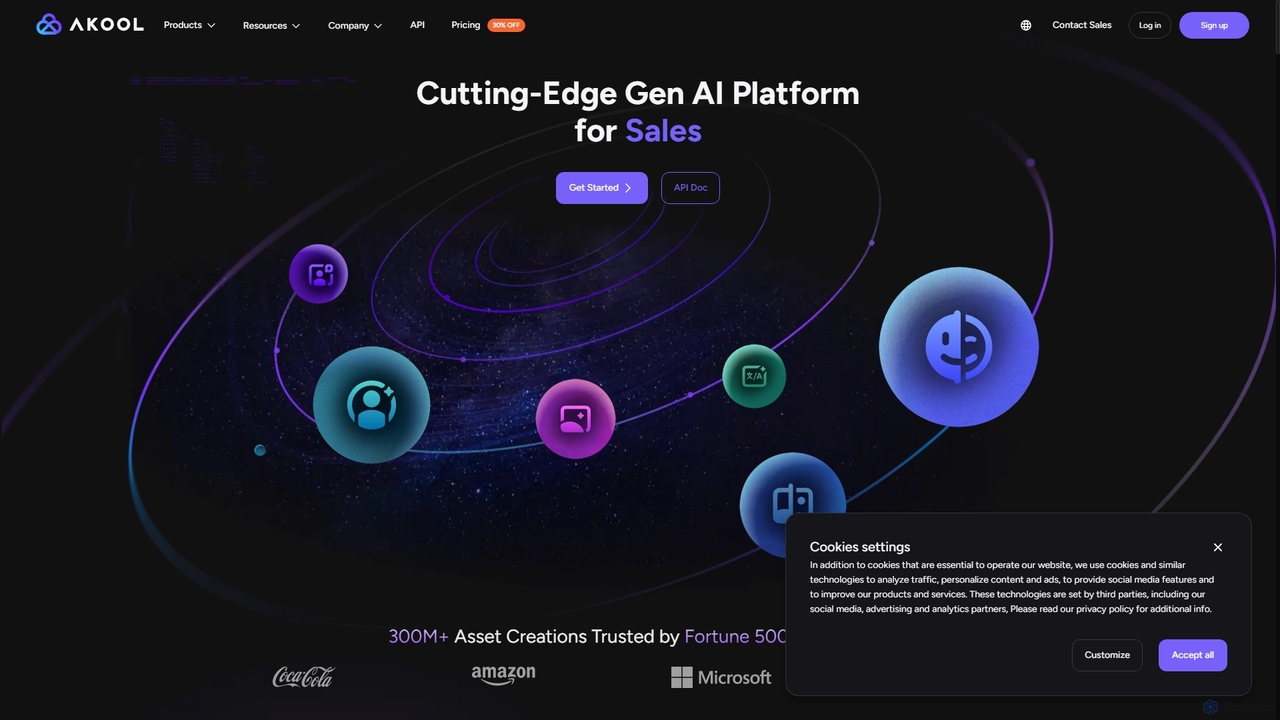
AKOOL
AKOOL is a premium, all-in-one generative AI suite designed for businesses. It empowers users to create studio-quality video content effortlessly. Key features include talking avatars, real-time video translation with lip-sync, face swapping, image-to-video conversion, and an AI image generator. Trusted by Fortune 500 companies, AKOOL is ideal for enhancing marketing, sales, education, and film production with engaging, personalized AI-driven content.
Virtual Human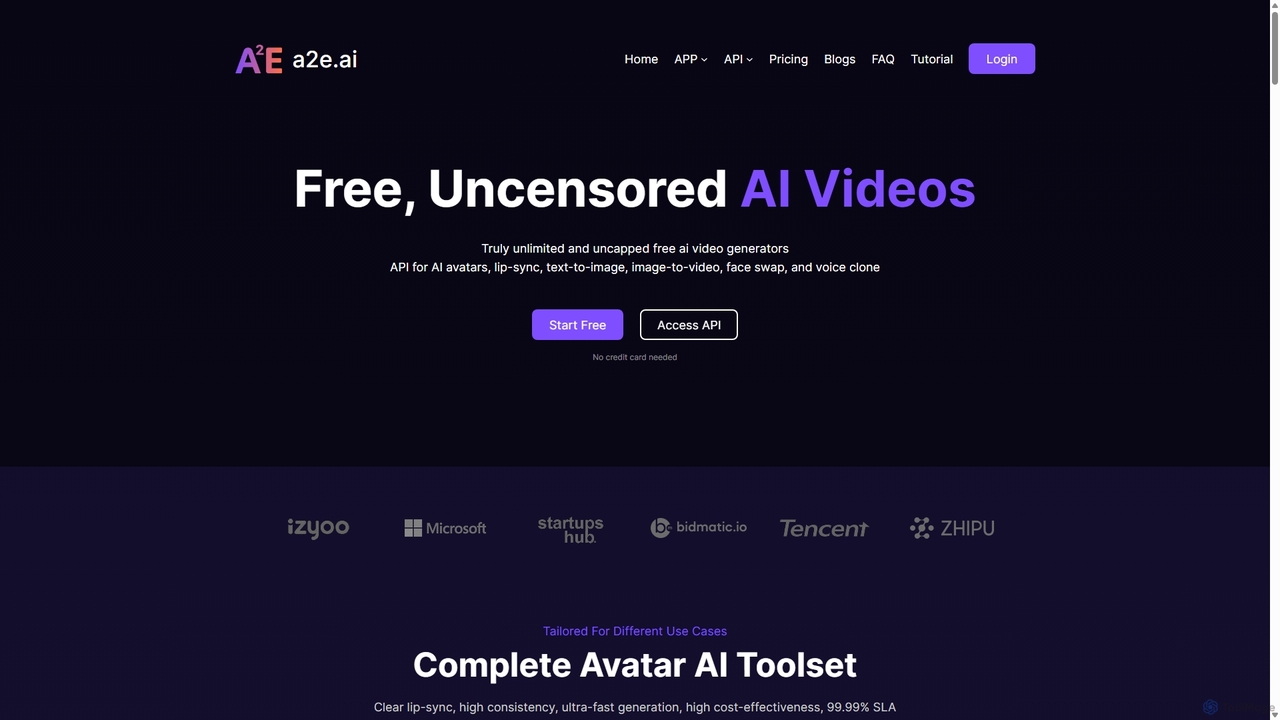
a2e.ai
a2e.ai is a free and uncensored AI video toolbox for creating realistic digital avatars. It offers a comprehensive suite of tools including ultra-accurate lip-sync, voice cloning, face swap, image-to-video, and a developer-friendly API. Ideal for content creators, marketers, and developers looking to produce high-quality, scalable video content efficiently.
Voice Cloning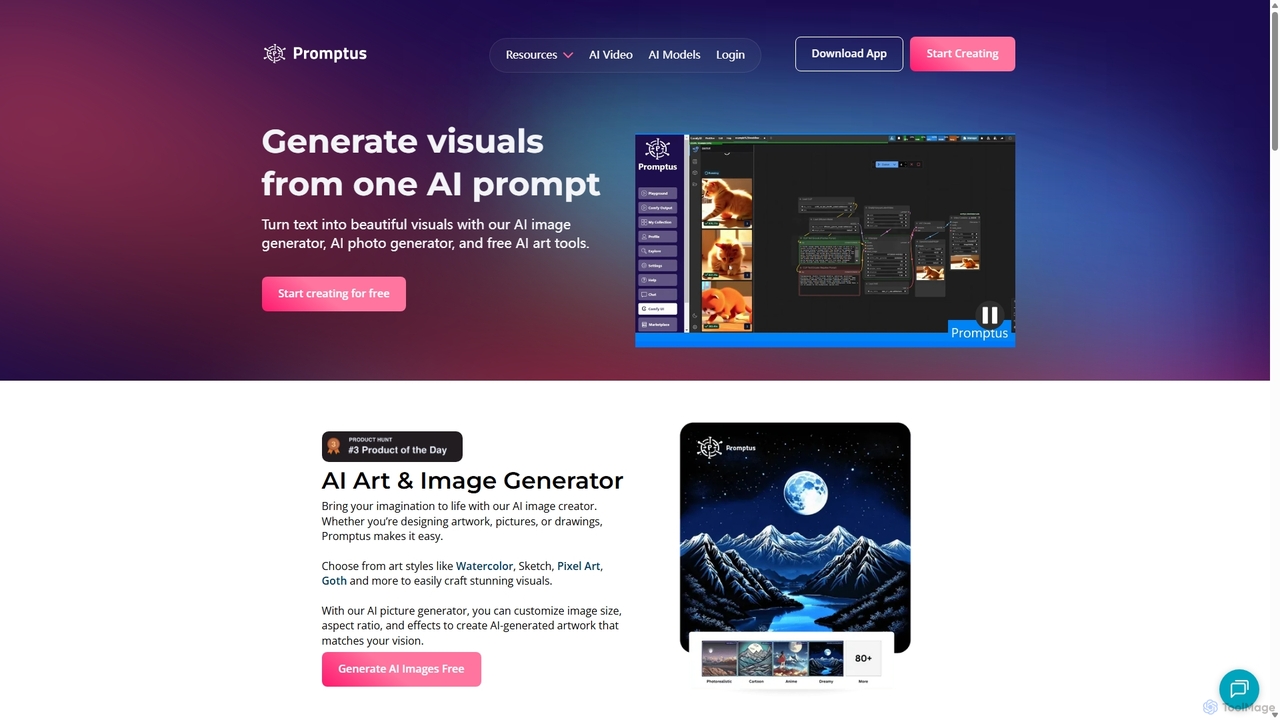
Promptus
Promptus is a versatile AI creation suite for generating high-resolution images, videos, art, and logos from text or audio. It features advanced models like Stable Diffusion and Flux, a user-friendly interface, and a powerful ComfyUI workflow for advanced customization. Ideal for creators, designers, and marketers, Promptus simplifies the creative process with features like batch generation, prompt enhancement, and a decentralized GPU marketplace.
Logo Generation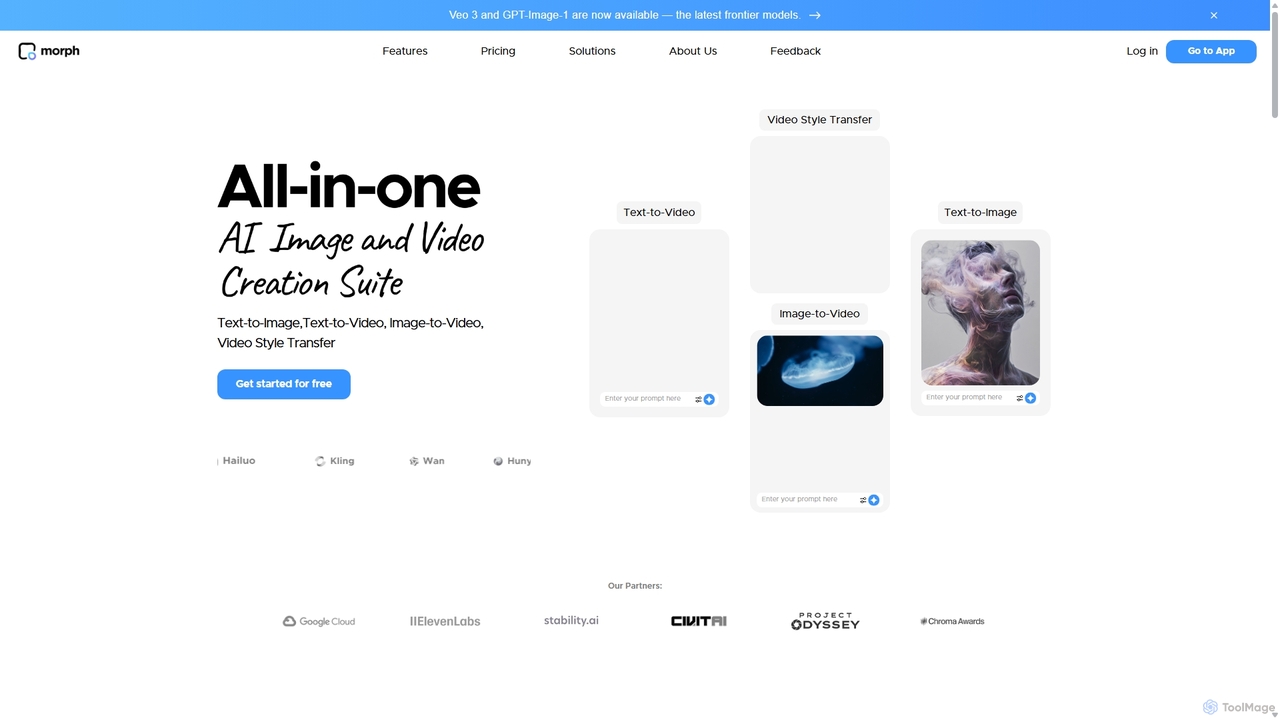
Morph Studio
Morph Studio is an all-in-one AI creation suite for generating and editing images and videos. It transforms text prompts or existing images into dynamic videos, offers advanced style transfer, and provides a unique storyboard-style canvas for complete creative control, catering to both amateur creators and professional filmmakers.
Creative ToolsFlux Ai Categories
Flux Ai Jobs
Flux Ai Embed Widget
Copy this embed code to place the badge on your blog, article, or product site and send readers directly to this ToolMage detail page.

Related AI tools
Pixeldojo
Pixel Dojo is an all-in-one AI creative studio for generating professional-quality images and videos. It offers over 67 tools, including text-to-image, text-to-video, image upscaling, and custom LoRA model training. Designed for creators and businesses of all skill levels, it streamlines content creation, reduces costs, and accelerates visual production tenfold without requiring any design skills.
Art Generation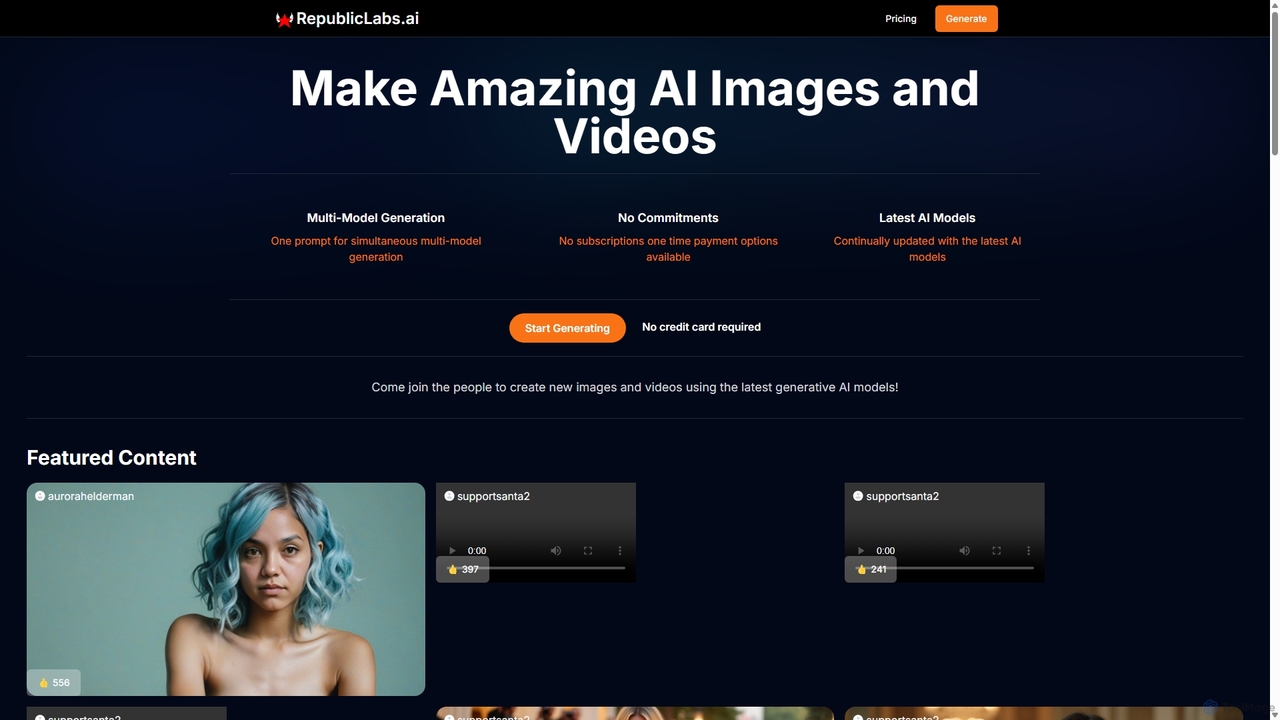
RepublicLabs.ai
A powerful generative AI platform for creating stunning images and videos. It features a unique multi-model generation system, allowing users to get diverse results from the latest AI models like Luma Dream Machine and Flux with a single prompt. Offers flexible pay-as-you-go pricing with no commitments.
Art Generation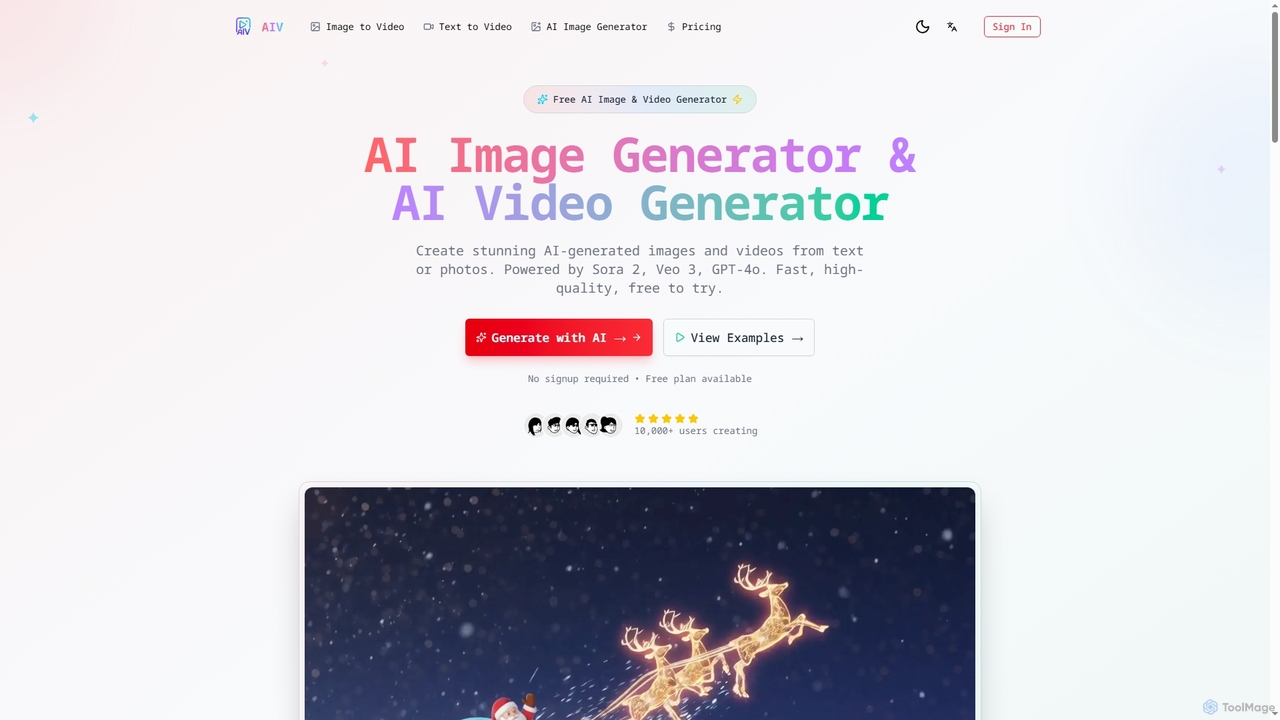
AI Image Video
AI Image Video is a powerful platform that leverages advanced AI models like Sora 2, Veo 3, and GPT-4o to generate stunning images and cinematic videos from text prompts or existing photos. It offers fast, high-quality content creation for various needs, from social media to professional marketing, with an easy-to-use interface and commercial use rights.
Content Creation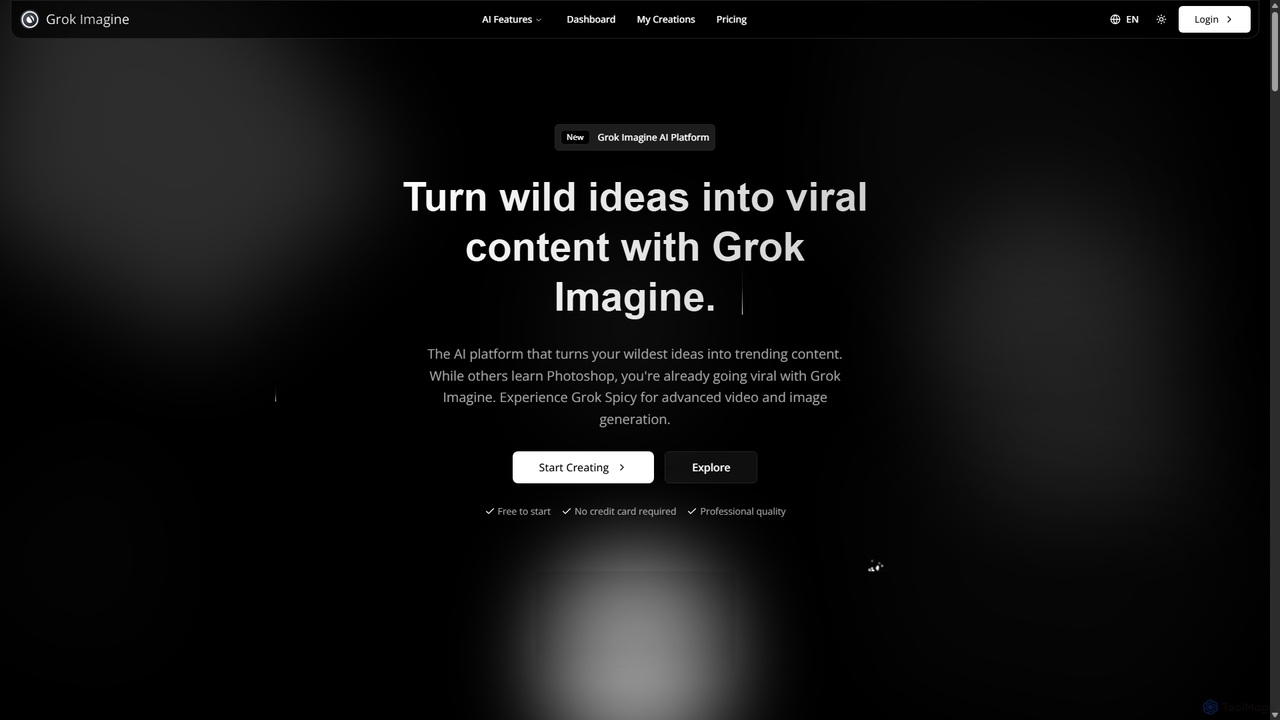
Grok Imagine
Grok Imagine is a powerful AI image and video generation suite powered by Aurora Engine Technology. It transforms text, images, and other videos into stunning, high-quality visual content. Featuring multiple generation modes, resolution options, and a user-friendly interface, it's designed for creators, marketers, and artists to bring their ideas to life effortlessly.
Generative Art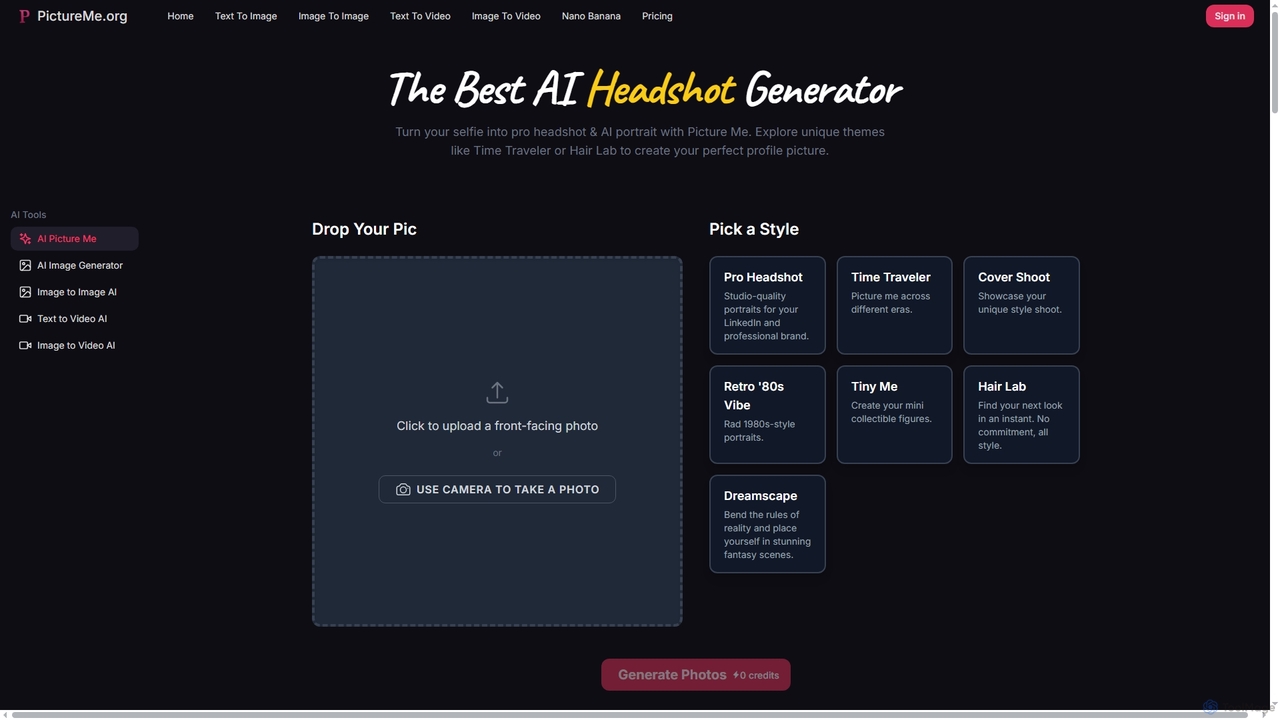
Picture Me
Picture Me is an innovative AI platform that transforms your photos into professional headshots and creative portraits, and generates images and videos from text or existing images. It offers a seamless user experience with diverse styles and advanced AI models.
Photo EditingAKOOL
AKOOL is a premium, all-in-one generative AI suite designed for businesses. It empowers users to create studio-quality video content effortlessly. Key features include talking avatars, real-time video translation with lip-sync, face swapping, image-to-video conversion, and an AI image generator. Trusted by Fortune 500 companies, AKOOL is ideal for enhancing marketing, sales, education, and film production with engaging, personalized AI-driven content.
Virtual Human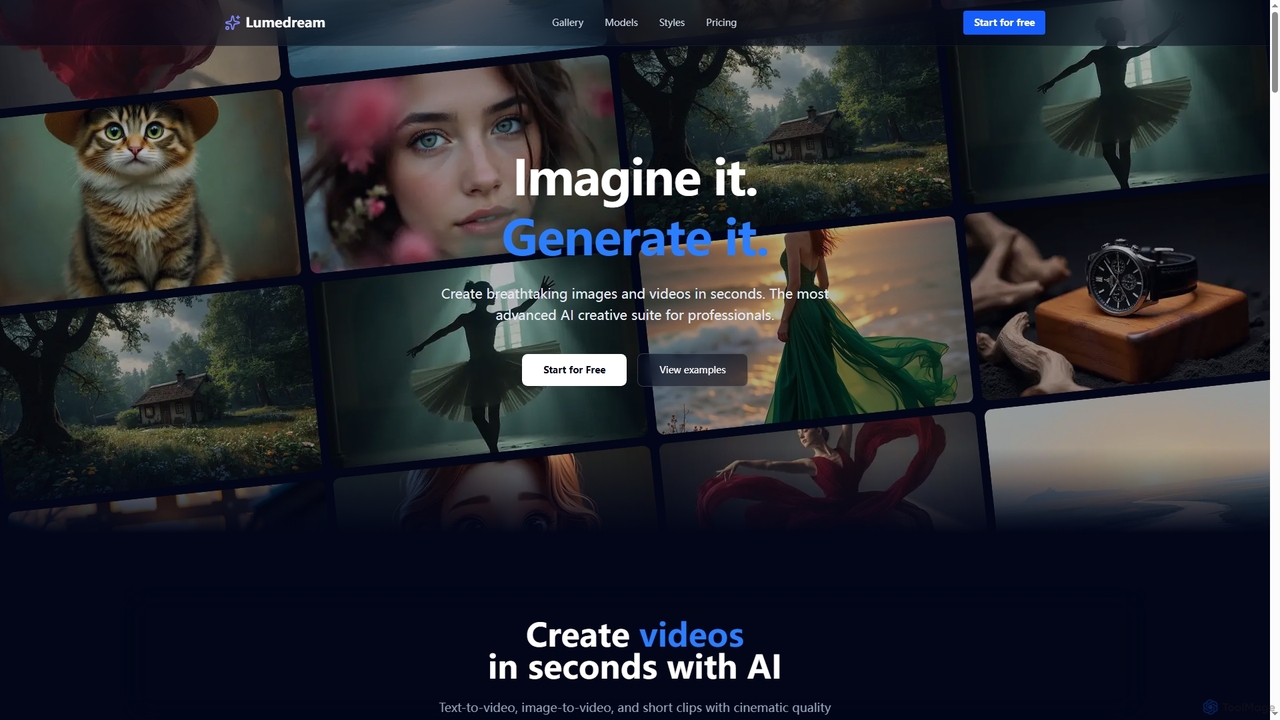
Lumedream
Lumedream is an advanced AI creative suite designed for professionals to generate stunning images and videos in seconds. It offers text-to-video, image-to-video, motion graphics, and an AI upscaler, powered by a wide array of modern AI models and hundreds of ready-to-use styles.
Image Generation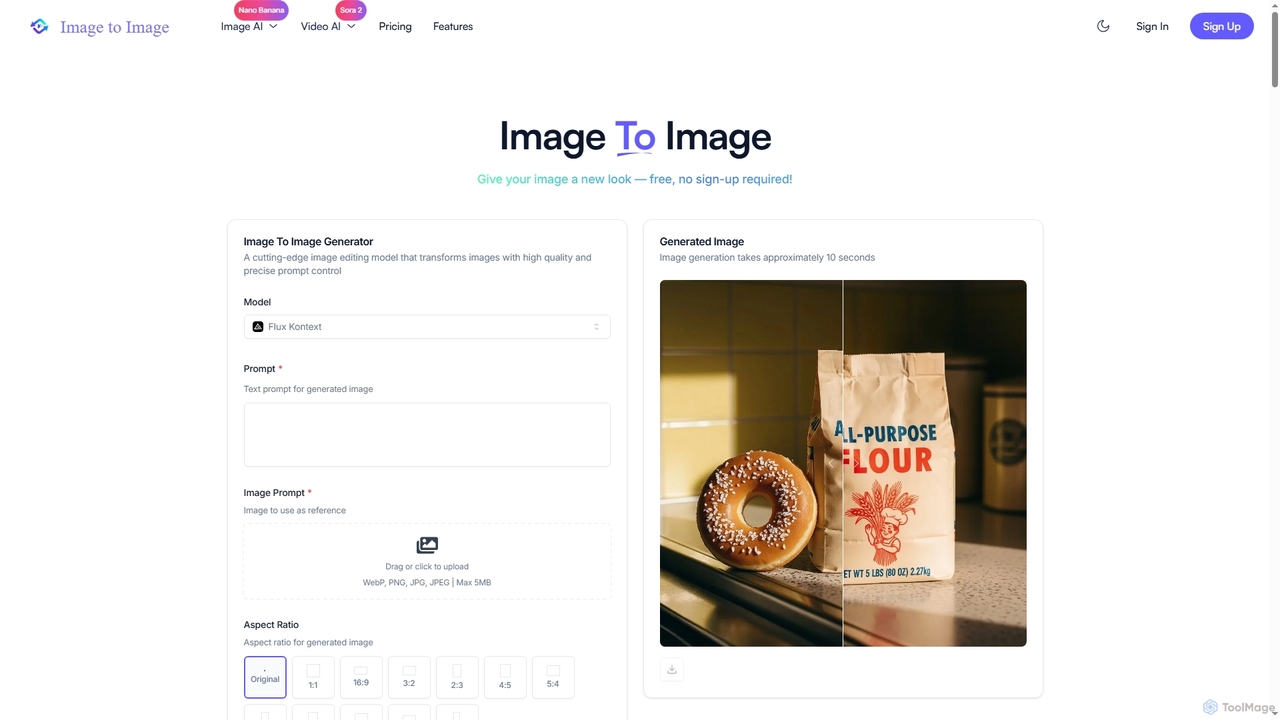
Image to Image
Image to Image is an all-in-one AI creative suite that transforms existing images, generates new visuals from text, and creates dynamic videos from both images and text. It offers high-fidelity outputs, multiple AI models, and a user-friendly interface for artists, designers, marketers, and content creators.
Creative Suite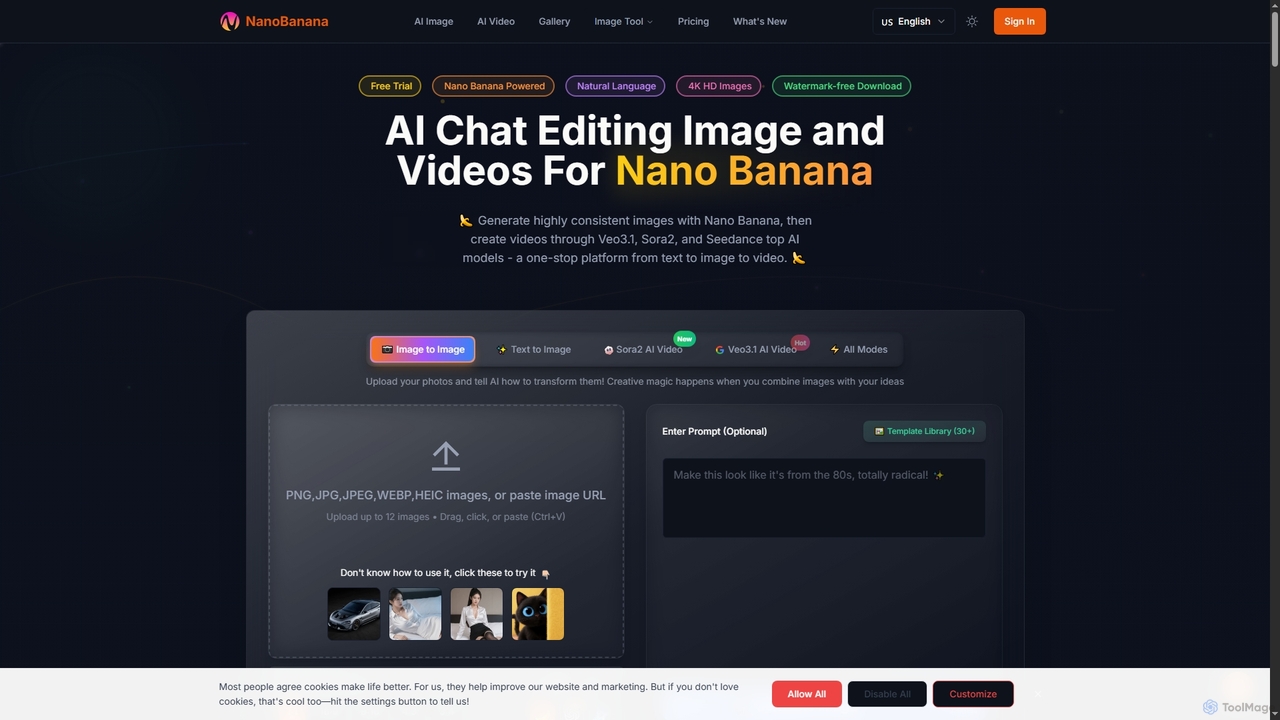
NanoBanana
NanoBanana is an advanced AI-powered platform for generating and editing images and videos using natural language. It offers lightning-fast creation, high-resolution outputs, and a wide array of creative modes, making professional-quality visual content accessible to everyone from beginners to seasoned creators.
Digital Art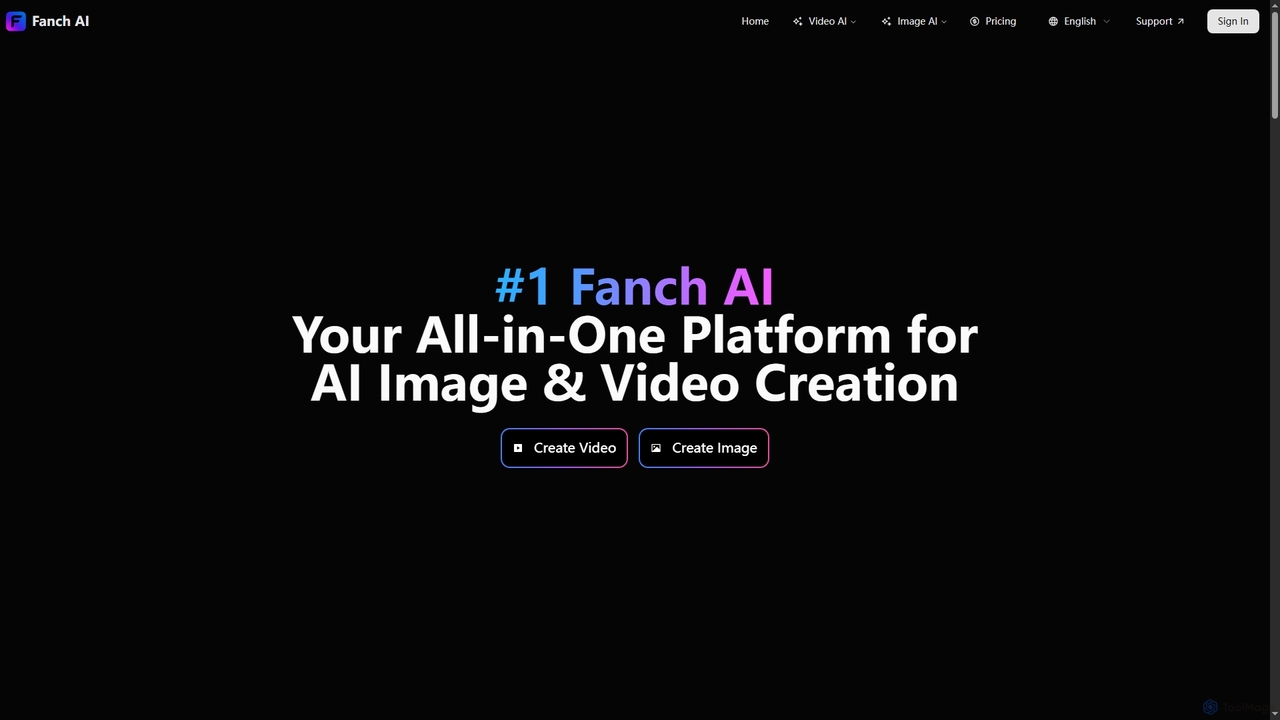
Fanchai
Fanchai is an all-in-one AI creative platform for generating high-quality videos and images from text, photos, or video inputs. It leverages advanced models like Sora 2, Midjourney, and GPT-4o to turn ideas into visuals in seconds. Ideal for creators, marketers, and developers, it offers text-to-video, image-to-image, AI editing tools, and talking avatars with a user-friendly interface.
Ai Art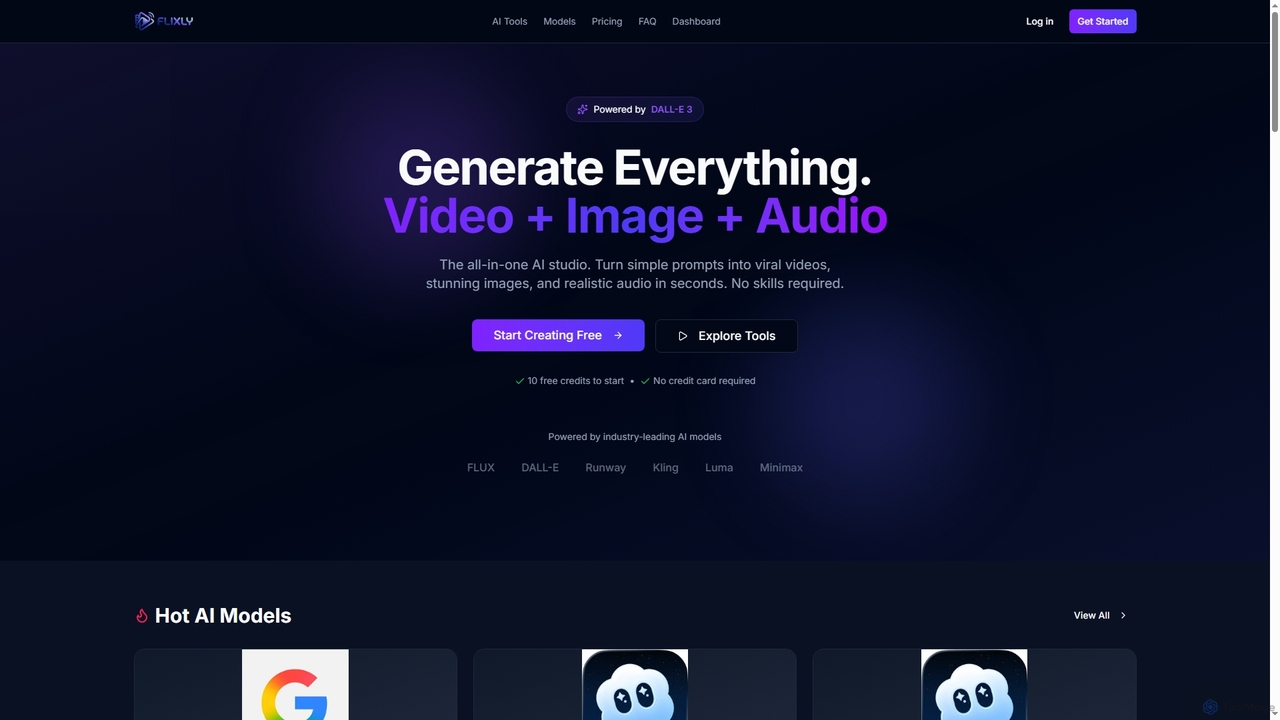
Flixly
Flixly is an all-in-one AI studio that transforms simple text prompts into stunning videos, images, and realistic audio in seconds. Leveraging industry-leading AI models like DALL-E 3 and Sora 2, it offers a comprehensive suite of creative tools for everyone, no technical skills required. Start creating with 10 free credits today.
Ai Art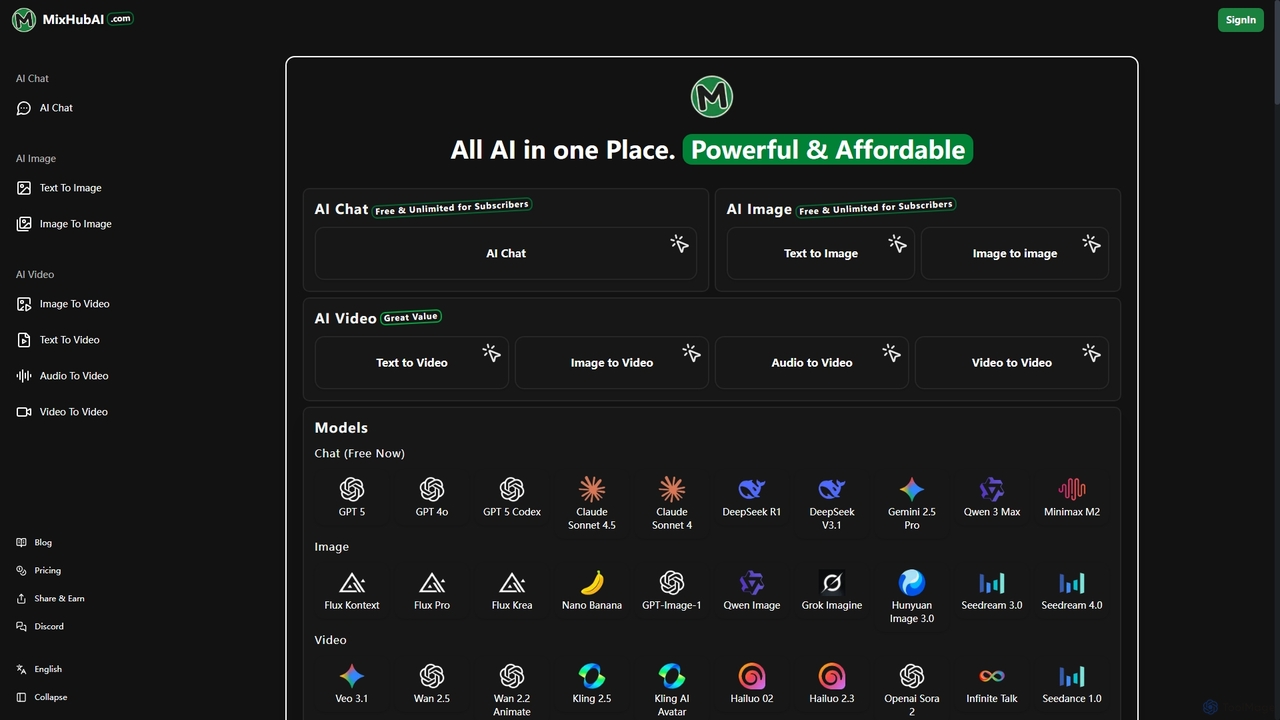
Mixhubai
Mixhubai is an all-in-one AI platform integrating leading models for chat, image, and video generation. Access GPT-5, Sora 2, Kling, and Seedream 4.0 in a single subscription. Create high-quality content from text, images, or audio via an easy-to-use, web-based interface suitable for both beginners and professionals.
Image Generation
FixArt
FixArt is a comprehensive AI-powered creative hub offering free, unrestricted tools for generating stunning videos and images. Transform static photos into dynamic animations, convert text into captivating videos, reimagine existing images, or create visuals from scratch—all without sign-up or content filters, delivering professional-grade results in 4K.
Digital Art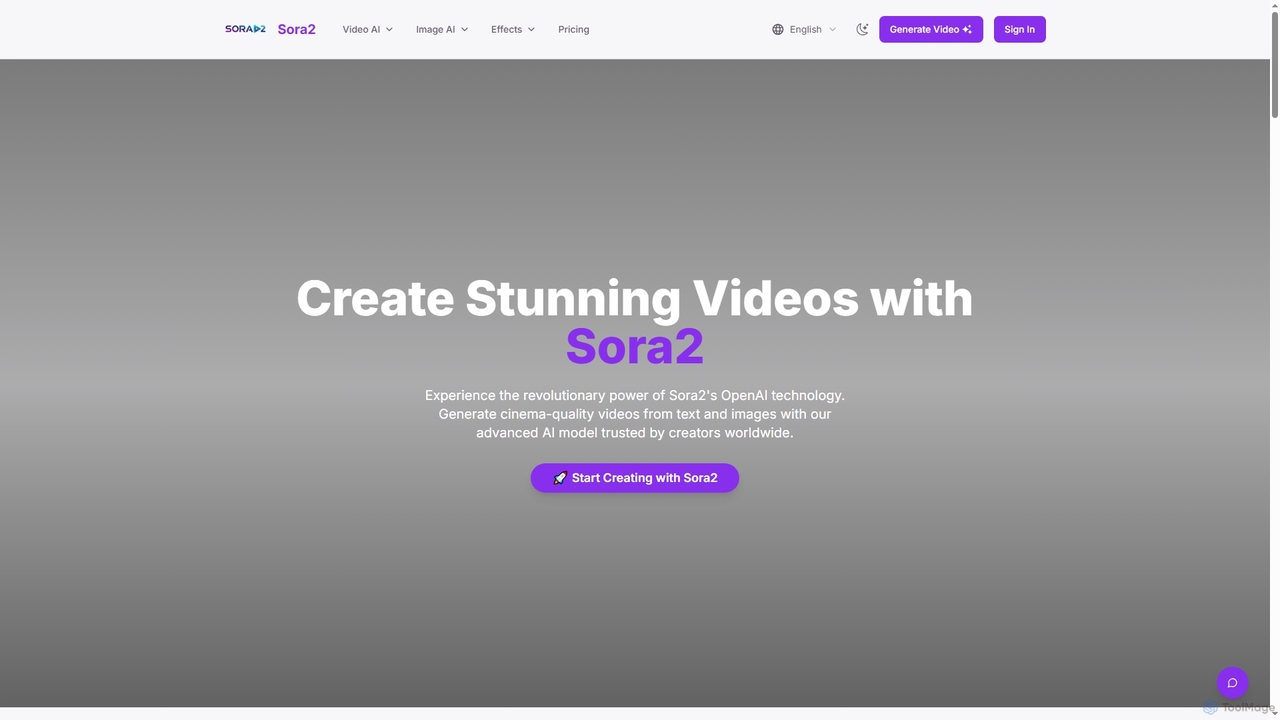
Sora2web
Sora2web is an advanced AI platform offering cinema-quality video and high-fidelity image generation from text and images. Leveraging models like OpenAI's Sora2, Kling, and Nanobanana, it provides creators, marketers, and businesses with powerful tools for diverse content needs, including realistic physics simulations, consistent character appearance, and a wide array of visual effects, all within an intuitive, cloud-based environment.
Content Creation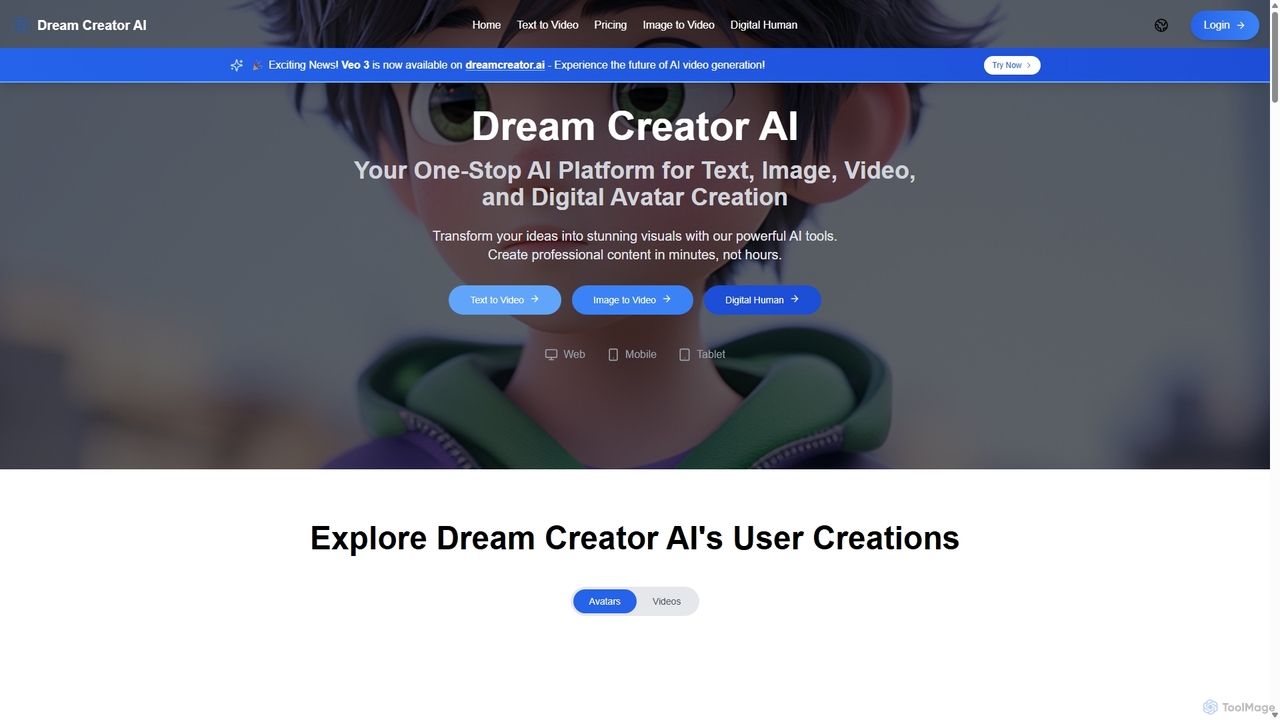
Dream Creator AI
Dream Creator AI is a comprehensive, all-in-one AI platform for creating high-quality text, images, videos, and digital humans. It transforms your ideas into stunning visual content in minutes, leveraging advanced models like Google's Veo 3. Ideal for marketers, content creators, and businesses looking to streamline their creative workflow without needing technical expertise.
Avatars
Flux Ai Comments (0)
Sign in to comment.
Sign inNo comments yet.