ToolMage
Sign in

Best 9 Animation AI tools for Design

Popular Animation AI tools in Design include Spline, Immersity, Endless Tools, Glims, aicssanimations, Dream3D, Motionshift, FramePack, and Videoasprompt, helping you work more efficiently.

Videoasprompt
Free

Videoasprompt

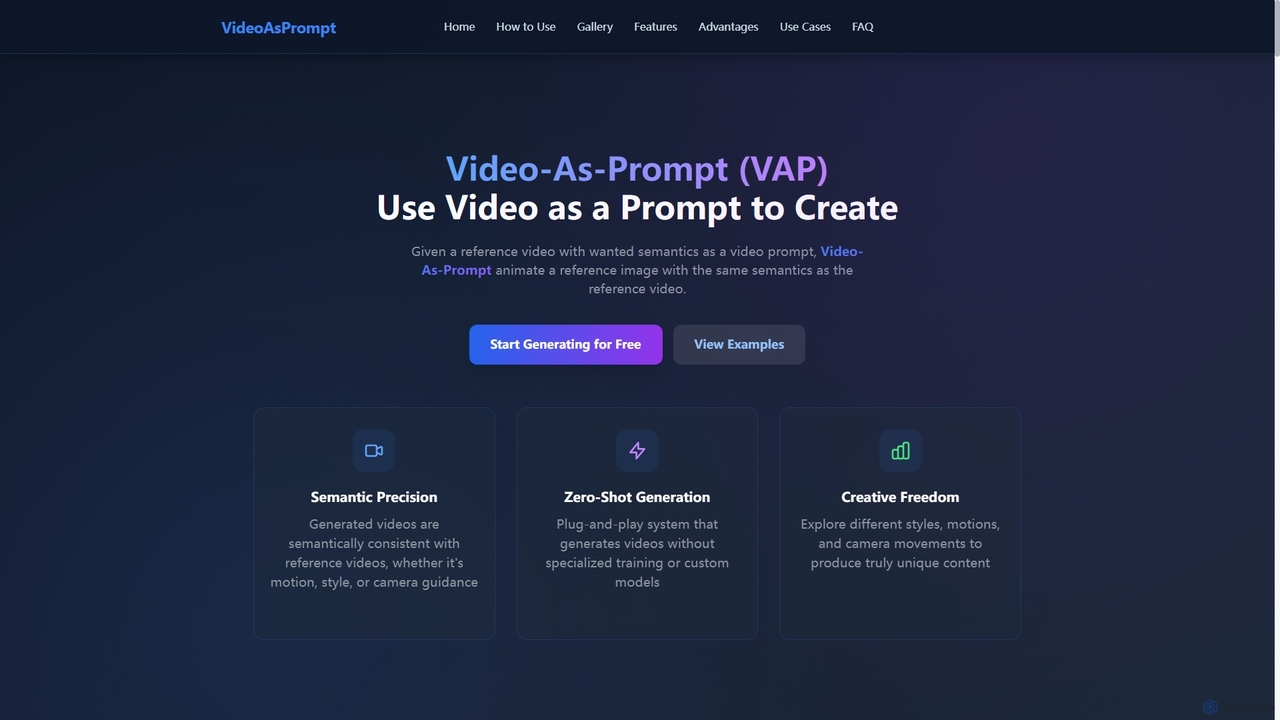
Videoasprompt is an AI-powered tool by ByteDance that generates videos using a reference video or image as a prompt. It animates a source image with the same semantics (concept, style, motion, camera movement) as the reference video, enabling zero-shot, high-quality video creation.

Generative Art
Visits 4.1KFavorites 147Likes 154
Spline
Freemium

Spline

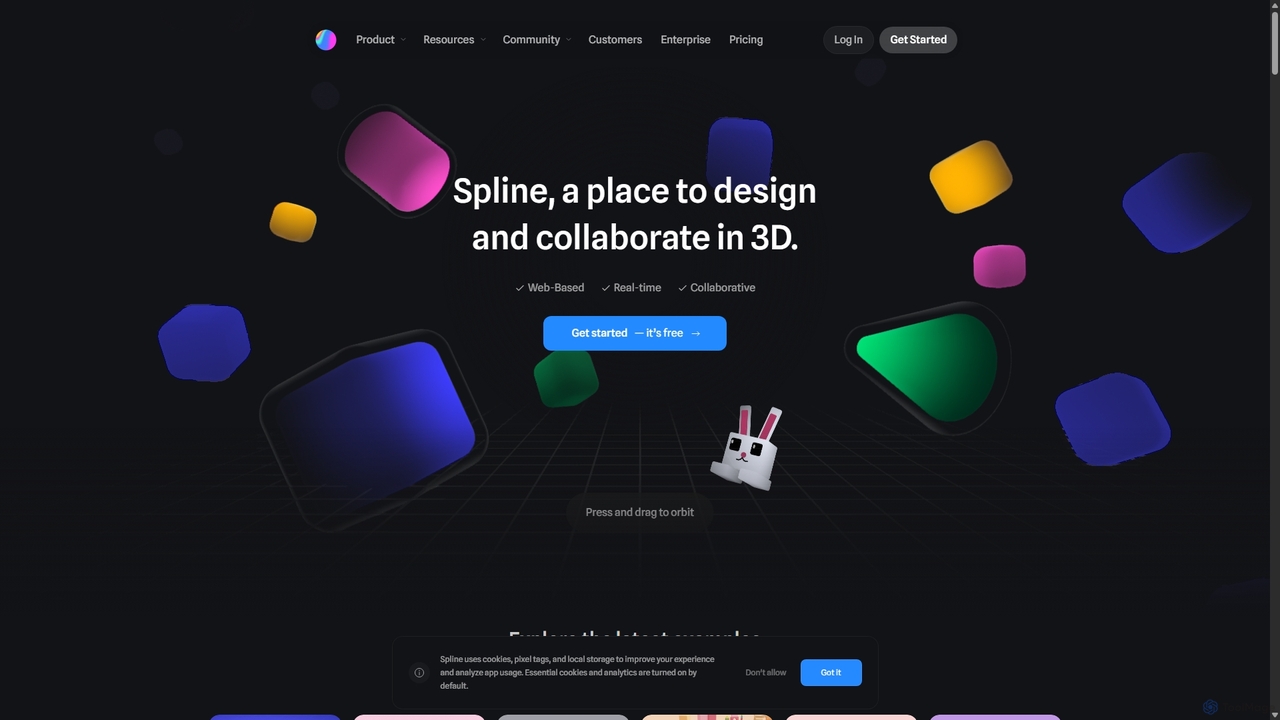
Spline is a collaborative, web-based 3D design tool that simplifies the creation of interactive 3D experiences. It features real-time collaboration, animation, physics, and an optional AI add-on for generating 3D models and textures, making 3D design accessible to everyone from designers to developers.

3D
Visits 822KFavorites 116Likes 119
aicssanimations
Freemium

aicssanimations

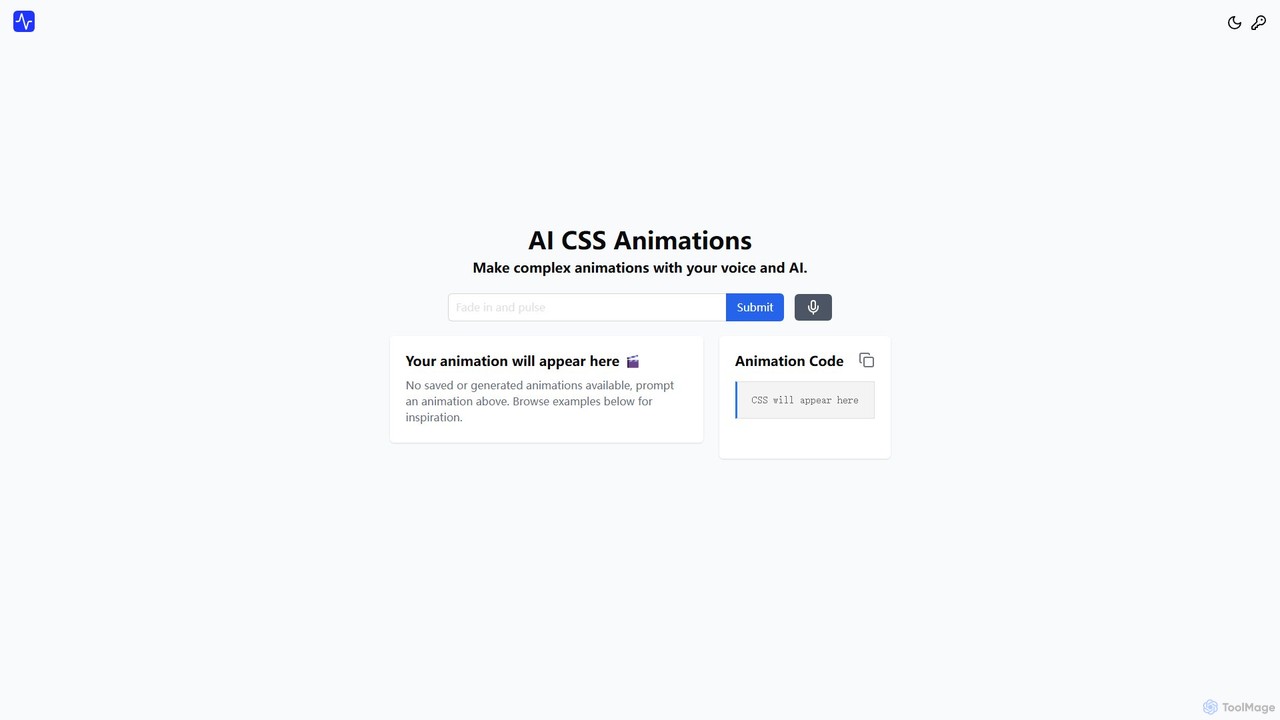
An AI-powered tool that allows developers and designers to generate complex CSS keyframe animations from simple text prompts. It features a real-time preview editor, a one-click code copy, and an extensive directory of ready-to-use animations, dramatically speeding up the front-end development workflow.

Animation
Visits 4.8KFavorites 128Likes 129
Motionshift
Freemium

Motionshift

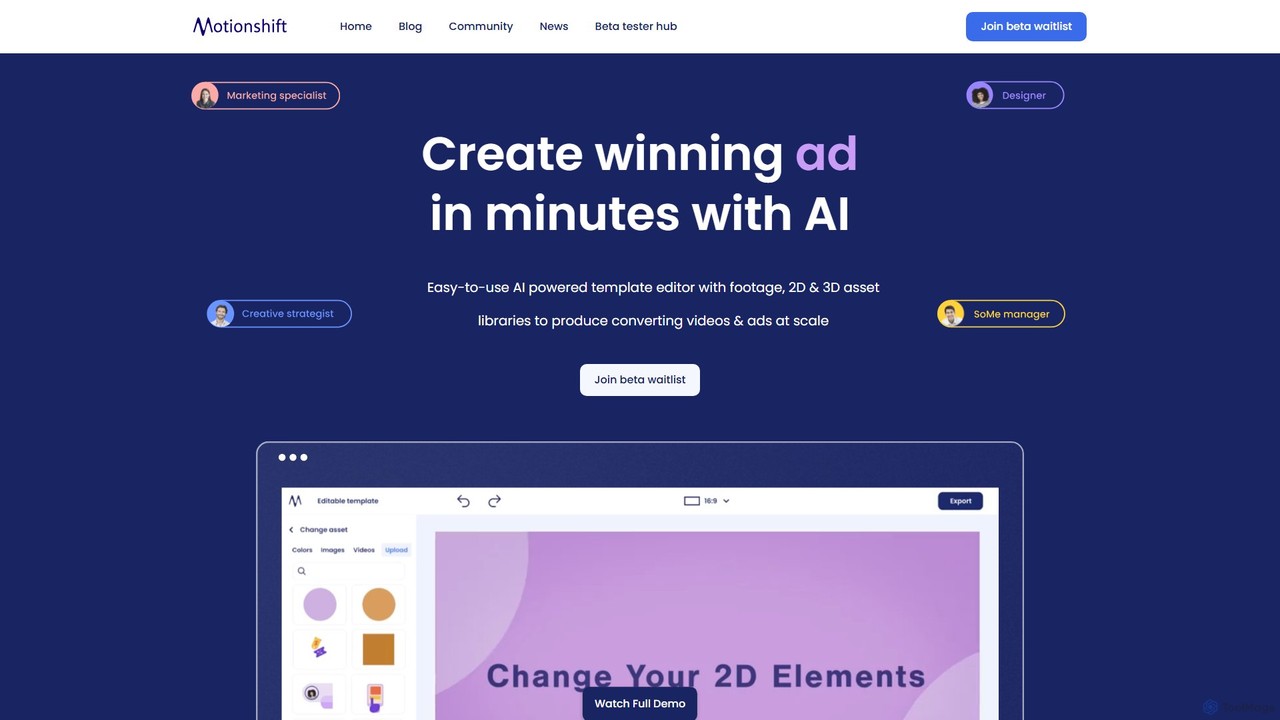
Motionshift is an AI-powered video creation platform that enables users to produce high-converting 2D and 3D videos and ads in minutes. It features an easy-to-use template editor, a vast library of assets, and a unique URL-to-video generator, making professional video production accessible to everyone, regardless of skill level.

Animation
Visits 4.7KFavorites 129Likes 123
FramePack
Freemium

FramePack

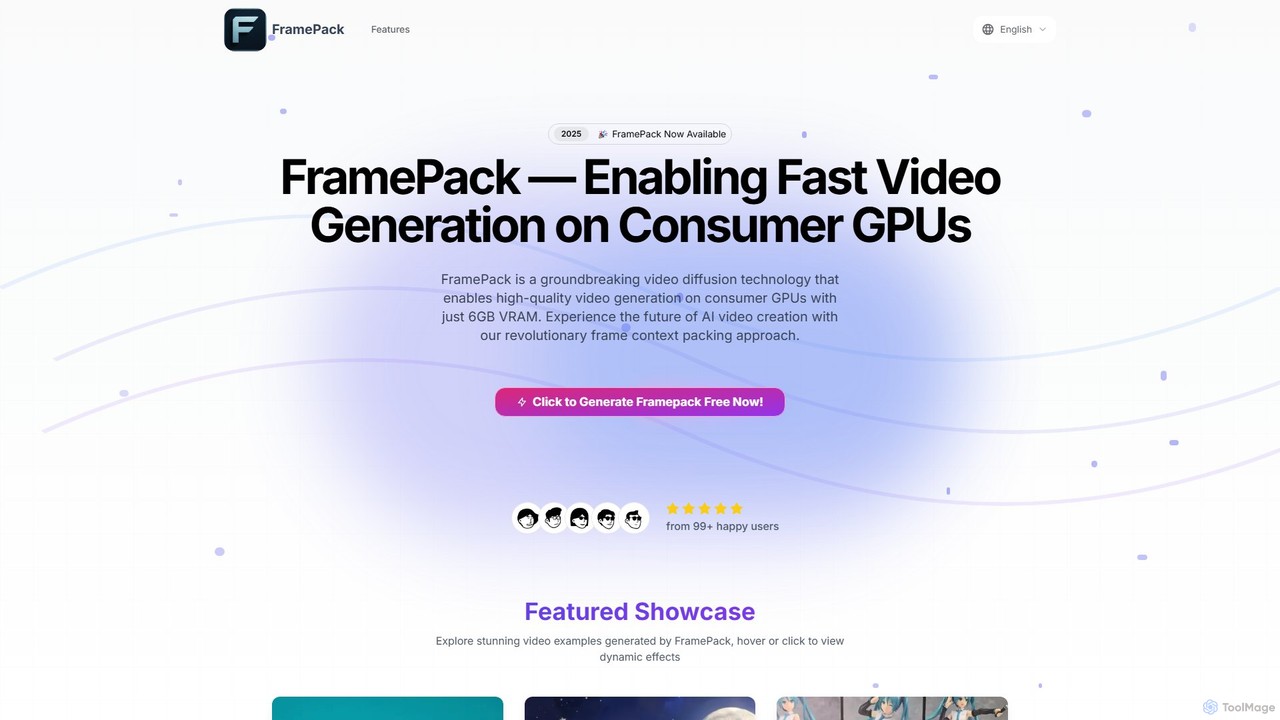
FramePack is a groundbreaking open-source video diffusion technology that enables high-quality AI video generation on local consumer GPUs with as little as 6GB VRAM. It offers a cost-effective, private, and customizable solution for creators, animators, and researchers to produce long, consistent video sequences without relying on expensive cloud services.

Animation
Visits 4.3KFavorites 127Likes 137
Immersity
Freemium

Immersity

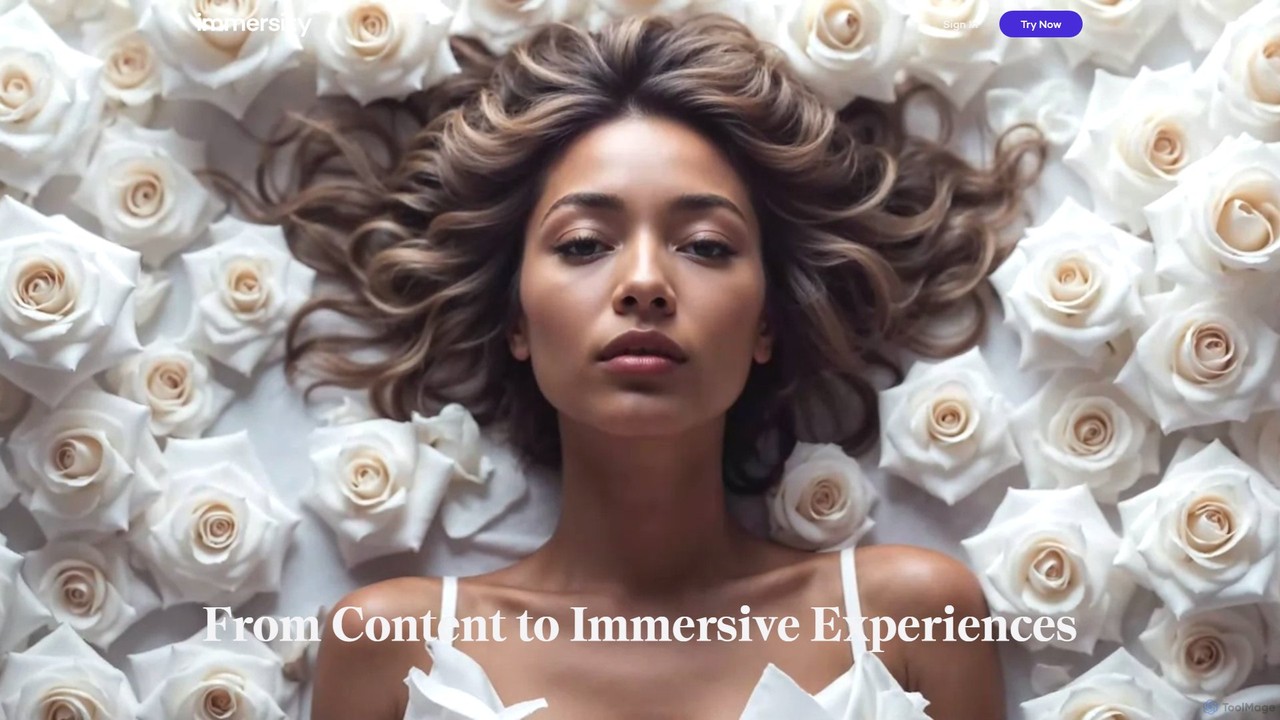
Immersity is an AI-powered platform that converts 2D images and videos into immersive 3D experiences. It generates depth and motion, allowing users to create animated 3D photos, videos, and specialized content like Apple Music Album Motion. Ideal for artists, marketers, and creators seeking to add a dynamic dimension to their visuals without complex 3D software.

Animation
Visits 142.7KFavorites 114Likes 99
Endless Tools
Freemium

Endless Tools

An all-in-one, no-code web tool for creating striking 3D visuals, animations, and interactive effects. Effortlessly transform SVGs into 3D objects, apply unique materials and effects, and embed interactive designs directly into your website. Ideal for designers, marketers, and creatives.

3D
Visits 66.8KFavorites 111Likes 107
Glims
Freemium

Glims

Glims is an intuitive web-based tool that magically transforms static images and short video clips into dynamic, fast-moving showreels and GIFs in seconds. Designed for busy creators, designers, and marketers, it simplifies video creation with features like music integration, visual effects, and local browser processing for enhanced privacy. It's the perfect solution for creating scroll-stopping social ads, professional work portfolios, and engaging personal moments.

Animation
Visits 5.4KFavorites 128Likes 114
Dream3D
Freemium

Dream3D

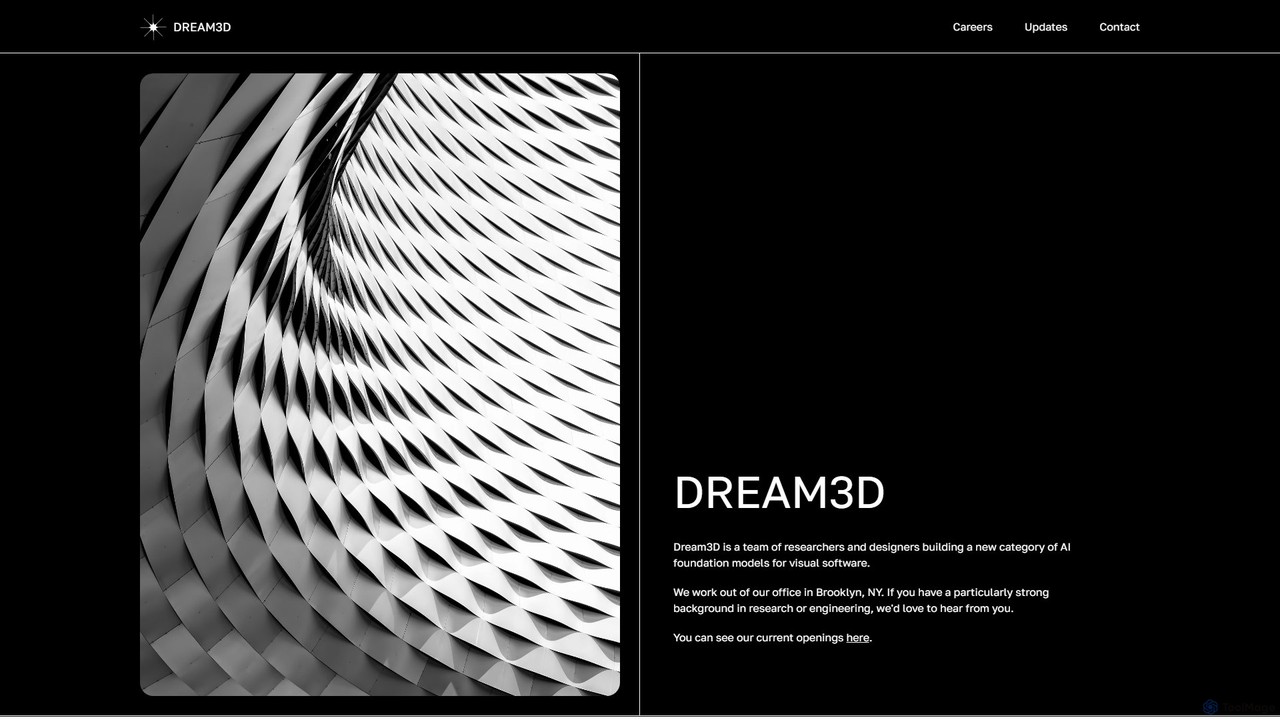
Dream3D is a pioneering AI platform that leverages foundational 3D models to generate dynamic, controllable, and consistent video content. It features an interactive 3D editor and a powerful 3D-powered video generation engine, enabling creators to produce cinematic-quality animations and visual effects with unprecedented control over scenes, objects, and camera movements.

3D Generation
Visits 4.8KFavorites 116Likes 120

About Animation

AI Animation tools are a class of software that leverages artificial intelligence to automatically generate or simplify the creation of animated content. These tools interpret inputs like text prompts, static images, or video clips to produce motion sequences, character movements, and dynamic visual effects. This technology significantly lowers the barrier to entry for creating marketing videos, social media content, and conceptual prototypes without requiring extensive traditional animation skills. Their primary advantage is speed, enabling rapid iteration and the creation of dynamic visuals from simple instructions.

Core Features

  • Text-to-Animation: Generates animated scenes and motion directly from descriptive text prompts.
  • Image-to-Animation: Animates static images by adding motion, depth, and dynamic effects like parallax.
  • Video-to-Video Transformation: Applies different artistic styles or alters the subjects and environments of existing video footage.
  • Automated Character Animation: Rigs and animates 2D or 3D characters based on motion input or simple commands.
  • Motion Path Generation: Creates smooth camera movements or object trajectories based on user-defined paths or descriptions.

Use Cases

AI Animation tools are widely used by marketers, social media managers, content creators, and UI/UX designers. They are particularly effective in digital marketing for producing engaging ad creatives, in education for creating explainer videos, and in design for prototyping animated interfaces and user experiences. For example, a marketer can generate a dozen ad variations in an hour, or a designer can visualize app transitions without writing code.

How to Choose

When selecting an AI Animation tool, consider the required input type (text, image, or video). Evaluate the range of animation styles and the level of creative control offered over the final output. Check the supported export formats and resolutions (e.g., MP4, GIF, HD, 4K) to ensure they meet your project's needs. Finally, assess the tool's learning curve and whether it integrates with your existing design workflow.

Featured tool rankings

Animation use cases

1

Creating Animated Social Media Ads

A social media marketer needs to produce engaging short video ads for a new product campaign on a tight deadline. Using a text-to-animation tool, they input prompts like 'A sleek smartphone rotating on a futuristic pedestal, glowing particles floating around.' The AI generates multiple 15-second video clips with different camera angles and lighting. This allows the marketer to produce five distinct ad variations in under an hour, a task that would typically take days with traditional methods, enabling effective A/B testing of various visual concepts to maximize engagement.

2

Prototyping UI/UX App Transitions

A UI/UX designer wants to visualize how a user flows through a new mobile app, including screen transitions and button interactions. They upload static screen mockups to an image-to-animation tool and use simple prompts like 'Animate a swipe left transition from the home screen to the profile screen' or 'Add a pop effect when the like button is tapped.' The tool generates a realistic, animated prototype. This provides a much clearer feel for the app's user experience than static images, facilitating better feedback from stakeholders and usability testing before development begins.

3

Generating Explainer Video Storyboards

A content creator needs to produce a short explainer video for a complex topic but lacks advanced animation skills. They write a script and feed it scene-by-scene into an AI animation tool. For each scene description, such as 'A brain icon lights up as data flows into it,' the AI generates a corresponding animated clip. By assembling these clips, the creator can produce a complete animated storyboard or even a first-draft video in a few hours. This process bypasses the need for a professional animator for the initial production phase, significantly reducing costs and production time.

4

Animating Static Illustrations for Music Videos

An independent musician has album art and wants to create a simple, visually compelling music video on a tight budget. They use an image-to-animation tool to bring the static artwork to life. By applying effects like parallax scrolling for backgrounds, subtle breathing motions for characters, and dynamic environmental effects like wind or rain, they transform a single piece of art into a captivating animated loop. This provides high-quality visual content for platforms like YouTube and Spotify Canvas, enhancing the listener's experience without the cost of a full production team.

5

Creating Dynamic Presentations and Slides

A business professional wants to make a quarterly results presentation more engaging than static slides. Instead of using static charts, they use an AI tool to generate short animated clips. For example, a prompt like 'An animated bar chart showing growth from 10% to 75%' creates a dynamic visual that clearly illustrates progress. They also animate key icons and bullet points to appear on screen with subtle motion. The resulting presentation is more memorable and professional, helping to hold the audience's attention and explain complex data more effectively.

6

Rapid Concept Visualization for Film & Games

A concept artist needs to quickly show a director how a specific scene might look in motion. Instead of creating a detailed animatic manually, they take a concept sketch and use an AI animation tool. With prompts like 'Make the character jump over the chasm' or 'Animate a slow camera pan across the alien landscape,' they generate a short clip in minutes. This 'moving storyboard' provides immediate visual feedback, allowing for faster creative iteration and decision-making long before committing resources to complex 3D modeling or traditional frame-by-frame animation.

Animation FAQ

What are AI Animation tools?

AI Animation tools are software applications that use artificial intelligence to generate animated sequences from various inputs, such as text descriptions or static images. They automate complex processes like keyframing, motion generation, and style application that traditionally require specialized skills and significant time. These tools are designed to make animation accessible to a broader audience, including marketers, content creators, and designers, enabling them to produce dynamic visual content quickly and efficiently.

How do AI Animation tools differ from traditional animation software?

The primary difference lies in the creation process. Traditional animation software, like Adobe After Effects or Blender, requires manual control over every element. Animators must set keyframes, define motion paths, and build scenes frame by frame, which demands significant technical skill and time. In contrast, AI Animation tools automate much of this process. Users provide high-level instructions (like a text prompt) and the AI generates the motion. This trades fine-grained manual control for speed and ease of use, making it ideal for rapid prototyping and users without a background in animation.

How do I choose the right AI Animation tool?

To choose the right tool, consider these factors:

  • Input Method: Determine what you'll start with. Do you need a tool that works from text prompts, static images, existing videos, or audio?
  • Style and Control: Does the tool's output style (e.g., realistic, cartoon, anime) match your creative vision? Assess how much you can customize the animation, such as adjusting camera angles, character poses, or timing.
  • Use Case: Are you creating short social media clips, character animations, or complex narrative scenes? Some tools specialize in specific types of animation.
  • Output Quality: Check the maximum resolution (e.g., HD, 4K) and formats (MP4, GIF) the tool can export to ensure it meets your project's requirements.
What are the main features of AI Animation tools?

Most AI Animation tools share a set of core features designed to automate the creative process. Key features often include:

  • Text-to-Animation: The ability to generate a moving scene based entirely on a written description.
  • Image-to-Animation: Animating a static 2D image by adding motion, depth, and effects like parallax or flowing elements.
  • Video Style Transfer: Applying the artistic style of a source image or video to a target video, transforming its entire look and feel.
  • Motion Generation: Creating character movements or camera paths automatically, based on simple commands rather than manual keyframing.
Who should use AI Animation tools?

AI Animation tools are beneficial for a wide range of users. Marketers and social media managers can use them to quickly create eye-catching video ads and content. Content creators and educators can produce engaging explainer videos without needing a large budget or animation team. UI/UX designers can rapidly prototype animated interfaces to test user experiences. Even professional animators and artists can use these tools for rapid concept visualization and generating initial ideas before moving to more traditional, detailed workflows.