

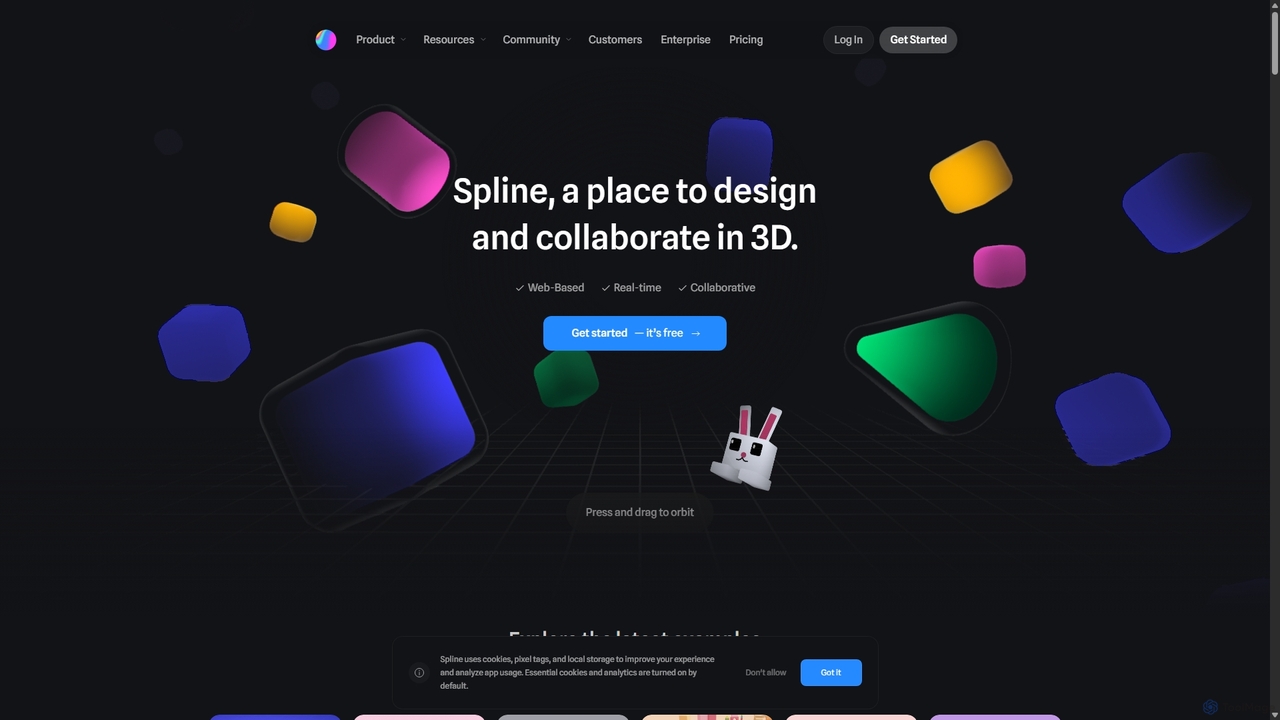
Spline Overview
Spline is a revolutionary design tool that brings the power of 3D creation and collaboration directly into the browser. It's designed to be intuitive and accessible, bridging the gap between complex traditional 3D software and the needs of modern web and app designers. With Spline, teams can work together in real-time on the same 3D scene, making it an ideal solution for brainstorming, prototyping, and creating final production assets.
The platform offers a comprehensive suite of tools that cater to a wide range of creative needs. From parametric objects and polygonal modeling to organic sculpting, users can craft intricate 3D objects with ease. The powerful animation system allows designers to bring their creations to life, while the interactive experience features enable the creation of dynamic content that responds to user input like mouse clicks, scrolls, and touch events. Furthermore, Spline includes a physics engine for creating realistic simulations and game-like controls for building immersive first-person or third-person experiences.
A standout feature is the optional Spline AI add-on, which leverages artificial intelligence to accelerate the design process. With AI, users can generate 3D models from text prompts, create unique textures, and apply artistic styles, significantly reducing creation time and opening up new creative possibilities.
How to use Spline
Getting started with Spline is straightforward. Users can begin creating immediately on the web-based platform without any installation. The workflow is designed to be familiar to 2D designers:
- Create & Model: Start with basic shapes, use vector tools in a 3D space, or sculpt organic forms. The modeling tools are intuitive, allowing for quick creation of both simple and complex objects.
- Material & Texture: Apply materials to fine-tune the look of your models. Use the extensive material library, upload your own textures, or even use video as a texture layer for dynamic effects. With the AI add-on, you can generate textures from text descriptions.
- Animate & Interact: Give life to your objects using the animation timeline and state machine. Set up interactive events (e.g., on hover, on click) to trigger animations, sounds, or other changes, creating engaging user experiences without writing code.
- Collaborate: Invite team members to your project to design together in real-time. Add comments, set individual permissions, and maintain an organized workflow with shared team folders.
- Export & Integrate: Once your design is complete, export it in various formats. Generate high-resolution images (JPG/PNG), videos (MP4/GIF), or 3D files (GLTF/USDZ). Most importantly, you can export clean code snippets (React, HTML/JS) or use simple embed links to integrate your interactive 3D scene directly into websites (Webflow, Wordpress, etc.), apps, and even visionOS projects.
Core Features of Spline
- Real-time Collaboration: Work with your team on the same 3D scene simultaneously, just like in Figma or Google Docs.
- 3D Modeling Suite: A comprehensive set of tools including parametric objects, polygonal editing, 3D sculpting, and booleans.
- Animation & Interactivity: Create animations and build interactive experiences with a powerful state machine and event system (mouse, touch, scroll events).
- Physics & Game Controls: Add realism with a built-in physics engine and create game-like experiences with first-person and third-person camera controls.
- Material Layers: A rich material editor to control color, texture, lighting response, and other surface properties. Includes a library of materials and supports video textures.
- Spline AI: An optional add-on for AI-powered 3D generation, texture creation, and style transfer from text prompts.
- Seamless Integration: Export to various formats, including code for React and JavaScript, and easily embed in web platforms like Webflow, Framer, and Wordpress.
- Cross-Platform: Works in the browser and has dedicated desktop apps for macOS (M1 & Intel) and Windows. Also supports exporting for visionOS.
Use Cases for Spline
Spline is versatile and used by leading companies like Forbes, Polaroid, and Scale AI for various purposes:
- Interactive Websites: Creating engaging 3D hero sections, product showcases, and animated visuals that capture user attention.
- Marketing and Branding: Developing unique 3D icons, logos, and brand assets for marketing campaigns and websites.
- Product Design and Prototyping: Visualizing and demonstrating physical or digital products in an interactive 3D space.
- Web and Mobile Apps: Designing immersive onboarding experiences, interactive tutorials, and visually rich UI elements.
- AR/XR Experiences: Building and exporting 3D content for augmented reality and spatial computing platforms like Apple's visionOS.
- Game Development: Prototyping simple web-based games and interactive experiences with physics and game controls.
Advantages of Spline
Spline's main advantage is its accessibility. It lowers the barrier to entry for 3D design, allowing 2D designers and developers to create high-quality 3D content without a steep learning curve. Its web-based, collaborative nature streamlines team workflows, while its focus on interactivity and easy web integration makes it a perfect tool for the modern web. The addition of AI features further enhances its power, making it a forward-thinking platform for creative professionals.
Pricing and Plans
Spline operates on a freemium model, offering several tiers:
- Free: Perfect for getting started. Includes limited personal files, unlimited viewers, and web exports with a Spline watermark.
- Starter ($12/month, billed annually): Aimed at individuals. Offers more personal file editors, no watermark on exports, video uploads, and access to material/audio libraries.
- Professional ($20/month, billed annually): For freelancers and professionals. Includes unlimited personal files, code exports, file version history, and native app exports (Apple & Android).
- Team ($36/seat/month, billed annually): Designed for collaboration. Includes everything in Professional plus a shared team workspace, unlimited team files, and centralized management.
- Enterprise (Custom Pricing): For large organizations needing advanced features like SAML SSO, priority support, and custom onboarding.
- Spline AI Add-on (+$5/month): Can be added to paid plans to get monthly AI credits for 3D generation, texture creation, and style transfer.
Traffic
Latest traffic
Status
Monthly traffic trend
- 2025-9: 731.1K
- 2026-1: 817.6K
- 2026-2: 832.4K
- 2026-3: 895.5K
- 2026-4: 801.0K
- 2026-5: 817.6K
Geography
Top 5 countries / regions
- 🇮🇳India49.7%
- 🇺🇸United States24.6%
- 🇩🇪Germany9.5%
- 🇬🇧United Kingdom8.9%
- 🇨🇳China7.4%
Traffic sources
| Source type | Percentage |
|---|---|
Direct | 84.8% |
Referral | 12.9% |
Email | 2.3% |
Top keywords
| Keyword | Cost per click |
|---|---|
| spline | $0.63 |
| spline 3d | $0.63 |
| spline ai | $0.98 |
| spline community | $0.13 |
| spline design | $0.68 |
Spline Videos on YouTube


CreativeDesignTools

Jay E | RoboNuggets

Spline Alternatives
Endless Tools
An all-in-one, no-code web tool for creating striking 3D visuals, animations, and interactive effects. Effortlessly transform SVGs into 3D objects, apply unique materials and effects, and embed interactive designs directly into your website. Ideal for designers, marketers, and creatives.
3D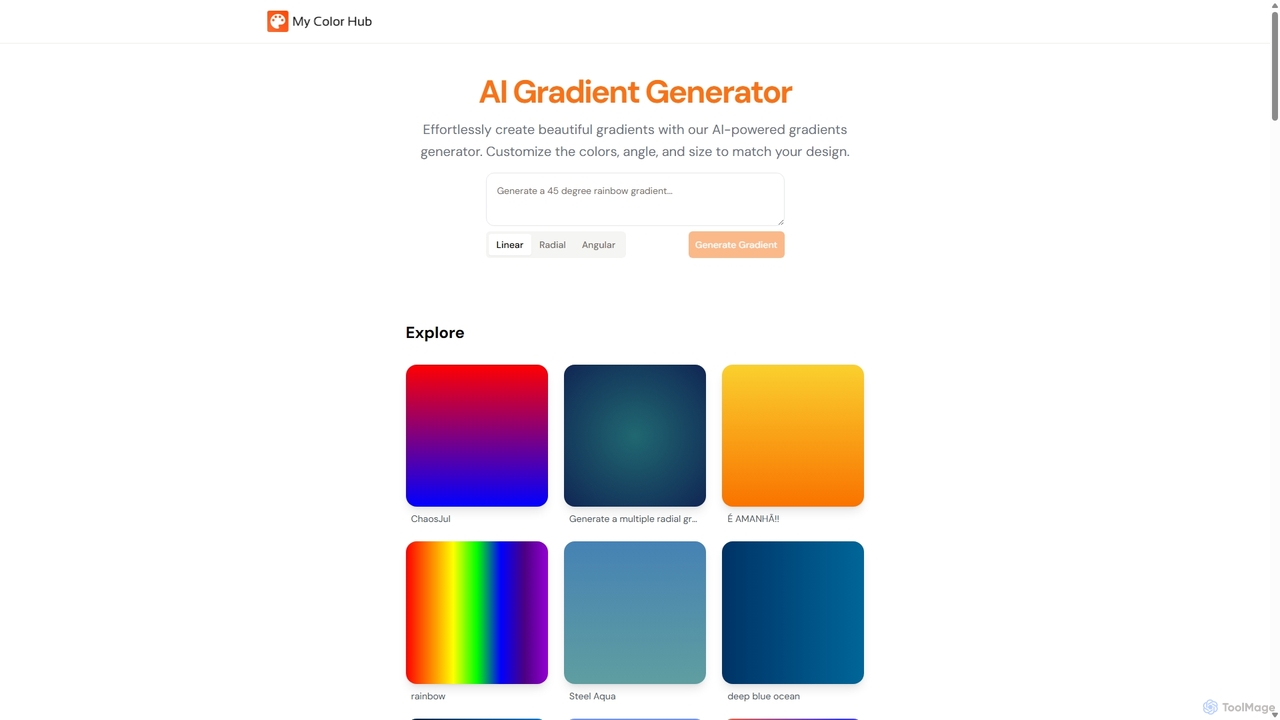
MyColorHub
MyColorHub is an AI-powered gradient generator that effortlessly creates beautiful, unique color gradients from simple text prompts. Describe a mood, a scene, or a color combination, and the AI will generate stunning linear, radial, or angular gradients. It's an intuitive tool for designers, developers, and content creators to quickly find inspiration and generate custom color schemes for their projects.
Graphics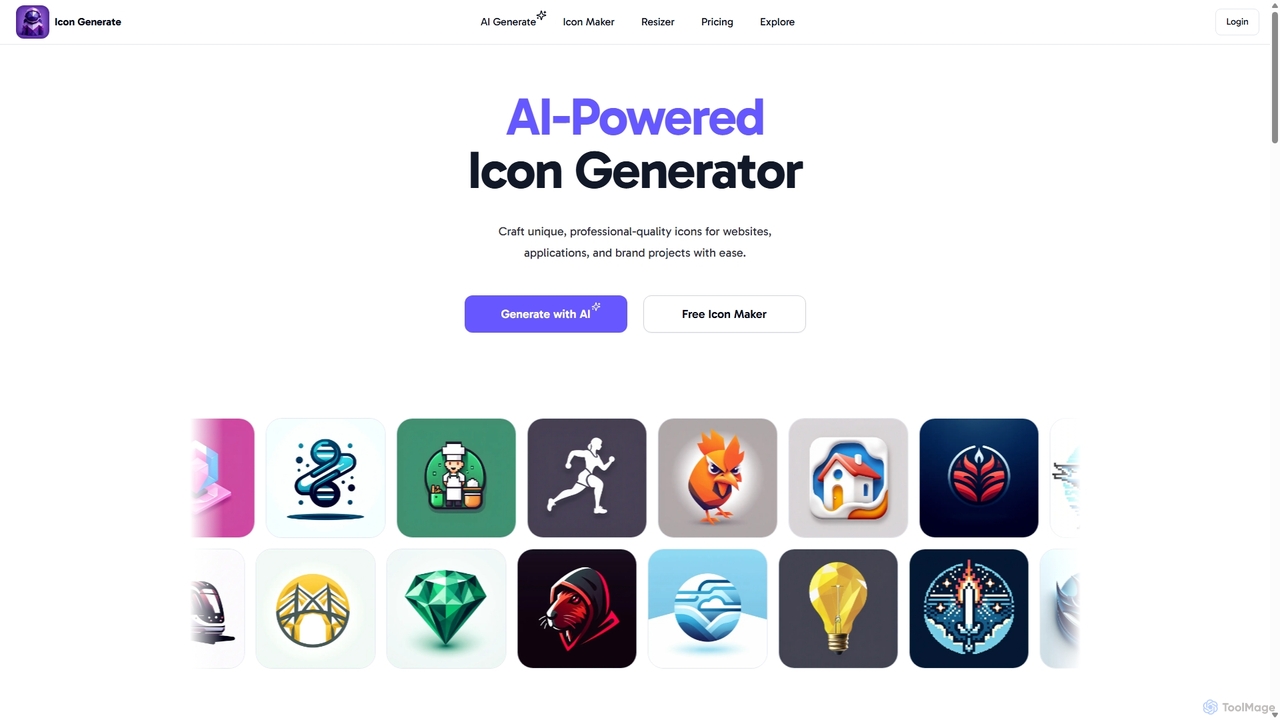
Icongenerate
Icongenerate is an AI-powered icon generator that allows users to create unique, professional-quality icons for websites, applications, and branding projects. Simply describe your desired icon, choose from a wide range of styles like 3D, Pixelated, and Minimalistic, and let the AI bring your vision to life in seconds. It also offers a free icon maker for customizing existing icons, making it a versatile tool for designers, developers, and creators of all skill levels.
Icon Generation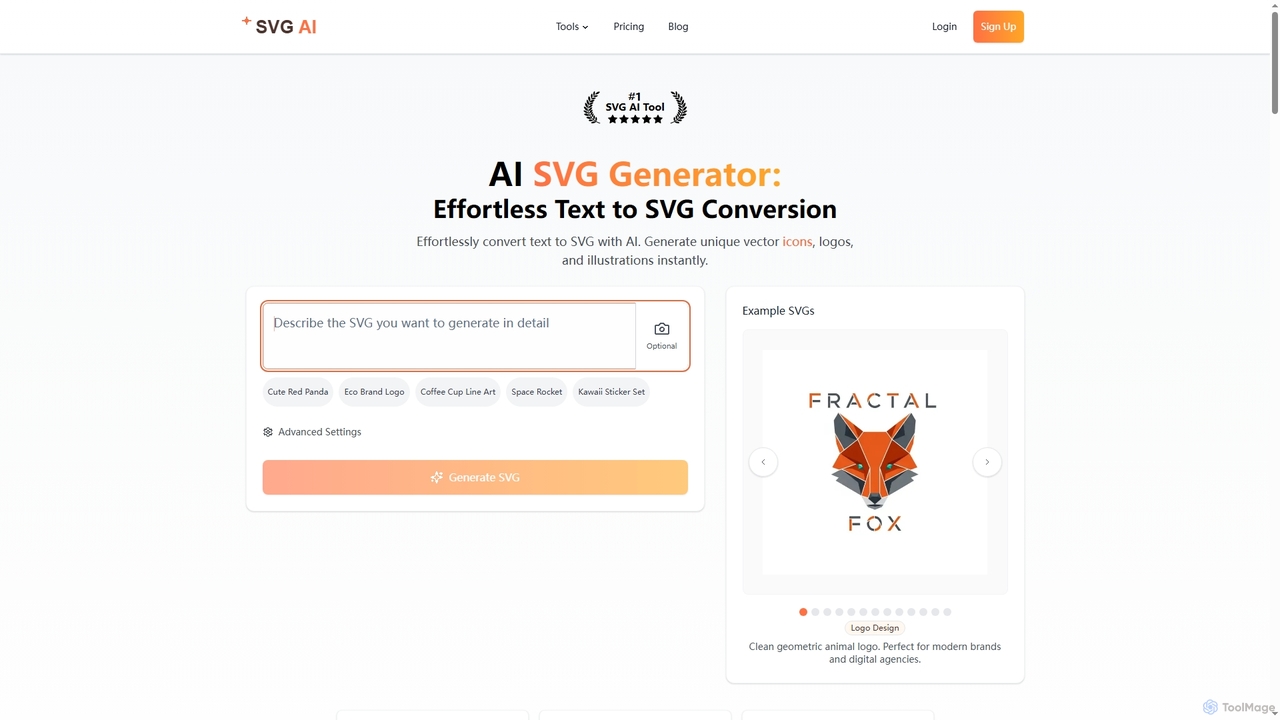
Svgai
Svgai is an AI-powered platform that instantly converts text descriptions into high-quality, scalable vector graphics (SVGs). It's designed for creating unique logos, icons, and illustrations with clean, production-ready code, supporting over 50 languages.
Graphics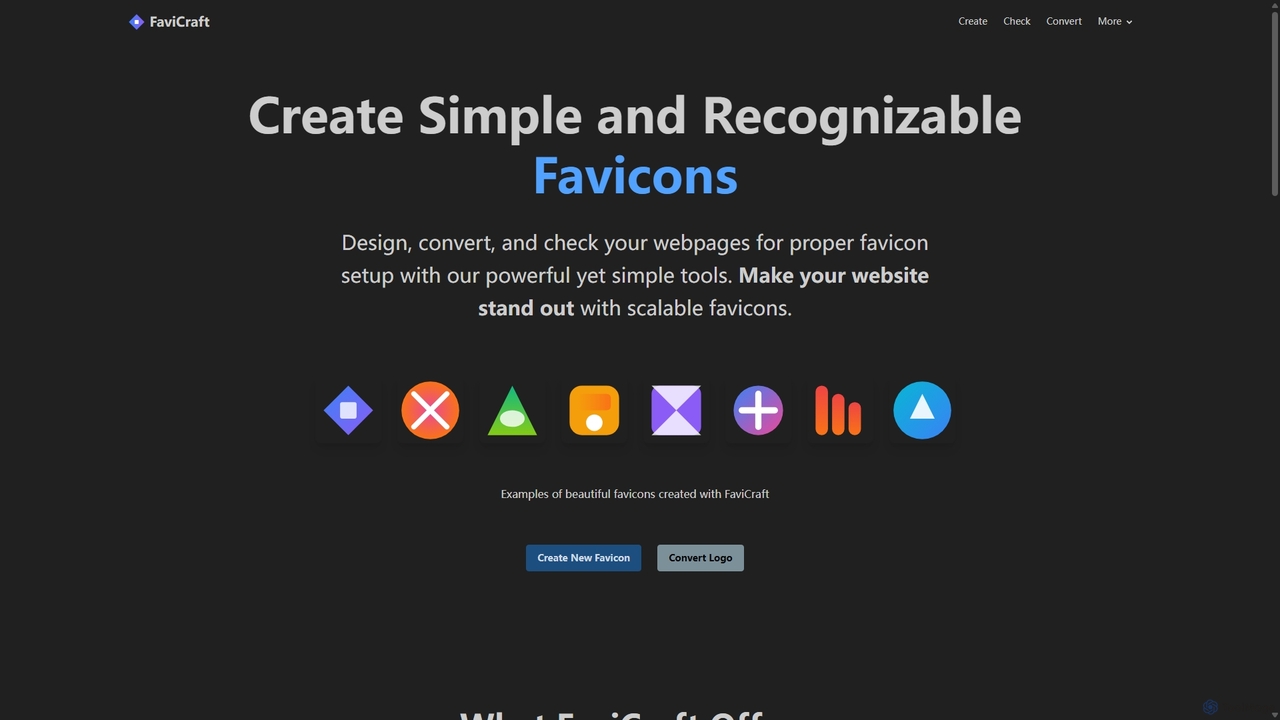
FaviCraft
FaviCraft is a free, all-in-one online tool for creating, converting, and checking website favicons. It features an intuitive drag-and-drop editor for designing custom icons, a powerful converter to turn logos into multi-format favicons, and a comprehensive checker to ensure proper implementation. No registration is required, making it perfect for developers, designers, and content creators seeking to enhance their website's brand identity instantly.
Logo GenerationSpline Categories
Spline Jobs
Spline Embed Widget
Copy this embed code to place the badge on your blog, article, or product site and send readers directly to this ToolMage detail page.

Related AI tools
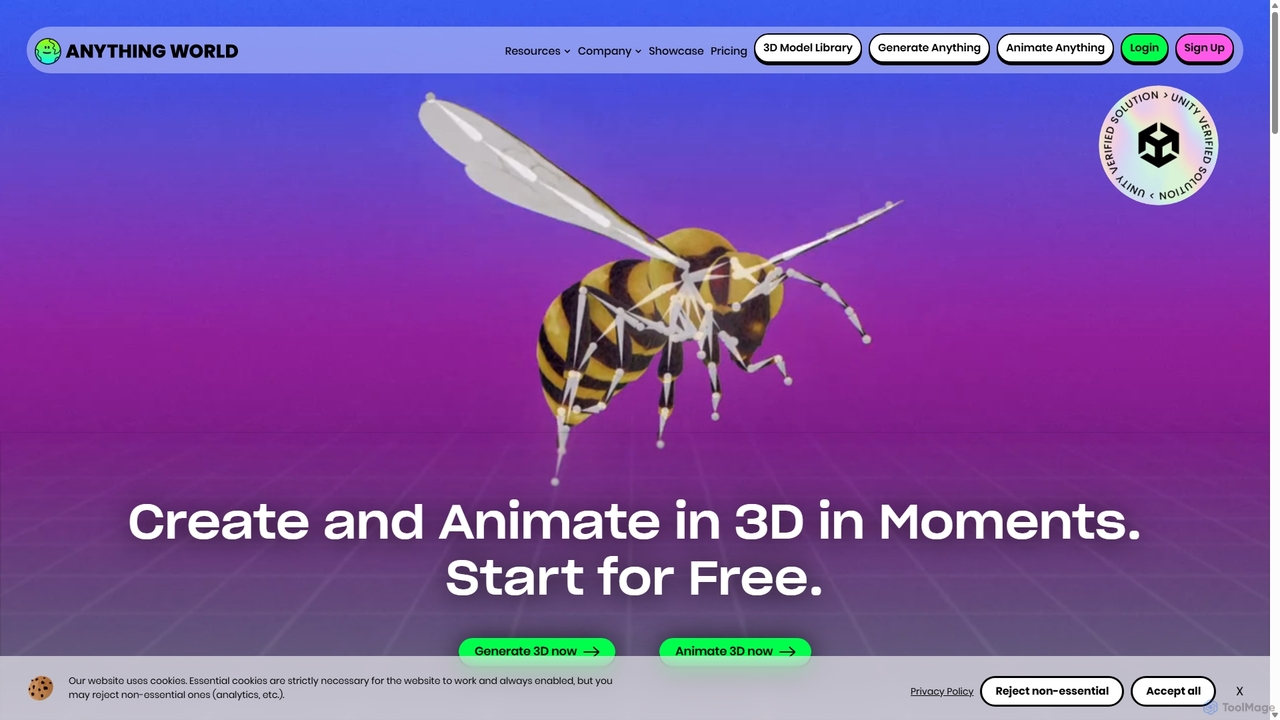
Anything World
Anything World is an AI-powered platform that revolutionizes 3D content creation with automated rigging and animation. It provides game-ready SDKs for Unity and Unreal Engine, enabling developers and artists to rapidly generate and control animated 3D models and entire virtual worlds using simple text or voice commands.
3D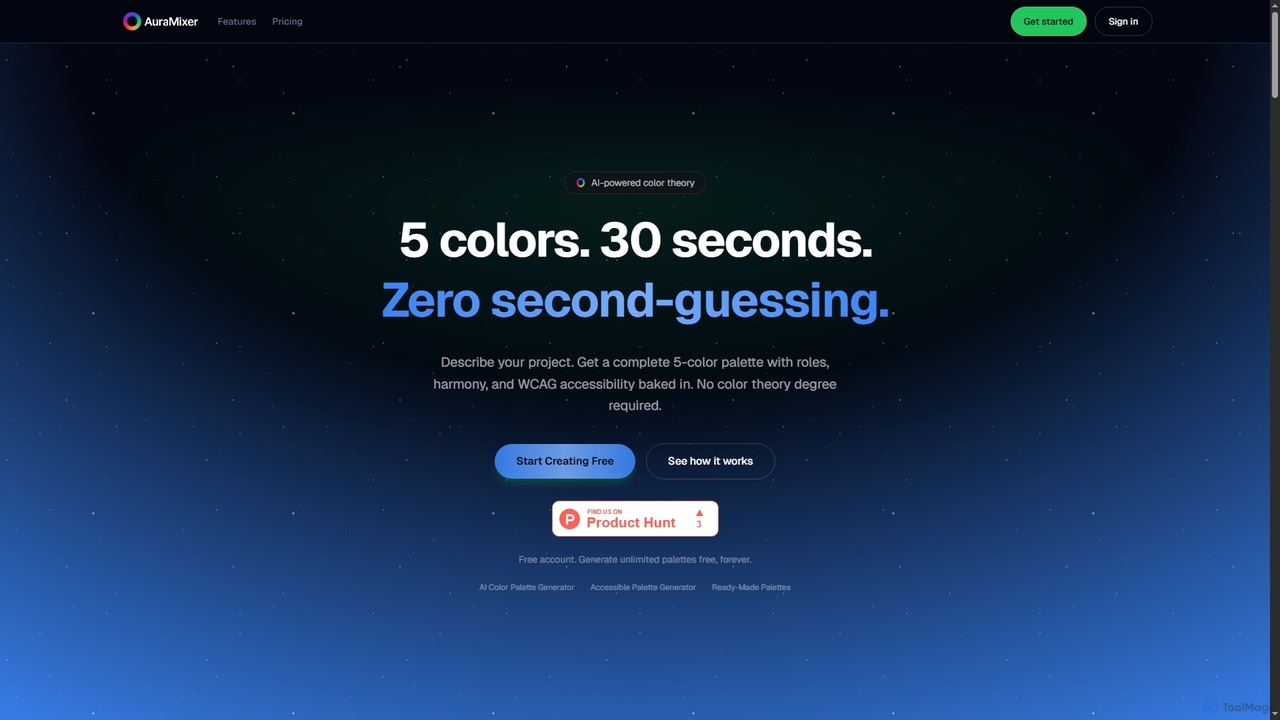
Aura Mixer
Aura Mixer is an AI-powered color palette generator that creates professional, accessible 5-color palettes in seconds. It applies real color theory, ensuring WCAG AA compliance and balanced color distribution for UI/UX design, web development, and branding projects.
Design Tools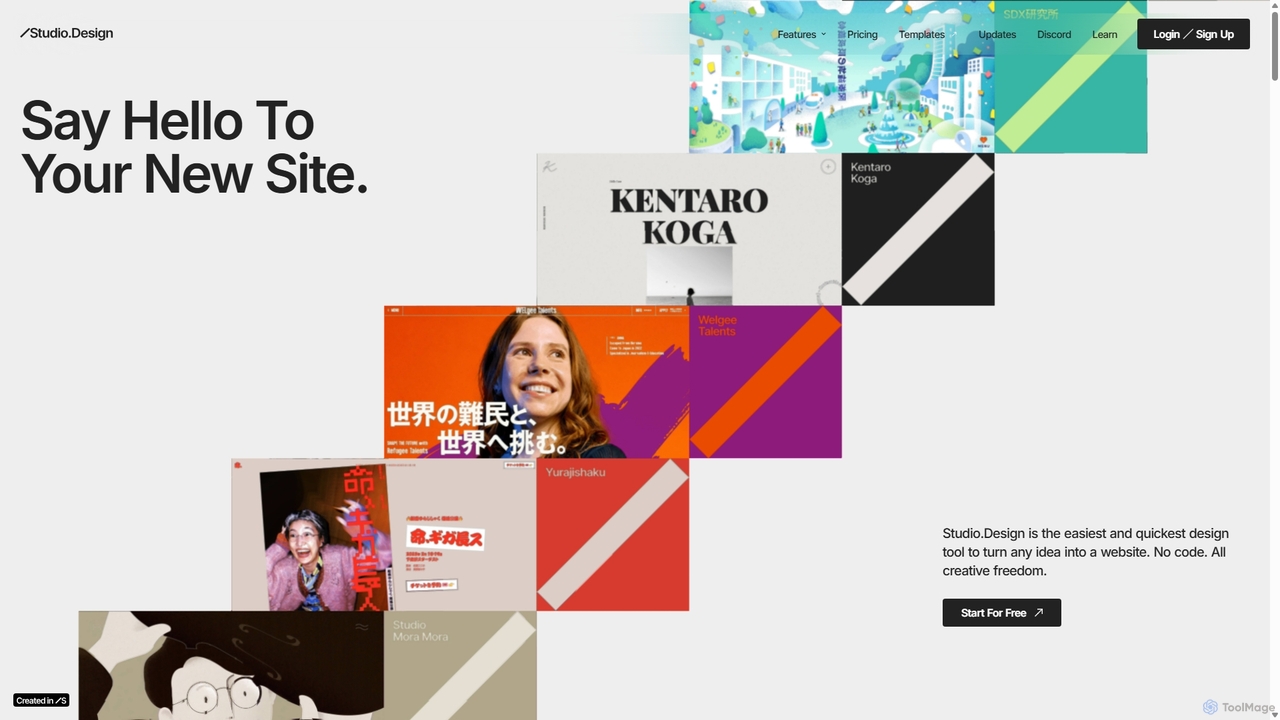
Studio.Design
Studio.Design is a powerful no-code website builder that empowers designers and creators to turn ideas into fully responsive, animated websites with complete creative freedom. It features an intuitive visual editor, real-time collaboration, an integrated CMS, and AI-powered SEO tools, allowing you to publish professional sites in a single click.
Web Design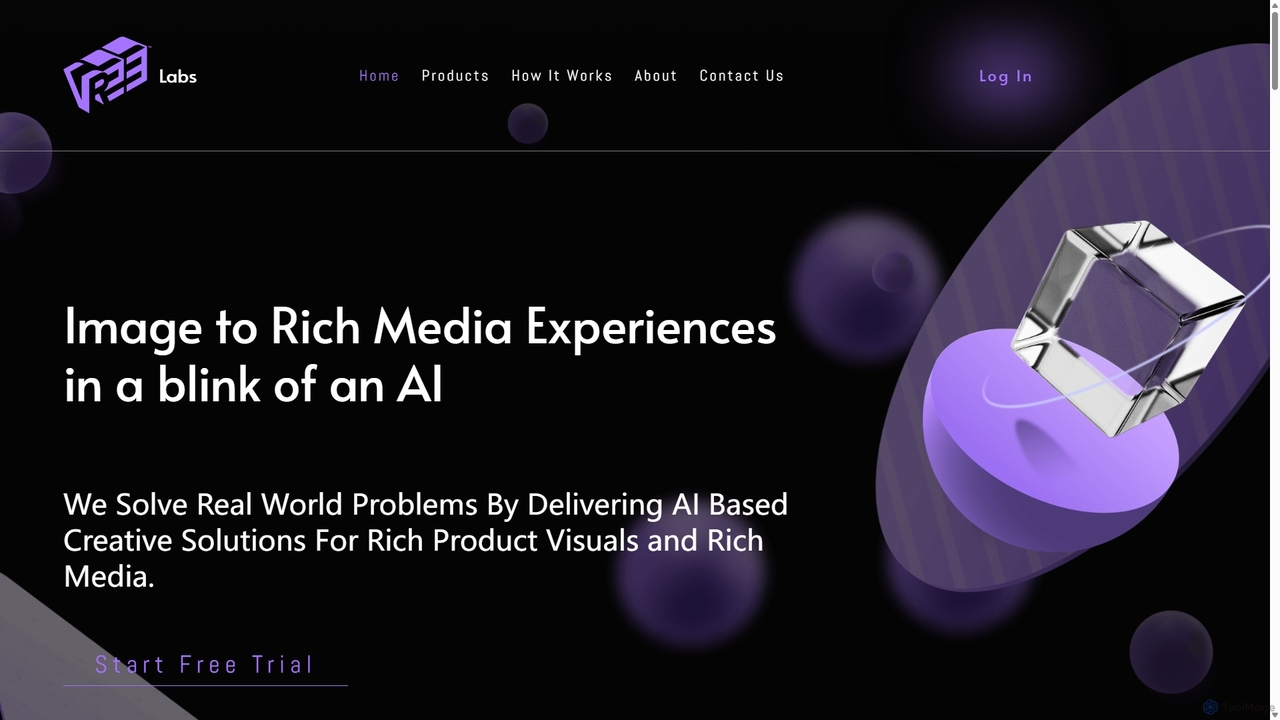
Vree
Vree is an AI-powered platform that transforms 2D product images into stunning 3D models, rich media ads, and immersive visual experiences. It enables e-commerce businesses and marketers to create captivating product visuals and advertisements in minutes, without any technical expertise, significantly boosting customer engagement and sales.
Generative ArtMyColorHub
MyColorHub is an AI-powered gradient generator that effortlessly creates beautiful, unique color gradients from simple text prompts. Describe a mood, a scene, or a color combination, and the AI will generate stunning linear, radial, or angular gradients. It's an intuitive tool for designers, developers, and content creators to quickly find inspiration and generate custom color schemes for their projects.
GraphicsIcongenerate
Icongenerate is an AI-powered icon generator that allows users to create unique, professional-quality icons for websites, applications, and branding projects. Simply describe your desired icon, choose from a wide range of styles like 3D, Pixelated, and Minimalistic, and let the AI bring your vision to life in seconds. It also offers a free icon maker for customizing existing icons, making it a versatile tool for designers, developers, and creators of all skill levels.
Icon Generation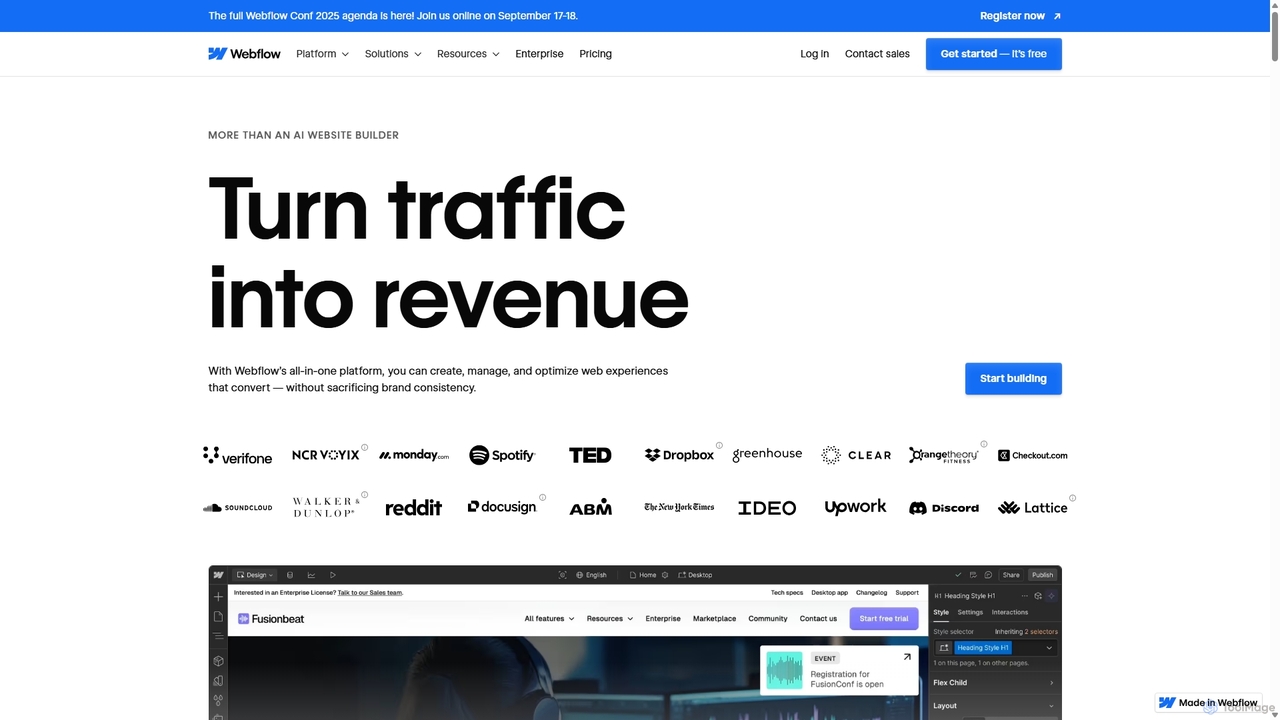
Webflow
Webflow is a visual development platform that empowers users to design, build, and launch professional, custom websites without writing code. It combines a powerful visual designer, a flexible CMS, and high-performance hosting into a single platform, enhanced with AI features for faster creation and optimization.
Web Design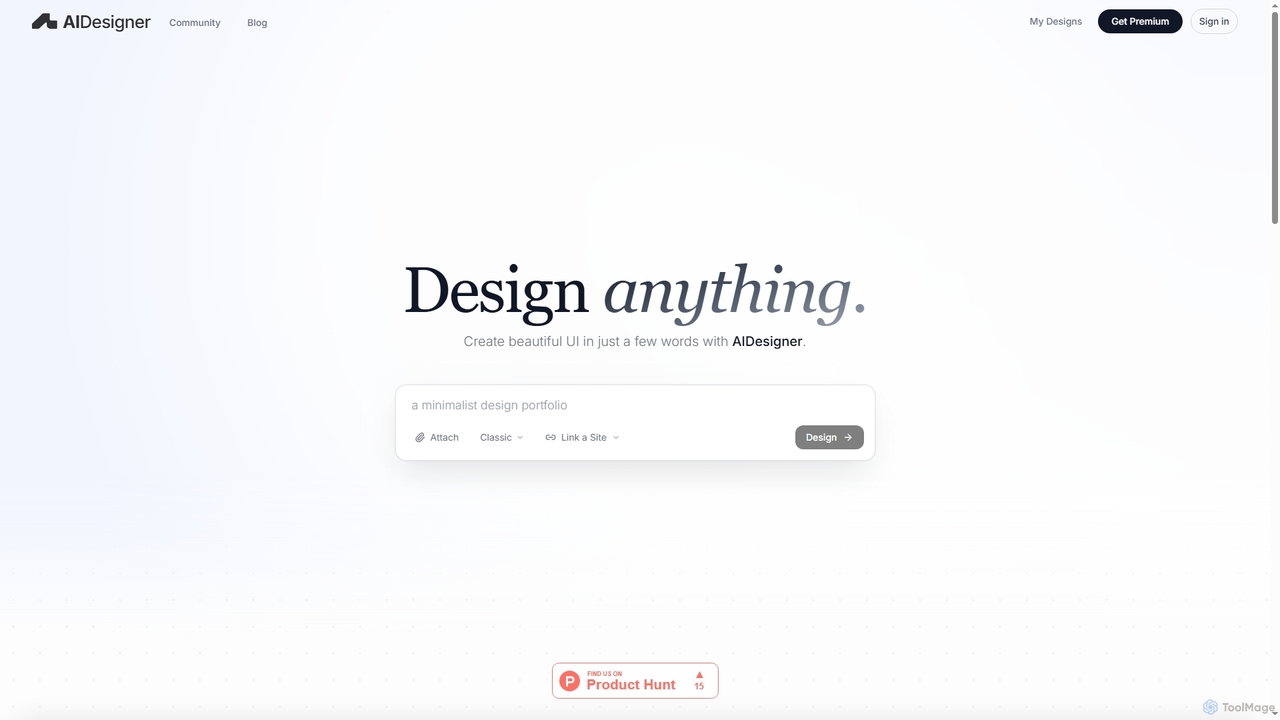
AIDesigner
AIDesigner is an advanced AI-powered platform that transforms textual descriptions into stunning UX/UI designs. It offers a unique approach to design generation, enabling users to create beautiful websites, mobile apps, and portfolios without the generic 'AI look.' With a rich library of production-ready templates and powerful customization options, AIDesigner empowers creators to rapidly prototype and launch visually distinctive digital experiences.
User ExperienceEndless Tools
An all-in-one, no-code web tool for creating striking 3D visuals, animations, and interactive effects. Effortlessly transform SVGs into 3D objects, apply unique materials and effects, and embed interactive designs directly into your website. Ideal for designers, marketers, and creatives.
3D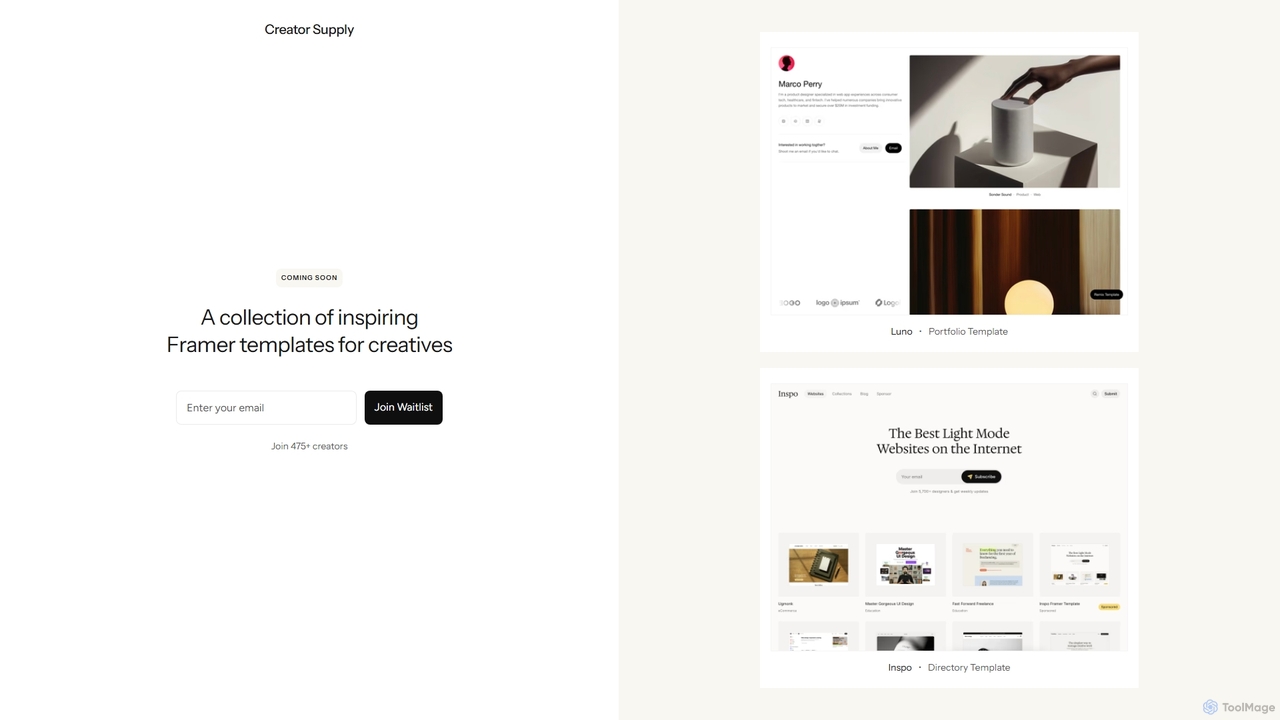
Creator Supply
Creator Supply offers a curated collection of inspiring, professionally designed Framer templates for creatives, designers, and agencies. It empowers users to build stunning, high-performance, and responsive websites with ease, significantly accelerating the design and development workflow without needing to write code.
Templates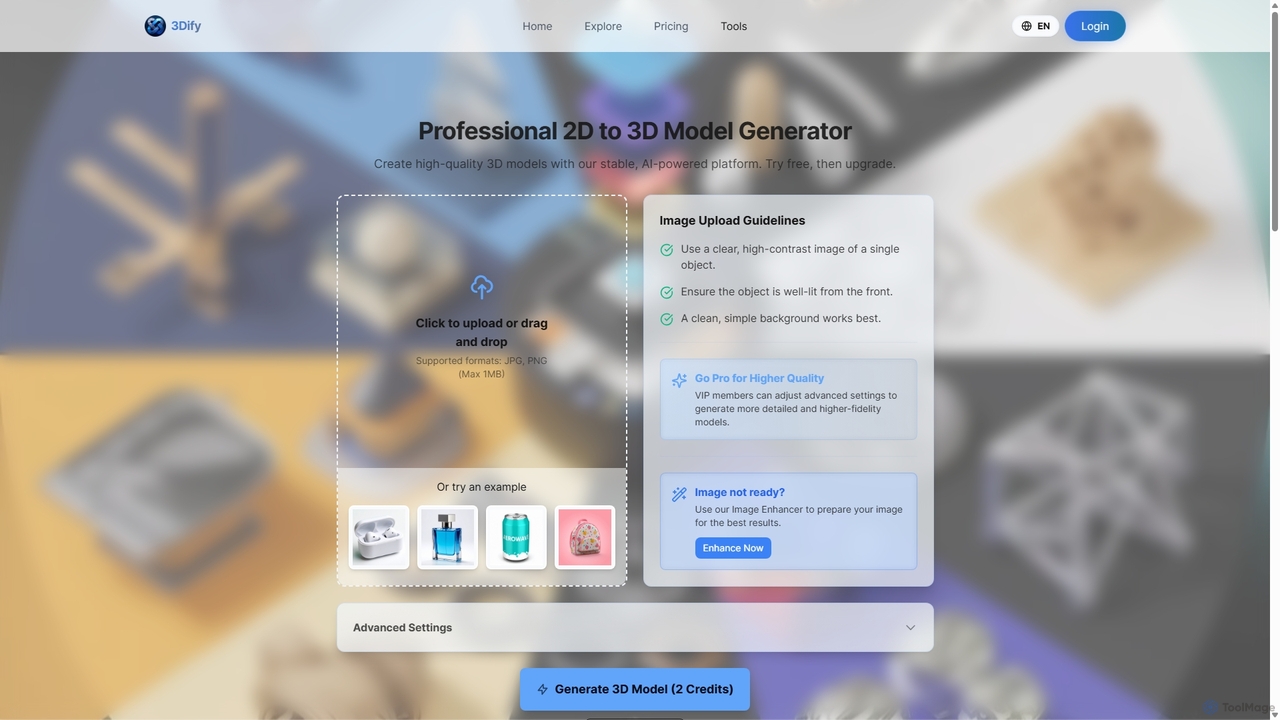
3dify
3dify is a professional AI-powered platform that transforms 2D images into high-quality 3D models. Designed for game developers, 3D artists, and designers, it offers a stable and efficient workflow to generate commercial-ready assets in minutes. The tool supports popular formats like GLB and PLY, features an integrated image enhancer, and provides a freemium model to get started.
Image To 3D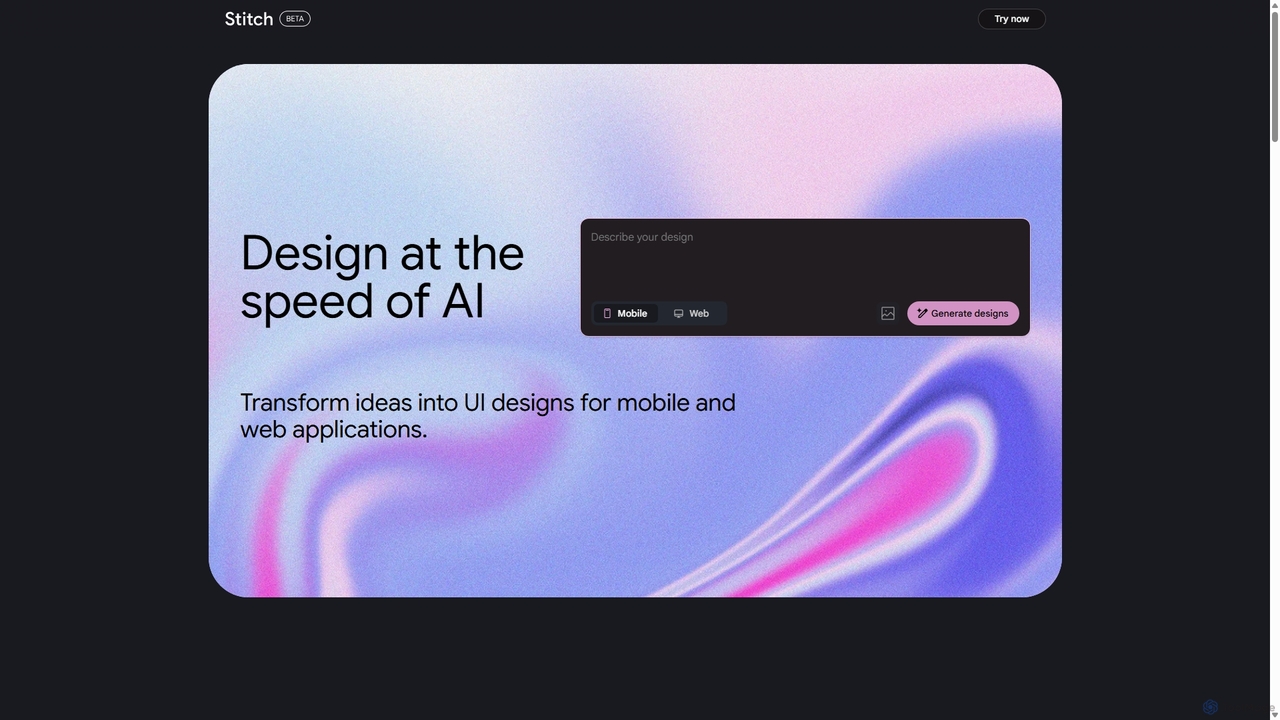
Stitch
Stitch is a revolutionary AI-powered design platform by Google that transforms text prompts and rough sketches into high-fidelity mockups and prototypes. It streamlines the design workflow, enabling creators to rapidly ideate, iterate, and generate stunning visuals, UI/UX designs, and complete design systems with unprecedented speed and efficiency.
Generative Design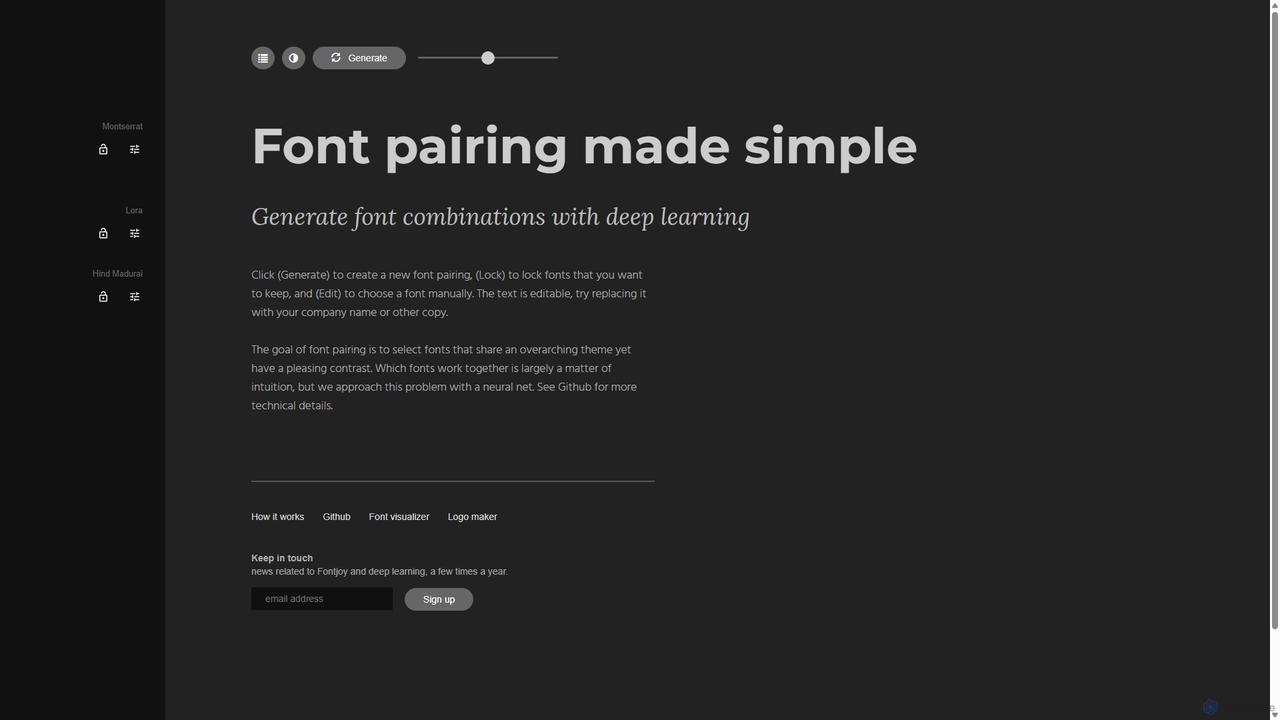
Fontjoy
Fontjoy is an AI-powered tool that helps designers and developers generate beautiful and harmonious font pairings with a single click. Using deep learning, it intelligently selects fonts for headings, subheadings, and body text that balance contrast and similarity, streamlining the design process.
Typography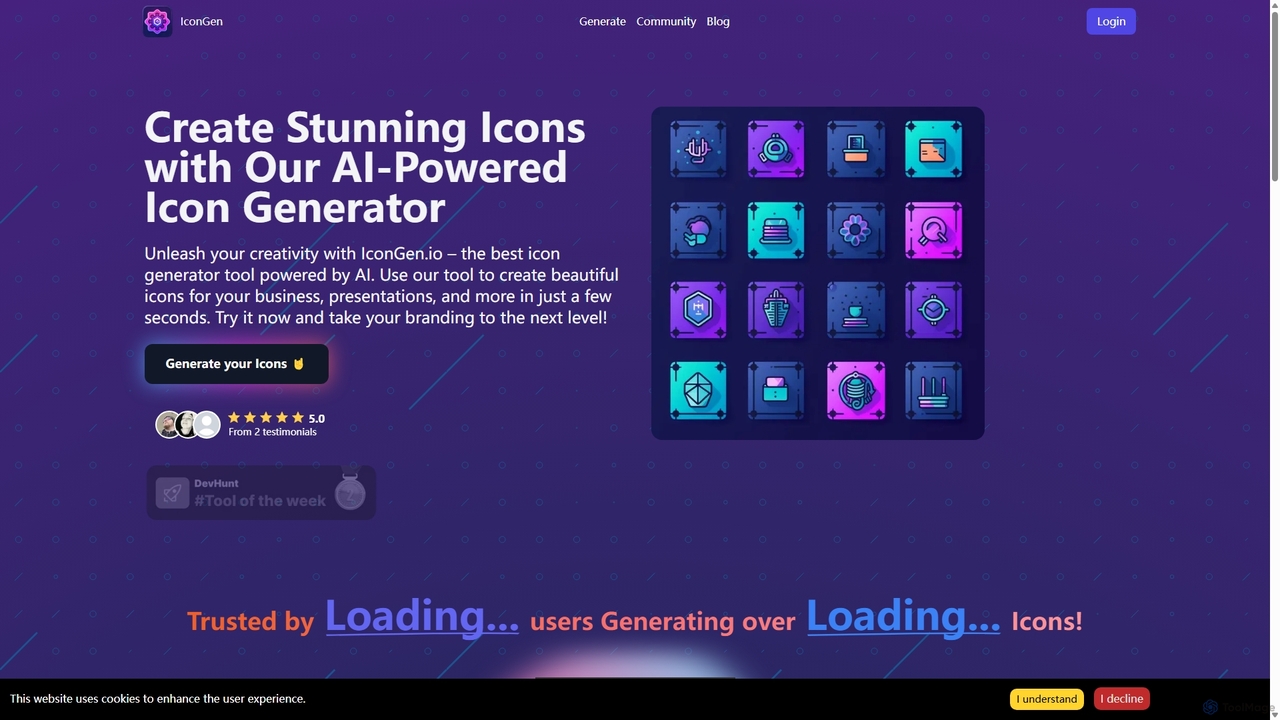
Icongen
Icongen is an AI-powered tool that enables users to generate unique, high-quality icons in seconds. By simply providing a text prompt, users can create custom icons tailored to their specific needs, choosing from 12 distinct styles, various colors, and shapes. It's designed for designers, developers, and marketers looking to enhance their projects with original visual assets.
Image Generation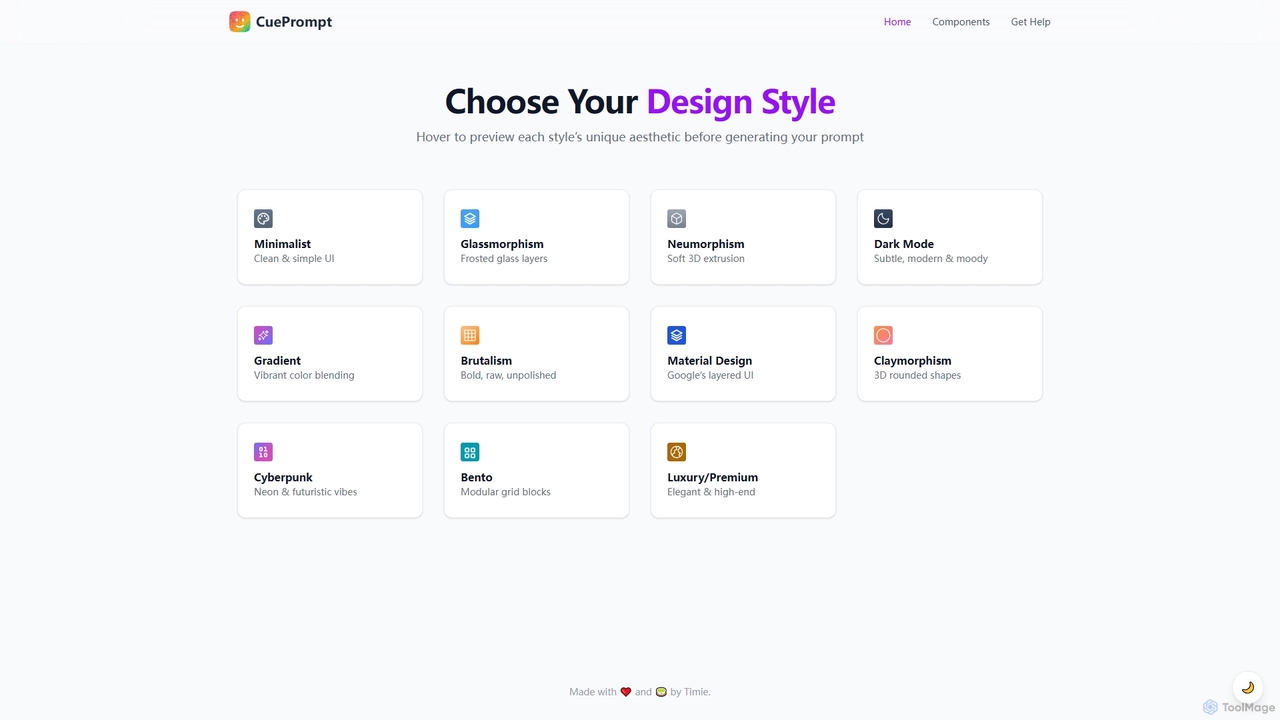
CuePrompt
CuePrompt is an intuitive AI-powered tool designed to help designers and creators generate powerful and specific prompts for various UI/UX design styles. It simplifies the process of exploring diverse aesthetics, from Minimalist to Cyberpunk, enabling users to quickly articulate their design vision and kickstart creative projects.
Design Inspiration
Spline Comments (0)
Sign in to comment.
Sign inNo comments yet.