

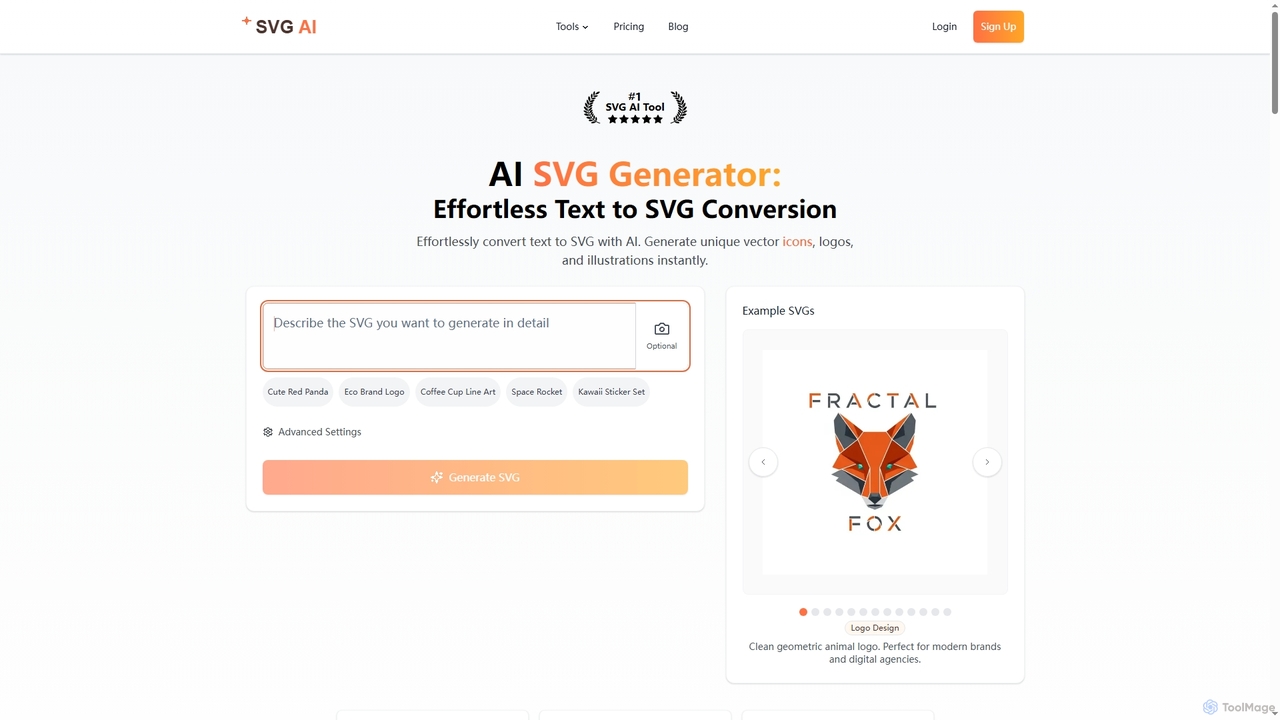
Svgai Overview
Svgai is an advanced AI tool designed to effortlessly transform text prompts into professional-grade Scalable Vector Graphics (SVGs). Leveraging state-of-the-art machine learning models trained on millions of vector images, Svgai interprets user descriptions with remarkable accuracy to generate unique logos, icons, and illustrations in seconds. The platform produces genuine SVG files with editable vector paths, ensuring infinite scalability without any loss of quality, unlike traced bitmaps. It also features specialized tools like an AI Icon Generator and an SVG to Video converter, making it a versatile solution for designers, developers, and marketers. All generated assets come with commercial usage rights under its paid plans, and the output code is optimized for web performance.
How to use Svgai
Using Svgai is a straightforward four-step process:
1. Describe Your Vision: Enter a detailed text description of the graphic you want to create. The AI understands prompts in over 50 languages.
2. AI Generation: The AI interprets your prompt and generates a unique vector graphic based on your description.
3. Customize & Refine: Fine-tune the generated SVG's style, color, and details, or generate multiple variations to explore different creative directions.
4. Export & Use: Download the final file in SVG, PNG, or as a React JSX component. You can also copy the optimized code directly for your projects.
Core Features of Svgai
- Instant Text-to-SVG Generation: Converts text descriptions into professional vector graphics in seconds.
- True Vector Paths: Creates genuine, editable SVG files that scale infinitely without quality loss.
- AI Icon Generator: A dedicated tool to generate consistent and unique SVG icon sets with multiple style options.
- SVG to Video Converter: Transforms static SVGs into dynamic 5-second HD MP4 animations based on text prompts.
- Multiple Export Options: Download graphics as SVG, PNG, or copyable React JSX components.
- Optimized Code: Generates clean, production-ready SVG code suitable for web development.
- Multilingual AI: Understands text prompts in over 50 languages.
- Customization: Allows users to fine-tune colors, sizes, and styles of the generated graphics.
Use Cases for Svgai
Svgai is ideal for a variety of professional applications. Graphic designers and branding specialists can use it to rapidly prototype and create unique logos and brand elements. Web and app developers can generate scalable UI/UX icons and illustrations with clean code, speeding up their workflow. Marketers and social media managers can create eye-catching visual content, including animated logos and icons for campaigns. Content creators can produce custom illustrations for websites, blogs, and presentations without needing advanced design skills.
Advantages of Svgai
The primary advantage of Svgai is its ability to produce true, high-quality vector graphics from text, saving hours of manual design work. The output is infinitely scalable and developer-friendly, with clean, optimized code. The inclusion of commercial usage rights in its plans provides significant value for professional projects. Its multilingual capabilities make it accessible to a global user base, and the specialized icon and video generation tools add to its versatility, making it an all-in-one solution for vector asset creation.
Pricing and Plans
Svgai offers several pricing tiers:
Monthly Plans:
- Starter: $19.00/month for 100 credits. Includes commercial usage rights, unlimited downloads, and designs are saved for 7 days.
- Pro: $39.00/month for 350 credits. Includes all Starter features, plus designs are saved for 30 days and priority support.
Annual Plans (Save up to $108):
- Starter Annual: $168/year (equivalent to $14/month).
- Pro Annual: $360/year (equivalent to $30/month).
One-Time Pack:
- Credit packs that never expire are available for purchase, starting from 10 credits for $3.99, 25 credits for $8.99, and 50 credits for $14.99. These can be used alongside a subscription.
Svgai FAQ
Traffic
Latest traffic
Status
Monthly traffic trend
- 2026-1: 170.0K
- 2026-2: 142.9K
- 2026-3: 240.9K
- 2026-4: 190.0K
- 2026-5: 170.0K
Geography
Top 5 countries / regions
- 🇺🇸United States46.4%
- 🇮🇳India19.5%
- 🇮🇩Indonesia12.9%
- 🇷🇺Russia10.8%
- 🇩🇪Germany10.4%
Traffic sources
| Source type | Percentage |
|---|---|
Direct | 75.4% |
Referral | 23.5% |
Email | 1.1% |
Top keywords
| Keyword | Cost per click |
|---|---|
| code to svg | $4.67 |
| image to svg | $0.62 |
| png to svg | $0.39 |
| svg ai | $1.69 |
| svg code to svg | $0.00 |
Svgai Videos on YouTube

WorldofAI
Svgai Alternatives
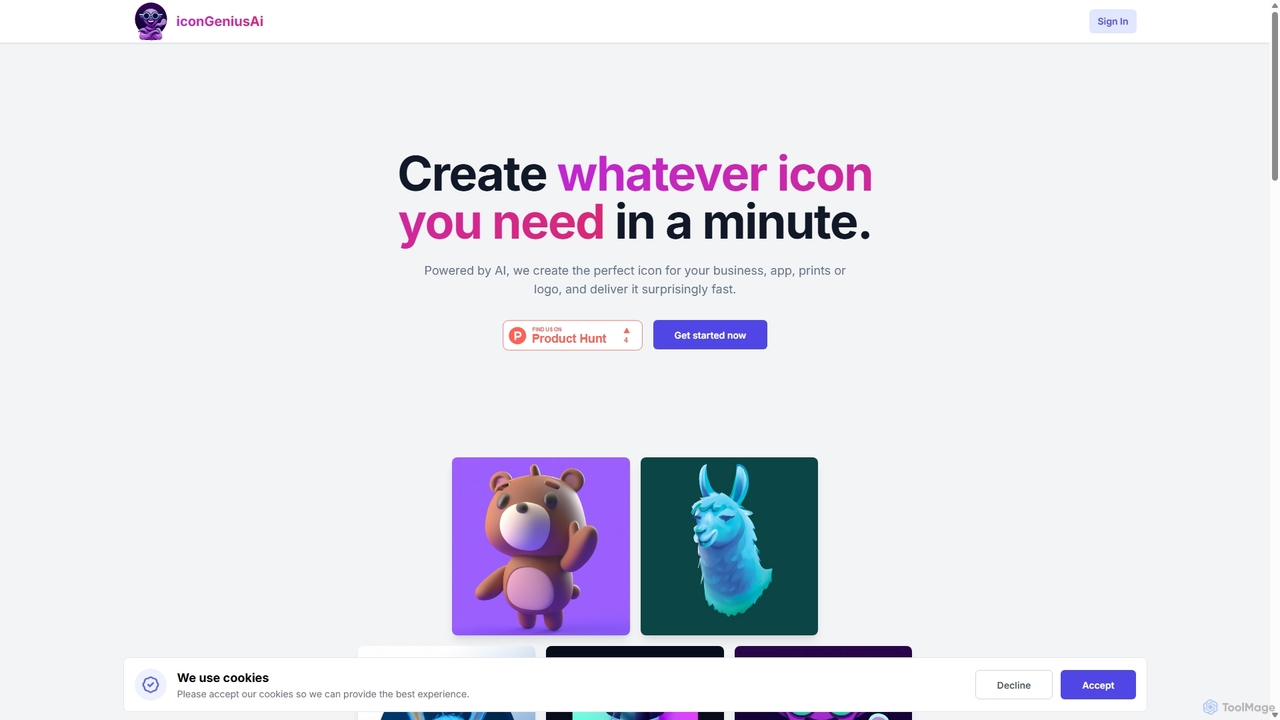
IconGeniusAi
iconGeniusAi is an AI-powered tool that allows users to create custom, high-resolution icons in minutes. Simply describe your desired icon, choose a color and style, and the AI generates unique visuals for your business, app, or personal projects. It offers a flexible, credit-based system instead of a recurring subscription.
Graphics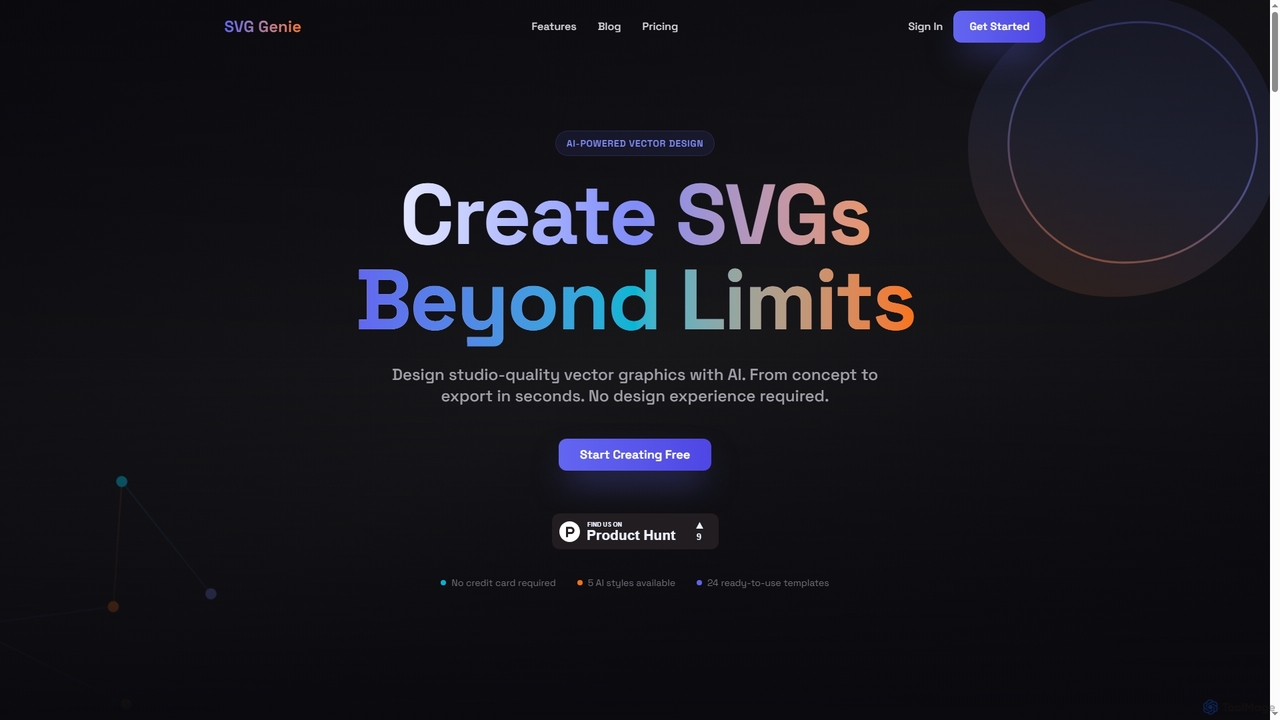
SVG Genie
SVG Genie is an AI-powered platform that transforms text descriptions into high-quality, infinitely scalable vector graphics (SVGs). Designed for users of all skill levels, it generates studio-quality logos, icons, and illustrations in seconds across five unique artistic styles, requiring no design experience.
Illustration
Ggradient
Ggradient is an AI-powered tool for designers and developers to effortlessly create stunning and unique color gradients. Generate beautiful gradients from text prompts, images, or a single color, and export them as CSS, SVG, or PNG for seamless integration into any project.
Graphics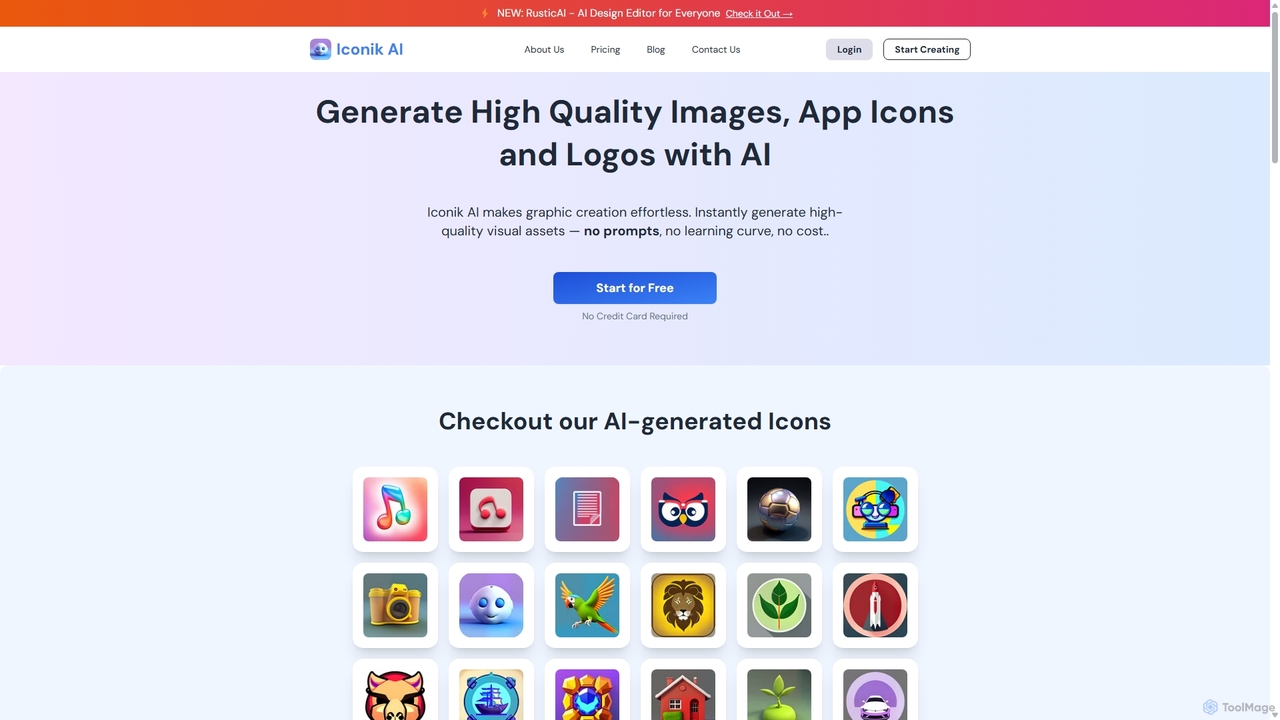
Iconik AI
Iconik AI is an AI-powered platform for effortlessly creating high-quality app icons, logos, and images. Designed for developers, designers, and e-commerce owners, it requires no design skills or complex prompts. Generate unique, professional visual assets that comply with Apple and Google guidelines, and enjoy full commercial rights to your creations.
Icon Generation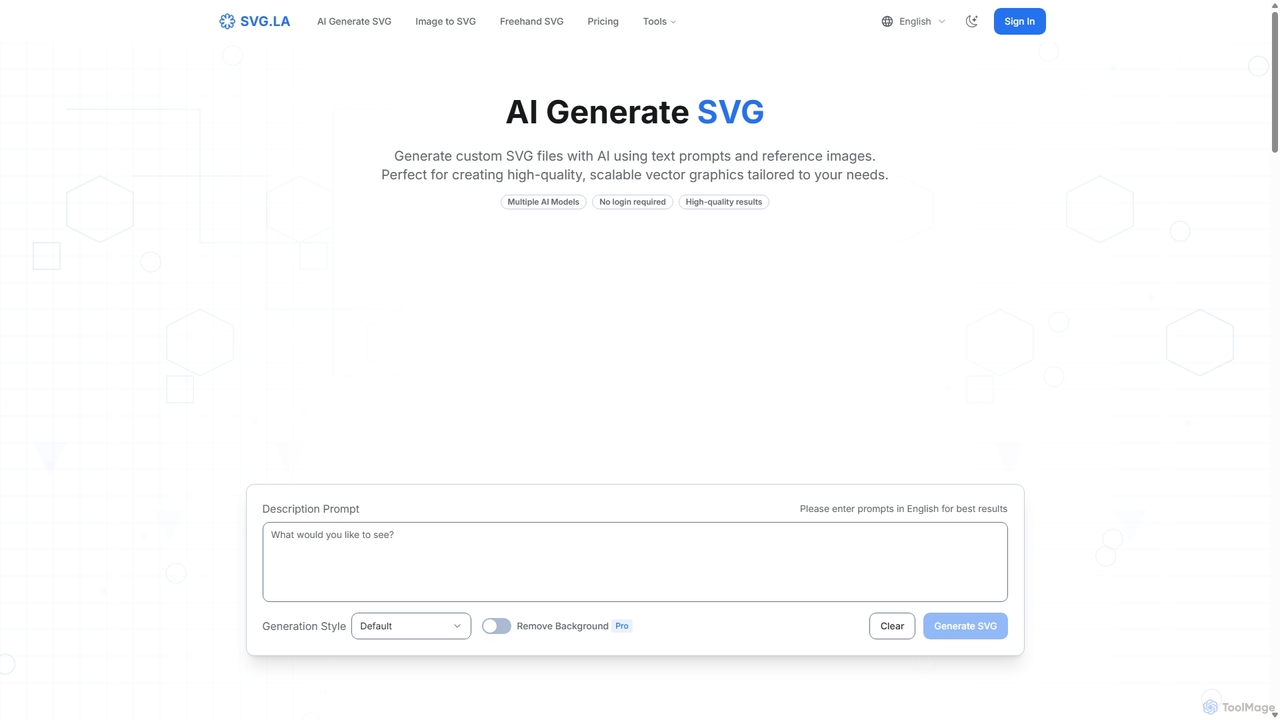
SVG.LA
SVG.LA is a comprehensive AI-powered platform for all your vector graphic needs. It enables users to generate high-quality, scalable SVG files from text prompts, convert bitmap images into vectors, and create freehand drawings. Featuring multiple AI models and a user-friendly interface, it's perfect for designers, developers, and creators.
GraphicsSvgai Categories
Svgai Jobs
Svgai Embed Widget
Copy this embed code to place the badge on your blog, article, or product site and send readers directly to this ToolMage detail page.

Related AI tools
IconGeniusAi
iconGeniusAi is an AI-powered tool that allows users to create custom, high-resolution icons in minutes. Simply describe your desired icon, choose a color and style, and the AI generates unique visuals for your business, app, or personal projects. It offers a flexible, credit-based system instead of a recurring subscription.
GraphicsSVG Genie
SVG Genie is an AI-powered platform that transforms text descriptions into high-quality, infinitely scalable vector graphics (SVGs). Designed for users of all skill levels, it generates studio-quality logos, icons, and illustrations in seconds across five unique artistic styles, requiring no design experience.
Illustration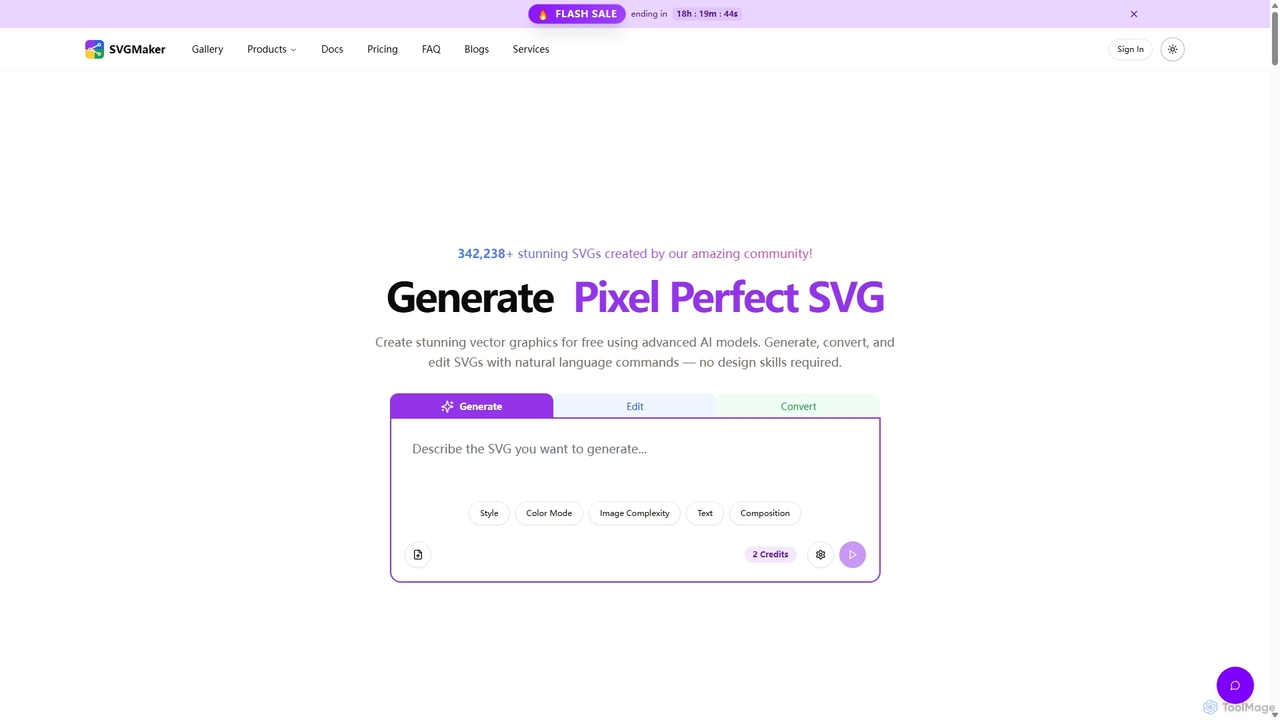
SVGMaker
SVGMaker is an AI-powered platform for generating, editing, and converting SVG vector graphics. Effortlessly create pixel-perfect logos, icons, and illustrations from text prompts, convert raster images into scalable SVGs, and refine your designs with natural language commands. Ideal for designers, developers, and creators without requiring advanced design skills.
Vector Graphics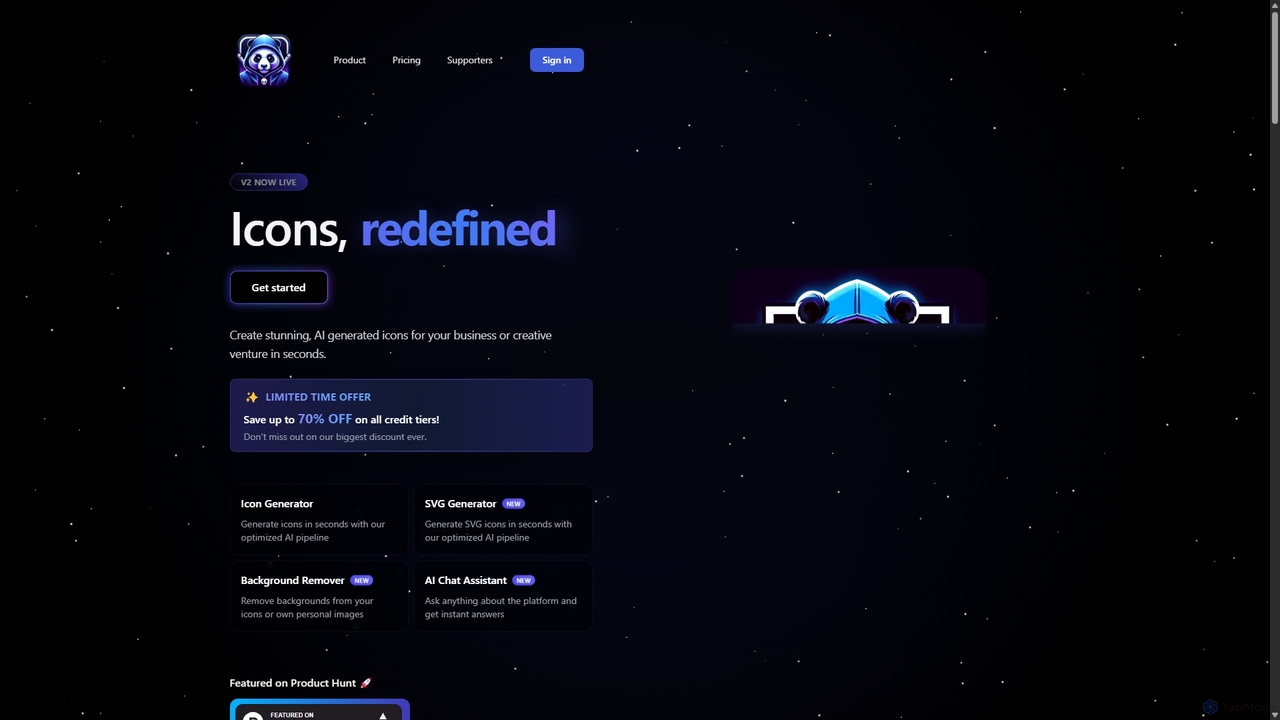
IconAI
IconAI is a powerful AI-driven platform that enables users to generate stunning, unique icons and high-quality SVG graphics in seconds. It features an intuitive icon generator, a robust SVG creator, a background removal tool, and an AI assistant, making it perfect for businesses, designers, and developers.
Icon GenerationIconik AI
Iconik AI is an AI-powered platform for effortlessly creating high-quality app icons, logos, and images. Designed for developers, designers, and e-commerce owners, it requires no design skills or complex prompts. Generate unique, professional visual assets that comply with Apple and Google guidelines, and enjoy full commercial rights to your creations.
Icon GenerationSVG.LA
SVG.LA is a comprehensive AI-powered platform for all your vector graphic needs. It enables users to generate high-quality, scalable SVG files from text prompts, convert bitmap images into vectors, and create freehand drawings. Featuring multiple AI models and a user-friendly interface, it's perfect for designers, developers, and creators.
Graphics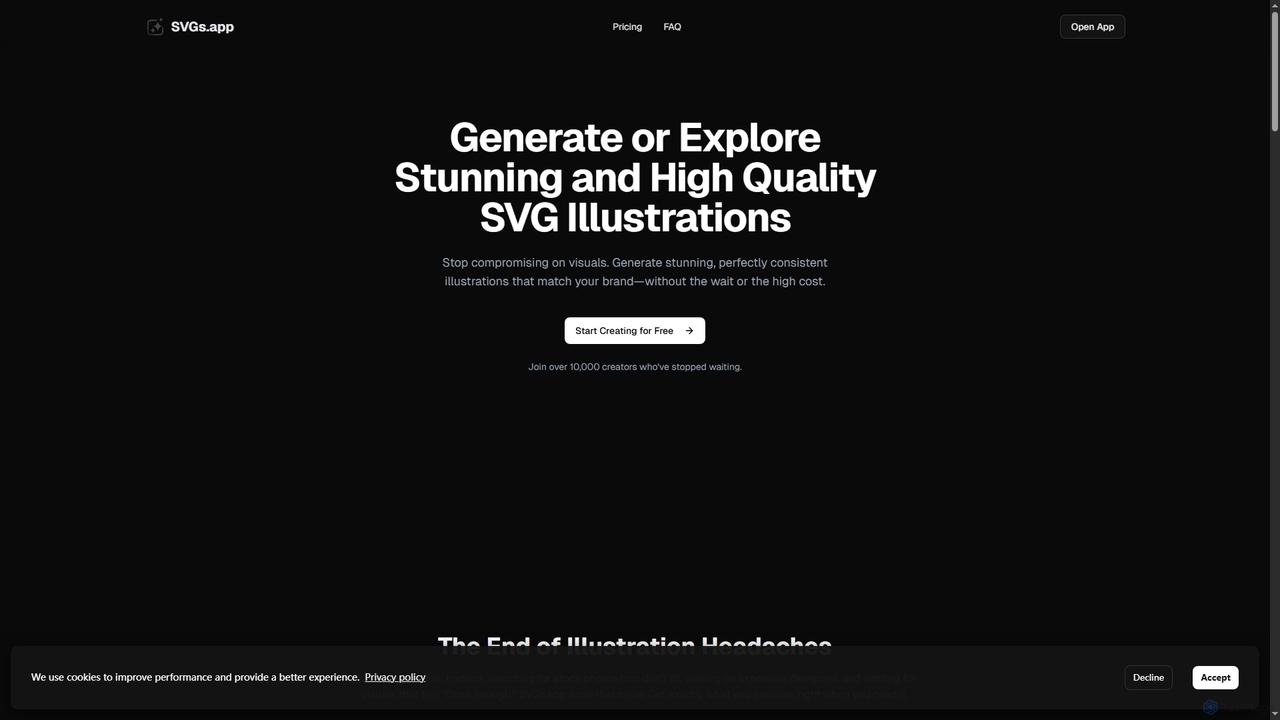
SVGs
SVGs is an AI-powered platform designed to generate high-quality, consistent SVG illustrations rapidly. It empowers individuals and teams to create stunning, on-brand visuals for various applications, from websites and apps to marketing materials, without requiring extensive design expertise or significant time and cost investments.
Illustration Generation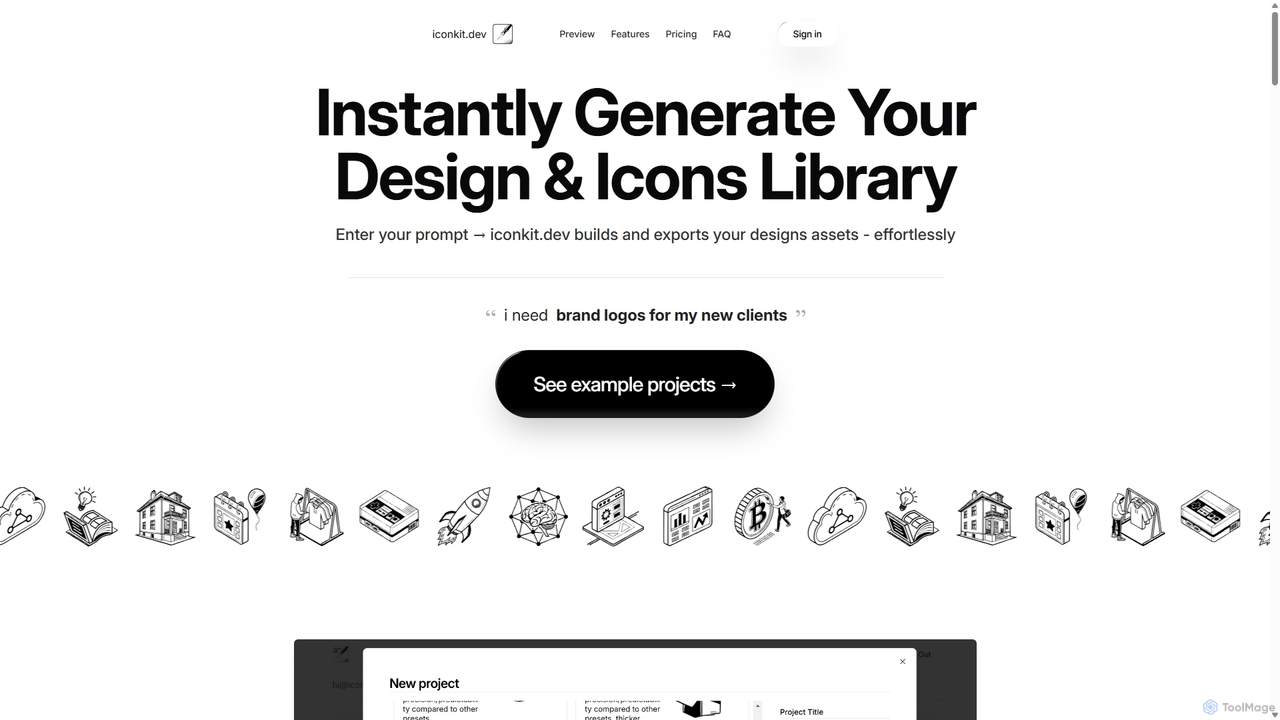
Iconkit.dev
Iconkit.dev is an AI-powered generator that instantly creates entire icon and design libraries from simple text prompts. Designed for developers, designers, and marketers, it streamlines workflows by providing ready-to-use, customizable vector assets compatible with popular frameworks like React and Next.js, eliminating design bottlenecks.
Icons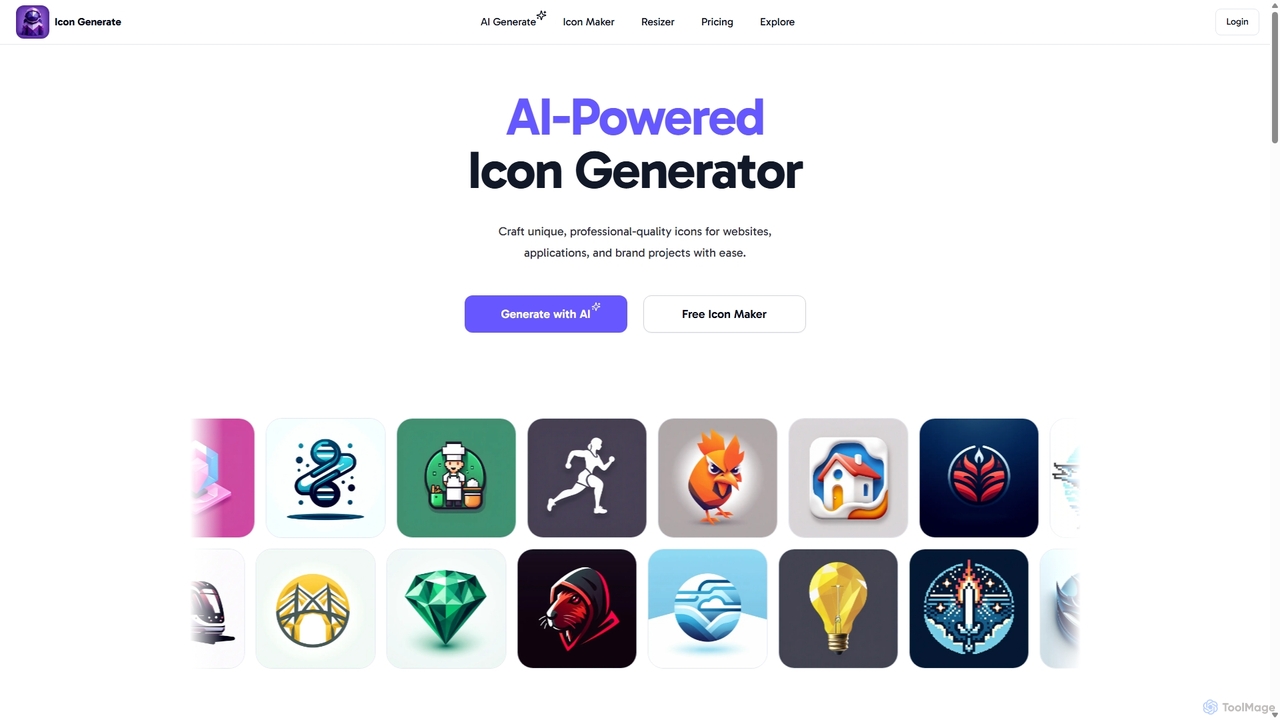
Icongenerate
Icongenerate is an AI-powered icon generator that allows users to create unique, professional-quality icons for websites, applications, and branding projects. Simply describe your desired icon, choose from a wide range of styles like 3D, Pixelated, and Minimalistic, and let the AI bring your vision to life in seconds. It also offers a free icon maker for customizing existing icons, making it a versatile tool for designers, developers, and creators of all skill levels.
Icon Generation
Icons8
Icons8 is a comprehensive design platform offering a vast library of icons, illustrations, photos, and music. It integrates powerful AI tools like a face generator, image upscaler, and background remover to streamline the creative workflow for designers, marketers, and developers.
GraphicsGgradient
Ggradient is an AI-powered tool for designers and developers to effortlessly create stunning and unique color gradients. Generate beautiful gradients from text prompts, images, or a single color, and export them as CSS, SVG, or PNG for seamless integration into any project.
Graphics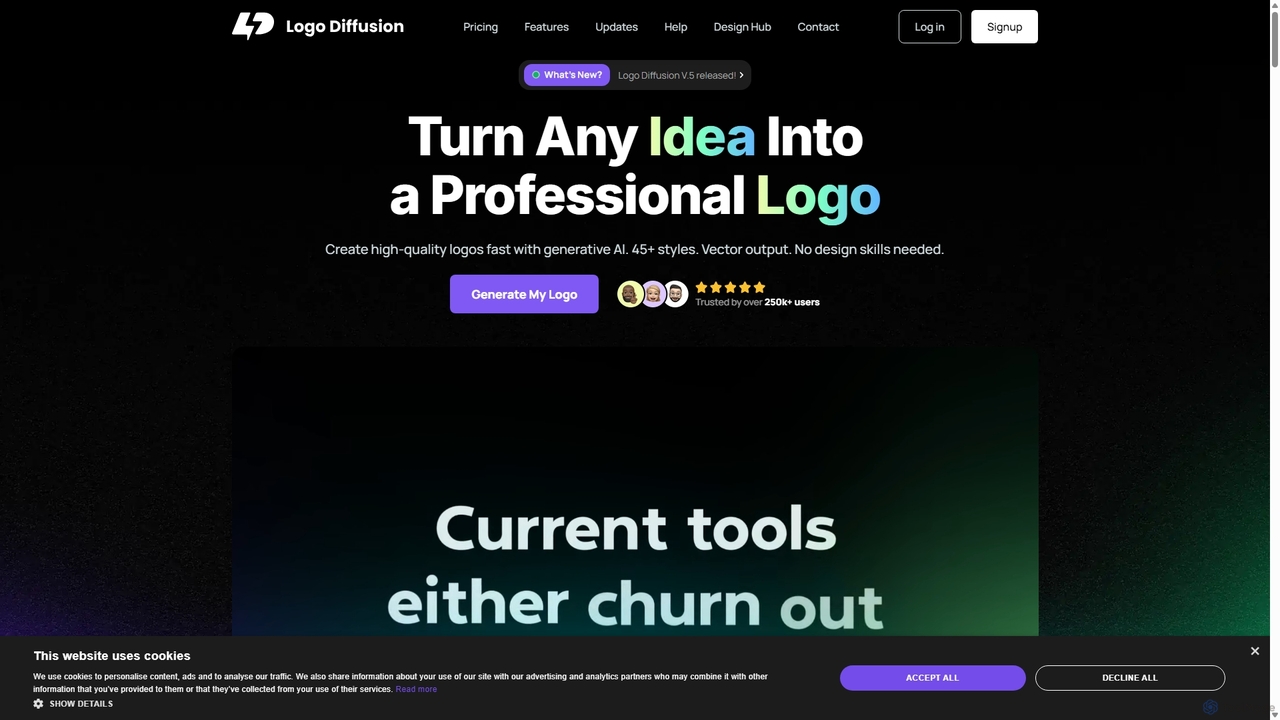
Logo Diffusion
Logo Diffusion is an AI-powered platform for creating professional logos and brand assets. It offers multiple creation methods, including text-to-logo, sketch-to-logo, and logo redesign. With over 45 styles, vector export, and a suite of tools like background removal and 2D-to-3D conversion, it empowers users without design skills to generate high-quality, unique brand identities quickly.
Image Generation
Jyek
Jyek is an AI agent platform that understands objectives, creates execution plans, uses tools, and delivers verifiable results for complex, multi-step tasks.
Automation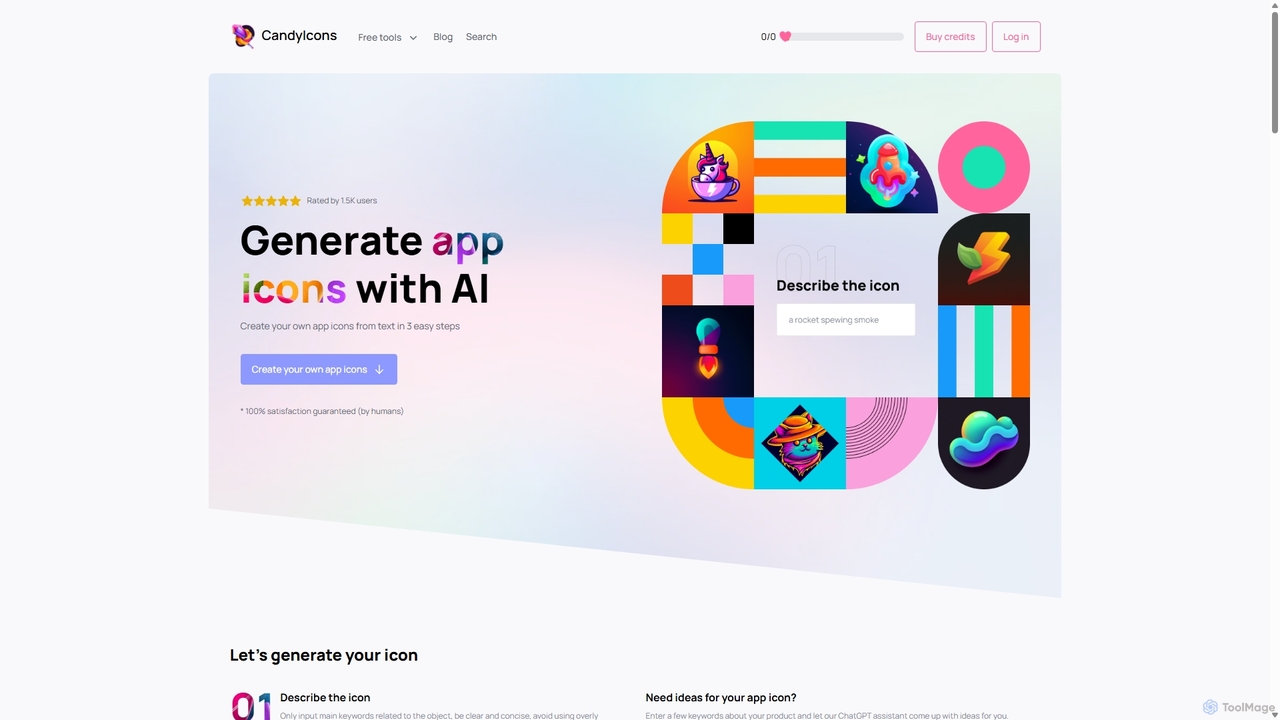
CandyIcons
CandyIcons is an AI-powered app icon generator that creates stunning, unique icons from simple text descriptions. In just three easy steps, users can describe an icon, choose colors, and select from various styles to generate professional-grade icons for apps and websites, with full ownership rights.
Icon Generation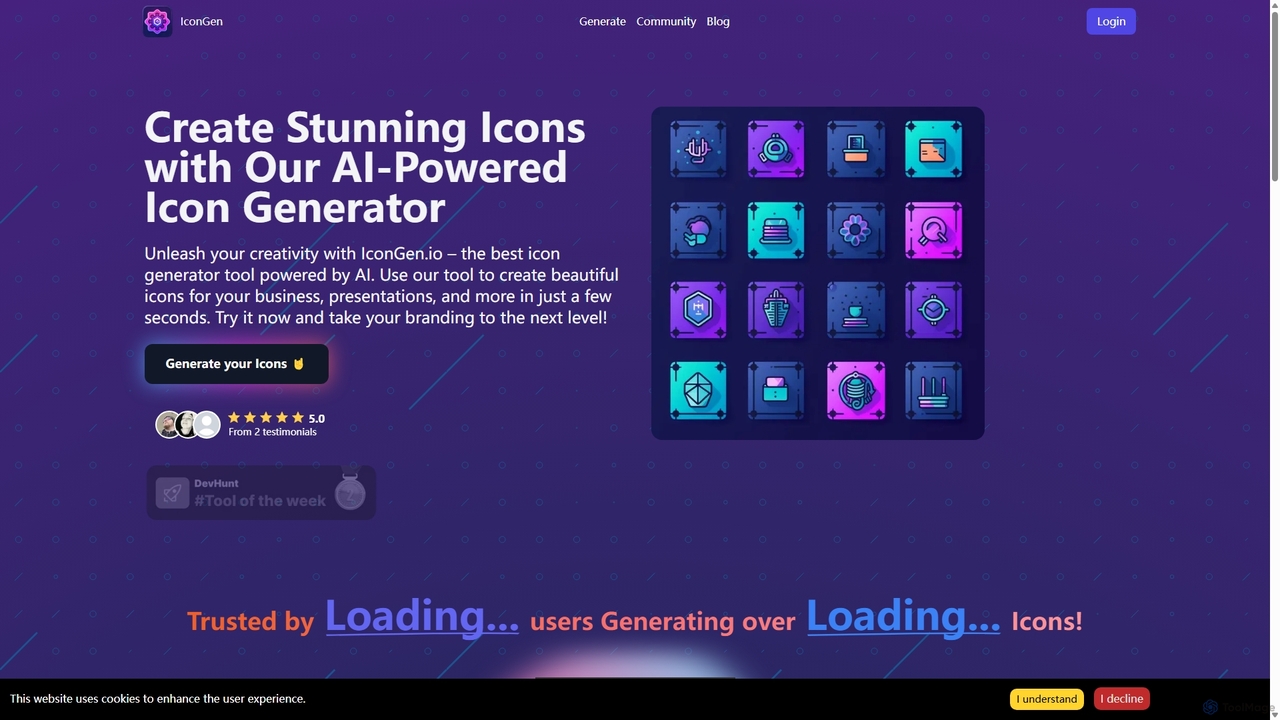
Icongen
Icongen is an AI-powered tool that enables users to generate unique, high-quality icons in seconds. By simply providing a text prompt, users can create custom icons tailored to their specific needs, choosing from 12 distinct styles, various colors, and shapes. It's designed for designers, developers, and marketers looking to enhance their projects with original visual assets.
Image Generation
Svgai Comments (0)
Sign in to comment.
Sign inNo comments yet.