

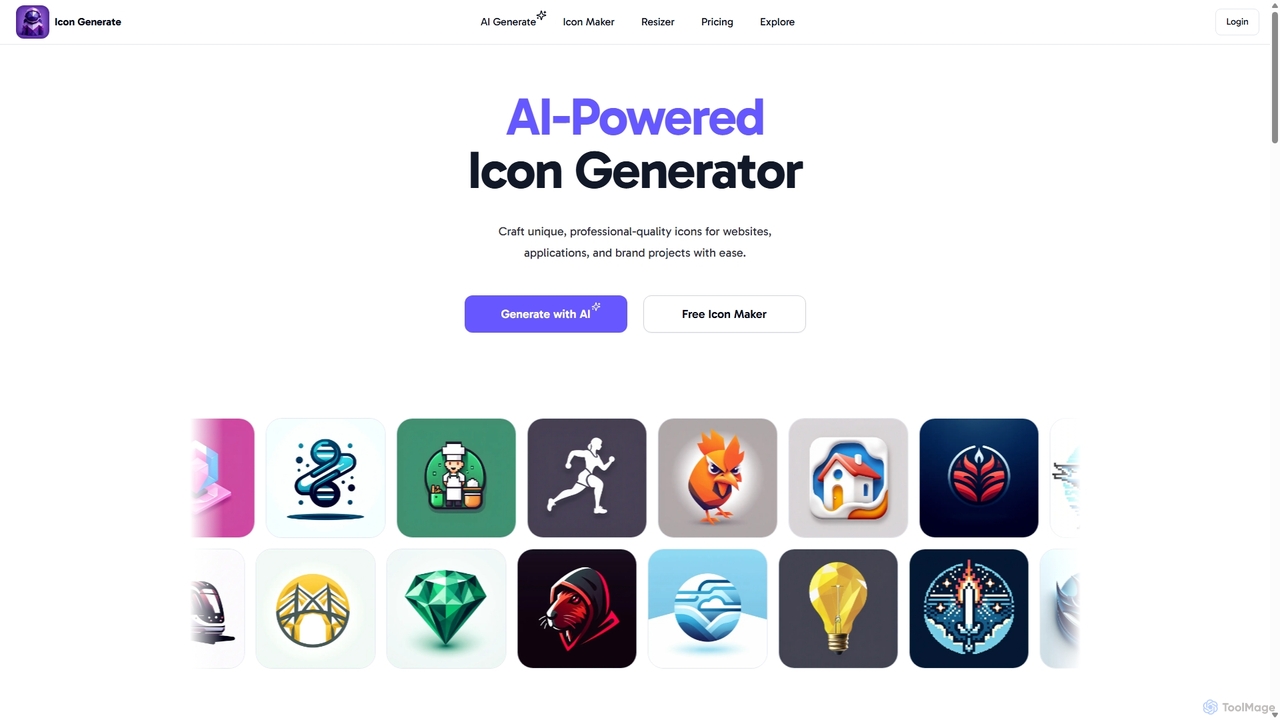
Icongenerate Overview
Icongenerate is an advanced AI-driven platform designed to streamline the creation of unique, professional-quality icons. Whether you're a developer building an app, a designer crafting a brand identity, or a marketer creating digital assets, Icongenerate provides the tools to produce stunning visuals effortlessly. The platform eliminates the need for complex design software or the high cost of hiring a designer, empowering anyone to generate custom icons in seconds.
The core of Icongenerate is its powerful AI engine, which translates simple text descriptions into detailed icons. Users can specify their vision, and the AI crafts a tailored design. This is complemented by a vast library of styles, allowing for complete creative control. From modern and minimalistic to vibrant 3D and nostalgic pixel art, the aesthetic possibilities are nearly endless. This versatility ensures that the generated icons can perfectly match any project's theme or brand guidelines.
How to use Icongenerate
The creative process on Icongenerate is designed to be intuitive and straightforward, involving just a few simple steps:
- Design Drafting: Start by describing the icon you envision. The key is to be concise yet descriptive. For example, instead of just "a bird," you could write "a simple blue bird in flight, side view." You can also select a theme to guide the AI.
- Select a Style: Browse through the extensive range of available styles to find the perfect aesthetic for your project. Options include Modern, Polygonal, Pixelated, Metallic, 3D, Neon, Clip Art, Hand Drawn, Abstract, Isometric, Origami, Minimalistic, and Line Art.
- Color Customization: Fine-tune your icon by choosing a color scheme. You can specify the subject color and the background color to ensure it aligns with your brand's palette. Choose a monochrome look for classic simplicity or a full spectrum for maximum impact.
- Generate and Download: Once you've set your preferences, click the "Generate" button. The AI will produce your custom icon in moments. You can then download the final design as a high-resolution PNG file, ready for immediate use in your websites, apps, or other projects.
Core Features of Icongenerate
- AI-Powered Generation: Utilizes advanced AI to create unique icons from text prompts, moving beyond generic stock icons.
- Diverse Style Library: Offers over a dozen distinct styles, including 3D, Isometric, Pixelated, Neon, and Minimalistic, to match any design language.
- Free Icon Maker: A separate tool that allows users to customize a vast library of open-source icons by changing color, size, stroke, and background for free.
- High-Resolution Downloads: All generated icons are available for download in high-resolution PNG format, ensuring they look crisp on any display.
- Color and Background Control: Provides options to customize the primary subject color and background color for perfect brand alignment.
- Cloud Organization: Features built-in cloud storage to help you keep your icon library organized and accessible from anywhere.
- Favicon Generator: Includes a tool to easily generate favicons in all the right sizes, along with a manifest.json file for your website.
Use Cases for Icongenerate
Icongenerate is a versatile tool suitable for a wide range of applications:
- App Development: Quickly create unique and eye-catching app icons for iOS and Android that stand out in the app store.
- Web Design: Generate custom favicons, feature icons, and other web graphics to enhance user experience and brand consistency.
- Branding and Marketing: Design a cohesive set of icons for a brand's visual identity, social media posts, presentations, and marketing materials.
- Startups and Solo Creators: An affordable solution for entrepreneurs and small teams to create professional design assets without a large budget.
- Seasonal Campaigns: Easily refresh app or website icons for holidays and special events to boost user engagement.
Advantages of Icongenerate
Choosing Icongenerate offers several key benefits:
- Limitless Creativity: Break free from generic stock icons and create truly unique visuals tailored to your specific needs.
- Streamlined Workflow: Generate icons in seconds, not hours. This allows you to stay in your creative flow without searching through endless stock libraries.
- Affordable Excellence: Access high-quality, custom icon generation at a fraction of the cost of hiring a designer, with pricing plans suitable for individuals and startups.
- Intuitive Experience: No design skills are required. The user-friendly platform makes icon creation accessible to everyone.
- Superior Quality: The advanced AI ensures that every icon is crafted with precision, making them perfect for professional use.
Pricing and Plans
Icongenerate uses a simple, credit-based pricing model with one-time purchases, meaning you only pay for what you need. Every icon you generate deducts one credit from your account.
- Starter: $3 for 20 Credits ($0.15 per icon)
- Pro (Popular): $5 for 50 Credits ($0.10 per icon)
- All-in: $10 for 150 Credits ($0.07 per icon)
Additionally, the platform offers a completely free Icon Maker for customizing existing open-source icons.
Traffic
Latest traffic
Status
Monthly traffic trend
- 2025-9: 1.6K
- 2026-1: 5.5K
- 2026-2: 1.7K
- 2026-3: 1.8K
- 2026-4: 3.0K
- 2026-5: 1.4K
Geography
Top 5 countries / regions
- 🇺🇸United States58.6%
- 🇮🇳India41.4%
Top keywords
| Keyword | Cost per click |
|---|---|
| ai icon generator | $1.83 |
| icon creator | $1.17 |
| icon generator | $1.08 |
| icongenerator | $0.00 |
| icon maker | $1.19 |
Icongenerate Alternatives
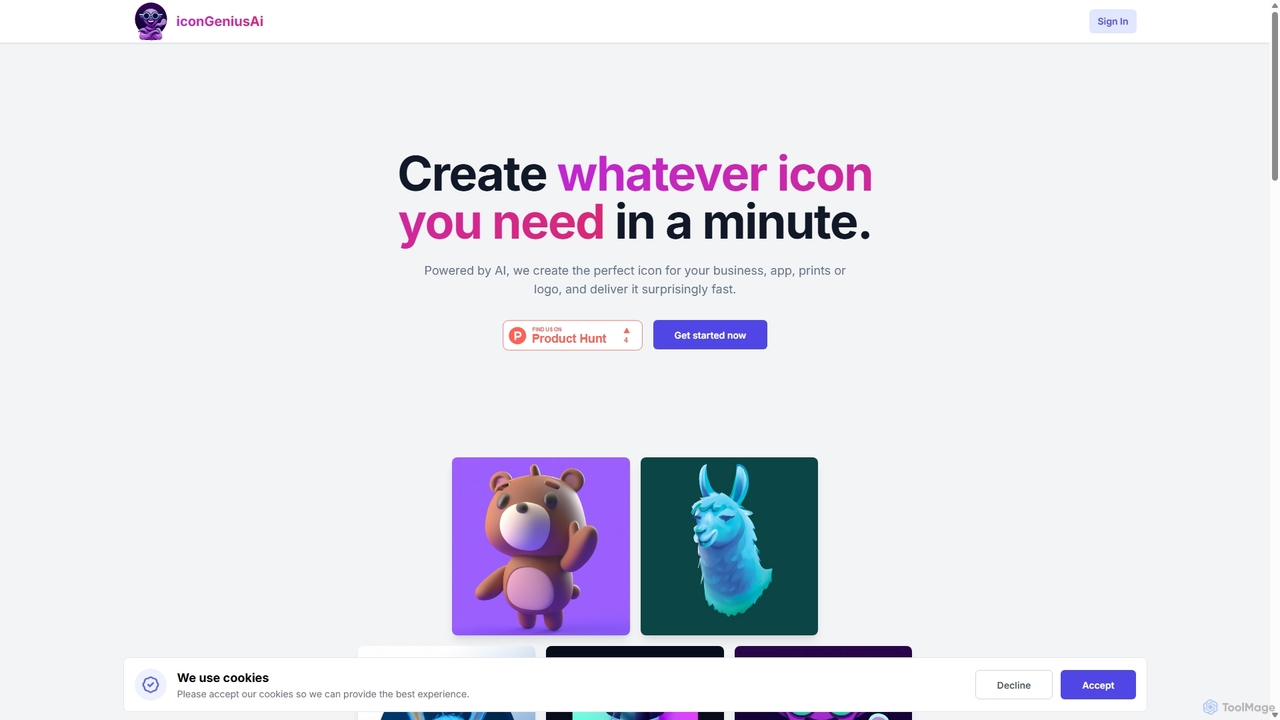
IconGeniusAi
iconGeniusAi is an AI-powered tool that allows users to create custom, high-resolution icons in minutes. Simply describe your desired icon, choose a color and style, and the AI generates unique visuals for your business, app, or personal projects. It offers a flexible, credit-based system instead of a recurring subscription.
Graphics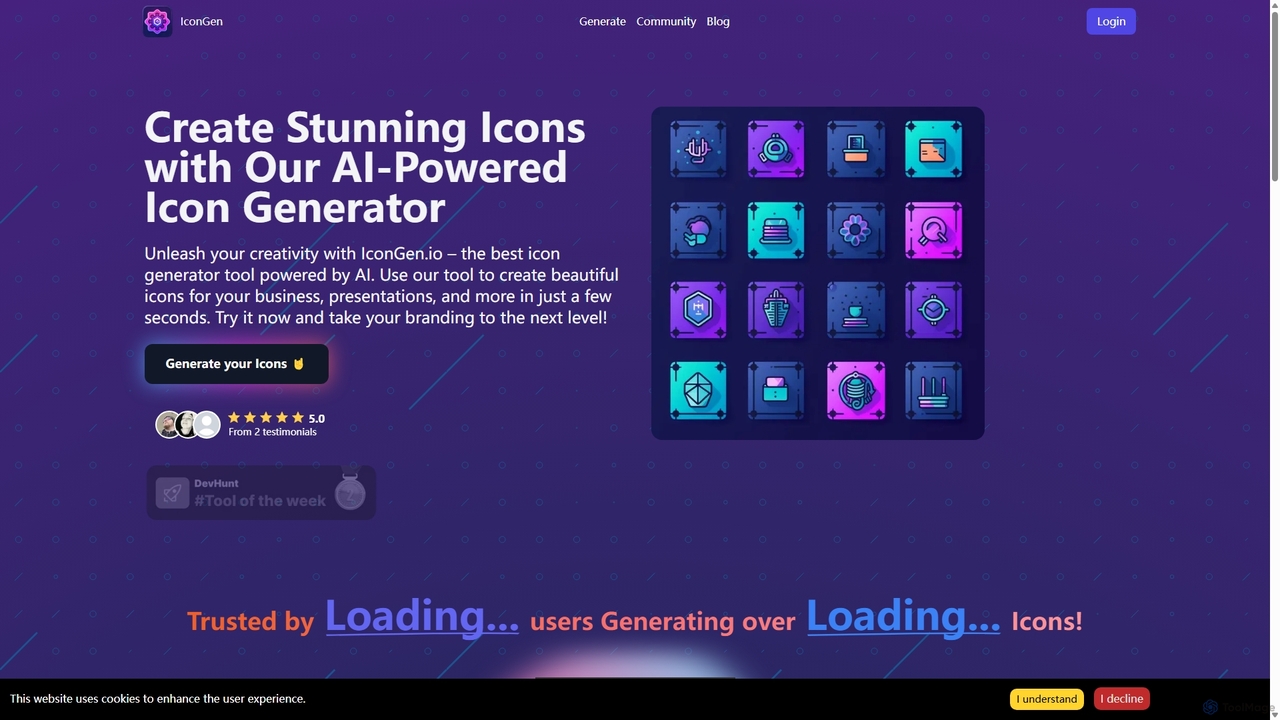
Icongen
Icongen is an AI-powered tool that enables users to generate unique, high-quality icons in seconds. By simply providing a text prompt, users can create custom icons tailored to their specific needs, choosing from 12 distinct styles, various colors, and shapes. It's designed for designers, developers, and marketers looking to enhance their projects with original visual assets.
Image Generation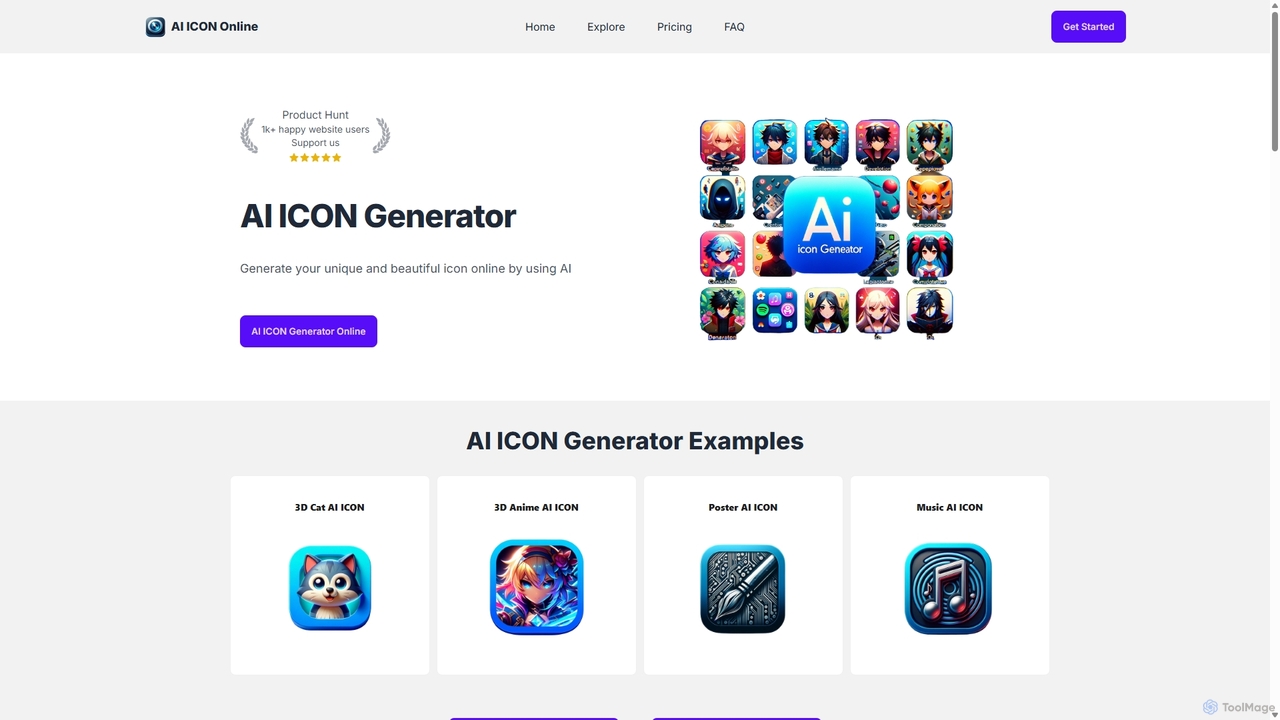
AI ICON Online
AI ICON Online is an AI-powered tool that generates unique, high-quality icons from simple text descriptions. Leveraging the advanced DALL-E 3 model, it allows users to create custom icons in various styles like 3D, flat, anime, and realistic, saving time and money. It's perfect for developers, designers, and marketers needing professional icons quickly.
Image Generation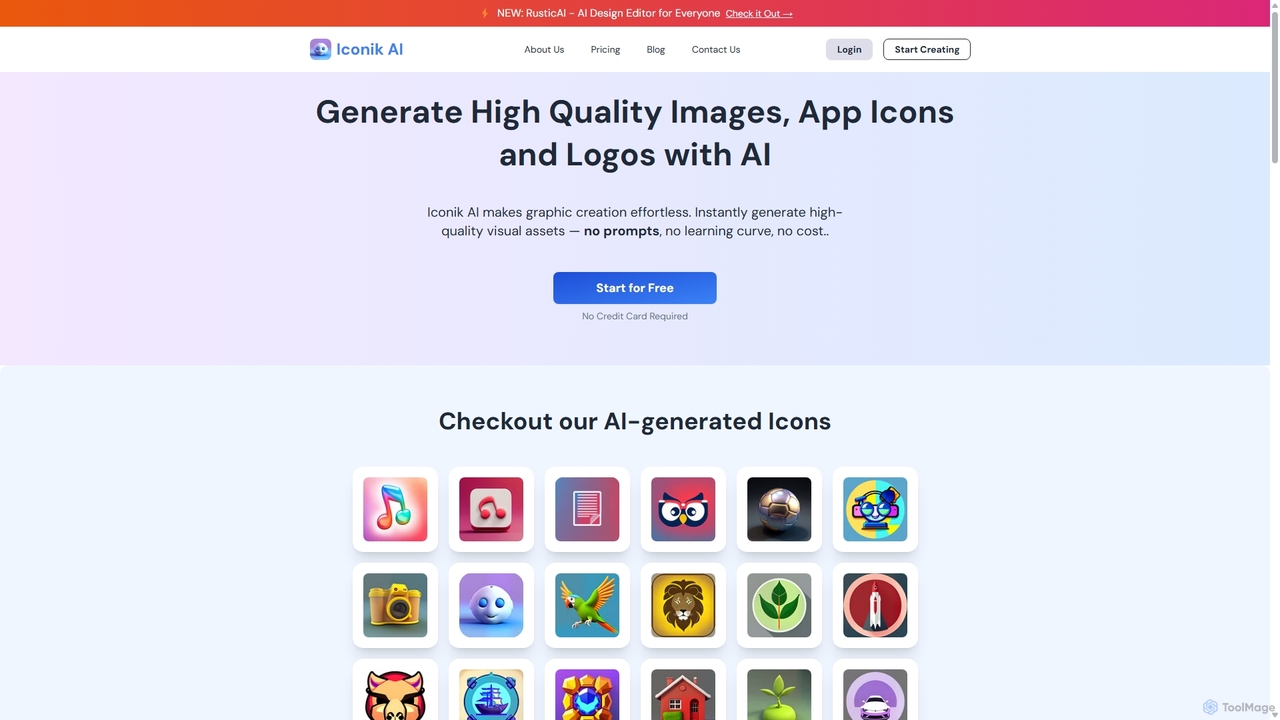
Iconik AI
Iconik AI is an AI-powered platform for effortlessly creating high-quality app icons, logos, and images. Designed for developers, designers, and e-commerce owners, it requires no design skills or complex prompts. Generate unique, professional visual assets that comply with Apple and Google guidelines, and enjoy full commercial rights to your creations.
Icon Generation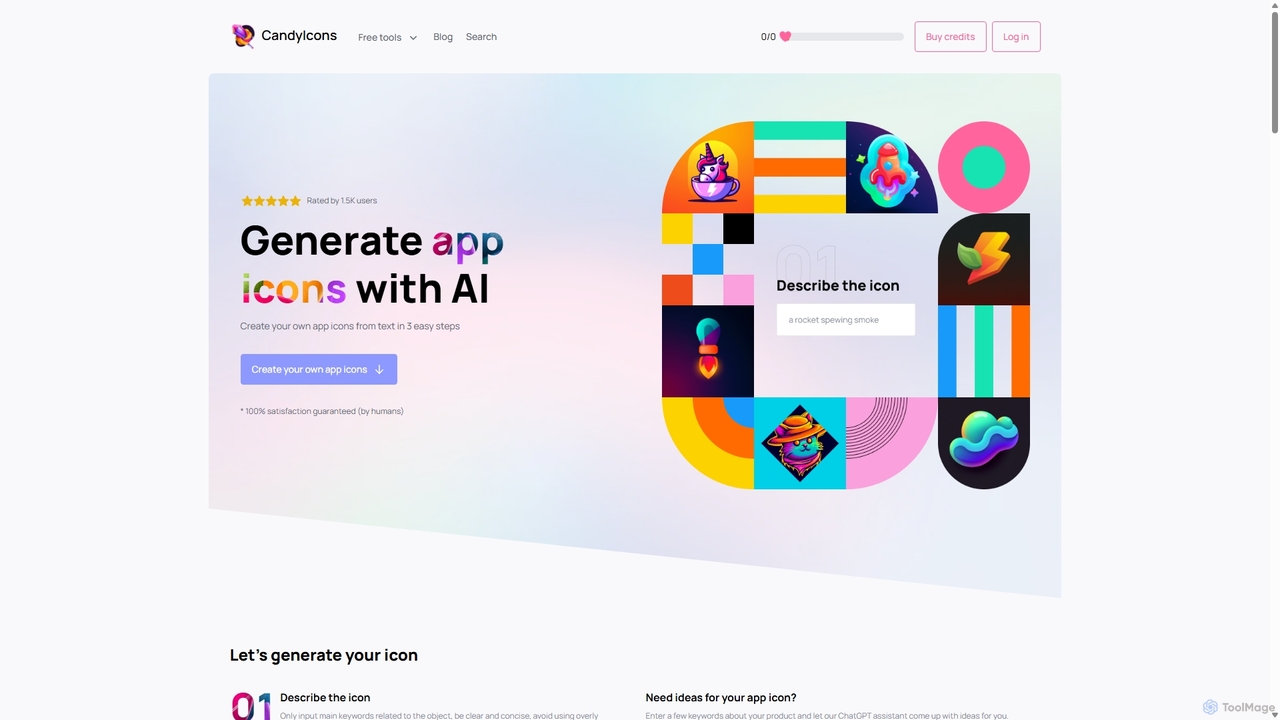
CandyIcons
CandyIcons is an AI-powered app icon generator that creates stunning, unique icons from simple text descriptions. In just three easy steps, users can describe an icon, choose colors, and select from various styles to generate professional-grade icons for apps and websites, with full ownership rights.
Icon GenerationIcongenerate Categories
Icongenerate Jobs
Icongenerate Embed Widget
Copy this embed code to place the badge on your blog, article, or product site and send readers directly to this ToolMage detail page.

Related AI tools
Icongen
Icongen is an AI-powered tool that enables users to generate unique, high-quality icons in seconds. By simply providing a text prompt, users can create custom icons tailored to their specific needs, choosing from 12 distinct styles, various colors, and shapes. It's designed for designers, developers, and marketers looking to enhance their projects with original visual assets.
Image Generation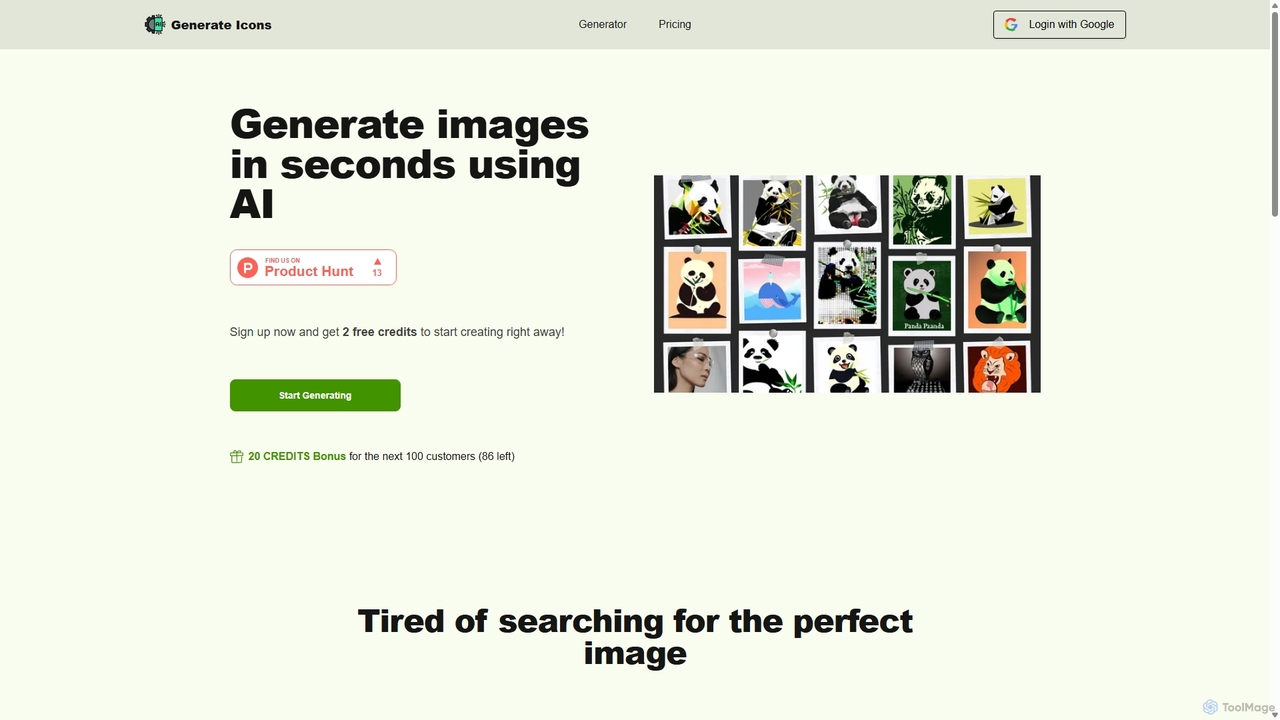
Generate Icons
Generate Icons is an AI-powered tool that creates unique, high-quality icons and images from text prompts in seconds. It offers a wide variety of styles, from metallic and 3D to minimalistic and hand-drawn, making it perfect for designers, marketers, and developers. Save time and money while overcoming creative blocks and generating stunning visuals for any project with full commercial rights.
Icon GenerationIconGeniusAi
iconGeniusAi is an AI-powered tool that allows users to create custom, high-resolution icons in minutes. Simply describe your desired icon, choose a color and style, and the AI generates unique visuals for your business, app, or personal projects. It offers a flexible, credit-based system instead of a recurring subscription.
Graphics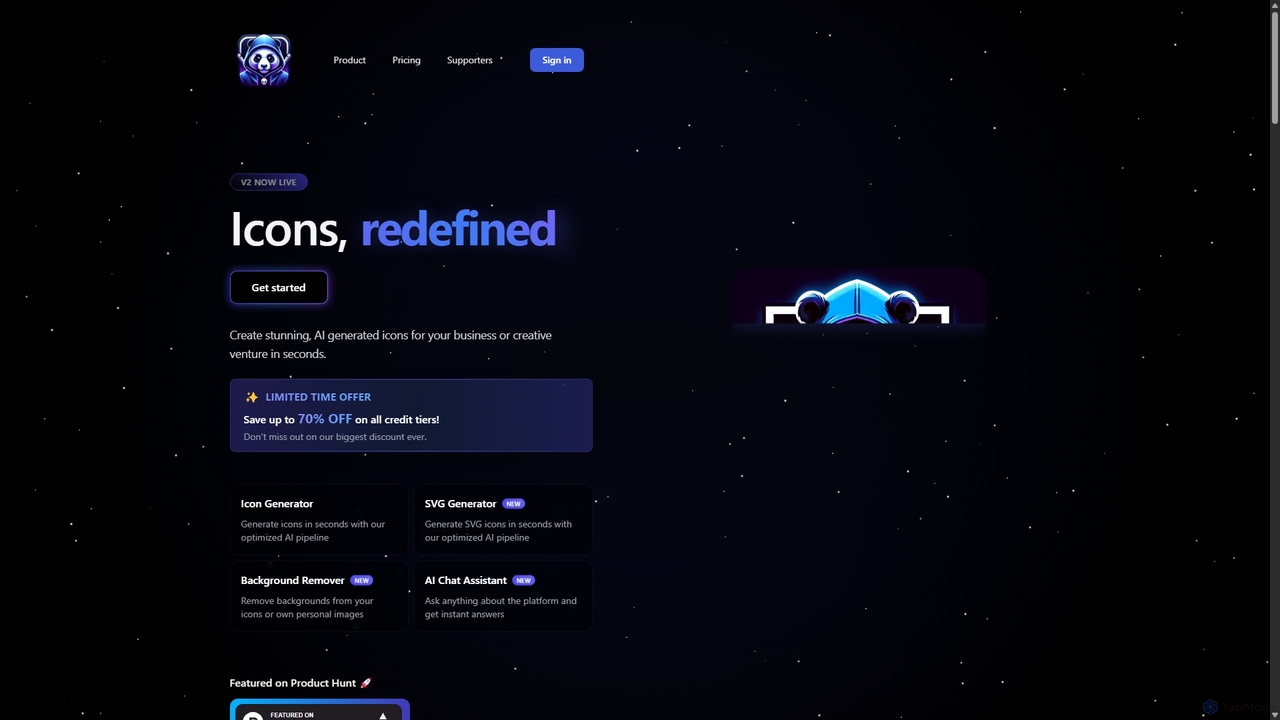
IconAI
IconAI is a powerful AI-driven platform that enables users to generate stunning, unique icons and high-quality SVG graphics in seconds. It features an intuitive icon generator, a robust SVG creator, a background removal tool, and an AI assistant, making it perfect for businesses, designers, and developers.
Icon GenerationAI ICON Online
AI ICON Online is an AI-powered tool that generates unique, high-quality icons from simple text descriptions. Leveraging the advanced DALL-E 3 model, it allows users to create custom icons in various styles like 3D, flat, anime, and realistic, saving time and money. It's perfect for developers, designers, and marketers needing professional icons quickly.
Image GenerationCandyIcons
CandyIcons is an AI-powered app icon generator that creates stunning, unique icons from simple text descriptions. In just three easy steps, users can describe an icon, choose colors, and select from various styles to generate professional-grade icons for apps and websites, with full ownership rights.
Icon Generation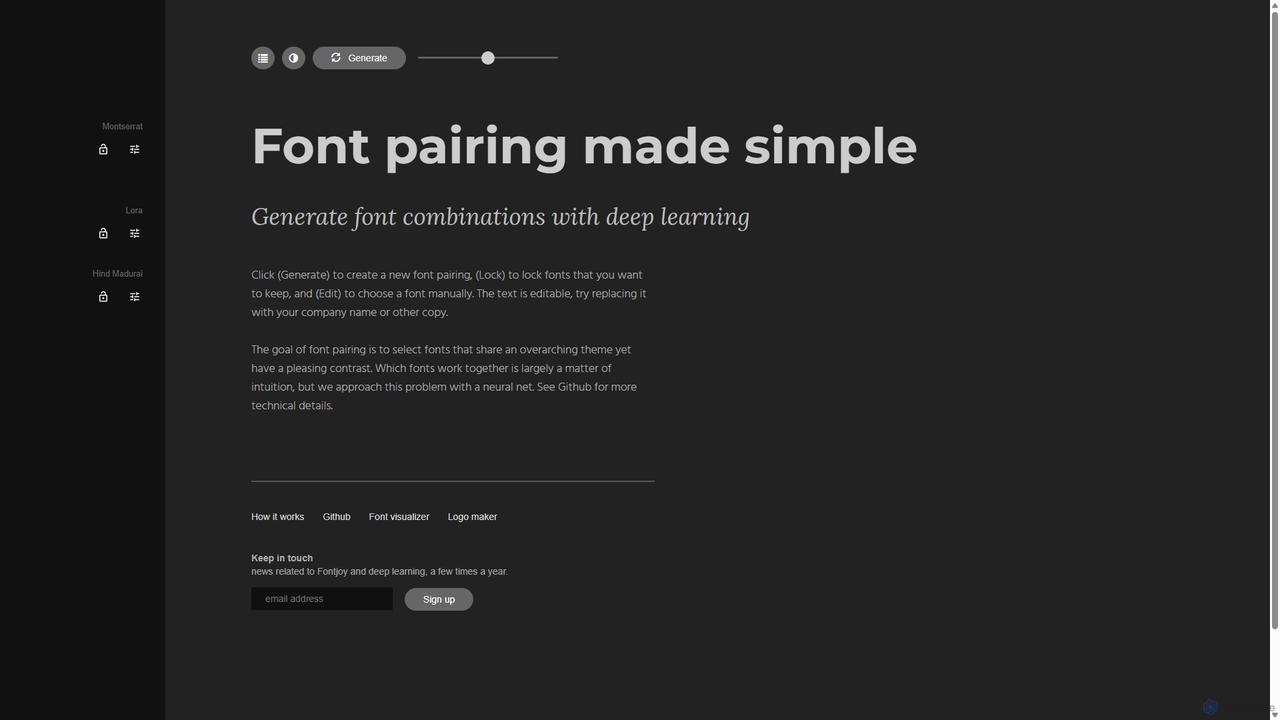
Fontjoy
Fontjoy is an AI-powered tool that helps designers and developers generate beautiful and harmonious font pairings with a single click. Using deep learning, it intelligently selects fonts for headings, subheadings, and body text that balance contrast and similarity, streamlining the design process.
Typography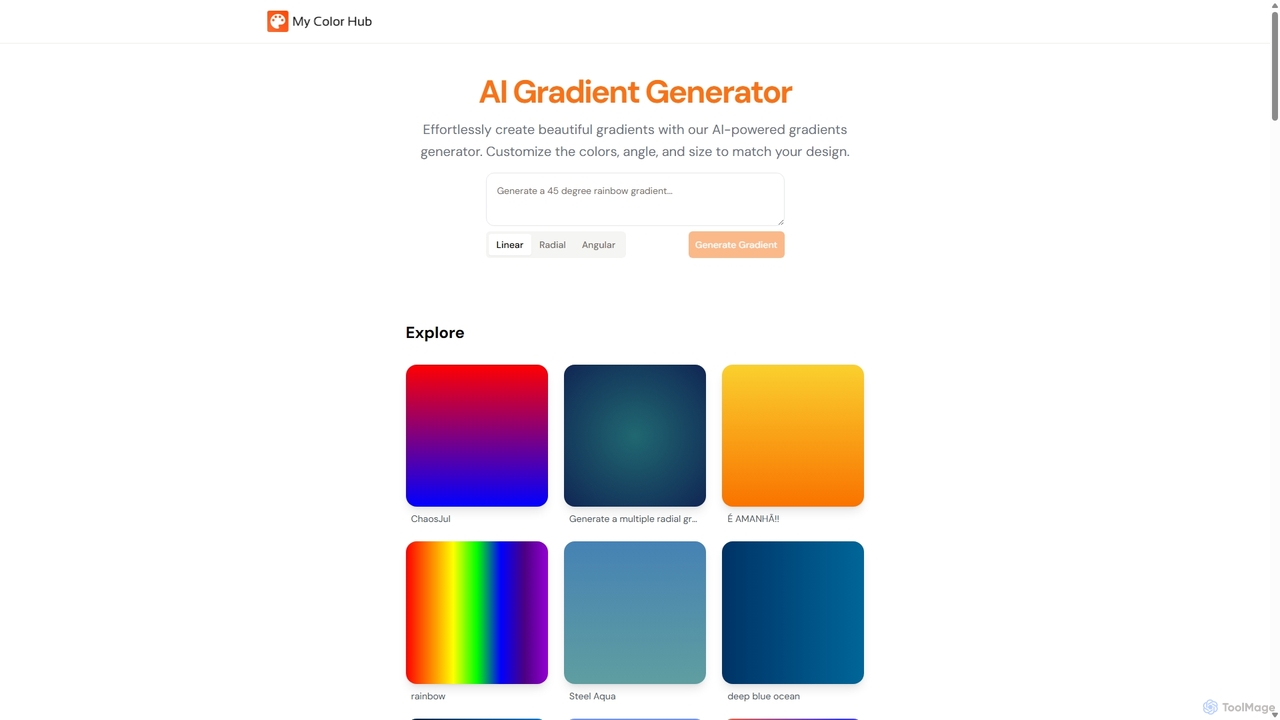
MyColorHub
MyColorHub is an AI-powered gradient generator that effortlessly creates beautiful, unique color gradients from simple text prompts. Describe a mood, a scene, or a color combination, and the AI will generate stunning linear, radial, or angular gradients. It's an intuitive tool for designers, developers, and content creators to quickly find inspiration and generate custom color schemes for their projects.
GraphicsIconik AI
Iconik AI is an AI-powered platform for effortlessly creating high-quality app icons, logos, and images. Designed for developers, designers, and e-commerce owners, it requires no design skills or complex prompts. Generate unique, professional visual assets that comply with Apple and Google guidelines, and enjoy full commercial rights to your creations.
Icon Generation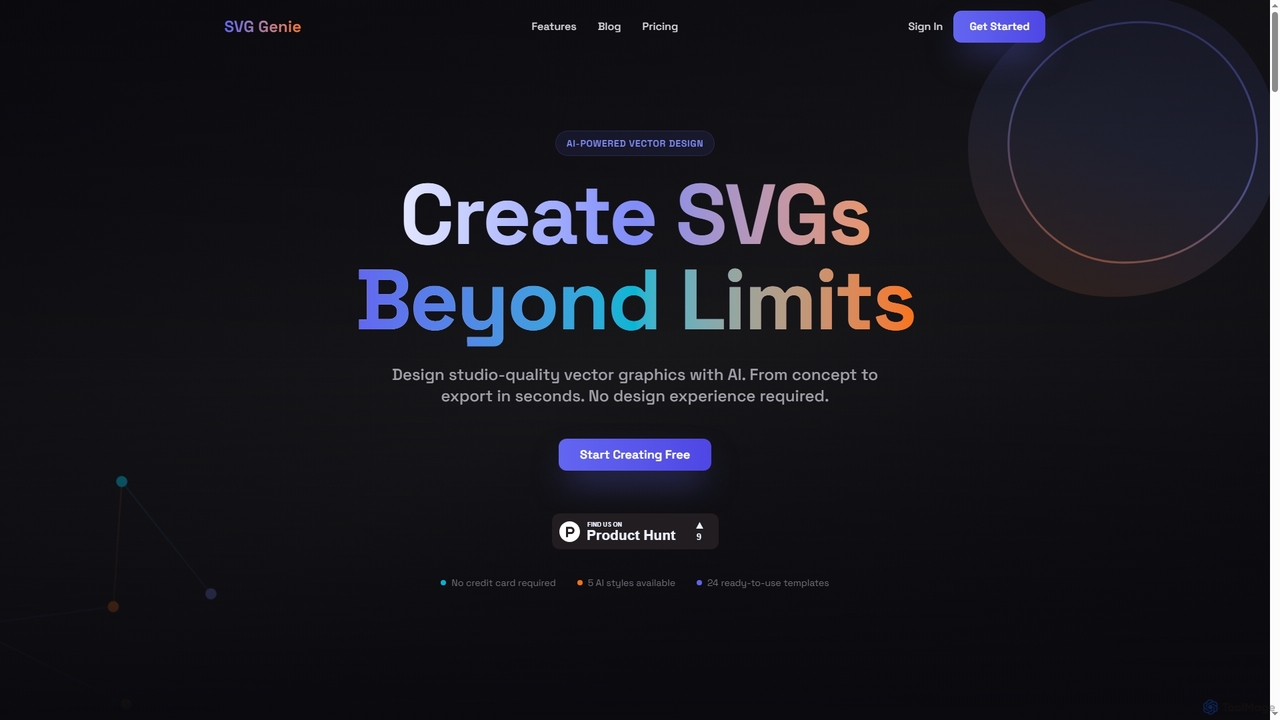
SVG Genie
SVG Genie is an AI-powered platform that transforms text descriptions into high-quality, infinitely scalable vector graphics (SVGs). Designed for users of all skill levels, it generates studio-quality logos, icons, and illustrations in seconds across five unique artistic styles, requiring no design experience.
Illustration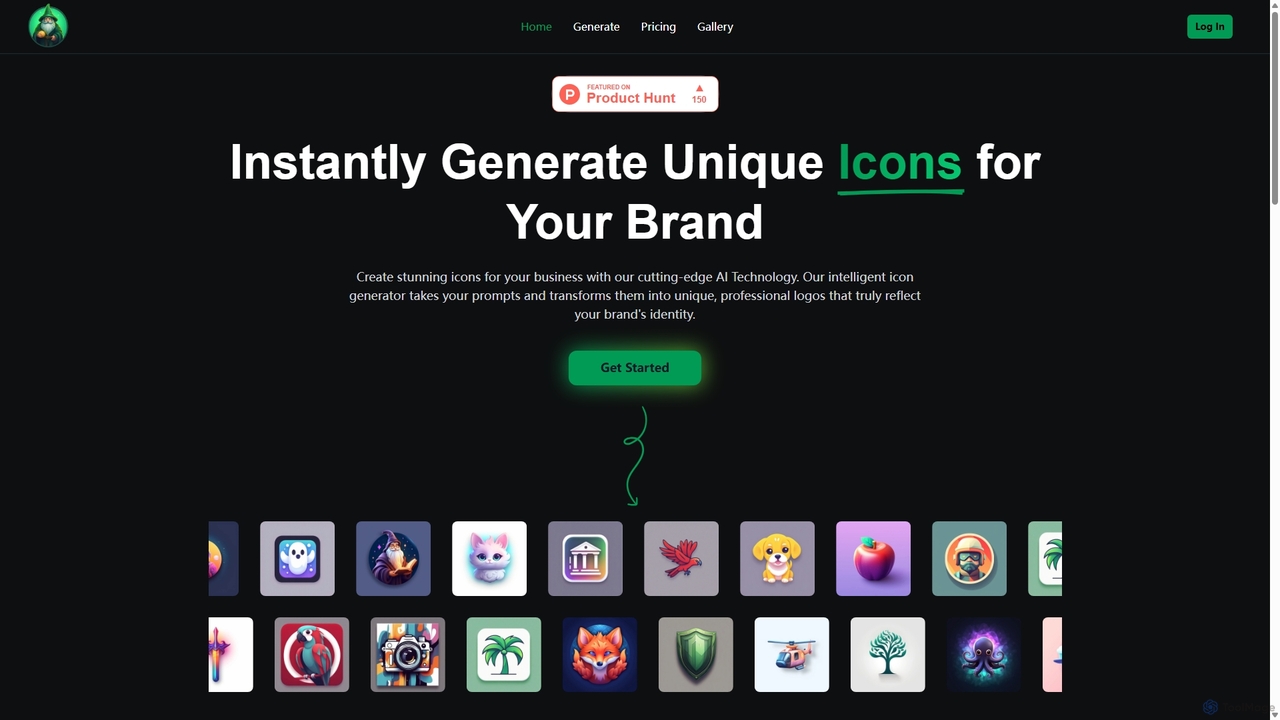
IconWizardAI
IconWizardAI is an AI-powered icon generator that allows users to create stunning, unique, and professional icons from simple text prompts. It offers a streamlined process, customization options for color and style, and is designed for developers, designers, and marketers to produce high-quality visual assets quickly and cost-effectively.
Image Generation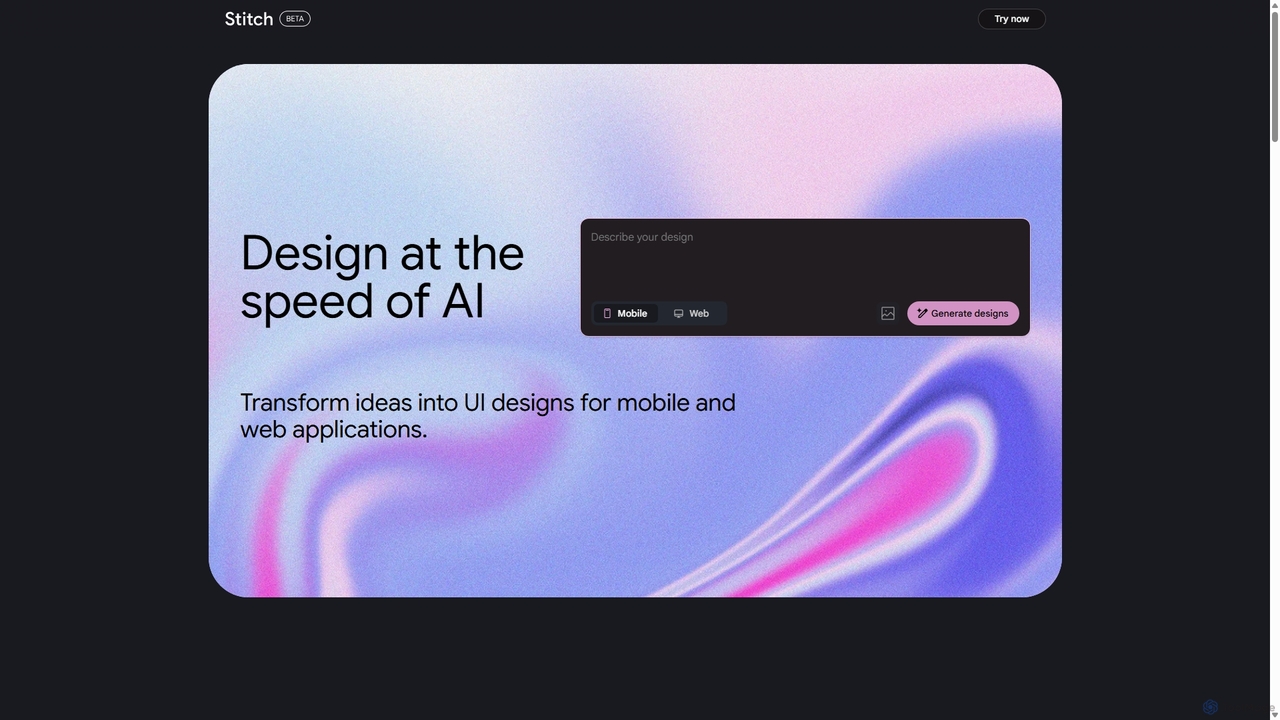
Stitch
Stitch is a revolutionary AI-powered design platform by Google that transforms text prompts and rough sketches into high-fidelity mockups and prototypes. It streamlines the design workflow, enabling creators to rapidly ideate, iterate, and generate stunning visuals, UI/UX designs, and complete design systems with unprecedented speed and efficiency.
Generative Design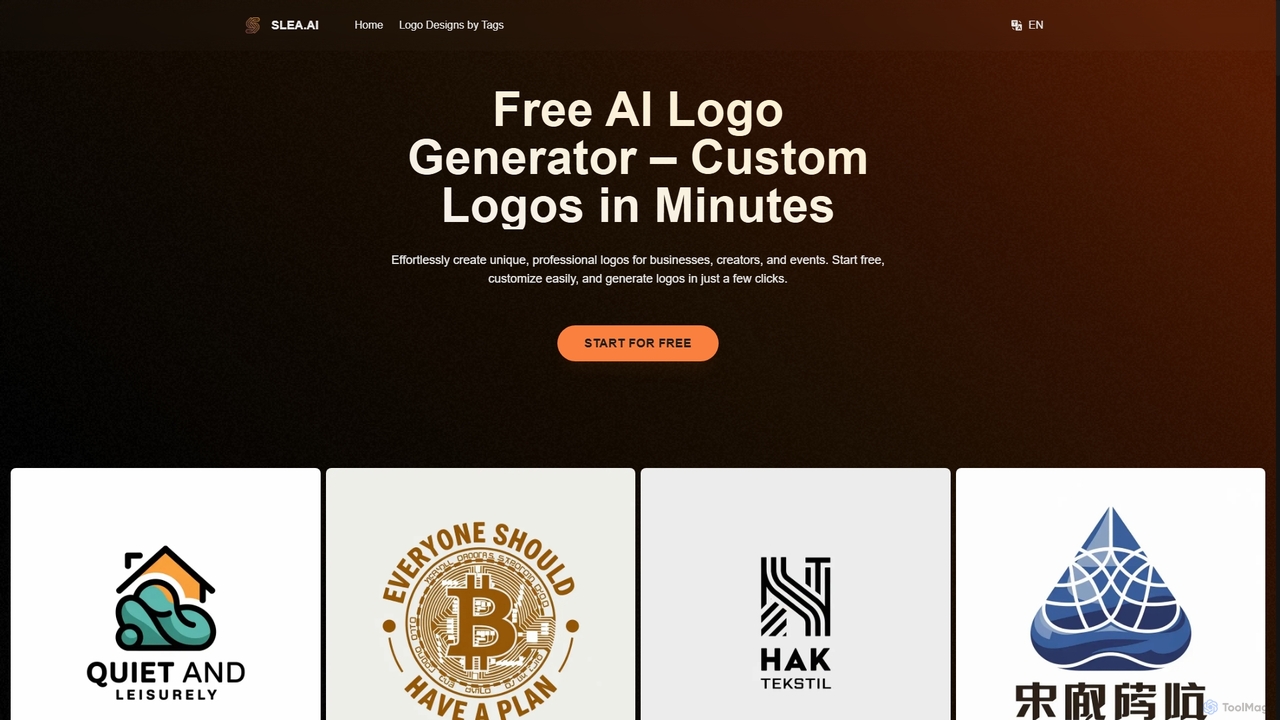
Slea.ai
Slea.ai is a free AI-powered logo generator that enables users to create unique, professional logos in minutes. By simply inputting a logo name, main symbol, and industry, the tool generates a variety of designs. It offers advanced customization options, including negative prompts and editing tools, and provides high-resolution, watermark-free downloads in PNG format, making it ideal for businesses, creators, and events.
Generative Art
Jyek
Jyek is an AI agent platform that understands objectives, creates execution plans, uses tools, and delivers verifiable results for complex, multi-step tasks.
Automation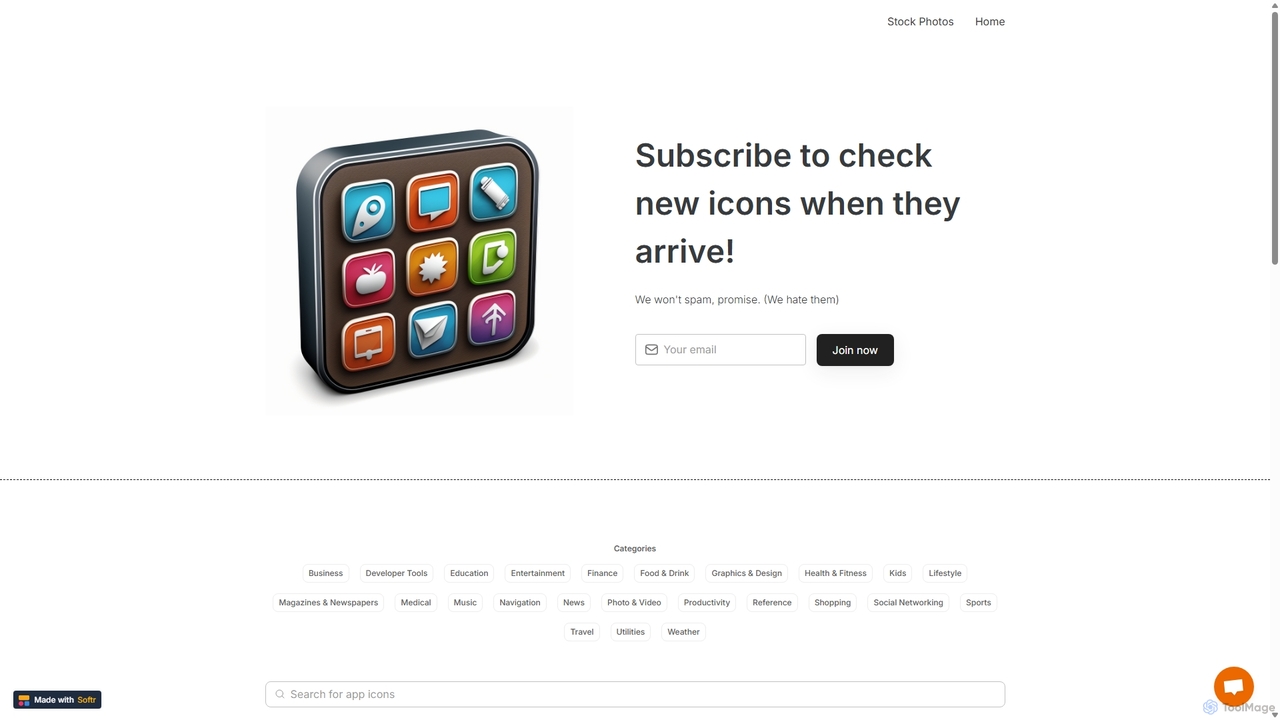
IconMaker
IconMaker is a marketplace for unique, AI-generated app icons and royalty-free stock photos. Ideal for developers, designers, and startups, it offers a vast, categorized library of ready-to-use visual assets. Purchase and download high-quality icons instantly to give your application a professional and distinct identity without the high cost of custom design.
Assets
Icongenerate Comments (0)
Sign in to comment.
Sign inNo comments yet.