ToolMage
Sign in

Best 3 Icons AI tools for Design

Popular Icons AI tools in Design include Icons8, IconKit, and Iconkit.dev, helping you work more efficiently.

Icons8
Freemium

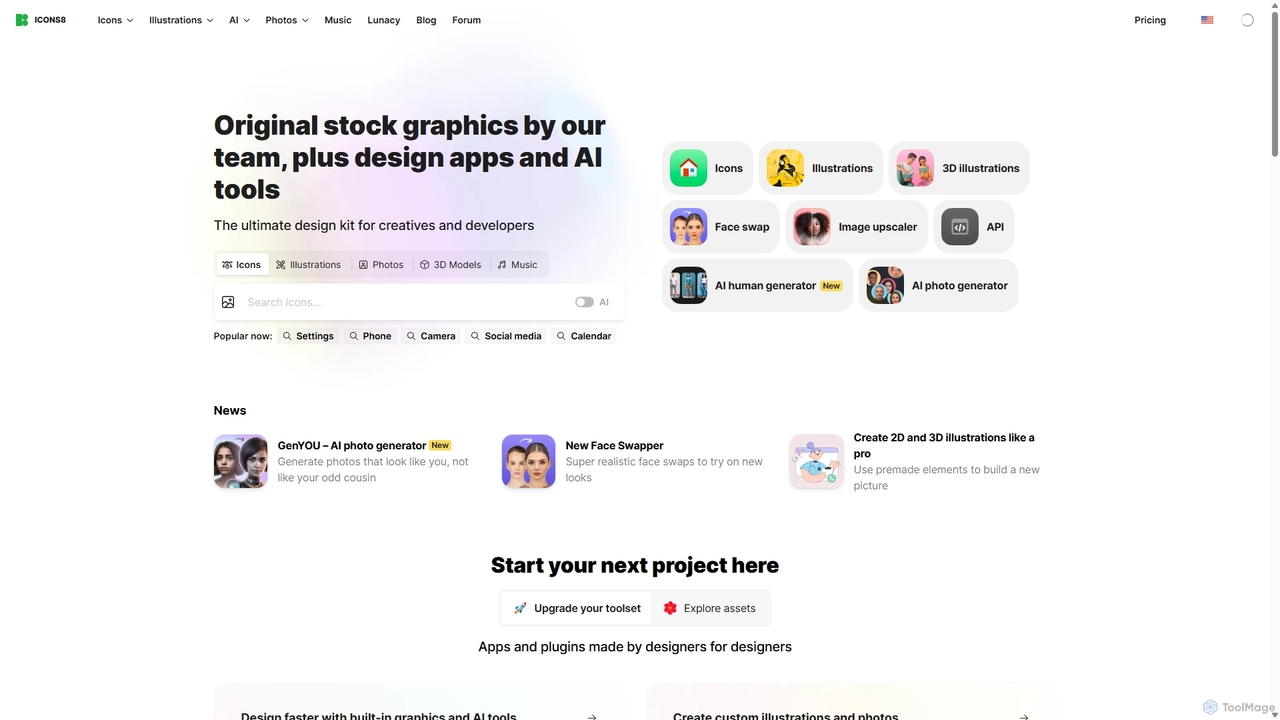
Icons8

Icons8 is a comprehensive design platform offering millions of royalty-free icons, photos, illustrations, and music tracks. It also features a powerful suite of AI-driven tools, including an image upscaler, background remover, face swapper, and AI photo/human generators, designed to streamline the creative workflow for designers, developers, and content creators.

Icons
Visits 2.4MFavorites 112Likes 114
Iconkit.dev
Paid

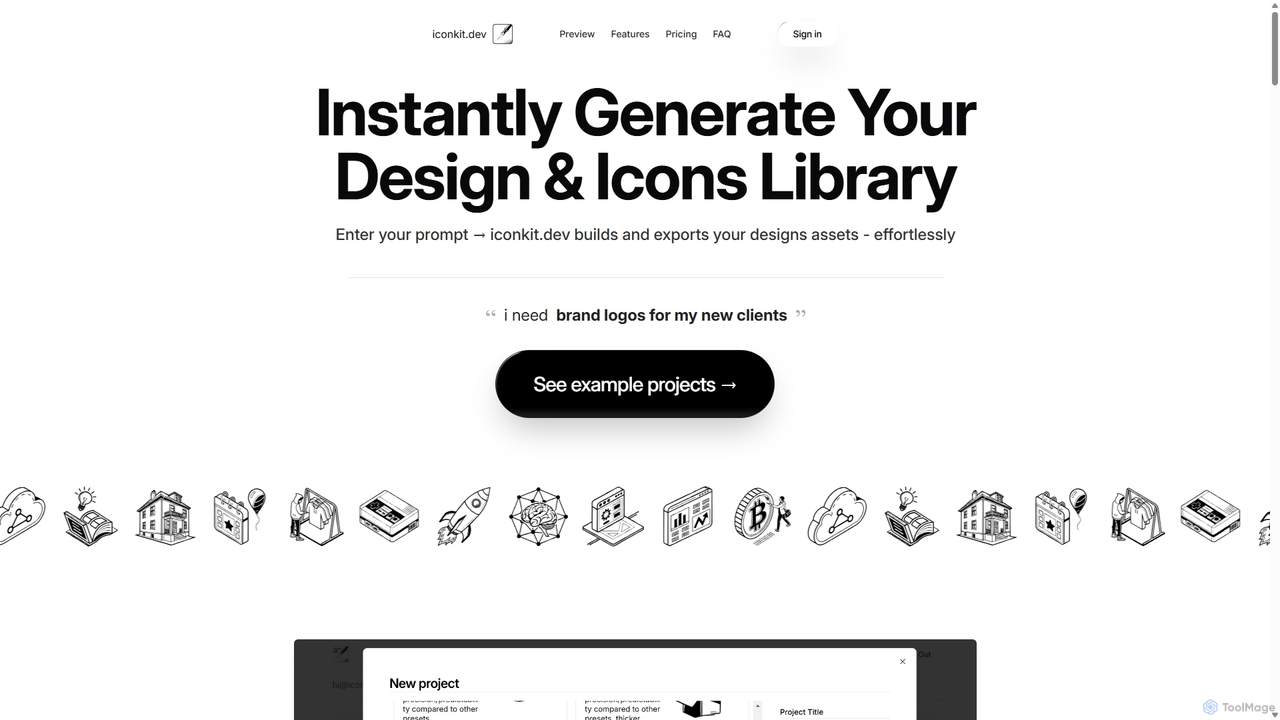
Iconkit.dev

Iconkit.dev is an AI-powered generator that instantly creates entire icon and design libraries from simple text prompts. Designed for developers, designers, and marketers, it streamlines workflows by providing ready-to-use, customizable vector assets compatible with popular frameworks like React and Next.js, eliminating design bottlenecks.

Icons
Visits 4.6KFavorites 93Likes 99
IconKit
Paid

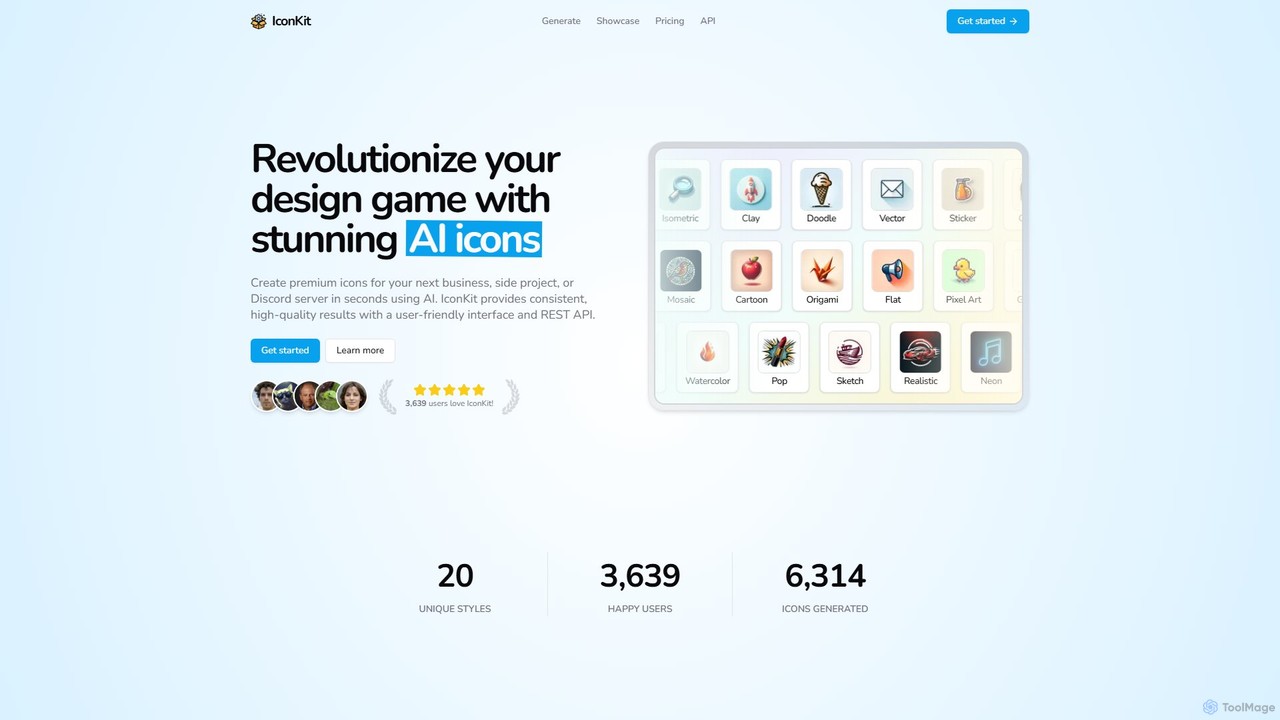
IconKit

IconKit is an AI-powered icon generator that allows users to create stunning, unique, and high-quality icons in seconds. By simply describing the desired object, style, and color, users can generate custom icons for websites, apps, and projects. It offers a wide range of styles and provides commercial-friendly icons with a simple, credit-based pricing model.

Image Generation
Visits 5KFavorites 144Likes 141

About Icons

AI Icon generators are tools that use artificial intelligence to create unique icons from text descriptions, sketches, or existing images. They leverage generative models trained on vast icon datasets to produce a wide variety of styles, from minimalist line art to detailed 3D illustrations. This technology enables designers, developers, and marketers to quickly generate custom, consistent icon sets without manual design work. The primary value lies in accelerating the creative process and providing unique visual assets that align perfectly with brand identity.

Core Features

  • Text-to-Icon Generation: Creates icons based on simple text prompts describing the desired object and style.
  • Style Consistency Control: Maintains a uniform visual style across an entire set of generated icons.
  • Vector Format Export: Allows exporting icons as scalable vector graphics (SVG) for high-resolution use.
  • Iterative Refinement: Provides options to tweak and regenerate icons based on initial results for better accuracy.
  • Batch Creation: Generates multiple icon variations from a single prompt simultaneously.

Use Cases

These tools are ideal for UI/UX designers creating application interfaces, web developers needing feature icons for websites, and marketing teams designing infographics or social media content. They are also valuable for product managers prototyping new ideas and content creators who need custom visuals for presentations or documents, ensuring a cohesive and professional look across all materials.

How to Choose

When selecting an AI Icon generator, consider the quality and diversity of its stylistic output. Evaluate its support for vector formats like SVG, which is crucial for professional design work. Assess the user interface for ease of use and the level of control it offers for refining results. Finally, review the pricing model and usage rights to ensure they align with your project needs and budget.

Icons use cases

1

Create a Consistent Icon Set for a New App

A UI/UX designer is tasked with creating a new mobile application from scratch. Instead of spending days designing dozens of icons manually or searching for a suitable stock icon pack, they use an AI Icon generator. By providing a core prompt like 'minimalist line icon for user profile, settings, messages, in a blue and white color scheme,' the tool generates a complete set. The designer can then use the style consistency feature to generate additional icons (e.g., 'cart,' 'search,' 'home') that perfectly match the initial set, ensuring a professional and cohesive user interface in a fraction of the time.

2

Generate Unique Icons for Website Features

A marketing team is launching a new landing page to showcase different service tiers (e.g., Basic, Pro, Enterprise). To visually differentiate these tiers, they need unique icons for features like '24/7 Support,' 'Advanced Analytics,' and 'Dedicated Server.' Using an AI Icon generator, they can input prompts for each feature and specify a consistent style, such as '3D clay style'. This process allows them to create custom, high-quality visuals that are more engaging than generic stock icons and perfectly align with their website's modern aesthetic.

3

Rapidly Ideate Concepts for a New Brand Logo

A startup founder is in the early stages of developing a brand identity and needs to explore logo concepts quickly. They use an AI Icon generator for rapid ideation. By inputting keywords related to their company, such as 'secure data cloud rocket,' they can generate hundreds of iconic variations in minutes. This allows them to visualize different creative directions—from abstract geometric shapes to more literal representations—without hiring a designer for initial brainstorming. The generated icons serve as a strong foundation for further refinement into a final logo.

4

Create Custom Icons for Presentation Slides

A business consultant is preparing a crucial presentation for a client. To make the slides more engaging and professional, they need custom icons to represent complex ideas like 'market growth,' 'risk assessment,' and 'strategic partnership.' Instead of using generic clipart, they use an AI tool to generate a set of icons in the client's brand colors and a consistent 'flat design' style. This not only enhances the visual appeal of the presentation but also demonstrates a high level of attention to detail, making the content clearer and more impactful.

5

Design Visuals for Social Media and Infographics

A content creator manages social media for a tech company and needs to produce a weekly infographic. To maintain visual interest, they require a constant stream of new, relevant icons. Using an AI Icon generator, they can quickly create icons for abstract concepts like 'data privacy' or 'cloud computing' in a style that matches the company's branding. This allows them to produce fresh, visually rich content consistently without relying on a limited set of stock icons, boosting engagement and brand recognition on their social channels.

6

Create Simple Icons for Educational Materials

An instructional designer is developing an e-learning course and needs clear, simple icons to guide learners through different modules, such as 'Video Lesson,' 'Quiz,' and 'Downloadable Resources.' The goal is universal comprehension, avoiding complex or ambiguous imagery. By using an AI Icon generator with prompts like 'simple outline icon of a play button' or 'document with a download arrow,' they can produce a clean, universally understood set of icons. This enhances the user experience of the course, making navigation intuitive and reducing cognitive load for the learners.

Icons FAQ

What are AI Icon generators?

AI Icon generators are specialized design tools that use artificial intelligence, typically generative models, to create icons from user inputs like text prompts or sketches. Unlike traditional methods, they don't require manual drawing. Key features include generating icons in various styles (e.g., flat, 3D, line art), ensuring style consistency across a set, and often providing outputs in scalable vector formats (SVG). They are used to rapidly create custom, unique icons for apps, websites, and marketing materials.

How do I choose the right AI Icon generator?

To choose the right tool, consider these factors:

  • Output Quality & Style: Does the tool produce high-quality icons in the visual style you need (e.g., minimalist, 3D, cartoon)? Review its example gallery.
  • Vector Support (SVG): For professional use, ensure the tool can export in a scalable SVG format, not just PNG or JPG.
  • Control and Customization: How much control do you have over the output? Look for features like color palette control, negative prompts, and iterative refinement.
  • Ease of Use: The interface should be intuitive, allowing you to generate and refine icons quickly without a steep learning curve.
  • Usage Rights: Check the licensing terms. Ensure you have the commercial rights to use the generated icons in your projects.
What's the difference between AI-generated icons and stock icon libraries?

The main difference is uniqueness and customization. Stock icon libraries (like Font Awesome or The Noun Project) offer a fixed set of pre-made icons that many people use. AI Icon generators create new, unique icons on-demand based on your specific prompts. This allows for perfect alignment with your brand's style and ensures your visuals are not generic. While stock libraries are often faster for finding common icons, AI generators provide unparalleled creative freedom and originality.

Can AI Icon generators create icons in a specific brand style?

Yes, many advanced AI Icon generators offer features to maintain a specific brand style. This can be achieved in several ways. You can provide detailed text prompts that describe the style (e.g., 'flat icon with rounded corners, using hex codes FF5733 and 33C4FF'). Some tools also allow you to upload a reference image or an existing icon, which the AI then uses as a style guide to generate new icons with a similar aesthetic. This 'style consistency' feature is crucial for creating cohesive icon sets for professional branding.

Are icons generated by AI ready for professional use (e.g., in SVG format)?

It depends on the specific tool. High-quality AI Icon generators are designed for professional workflows and explicitly offer the ability to export icons as SVG (Scalable Vector Graphics). SVGs are essential for design work because they can be scaled to any size without losing quality, unlike pixel-based formats like PNG or JPG. When choosing a tool, always verify that it supports SVG export if you plan to use the icons in professional applications like websites, mobile apps, or print materials. Some simpler tools may only output raster images, which are less versatile.