Design Best in category 5 results Typography AI Tool

Popular AI tools in the Typography field of Design include MyFonts、Monotype、Fontjoy、TextPhoto、Gentype, etc., helping you quickly improve efficiency.

Free
Fontjoy

Fontjoy

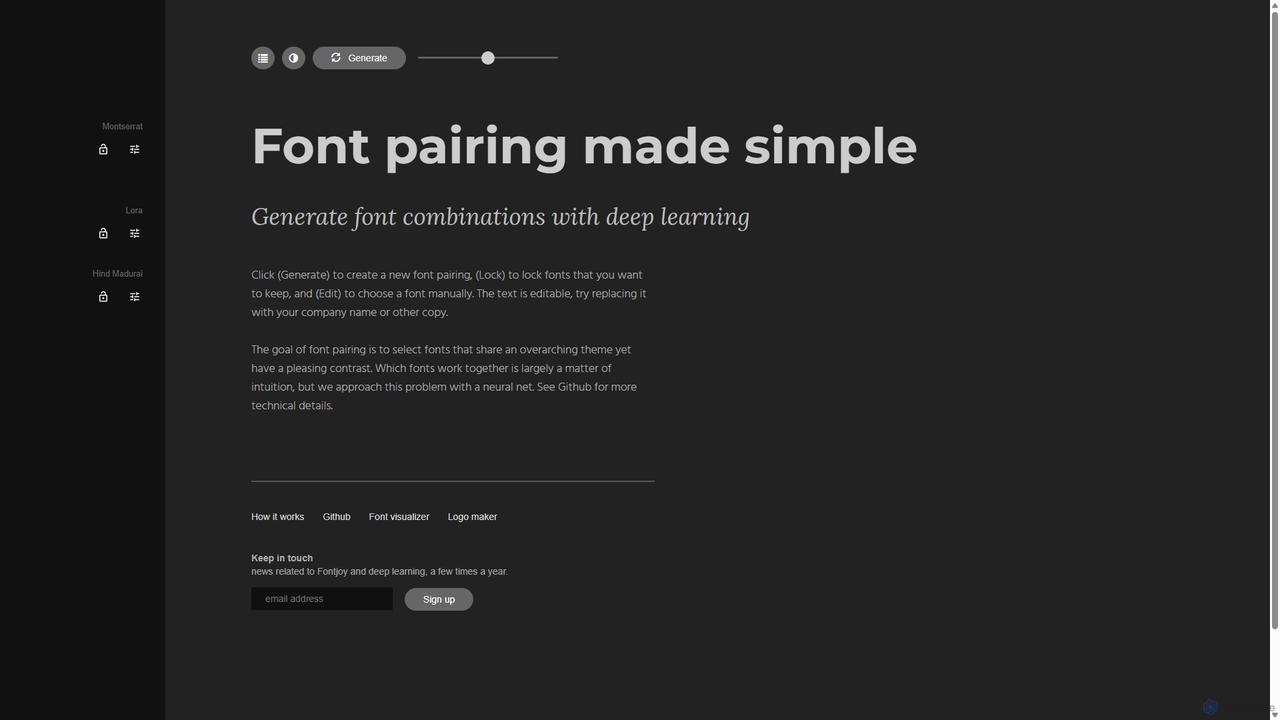
Fontjoy is an AI-powered tool that helps designers and developers generate beautiful and harmonious font pairings with a …

111.2K
MyFonts

MyFonts

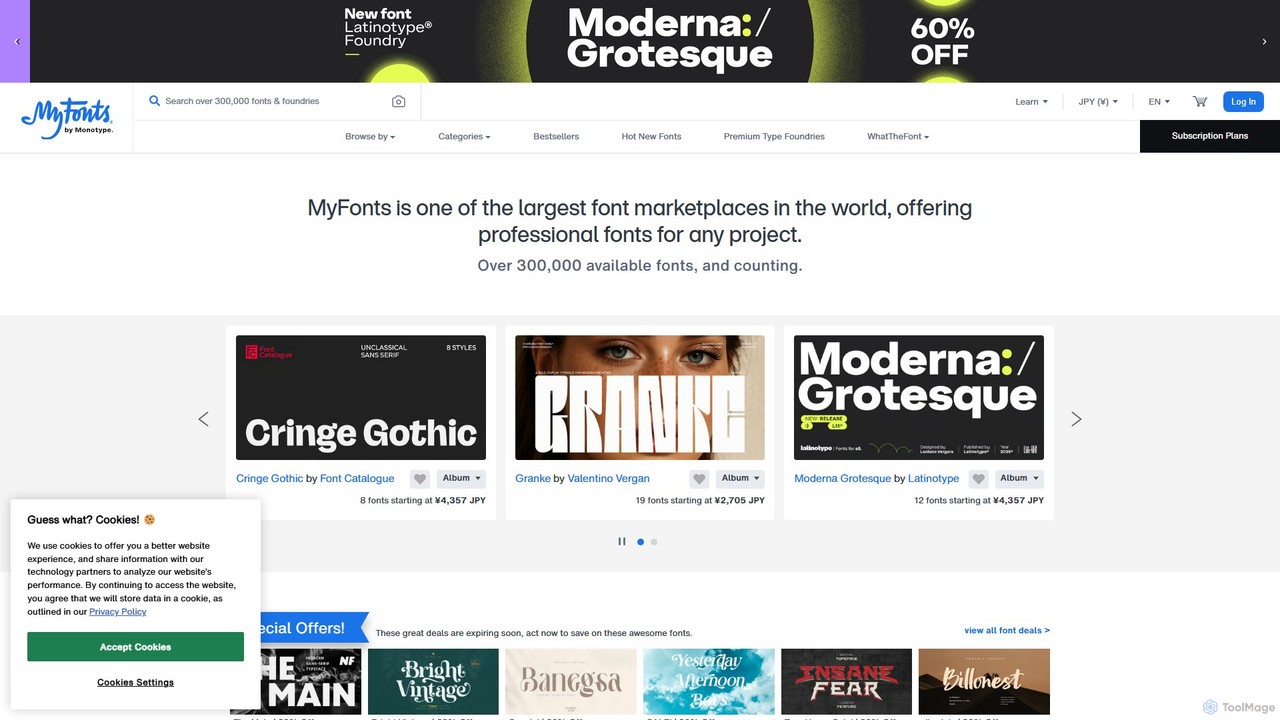
A comprehensive digital font marketplace offering a vast library of typefaces for web and print. MyFonts features the …

8.0M
Monotype

Monotype

Monotype is a leading typography platform that leverages AI to help designers and brands discover, pair, manage, and …

744.6K
Gentype

Gentype

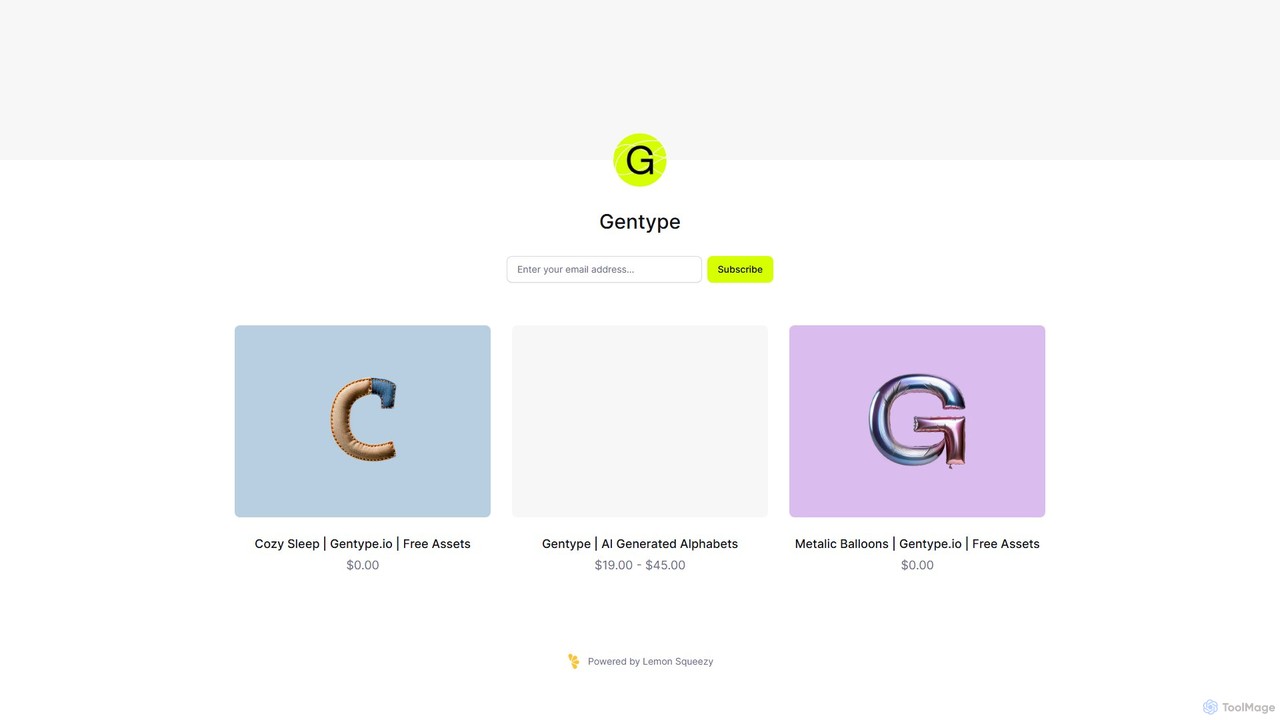
Gentype offers unique, AI-generated alphabet and lettering asset packs for designers, artists, and content creators. Discover one-of-a-kind typographic …

2.6K
TextPhoto

TextPhoto

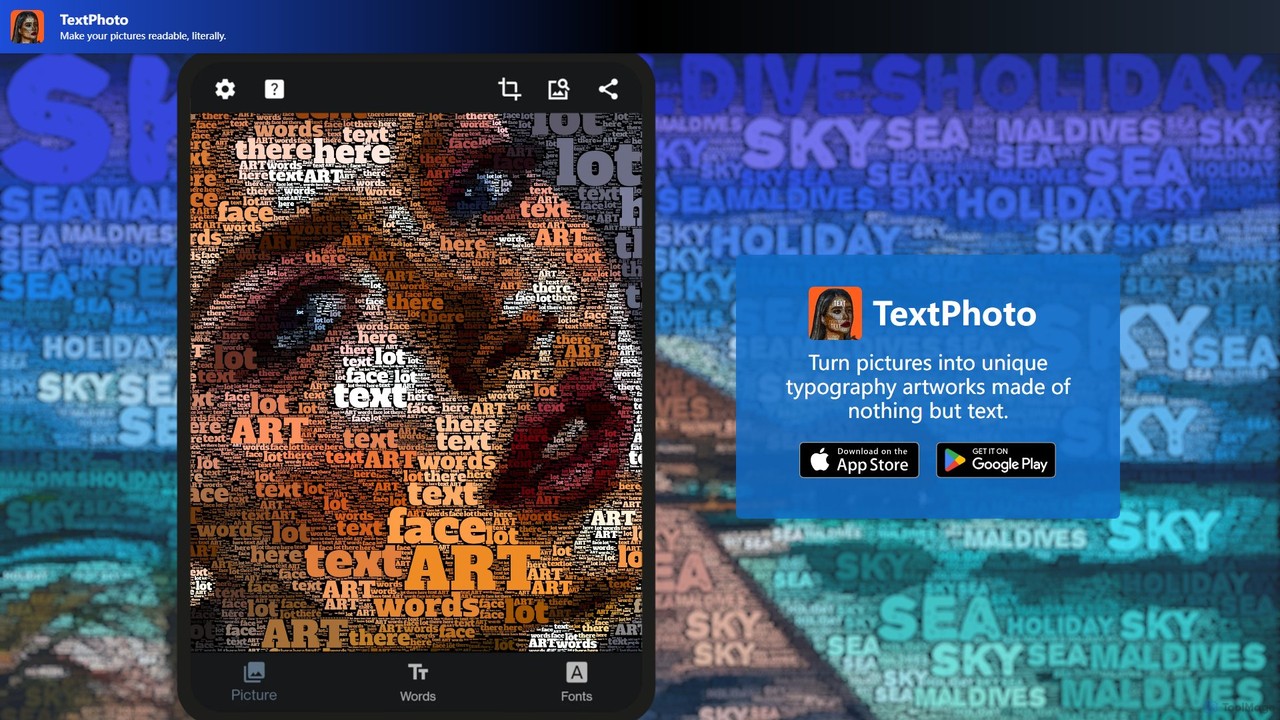
TextPhoto is a unique creative application that transforms your pictures into stunning typographic art. It intelligently replaces the …

2.6K

About Typography

AI Typography tools are a specialized category of design software that use artificial intelligence to generate, pair, and optimize fonts and text layouts. Leveraging machine learning models trained on vast datasets of design principles, these tools can create unique font styles, suggest harmonious font combinations, and automatically adjust kerning and leading for optimal readability. They empower designers and non-designers to achieve professional-level typographic results quickly, enhancing brand identity and visual communication. This focus on generative and analytical capabilities distinguishes them from traditional font libraries within the broader design ecosystem.

Core Features

  • Generative Font Creation: Creates entirely new font styles from text prompts or visual parameters.
  • Intelligent Font Pairing: Recommends complementary font combinations based on mood, industry, or context.
  • Automated Layout Optimization: Adjusts kerning, leading, and hierarchy for improved readability and balance.
  • Variable Font Generation: Produces fonts with adjustable axes like weight, width, and slant for responsive design.
  • Typographic Style Transfer: Applies the stylistic attributes of a source image or font to your text.

Applicable Scenarios

These tools are ideal for brand identity design, marketing material creation, UI/UX design, and content creation where unique and consistent typography is crucial. They are widely used by graphic designers to accelerate ideation, marketing teams to A/B test ad creatives, and web developers to implement responsive typography.

Selection Criteria

When choosing an AI Typography tool, consider its core function (generation vs. pairing), integration with design software like Figma or Adobe CC, the quality and diversity of the AI model's output, and the licensing model for commercially using the generated fonts. The user interface's intuitiveness is also a key factor.

TypographyUse Cases

1

Creating a Unique Brand Logo and Identity

A startup founder or brand designer needs a unique logotype that stands out but lacks the budget for a custom-designed font. Using an AI font generator, they input brand keywords like 'modern,' 'tech,' and 'friendly.' The tool generates dozens of unique font concepts. They then use the AI pairing feature to find a suitable body text font that complements the new logo. This process results in a distinctive and cohesive typographic identity, establishing a professional brand image in hours instead of weeks.

2

Generating Dynamic Marketing Campaign Headlines

A marketing manager needs various eye-catching headline styles for A/B testing a digital ad campaign. They input the core headline text into an AI typography tool. The tool generates multiple variations with different fonts, weights, and decorative styles, all optimized for visual impact on social media platforms. This allows the team to quickly produce over ten visually distinct headline options for testing, increasing the likelihood of finding a high-performing ad creative and improving campaign return on investment.

3

Optimizing Readability for a Web UI/UX Project

A UI/UX designer is working on a content-heavy website and needs to ensure the text is highly readable across all devices. They use an AI tool to analyze their chosen body font. The tool automatically suggests optimal settings for font size, line height (leading), and letter spacing (tracking) based on established readability principles. It provides a preview of how the text will look on different screen sizes, helping the designer achieve a mathematically optimized and accessible user interface that reduces user eye strain without tedious manual adjustments.

4

Designing Custom Lettering for Event Materials

An event planner is creating posters for a music festival that require a unique, artistic typographic style. They utilize an AI style transfer feature. By uploading an image with a desired aesthetic, such as a vintage concert ticket or a futuristic graphic, the tool applies that style to the event title text. This process generates bespoke, artistic lettering that perfectly matches the event's theme, elevating the design quality beyond what is achievable with standard, pre-made fonts and creating a memorable visual identity for the festival.

5

Finding Harmonious Font Pairings for a Publication

An editorial designer is laying out a multi-page magazine and needs to establish a clear and aesthetically pleasing typographic hierarchy for headlines, subheadings, and body text. Instead of spending hours on trial-and-error, they input their primary headline font into an AI font pairing tool. The tool analyzes its characteristics (e.g., x-height, contrast) and suggests several compatible fonts for other text elements, providing visual previews in a layout context. This ensures a professional and cohesive look throughout the publication and significantly speeds up the design process.

6

Generating Variable Fonts for Responsive Web Design

A web developer is building a site that needs to look great on any screen size, from a small phone to a large monitor, without loading multiple font files. They use an AI tool to generate a single variable font file. This font contains multiple axes (e.g., weight, width) that can be controlled with CSS, allowing the typography to adapt fluidly to different viewport sizes. This approach improves website performance by reducing file requests and gives designers precise creative control over responsive typography, enhancing the user experience across all devices.

TypographyFrequently Asked Questions