ToolMage
Sign in

Best 2 Fonts AI tools for Assets

Popular Fonts AI tools in Assets include Creative Fabrica and MyFonts, helping you work more efficiently.

Creative Fabrica
Freemium

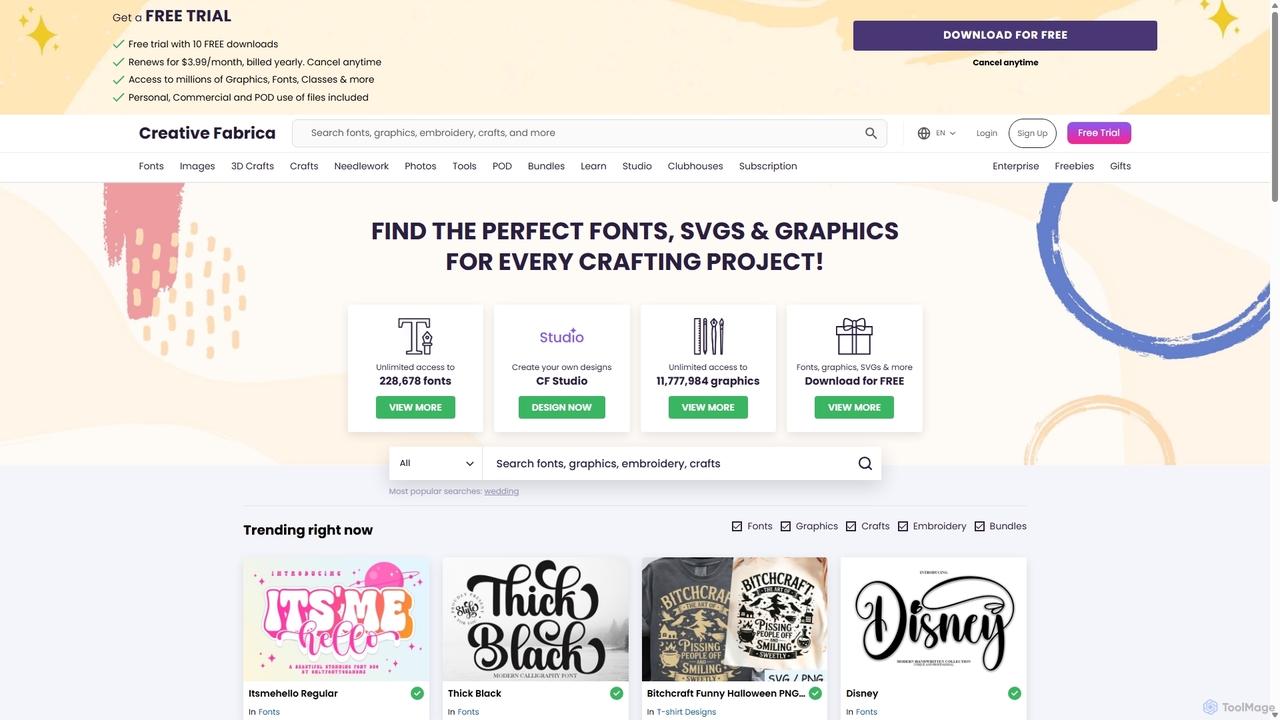
Creative Fabrica

A comprehensive platform for creatives, offering millions of digital assets like fonts, graphics, and SVGs, alongside a powerful suite of online design tools (CF Studio) featuring numerous AI-powered capabilities for image editing, content creation, and design.

Fonts
Visits 10.1MFavorites 119Likes 119
MyFonts
Paid

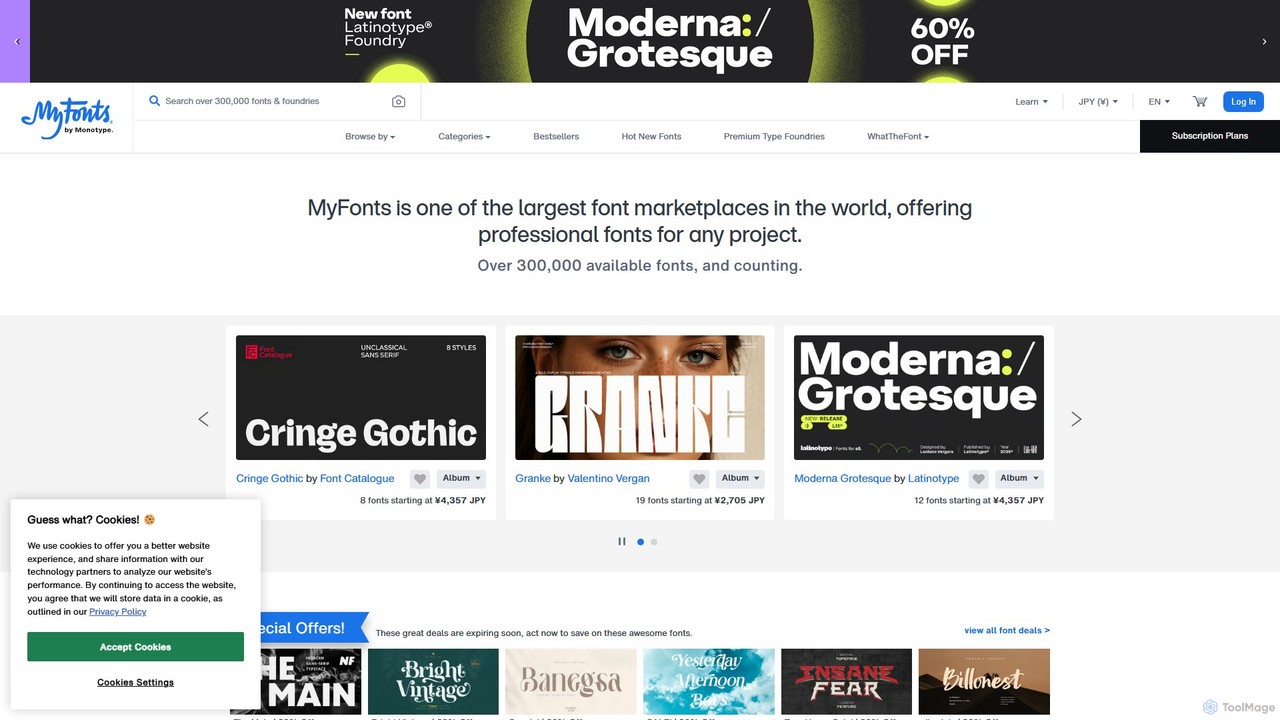
MyFonts

A comprehensive digital font marketplace offering a vast library of typefaces for web and print. MyFonts features the powerful AI-driven tool, "WhatTheFont," which can identify fonts from any image, making it an essential resource for designers, developers, and creatives seeking the perfect font for their projects.

Fonts
Visits 7.7MFavorites 119Likes 113

About Fonts

AI Font tools are a class of software that uses artificial intelligence to generate, modify, and pair typefaces. Leveraging generative models, these tools can create entirely new fonts from text prompts, produce variations of existing designs, or analyze visual context to suggest harmonious font combinations. This empowers designers and brands to create unique, custom typography, accelerating the branding process and unlocking new creative possibilities in visual communication. As a specialized category within creative Assets, they focus specifically on the automated creation of typographic elements.

Core Features

  • Generative Font Creation: Creates unique typefaces from text descriptions, style parameters, or image inputs.
  • Font Variation & Interpolation: Generates a full family of weights and styles (e.g., light, bold, italic) from a few master designs.
  • Intelligent Font Pairing: Provides AI-powered recommendations for complementary font combinations for headings and body text.
  • Style Transfer: Applies the visual style of an image or another font to a new or existing typeface.
  • Handwriting-to-Font Conversion: Transforms handwritten samples into a fully functional digital font file (e.g., OTF, TTF).

Use Cases

These tools are primarily used by graphic designers, branding agencies, UI/UX designers, and marketing teams. For instance, a branding agency can generate a completely unique font for a new client to ensure brand distinctiveness. A web designer might use an AI tool to find the perfect heading and body text pairing that matches a website's specific mood and target audience.

How to Choose

When selecting an AI Font tool, consider the scope of generation (single glyphs vs. full character sets), supported languages and scripts, and output formats (e.g., OTF, TTF, WOFF). Also evaluate the level of manual control over parameters like weight and slant, and its potential integration with design software like Adobe Creative Suite or Figma.

Featured tool rankings

Fonts use cases

1

Creating a Unique Brand Identity

A branding agency is tasked with developing a visual identity for a new tech startup that values innovation and approachability. Instead of using a common licensed font, the lead designer uses an AI font generator. By inputting keywords like 'futuristic', 'friendly', and 'clean', the tool generates several unique typeface concepts. The designer then refines one concept by adjusting parameters like character width and serif style, resulting in a completely custom font that perfectly captures the brand's essence and ensures it stands out in a crowded market.

2

Developing a Typographic System for UI/UX

A UI/UX designer is building a design system for a new mobile application. They need a versatile font family that works well for headings, body text, and captions. Using an AI font tool with interpolation capabilities, they start with a single 'Regular' weight font they like. The tool then automatically generates a full range of weights from 'Thin' to 'Black', along with corresponding italic styles. This process ensures perfect consistency across the entire font family and saves dozens of hours compared to manually designing or searching for a family with the exact required weights.

3

Personalizing Marketing Materials

A marketing team wants to create a highly personalized campaign for a luxury brand. To add a touch of exclusivity, they decide to use a font based on the founder's signature. They scan a sample of the signature and upload it to an AI handwriting-to-font tool. The AI analyzes the strokes, ligatures, and spacing to generate a complete, usable font file (TTF). This custom font is then used in personalized email headers and printed invitations, creating a unique and intimate connection with high-value customers.

4

Rapid Font Prototyping for Logos

A freelance designer is working on a logo for a new coffee shop. The client wants a 'vintage but modern' feel. The designer uses an AI font tool to quickly explore options. They apply a style transfer feature, using a photo of an old letterpress sign as the style input and a clean sans-serif font as the base. The AI generates ten different font variations that blend the two styles. This allows the designer to present multiple, high-quality directions to the client in under an hour, dramatically speeding up the conceptual phase of the project.

5

Finding Harmonious Font Pairings for Web Design

A web developer is redesigning a corporate blog and struggles to find a font combination that is both professional and readable. They use an AI font pairing tool. After uploading the company's logo and selecting the primary brand font for headings, the AI analyzes the visual characteristics of the heading font and suggests five complementary fonts for the body text. It provides real-time previews of the pairings on a sample webpage. The developer chooses the option with the best contrast and readability, ensuring a polished and user-friendly design without hours of trial and error.

6

Creating Thematic Fonts for Games and Media

A small indie game studio is developing a fantasy role-playing game. They need a unique font for in-game text and UI elements that fits the 'ancient, runic' theme, but commercial fantasy fonts are too expensive. The game artist uses an AI font generator, providing it with prompts like 'carved stone runes', 'elven script', and 'weathered texture'. The AI produces several font options. The artist selects one and uses the tool's features to add variations, such as a 'glowing' version for magical item descriptions, creating a cohesive and immersive visual experience for players on a limited budget.

Fonts FAQ

What are AI Font tools?

AI Font tools are applications that use artificial intelligence to generate, modify, or analyze typefaces. Unlike traditional font software which is for manual design, these tools automate creative processes. Key functions include generating new fonts from text prompts, creating a full family of weights and styles from a single design (interpolation), suggesting harmonious font pairings, and even converting handwriting into a digital font.

How to choose the right AI Font tool?

When selecting an AI Font tool, consider the following factors:

  • Output Quality & Control: Does the tool produce high-quality, professional-grade fonts? How much control do you have over parameters like weight, width, and serifs?
  • Features: Do you need font generation, interpolation, pairing suggestions, or handwriting conversion? Choose a tool that matches your primary use case.
  • File Formats: Ensure the tool can export in standard formats you need, such as OTF, TTF, or WOFF for web use.
  • Character Set Support: Check if it supports the languages and special characters you require, beyond the basic Latin alphabet.
  • Ease of Use: Evaluate the user interface. Some tools are for beginners, while others offer complex controls for professional typographers.
What's the difference between AI Font generators and traditional font libraries?

The key difference is creation versus collection. Traditional font libraries, like Google Fonts or Adobe Fonts, are curated collections of pre-existing, human-designed fonts that you can browse and use. AI Font generators, on the other hand, are tools that actively create new and often unique fonts based on your input. They don't host a static library; they generate typographic assets on demand, offering possibilities for completely custom and novel designs that don't exist anywhere else.

Can AI Font tools create a complete font family?

Yes, many advanced AI font tools can generate complete font families. They often use a technique called 'interpolation', where a designer provides a few key 'master' styles (e.g., Light and Black). The AI then mathematically calculates and generates all the intermediate weights (Regular, Medium, Bold, etc.) to create a cohesive family. This ensures that the design characteristics remain consistent across all weights and styles, a process that would traditionally take a typographer a significant amount of time to complete manually.

Who are AI Font tools for?

AI Font tools are for a wide range of users, but they are particularly valuable for:

  • Graphic Designers & Branding Agencies: To create unique, custom typography for logos, brand identities, and marketing materials quickly.
  • UI/UX Designers: To generate consistent typographic scales and find perfect font pairings for websites and applications.
  • Marketers & Content Creators: To produce distinctive visual assets for social media and campaigns without needing deep design skills.
  • Game Developers & Artists: To create thematic fonts that enhance the atmosphere of their projects on a budget.
  • Hobbyists & Individuals: For personal projects, like creating a font from their own handwriting or experimenting with typographic design.