Assets Best in category 1 results Icons & Vectors AI Tool

Popular AI tools in the Icons & Vectors field of Assets include svgcollections, etc., helping you quickly improve efficiency.

svgcollections

svgcollections

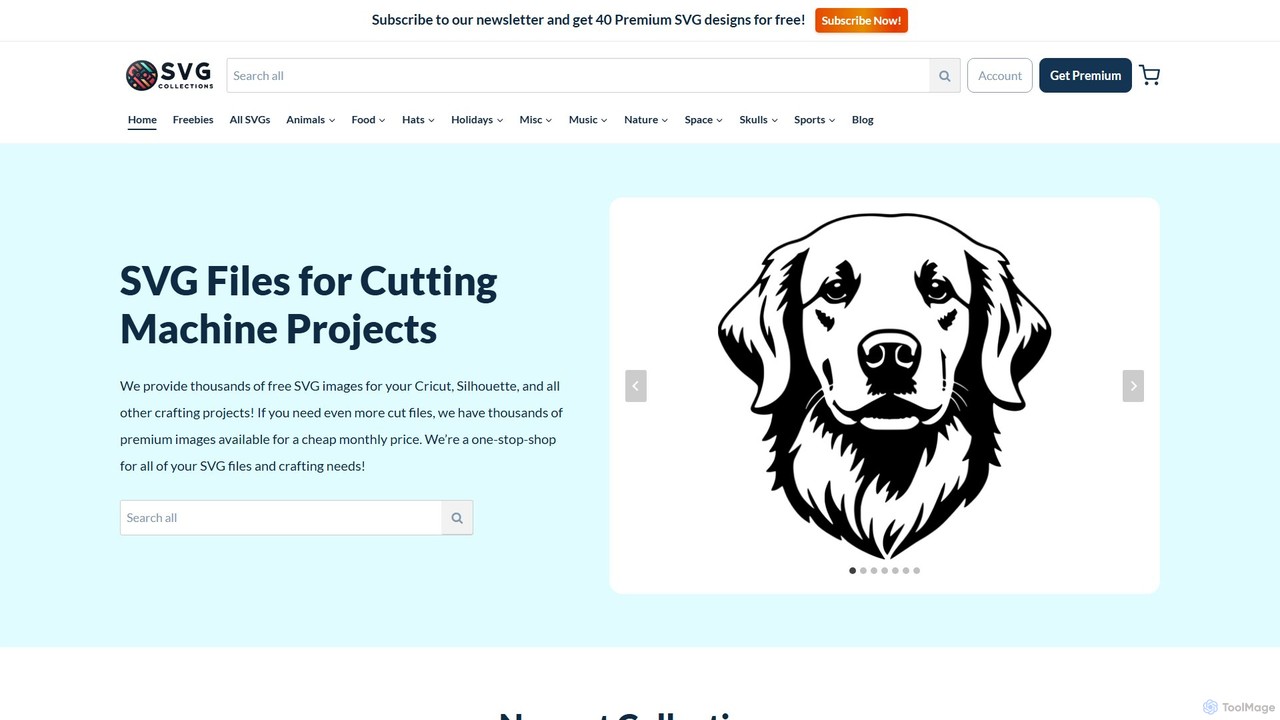
A vast online library offering thousands of high-quality, affordable SVG files for crafters and DIY enthusiasts. It provides …

17.2K

About Icons & Vectors

AI Icons & Vectors generators are tools that use artificial intelligence to create unique, scalable icons and vector graphics from text prompts or simple inputs. These tools leverage generative models to produce custom visual assets that match specific branding, style, or thematic requirements. This allows designers and marketers to quickly obtain bespoke graphical elements without manual illustration, significantly accelerating creative workflows. Unlike static asset libraries, these tools offer infinite variability and on-the-fly customization for truly unique designs.

Core Features

  • Text-to-Vector Generation: Creates complex vector graphics, icons, and logos directly from natural language descriptions.
  • Style Consistency: Generates entire sets of icons or illustrations in a unified and consistent visual style.
  • SVG & Vector Output: Exports assets in scalable formats like SVG, ensuring perfect quality at any size.
  • Iterative Refinement: Allows users to modify and perfect generated graphics with follow-up prompts or editing tools.
  • Color Palette Control: Enables specification of brand colors or desired palettes for generated assets.

Use Cases

These tools are primarily used by UI/UX designers for creating application interfaces, web developers for website assets, and marketing teams for branding materials. For instance, a startup can generate a complete, unique icon set for its new app in minutes. A content creator can also produce custom vector illustrations for a presentation that perfectly match the topic and brand guidelines.

How to Choose

When selecting a tool, consider the quality and style diversity of the AI model. Evaluate the output formats, with SVG being crucial for scalability. Check for features like style control, color palette customization, and the ability to generate consistent icon sets. Also, review the licensing terms for commercial use and the pricing model, such as per-generation credits versus a monthly subscription.

Icons & VectorsUse Cases

1

Rapid Prototyping of App Icons

A UI/UX designer is tasked with creating a new mobile application prototype under a tight deadline. Instead of spending hours manually designing each icon or searching through stock libraries for a matching set, they use an AI vector generator. By inputting prompts like 'minimalist user profile icon,' 'flat design settings gear,' and 'outline style home icon,' all with a consistent style parameter, they generate a complete and cohesive set of 20+ icons in under 30 minutes. This allows the team to visualize the interface with high-fidelity assets immediately, facilitating faster feedback and iteration cycles.

2

Creating Custom Branded Illustrations

A marketing team is developing a new landing page and needs unique spot illustrations that align perfectly with their brand's visual identity. Their brand uses a specific color palette and a playful, hand-drawn aesthetic. Using an AI vector generator, the graphic designer inputs prompts like 'a friendly robot waving, vector illustration in a playful style with colors FF5733 and 33CFFF'. The tool generates several options, which can be further refined. The final SVG assets are easily editable, allowing for minor tweaks in Adobe Illustrator to ensure perfect brand alignment, saving days of work compared to commissioning custom illustrations.

3

Generating Lightweight SVG Icons for Web

A front-end developer is optimizing a website for performance. The existing PNG and JPG icons are heavy and don't scale well on high-resolution displays. The developer uses an AI icon generator to recreate all website icons in SVG format. They input simple prompts for each required icon, such as 'shopping cart icon, solid fill' or 'magnifying glass for search, thin lines'. The resulting SVGs are extremely lightweight, improving page load speed. Because they are vector-based, they render perfectly crisp on any screen size or resolution, from mobile phones to 4K monitors, enhancing both performance and user experience.

4

Creating Thematic Vector Sets for Presentations

A business consultant needs to create a compelling presentation on 'The Future of Renewable Energy'. To make the slides visually engaging, they need a set of consistent, professional-looking vector illustrations. Using an AI generator, they create a series of graphics with prompts like 'vector icon of a wind turbine, clean corporate style', 'solar panel array illustration', and 'diagram of a smart grid'. The tool maintains the 'clean corporate style' across all generated assets, resulting in a cohesive visual theme. This elevates the presentation's quality and helps communicate complex ideas more effectively, all without needing advanced design skills.

5

Generating Icons for In-Game Items and Abilities

An indie game developer is creating a fantasy RPG with hundreds of unique items, spells, and abilities, each requiring a distinct icon. Manually creating this many assets would be prohibitively time-consuming. The developer uses an AI icon generator with a master style prompt, such as 'fantasy RPG item icon, semi-realistic, glowing edges'. They then generate specific icons with prompts like 'health potion', 'fireball spell', and 'sword of valor'. This process allows for the rapid creation of a vast and stylistically consistent library of in-game icons, enabling the developer to focus on core game mechanics instead of tedious asset production.

6

Automating Social Media Graphic Creation

A social media manager for a small business needs to produce daily content for multiple platforms, each requiring graphics with a consistent look. They use an AI vector tool to create a template style. For each post, they generate a new central vector icon or illustration based on the post's topic, such as 'vector icon of a coffee cup for a morning promo' or 'illustration of a stack of books for a reading list post'. The tool applies the pre-defined brand colors and style automatically. This automates a significant portion of the graphic design work, allowing the manager to create fresh, on-brand visuals in minutes instead of hours.

Icons & VectorsFrequently Asked Questions