
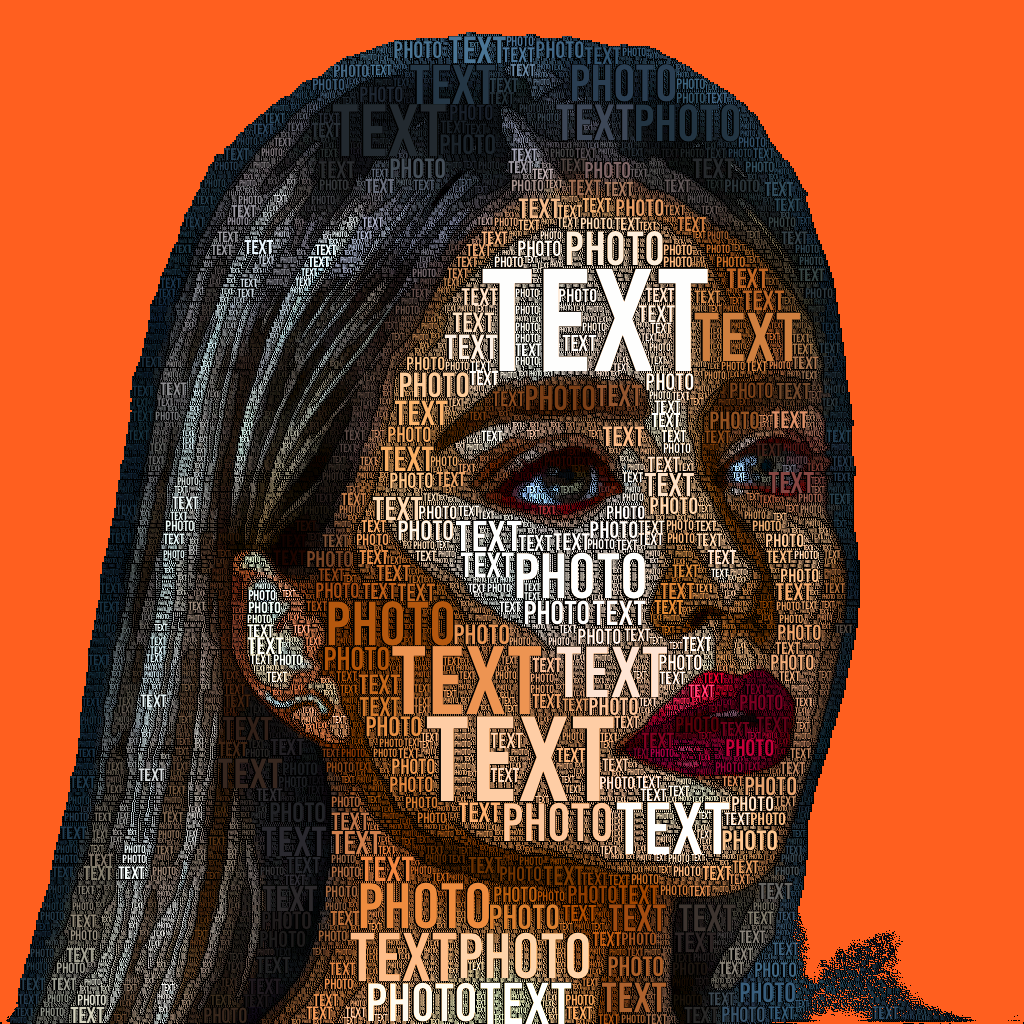
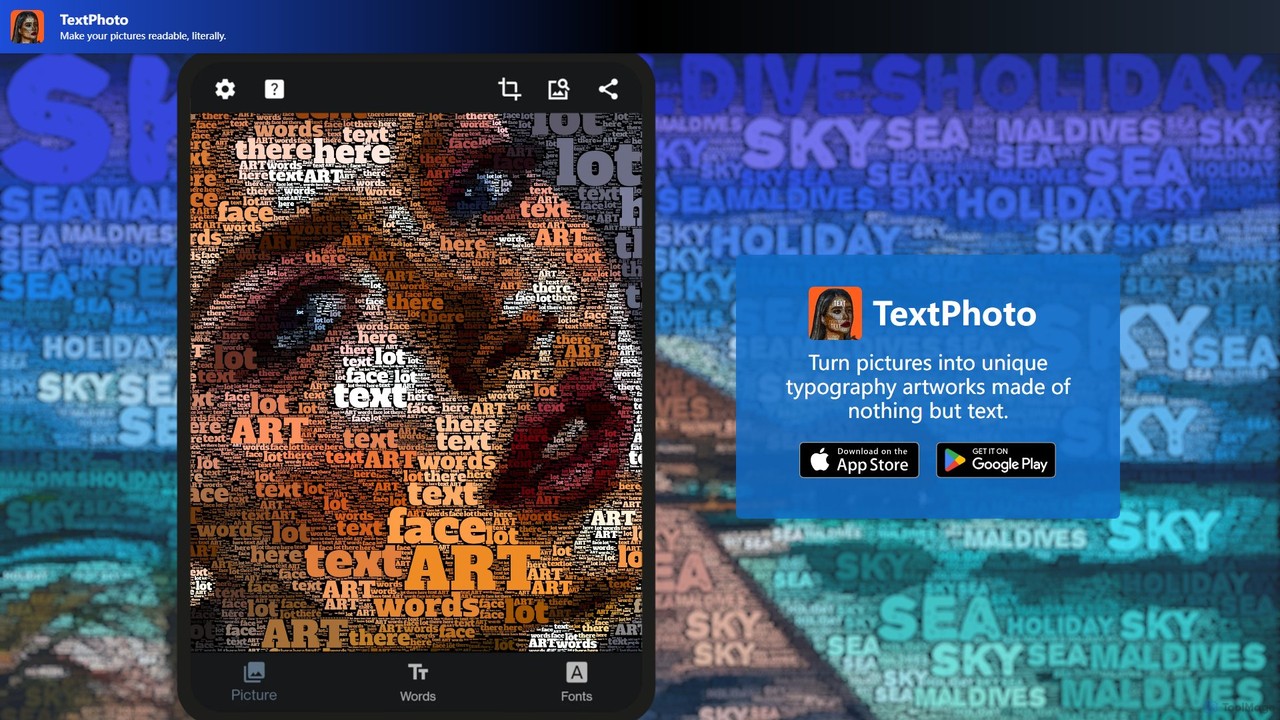
TextPhoto Overview
TextPhoto is an innovative application designed to merge the worlds of photography and typography. Based on the premise that a picture can not only be worth a thousand words but can also be *made* of a thousand words, this tool transforms any image into a work of art composed entirely of text. It offers a unique way for artists, designers, social media managers, and creative individuals to produce eye-catching and meaningful visuals. By analyzing the tones, shapes, and details of your source image, TextPhoto intelligently arranges your chosen words to replicate the picture with remarkable accuracy, turning a simple photo into a complex and engaging typographic masterpiece.
How to use TextPhoto
Using TextPhoto is a straightforward and intuitive process, allowing users of all skill levels to create professional-quality art:
- Select Your Image: Begin by choosing the picture you want to transform. You can import photos directly into the application. Images with good contrast and clear subjects tend to produce the best results.
- Input Your Words: Provide the text that will make up your image. You can enter up to 20 different words or simply paste a comma-separated list. This could be a poem, a meaningful quote, brand names, or any text that adds another layer of meaning to the visual.
- Choose Your Font: The font choice is crucial to the final aesthetic. TextPhoto offers a vast library of over a thousand open-source fonts. For ultimate customization, you can also upload your own TTF font file to match a specific brand identity or artistic style.
- Adjust Parameters: Fine-tune the artwork with a range of powerful parameters. You can control the text density, size variation, color scheme, and background to achieve the exact look you envision.
- Apply Post-Processing Effects: The app includes built-in editing tools to enhance your creation without needing external software. Adjust color, white balance, and contrast to make your artwork pop.
- Export Your Creation: Once you are satisfied with the result, export your typographic art in a high-resolution format, ready for printing, sharing online, or incorporating into larger design projects.
Core Features of TextPhoto
- Advanced Photo-to-Text Engine: A sophisticated algorithm that accurately translates image tones and shapes into structured text layouts.
- Extensive Font Library: Choose from over 1,000 built-in open-source fonts to find the perfect style for your project.
- Custom Font Upload: Supports the use of your own TTF font files for complete creative freedom and brand consistency.
- Multi-Language Support: The tool can process text in any language, provided the chosen font supports the required characters.
- Customizable Word Lists: Use a list of up to 20 words to create varied and dynamic textual patterns within the image.
- Detailed Parameter Control: Adjustments for text density, size, color, and more, giving you full control over the final output.
- Integrated Post-Processing: Built-in effects like color enhancement and white balance for quick and easy final touches.
- Alpha Channel Support: Recognizes and preserves transparent backgrounds, allowing for creative layering and partial typography effects on logos or other isolated subjects.
Use Cases for TextPhoto
TextPhoto is a versatile tool suitable for a wide range of creative applications:
- Digital Art and Graphic Design: Create unique typographic portraits, landscapes, and abstract pieces for portfolios or sale.
- Marketing and Branding: Design memorable advertisements, posters, and social media content using brand names, slogans, or mission statements.
- Social Media Content: Generate highly shareable and unique visuals for Instagram, Pinterest, and other platforms to boost engagement.
- Personalized Gifts: Craft custom art for birthdays, anniversaries, or special occasions using names, dates, or meaningful quotes.
- Website and Blog Graphics: Produce stunning hero images and featured graphics that capture visitors' attention.
Advantages of TextPhoto
TextPhoto stands out with its unique functionality and user-centric design. Its primary advantage is the ability to create a sophisticated art style that is difficult to replicate manually or with other standard editors. The high degree of customization through font selection and parameter control ensures that every creation is unique. Its intuitive interface makes this advanced technique accessible to beginners, while the powerful features satisfy the needs of professional designers. As a dedicated application, it provides a focused, offline-capable workflow without the distractions of web-based editors.
Pricing and Plans
TextPhoto is available as a one-time purchase from the Mac App Store. There are no recurring subscriptions or hidden fees. This model provides excellent long-term value for users who can own the software outright after a single payment. For the most current pricing, please visit the official TextPhoto page on the Mac App Store.
TextPhoto Alternatives
Gentype
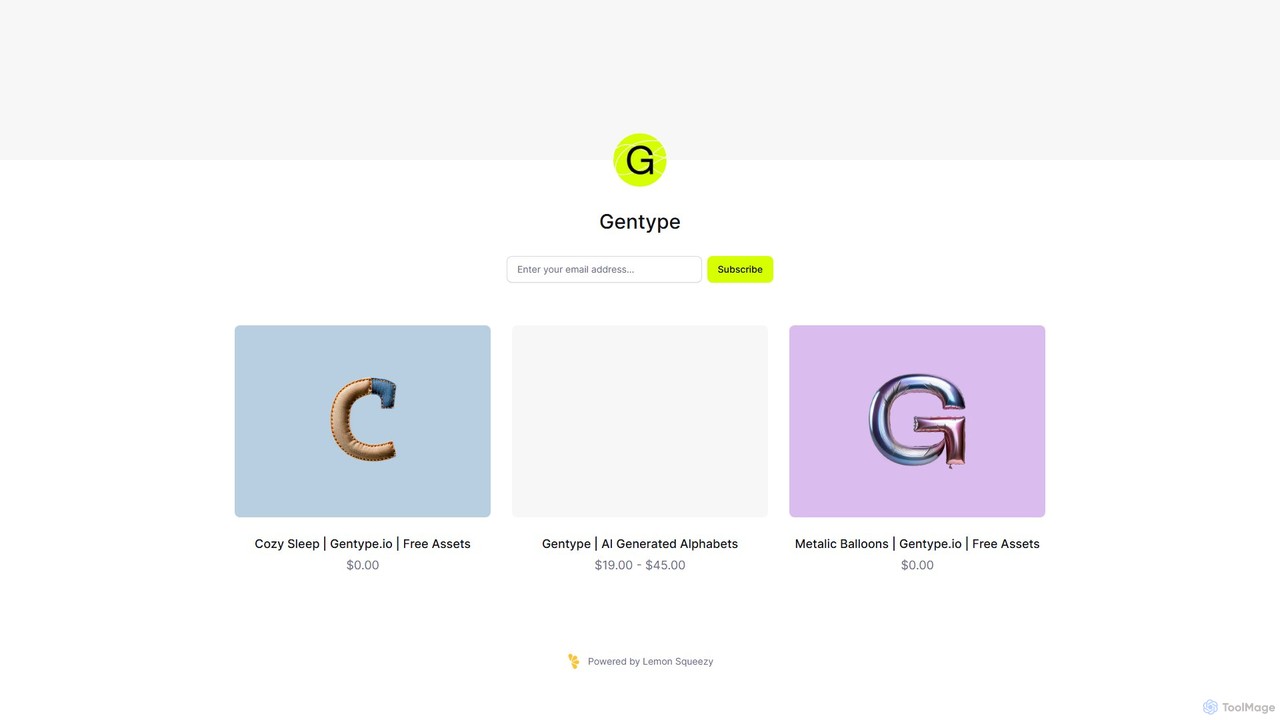
Gentype offers unique, AI-generated alphabet and lettering asset packs for designers, artists, and content creators. Discover one-of-a-kind typographic styles to elevate your projects, from branding and social media to digital art. It provides high-resolution assets through a simple one-time purchase model, including free samples.
Generative Art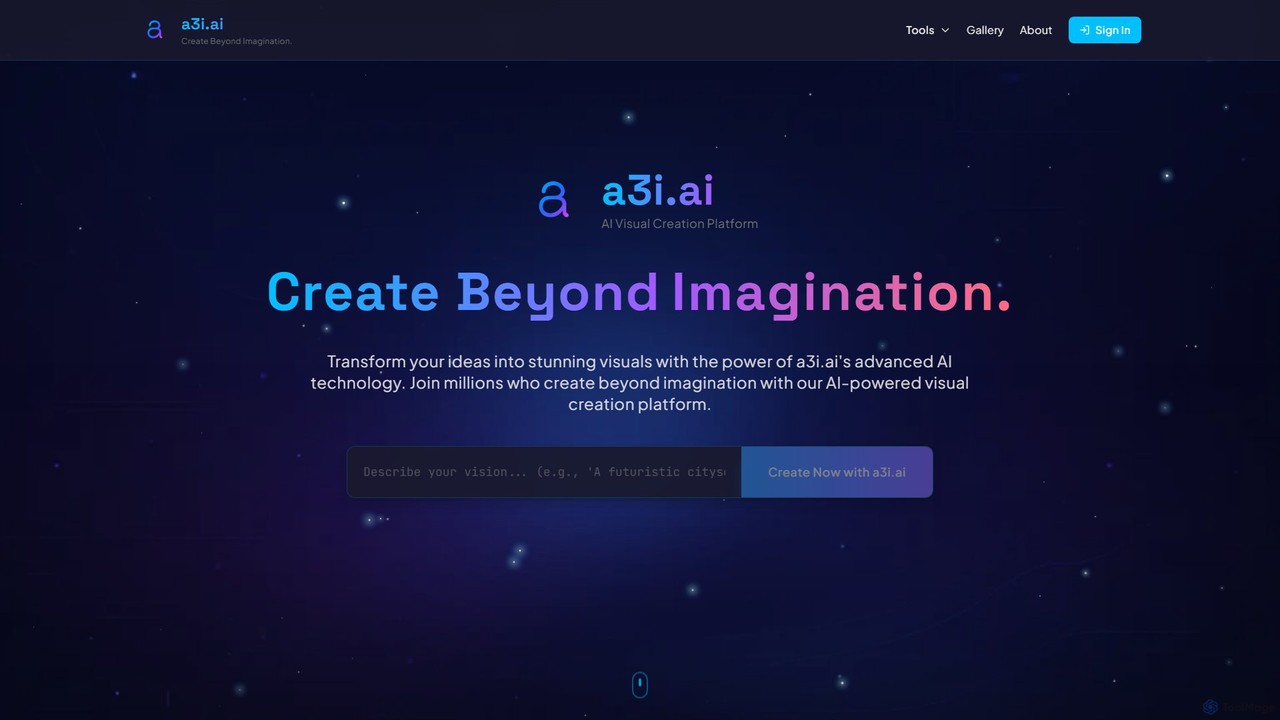
a3i.ai
a3i.ai is an advanced AI visual creation platform that transforms text prompts into stunning, high-quality images, avatars, and more. Designed for creators, marketers, and innovators, it offers a suite of intuitive tools to generate original visuals in seconds, with no design skills required.
Generative Art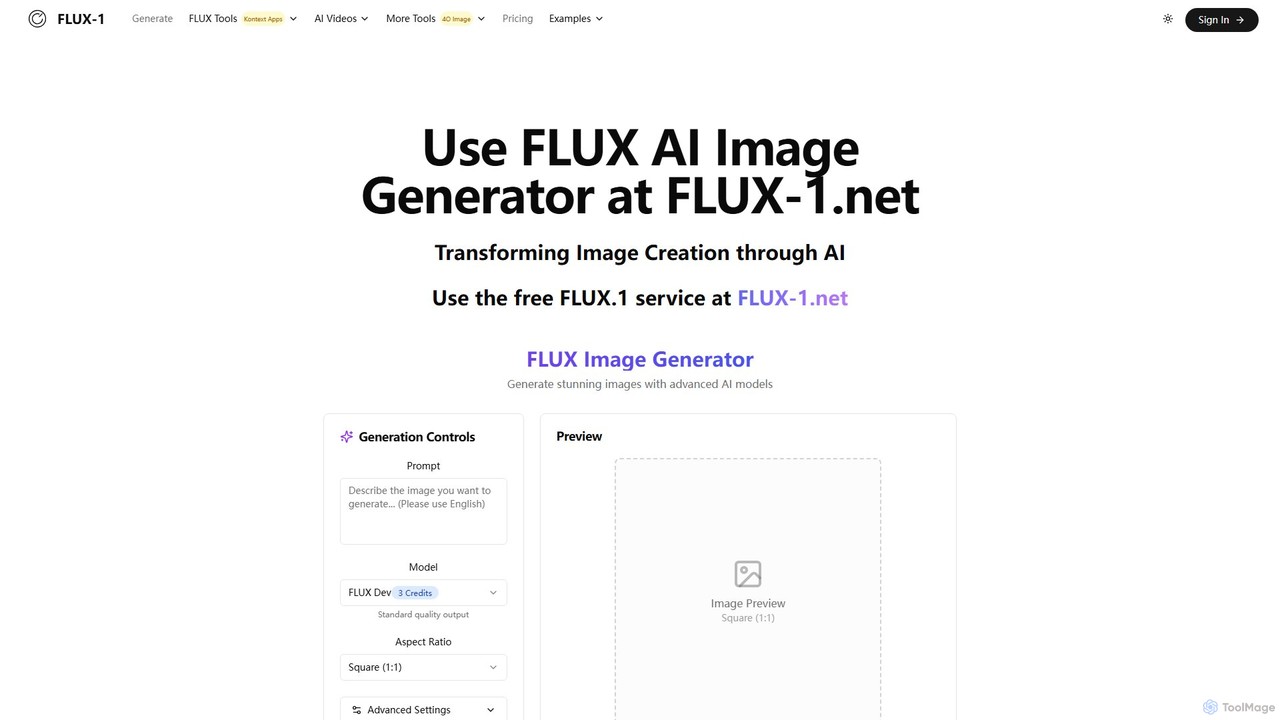
flux_1
flux_1 is an advanced text-to-image AI generator developed by Black Forest Labs. It features a 12-billion parameter model to create high-resolution, detailed images with exceptional prompt adherence and typography. It offers multiple models (Pro, Dev, Schnell) to cater to different needs, from professional production to fast, personal projects, positioning itself as a strong competitor to leading AI image tools.
Generative Art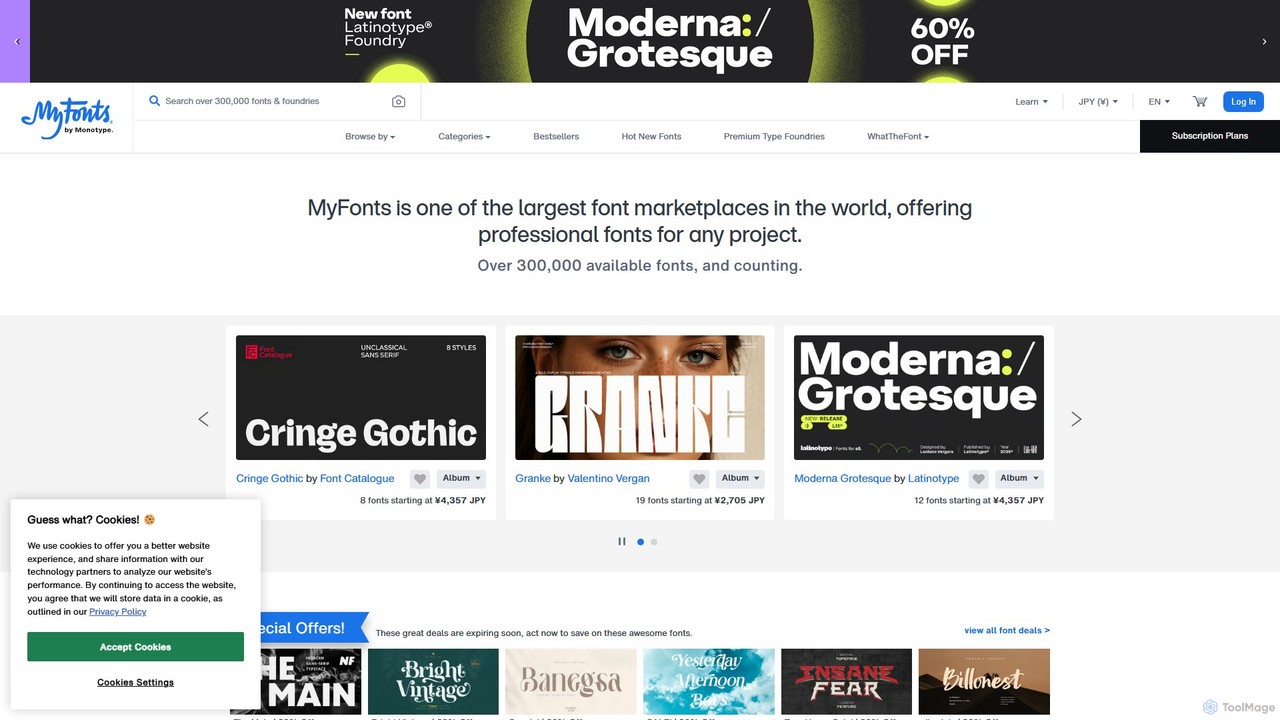
MyFonts
A comprehensive digital font marketplace offering a vast library of typefaces for web and print. MyFonts features the powerful AI-driven tool, "WhatTheFont," which can identify fonts from any image, making it an essential resource for designers, developers, and creatives seeking the perfect font for their projects.
Fonts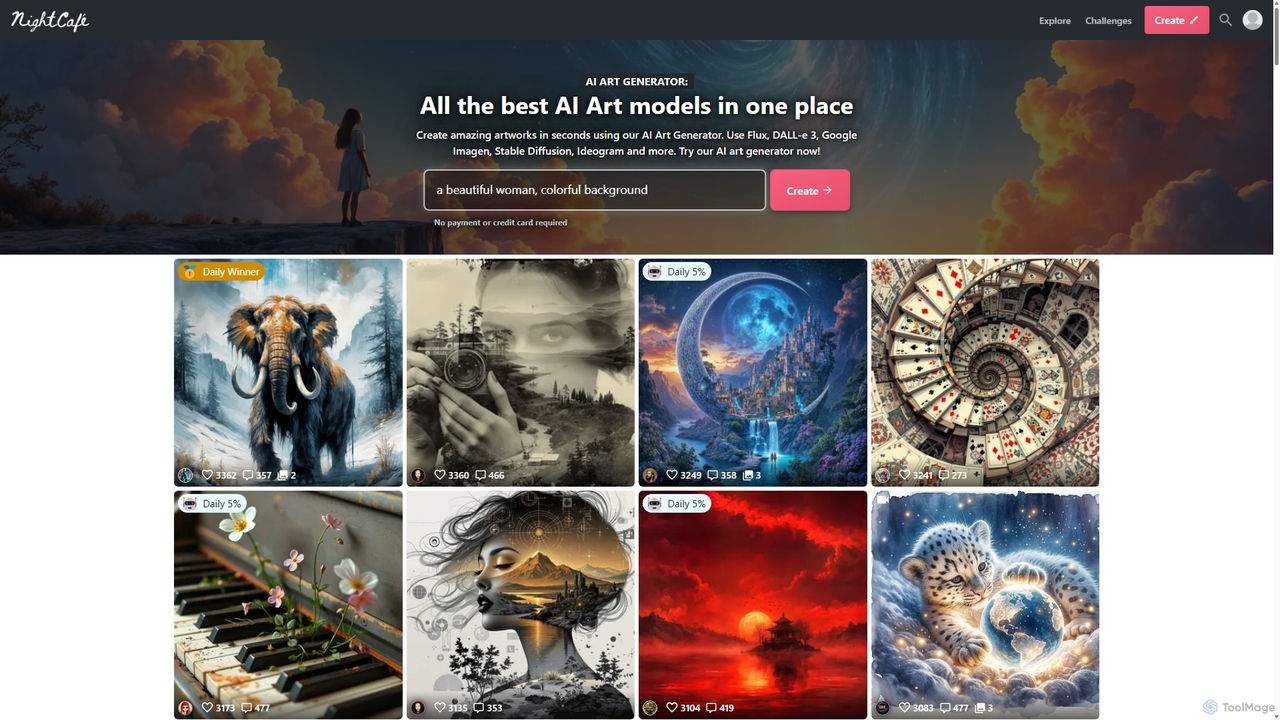
NightCafe
NightCafe is a versatile AI art generator and a vibrant community platform. It provides access to a wide range of AI models like DALL-E 3, Stable Diffusion, and Flux, allowing users to create, share, and discuss AI-generated art. Engage in daily challenges, collaborate with friends, and explore millions of creations in a supportive environment, suitable for both beginners and experts.
Generative ArtTextPhoto Categories
TextPhoto Embed Widget
Copy this embed code to place the badge on your blog, article, or product site and send readers directly to this ToolMage detail page.

Related AI tools
a3i.ai
a3i.ai is an advanced AI visual creation platform that transforms text prompts into stunning, high-quality images, avatars, and more. Designed for creators, marketers, and innovators, it offers a suite of intuitive tools to generate original visuals in seconds, with no design skills required.
Generative Artflux_1
flux_1 is an advanced text-to-image AI generator developed by Black Forest Labs. It features a 12-billion parameter model to create high-resolution, detailed images with exceptional prompt adherence and typography. It offers multiple models (Pro, Dev, Schnell) to cater to different needs, from professional production to fast, personal projects, positioning itself as a strong competitor to leading AI image tools.
Generative Art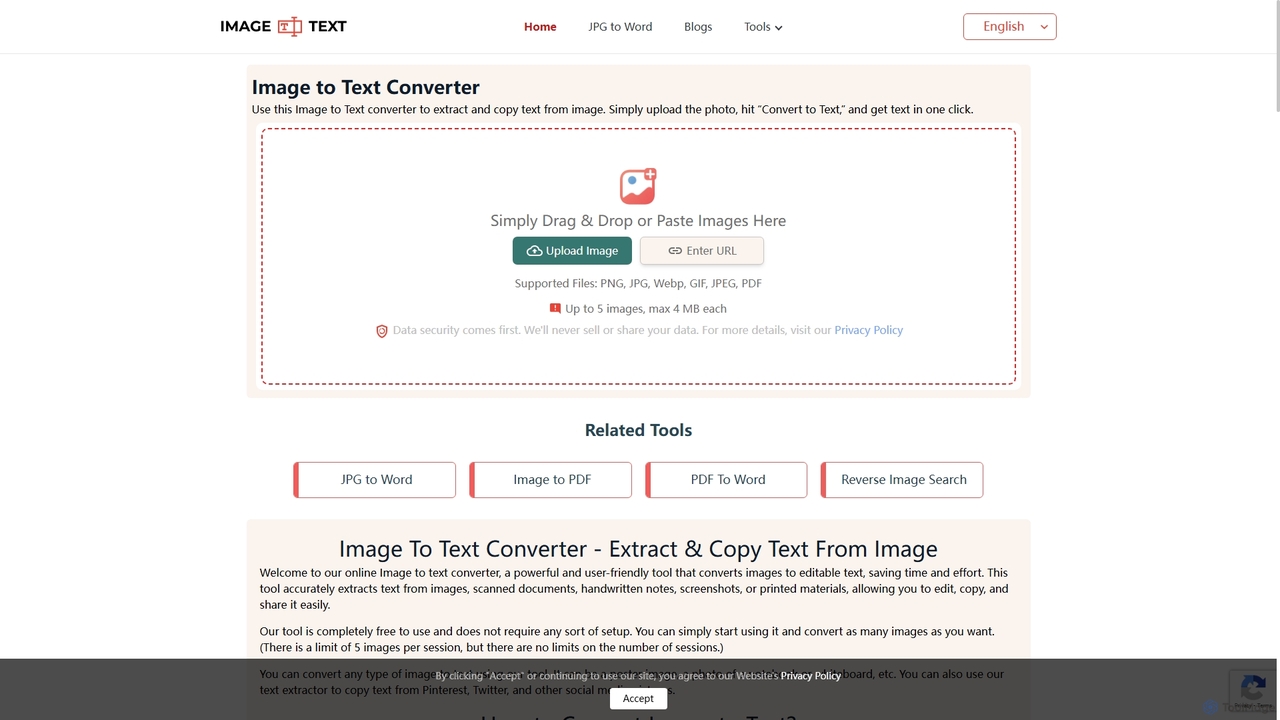
Imagetotext.me
A free online OCR tool that accurately extracts text from images, scanned documents, and handwritten notes. It supports multiple languages and file formats, and includes additional converters for JPG to Word and Image to PDF, all without requiring registration.
Study Tools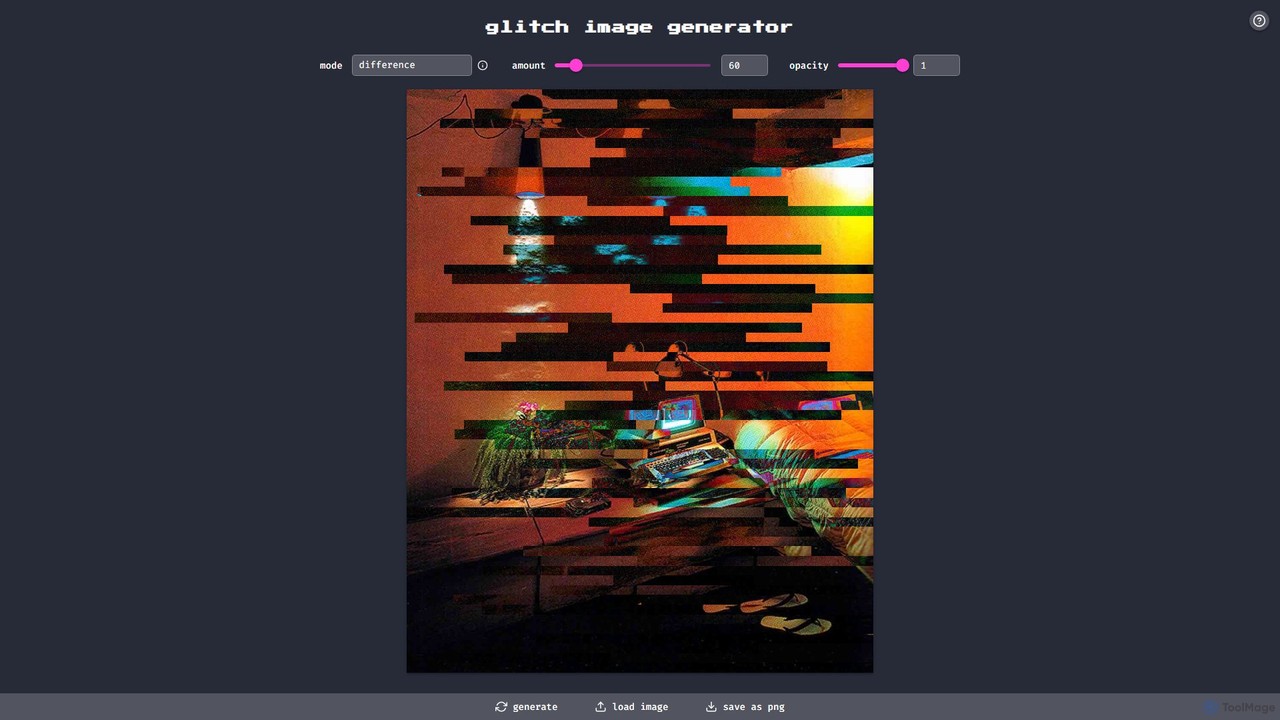
glitchyimage
glitchyimage is a free, web-based tool that allows users to create unique glitch art by applying various effects and blend modes to their own images. With an intuitive interface, you can upload a photo, adjust parameters like opacity and effect amount, and generate stunning, high-quality glitch visuals instantly. It's perfect for artists, designers, and social media creators looking to add a modern, edgy aesthetic to their work.
Generative ArtGentype
Gentype offers unique, AI-generated alphabet and lettering asset packs for designers, artists, and content creators. Discover one-of-a-kind typographic styles to elevate your projects, from branding and social media to digital art. It provides high-resolution assets through a simple one-time purchase model, including free samples.
Generative ArtMyFonts
A comprehensive digital font marketplace offering a vast library of typefaces for web and print. MyFonts features the powerful AI-driven tool, "WhatTheFont," which can identify fonts from any image, making it an essential resource for designers, developers, and creatives seeking the perfect font for their projects.
FontsNightCafe
NightCafe is a versatile AI art generator and a vibrant community platform. It provides access to a wide range of AI models like DALL-E 3, Stable Diffusion, and Flux, allowing users to create, share, and discuss AI-generated art. Engage in daily challenges, collaborate with friends, and explore millions of creations in a supportive environment, suitable for both beginners and experts.
Generative Art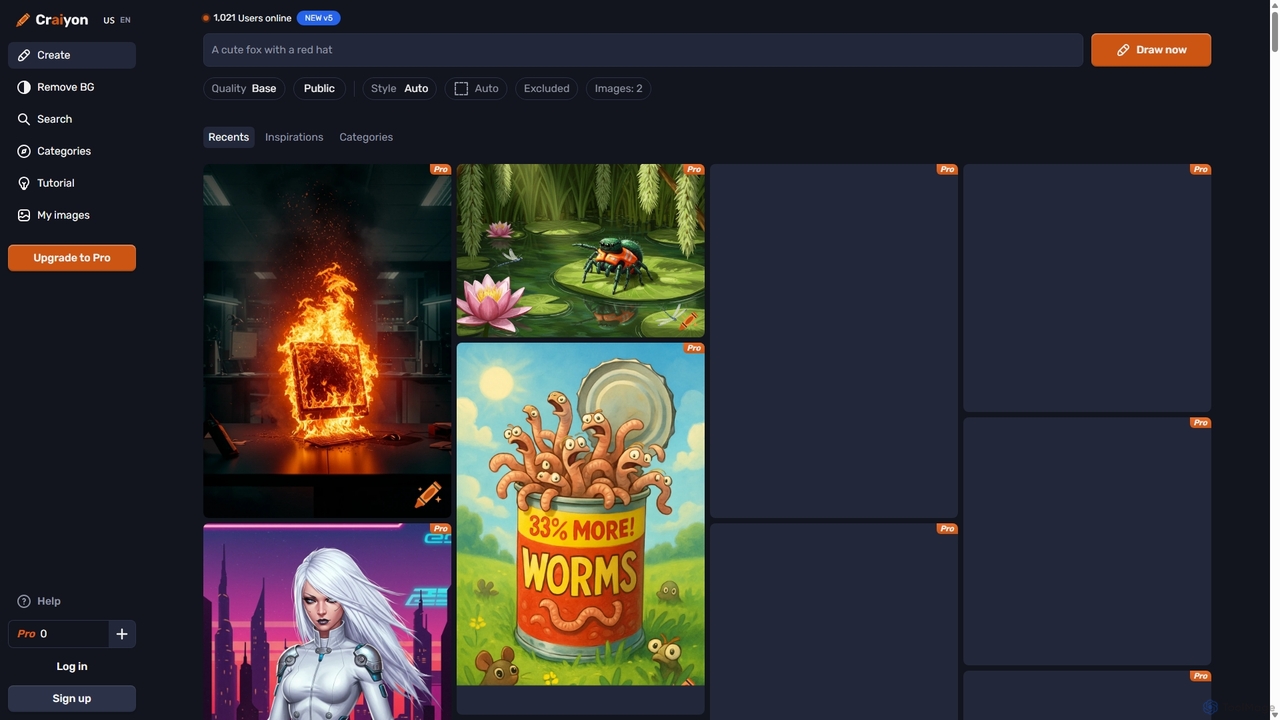
Craiyon
Craiyon is a free and powerful AI art generator that transforms text descriptions into unique images. Formerly known as DALL·E mini, it allows users to create anything from photorealistic images to abstract art simply by typing a prompt. It offers both free and paid plans to cater to everyone from beginners to professionals.
Generative Art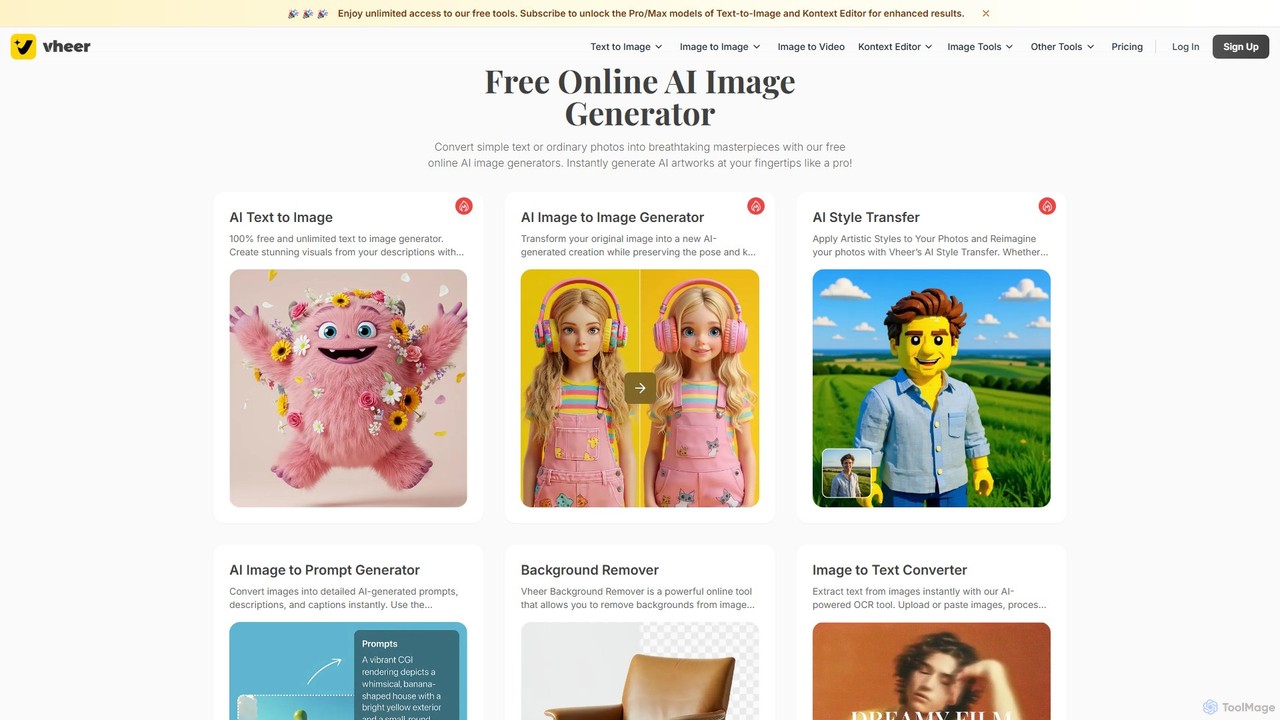
Vheer
Vheer is a versatile and free AI creative suite offering a wide range of tools. Generate stunning visuals from text, transform photos into anime portraits or professional headshots, design custom tattoos, and even create dynamic videos from static images. Many core features are unlimited, require no signup, and are watermark-free, making creativity accessible to everyone.
Generative Art
Monotype
Monotype is a leading typography platform that leverages AI to help designers and brands discover, pair, manage, and license fonts. It offers access to a vast library of world-class typefaces, ensuring brand consistency and creative excellence across all platforms.
Typography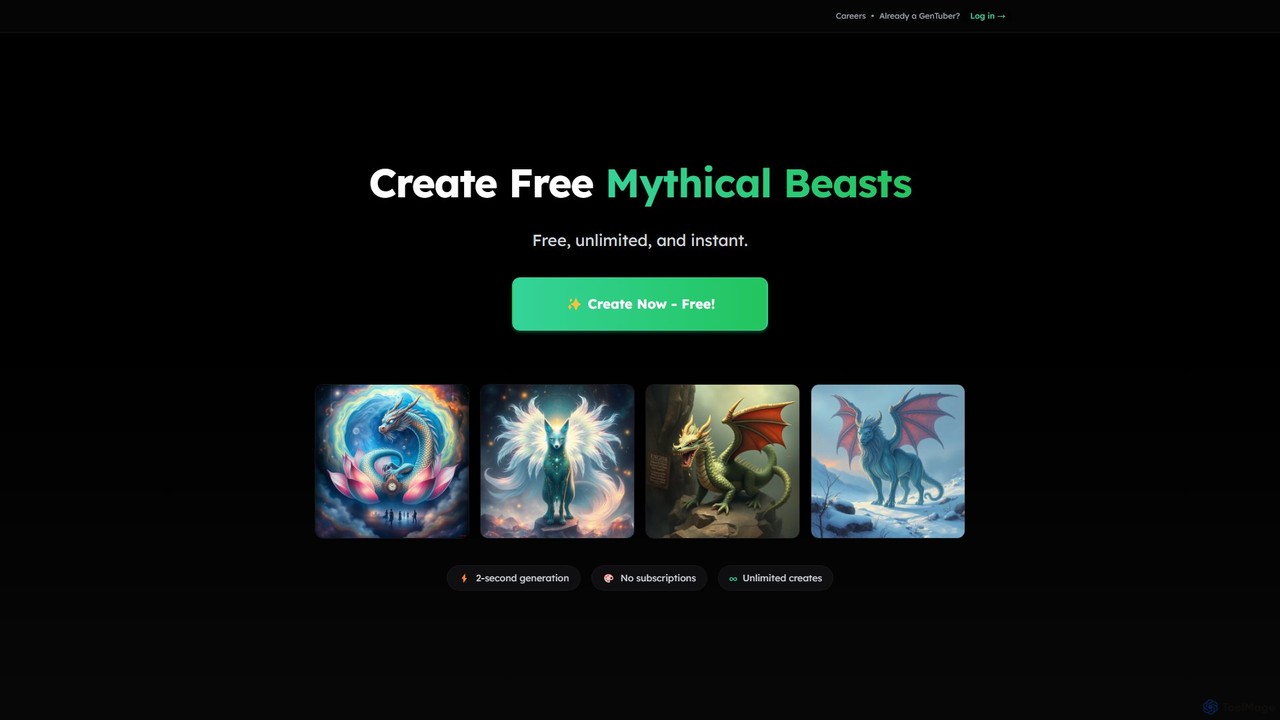
GenTube
GenTube is a revolutionary AI art generator that creates stunning visuals from text prompts in just 2 seconds. It's completely free, offers unlimited creations, and requires no subscriptions or sign-ups. Perfect for artists, creators, and hobbyists to instantly bring their imagination to life.
Generative Art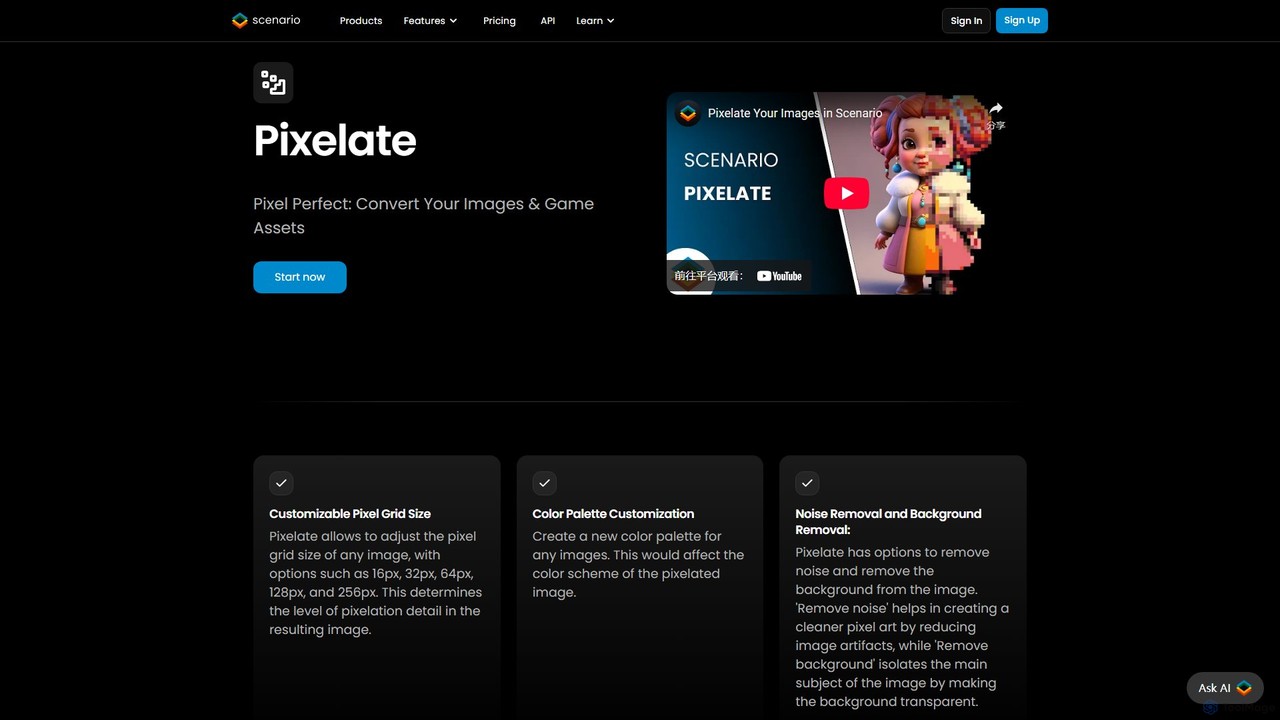
Pixelicious
Pixelicious is an AI-powered tool that effortlessly converts any image into high-quality, retro-style pixel art. Ideal for game developers, digital artists, and creators, it simplifies the process of generating pixelated graphics for games, art projects, and social media avatars.
Generative Art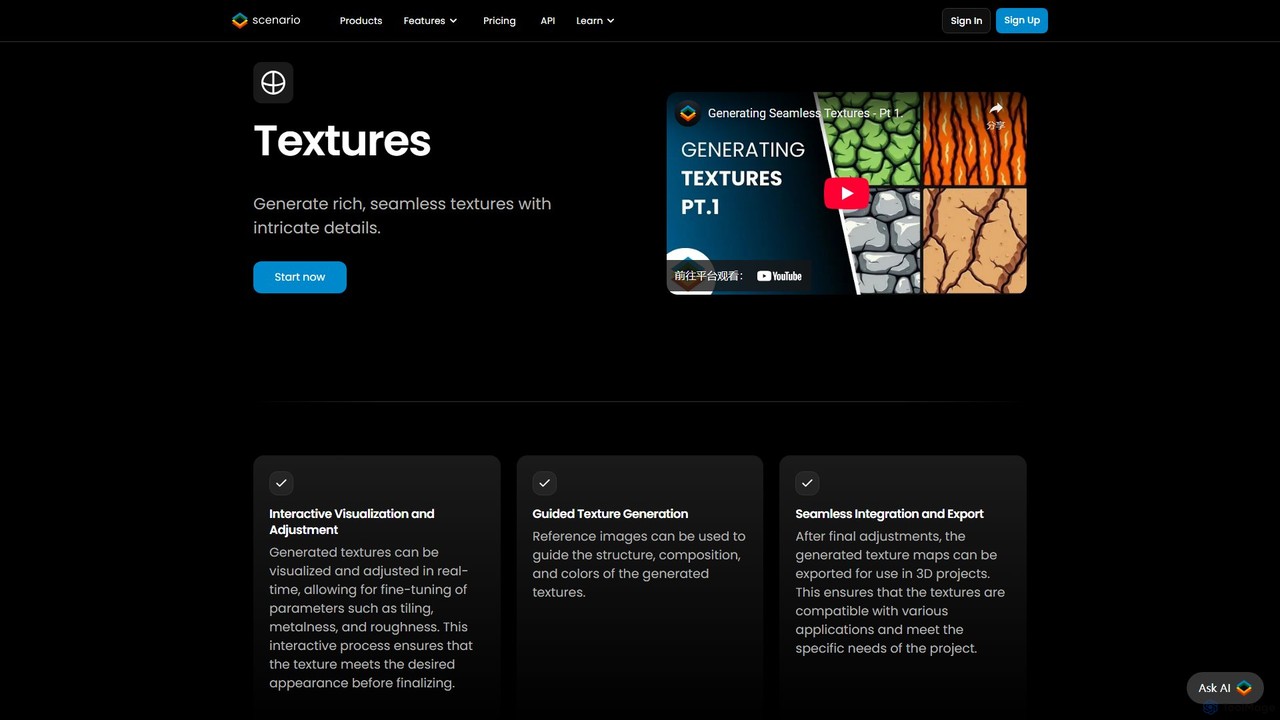
TextureLab
TextureLab is an AI-powered texture generation tool by Scenario, designed for game developers, 3D artists, and architects. It creates high-quality, seamless PBR materials from text or image prompts. Users can generate diverse textures and train custom AI models to maintain a consistent art style across projects, significantly accelerating creative workflows.
Generative Art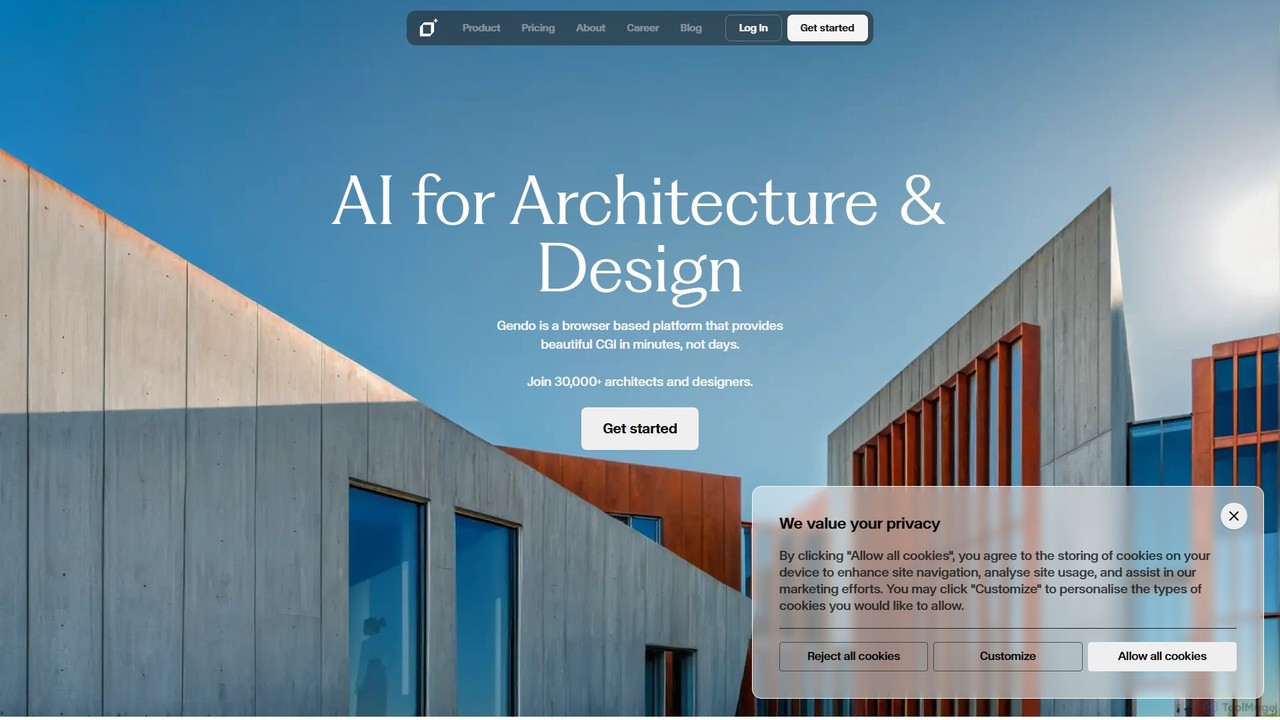
Gendo
Gendo is an AI-powered, browser-based platform for architects and designers to create high-quality CGI visualizations in minutes. It transforms sketches and designs into realistic images, allows for instant material changes, and offers versatile style transfers, streamlining the entire design and rendering workflow.
Generative Art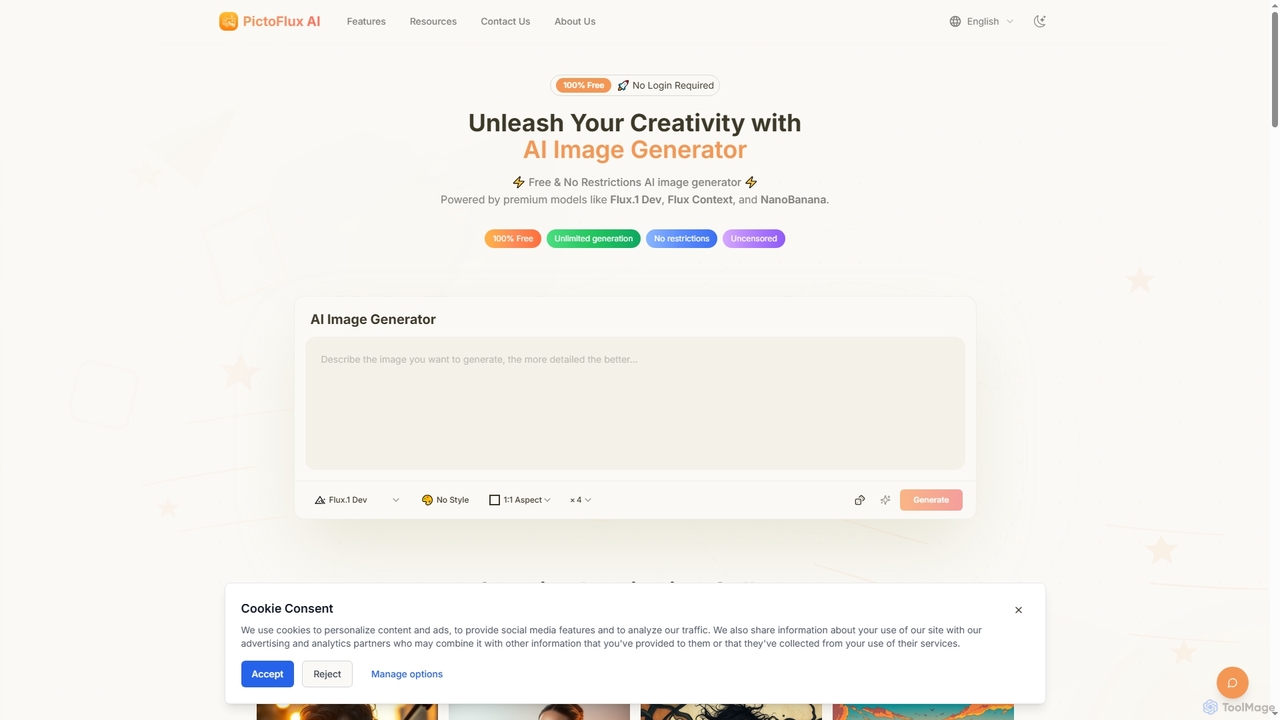
Pictoflux
Pictoflux is a completely free, unlimited, and uncensored AI image generator that requires no login. Powered by advanced open-source models like Flux.1 Dev, it allows anyone to create high-quality, studio-grade images from text prompts instantly and with full creative freedom.
Generative Art
TextPhoto Comments (0)
Sign in to comment.
Sign inNo comments yet.