Photo & Video Best in category 6 results Photo Editing AI Tool

Popular AI tools in the Photo Editing field of Photo & Video include MyHeritage、SNOW、Tap Mobile、Perfect365、Kampfire、TextPhoto, etc., helping you quickly improve efficiency.

MyHeritage

MyHeritage

MyHeritage is a leading global platform for family history and DNA testing. It allows users to build their …

1.6M
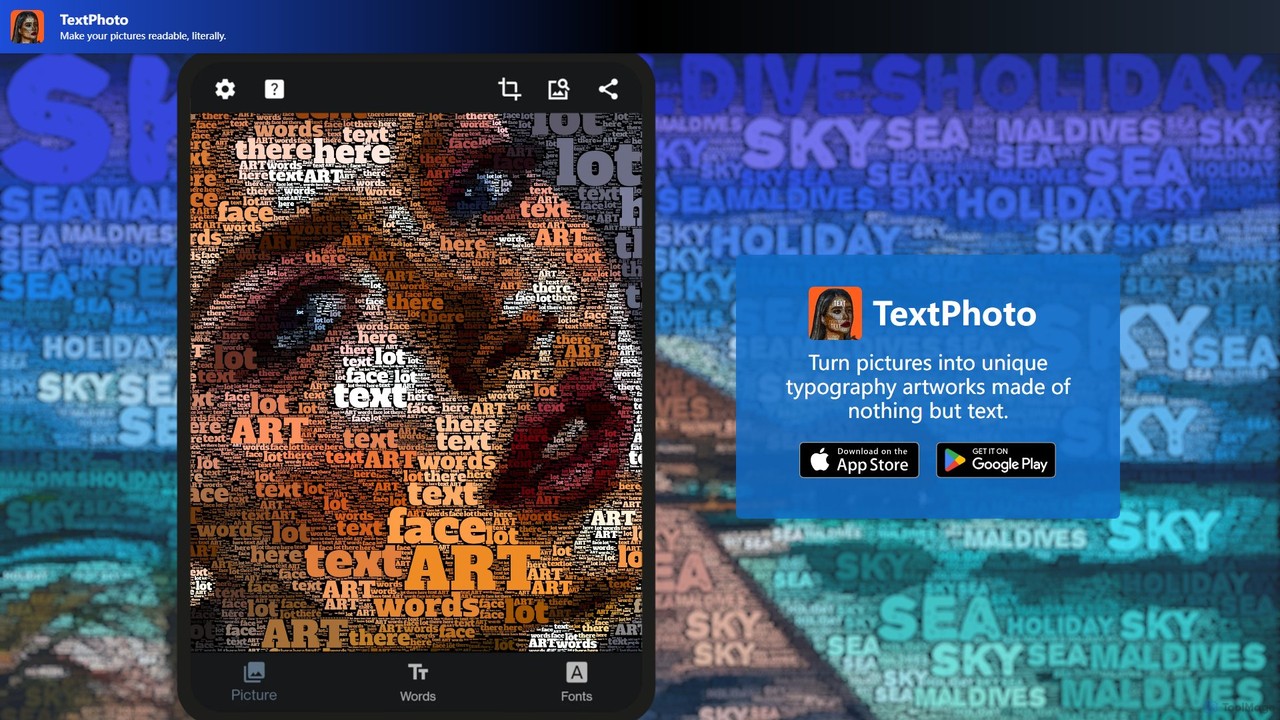
TextPhoto

TextPhoto

TextPhoto is a unique creative application that transforms your pictures into stunning typographic art. It intelligently replaces the …

1.8K
SNOW

SNOW

SNOW is an AI-powered camera and photo/video editing application renowned for its vast collection of AR stickers, beauty …

110.0K
Tap Mobile

Tap Mobile

Tap Mobile is a technology company that develops a suite of popular utility applications for mobile devices. Their …

40.1K
Perfect365

Perfect365

Perfect365 is a leading AI-powered virtual makeup and beauty platform. It allows users to instantly try on thousands …

10.1K
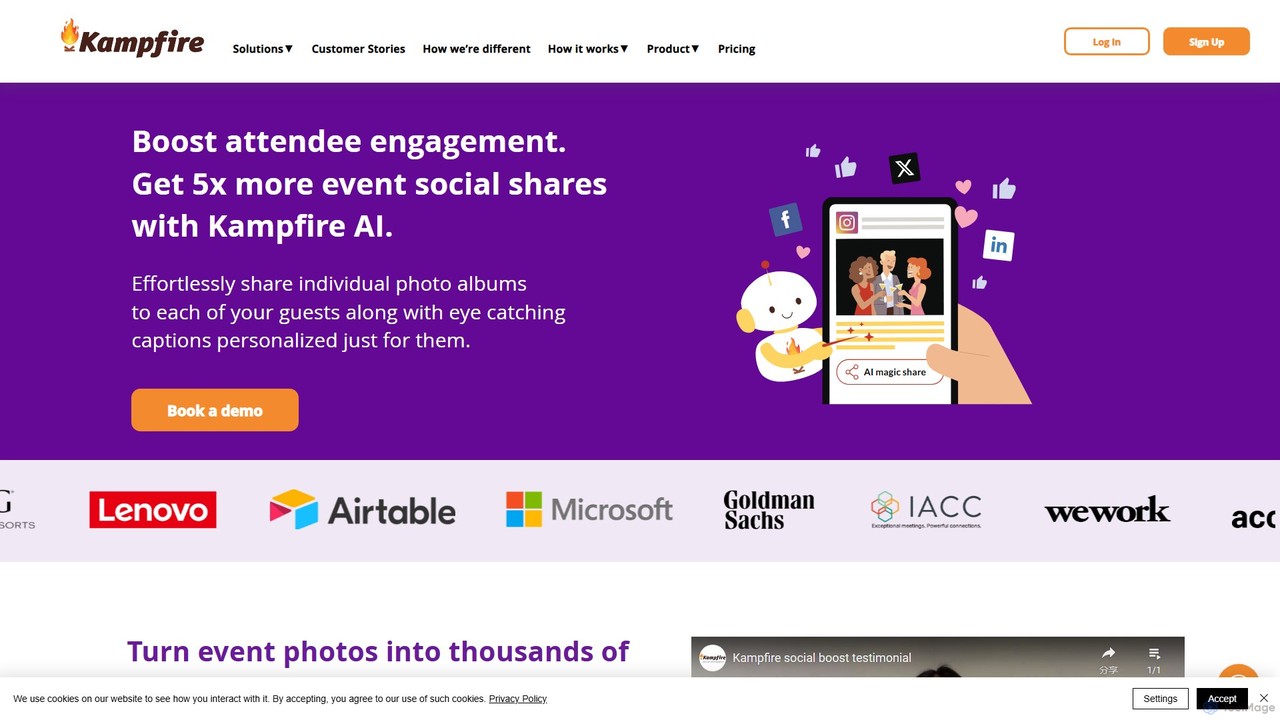
Kampfire

Kampfire

Kampfire is an AI-powered event technology platform that revolutionizes photo sharing to boost attendee engagement. It automatically creates …

2.0K

About Photo Editing

AI Photo Editing tools are a category of software leveraging artificial intelligence to enhance, modify, and transform images with advanced capabilities. These tools utilize machine learning algorithms for tasks like intelligent background removal, content-aware filling, and style transfer, significantly streamlining complex editing processes. They empower photographers, designers, and marketers to achieve professional-grade results faster and more efficiently, pushing the boundaries of traditional image manipulation.

Core Features

  • Intelligent Background Removal: Automatically detects and precisely removes image backgrounds, often with edge refinement.
  • Object Manipulation: Enables seamless removal, replacement, or repositioning of objects within an image using AI.
  • AI Style Transfer: Applies artistic styles from one image to another, transforming photos into paintings or other creative visuals.
  • Image Upscaling & Enhancement: Increases image resolution and detail without pixelation, improving clarity and sharpness.
  • Smart Color Correction: Automatically analyzes and adjusts color balance, exposure, and contrast for optimal visual appeal.

Applicable Scenarios

AI photo editing tools are invaluable for professionals and enthusiasts alike. E-commerce businesses use them for batch processing product images, ensuring consistent backgrounds and optimal presentation. Social media managers leverage AI for quick content creation, applying trending filters or removing distractions. Professional photographers integrate these tools into their post-processing workflow for efficient retouching and creative effects, saving hours of manual work.

How to Choose

When selecting an AI photo editing tool, consider its specific AI capabilities, such as the accuracy of background removal or the versatility of object manipulation. Evaluate its ease of use and user interface, as well as its integration capabilities with your existing creative suite or workflow. Assess the output quality, ensuring it meets your professional standards, and compare pricing models to find a solution that fits your budget and usage frequency.

Photo EditingUse Cases

1

Batch Product Image Background Removal for E-commerce

E-commerce store owners or marketing teams can use AI photo editing tools to automatically remove backgrounds from hundreds of product images. By uploading a batch of photos, the AI identifies the product and precisely isolates it, generating clean, consistent images with transparent or solid color backgrounds. This saves countless hours of manual editing, ensures brand consistency across product listings, and accelerates the time-to-market for new products, directly impacting sales efficiency.

2

AI-Powered Object Removal and Replacement

Graphic designers and content creators can utilize AI photo editing tools to seamlessly remove unwanted elements or replace objects within an image. For instance, a marketer might need to remove a distracting person from a background or replace a generic product with a branded one. AI algorithms analyze the surrounding pixels and intelligently fill the void or integrate the new object, maintaining lighting and perspective. This allows for quick, realistic alterations without extensive manual cloning or masking, enhancing visual storytelling.

3

Creative Style Transfer for Art and Marketing

Artists and content creators can leverage AI photo editing tools for creative style transfer, transforming ordinary photos into unique artistic pieces. By applying the aesthetic style of a famous painting or a specific visual theme to their own images, they can generate visually striking content for social media, digital art portfolios, or marketing campaigns. This capability allows for rapid experimentation with diverse artistic expressions, offering a novel way to engage audiences and differentiate visual assets without requiring advanced artistic skills.

4

Enhancing Old or Low-Resolution Photos

Individuals and archivists can use AI photo editing tools to restore and enhance old or low-resolution photographs. AI upscaling algorithms can intelligently add detail and sharpness to pixelated images, making them suitable for larger prints or modern digital displays. Additionally, AI can automatically repair scratches, remove noise, and correct color fading in vintage photos, bringing them back to life with improved clarity and vibrancy. This is particularly valuable for preserving family memories or digitizing historical archives.

5

Automated Portrait Retouching for Photographers

Professional portrait photographers and studios can significantly streamline their post-processing workflow using AI photo editing tools for automated retouching. These tools can intelligently detect facial features and apply enhancements such as skin smoothing, blemish removal, teeth whitening, and eye brightening, all while maintaining a natural look. This automation drastically reduces the time spent on repetitive manual tasks, allowing photographers to deliver high-quality, retouched images to clients faster and focus more on the creative aspects of their work.

6

Generating Image Variations for A/B Testing

Digital marketers and advertisers can leverage AI photo editing tools to quickly generate multiple variations of an ad image for A/B testing. Instead of manually creating subtle differences in lighting, color schemes, object placement, or text overlays, AI can intelligently produce diverse versions based on specified parameters. This enables marketers to efficiently test which visual elements resonate most with their target audience, optimizing campaign performance and improving conversion rates with data-driven insights.

Photo EditingFrequently Asked Questions