Aftershoot
Aftershoot is an all-in-one AI software for photographers, designed to automate and streamline the post-production workflow. It offers …
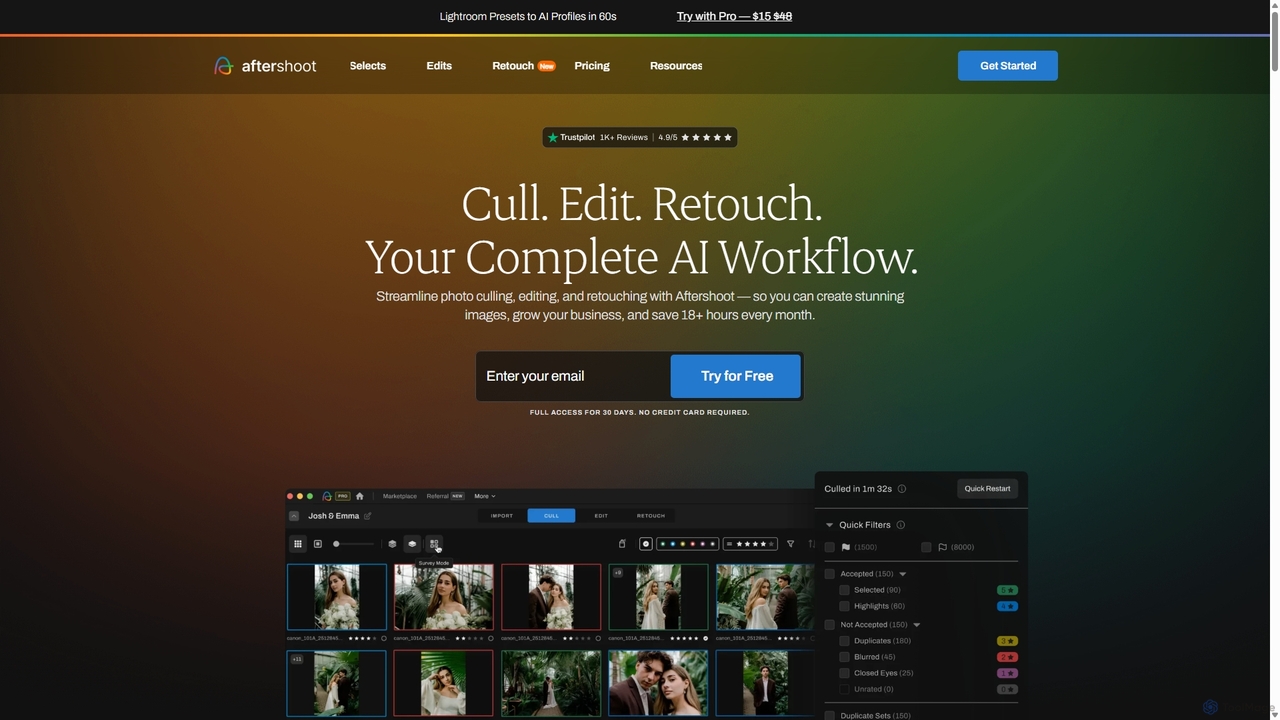
Aftershoot is an all-in-one AI software for photographers, designed to automate and streamline the post-production workflow. It offers intelligent culling to select the best photos, personalized AI editing that learns your style, and advanced AI retouching for portraits. By handling tedious tasks, Aftershoot saves photographers over 18 hours per month, ensuring consistent results and allowing them to focus on creativity and business growth.
Polarr Copilot
Polarr Copilot is an AI-powered creative assistant that transforms simple text prompts into stunning photo, video, and design …
Polarr Copilot is an AI-powered creative assistant that transforms simple text prompts into stunning photo, video, and design edits. Integrated into the Polarr and 24FPS apps, it simplifies complex editing workflows, allowing users to achieve their desired aesthetic by describing it in natural language.
Polarr
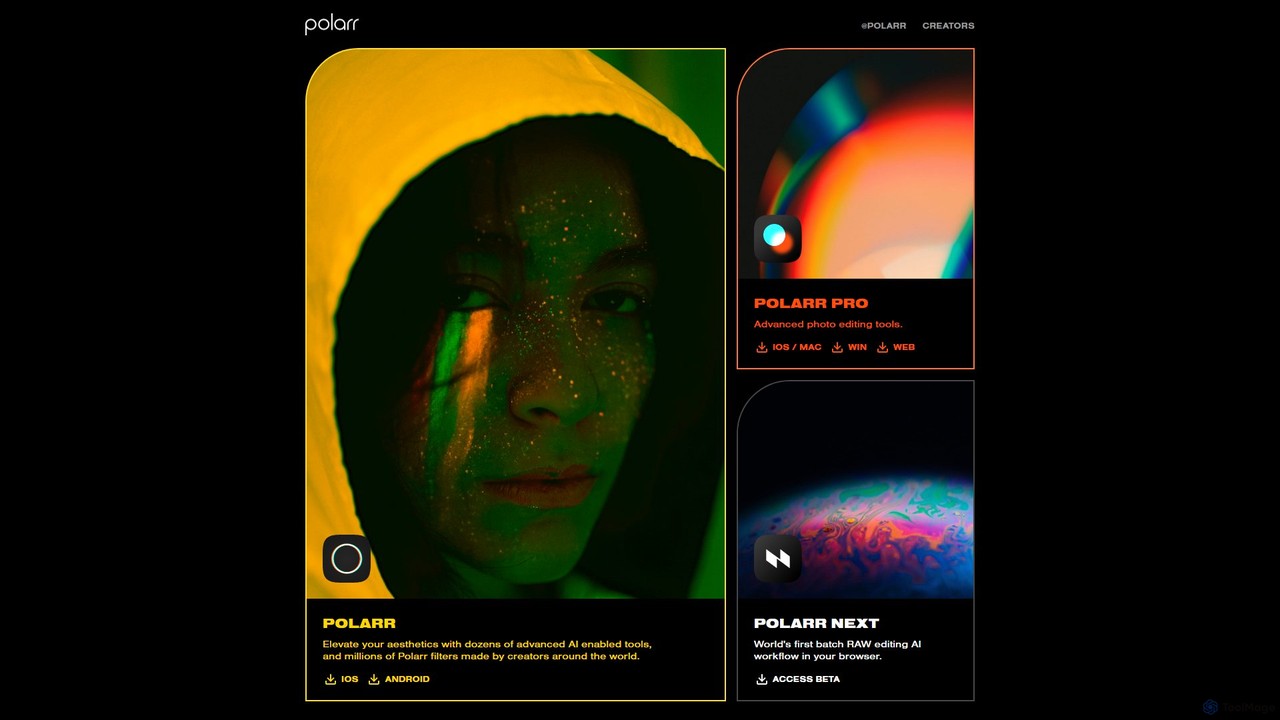
Polarr is a powerful AI-driven photo and video editing suite for creators of all levels. It offers advanced …
Polarr is a powerful AI-driven photo and video editing suite for creators of all levels. It offers advanced editing tools, a vast library of millions of community-created filters, and a revolutionary batch RAW editing workflow, available across all devices.
Pixify
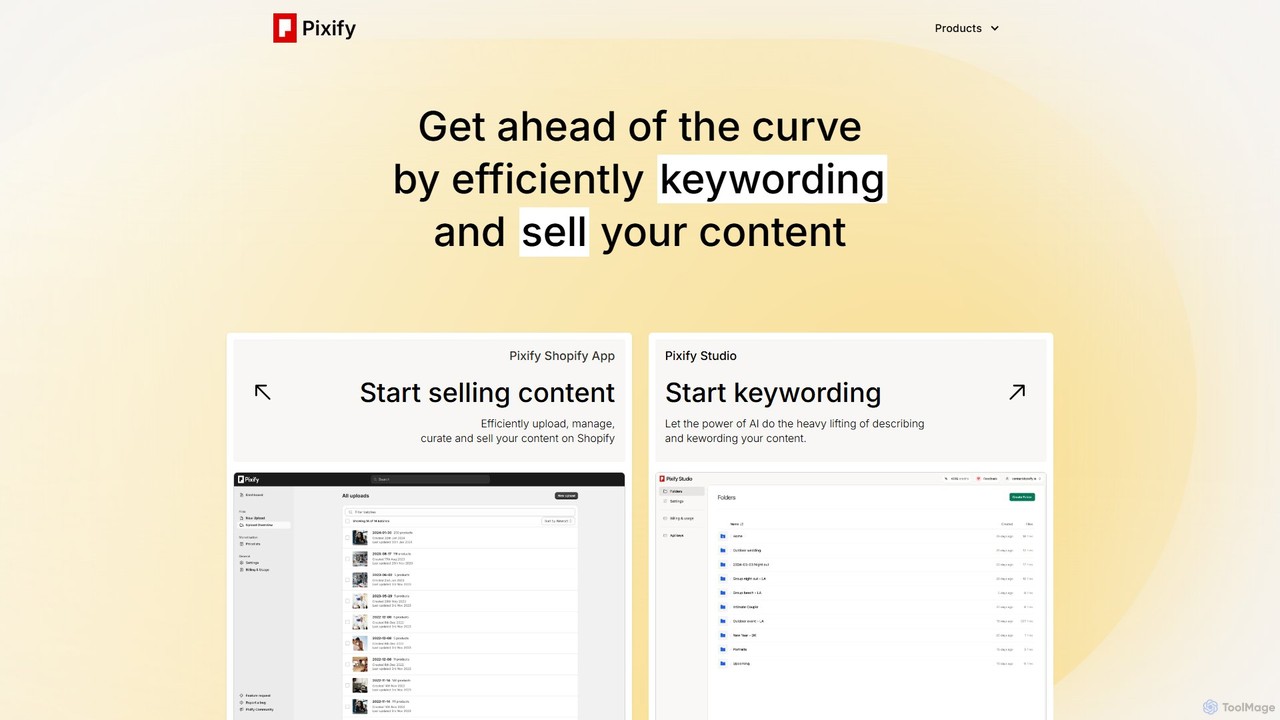
Pixify is an AI-powered platform designed for content creators to automate metadata generation. It efficiently creates titles, descriptions, …
Pixify is an AI-powered platform designed for content creators to automate metadata generation. It efficiently creates titles, descriptions, and keywords for images and videos, saving hours of manual work. It also offers a Shopify app to help creators sell their digital content directly.
EaseUS
EaseUS offers a comprehensive suite of software for data management, recovery, and multimedia creation, enhanced with powerful AI. …
EaseUS offers a comprehensive suite of software for data management, recovery, and multimedia creation, enhanced with powerful AI. From AI-powered file repair and data recovery to creative tools like AI image generation and vocal removal, EaseUS provides reliable, user-friendly applications for both individual and enterprise users. It simplifies complex tasks like disk partitioning, system backup, and data transfer, making digital life easier and more secure.
Spectre
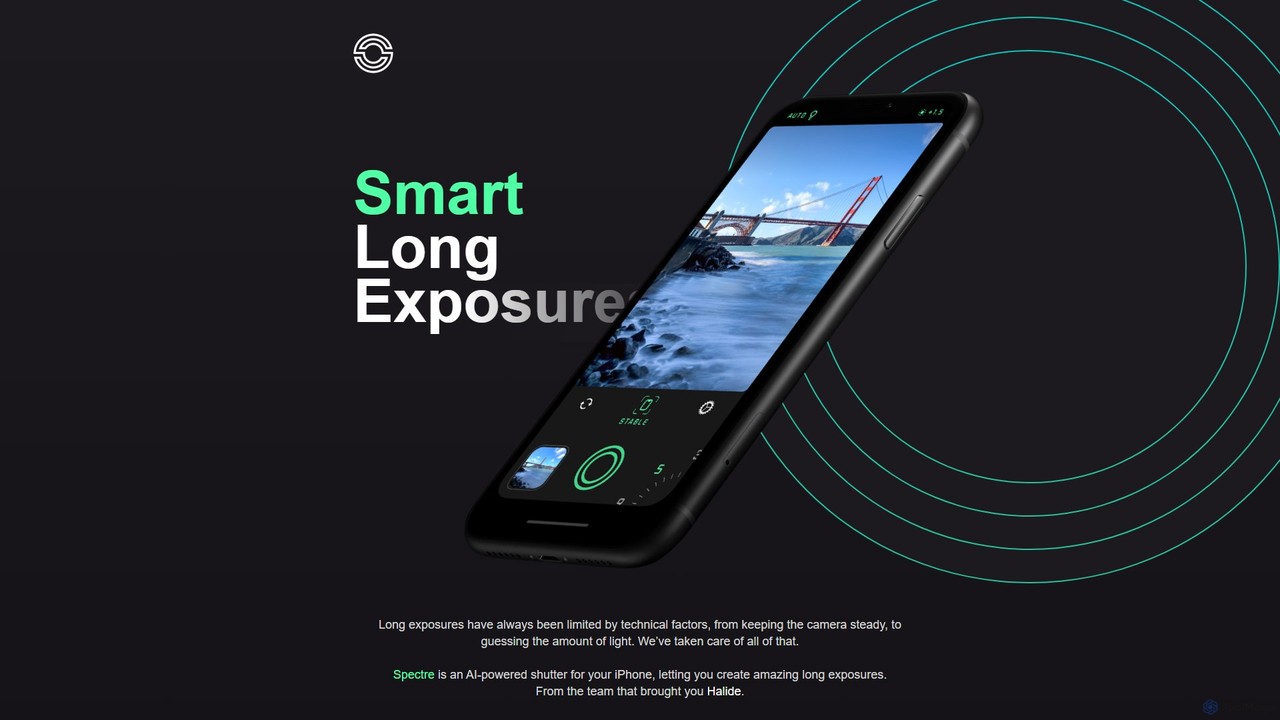
Spectre is an AI-powered camera app for iPhone that leverages computational photography to create stunning long exposure effects. …
Spectre is an AI-powered camera app for iPhone that leverages computational photography to create stunning long exposure effects. Easily remove crowds, draw light trails, and smooth water with advanced features like AI scene detection and image stabilization, all from the creators of Halide.
PhotoAlign
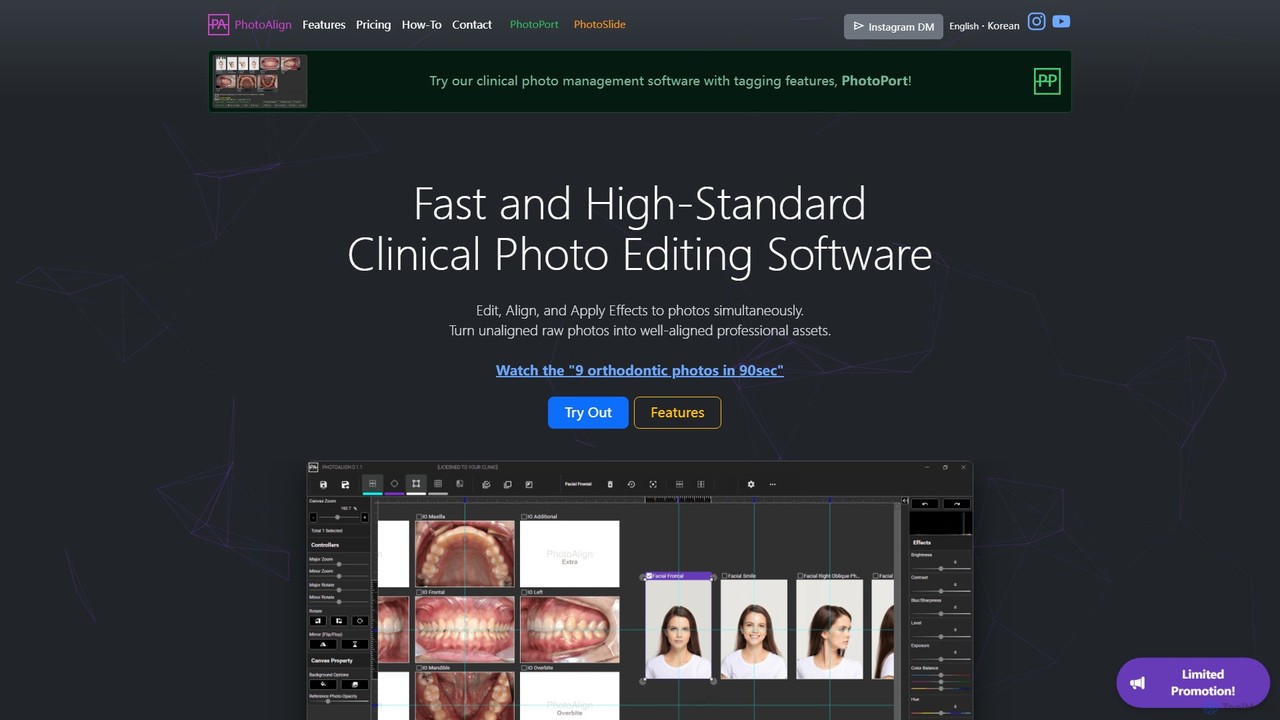
An AI-powered photo editing software designed for dental and orthodontic professionals. It streamlines the process of editing, aligning, …
An AI-powered photo editing software designed for dental and orthodontic professionals. It streamlines the process of editing, aligning, and standardizing clinical photos, saving significant time with batch processing, AI-powered placement, and professional templates.
AIExplorerApp
AIExplorerApp is a platform offering a diverse suite of AI-powered applications designed to enrich daily life. From the …
AIExplorerApp is a platform offering a diverse suite of AI-powered applications designed to enrich daily life. From the intelligent travel planning of TRIPChatter to creative tools like the AI Face Swap Video Generator and AI Baby Predictor, AIExplorerApp provides innovative solutions for travel, social media, and personal creativity. These user-friendly apps leverage cutting-edge AI to deliver seamless, inspiring, and fun digital experiences, making advanced technology accessible to everyone.
About Editing
AI Editing tools are a sophisticated category of AI-powered applications specifically designed to enhance, modify, and transform existing photos and videos. These tools leverage advanced machine learning algorithms to automate complex and often time-consuming editing tasks, offering significant improvements in efficiency, consistency, and creative possibilities within the broader Photo & Video production workflow. They empower users, from individual creators to large enterprises, to achieve professional-grade visual results with unprecedented speed and ease, transforming raw media into polished assets.
Core Features
- Automated Background Removal: Instantly and precisely isolate subjects from their backgrounds, enabling quick replacement or transparent overlays for product shots and creative composites.
- Object Removal & Inpainting: Seamlessly erase unwanted elements, blemishes, or distractions from images and video frames, or intelligently fill in missing parts of content.
- Intelligent Color Correction & Grading: Automatically analyze and adjust color balance, exposure, contrast, and saturation to achieve optimal visual appeal and consistent branding across media.
- Artistic Style Transfer & Filters: Apply complex artistic styles, cinematic looks, or unique visual filters to photos and videos, transforming their aesthetic with a single click.
- Smart Cropping & Resizing: Intelligently reframe and adapt content for various aspect ratios and platforms, ensuring key subjects remain in focus without manual adjustments.
- Video Stabilization & Enhancement: Automatically reduce camera shake, remove visual noise, and upscale video resolution, significantly improving the quality of raw footage.
Applicable Scenarios
AI editing tools are indispensable for a wide range of professionals. Content creators utilize them to streamline post-production, quickly preparing visuals for blogs, social media, and video platforms. E-commerce businesses rely on these tools for batch processing product images, ensuring consistent quality and branding across thousands of listings. Marketing teams leverage AI editing to rapidly adapt campaign visuals for diverse channels and audiences, maintaining visual coherence and impact.
How to Choose
When selecting an AI editing tool, consider its primary focus—whether it excels in photo editing, video editing, or offers a balanced suite. Evaluate the precision and quality of its AI algorithms for tasks critical to your workflow, such as background removal or object detection. Assess its integration capabilities with your existing creative software and cloud storage. Finally, compare pricing models, scalability options, and the learning curve to ensure it aligns with your budget and team's technical proficiency.
EditingUse Cases
E-commerce Product Image Optimization
E-commerce managers frequently need to process hundreds of product images. AI editing tools can automatically remove backgrounds, correct colors, and standardize lighting across an entire product catalog, ensuring visual consistency and saving countless hours of manual work. This accelerates product listing creation and enhances the professional appearance of online stores.
Social Media Content Adaptation
Social media marketers often repurpose visual content for various platforms, each with unique aspect ratio and formatting requirements. AI editing tools can intelligently crop, resize, and apply platform-specific filters or overlays to images and videos in bulk, ensuring optimal engagement and visual appeal across Instagram, TikTok, Facebook, and more, without manual adjustments.
Automated Professional Photo Retouching
Professional photographers and retouchers can leverage AI editing for efficient post-processing. Tools can automatically smooth skin, remove minor blemishes, correct red-eye, and even perform complex object removal from portraits or event photos. This significantly reduces the time spent on repetitive tasks, allowing photographers to focus on creative aspects and deliver projects faster.
Streamlining Video Post-Production
Videographers and content creators face extensive post-production work. AI editing tools can automate tasks like scene detection, intelligent cutting of filler words, video stabilization, and basic color grading. This drastically speeds up the editing timeline, making it easier to produce high-quality video content for YouTube, corporate presentations, or short-form narratives.
Creative Visual Style Transformation
Artists and designers can use AI editing to explore new creative directions. These tools can apply complex artistic styles from famous paintings to user-uploaded images or videos, transforming their aesthetic. This allows for rapid prototyping of visual concepts, generating unique art pieces, or creating distinctive branding elements without extensive manual artistic skill.
Restoration of Old Photos and Videos
Individuals and archivists can utilize AI editing to breathe new life into old or damaged media. AI tools can automatically de-noise grainy footage, sharpen blurry images, repair scratches, and even colorize black-and-white photographs or videos. This preserves precious memories and historical records, making them accessible and enjoyable in modern formats.