
Photo & Video Best in category 1 results Camera AI Tool

Popular AI tools in the Camera field of Photo & Video include Halide, etc., helping you quickly improve efficiency.

Halide

Halide

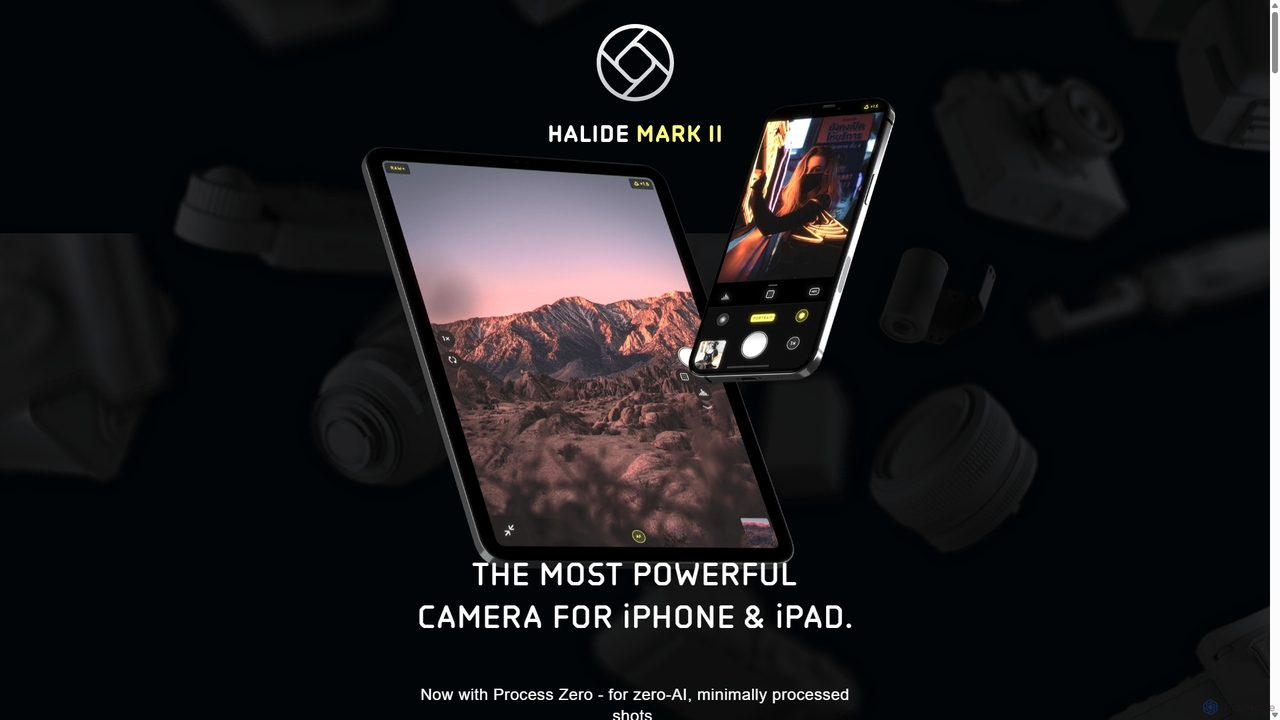
Halide is an award-winning professional camera app for iPhone and iPad, offering powerful manual controls, RAW capture, and …

41.4K

About Camera

AI Camera tools are specialized software and algorithms that integrate artificial intelligence to enhance and automate various aspects of visual capture and processing, often working directly with camera input. These tools leverage machine learning for real-time image and video analysis, intelligent scene recognition, and automated adjustments, significantly improving the quality and efficiency of photography and videography workflows. They empower users to achieve professional-grade results with minimal manual effort, from optimizing camera settings to generating creative effects and analyzing visual data.

Core Features

  • Real-time Object Recognition: Automatically identifies and tracks subjects, faces, or objects within the camera's view for enhanced focus and framing.
  • Intelligent Scene Optimization: Analyzes lighting, composition, and content to automatically apply optimal camera settings and post-processing effects.
  • AI-powered Image Enhancement: Improves image quality by reducing noise, sharpening details, correcting colors, and enhancing dynamic range in real-time or post-capture.
  • Automated Video Stabilization: Uses AI to smooth out shaky footage, providing professional-looking, stable video without additional hardware.
  • Generative Fill & Editing: Allows for intelligent content aware filling, object removal, or background generation directly within the camera interface or associated app.

Use Cases

Professional photographers and videographers utilize AI Camera tools for faster post-production, intelligent culling, and consistent quality across large batches of images. Content creators benefit from automated enhancements and creative filters for social media. Security and surveillance systems integrate AI for real-time anomaly detection and facial recognition.

How to Choose

When selecting AI Camera tools, consider the specific capture needs, such as real-time processing versus post-capture enhancement capabilities. Evaluate compatibility with existing camera hardware and software ecosystems. Assess the range of AI features offered, including object tracking, scene optimization, and generative editing. Finally, review the user interface for ease of use and the pricing model for scalability.

CameraUse Cases

1

Enhance Real-time Video Calls

Remote workers and online educators use AI Camera tools to automatically improve lighting, reduce background noise, and apply virtual backgrounds during video conferences. This ensures a professional appearance and clearer communication, even in suboptimal environments, without needing complex setups.

2

Automate Product Photography Editing

E-commerce businesses and product photographers leverage AI Camera tools to automatically remove backgrounds, adjust lighting, and color-correct product images captured with a standard camera. This significantly speeds up the workflow for creating consistent, high-quality product listings across various platforms.

3

Intelligent Wildlife Monitoring

Researchers and conservationists deploy AI Camera tools in remote locations to automatically detect and identify specific animal species from camera trap footage. The AI can trigger recordings, count individuals, and alert researchers to rare sightings, providing valuable data without constant human surveillance.

4

Streamline Social Media Content Creation

Social media influencers and content creators use AI Camera tools to instantly apply trending filters, optimize video for different platforms, and generate engaging short clips from longer footage. This allows for rapid content production and maintains a consistent aesthetic across their channels.

5

Improve Sports Event Analysis

Sports analysts and coaches utilize AI Camera tools to automatically track player movements, analyze game strategies, and highlight key moments from recorded matches. The AI can identify specific actions, generate statistics, and create highlight reels, offering deep insights for performance improvement.

6

Personalized Selfie & Portrait Enhancement

Everyday users and portrait photographers employ AI Camera tools to automatically refine facial features, smooth skin, adjust lighting, and apply artistic styles to selfies and portraits. This enables quick, high-quality personal photos suitable for sharing or professional portfolios.

CameraFrequently Asked Questions