ToolMage
Sign in

Best 4 Photo Management AI tools for Photo & Video

Popular Photo Management AI tools in Photo & Video include Immich, PhotoLog, Rove, and Applicate, helping you work more efficiently.

Rove

Rove

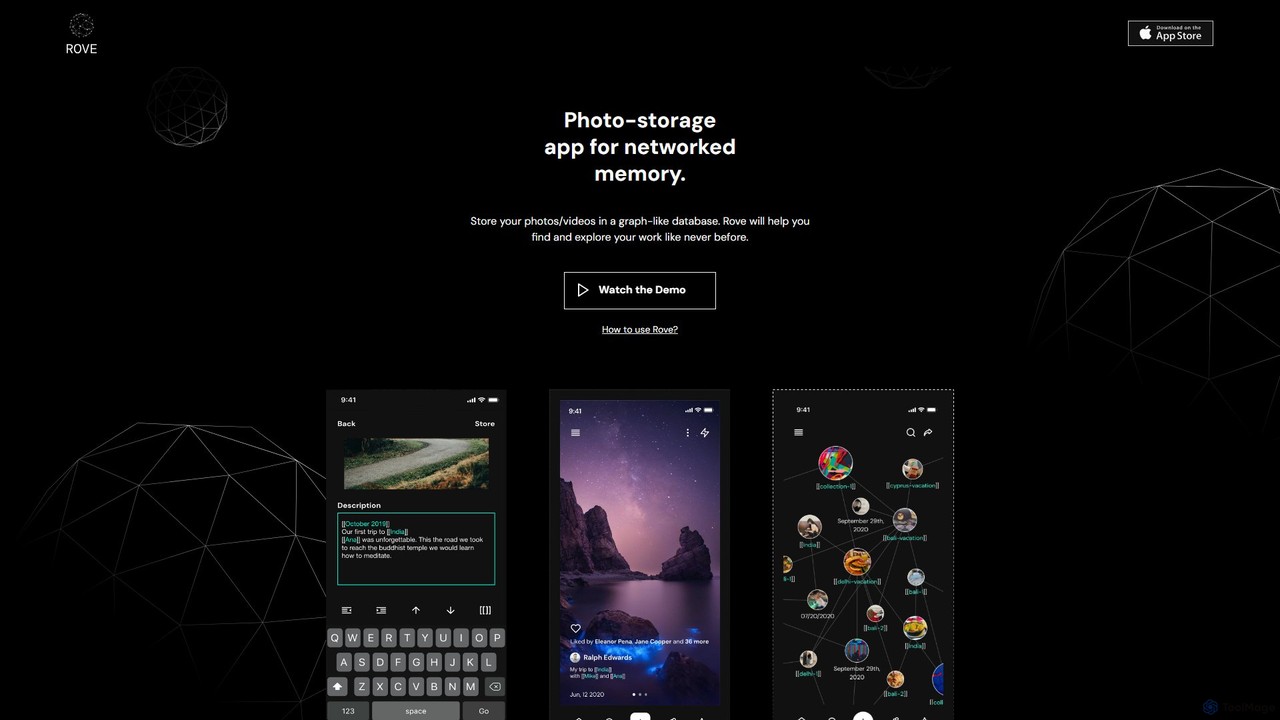
Rove is an AI-powered media management app that replaces traditional folders with a dynamic, graph-based system. Organize your photos and videos by creating interconnected nodes for themes, moods, and concepts. This intuitive 'second brain' approach helps you rediscover memories and inspiration through natural, non-linear exploration.

Inspiration
Visits 7KFavorites 130Likes 121
PhotoLog
Freemium

PhotoLog

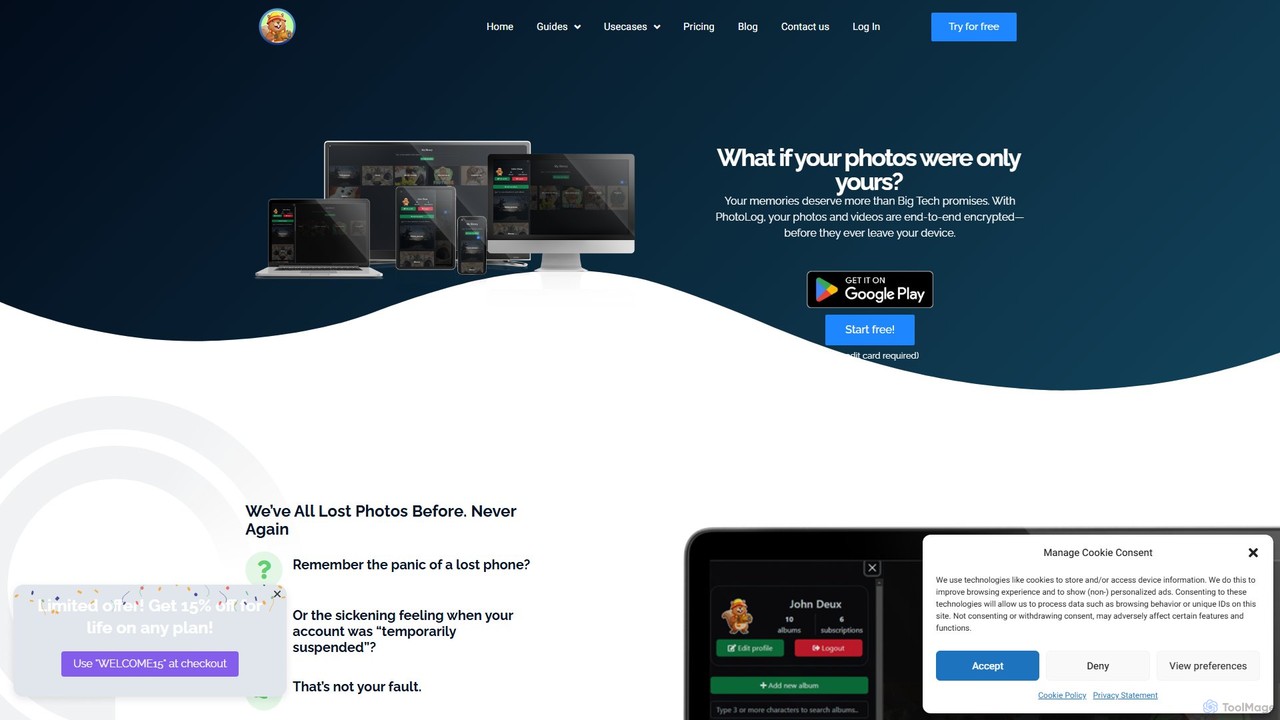
PhotoLog is a secure, private cloud storage solution for your photos and videos, designed for users who value privacy. Unlike mainstream services, PhotoLog guarantees your media is never scanned or used for AI training. It features client-side end-to-end encryption, flexible sharing options, and the ability to bring your own storage, giving you complete control over your digital memories.

Photo Management
Visits 8KFavorites 130Likes 133
Applicate
Freemium

Applicate

Applicate is an AI-powered photo organization app for iPhone, designed to help you personally categorize your visual inspiration. It uses machine learning to suggest tags, identify URLs from screenshots, and automatically create smart folders, making your ideas easy to find and use.

Inspiration
Visits 5.9KFavorites 166Likes 145
Immich
Free

Immich

Immich is a high-performance, open-source, self-hosted photo and video backup solution. It serves as a private, feature-rich alternative to cloud services like Google Photos, offering AI-powered features such as facial recognition, object detection, and semantic search, all while ensuring you retain full control and ownership of your personal media.

Self Hosted
Visits 622.5KFavorites 145Likes 121

About Photo Management

AI Photo Management tools are applications that use artificial intelligence to automatically organize, search, and curate large digital photo libraries. They leverage computer vision to analyze image content, identifying objects, faces, scenes, and even quality, to generate rich metadata without manual input. This transforms vast, unstructured photo collections into intelligently sorted and easily accessible assets, significantly saving time and unlocking the value of visual data. These tools are distinct from simple editors as their primary focus is on library organization and retrieval.

Core Features

  • AI-Powered Tagging: Automatically generates descriptive keywords for images based on content, such as objects, scenes, colors, and text.
  • Natural Language Search: Enables finding photos using descriptive phrases like "dogs playing on a beach at sunset" instead of just filenames or folders.
  • Duplicate & Similar Photo Detection: Identifies and helps manage redundant or visually similar images to clean up and optimize storage.
  • Automated Curation: Intelligently suggests the best photos from a set, groups images by event, or creates thematic albums.
  • Facial Recognition & Grouping: Organizes photos by identifying and grouping individuals across the entire library.

Use Cases

These tools are invaluable for professional photographers managing extensive archives, marketing teams organizing brand assets, and large enterprises handling visual data for machine learning. Individuals also use them to bring order to massive personal photo collections, making it easy to rediscover memories.

How to Choose

When selecting an AI Photo Management tool, consider its search accuracy and speed, the level of detail in its auto-tagging, and its ability to handle your library size. Also evaluate its integration with other software (like editing suites), privacy policies (cloud vs. local processing), and the user interface's ease of use.

Photo Management use cases

1

Organizing a Professional Photography Archive

A professional wedding photographer with over 100,000 photos in their archive needs to quickly find specific shots for a client's anniversary album. Instead of manually searching through folders named by date and event, they use an AI Photo Management tool. They can search for "bride and groom kissing during sunset ceremony" and the AI instantly pulls up relevant images from multiple weddings. The tool also automatically tags photos with keywords like 'wedding', 'couple', 'outdoor', and identifies the best-focused, highest-quality shots, saving hours of culling and searching time.

2

Managing Brand Assets for a Marketing Team

A corporate marketing team manages thousands of brand assets, including product shots, event photos, and lifestyle images. They need to find an image of their 'Model X laptop being used in a modern office setting' for a new ad campaign. Using an AI management tool, the marketing manager types in the description. The system, having already analyzed and tagged all images, instantly displays all photos matching the criteria. It can further filter by brand color prevalence, image orientation (e.g., vertical for social media stories), and even identify images without competitor logos, ensuring brand compliance and accelerating campaign creation.

3

Rediscovering Memories in a Personal Photo Collection

An individual has accumulated over 20 years of digital photos, scattered across various hard drives and cloud services, totaling over 50,000 images. Finding photos of their child's early birthdays is a daunting task. By consolidating them into an AI Photo Management tool, the software automatically identifies and groups faces. The user can simply click on their child's face and see a chronological timeline of their photos. They can also search for "birthday cake" or "park" to instantly find specific memories without having manually tagged a single photo, turning a chaotic archive into a browsable life story.

4

Streamlining E-commerce Product Catalogs

An online fashion retailer has a catalog of thousands of items, each with multiple product photos. Manually tagging each image with attributes like 'red dress', 'long sleeve', 'cotton', 'v-neck' is time-consuming and prone to inconsistency. By implementing an AI Photo Management system, new product images are automatically analyzed and tagged with dozens of relevant attributes. This not only speeds up the process of adding new products to the store but also powers a highly detailed filtering system for customers, allowing them to search for very specific product features and improving the overall shopping experience.

5

Culling and Rating Photos from a Shoot

After a day-long event shoot, a photographer returns with over 3,000 raw images. The first step, culling—or selecting the best shots—can take hours. An AI Photo Management tool can automate much of this process. It analyzes the entire set for technical quality, identifying photos that are out of focus, have closed eyes, or are poorly exposed. It then groups similar shots together, allowing the photographer to quickly compare near-identical frames and pick the best one. This reduces the initial pool of images by 50-70%, allowing the photographer to focus their creative energy on editing the top selections.

6

Archiving and Cataloging Historical Photos

A museum or historical society is digitizing a vast collection of archival photographs. Manually identifying people, locations, and events in each photo is a monumental task. An AI Photo Management tool can accelerate this process significantly. Its facial recognition can be trained to identify key historical figures across the collection. The object and scene recognition can automatically tag photos with terms like '1920s automobile', 'city street', or 'political rally'. This creates a rich, searchable digital archive, making the collection far more accessible to researchers, educators, and the public, unlocking historical insights that were previously hidden in uncatalogued boxes.

Photo Management FAQ

What are AI Photo Management tools?

AI Photo Management tools are software applications designed to intelligently organize, search, and curate digital photo libraries using artificial intelligence. Unlike traditional photo folders, they analyze the actual content of your images to automatically add searchable tags, recognize faces, identify duplicates, and even rate photo quality. This allows users to find specific images using natural language descriptions (e.g., "family at the beach") instead of relying on manual organization, making large photo collections easily accessible.

How do AI Photo Management tools differ from cloud storage like Google Photos?

While services like Google Photos use some AI for basic search and facial recognition, dedicated AI Photo Management tools offer more advanced and professional-grade features. Key differences include:

  • Deeper Analysis: They often provide more detailed object and scene recognition, attribute tagging (e.g., 'long-sleeve shirt'), and technical analysis (focus, exposure).
  • Professional Workflows: Many are designed for photographers and businesses, offering features like RAW file support, metadata editing (IPTC, EXIF), and integration with editing software.
  • Privacy & Control: Several tools offer local, on-premise processing, giving users full control over their data, unlike cloud-first services.
  • Advanced Culling: They excel at analyzing large shoots to find technically superior photos and group similar shots for easier selection.

In short, Google Photos is for casual consumer storage and sharing, while dedicated tools are for serious management, search, and organization of large or professional libraries.

What are the key features to look for in an AI Photo Management tool?

When evaluating AI Photo Management tools, focus on features that best suit your needs. Key features to consider include:

  • Search Capabilities: How accurate and fast is the natural language and keyword search? Does it support filtering by metadata like camera model or date?
  • Tagging & Metadata: How detailed are the auto-generated tags? Does it support custom tags and editing of EXIF/IPTC data?
  • Performance: How well does it handle the size of your photo library? Is it fast at importing, indexing, and displaying images?
  • Platform & Privacy: Is it a cloud-based service, a desktop app with local processing, or a self-hosted solution? This impacts accessibility, cost, and data privacy.
  • Integration: Does it integrate with your existing workflow, such as Adobe Lightroom, Photoshop, or other cloud storage services?
Who can benefit most from using AI Photo Management software?

A wide range of users can benefit from AI Photo Management software, particularly those with large photo collections. Key groups include:

  • Professional Photographers: To manage vast client archives, quickly find portfolio pieces, and speed up the culling process after shoots.
  • Marketing & Creative Teams: To organize digital brand assets, ensure easy access to approved imagery, and streamline content creation workflows.
  • Large Enterprises: To manage visual data for various purposes, from product catalogs to training machine learning models.
  • Hobbyists & Families: To bring order to decades of personal photos, making it easy to find and relive specific memories without manual tagging.
  • Archivists & Researchers: To catalog and analyze large historical photo collections, making them searchable and accessible.
Is my data safe with AI Photo Management tools?

Data safety depends on the specific tool's architecture. There are generally three models:

  1. Cloud-Based: Your photos are uploaded to the company's servers for processing and storage. These services typically use strong encryption, but you are trusting a third party with your data. Always review their privacy policy.
  2. Desktop/Local-First: The software runs on your own computer. All AI processing and data storage happen locally, meaning your photos never leave your machine unless you choose to sync them. This model offers the highest level of privacy.
  3. Self-Hosted: You run the software on your own server (like a home NAS). This gives you cloud-like accessibility with the privacy of local processing, but requires more technical setup.

Before choosing a tool, determine your comfort level with data privacy and select a model that aligns with your requirements. Tools that offer local or self-hosted options provide the most control over your personal data.