

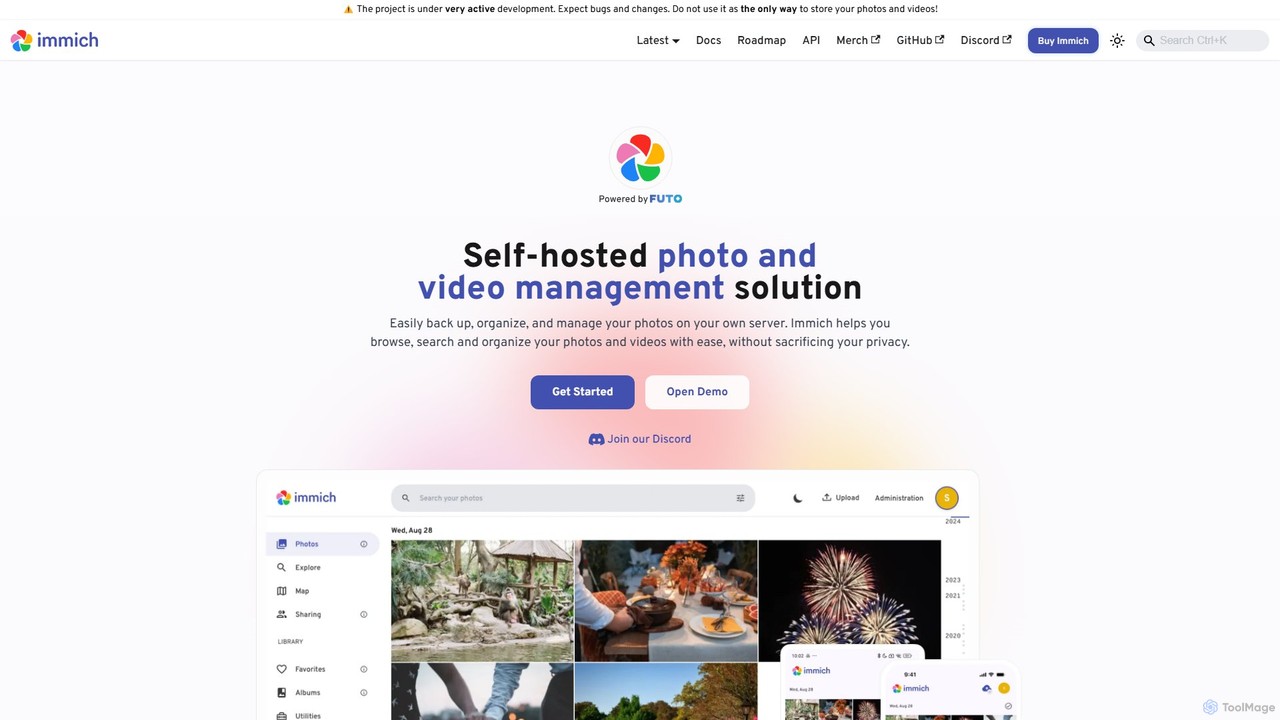
Immich Overview
Immich is a comprehensive, self-hosted photo and video backup solution designed for individuals and families who prioritize data privacy and ownership. Born from the desire for a private alternative to commercial cloud storage, Immich has rapidly evolved into a powerful platform that rivals the functionality of services like Google Photos. It is an open-source project under very active development, with a strong community and a clear roadmap for future enhancements. By running Immich on your own server, you create a personal cloud for your memories, ensuring that your photos and videos are never scanned, analyzed, or monetized by third parties.
The platform is built around a high-performance server backend and offers intuitive client applications for both web and mobile (iOS and Android). This allows for seamless automatic backup of your media, just like you would expect from a commercial service, but with the peace of mind that comes with self-hosting. Its AI and machine learning capabilities make organizing and finding your photos effortless and enjoyable.
How to use Immich
Using Immich involves a one-time setup on your own hardware, followed by simple, everyday use through its apps.
1. Server Installation: First, you need to deploy the Immich server. The most common and recommended method is using Docker and Docker Compose on a personal server, NAS (Network Attached Storage), or any computer you control. The official documentation provides detailed, step-by-step instructions for a smooth setup.
2. Initial Configuration: Once the server is running, you access the web interface to create your first admin user account.
3. Install Mobile Apps: Download the Immich app from the Apple App Store or Google Play Store on your mobile devices.
4. Connect to Your Server: In the mobile app, enter your server's URL and log in with your credentials. The app supports automatic URL switching for easy access both at home and on the go.
5. Enable Backup: Configure the mobile app to automatically back up your photos and videos. You can choose which albums to back up and set preferences for background uploads.
6. Explore and Organize: Use the web or mobile app to browse your timeline, create albums, view photos on a map, and discover memories. The AI will automatically start processing your library to identify faces, objects, and locations.
Core Features of Immich
- AI-Powered Search (CLIP): Search your photo library using natural language queries like "sunset at the beach" or "dog playing in the snow".
- Facial Recognition: Automatically detects and groups faces, allowing you to name people and easily find all photos of them. You can also merge faces and perform manual tagging.
- Object & Scene Detection: Identifies objects and scenes within your photos, making them searchable and discoverable on the Explore page.
- Geolocation & Map View: Displays your photos on an interactive world map based on their GPS metadata, with heatmaps to show where you've taken the most pictures.
- Automatic Backup: Reliable, automatic background backup for both iOS and Android devices ensures your memories are always safe.
- Partner & Album Sharing: Securely share your entire library with a partner or create shared albums for friends and family. Public sharing via links is also supported.
- Multi-User Support: Create separate accounts for different family members, each with their own private library.
- Hardware Acceleration: Supports GPU acceleration (Nvidia CUDA, Intel QuickSync/OpenVINO) for both machine learning tasks and video transcoding, ensuring high performance.
- Extensive Format Support: Handles a wide range of formats, including RAW photos, iOS Live Photos, and Android Motion Photos.
Use Cases for Immich
Google Photos Alternative: For users concerned about Google's privacy policies or storage limits, Immich is a perfect, feature-complete replacement that puts you in control.
Family Photo Hub: Families can create a central, private, and secure repository for all their photos and videos, accessible to all members from their own devices.
Photographers and Hobbyists: Manage large collections of high-resolution photos, including RAW files, with powerful organization tools and full metadata control.
Homelab Enthusiasts: An ideal application for those who run a home server and want to de-google their lives and maximize the utility of their hardware.
Advantages of Immich
Total Privacy: Your data is on your hardware. No one else can access, scan, or use your personal memories.
No Subscription Fees: Immich is free and open-source. You avoid the recurring monthly fees of cloud storage providers. The only cost is the hardware you already own or choose to buy.
Full Control & Ownership: You control the software, the updates, and the data. You can customize your storage structure, manage users, and access your files directly.
Feature-Rich: Offers a modern user experience and advanced features that are on par with, and sometimes exceed, those of paid commercial services.
Active Community & Development: The project is constantly improving with new features, bug fixes, and security updates driven by a vibrant open-source community.
Pricing and Plans
Immich is completely free and open-source, distributed under the GNU AGPL v3 license. There are no pricing plans, subscriptions, or hidden fees for using the software. Your only costs are related to the hardware (computer, server, or NAS) and electricity required to run the self-hosted server. The project is supported by community contributions and donations, which are optional and can be made to support its continued development.
Traffic
Latest traffic
Status
Monthly traffic trend
- 2025-9: 619.4K
- 2026-1: 809.4K
- 2026-2: 665.5K
- 2026-3: 665.6K
- 2026-4: 620.3K
- 2026-5: 616.4K
Geography
Top 5 countries / regions
- 🇺🇸United States40.7%
- 🇩🇪Germany26.6%
- 🇨🇳China20.3%
- 🇫🇷France6.5%
- 🇧🇷Brazil5.9%
Traffic sources
| Source type | Percentage |
|---|---|
Direct | 68.9% |
Referral | 29.1% |
Email | 2.0% |
Top keywords
| Keyword | Cost per click |
|---|---|
| imich | $0.00 |
| immich | $2.34 |
| immich backup | $0.00 |
| immich docker | $0.00 |
| immich docker compose | $0.00 |
Immich Videos on YouTube
Resource AI Hub




Lawrence Systems



Lawrence Systems
Immich Alternatives

Ai Photo Sorter
A privacy-first, AI-powered web application that helps you efficiently organize local photo collections. Create custom categories, sort images, and detect duplicates securely on your own computer without uploading any data.
Photo Organization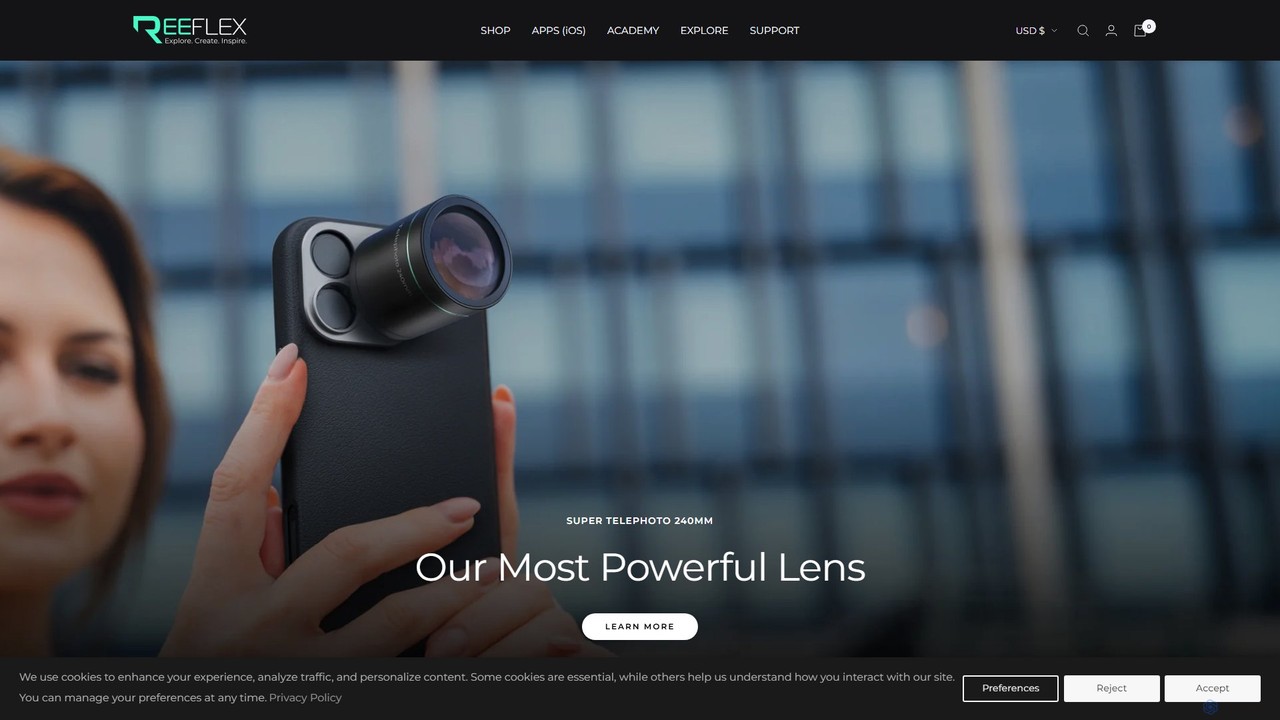
Reeflex
Reeflex offers a complete ecosystem for mobile content creators, featuring professional-grade G-Series lenses and a suite of AI-powered camera apps. Transform your iPhone or Samsung into a professional photography and videography powerhouse for capturing stunning RAW images, long exposures, and cinematic videos.
Hardware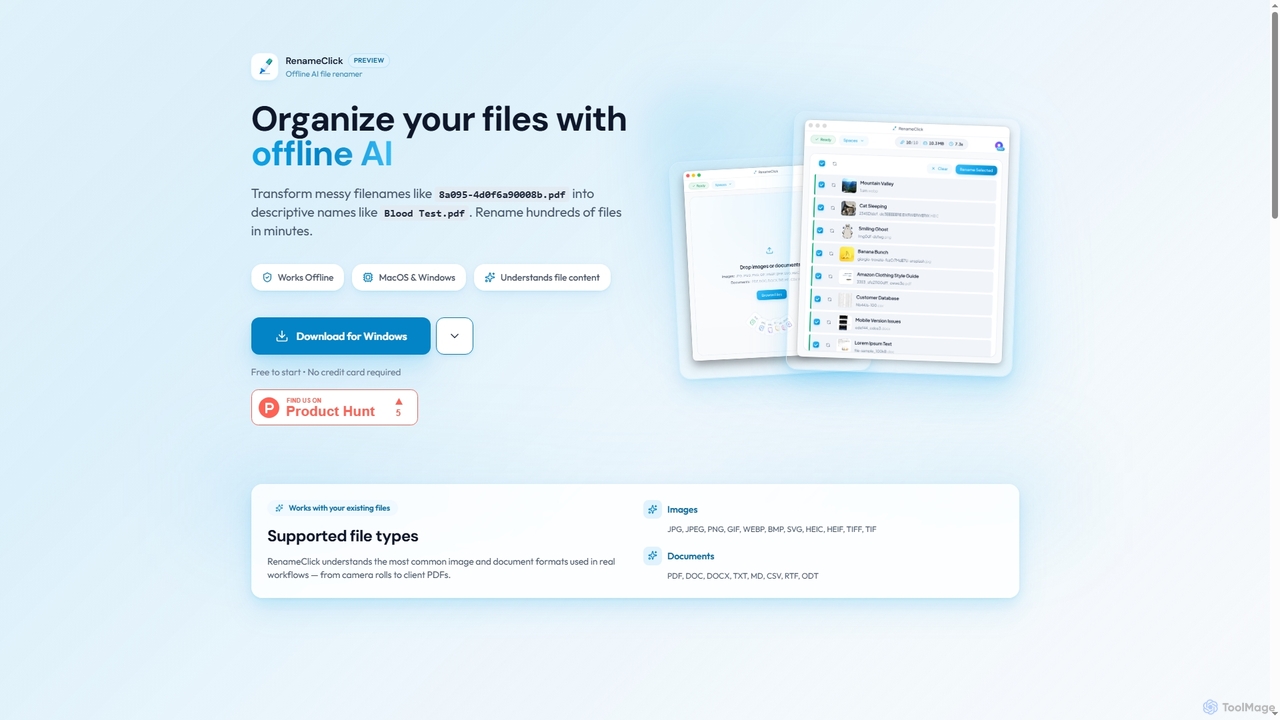
RenameClick
RenameClick is an offline AI file renamer for Mac and Windows that intelligently transforms messy, unorganized filenames into descriptive, clean labels. It leverages local AI to understand file content, enabling efficient batch renaming of hundreds of images and documents while ensuring complete privacy.
Offline Processing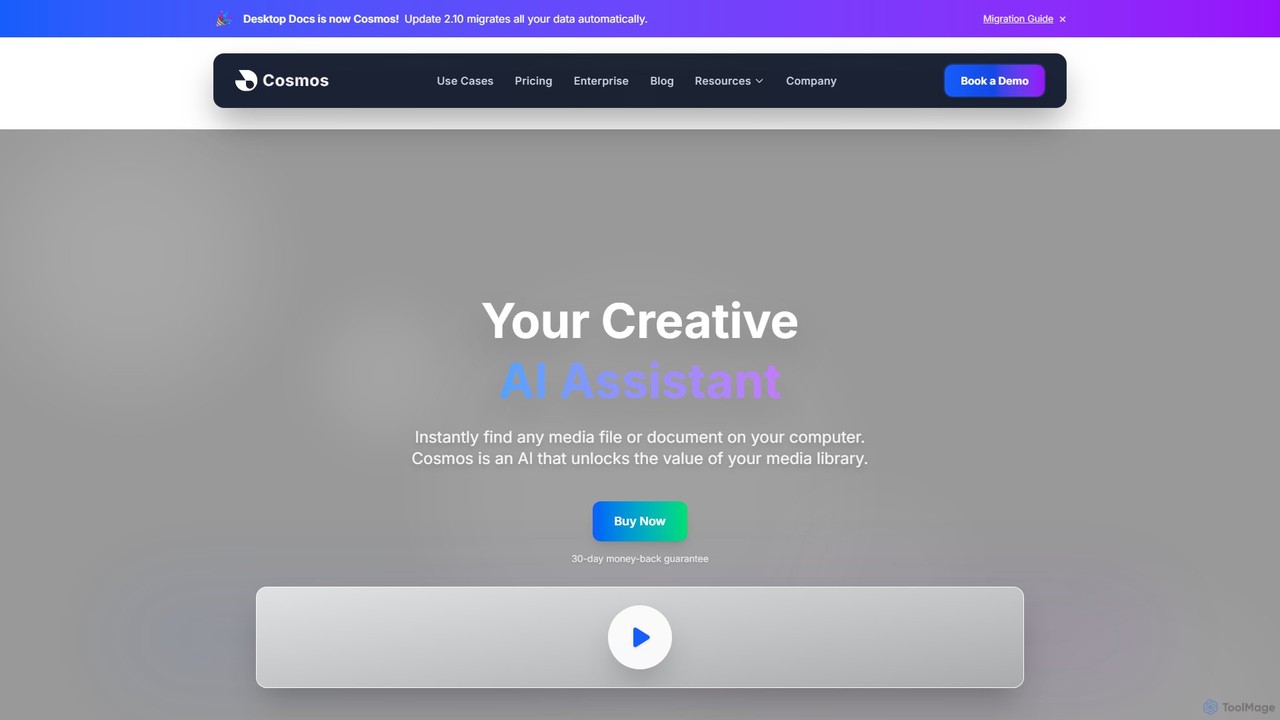
Cosmos
Cosmos is an AI-powered desktop assistant that revolutionizes how you find files. It runs locally on your computer, indexing your media and documents to enable natural language search. Instead of remembering file names, you can search for content like "photo of a red car" or "presentation with charts." Designed for creative professionals and teams, it ensures 100% privacy, works offline, and dramatically speeds up your workflow by eliminating the hunt for files.
Asset Management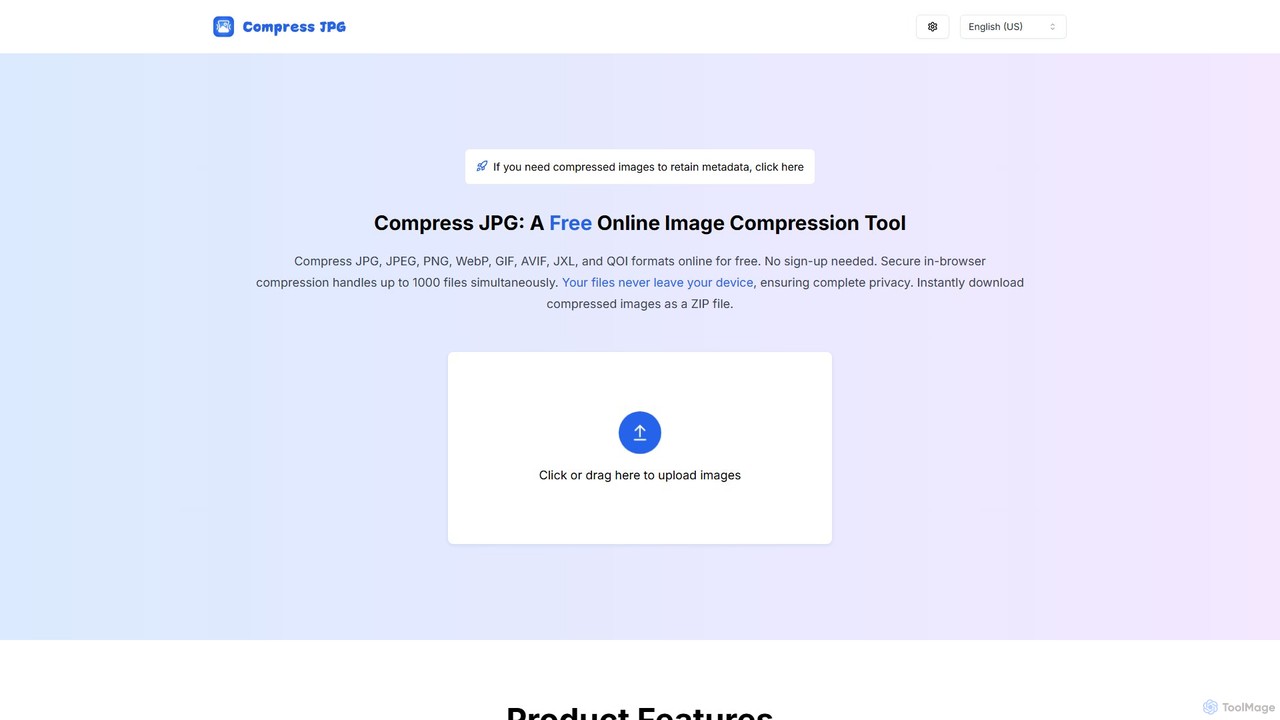
CompressJPG
A free, secure online image compressor that supports batch processing of up to 1000 files. It handles JPG, PNG, WebP, GIF, and more, performing all compression directly in your browser to ensure 100% privacy. No sign-up is required. Instantly reduce image file sizes while maintaining quality, perfect for web developers, photographers, and social media users.
Web DevelopmentImmich Categories
Immich Embed Widget
Copy this embed code to place the badge on your blog, article, or product site and send readers directly to this ToolMage detail page.

Related AI tools
AppFlowy
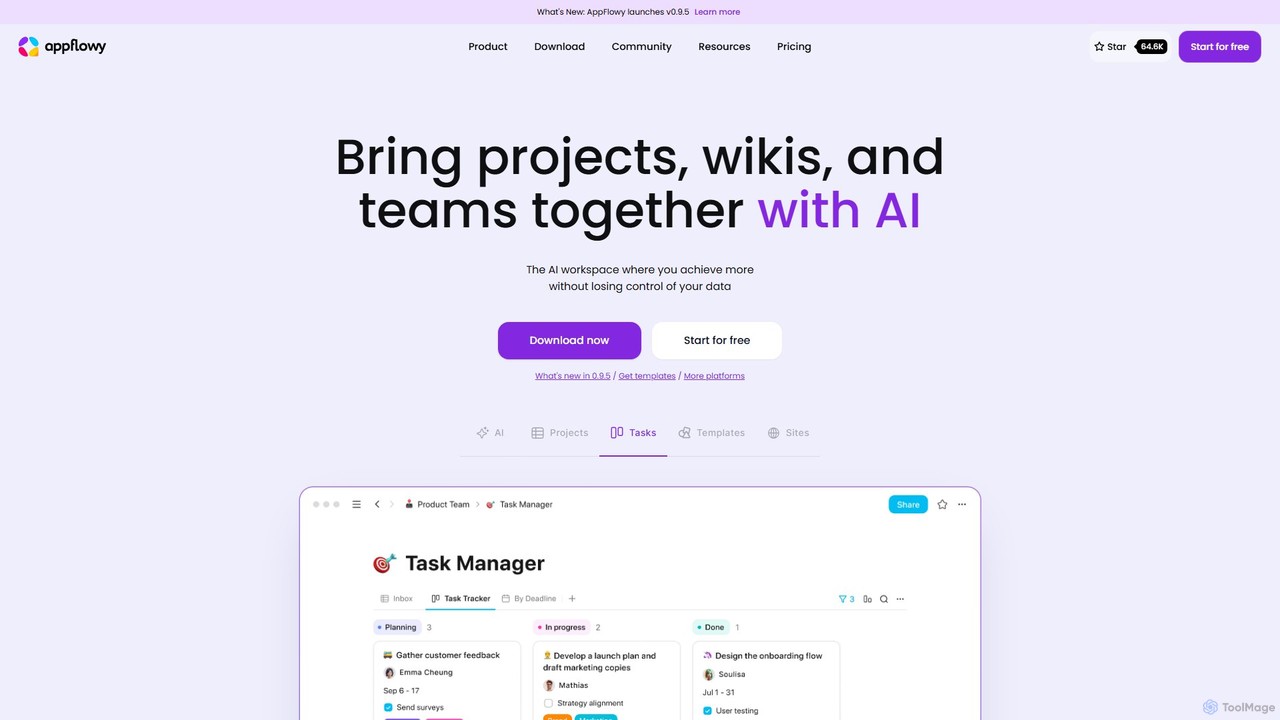
AppFlowy is a secure, open-source AI workspace designed for projects, wikis, and teams. It offers a privacy-first alternative to tools like Notion, allowing users to own their data through self-hosting and offline capabilities. It integrates powerful AI for writing, search, and task automation, supporting both local and cloud-based models.
Documentation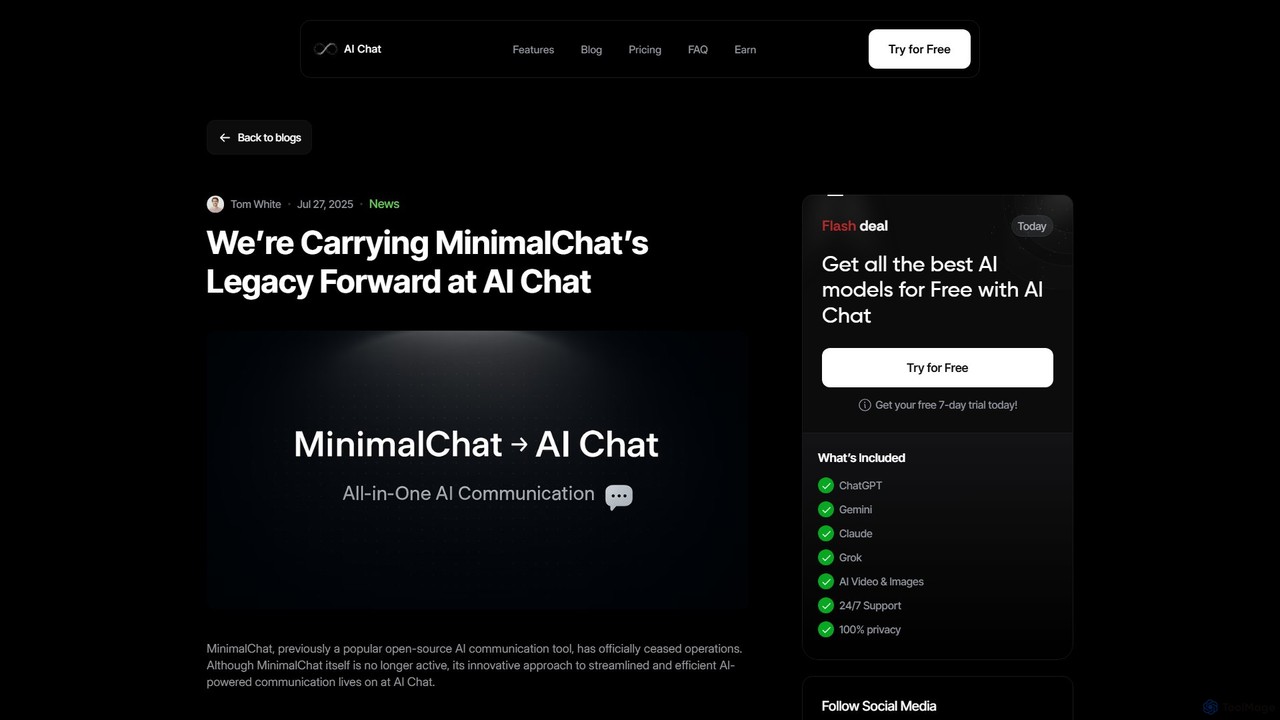
MinimalChat
MinimalChat was a popular open-source, self-hostable AI chat platform known for its lightweight, minimalist design. It allowed users to interact with various GPT models in a clean interface, supporting file uploads, voice interactions, and PWA functionality. Although the project is now discontinued, its legacy of streamlined AI communication continues, emphasizing user privacy and control through its self-hosting capabilities.
Code Assistant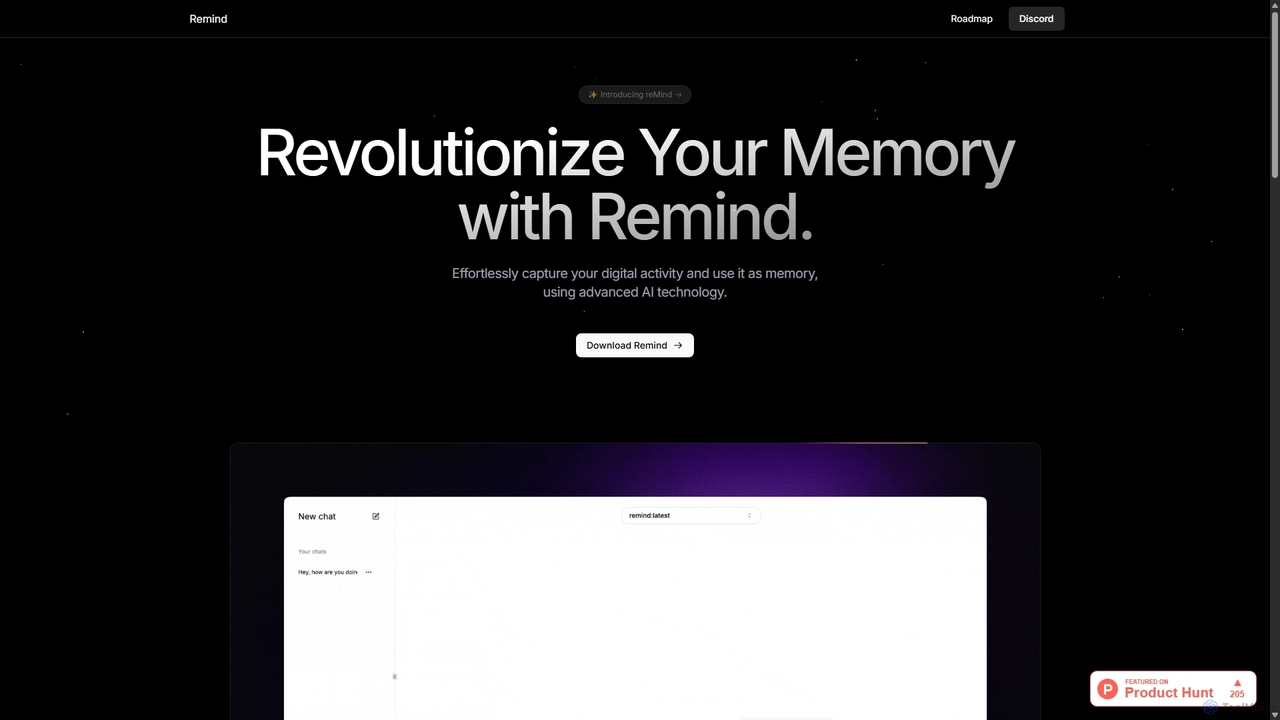
ReMind
reMind is an open-source, privacy-first AI tool that acts as your personal memory. It captures your digital activity locally, allowing you to search and recall anything you've seen or done on your computer using natural language. It runs entirely on your machine for maximum security.
Utilities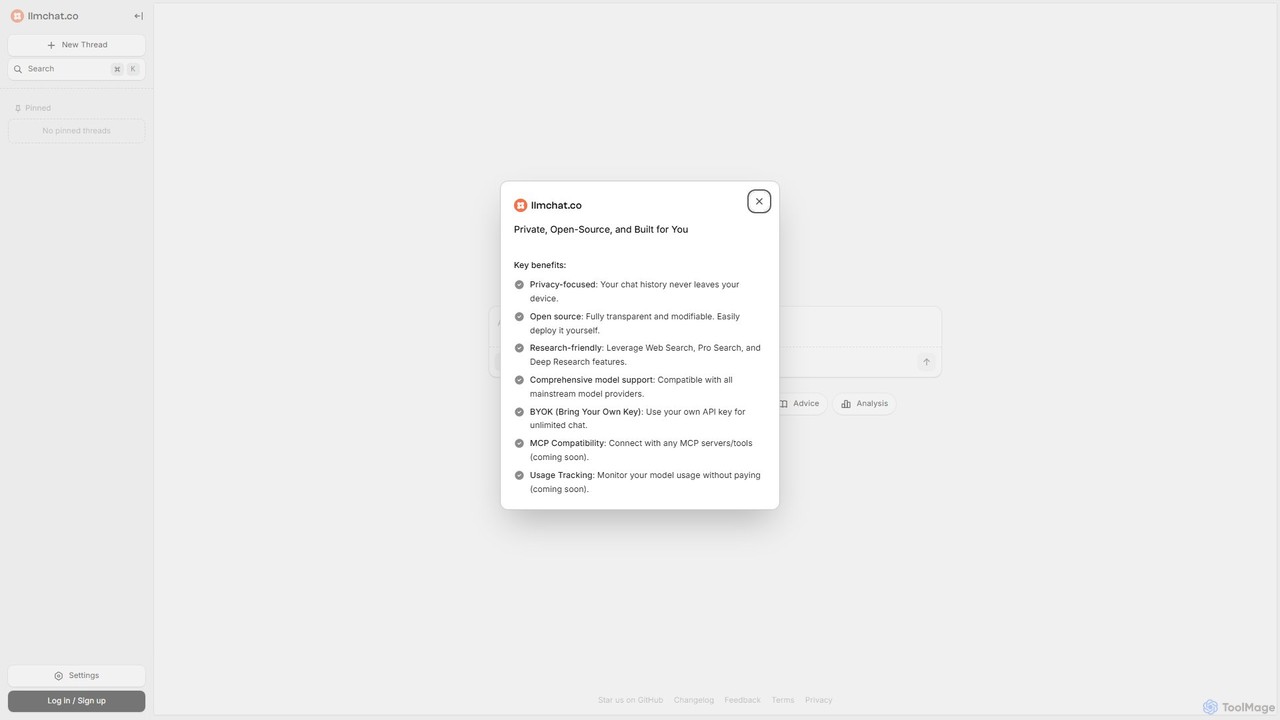
llmchat.co
llmchat.co is a private, open-source AI research assistant designed for deep analysis and agentic workflows. It prioritizes user privacy by keeping all chat history on your device. With support for multiple LLM providers via your own API key (BYOK), it offers powerful features like Web Search and Deep Research, making it an ideal tool for researchers, developers, and power users seeking control and flexibility.
Chatbot
hypermink
HyperMink provides Inferenceable, a free, open-source, and self-hostable AI inference server. Built on Node.js and llama.cpp, it allows developers and businesses to run large language models locally, ensuring complete data privacy, control, and cost-effectiveness. Your AI, Your Rules.
Local Llm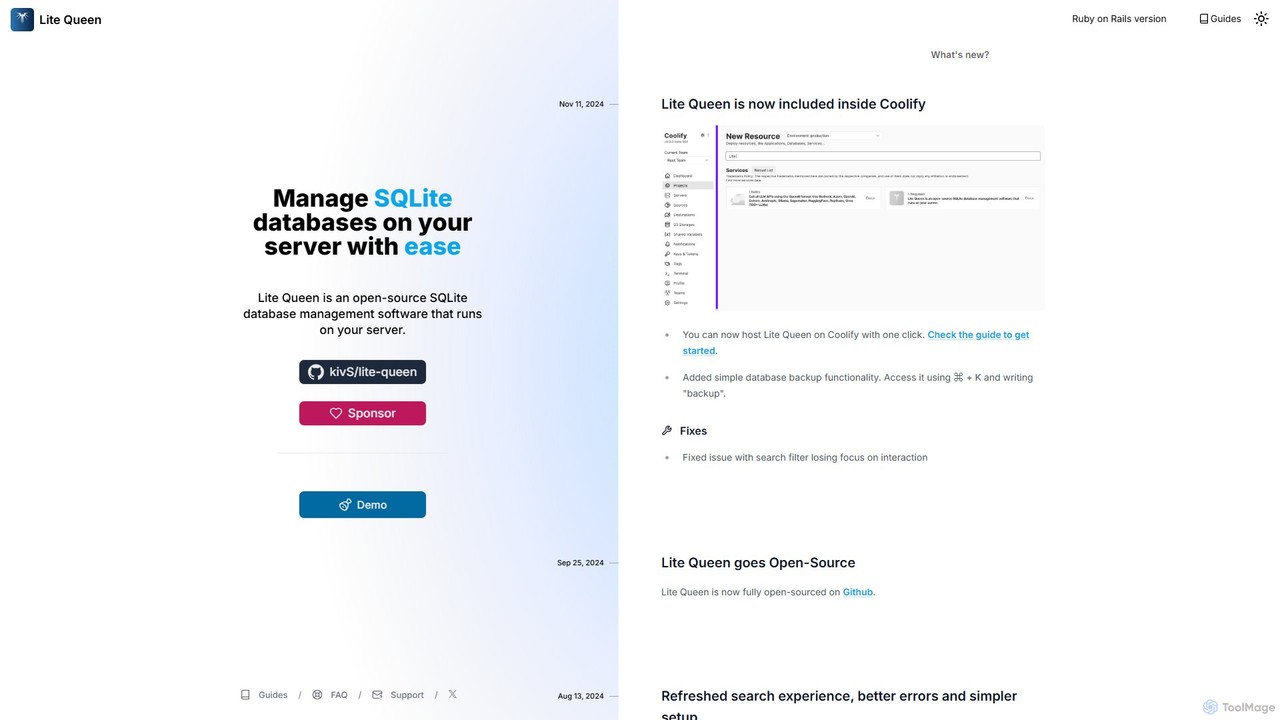
Lite Queen
Lite Queen is a free, open-source, self-hosted tool for effortlessly managing SQLite databases. It features a modern, intuitive interface and a powerful AI "God Mode" that lets you query your database using natural language. Ideal for developers and administrators who prioritize data privacy and control.
Database
HexHoot
HexHoot is an open-source, decentralized communication platform focused on privacy and data ownership. It uses Zero-Knowledge Proofs for serverless authentication, ensuring all data is stored locally on your device. Communicate freely and securely without centralized control or data collection.
Open Source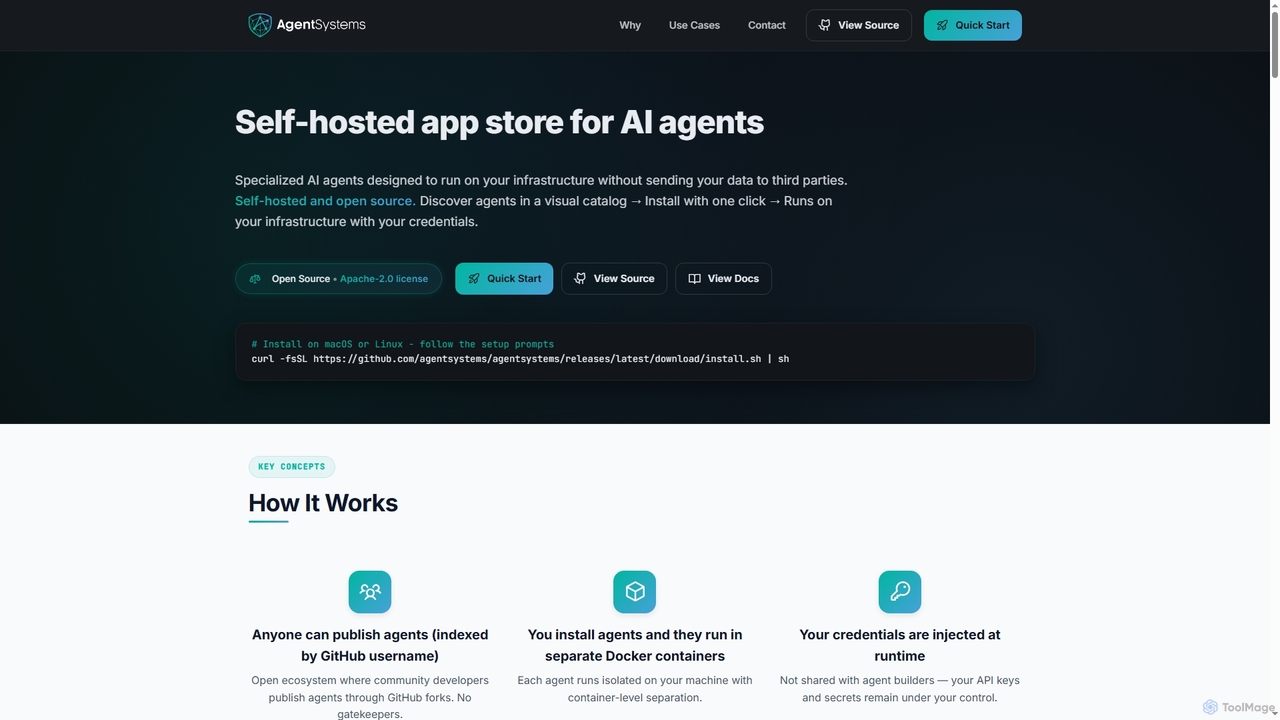
AgentSystems
An open-source, self-hosted platform for discovering, deploying, and managing specialized AI agents on your own infrastructure, ensuring complete data privacy and control.
Self Hosted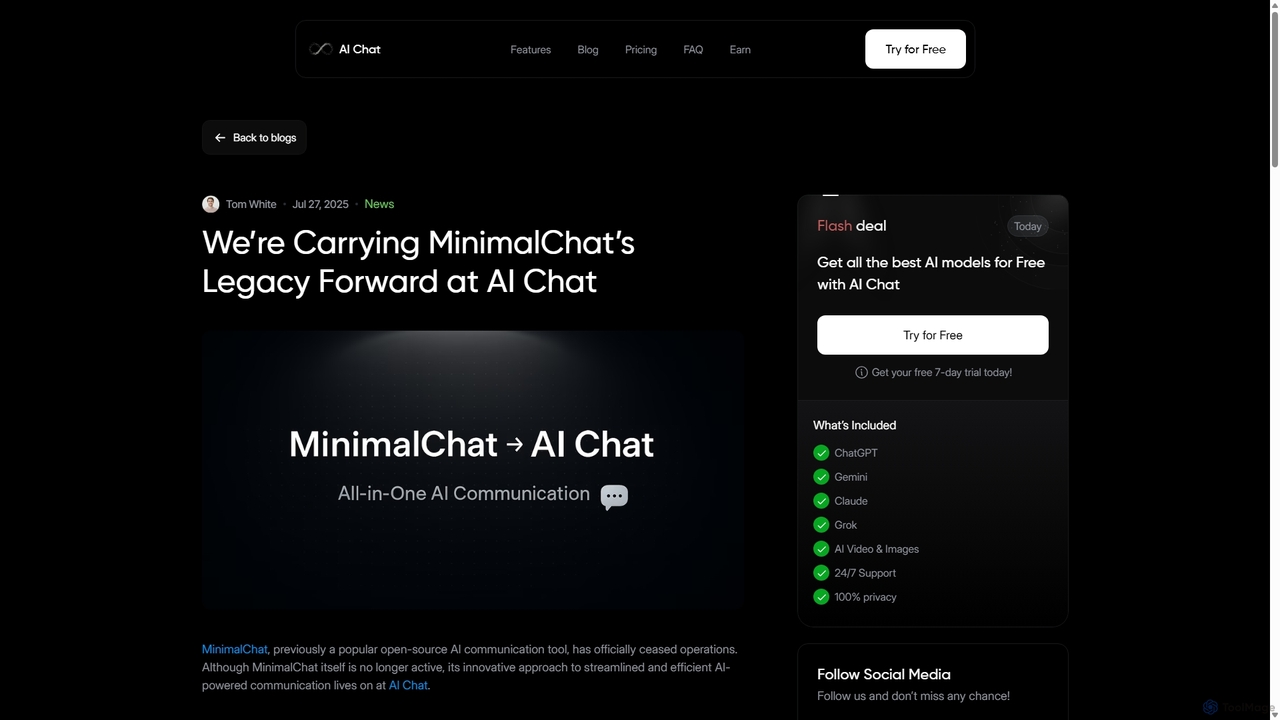
MinimalChat
MinimalChat was a popular open-source, self-hostable AI chat platform known for its lightweight, minimalist design. It supported various GPT models, file uploads, and voice interactions, offering a private and flexible alternative to commercial services. Note: The project has ceased operations.
Code AssistantAi Photo Sorter
A privacy-first, AI-powered web application that helps you efficiently organize local photo collections. Create custom categories, sort images, and detect duplicates securely on your own computer without uploading any data.
Photo Organization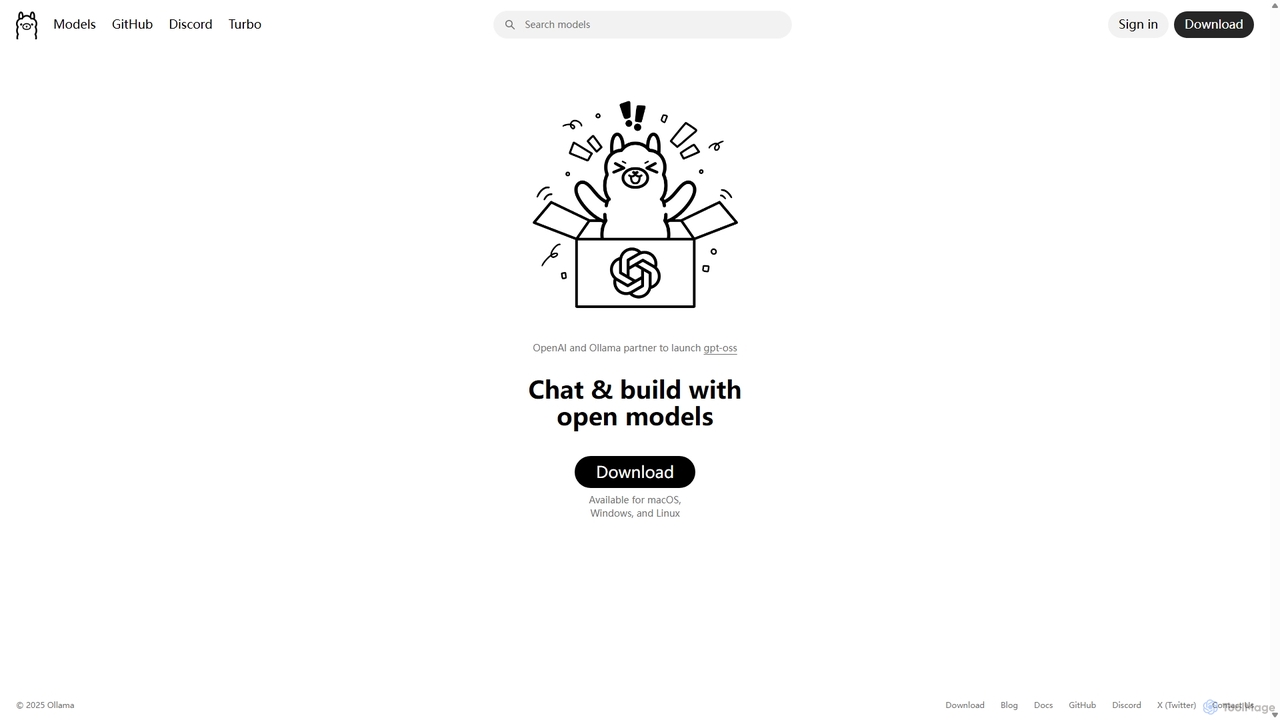
Ollama
Ollama is a powerful open-source framework for running large language models (LLMs) like Llama 3, Mistral, and Gemma locally on your own hardware. Available for macOS, Windows, and Linux, it simplifies the setup and management of open-source models, enabling private, offline, and cost-effective AI development and usage.
Machine Learning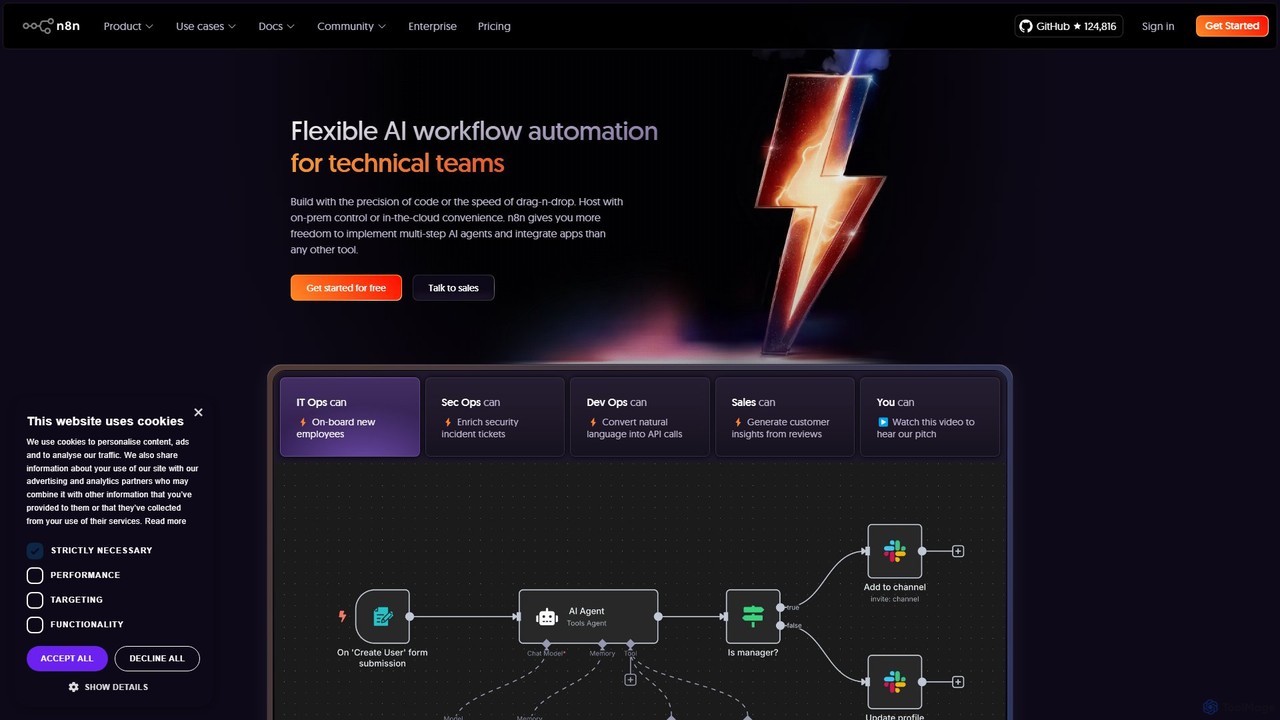
n8n
n8n is a source-available, node-based workflow automation platform designed for both technical and non-technical users. It enables you to connect hundreds of applications and services, including powerful AI models, to automate complex tasks and processes. With options for both cloud hosting and self-hosting, n8n offers unparalleled flexibility, control, and scalability for building everything from simple data syncs to sophisticated AI agents.
Crm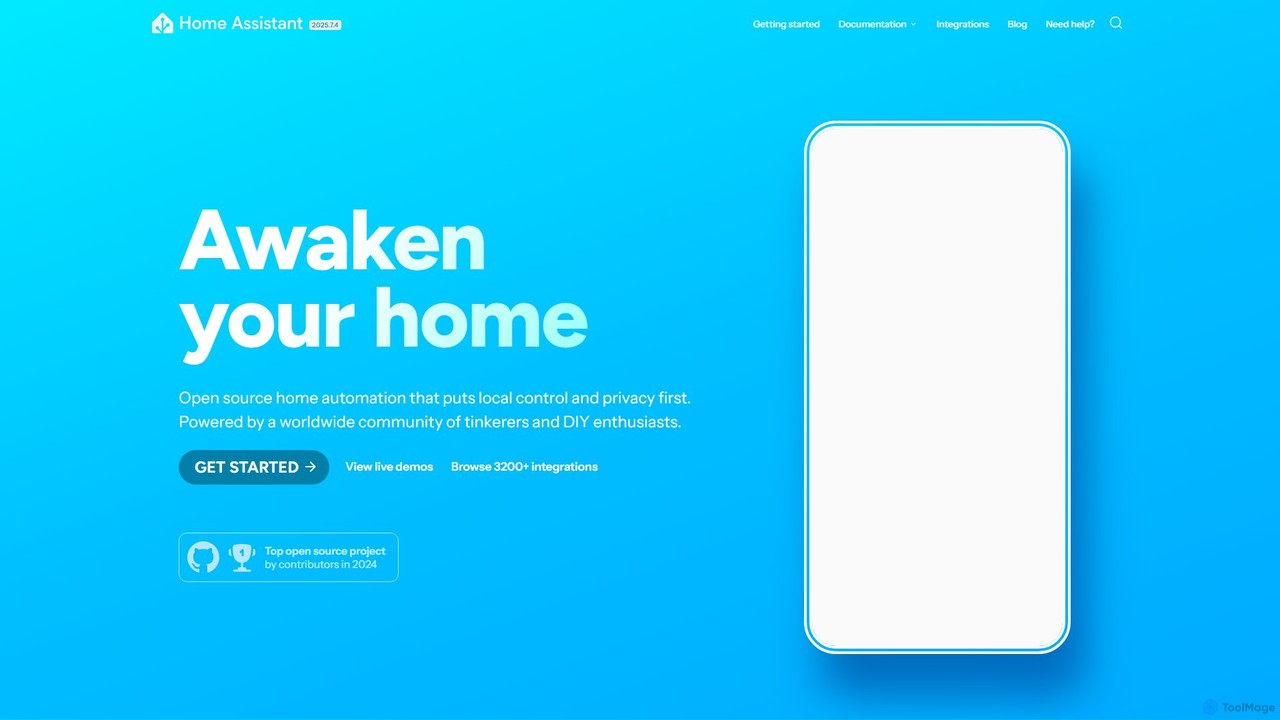
Home Assistant
Home Assistant is a powerful, open-source home automation platform that prioritizes local control and user privacy. It integrates with thousands of smart devices and services, allowing you to create powerful automations, custom dashboards, and even use a private, local voice assistant. Powered by a global community, it puts you in complete control of your smart home data.
Open Source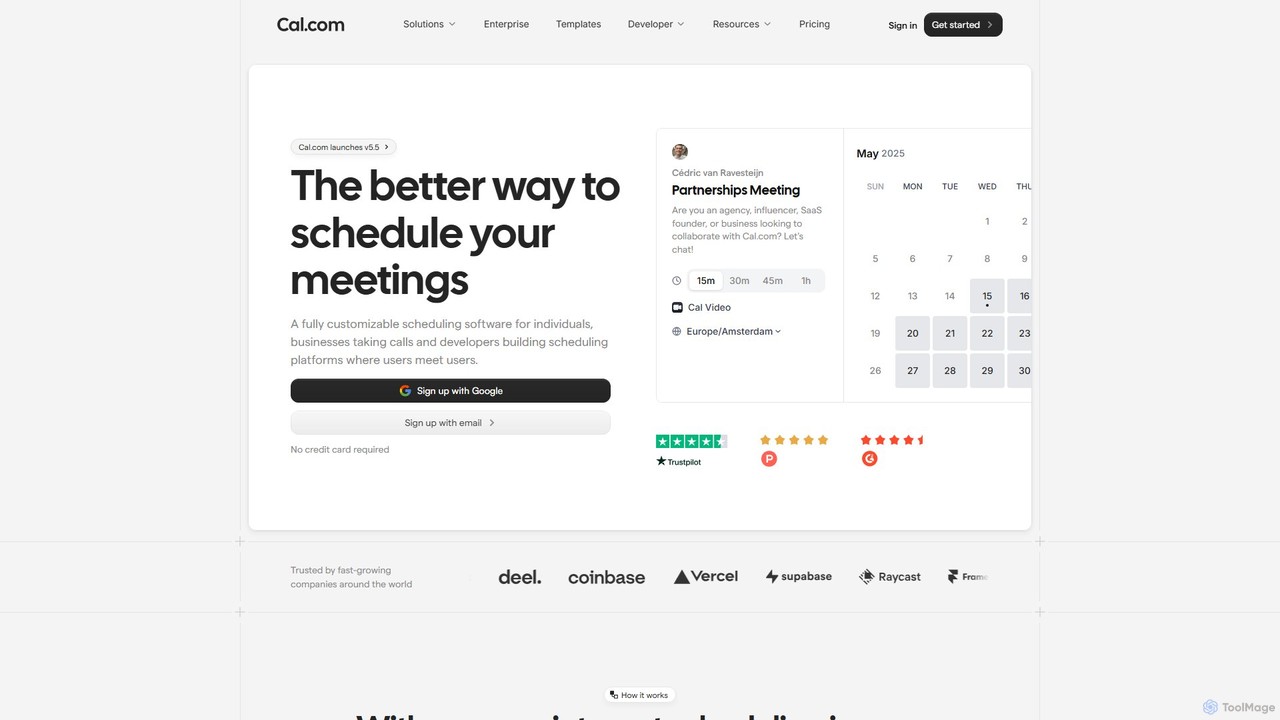
Cal.com
Cal.com is an open-source scheduling infrastructure designed for individuals, teams, and developers. It offers a highly customizable, privacy-first alternative to traditional scheduling tools, allowing for seamless integration, self-hosting, and white-labeling to manage meetings and appointments efficiently.
Customer Management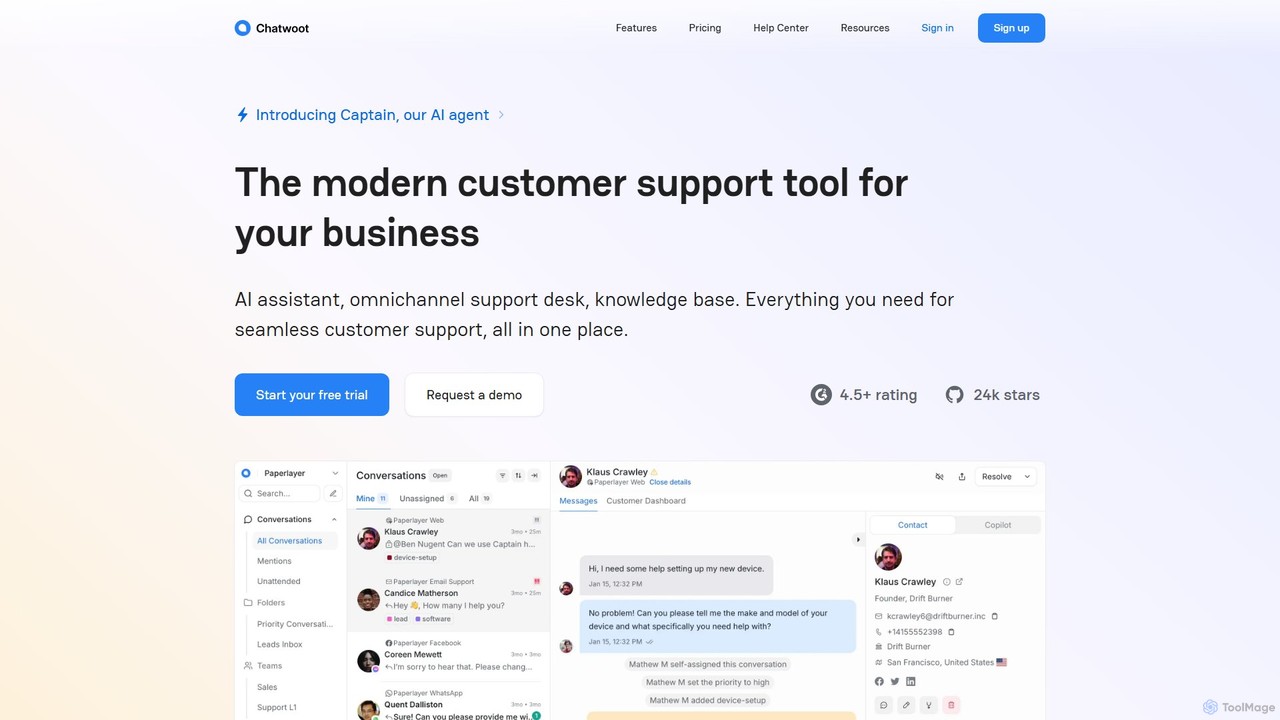
Chatwoot
Chatwoot is an open-source, omnichannel customer support platform powered by an AI assistant, Captain. It centralizes conversations from your website, email, and social media into one dashboard, enabling teams to deliver faster, smarter, and more personalized support as a powerful alternative to Intercom and Zendesk.
Crm
Immich Comments (0)
Sign in to comment.
Sign inNo comments yet.