ToolMage
Sign in

Best 26 Web Development AI tools for Developer Tools

Popular Web Development AI tools in Developer Tools include WhatFontIs, Spline, Webutility, Google Chrome, Cliptics, eyeballer, FaviCraft, CodeAI, js2ts, and MyColorHub, helping you work more efficiently.

Peksy
Free

Peksy

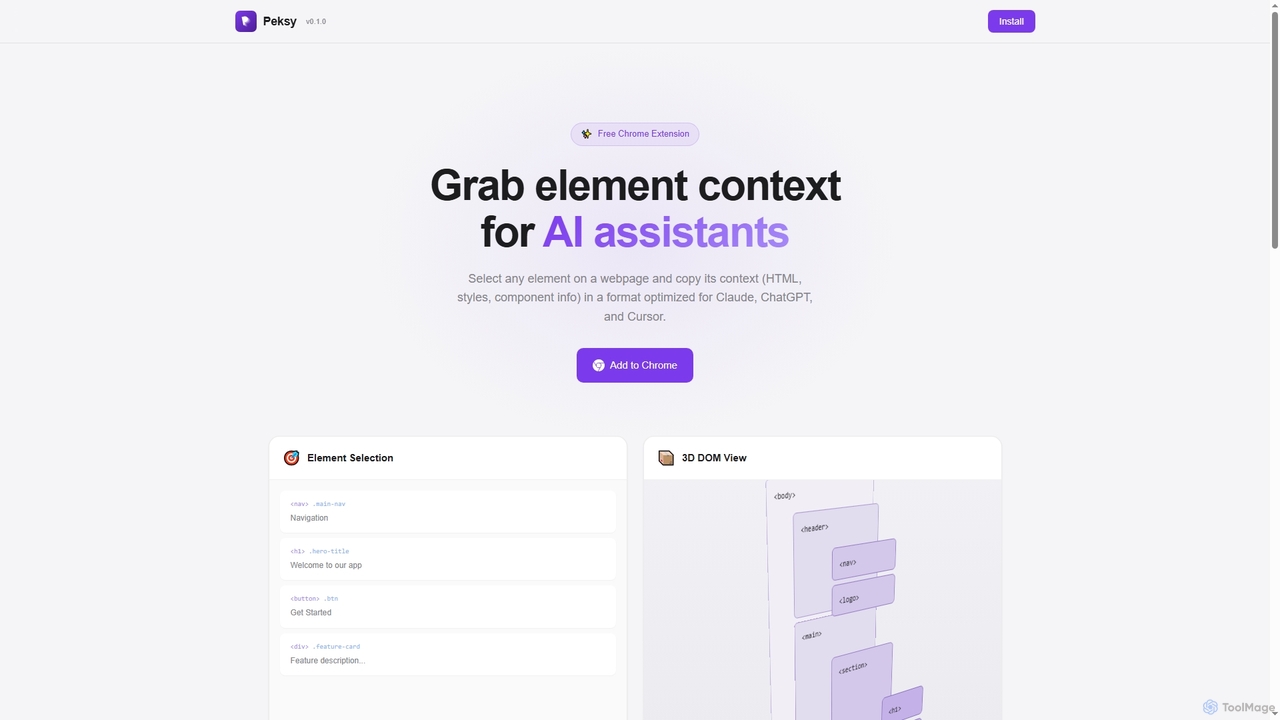
Peksy is a free Chrome extension for developers. It lets you select any web element and instantly copy its context—including HTML, CSS, and component info—in a Markdown format optimized for AI coding assistants like ChatGPT, Claude, and Cursor.

Chrome Extensions
Visits 6.4KFavorites 101Likes 107
Full Page Screenshot
Freemium

Full Page Screenshot

A reliable Chrome browser extension for capturing flawless full-page screenshots. It intelligently handles complex, modern websites with dynamic content, infinite scrolling, and sticky elements. Features include precise element selection, cloud storage, and multiple export formats.

Web Design
Visits 6.5KFavorites 170Likes 157
Altsnap
Freemium

Altsnap

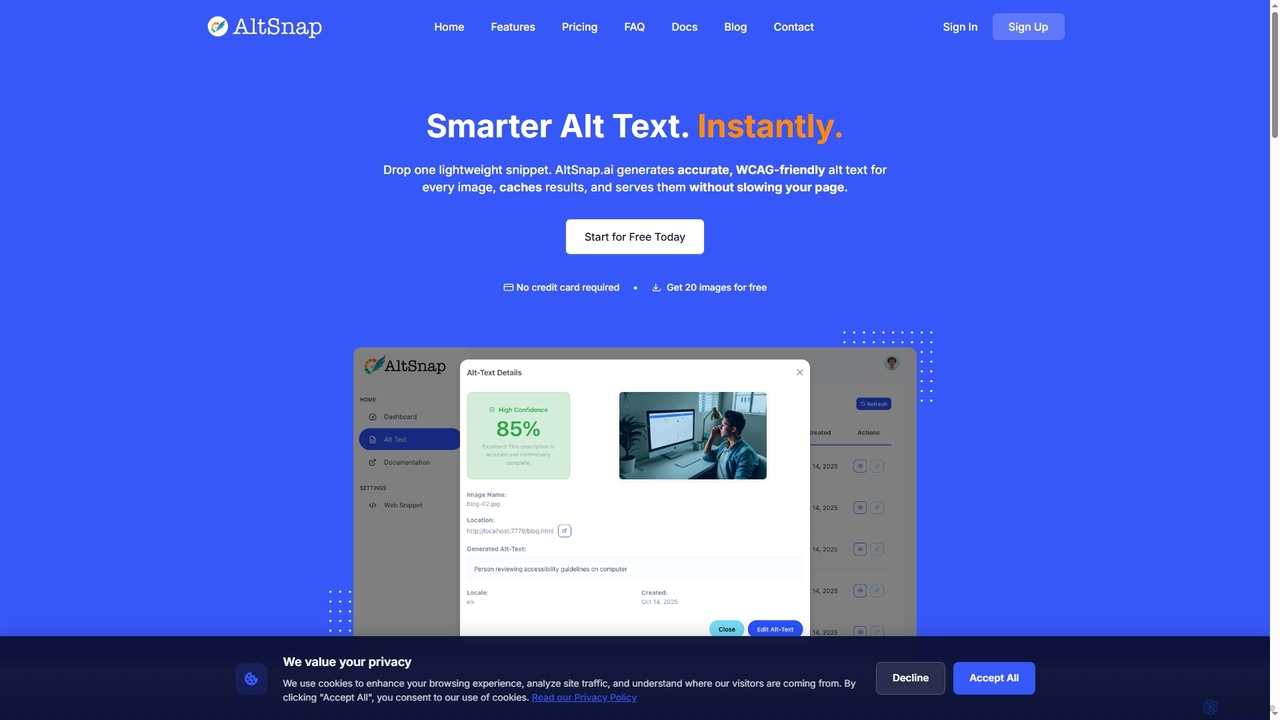
Altsnap is an AI-powered tool that automatically generates accurate, WCAG-compliant alt text for website images. It improves accessibility and SEO with a simple JavaScript snippet, offering features like a client dashboard, performance caching, and evaluation of existing alt text.

Web Development
Visits 6.8KFavorites 156Likes 170
MyColorHub
Free

MyColorHub

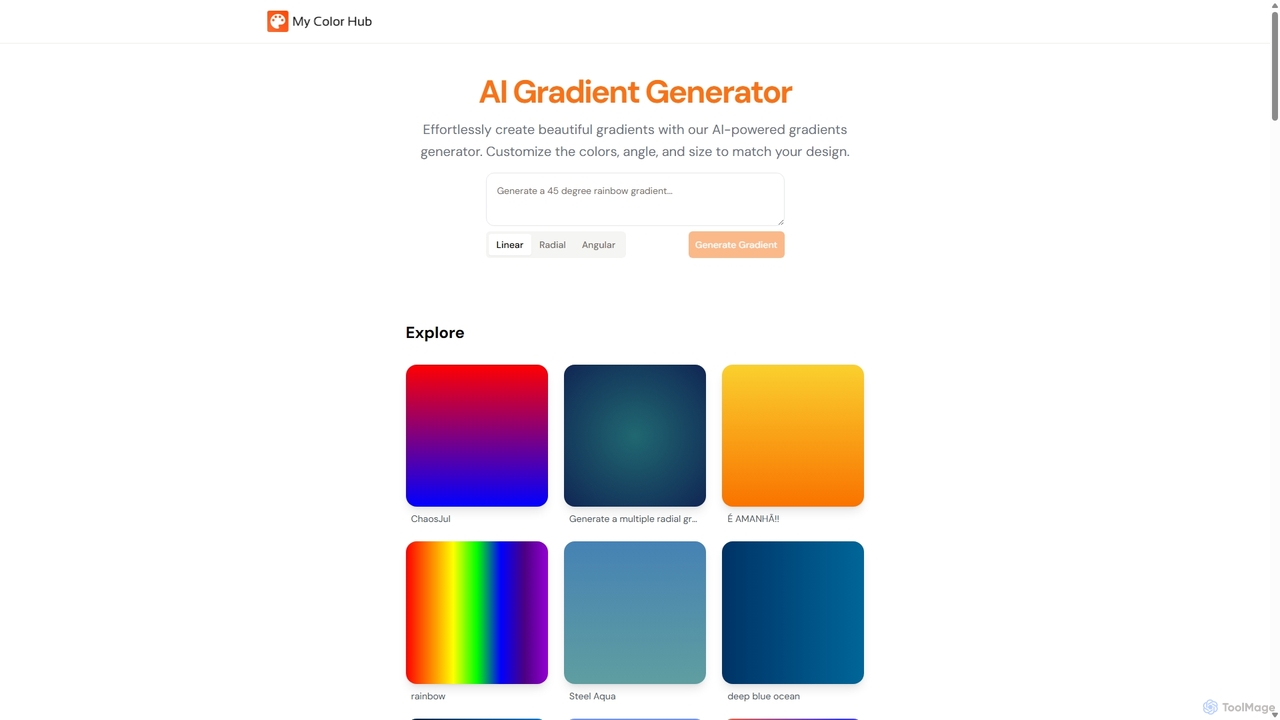
MyColorHub is an AI-powered gradient generator that effortlessly creates beautiful, unique color gradients from simple text prompts. Describe a mood, a scene, or a color combination, and the AI will generate stunning linear, radial, or angular gradients. It's an intuitive tool for designers, developers, and content creators to quickly find inspiration and generate custom color schemes for their projects.

Graphics
Visits 14.5KFavorites 127Likes 131
Spline
Freemium

Spline

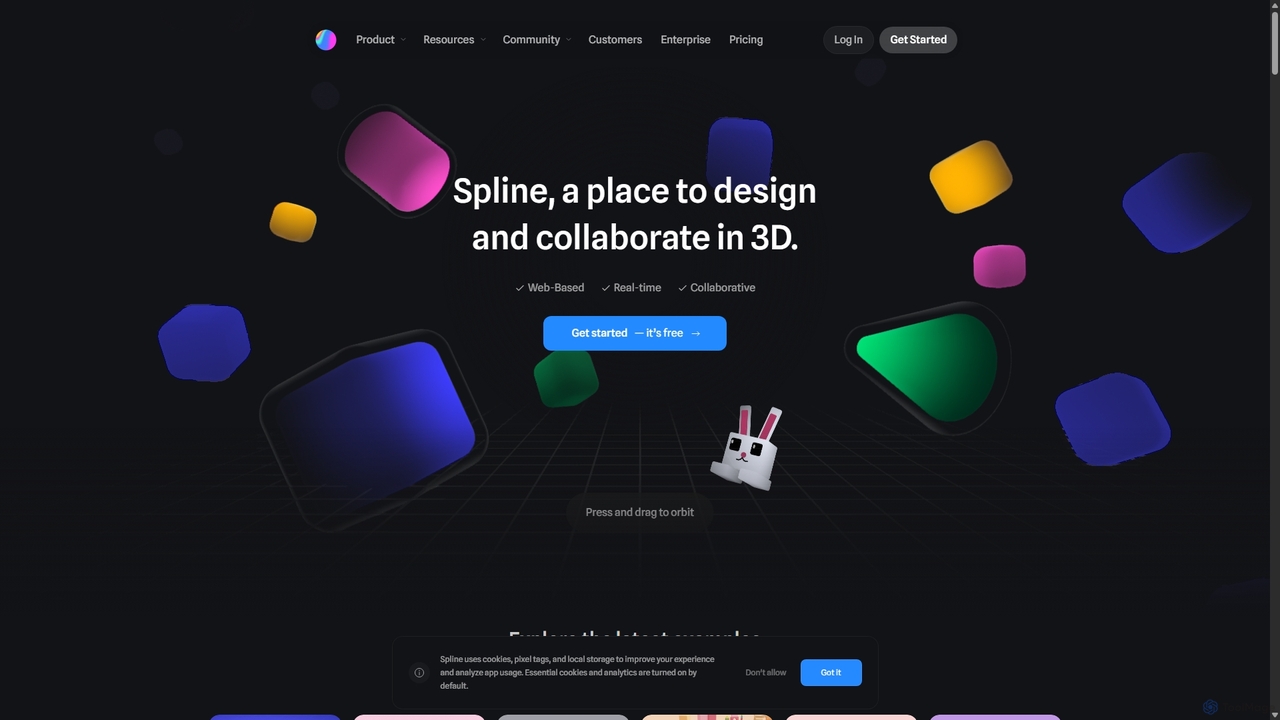
Spline is a collaborative, web-based 3D design tool that simplifies the creation of interactive 3D experiences. It features real-time collaboration, animation, physics, and an optional AI add-on for generating 3D models and textures, making 3D design accessible to everyone from designers to developers.

3D
Visits 824.3KFavorites 145Likes 143
FaviCraft
Free

FaviCraft

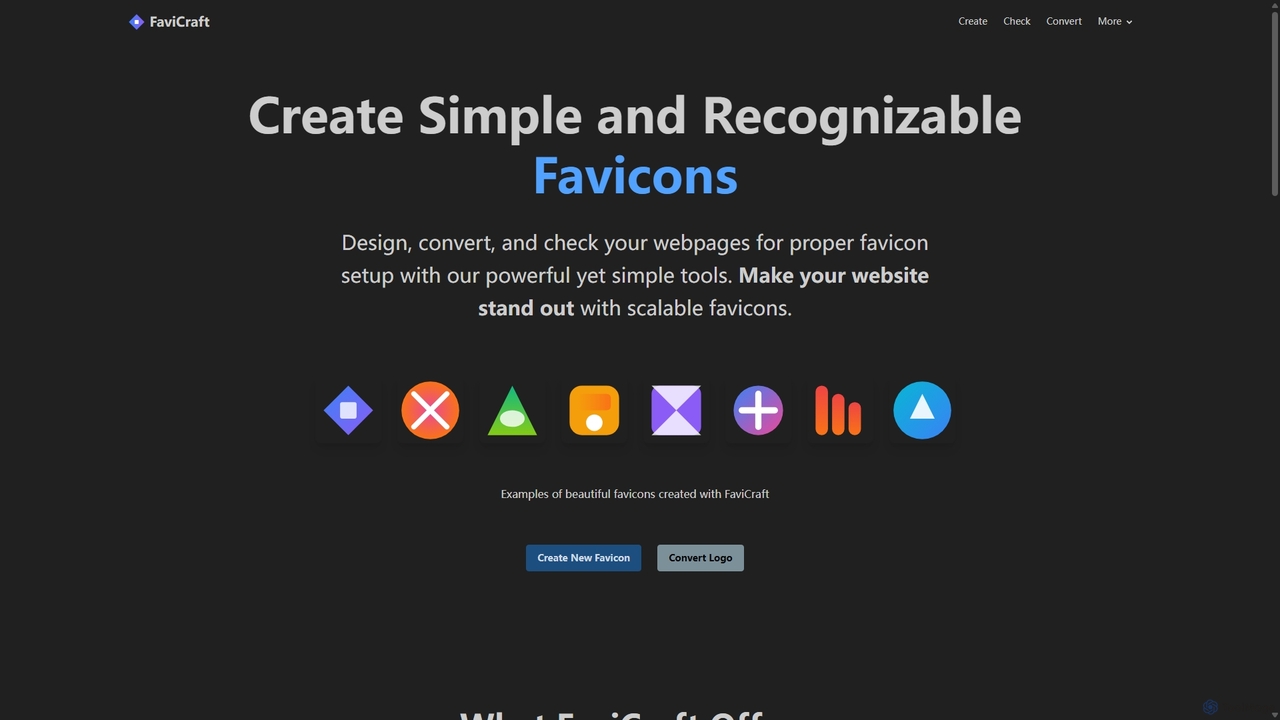
FaviCraft is a free, all-in-one online tool for creating, converting, and checking website favicons. It features an intuitive drag-and-drop editor for designing custom icons, a powerful converter to turn logos into multi-format favicons, and a comprehensive checker to ensure proper implementation. No registration is required, making it perfect for developers, designers, and content creators seeking to enhance their website's brand identity instantly.

Logo Generation
Visits 16.8KFavorites 126Likes 151
Webutility
Free

Webutility

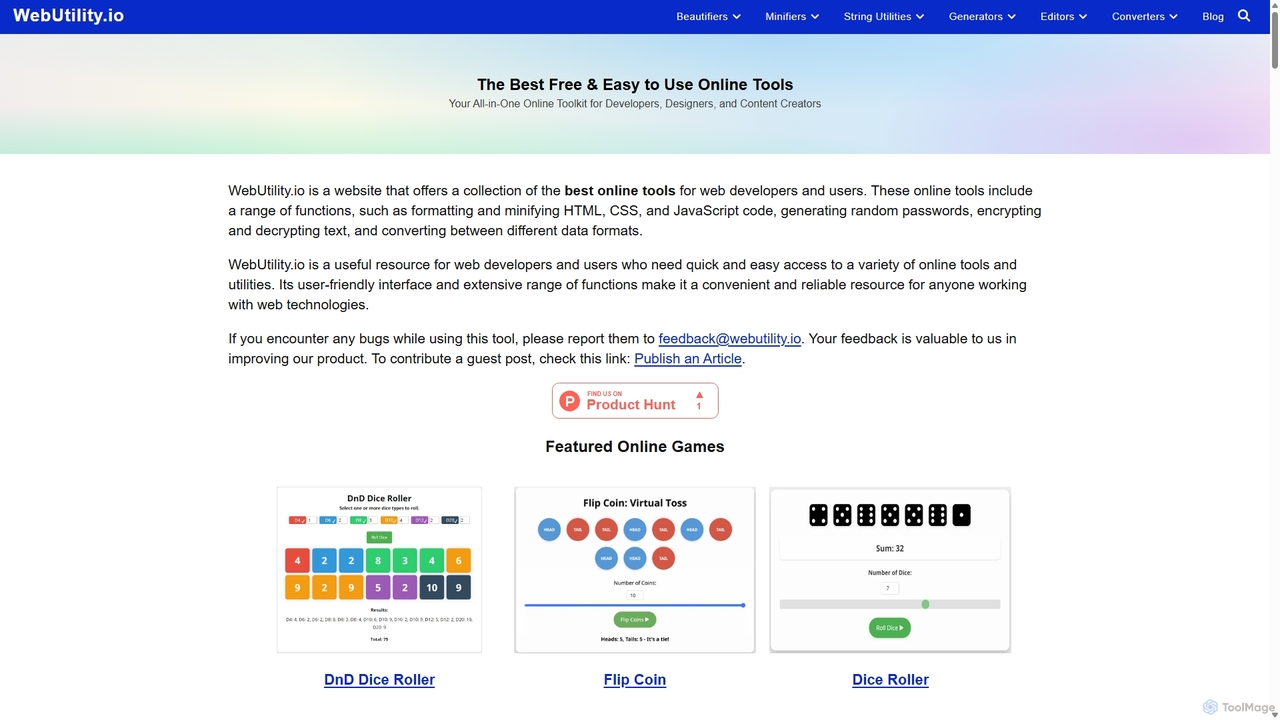
WebUtility.io is a comprehensive suite of free online tools for web developers, content creators, and general users. It offers a vast collection of utilities, including code beautifiers and minifiers, data converters, various generators (passwords, dummy data, AI prompts), text formatters, and image tools. With a user-friendly interface and no registration required, it provides quick and efficient solutions for a wide range of daily digital tasks.

Prompting
Visits 158.5KFavorites 160Likes 147
CompressJPG
Free

CompressJPG

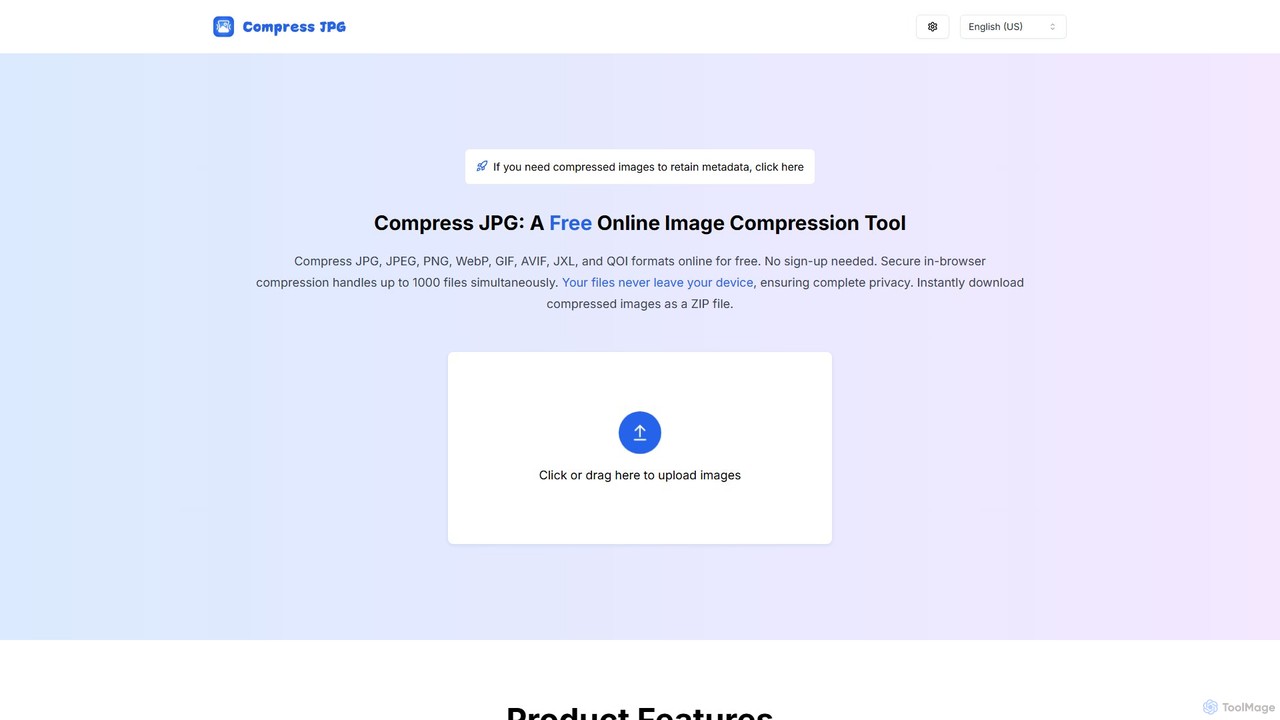
A free, secure online image compressor that supports batch processing of up to 1000 files. It handles JPG, PNG, WebP, GIF, and more, performing all compression directly in your browser to ensure 100% privacy. No sign-up is required. Instantly reduce image file sizes while maintaining quality, perfect for web developers, photographers, and social media users.

Web Development
Visits 9.6KFavorites 119Likes 122
Cliptics
Free

Cliptics

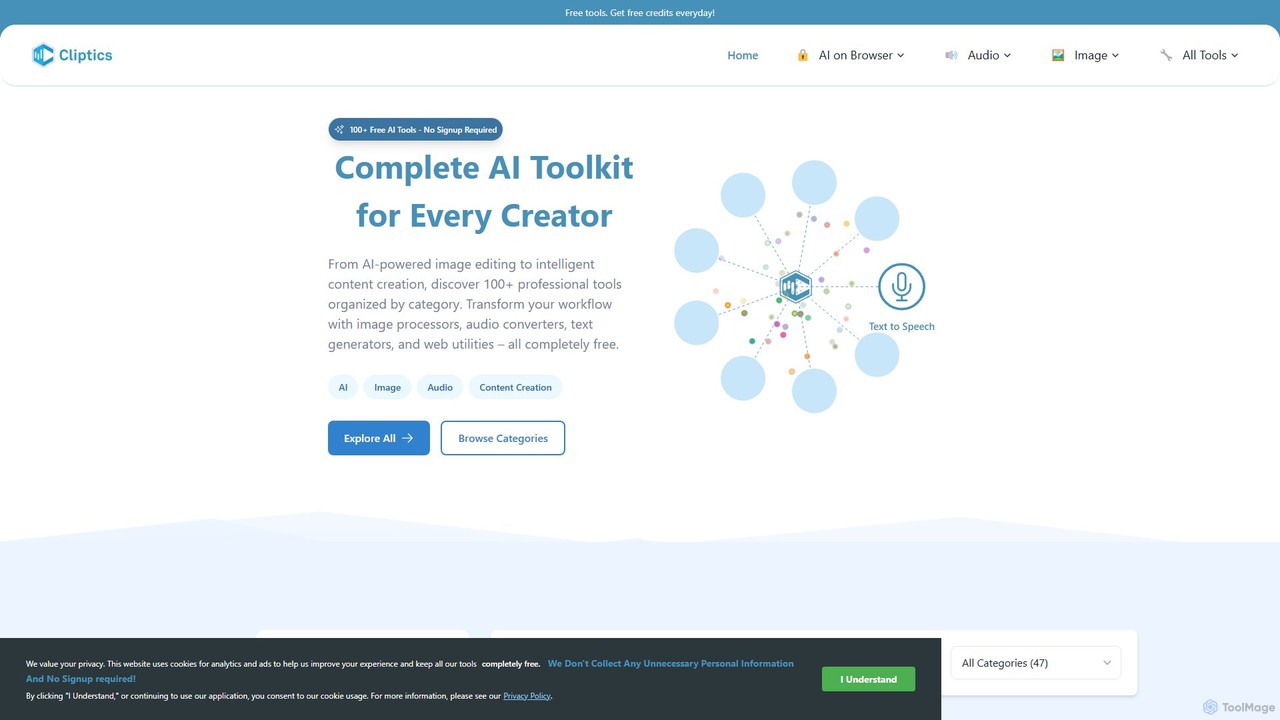
Cliptics offers a comprehensive suite of over 100 free AI tools for image editing, audio creation, content generation, and web development. It requires no signup and provides instant, professional-quality results. Ideal for content creators, marketers, e-commerce sellers, and developers, it aims to make powerful AI technology accessible to everyone, completely free of charge.

Text To Speech
Visits 31.6KFavorites 154Likes 138
aicssanimations
Freemium

aicssanimations

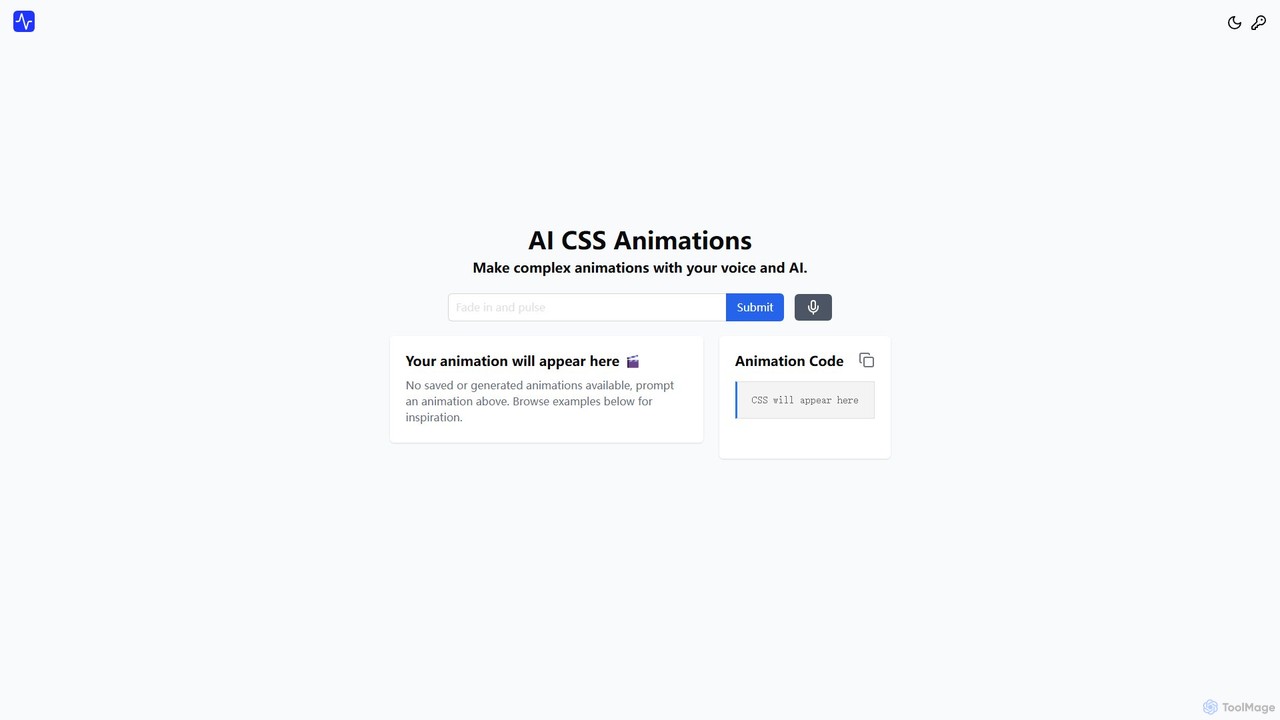
An AI-powered tool that allows developers and designers to generate complex CSS keyframe animations from simple text prompts. It features a real-time preview editor, a one-click code copy, and an extensive directory of ready-to-use animations, dramatically speeding up the front-end development workflow.

Animation
Visits 7.1KFavorites 144Likes 146
rapidwork
Freemium

rapidwork

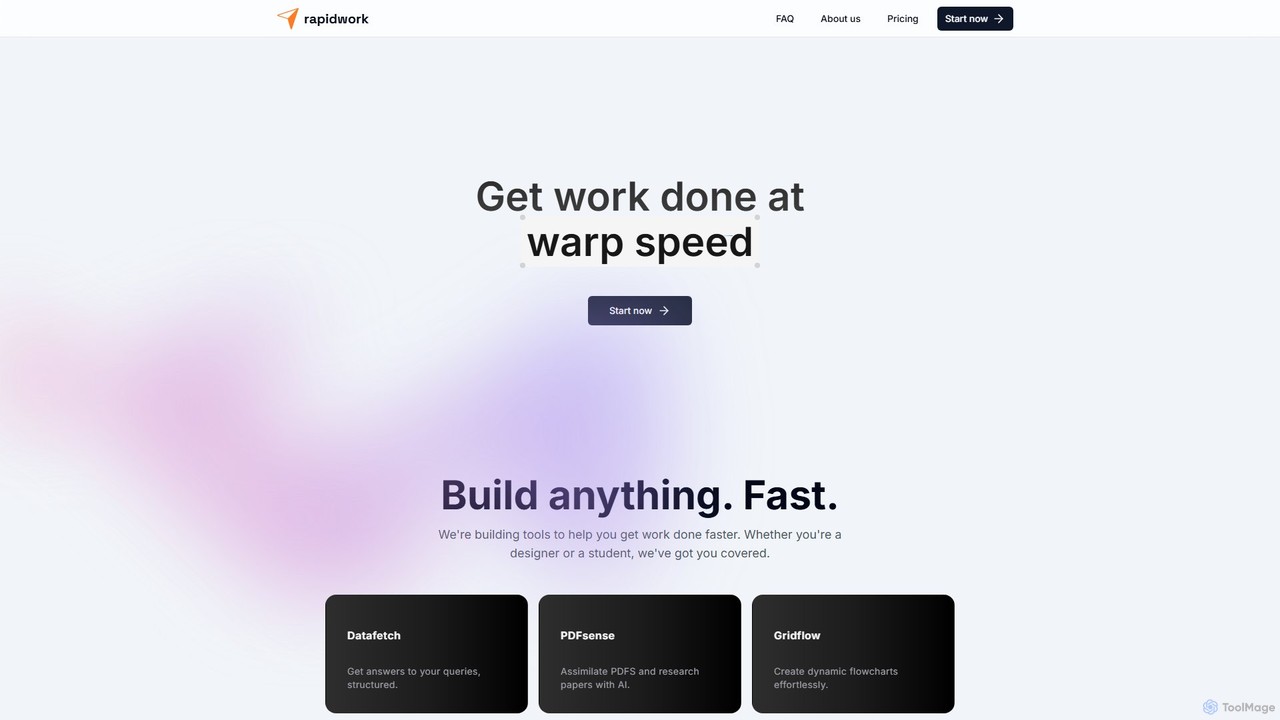
rapidwork is an all-in-one AI-powered productivity suite designed to accelerate your workflow. It integrates multiple tools for data analysis, PDF summarization, flowchart creation, graphic design, and collaborative document editing, catering to students, designers, and professionals.

Graphic Design
Visits 6.4KFavorites 152Likes 130
eyeballer
Free

eyeballer

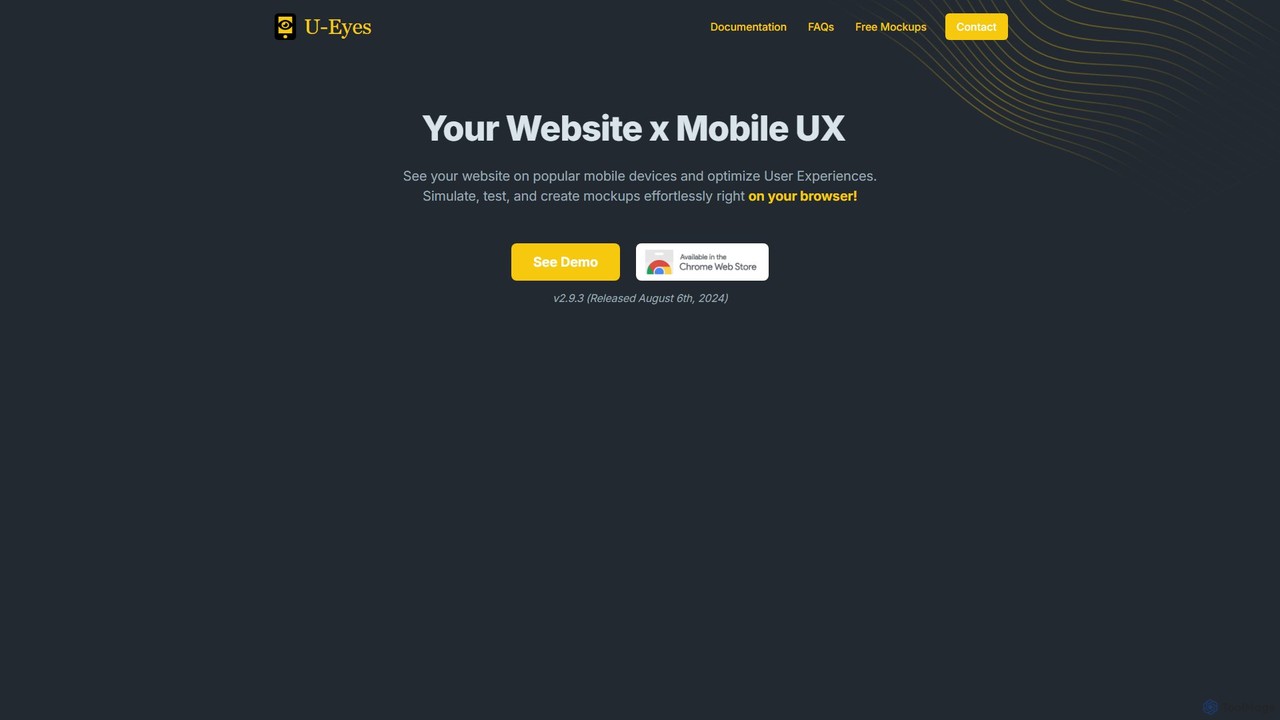
eyeballer offers U-Eyes, a powerful and free Chrome extension for mobile device simulation. It enables developers and designers to test website responsiveness, create high-quality mockups, capture screenshots, and record screencasts directly in the browser, supporting a wide range of popular devices.

Mockup
Visits 22.7KFavorites 152Likes 151
js2ts
Free

js2ts

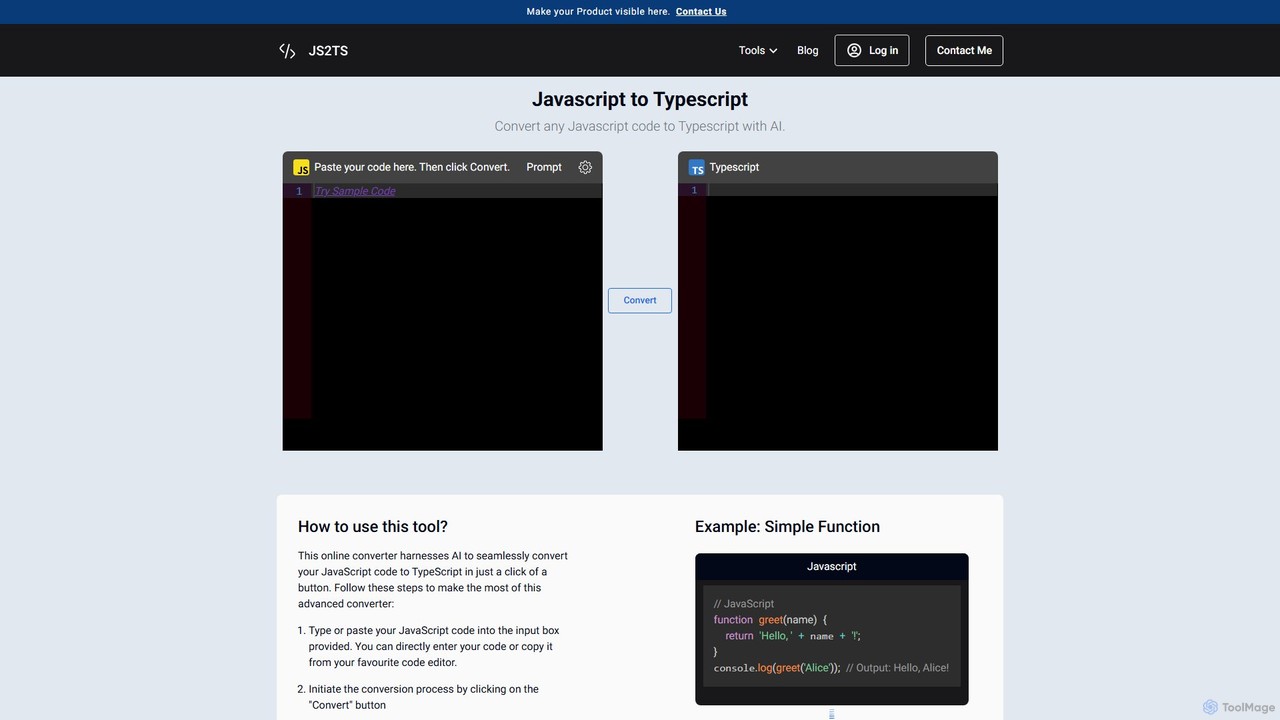
An AI-powered online tool for developers to instantly convert code between various formats, including JavaScript to TypeScript, JSON to TypeScript interfaces, CSS to JSON, and CSS to Tailwind CSS. It's free, fast, and requires no installation.

Code Conversion
Visits 15.9KFavorites 153Likes 150
svgstud
Freemium

svgstud

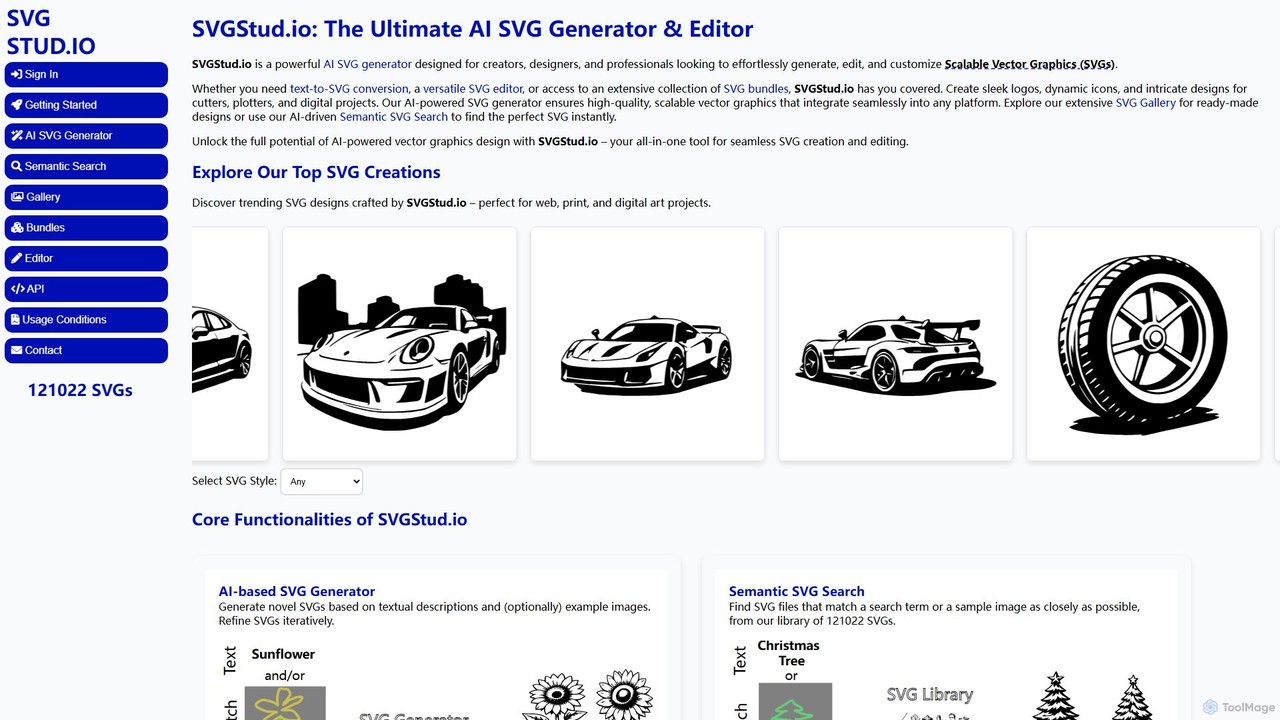
SVGStud.io is an all-in-one AI platform for creating, editing, and discovering Scalable Vector Graphics (SVGs). It features a powerful text-to-SVG and image-to-SVG generator, an integrated in-browser editor, and a searchable library of over 120,000 SVGs. Ideal for designers, developers, and creators, it simplifies the process of producing high-quality, scalable vector assets for web, print, and digital projects.

Vector Graphics
Visits 9.8KFavorites 155Likes 146
a11yboost
Free

a11yboost

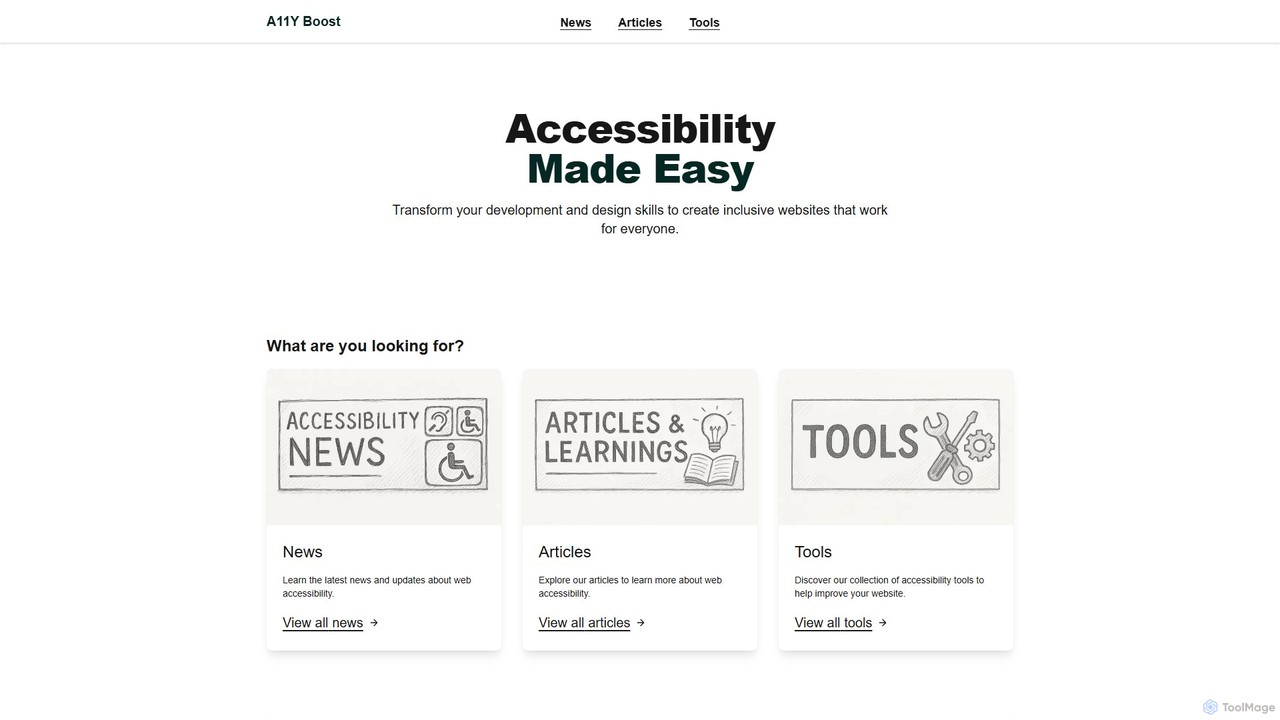
A comprehensive web accessibility platform offering free tools, articles, and news to help developers and designers create inclusive websites. Features a Heading Checker via Chrome Extension and web portal to simplify WCAG compliance and improve user experience for everyone.

Web Development
Visits 6.5KFavorites 117Likes 108
EasyCode
Freemium

EasyCode

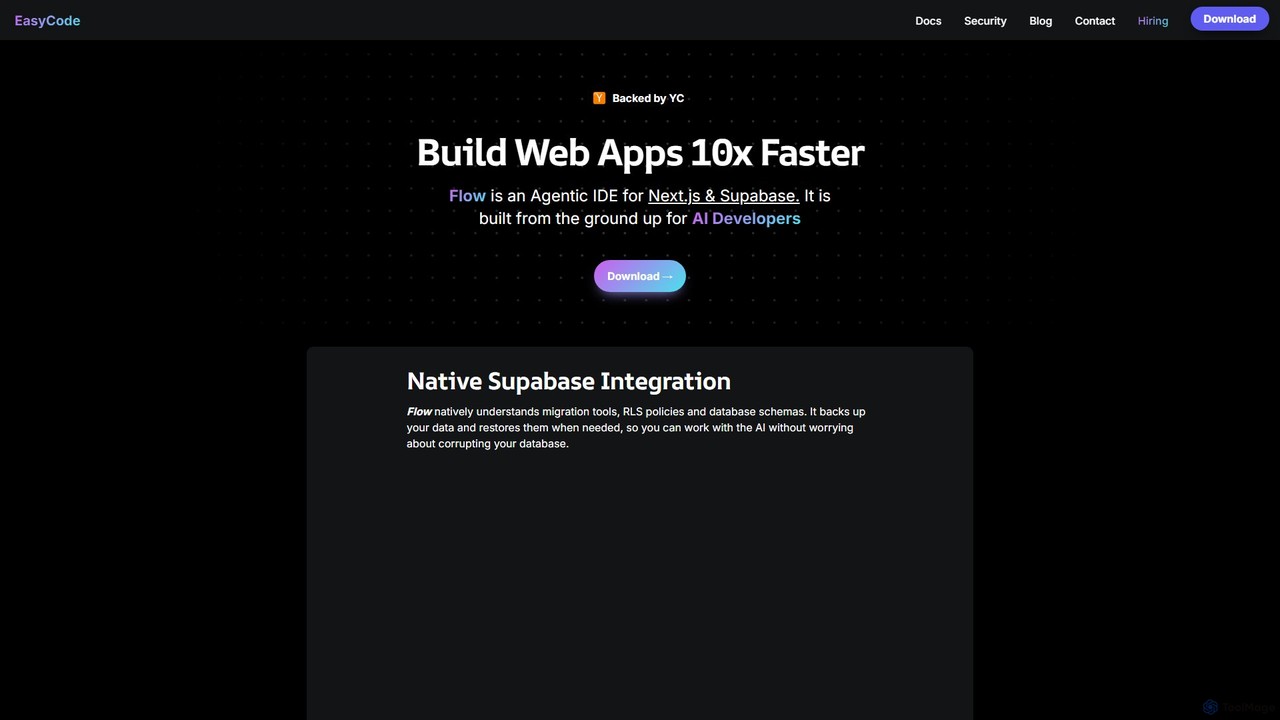
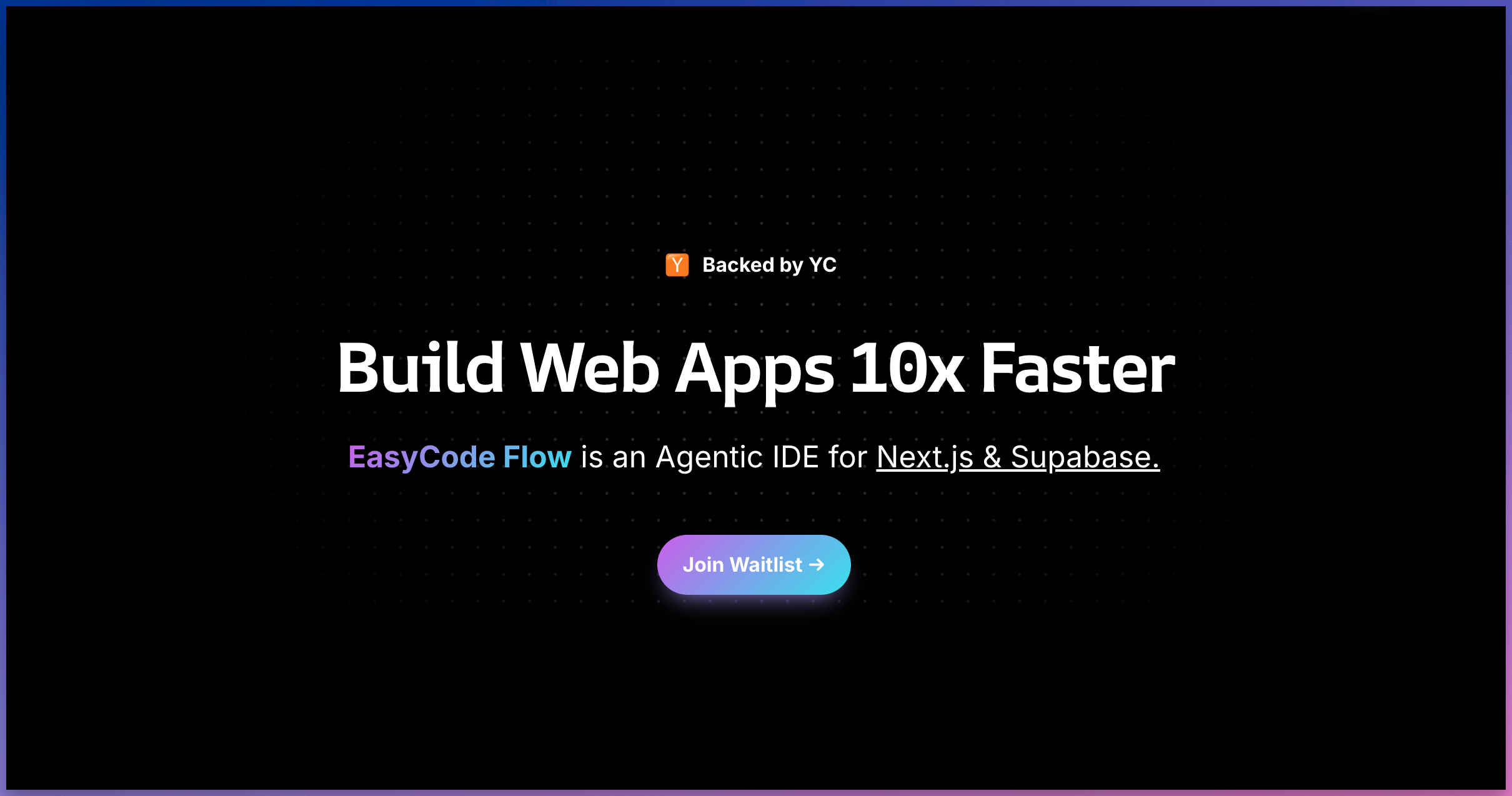
EasyCode is an agentic IDE specifically designed for building web applications with Next.js and Supabase, aiming to accelerate development by 10x. It features superior context management, visual debugging, and native Supabase integration to streamline the entire coding process, from prompting to deployment.

Web Development
Visits 12.5KFavorites 151Likes 167
Google Chrome
Free

Google Chrome

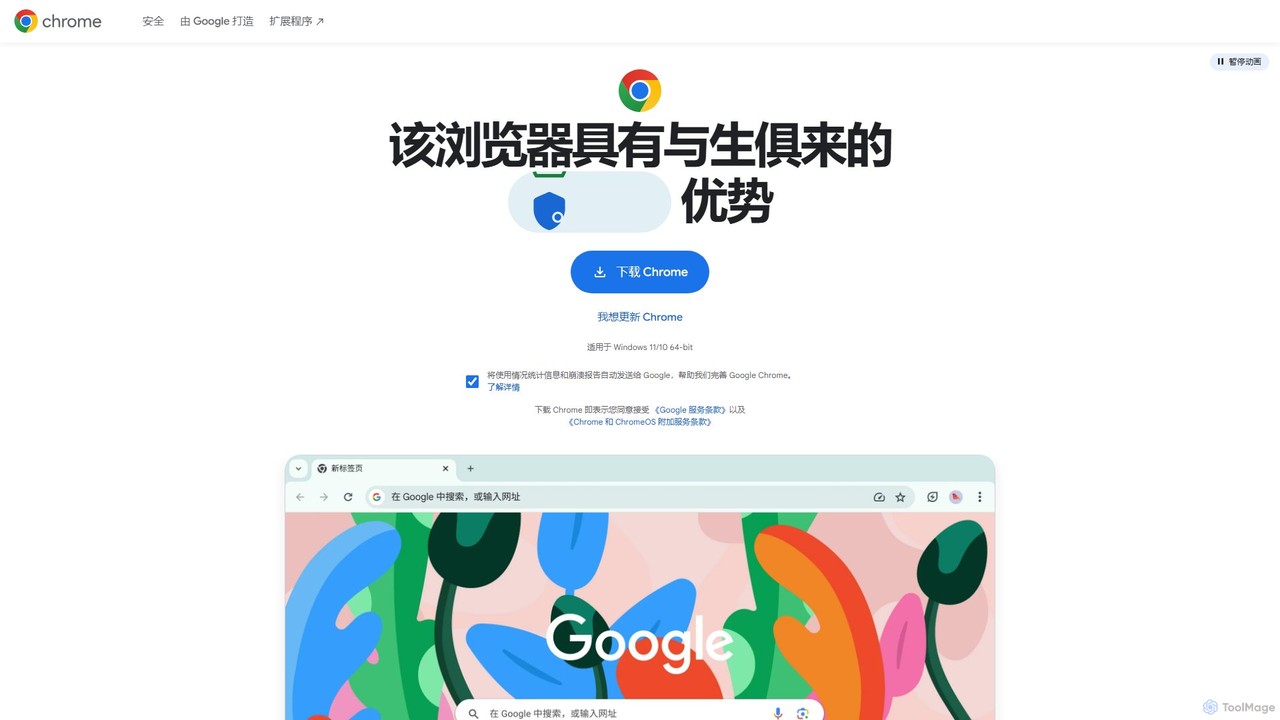
Google Chrome is a fast, secure, and customizable web browser developed by Google. It features seamless cross-device syncing, a vast library of extensions, and robust security tools like a built-in password manager and safety checks. With integrated Google services and new AI-powered features, Chrome offers a personalized, intelligent, and efficient browsing experience on all major platforms.

Web Development
Visits 58.7KFavorites 146Likes 135
Web and Cow
Paid

Web and Cow

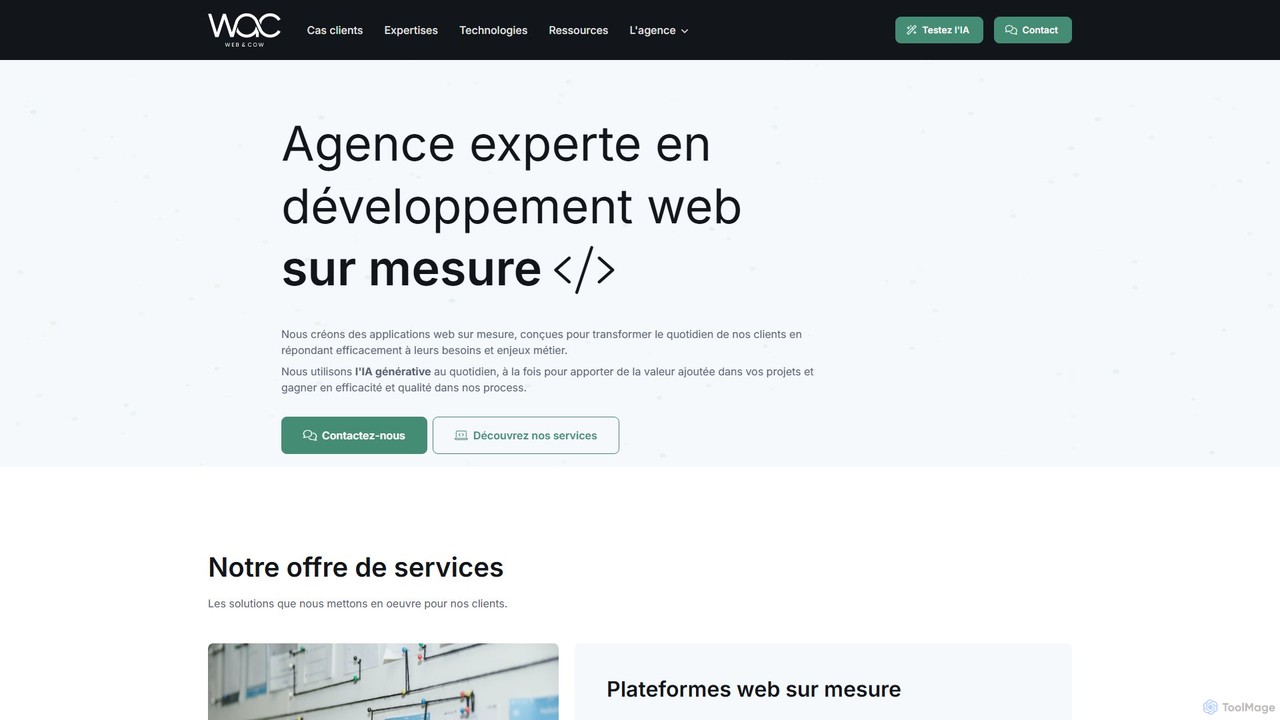
Web and Cow is a French web agency specializing in custom web applications and data solutions. They leverage generative AI to enhance business processes, data analysis, and user experiences across sectors like HR, agriculture, and education, offering bespoke digital transformation services.

Consulting
Visits 7.1KFavorites 123Likes 107
CodeAI
Freemium

CodeAI

CodeAI is a privacy-first, AI-powered development platform designed to help developers build better code faster. It offers AI-assisted coding, automated commit generation, one-click deployment, and seamless integration with GitHub and VSCode, all while ensuring your code never leaves your machine.

Code Assistant
Visits 16.4KFavorites 140Likes 139
ImageTool
Freemium

ImageTool

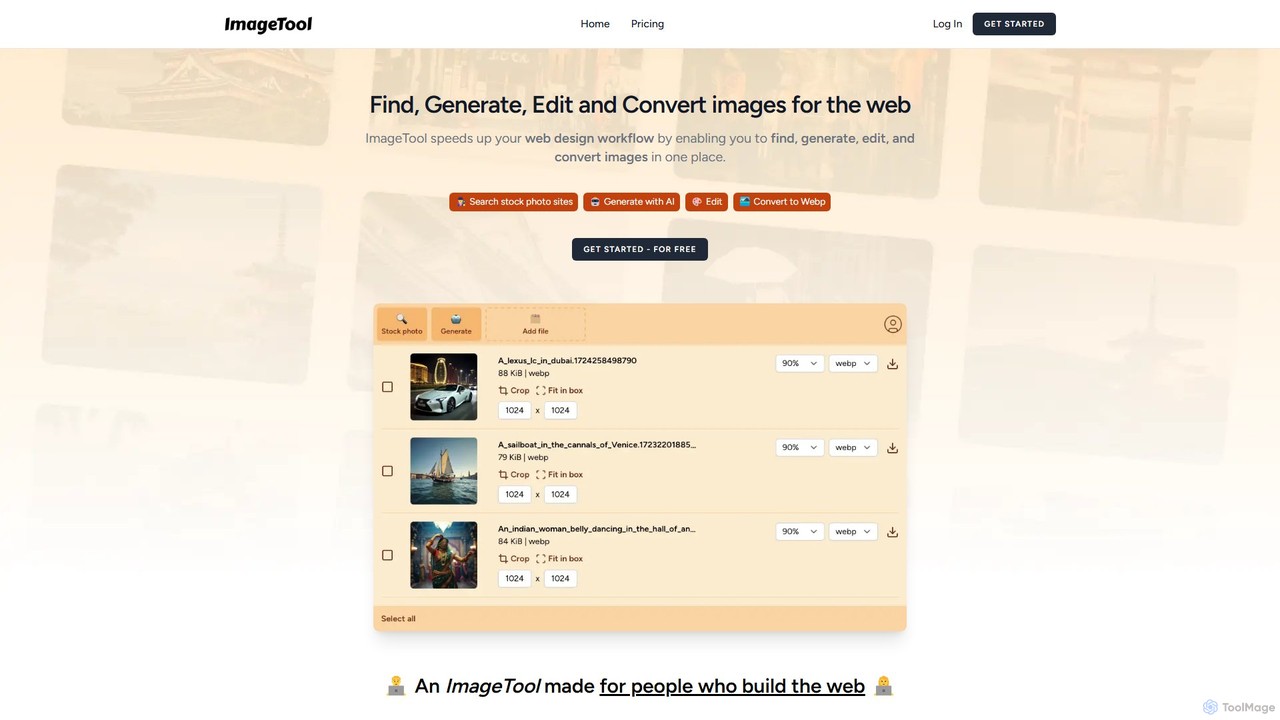
An all-in-one image toolkit for web creators. ImageTool allows you to find stock photos, generate unique images with AI, perform advanced edits like cropping and compression, and convert images to modern web formats like WebP and AVIF, all within a single, streamlined platform.

Web Development
Visits 6.5KFavorites 152Likes 139
Mailto Live
Paid

Mailto Live

Mailto Live is an AI-powered tool that transforms standard `mailto:` email links into dynamic, trackable, and secure communication channels. It provides real-time analytics on link clicks, protects email addresses from spam bots, and allows for dynamic pre-filling of email content, helping businesses optimize their email contact points and improve user engagement.

Web Development
Visits 6.4KFavorites 131Likes 139
Phion
Freemium

Phion

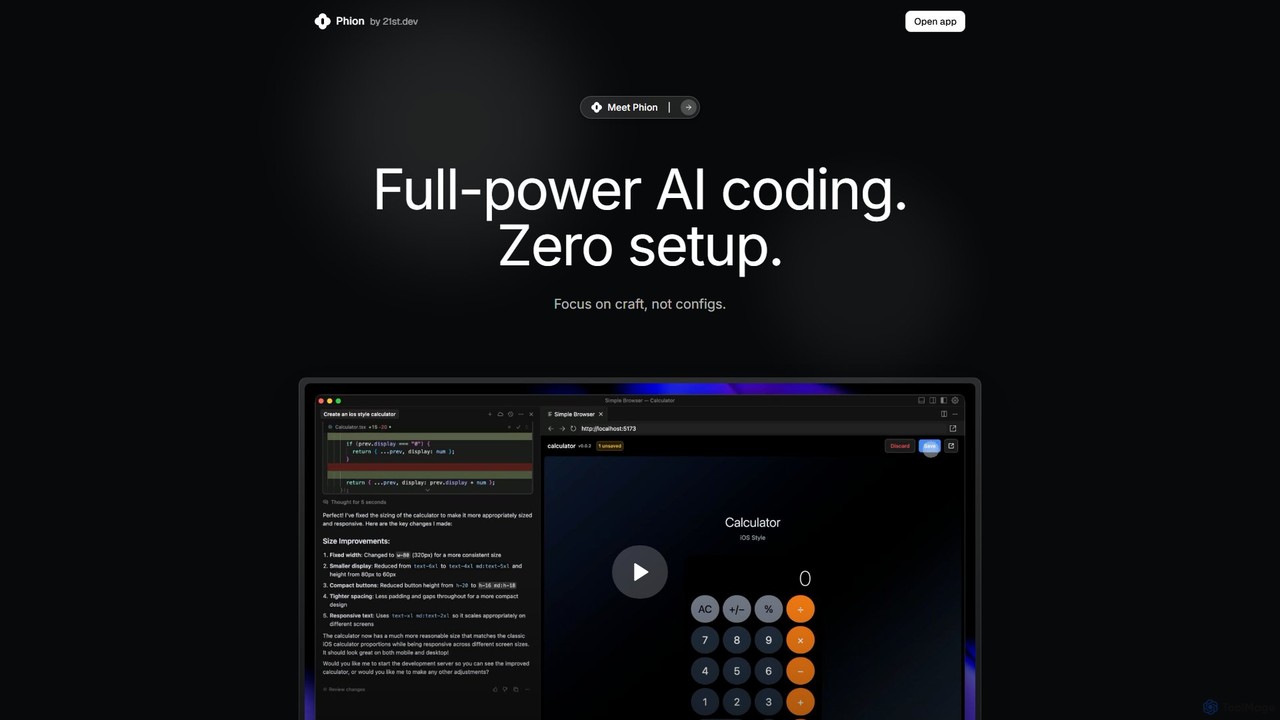
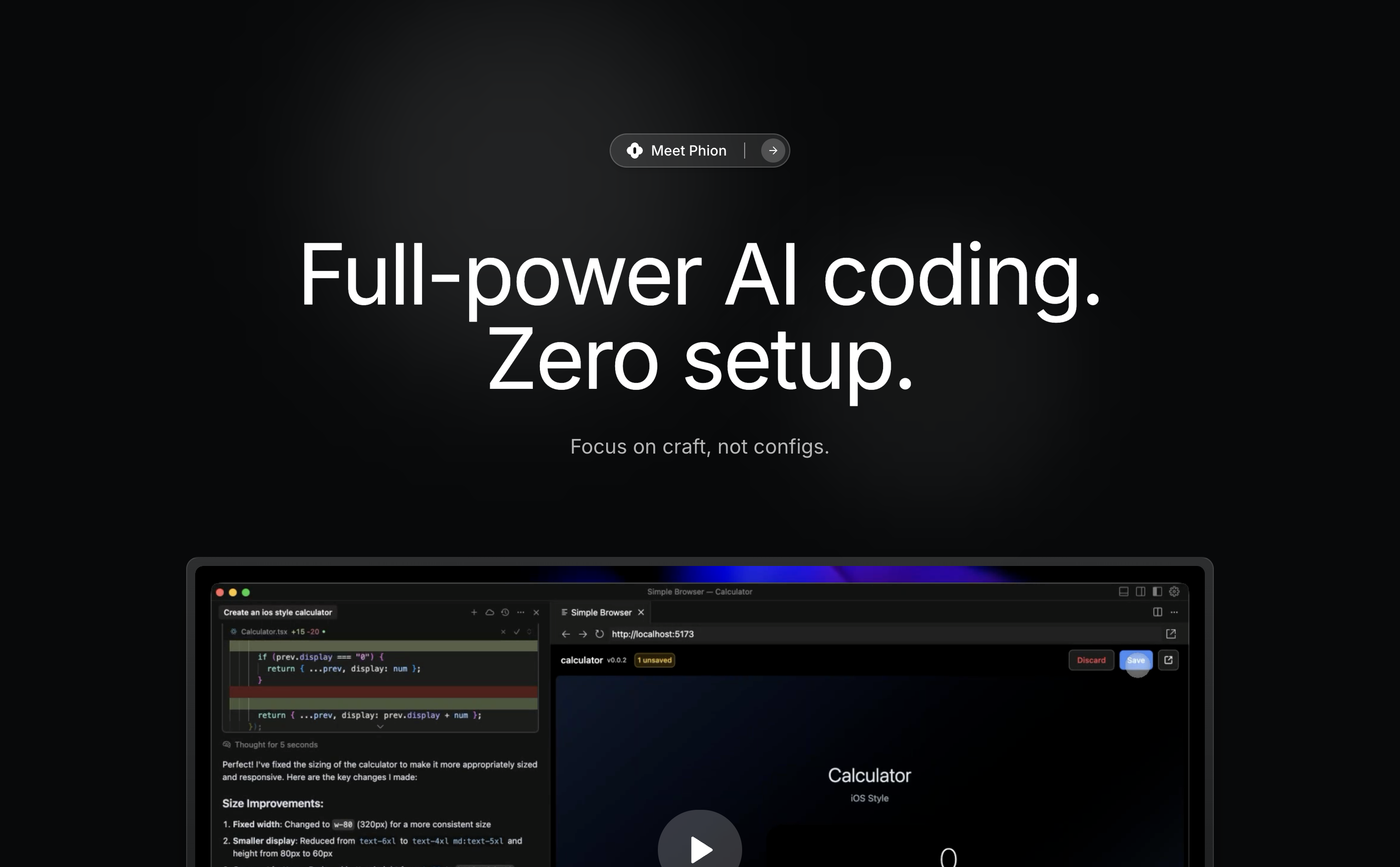
Phion is an AI-powered coding environment designed to eliminate setup and configuration. It offers a zero-setup workspace, instant deployment on save, and an AI assistant to automatically fix bugs. Integrated with the Cursor editor, it streamlines the entire development workflow from idea to live website.

Code Assistant
Visits 6.4KFavorites 155Likes 156
HTML Email
Paid

HTML Email

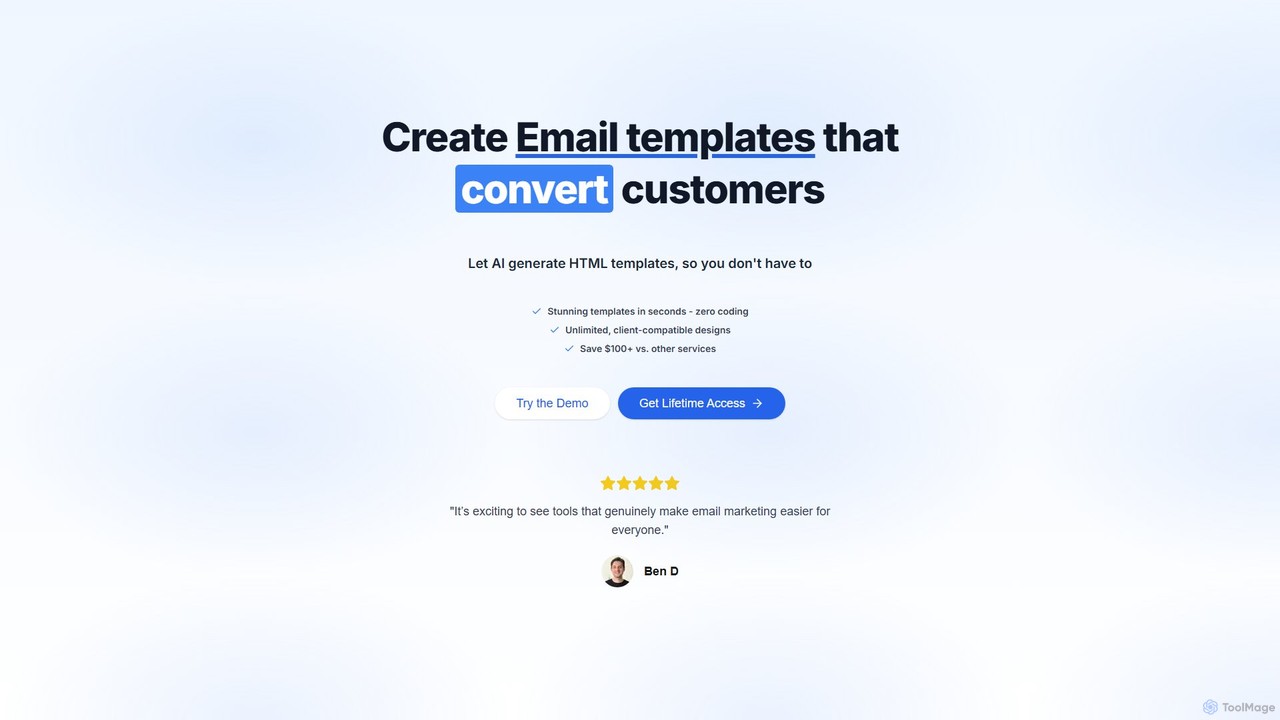
HTML Email is an AI-powered tool that generates stunning, responsive HTML email templates in seconds. Simply describe your desired email using a prompt, and the AI will create professional, client-compatible code without any coding required. It offers a one-time payment for lifetime access, providing unlimited template generations, making it a cost-effective solution for marketers, developers, and businesses to streamline their email marketing efforts.

Web Development
Visits 6.4KFavorites 124Likes 152
Fenvox
Freemium

Fenvox

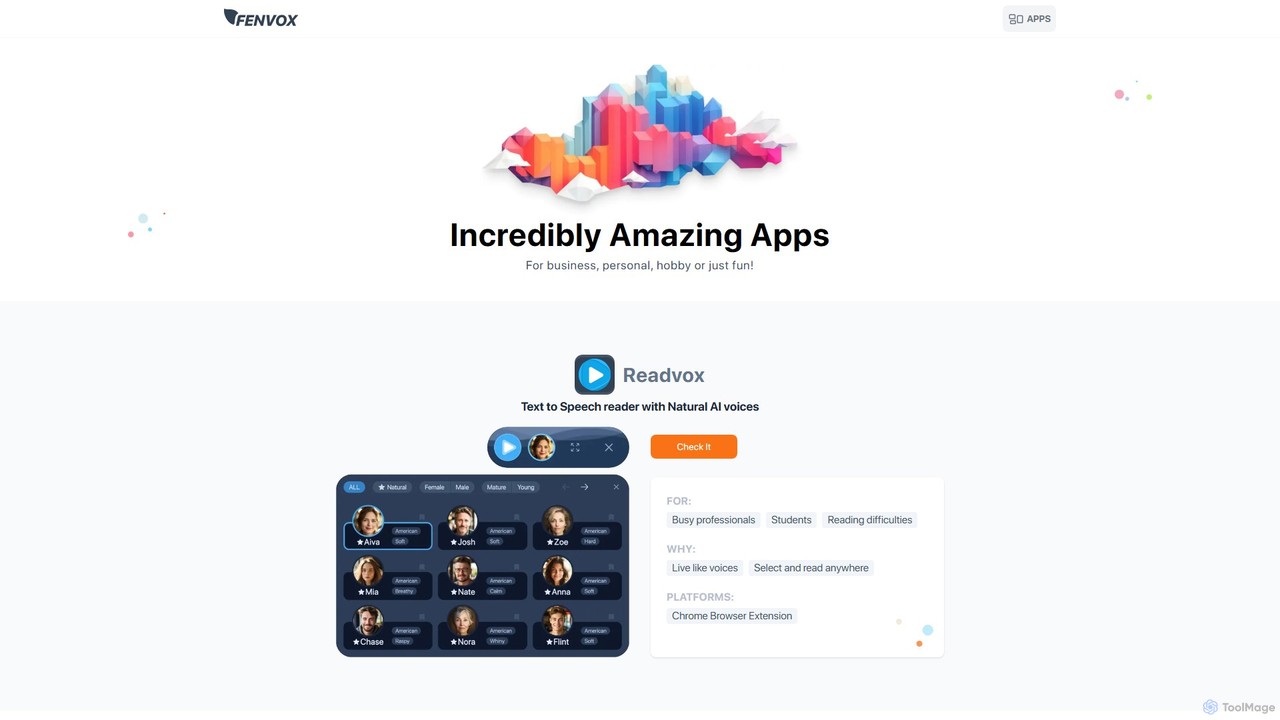
Fenvox is a versatile suite of applications designed for business, creativity, and personal productivity. It offers a range of tools, from team activity analytics and text-to-speech readers to creative generators for artists and handy toolkits for developers. Each app is crafted to solve specific problems and enhance workflows across different domains.

Web Development
Visits 8KFavorites 154Likes 162

About Web Development

AI Web Development tools are a specialized class of software within developer tools that use artificial intelligence to automate and accelerate the creation of websites and web applications. These tools leverage large language models and generative AI to translate natural language prompts, design mockups, or user requirements directly into functional code like HTML, CSS, and JavaScript. Their primary value lies in drastically reducing development time, lowering the barrier to entry for creating web projects, and enabling rapid prototyping. This allows developers to focus on complex logic and architecture while AI handles repetitive coding tasks.

Core Features

  • Code Generation: Automatically writes clean, standards-compliant code for UI components, entire pages, or backend logic from simple text descriptions.
  • UI/UX Design Automation: Generates website layouts, color palettes, and visual elements based on design prompts or wireframes, often with Figma or Sketch integration.
  • Automated Testing and Debugging: Identifies bugs in existing code, suggests fixes, and generates unit or end-to-end test cases to ensure application quality.
  • Responsive Design Conversion: Analyzes a desktop design and automatically generates the necessary code to make it fully responsive across various devices.
  • Deployment and Optimization: Automates deployment pipelines and analyzes website performance, suggesting optimizations for speed and efficiency.

Use Cases

These tools are valuable for a wide range of users, from frontend developers looking to speed up component creation to full-stack engineers automating backend APIs. UI/UX designers use them to quickly turn static designs into interactive prototypes. Startups and entrepreneurs also leverage these tools to build minimum viable products (MVPs) without a large engineering team, significantly accelerating their time-to-market.

How to Choose

When selecting an AI Web Development tool, consider the specific programming languages and frameworks it supports (e.g., React, Vue, Svelte). Evaluate its integration capabilities with your existing workflow, such as version control (GitHub) and design tools (Figma). Assess the quality and customizability of the generated code. Finally, consider the pricing model and whether it aligns with your project scale, from individual use to enterprise-level deployment.

Featured tool rankings

Web Development use cases

1

Rapid Prototyping for a New Product Idea

A startup founder with a clear product vision but limited technical resources needs to create a functional prototype to present to potential investors. Instead of hiring a development team, they use an AI web development tool. They describe the landing page layout, key features like a sign-up form and a feature showcase section, and the desired visual style. The AI generates a complete, responsive webpage with HTML, CSS, and basic JavaScript in minutes. This allows the founder to iterate on the design and user flow quickly, creating a compelling demo that effectively communicates their vision without significant upfront investment.

2

Generating Complex UI Components for Developers

A frontend developer is tasked with building a complex data table component in a React application. The requirements include sorting, filtering, pagination, and inline editing. Writing this from scratch would be time-consuming. The developer uses an AI code generation tool, providing a detailed prompt: "Create a React component for a data table with columns for ID, Name, Email, and Status. Implement client-side sorting for all columns, a search bar for filtering by Name, and pagination for every 10 rows." The AI generates the complete JSX and CSS code, including state management hooks, which the developer can then integrate and customize, saving hours of manual coding.

3

Automating Website A/B Testing Variations

A marketing team wants to optimize the conversion rate of their main landing page. They need to test multiple variations of headlines, call-to-action (CTA) buttons, and hero images. Manually creating each version is inefficient. They use an AI web development tool that integrates with A/B testing platforms. The team provides the base page and specifies the elements to vary, for example: "Generate 5 alternative headlines focused on 'cost savings' and 3 different CTA button colors." The AI automatically creates the different page versions and can even set up the experiment in a connected testing tool, streamlining the entire optimization process.

4

Modernizing Legacy Codebases

A company maintains a critical internal application built with an outdated JavaScript framework like jQuery. Migrating it to a modern framework like Vue.js is a major undertaking. A software engineer uses an AI-powered refactoring tool. The tool analyzes the existing jQuery code, understands its functionality (e.g., DOM manipulation, event handling), and automatically generates the equivalent Vue.js components and logic. While human oversight is still needed to review and finalize the code, the AI handles the bulk of the tedious translation work, reducing the migration project timeline from months to weeks.

5

No-Code Website Creation for Small Businesses

A small business owner, like a local baker, needs a professional website but lacks coding skills and a large budget. They use a conversational AI website builder. The owner simply chats with the AI, describing their business: "I run a bakery called 'Sweet Treats'. I need a homepage with a gallery of my cakes, a contact page with a map, and an 'About Us' page." The AI asks follow-up questions about color preferences and style, then generates a complete, mobile-friendly website. The owner can then make minor adjustments using a simple visual editor, launching their online presence in a single afternoon.

6

Automated End-to-End Testing Script Generation

A Quality Assurance (QA) engineer needs to write end-to-end tests for a new e-commerce checkout flow. This process is typically manual and repetitive. Using an AI testing tool, the engineer describes the user journey in plain English: "Start at the product page, click 'Add to Cart', navigate to the cart, click 'Proceed to Checkout', fill in the shipping details with test data, and verify the order summary page." The AI tool translates this description into a complete, executable test script using a framework like Cypress or Playwright. This automates the creation of robust test suites, increases test coverage, and frees up the QA team to focus on more complex exploratory testing.

Web Development FAQ

What are AI Web Development tools?

AI Web Development tools are applications that use artificial intelligence to assist in or automate tasks related to creating websites and web applications. Unlike traditional tools, they can understand natural language or visual inputs to generate code (HTML, CSS, JS), design user interfaces, write test scripts, and even optimize website performance. Their main purpose is to act as a 'copilot' for developers, significantly speeding up development cycles and reducing repetitive work.

How do AI Web Development tools differ from traditional website builders like Wix?

The key difference lies in flexibility and target audience. Traditional website builders (e.g., Wix, Squarespace) offer a template-based, drag-and-drop experience for non-technical users, which limits customization. AI Web Development tools, on the other hand, are often aimed at developers or technically-inclined users. They generate actual code from prompts, offering far greater control, customization, and the ability to build complex, bespoke applications. Essentially, builders provide a pre-defined framework, while AI tools provide a powerful coding assistant.

What programming languages and frameworks do these AI tools support?

Support varies widely between tools, but most focus on the core technologies of the web. Common supported languages include:

  • Frontend: HTML, CSS, JavaScript, and TypeScript.
  • Frameworks: Popular frameworks like React, Vue.js, Svelte, and Angular are frequently supported for component generation.
  • Backend: Some tools also support backend languages like Python (with Django/Flask), Node.js (with Express), and Ruby.

It's crucial to check the specific documentation of a tool to ensure it aligns with your preferred technology stack before committing to it.

How should I choose the right AI Web Development tool?

Choosing the right tool depends on your specific needs. Consider these factors:

  • Your Technical Skill: Are you a professional developer needing a code assistant, or a non-coder needing a full website generator?
  • Project Requirements: Does the tool support your required frameworks (e.g., React, Vue)? Does it generate clean, maintainable code?
  • Workflow Integration: Look for tools that integrate with your existing software, such as Figma for design import or GitHub for version control.
  • Output Quality: Test the tool with a small project. Evaluate the accuracy of the generated code or design and how much manual refinement is needed.
Can AI completely replace web developers?

No, AI is unlikely to completely replace web developers. Instead, it is evolving into a powerful augmentation tool, similar to how calculators augmented mathematicians. AI excels at handling repetitive, pattern-based tasks like writing boilerplate code or converting designs. However, human developers remain essential for strategic thinking, complex problem-solving, system architecture design, creative UI/UX decisions, and understanding nuanced client requirements. The role of the developer is shifting from a pure coder to a supervisor and architect who leverages AI to build better products faster.