


Full Page Screenshot Overview
Full Page Screenshot is a professional and intelligent Chrome browser extension designed for flawless, high-fidelity screen captures of entire web pages. It excels at capturing modern, complex websites, including single-page applications, pages with infinite scrolling, and those with fixed or sticky elements, ensuring a complete and accurate result where other tools might fail. It's an ideal solution for professionals in market research, design, development, and content creation who need reliable web page archiving and issue reporting.
How to use Full Page Screenshot
Getting started with Full Page Screenshot is a simple three-step process: 1. Install the extension from the Chrome Web Store. 2. Click the extension icon in your browser and choose your desired capture mode: full page, visible area, a specific element, or a custom selected area. 3. The tool automatically captures the content, after which you can preview the result, download it in your preferred format, or copy it to your clipboard.
Core Features of Full Page Screenshot
- Complete Page Capture: Reliably captures entire scrollable web pages, perfectly handling dynamic content, lazy-loaded images, and fixed elements without errors.
- Precise Element Selection: Features a developer tool-like inspector that allows you to hover over and select specific web page elements for a targeted screenshot.
- Multiple Capture Modes: Offers flexibility with modes for capturing the full page, the visible area, a selected region, or a specific element.
- Cloud Storage & Sync: Automatically saves screenshots to the cloud (with an account) and supports multi-device synchronization, ensuring your captures are accessible anywhere.
- Multi-Format Export: Supports exporting screenshots in various formats, including PNG, JPG, and PDF (Pro plan).
- Automatic Information Recording: Captures key metadata with each screenshot, such as the page URL, viewport dimensions, and a timestamp for better context.
- Privacy-First Design: All image processing is performed locally on your device. Your data is not uploaded to remote servers unless you opt-in to use the cloud storage feature.
Use Cases for Full Page Screenshot
This tool is versatile and serves various professional needs. Market researchers can use it for competitor analysis and content collection. Product managers and QA engineers can precisely capture bugs and UI issues with the element selection tool. UI/UX designers can capture full-page designs for review and comparison. Content creators and students can easily archive articles, tutorials, and research materials for their knowledge base.
Advantages of Full Page Screenshot
Full Page Screenshot stands out for its exceptional reliability on modern, complex websites where other tools often fail. Its intelligent capture engine prevents common issues like misaligned or duplicated sticky headers. The tool is lightweight, using less than 50MB of memory, and offers a clean, user-friendly interface. Its combination of powerful features, including precise element selection and secure cloud storage, makes it a highly efficient and trustworthy solution for any screen capture task.
Pricing and Plans
Full Page Screenshot operates on a freemium model with two main plans:
- Free Plan: Perfect for basic use, offering full-page screenshots, a 7-day history, storage for up to 50 screenshots, PNG export only, and basic editing tools. No account is required.
- Professional Plan: Priced at $18.99 per year. This plan includes all free features plus element and region screenshots, unlimited history and storage, multiple export formats (PNG, JPG, PDF), priority processing speed, advanced editing tools, and priority email support.
Full Page Screenshot FAQ
Full Page Screenshot Alternatives
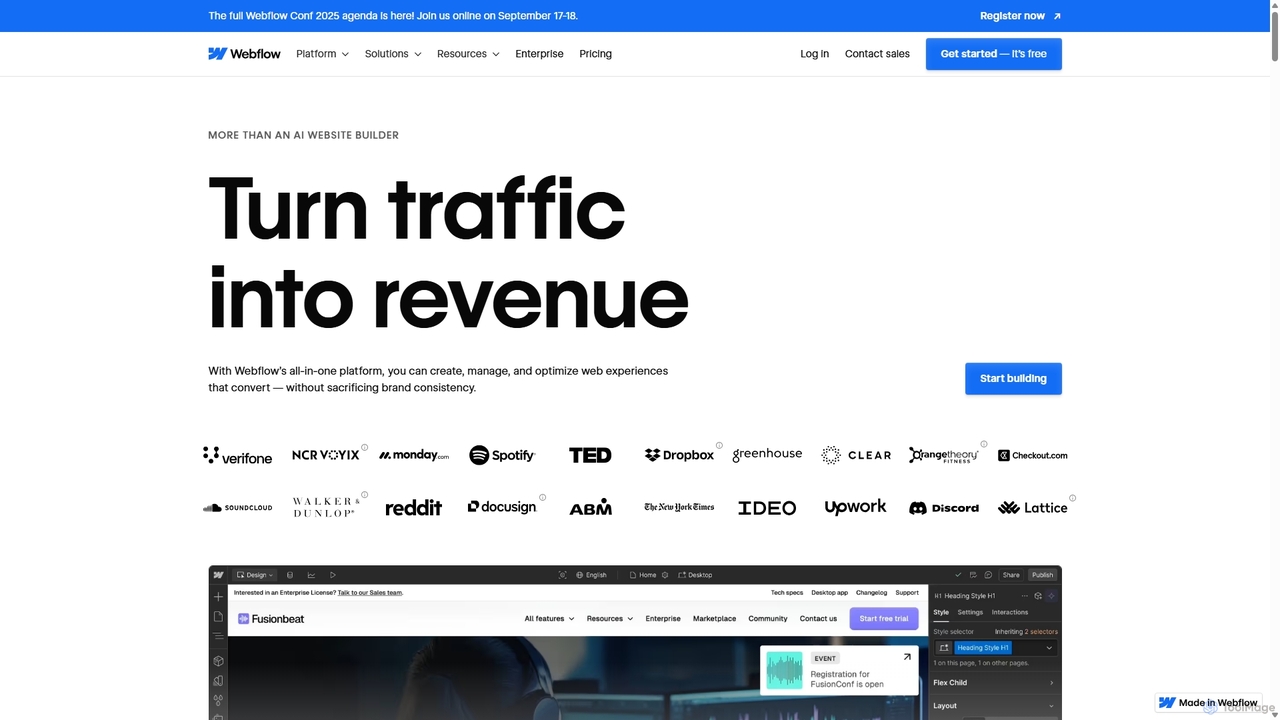
Webflow
Webflow is a visual development platform that empowers users to design, build, and launch professional, custom websites without writing code. It combines a powerful visual designer, a flexible CMS, and high-performance hosting into a single platform, enhanced with AI features for faster creation and optimization.
Web Design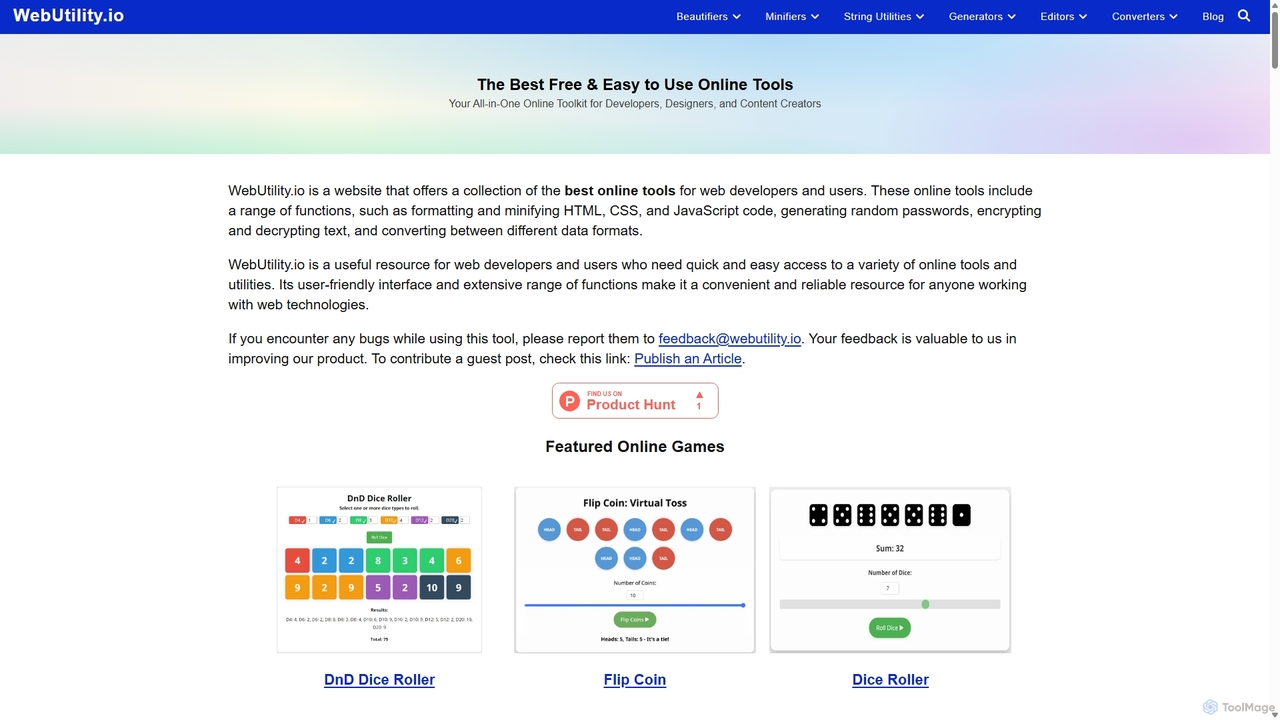
Webutility
WebUtility.io is a comprehensive suite of free online tools for web developers, content creators, and general users. It offers a vast collection of utilities, including code beautifiers and minifiers, data converters, various generators (passwords, dummy data, AI prompts), text formatters, and image tools. With a user-friendly interface and no registration required, it provides quick and efficient solutions for a wide range of daily digital tasks.
Prompting
Studio.Design
Studio.Design is a powerful no-code website builder that empowers designers and creators to turn ideas into fully responsive, animated websites with complete creative freedom. It features an intuitive visual editor, real-time collaboration, an integrated CMS, and AI-powered SEO tools, allowing you to publish professional sites in a single click.
Web Design
eyeballer
eyeballer offers U-Eyes, a powerful and free Chrome extension for mobile device simulation. It enables developers and designers to test website responsiveness, create high-quality mockups, capture screenshots, and record screencasts directly in the browser, supporting a wide range of popular devices.
Mockup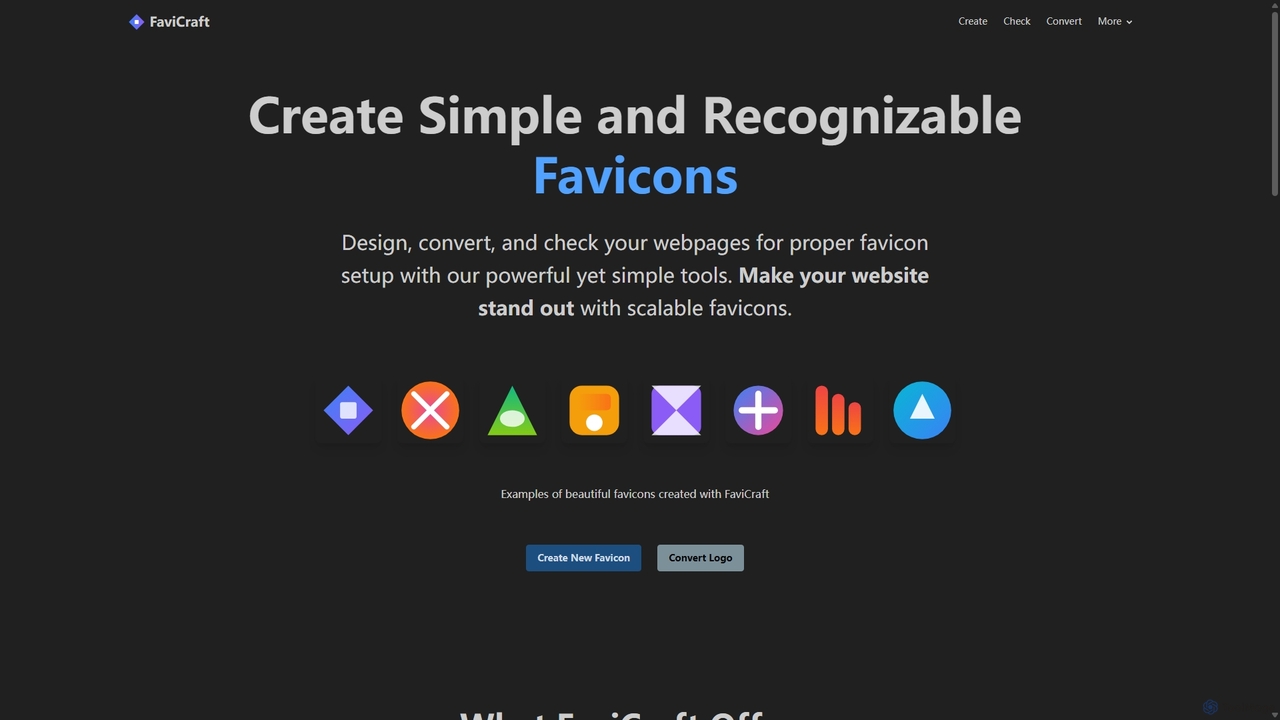
FaviCraft
FaviCraft is a free, all-in-one online tool for creating, converting, and checking website favicons. It features an intuitive drag-and-drop editor for designing custom icons, a powerful converter to turn logos into multi-format favicons, and a comprehensive checker to ensure proper implementation. No registration is required, making it perfect for developers, designers, and content creators seeking to enhance their website's brand identity instantly.
Logo GenerationFull Page Screenshot Categories
Full Page Screenshot Jobs
Full Page Screenshot Embed Widget
Copy this embed code to place the badge on your blog, article, or product site and send readers directly to this ToolMage detail page.

Related AI tools
Lit.Codes Chat
A privacy-focused AI chat interface offering access to a wide range of advanced GPT models, including GPT-4o. It features end-to-end encrypted chat history and a convenient Chrome extension, making it a secure and versatile tool for developers, writers, and professionals seeking powerful AI assistance without compromising on data security.
Coding Assistant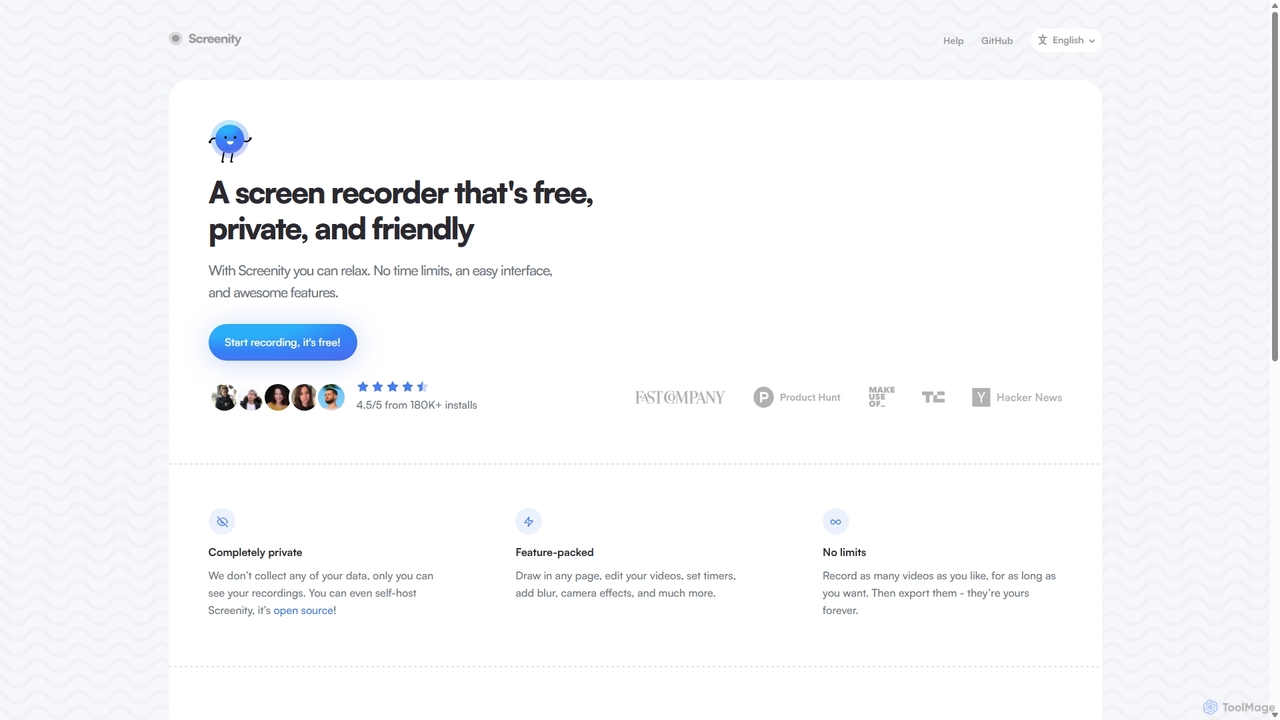
Screenity
Screenity is a powerful, free, and privacy-focused screen and camera recorder for Chrome. It offers unlimited recording, annotation tools, and basic video editing without collecting any user data. Ideal for creating tutorials, demos, and presentations.
Bug Reporting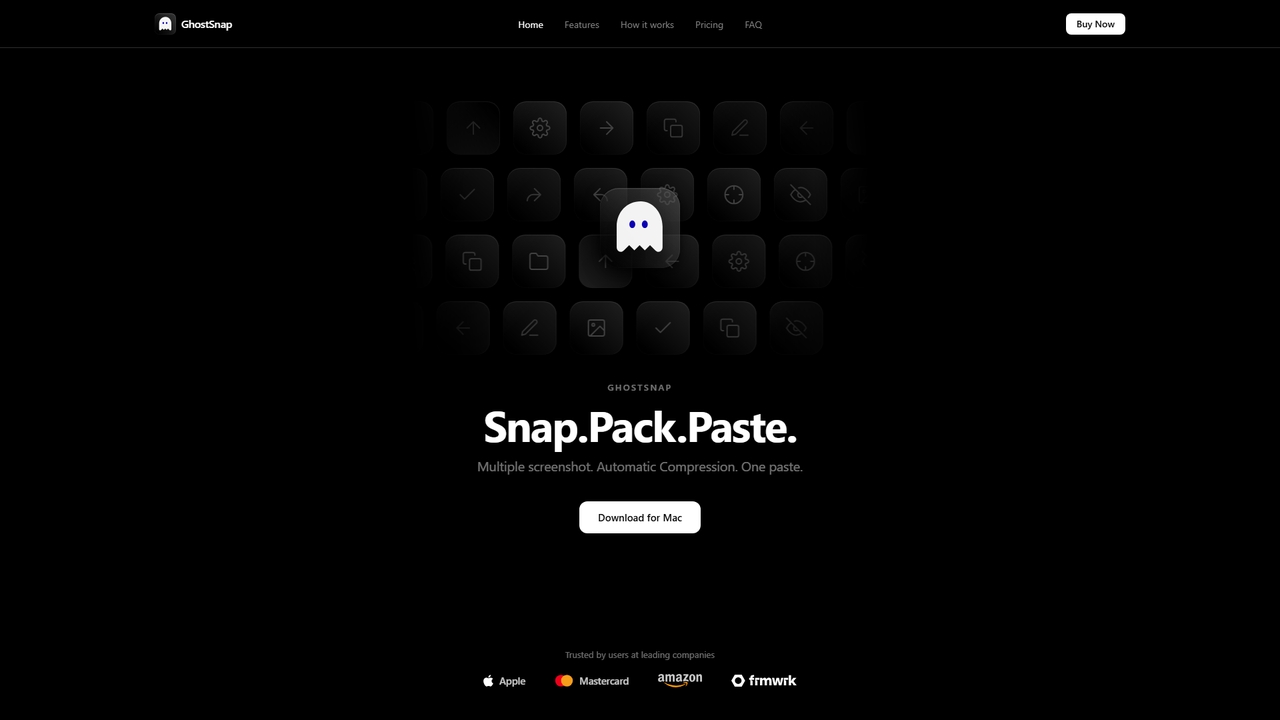
GhostSnap
GhostSnap is a macOS productivity tool that streamlines screenshot workflows. It allows users to capture multiple screenshots, automatically compresses them to save space and reduce token usage in AI tools, and pastes them all with a single command. It also features on-device OCR text extraction and image annotation.
Image Tools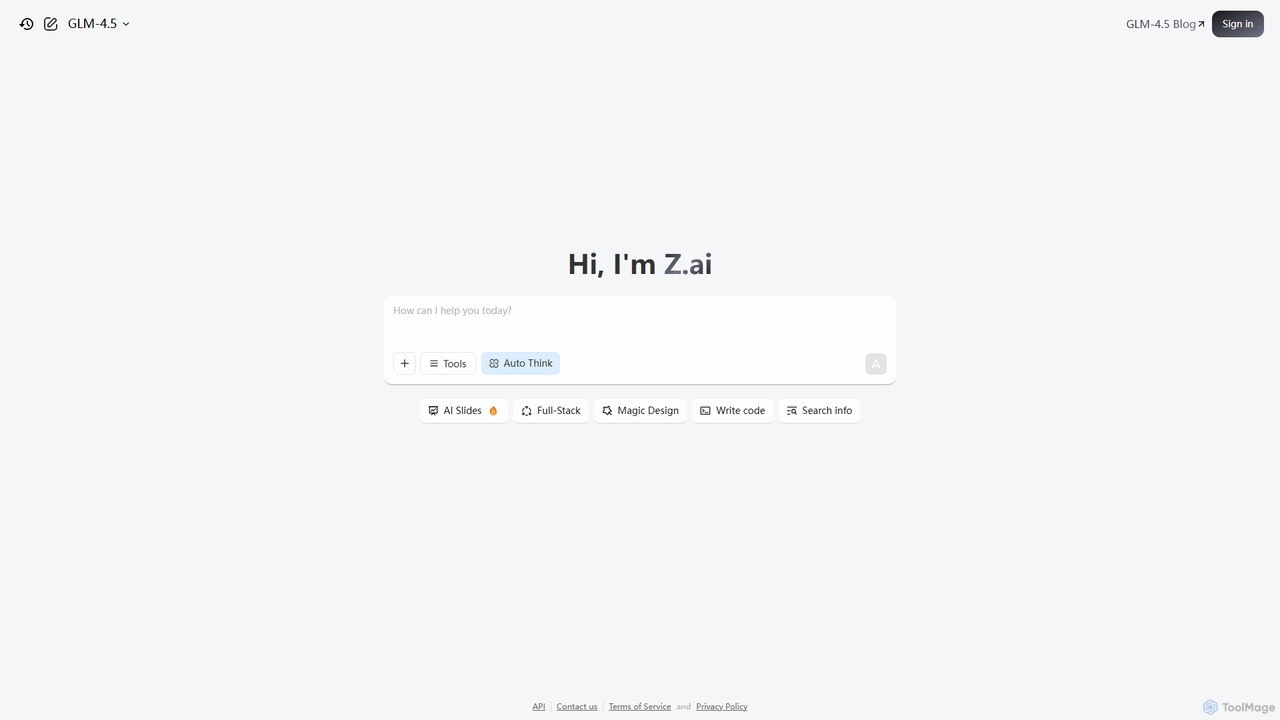
Z.ai
Z.ai is a powerful, free AI assistant powered by the advanced GLM-4.5 model. It's more than just a chatbot, offering a suite of integrated tools for coding, creating presentations, designing, and conducting research. Z.ai aims to be an all-in-one productivity platform, streamlining complex tasks through a simple conversational interface.
Code Assistant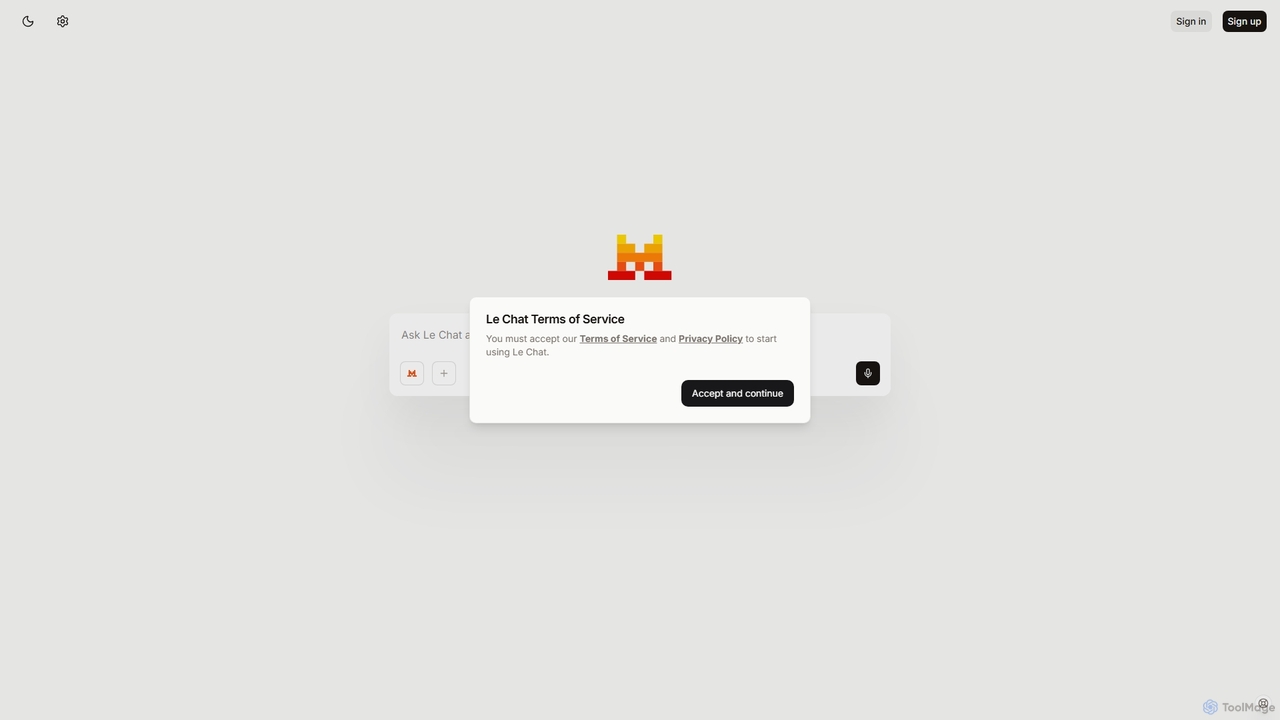
Le Chat
Le Chat is a powerful conversational AI assistant from Mistral AI, providing direct access to their cutting-edge language models. It excels at complex reasoning, code generation, and multilingual tasks. Le Chat offers a streamlined interface for users to brainstorm ideas, create content, and get instant answers, leveraging Mistral's high-performance and efficient AI technology for both personal and professional use.
Code Assistant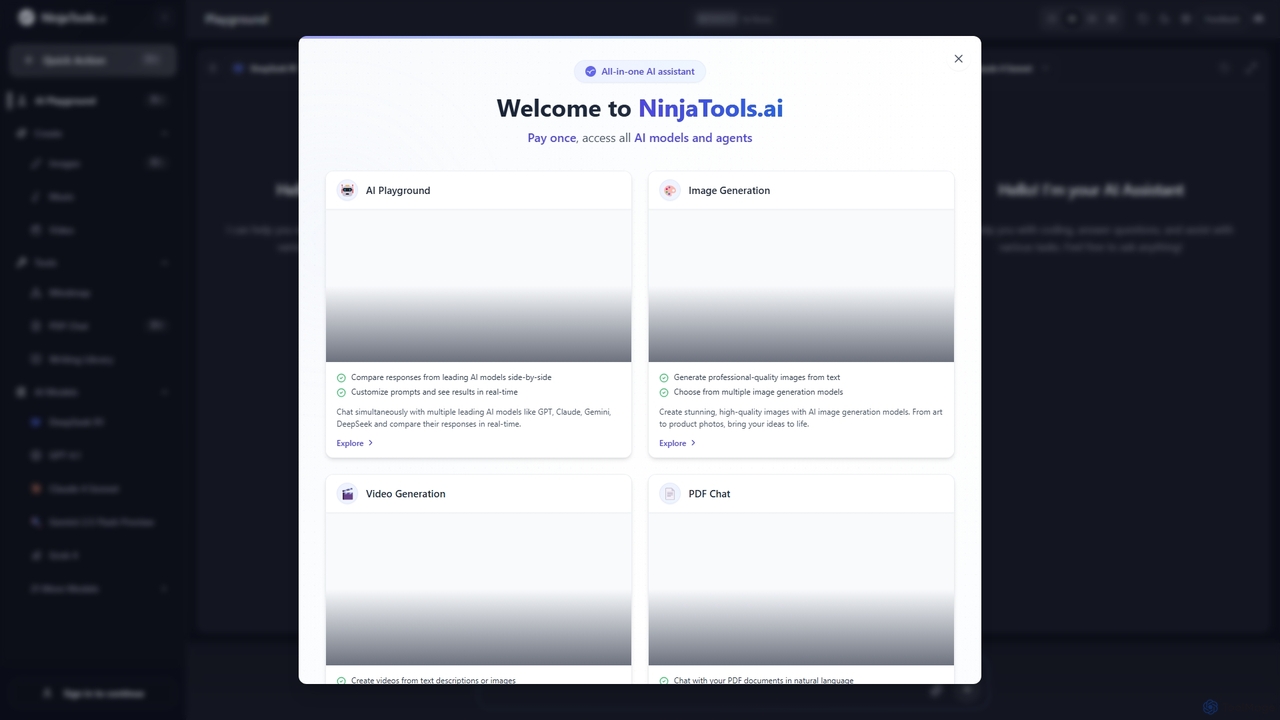
Ninjatools
Ninjatools is an all-in-one AI platform providing unified access to a vast array of leading AI models like GPT, Claude, Gemini, and more. It enables users to generate text, images, videos, and music, chat with PDFs, and compare model responses side-by-side in a single, intuitive interface. It's designed for creators, developers, and marketers seeking efficiency and versatility.
Music Generation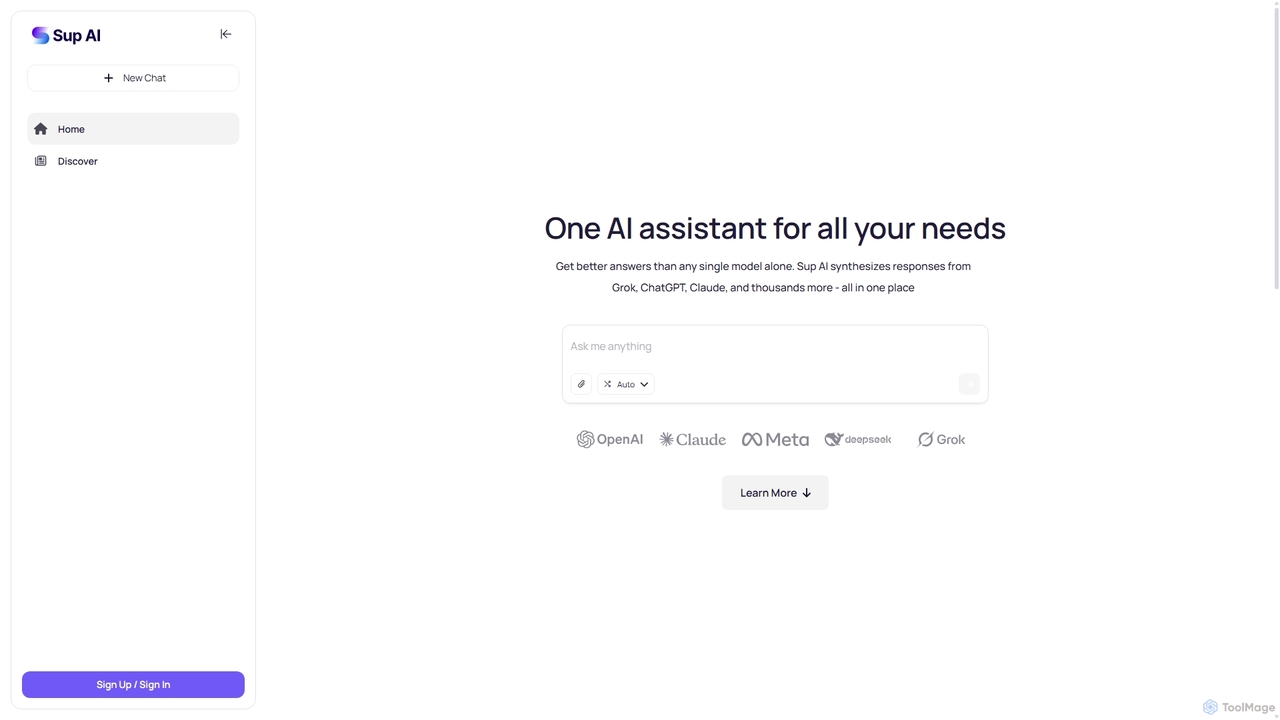
Sup AI
Sup AI is an advanced AI assistant that aggregates and synthesizes responses from multiple leading large language models like Grok, ChatGPT, and Claude. By intelligently routing queries to the best-suited models and combining their outputs, it delivers more accurate, comprehensive, and reliable answers than any single model can. It features a user-friendly interface for direct queries and a powerful API for developers, aiming to eliminate hallucinations and provide well-rounded, fact-checked insights for any need.
Api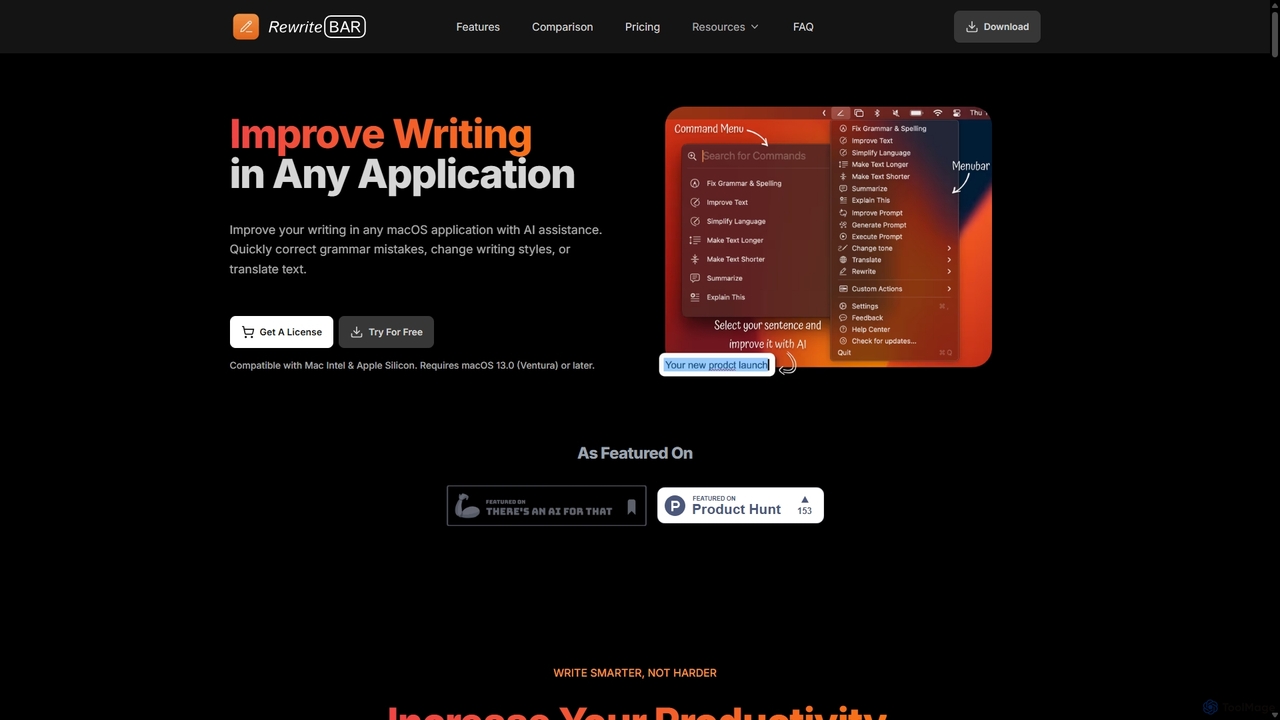
RewriteBar
RewriteBar is a native macOS menu bar app that acts as your personal AI writing assistant. It works seamlessly across all applications, allowing you to instantly correct grammar, change tone, translate text, summarize content, and more with a simple keyboard shortcut. It supports over 12 AI providers, including local models for ultimate privacy, offering a powerful and flexible writing enhancement experience.
Code Assistant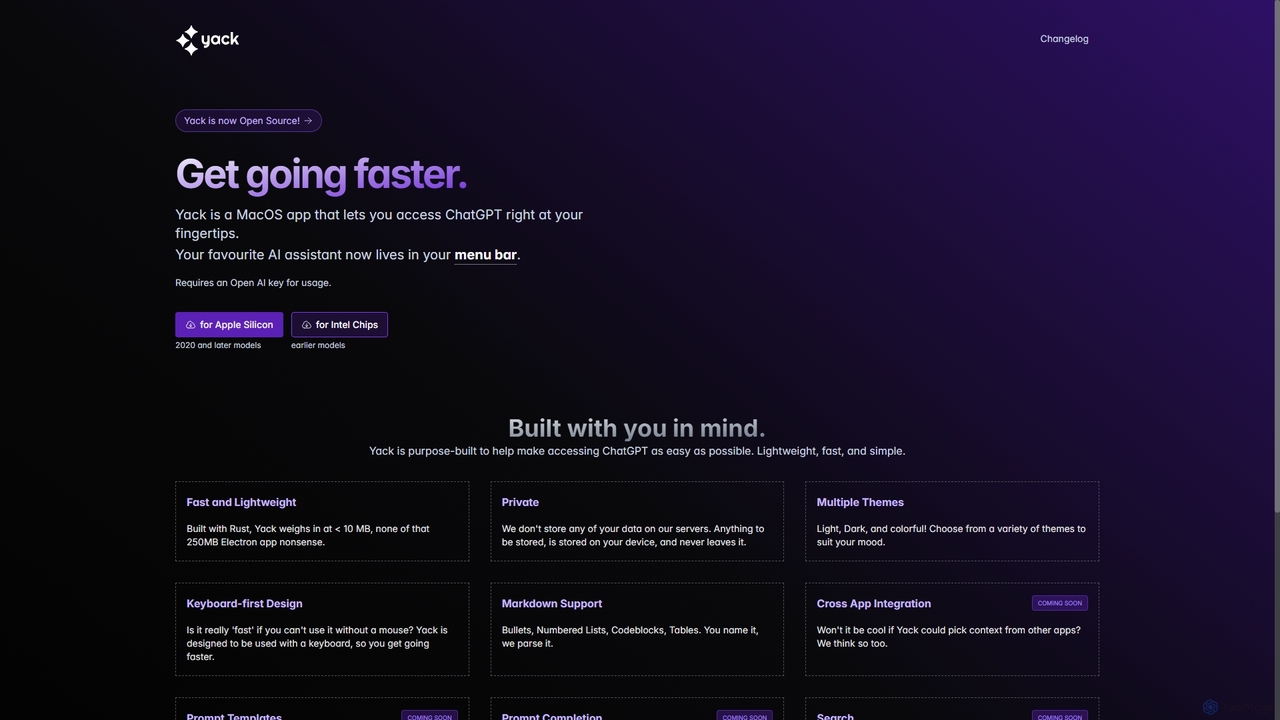
Yack
Yack is a lightweight, fast, and private open-source native macOS application that provides instant access to ChatGPT directly from your menu bar. Built with Rust, it's designed for efficiency with a keyboard-first approach, ensuring you can interact with AI without disrupting your workflow.
Api Client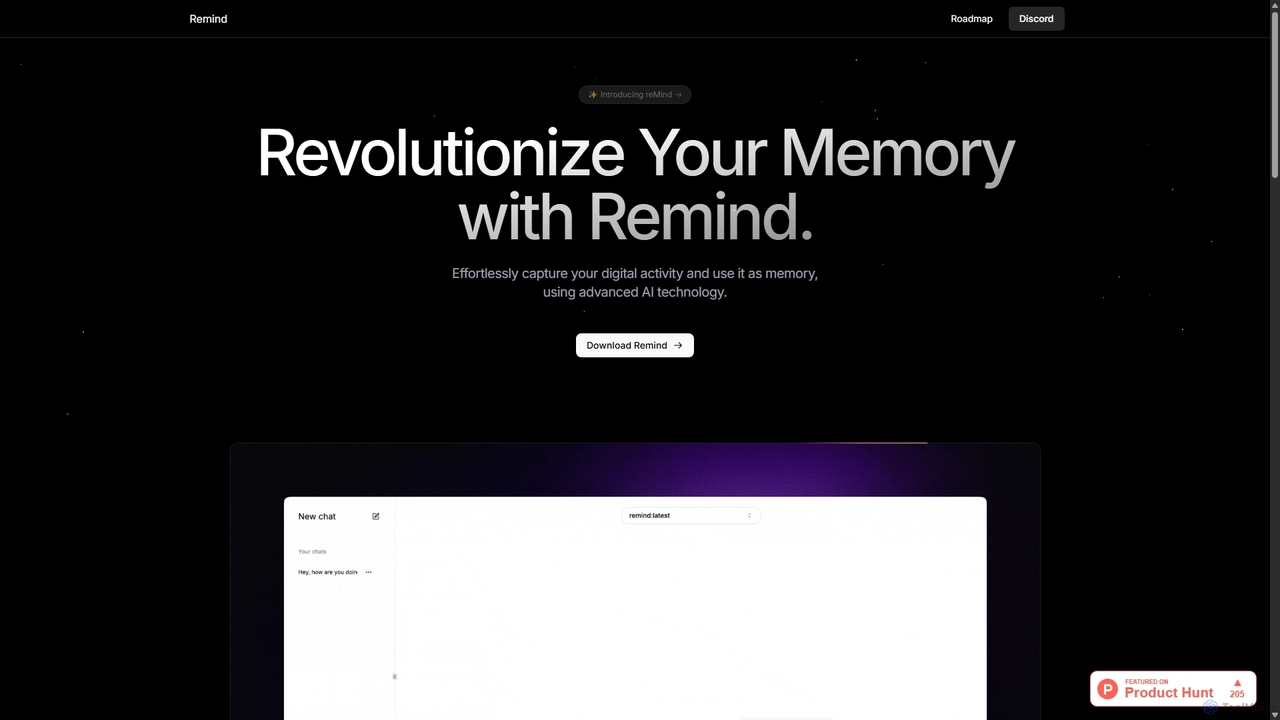
ReMind
reMind is an open-source, privacy-first AI tool that acts as your personal memory. It captures your digital activity locally, allowing you to search and recall anything you've seen or done on your computer using natural language. It runs entirely on your machine for maximum security.
Utilities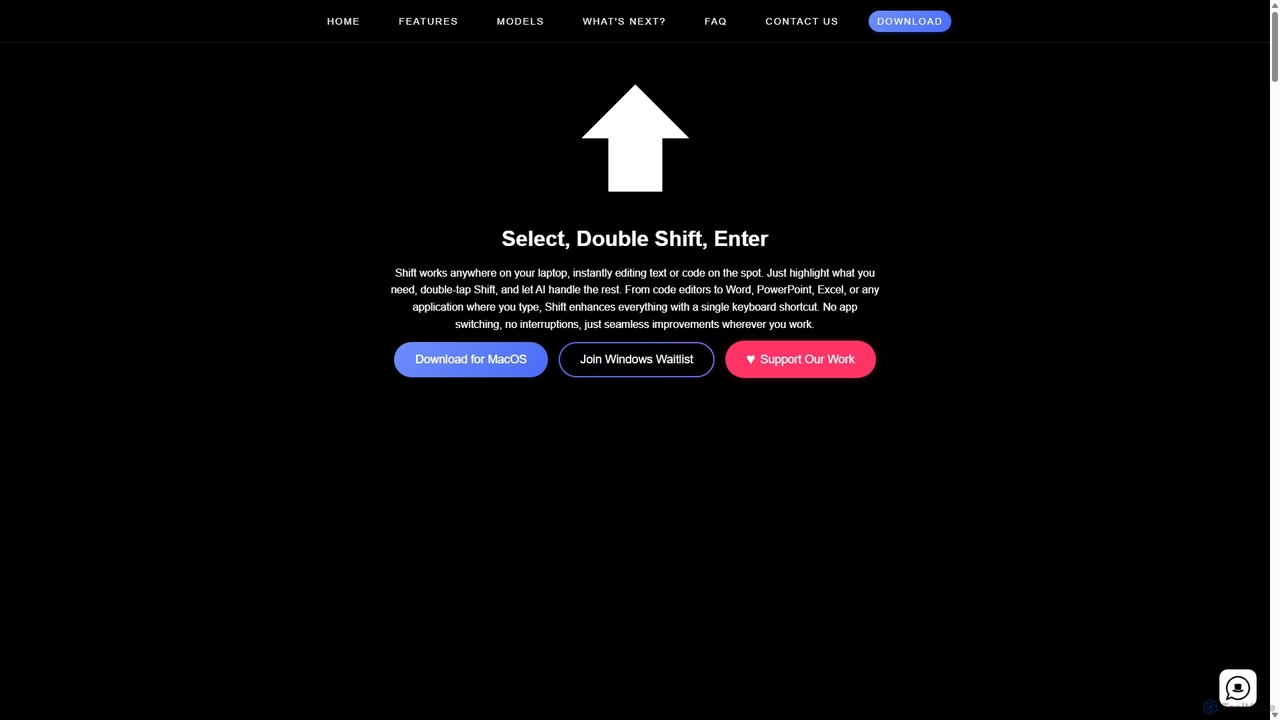
Shift
Shift is a system-wide AI assistant for macOS that enhances your workflow by allowing you to edit text and code anywhere with a simple keyboard shortcut. Just highlight text, double-tap Shift, and let the AI rewrite, debug, translate, or rephrase it instantly within any application.
Code Assistant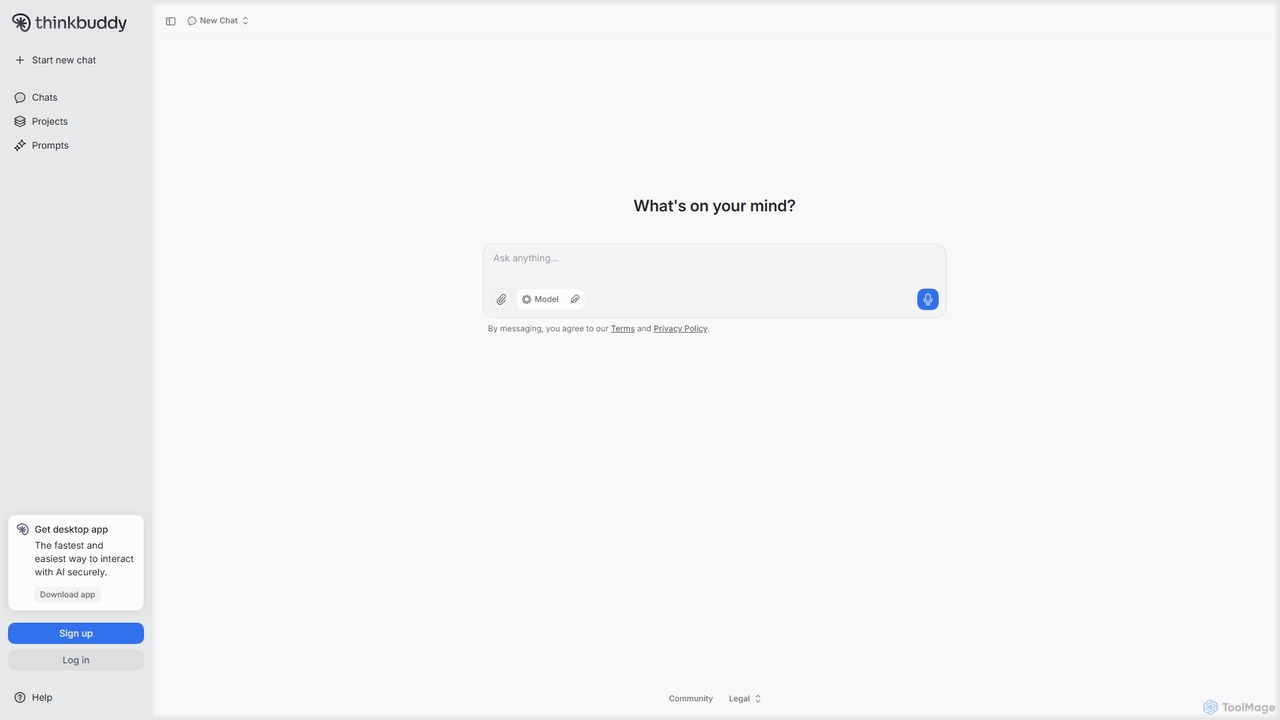
Thinkbuddy
Thinkbuddy is a native desktop AI client designed for fast, secure, and organized interaction with multiple AI models. It acts as a unified workspace, allowing you to switch between models like GPT-4o, Claude 3, and Llama 3, manage conversations in projects, and save prompts in a library for a streamlined workflow.
Code Assistant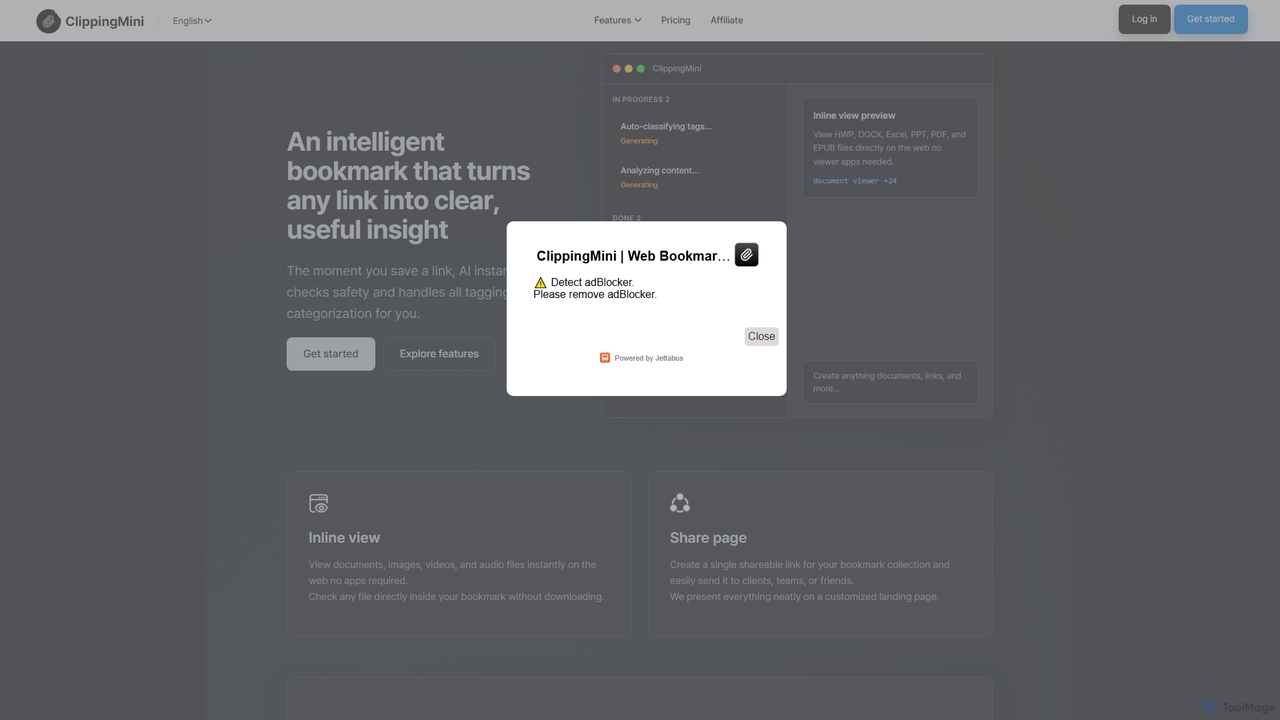
ClippingMini
ClippingMini is an intelligent bookmark manager that uses AI to automatically organize links into a searchable knowledge base. It instantly checks safety, adds tags, categorizes content, and allows inline previews of various file types without downloads.
Information Curation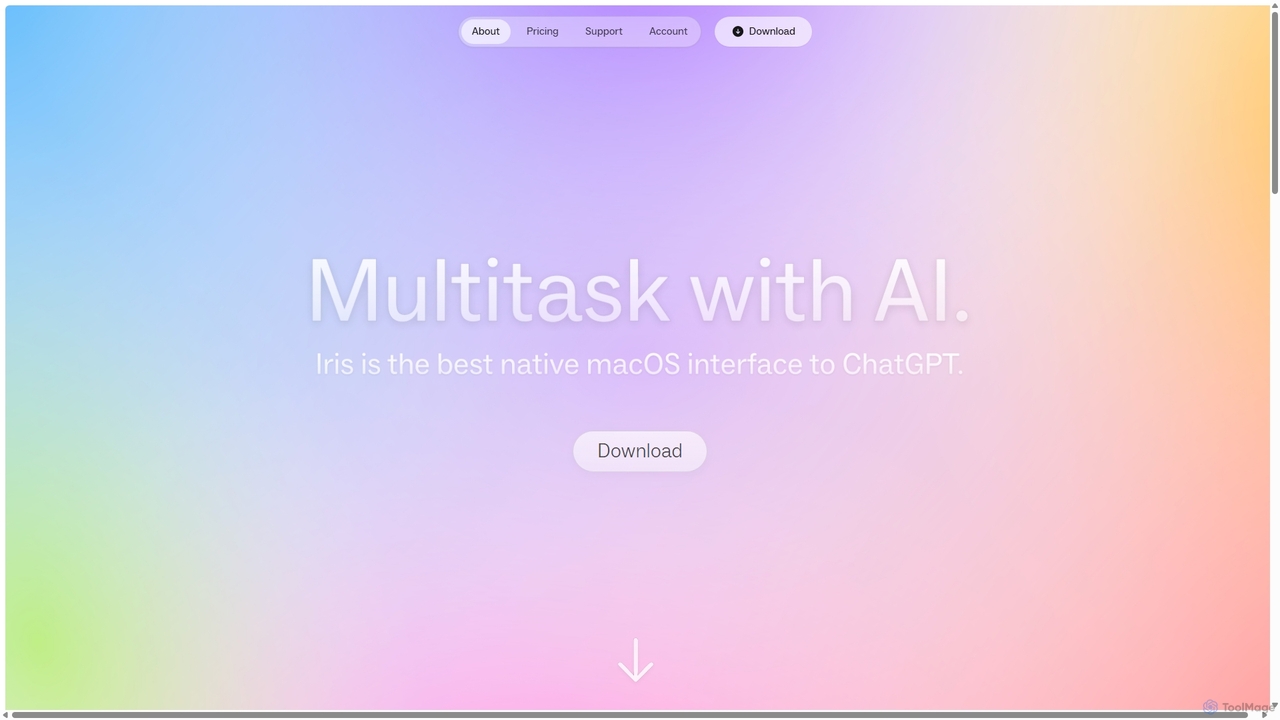
Iris
Iris is a seamless AI assistant for macOS, designed to integrate into your workflow. It provides instant access to top AI models like GPT-4o and Claude 3.5, allowing you to chat, capture your screen for context, and get answers without ever leaving your current application. With intuitive gestures and powerful shortcuts, Iris is there when you need it and invisible when you don't.
Coding Assistant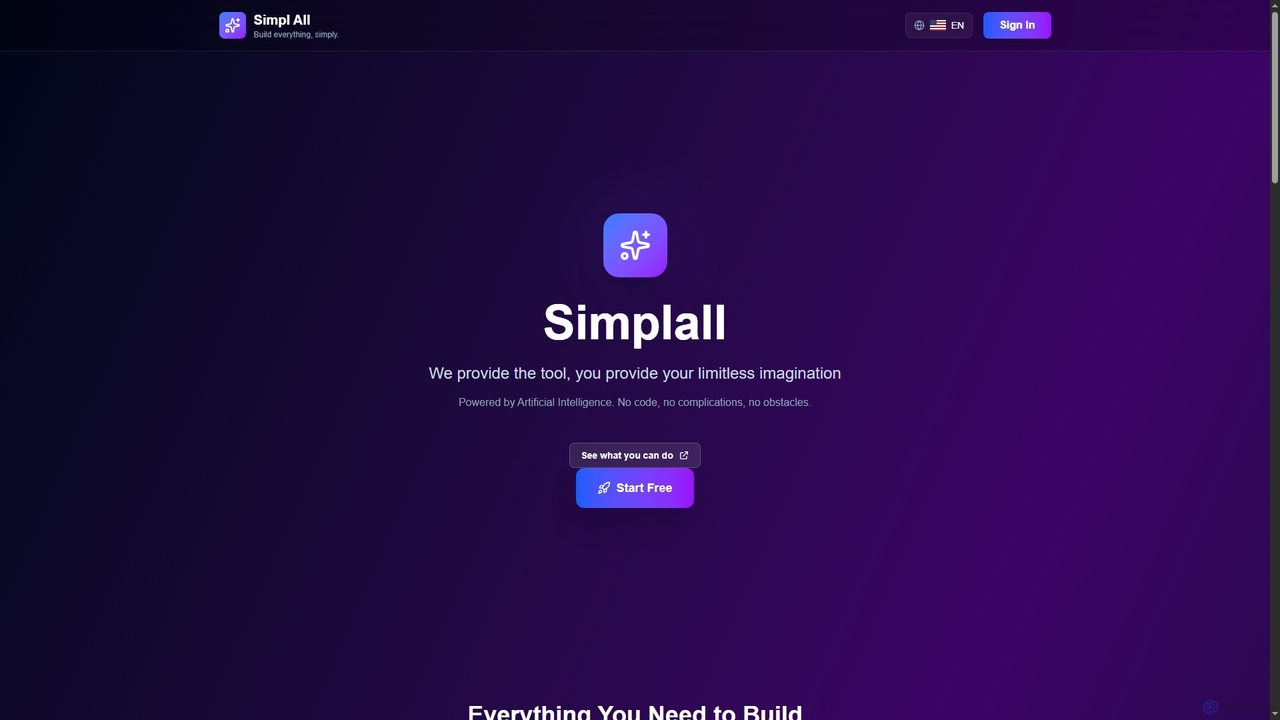
Simplall
Simplall is an AI-powered code generator that transforms natural language descriptions into functional web applications. It enables users, regardless of coding experience, to instantly create professional React apps, HTML websites, and interactive dashboards with live previews, clean code, and easy modification capabilities.
Code Generation
Full Page Screenshot Comments (0)
Sign in to comment.
Sign inNo comments yet.