ToolMage
Sign in

Best 20 Coding Assistant for Developer Tools

Popular Coding Assistant in Developer Tools include LockedIn AI, OpenMemory MCP, Interview Solver, Private LLM, Chorus, Interview Monkey AI, Omnipilot, ChatGPT French, AI Interview Copilot, and mojju, helping you work more efficiently.

PromptPilot
Freemium

PromptPilot

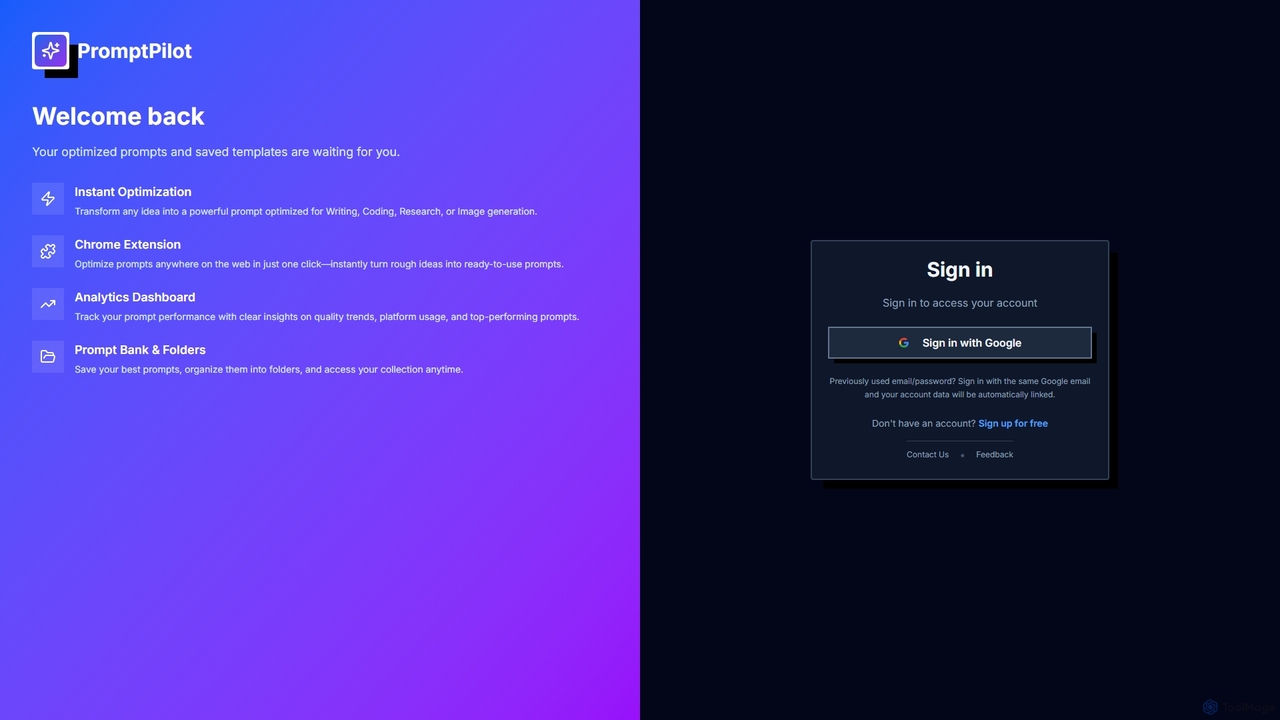
PromptPilot is an AI prompt optimization tool designed to transform raw ideas into powerful, optimized prompts for various AI models. It features instant optimization for writing, coding, research, and image generation, a convenient Chrome extension, an analytics dashboard to track prompt performance, and a prompt bank for organization and easy access.

Performance Tracking
Visits 6.4KFavorites 39Likes 40
Interviewforce
Freemium

Interviewforce

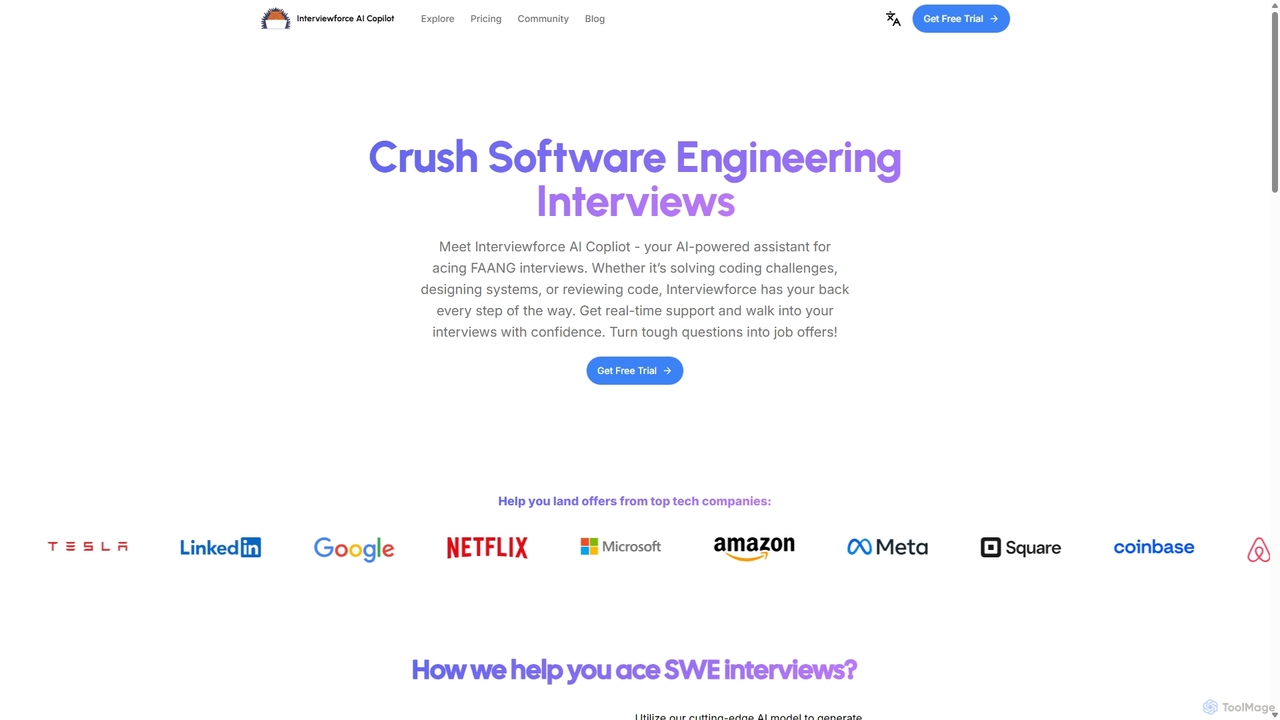
Interviewforce is an AI-powered copilot designed to help software engineering candidates excel in technical interviews. It provides real-time, undetectable assistance for coding challenges, system design, and code review questions. By automatically capturing screen input, it delivers instant solutions, allowing users to confidently navigate interviews with top tech companies like FAANG.

Interview Preparation
Visits 6.5KFavorites 132Likes 138
Lit.Codes Chat
Freemium

Lit.Codes Chat

A privacy-focused AI chat interface offering access to a wide range of advanced GPT models, including GPT-4o. It features end-to-end encrypted chat history and a convenient Chrome extension, making it a secure and versatile tool for developers, writers, and professionals seeking powerful AI assistance without compromising on data security.

Coding Assistant
Visits 6.6KFavorites 141Likes 127
Omnipilot

Omnipilot

Omnipilot is a system-wide AI copilot for macOS, designed to integrate seamlessly into any application. It provides contextual assistance, allowing you to generate text, write code, and automate tasks in any text field, boosting productivity by eliminating the need to switch between apps. Note: Omnipilot has been acquired by and merged into Highlight AI.

Coding Assistant
Visits 7.6KFavorites 174Likes 169
Iris
Freemium

Iris

Iris is a seamless AI assistant for macOS, designed to integrate into your workflow. It provides instant access to top AI models like GPT-4o and Claude 3.5, allowing you to chat, capture your screen for context, and get answers without ever leaving your current application. With intuitive gestures and powerful shortcuts, Iris is there when you need it and invisible when you don't.

Coding Assistant
Visits 6.8KFavorites 129Likes 118
Writingmate
Freemium

Writingmate

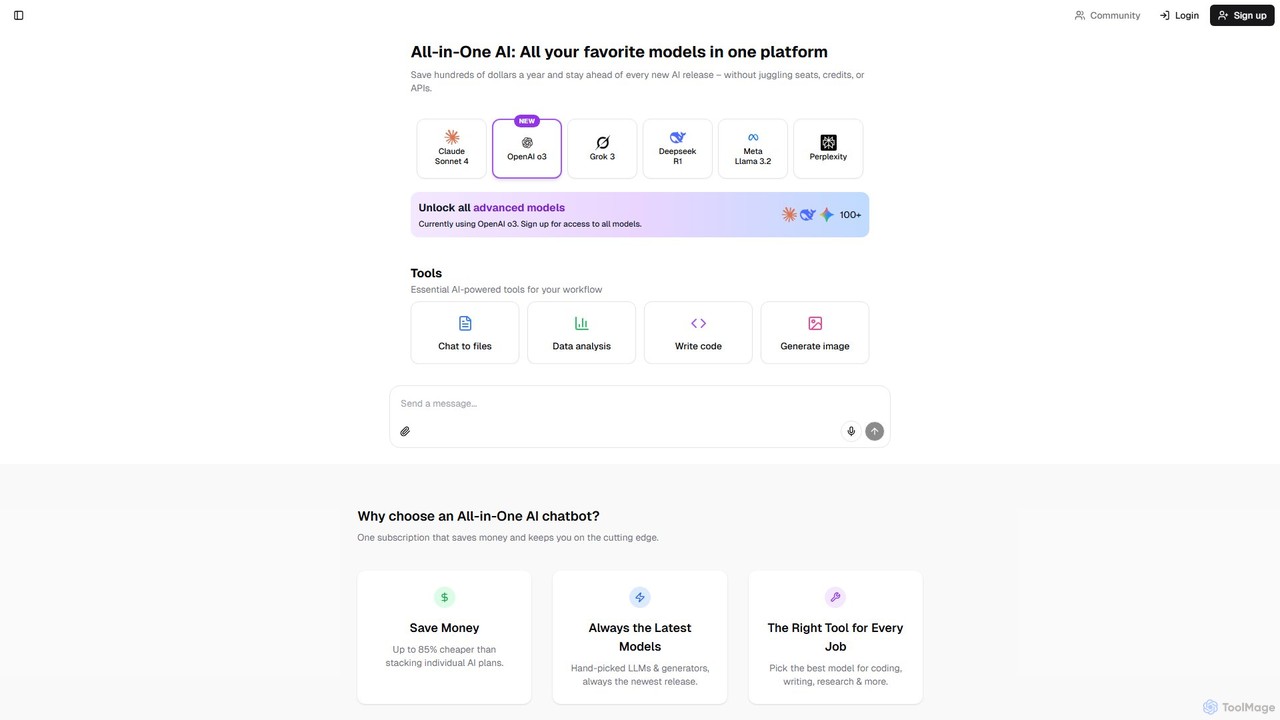
Writingmate is an all-in-one AI platform providing access to over 200 of the best AI models, including GPT-4o, Claude 4, and Llama 3, through a single subscription. It consolidates chat, writing, coding, image generation, and data analysis tools into one unified workspace, saving users money and eliminating the need to manage multiple AI services. It's designed for students, developers, marketers, and professionals seeking maximum flexibility and power.

Coding Assistant
Visits 6.8KFavorites 162Likes 129
Coachchat
Freemium

Coachchat

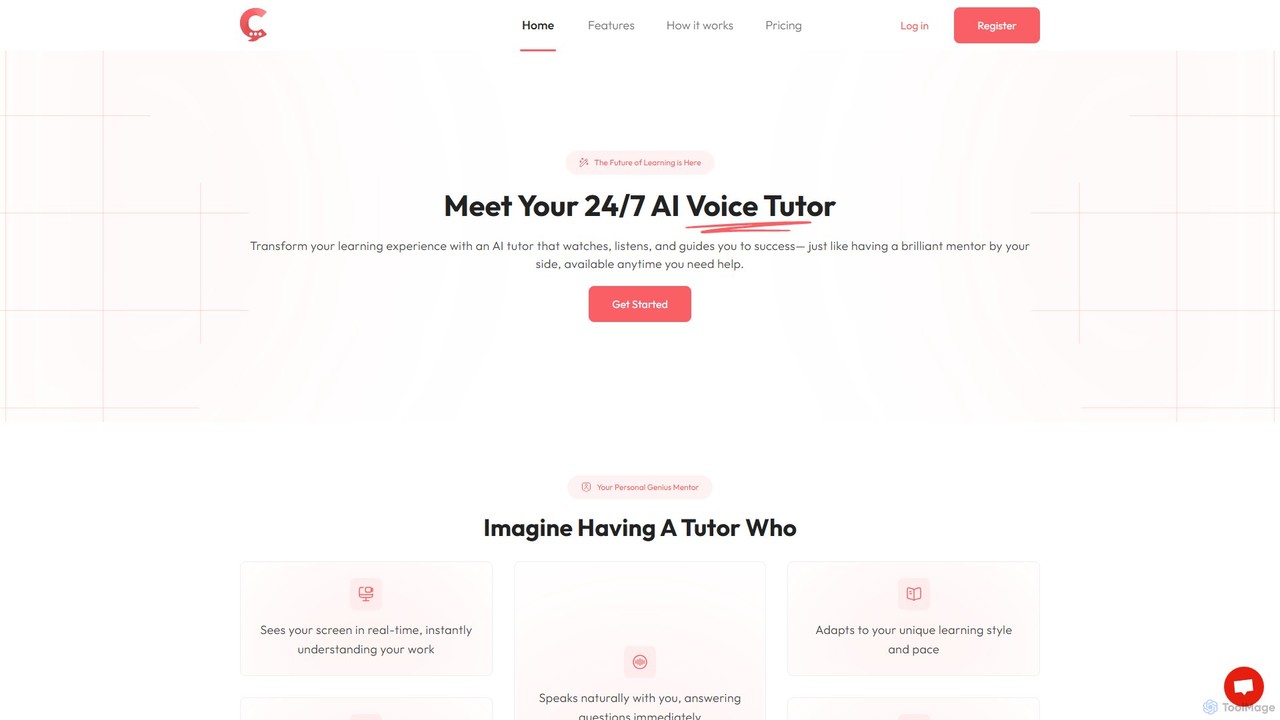
Coachchat is an AI-powered personal coach that provides real-time, on-screen guidance to help you achieve your goals. It visually analyzes your work, offering instant feedback, adaptive learning, and personalized support without needing to copy-paste or explain your problem. It's like having an expert looking over your shoulder, 24/7.

Coding Assistant
Visits 6.6KFavorites 148Likes 162
OpenMemory MCP
Freemium

OpenMemory MCP

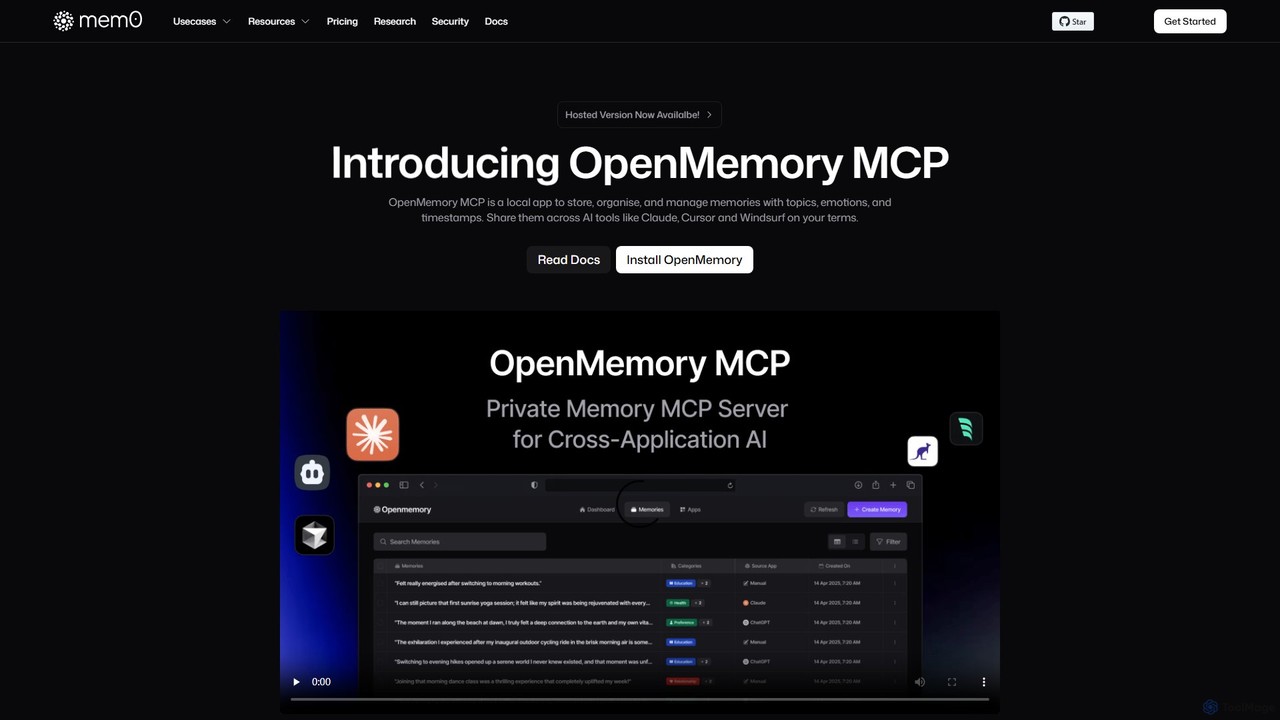
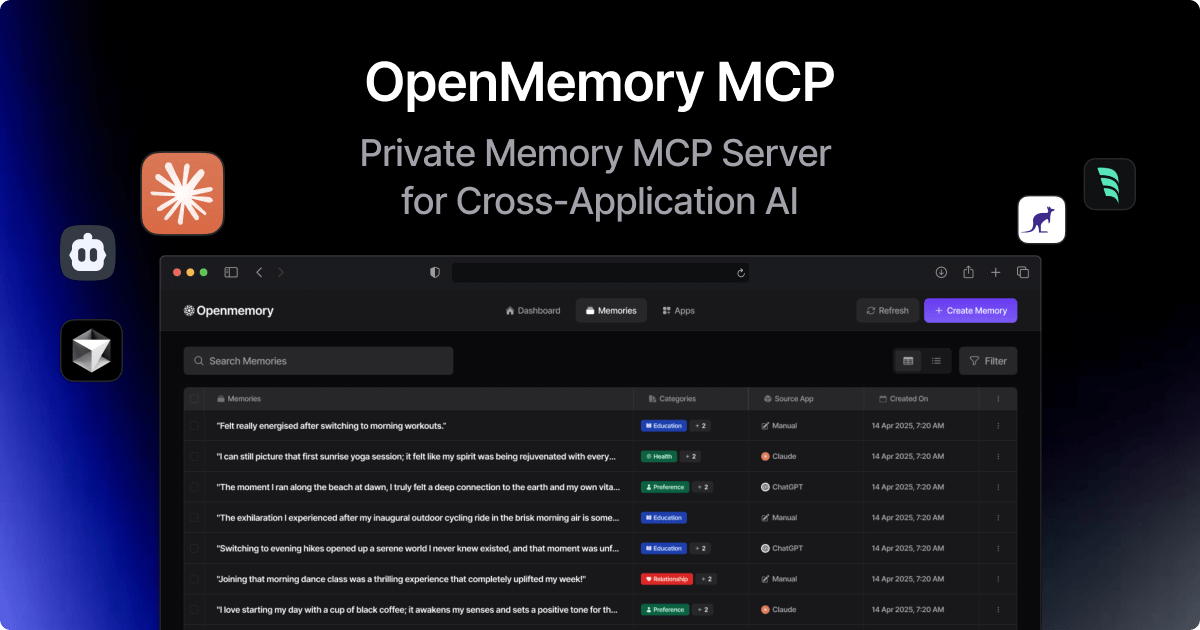
OpenMemory MCP is a local-first application that provides a persistent, private memory for your AI tools. It stores, organizes, and manages your interactions, preferences, and context securely on your device, enabling personalized and continuous conversations across different AI platforms like Claude and Cursor.

Coding Assistant
Visits 395.1KFavorites 161Likes 175
Chorus
Freemium

Chorus

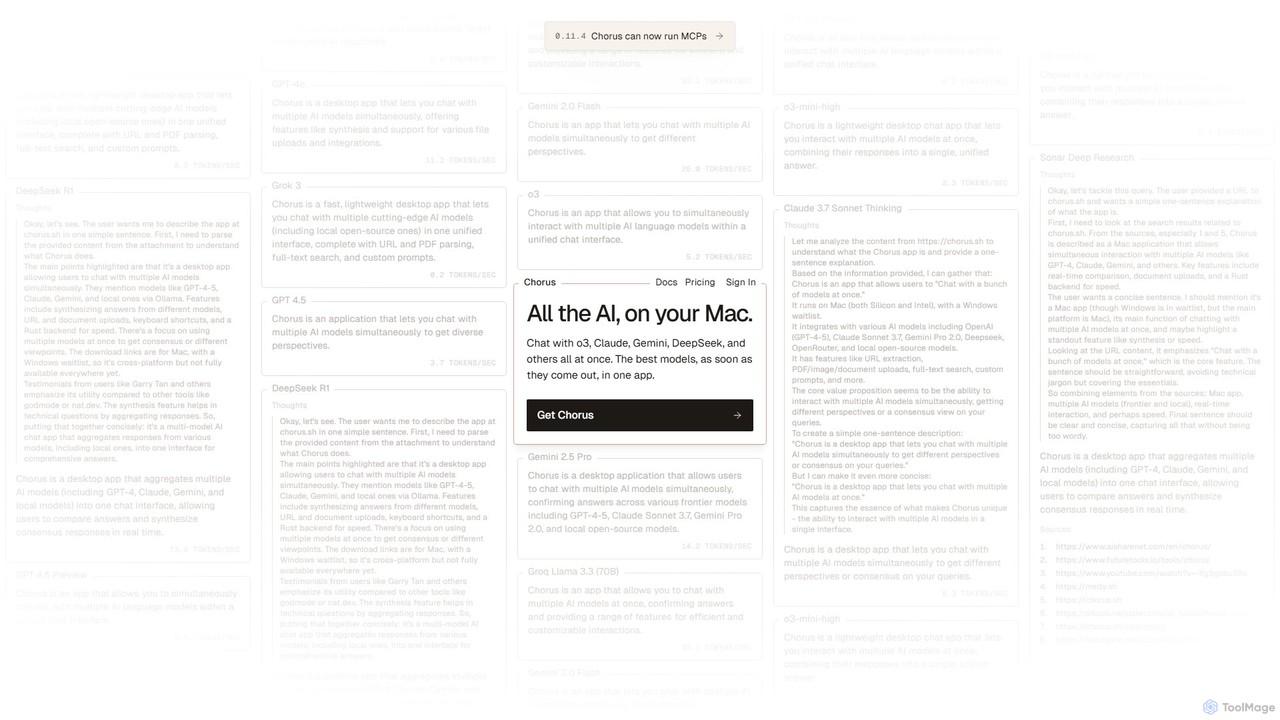
Chorus is a fast, lightweight desktop app for Mac that lets you chat with multiple cutting-edge AI models simultaneously. It unifies access to models like GPT, Claude, Gemini, and local open-source AIs in a single interface, complete with features for comparing responses, synthesizing answers, and integrating with your workflow through file uploads and screen context.

Coding Assistant
Visits 24.4KFavorites 148Likes 171
mojju
Freemium

mojju

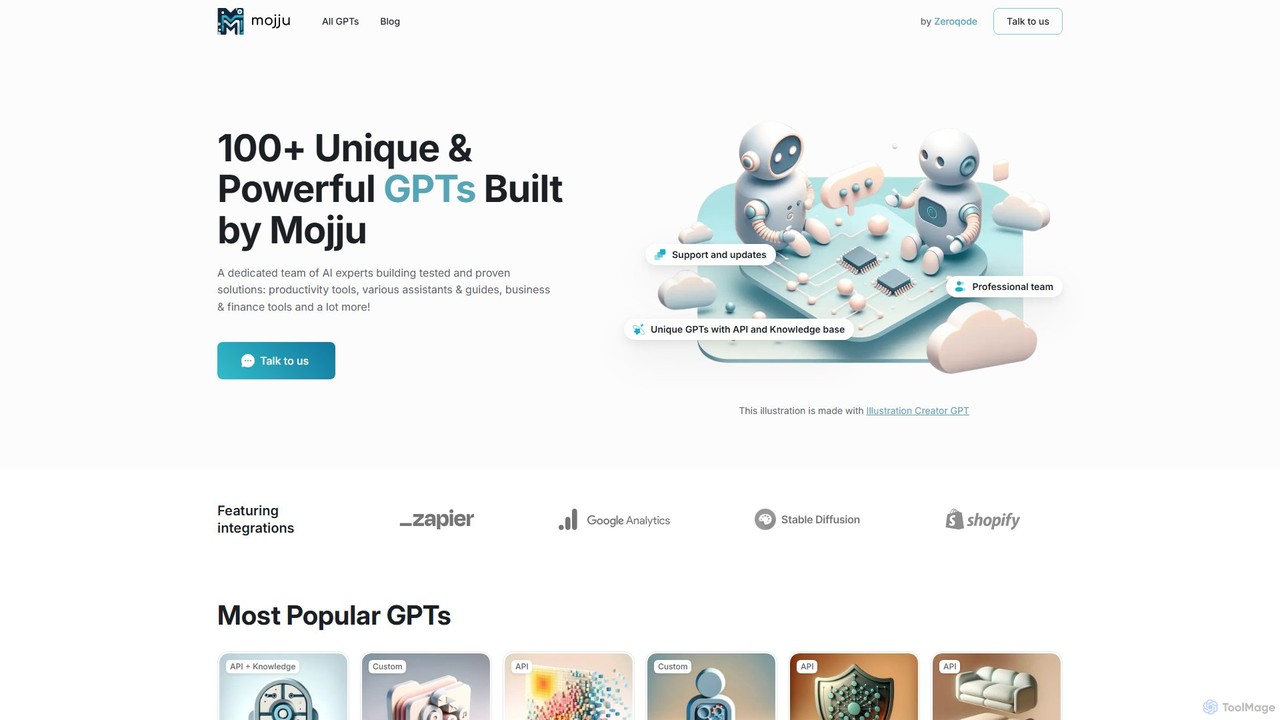
Mojju is a platform offering a curated collection of over 100 unique and powerful custom GPTs. Developed by AI experts at Zeroqode, these tools cater to a wide range of needs, including productivity, business operations, design, software development, learning, and lifestyle. Many GPTs feature API integrations and knowledge bases, providing tested and proven solutions for both personal and professional tasks.

Management
Visits 7.1KFavorites 123Likes 140
anygpt.app
Freemium

anygpt.app

anygpt.app is a powerful desktop utility that allows you to access GPT-4, Claude, and other large language models from any application on your computer. Simply use a keyboard shortcut to instantly get AI assistance for writing, coding, summarizing, and more, seamlessly integrating AI into your daily workflow.

Coding Assistant
Visits 6.4KFavorites 175Likes 175
Interview Monkey AI
Freemium

Interview Monkey AI

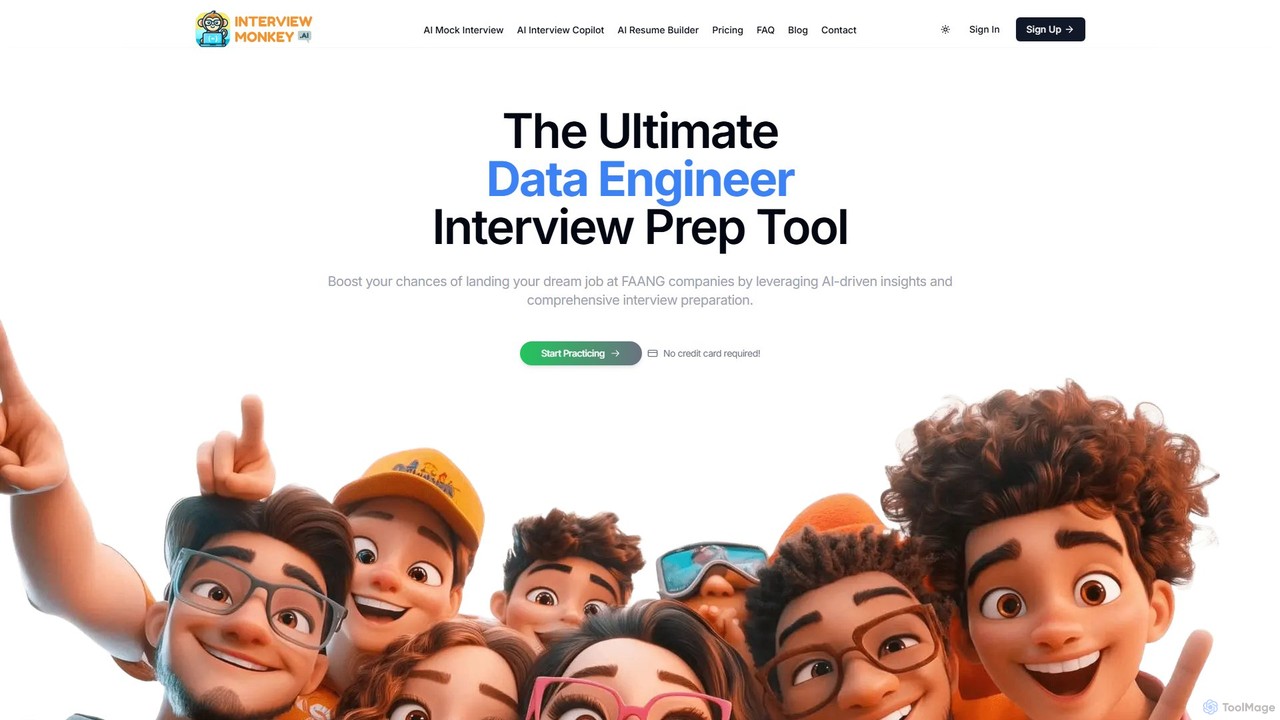
Interview Monkey AI is an all-in-one AI-powered platform designed to help software engineers and tech professionals ace coding and system design interviews. It offers AI mock interviews, a real-time interview copilot, an ATS-friendly resume builder, and personalized feedback to boost your confidence and land your dream job at FAANG-level companies.

Interview Preparation
Visits 8.7KFavorites 145Likes 153
Interview Solver
Freemium

Interview Solver

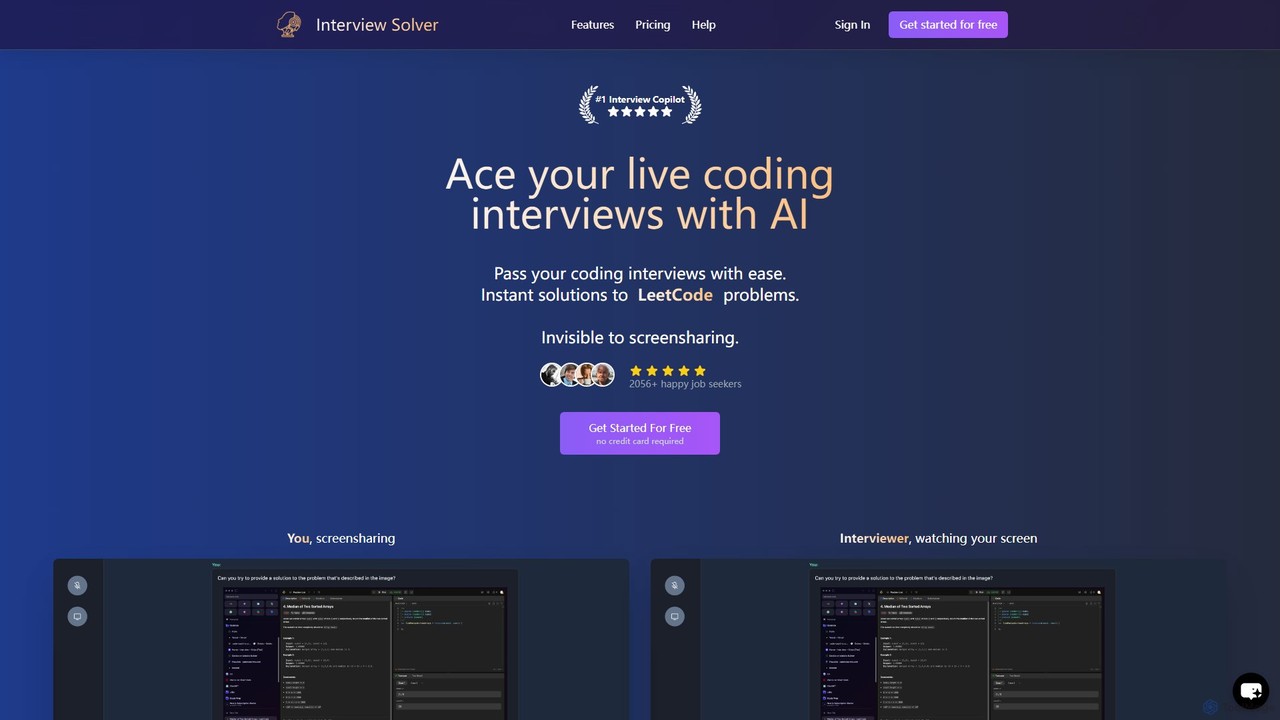
Interview Solver is an undetectable AI copilot designed for live coding interviews. It operates as a desktop application, providing instant solutions to Leetcode-style problems, transcribing audio, and remaining invisible during screen sharing to help job seekers pass technical assessments with ease.

Interview Preparation
Visits 48.5KFavorites 125Likes 123
AI Interview Copilot
Freemium

AI Interview Copilot

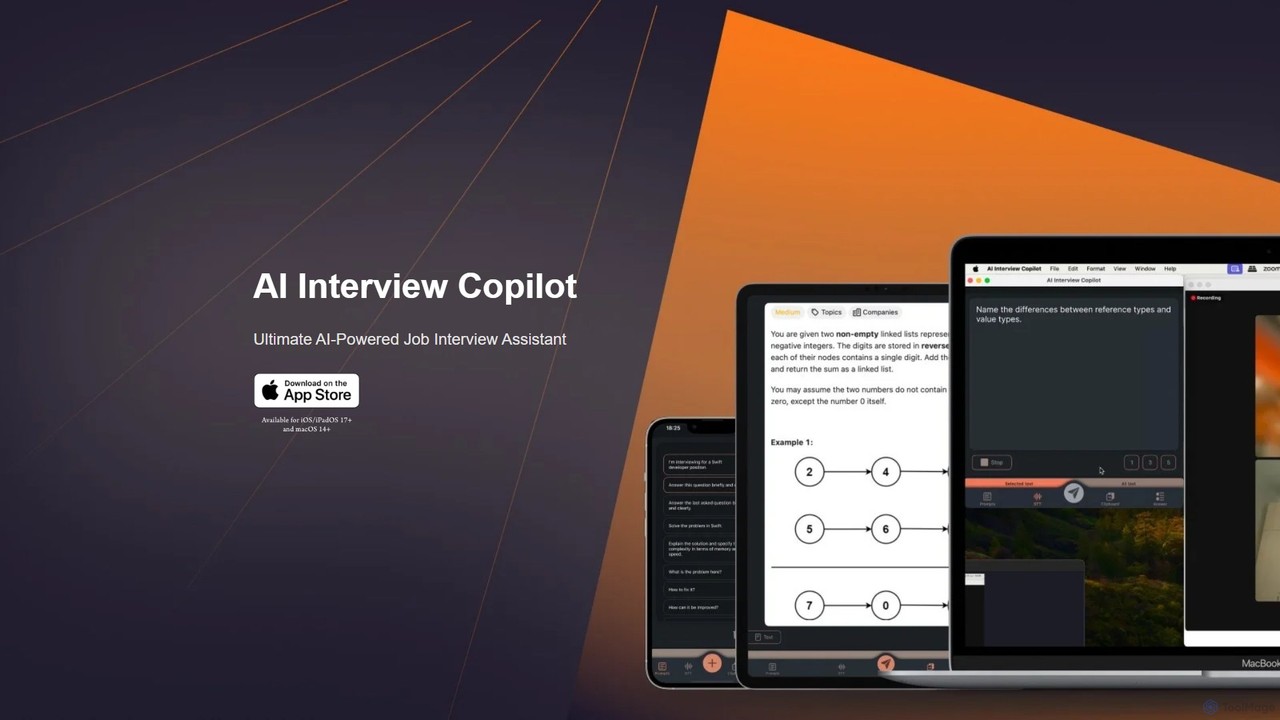
An AI-powered assistant designed for job interviews, specializing in technical and coding challenges. It offers real-time voice transcription, screenshot analysis for problem-solving, and code generation using GPT-4o. Designed for iOS and macOS, it provides discreet, real-time support to help you ace your interviews and reduce stress.

Interview Preparation
Visits 7.2KFavorites 137Likes 126
Private LLM
Paid

Private LLM

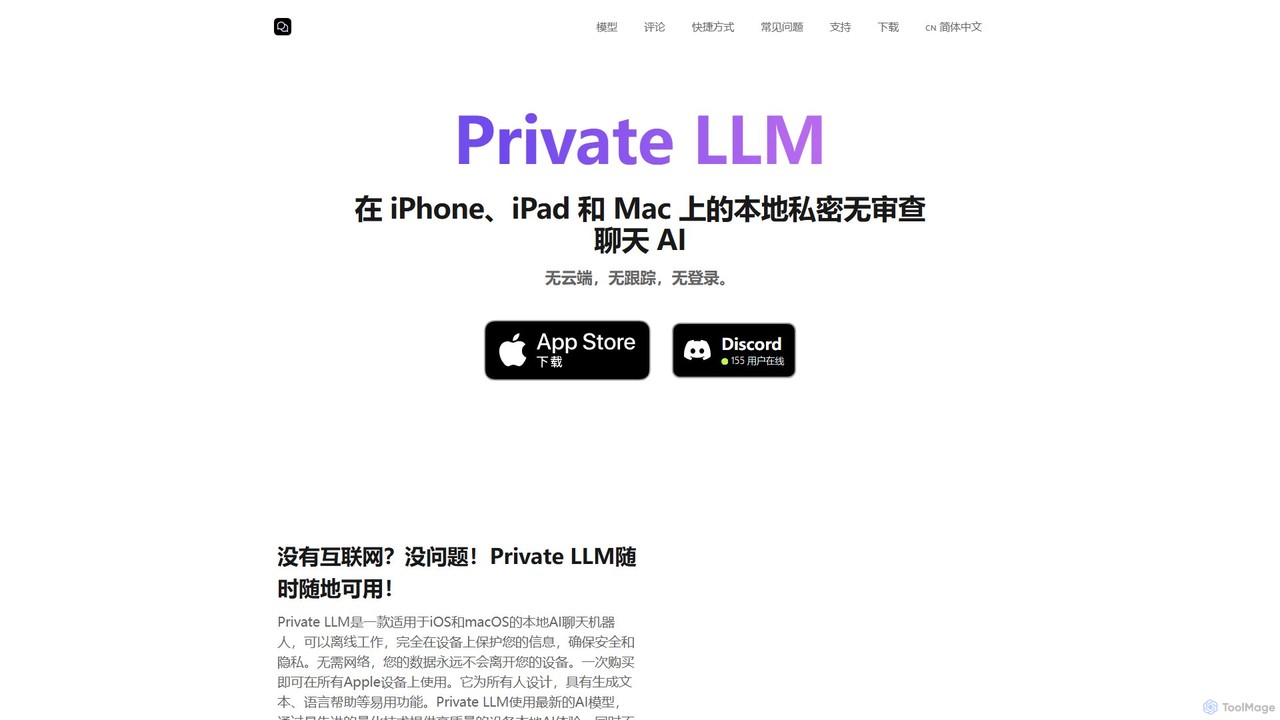
Private LLM is a secure, offline AI chatbot for iPhone, iPad, and Mac. It runs powerful open-source LLMs locally on your device, ensuring 100% privacy with no data tracking or cloud servers. It features a one-time purchase model, deep integration with the Apple ecosystem via Siri and Shortcuts, and offers superior performance through advanced model quantization.

Coding Assistant
Visits 27.4KFavorites 136Likes 129
ChatGPT French
Free

ChatGPT French

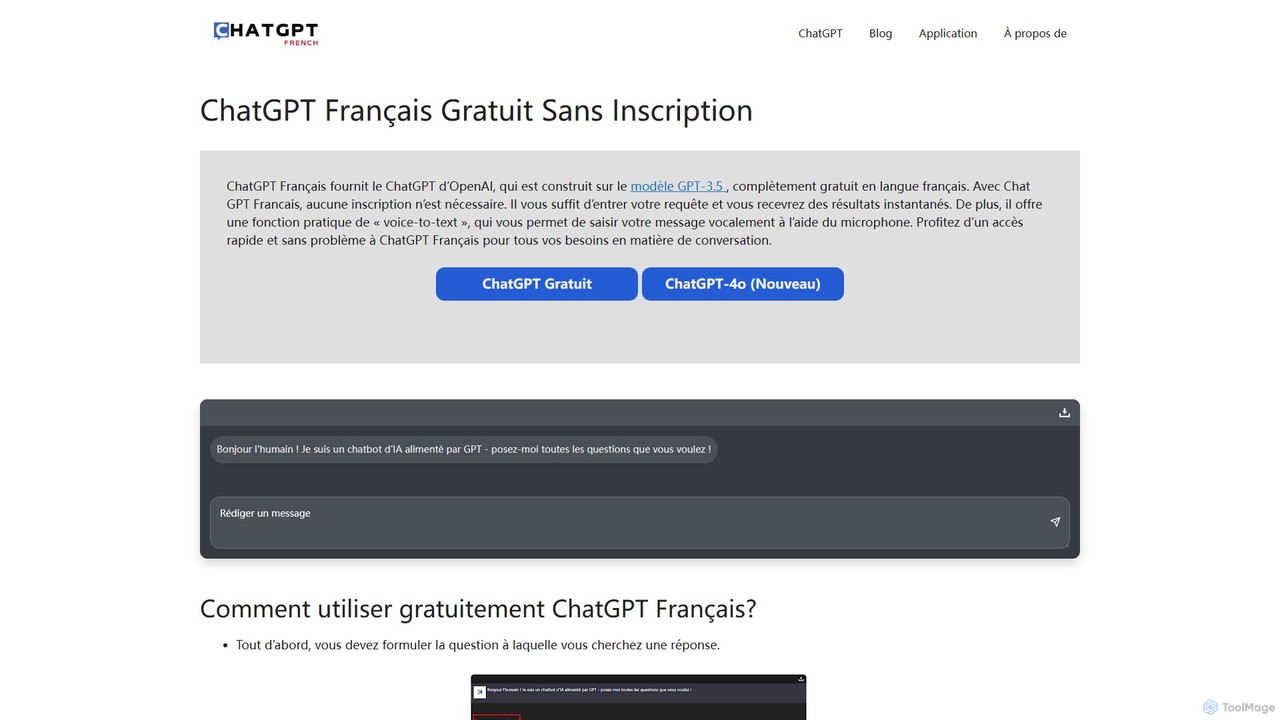
A free, no-registration web platform providing access to OpenAI's powerful language models like GPT-3.5 and GPT-4o, specifically tailored for French speakers. It offers instant conversational AI, voice-to-text input, and conversation downloads, making advanced AI accessible to everyone without barriers.

Writing Assistant
Visits 7.6KFavorites 133Likes 134
Blue
Freemium

Blue

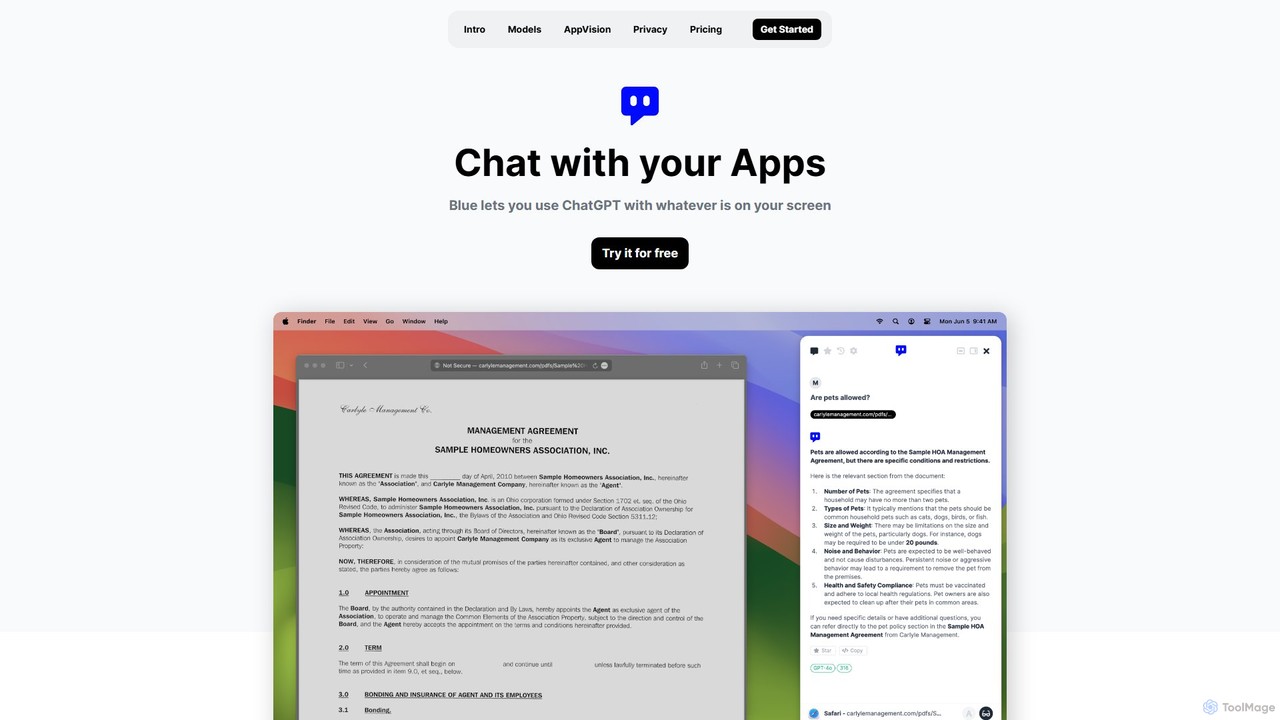
Blue is a native macOS AI assistant that integrates ChatGPT and other advanced AI models directly into your workflow. Featuring unique screen context awareness (AppVision) and a strong focus on privacy, it allows you to analyze, summarize, or create content in any app with a simple keyboard shortcut, boosting productivity for professionals.

Coding Assistant
Visits 7.1KFavorites 145Likes 129
Replit GPT Assistant
Free

Replit GPT Assistant

A specialized AI assistant by AE Studio, designed to help developers solve issues within the Replit environment. It provides expert guidance on debugging, environment configuration, and platform-specific problems, acting as a knowledgeable coding partner.

Coding Assistant
Visits 6.6KFavorites 152Likes 140
LockedIn AI
Freemium

LockedIn AI

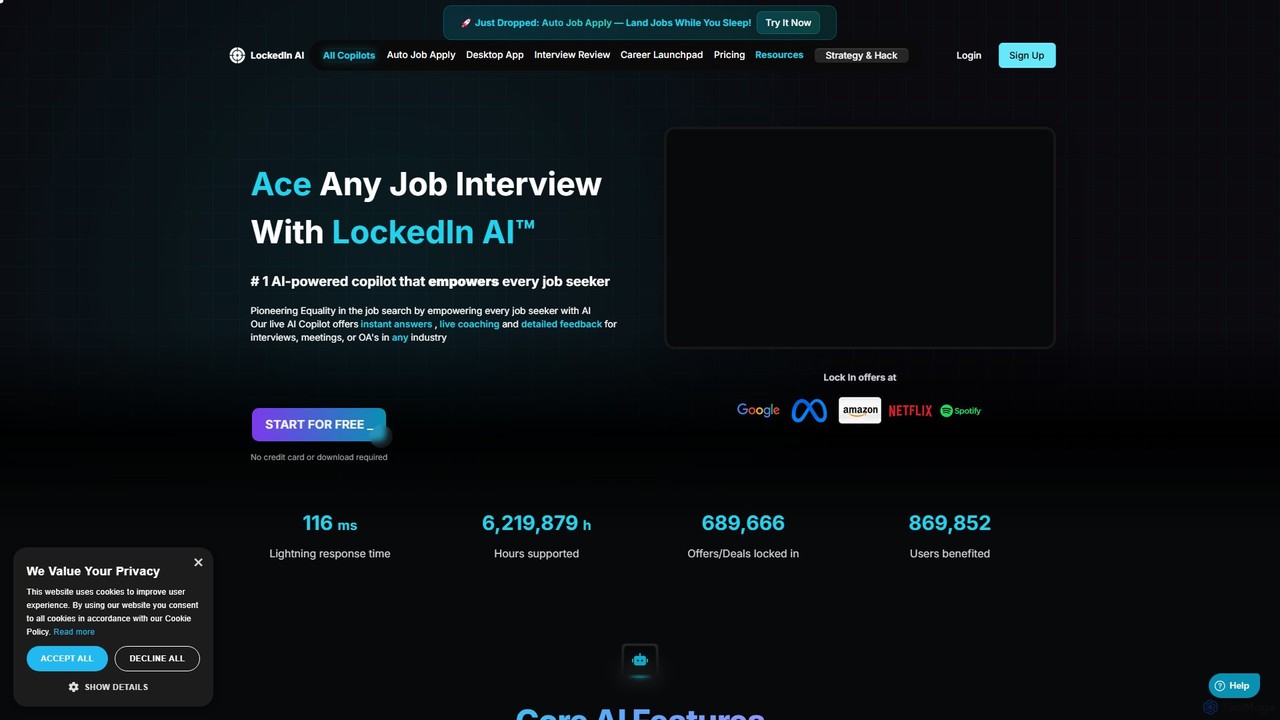
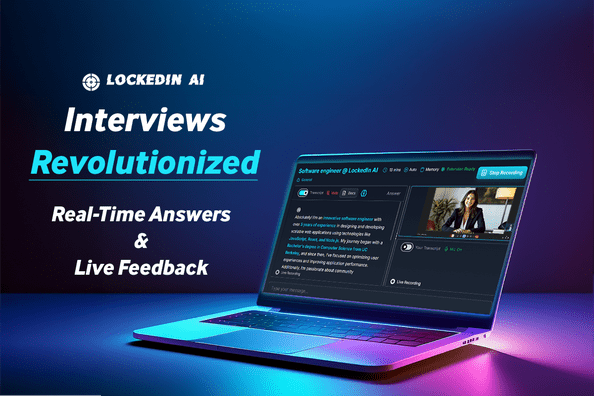
LockedIn AI is a comprehensive AI copilot for job seekers. It offers real-time interview coaching, an automated job application tool, a coding assistant, and a meeting copilot. Supporting over 42 languages, it helps users ace interviews, streamline their job search, and land their dream job faster.

Job Search
Visits 440KFavorites 148Likes 160
InterviewBotAI
Paid

InterviewBotAI

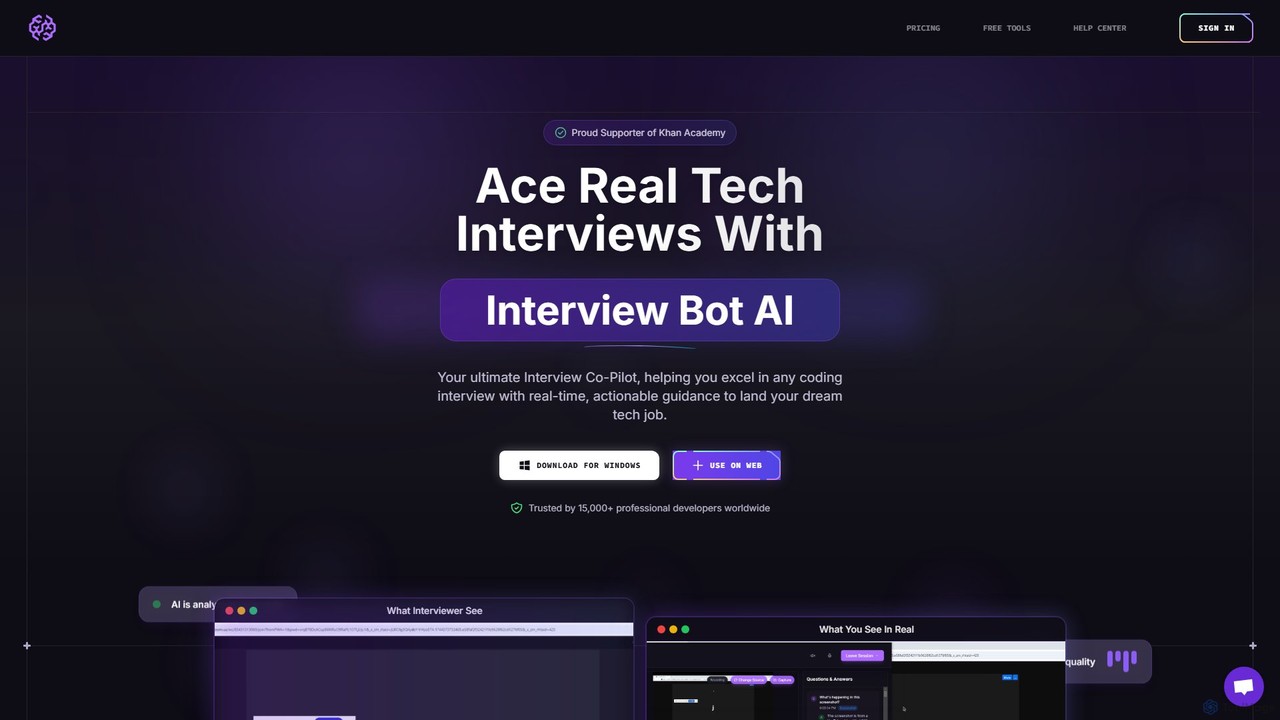
InterviewBotAI is an AI-powered interview copilot designed to help tech professionals ace coding interviews. It provides real-time, on-screen guidance, code optimization, and optimal solutions for technical questions. Operating undetectably in the background, it integrates with all major meeting platforms, supports numerous programming languages, and is trained on over 100,000 real-world interviews to help you land your dream tech job.

Interview Preparation
Visits 6.3KFavorites 139Likes 133

About Coding Assistant

AI Coding Assistants are tools integrated into your development environment that use large language models to help write, debug, and understand code. They analyze the context of your project—including existing code and comments—to provide intelligent suggestions, from single lines to entire functions. This accelerates the development lifecycle by reducing repetitive tasks and providing instant support for complex problems. These assistants act as a pair programmer, enhancing both productivity and code quality.

Core Features

  • Context-Aware Code Completion: Suggests entire blocks of code, not just single words, based on the current file and project context.
  • Natural Language to Code: Generates functional code snippets and algorithms from plain English descriptions.
  • Intelligent Debugging & Error Analysis: Identifies bugs, suggests fixes, and explains complex error messages clearly.
  • Code Refactoring & Optimization: Recommends improvements to make code more efficient, readable, and maintainable.
  • Automated Documentation: Generates comments and docstrings to explain how code works.

Use Cases

Primarily used by software developers, data scientists, and students across all experience levels. They are valuable for rapid prototyping, learning new programming languages, refactoring legacy systems, and automating the creation of unit tests. These tools fit seamlessly into agile development workflows and continuous integration pipelines.

How to Choose

Key factors include the quality of IDE integration (e.g., VS Code, JetBrains), the breadth and depth of programming language support, the model's accuracy and speed, and the provider's data privacy and security policies. For enterprise use, consider options with on-premise deployment or strict data handling agreements to protect intellectual property.

Featured tool rankings

Coding Assistant use cases

1

Accelerate API Endpoint Development

A backend developer is tasked with creating a new REST API endpoint for user profile updates. Instead of writing boilerplate code for request handling, validation, and database interaction from scratch, they use an AI Coding Assistant. By writing a simple comment like // Create a PUT endpoint to update user by ID, the assistant generates the complete function structure, including parameter validation and a database update query, allowing the developer to focus on the core business logic. This can reduce the time to create new endpoints by over 50%.

2

Learn a New Programming Language Faster

A Python developer is learning Go for a new project. When faced with an unfamiliar concept like Goroutines, they can ask the AI Coding Assistant directly in their editor: // How to fetch data from two APIs concurrently in Go?. The assistant provides a complete, idiomatic code example using channels and wait groups, along with comments explaining each step. This interactive learning process is more efficient than searching through documentation or tutorials.

3

Automate Unit Test Generation

A software engineer needs to increase the test coverage for a complex data processing function. Manually writing every edge case can be tedious. They use the coding assistant to automatically generate a suite of unit tests. By highlighting the function and prompting // Generate unit tests for this function, the tool creates tests for valid inputs, null values, and common error conditions, ensuring robust code quality and saving hours of manual work.

4

Decipher and Fix Cryptic Errors

A developer encounters a complex error message like a NullPointerException deep within a large Java application's stack trace. Instead of spending hours tracing the issue, they copy the error and relevant code into the assistant. The AI explains the likely cause in plain language—that a specific object was not initialized before being used—and suggests the exact line where a null check or initialization is needed, dramatically shortening debugging time.

5

Modernize Legacy Codebases

A team is maintaining a legacy PHP application with outdated coding practices. They use an AI Coding Assistant to help with refactoring. The assistant can identify deprecated functions, suggest modern replacements (e.g., converting mysql_* functions to PDO), and transform procedural code into object-oriented classes. This helps improve the codebase's security, performance, and maintainability without requiring a complete rewrite.

6

Generate Comprehensive Code Documentation

A data scientist has written a complex Python script for data analysis but needs to document it for team members. Manually writing detailed docstrings for each function is time-consuming. They use the AI assistant to scan each function, understand its parameters, operations, and return values, and automatically generate formatted docstrings (e.g., in Google or reST style). This ensures the code is well-documented and easier for others to understand and use.

Coding Assistant FAQ

What is an AI Coding Assistant?

An AI Coding Assistant is a software tool that integrates into a programmer's editor to provide real-time, intelligent help with coding tasks. Unlike traditional autocompletion, it uses large language models to understand context and generate entire code blocks, explain complex concepts, find bugs, and even write documentation from natural language prompts. Its primary goal is to augment the developer's workflow, making them faster and more efficient.

How do I choose the right AI Coding Assistant?

Choosing the right assistant depends on your specific needs. Consider these factors:

  • IDE Integration: Ensure it has a stable, well-supported extension for your preferred editor (e.g., VS Code, JetBrains, Neovim).
  • Language Support: Check its proficiency in your primary programming languages and frameworks.
  • Performance: Evaluate the speed and relevance of its suggestions. A slow or inaccurate assistant can disrupt your workflow.
  • Privacy & Security: For corporate use, verify its data handling policies. Does it train on your code? Are there options for on-premise deployment?
What's the difference between an AI Coding Assistant and traditional IntelliSense?

The key difference is context and capability. Traditional IntelliSense or autocompletion is primarily syntax-aware; it suggests variables, functions, and methods that are explicitly defined in the current scope or imported libraries. An AI Coding Assistant is context-aware; it understands the developer's intent from comments and surrounding code to generate novel, multi-line code blocks, algorithms, and even entire functions that don't exist yet. It's the difference between completing a word and co-writing a paragraph.

Can AI Coding Assistants write entire applications?

No, AI Coding Assistants are not designed to write complete, production-ready applications from a single prompt. They excel at generating smaller, self-contained units of code like functions, classes, algorithms, or configuration files. They act as a powerful 'pair programmer' to handle boilerplate and solve specific problems, but the overall architecture, system design, and final integration still require the expertise and oversight of a human developer.

Is the code generated by AI Coding Assistants secure and reliable?

The code generated by AI assistants should always be reviewed carefully by a developer. While often correct and functional, it can sometimes contain subtle bugs, inefficiencies, or security vulnerabilities, as it is trained on a vast corpus of public code that may include flawed examples. Treat the generated code as a first draft or a strong suggestion, not as a final, production-ready solution. Always apply your own testing, security analysis, and best practices.