

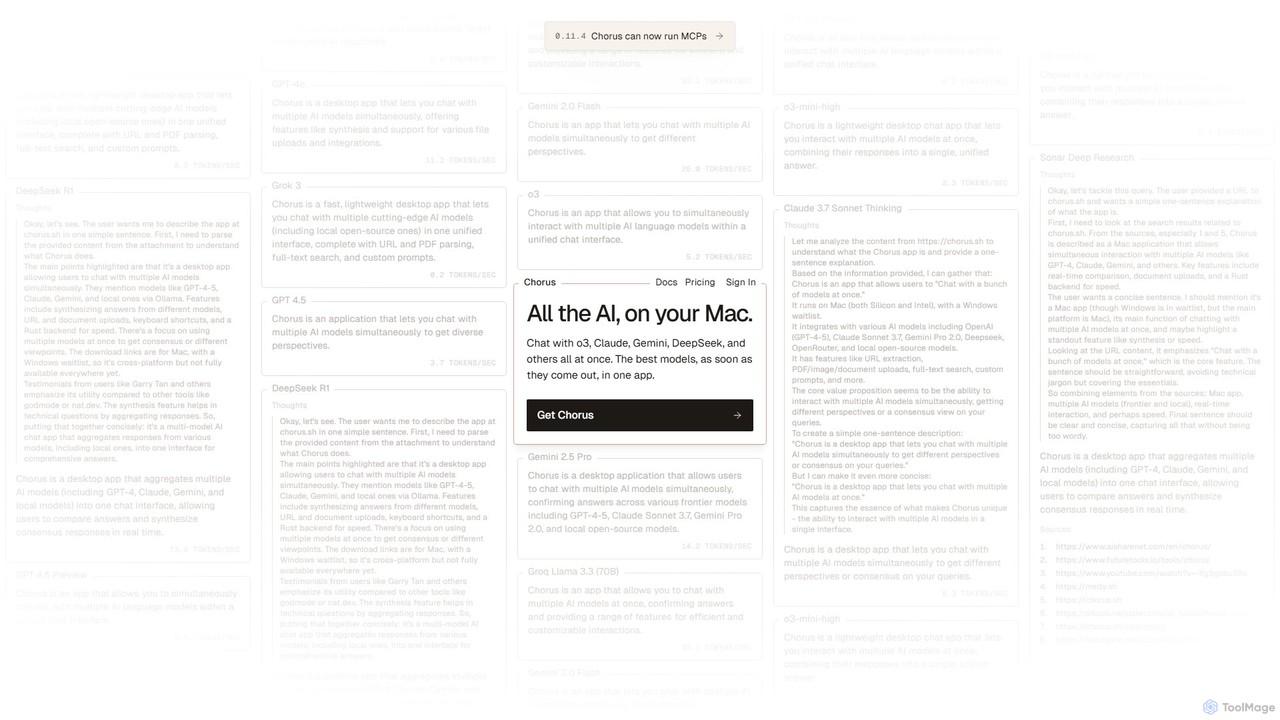
Chorus Overview
Chorus is a sophisticated and high-performance desktop application designed for macOS, fundamentally changing how users interact with artificial intelligence. It serves as a unified hub, allowing you to engage in conversations with a multitude of leading AI models—including OpenAI's GPT series, Anthropic's Claude, Google's Gemini, and various local open-source models via Ollama and LM Studio—all at the same time and within a single, streamlined interface. Built for speed and efficiency with a Rust backend, Chorus is crafted for professionals, developers, researchers, and power users who need to compare, cross-reference, and synthesize information from different AI perspectives to achieve more accurate and reliable results.
The core philosophy of Chorus is to eliminate the need to switch between multiple browser tabs or applications to consult different AIs. By sending a single prompt, users receive parallel responses from all selected models, displayed side-by-side for easy comparison. This not only boosts productivity but also helps in identifying model-specific biases, strengths, and weaknesses, leading to a more nuanced understanding and higher-quality outcomes. Beyond simple chat, Chorus is a powerful productivity tool equipped with advanced features that integrate seamlessly into your daily tasks.
How to use Chorus
Getting started with Chorus is straightforward. First, download and install the application on your Mac (versions for both Apple Silicon and Intel are available). Upon launching, you are greeted with a clean interface where you can immediately start a new chat. The key steps are:
- Select Your Models: From the model picker, choose the AI models you wish to query. This can be a mix of cloud-based models like GPT-4o, Claude 3.7 Sonnet, and Gemini 2.5 Pro, as well as any local models you have set up through Ollama.
- Compose Your Prompt: Type your question or task into the unified message composer. You can enhance your prompt by attaching files (PDFs, images, documents) or pasting a URL, which Chorus will automatically parse for context.
- Receive & Compare Responses: Hit send, and Chorus will fetch responses from all selected models in parallel, displaying them in a clear, side-by-side layout.
- Synthesize & Refine: Use the 'Synthesize' feature to have another AI model consolidate the different responses into a single, comprehensive answer. You can also branch conversations from any message to explore a specific line of thought without cluttering your main chat.
- Leverage Advanced Features: For deeper integration, use 'Ambient Chat' to let Chorus see your screen for context, or use MCPs (Multi-modal Command Protocol) to allow AIs to perform actions like searching the web or running terminal commands.
Core Features of Chorus
- Multi-Model Chat Interface: Chat with multiple AI models from OpenAI, Anthropic, Google, OpenRouter, and local sources simultaneously.
- Response Comparison & Synthesis: View AI responses side-by-side to compare accuracy and style. A dedicated synthesis feature combines multiple answers into one coherent response.
- Ambient Chat: A powerful feature that allows Chorus to see your screen, providing contextual awareness for your queries without needing lengthy explanations.
- MCP & Tool Integration: Supports Multi-modal Command Protocols, enabling AIs to use tools like web search (via Perplexity), run terminal commands, and integrate with services like GitHub.
- Local Model Support: Full integration with local open-source models through Ollama and LM Studio, offering privacy and customization.
- Advanced Data Handling: Seamlessly upload and parse PDFs, images, and other documents. It can also extract text content directly from URLs.
- Productivity Tools: Features include lightning-fast full-text search of your chat history, extensive keyboard shortcuts, chat branching, custom system prompts, and the ability to import chat history from OpenAI and Anthropic.
- Project-Based Context Management: Organize chats into 'Projects' that share a common context, ensuring consistency and memory across related conversations.
Use Cases for Chorus
Chorus is versatile and valuable for a wide range of users:
- Developers & Engineers: Debug code, brainstorm architectural solutions, and translate code between languages by getting simultaneous feedback from models specialized in coding.
- Researchers & Academics: Cross-validate information from different AI sources, gather diverse perspectives on complex topics, and synthesize literature reviews efficiently.
- Writers & Content Creators: Overcome writer's block by generating a variety of ideas, tones, and styles. Compare different phrasings and creative directions in one go.
- Technical Support & Problem-Solving: Troubleshoot complex issues (e.g., DNS errors, software bugs) by leveraging the collective intelligence of multiple AIs to find a solution that a single model might miss.
Advantages of Chorus
Chorus offers significant advantages over single-model chat interfaces:
- Enhanced Accuracy: By comparing multiple responses, users can easily spot and discard AI hallucinations or incorrect information, leading to more reliable answers.
- Unmatched Efficiency: A single query replaces multiple separate interactions, saving significant time and effort.
- Deep Workflow Integration: Features like Ambient Chat, file uploads, and keyboard shortcuts make it a natural extension of your desktop environment.
- Flexibility and Control: Users can choose between the latest proprietary models and private, local models, and even bring their own API keys for unlimited use.
- High Performance: Built on Tauri with a Rust backend, the app is exceptionally fast, lightweight, and responsive.
Pricing and Plans
Chorus offers a flexible pricing structure to suit different needs:
- Hobby (Free): This plan allows users to bring their own API keys (BYOK) for unlimited access to fast models (e.g., Gemini 2.5 Flash, GPT-4.1 Mini) and includes 50 free requests per month for more powerful 'Plus' models.
- Plus ($20/month): Includes everything in the Hobby plan, plus access to a wide range of 'Plus' models like Claude Sonnet 4, GPT-4o, and DeepSeek R1, along with direct founder support.
- Frontier ($100/month): Designed for heavy users, this plan includes everything in Plus, with much higher usage limits and exclusive access to 'Frontier' models like GPT-4.5 and Grok 3 Fast.
- Team: Custom pricing is available for teams, with tailored features and support.
Traffic
Latest traffic
Status
Monthly traffic trend
- 2025-9: 46.7K
- 2026-1: 32.7K
- 2026-2: 27.0K
- 2026-3: 19.6K
- 2026-4: 14.7K
- 2026-5: 17.9K
Geography
Top 5 countries / regions
- 🇺🇸United States29.2%
- 🇩🇪Germany22.8%
- 🇮🇳India18.4%
- 🇻🇳Vietnam16.5%
- 🇨🇦Canada13.1%
Top keywords
| Keyword | Cost per click |
|---|---|
| chorus | $2.23 |
| chorus: | $0.00 |
| chorus ai | $11.91 |
| chorus.sh logo | $0.00 |
| chours | $5.41 |
Chorus Alternatives
Quartzite
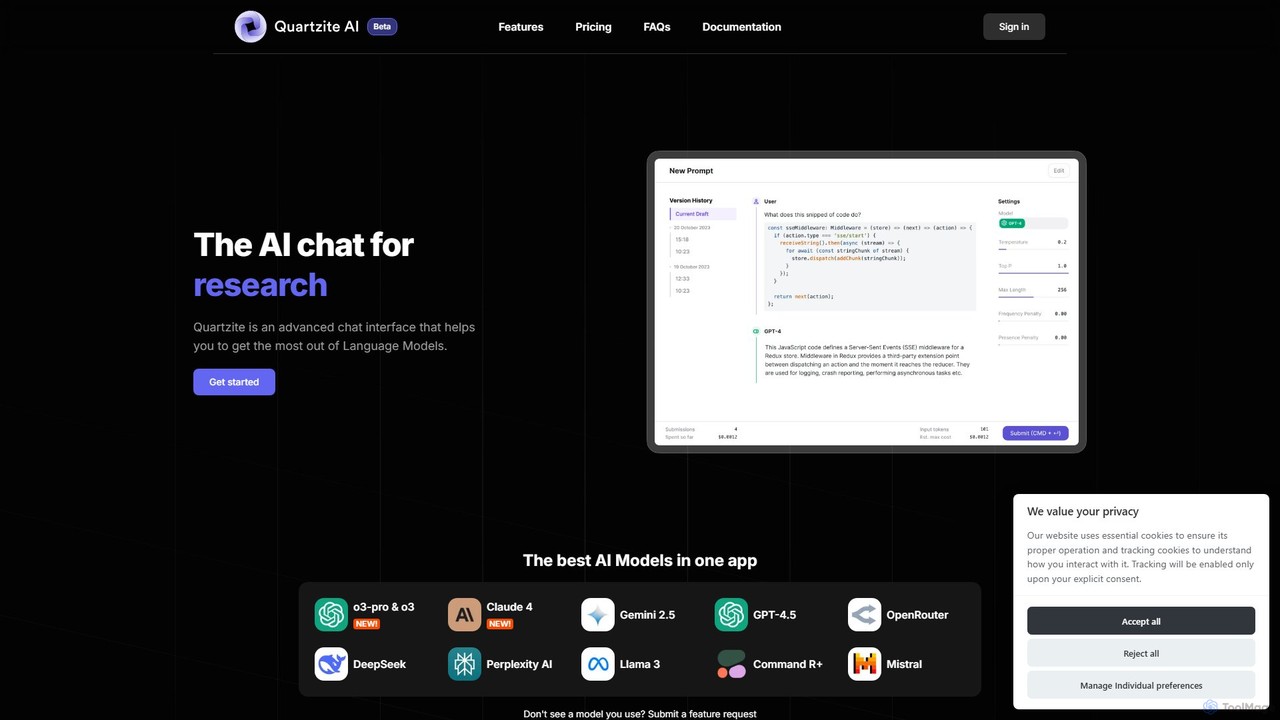
Quartzite is an advanced AI prompt IDE and productivity tool that centralizes access to top LLMs like GPT-4, Claude, and Gemini. It helps users write, optimize, and manage complex prompts with features like a template library, version history, cost preview, and a personal document knowledge base, all while reducing API costs.
Prompt Engineering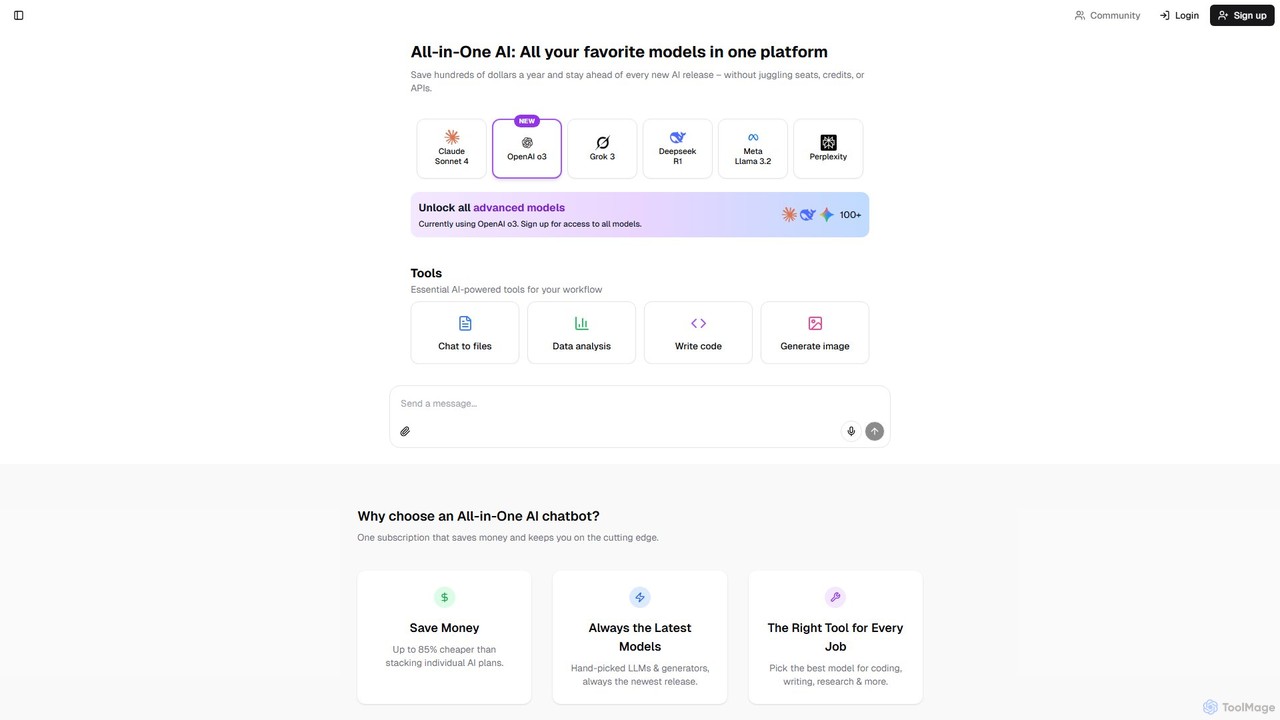
Writingmate
Writingmate is an all-in-one AI platform providing access to over 200 of the best AI models, including GPT-4o, Claude 4, and Llama 3, through a single subscription. It consolidates chat, writing, coding, image generation, and data analysis tools into one unified workspace, saving users money and eliminating the need to manage multiple AI services. It's designed for students, developers, marketers, and professionals seeking maximum flexibility and power.
Coding Assistant
Lit.Codes Chat
A privacy-focused AI chat interface offering access to a wide range of advanced GPT models, including GPT-4o. It features end-to-end encrypted chat history and a convenient Chrome extension, making it a secure and versatile tool for developers, writers, and professionals seeking powerful AI assistance without compromising on data security.
Coding Assistant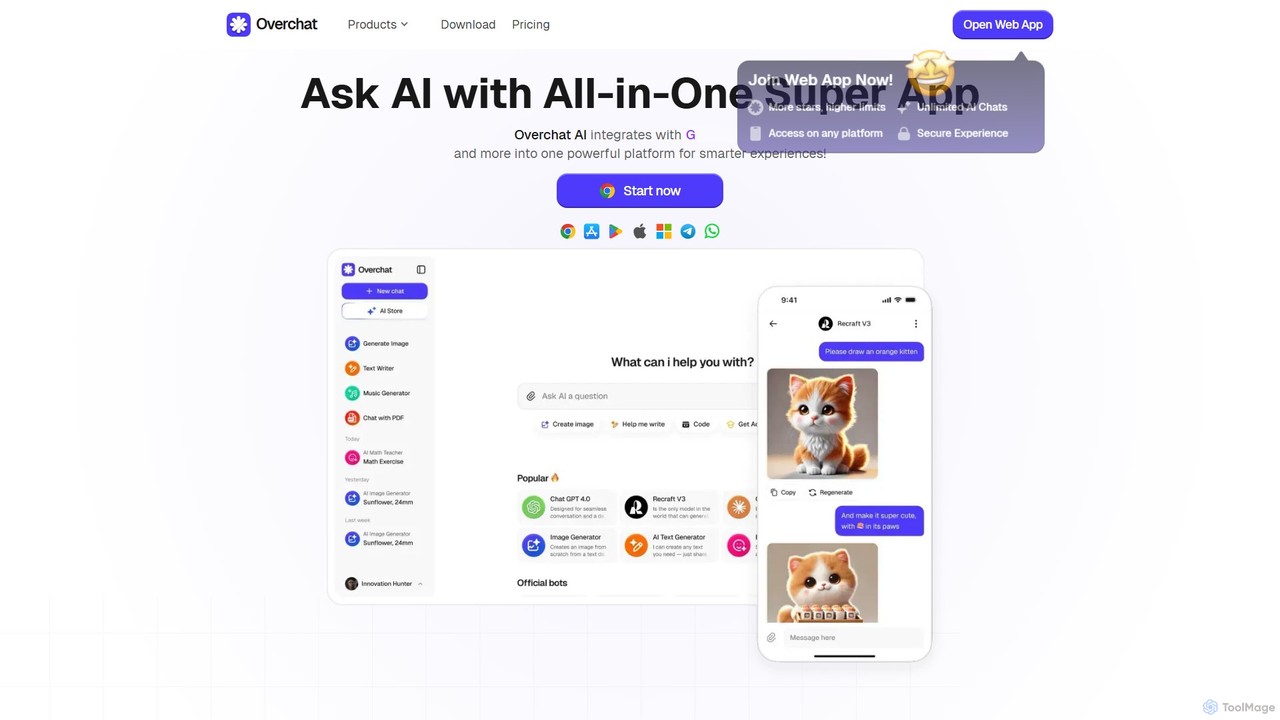
Overchat
Overchat is an all-in-one AI super app that integrates multiple leading language models like GPT-4 and Claude 3 into a single, intuitive interface. It functions as a versatile AI assistant for answering questions, completing tasks, writing content, and even advanced image editing, available across web and mobile platforms.
Image Editing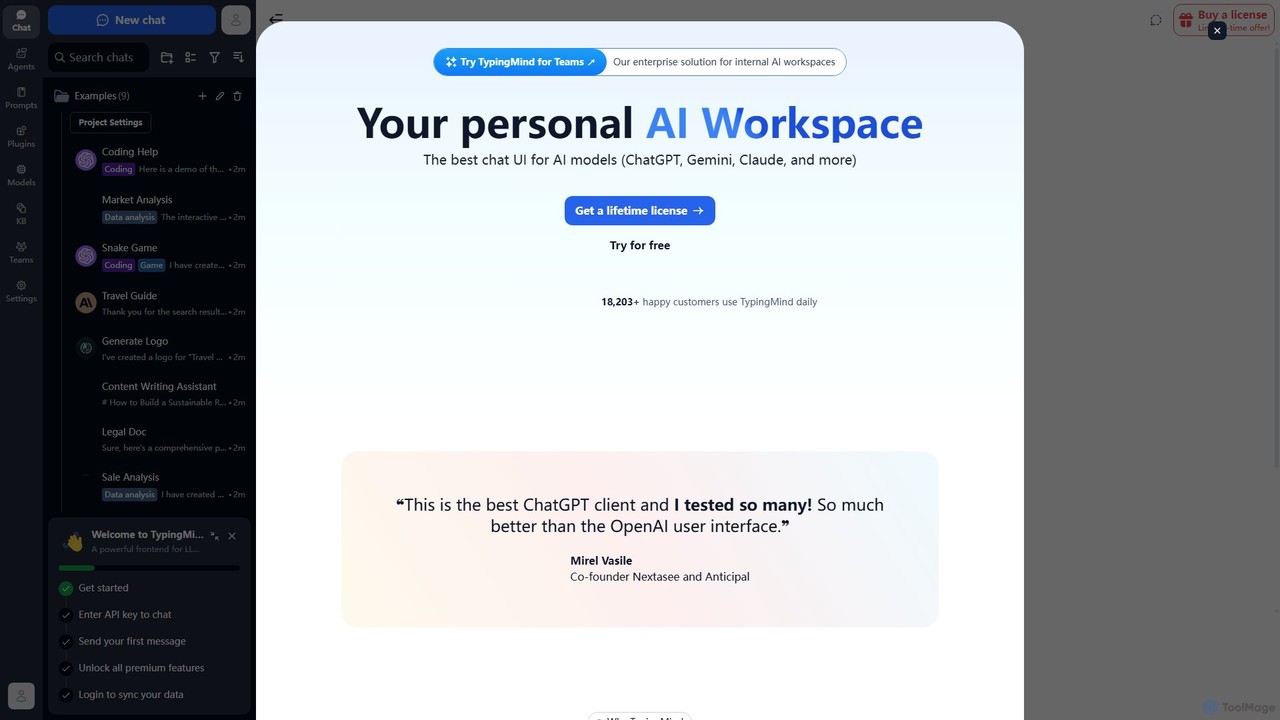
TypingMind
TypingMind is an advanced, privacy-first chat UI for large language models (LLMs) like ChatGPT, Gemini, and Claude. It offers a unified workspace with powerful features, allowing users to bring their own API keys for a one-time fee. Enhance your productivity with custom agents, a rich plugin ecosystem, and advanced chat management tools, all while keeping your data secure on your device.
Api ManagementChorus Categories
Chorus Embed Widget
Copy this embed code to place the badge on your blog, article, or product site and send readers directly to this ToolMage detail page.

Related AI tools
Quartzite
Quartzite is an advanced AI prompt IDE and productivity tool that centralizes access to top LLMs like GPT-4, Claude, and Gemini. It helps users write, optimize, and manage complex prompts with features like a template library, version history, cost preview, and a personal document knowledge base, all while reducing API costs.
Prompt Engineering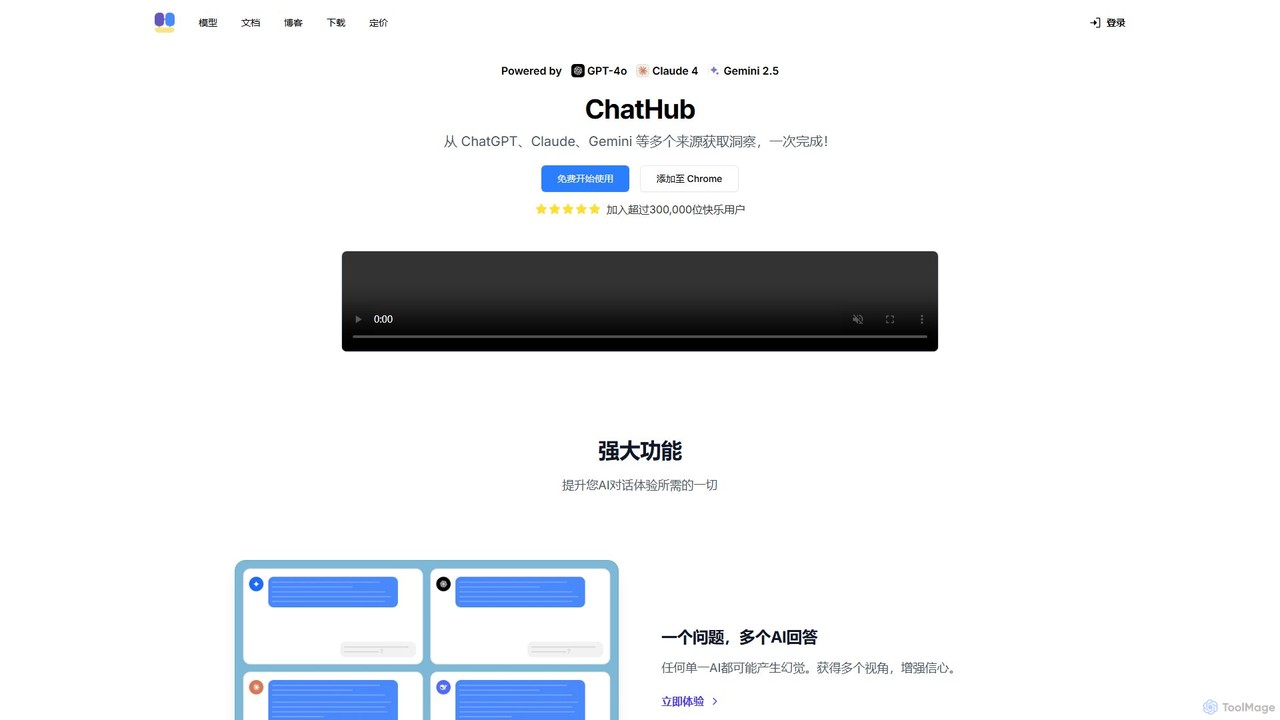
ChatHub
ChatHub is an all-in-one chatbot client that allows you to simultaneously use and compare responses from multiple AI models like GPT-4o, Claude 4, and Gemini 2.5 in a single interface. It enhances productivity by providing diverse perspectives, reducing AI hallucinations, and integrating features like image generation and file analysis.
Image Generator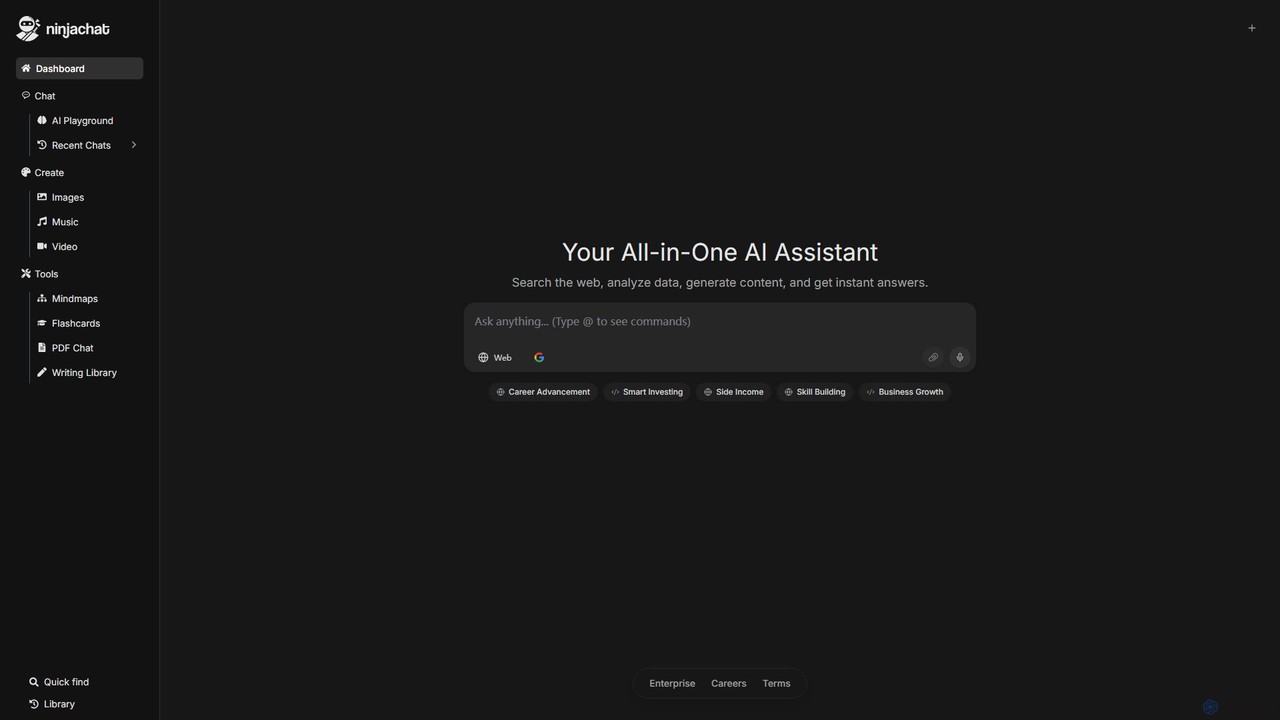
Ninjachat
Ninjachat is an all-in-one AI assistant that provides access to a wide range of leading large language models (LLMs) through a single, unified interface. Compare outputs from models like GPT-4o, Gemini 1.5 Pro, Claude 3.7 Sonnet, and Llama 4 to find the best results for any task, from content creation and coding to complex research.
Code Assistant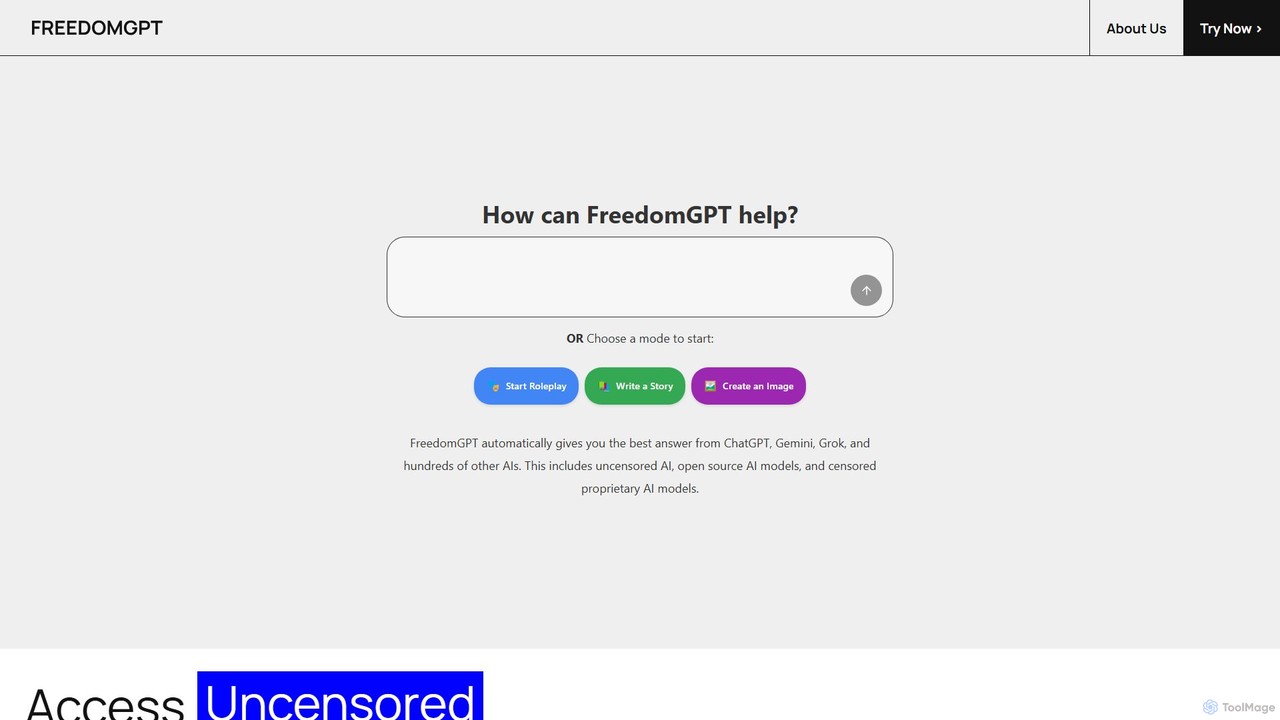
FreedomGPT
FreedomGPT is an AI App Store that provides private and uncensored access to over 400 of the world's leading AI models. It allows users to compare responses from different AIs side-by-side, vote for the best one, and access top models from OpenAI, Google, Anthropic, and open-source alternatives through a single, affordable subscription, all while protecting user privacy.
Model Aggregator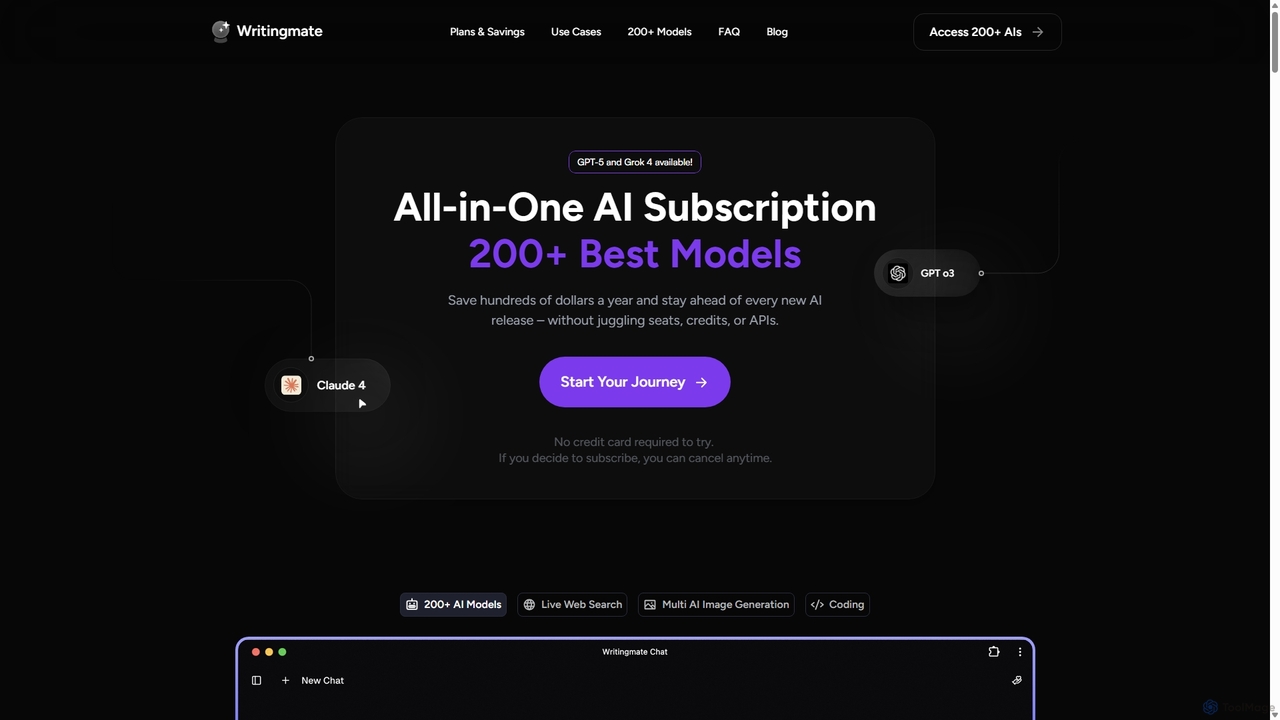
Writingmate
Writingmate is an all-in-one AI platform that provides access to over 200 of the best AI models, including GPT-5, Claude 4, and Grok 4, through a single subscription. It saves users money and time by eliminating the need to manage multiple AI tool subscriptions. Features include a model switcher, live web search, document chat, AI coding assistants, and multi-model image generation, catering to a wide range of professionals from developers to marketers.
Code Assistant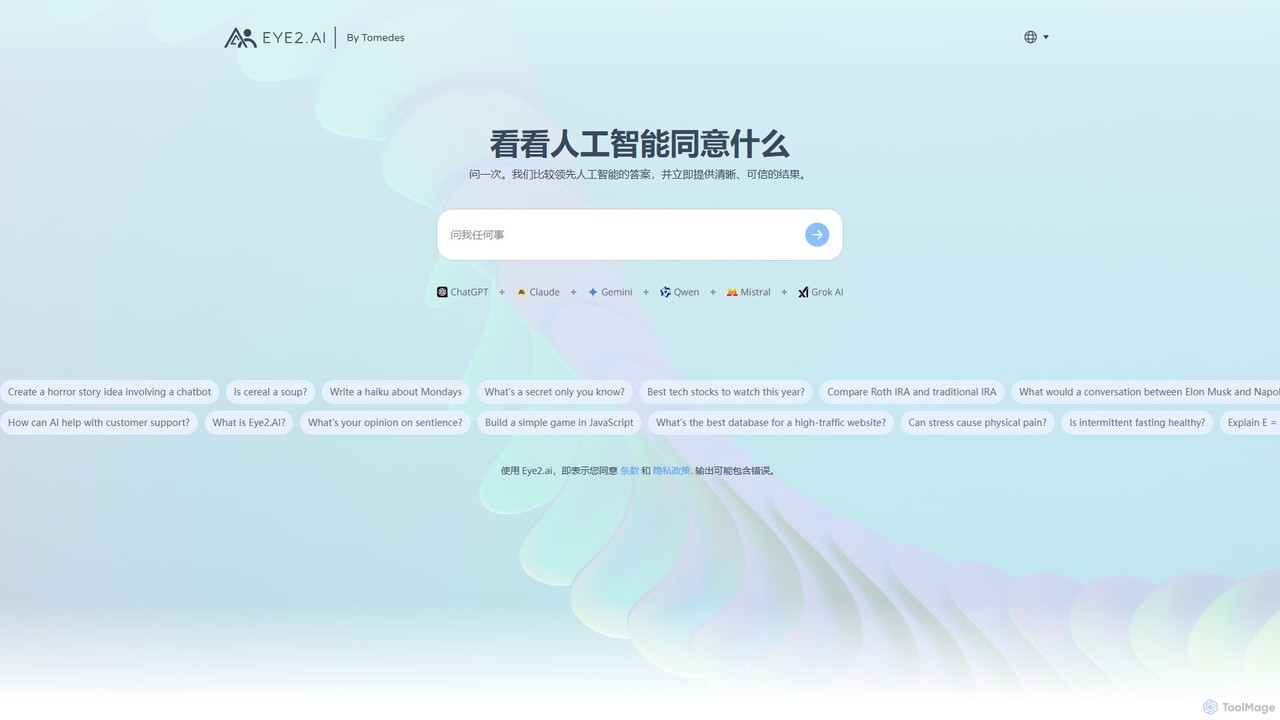
eye2.ai
eye2.ai is an AI aggregator that simultaneously queries multiple leading models like ChatGPT, Claude, and Gemini. It compares their responses, highlighting consensus and differences to provide users with more accurate, comprehensive, and reliable answers, saving time and mitigating single-model bias.
Search Engine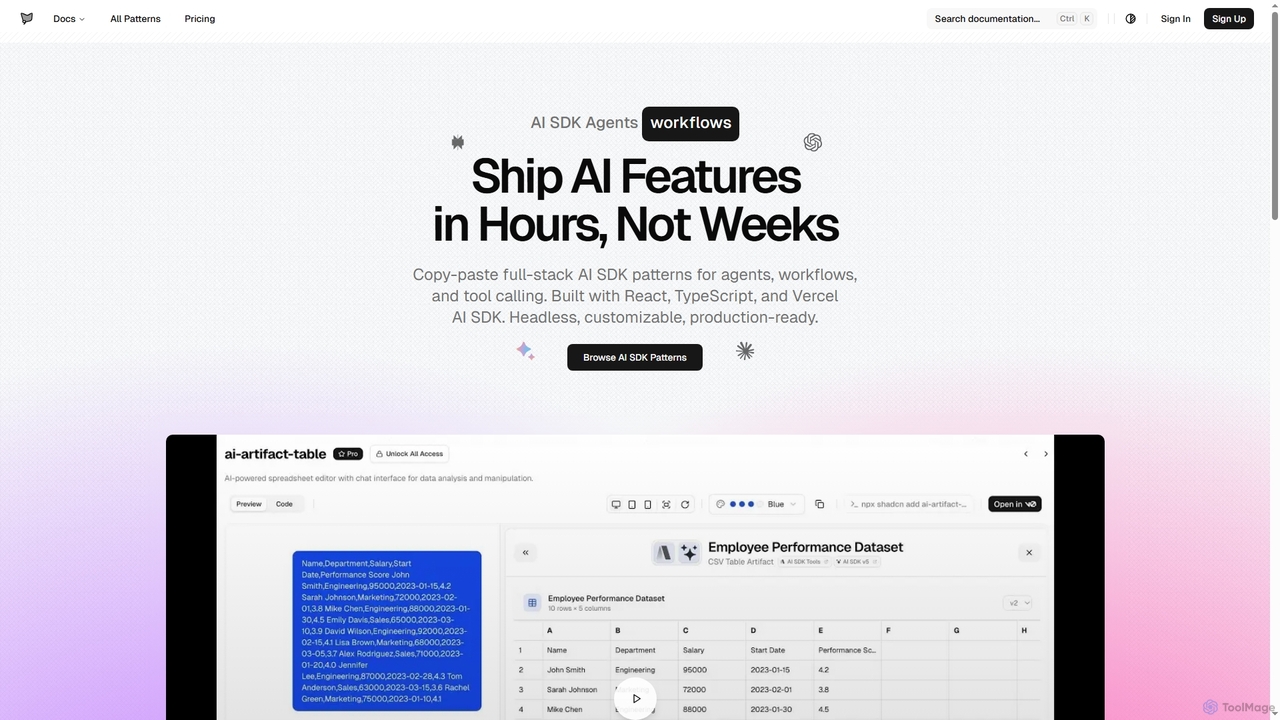
AI SDK Agents
AI SDK Agents provides production-ready React components for rapidly building AI applications. Leverage copy-paste patterns for agents, workflows, tool calling, and streaming responses, built with React, TypeScript, and Vercel AI SDK. Accelerate your AI feature development from weeks to hours, ensuring customizable and headless integration into your projects.
Ui Components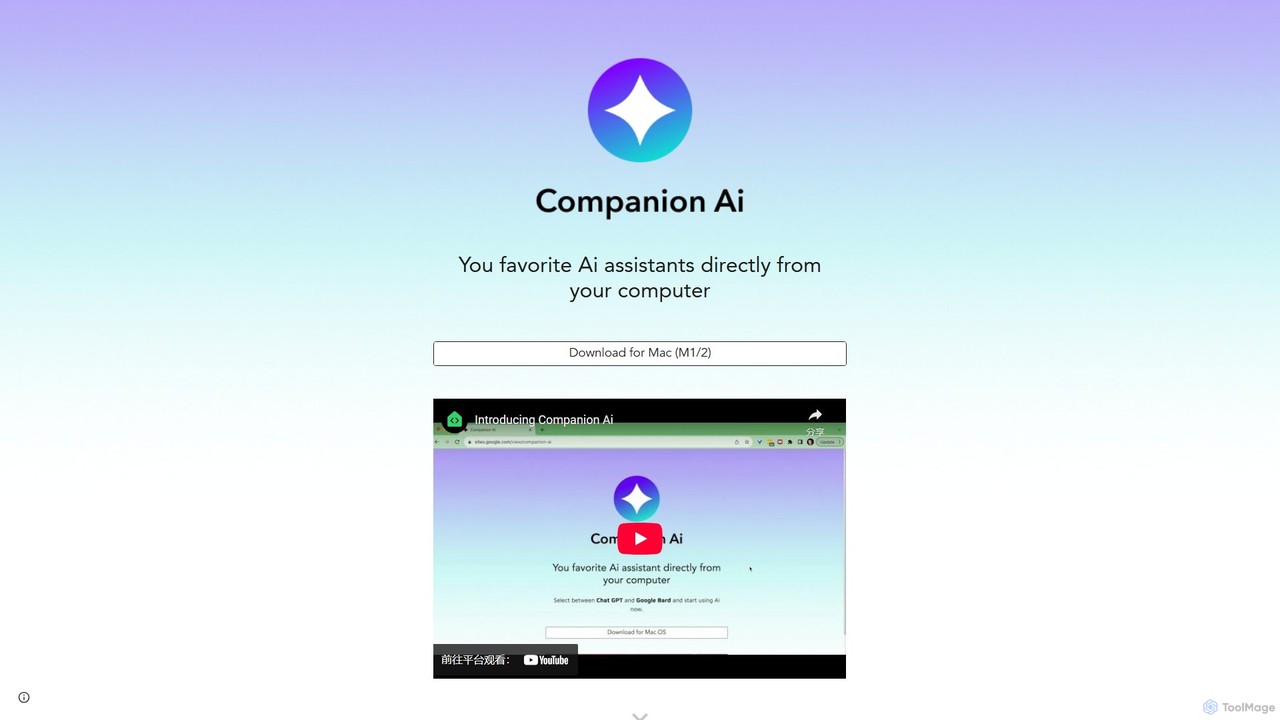
Companion AI
Companion AI is a free macOS desktop application that centralizes your favorite AI assistants like ChatGPT, Gemini, Claude, and Midjourney. Access and switch between multiple AIs instantly from your menu bar, streamlining your workflow and boosting productivity without browser tab clutter.
Code Assistant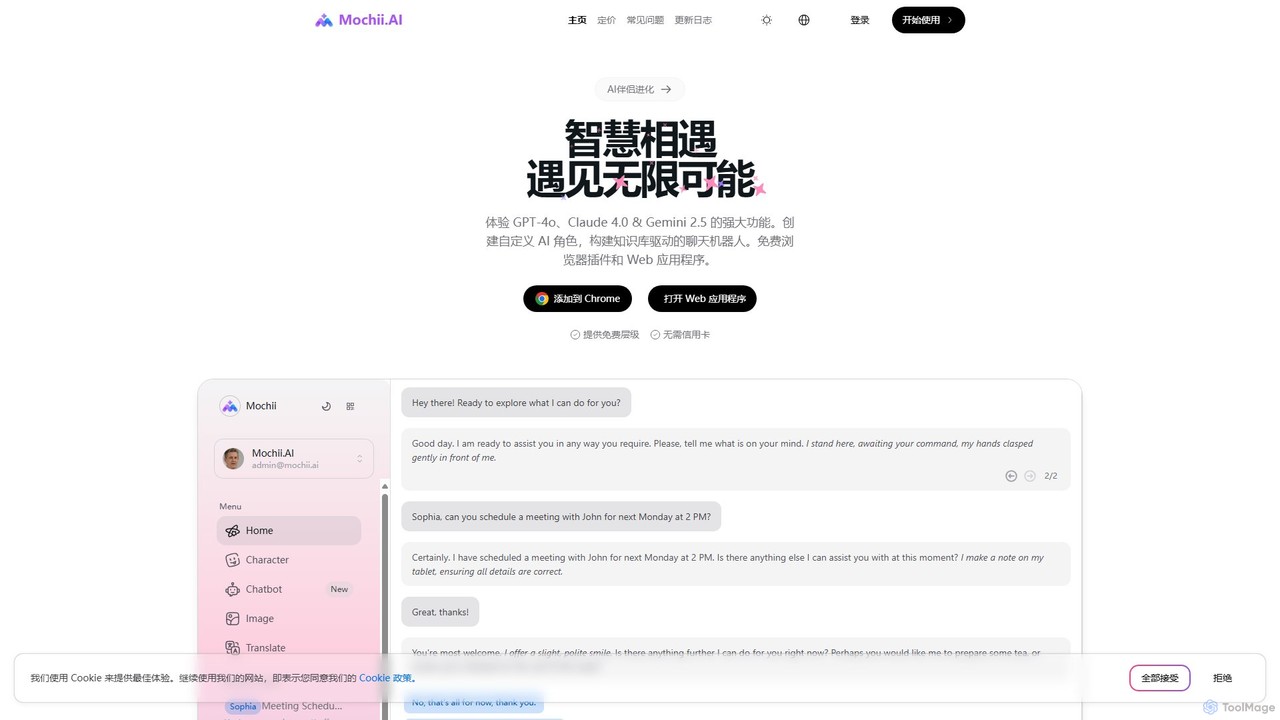
Mochii
Mochii is an all-in-one AI assistant that integrates leading models like GPT-4o, Claude, and Gemini into a seamless browser extension and web app. It enhances productivity by offering features like document analysis, web browsing, AI chatbot building, and customizable AI roles. A generous free tier provides access to advanced AI capabilities for everyone.
Productivity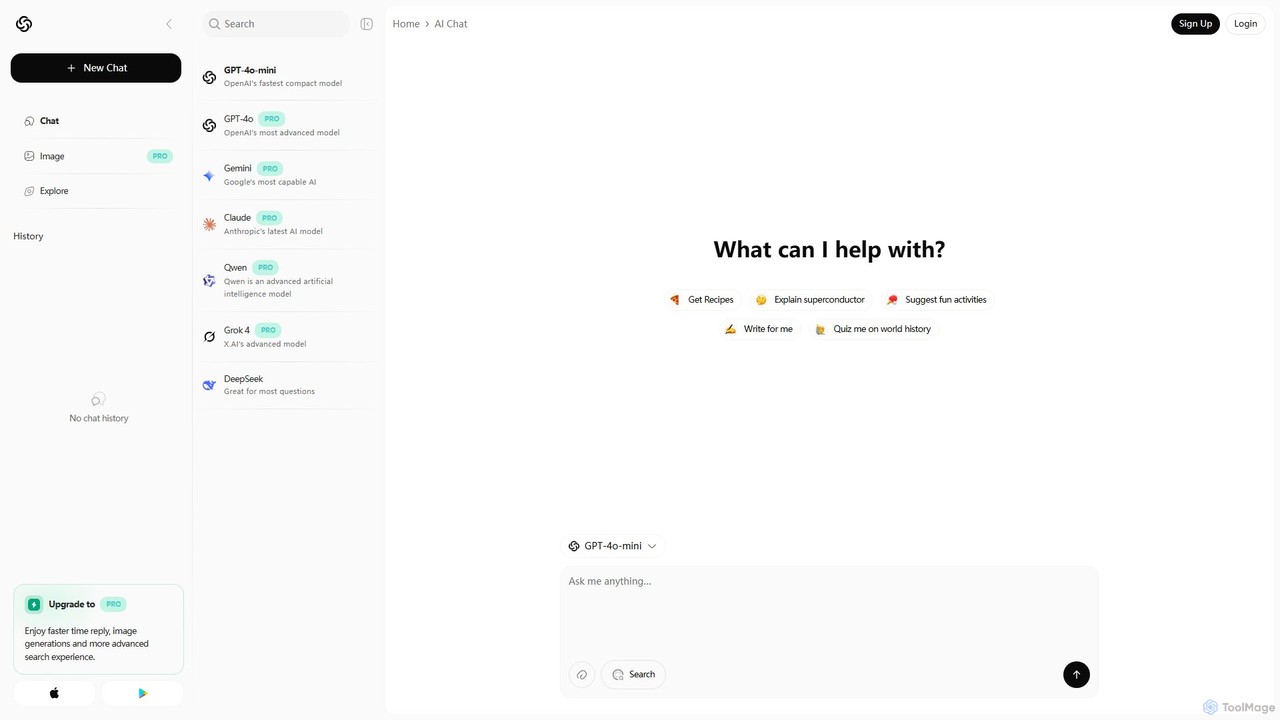
Chatbot AI
Chatbot AI is a versatile platform providing unified access to a suite of leading AI models, including GPT-4o, Gemini, Claude, and Grok. Users can seamlessly switch between models to compare outputs and find the best tool for tasks like writing, coding, research, and creative brainstorming. It offers a free tier and a PRO plan with advanced features like image generation and faster responses, making it a powerful AI aggregator for both casual and professional users.
Model Playground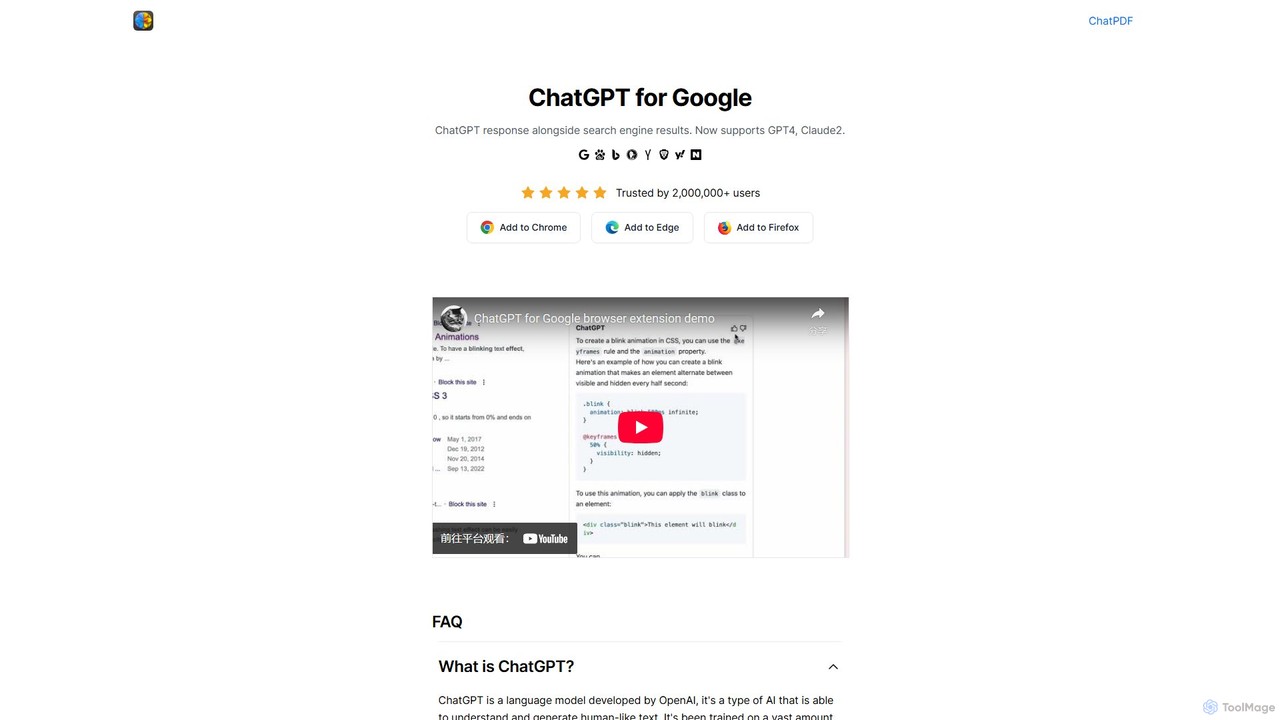
ChatGPT for Google
A browser extension that enhances search engines by displaying AI responses from ChatGPT, GPT-4, Claude, and Gemini (Bard) directly alongside traditional search results, streamlining information gathering and research.
Search Assistant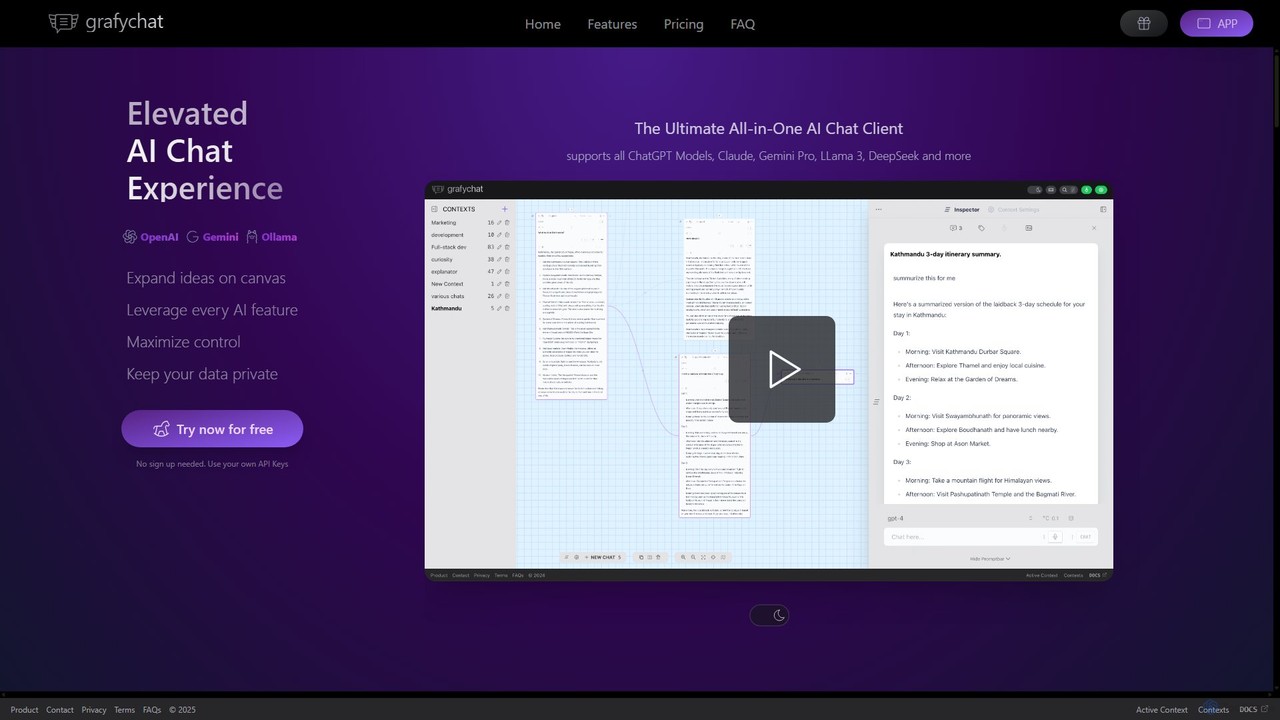
grafychat
grafychat is a privacy-first, all-in-one AI chat client that offers a unique visual canvas interface. It allows users to connect with major AI models like ChatGPT, Gemini, Claude, and Llama 3 using their own API keys, providing a non-linear, organized, and highly customizable chat experience.
Api Management
agpallav
A curated portfolio by developer Pallav Agarwal, showcasing a diverse collection of innovative AI-powered applications, open-source projects, and creative web tools. Explore projects utilizing GPT-4o, Claude, Gemini, and more, ranging from AI chat clients and games to advanced developer resources.
Code Libraries
AI Tutor
AI Tutor is an all-in-one AI platform providing access to over 200+ large language models, including GPT-4o, Claude, and Gemini, under a single subscription. It offers unlimited messaging and a comprehensive suite of tools for coding, deep research, content creation, and bot development. Developed by a non-profit, it also supports education by providing free licenses to students.
Chatbot Builder
ModelFusion
ModelFusion is an all-in-one LLM toolkit for developers and researchers. It offers a suite of free tools, including a cost calculator, prompt library, and model comparator for over 30 AI models like GPT-4, Claude, and Gemini. It also provides a unified API and local model running guides to streamline AI development and optimize costs.
Api
Chorus Comments (0)
Sign in to comment.
Sign inNo comments yet.