Chatbots Best in category 3 results Chatbot Builder AI Tool

Popular AI tools in the Chatbot Builder field of Chatbots include Cookup.AI、Tricuss、AI Tutor, etc., helping you quickly improve efficiency.

Tricuss

Tricuss

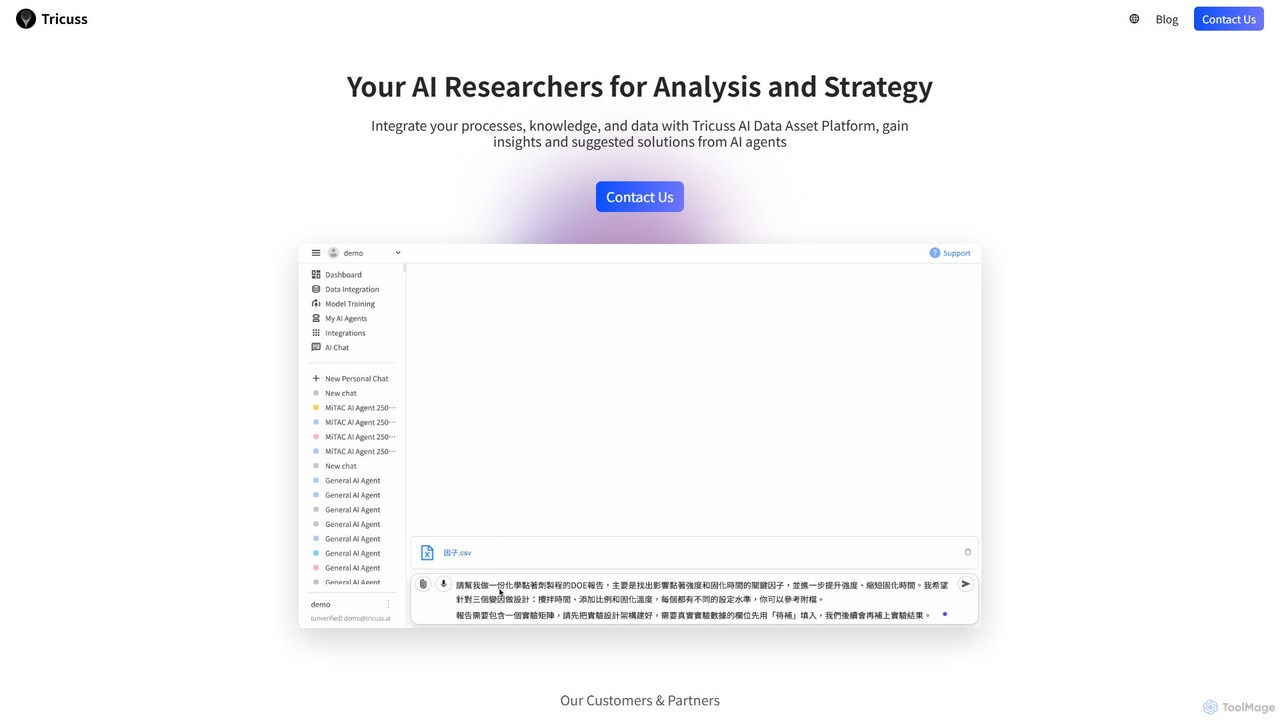
Tricuss is a no-code AI agent builder that empowers businesses to create intelligent researchers for analysis and strategy. …

2.6K
AI Tutor

AI Tutor

AI Tutor is an all-in-one AI platform providing access to over 200+ large language models, including GPT-4o, Claude, …

2.4K
Cookup.AI

Cookup.AI

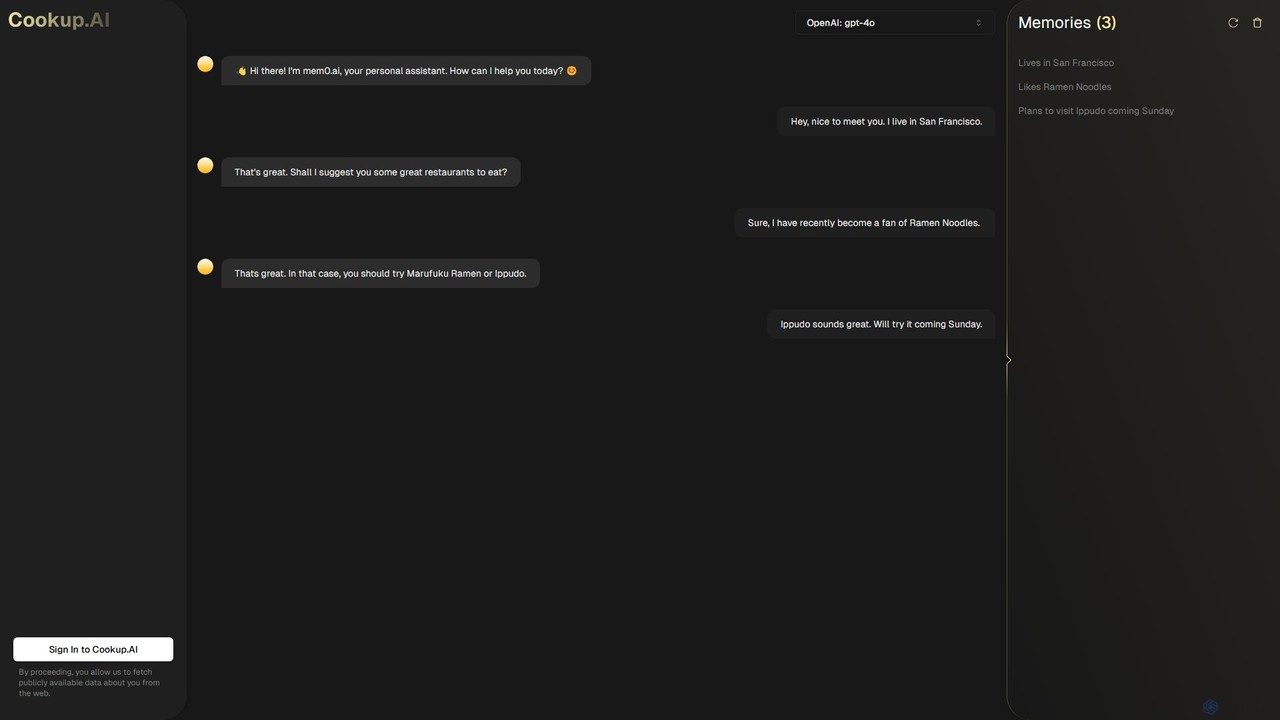
Cookup.AI is a platform for creating and using hyper-personalized AI assistants with long-term memory. Powered by advanced models …

4.3K

About Chatbot Builder

Chatbot Builders are platforms that enable users to design, create, and deploy conversational AI agents, often without extensive coding knowledge. These tools provide a visual interface, pre-built templates, and integrations to construct the logic and flow of a chatbot's conversation. They empower businesses to automate customer support, generate leads, and engage users 24/7 across various digital channels. Many modern builders incorporate advanced Natural Language Processing (NLP) to understand user intent and provide more human-like interactions.

Core Features

  • Visual Flow Editor: Design conversation paths and logic using a drag-and-drop graphical interface.
  • No-Code/Low-Code Interface: Build and customize chatbots with minimal or no programming skills required.
  • Multi-Channel Deployment: Publish a single chatbot across websites, messaging apps (like Messenger, WhatsApp), and social media.
  • Intent Recognition & NLP: Train the AI to understand user queries, identify intent, and extract key information.
  • Third-Party Integrations: Connect with CRM, helpdesk, e-commerce, and other business systems to perform actions.

Use Cases

Chatbot Builders are widely used by marketing teams, customer support managers, and small business owners. For example, an e-commerce store can build a bot to answer order status questions and recommend products. A SaaS company can create one to qualify leads on their website, and an HR department can deploy an internal bot to answer common employee questions.

How to Choose

When selecting a Chatbot Builder, consider your technical skill level; choose between no-code for simplicity or low-code for customization. Evaluate its integration capabilities to ensure it connects with your existing software stack (e.g., Salesforce, Zendesk). Also, verify it supports your target deployment channels and assess the sophistication of its AI and NLP features for handling complex conversations.

Chatbot BuilderUse Cases

1

Automate Customer Support FAQs

A customer support manager for an online retail company uses a no-code chatbot builder to create a support bot for their website. They map out conversation flows for the top 10 most frequent questions, such as 'Where is my order?' and 'What is your return policy?'. The bot is integrated with their shipping provider's API to give real-time order updates. This automates over 40% of incoming queries, allowing human agents to focus on complex, high-value customer issues and improving overall response times.

2

Generate and Qualify Sales Leads

A marketing specialist at a B2B SaaS company builds a lead generation bot for their pricing page. The bot proactively engages visitors, asking questions to understand their needs, company size, and budget. Based on the answers, it qualifies the lead and, if appropriate, uses an integration with Calendly to book a demo directly with a sales representative. This process increases the number of qualified leads by 30% and shortens the sales cycle by automatically filtering and scheduling promising prospects.

3

Create an E-commerce Shopping Assistant

An owner of a small Shopify store uses a chatbot builder to create a shopping assistant. The bot asks customers about their preferences, such as product category, color, and price range. It then fetches matching products from the Shopify catalog via an API integration and presents them to the user within the chat. This provides a personalized shopping experience, increases user engagement, and has led to a 15% uplift in conversion rates for users who interact with the bot.

4

Build an Internal HR Helpdesk Bot

An HR coordinator at a mid-sized company builds a chatbot for their internal communication platform (e.g., Slack or Microsoft Teams). The bot is trained on the company's knowledge base to answer common employee questions about vacation policies, benefits enrollment, and expense reporting procedures. This reduces the number of repetitive emails to the HR department by 60% and provides employees with instant, 24/7 access to important information, improving overall employee satisfaction.

5

Develop a User Onboarding Guide Bot

A product manager for a new software application uses a low-code chatbot builder to create an interactive onboarding guide. The bot is embedded within the application and proactively guides new users through key features, step-by-step. It asks users if they need help and provides short video tutorials or links to documentation based on their progress. This interactive approach improves user activation rates by 25% compared to a static tutorial page and reduces early-stage user churn.

6

Facilitate Event Registration and Information

An event organizer for a tech conference builds a chatbot for the event's website and Facebook page. The bot allows attendees to view the schedule, learn about speakers, and register for the event directly within the chat interface. It also sends automated reminders before key sessions. This streamlined process increases early-bird registrations by 20% and significantly reduces the volume of email inquiries to the organizing team, freeing them to focus on event logistics.

Chatbot BuilderFrequently Asked Questions