ToolMage
Sign in

Best 2 Ai Assistant for Chatbots

Popular Ai Assistant in Chatbots include iTextMaster and Learn Languages AI, helping you work more efficiently.

Learn Languages AI
Freemium

Learn Languages AI

An AI-powered language teacher on Telegram that helps you learn languages through conversational practice. Engage in speaking, texting, and interactive games to achieve your fluency goals with a 24/7 AI tutor.

Ai Assistant
Visits 5.2KFavorites 96Likes 101
iTextMaster
Freemium

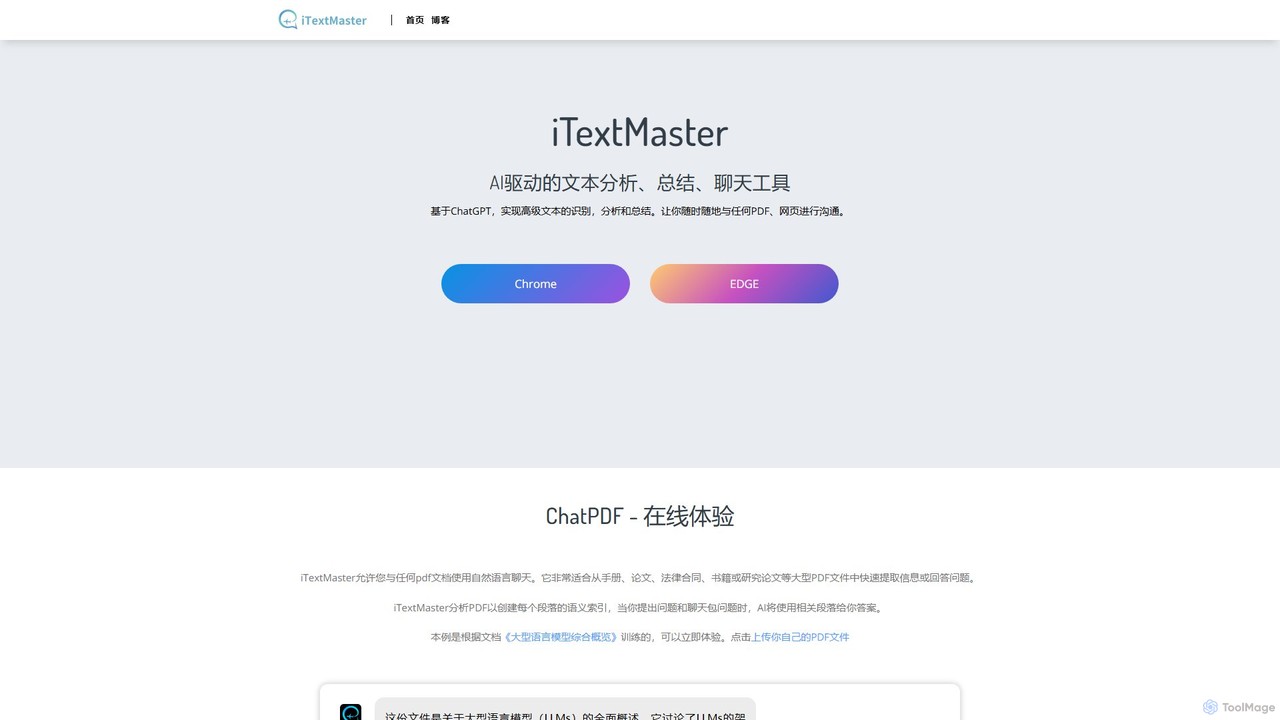
iTextMaster

iTextMaster is an AI-powered tool that lets you chat with any PDF document or webpage. Using ChatGPT, it analyzes, summarizes, and extracts key information, allowing you to quickly understand complex materials like research papers, legal contracts, or manuals. Simply upload a file or provide a URL to start an interactive conversation and get intelligent answers instantly.

Ai Assistant
Visits 8.1KFavorites 113Likes 104

About Ai Assistant

An AI Assistant is a sophisticated software agent designed to perform tasks and automate workflows on behalf of a user, acting as a personalized productivity partner. Unlike standard chatbots that are primarily reactive, AI Assistants proactively learn user preferences and integrate with various applications like calendars, email, and project management tools. They excel at managing schedules, summarizing information, drafting communications, and streamlining complex processes. This deep integration and proactivity allow them to anticipate needs and execute multi-step tasks across different digital environments.

Core Features

  • Proactive Task Automation: Intelligently schedules meetings, drafts emails, and sets reminders based on contextual understanding.
  • Deep Application Integration: Connects seamlessly with your calendar, CRM, cloud storage, and other essential work tools to perform actions.
  • Personalized Workflow Management: Learns your habits and preferences to offer customized suggestions and automate recurring tasks.
  • Information Synthesis: Gathers and summarizes data from documents, emails, or web pages to provide concise, actionable insights.

Use Cases

AI Assistants are widely used by busy professionals, executives, and project managers to offload administrative work. They are valuable for managing complex schedules, preparing for meetings by gathering relevant documents, and maintaining organization across multiple projects and communication channels.

How to Choose

When selecting an AI Assistant, evaluate its integration ecosystem to ensure it supports your most-used apps. Consider the level of automation and proactivity it offers, its availability across platforms (desktop, mobile, web), and its data privacy and security policies to protect sensitive information.

Featured tool rankings

Ai Assistant use cases

1

Automate Complex Meeting Scheduling

For project managers juggling multiple teams, an AI Assistant streamlines scheduling. It parses email requests, identifies participants, checks availability across different calendars (e.g., Google Calendar, Outlook), and proposes optimal times. Once a time is confirmed, it automatically sends calendar invites with a pre-filled agenda and relevant attachments. This eliminates the back-and-forth communication that typically consumes hours, reducing scheduling time by over 80% and preventing double-bookings.

2

Prepare Intelligent Daily Briefings

An executive or sales professional can start their day with a personalized briefing compiled by their AI Assistant. The assistant connects to their CRM, calendar, and news feeds. It summarizes the day's schedule, provides key details about meeting attendees (e.g., recent activity from the CRM), flags urgent emails requiring a response, and includes relevant industry news. This consolidated report provides a comprehensive overview in minutes, ensuring the user is fully prepared and focused on high-priority tasks from the outset.

3

Streamline Cross-Platform Research

For researchers or students, an AI Assistant acts as a powerful research partner. Instead of manually opening dozens of tabs, a user can give the assistant a topic. The assistant then scours designated sources like academic databases, news sites, and internal documents. It gathers relevant information, identifies key themes, and generates a structured summary with citations. This automates the initial data collection phase, allowing the user to focus on analysis and interpretation, significantly accelerating the research process.

4

Manage and Prioritize Email Inbox

For professionals receiving hundreds of emails daily, an AI Assistant can transform inbox management. It intelligently categorizes incoming messages, separating urgent communications from newsletters and notifications. It can summarize long email threads to provide the key points instantly. Furthermore, based on the user's past writing style, the assistant can draft replies to common inquiries, which the user can then quickly review and send. This turns a cluttered inbox into an organized, actionable workspace and saves hours of manual sorting and typing each week.

5

Coordinate Team Projects and Tasks

A team lead can use an AI Assistant to improve project coordination. By integrating with project management tools like Asana or Trello, the assistant can automatically track task progress and deadlines. It can send personalized reminders to team members about upcoming due dates, identify potential bottlenecks where tasks are stalled, and even draft weekly progress reports by summarizing completed tasks and current statuses. This provides the team lead with a real-time overview of the project without needing to manually check in on every task, fostering better accountability and smoother workflows.

6

Create Smart Travel Itineraries

For frequent travelers, an AI Assistant can act as a personal travel agent. The user provides their destination, dates, and preferences (e.g., window seat, hotel near the city center). The assistant can then search for flights and accommodations, present the best options, and make bookings upon confirmation. It automatically adds all reservation details to the user's calendar, including confirmation numbers and addresses. It can also build a day-by-day itinerary by suggesting popular attractions or restaurants, creating a seamless and well-organized travel plan.

Ai Assistant FAQ

What is an AI Assistant?

An AI Assistant is a personalized software agent that uses artificial intelligence to perform tasks and provide services for an individual. It goes beyond simple Q&A to actively manage workflows, such as scheduling meetings, organizing emails, and retrieving information. Key characteristics include proactivity, deep integration with other applications, and the ability to learn user preferences over time to offer tailored support. They act as a digital partner to enhance personal and professional productivity.

What is the main difference between an AI Assistant and a standard Chatbot?

The primary difference lies in their scope and proactivity. A standard Chatbot is typically reactive, designed for conversations within a specific context, like answering customer service questions on a website. An AI Assistant is proactive and integrated. It connects to a user's personal ecosystem (email, calendar, apps) to manage tasks, anticipate needs, and automate workflows across multiple platforms. In short, you talk to a chatbot, but an AI Assistant works for you.

How do I choose the right AI Assistant?

Choosing the right AI Assistant depends on your specific needs. Consider these key factors:

  • Integration Ecosystem: Does it connect with the apps and services you use daily (e.g., Google Workspace, Microsoft 365, Slack, specific CRMs)?
  • Core Functionality: Does it excel at the tasks you need most, such as scheduling, email management, or research? Some assistants are generalists, while others specialize.
  • Platform Availability: Is it available on all your devices, including desktop, mobile, and as a browser extension, for seamless access?
  • Privacy and Security: Review its data handling policies. Since the assistant will access sensitive information, ensure it uses strong encryption and has a clear privacy policy.
What are the key functions of an AI Assistant?

While features vary between tools, most AI Assistants provide a core set of functions aimed at boosting productivity. These typically include:

  • Scheduling and Calendar Management: Finding meeting times, booking appointments, and sending invitations.
  • Communication Management: Sorting and prioritizing emails, drafting replies, and summarizing long conversations.
  • Information Retrieval and Synthesis: Searching across the web and connected apps to find information and present it in a summarized format.
  • Task and Workflow Automation: Creating to-do lists, setting reminders, and automating multi-step processes based on triggers (e.g., 'when I receive an invoice, save it to this folder').
Who can benefit from using an AI Assistant?

A wide range of individuals can benefit from an AI Assistant. Key user groups include:

  • Busy Professionals and Executives: To manage packed schedules, handle high volumes of email, and delegate administrative tasks.
  • Project Managers: To coordinate team tasks, track deadlines, and automate progress reporting.
  • Sales Teams: To prepare for client meetings, log activities in a CRM, and follow up on leads.
  • Students and Researchers: To organize notes, gather information from multiple sources, and manage research deadlines.
  • Anyone looking to improve personal productivity: To automate daily routines, manage personal appointments, and stay organized.