ToolMage
Sign in

Best 4 Ai Assistants for Chatbots

Popular Ai Assistants in Chatbots include Youper, Steno.ai, getdeltadriven, and Zaplingo, helping you work more efficiently.

Youper
Freemium

Youper

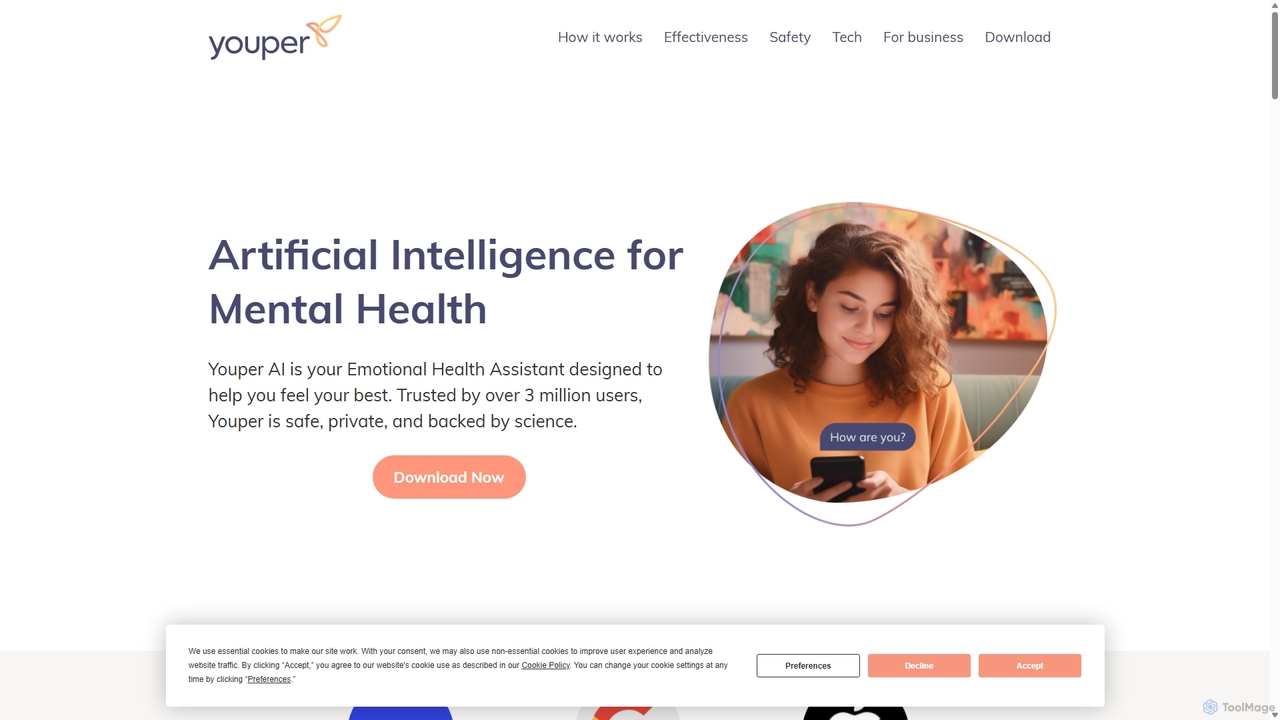
Youper is an AI-powered Emotional Health Assistant designed to help you feel your best. Using evidence-based techniques like Cognitive Behavioral Therapy (CBT), it engages in supportive conversations to help you manage anxiety, depression, and other emotional challenges. Trusted by millions and clinically validated by researchers at Stanford University, Youper provides accessible, private, and on-demand mental health support.

Ai Assistants
Visits 25.5KFavorites 118Likes 134
Steno.ai
Paid

Steno.ai

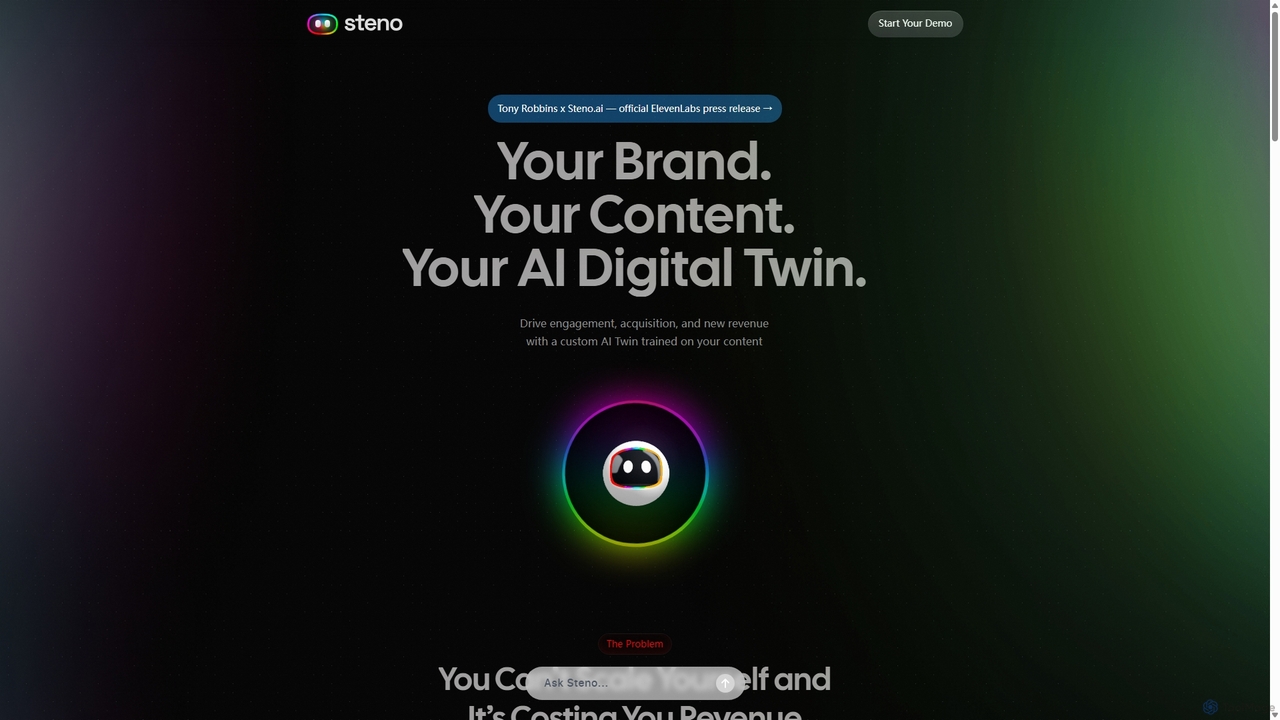
Steno.ai creates a custom AI Digital Twin of you or your brand, trained on your unique content. This AI twin engages users 24/7 through voice and chat, answering questions, capturing leads, and driving revenue. Easily embeddable on any website, it scales your presence and multiplies human connection, allowing you to have personalized conversations with your audience at scale.

Ai Assistants
Visits 15.8KFavorites 104Likes 119
Zaplingo
Freemium

Zaplingo

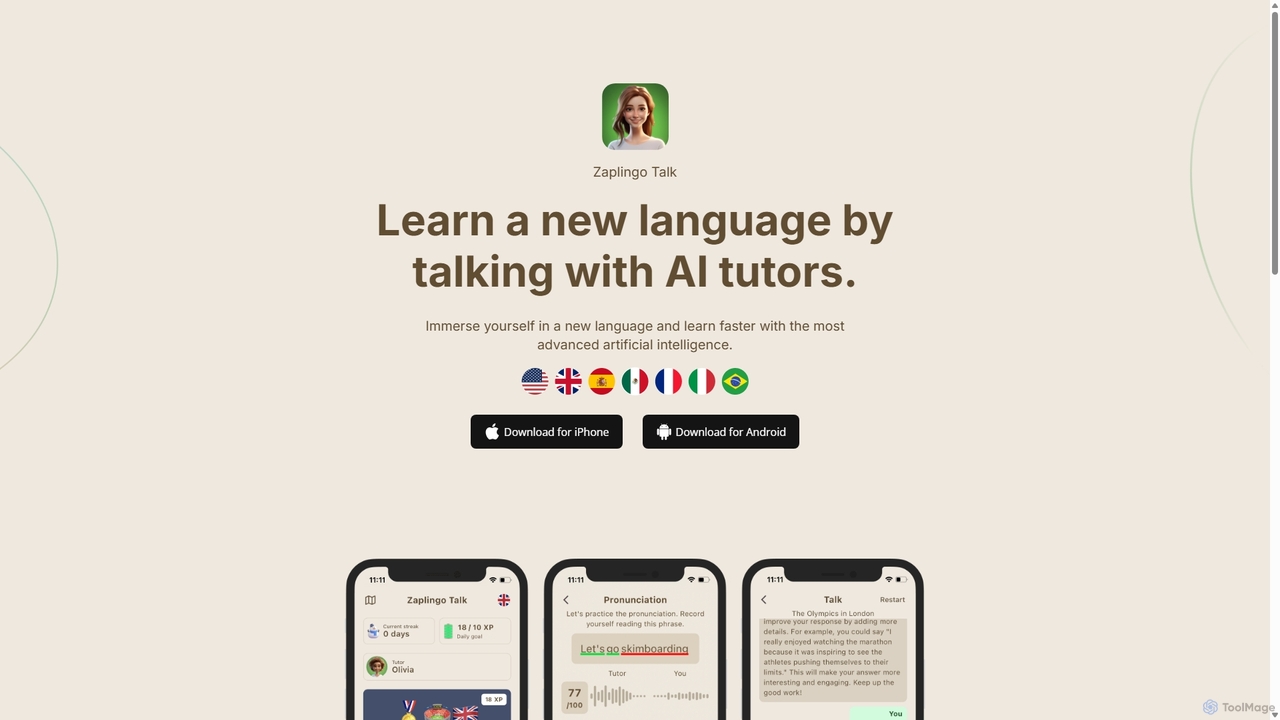
Zaplingo is an AI-powered language tutor available on WhatsApp and Telegram. It helps you practice speaking and improve fluency through realistic conversations with AI tutors. Get instant feedback on pronunciation and grammar in a stress-free environment, supporting languages like English, Spanish, French, and Italian.

Ai Assistants
Visits 6.8KFavorites 130Likes 139
getdeltadriven
Freemium

getdeltadriven

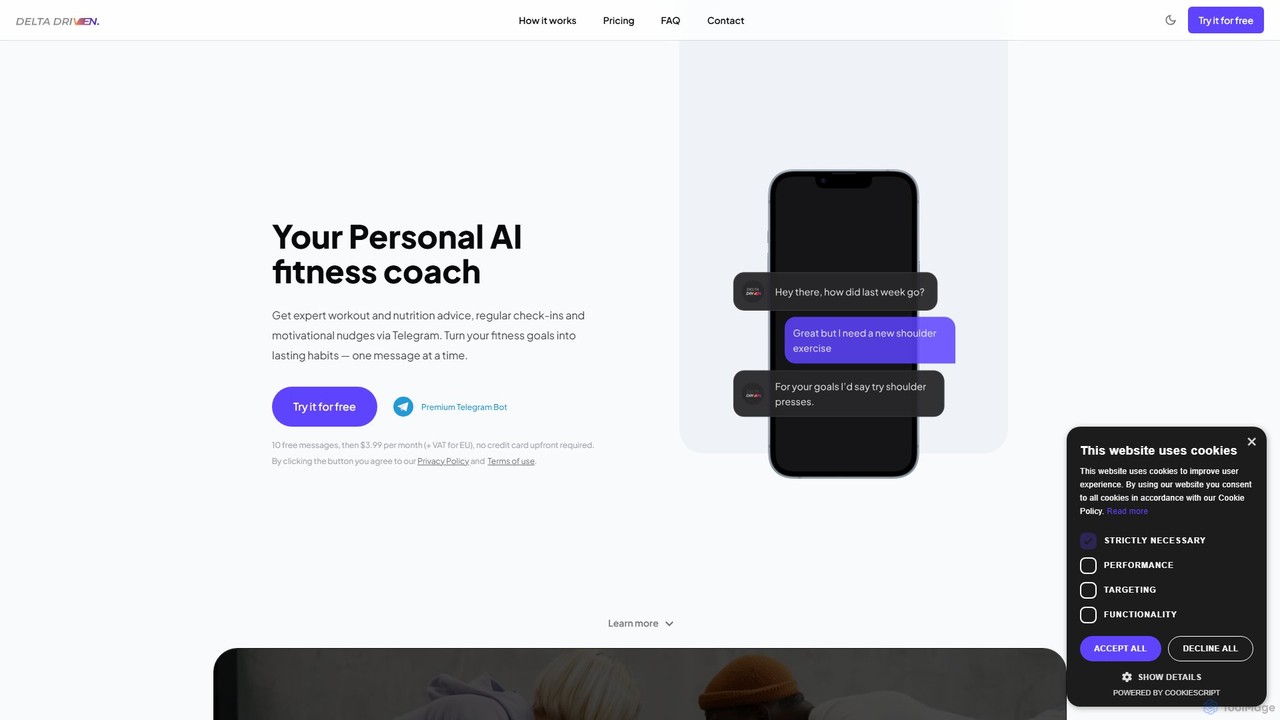
getdeltadriven is an AI-powered personal fitness coach available 24/7 on Telegram. It provides personalized workout plans, nutrition advice, and motivational support tailored to your unique goals. Track progress, get calorie estimates from food photos, and build lasting habits with this affordable and accessible pocket trainer.

3D
Visits 6.9KFavorites 137Likes 135

About Ai Assistants

AI Assistants are a sophisticated category of chatbots designed to proactively perform tasks and provide personalized support for users. Unlike traditional chatbots that primarily react to queries, AI Assistants leverage deep learning and integration with other applications to understand context, anticipate needs, and automate complex workflows. They act as intelligent partners, helping individuals and teams manage schedules, draft communications, and streamline daily operations, ultimately enhancing productivity.

Core Features

  • Proactive Task Automation: Automatically performs actions like scheduling meetings, sending reminders, or organizing files based on user behavior and context.
  • Cross-Application Integration: Connects with calendars, email clients, and project management tools to execute tasks across different platforms.
  • Personalized Recommendations: Learns user preferences and habits to offer relevant suggestions, information, and shortcuts.
  • Natural Language Command: Understands and executes complex, multi-step commands given in conversational language.
  • Contextual Awareness: Maintains context across conversations and applications to provide more relevant and accurate assistance.

Use Cases

AI Assistants are widely used by professionals for personal productivity, by teams for automating project management workflows, and within software applications to provide intelligent, in-context user guidance. For example, an assistant can summarize a meeting transcript and automatically create follow-up tasks in a project tool.

How to Choose

When selecting an AI Assistant, consider its integration capabilities with your existing tools. Evaluate the depth of its task automation features and its ability to learn and adapt to your specific workflows. Also, review the platform's security protocols for handling personal and company data, and compare pricing models based on your usage frequency and feature requirements.

Ai Assistants use cases

1

Automating Meeting Workflows

For project managers and team leads, managing meeting follow-ups is time-consuming. An AI Assistant can integrate with video conferencing and project management tools. It automatically transcribes the meeting, identifies key action items and decisions, and creates corresponding tasks in tools like Asana or Jira, assigning them to the correct team members with deadlines. This eliminates manual data entry and ensures accountability.

2

Intelligent Email Triage and Drafting

Busy executives and sales professionals receive hundreds of emails daily. An AI Assistant can connect to their inbox, automatically categorizing emails by priority, summarizing long threads, and drafting context-aware replies. For instance, it can identify an inquiry about a meeting, check the user's calendar for availability, and draft a response with suggested times, requiring only a quick review and approval from the user.

3

Personalized Daily Briefing and Scheduling

For any professional looking to start their day organized, an AI Assistant can act as a personal chief of staff. Each morning, it can provide a consolidated briefing that includes the day's calendar events, priority tasks from a to-do list, important unread emails, and relevant news updates. It can also proactively reschedule conflicting appointments by negotiating times with other attendees' assistants.

4

Streamlining Research and Content Curation

Content creators and researchers can use an AI Assistant to accelerate information gathering. By giving it a topic, the assistant can scan the web, internal documents, and subscription services to find relevant articles, studies, and data points. It then summarizes the key findings, organizes them into a structured brief, and cites the sources, saving hours of manual research and reading.

5

In-App User Guidance and Onboarding

Software developers and product managers can embed an AI Assistant directly into their applications. This assistant provides proactive, context-sensitive help to new users. For example, if a user is struggling with a complex feature, the assistant can pop up with a short tutorial, suggest the next best action, or answer questions in natural language, improving user onboarding and reducing support tickets.

6

Managing Personal Tasks and Smart Home Devices

Beyond professional use, AI Assistants excel at managing personal life. A user can verbally ask the assistant to add items to a shopping list, set reminders for appointments, play a specific music playlist, and control smart home devices like lights or thermostats. The assistant centralizes control over various digital and physical aspects of a user's environment, simplifying daily routines.

Ai Assistants FAQ

What is an AI Assistant?

An AI Assistant is an advanced software agent that uses artificial intelligence to perform tasks and provide personalized services for an individual or team. Unlike basic chatbots, they are proactive, learn from user interactions, and integrate with other applications to automate workflows like scheduling, email management, and data retrieval. Their primary goal is to enhance productivity by acting as an intelligent partner.

What is the main difference between an AI Assistant and a standard Chatbot?

The key difference lies in their function and proactivity. A standard chatbot is typically reactive, designed to answer specific questions or handle simple queries within a limited domain (e.g., customer service). An AI Assistant is proactive and task-oriented. It integrates with a user's digital ecosystem (email, calendar, apps) to anticipate needs, automate multi-step tasks, and provide personalized suggestions, going far beyond simple conversation.

How do I choose the right AI Assistant?

To choose the right AI Assistant, consider these factors:

  • Integration: Ensure it connects seamlessly with the tools you use daily, such as your calendar, email client, and project management software.
  • Functionality: Evaluate its core capabilities. Do you need it primarily for scheduling, research, or complex workflow automation?
  • Platform: Decide if you need a standalone app, a browser extension, or an assistant integrated into another platform.
  • Security & Privacy: Review its data handling policies, especially if you'll be connecting it to sensitive company or personal information.
Who can benefit from using an AI Assistant?

A wide range of users can benefit. Professionals and executives use them to manage busy schedules and communications. Project teams leverage them to automate administrative tasks and track progress. Content creators and researchers use them to speed up information gathering. Even for personal use, they can help manage daily tasks, reminders, and smart home devices, making them valuable for anyone looking to improve organization and efficiency.

What are some common tasks an AI Assistant can automate?

AI Assistants excel at automating routine administrative and digital tasks. Common examples include:

  • Scheduling meetings by finding mutually available times on calendars.
  • Summarizing long emails, documents, or meeting transcripts.
  • Drafting replies to common inquiries.
  • Setting reminders and creating to-do list items from conversations.
  • Finding and organizing information from various sources for research.