

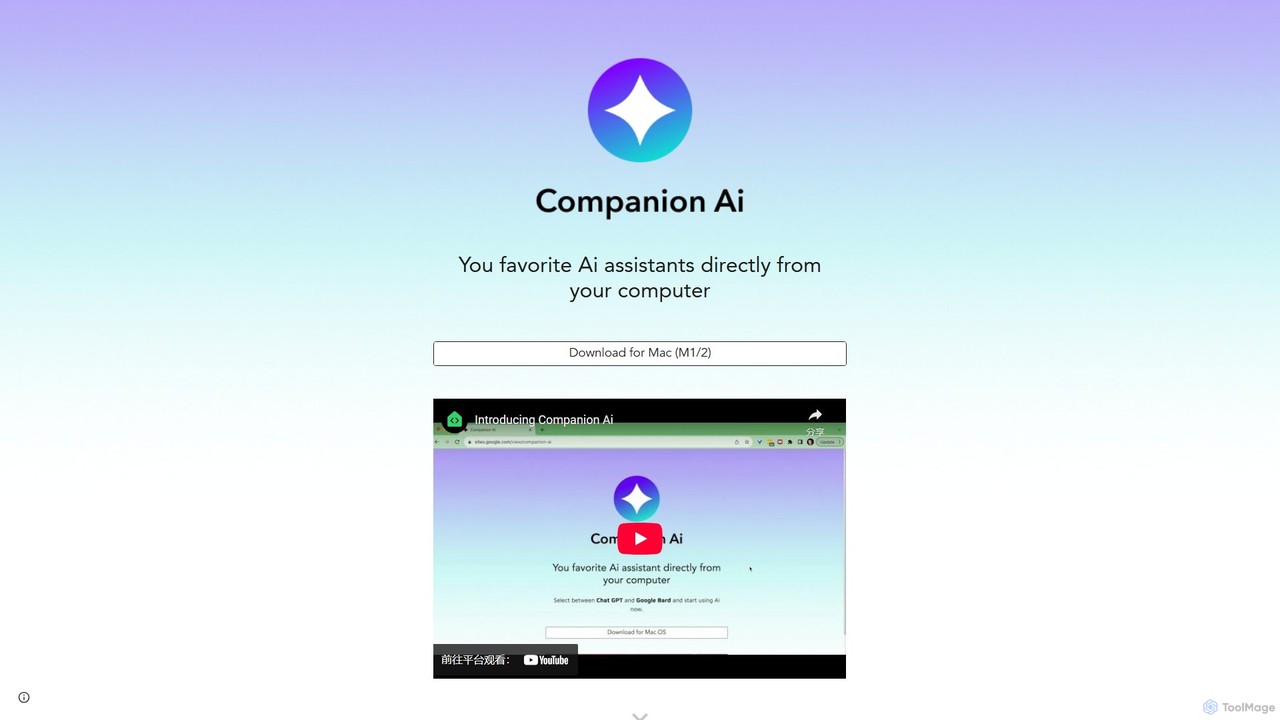
Companion AI Overview
Companion AI is a powerful and convenient desktop application designed specifically for macOS users who frequently interact with multiple AI services. It acts as a unified hub, bringing together popular AI assistants such as OpenAI's ChatGPT, Google's Gemini, Anthropic's Claude, Character.ai, and the image generation platform Midjourney into a single, easily accessible interface. This eliminates the need to juggle numerous browser tabs, allowing for a more focused and efficient workflow. By residing in your Mac's menu bar, Companion AI provides instant access to your chosen AI, making it an indispensable tool for developers, writers, students, and anyone looking to enhance their productivity with artificial intelligence.
The application is built with simplicity and efficiency in mind. It offers a clean, native experience on Mac, supporting M1 and M2 chips for optimal performance. With features like a quick-switch contextual menu, customizable shortcuts, and the ability to launch at startup, Companion AI seamlessly integrates into your daily routine. It's designed to feel like a natural extension of your operating system, always ready to assist you with a single click or keypress.
How to use Companion AI
Using Companion AI is straightforward and intuitive. Follow these simple steps to get started:
- Download and Install: Visit the official Companion AI website and download the application for your Mac (compatible with M1/M2 chips). Install it by dragging the app to your Applications folder.
- Initial Setup: Launch the application. You can configure it to start automatically when your Mac boots up via the settings menu for constant availability.
- Accessing the App: Companion AI lives in your Mac's menu bar. Click its icon to show the main window, and click away or use a shortcut to hide it.
- Selecting an AI Companion: Right-click the menu bar icon or use the in-app contextual menu to bring up a list of available AI services (ChatGPT, Gemini, Claude, etc.). Select the one you wish to use.
- Interact with the AI: The window will load the selected AI's web interface. Log in with your existing account for that service. You can now chat, generate text, or create images as you normally would, but all within the Companion AI app.
- Switching Between AIs: To switch to a different AI, simply use the quick-switch menu again. Your sessions are preserved, making it easy to pick up where you left off with each service.
Core Features of Companion AI
- Multi-AI Integration: Centralized access to leading AI platforms including ChatGPT, Google Gemini, Claude.ai, Character.ai, and Midjourney.
- Quick Switch Menu: Instantly toggle between different AI assistants using an intuitive contextual menu, boosting multitasking efficiency.
- Native macOS Experience: A lightweight, fast, and optimized application for Mac, including support for Apple Silicon (M1/M2), ensuring smooth performance.
- Menu Bar Accessibility: Resides discreetly in your menu bar for quick show/hide access, keeping your desktop clutter-free.
- Launch at Startup: Configure the app to launch automatically with your Mac, so your AI assistants are always ready.
- Automatic Updates: The application keeps itself up-to-date automatically, ensuring you always have the latest features and bug fixes without manual intervention.
- Seamless Interaction: Includes fixes for common web interface issues like copy-paste, providing a smoother user experience than a standard browser.
Use Cases for Companion AI
Companion AI is versatile and benefits a wide range of users:
- Developers: Quickly compare code snippets, debug, and get explanations from different AI models like ChatGPT and Claude without leaving their coding environment for long.
- Writers and Content Creators: Use ChatGPT for drafting articles, Gemini for research and fact-checking, and Midjourney for generating blog post images, all within one consolidated application.
- Students and Researchers: Gather information from multiple AI sources, get help with homework from different AI tutors, and organize research notes efficiently.
- Marketing Professionals: Brainstorm campaign ideas with one AI, write ad copy with another, and generate visual concepts with Midjourney, streamlining the creative process.
- General Productivity: Any user who relies on AI for daily tasks can save significant time and reduce mental load by avoiding the chaos of multiple browser tabs.
Advantages of Companion AI
The primary advantage of Companion AI is the significant boost in productivity and focus it offers. By centralizing access to essential AI tools, it minimizes context switching and keeps users in their flow state. The native desktop application is more responsive and less resource-intensive than running multiple web apps in a browser. Its simplicity, combined with powerful features like quick switching and menu bar access, makes it an elegant solution for power users. The auto-update feature ensures a low-maintenance, always-current experience.
Pricing and Plans
Companion AI is completely free to download and use. The application itself does not have any subscription fees or hidden costs. Users only need to have their own accounts for the third-party AI services they wish to access through the app (e.g., a free or paid ChatGPT account). The developer provides this tool as a free utility to enhance the productivity of the AI user community.
Companion AI Alternatives
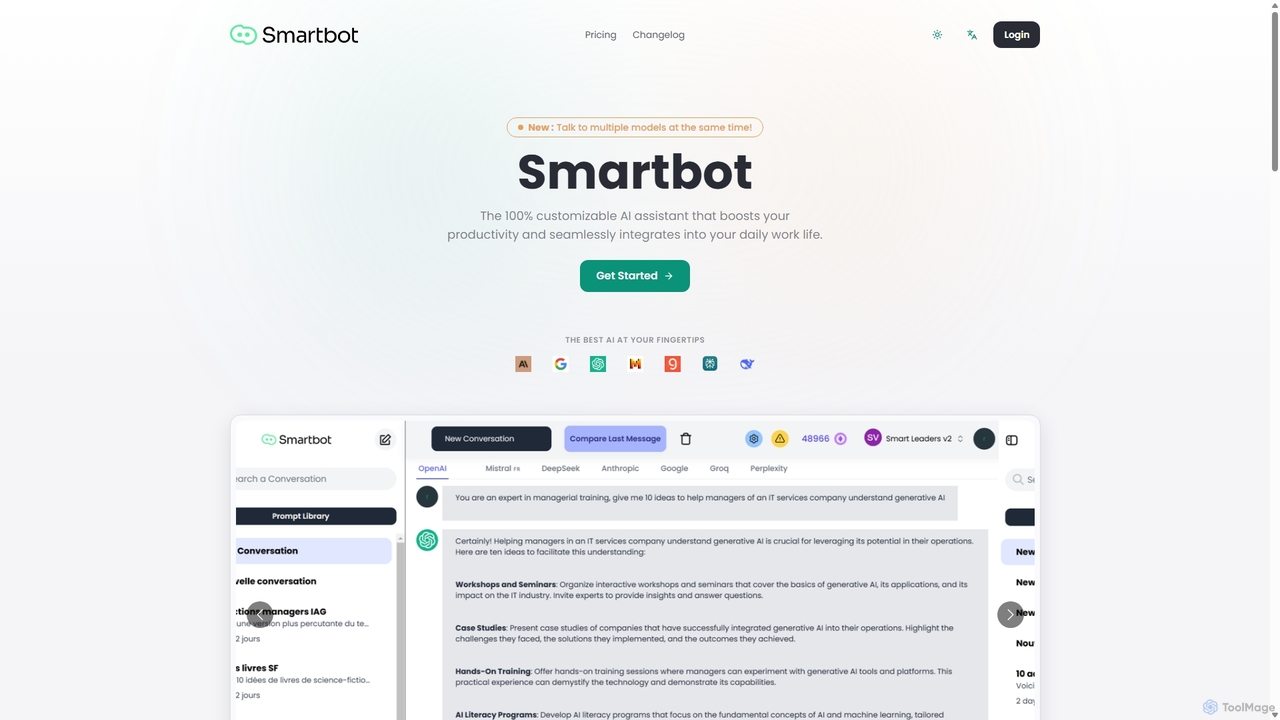
Smart Bot
Smart Bot is a highly customizable AI assistant that boosts productivity by integrating multiple top-tier AI models like ChatGPT, Claude, and Gemini into a single interface. It allows users to compare responses simultaneously, manage a shared library of custom prompts for team collaboration, and even visualize and test generated code. With features like image and file reading, it streamlines daily workflows for individuals and organizations.
Code Assistant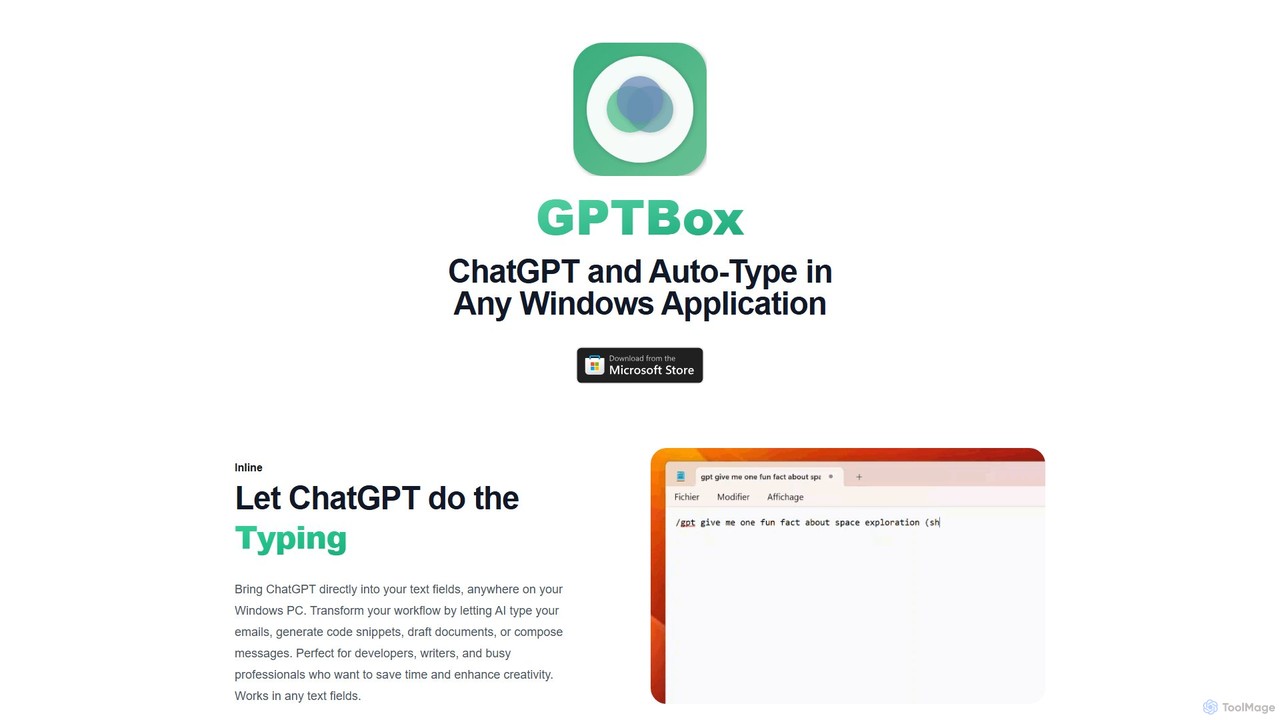
GPTBox
GPTBox is a native Windows application that seamlessly integrates ChatGPT and DeepSeek into your taskbar. It allows you to access AI assistance from anywhere on your PC with a simple keyboard shortcut and use an inline auto-type feature to draft emails, write code, and generate content directly in any text field. Designed for developers, writers, and professionals, it boosts productivity by embedding AI into your daily workflow.
Code Assistant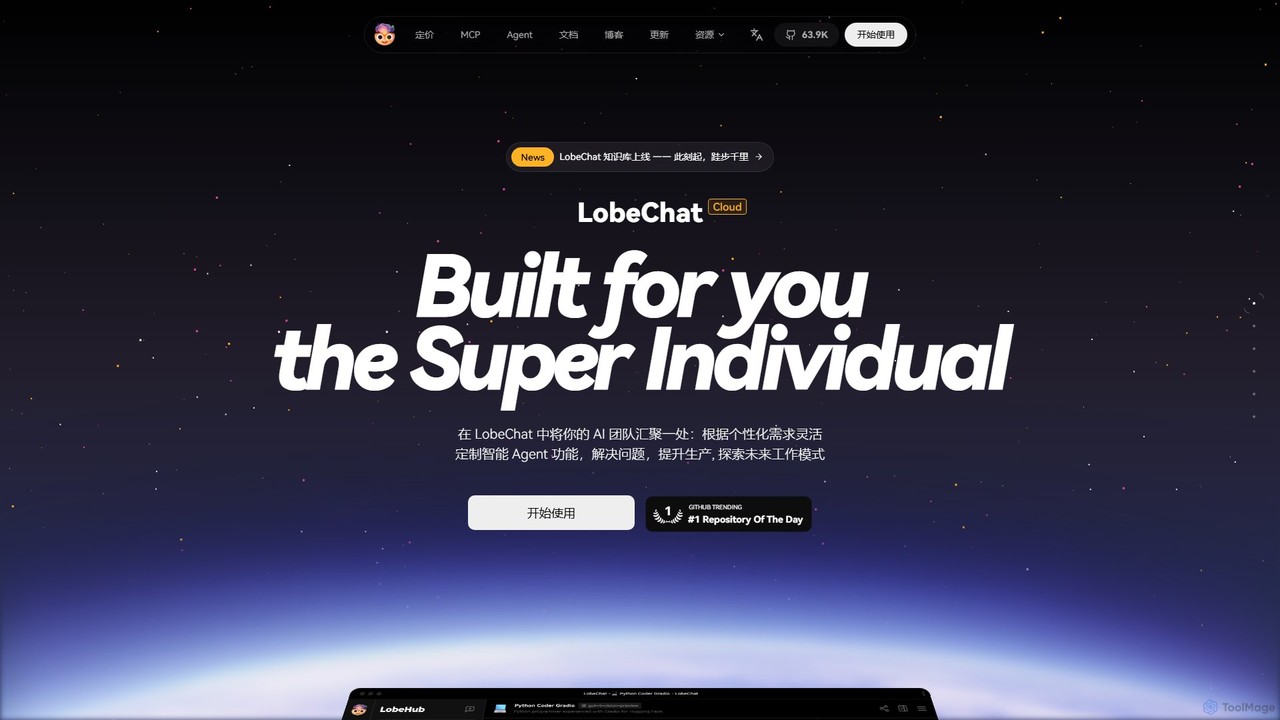
LobeHub
LobeHub is an all-in-one AI platform that allows you to build and manage a personalized team of AI Agents. It offers a superior user experience to standard LLM interfaces like ChatGPT, with support for numerous models, plugins, and multi-modal interactions. Create, share, and use specialized agents for tasks ranging from coding and writing to academic research and daily life, all within a single, intuitive chat interface.
Chatbot Platform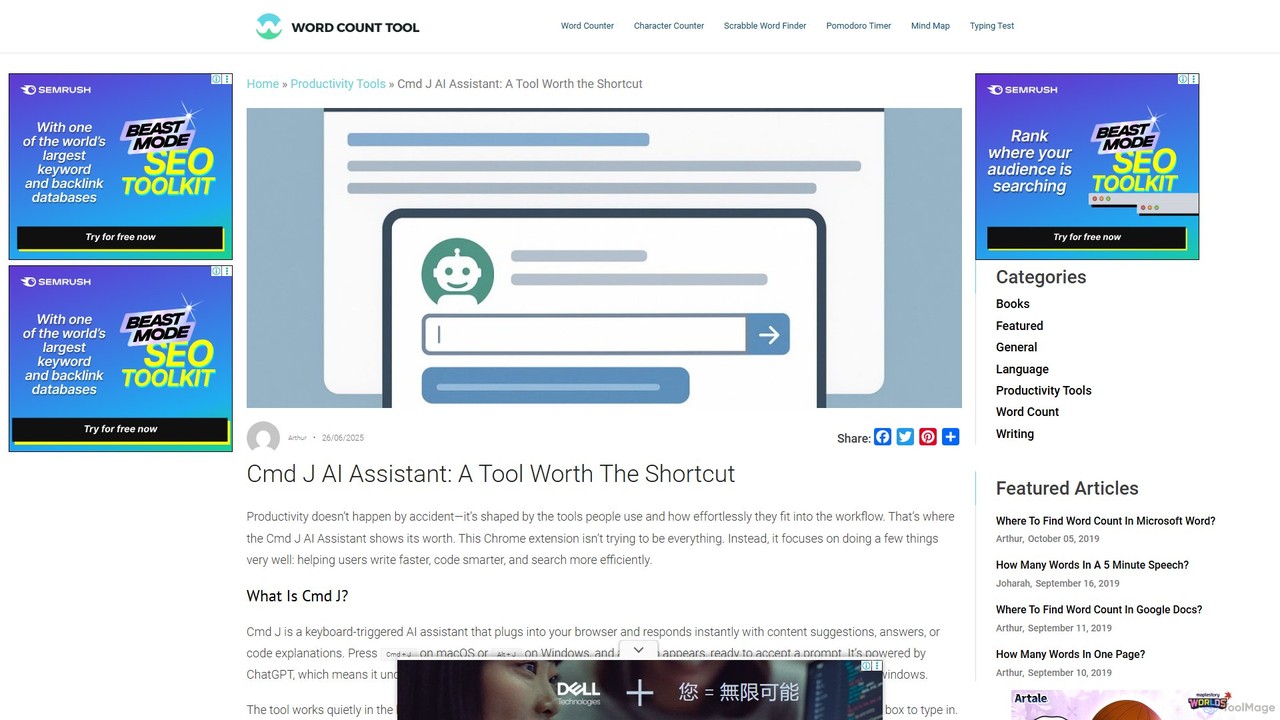
Cmd J AI Assistant
Cmd J is a keyboard-activated AI assistant, available as a Chrome extension, designed to boost productivity. Powered by ChatGPT, it provides instant help with writing, coding, and research directly in your browser. Simply press a shortcut (Cmd+J or Alt+J) to summon the AI, eliminating the need to switch tabs or open new applications, and seamlessly integrating into any workflow.
Chrome Extensions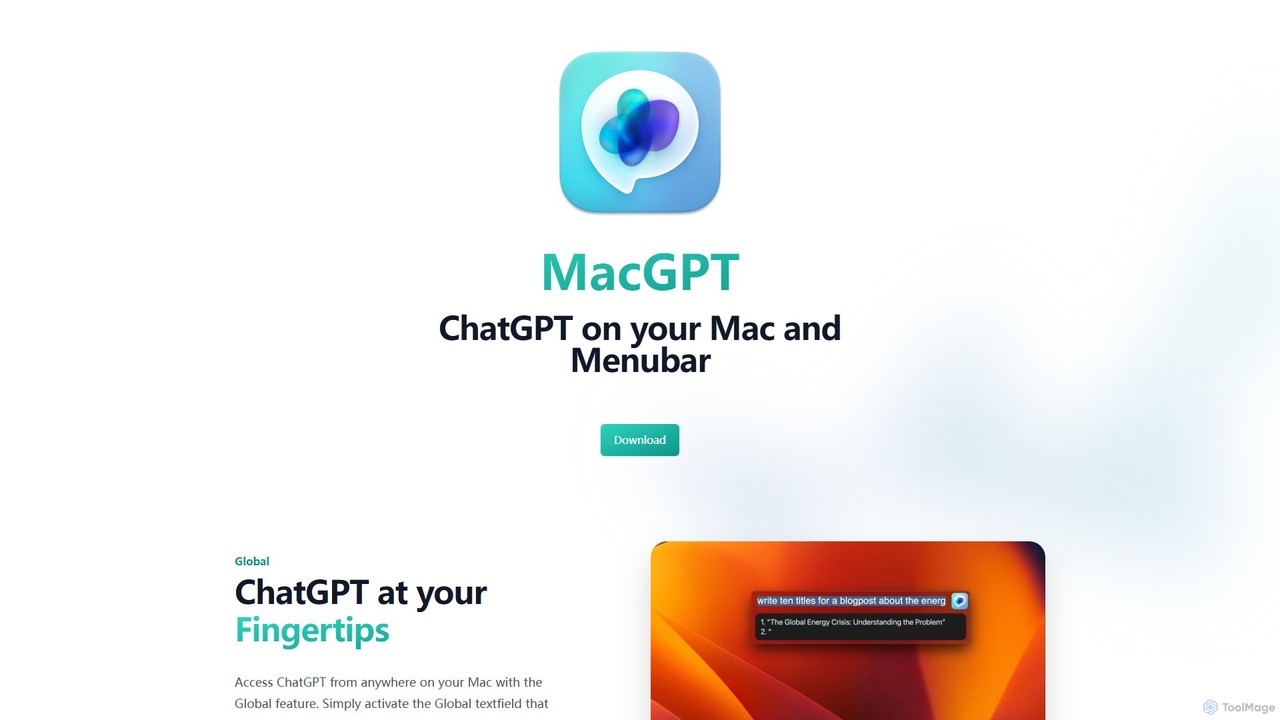
MacGPT
MacGPT brings the power of ChatGPT directly to your macOS desktop. Access OpenAI's models instantly from your menubar, use the Inline feature to write in any application, and switch between a native or web interface for ultimate flexibility and productivity.
Code AssistantCompanion AI Categories
Companion AI Embed Widget
Copy this embed code to place the badge on your blog, article, or product site and send readers directly to this ToolMage detail page.

Related AI tools
Smart Bot
Smart Bot is a highly customizable AI assistant that boosts productivity by integrating multiple top-tier AI models like ChatGPT, Claude, and Gemini into a single interface. It allows users to compare responses simultaneously, manage a shared library of custom prompts for team collaboration, and even visualize and test generated code. With features like image and file reading, it streamlines daily workflows for individuals and organizations.
Code AssistantGPTBox
GPTBox is a native Windows application that seamlessly integrates ChatGPT and DeepSeek into your taskbar. It allows you to access AI assistance from anywhere on your PC with a simple keyboard shortcut and use an inline auto-type feature to draft emails, write code, and generate content directly in any text field. Designed for developers, writers, and professionals, it boosts productivity by embedding AI into your daily workflow.
Code Assistant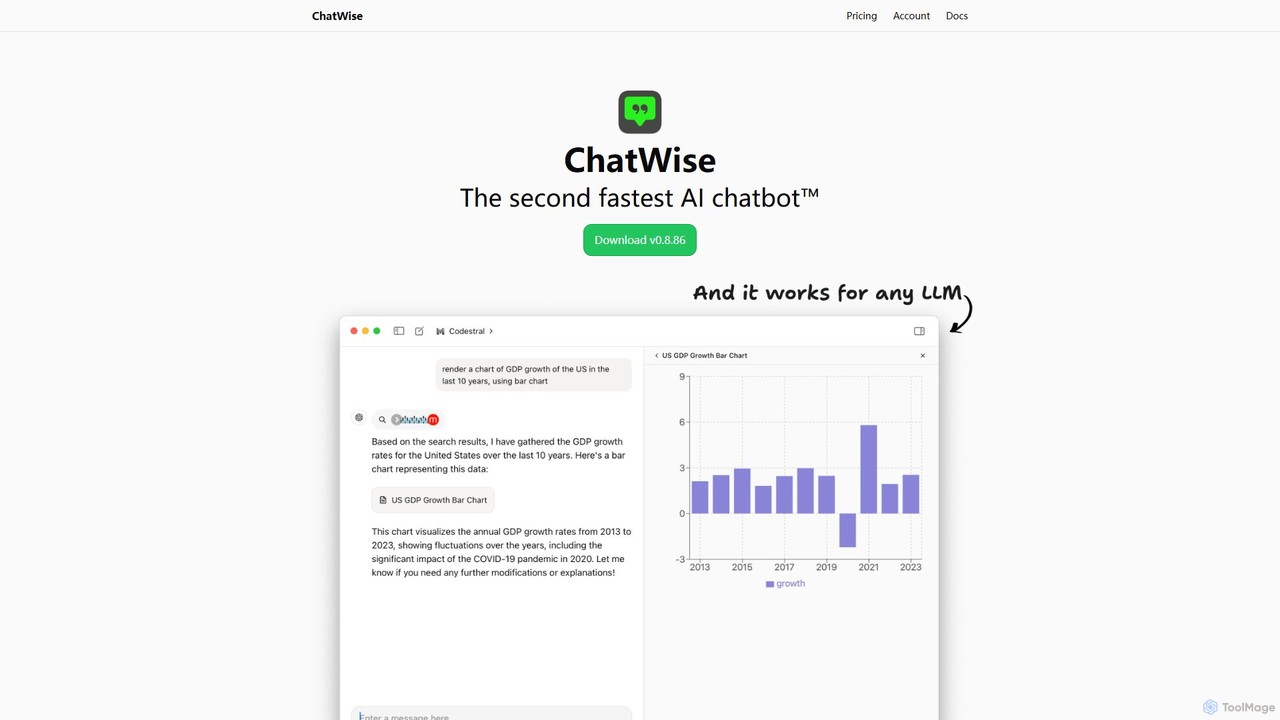
ChatWise
ChatWise is a high-performance, privacy-focused desktop application that provides a unified interface for interacting with various LLMs like ChatGPT, Claude, Gemini, and Llama. It supports multi-modal inputs, web search, and tool integration, storing all your data locally.
Api Management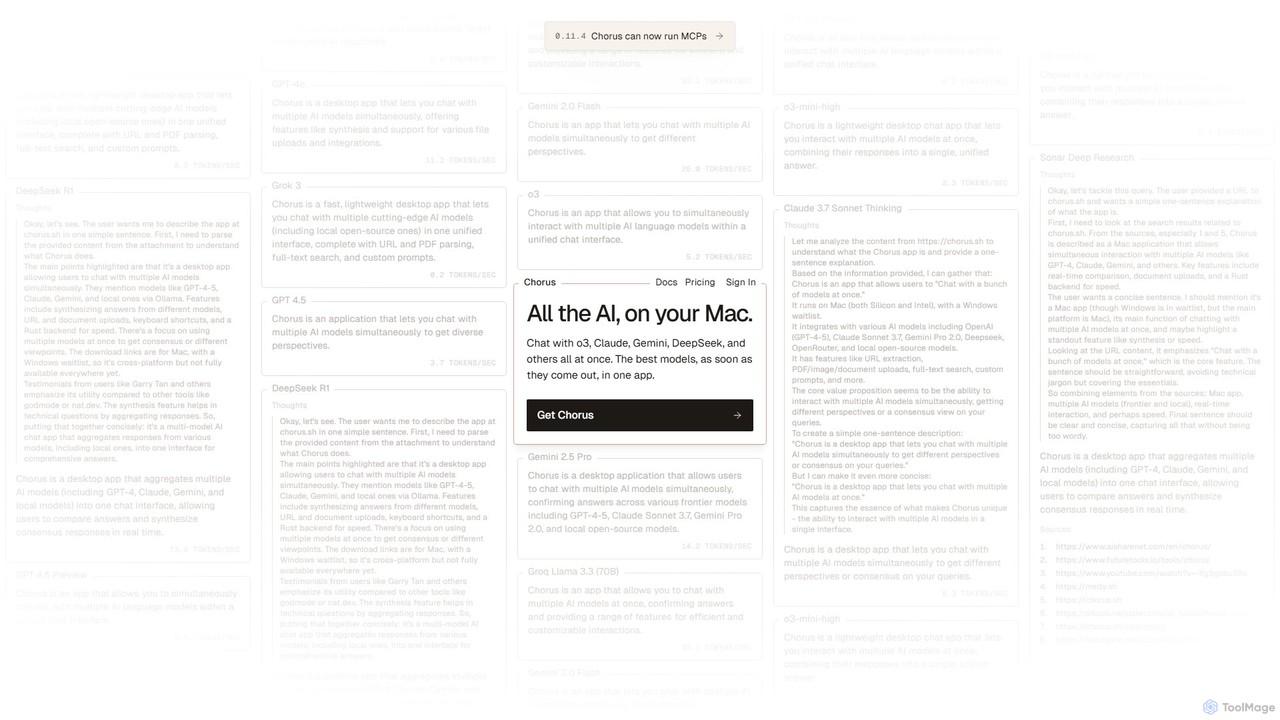
Chorus
Chorus is a fast, lightweight desktop app for Mac that lets you chat with multiple cutting-edge AI models simultaneously. It unifies access to models like GPT, Claude, Gemini, and local open-source AIs in a single interface, complete with features for comparing responses, synthesizing answers, and integrating with your workflow through file uploads and screen context.
Coding Assistant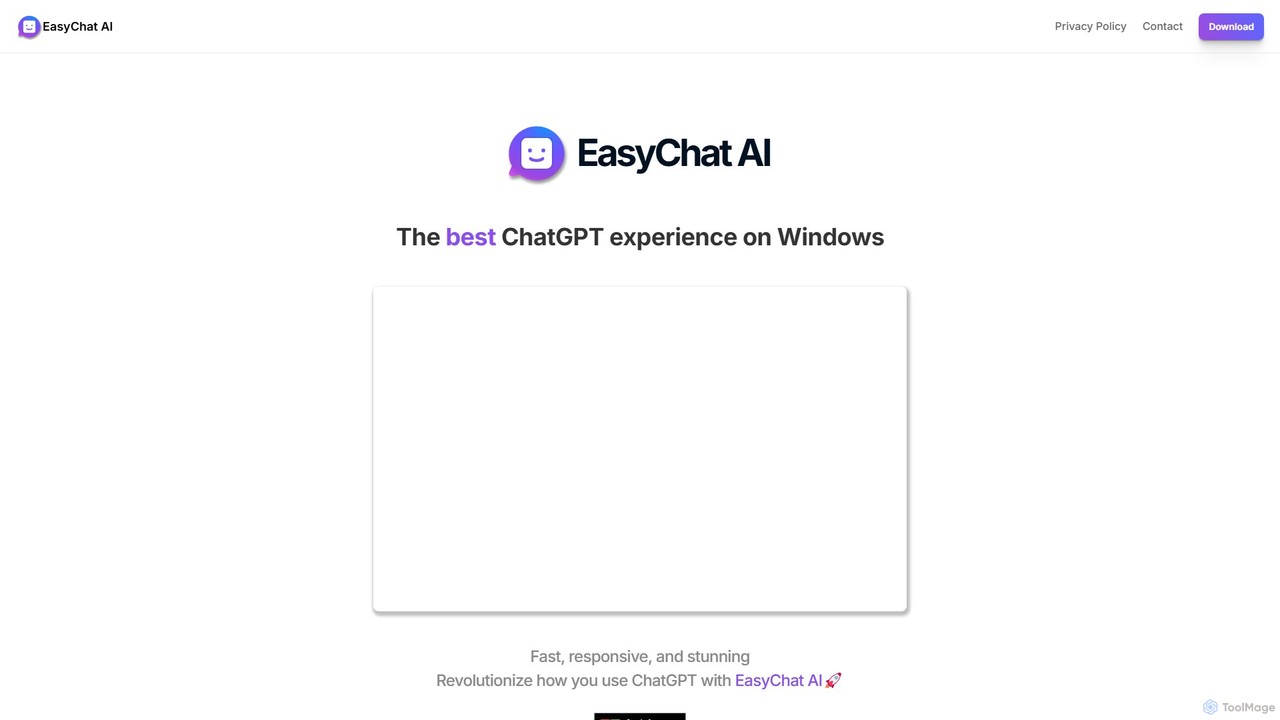
EasyChat AI
EasyChat AI is a native Windows desktop application designed to provide the best ChatGPT experience. It offers a sleek, intuitive interface with features like Markdown support and a dark mode. Access the power of OpenAI's models directly from your desktop for enhanced productivity in writing, coding, and general tasks, with flexible pricing plans including a free tier and a lifetime option.
Code Assistant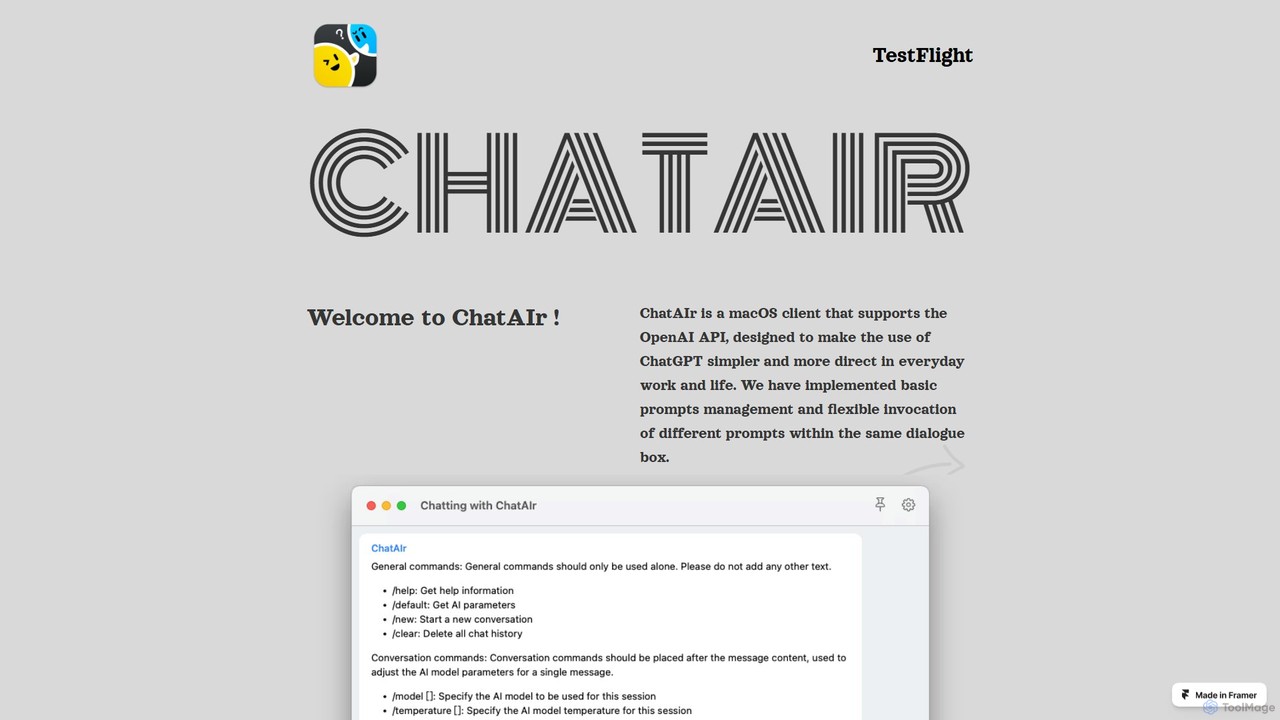
ChatAIr
ChatAIr is a powerful, native macOS client for interacting with OpenAI models like GPT-4 and GPT-3.5. It enhances your workflow with advanced features like prompt management, per-conversation model selection, and parameter control, offering a more flexible and cost-effective alternative to web interfaces.
Code Assistant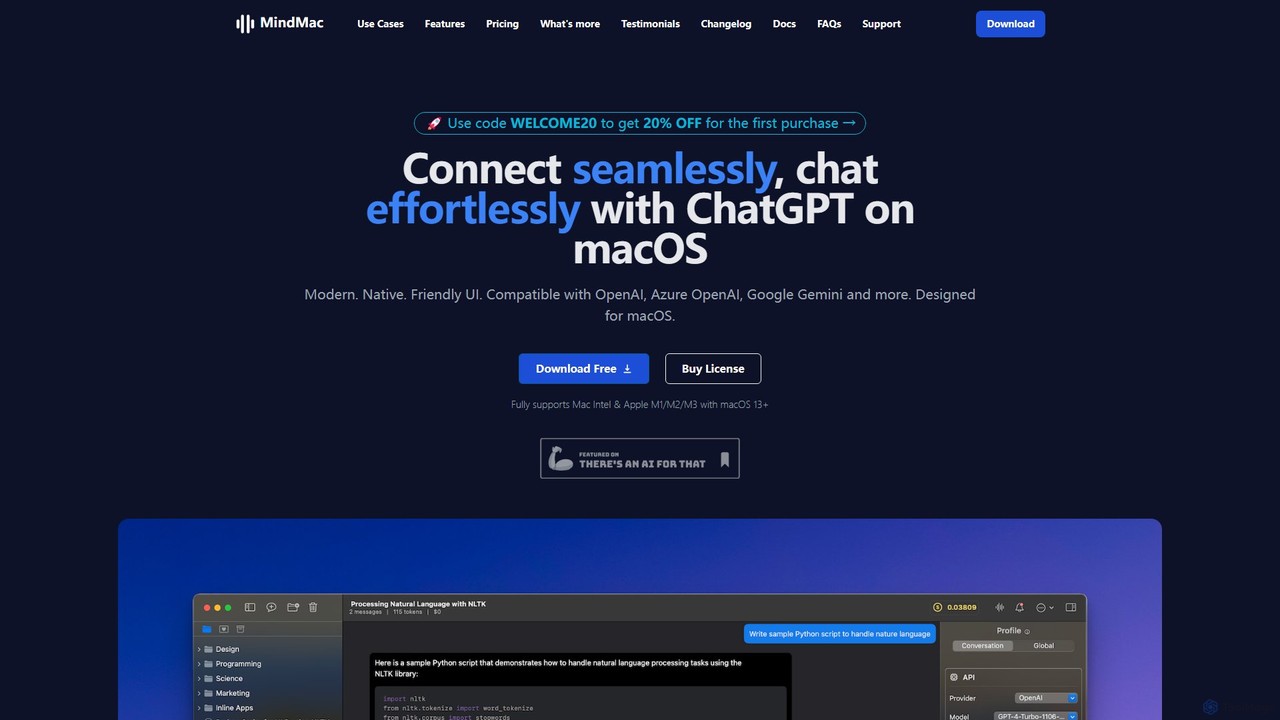
MindMac
MindMac is a powerful, native macOS client that provides a unified interface for interacting with a vast range of AI models, including OpenAI's GPT, Google Gemini, Claude, and local LLMs. It enhances productivity with features like an inline mode for use in any app, a rich prompt library, and extensive customization. It prioritizes privacy and security by storing API keys locally and communicating directly with AI providers.
Macos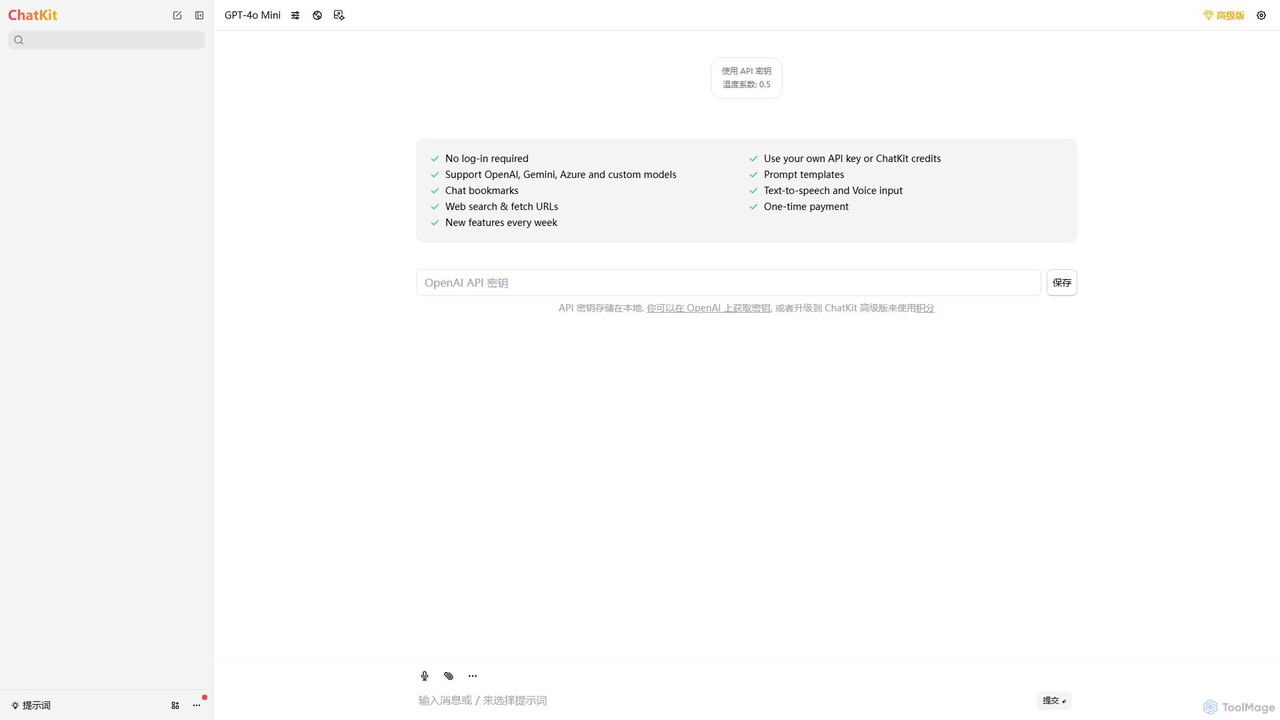
ChatKit
ChatKit is a refined, unified chat interface for top AI models like OpenAI, Gemini, and Azure. It enhances your workflow with features like web search, prompt templates, voice input, and chat bookmarks, all while prioritizing user privacy with local API key storage and no required login.
Api Management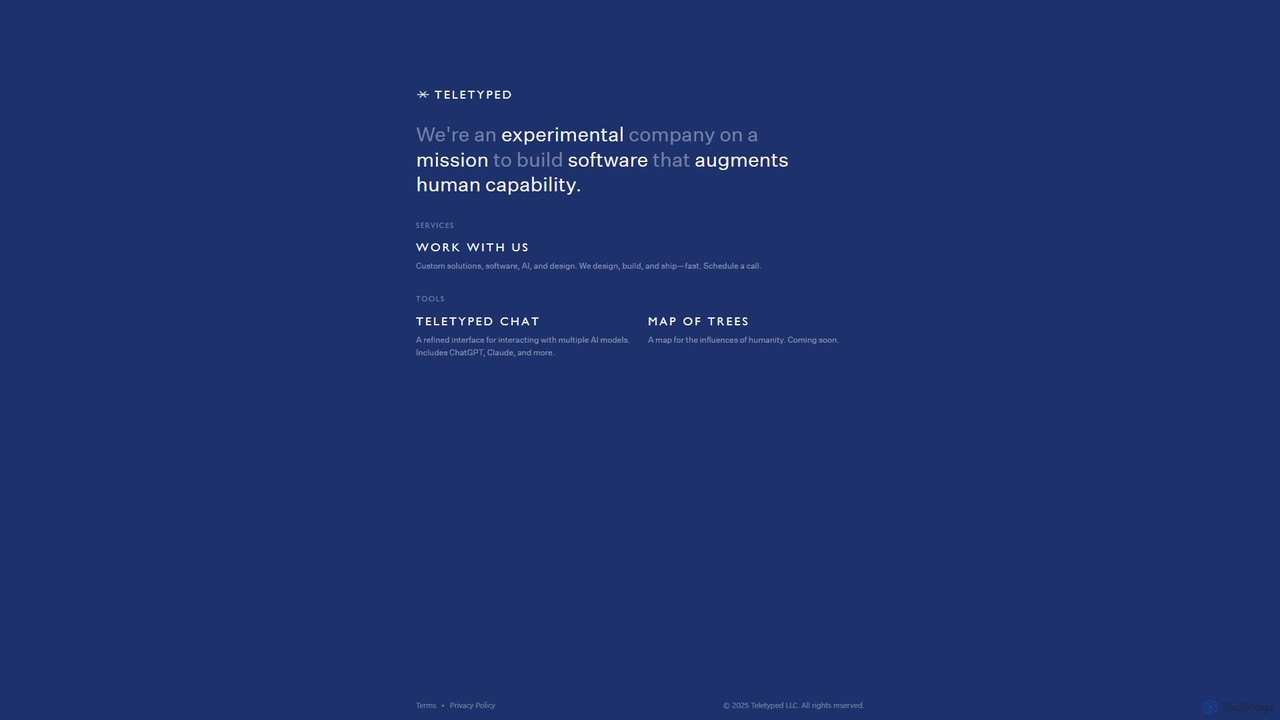
Teletyped
Teletyped offers a unified chat interface, Teletyped Chat, allowing users to interact with multiple advanced AI models like ChatGPT and Claude from a single, refined platform. It's designed to augment human capability by streamlining workflows, enabling model comparison, and providing a clean, efficient user experience for developers, writers, and researchers.
Model PlaygroundLobeHub
LobeHub is an all-in-one AI platform that allows you to build and manage a personalized team of AI Agents. It offers a superior user experience to standard LLM interfaces like ChatGPT, with support for numerous models, plugins, and multi-modal interactions. Create, share, and use specialized agents for tasks ranging from coding and writing to academic research and daily life, all within a single, intuitive chat interface.
Chatbot PlatformCmd J AI Assistant
Cmd J is a keyboard-activated AI assistant, available as a Chrome extension, designed to boost productivity. Powered by ChatGPT, it provides instant help with writing, coding, and research directly in your browser. Simply press a shortcut (Cmd+J or Alt+J) to summon the AI, eliminating the need to switch tabs or open new applications, and seamlessly integrating into any workflow.
Chrome ExtensionsMacGPT
MacGPT brings the power of ChatGPT directly to your macOS desktop. Access OpenAI's models instantly from your menubar, use the Inline feature to write in any application, and switch between a native or web interface for ultimate flexibility and productivity.
Code Assistant
heyalice
heyalice is a personal AI assistant for your desktop (macOS, Windows, Linux) that centralizes top AI models like GPT-4o and Claude 3.5. It enhances productivity through customizable assistants, reusable prompts (Skills), and seamless integration with automation tools like Zapier and Make. Bring your own API keys to control costs and work faster with powerful keyboard shortcuts, all within a privacy-focused, local application.
Code Assistant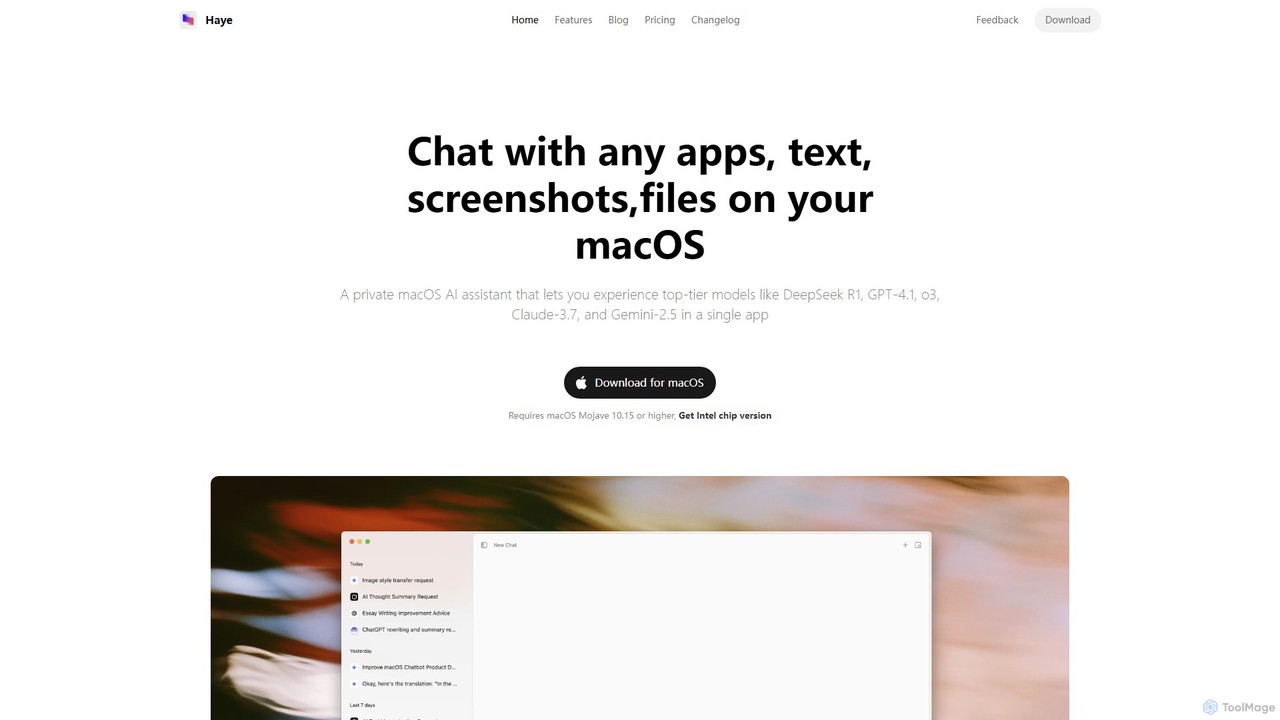
Haye
Haye is a powerful, all-in-one AI chat assistant for macOS, integrating top-tier models like GPT-4.1, Claude-3.7, and Gemini-2.5. It allows users to seamlessly interact with any app, text, screenshot, or file on their desktop, boosting productivity with features like AI search, document chat, and advanced customization.
Code Assistant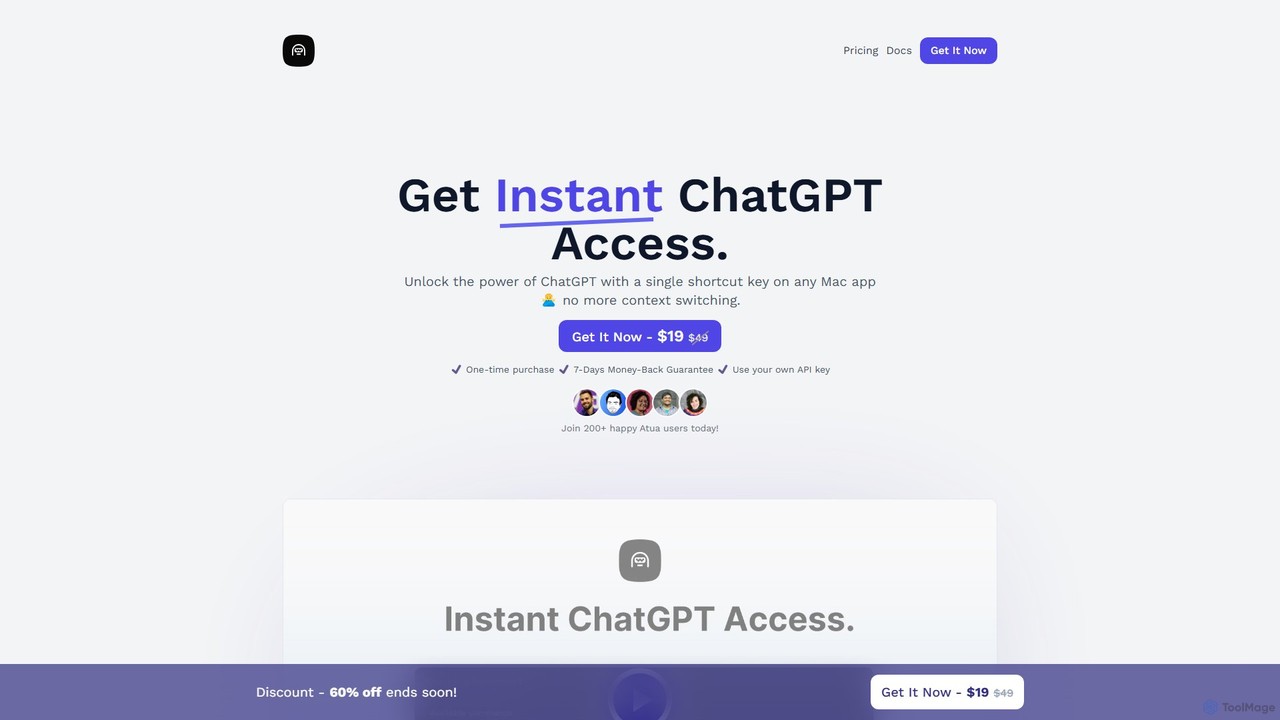
Atua
Atua is a native macOS application that provides instant access to ChatGPT from any app using a simple shortcut. It eliminates context switching, allowing users to select text, apply custom AI commands, and boost productivity in writing, coding, and more.
Code Assistant
Companion AI Comments (0)
Sign in to comment.
Sign inNo comments yet.