

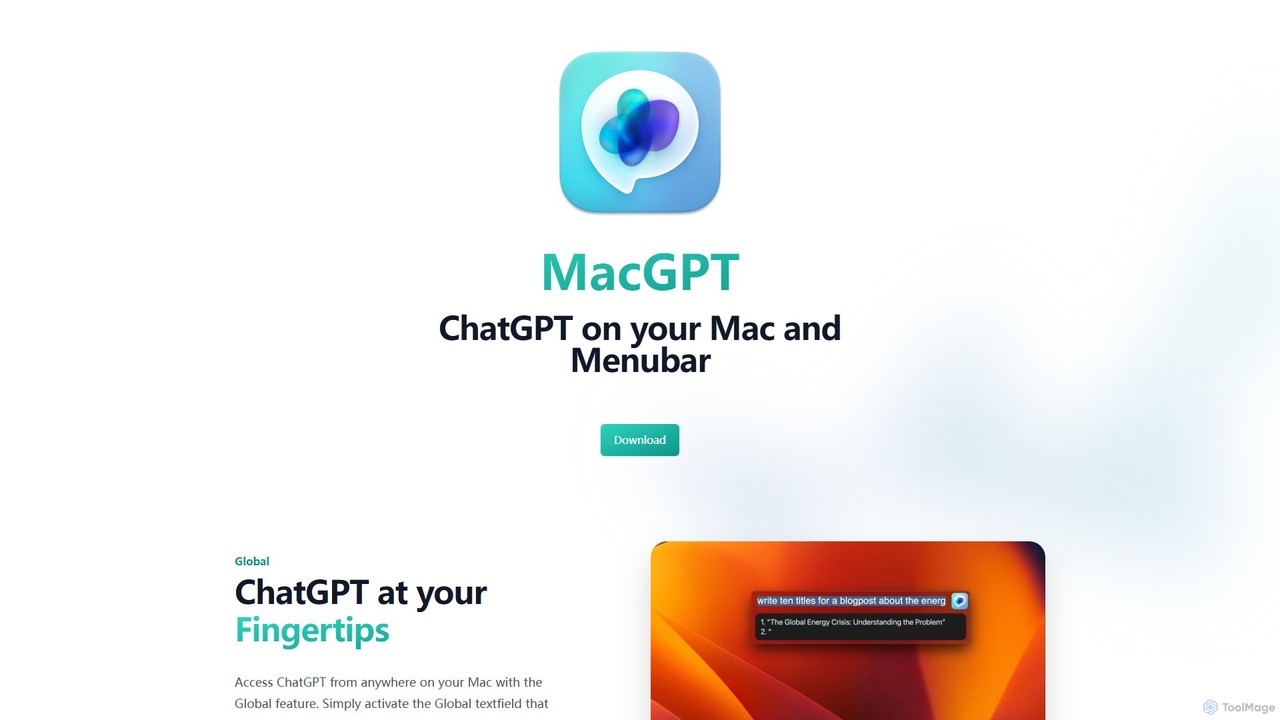
MacGPT Overview
MacGPT is a powerful and versatile native macOS application designed to seamlessly integrate the capabilities of OpenAI's ChatGPT into your daily workflow. It eliminates the need to constantly switch to a browser, placing the power of advanced AI right at your fingertips through a convenient menubar icon. Whether you're a developer, writer, student, or professional, MacGPT enhances your productivity by providing instant access to AI assistance from anywhere on your Mac.
The application offers two primary modes of operation to cater to different user preferences. The first is a web-based mode that essentially wraps the official ChatGPT website, allowing you to log in with your existing OpenAI account, including ChatGPT Plus subscriptions. The second, more powerful mode is the Native mode, which connects directly to the OpenAI API using your personal API key. This mode offers a faster, more responsive, and often more cost-effective experience, as you pay only for what you use.
How to use MacGPT
Getting started with MacGPT is simple and intuitive:
- Download and install the application from the official website or the Mac App Store.
- Upon launching, the MacGPT icon will appear in your Mac's menubar.
- Click the icon to open the main window. You can choose your preferred mode:
- Web Mode: Simply log in with your OpenAI account credentials to start using it like the web version.
- Native Mode: Go to the settings, enter your OpenAI API key, and select your preferred model (e.g., GPT-4, GPT-3.5-Turbo). You will need to have a payment method linked to your OpenAI account.
- To use the revolutionary Inline feature, go to any text field in any application. Type your trigger (customizable, e.g., 'gpt:') followed by your prompt, then press the activation shortcut. MacGPT will replace your text with the AI-generated response.
- You can also set a global keyboard shortcut to instantly bring up the MacGPT window from anywhere in macOS.
Core Features of MacGPT
- Menubar Access: Instantly access ChatGPT with a single click on the menubar icon, without leaving your current application.
- Inline AI Assistance: Use a trigger and a shortcut to invoke AI directly within any text field across macOS, perfect for writing emails, code, or social media posts.
- Dual Modes: Choose between the familiar ChatGPT web interface or a faster, more integrated Native experience via the OpenAI API.
- Global Hotkey: Assign a custom keyboard shortcut to summon the MacGPT window at any time for maximum efficiency.
- Conversation History: Keep track of your past conversations for easy reference within the app.
- Model Selection: In Native mode, easily switch between different OpenAI models, including the latest GPT-4 models (requires API access).
- macOS Native Design: A clean, lightweight, and user-friendly interface that feels right at home on your Mac.
Use Cases for MacGPT
MacGPT is a versatile tool that can be applied in numerous scenarios:
- For Developers: Quickly generate code snippets, debug errors, explain complex algorithms, or write documentation directly in your code editor.
- For Writers and Marketers: Brainstorm blog post ideas, draft marketing copy, write and rephrase emails, translate text, and overcome writer's block without breaking your flow.
- For Students: Summarize long articles, explain difficult concepts, get help with research questions, and proofread essays and assignments.
- For General Productivity: Get quick answers to questions, compose replies in messaging apps, generate creative ideas, or simplify complex information on the fly.
Advantages of MacGPT
The primary advantage of MacGPT is its deep integration with the macOS ecosystem. By living in the menubar and offering the Inline feature, it dramatically reduces context switching and streamlines workflows. The flexibility of offering both web and native API modes allows users to choose the best option for their needs—whether it's the full feature set of ChatGPT Plus or the pay-as-you-go efficiency of the API. It's faster, more convenient, and ultimately makes using AI a natural part of using a Mac.
Pricing and Plans
MacGPT operates on a freemium model:
- Free Version: The application is free to download and use with its basic features, including the web mode which allows you to use your standard or Plus ChatGPT account.
- MacGPT Pro: To unlock advanced features like the Native API mode, the Inline feature, and other pro-level enhancements, users can make a one-time purchase. This provides lifetime access to all pro features, offering excellent value compared to monthly subscriptions. The specific price can be found on the Mac App Store or the official website.
Traffic
Latest traffic
Status
Monthly traffic trend
- 2025-9: 40.2K
- 2026-1: 22.7K
- 2026-2: 17.5K
- 2026-3: 18.5K
- 2026-4: 16.5K
- 2026-5: 24.1K
Geography
Top 5 countries / regions
- 🇺🇸United States50.7%
- 🇧🇷Brazil13.5%
- 🇮🇳India12.8%
- 🇬🇧United Kingdom11.5%
- 🇨🇦Canada11.4%
Top keywords
| Keyword | Cost per click |
|---|---|
| chatgpt for mac | $2.20 |
| chatgpt mac | $3.04 |
| mac gpt | $3.04 |
| macgpt | $2.67 |
| mac monterey chatgpt | $0.00 |
MacGPT Alternatives
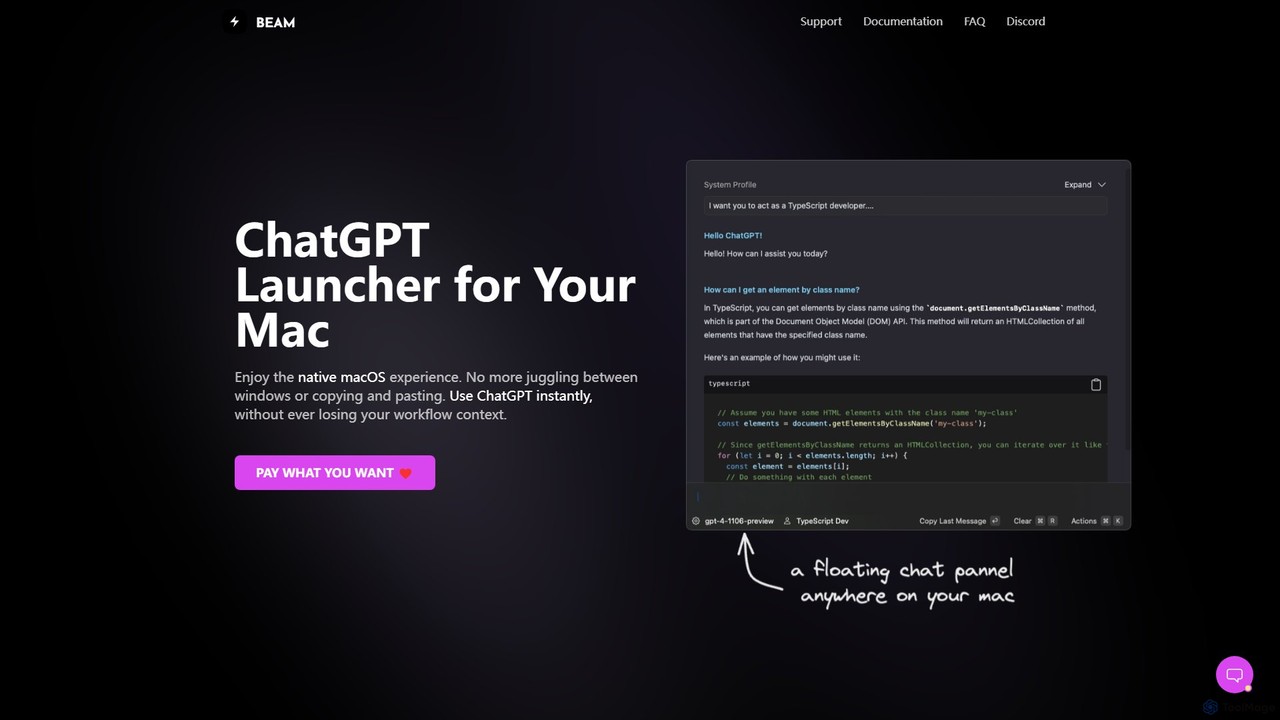
getbeam
A native macOS application that provides instant, system-wide access to ChatGPT. It enhances productivity with features like hotkey activation, contextual chat, screen interaction, and customizable templates. Beam integrates seamlessly into your workflow, allowing you to use AI without switching contexts, all within a secure, fast, and lightweight native interface.
Code Assistant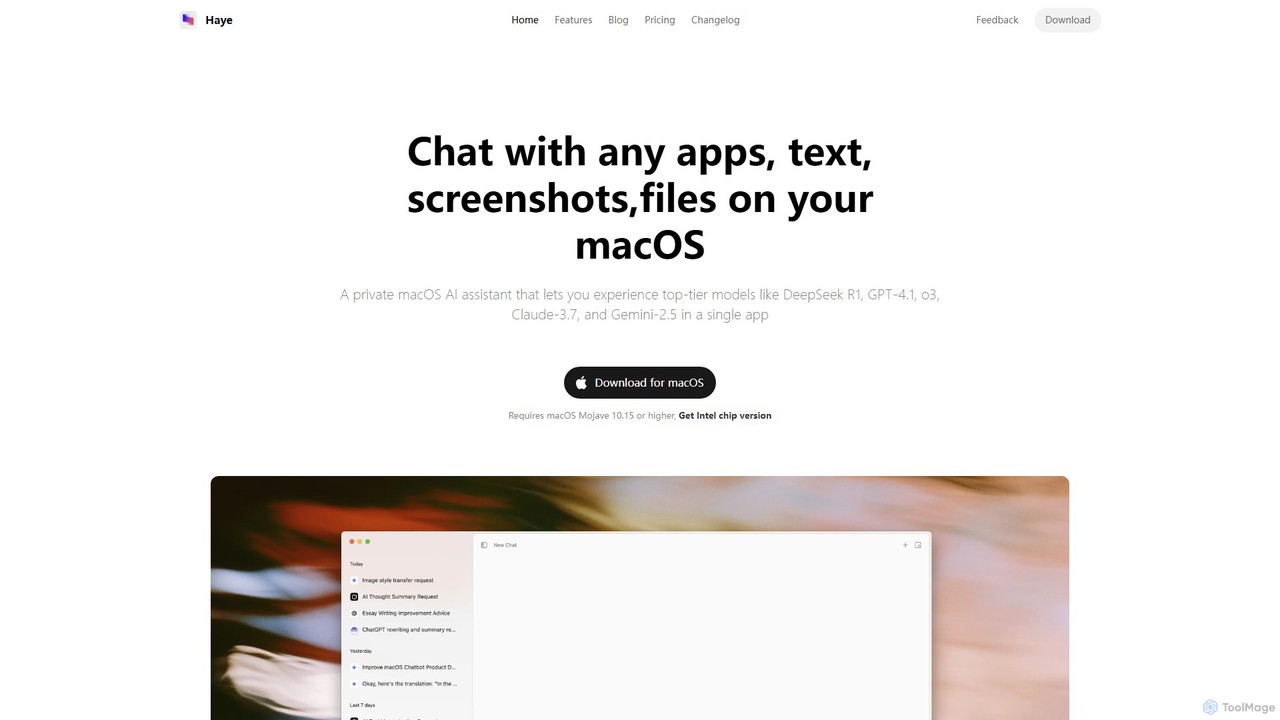
Haye
Haye is a powerful, all-in-one AI chat assistant for macOS, integrating top-tier models like GPT-4.1, Claude-3.7, and Gemini-2.5. It allows users to seamlessly interact with any app, text, screenshot, or file on their desktop, boosting productivity with features like AI search, document chat, and advanced customization.
Code Assistant
heyalice
heyalice is a personal AI assistant for your desktop (macOS, Windows, Linux) that centralizes top AI models like GPT-4o and Claude 3.5. It enhances productivity through customizable assistants, reusable prompts (Skills), and seamless integration with automation tools like Zapier and Make. Bring your own API keys to control costs and work faster with powerful keyboard shortcuts, all within a privacy-focused, local application.
Code Assistant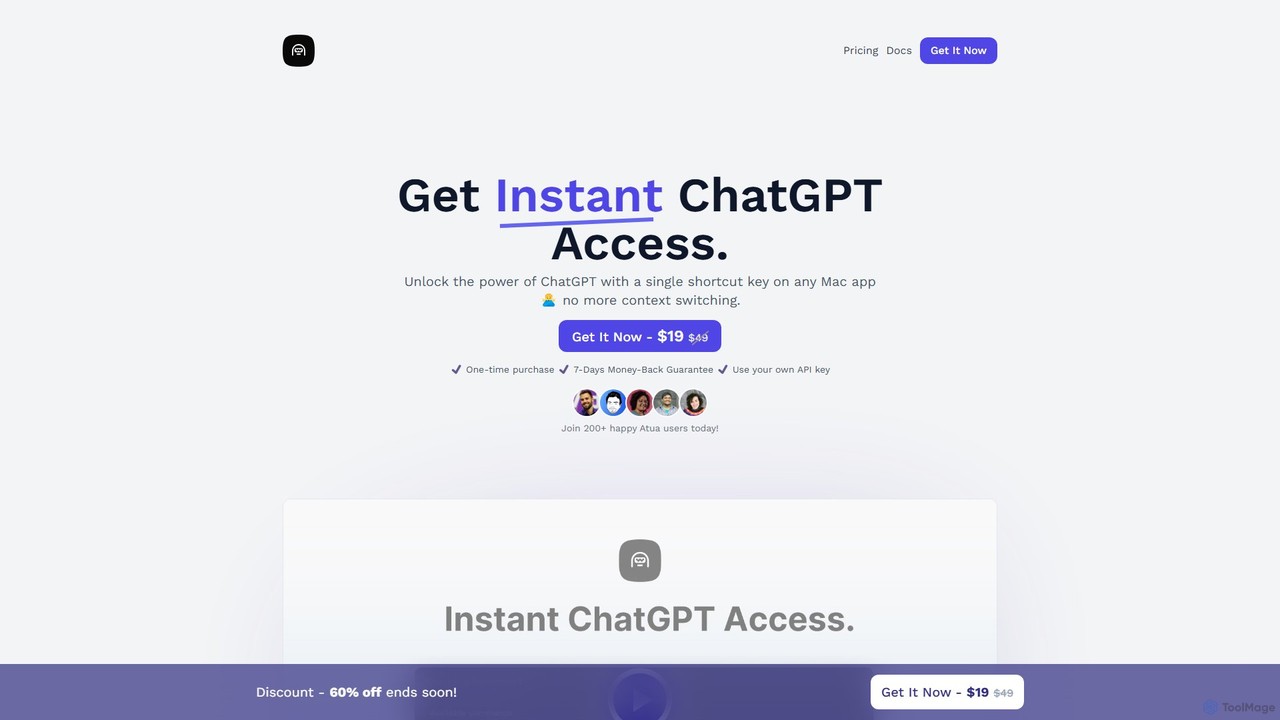
Atua
Atua is a native macOS application that provides instant access to ChatGPT from any app using a simple shortcut. It eliminates context switching, allowing users to select text, apply custom AI commands, and boost productivity in writing, coding, and more.
Code Assistant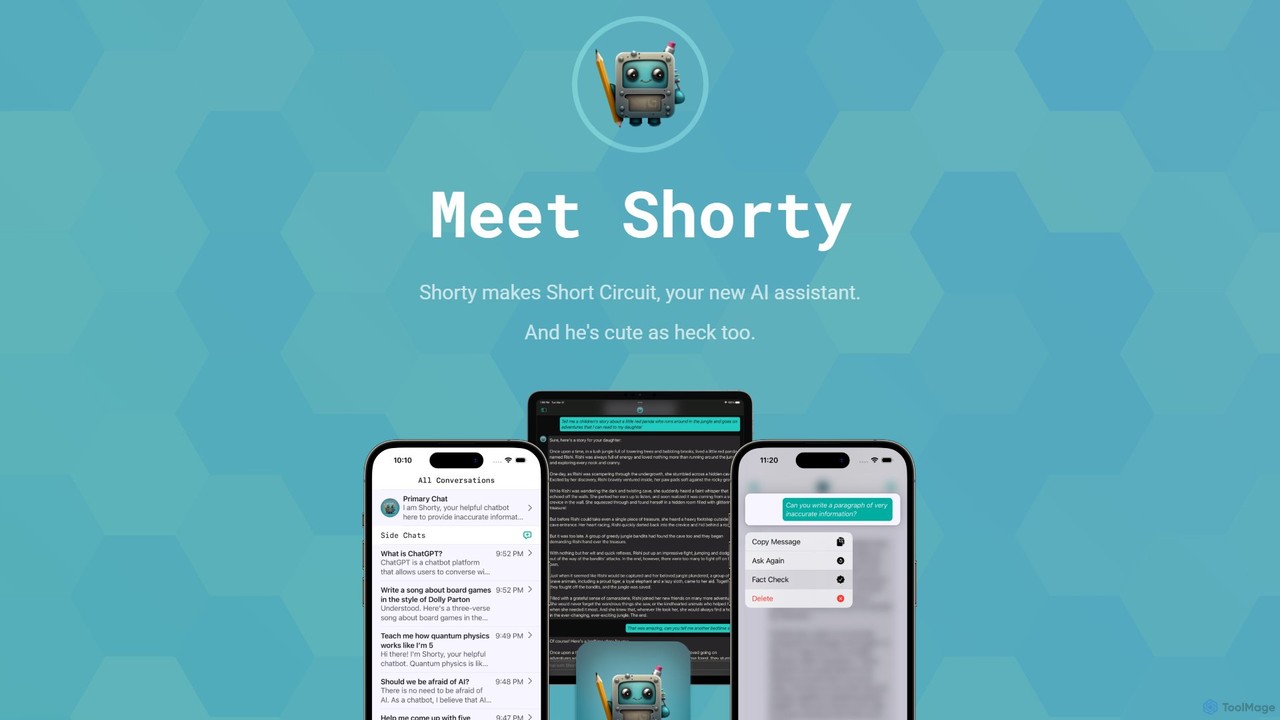
Short Circuit
Short Circuit is a privacy-focused AI assistant for iPhone, iPad, and Mac, powered by ChatGPT & GPT-4. It offers deep integration with the Apple ecosystem, including Siri and Shortcuts. Customize AI personalities for any task, from a math tutor to a code expert. With a strong commitment to privacy and flexible pricing options, including a lifetime unlock with your own API key, Short Circuit provides a premium, secure, and versatile AI experience.
Code AssistantMacGPT Categories
MacGPT Embed Widget
Copy this embed code to place the badge on your blog, article, or product site and send readers directly to this ToolMage detail page.

Related AI tools
getbeam
A native macOS application that provides instant, system-wide access to ChatGPT. It enhances productivity with features like hotkey activation, contextual chat, screen interaction, and customizable templates. Beam integrates seamlessly into your workflow, allowing you to use AI without switching contexts, all within a secure, fast, and lightweight native interface.
Code AssistantHaye
Haye is a powerful, all-in-one AI chat assistant for macOS, integrating top-tier models like GPT-4.1, Claude-3.7, and Gemini-2.5. It allows users to seamlessly interact with any app, text, screenshot, or file on their desktop, boosting productivity with features like AI search, document chat, and advanced customization.
Code Assistant
Omnipilot
Omnipilot is a system-wide AI copilot for macOS, designed to integrate seamlessly into any application. It provides contextual assistance, allowing you to generate text, write code, and automate tasks in any text field, boosting productivity by eliminating the need to switch between apps. Note: Omnipilot has been acquired by and merged into Highlight AI.
Coding Assistant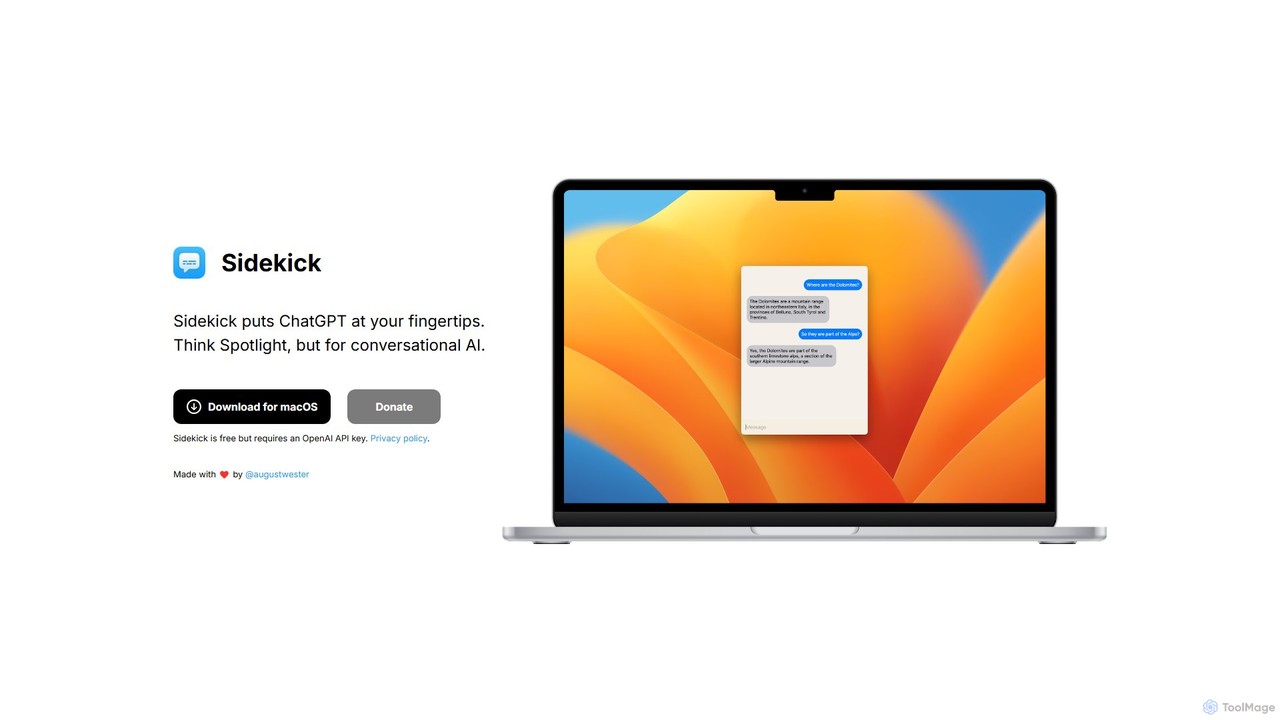
Sidekick
Sidekick is a free macOS application that provides instant access to ChatGPT from anywhere on your desktop. Functioning like Spotlight for conversational AI, it allows users to summon an AI assistant with a simple keyboard shortcut, streamlining workflows and boosting productivity without needing a browser.
Code Assistant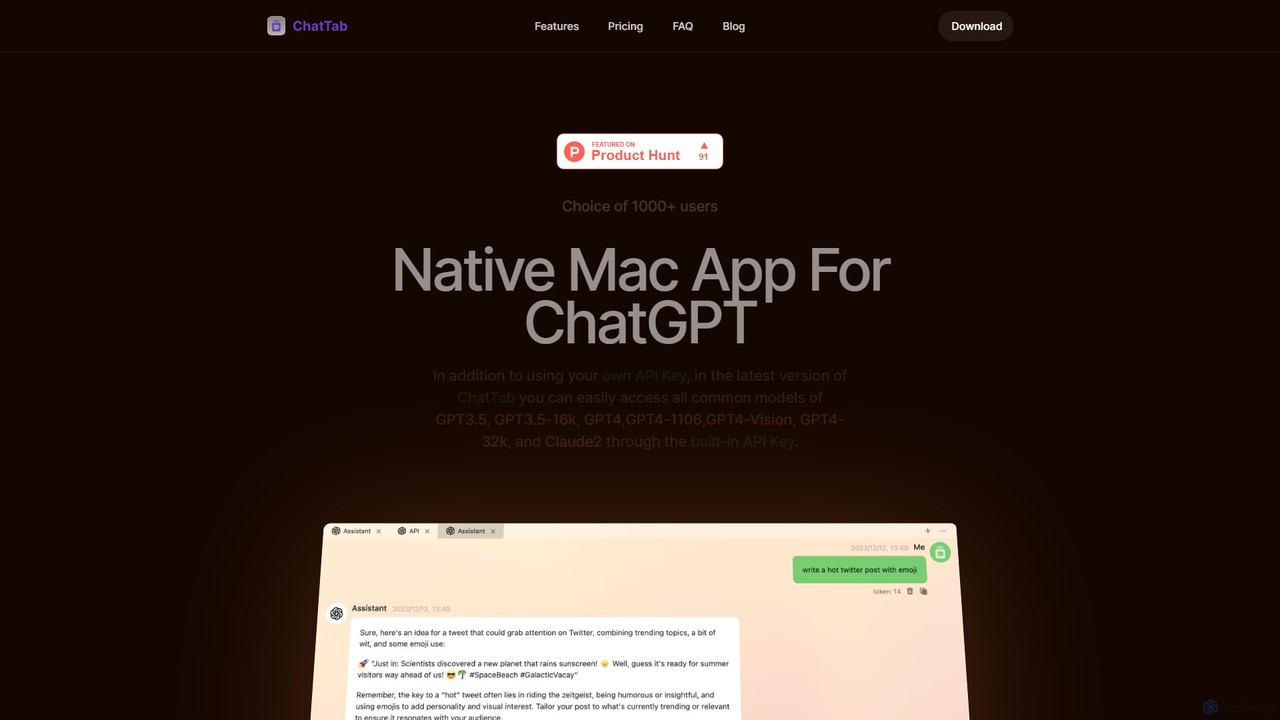
ChatTab
ChatTab is a native macOS desktop application designed to enhance the ChatGPT experience. It offers a fast, lightweight interface with features like multi-tab conversations, shortcut key access, iCloud prompt synchronization, and support for various models including GPT-4 Vision and Claude 2. Users can leverage their own API key or use the built-in one, ensuring a secure and private interaction with advanced AI models directly from their desktop.
Code Assistant
anygpt.app
anygpt.app is a powerful desktop utility that allows you to access GPT-4, Claude, and other large language models from any application on your computer. Simply use a keyboard shortcut to instantly get AI assistance for writing, coding, summarizing, and more, seamlessly integrating AI into your daily workflow.
Coding Assistant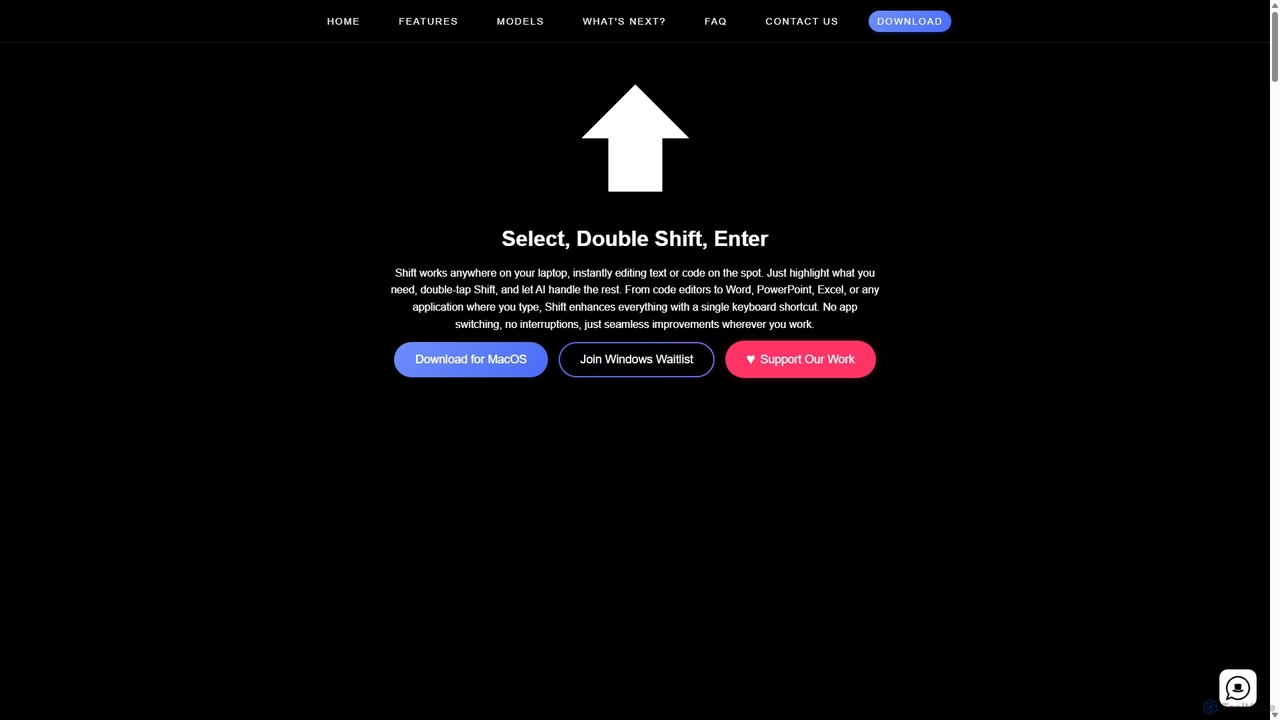
Shift
Shift is a system-wide AI assistant for macOS that enhances your workflow by allowing you to edit text and code anywhere with a simple keyboard shortcut. Just highlight text, double-tap Shift, and let the AI rewrite, debug, translate, or rephrase it instantly within any application.
Code Assistant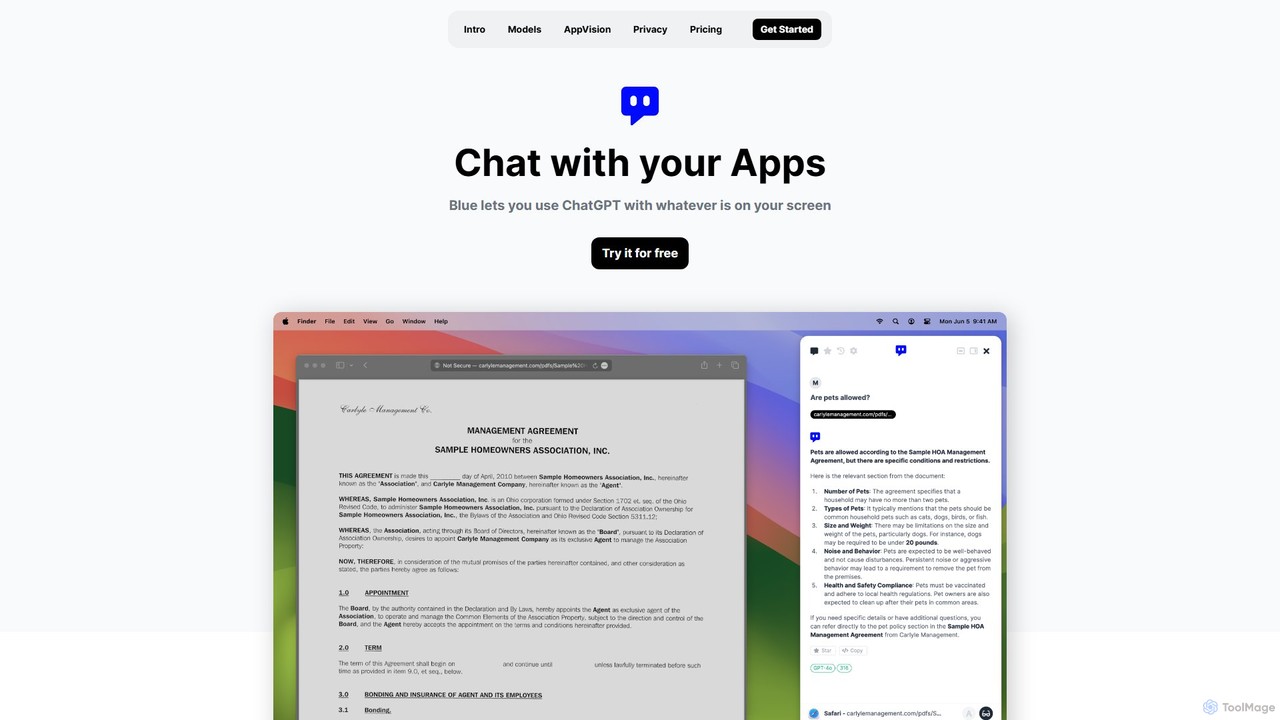
Blue
Blue is a native macOS AI assistant that integrates ChatGPT and other advanced AI models directly into your workflow. Featuring unique screen context awareness (AppVision) and a strong focus on privacy, it allows you to analyze, summarize, or create content in any app with a simple keyboard shortcut, boosting productivity for professionals.
Coding Assistantheyalice
heyalice is a personal AI assistant for your desktop (macOS, Windows, Linux) that centralizes top AI models like GPT-4o and Claude 3.5. It enhances productivity through customizable assistants, reusable prompts (Skills), and seamless integration with automation tools like Zapier and Make. Bring your own API keys to control costs and work faster with powerful keyboard shortcuts, all within a privacy-focused, local application.
Code AssistantAtua
Atua is a native macOS application that provides instant access to ChatGPT from any app using a simple shortcut. It eliminates context switching, allowing users to select text, apply custom AI commands, and boost productivity in writing, coding, and more.
Code AssistantShort Circuit
Short Circuit is a privacy-focused AI assistant for iPhone, iPad, and Mac, powered by ChatGPT & GPT-4. It offers deep integration with the Apple ecosystem, including Siri and Shortcuts. Customize AI personalities for any task, from a math tutor to a code expert. With a strong commitment to privacy and flexible pricing options, including a lifetime unlock with your own API key, Short Circuit provides a premium, secure, and versatile AI experience.
Code Assistant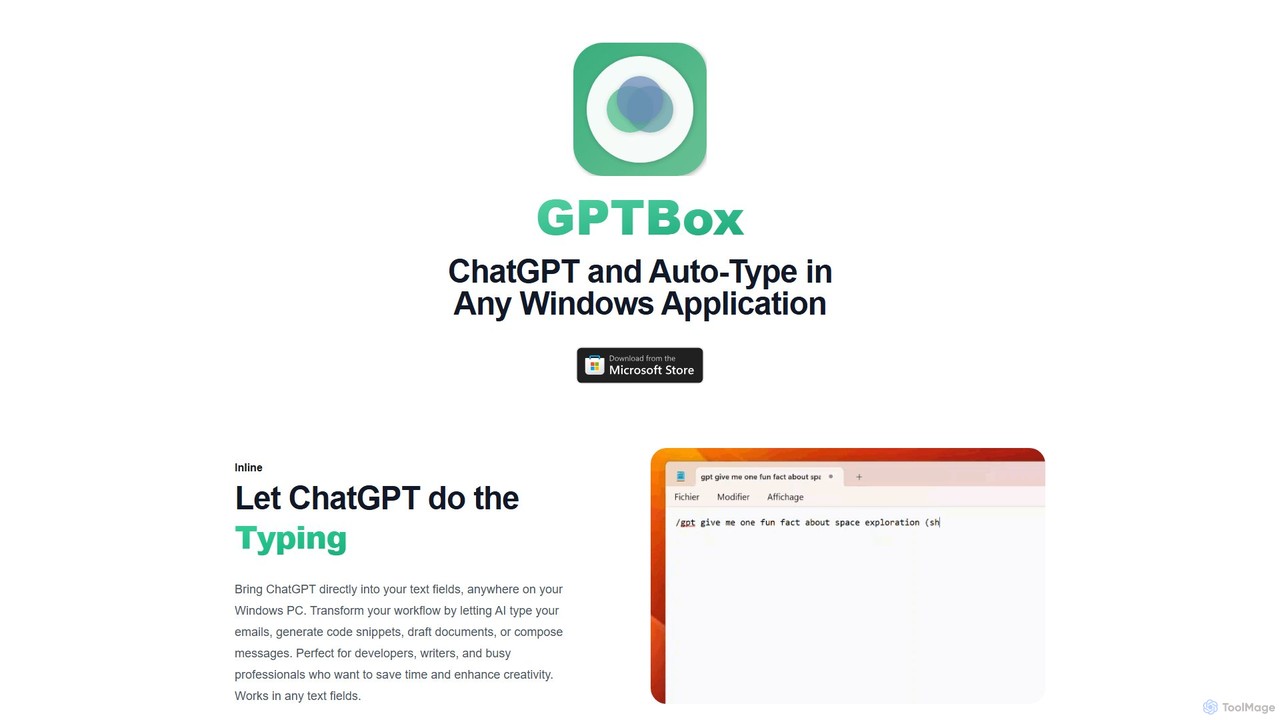
GPTBox
GPTBox is a native Windows application that seamlessly integrates ChatGPT and DeepSeek into your taskbar. It allows you to access AI assistance from anywhere on your PC with a simple keyboard shortcut and use an inline auto-type feature to draft emails, write code, and generate content directly in any text field. Designed for developers, writers, and professionals, it boosts productivity by embedding AI into your daily workflow.
Code Assistant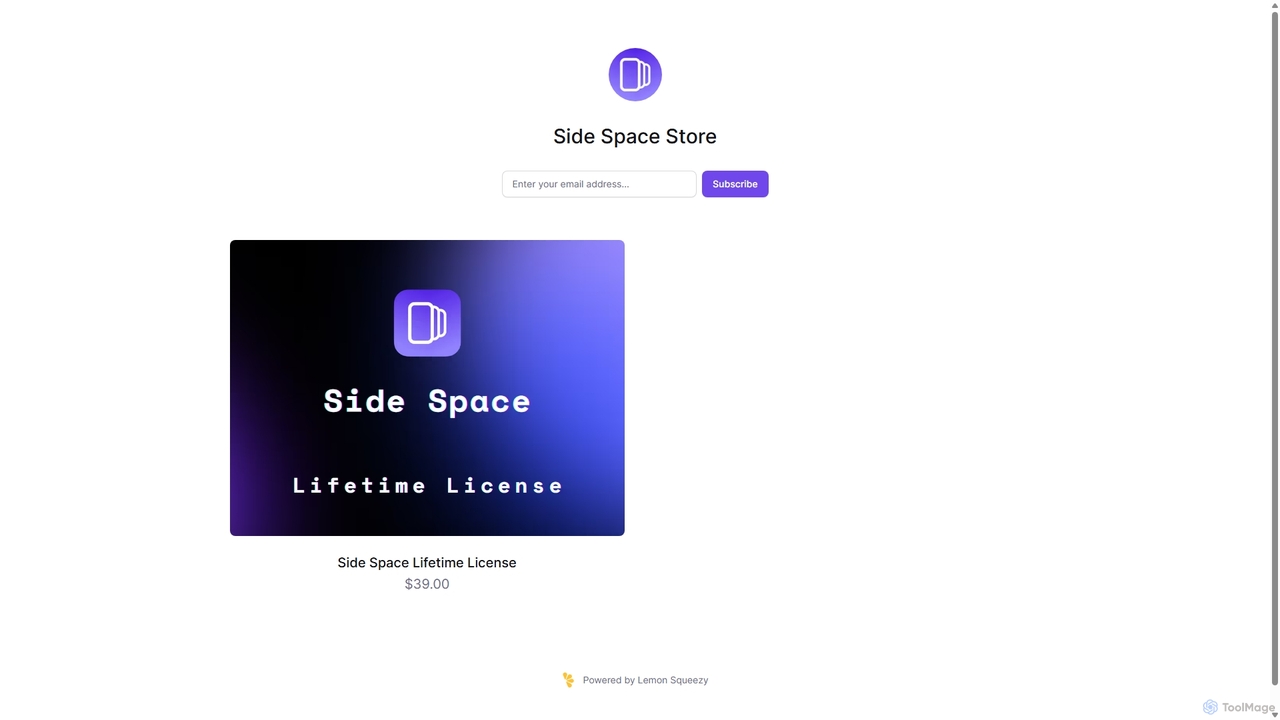
Side Space
Side Space is a powerful AI assistant that integrates seamlessly into your desktop workflow. It operates from a convenient sidebar, providing instant access to AI-powered tools for writing, coding, and general productivity without ever leaving your current application. Enhance your efficiency with contextual actions on selected text and customizable commands.
Code Assistant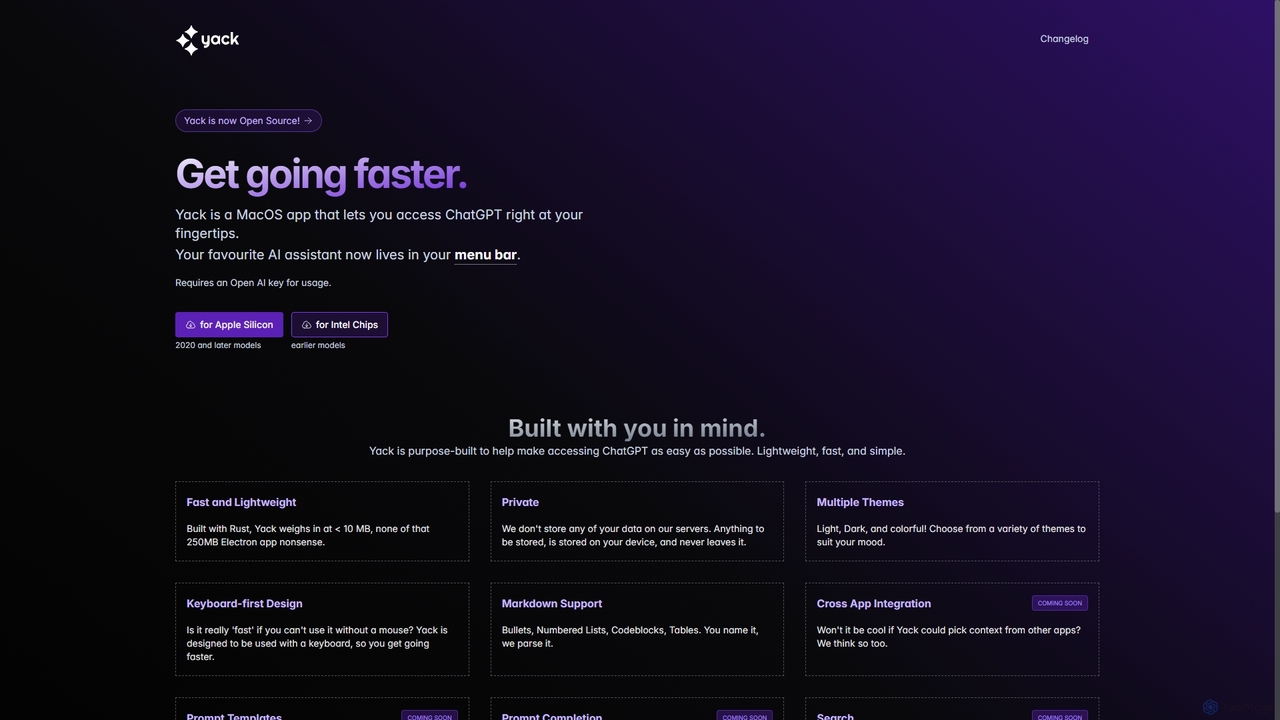
Yack
Yack is a lightweight, fast, and private open-source native macOS application that provides instant access to ChatGPT directly from your menu bar. Built with Rust, it's designed for efficiency with a keyboard-first approach, ensuring you can interact with AI without disrupting your workflow.
Api Client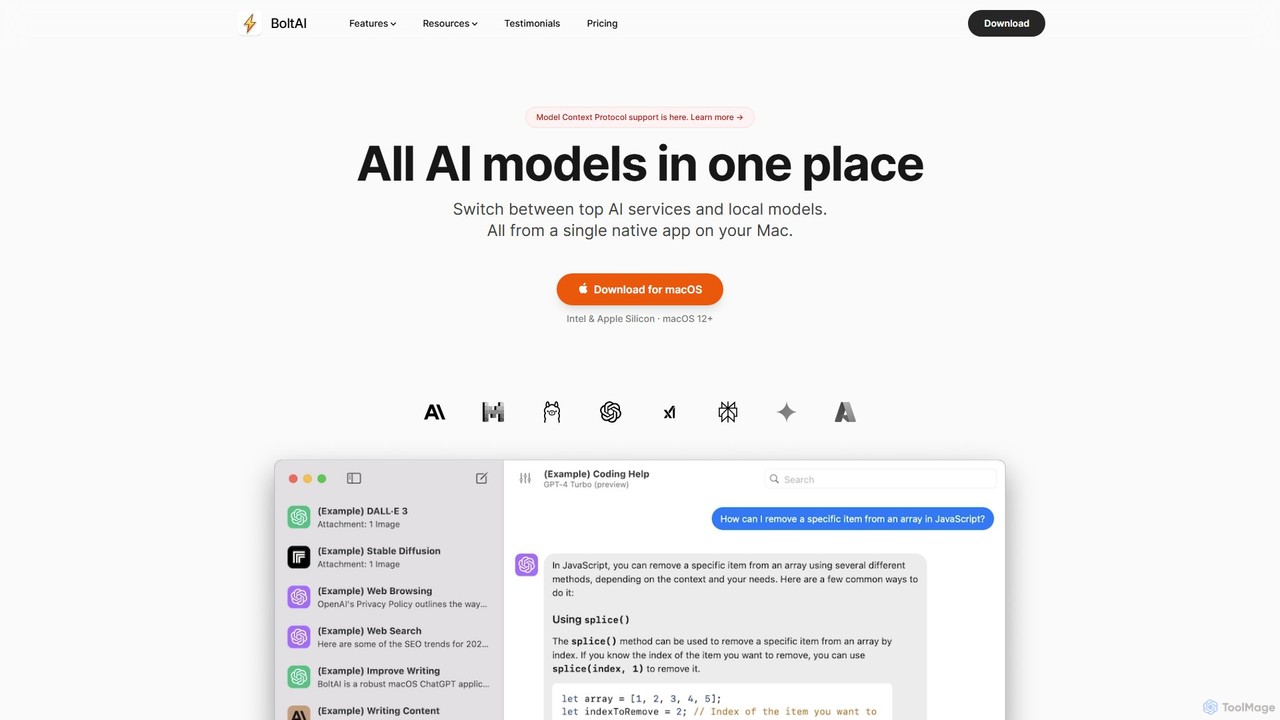
BoltAI
BoltAI is a native, high-performance AI assistant for macOS that integrates multiple AI models like GPT, Claude, and local models directly into your workflow. It offers features like an in-IDE coding assistant, custom AI assistants, a prompt library, and powerful plugins to boost productivity for developers, writers, and professionals.
Coding
MacGPT Comments (0)
Sign in to comment.
Sign inNo comments yet.