
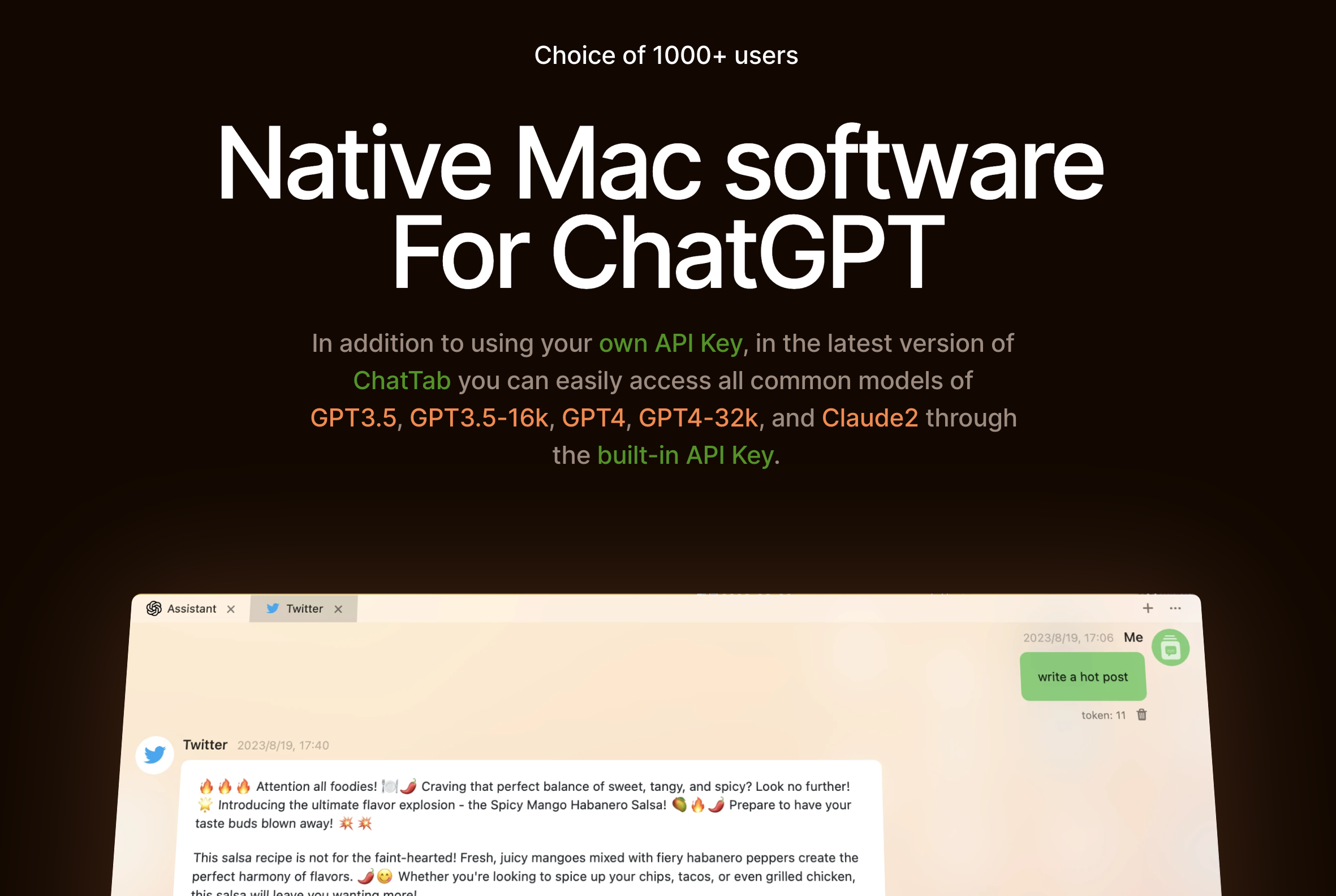
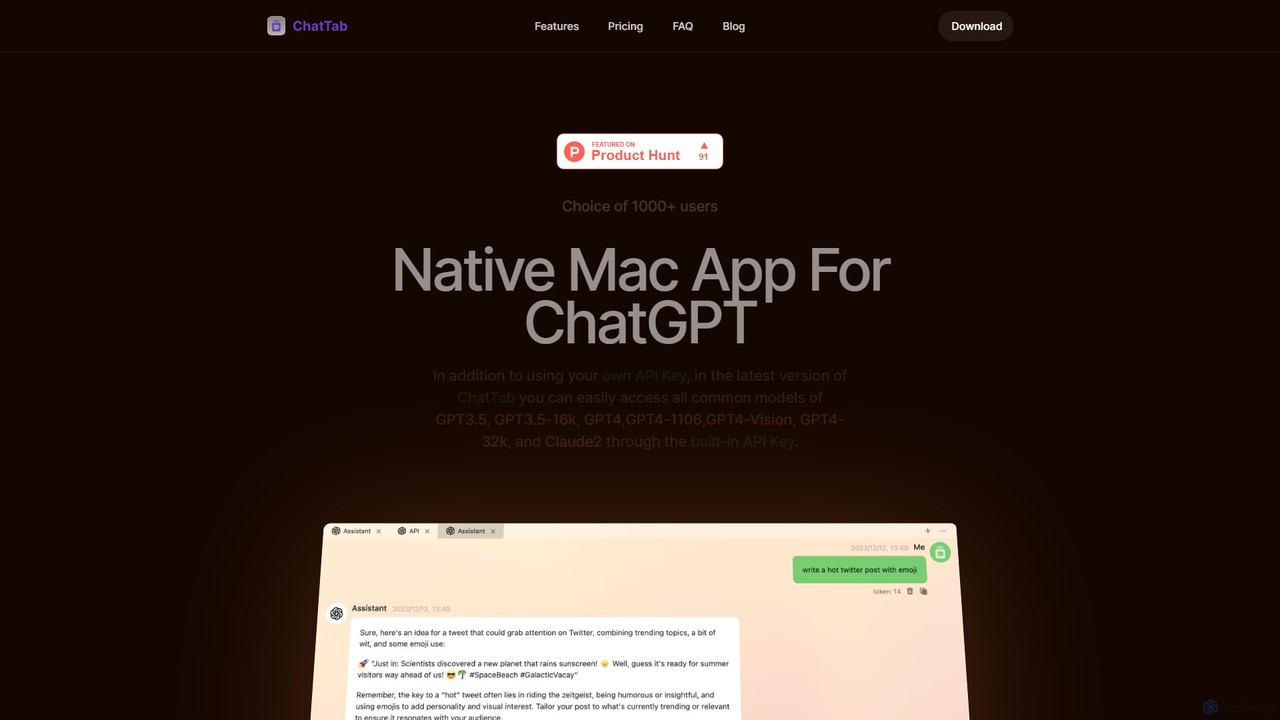
ChatTab Overview
ChatTab is a powerful and native macOS desktop application built to serve as a superior client for ChatGPT and other advanced language models. Designed for users who seek more efficiency, speed, and features than the standard web interface, ChatTab provides a seamless and integrated AI experience directly on your Mac. It's a lightweight yet robust tool that minimizes memory usage and offers faster startup speeds, making it an ideal companion for developers, writers, researchers, and anyone looking to boost their productivity with AI.
The application stands out with its unique user interface, which is both aesthetically pleasing and highly functional. It moves beyond a single chat window by offering a multi-tab system, allowing users to manage multiple conversations or projects simultaneously. This is perfect for comparing model outputs, working on different tasks, or keeping dedicated tabs for specific, frequently used prompts. With a focus on privacy and security, ChatTab ensures that your data remains safe. API keys are securely stored in Apple's Keychain, while prompts and conversations are stored locally or synced via your private iCloud account, never sent to third-party servers.
How to use ChatTab
Getting started with ChatTab is straightforward. First, download the application from the official website and install it on your macOS device. Upon launching, you can immediately start using the free version, which offers basic functionality. To unlock the full potential, you can upgrade to a Pro or Max plan.
1. Set up your API Key: In the Pro/Max versions, you can enter your own OpenAI API key in the settings. This gives you full control over your usage. Alternatively, you can use the built-in API key with pay-as-you-go token packages, which simplifies access to all supported models without needing your own key.
2. Use the Shortcut Key: Configure a global shortcut key to instantly bring up the ChatTab window from anywhere in your OS. This eliminates the need to switch between browser tabs and keeps your workflow uninterrupted.
3. Manage Conversations with Tabs: Open new tabs for different topics. You can assign a specific system prompt to each tab, tailoring the AI's personality and response style for different tasks (e.g., a coding assistant in one tab, a creative writer in another).
4. Interact with Images and Files: To use GPT-4 Vision, simply drag and drop an image into the chat window and ask questions about it. For the Assistant API, you can upload files like PDFs, CSVs, or text documents to have an interactive conversation about their content.
5. Sync Prompts: Save your most effective prompts and sync them across your devices using iCloud, ensuring they are always available when you need them.
Core Features of ChatTab
- Native macOS Experience: Optimized for Mac for a fast, responsive, and low-memory-footprint performance.
- Multi-Model Support: Access a wide range of models, including GPT-3.5, GPT-3.5-16k, GPT-4, GPT-4-1106, GPT-4-32k, Claude 2, and the powerful GPT-4 Vision.
- GPT-4 Vision Integration: Allows the model to analyze images you provide and answer questions about them.
- Assistant API: Enables advanced interactions by chatting with documents (PDF, XML, TXT, JSON, CSV, MD) using Code Interpreter and Knowledge Retrieval.
- Multi-Tab Interface: Organize your chats by creating multiple tabs, each with its own context and custom prompt.
- Global Shortcut Key: Instantly access the chat window from any application with a customizable shortcut.
- iCloud Prompt Sync: Save and synchronize your custom prompts across all your logged-in macOS devices.
- Advanced Markdown Support: A superior Markdown rendering experience for clear formatting of headings, code blocks, lists, and more.
- Privacy-First Design: API keys are stored in Apple's Keychain, and conversation data is kept locally or in your private iCloud. No user data is tracked or stored by ChatTab.
Use Cases for ChatTab
For Developers: Use the Assistant API with Code Interpreter to debug code, analyze log files, or generate boilerplate code without leaving the desktop environment. Keep a dedicated tab with a 'coding expert' prompt for quick assistance.
For Writers and Content Creators: Manage different writing projects in separate tabs. Use one tab for brainstorming blog ideas, another for drafting social media posts, and a third for refining marketing copy, each with a tailored system prompt.
For Researchers and Students: Upload research papers (PDFs) and ask ChatTab to summarize key findings, explain complex concepts, or extract data points. Analyze datasets in CSV files directly within the chat interface.
For General Productivity: Use the global shortcut to quickly draft emails, summarize long articles from the web, translate text, or brainstorm ideas without breaking your focus from your primary task.
Advantages of ChatTab
ChatTab offers significant advantages over using AI models through a web browser. Its native performance ensures speed and efficiency. The workflow integration via the global shortcut key saves valuable time and reduces context switching. The multi-tab organization allows for unparalleled multitasking and project management. Furthermore, its powerful features like GPT-4 Vision and the Assistant API unlock new possibilities for interacting with AI. Finally, its commitment to privacy and flexible, affordable pricing make it a secure and accessible tool for everyone.
Pricing and Plans
ChatTab offers a flexible pricing structure to suit different needs:
- STARTER (Free): Includes 10,000 tokens for use with the GPT-3.5 model via the built-in API key and is limited to a single tab.
- PRO (Lifetime License - $19.99): A one-time payment for lifetime use. Includes everything in Starter, plus multiple tabs, custom prompt creation, iCloud sync, and the ability to use your own API key on 1 macOS device.
- MAX (Lifetime License - $39.99): A one-time payment for lifetime use. Includes all Pro features, with support for up to 3 macOS devices.
Pay-as-you-go Plans (Using Built-in API Key): For users who want access to all models without a lifetime license.
- $3.99: 1,320,000 tokens (approx. 990,000 words)
- $6.99: 2,660,000 tokens (approx. 1,995,000 words)
- $9.99: 4,000,000 tokens (approx. 3,000,000 words)
ChatTab Alternatives
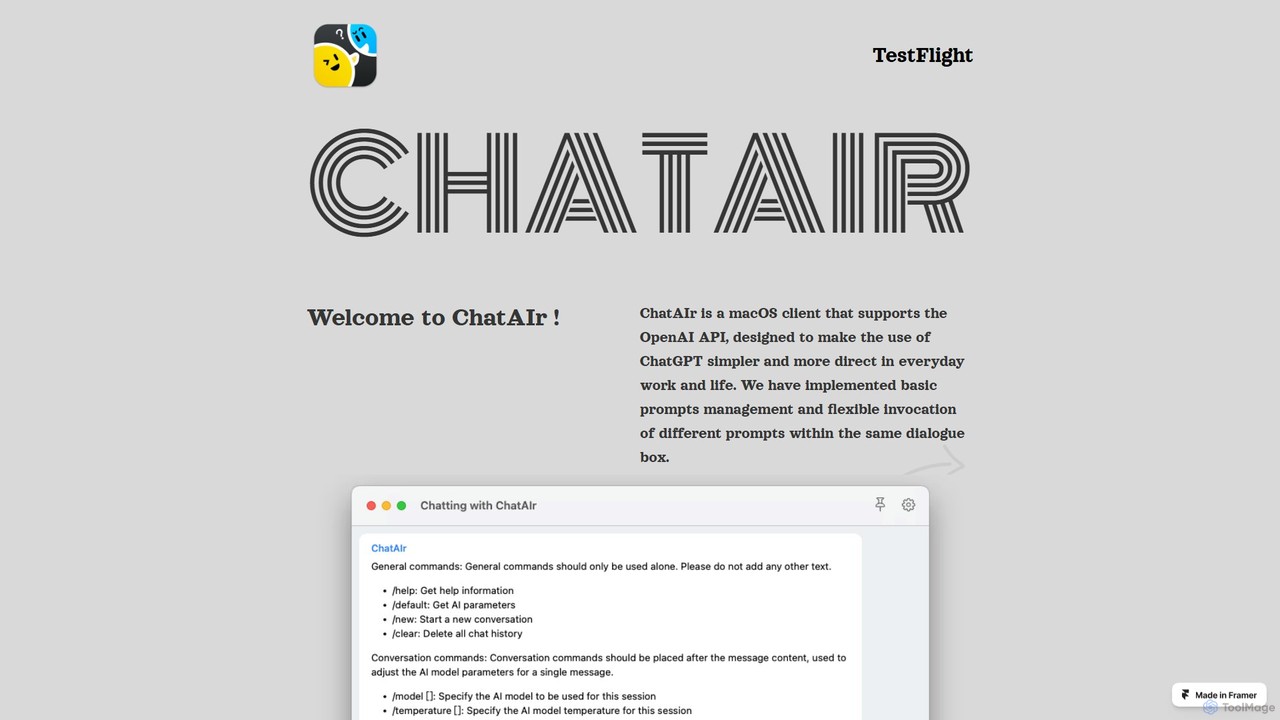
ChatAIr
ChatAIr is a powerful, native macOS client for interacting with OpenAI models like GPT-4 and GPT-3.5. It enhances your workflow with advanced features like prompt management, per-conversation model selection, and parameter control, offering a more flexible and cost-effective alternative to web interfaces.
Code Assistant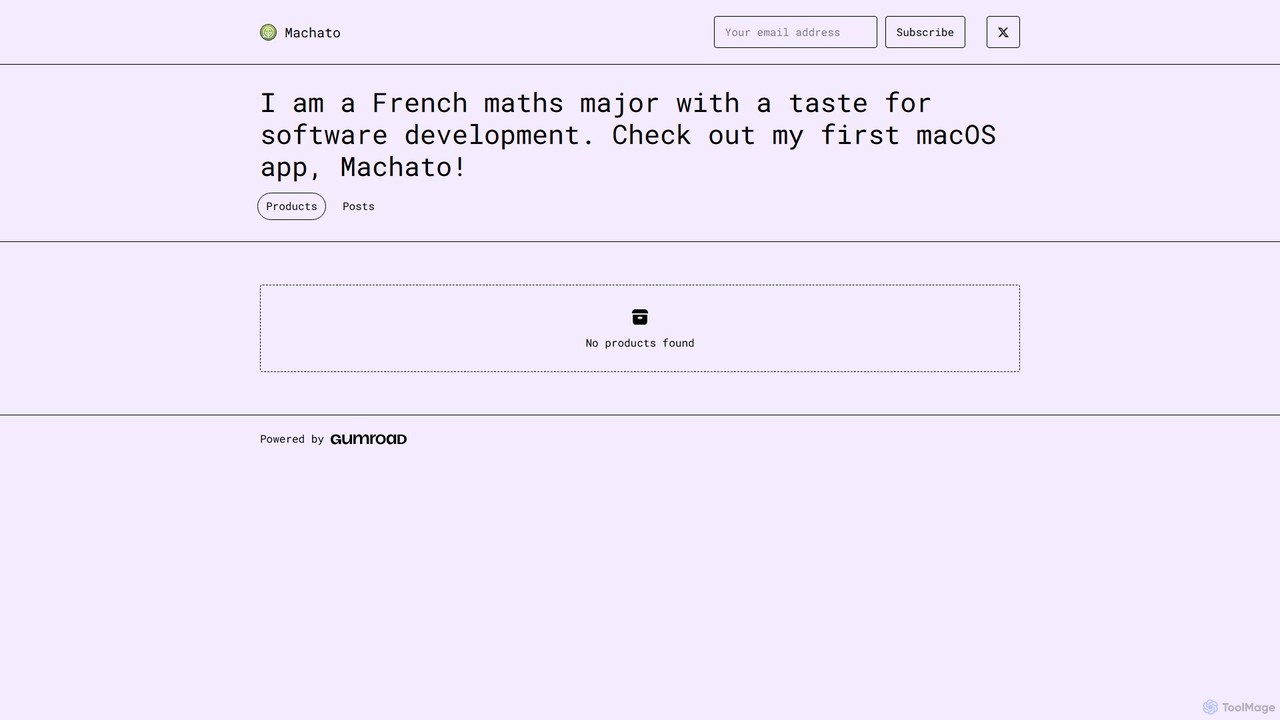
Machato
Machato is a native macOS application designed to provide a seamless and powerful AI chat experience. It acts as a desktop client for various large language models, offering a clean, fast, and integrated interface that surpasses web-based alternatives. Perfect for developers, writers, and professionals.
Code Assistant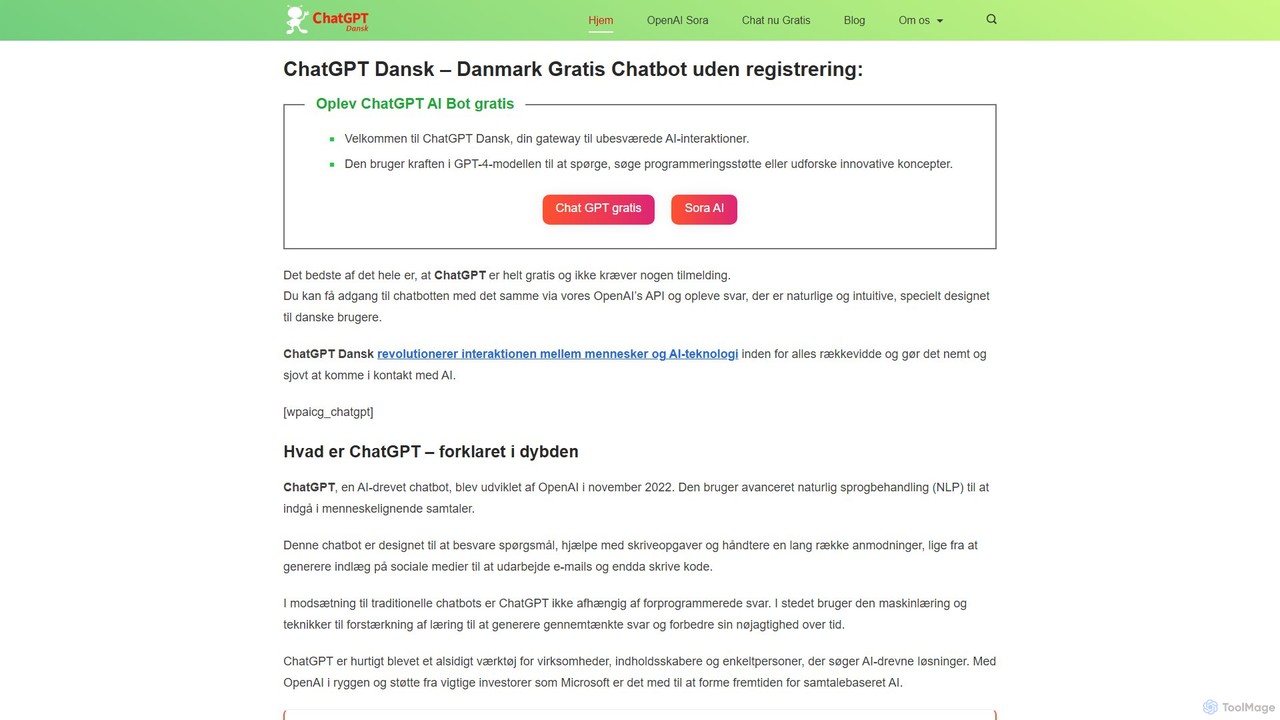
chatdansk
A user-friendly web platform providing Danish speakers with seamless access to advanced AI models like GPT-4. It facilitates a wide range of tasks, including writing, coding, translation, and creative brainstorming. The tool offers both free and premium access without requiring a native app, making powerful AI accessible to everyone.
Code Assistant
EasyChat AI
EasyChat AI is a native Windows desktop application designed to provide the best ChatGPT experience. It offers a sleek, intuitive interface with features like Markdown support and a dark mode. Access the power of OpenAI's models directly from your desktop for enhanced productivity in writing, coding, and general tasks, with flexible pricing plans including a free tier and a lifetime option.
Code Assistant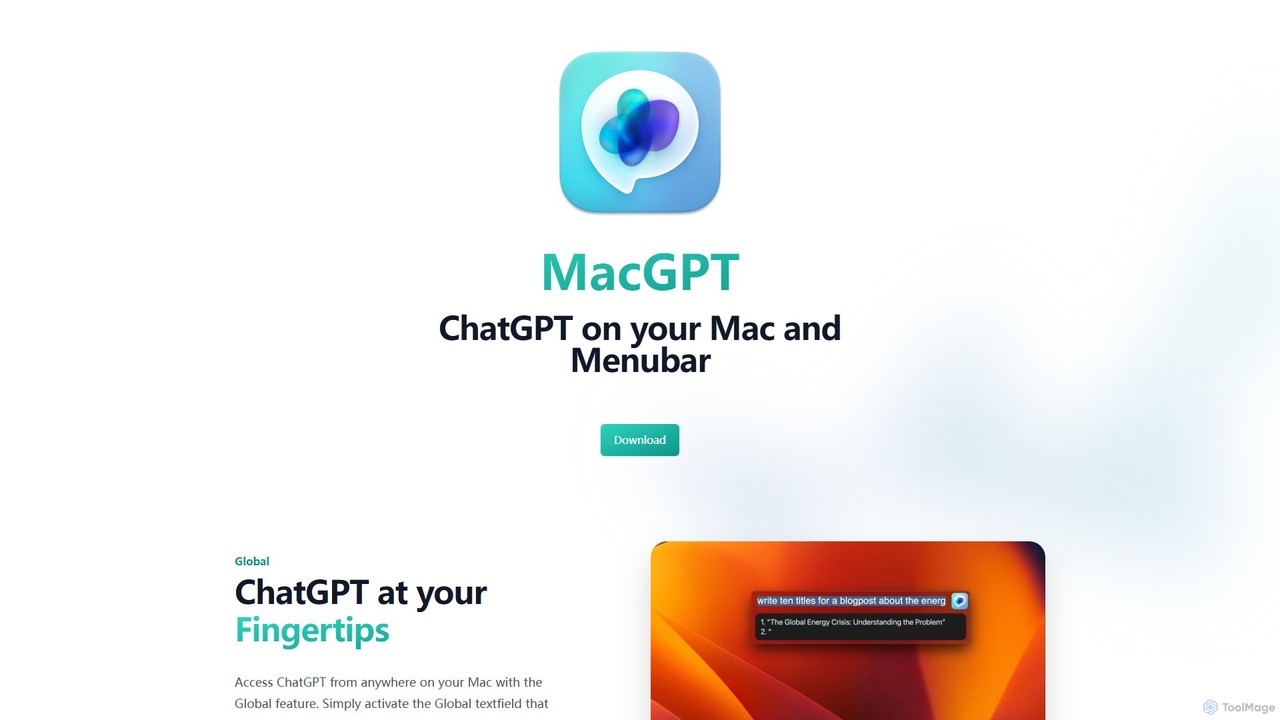
MacGPT
MacGPT brings the power of ChatGPT directly to your macOS desktop. Access OpenAI's models instantly from your menubar, use the Inline feature to write in any application, and switch between a native or web interface for ultimate flexibility and productivity.
Code AssistantChatTab Categories
ChatTab Embed Widget
Copy this embed code to place the badge on your blog, article, or product site and send readers directly to this ToolMage detail page.

Related AI tools
ChatAIr
ChatAIr is a powerful, native macOS client for interacting with OpenAI models like GPT-4 and GPT-3.5. It enhances your workflow with advanced features like prompt management, per-conversation model selection, and parameter control, offering a more flexible and cost-effective alternative to web interfaces.
Code AssistantMachato
Machato is a native macOS application designed to provide a seamless and powerful AI chat experience. It acts as a desktop client for various large language models, offering a clean, fast, and integrated interface that surpasses web-based alternatives. Perfect for developers, writers, and professionals.
Code AssistantMacGPT
MacGPT brings the power of ChatGPT directly to your macOS desktop. Access OpenAI's models instantly from your menubar, use the Inline feature to write in any application, and switch between a native or web interface for ultimate flexibility and productivity.
Code Assistant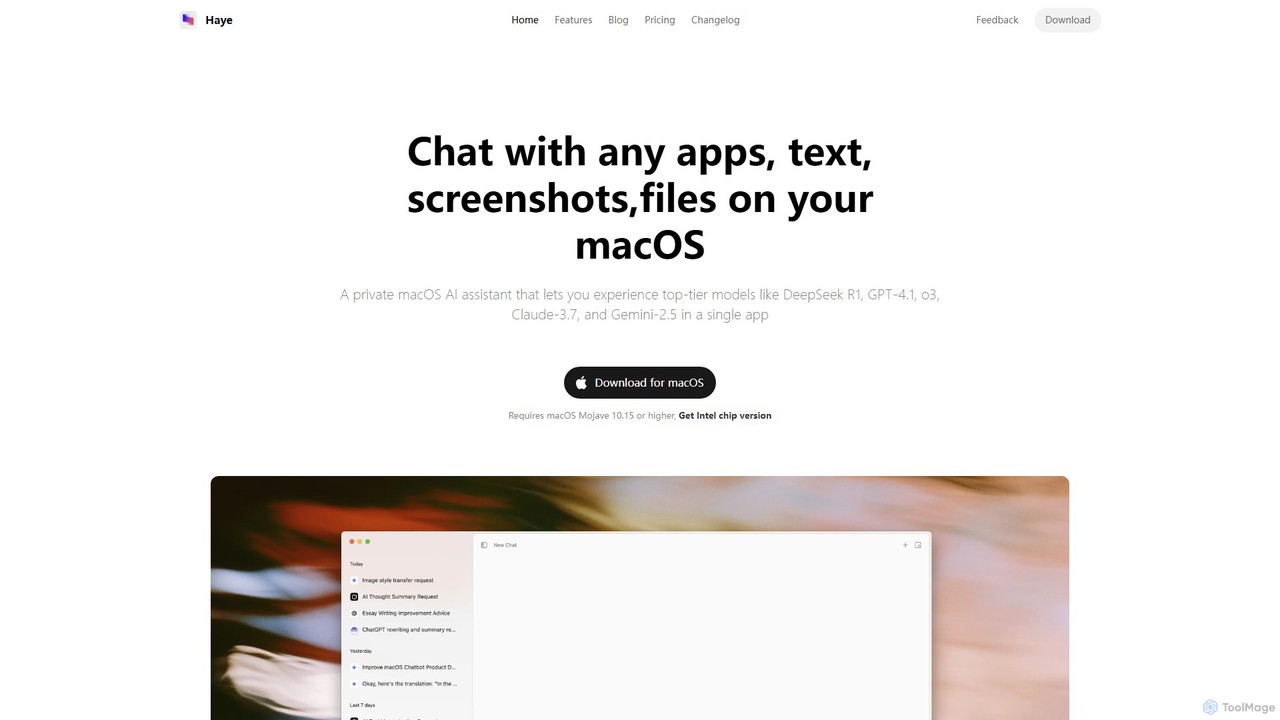
Haye
Haye is a powerful, all-in-one AI chat assistant for macOS, integrating top-tier models like GPT-4.1, Claude-3.7, and Gemini-2.5. It allows users to seamlessly interact with any app, text, screenshot, or file on their desktop, boosting productivity with features like AI search, document chat, and advanced customization.
Code Assistant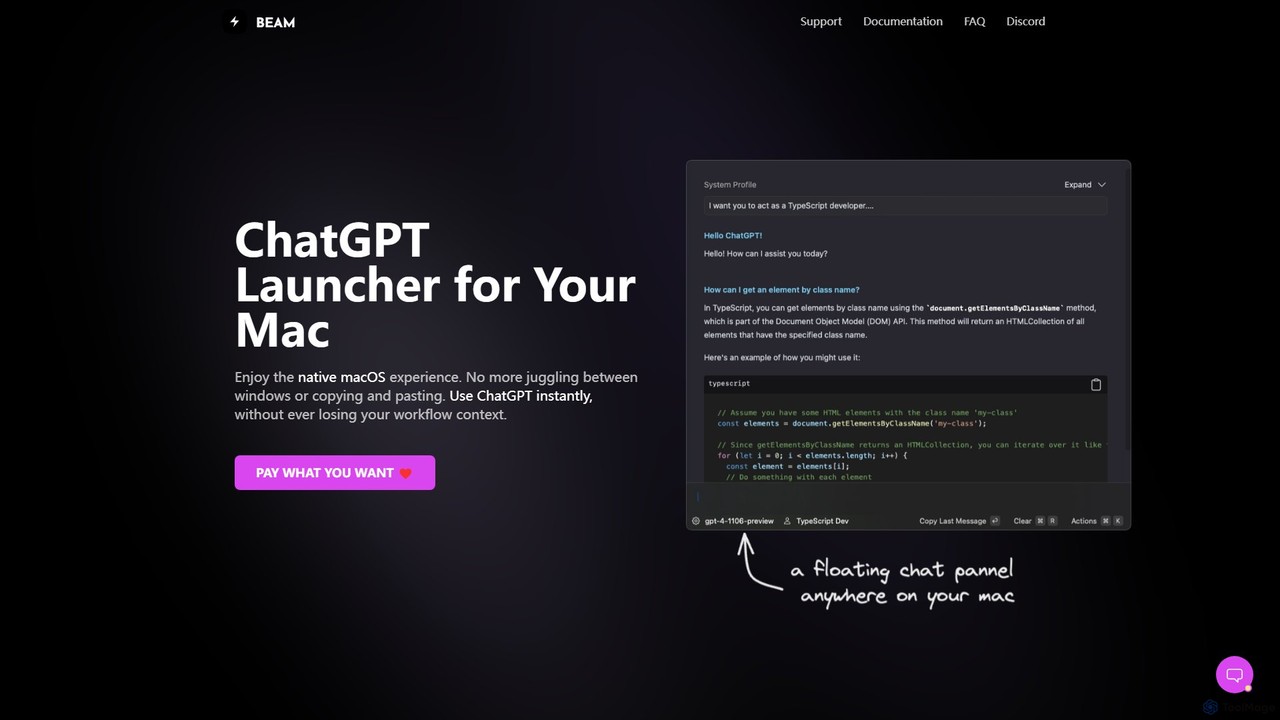
getbeam
A native macOS application that provides instant, system-wide access to ChatGPT. It enhances productivity with features like hotkey activation, contextual chat, screen interaction, and customizable templates. Beam integrates seamlessly into your workflow, allowing you to use AI without switching contexts, all within a secure, fast, and lightweight native interface.
Code Assistant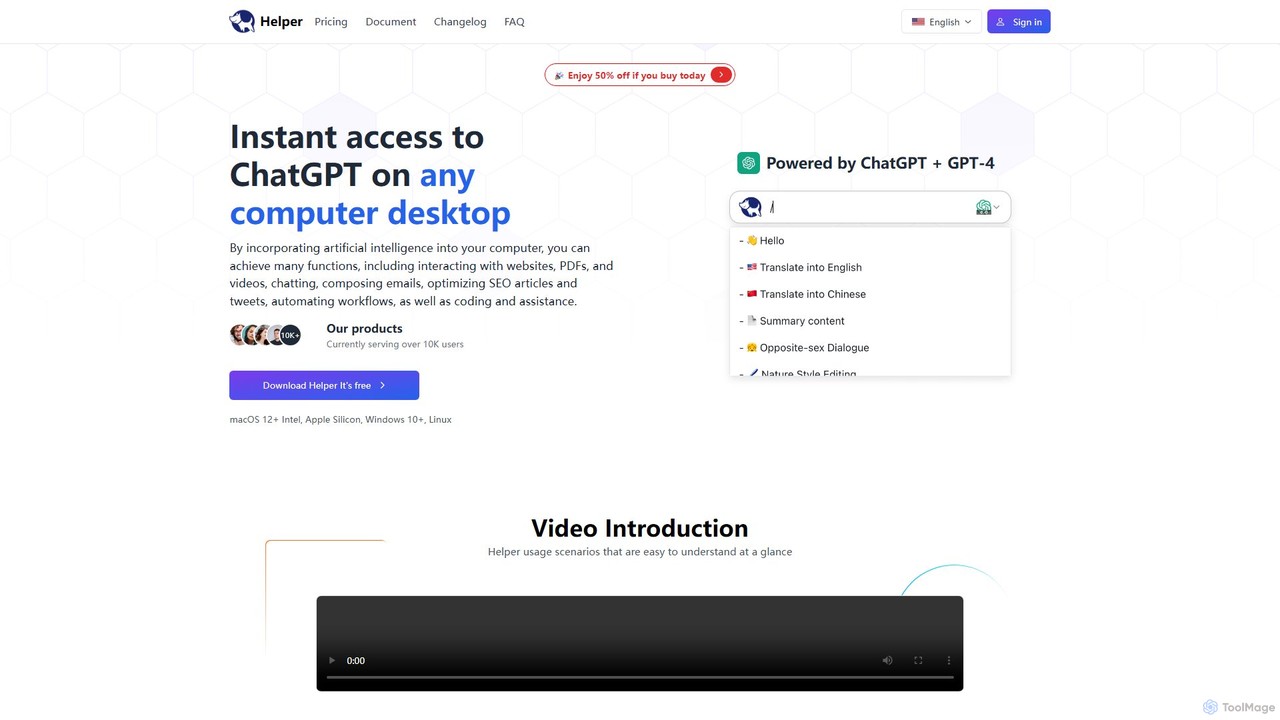
Ai Helper
Ai Helper is a versatile desktop client for macOS, Windows, and Linux, providing instant access to AI models like ChatGPT and Gemini from any application. It streamlines workflows for writing, coding, email composition, and more, acting as a universal AI assistant integrated directly into your operating system.
Code Assistant
anygpt.app
anygpt.app is a powerful desktop utility that allows you to access GPT-4, Claude, and other large language models from any application on your computer. Simply use a keyboard shortcut to instantly get AI assistance for writing, coding, summarizing, and more, seamlessly integrating AI into your daily workflow.
Coding Assistantchatdansk
A user-friendly web platform providing Danish speakers with seamless access to advanced AI models like GPT-4. It facilitates a wide range of tasks, including writing, coding, translation, and creative brainstorming. The tool offers both free and premium access without requiring a native app, making powerful AI accessible to everyone.
Code Assistant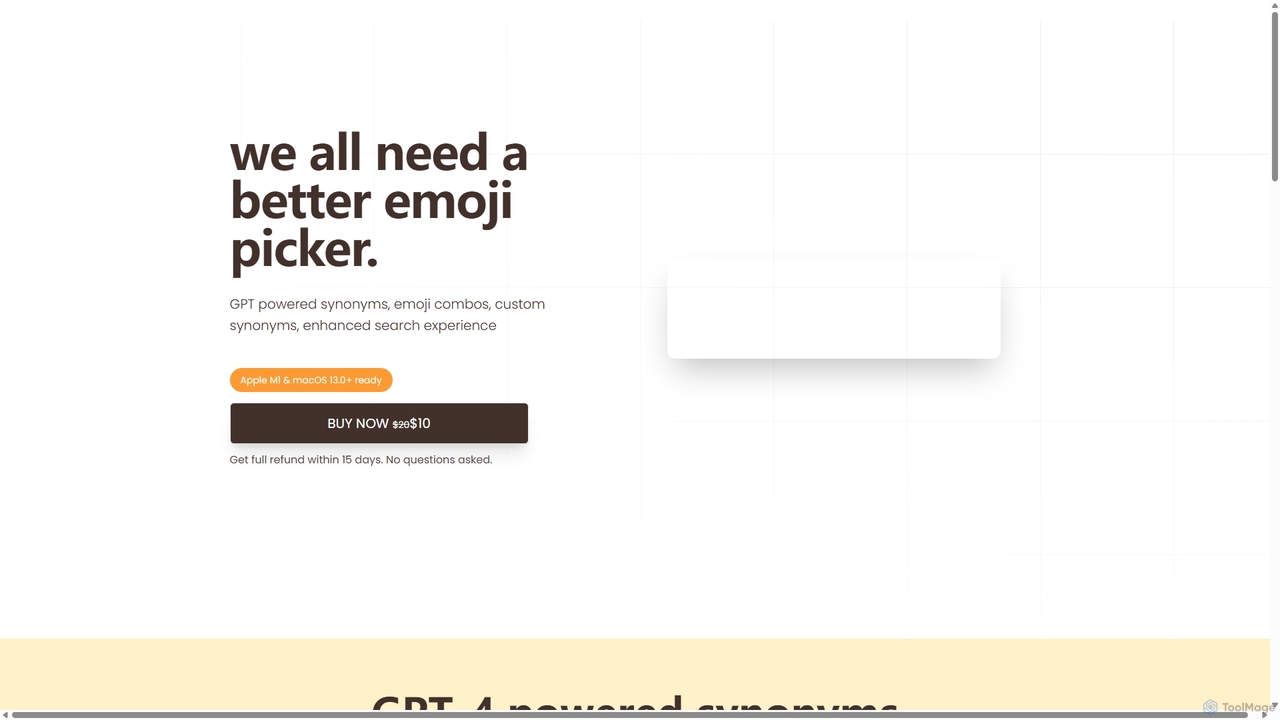
Emojibu
emojibu is an advanced emoji picker for macOS, powered by GPT-4. It revolutionizes how you find and use emojis with AI-driven synonym search, creative emoji combinations, and personalized keywords. Its multi-tab search interface and one-time purchase model make it a powerful and cost-effective tool for anyone who communicates digitally, enhancing expression and productivity.
Writing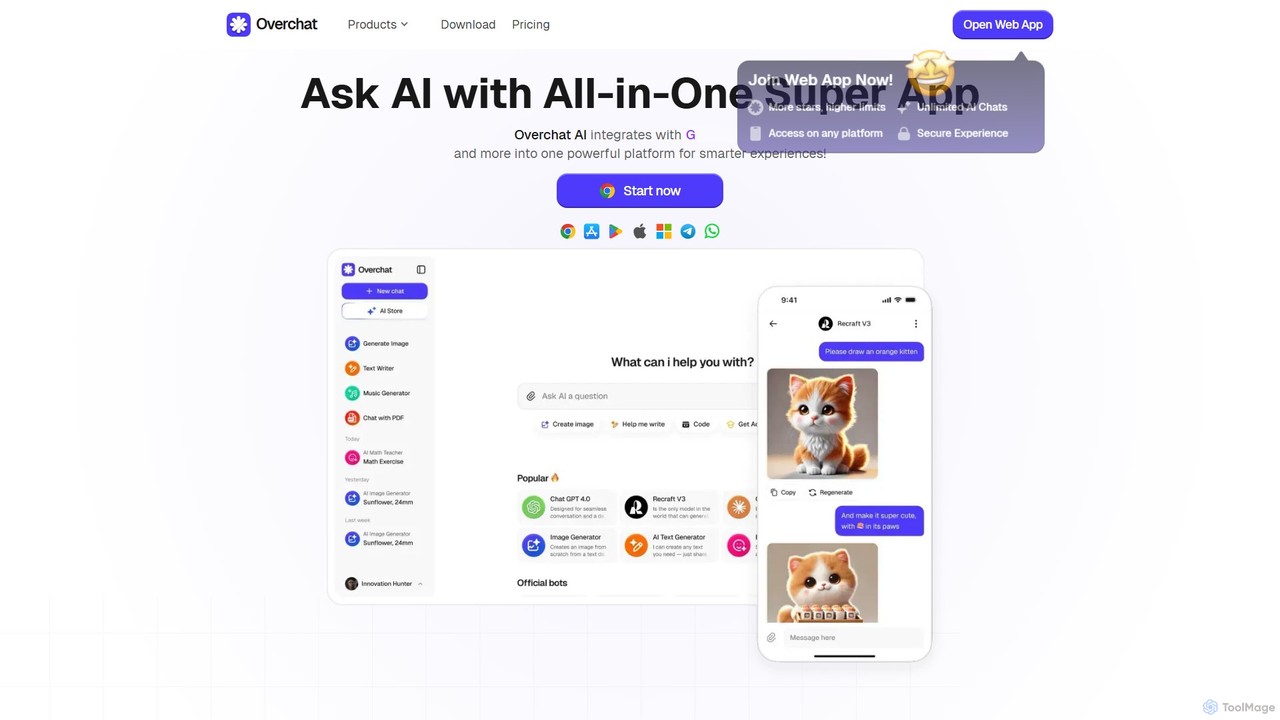
Overchat
Overchat is an all-in-one AI super app that integrates multiple leading language models like GPT-4 and Claude 3 into a single, intuitive interface. It functions as a versatile AI assistant for answering questions, completing tasks, writing content, and even advanced image editing, available across web and mobile platforms.
Image Editing
heyalice
heyalice is a personal AI assistant for your desktop (macOS, Windows, Linux) that centralizes top AI models like GPT-4o and Claude 3.5. It enhances productivity through customizable assistants, reusable prompts (Skills), and seamless integration with automation tools like Zapier and Make. Bring your own API keys to control costs and work faster with powerful keyboard shortcuts, all within a privacy-focused, local application.
Code Assistant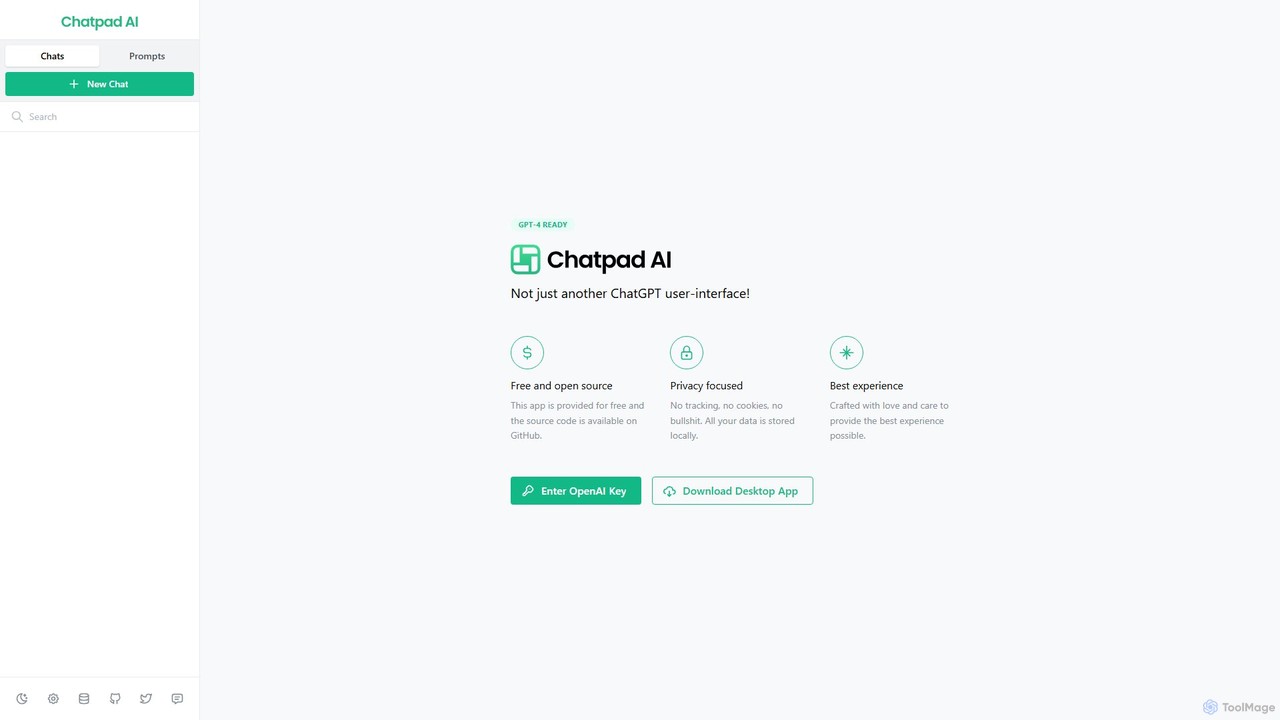
Chatpad AI
Chatpad AI is a free, open-source, and privacy-focused desktop client for OpenAI's GPT models, including GPT-4. It enhances the standard chat experience by storing all your data locally, ensuring complete privacy and data ownership. Use your own OpenAI API key for a secure and powerful AI interaction.
Code Assistant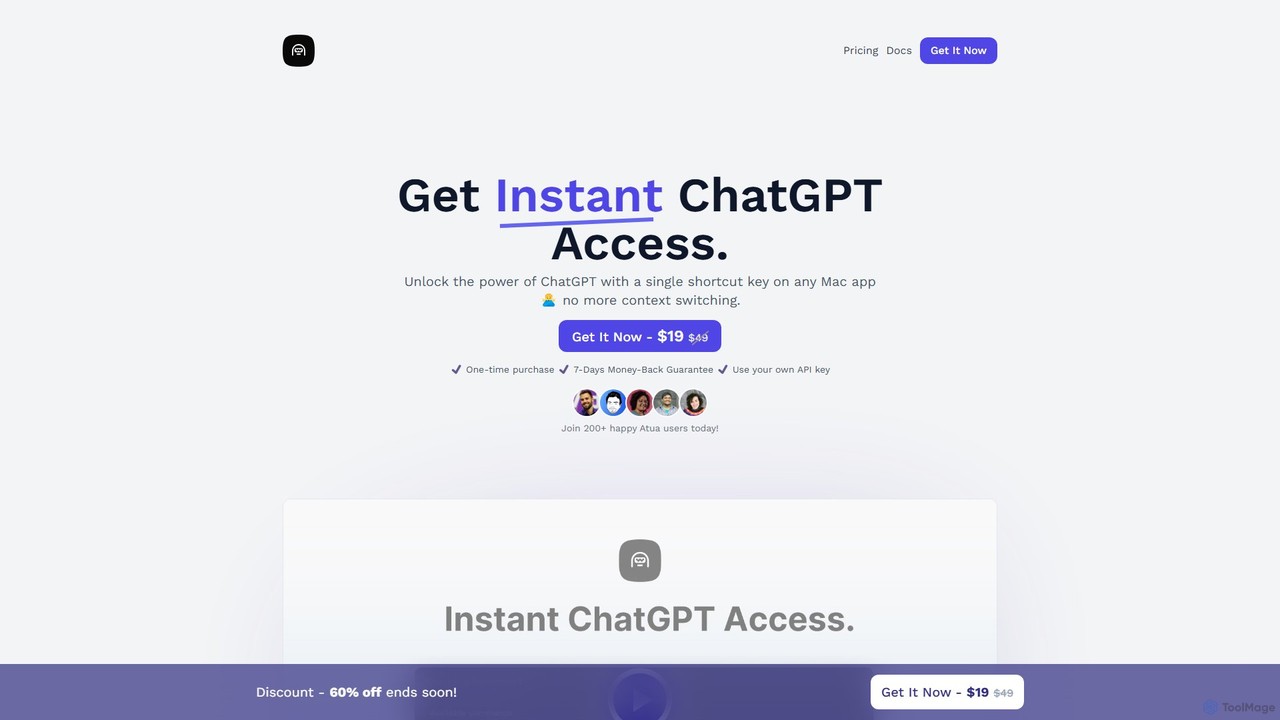
Atua
Atua is a native macOS application that provides instant access to ChatGPT from any app using a simple shortcut. It eliminates context switching, allowing users to select text, apply custom AI commands, and boost productivity in writing, coding, and more.
Code Assistant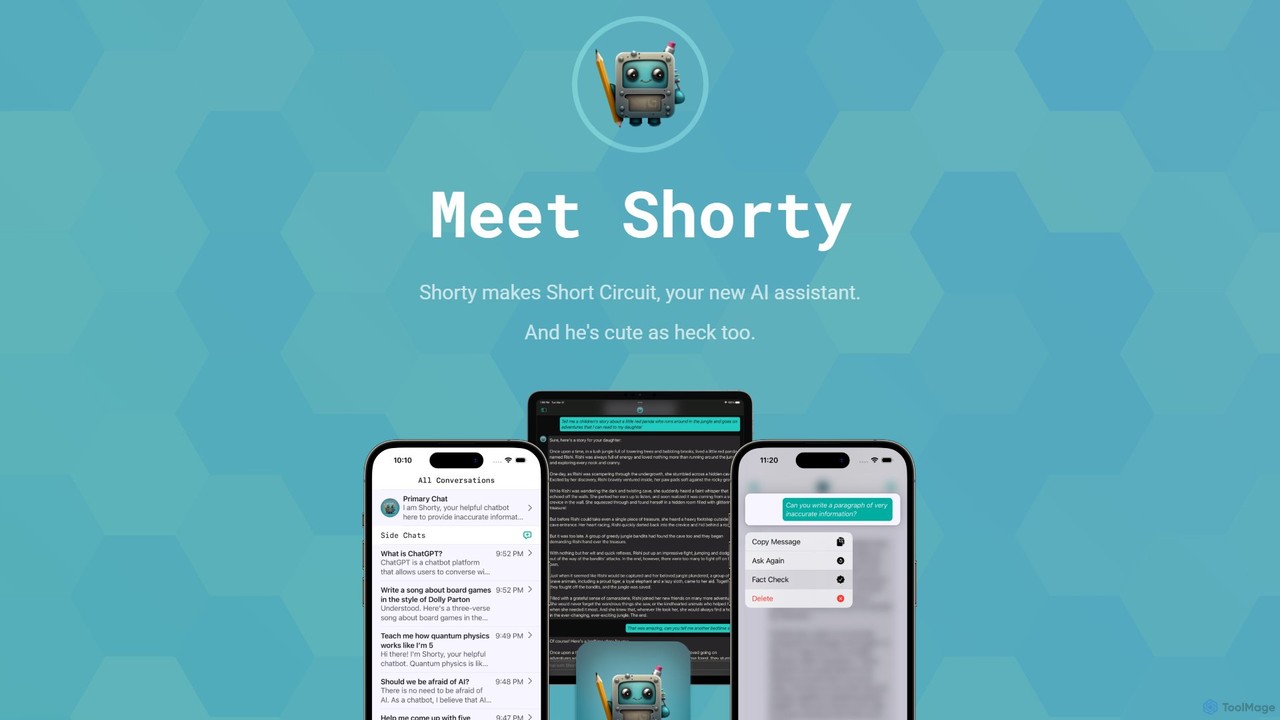
Short Circuit
Short Circuit is a privacy-focused AI assistant for iPhone, iPad, and Mac, powered by ChatGPT & GPT-4. It offers deep integration with the Apple ecosystem, including Siri and Shortcuts. Customize AI personalities for any task, from a math tutor to a code expert. With a strong commitment to privacy and flexible pricing options, including a lifetime unlock with your own API key, Short Circuit provides a premium, secure, and versatile AI experience.
Code Assistant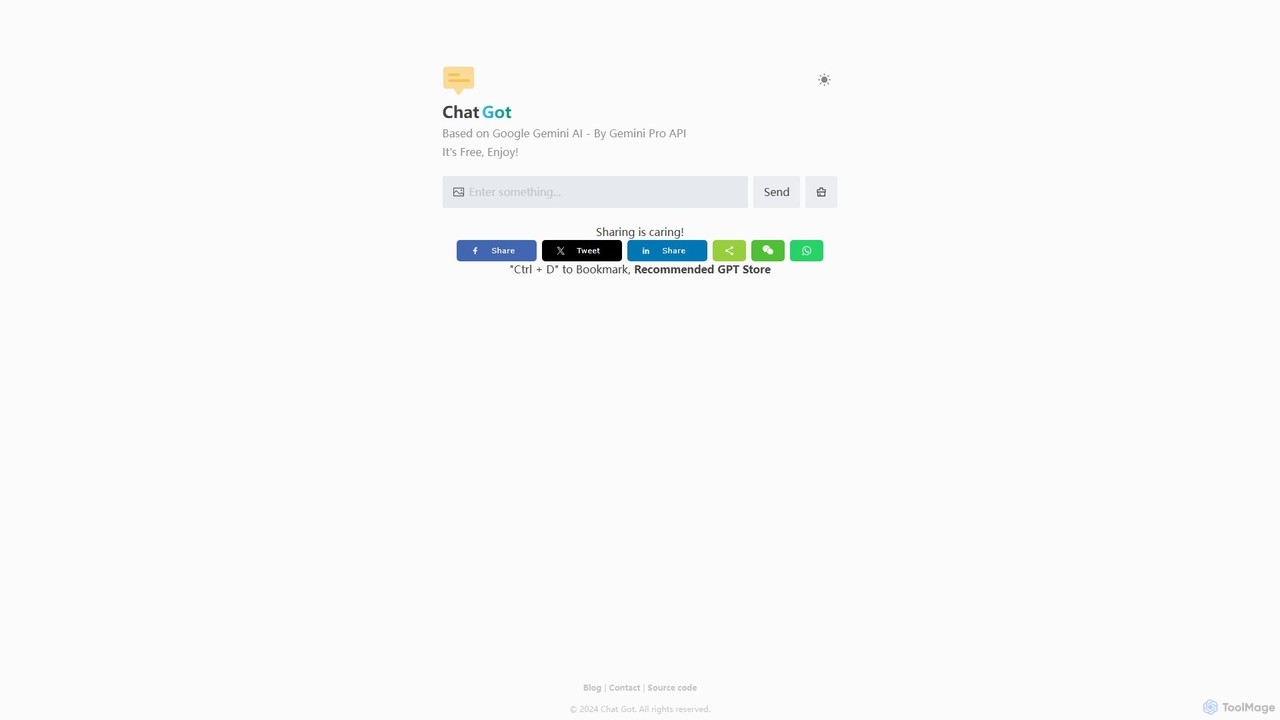
Chat Got
Chat Got is an all-in-one AI chat platform that provides access to multiple leading large language models like GPT-4, Claude, and Gemini in a single, unified interface. It simplifies the process of interacting with different AIs, allowing users to switch between models seamlessly to find the best one for any task, from writing and coding to research and brainstorming.
All In One
ChatTab Comments (0)
Sign in to comment.
Sign inNo comments yet.