

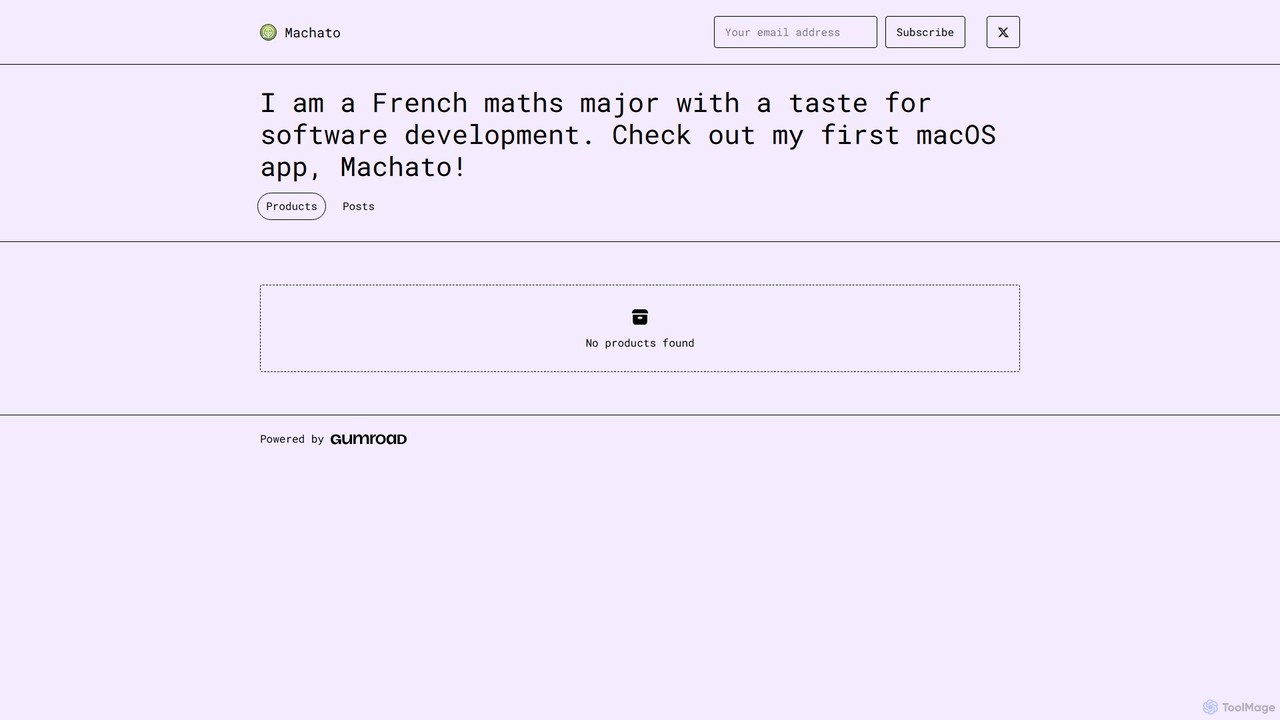
Machato Overview
Machato is a sophisticated native macOS application developed for users who want a superior and integrated way to interact with leading AI models. Created by an indie developer with a passion for software craftsmanship, Machato moves your AI conversations from the browser to a dedicated, high-performance desktop environment. It's designed to be a fast, reliable, and feature-rich client that enhances productivity and streamlines workflows for anyone who regularly uses AI chat.
By leveraging the power of a native application, Machato offers a user experience that is deeply integrated with the macOS ecosystem. This means faster launch times, lower resource consumption compared to a browser tab, support for system-wide features like dark mode, and a familiar, intuitive interface. The application is built for power users who need to manage multiple conversations, access different AI models on the fly, and keep their interactions organized and secure.
How to use Machato
Using Machato is straightforward, allowing you to get started in minutes:
- Purchase and Install: Acquire Machato from its official Gumroad page and install it on your macOS device like any other application.
- Configure API Keys: Navigate to the settings or preferences panel within the app. Here, you will enter your own API keys from AI providers like OpenAI (for GPT models), Anthropic (for Claude models), or Google (for Gemini models). This ensures your usage is tied to your own accounts and your data remains private.
- Start Chatting: Once your API key is configured, you can start a new conversation. Select your preferred AI model from a dropdown list.
- Organize and Manage: Type your prompts and interact with the AI. You can create multiple chat threads, organize them into folders, and easily search through your conversation history.
- Utilize Advanced Features: Explore features like the prompt library to save and reuse your favorite prompts, use keyboard shortcuts for quick actions, and access the app directly from your menubar for instant convenience.
Core Features of Machato
- Multi-Model Support: Seamlessly switch between different AI models (e.g., GPT-4, Claude 3, Gemini Pro) within the same interface by using your personal API keys.
- Native macOS Experience: Enjoy a fast, lightweight, and responsive application that fully supports macOS features like Dark Mode, native notifications, and a clean, intuitive UI.
- Conversation Management: Organize your chats into folders, search your entire history, and easily manage multiple ongoing conversations.
- Prompt Library: Create, save, and manage a library of your most-used prompts to improve efficiency and consistency in your AI interactions.
- Privacy-Focused: All conversations and your API keys are stored locally on your machine, ensuring your data remains private and secure. No data is sent to the developer's servers.
- Menubar Access: Quickly access Machato from your Mac's menubar for instant prompting without disrupting your workflow.
- Markdown & Code Highlighting: View responses with rich text formatting, including full Markdown support and syntax highlighting for code snippets.
Use Cases for Machato
Machato is a versatile tool suitable for a wide range of users:
- Developers: For debugging code, generating boilerplate, understanding complex algorithms, and writing documentation. The native interface and code highlighting are particularly useful.
- Writers & Content Creators: For brainstorming ideas, drafting articles, overcoming writer's block, summarizing text, and refining copy.
- Students & Researchers: For explaining complex topics, conducting literature reviews, summarizing research papers, and getting help with assignments.
- Marketers: For creating ad copy, generating social media posts, brainstorming campaign ideas, and analyzing market trends.
- Business Professionals: For drafting emails, preparing presentations, summarizing meeting notes, and performing quick data analysis.
Advantages of Machato
Compared to using AI models through a web browser, Machato offers significant advantages:
- Speed and Performance: As a native app, it's faster and more resource-efficient than a browser tab.
- Enhanced Productivity: Features like menubar access, keyboard shortcuts, and a prompt library are designed to save you time.
- Focused Environment: A dedicated app provides a distraction-free workspace, unlike a cluttered browser with multiple tabs.
- Superior Organization: Advanced conversation management with folders and search keeps your AI interactions tidy and accessible.
- Data Privacy: Local storage of data provides peace of mind that your sensitive information is not being processed or stored by third parties.
Pricing and Plans
Machato is available as a one-time purchase through the Gumroad platform. This model provides you with a lifetime license for the current version of the application, including minor updates. There are no recurring subscription fees, making it a cost-effective solution for regular AI users. Please visit the official Gumroad page for the current price.
Machato Alternatives
ChatTab
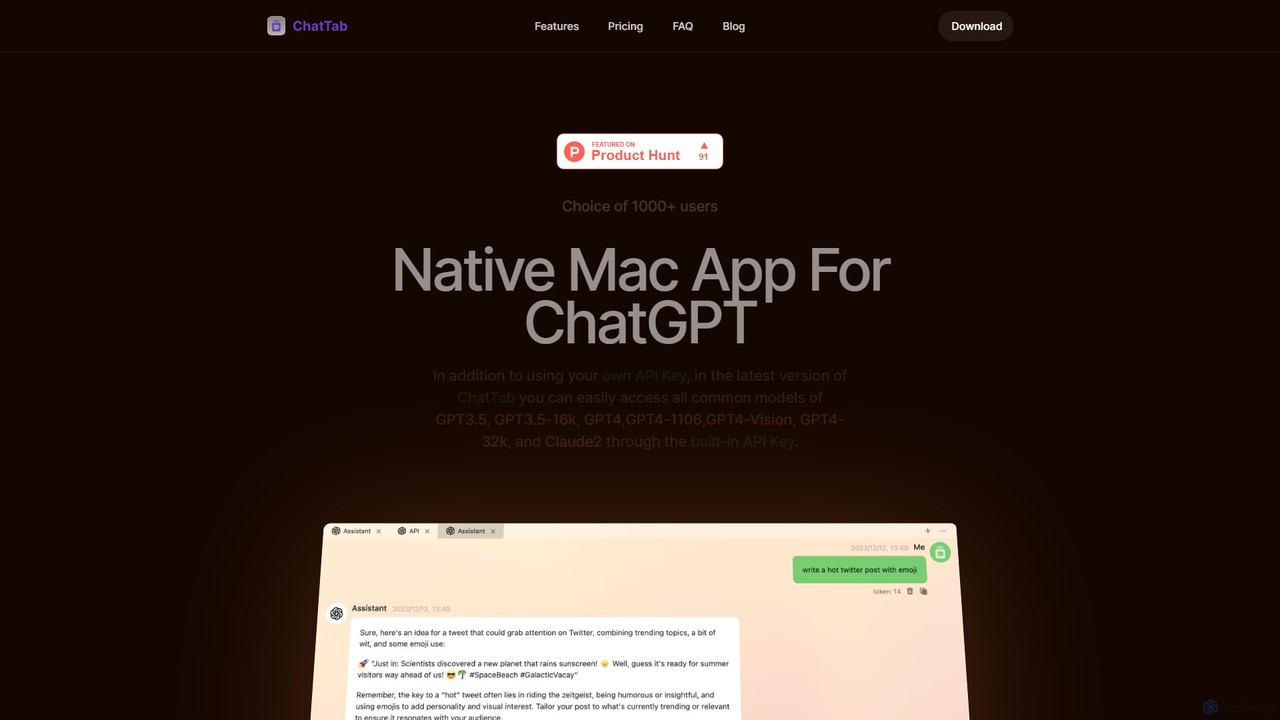
ChatTab is a native macOS desktop application designed to enhance the ChatGPT experience. It offers a fast, lightweight interface with features like multi-tab conversations, shortcut key access, iCloud prompt synchronization, and support for various models including GPT-4 Vision and Claude 2. Users can leverage their own API key or use the built-in one, ensuring a secure and private interaction with advanced AI models directly from their desktop.
Code Assistant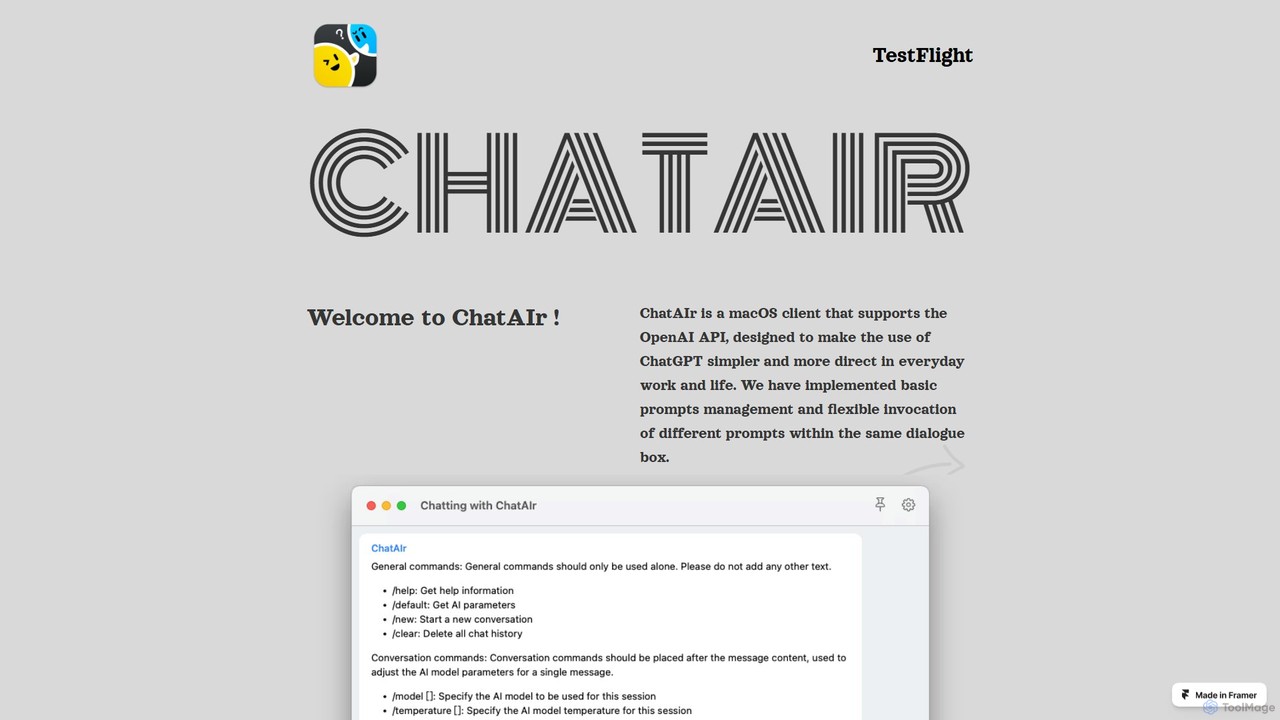
ChatAIr
ChatAIr is a powerful, native macOS client for interacting with OpenAI models like GPT-4 and GPT-3.5. It enhances your workflow with advanced features like prompt management, per-conversation model selection, and parameter control, offering a more flexible and cost-effective alternative to web interfaces.
Code Assistant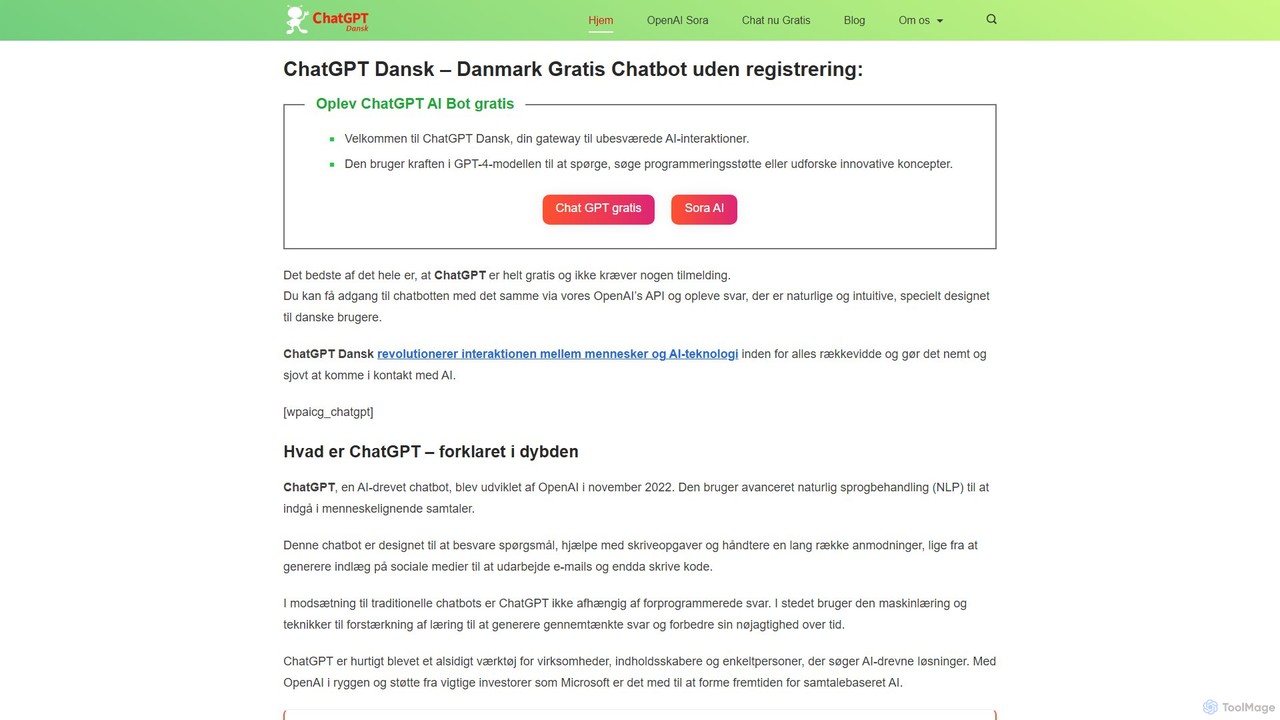
chatdansk
A user-friendly web platform providing Danish speakers with seamless access to advanced AI models like GPT-4. It facilitates a wide range of tasks, including writing, coding, translation, and creative brainstorming. The tool offers both free and premium access without requiring a native app, making powerful AI accessible to everyone.
Code Assistant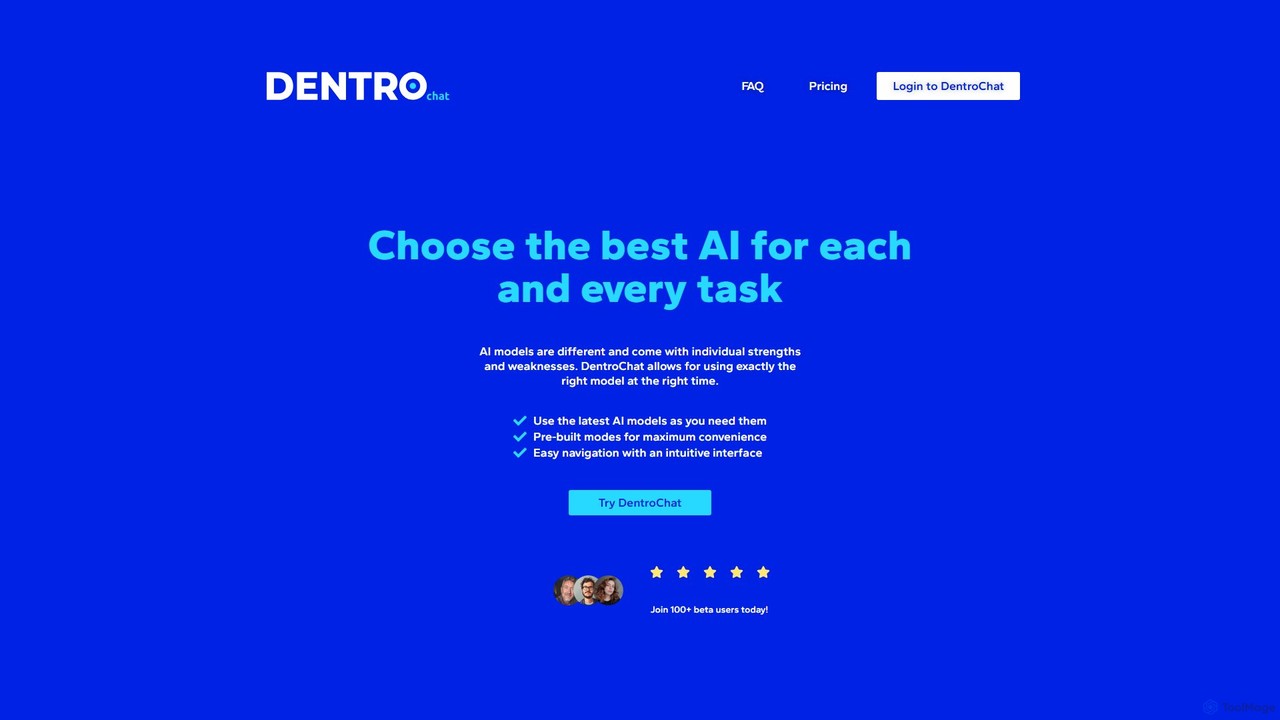
DentroChat
DentroChat is an innovative AI chat platform that allows you to switch between multiple large language models (LLMs) within a single conversation. Instead of a one-size-fits-all approach, you can select the best AI for each specific task, from creative writing to technical analysis, ensuring optimal performance and versatility.
Code Assistant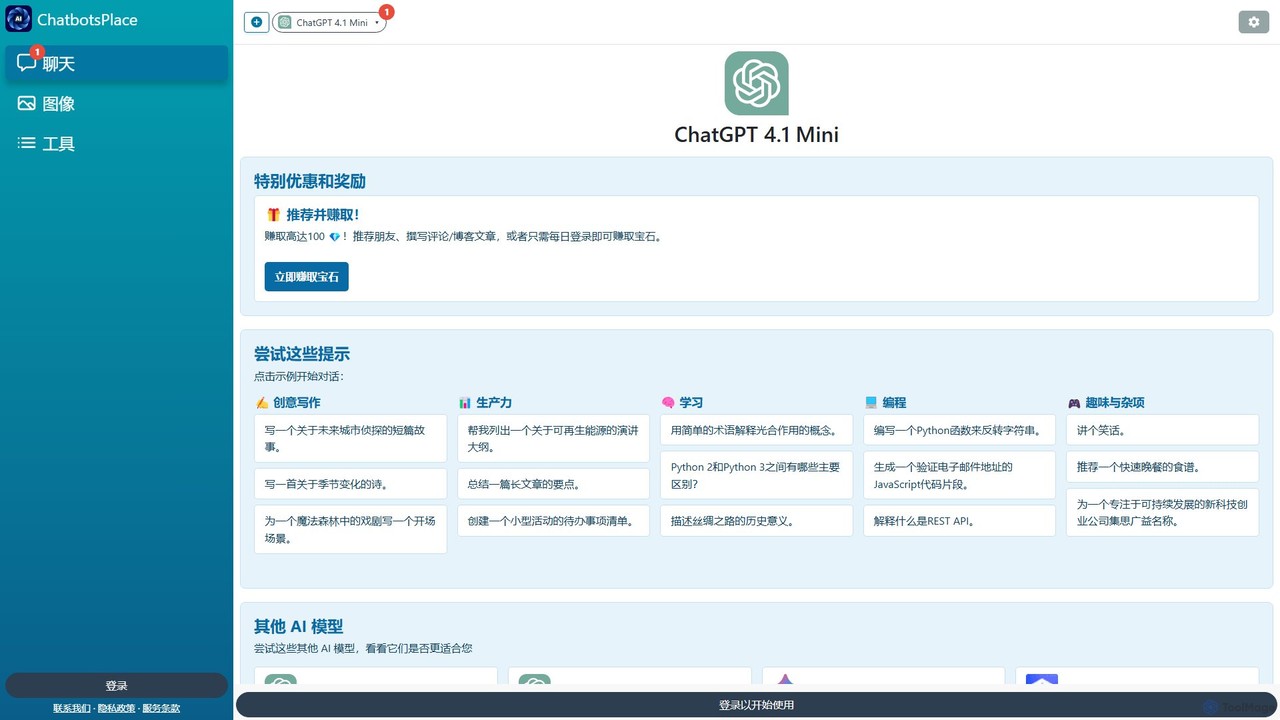
ChatGPT 4.1 Mini
ChatGPT 4.1 Mini is a versatile and fast AI chatbot on the ChatbotsPlace platform. It's designed for a wide range of tasks, including creative writing, productivity, learning, and programming. Accessible via web, browser extensions, and mobile apps, it offers a user-friendly interface with prompt suggestions to help users get started quickly and efficiently.
Code AssistantMachato Categories
Machato Embed Widget
Copy this embed code to place the badge on your blog, article, or product site and send readers directly to this ToolMage detail page.

Related AI tools
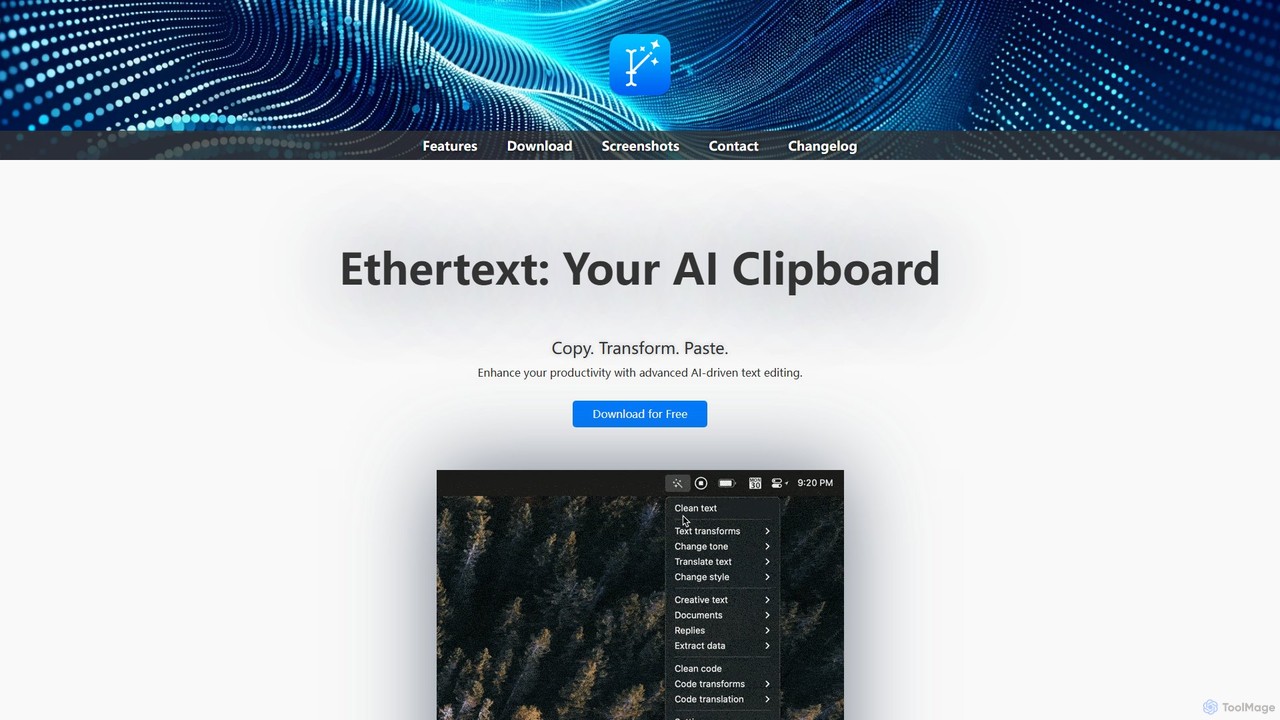
Ethertext
Ethertext is an AI-powered clipboard assistant for macOS that supercharges your productivity. It allows you to instantly transform, edit, and enhance any text you copy. With support for major AI models like OpenAI, Gemini, and Claude, as well as local models via Ollama, it offers powerful text and code manipulation, a smart memory feature, and seamless integration into your daily workflow through keyboard shortcuts.
Code AssistantChatTab
ChatTab is a native macOS desktop application designed to enhance the ChatGPT experience. It offers a fast, lightweight interface with features like multi-tab conversations, shortcut key access, iCloud prompt synchronization, and support for various models including GPT-4 Vision and Claude 2. Users can leverage their own API key or use the built-in one, ensuring a secure and private interaction with advanced AI models directly from their desktop.
Code AssistantChatAIr
ChatAIr is a powerful, native macOS client for interacting with OpenAI models like GPT-4 and GPT-3.5. It enhances your workflow with advanced features like prompt management, per-conversation model selection, and parameter control, offering a more flexible and cost-effective alternative to web interfaces.
Code Assistant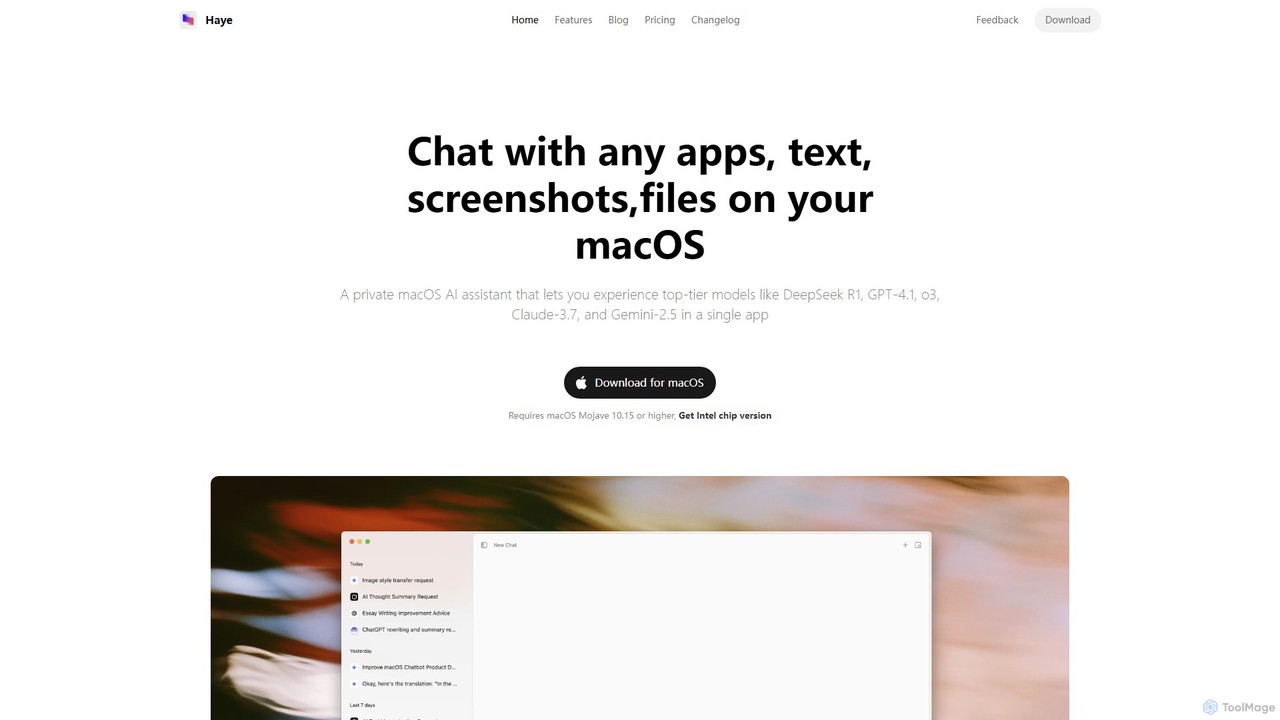
Haye
Haye is a powerful, all-in-one AI chat assistant for macOS, integrating top-tier models like GPT-4.1, Claude-3.7, and Gemini-2.5. It allows users to seamlessly interact with any app, text, screenshot, or file on their desktop, boosting productivity with features like AI search, document chat, and advanced customization.
Code Assistant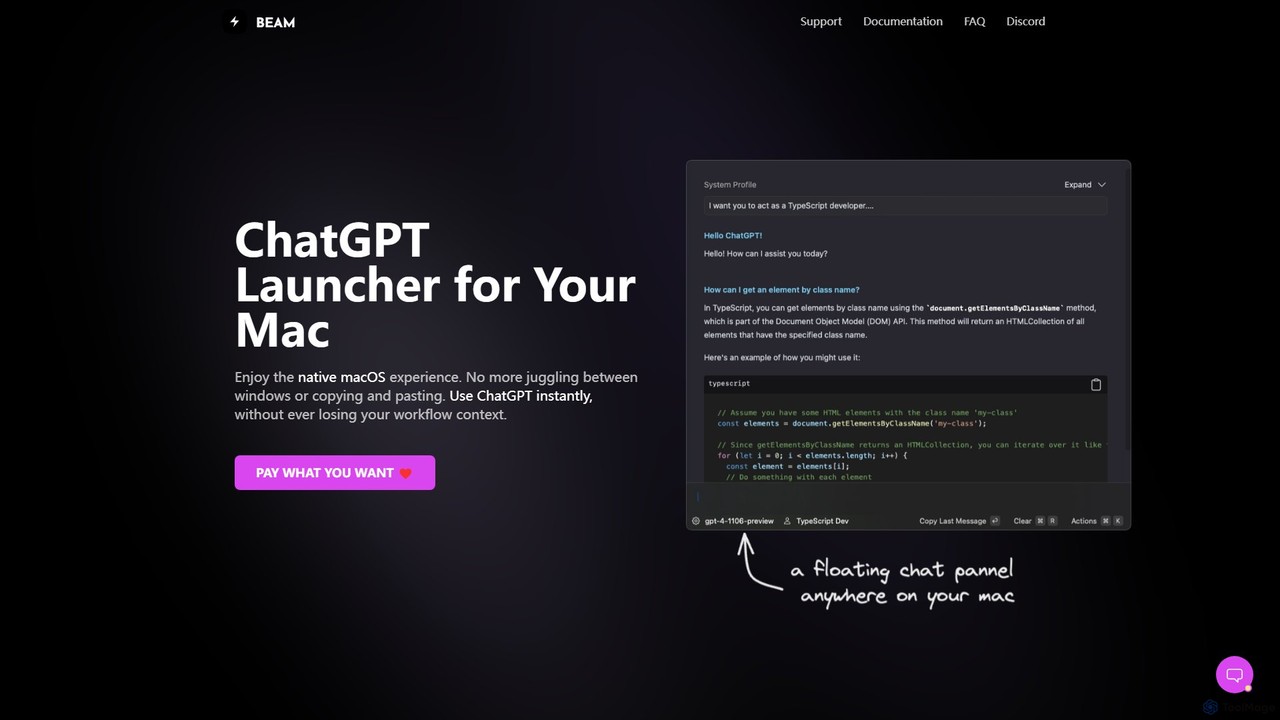
getbeam
A native macOS application that provides instant, system-wide access to ChatGPT. It enhances productivity with features like hotkey activation, contextual chat, screen interaction, and customizable templates. Beam integrates seamlessly into your workflow, allowing you to use AI without switching contexts, all within a secure, fast, and lightweight native interface.
Code Assistant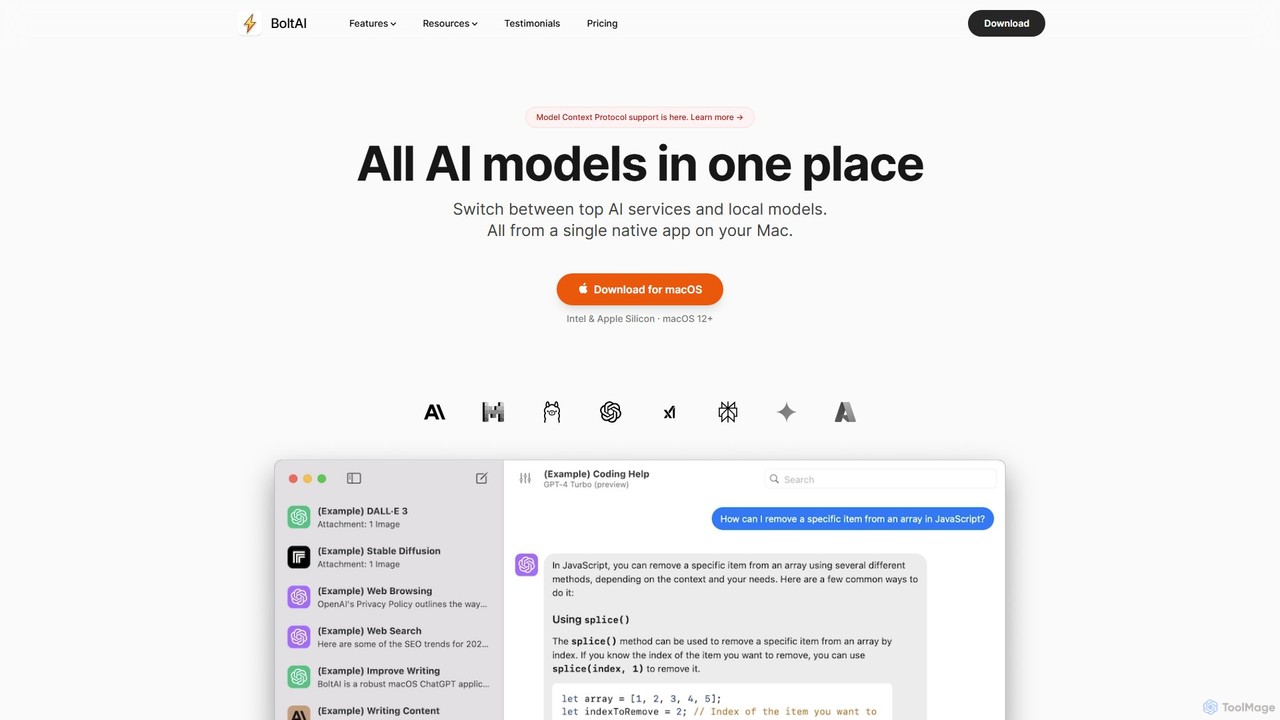
BoltAI
BoltAI is a native, high-performance AI assistant for macOS that integrates multiple AI models like GPT, Claude, and local models directly into your workflow. It offers features like an in-IDE coding assistant, custom AI assistants, a prompt library, and powerful plugins to boost productivity for developers, writers, and professionals.
Coding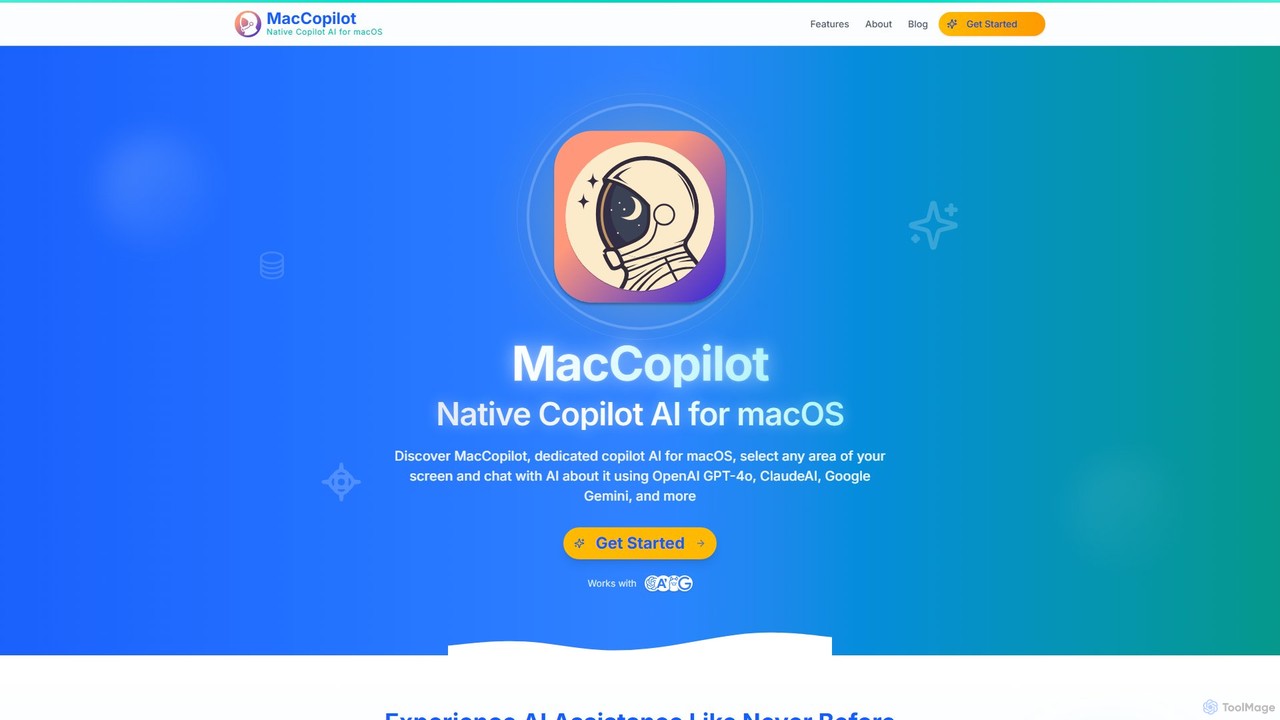
MacCopilot
MacCopilot is a native AI assistant for macOS that revolutionizes productivity. It allows you to select any area of your screen and instantly start a conversation with advanced AI models like GPT-4o, Claude 3.5, and Gemini. Get immediate insights, code explanations, email drafts, and more, without ever leaving your current window. It's a seamless bridge between your screen's content and powerful AI.
Code Assistant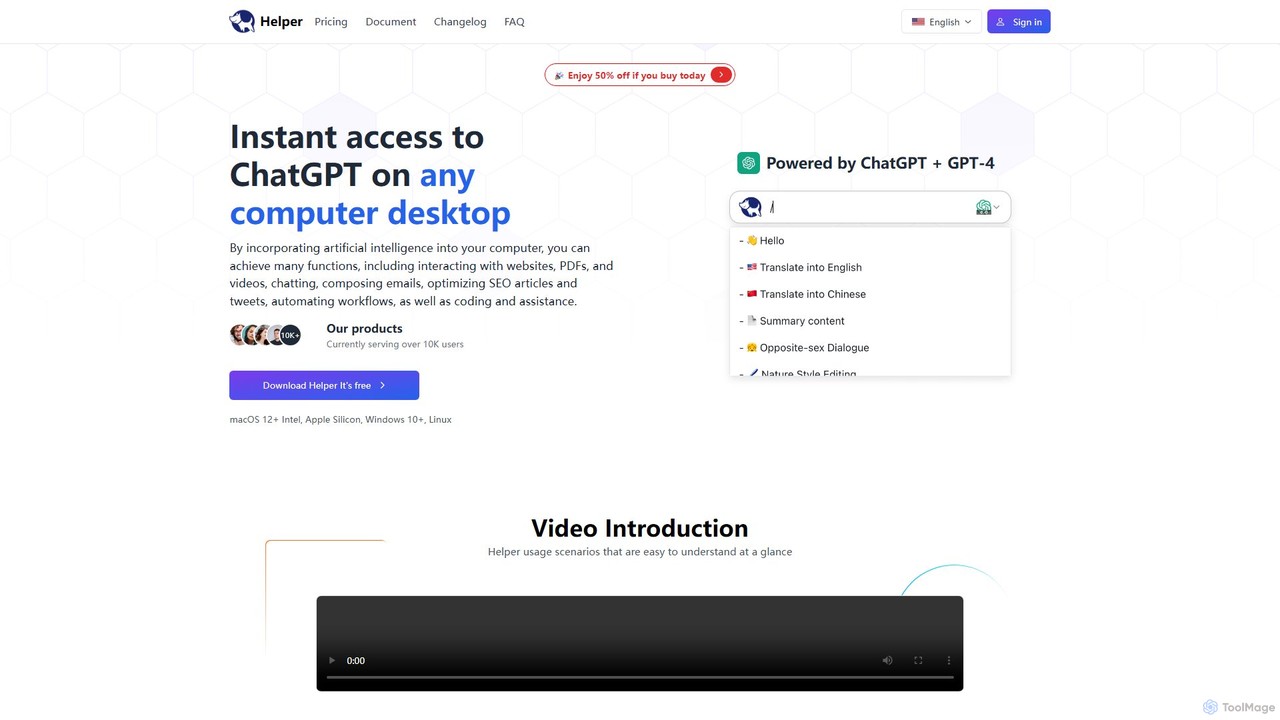
Ai Helper
Ai Helper is a versatile desktop client for macOS, Windows, and Linux, providing instant access to AI models like ChatGPT and Gemini from any application. It streamlines workflows for writing, coding, email composition, and more, acting as a universal AI assistant integrated directly into your operating system.
Code Assistant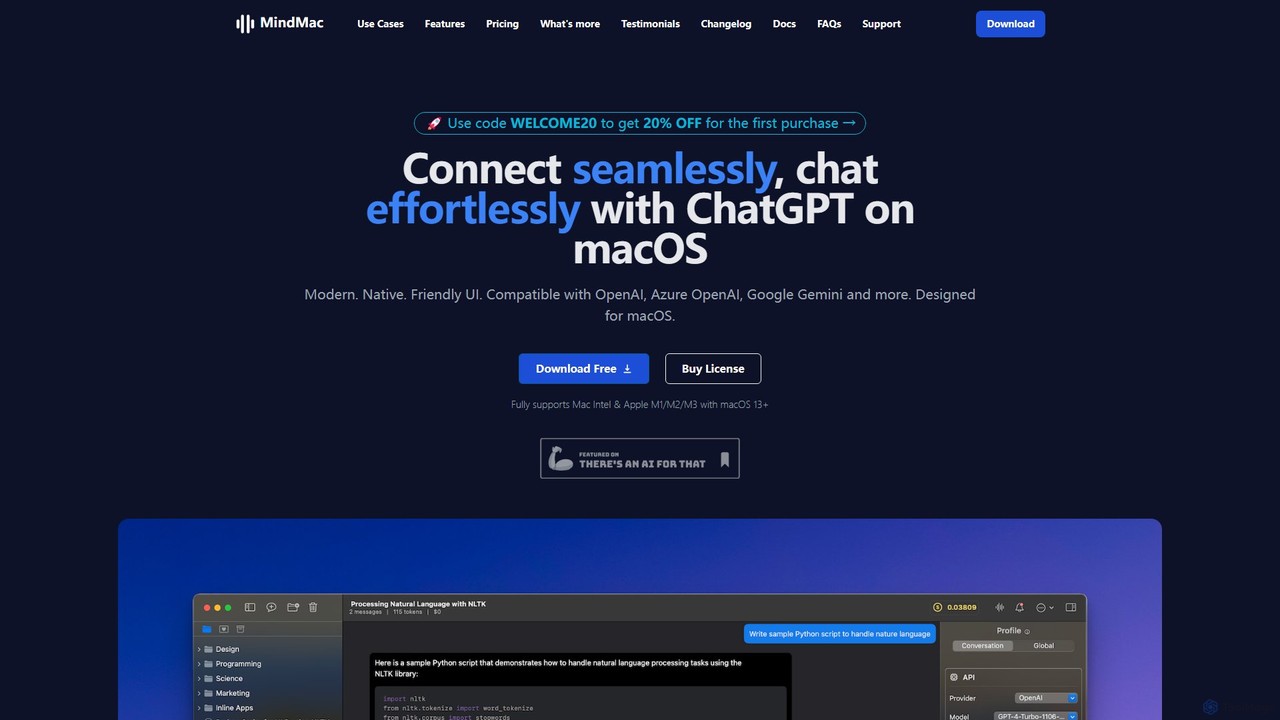
MindMac
MindMac is a powerful, native macOS client that provides a unified interface for interacting with a vast range of AI models, including OpenAI's GPT, Google Gemini, Claude, and local LLMs. It enhances productivity with features like an inline mode for use in any app, a rich prompt library, and extensive customization. It prioritizes privacy and security by storing API keys locally and communicating directly with AI providers.
Macos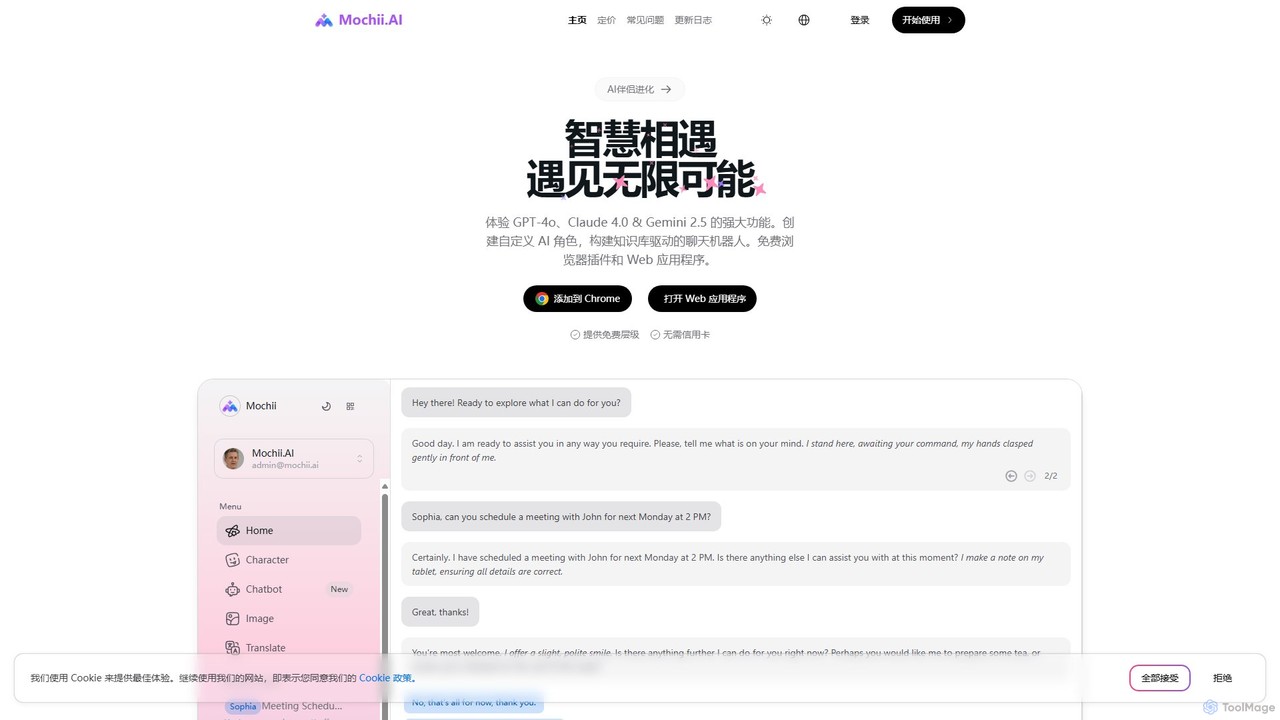
Mochii
Mochii is an all-in-one AI assistant that integrates leading models like GPT-4o, Claude, and Gemini into a seamless browser extension and web app. It enhances productivity by offering features like document analysis, web browsing, AI chatbot building, and customizable AI roles. A generous free tier provides access to advanced AI capabilities for everyone.
Productivity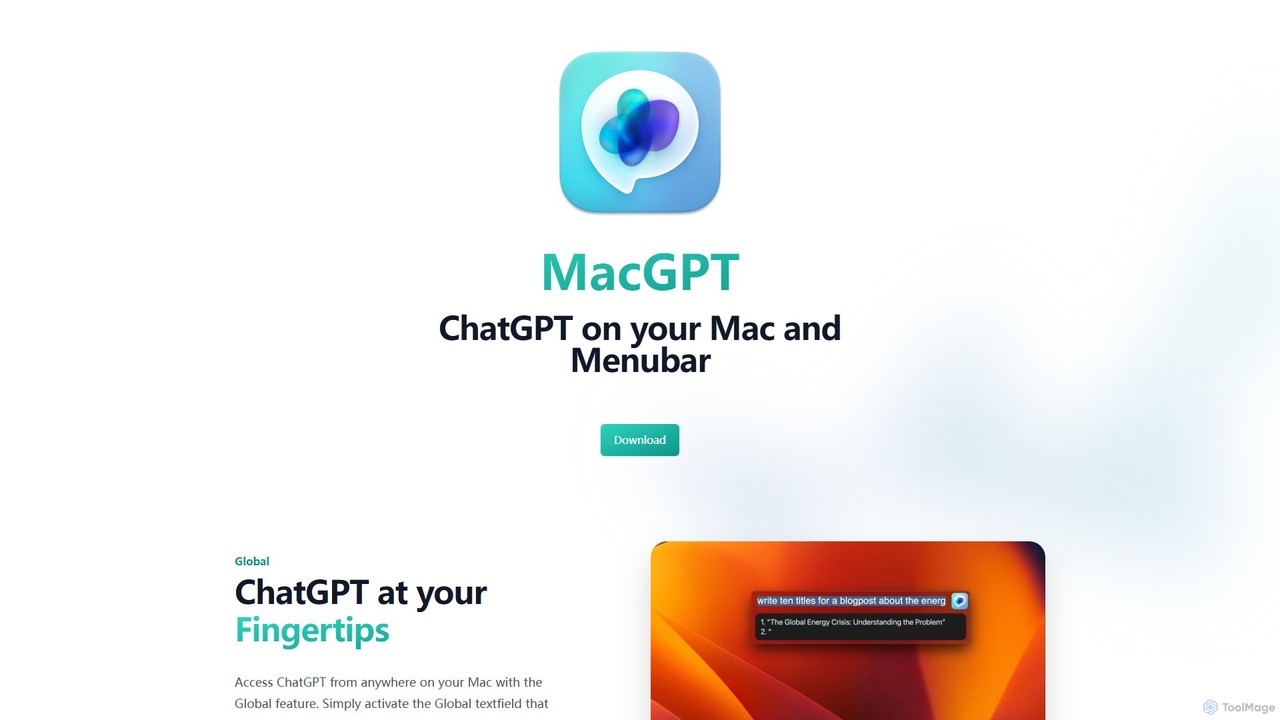
MacGPT
MacGPT brings the power of ChatGPT directly to your macOS desktop. Access OpenAI's models instantly from your menubar, use the Inline feature to write in any application, and switch between a native or web interface for ultimate flexibility and productivity.
Code Assistant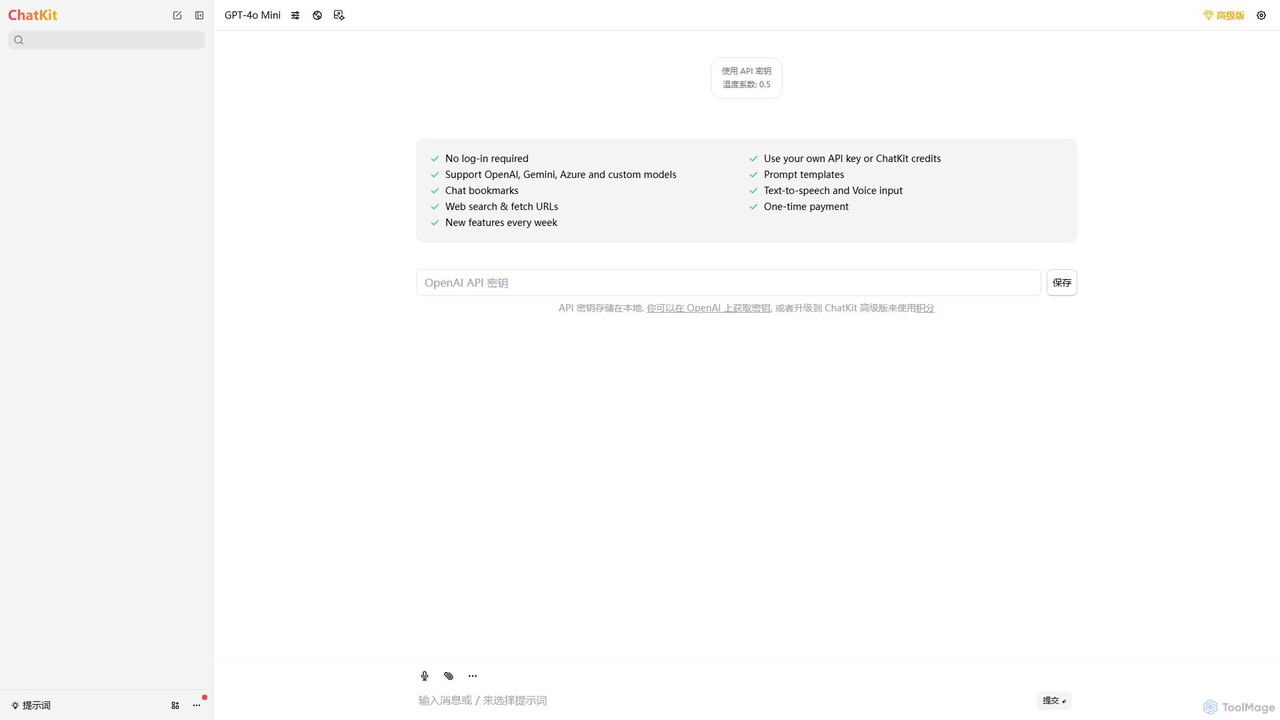
ChatKit
ChatKit is a refined, unified chat interface for top AI models like OpenAI, Gemini, and Azure. It enhances your workflow with features like web search, prompt templates, voice input, and chat bookmarks, all while prioritizing user privacy with local API key storage and no required login.
Api Management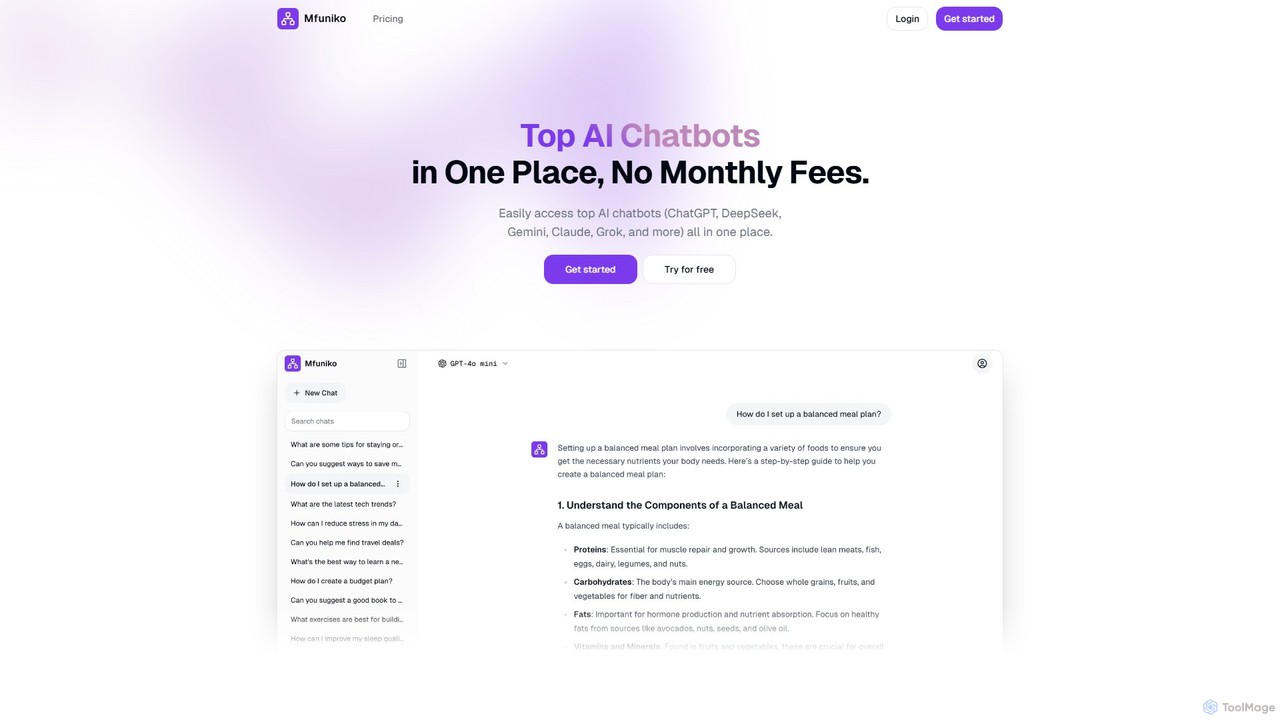
mfuniko
Mfuniko is a unified AI chat interface that allows you to access top AI models like ChatGPT, Gemini, Claude, and Grok in one place. It operates on a 'bring your own API key' model with a one-time payment for lifetime access, eliminating monthly subscription fees. It offers advanced features like file and image chat, chat organization, and text-to-speech to streamline your AI workflow.
Api Management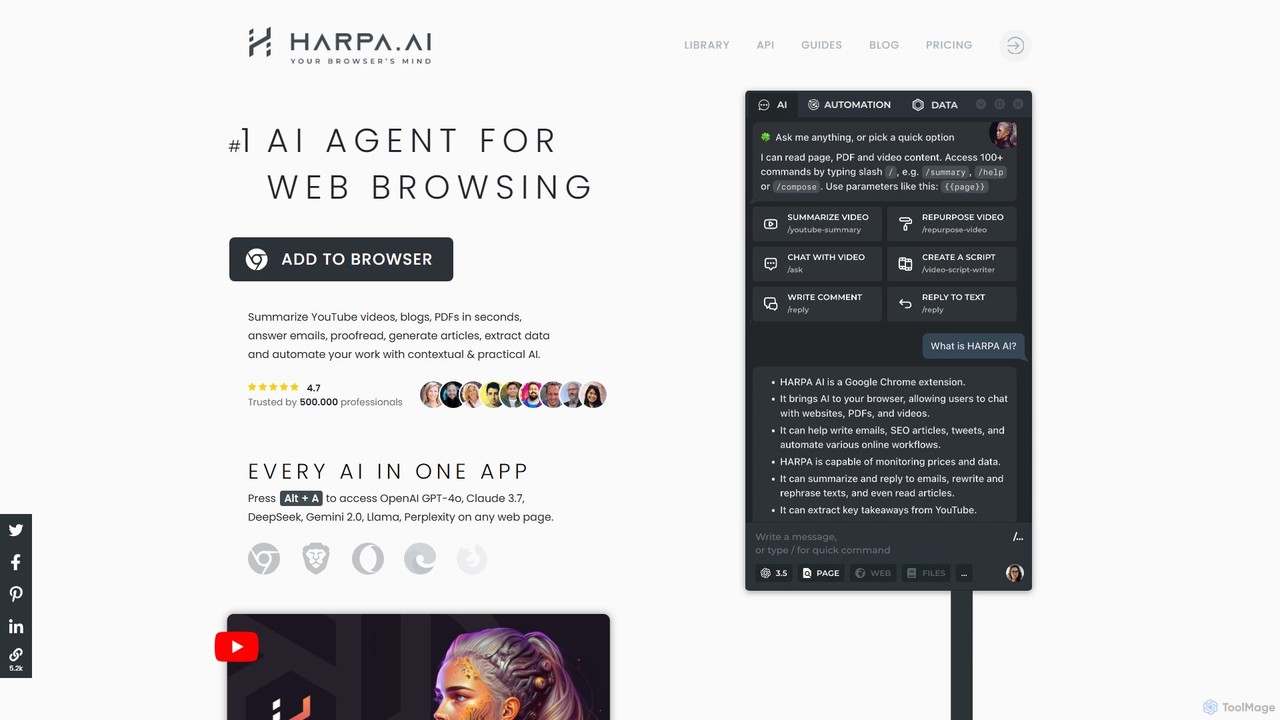
HARPA AI
HARPA AI is an all-in-one AI browser agent that integrates ChatGPT, Claude, Gemini, and more directly into your browser. It automates web tasks, summarizes content, drafts emails, extracts data, and enhances productivity with over 100 pre-built, page-aware commands. It functions as a versatile copilot for browsing, research, and automation.
Automation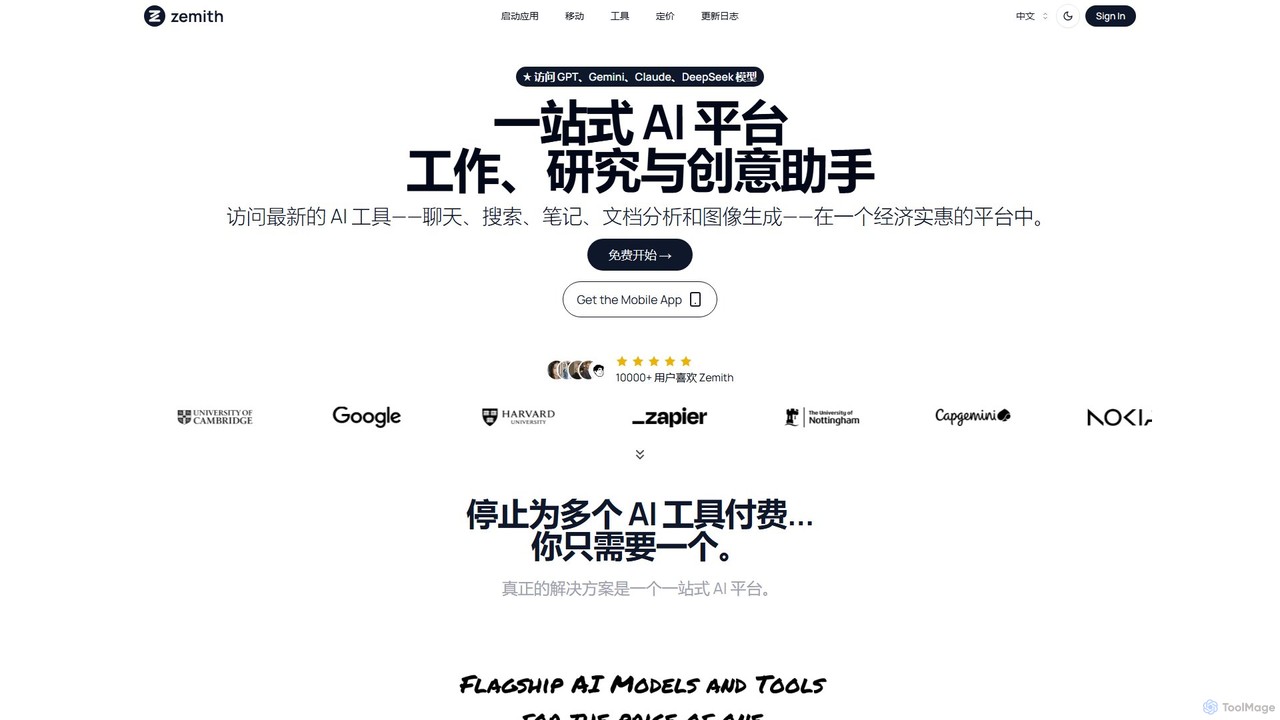
Zemith
Zemith is an all-in-one AI platform that integrates leading AI models like GPT, Gemini, and Claude. It offers a suite of tools for chat, search, document analysis, image generation, and coding, designed to boost productivity and creativity while reducing costs and eliminating the need for multiple subscriptions.
Code Assistant
Machato Comments (0)
Sign in to comment.
Sign inNo comments yet.