


Ai Helper Overview
Ai Helper is a powerful and versatile desktop client designed to seamlessly integrate advanced artificial intelligence into your daily computer use. Available for macOS, Windows, and Linux, it acts as a universal AI assistant that you can access from any application or website with a simple keyboard shortcut. By leveraging leading AI engines like OpenAI (including GPT-4), Gemini, Azure, and OpenRouter, Ai Helper provides access to over 30 large language models, ensuring you have the right tool for every task. Whether you're a writer, developer, marketer, or student, this tool is built to enhance your productivity by eliminating the need to switch between different applications to use AI.
The core philosophy of Ai Helper is to make AI accessible everywhere. You can interact with text on websites, in PDFs, or even in videos. Ask it to explain, translate, or rephrase selected content on the fly. It's more than just a chatbot; it's a contextual assistant that understands where you are and what you need, helping you work smarter and faster.
How to use Ai Helper
Getting started with Ai Helper is designed to be simple and intuitive, integrating directly into your existing workflow:
- Summon the Assistant: Simply select any text in any application or on any website. Press the customizable shortcut (default: Alt + X on Windows/Linux, Option + X on macOS) to bring up the Ai Helper window.
- Use Prompts: In the input box, you can type your query directly or type / to access a library of over 50 built-in, pre-engineered prompts for common tasks like summarizing, translating, or improving writing.
- Generate and Use Results: Press Enter for a standard AI-generated response. For specific needs, use Alt + Enter for a 'typewriter mode' output (ideal for plain text) or Shift + Enter to paste the result with formatting intact (perfect for code editors and IDEs).
Core Features of Ai Helper
- Universal OS Integration: Works as a native client on macOS (Intel & Apple Silicon), Windows 10+, and Linux, accessible from any application.
- Multi-Engine Support: Integrates with OpenAI, Gemini, Azure, and OpenRouter, offering a choice of over 30 large language models, including GPT-4 and Gemini Pro.
- Contextual AI Actions: Select text anywhere to instantly translate, rephrase, summarize, or explain it without copy-pasting.
- Advanced Writing Assistant: Overcome writer's block by generating outlines, composing paragraphs, improving tone, and checking grammar.
- Powerful Coding Assistant: Get clear explanations for complex code, generate new code snippets, and receive intelligent suggestions for bug fixes directly in your favorite IDE.
- Email & Social Media Helper: Draft professional emails, write thoughtful replies, and generate engaging social media posts in seconds.
- Bring Your Own API Key (BYOK): Advanced users can connect their own API keys from various providers for greater control and potentially lower usage costs.
Use Cases for Ai Helper
Ai Helper is a multi-purpose tool applicable across various professional and personal scenarios:
- For Content & Marketing: Generate blog post outlines, write long-form articles, create ad copy, and optimize content for SEO directly within tools like Google Docs, Notion, or WordPress.
- For Developers: Use it as an AI pair programmer within VS Code, JetBrains, or any other IDE. Ask for code generation, debug errors, or learn a new programming language.
- For Professionals & Business Users: Summarize long reports, draft meeting agendas, compose professional correspondence, and perform quick research without leaving your primary work application.
- For Students: Get help with homework, understand complex topics, rephrase sentences for academic papers, and translate research materials.
Advantages of Ai Helper
Ai Helper stands out from other AI tools with several key benefits:
- Cost-Effective: Offers a feature-rich experience at a price point significantly lower than competitors like ChatGPT Plus or Office Copilot.
- Workflow Efficiency: By being universally accessible, it saves a tremendous amount of time and mental energy lost to context-switching and copy-pasting.
- Unmatched Flexibility: Unlike tools locked into a browser or a specific app, Ai Helper works everywhere. The multi-engine support gives users the freedom to choose the best AI for their needs.
- Privacy-Conscious: The tool is designed with privacy as a priority. It only processes the text you explicitly select and send, and it does not access unrelated files or data.
Pricing and Plans
Ai Helper operates on a freemium model, making it accessible to everyone.
Ai Helper Alternatives

heyalice
heyalice is a personal AI assistant for your desktop (macOS, Windows, Linux) that centralizes top AI models like GPT-4o and Claude 3.5. It enhances productivity through customizable assistants, reusable prompts (Skills), and seamless integration with automation tools like Zapier and Make. Bring your own API keys to control costs and work faster with powerful keyboard shortcuts, all within a privacy-focused, local application.
Code Assistant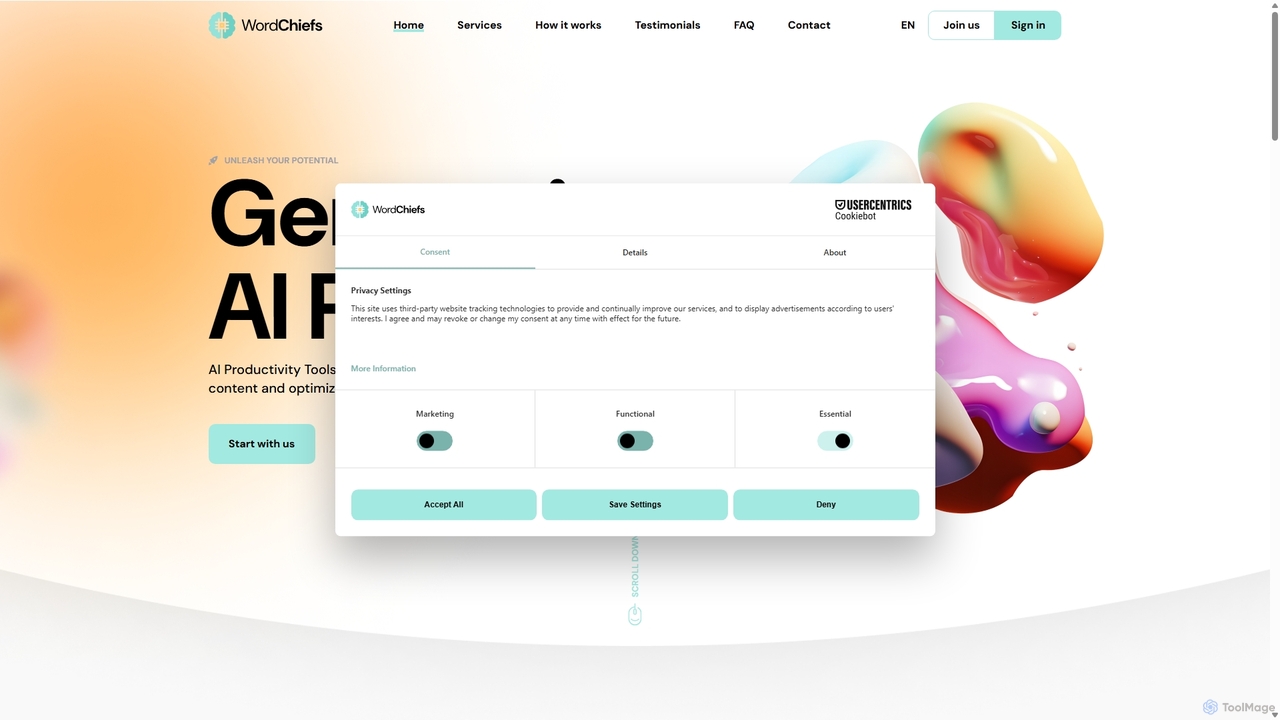
WordChiefs
WordChiefs is an all-in-one generative AI platform designed for businesses and creators. It integrates powerful tools for AI writing, image generation, article creation, coding assistance, and interactive chat. This comprehensive suite helps users streamline workflows, boost productivity, and create high-quality, unique content efficiently across multiple languages.
Image Generation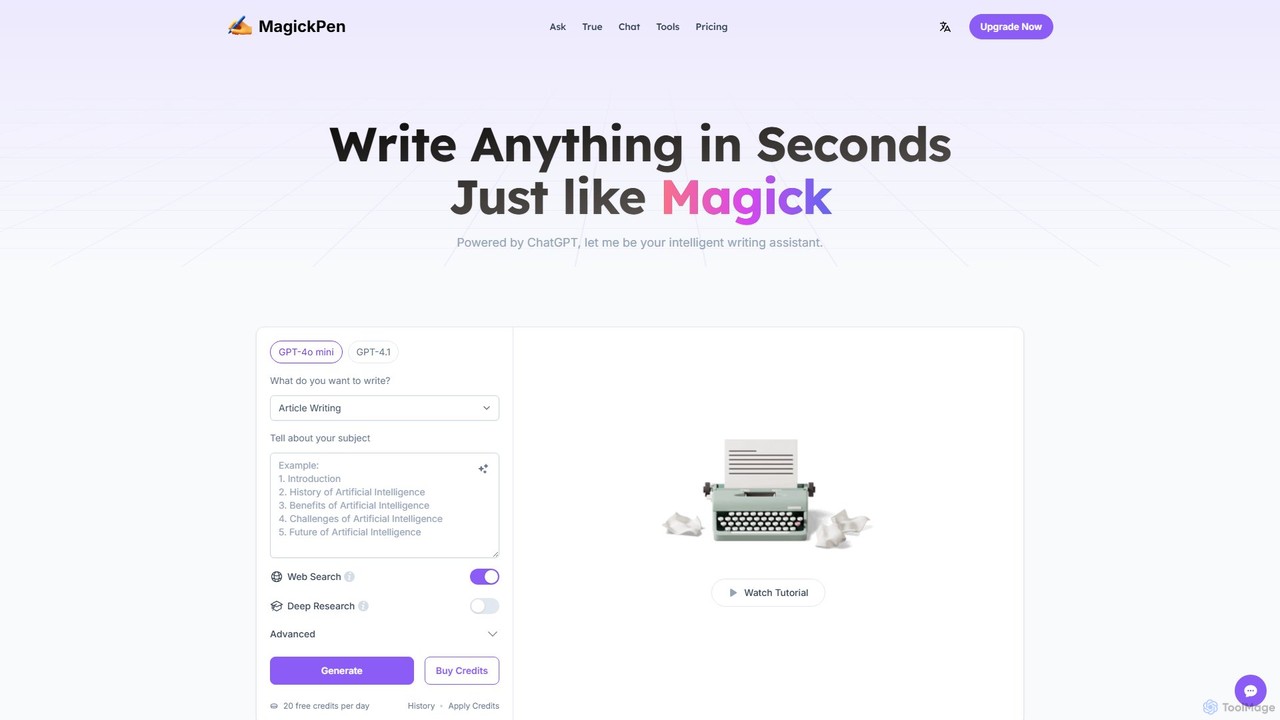
MagickPen
MagickPen is a versatile AI writing and code assistant powered by GPT-4o mini and GPT-4.1. It offers a vast library of templates for writing, marketing, coding, and personal planning. Generate articles, explain code, create mind maps, and much more in seconds. A free plan is available to get started.
Code Assistant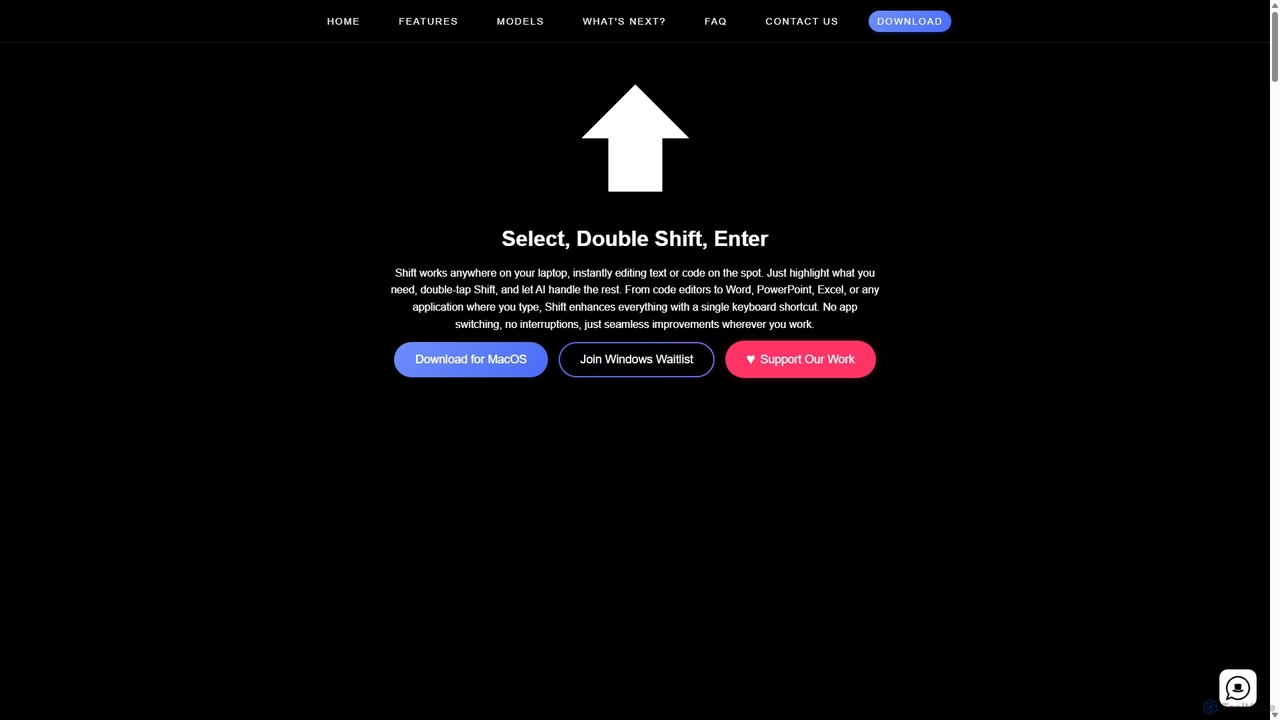
Shift
Shift is a system-wide AI assistant for macOS that enhances your workflow by allowing you to edit text and code anywhere with a simple keyboard shortcut. Just highlight text, double-tap Shift, and let the AI rewrite, debug, translate, or rephrase it instantly within any application.
Code Assistant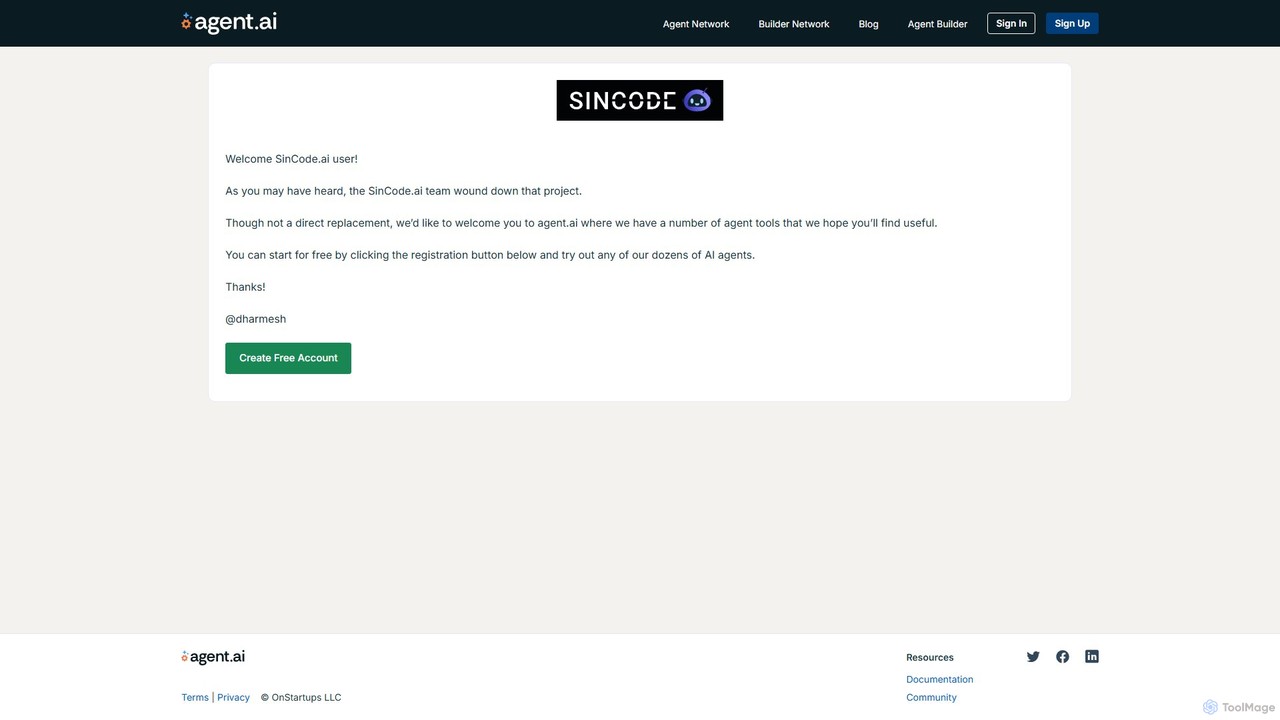
SinCode
SinCode was an all-in-one AI content creation platform offering a suite of tools for writing, image generation, and coding. The project has been discontinued, and its domain now directs users to agent.ai, a platform with various AI agent tools.
Image GenerationAi Helper Categories
Ai Helper Embed Widget
Copy this embed code to place the badge on your blog, article, or product site and send readers directly to this ToolMage detail page.

Related AI tools
heyalice
heyalice is a personal AI assistant for your desktop (macOS, Windows, Linux) that centralizes top AI models like GPT-4o and Claude 3.5. It enhances productivity through customizable assistants, reusable prompts (Skills), and seamless integration with automation tools like Zapier and Make. Bring your own API keys to control costs and work faster with powerful keyboard shortcuts, all within a privacy-focused, local application.
Code Assistant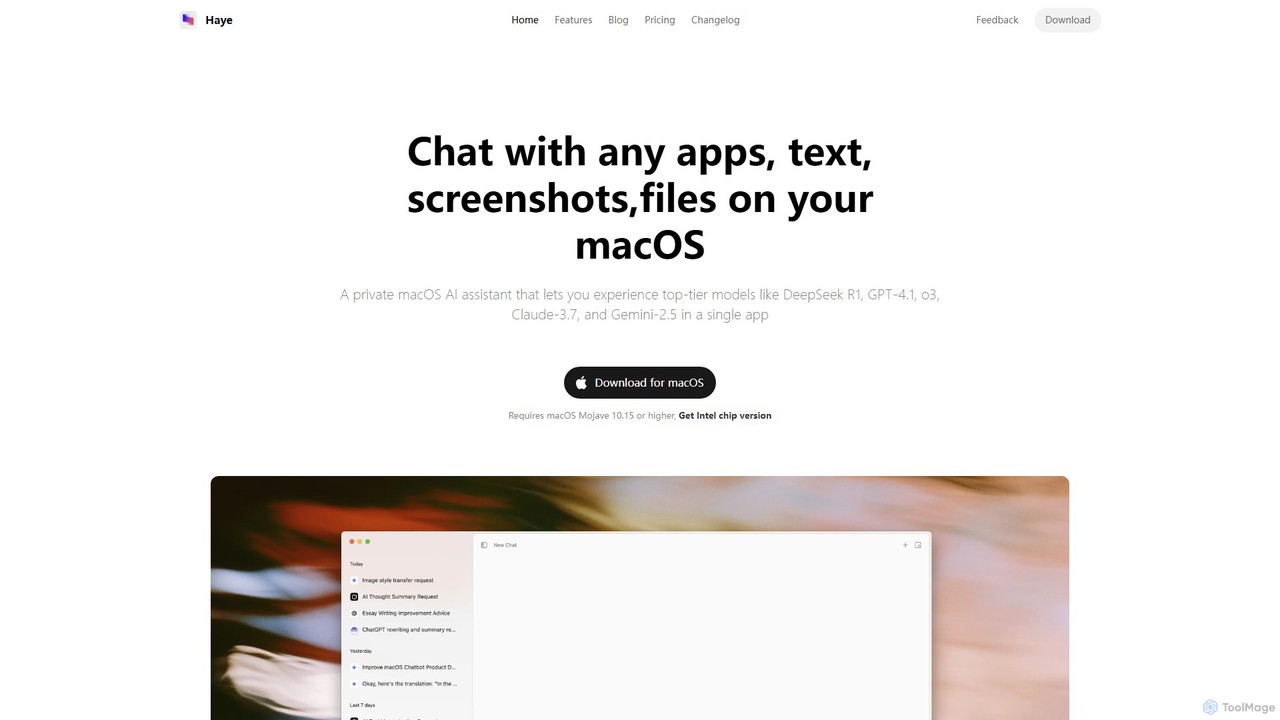
Haye
Haye is a powerful, all-in-one AI chat assistant for macOS, integrating top-tier models like GPT-4.1, Claude-3.7, and Gemini-2.5. It allows users to seamlessly interact with any app, text, screenshot, or file on their desktop, boosting productivity with features like AI search, document chat, and advanced customization.
Code Assistant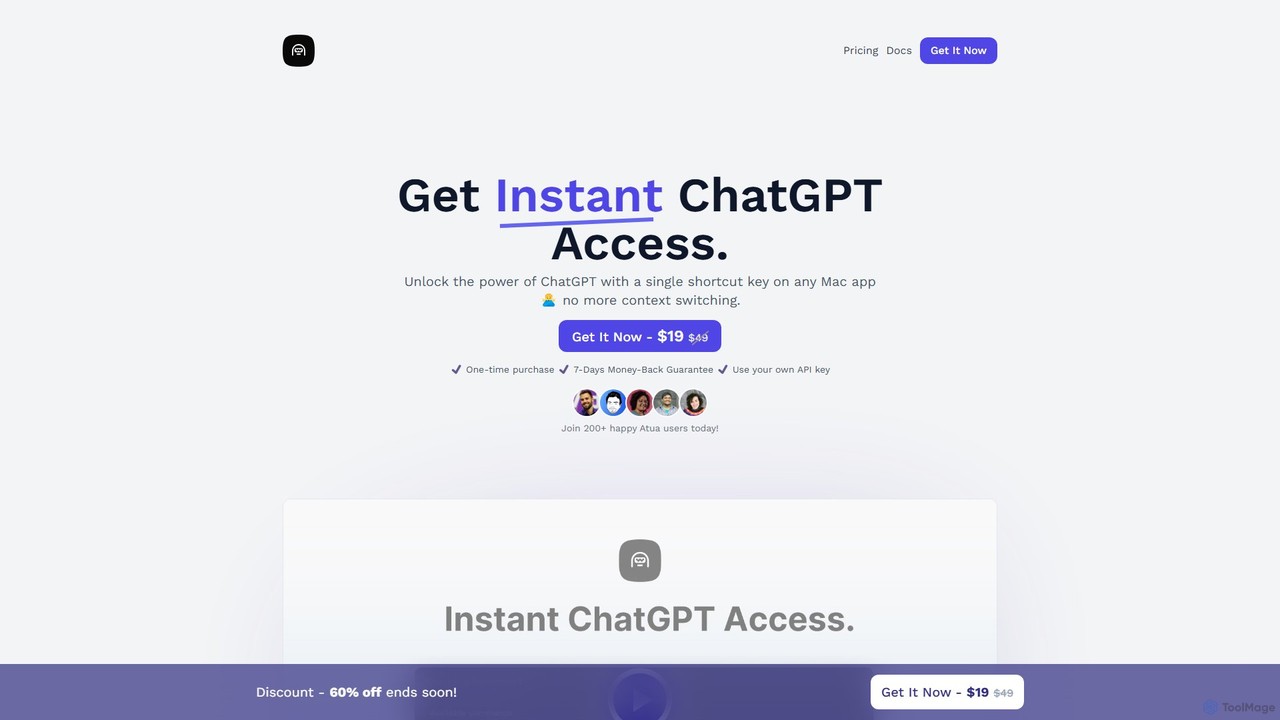
Atua
Atua is a native macOS application that provides instant access to ChatGPT from any app using a simple shortcut. It eliminates context switching, allowing users to select text, apply custom AI commands, and boost productivity in writing, coding, and more.
Code Assistant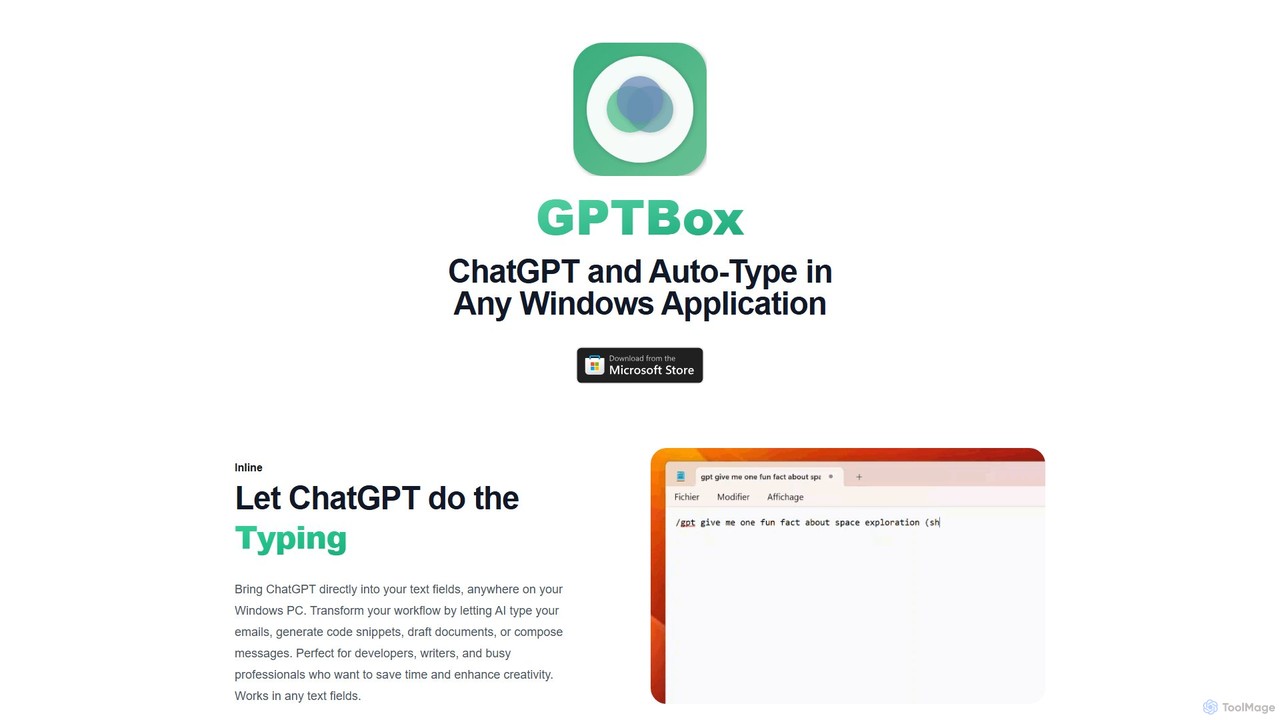
GPTBox
GPTBox is a native Windows application that seamlessly integrates ChatGPT and DeepSeek into your taskbar. It allows you to access AI assistance from anywhere on your PC with a simple keyboard shortcut and use an inline auto-type feature to draft emails, write code, and generate content directly in any text field. Designed for developers, writers, and professionals, it boosts productivity by embedding AI into your daily workflow.
Code Assistant
Machato
Machato is a native macOS application designed to provide a seamless and powerful AI chat experience. It acts as a desktop client for various large language models, offering a clean, fast, and integrated interface that surpasses web-based alternatives. Perfect for developers, writers, and professionals.
Code Assistant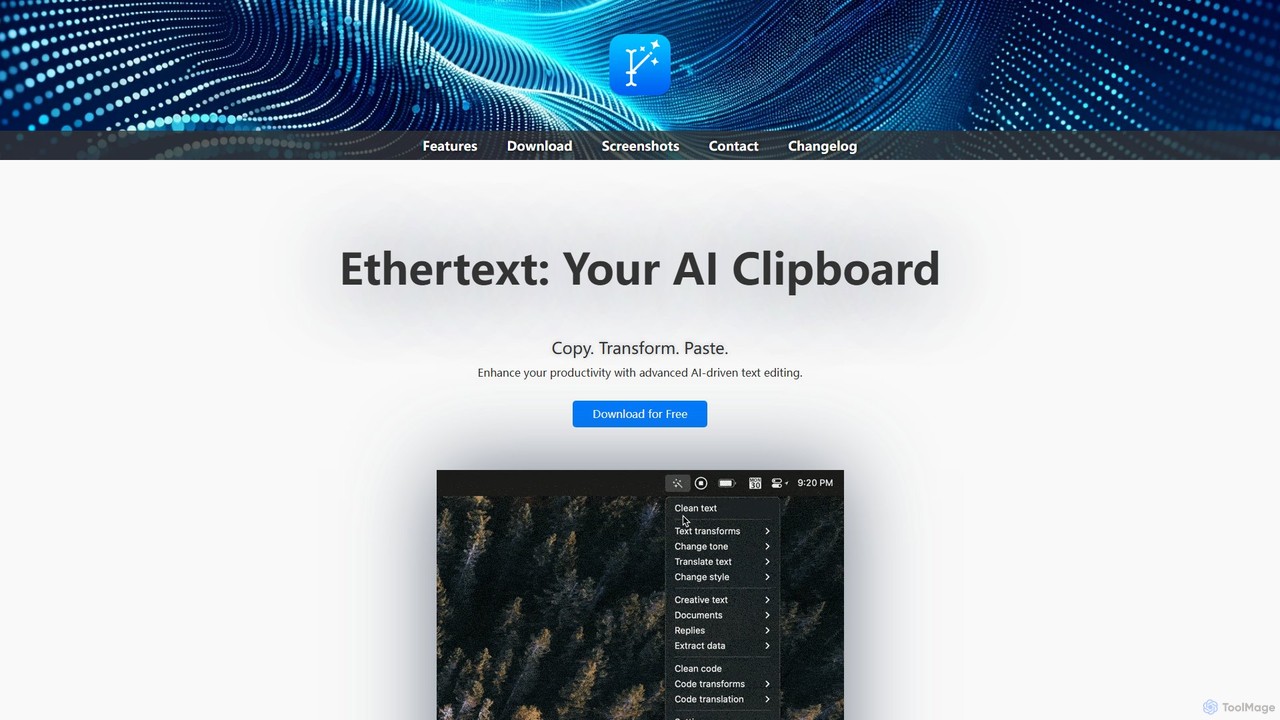
Ethertext
Ethertext is an AI-powered clipboard assistant for macOS that supercharges your productivity. It allows you to instantly transform, edit, and enhance any text you copy. With support for major AI models like OpenAI, Gemini, and Claude, as well as local models via Ollama, it offers powerful text and code manipulation, a smart memory feature, and seamless integration into your daily workflow through keyboard shortcuts.
Code Assistant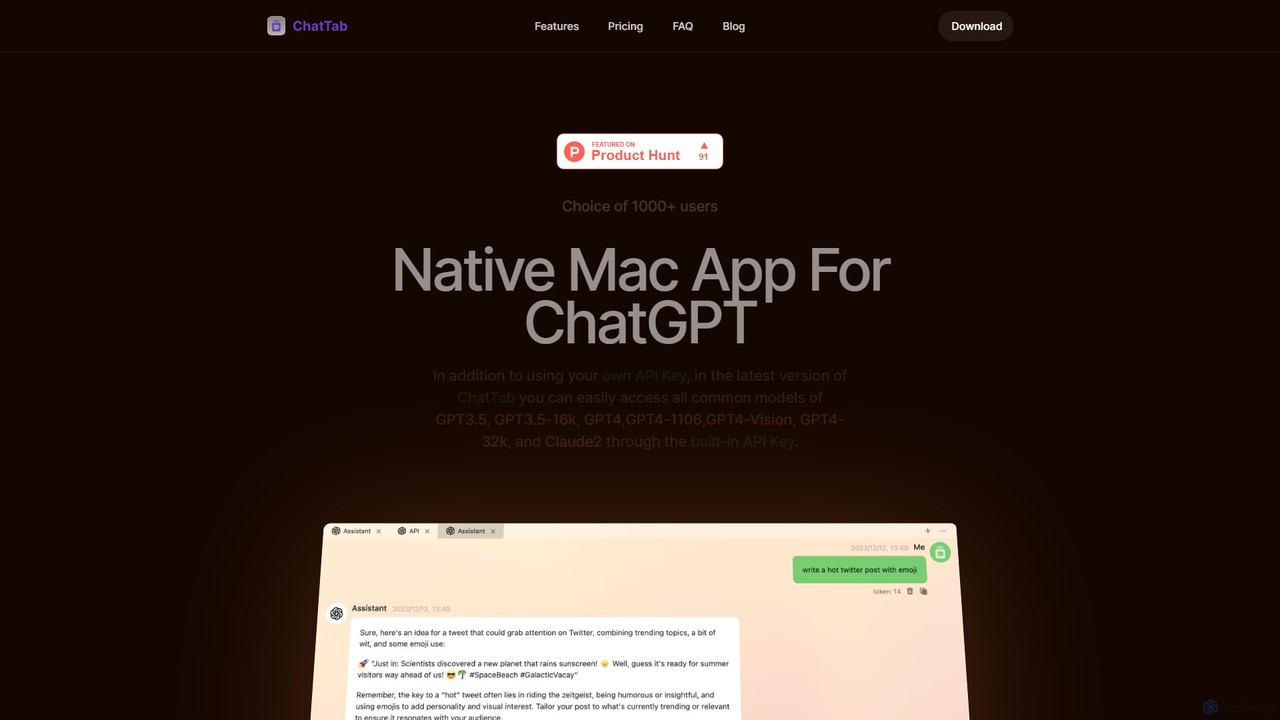
ChatTab
ChatTab is a native macOS desktop application designed to enhance the ChatGPT experience. It offers a fast, lightweight interface with features like multi-tab conversations, shortcut key access, iCloud prompt synchronization, and support for various models including GPT-4 Vision and Claude 2. Users can leverage their own API key or use the built-in one, ensuring a secure and private interaction with advanced AI models directly from their desktop.
Code Assistant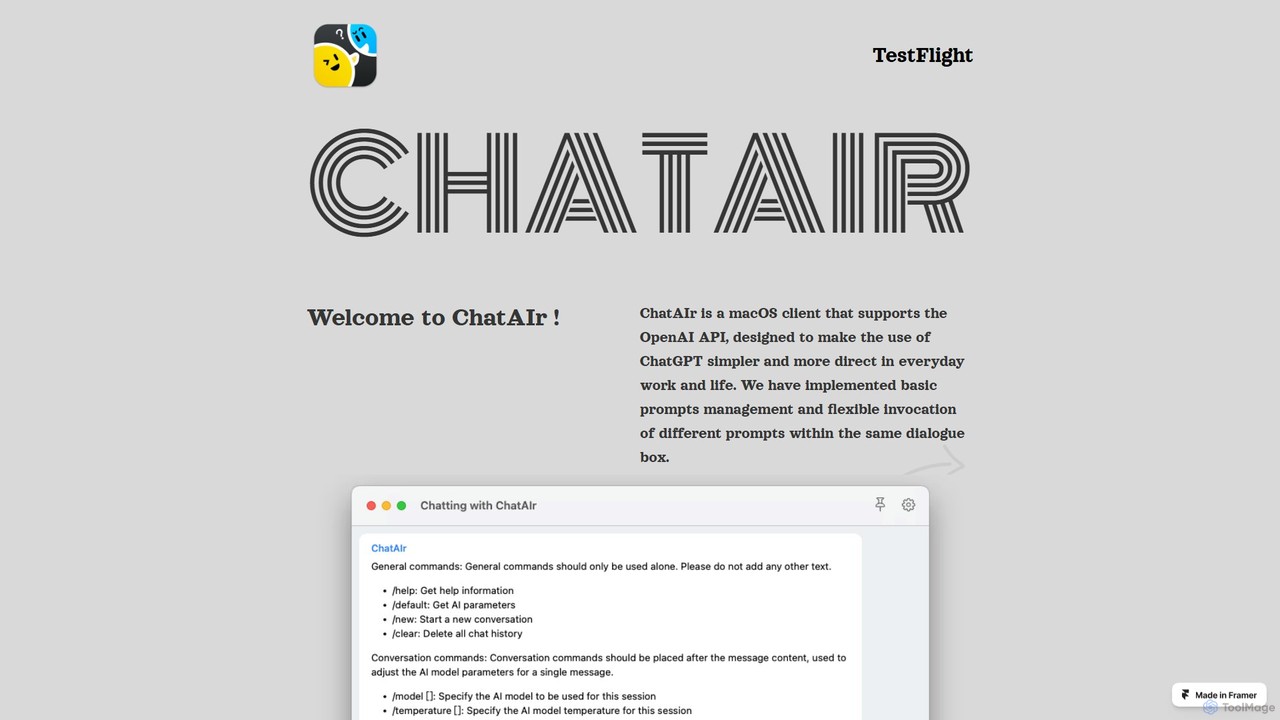
ChatAIr
ChatAIr is a powerful, native macOS client for interacting with OpenAI models like GPT-4 and GPT-3.5. It enhances your workflow with advanced features like prompt management, per-conversation model selection, and parameter control, offering a more flexible and cost-effective alternative to web interfaces.
Code Assistant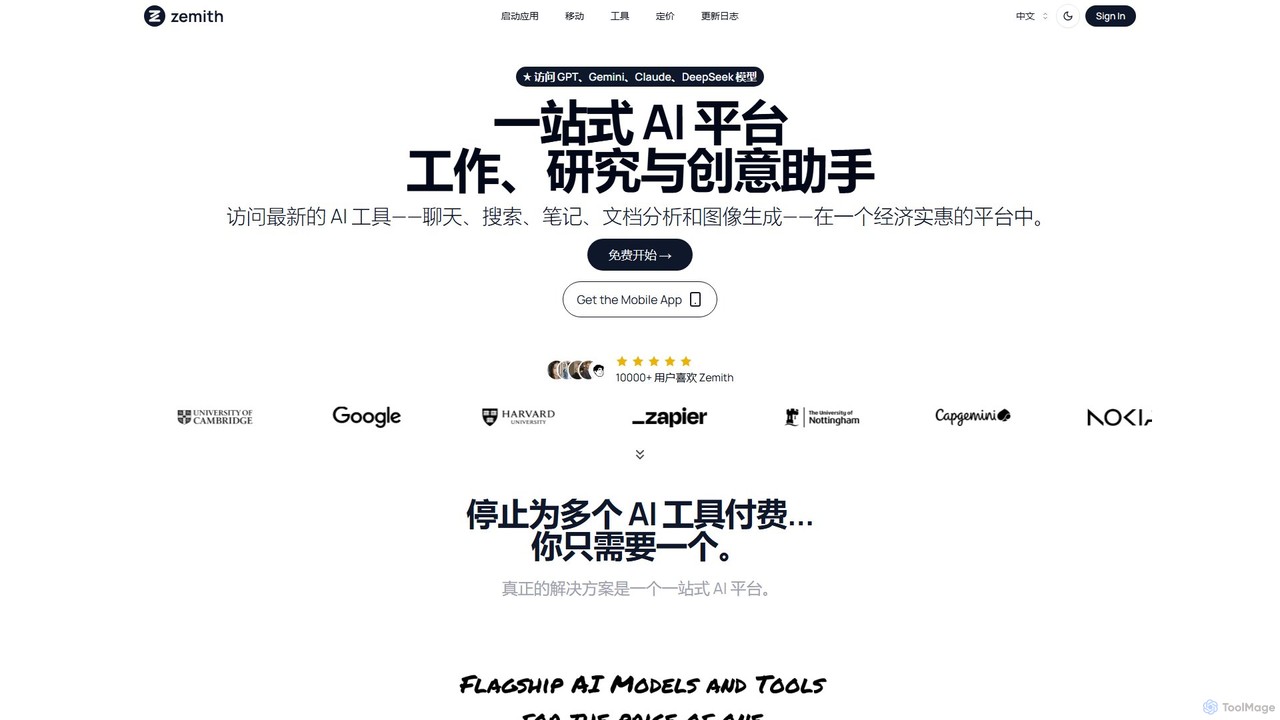
Zemith
Zemith is an all-in-one AI platform that integrates leading AI models like GPT, Gemini, and Claude. It offers a suite of tools for chat, search, document analysis, image generation, and coding, designed to boost productivity and creativity while reducing costs and eliminating the need for multiple subscriptions.
Code Assistant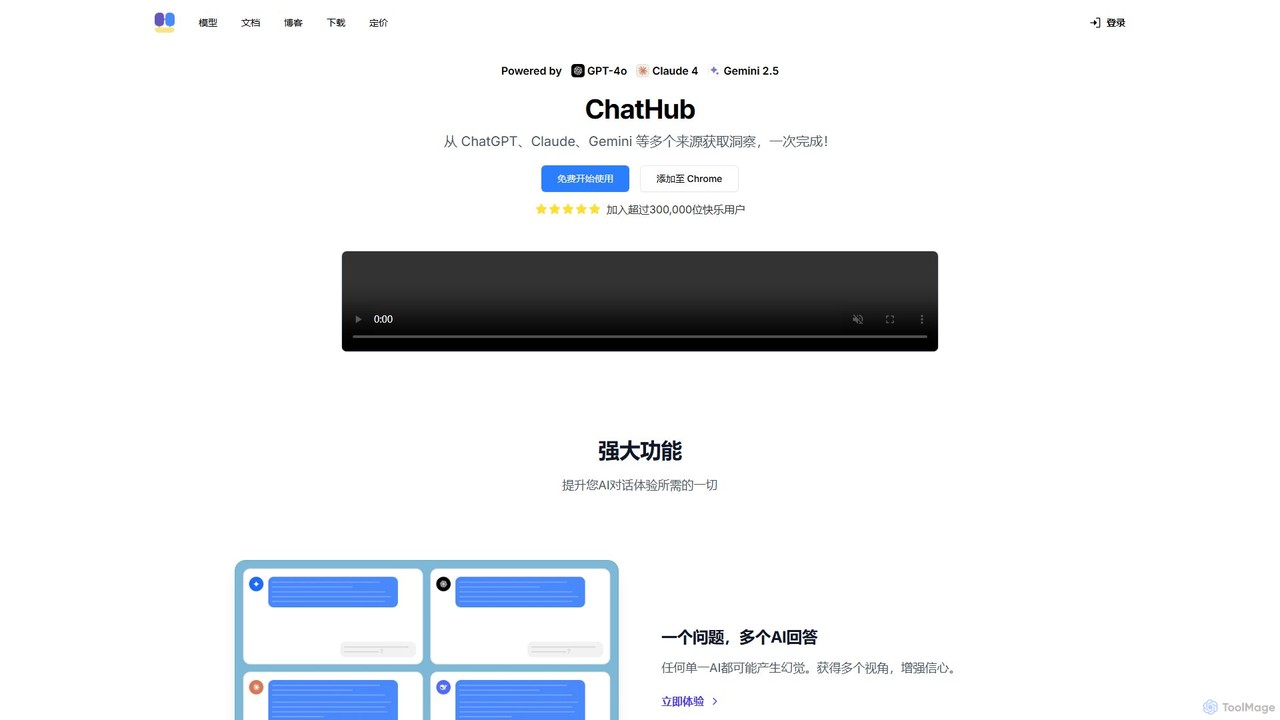
ChatHub
ChatHub is an all-in-one chatbot client that allows you to simultaneously use and compare responses from multiple AI models like GPT-4o, Claude 4, and Gemini 2.5 in a single interface. It enhances productivity by providing diverse perspectives, reducing AI hallucinations, and integrating features like image generation and file analysis.
Image Generator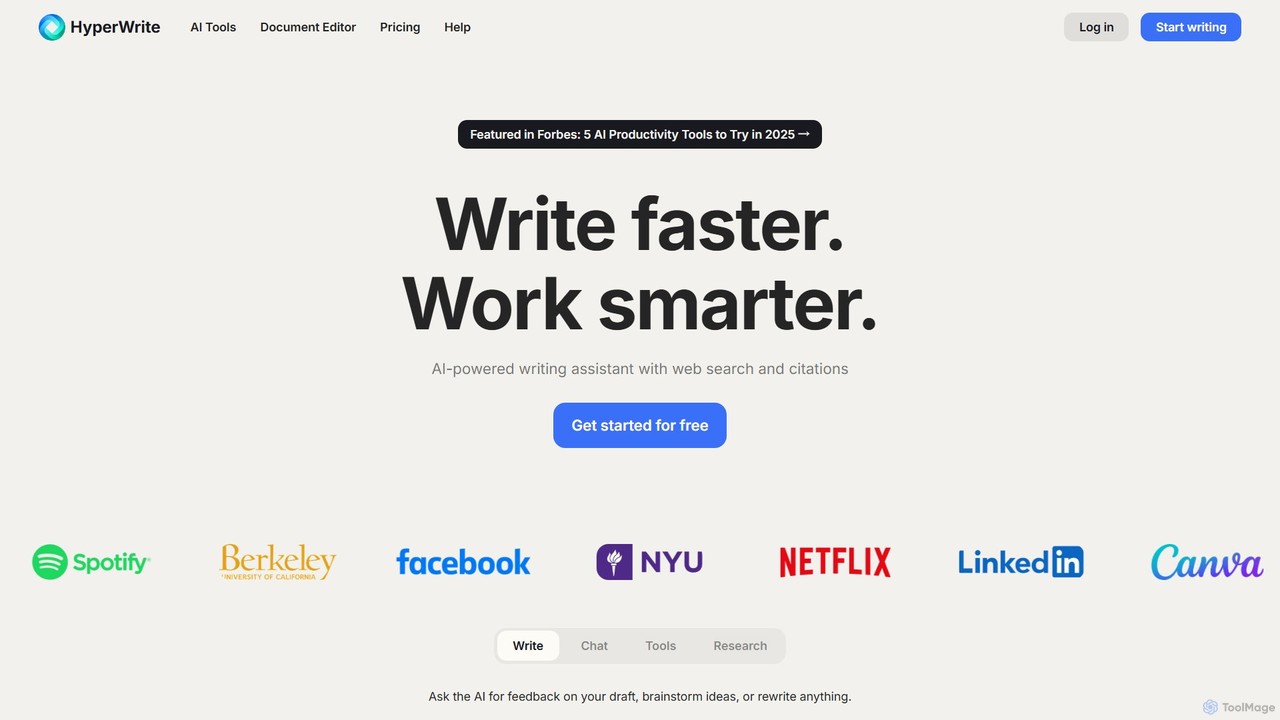
HyperWrite
HyperWrite is an advanced AI writing assistant designed to enhance productivity for students, marketers, and professionals. It offers hundreds of tools for writing, research, summarization, and content creation. Key features include real-time academic research with citations, customizable 'Personas' to match your writing style, and a seamless Chrome extension for workflow integration.
Research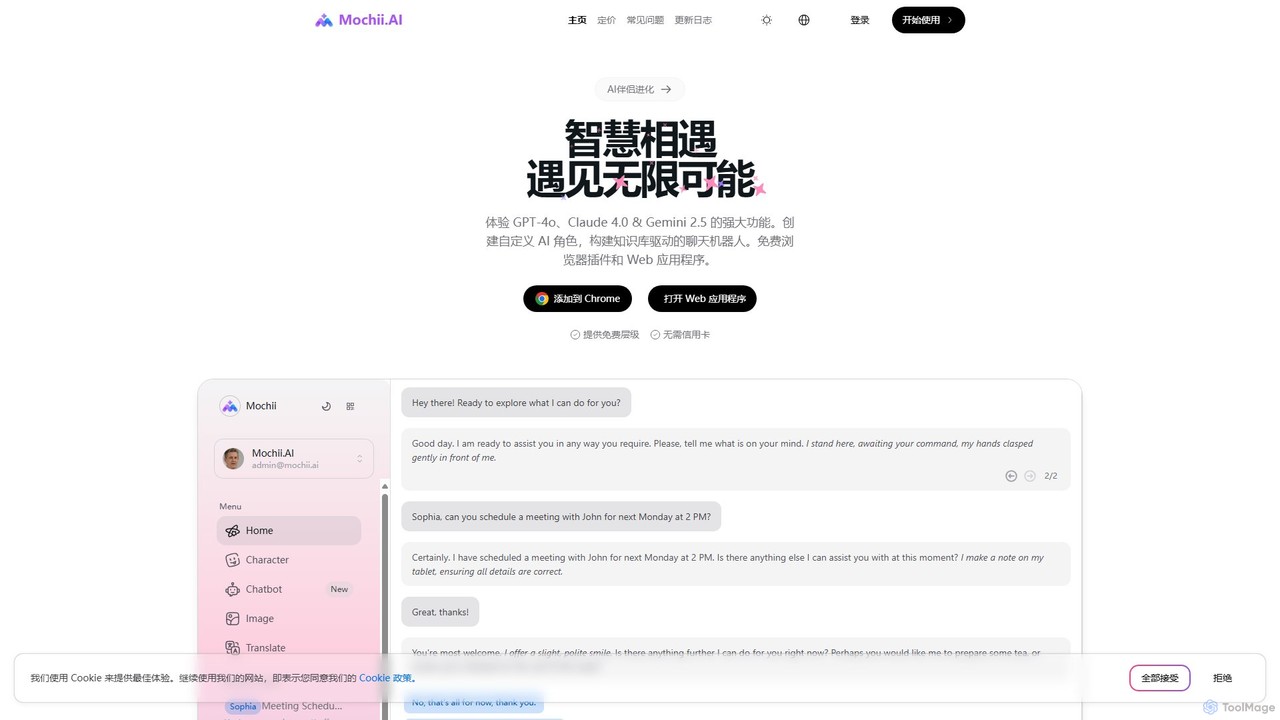
Mochii
Mochii is an all-in-one AI assistant that integrates leading models like GPT-4o, Claude, and Gemini into a seamless browser extension and web app. It enhances productivity by offering features like document analysis, web browsing, AI chatbot building, and customizable AI roles. A generous free tier provides access to advanced AI capabilities for everyone.
Productivity
Omnipilot
Omnipilot, now part of Highlight, is a powerful AI assistant for Mac & Windows. It works across all your apps, providing context-aware assistance for writing, meetings, and tasks. It understands what's on your screen to reduce context switching and boost productivity without needing to copy-paste.
Utilities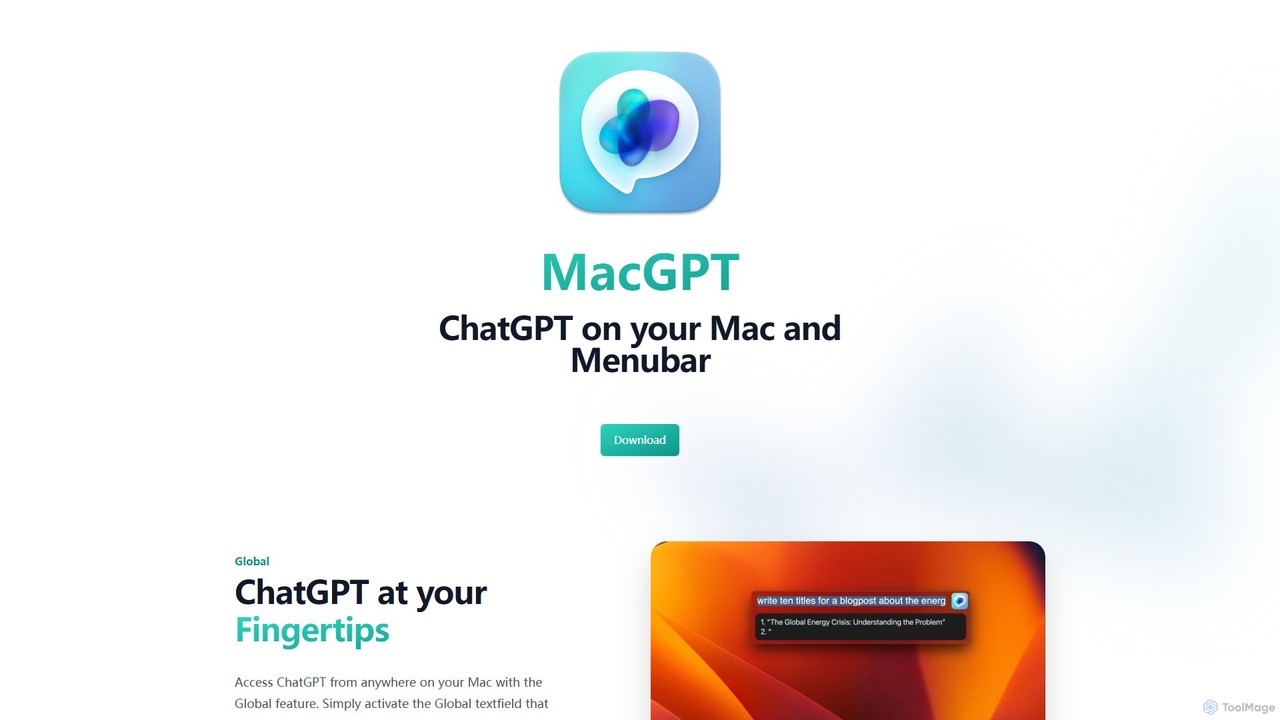
MacGPT
MacGPT brings the power of ChatGPT directly to your macOS desktop. Access OpenAI's models instantly from your menubar, use the Inline feature to write in any application, and switch between a native or web interface for ultimate flexibility and productivity.
Code Assistant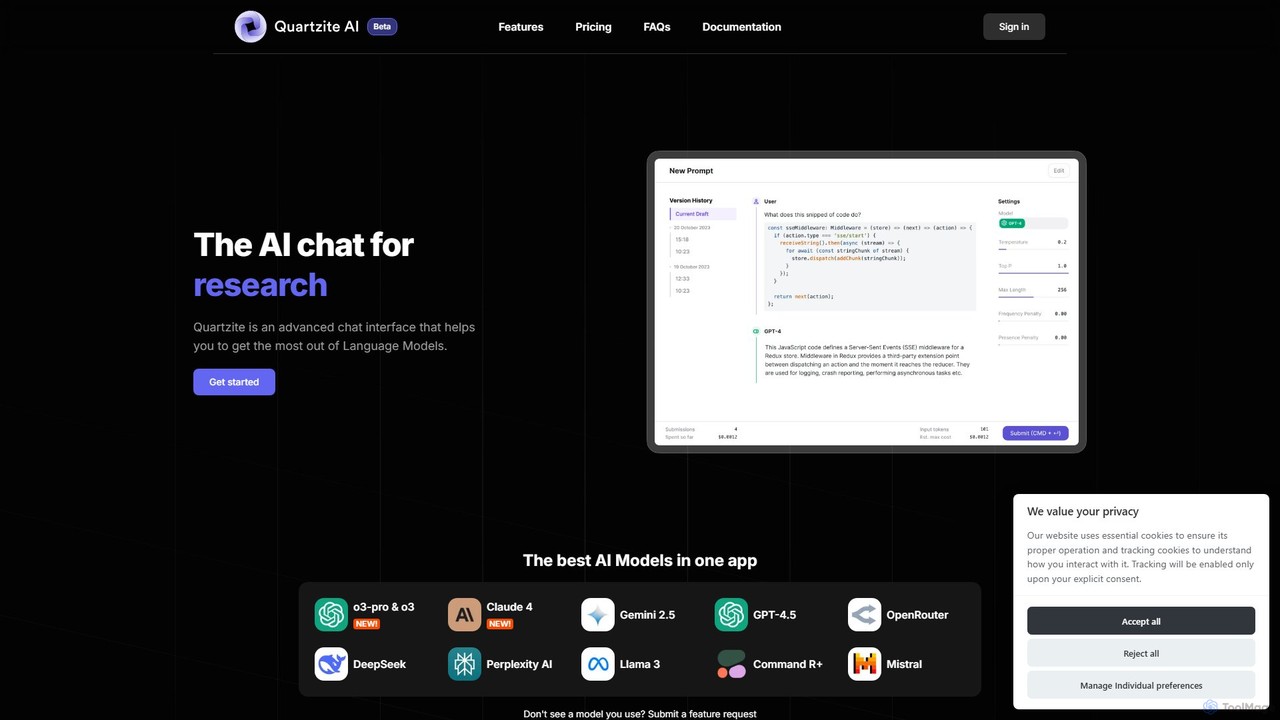
Quartzite
Quartzite is an advanced AI prompt IDE and productivity tool that centralizes access to top LLMs like GPT-4, Claude, and Gemini. It helps users write, optimize, and manage complex prompts with features like a template library, version history, cost preview, and a personal document knowledge base, all while reducing API costs.
Prompt Engineering
Ai Helper Comments (0)
Sign in to comment.
Sign inNo comments yet.