
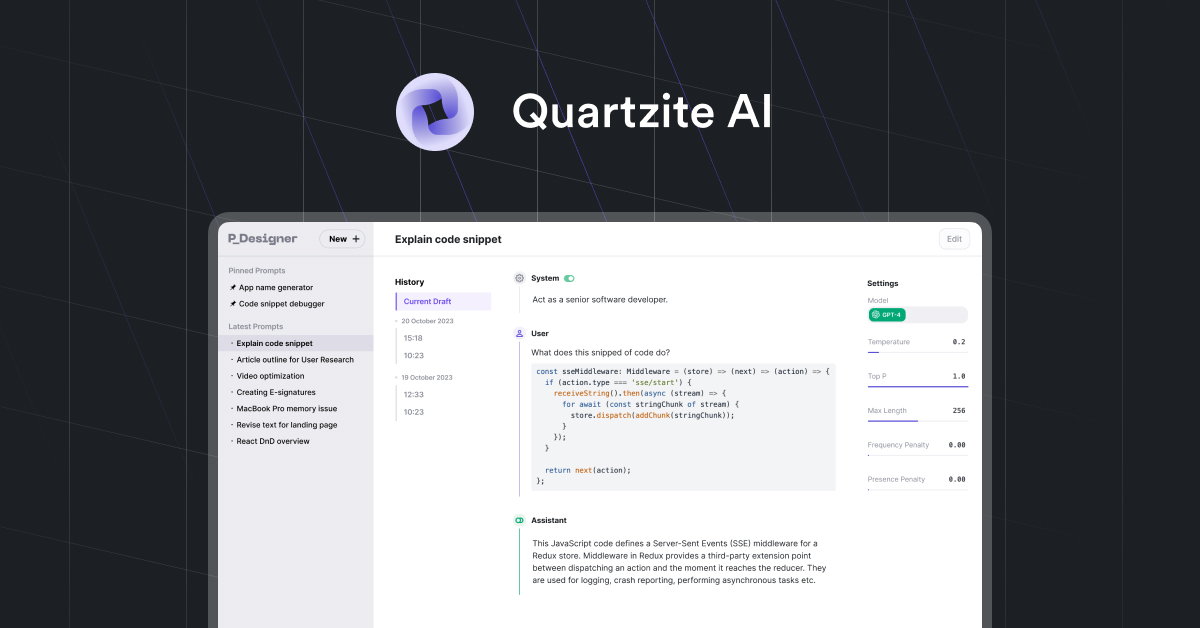
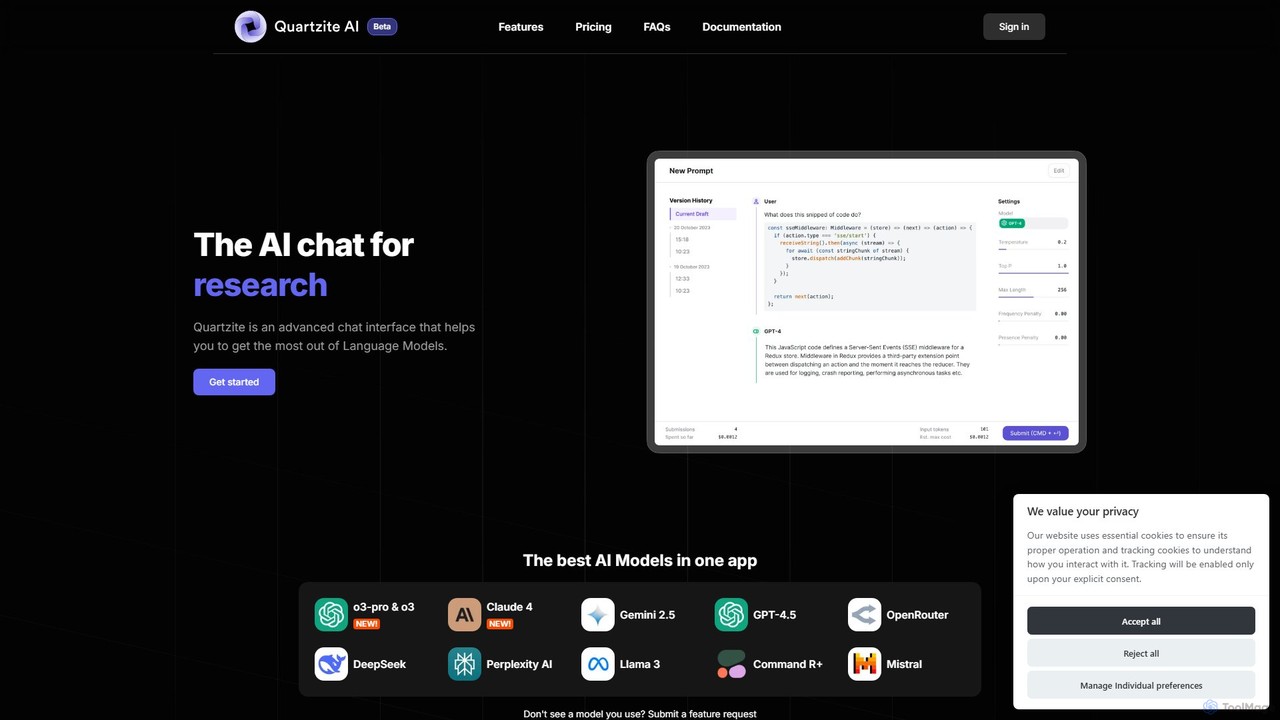
Quartzite Overview
Quartzite is a sophisticated AI productivity application and Prompt IDE (Integrated Development Environment) designed for power users, developers, researchers, and writers who want to maximize the potential of Large Language Models (LLMs). It serves as a centralized hub, allowing you to interact with a wide array of leading models—including GPT-4.5, Claude 4, Gemini 2.5, Llama 3, and more—through a single, powerful interface. By using your own API keys, Quartzite provides a cost-effective alternative to individual model subscriptions, often paying for itself through API usage savings.
The platform is engineered to streamline complex tasks and elevate the art of prompt engineering. It moves beyond simple chat interfaces to provide a structured environment for crafting, testing, and refining prompts. With its advanced features, Quartzite empowers users to achieve more precise, consistent, and powerful results from their AI interactions.
How to use Quartzite
Getting started with Quartzite is a straightforward process designed to get you to peak productivity quickly:
- Account Setup & API Keys: Create your account and obtain a license. Navigate to the settings to add your personal API keys from various providers like OpenAI, Anthropic, Google, and OpenRouter. This connects the platform to the models you want to use.
- Crafting Prompts: Use the intuitive, Markdown-enabled advanced editor to write your prompts. You can format text, include code snippets, and structure your request with clarity. The editor automatically saves drafts so you never lose your work.
- Leveraging Templates & Variables: To avoid repetitive typing, create and save your most-used prompts as templates in your personal library. Use variables (e.g., `{{customer_name}}`) or import CSV data to rapidly generate multiple prompt variations for batch tasks.
- Optimizing Prompts: Before submitting, use the integrated AI-powered Prompt Optimizer. This tool analyzes your prompt and automatically applies best practices from prompt engineering to enhance its clarity, context, and effectiveness, leading to better outputs.
- Uploading Knowledge: Utilize the document system to upload your own data—paste text snippets, upload files, or connect data sources. The AI can then search and retrieve information from this private knowledge base to provide highly contextual and accurate answers.
- Experimenting & Iterating: Don't be afraid to experiment. Quartzite's version history tracks every submission, allowing you to compare outputs from different prompt versions or model settings (like temperature, Top P, etc.) and revert to a previous state at any time.
- Executing & Exporting: Preview the estimated token usage and cost before running your prompt. Once you receive the output, you can easily export the entire chat or specific responses in various file formats for further use in reports, applications, or analysis.
Core Features of Quartzite
- Unified Model Access: Connect to a vast selection of top-tier LLMs from providers like OpenAI, Anthropic, Google, Mistral, and more, all within one application.
- Advanced Prompt IDE: A feature-rich Markdown editor with draft mode, version history, and syntax highlighting for a superior prompt crafting experience.
- AI-Powered Prompt Optimizer: Automatically refines your prompts by applying proven prompt engineering techniques to improve AI-generated results. A free version of this tool is also available on the website.
- Custom Template Library: Build, manage, and reuse a personal library of prompt templates to accelerate your workflow and ensure consistency.
- Dynamic Variables & CSV Import: Make prompts reusable with variables and populate them quickly by importing data from CSV files, ideal for scaled operations.
- Cost Preview & Management: Get a transparent estimate of the cost for each prompt run before execution, helping you manage your API budget effectively.
- Personal Knowledge Base (Document System): Upload documents and text to create a searchable knowledge base. The AI uses this context to deliver more relevant and personalized responses (RAG).
- Version History: Seamlessly track iterations of your prompts and model configurations, making it easy to compare results and refine your approach.
- Data Export: Download your prompts and the generated outputs in multiple formats, including Markdown and JSON, for easy integration into other tools.
- Extensible with Plugins: Enhance functionality with built-in plugins, such as the Google Search plugin, to give the AI access to real-time information.
Use Cases for Quartzite
Quartzite is versatile and valuable for a wide range of professionals:
- Developers: For debugging code, generating boilerplate, exploring different API responses, and prototyping AI-powered features while keeping a close eye on API costs.
- Researchers: For conducting in-depth literature reviews, summarizing complex papers, analyzing qualitative data, and querying multiple models simultaneously for a comprehensive perspective.
- Writers & Marketers: For brainstorming ideas, drafting articles, generating creative copy, translating text, and maintaining a consistent tone by using templates and version history.
- Strategists & Analysts: For strategic thinking, market analysis, generating business plans, and running SWOT analyses by feeding the AI with proprietary data from the document system.
Advantages of Quartzite
The primary advantage of Quartzite is its ability to provide professional-grade tools that lead to significant cost savings and productivity gains. By using your own API keys, you bypass the premium pricing of many consumer-facing AI chat products. As one user noted, the tool can pay for itself in the first month through reduced API spending. Furthermore, its focus on workflow optimization—through templates, versioning, and a powerful editor—transforms prompting from a simple query-response action into a systematic and repeatable process, leading to higher quality outcomes.
Pricing and Plans
Quartzite operates on a freemium model:
- Free Tools: A free-to-use Prompt Optimizer is available on the website for anyone to try.
- Early Supporter Plan: For full access to the Quartzite application, there is a subscription plan. An 'Early Supporter Plan' is offered at a special discounted rate of $3.99/month, which is locked in for life for early adopters. The standard price is listed as $7.99/month. This plan unlocks all features, including the multi-model interface, version history, template library, and provides access to the community Discord for support.
Traffic
Latest traffic
Status
Monthly traffic trend
- 2025-9: 20.4K
- 2026-1: 15.2K
- 2026-2: 10.4K
- 2026-3: 7.8K
- 2026-4: 5.4K
- 2026-5: 16.4K
Geography
Top 5 countries / regions
- 🇺🇸United States33.3%
- 🇧🇷Brazil30.9%
- 🇮🇳India28.2%
- 🇬🇧United Kingdom5.1%
- 🇩🇪Germany2.5%
Top keywords
| Keyword | Cost per click |
|---|---|
| ai prompt optimizer | $4.67 |
| ia prompt optimizer free | $0.00 |
| online prompt optimizer free | $0.00 |
| prompt optimizer | $2.11 |
| quartizite ai | $0.00 |
Quartzite Videos on YouTube

Joe Hammer Gaming

No Lift Install System


UNR - Uncle Nudge Rocks

Product Demo Lab


Audra Lambert - Lambert Group Homes
Quartzite Alternatives

addcontext
addcontext is an AI-powered research and prompt enhancement tool that automatically enriches your text with relevant, verified contextual information. It helps you get more accurate AI responses, write comprehensive articles, and accelerate research by providing background data instantly.
Prompt Engineering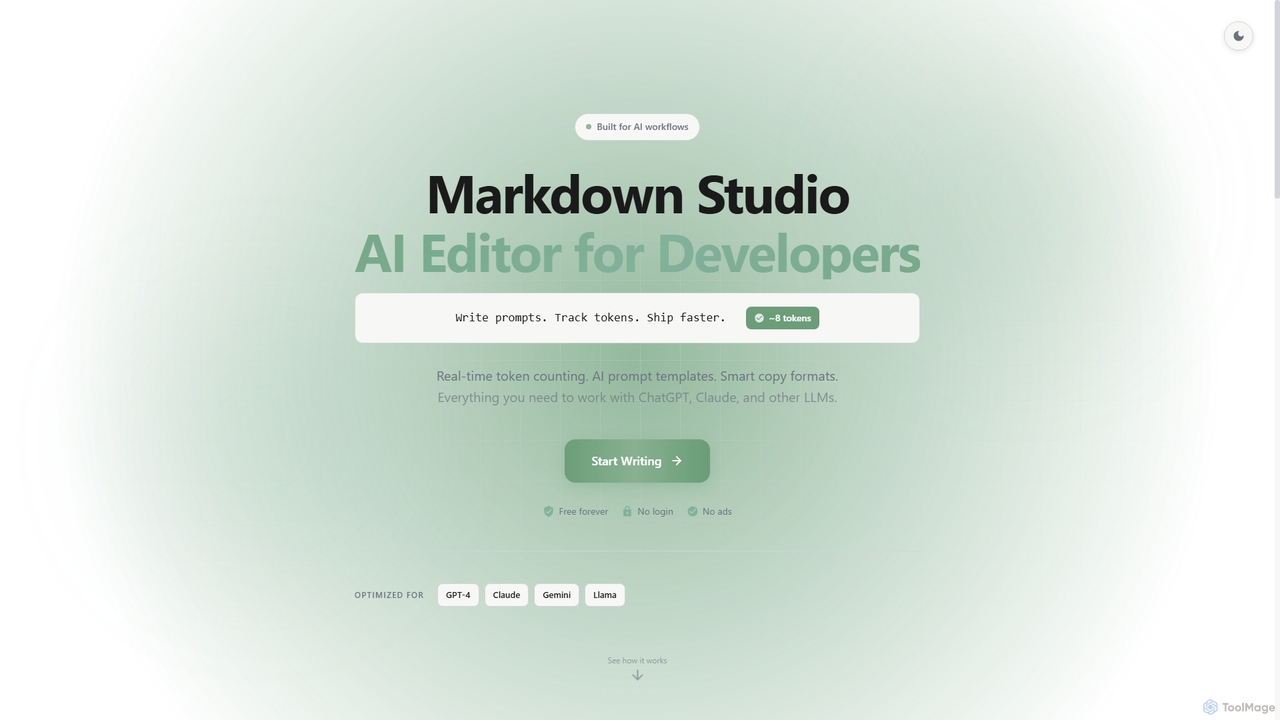
Markdown Studio
Markdown Studio is a free, AI-powered Markdown editor designed for developers and prompt engineers. It streamlines AI workflows with features like real-time token counting for LLMs (GPT-4, Claude, Gemini), AI prompt templates, and smart copy formats, all within a feature-rich, multi-tab editing environment that requires no login.
Text Generation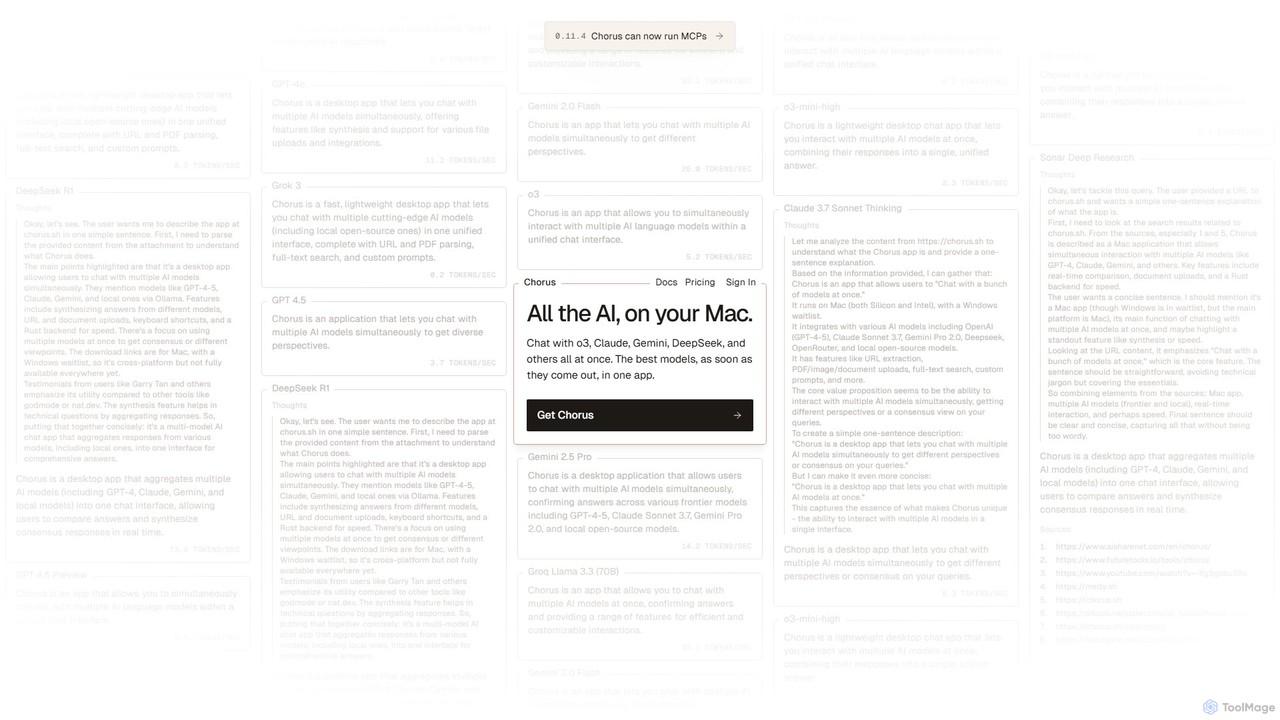
Chorus
Chorus is a fast, lightweight desktop app for Mac that lets you chat with multiple cutting-edge AI models simultaneously. It unifies access to models like GPT, Claude, Gemini, and local open-source AIs in a single interface, complete with features for comparing responses, synthesizing answers, and integrating with your workflow through file uploads and screen context.
Coding Assistant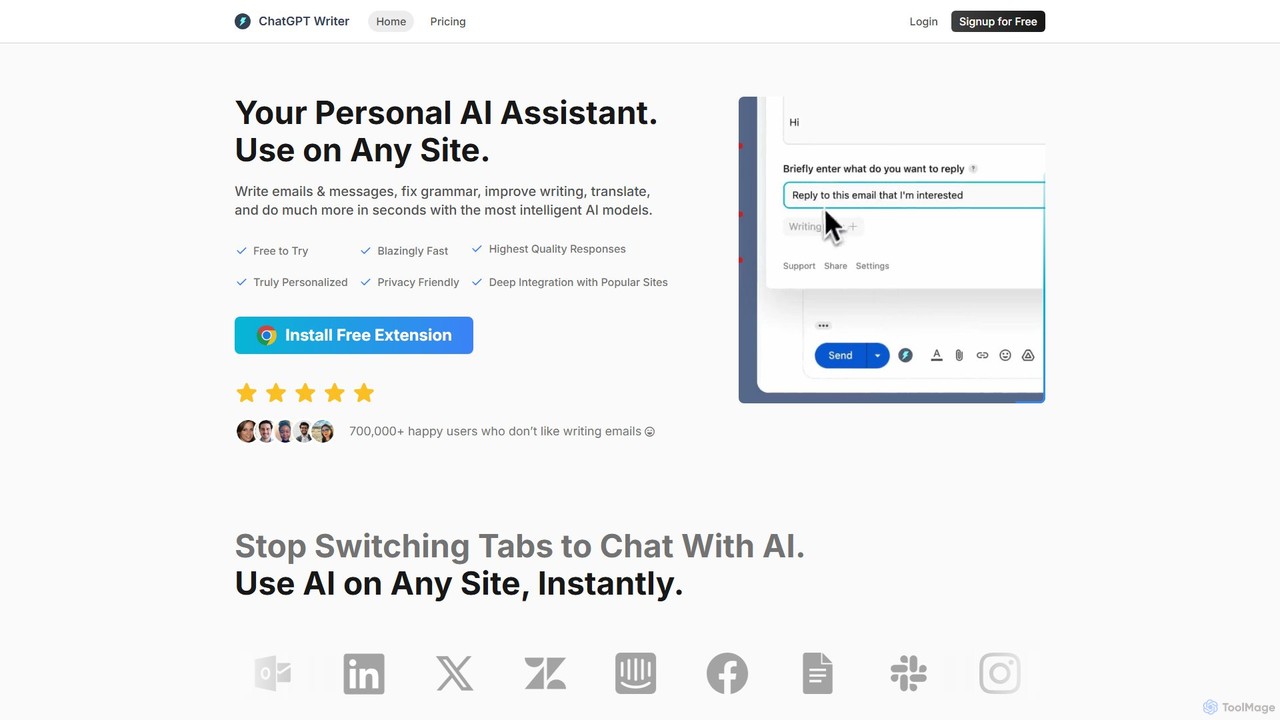
ChatGPT Writer
ChatGPT Writer is a powerful AI browser extension that integrates seamlessly into any website. Powered by models like GPT-4.1, Claude, and Gemini, it helps you write emails, fix grammar, translate text, summarize content, and more, directly within your workflow, eliminating the need to switch tabs.
Chrome Extensions
Ai Helper
Ai Helper is a versatile desktop client for macOS, Windows, and Linux, providing instant access to AI models like ChatGPT and Gemini from any application. It streamlines workflows for writing, coding, email composition, and more, acting as a universal AI assistant integrated directly into your operating system.
Code AssistantQuartzite Categories
Quartzite Embed Widget
Copy this embed code to place the badge on your blog, article, or product site and send readers directly to this ToolMage detail page.

Related AI tools
Chorus
Chorus is a fast, lightweight desktop app for Mac that lets you chat with multiple cutting-edge AI models simultaneously. It unifies access to models like GPT, Claude, Gemini, and local open-source AIs in a single interface, complete with features for comparing responses, synthesizing answers, and integrating with your workflow through file uploads and screen context.
Coding Assistant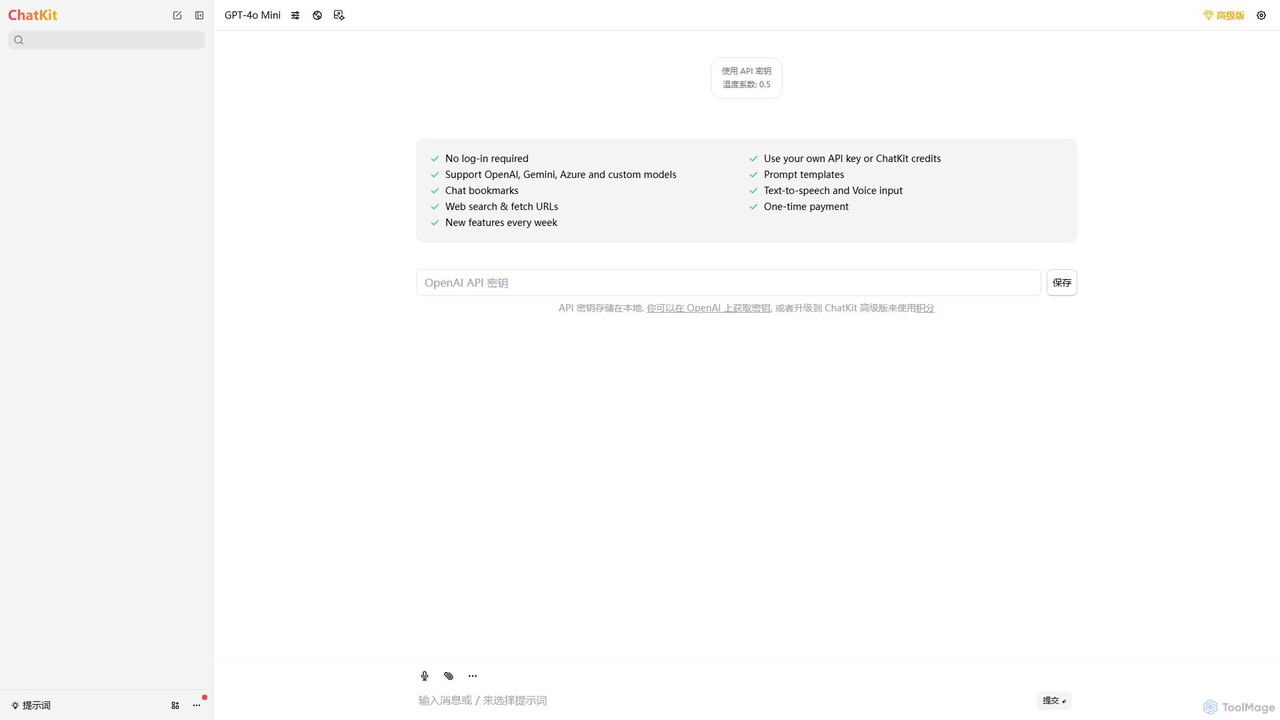
ChatKit
ChatKit is a refined, unified chat interface for top AI models like OpenAI, Gemini, and Azure. It enhances your workflow with features like web search, prompt templates, voice input, and chat bookmarks, all while prioritizing user privacy with local API key storage and no required login.
Api Management
agpallav
A curated portfolio by developer Pallav Agarwal, showcasing a diverse collection of innovative AI-powered applications, open-source projects, and creative web tools. Explore projects utilizing GPT-4o, Claude, Gemini, and more, ranging from AI chat clients and games to advanced developer resources.
Code Libraries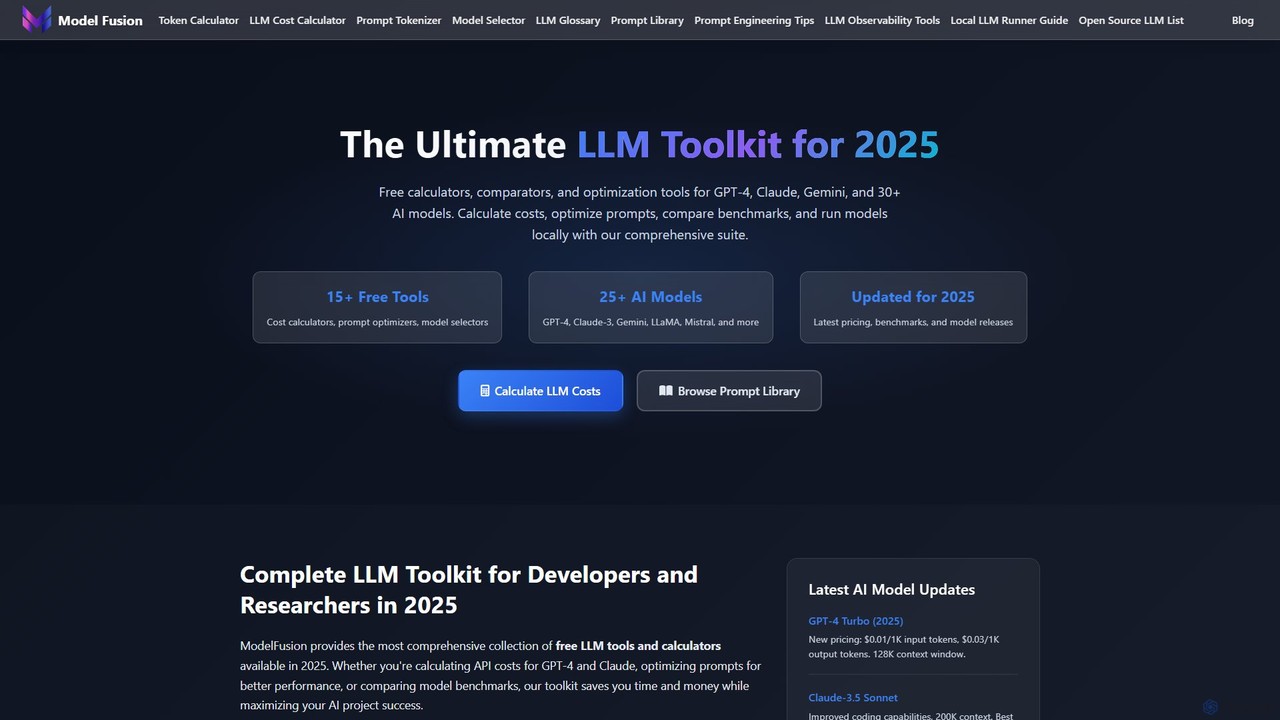
ModelFusion
ModelFusion is an all-in-one LLM toolkit for developers and researchers. It offers a suite of free tools, including a cost calculator, prompt library, and model comparator for over 30 AI models like GPT-4, Claude, and Gemini. It also provides a unified API and local model running guides to streamline AI development and optimize costs.
Api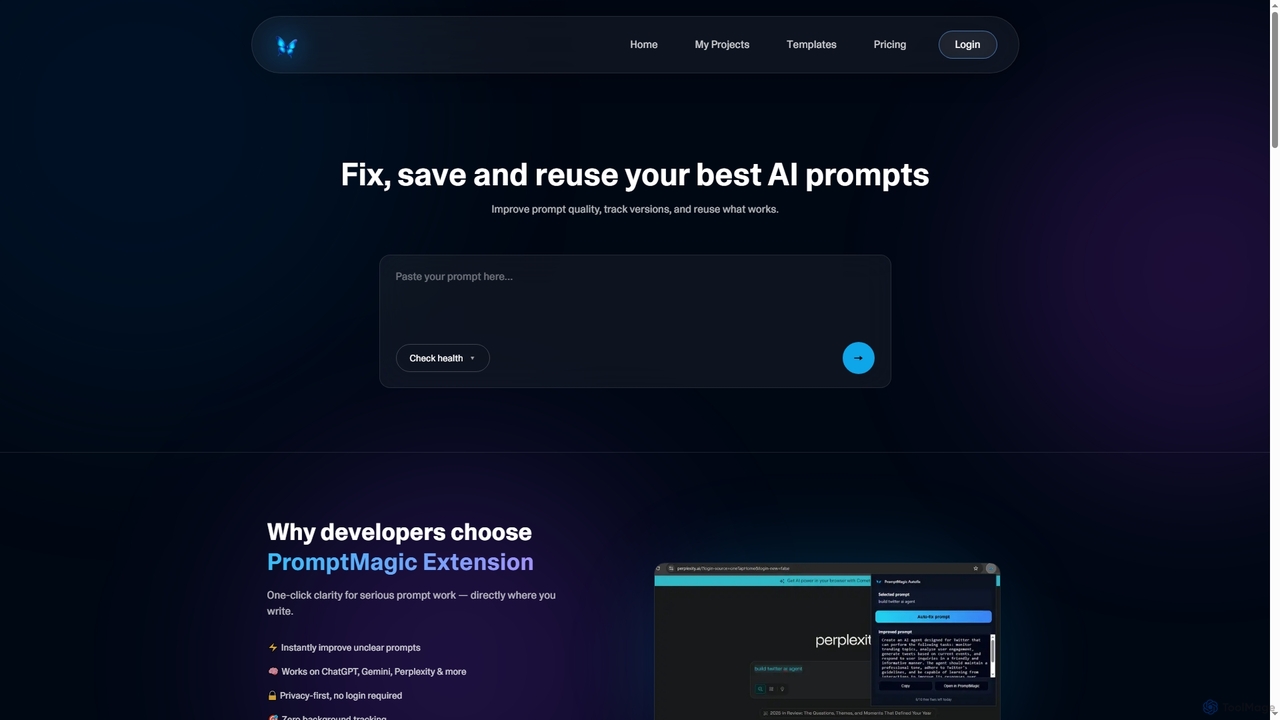
PromptMagic
PromptMagic is an AI tool and Chrome extension designed to help users write, optimize, save, and reuse high-quality AI prompts. It enhances clarity, tracks versions, and makes prompt engineering accessible across various AI models like ChatGPT, Gemini, and Claude.
Ai Development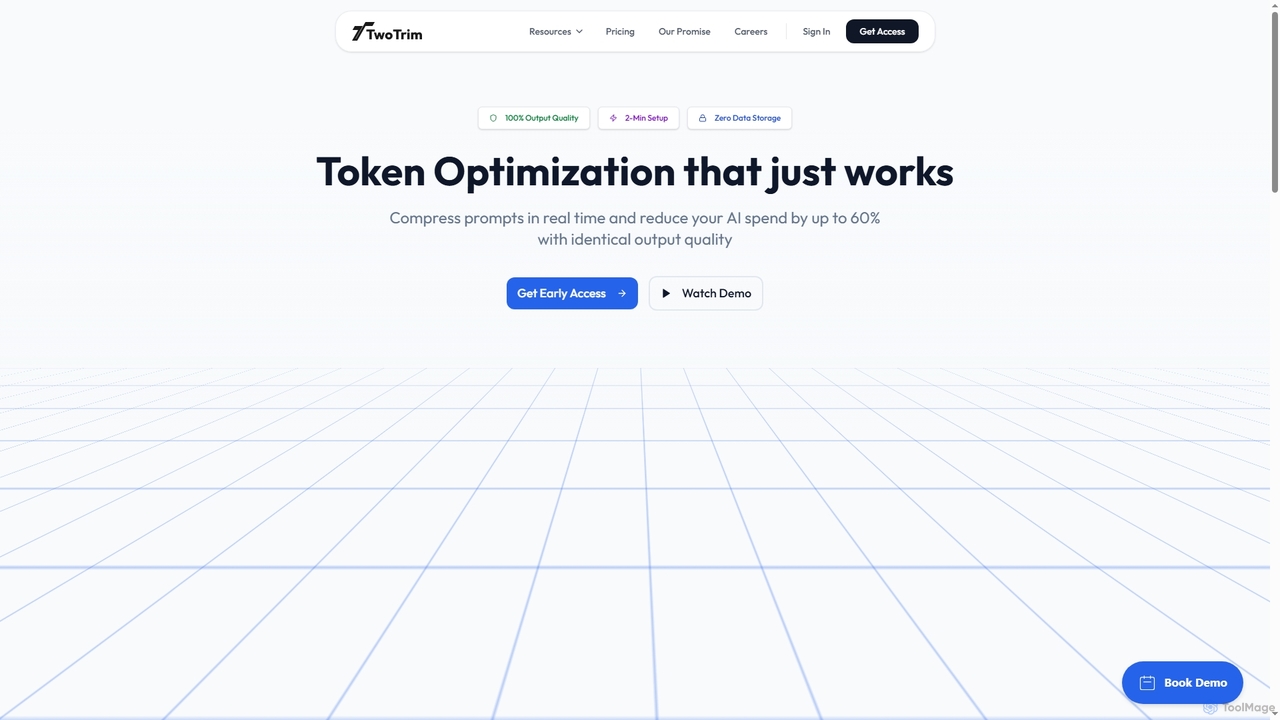
TwoTrim
TwoTrim is an AI token optimization platform that intelligently compresses large language model prompts in real-time, reducing AI API costs by up to 60% while guaranteeing 100% output quality. It offers a secure, stateless, and transparent solution for enterprises.
Large Language Models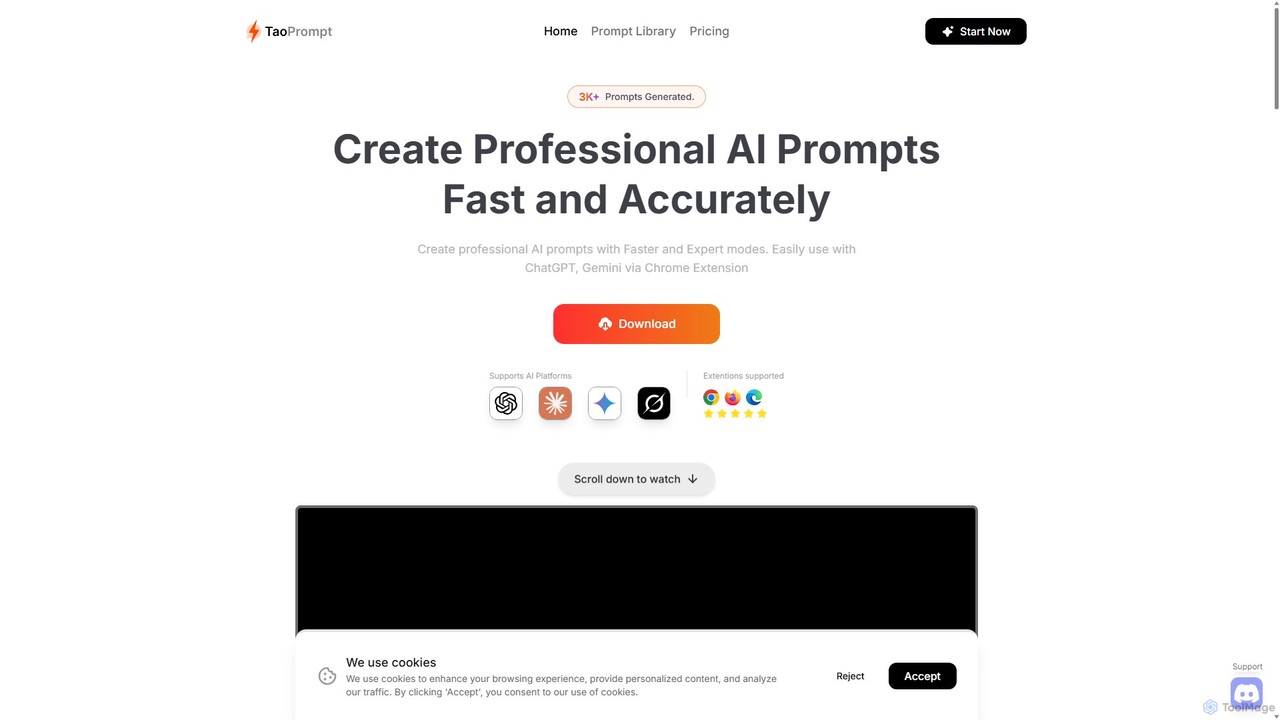
TaoPrompt
An AI-powered tool that helps users create professional, high-quality prompts for major AI chatbots. It simplifies prompt engineering, allowing anyone to generate optimized requests to turn AI into a domain expert, saving time and improving accuracy.
Code Assistant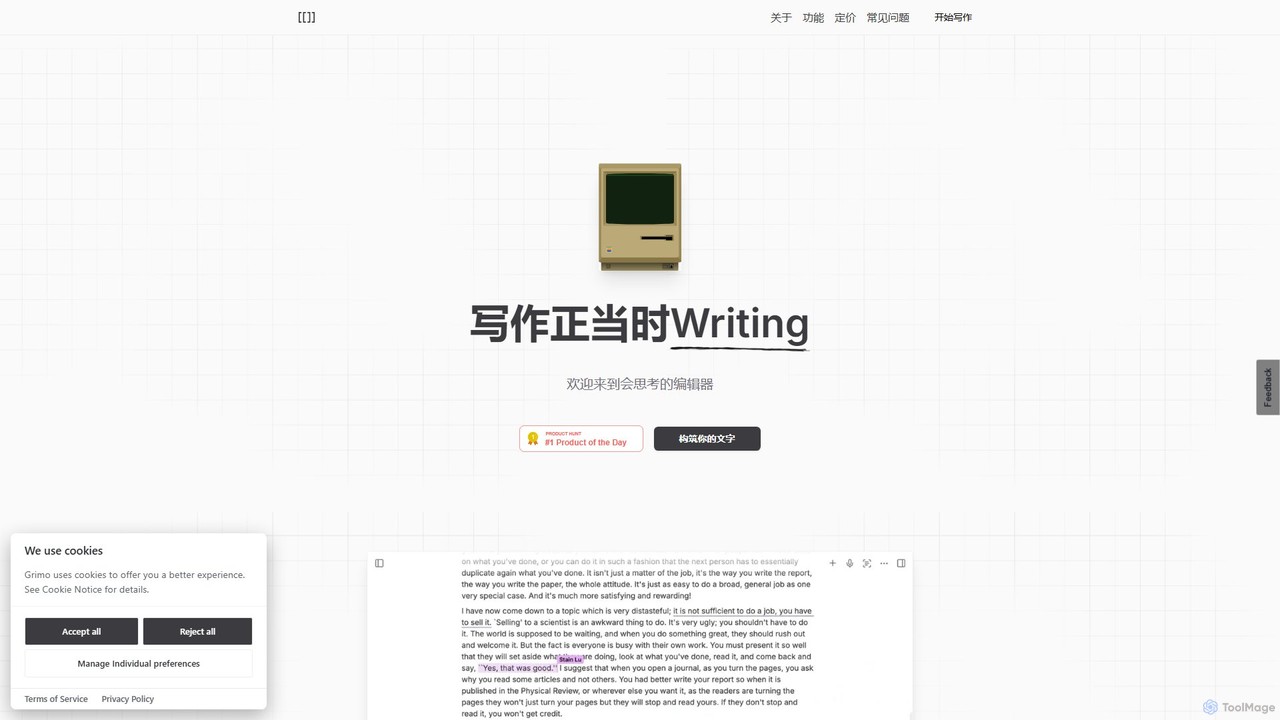
Grimo
Grimo is an AI-powered writing partner and intelligent editor designed for co-creation. It integrates top language models like GPT, Claude, and Gemini, along with voice input, integrated research, and real-time collaboration to transform your writing and productivity workflow.
Document Editing
getmax.ai
getmax.ai is an AI-powered browser extension that acts as your copilot for the web. It seamlessly integrates into your workflow, allowing you to summarize content, write emails, generate articles, and get instant answers from advanced AI models like GPT-4 and Claude, all without leaving your current tab.
ResearchMarkdown Studio
Markdown Studio is a free, AI-powered Markdown editor designed for developers and prompt engineers. It streamlines AI workflows with features like real-time token counting for LLMs (GPT-4, Claude, Gemini), AI prompt templates, and smart copy formats, all within a feature-rich, multi-tab editing environment that requires no login.
Text GenerationChatGPT Writer
ChatGPT Writer is a powerful AI browser extension that integrates seamlessly into any website. Powered by models like GPT-4.1, Claude, and Gemini, it helps you write emails, fix grammar, translate text, summarize content, and more, directly within your workflow, eliminating the need to switch tabs.
Chrome ExtensionsAi Helper
Ai Helper is a versatile desktop client for macOS, Windows, and Linux, providing instant access to AI models like ChatGPT and Gemini from any application. It streamlines workflows for writing, coding, email composition, and more, acting as a universal AI assistant integrated directly into your operating system.
Code Assistant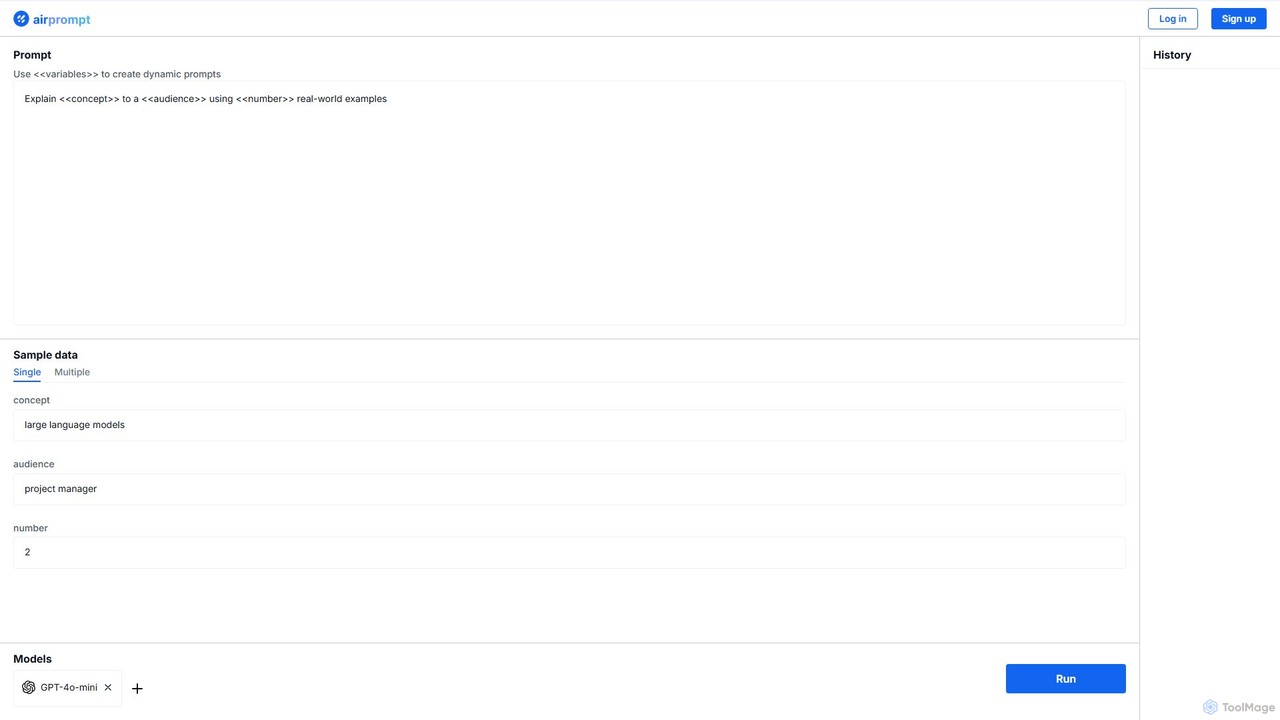
AirPrompt
AirPrompt is a powerful prompt engineering and testing platform. It enables users to simultaneously test, compare, and optimize AI prompts across multiple models like GPT-4, Claude, and open-source alternatives. Featuring dynamic variables, bulk data uploads, and side-by-side result comparison, it streamlines the workflow for developers and content creators to build high-quality, cost-effective AI applications.
Playground
Sider
Sider is an all-in-one AI assistant integrated as a browser sidebar and cross-platform app. It combines chat with models like GPT-4 and Claude 3.5, a powerful "Deep Research" agent, a personal knowledge base called "Wisebase," and a suite of tools for summarizing, translating, writing, and image editing to enhance productivity and learning.
Assistant
getmerlin
getmerlin is a versatile AI assistant powered by top models like GPT-4o and Claude 3.5. Available as a browser extension and app, it integrates seamlessly into your workflow to summarize content, draft emails, generate text and images, and enhance research on any website. It acts as an all-in-one productivity tool, saving time and money by consolidating multiple AI services into a single subscription.
Chrome Extensions
Quartzite Comments (0)
Sign in to comment.
Sign inNo comments yet.