

Markdown Studio Overview
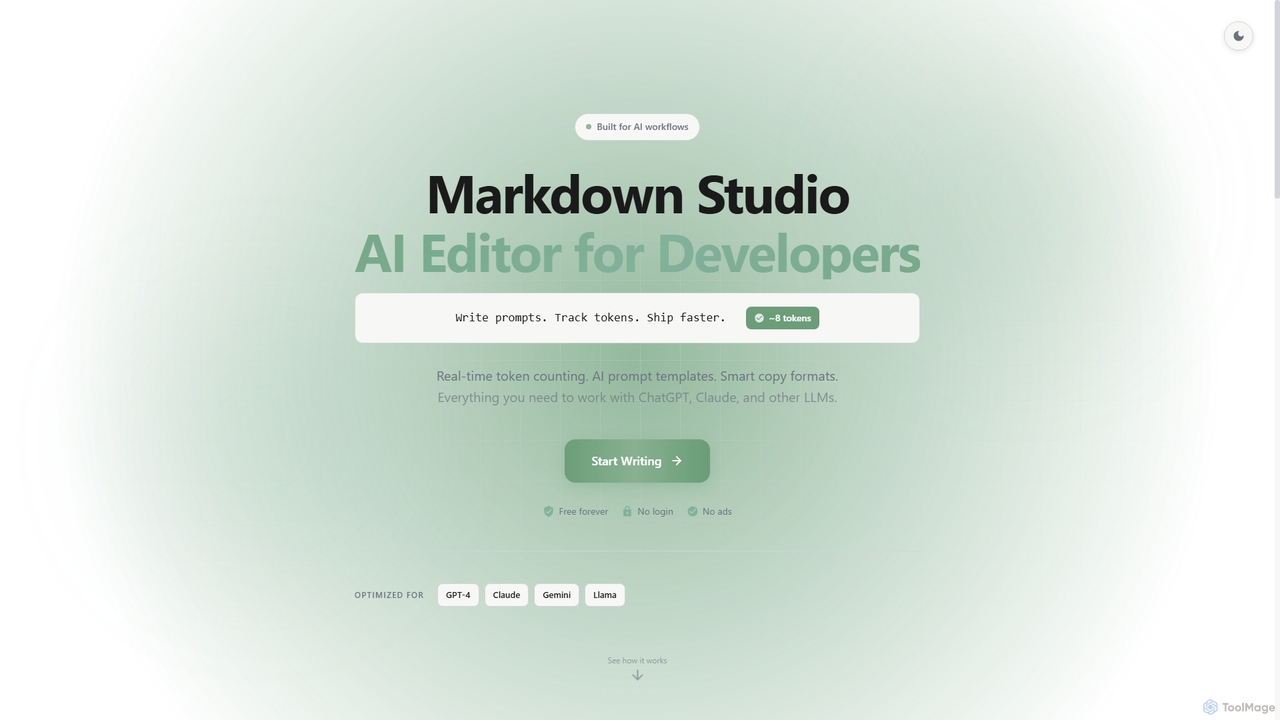
Markdown Studio is a specialized, web-based Markdown editor built to enhance the productivity of developers working with AI models. It combines a full-featured Markdown writing experience with powerful tools specifically designed for prompt engineering. The editor provides a seamless workflow for writing, testing, and refining prompts for large language models like ChatGPT, Claude, and Gemini. Key features include a real-time token counter that helps manage context limits, a library of pre-built AI prompt templates, and intelligent copy-paste options. It operates entirely in the browser, requiring no login or registration, and is completely free and ad-free.
How to use Markdown Studio
Using Markdown Studio is straightforward. Simply navigate to the website and start writing in the left-hand pane. You can see a live, rendered preview of your Markdown on the right. For AI-related tasks, you can type your prompts and instantly see the token count at the bottom, which updates as you type. Use the built-in AI prompt templates for common tasks like code reviews or bug analysis. Utilize slash commands (e.g., typing '/') to quickly insert elements like tables or code blocks. When you're done, you can copy the content in various formats or export it as a PDF, HTML, JSON, or Markdown file.
Core Features of Markdown Studio
- Real-time Token Counter: Instantly calculates token usage for your prompts, compatible with context limits of models like GPT-4, Claude, and Gemini.
- AI Prompt Templates: Includes 13 battle-tested templates for tasks such as code review, test generation, and bug analysis.
- Smart Copy Formats: Copy content as Markdown, Plain Text, with metadata, or in a format optimized for AI model input with a single click.
- Conversation Logging: Easily format and track AI conversations using built-in 'User' and 'Assistant' role markers.
- Live Split Preview: A classic dual-pane view to write Markdown on the left and see the rendered output on the right.
- Multi-tab Editing: Work on up to 10 files simultaneously, with each tab maintaining its own undo history and auto-save state.
- Rich Content Support: Includes support for Mermaid diagrams for flowcharts and LaTeX for mathematical equations.
- Export Options: Download your work in multiple formats, including PDF, HTML, JSON, and Markdown.
Use Cases for Markdown Studio
Markdown Studio is ideal for developers, AI engineers, and technical writers. Its primary use case is prompt engineering—crafting, analyzing, and managing prompts for various AI models. It's also perfect for preparing detailed code review requests, generating test cases from specifications, analyzing bugs with AI assistance, and writing technical documentation that includes code snippets, diagrams, and equations. Its capabilities as a standard Markdown editor also make it suitable for any general-purpose writing task.
Advantages of Markdown Studio
The main advantage of Markdown Studio is its focus on AI-centric workflows, which are not found in standard Markdown editors. The real-time token counter is invaluable for managing costs and avoiding context limits. The tool is completely free, ad-free, and requires no login, ensuring user privacy and immediate access. Its keyboard-first design with slash commands, multi-tab support, and various export options make it a highly efficient and versatile tool for developers.
Pricing and Plans
Markdown Studio is completely free to use. The website explicitly states it is "Free forever," requires "No login," and runs with "No ads."
Markdown Studio FAQ
Markdown Studio Alternatives
Promptmetheus
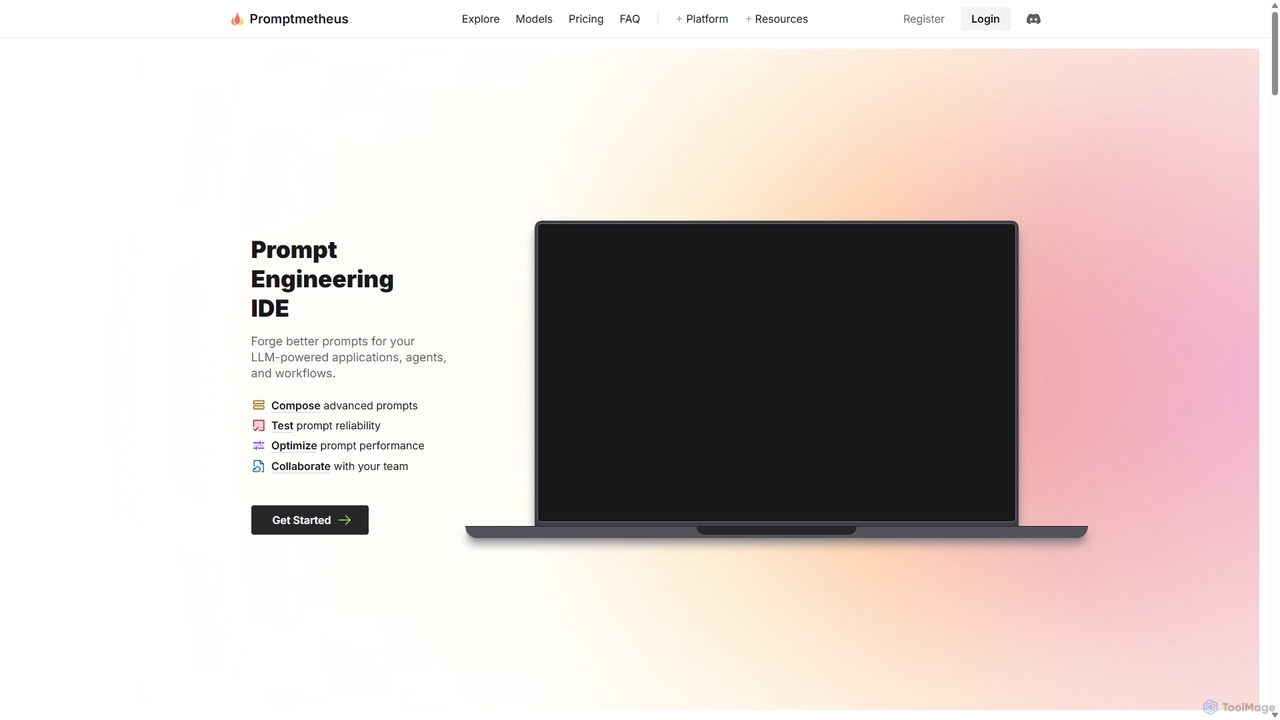
Promptmetheus is a professional Prompt Engineering IDE designed for developers and teams to build, test, and optimize high-quality prompts for LLM-powered applications. It supports over 100 LLMs, offers advanced composition tools, reliability testing, performance optimization, and real-time team collaboration, enabling a systematic and efficient approach to prompt design.
Model Management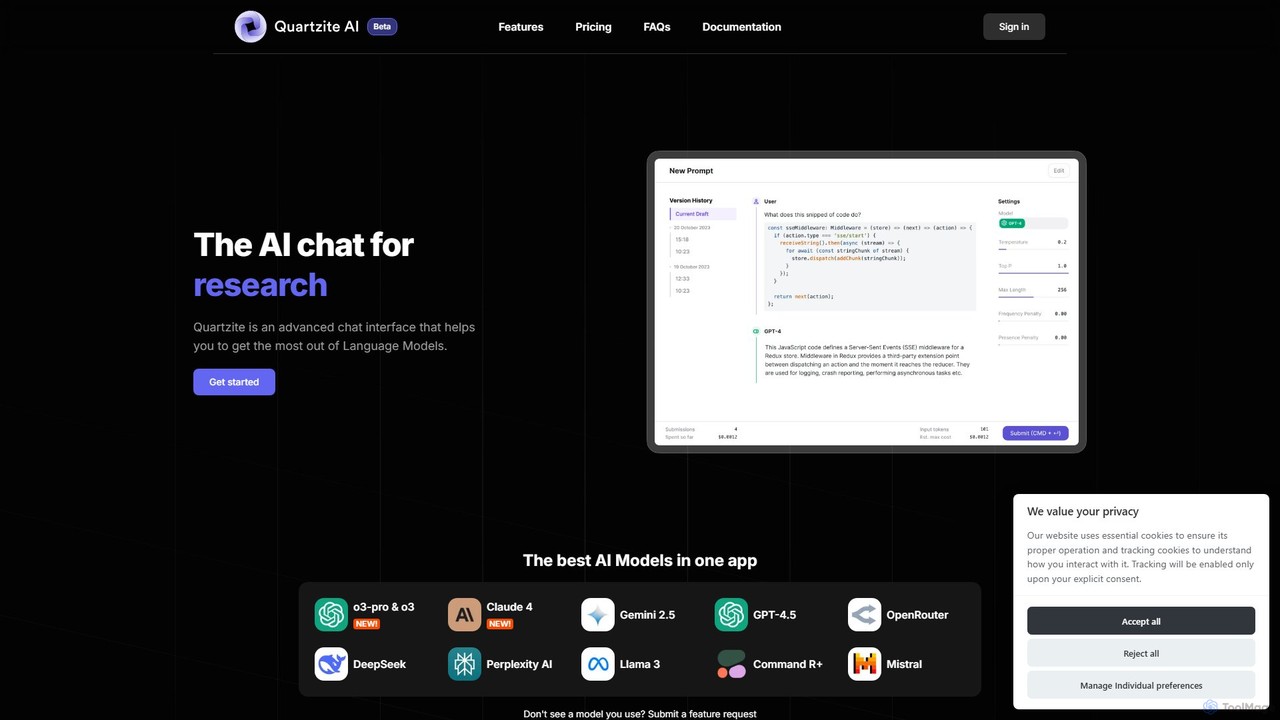
Quartzite
Quartzite is an advanced AI prompt IDE and productivity tool that centralizes access to top LLMs like GPT-4, Claude, and Gemini. It helps users write, optimize, and manage complex prompts with features like a template library, version history, cost preview, and a personal document knowledge base, all while reducing API costs.
Prompt Engineering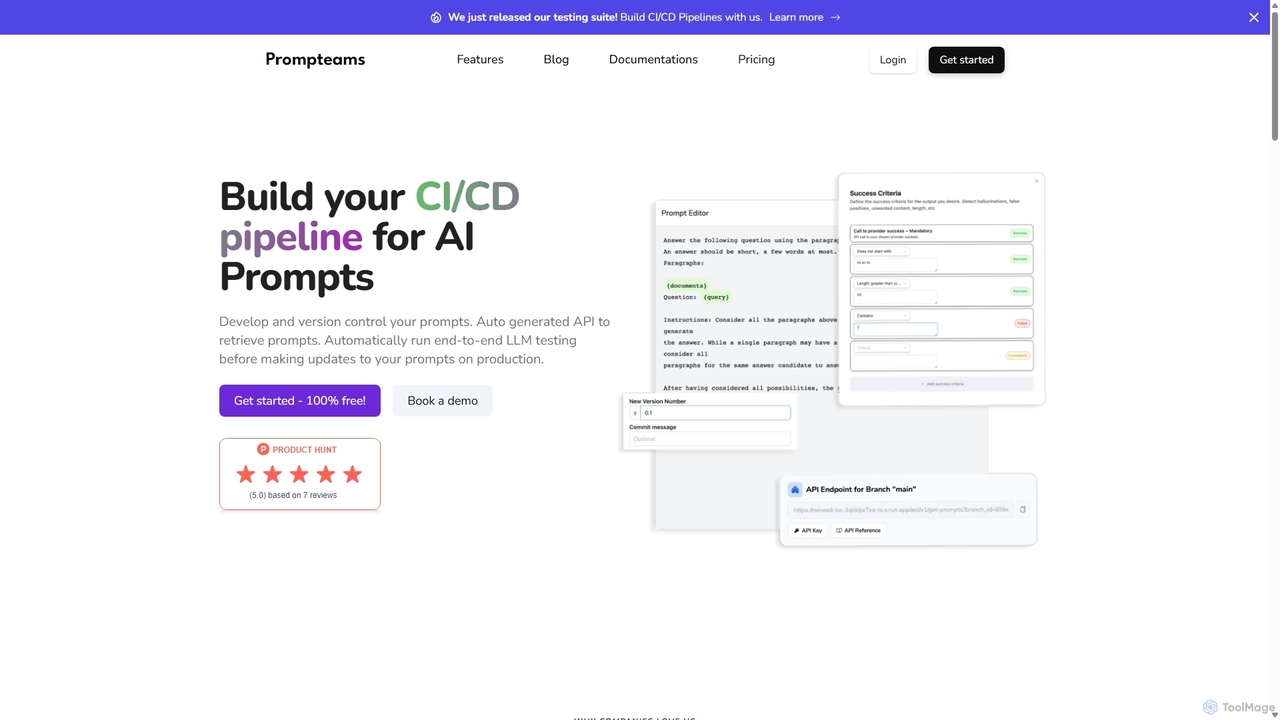
Prompteams
Prompteams is a comprehensive AI prompt management system designed for teams. It provides a Git-like workflow with versioning, branching, and commits to manage and iterate on LLM prompts. The platform features a robust testing suite for quality assurance, real-time APIs for instant deployment, and collaborative tools that bridge the gap between engineers and industry specialists. It's a one-stop solution for building a CI/CD pipeline for AI prompts, ensuring quality, consistency, and rapid development.
Model Management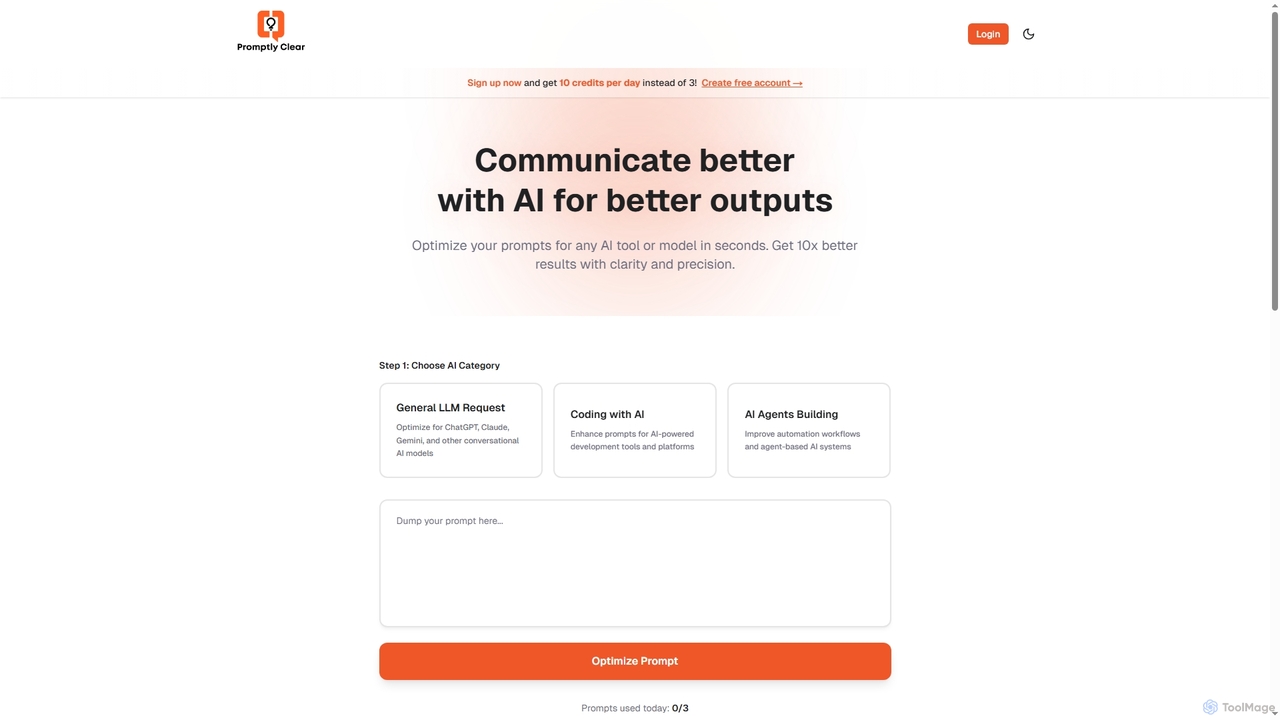
PromptlyClear
PromptlyClear is an AI prompt optimizer designed to refine user inputs for large language models like ChatGPT, Claude, and Gemini. It enhances clarity and precision, enabling users to achieve significantly better and more detailed AI outputs across various applications, from business research to coding.
Research Assistant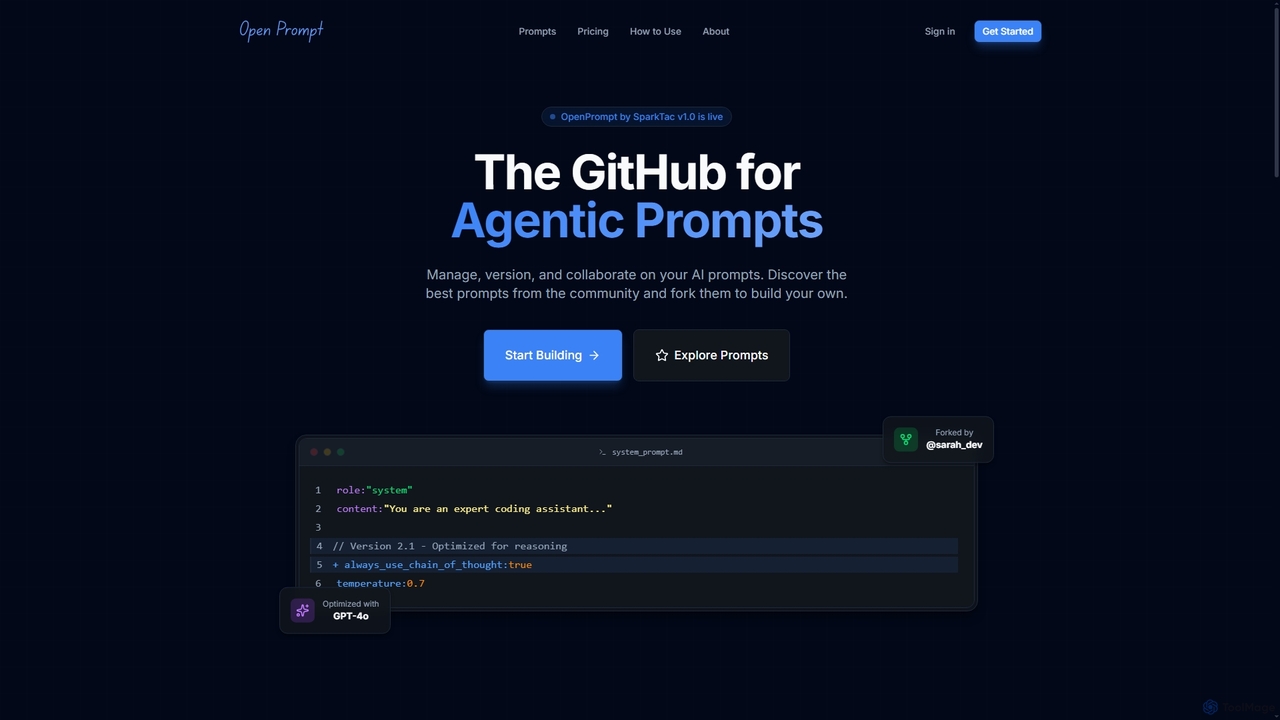
OpenPrompt
OpenPrompt is a collaborative platform for AI prompt engineering, designed for developers and teams. It functions like a GitHub for prompts, offering version control, real-time collaboration, instant forking, and API integration to manage, test, and deploy prompts efficiently.
Prompt ManagementMarkdown Studio Categories
Markdown Studio Jobs
Markdown Studio Embed Widget
Copy this embed code to place the badge on your blog, article, or product site and send readers directly to this ToolMage detail page.

Related AI tools
Promptmetheus
Promptmetheus is a professional Prompt Engineering IDE designed for developers and teams to build, test, and optimize high-quality prompts for LLM-powered applications. It supports over 100 LLMs, offers advanced composition tools, reliability testing, performance optimization, and real-time team collaboration, enabling a systematic and efficient approach to prompt design.
Model ManagementPromptlyClear
PromptlyClear is an AI prompt optimizer designed to refine user inputs for large language models like ChatGPT, Claude, and Gemini. It enhances clarity and precision, enabling users to achieve significantly better and more detailed AI outputs across various applications, from business research to coding.
Research Assistant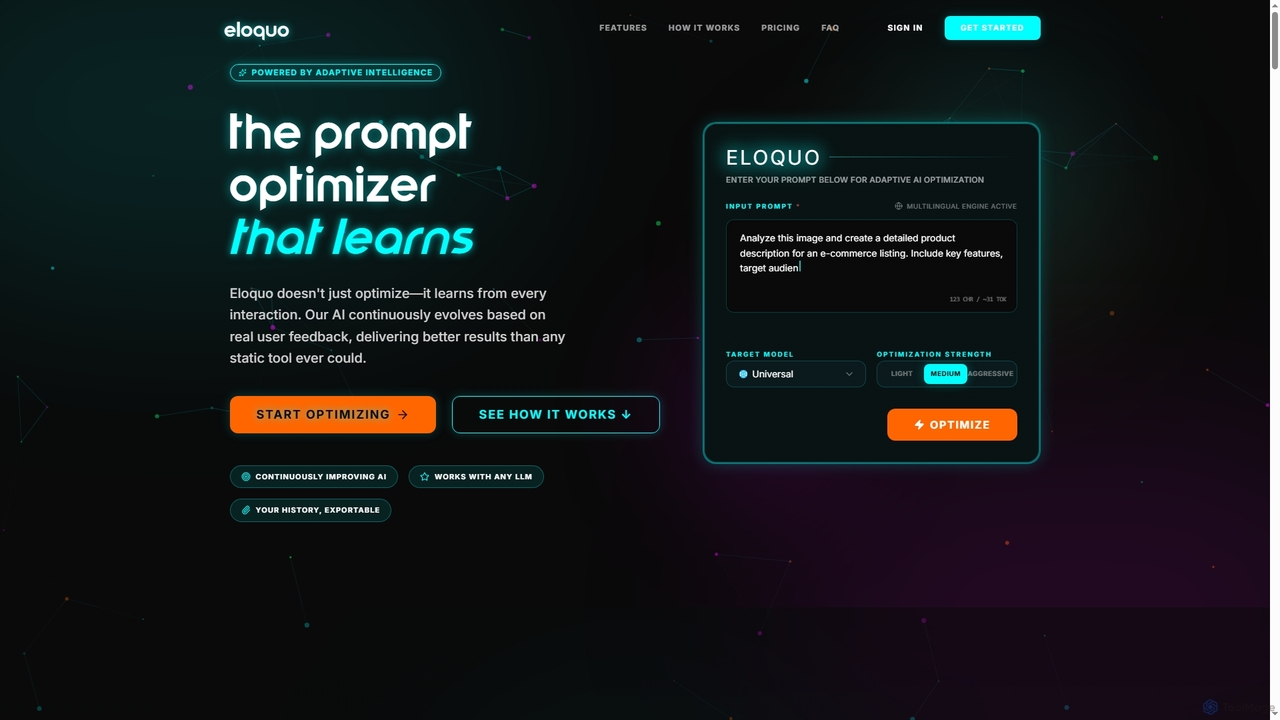
Eloquo
Eloquo is an adaptive AI prompt optimizer that continuously learns from user feedback to generate high-quality, production-ready prompts for ChatGPT, Claude, and Gemini. It streamlines AI interactions, ensuring consistent outputs and reducing iteration time for various professional applications.
Writing Assistant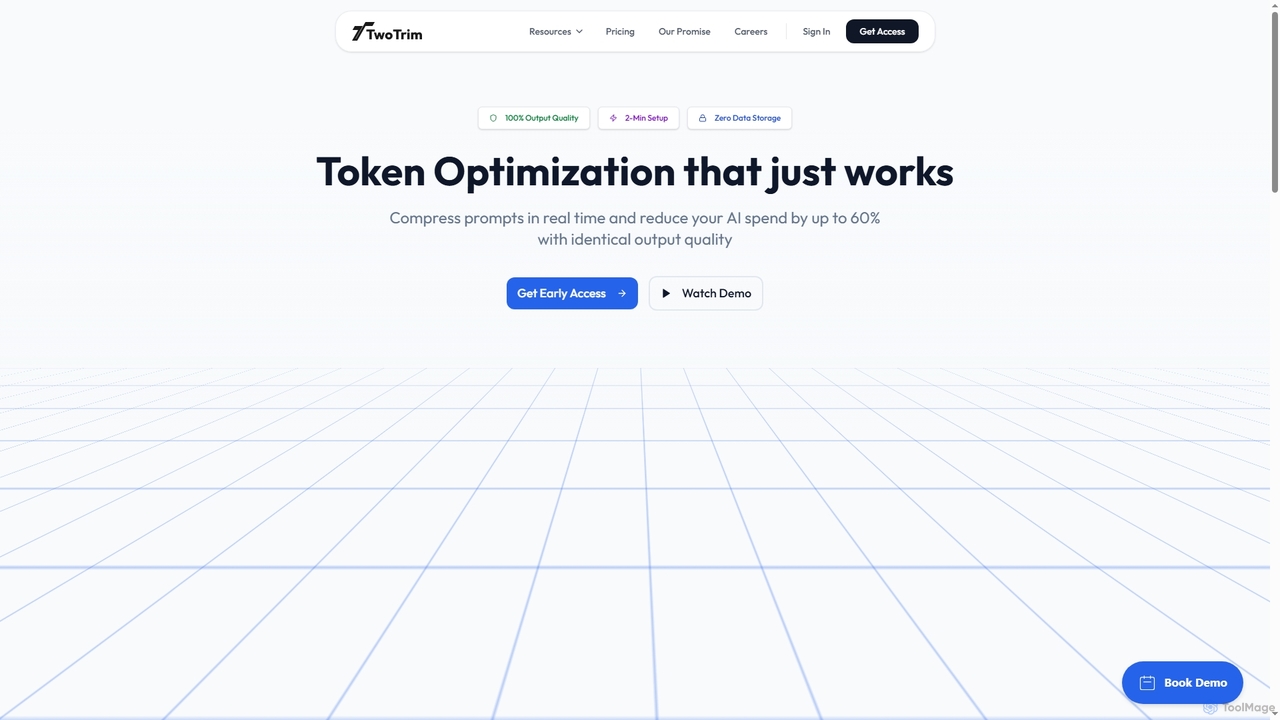
TwoTrim
TwoTrim is an AI token optimization platform that intelligently compresses large language model prompts in real-time, reducing AI API costs by up to 60% while guaranteeing 100% output quality. It offers a secure, stateless, and transparent solution for enterprises.
Large Language Models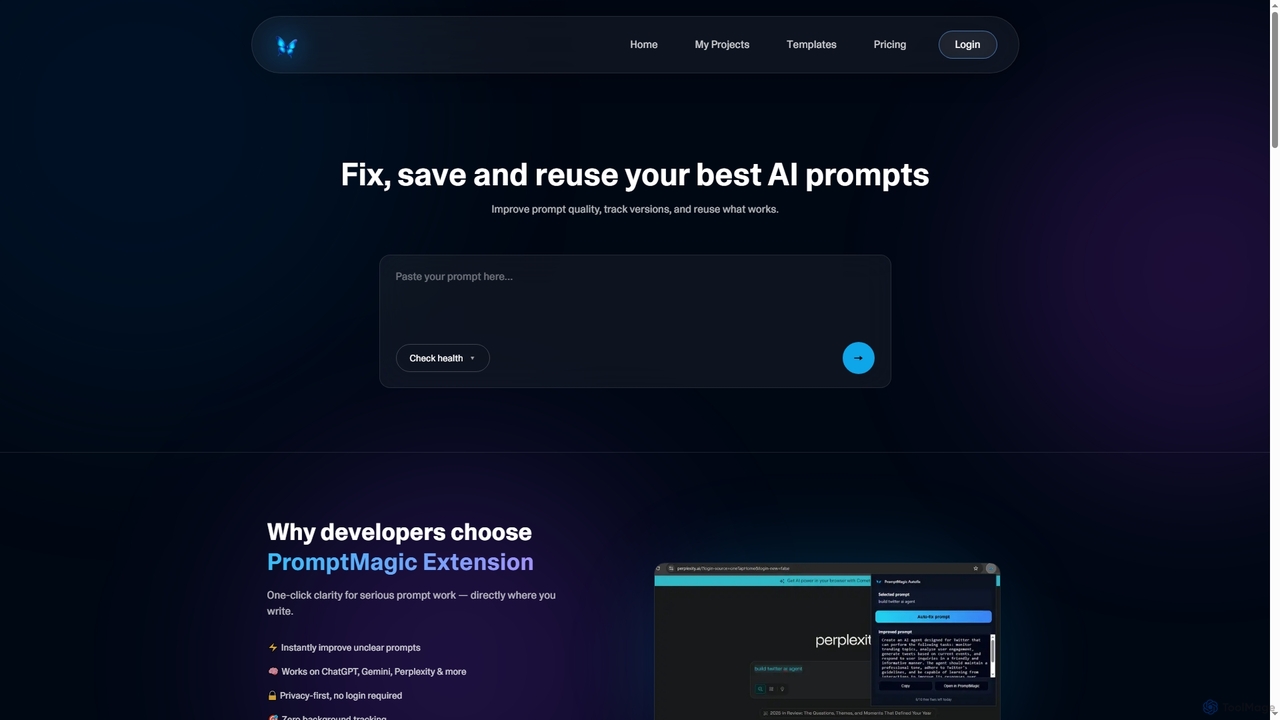
PromptMagic
PromptMagic is an AI tool and Chrome extension designed to help users write, optimize, save, and reuse high-quality AI prompts. It enhances clarity, tracks versions, and makes prompt engineering accessible across various AI models like ChatGPT, Gemini, and Claude.
Ai Development
Cosmicup
Cosmicup is an all-in-one AI platform offering unlimited access to a wide array of advanced AI models like ChatGPT 5, Claude 4.5, Gemini 2.5, and Grok 4 through a single subscription. It streamlines workflows with features including multi-model interaction, code assistance, document analysis, real-time web search, deep research, and AI image generation, eliminating the need for multiple subscriptions.
Multimodal Ai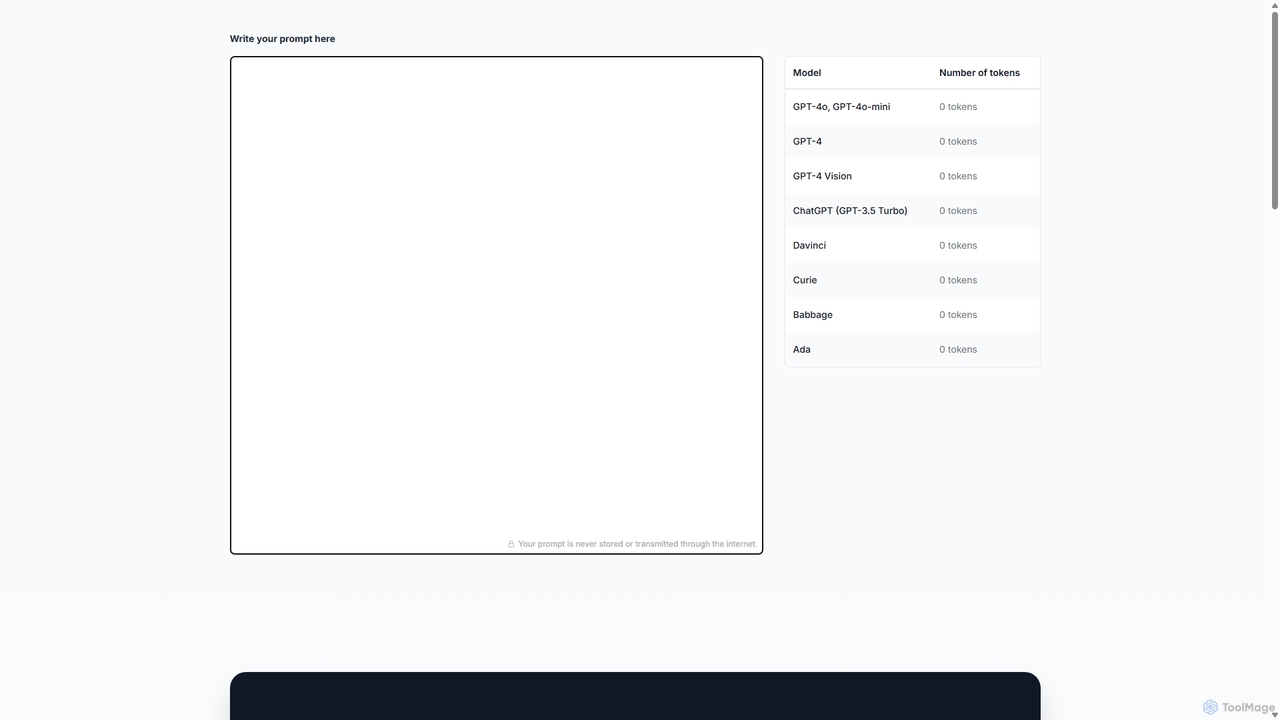
Prompttokencounter
A free, online tool for developers and prompt engineers to accurately count tokens for various OpenAI models like GPT-4o, GPT-4, and GPT-3.5. It helps manage prompt length to stay within model limits, control API costs, and optimize interactions with LLMs. The tool operates entirely in your browser, ensuring your prompts remain private and are never transmitted over the internet.
Text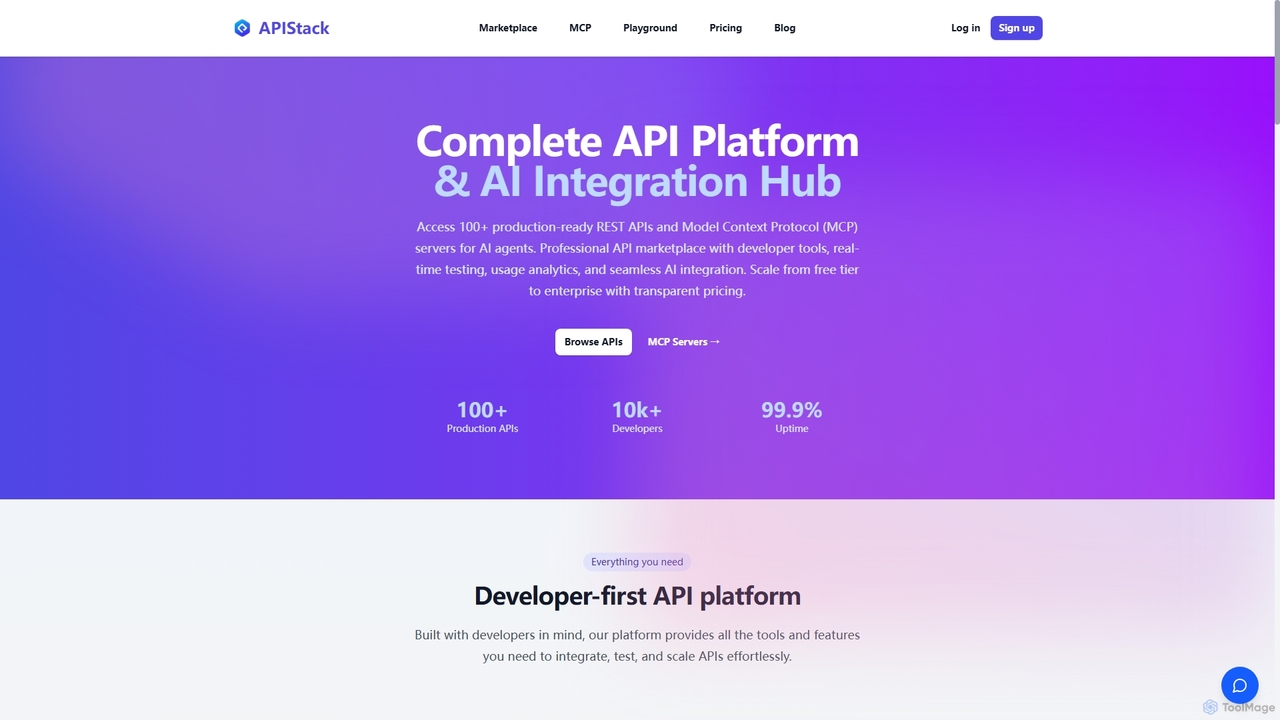
Apistack
Apistack is an enterprise API marketplace and AI integration hub, offering over 100 production-ready REST APIs. It features a developer-first platform with tools for real-time testing, usage analytics, and seamless integration with AI agents like ChatGPT and Claude via Model Context Protocol (MCP) servers.
Integration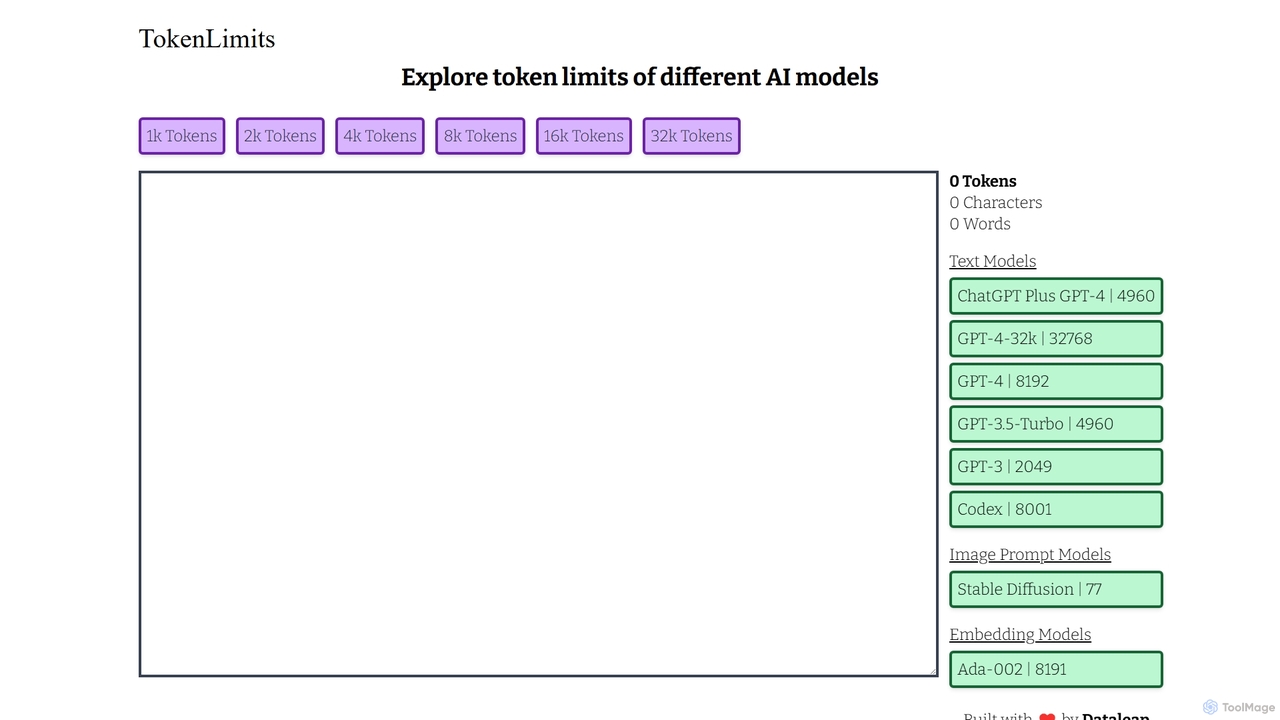
TokenLimits
A free, quick-reference web tool for developers, researchers, and AI enthusiasts to check the token limits of popular AI models. It provides a centralized, up-to-date database for text, image, and embedding models, simplifying workflow and development.
Api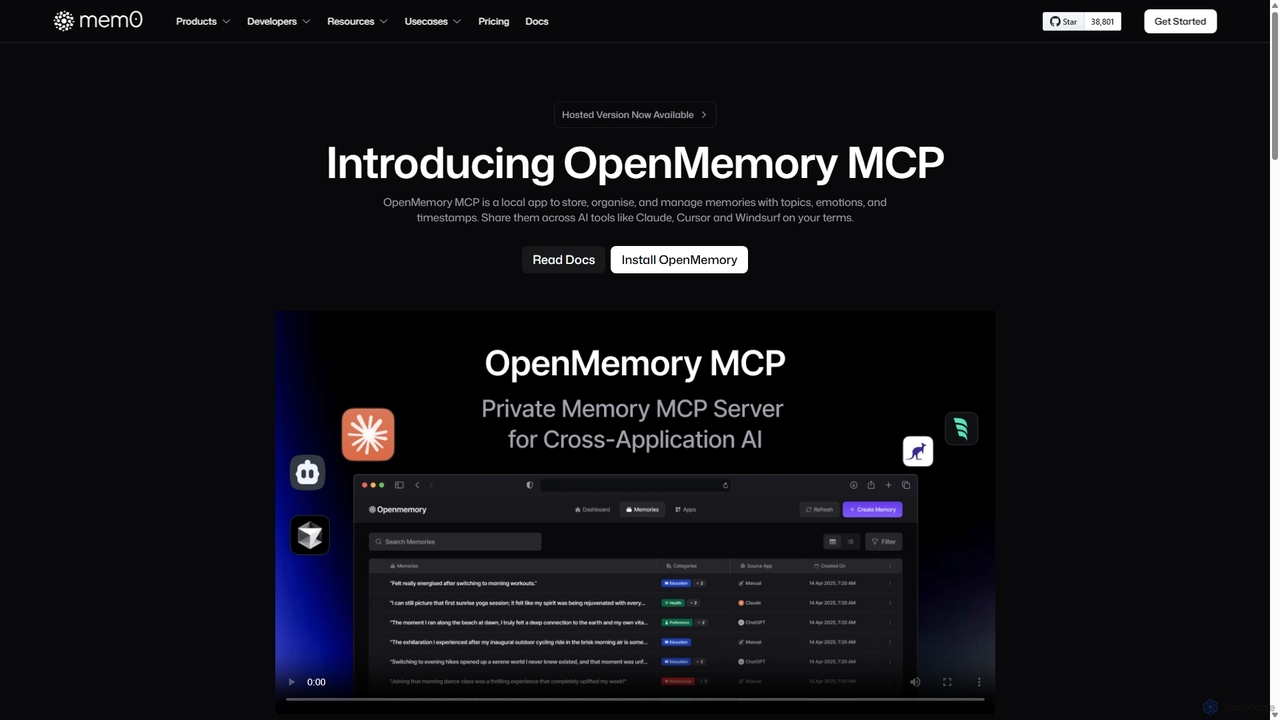
OpenMemory MCP
OpenMemory MCP is a local-first application designed to give your AI tools a persistent, private memory. It allows you to store, organize, and manage context like project details, code snippets, and personal preferences, sharing them securely across different AI applications like Claude and Cursor to enhance personalization and workflow continuity.
Personalization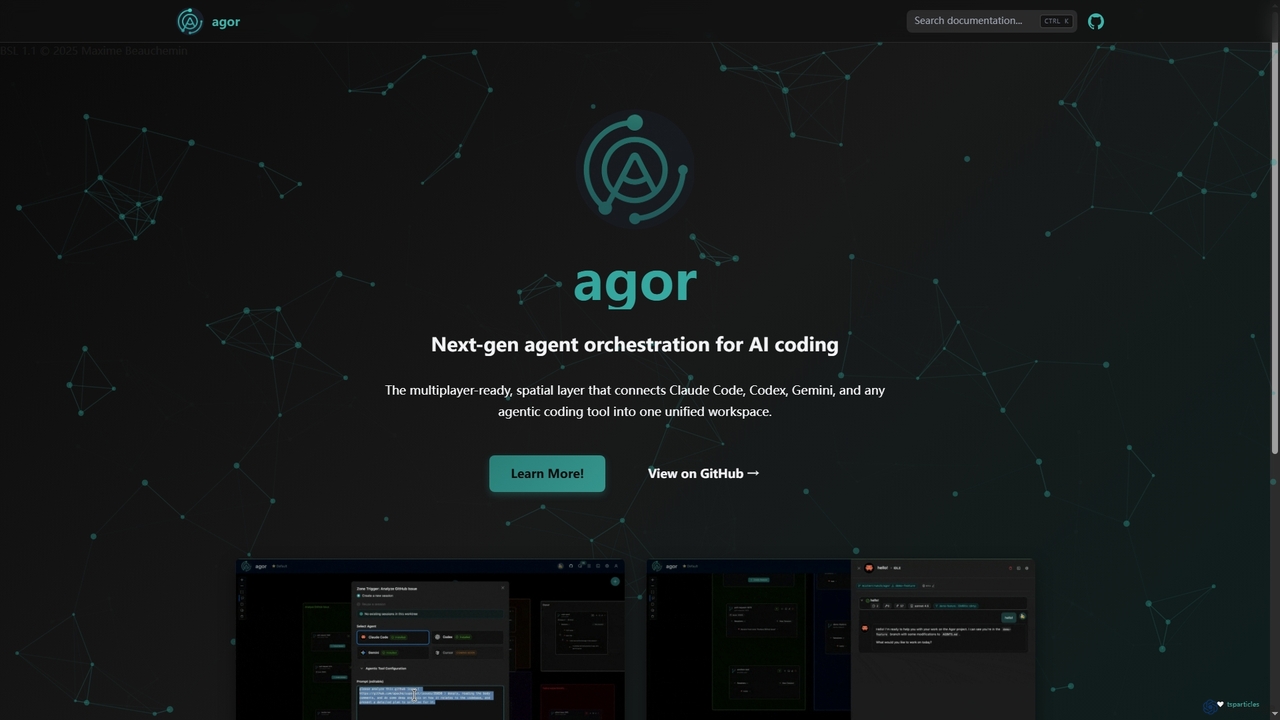
Agor
Agor is a next-generation agent orchestration platform for AI coding. It provides a multiplayer, spatial canvas that unifies coding agents like Claude Code, Codex, and Gemini into a single workspace. Teams can visualize, coordinate, and automate complex coding workflows in real-time, using isolated environments to enhance parallel development.
Ai Code Assistant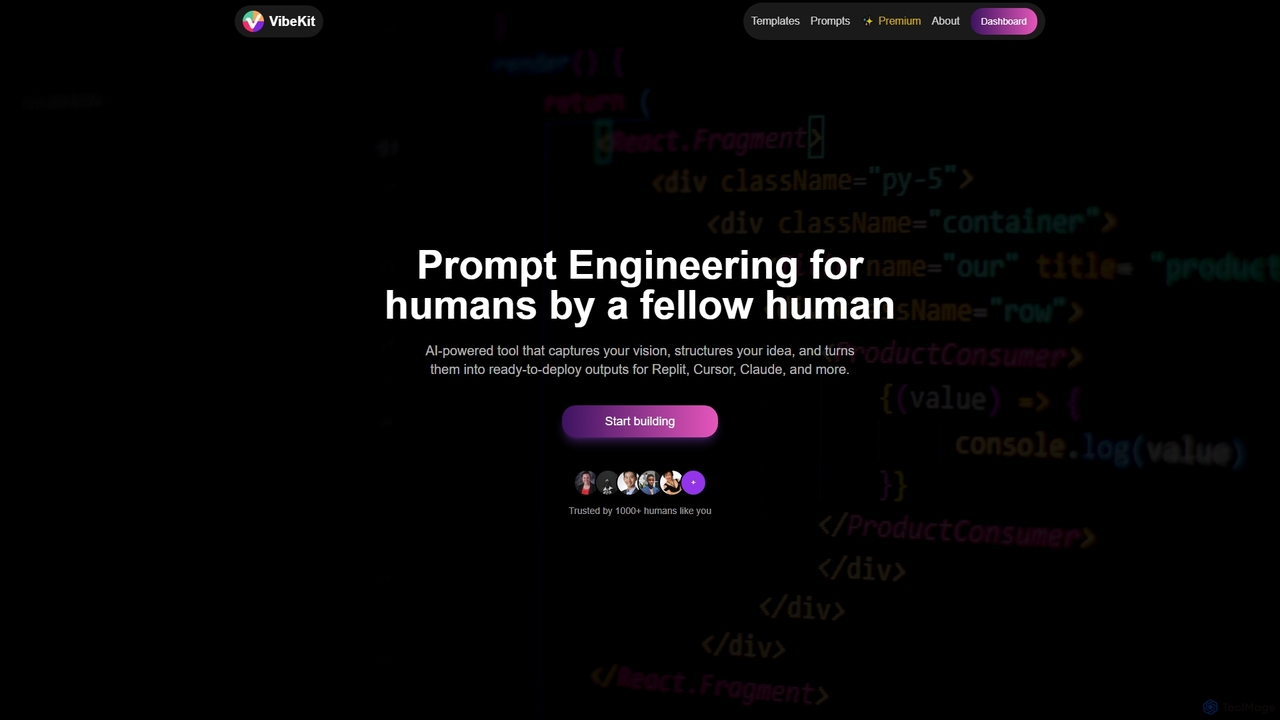
VibeKit
VibeKit is an AI-powered context engineering tool designed for humans to transform ideas into ready-to-deploy outputs. It helps users capture their vision, structure thinking, and generate optimized prompts and scaffolds for platforms like Replit, Cursor, and Claude, accelerating project development from concept to production.
Startup Tools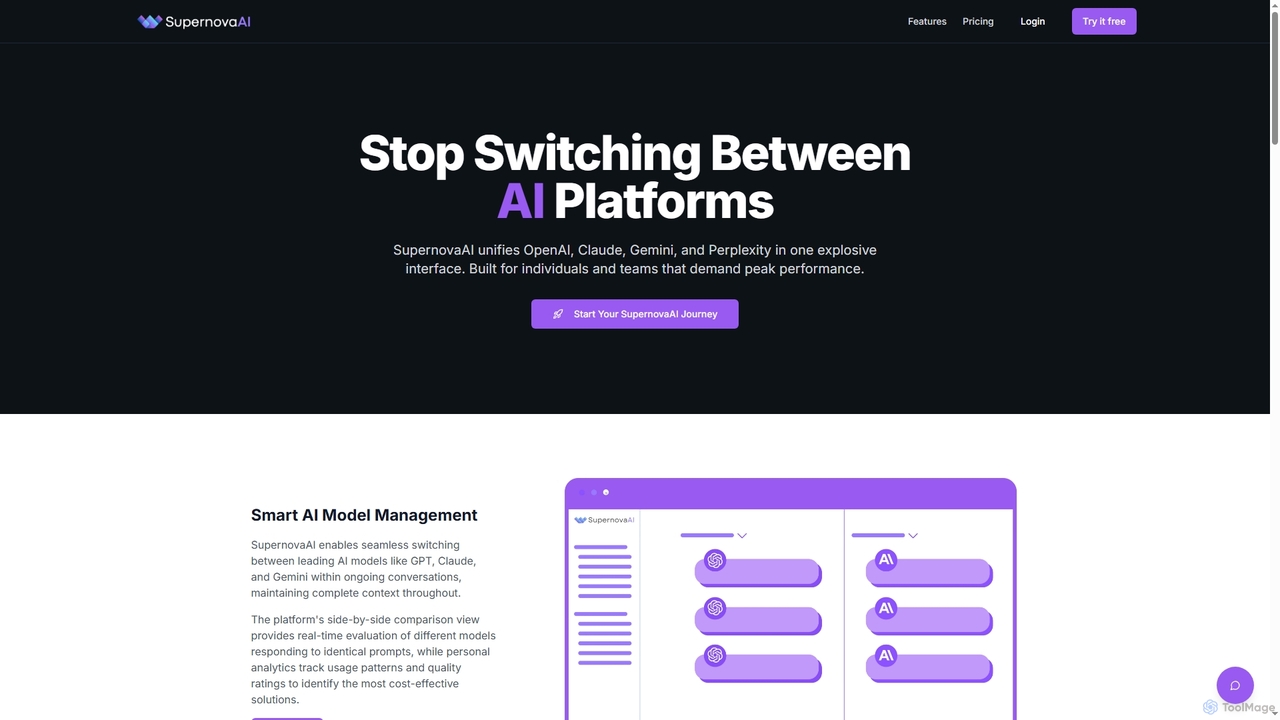
SupernovaAI
SupernovaAI is a unified platform that integrates leading AI models like OpenAI, Claude, Gemini, and Perplexity into a single, powerful interface. It enables seamless model switching, context retention, side-by-side response comparison, and cost optimization, designed for individuals and teams seeking peak AI performance and streamlined workflows.
Cost OptimizationPrompteams
Prompteams is a comprehensive AI prompt management system designed for teams. It provides a Git-like workflow with versioning, branching, and commits to manage and iterate on LLM prompts. The platform features a robust testing suite for quality assurance, real-time APIs for instant deployment, and collaborative tools that bridge the gap between engineers and industry specialists. It's a one-stop solution for building a CI/CD pipeline for AI prompts, ensuring quality, consistency, and rapid development.
Model Management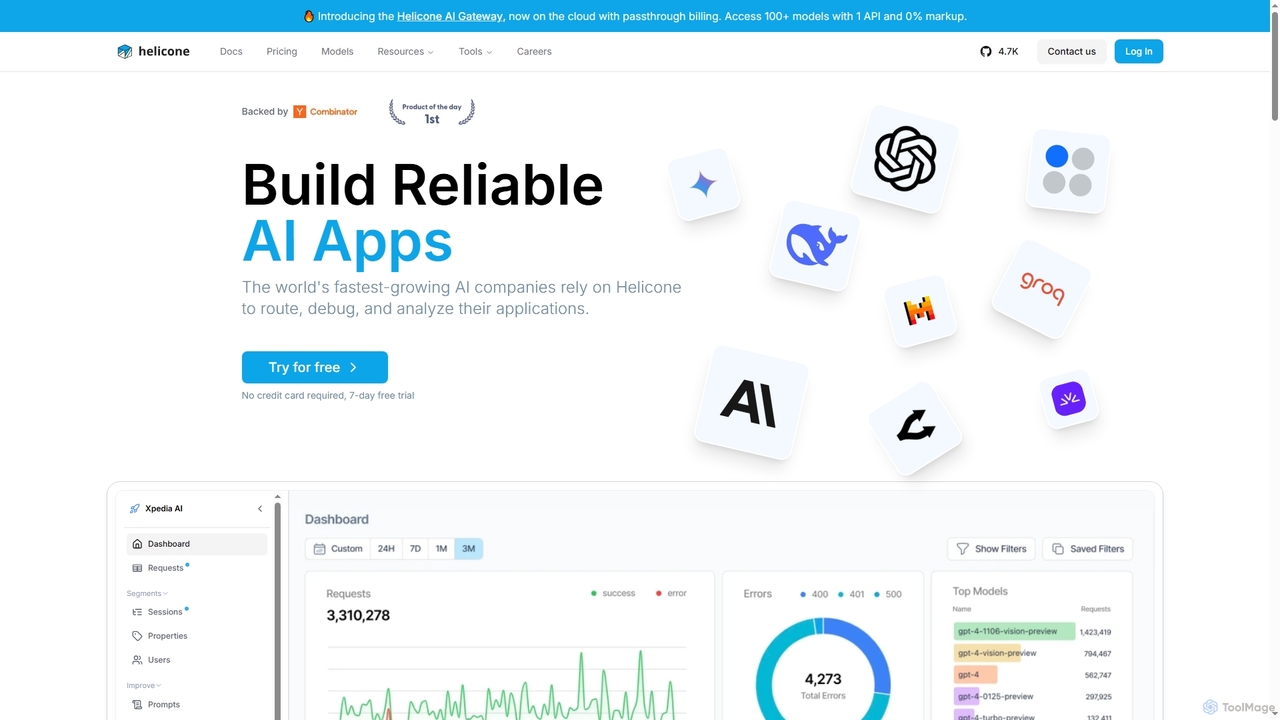
Helicone
Helicone is an open-source platform offering an AI Gateway and LLM Observability for developers. It helps build reliable AI applications by providing tools to route, monitor, debug, and analyze LLM usage. Key features include a unified API for 100+ models, intelligent caching, rate limiting, prompt management, and detailed performance analytics.
Api Management
Markdown Studio Comments (0)
Sign in to comment.
Sign inNo comments yet.