Apistack
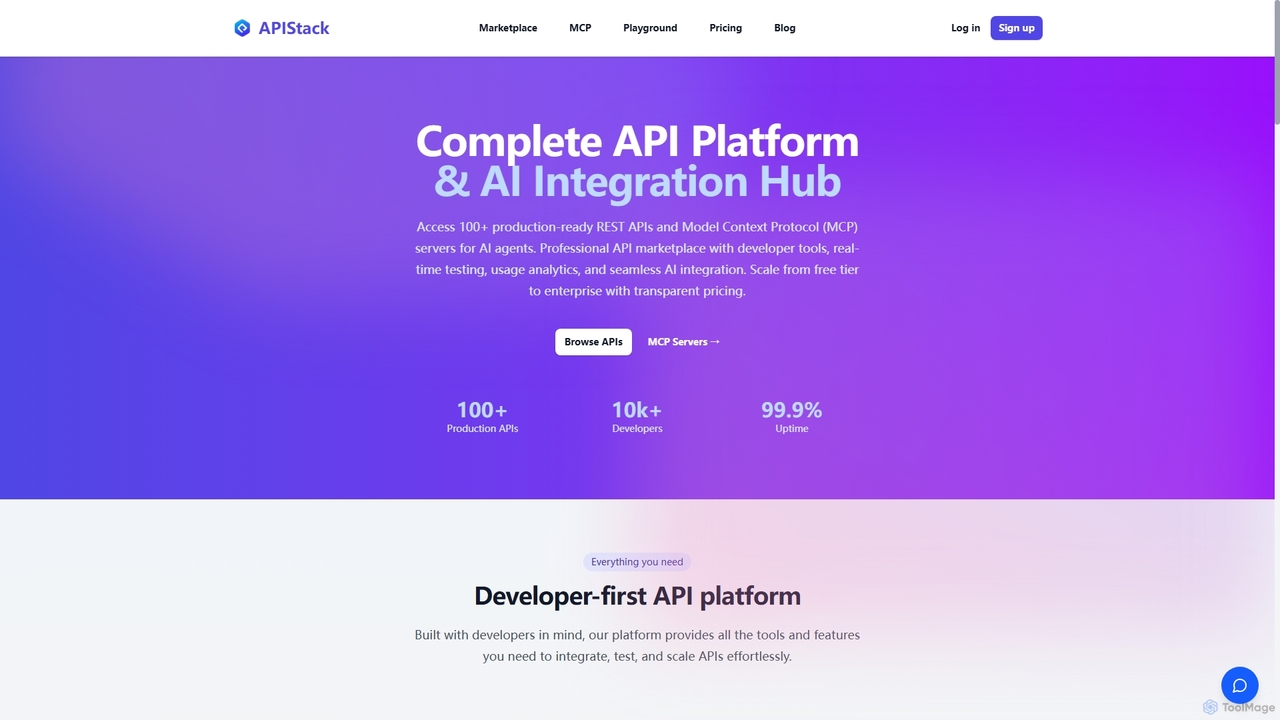
Apistack is an enterprise API marketplace and AI integration hub, offering over 100 production-ready REST APIs. It features …
Apistack is an enterprise API marketplace and AI integration hub, offering over 100 production-ready REST APIs. It features a developer-first platform with tools for real-time testing, usage analytics, and seamless integration with AI agents like ChatGPT and Claude via Model Context Protocol (MCP) servers.
Mcpfy
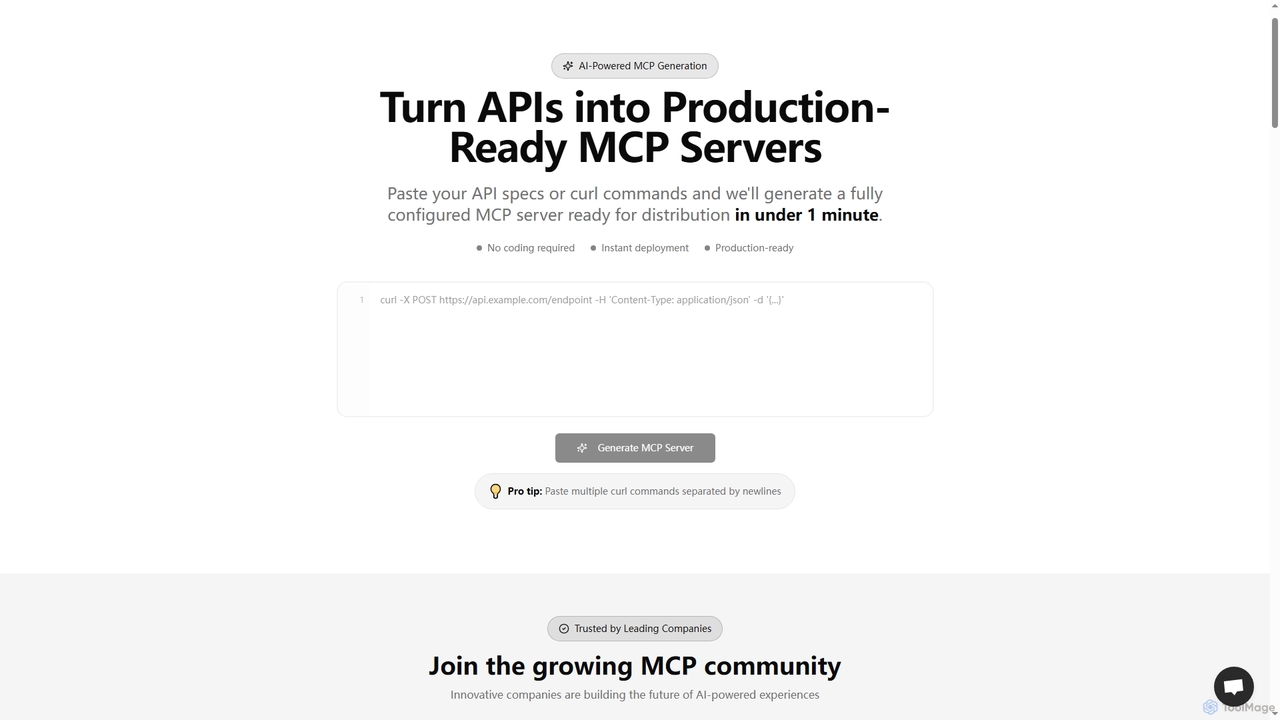
An AI-powered platform that generates production-ready MCP (Model Context Protocol) servers from API specs or curl commands in …
An AI-powered platform that generates production-ready MCP (Model Context Protocol) servers from API specs or curl commands in under a minute. It enables businesses to securely connect their APIs and data sources with AI assistants like ChatGPT and Claude, offering instant deployment, customer analytics, and enterprise-grade security without coding.
About Integration
AI Integration tools are platforms designed to connect various AI models, applications, and data sources into cohesive, automated workflows. They act as the essential plumbing within the AI infrastructure, enabling different services to communicate and exchange data seamlessly. By providing pre-built connectors and visual workflow builders, these tools empower users to orchestrate complex, multi-step AI processes without extensive coding. This allows for the creation of sophisticated applications, from intelligent chatbots to automated content pipelines, by chaining together specialized AI capabilities.
Core Features
- Workflow Orchestration: Visually design and automate multi-step processes that involve multiple AI models and applications.
- Pre-built Connectors: Access a library of ready-to-use integrations for popular AI services (like OpenAI, Anthropic) and business apps (like Slack, Google Sheets).
- Data Mapping & Transformation: Automatically format and convert data to ensure compatibility between different connected services.
- No-Code/Low-Code Interface: Build and manage complex AI workflows through intuitive drag-and-drop interfaces, accessible to non-developers.
- Error Handling & Logging: Monitor workflow execution, identify issues, and manage errors to ensure reliable automation.
Use Cases
These tools are widely used by developers building AI-native applications, marketing teams automating content creation and distribution, and operations managers streamlining internal processes. For instance, a company could automate customer support by integrating a helpdesk with an AI model for ticket classification and a generative AI for drafting replies. Another common use is creating research agents that automatically gather information, summarize it, and deliver reports.
How to Choose
When selecting an AI Integration tool, consider the scope of its connector library—ensure it supports the AI models and apps you use. Evaluate the user interface: is it a developer-focused, code-based framework or a user-friendly no-code platform? Also, examine the pricing model (e.g., per task, per user, or subscription-based) and assess its scalability and reliability features to ensure it can handle your expected workload and maintain operational stability.

IntegrationUse Cases
Automate Social Media Content Pipeline
A marketing team needs to consistently generate and publish engaging content across multiple platforms. Using an AI integration tool, they build a workflow that starts when a new topic is added to a Google Sheet. The workflow automatically triggers a research agent to gather information, passes the findings to a large language model (like GPT-4) to draft several post variations, and then sends these drafts to a Slack channel for team review. Once approved, the posts are automatically added to a Buffer or Hootsuite queue for scheduled publishing, saving the team hours of manual work each week.
Build a RAG System for Internal Knowledge
A developer is tasked with creating a chatbot that can answer employee questions based on the company's internal documentation stored in Confluence and Google Drive. Using an AI integration platform, they connect these data sources to a vector database like Pinecone. The platform handles the document chunking and embedding process. They then build a workflow where an employee's question (from Slack) is converted into an embedding, used to query the vector database for relevant context, and this context is then passed along with the original question to an LLM to generate an accurate, context-aware answer. This provides instant access to company knowledge without manual searching.
Intelligent Customer Support Ticket Triage
A customer support team is overwhelmed with incoming tickets in their Zendesk queue. They use an AI integration tool to create an automation. When a new ticket arrives, its content is sent to a classification AI model (like one from Cohere). The model analyzes the text to determine its category (e.g., 'Billing', 'Technical Issue', 'Feature Request') and urgency. Based on the classification, the integration tool automatically adds the appropriate tags in Zendesk and routes the ticket to the correct specialized agent or team, ensuring faster and more accurate responses.
Automated Sales Lead Enrichment
A sales team uses a CRM like Salesforce to manage leads. To save time on manual research, they set up a workflow using an integration platform. When a new lead is created in Salesforce, the workflow triggers. It takes the lead's email or company name, uses an AI tool to search the web for their LinkedIn profile, company size, and recent news. This information is then summarized by an LLM and automatically populated into custom fields in the Salesforce record. The workflow can even draft a personalized outreach email based on the enriched data and save it as a task for the sales representative.
Chain AI Models for Complex Creative Tasks
An e-commerce manager needs to create product listings for a new collection. They use an integration tool to chain multiple AI models. First, a product photo is sent to an image recognition model to identify key attributes like color, style, and material. These attributes are then passed as a structured input to a text generation model, which writes a compelling product description. Simultaneously, the same attributes are sent to an image generation model to create lifestyle photos showing the product in different settings. This multi-model workflow generates a complete product listing in minutes.
Monitor and Analyze Customer Feedback at Scale
A product manager wants to track customer sentiment across various channels like Twitter, Reddit, and app store reviews. They set up a workflow that ingests new mentions and reviews from these sources in real-time. Each piece of feedback is sent to a sentiment analysis AI to be scored as positive, negative, or neutral. The workflow then sends negative feedback directly to a dedicated Slack channel for urgent review, while all feedback data, along with its sentiment score, is logged in a central database like Airtable for trend analysis. This provides a continuous, automated pulse on customer perception.