ToolMage
Sign in

Best 2 Ai Code Assistant for Developer Tools

Popular Ai Code Assistant in Developer Tools include Kilo and Agor, helping you work more efficiently.

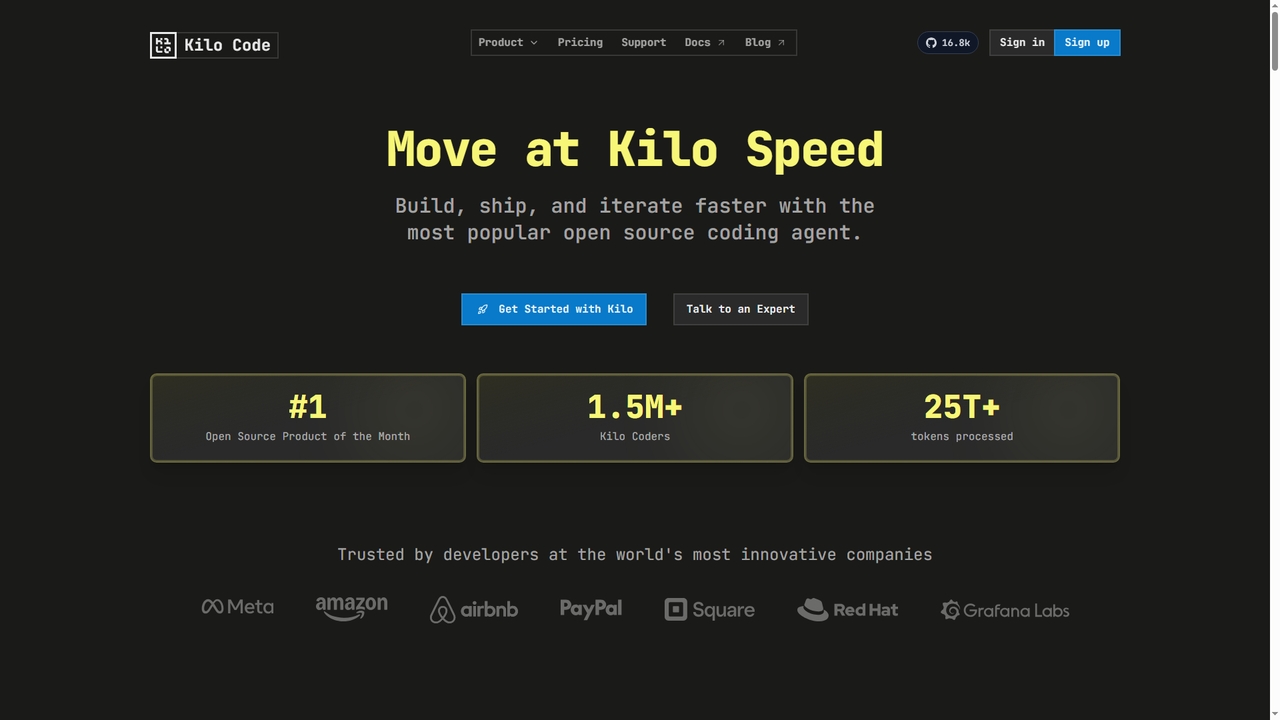
Kilo
Freemium

Kilo

Kilo is an open-source, all-in-one AI coding agent and orchestration platform designed to accelerate software development. It integrates seamlessly into your workflow via VS Code, JetBrains IDEs, and the CLI, offering access to 500+ AI models, automated code reviews, cloud agents, and deployment tools—all while emphasizing transparency, control, and developer productivity.

Ai Code Assistant
Visits 1.4MFavorites 29Likes 21
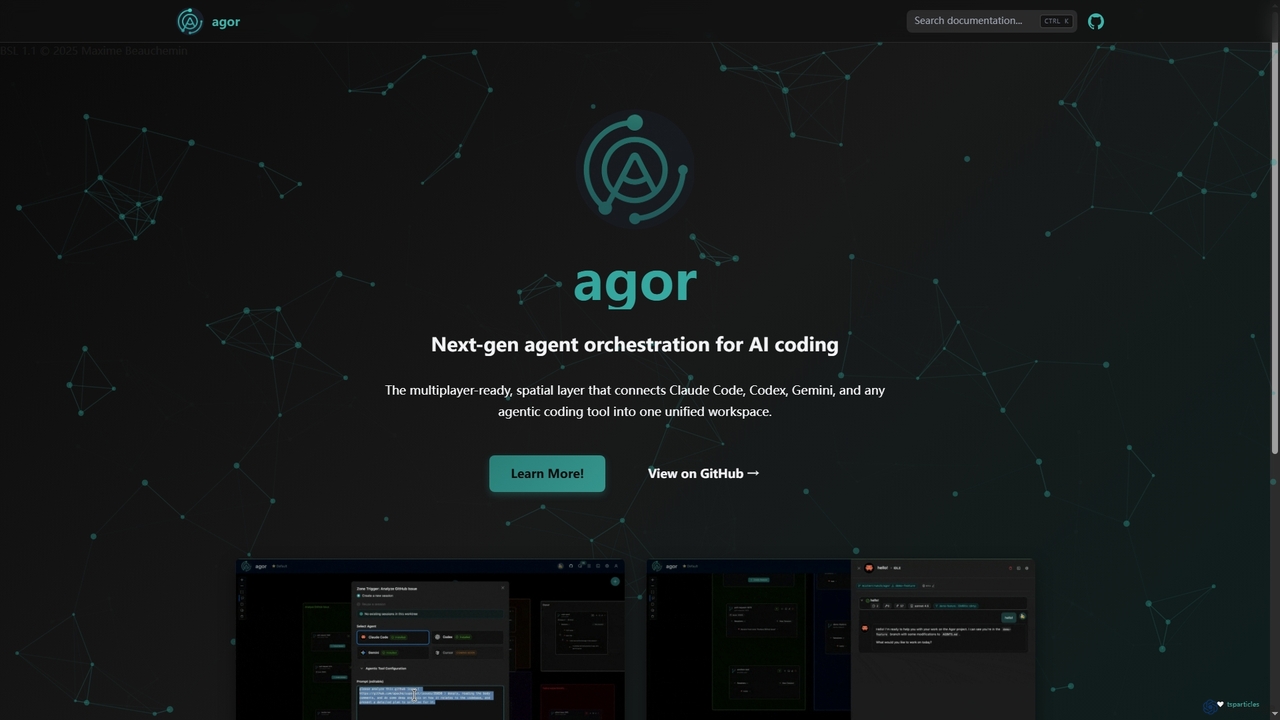
Agor

Agor

Agor is a next-generation agent orchestration platform for AI coding. It provides a multiplayer, spatial canvas that unifies coding agents like Claude Code, Codex, and Gemini into a single workspace. Teams can visualize, coordinate, and automate complex coding workflows in real-time, using isolated environments to enhance parallel development.

Ai Code Assistant
Visits 11KFavorites 124Likes 130

About Ai Code Assistant

AI Code Assistants are developer tools that integrate into your code editor to provide intelligent, real-time coding support. Leveraging large language models (LLMs), these assistants analyze the context of your code to suggest entire lines or blocks of code, not just single words. They significantly accelerate development by automating repetitive tasks, generating boilerplate code, and helping to solve complex problems. This allows developers to focus more on high-level logic and application architecture rather than routine syntax.

Core Features

  • Intelligent Code Completion: Suggests multi-line code blocks and functions based on natural language comments and existing code context.
  • Code Generation from Prompts: Creates functional code snippets, algorithms, or unit tests from a developer's plain-text description.
  • Debugging and Error Explanation: Identifies potential bugs, suggests fixes, and translates cryptic error messages into understandable explanations.
  • Code Refactoring and Optimization: Recommends improvements to existing code for better readability, performance, and adherence to best practices.
  • Documentation Generation: Automatically creates comments and docstrings for functions and classes to improve code maintainability.

Use Cases

AI Code Assistants are used by individual developers, agile teams, and large enterprises across all software development domains. They are particularly valuable for rapid prototyping, modernizing legacy systems, learning new programming languages or frameworks, and automating the creation of unit tests.

How to Choose

When selecting an AI Code Assistant, consider its integration support for your preferred IDE (e.g., VS Code, JetBrains), its proficiency with your primary programming languages, and its context awareness. Also, evaluate its security and privacy policies, especially regarding how your code is handled, and compare pricing models to find one that fits your budget and usage patterns.

Ai Code Assistant use cases

1

Accelerate API Endpoint Development

A backend developer is tasked with creating a new REST API endpoint for user profile retrieval. Instead of writing the boilerplate code manually, they write a simple comment like 'a GET endpoint to fetch user by id from database'. The AI Code Assistant instantly generates the complete function, including parameter validation, database query logic, error handling for a 'not found' user, and the JSON response structure. This reduces the development time for a single endpoint from 15 minutes to under 2 minutes, allowing the developer to build out the entire API surface much faster.

2

Refactor Legacy Code for Modernization

A maintenance team is working on a decade-old codebase with complex and inefficient functions. A developer highlights a 50-line monolithic function responsible for data processing. They prompt the AI Code Assistant with 'refactor this into smaller, testable functions and improve performance'. The assistant breaks down the function into several smaller, single-responsibility functions, replaces an inefficient loop with a more performant map/reduce operation, and adds docstrings to each new function. This not only improves performance but also makes the code significantly more readable and easier to maintain and test going forward.

3

Generate Unit Tests for Code Coverage

A software engineer has just finished writing a complex utility function for parsing configuration files. To ensure its reliability and meet the team's 90% code coverage requirement, they need to write comprehensive unit tests. Instead of manually writing each test case, they ask the AI Code Assistant to 'generate unit tests for this function, covering edge cases like empty files, malformed syntax, and missing keys'. The assistant produces a complete test suite in the project's testing framework, including setup, teardown, and assertions for multiple scenarios. This saves hours of tedious work and helps catch potential bugs early.

4

Learn a New Programming Language or Framework

A Python developer needs to start a new project using Go, a language they are unfamiliar with. While reading the documentation is helpful, they use an AI Code Assistant for practical, in-context learning. When they need to implement a concurrent task, they write a comment: 'fetch data from three APIs concurrently and combine results in Go'. The assistant provides the idiomatic Go code using goroutines and channels, along with comments explaining how they work. This interactive, example-based approach allows the developer to become productive in the new language in days rather than weeks.

5

Translate Code Snippets Between Languages

A team is migrating a service from Python to Rust for performance reasons. While most of the application is being rewritten, a complex and well-tested validation algorithm needs to be ported. A developer copies the Python function and asks the AI Code Assistant: 'Translate this Python code to idiomatic Rust, ensuring memory safety'. The assistant generates the Rust equivalent, correctly handling Rust's ownership and borrowing rules, using Result types for error handling, and suggesting appropriate crates for dependencies. This avoids a manual, error-prone translation process and leverages the AI's knowledge of best practices in the target language.

6

Explain and Debug Unfamiliar Code

A junior developer is assigned a bug in a part of the codebase they've never seen before. The code involves complex regular expressions and bitwise operations. Instead of spending hours deciphering it, they highlight the confusing block of code and ask the AI Code Assistant, 'Explain what this code does, step by step'. The assistant provides a natural language breakdown of the logic. When they encounter an error, they paste the stack trace, and the assistant not only identifies the likely cause but also suggests a specific code change to fix it. This process transforms a daunting debugging task into a valuable learning experience.

Ai Code Assistant FAQ

What is an AI Code Assistant?

An AI Code Assistant is a tool that integrates with a developer's Integrated Development Environment (IDE) or code editor to provide real-time, AI-powered help. Unlike traditional tools, it understands the context and intent behind the code. Key features include generating entire code blocks from natural language, suggesting multi-line completions, finding bugs, and explaining complex code snippets. It acts like an AI-powered pair programmer, helping to increase productivity and code quality.

How is an AI Code Assistant different from traditional autocompletion?

Traditional autocompletion works by analyzing syntax and suggesting known variables, functions, or keywords from the current file and imported libraries. It is limited to what already exists. An AI Code Assistant goes much further by using large language models to understand the developer's intent. It can:

  • Generate new code: It writes entire functions or classes based on a comment.
  • Understand context: It considers the logic of the entire project, not just the current file.
  • Suggest complex blocks: It can suggest multi-line code blocks, like loops or conditional statements, complete with logic.
  • Refactor and explain: It can rewrite existing code for clarity or performance and explain what code does.

In essence, traditional autocompletion suggests the next word, while an AI Code Assistant suggests the next logical step.

How do I choose the right AI Code Assistant?

Choosing the right AI Code Assistant depends on your specific needs and workflow. Consider these key factors:

  • IDE and Editor Integration: Ensure the assistant has a stable, well-maintained extension for your primary code editor (e.g., VS Code, JetBrains IDEs, Neovim).
  • Language Support: While most support popular languages, some excel in specific ecosystems (like Python, JavaScript, or Rust). Check for strong support for your main programming languages.
  • Context Awareness: The best assistants can analyze your entire workspace or repository for context, leading to more relevant suggestions. Look for this feature.
  • Security and Privacy: Understand how your code is used. Does it get sent to the cloud? Is it used for training models? Some offer on-premise solutions for enhanced security.
  • Features and Cost: Compare features like code generation, debugging, and refactoring against the pricing model (subscription, free tier, etc.) to find the best value for you.
Can AI Code Assistants write a complete application?

No, AI Code Assistants are not designed to write entire, complex applications from scratch on their own. They excel at generating smaller, well-defined pieces of code like functions, classes, algorithms, or boilerplate for a new component. They are powerful assistants, not autonomous developers. A human developer is still essential for high-level tasks such as:

  • Application architecture and system design.
  • Defining complex business logic and requirements.
  • Making strategic decisions about technology stacks.
  • Reviewing, testing, and integrating the AI-generated code to ensure it meets quality and security standards.

They augment a developer's abilities, allowing them to work faster and smarter, but do not replace the critical thinking and design skills of a human engineer.

Is the code generated by AI Code Assistants secure and reliable?

The code generated by AI Code Assistants should be treated as a first draft and always be carefully reviewed by a human developer. While often correct and helpful, it can sometimes contain subtle bugs, inefficiencies, or security vulnerabilities. The quality of the output depends on the training data of the AI model.

Key considerations for security and reliability include:

  • Human Review is Essential: Never trust AI-generated code in production without a thorough review and testing process.
  • Potential for Vulnerabilities: The AI might suggest code patterns that are outdated or have known security flaws if trained on older codebases.
  • Data Privacy: Be aware of the tool's policy on data. Some tools may send your code snippets to their servers for processing, which could be a concern for proprietary or sensitive code.

Ultimately, the developer is always responsible for the final code that gets committed and deployed.