

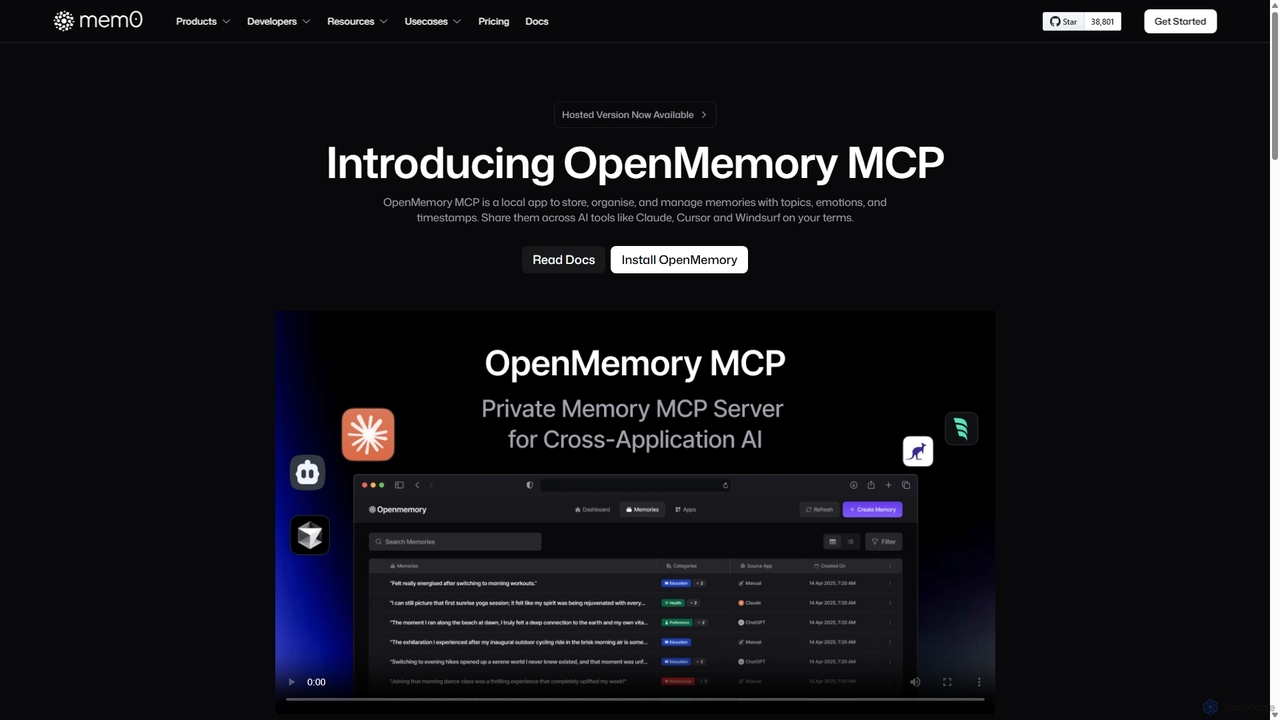
OpenMemory MCP Overview
OpenMemory MCP is a powerful local application that acts as a persistent, private memory for your interactions with various AI tools. In an era where AI assistants are becoming integral to daily workflows, losing context between sessions or across different platforms is a significant pain point. OpenMemory MCP solves this by creating a secure, on-device repository for your important information, or "memories". These memories can be anything from project-specific context, preferred coding styles, complex debugging trails, or even personal thought journals. By connecting to AI clients like Claude, Cursor, and Windsurf, it ensures that your AI interactions are always personalized, consistent, and efficient, without compromising your privacy.
The core philosophy of OpenMemory MCP is "Privacy First By Design." All your data is stored locally on your machine by default, meaning your sensitive information, project details, and personal notes never leave your device unless you explicitly choose to share them. This local-first approach gives you complete control and transparency over your data, a crucial feature for developers, researchers, and professionals handling confidential information. The tool enriches memories with metadata like topics, emotions, and timestamps, making them easily searchable and manageable, transforming your scattered interactions into a structured, personal knowledge base.
How to use OpenMemory MCP
Getting started with OpenMemory MCP is straightforward. First, you need to download and install the local application on your computer. Once installed, you can begin connecting it to your favorite AI tools that support the OpenMemory protocol. The process typically involves authorizing the connection within the AI tool's settings. After connecting, you can start creating memories during your AI chats. You can selectively save important pieces of information, such as a project requirement, a useful code snippet, or a key decision from a debugging session. These memories are then stored locally and can be recalled in future sessions with the same or even different AI tools, providing them with the necessary context to give you more accurate and personalized responses. You can manage all your memories within the OpenMemory MCP application, organizing them with tags and categories for easy retrieval.
Core Features of OpenMemory MCP
- Local-First Storage: All memories are stored securely on your own device by default, ensuring maximum privacy and data ownership. Nothing is uploaded to the cloud without your explicit permission.
- Cross-Tool Context Continuity: Seamlessly carry context, history, and preferences between different AI applications. Start a debugging session in one tool and continue it in another without losing track.
- Personalized AI Interactions: Let your AI tools remember your unique style, past questions, preferred programming languages, and project-specific terminology for highly tailored responses.
- Structured Memory Organization: Enrich memories with metadata such as topics, categories, emotions, and timestamps, making it easy to search, filter, and manage your personal knowledge base.
- Permission-Based Access Control: You have granular control over which applications can read or write memories. The system is transparent, allowing you to see exactly what information has been accessed.
- Privacy by Design: Built from the ground up with privacy as a core principle, ensuring transparency, user consent, and data portability are central to the experience.
Use Cases for OpenMemory MCP
OpenMemory MCP is versatile and benefits a wide range of professionals:
- Software Development: Track error patterns, recall useful code snippets, maintain a debugging trail, and provide new team members with project context instantly.
- Content Creation & Writing: Maintain a consistent tone and style across documents, recall research notes, and keep a journal of creative ideas.
- Project Management: Document feature request history, store meeting insights, and ensure all AI-assisted communications are aligned with project goals.
- Personal Knowledge Management: Use it as a thought journal, track personal moods and reflections, and build a searchable database of your own insights and learnings.
- Prompt Engineering: Save and reuse effective AI prompts, track the evolution of your prompting techniques, and build a library of best practices.
Advantages of OpenMemory MCP
The primary advantage of OpenMemory MCP is the powerful combination of enhanced AI capability and user-controlled privacy. It makes AI interactions significantly more efficient by eliminating the need to repeatedly provide context, which saves time and reduces token costs on LLM APIs. By keeping data local, it addresses major privacy concerns associated with sending sensitive information to third-party AI services. This fosters a more secure and trustworthy relationship with AI tools. Furthermore, it promotes a seamless workflow, allowing users to leverage the best tool for a specific task without being locked into a single ecosystem due to context loss.
Pricing and Plans
OpenMemory MCP operates on a freemium model. The core local application, which allows you to store and manage memories on your own device, is available for free. For users who require advanced features such as cloud sync, team collaboration, or a managed service, a hosted version is available with subscription-based pricing. This flexible model allows individual users to benefit from personalized AI for free, while providing scalable solutions for teams and businesses. For detailed pricing on the hosted plans, please visit the official website.
OpenMemory MCP Alternatives
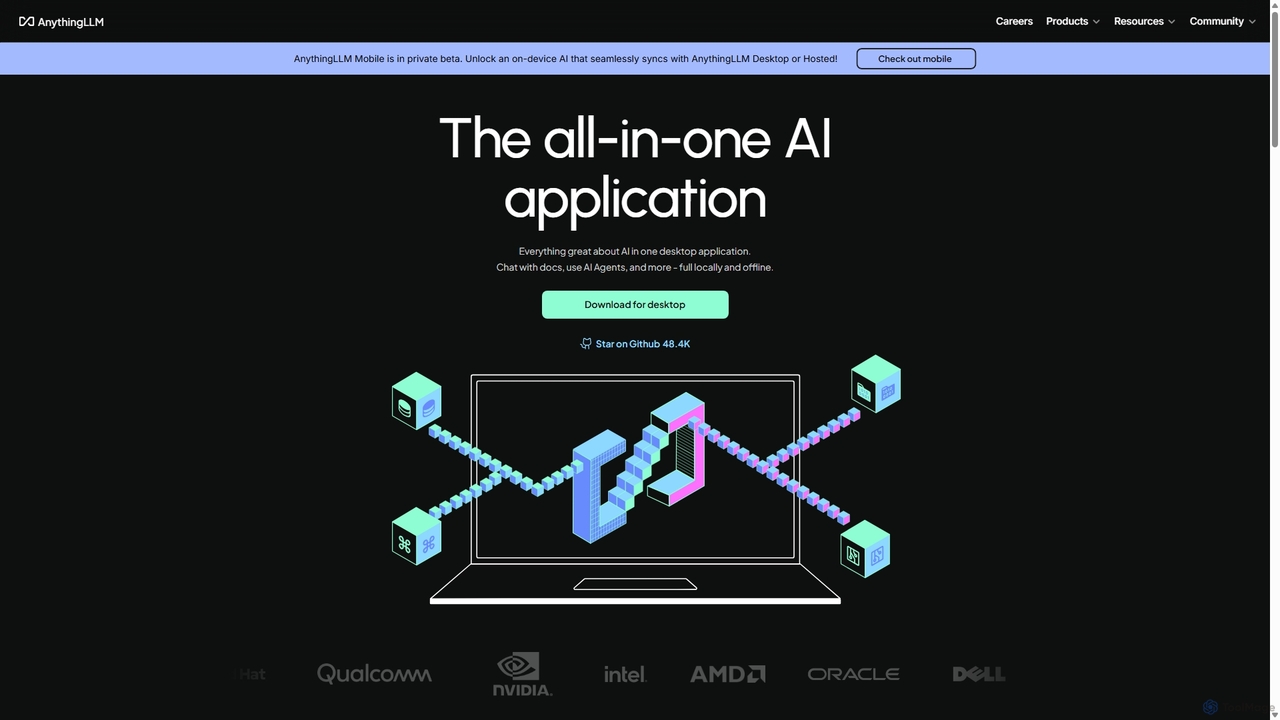
AnythingLLM
AnythingLLM is an open-source, all-in-one AI application that runs locally on your desktop or can be self-hosted. It allows you to create a private knowledge base from any document, chat with your data, and utilize powerful AI agents while ensuring complete data privacy and control.
Document Management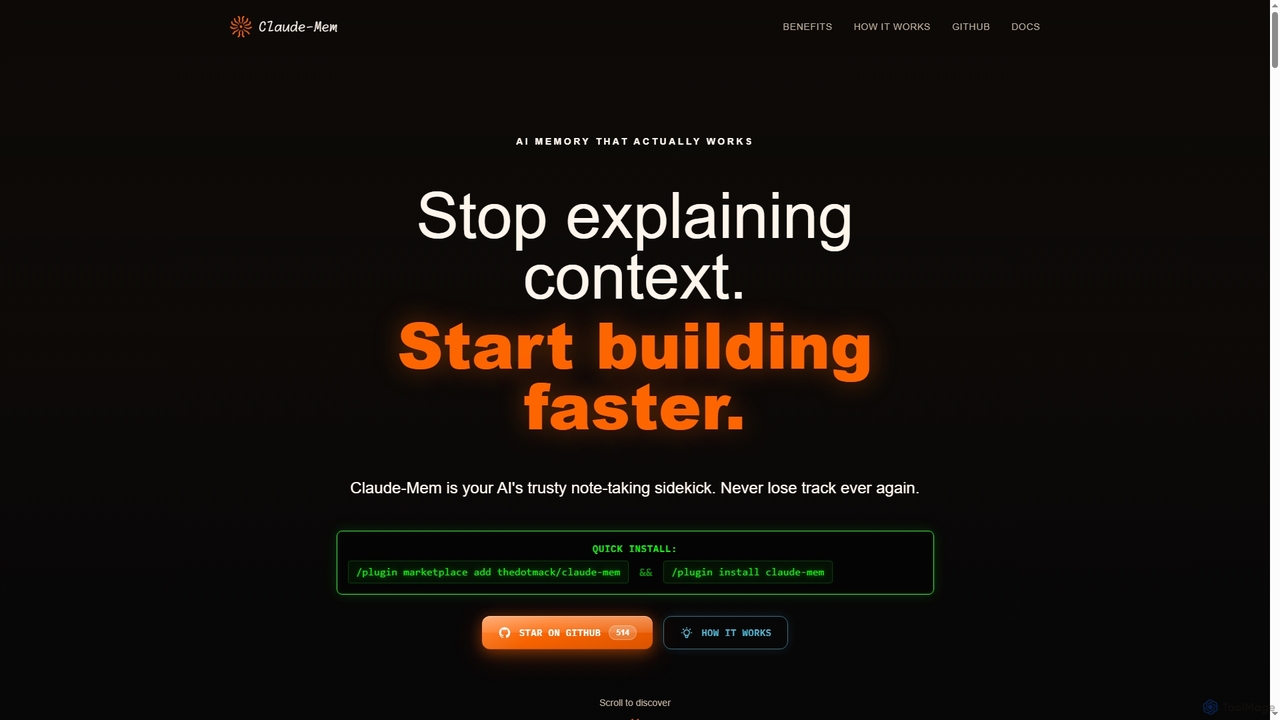
Claude-Mem
Claude-Mem is an AI memory archive designed for coding assistants. It acts as a note-taking sidekick, automatically observing and recording development context like decisions, bug fixes, and architectural choices in real-time. This provides your AI with a persistent memory across sessions, enhancing productivity and eliminating repetitive explanations.
Ai Assistant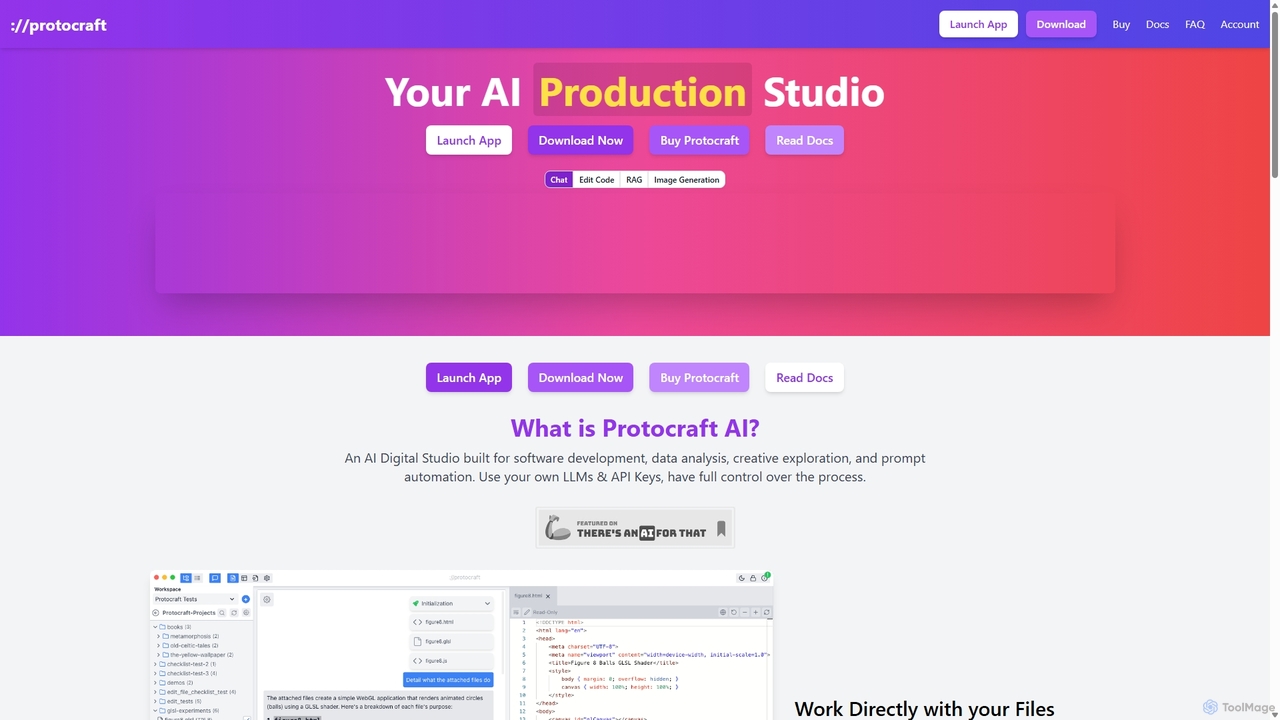
Protocraft AI
Protocraft AI is a versatile AI production studio for software development, data analysis, and creative tasks. It operates on a 'Bring Your Own Key' (BYOK) model, integrating with major LLMs like OpenAI, Anthropic, and Google, as well as local models. Available as both a web and desktop app, it allows users to interact directly with their local files, generate and edit code, create images, and automate prompts, all while maintaining full control over their data and privacy.
Business Intelligence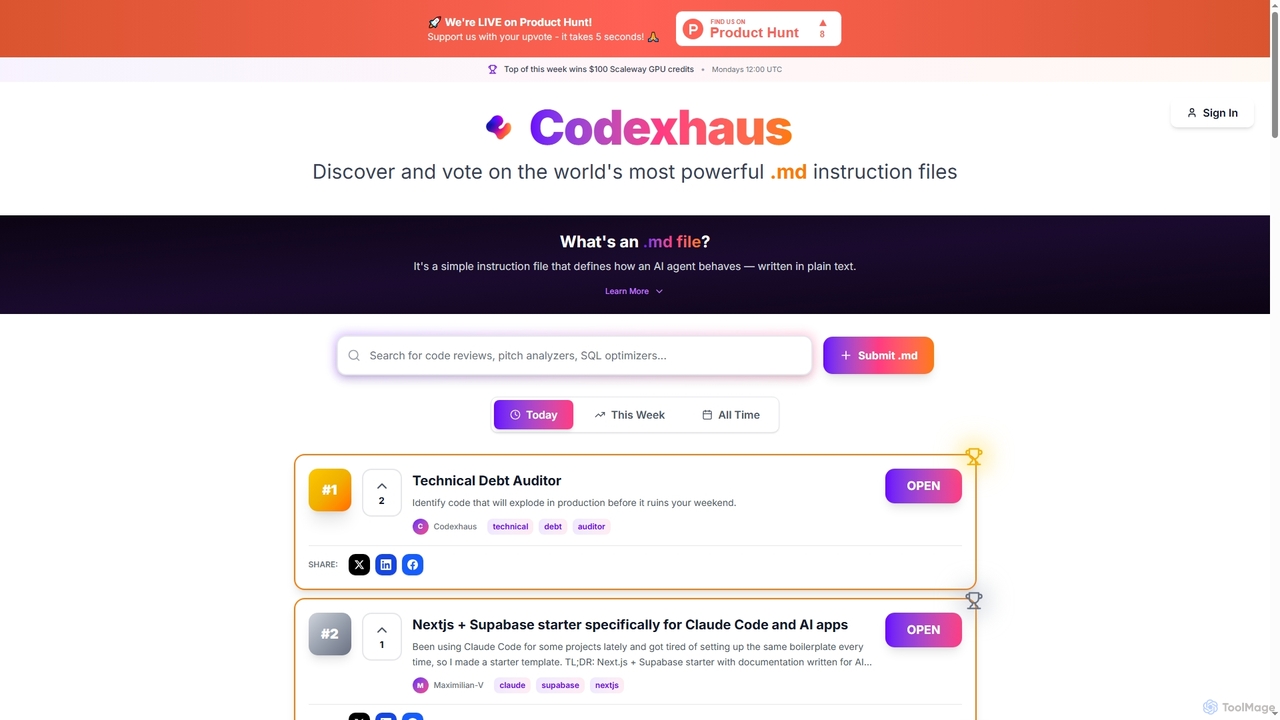
Codexhaus
A community-driven platform for discovering, sharing, and voting on high-quality AI instruction files. It offers a curated library of prompts for various professional tasks, from software development to product management.
Product Management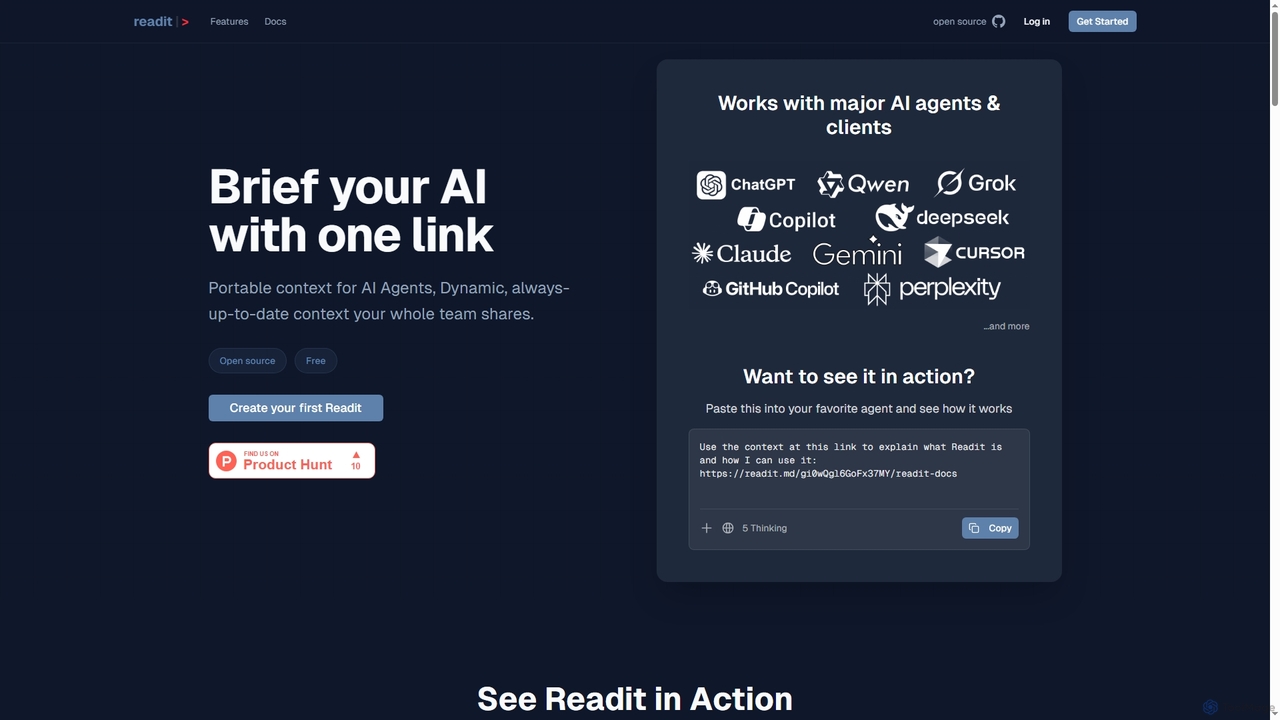
Readit
Readit is an open-core platform providing portable, dynamic, and always-up-to-date context for AI agents and teams. It centralizes instructions, files, and references into a single shareable link, eliminating the need for repetitive copy-pasting and ensuring consistent knowledge across different AI tools and collaborators.
Prompt EngineeringOpenMemory MCP Categories
OpenMemory MCP Jobs
OpenMemory MCP Embed Widget
Copy this embed code to place the badge on your blog, article, or product site and send readers directly to this ToolMage detail page.

Related AI tools
AnythingLLM
AnythingLLM is an open-source, all-in-one AI application that runs locally on your desktop or can be self-hosted. It allows you to create a private knowledge base from any document, chat with your data, and utilize powerful AI agents while ensuring complete data privacy and control.
Document ManagementProtocraft AI
Protocraft AI is a versatile AI production studio for software development, data analysis, and creative tasks. It operates on a 'Bring Your Own Key' (BYOK) model, integrating with major LLMs like OpenAI, Anthropic, and Google, as well as local models. Available as both a web and desktop app, it allows users to interact directly with their local files, generate and edit code, create images, and automate prompts, all while maintaining full control over their data and privacy.
Business IntelligenceCodexhaus
A community-driven platform for discovering, sharing, and voting on high-quality AI instruction files. It offers a curated library of prompts for various professional tasks, from software development to product management.
Product Management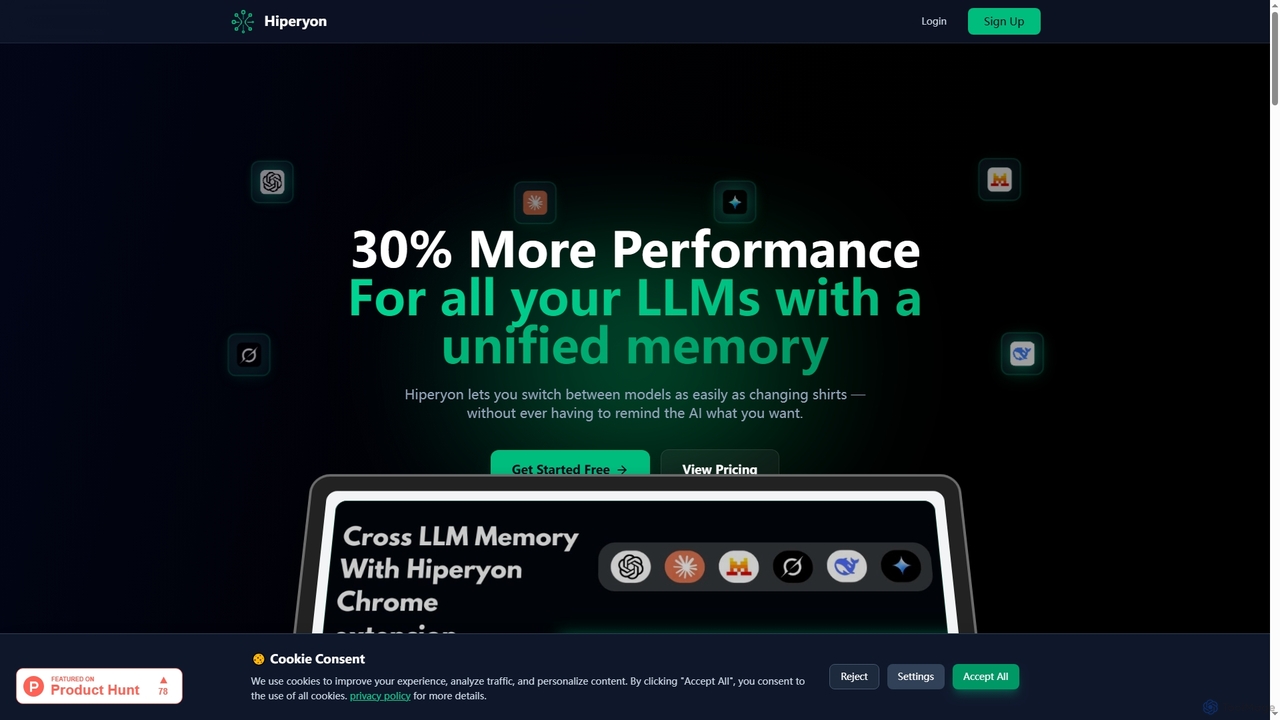
Hiperyon
Hiperyon is an AI tool that provides a unified contextual memory layer for multiple Large Language Models (LLMs) like ChatGPT, Claude, and Gemini. It enhances productivity by allowing users to switch between different AI models without losing context or repeating information, ensuring consistent and efficient interactions.
Context ManagementReadit
Readit is an open-core platform providing portable, dynamic, and always-up-to-date context for AI agents and teams. It centralizes instructions, files, and references into a single shareable link, eliminating the need for repetitive copy-pasting and ensuring consistent knowledge across different AI tools and collaborators.
Prompt Engineering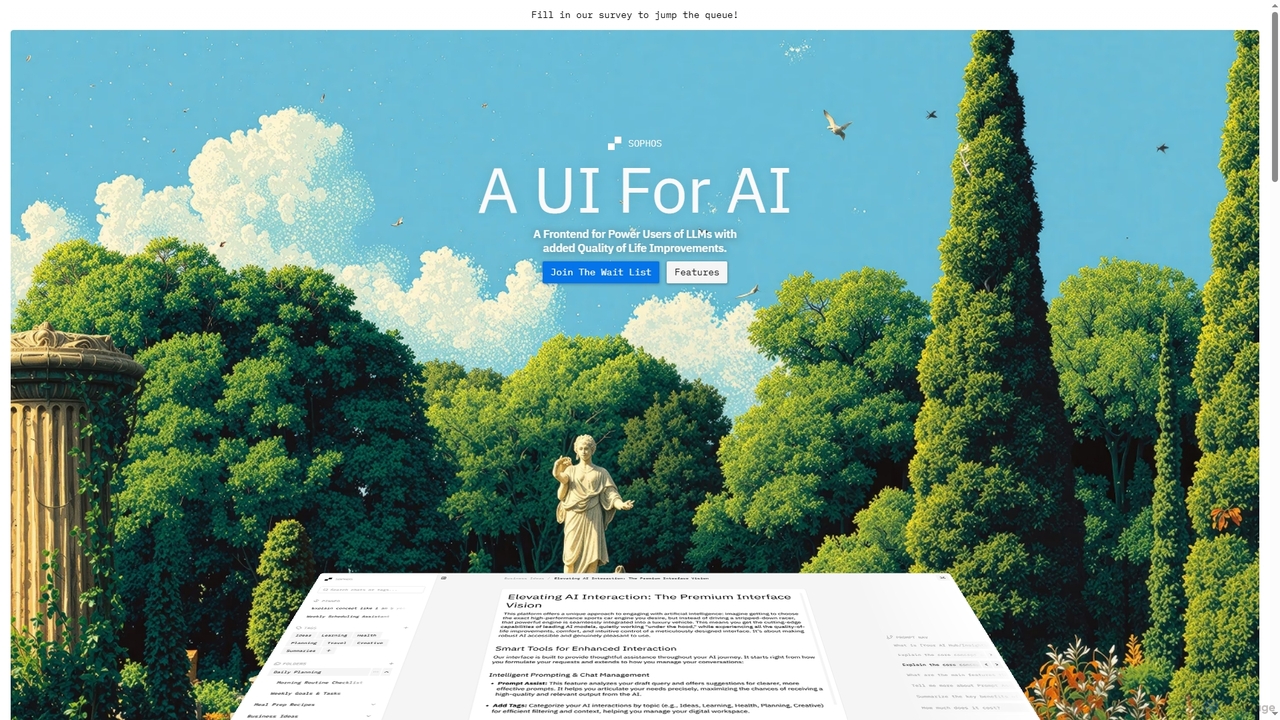
Sophos
Sophos is an advanced UI frontend designed for power users of Large Language Models (LLMs). It enhances the user experience with quality-of-life improvements, allowing users to interact with leading AI engines through a modern, organized interface. Key features include chat organization, prompt assistance, and enhanced navigation.
Workflow Management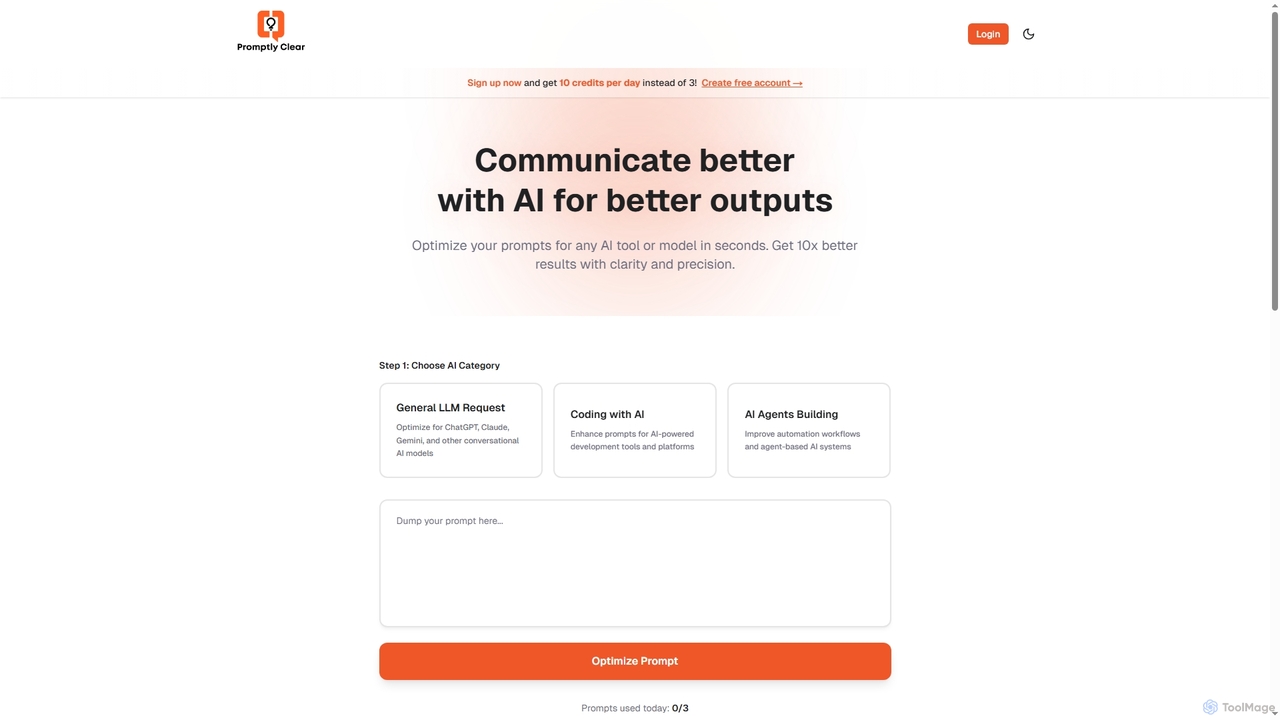
PromptlyClear
PromptlyClear is an AI prompt optimizer designed to refine user inputs for large language models like ChatGPT, Claude, and Gemini. It enhances clarity and precision, enabling users to achieve significantly better and more detailed AI outputs across various applications, from business research to coding.
Research Assistant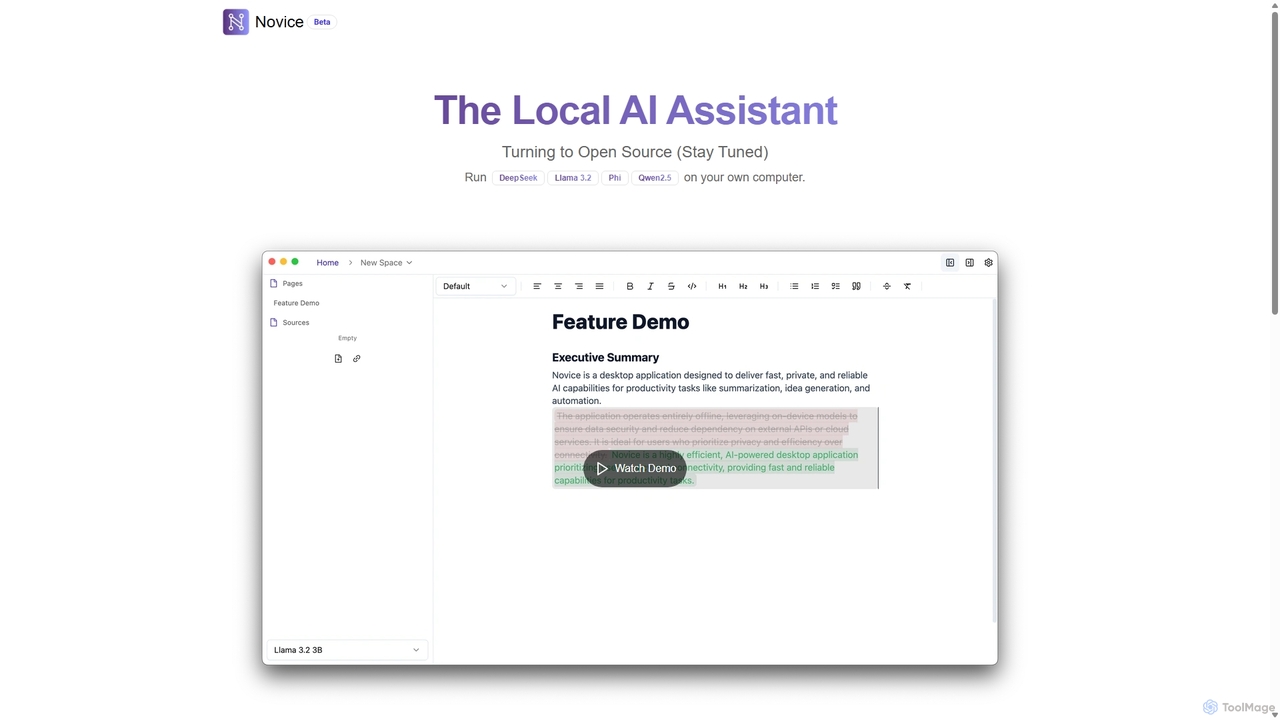
Novice
Novice is a local-first AI assistant that runs powerful language models like Llama 3.2 and Phi directly on your computer. It transforms your documents into a private, offline knowledge base, allowing you to analyze, summarize, and query information with complete data privacy. Every answer is backed by clear citations from your sources, ensuring accuracy and trust.
Local Ai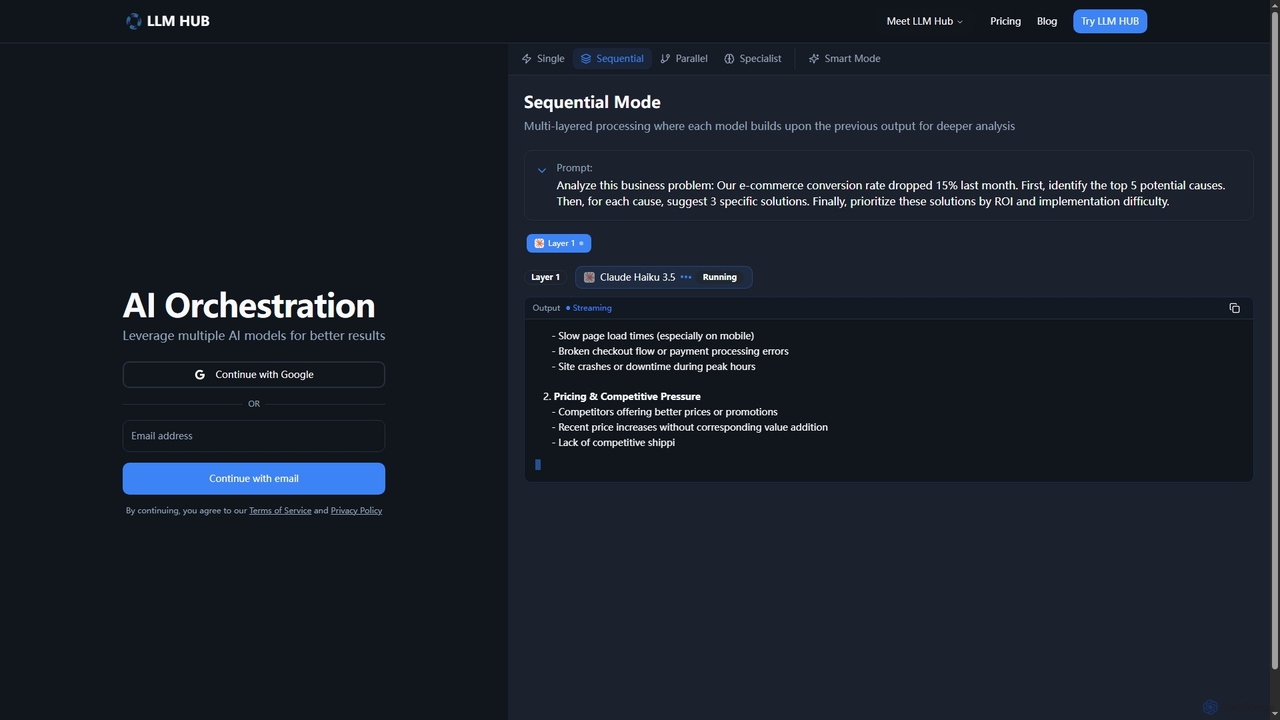
LLM Hub
LLM Hub is an advanced multi-model AI orchestration platform designed to leverage the power of 20+ large language models from 5 major vendors. It enables users to combine and chain various AI models through Sequential, Parallel, Specialist, and Smart (Auto-Routing) modes for deeper analysis and superior results on complex tasks.
Multi Model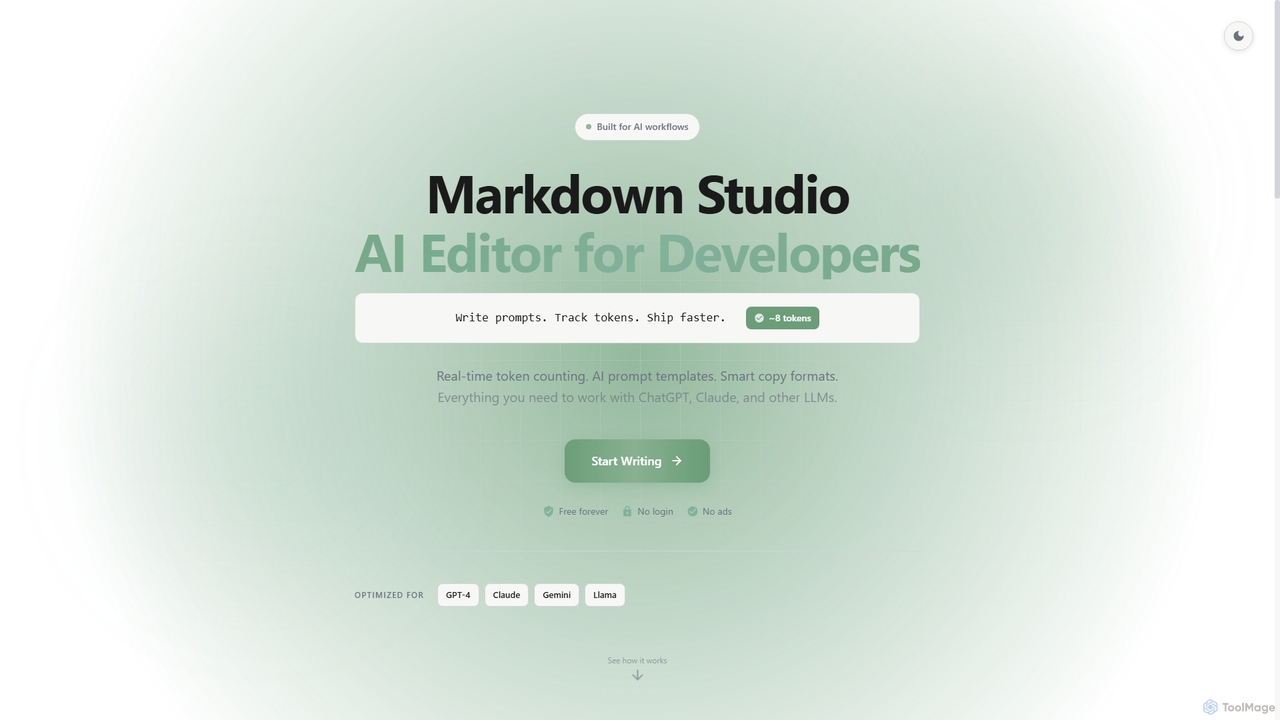
Markdown Studio
Markdown Studio is a free, AI-powered Markdown editor designed for developers and prompt engineers. It streamlines AI workflows with features like real-time token counting for LLMs (GPT-4, Claude, Gemini), AI prompt templates, and smart copy formats, all within a feature-rich, multi-tab editing environment that requires no login.
Text Generation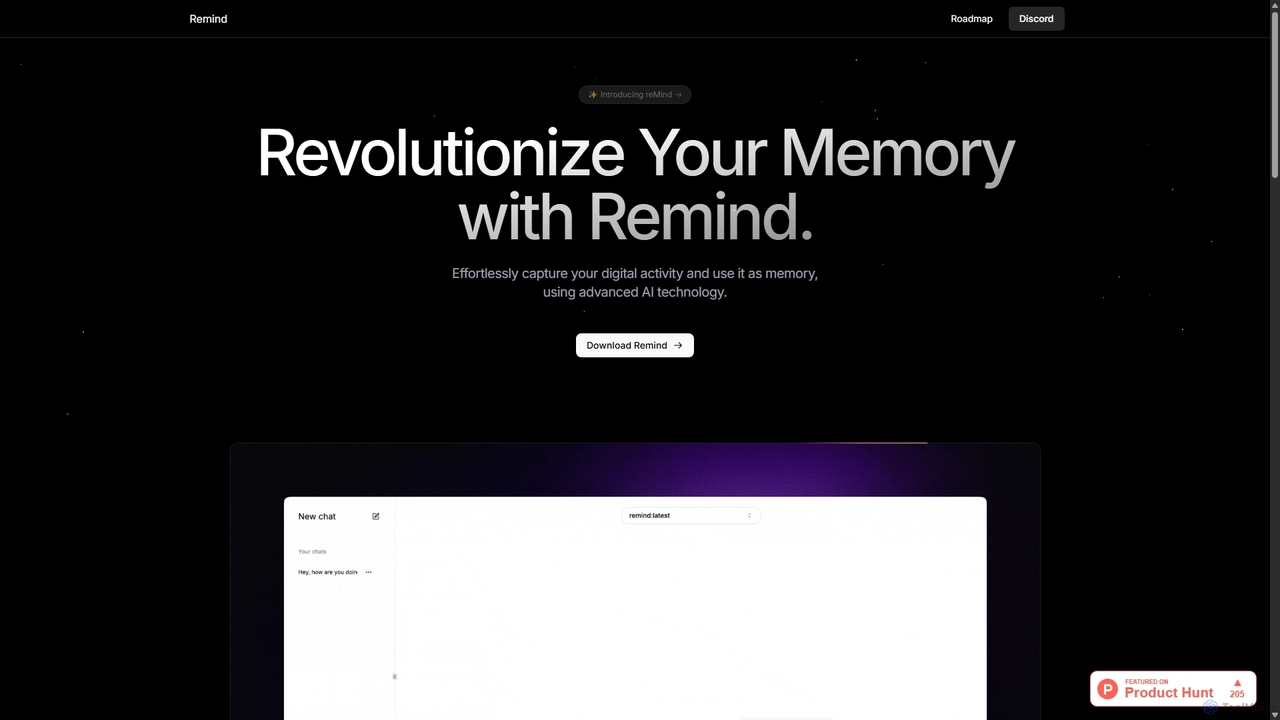
ReMind
reMind is an open-source, privacy-first AI tool that acts as your personal memory. It captures your digital activity locally, allowing you to search and recall anything you've seen or done on your computer using natural language. It runs entirely on your machine for maximum security.
Utilities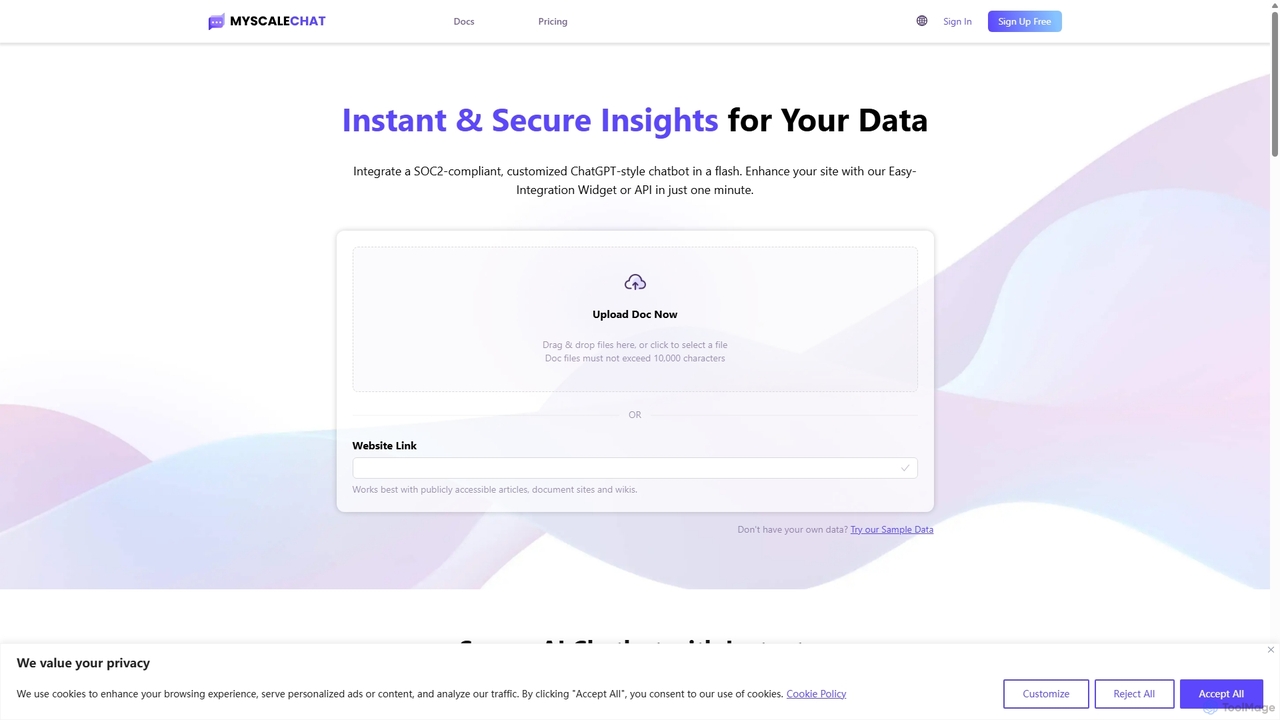
MyScale Chat
MyScale Chat is an AI-powered platform that enables users to build custom chatbots by chatting with their own data. Leveraging the high-performance MyScale vector database, it provides instant, secure, and accurate insights from documents, websites, or knowledge bases. It's designed for developers and businesses to create sophisticated RAG (Retrieval-Augmented Generation) applications, transforming private data into interactive, intelligent conversational agents.
Document Analysis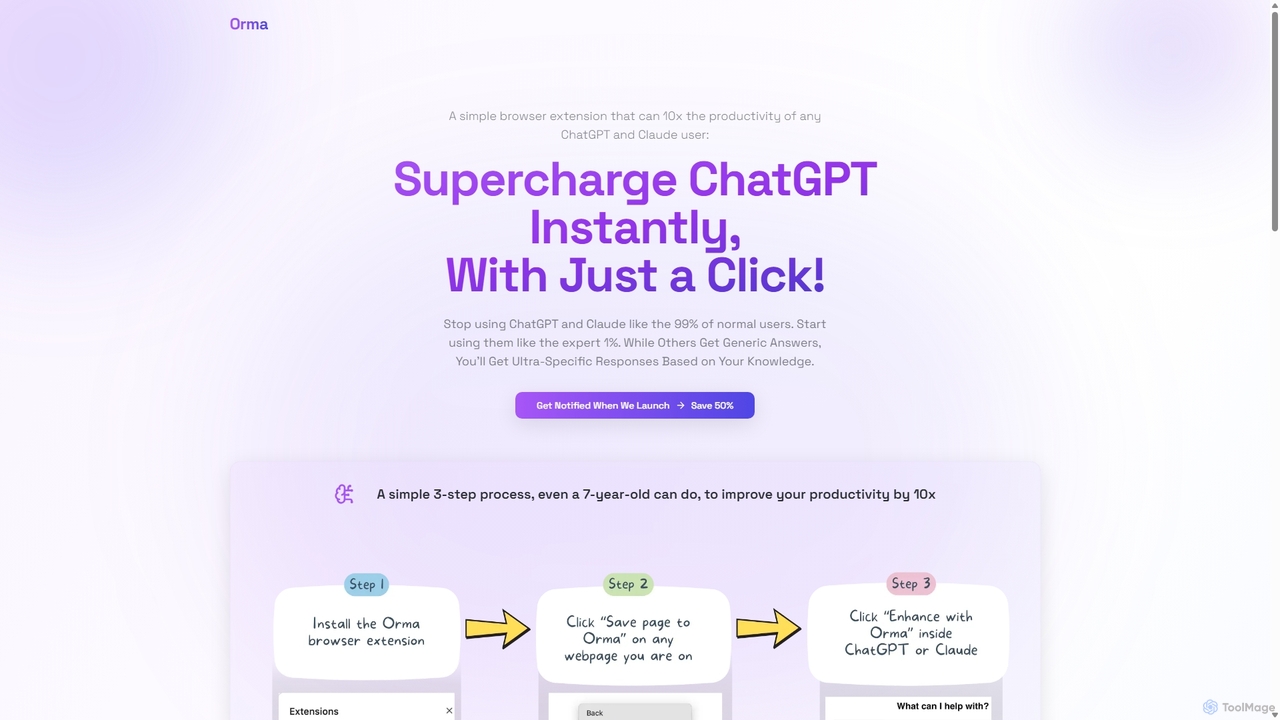
Orma
Orma is a browser extension that transforms your web browsing into a personal knowledge base, or 'digital memory layer'. It allows you to intelligently capture web content and seamlessly integrate it with AI models like ChatGPT and Claude. This turns generic AI responses into highly specific, personalized insights based on your own curated knowledge, boosting productivity by up to 10x.
Search Tools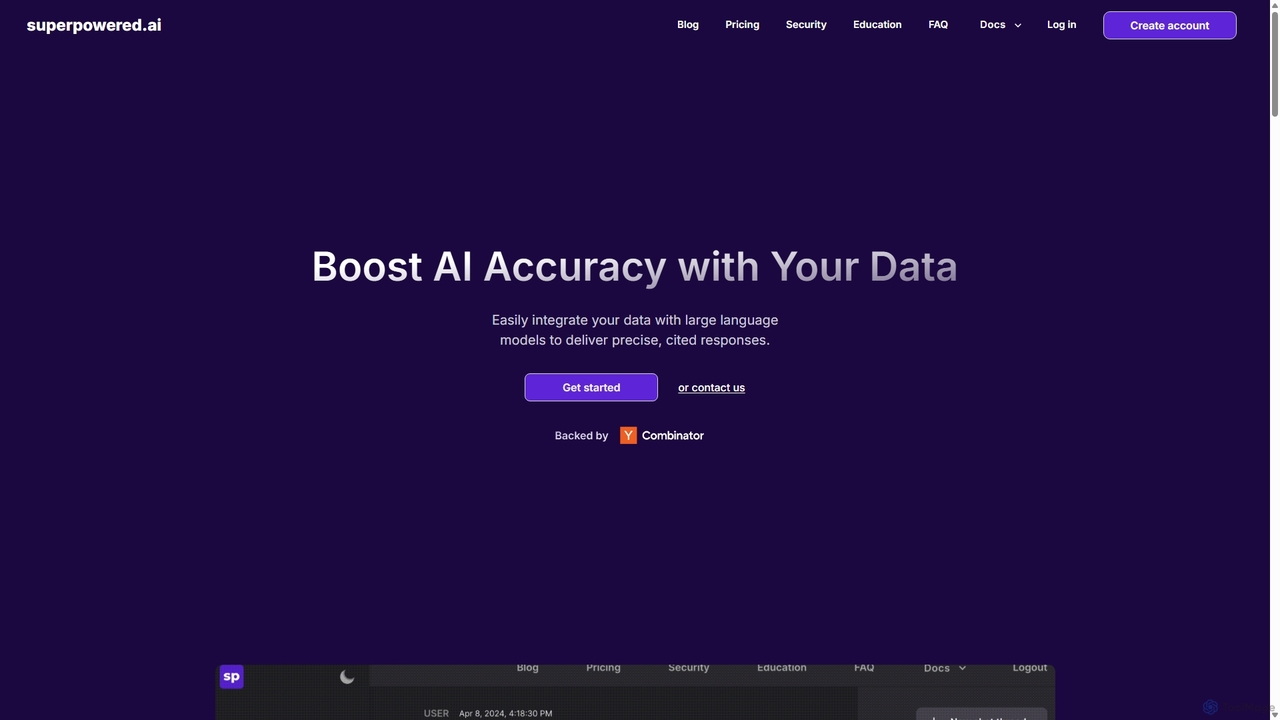
Superpowered AI
Superpowered AI is a platform that enhances Large Language Models (LLMs) by securely connecting them to your private data. It enables developers and businesses to build highly accurate, cited AI applications like chatbots, search tools, and content generators through a flexible API and an intuitive no-code interface.
Chatbots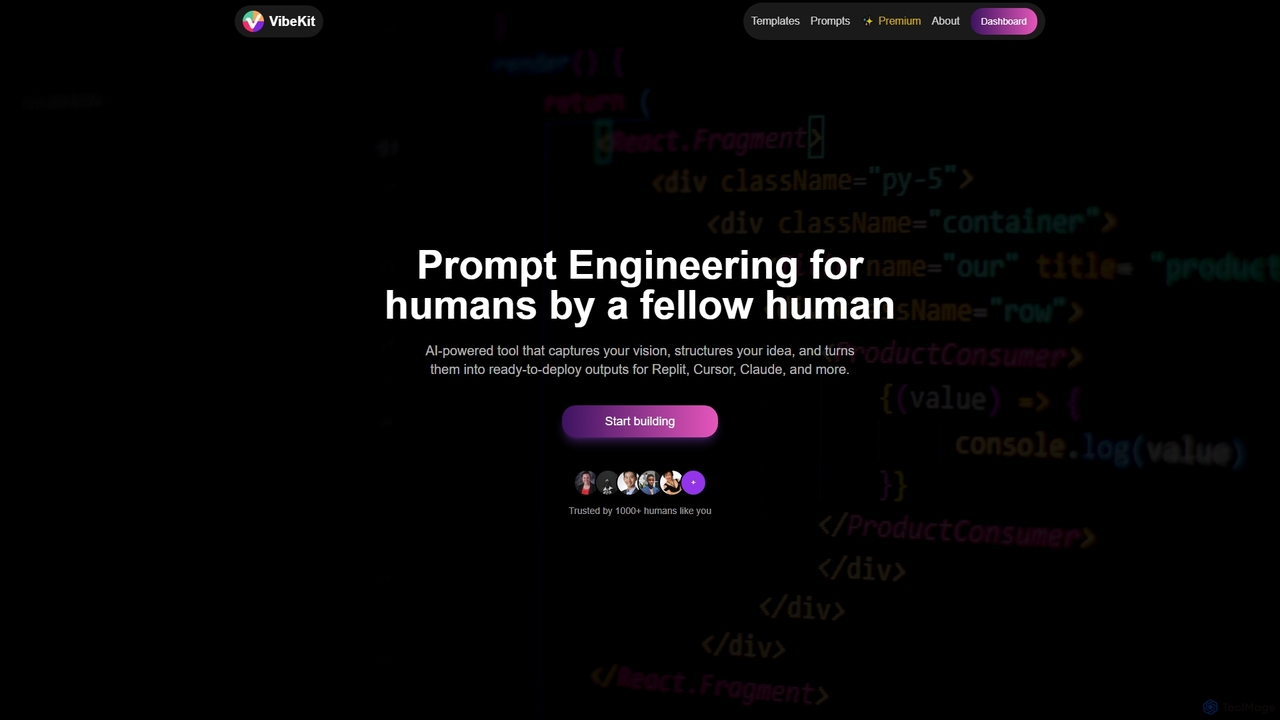
VibeKit
VibeKit is an AI-powered context engineering tool designed for humans to transform ideas into ready-to-deploy outputs. It helps users capture their vision, structure thinking, and generate optimized prompts and scaffolds for platforms like Replit, Cursor, and Claude, accelerating project development from concept to production.
Startup Tools
OpenMemory MCP Comments (0)
Sign in to comment.
Sign inNo comments yet.