Developer Tools Best in category 2 results Workflow Management AI Tool

Popular AI tools in the Workflow Management field of Developer Tools include Guse、Sophos, etc., helping you quickly improve efficiency.

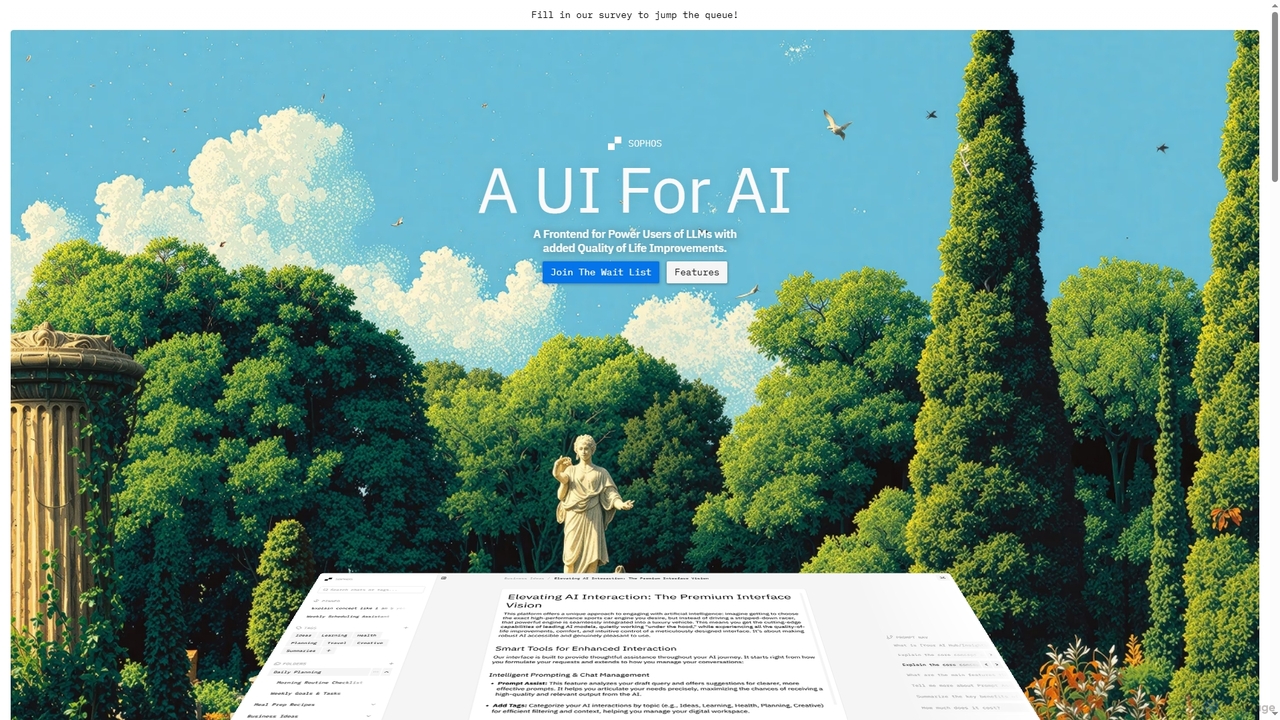
Sophos

Sophos

Sophos is an advanced UI frontend designed for power users of Large Language Models (LLMs). It enhances the …

2.1K
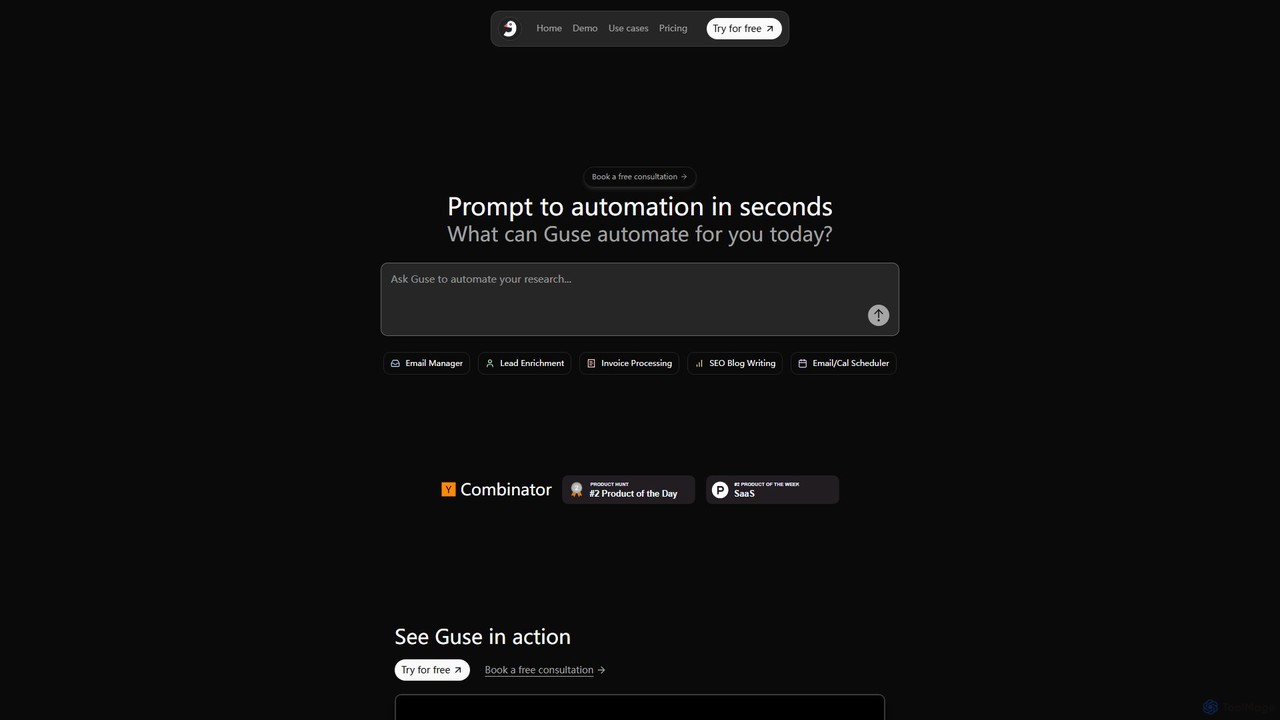
Guse

Guse

Guse is an AI-powered automation platform that transforms natural language prompts into complex workflows. It allows users to …

3.9K

About Workflow Management

Workflow Management tools are AI-powered platforms designed to automate, optimize, and monitor business processes and tasks. These tools leverage artificial intelligence to streamline operations by intelligently routing work, connecting disparate systems, and providing real-time insights into process performance. They enable organizations to enhance efficiency, reduce manual errors, and ensure consistent execution across various departments, making them a crucial component within the broader category of developer tools for building integrated solutions.

Core Features

  • Process Automation: Automatically triggers tasks, data transfers, and approvals based on predefined rules or AI-driven insights.
  • Intelligent Task Routing: Uses AI to assign tasks to the most suitable team member or system, considering factors like workload, skills, and deadlines.
  • Performance Monitoring: Provides real-time dashboards and analytics to track workflow bottlenecks, efficiency, and compliance.
  • System Integration: Connects with a wide array of third-party applications like CRMs, ERPs, and communication platforms to create seamless data flow.

Applicable Scenarios

Businesses across various sectors utilize Workflow Management tools to standardize and accelerate repetitive operations. For instance, HR departments automate employee onboarding, ensuring all necessary documents are collected and training modules assigned. Marketing teams use them to manage content approval processes, from drafting to publishing, across multiple channels.

How to Choose

When selecting a Workflow Management tool, consider its integration capabilities with your existing tech stack, the level of customization offered for complex processes, and its scalability to grow with your business needs. Evaluate the AI features, such as predictive analytics or anomaly detection, and assess the user-friendliness for both technical and non-technical staff.

Workflow ManagementUse Cases

1

Automating Employee Onboarding

HR departments use Workflow Management tools to automate the entire onboarding process, from sending welcome emails and collecting necessary documents to setting up IT access and assigning initial training modules, ensuring a consistent and efficient experience for new hires.

2

Streamlining Customer Support Ticket Resolution

Customer service teams leverage these tools to automatically route incoming support tickets to the appropriate agent or department based on keywords, urgency, or customer history, accelerating resolution times and improving customer satisfaction.

3

Managing Content Approval Workflows

Marketing and content teams implement Workflow Management to define and automate the stages of content creation, review, and approval. This ensures all stakeholders, from writers to legal reviewers, provide feedback efficiently before publication.

4

Optimizing Software Development Release Pipelines

Development teams integrate Workflow Management tools to orchestrate continuous integration/continuous deployment (CI/CD) pipelines, automating code reviews, testing, and deployment stages, thereby accelerating release cycles and reducing manual errors.

5

Automating Financial Approval Processes

Finance departments utilize these tools to automate expense report approvals, purchase order authorizations, and invoice processing. This ensures compliance, reduces manual intervention, and provides clear audit trails for all financial transactions.

6

Coordinating Cross-Departmental Project Tasks

Project managers employ Workflow Management to define dependencies and automate task assignments across different departments for complex projects. This ensures timely handoffs, tracks progress, and provides a holistic view of project status.

Workflow ManagementFrequently Asked Questions