ToolMage
Sign in

Best 7 No Code AI tools for Business

Popular No Code AI tools in Business include Tomat.AI, NextBrain, OpenDoc AI, Skillfusion, Eloquence, Guse, and aikit, helping you work more efficiently.

Freemium

NextBrain

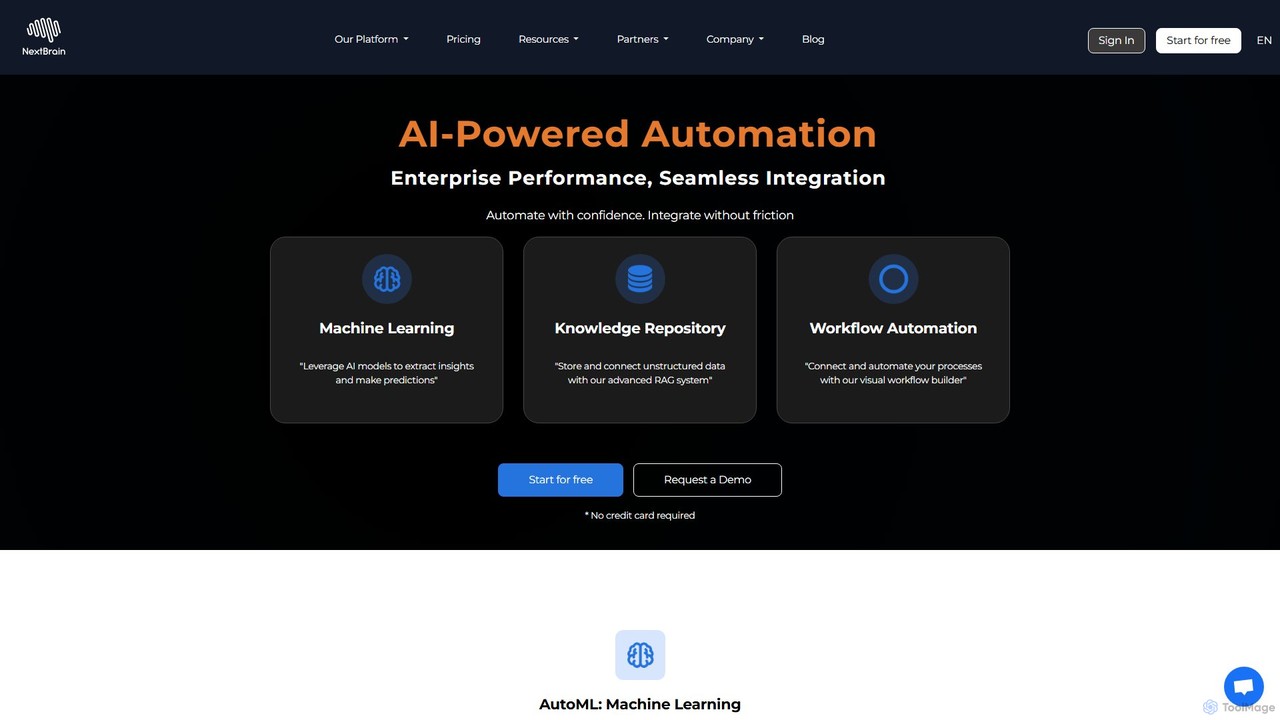
NextBrain is a no-code AI platform that empowers businesses to build, deploy, and automate machine learning models. It features AutoML for predictive analytics, a RAG-based knowledge repository for data insights, and a visual workflow builder to connect and automate processes, making advanced data science accessible to all users.

No Code
Visits 6.7KFavorites 119Likes 115
Freemium

aikit

aikit is a comprehensive AI development toolkit and no-code platform designed for developers and businesses. It provides a suite of powerful APIs and a visual workflow builder to easily integrate artificial intelligence into applications, automate processes, and create custom AI solutions without extensive coding knowledge. Accelerate your AI development from idea to deployment with aikit.

No Code
Visits 3.5KFavorites 147Likes 141
Paid

OpenDoc AI

OpenDoc AI is a next-generation, no-code AI platform that empowers users to automate data workflows, generate business insights, and build custom AI models using simple natural language prompts. It connects to various data sources, making data science accessible to everyone, regardless of technical expertise.

No Code
Visits 6.7KFavorites 128Likes 135
Freemium

Skillfusion

Skillfusion is an AI tool marketplace featuring over 100 specialized, multi-step AI tools for writing, marketing, and automation. It offers a unique block-based system and a free tool builder, allowing users to create and even sell their own custom AI applications.

No Code
Visits 6.6KFavorites 112Likes 111
Freemium

Guse

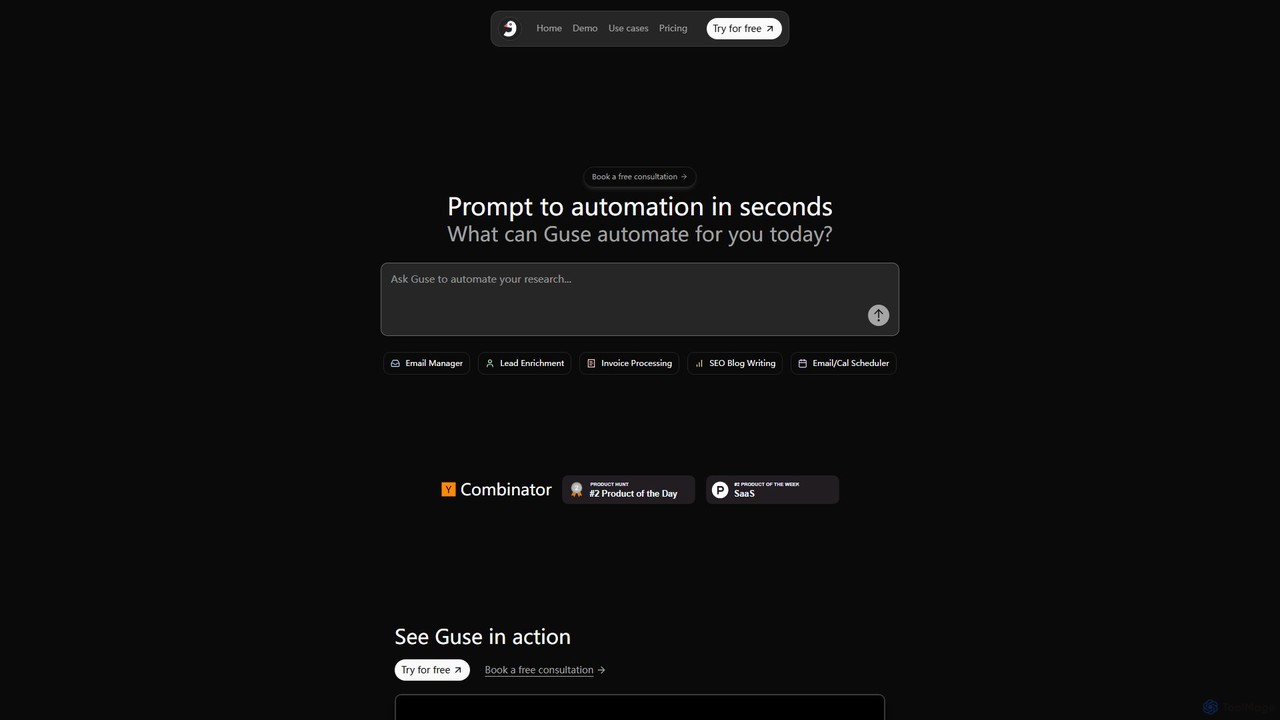
Guse is an AI-powered automation platform that transforms natural language prompts into complex workflows. It allows users to automate tasks across various applications by simply describing what they want to achieve. By integrating with over 200 popular apps like Slack, Gmail, and Google Sheets, Guse streamlines processes in sales, marketing, HR, and engineering, boosting productivity without requiring any coding knowledge.

No Code
Visits 3.8KFavorites 106Likes 105
Freemium

Eloquence

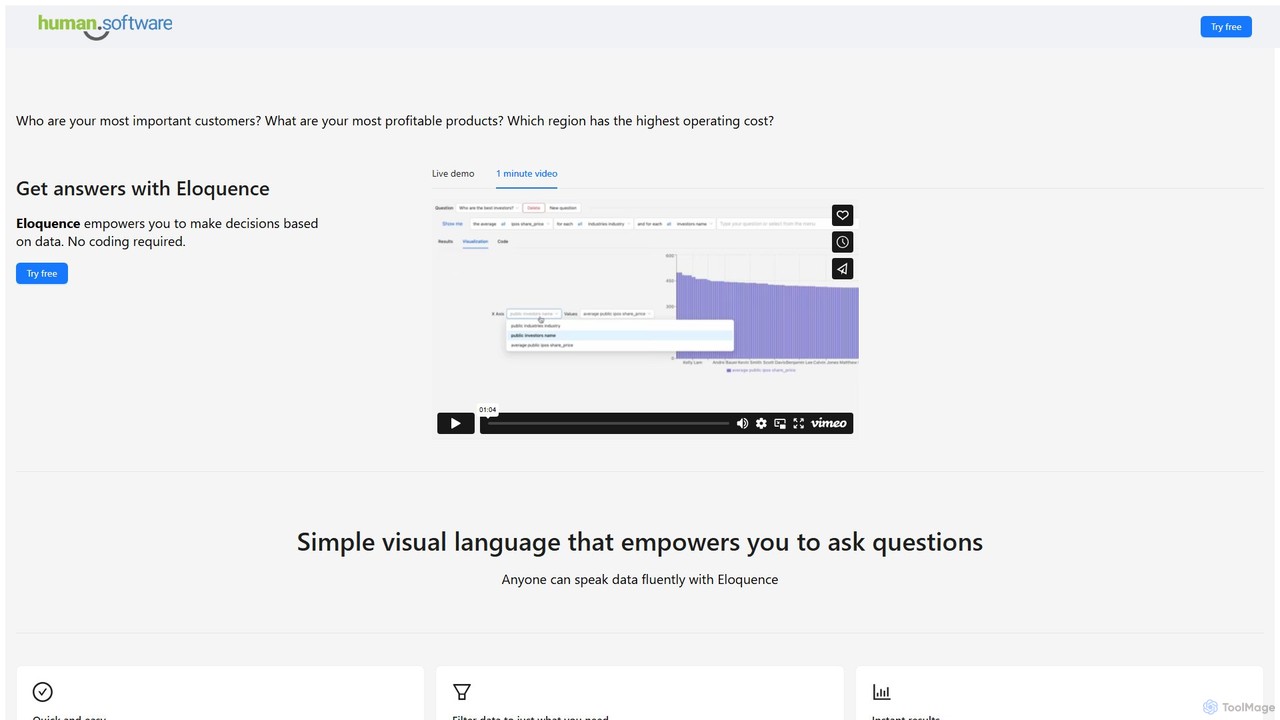
Eloquence is a no-code business intelligence platform that empowers anyone to query databases using structured natural language. Connect your data, ask complex questions without writing code, and get instant answers to make data-driven decisions. It prioritizes security with robust encryption and a strict no-data-saved policy.

Business Intelligence
Visits 4.1KFavorites 90Likes 86
Freemium

Tomat.AI

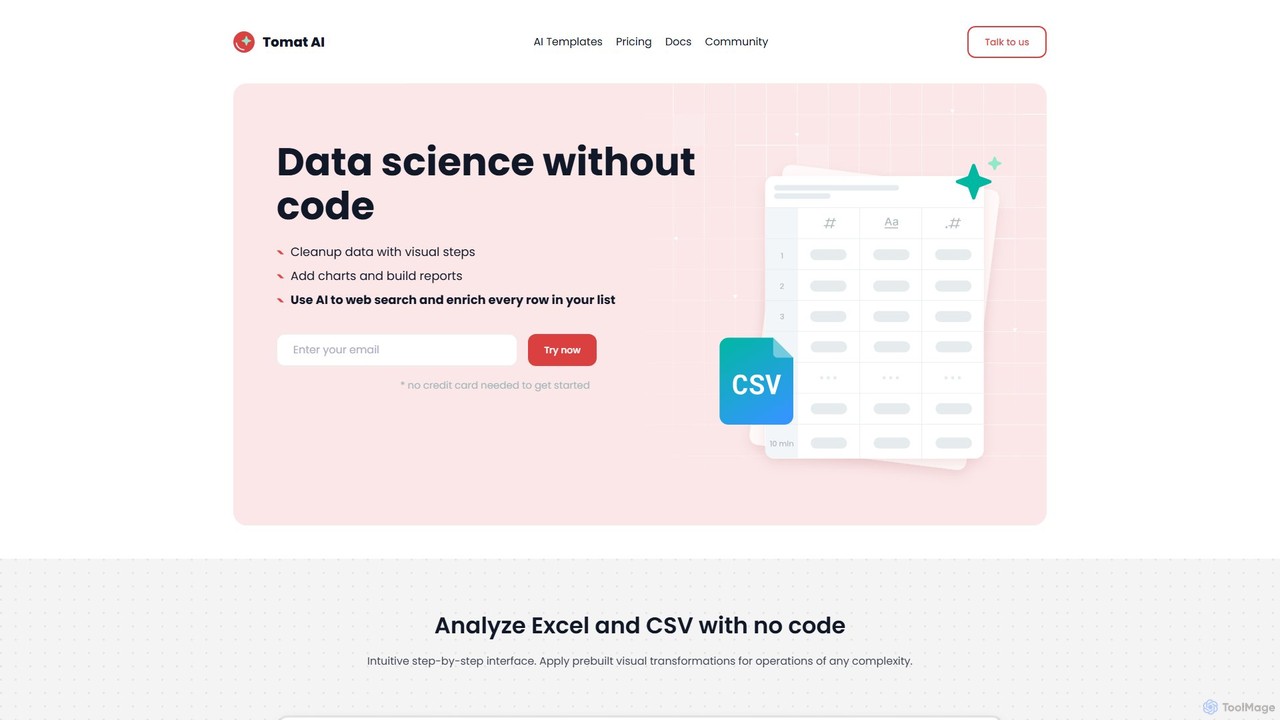
Tomat.AI is a no-code data science tool that empowers users to clean, analyze, and enrich data from Excel and CSV files. It features a visual, step-by-step interface and powerful AI capabilities for tasks like bulk web research, data extraction, and text transformation, all without writing a single line of code. It's a desktop app designed for security and handling large datasets efficiently.

Data Enrichment
Visits 7.1KFavorites 118Likes 110

About No Code

No Code tools are a category of AI-powered platforms that enable users to build applications, websites, and automate workflows without writing any traditional programming code. These tools leverage visual development interfaces, drag-and-drop builders, and pre-built components, allowing non-technical users to rapidly create functional digital solutions. They democratize software development, empowering business owners, marketers, and designers to innovate quickly and efficiently, significantly reducing development time and costs.

Core Features

  • Visual Development Interface: Intuitive drag-and-drop editors for designing user interfaces and defining application logic.
  • Pre-built Templates & Components: Libraries of ready-to-use elements and full application templates to accelerate development.
  • Workflow Automation: Tools for defining and automating complex business processes and data flows across different services.
  • Database & Data Management: Integrated or easily connectable solutions for storing, managing, and retrieving application data.
  • Third-Party Integrations: Seamless connectivity with popular external services like CRMs, payment gateways, and marketing platforms.

Use Cases

No Code tools are widely adopted across various industries and roles. They are ideal for small businesses looking to digitize operations, marketing teams needing to launch campaigns rapidly, and entrepreneurs validating new product ideas. These platforms facilitate the creation of custom internal tools, customer-facing applications, and automated business processes, allowing organizations to adapt quickly to market demands.

How to Choose

When selecting a No Code platform, consider the specific project requirements, such as the complexity of the application and desired scalability. Evaluate the platform's integration capabilities with your existing tech stack and the availability of pre-built templates relevant to your needs. Assess the learning curve, community support, and pricing structure to ensure it aligns with your team's technical comfort level and budget.

Featured tool rankings

No Code use cases

1

Rapid Marketing Landing Page Creation

Marketing teams can quickly design, build, and deploy high-converting landing pages for various campaigns without relying on developers. This enables faster A/B testing, personalized content delivery, and immediate response to market trends, significantly boosting lead generation efforts.

2

Custom Internal Tool Development

Small businesses or specific departments can create bespoke internal applications like CRM systems, project management dashboards, or inventory trackers. These tools are tailored to unique operational needs, improving efficiency and data management without extensive coding resources.

3

Automated Business Workflow Implementation

Operations and sales teams can automate repetitive tasks and complex business processes, such as lead qualification, data synchronization between different platforms, or automated report generation. This reduces manual effort, minimizes errors, and frees up staff for more strategic activities.

4

Customer Portal and Community Building

Businesses can develop branded customer portals for self-service support, FAQ sections, or interactive community forums. This enhances customer experience by providing easy access to information and fostering engagement, reducing the load on customer service teams.

5

Mobile Application Prototyping and MVP Launch

Entrepreneurs and product managers can rapidly build functional prototypes or Minimum Viable Products (MVPs) of mobile applications. This allows for quick validation of ideas with real users, gathering feedback early, and iterating on designs before committing to full-scale native development.

6

E-commerce Storefront Setup

Individuals and small businesses can launch fully functional online stores complete with product listings, secure payment gateways, and order management systems. This provides a cost-effective and quick way to enter the e-commerce market, enabling direct sales and broader customer reach.

No Code FAQ

What are No Code tools?

No Code tools are platforms that allow users to create software applications, websites, and automated workflows using visual interfaces and drag-and-drop functionalities, entirely eliminating the need for traditional programming. They empower non-technical individuals and teams to build digital solutions rapidly, accelerating innovation and reducing reliance on developers. These tools typically offer pre-built components, templates, and integrations to streamline the development process.

How do No Code platforms differ from Low Code platforms?

No Code platforms are designed for users with no programming knowledge, offering purely visual development with pre-defined components and limited customization options. Low Code platforms, conversely, target users with some coding skills, providing visual builders alongside the ability to write custom code for greater flexibility and complex functionalities. No Code prioritizes speed and accessibility, while Low Code balances speed with extensibility and deeper customization.

Who can benefit from using No Code tools?

A wide range of users can benefit from No Code tools, including small business owners, marketers, designers, entrepreneurs, and product managers. They are ideal for individuals or teams who need to quickly build and launch digital products, automate internal processes, or create custom solutions without the time, cost, or technical expertise required for traditional coding. No Code democratizes software creation, enabling rapid iteration and innovation.

What are the main limitations of No Code development?

While powerful, No Code development has limitations. It may offer less flexibility and customization compared to custom-coded solutions, potentially restricting unique design or complex logic requirements. Scalability can sometimes be a concern for highly complex or high-traffic applications. Additionally, users are often dependent on the platform's ecosystem, which might limit integrations or data portability. For highly specialized or performance-critical applications, traditional coding might be more suitable.

What types of applications can be built with No Code?

No Code tools can be used to build a diverse range of applications. Common examples include marketing landing pages, simple e-commerce sites, internal dashboards (e.g., CRM, project management), customer portals, mobile app prototypes, data collection forms, and automated workflow systems. They are particularly effective for creating web applications, mobile apps (MVPs), and integrations that streamline business operations and enhance customer engagement.