Browser Extensions Best in category 2 results Search Tools AI Tool

Popular AI tools in the Search Tools field of Browser Extensions include PaperClip、Orma, etc., helping you quickly improve efficiency.

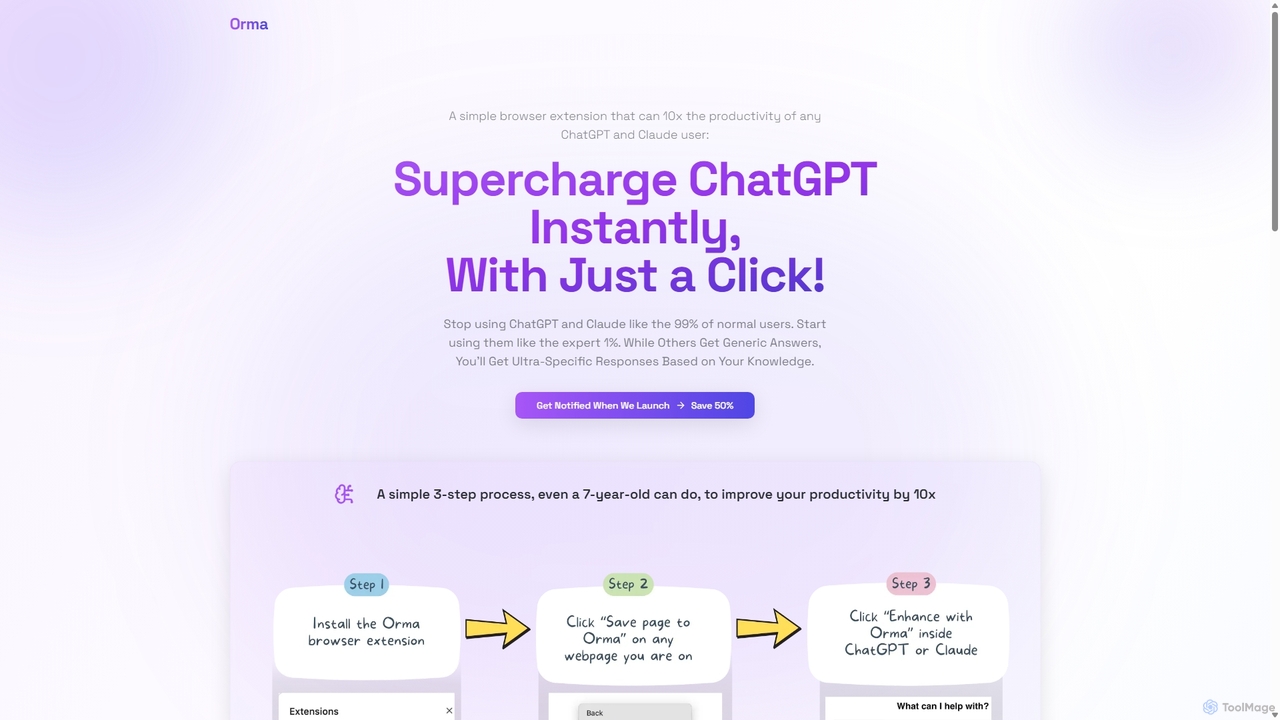
Orma

Orma

Orma is a browser extension that transforms your web browsing into a personal knowledge base, or 'digital memory …

2.5K
Free
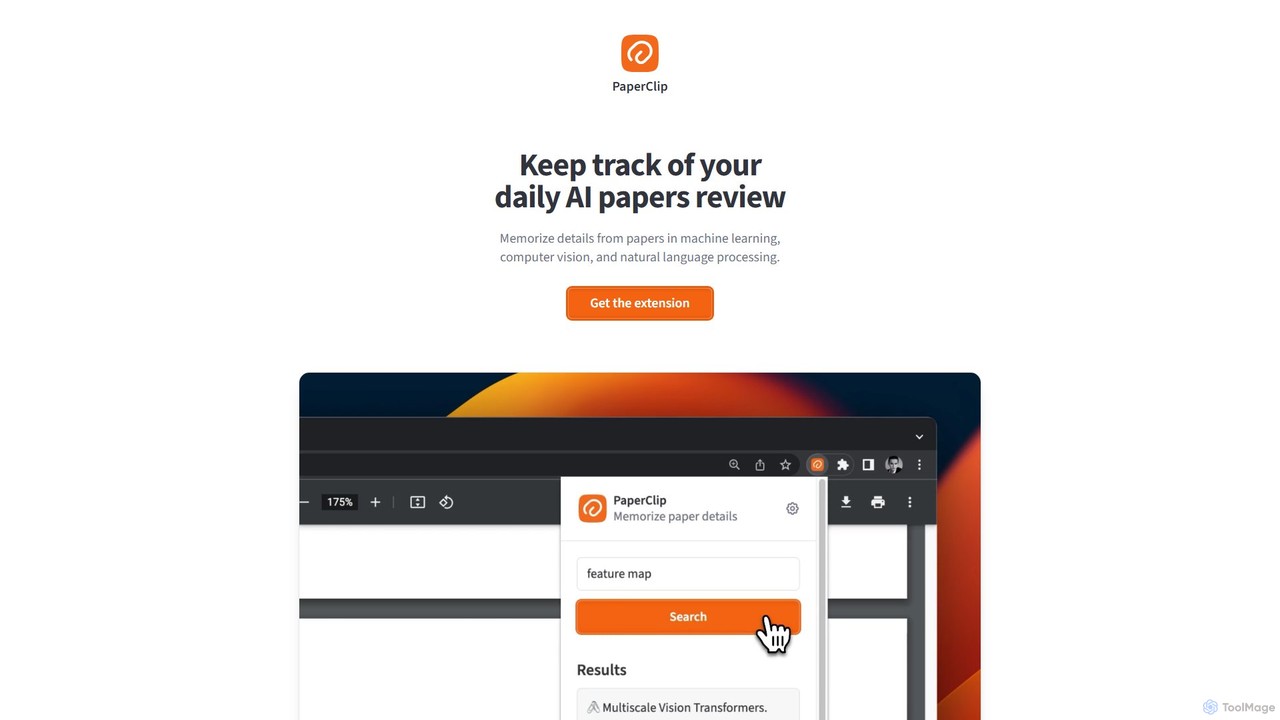
PaperClip

PaperClip

PaperClip is a privacy-focused browser extension that uses on-device AI to help you memorize and recall details from …

5.6K

About Search Tools

AI Search Tool extensions are browser add-ons that integrate advanced search capabilities directly into your web browsing workflow. They utilize natural language processing and large language models to provide contextual answers, summarize content, and augment traditional search engine results without needing to open a new tab. This allows users to find information, verify facts, and get deeper insights instantly while remaining on their current page. These tools transform the browser into an intelligent research assistant, streamlining information discovery.

Core Features

  • Contextual Search: Highlight text on any webpage to get instant explanations, definitions, or related information.
  • Search Result Augmentation: Overlays AI-powered summaries, key insights, and related links directly on Google or Bing search result pages.
  • In-Page AI Assistant: Access a chat-based interface or sidebar to ask questions about the current page's content or any other topic.
  • Source Synthesis: Gathers and synthesizes information from multiple online sources to provide a comprehensive answer.

Use Cases

These extensions are particularly valuable for researchers, students, and content creators who need to process large amounts of online information efficiently. For example, a student can use it to quickly understand complex terms in an academic paper, while a journalist can fact-check information in real-time while reading an article. Developers also use them to find code solutions without leaving their documentation page.

How to Choose

When selecting an AI Search Tool extension, consider its integration with your preferred search engines, its data privacy policy, and the speed and accuracy of its responses. Also, evaluate the user interface—whether you prefer an overlay, a sidebar, or a right-click menu integration. Some tools may also offer specialized features for academic, technical, or creative research.

Search ToolsUse Cases

1

Accelerate Academic Research and Fact-Checking

A university student is writing a thesis on quantum computing. While reading a complex research paper online, they encounter an unfamiliar term like 'quantum entanglement'. Instead of opening a new tab and breaking their concentration, they simply highlight the term. The AI Search Tool extension instantly displays a pop-up with a concise definition, key principles, and links to seminal papers on the topic. This allows the student to grasp complex concepts in context, verify information across multiple sources, and maintain their research flow, significantly speeding up the literature review process.

2

Streamline Market and Competitor Analysis

A market analyst is reviewing a competitor's new product launch page. Using the AI search extension's sidebar, they ask, 'Summarize the key features and compare them to our product X.' The tool scans the page, extracts the features, and provides a comparative analysis. The analyst then asks, 'What is the recent market sentiment for this product category?' The extension searches news articles, social media, and forums to deliver a synthesized sentiment report. This integrated workflow allows for rapid, in-context analysis without juggling multiple tabs for search, note-taking, and comparison.

3

Enhance Technical Troubleshooting for Developers

A software developer encounters a cryptic error message, 'SIGSEGV', while debugging code in a web-based IDE. Instead of manually copying the error and searching on Google, they highlight the error message directly. The AI search extension automatically queries technical forums like Stack Overflow, official documentation, and GitHub issue threads. It then presents an augmented view next to their Google search results, summarizing the most common causes, providing code snippets for potential fixes, and linking to the most relevant discussion threads. This saves valuable time and helps resolve technical issues faster.

4

Efficient Online Shopping and Product Comparison

A consumer is researching a new camera and is on a review blog. They highlight the camera model, 'Sony A7 IV'. The AI search extension instantly opens a sidebar showing a summary of its key specifications, a price comparison from major retailers like Amazon and B&H Photo, and links to popular video reviews on YouTube. This eliminates the need to manually open multiple tabs for different retailers and review sites. The user can make a more informed purchasing decision faster, all from within the context of the original review article.

5

Generate Ideas for Content Creation

A content marketer is reading an industry report about emerging AI trends. They find a section on 'Generative AI in healthcare' particularly interesting. By highlighting this phrase, the AI search extension provides them with related keywords, recent news, academic studies, and popular questions people are asking online. This instantly gives the marketer a wealth of ideas for blog posts, social media updates, and video scripts, such as 'Top 5 Applications of GenAI in Hospitals' or 'Ethical Concerns of AI in Diagnostics'. The tool acts as a brainstorming partner, turning passive reading into active content ideation.

6

Assist Language Learning and Translation

An individual learning Spanish is reading a news article on a Spanish website. They come across the idiomatic phrase 'no tener pelos en la lengua'. A direct translation would be confusing. By highlighting the phrase, the AI search extension provides not only the literal translation but also the idiomatic meaning ('to speak one's mind bluntly'), cultural context, and several example sentences. This contextual learning is far more effective than using a separate translation tool, helping the learner understand nuances and improve their fluency more naturally within their browsing environment.

Search ToolsFrequently Asked Questions