Browser Extensions Best in category 1 results Communication AI Tool

Popular AI tools in the Communication field of Browser Extensions include ChatGPT For Social, etc., helping you quickly improve efficiency.

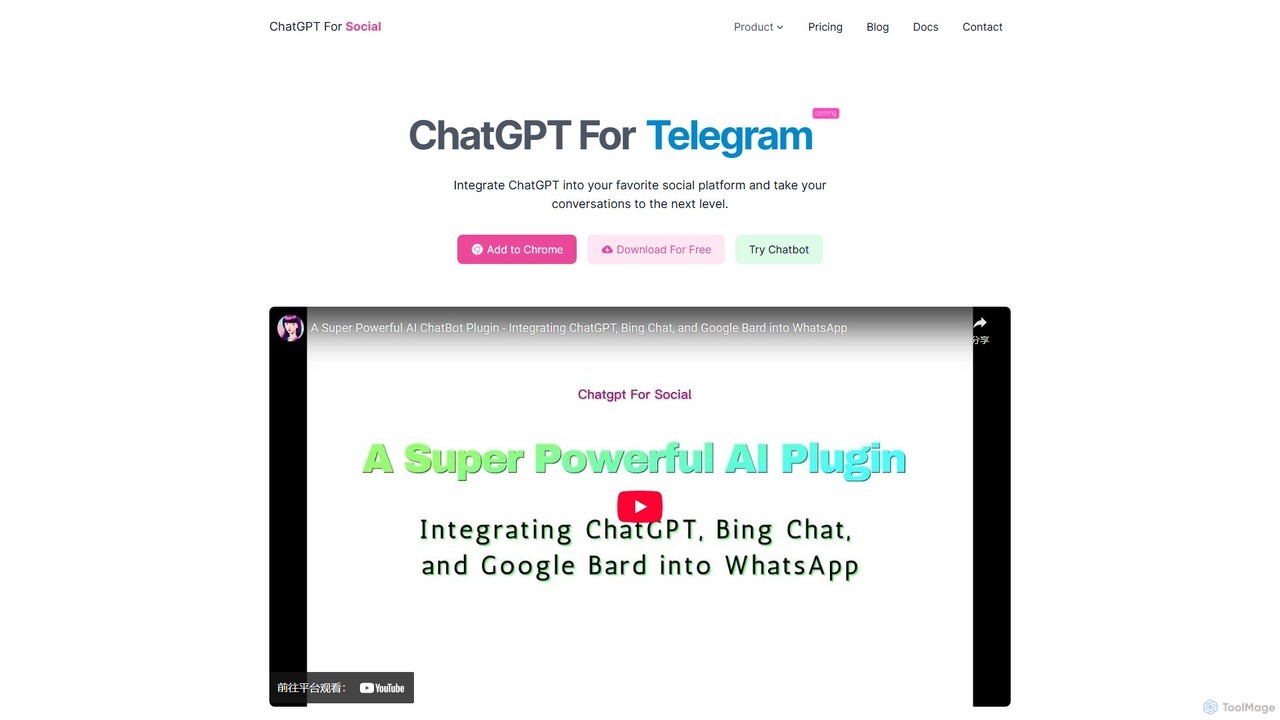
ChatGPT For Social

ChatGPT For Social

A browser extension that integrates powerful AI models like ChatGPT, Google Bard, and Bing Chat directly into your …

2.3K

About Communication

AI Communication browser extensions are tools that integrate directly into your web browser to enhance written communication. They leverage natural language processing (NLP) to provide real-time assistance, such as grammar correction, email drafting, and tone analysis. These extensions help users craft clearer, more professional, and context-aware messages across various online platforms, from emails to social media. Their primary advantage is seamless integration, offering AI-powered support without needing to switch applications.

Core Features

  • Real-time Writing Assistance: Instantly corrects grammar, spelling, and punctuation errors as you type.
  • AI-powered Text Generation: Helps draft or complete emails, messages, and posts based on brief prompts.
  • Tone and Style Analysis: Analyzes your text to suggest adjustments for tone, formality, and clarity to match your intended audience.
  • Text Summarization and Rephrasing: Condenses long articles or email threads into key points and offers alternative ways to phrase your sentences.

Applicable Scenarios

These extensions are widely used by professionals for crafting business emails, by marketers for creating compelling social media content, and by customer support teams to ensure consistent and empathetic communication. Non-native speakers also find them invaluable for improving their written fluency and confidence in professional settings.

Selection Criteria

When choosing an AI Communication extension, consider its integration capabilities with your most-used platforms (e.g., Gmail, Slack, LinkedIn). Evaluate the depth of its features—whether you need basic proofreading or advanced stylistic suggestions. Also, review the language support and the developer's data privacy policy, as the tool will process your text.

CommunicationUse Cases

1

Crafting Professional Business Emails

A sales manager uses an AI communication extension directly within Gmail. When drafting a follow-up email to a potential client, the tool suggests a more persuasive opening line and identifies a slightly informal tone that could be improved. With one click, the manager rephrases a key sentence for better clarity and corrects a subtle grammatical error. This ensures the final email is professional, clear, and impactful, increasing the likelihood of a positive response without spending extra time on manual proofreading.

2

Optimizing Social Media Content for Engagement

A social media manager is scheduling posts across LinkedIn and Twitter. Using an AI communication extension, they input a core message for a new product launch. The tool helps them rephrase the message for each platform's audience—a more formal and detailed post for LinkedIn, and a concise, high-impact tweet. It also suggests relevant hashtags and checks for character limits, streamlining the content creation process and helping to maximize engagement by tailoring the communication style appropriately.

3

Improving Customer Support Responses

A customer support agent is handling a ticket in a web-based helpdesk system. The customer is frustrated. The AI extension detects the negative sentiment in the incoming message and suggests an empathetic opening for the agent's reply. As the agent types, the tool provides quick access to pre-approved phrases for common issues and ensures the response maintains a helpful and patient tone. This helps de-escalate the situation, improves customer satisfaction, and ensures brand voice consistency across all support interactions.

4

Enhancing Academic Writing for Non-Native Speakers

An international student is writing a research paper in Google Docs. English is their second language. The AI communication extension acts as a personal writing tutor, highlighting awkward phrasing and suggesting more natural, academic-style alternatives. It helps them expand their vocabulary by offering synonyms and ensures consistent use of terminology. This empowers the student to express their complex ideas clearly and confidently, improving the quality of their academic work and helping them overcome language barriers.

5

Streamlining Team Collaboration in Project Tools

A project manager is writing an update in a web-based tool like Asana or Trello. To avoid ambiguity, they use the AI extension to rephrase task descriptions for maximum clarity. The tool helps them summarize a long discussion thread into a concise action item list for the project update. This ensures that all team members, regardless of their location or primary language, have a clear understanding of project requirements and next steps, reducing miscommunication and keeping the project on track.

6

Quickly Summarizing and Replying to Messages

A busy executive opens their inbox to find a long email thread with multiple participants. Instead of reading the entire chain, they use their AI communication extension to generate a concise summary of the key decisions and outstanding questions. Based on the summary, the extension then helps draft a brief, clear reply that addresses all open points. This workflow transforms a time-consuming task into a quick action, allowing the executive to stay on top of communications efficiently without getting bogged down in details.

CommunicationFrequently Asked Questions