

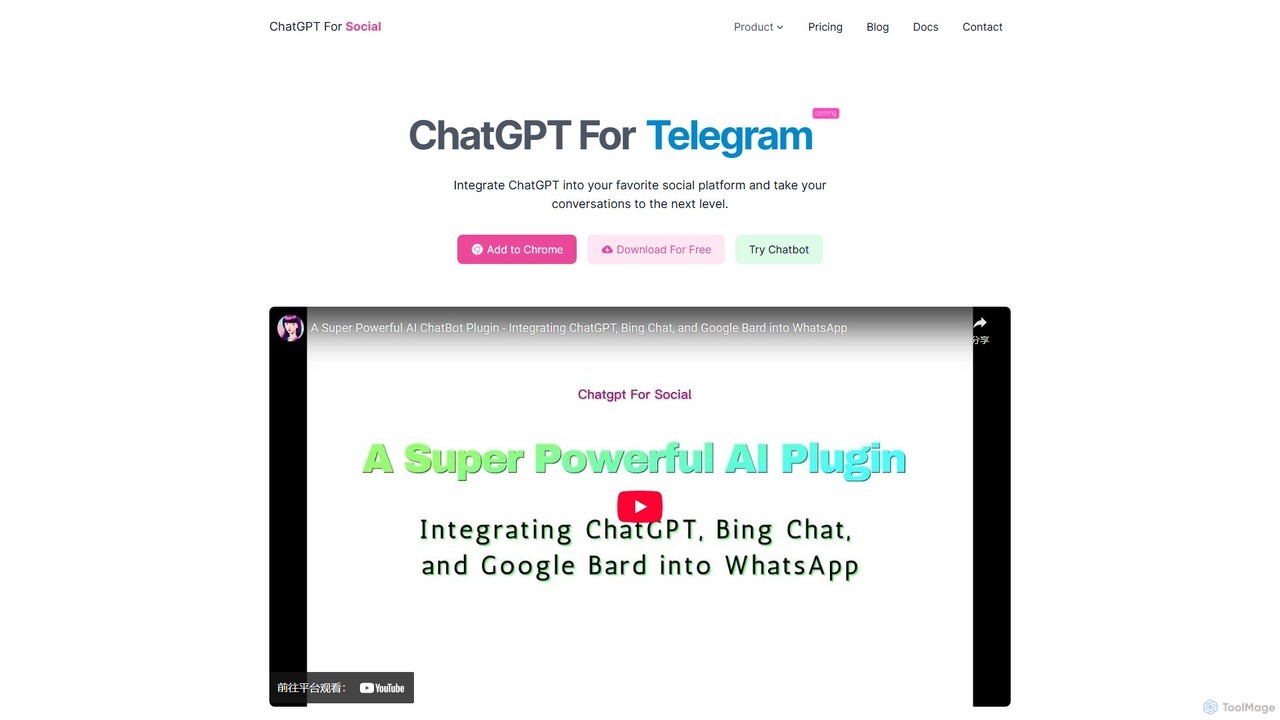
ChatGPT For Social Overview
ChatGPT For Social is a powerful browser extension designed to seamlessly integrate the capabilities of advanced AI language models into your daily social media interactions. Developed by aoq.me, this tool allows users to connect with AI assistants like ChatGPT, Google Bard, and Bing Chat directly within platforms like WhatsApp Web and WeChat. It transforms your standard chat interface into an intelligent communication hub, enhancing both personal conversations and professional workflows.
The core idea is to bring AI assistance to where you already are, eliminating the need to switch between tabs or applications to get information, draft a message, or brainstorm ideas. Whether you're in a private chat or a group discussion, you can summon the AI with a simple command to get instant, context-aware responses, making your communication faster, smarter, and more efficient.
How to use ChatGPT For Social
Getting started with ChatGPT For Social is a straightforward, three-step process that requires no coding knowledge:
- Install the Extension: Download and install the extension from the official website for your preferred browser (it supports Chrome, Firefox, and Edge). The tool's icon will appear in your browser's toolbar.
- Choose Your AI Source and Log In: Click on the extension icon to open the settings. Select your desired AI source from the available options: ChatGPT Web, ChatGPT API (requires your own API key), Google Bard, or Bing Chat. You must be logged into the corresponding service's website in your browser (e.g., chat.openai.com for ChatGPT Web).
- Start Chatting on Social Platforms: Open your social platform (like WhatsApp Web). To use the AI in a private chat, simply type "@gpt" followed by your question or prompt (e.g., "@gpt write a polite follow-up email"). In group chats, use the command "@botname" followed by your query to trigger a response. The AI will then generate and send a reply directly in the chat.
Core Features of ChatGPT For Social
- Multi-AI Model Support: Flexibly switch between different AI powerhouses, including ChatGPT (Web and API), Google Bard, and Bing Chat, to choose the best model for your needs.
- Seamless Social Platform Integration: Works directly within the web interfaces of popular messaging apps like WhatsApp and WeChat, with more platforms like Telegram, Line, and Twitter planned for future releases.
- Easy Activation: Use simple commands like "@gpt" or "@botname" to call the AI assistant in any private or group chat.
- Customizable AI Identity: In premium plans, you can define the AI's identity, role, and personality by customizing the default prompt, making its responses align with a specific tone or character.
- Advanced Controls (Premium): Pro and Max users gain access to features like one-click bot takeover, customizable welcome messages, response frequency and queue management, and message rewriting.
- Custom Proxy Server: The Max plan offers the ability to use a custom proxy server, providing greater flexibility and control over network connections.
- No-Code Setup: The entire integration process is user-friendly and requires no technical or programming skills.
Use Cases for ChatGPT For Social
This tool is versatile and can be applied in various scenarios:
- Personal Productivity: Quickly draft emails, summarize articles, translate text, get recipes, or ask for creative ideas without leaving your chat.
- Community Management: In group chats, use the AI as a bot to answer frequently asked questions, share information, or welcome new members automatically.
- Customer Support: Small businesses can leverage the AI on platforms like WhatsApp to provide instant, first-level support to customers, answering common queries about products or services.
- Content Creation: Brainstorm blog post ideas, generate social media captions, or create marketing copy directly within a team chat.
- Learning and Education: Students can use it to explain complex topics, solve math problems, or practice a new language with an AI partner.
Advantages of ChatGPT For Social
The primary advantage is its ability to embed powerful AI into existing communication workflows, which significantly boosts efficiency. Users no longer need to context-switch. The flexibility of choosing from multiple leading AI models is a major plus, allowing users to leverage the unique strengths of each. Furthermore, the high degree of customization in premium plans enables a tailored AI experience, whether for personal use or for representing a brand identity. Its ease of use makes this advanced technology accessible to everyone.
Pricing and Plans
ChatGPT For Social offers a freemium model with plans to suit different needs:
- Basic (Free): Includes support for ChatGPT Web and ChatGPT API, API context management, model switching, one-click bot takeover, and welcome messages.
- Pro (CN¥100 per user/month): Contains everything in the Basic plan, plus the ability to define the AI's identity/role, customize the default prompt, support for Google Bard, and customizable frequency and queue settings. A 1-day free trial is available.
- Max (CN¥300 per user/month): Includes all features from the Pro plan, plus support for Bing Chat (with multiple conversation models), message rewriting capabilities, and the option to use a custom proxy server. A 1-day free trial is available.
ChatGPT For Social Alternatives
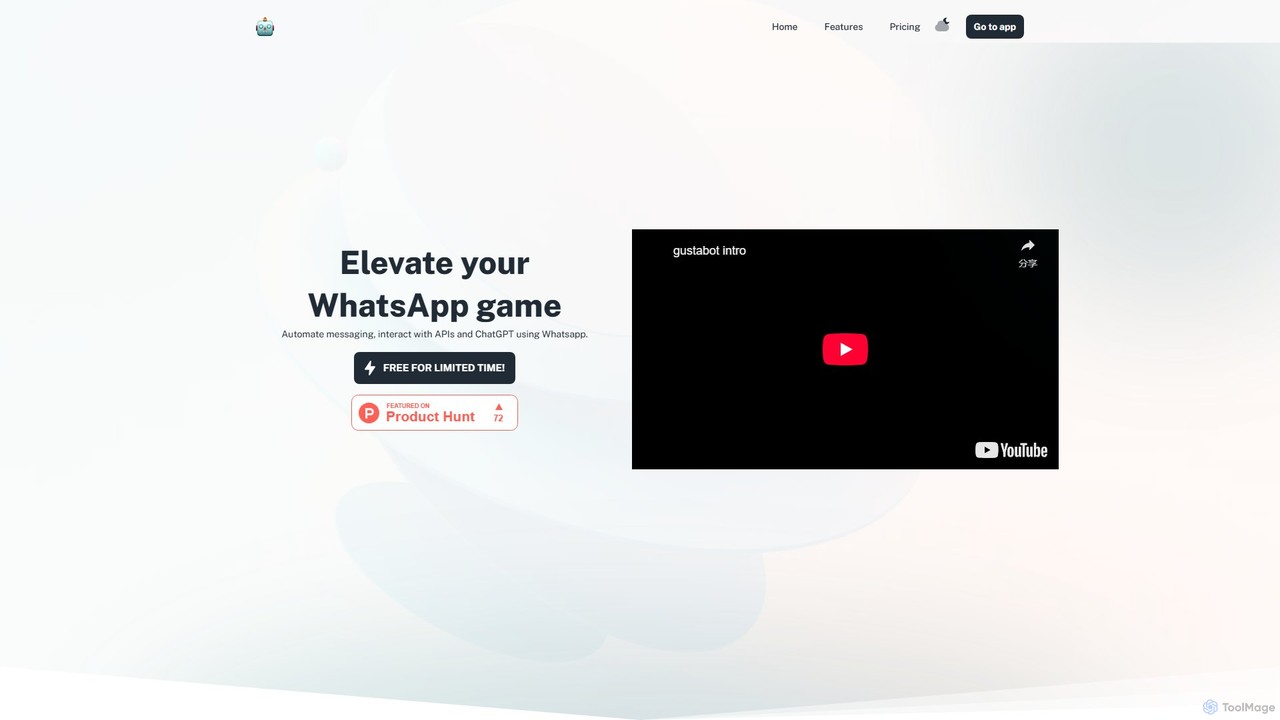
Gustabot
Gustabot enhances WhatsApp by automating messages and integrating with APIs and generative AI services like ChatGPT. It allows users to access information, trigger API calls, generate images, analyze content, and use text-to-speech/speech-to-text, all within the WhatsApp interface.
Chatbot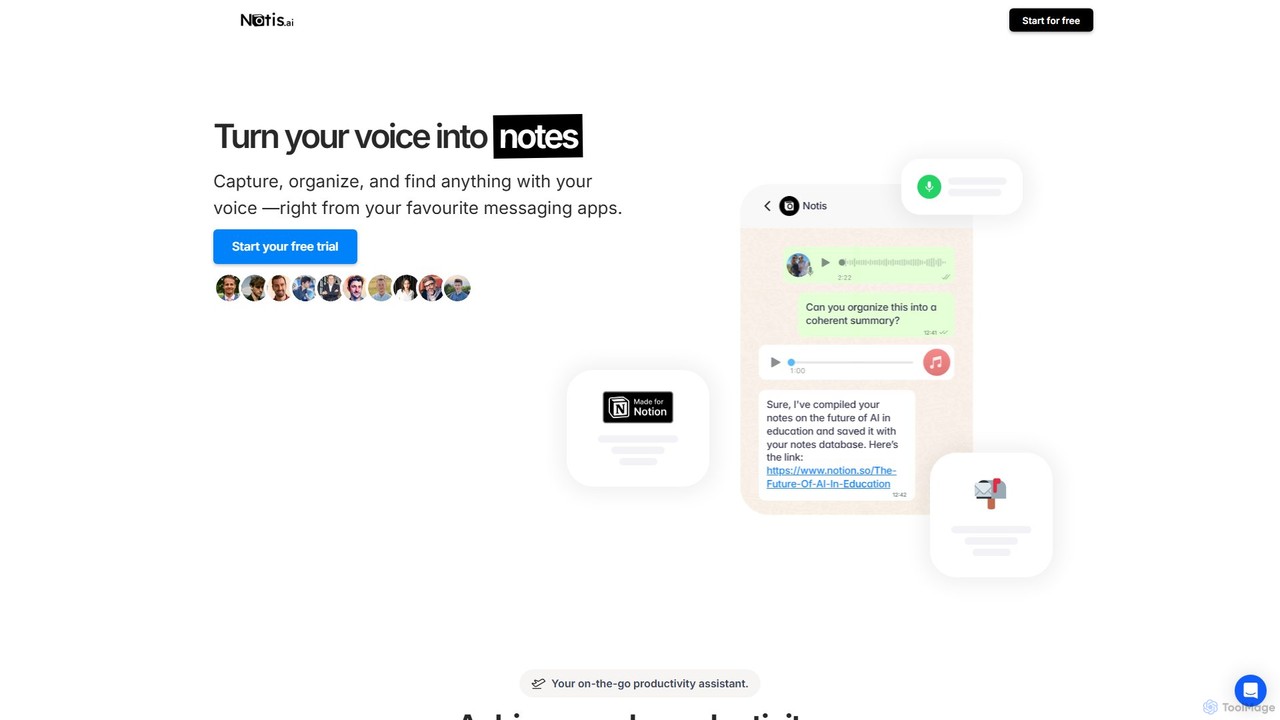
Notis
Notis is an AI-powered productivity assistant that turns your voice, text, and images into structured entries in Notion. Operating directly from messaging apps like WhatsApp and Telegram, it helps you capture ideas, manage tasks, draft content, and organize your life without ever opening the Notion app.
Content Creation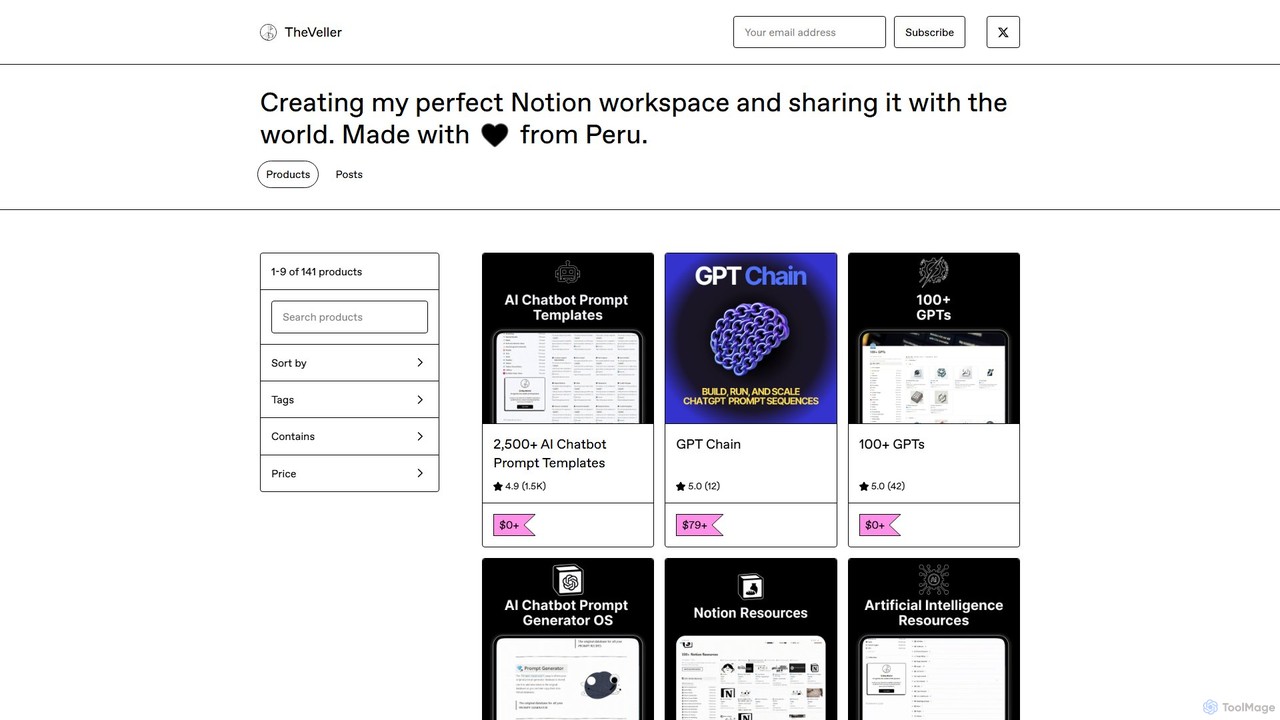
GPT Chain
GPT Chain is a powerful browser extension that transforms ChatGPT into a 24/7 automation engine. It allows you to build, run, and scale complex, multi-step workflows using an intuitive drag-and-drop visual builder. Automate repetitive prompting tasks, generate content at scale, and execute entire prompt sequences with a single click—all without writing code, connecting APIs, or incurring extra costs.
No Code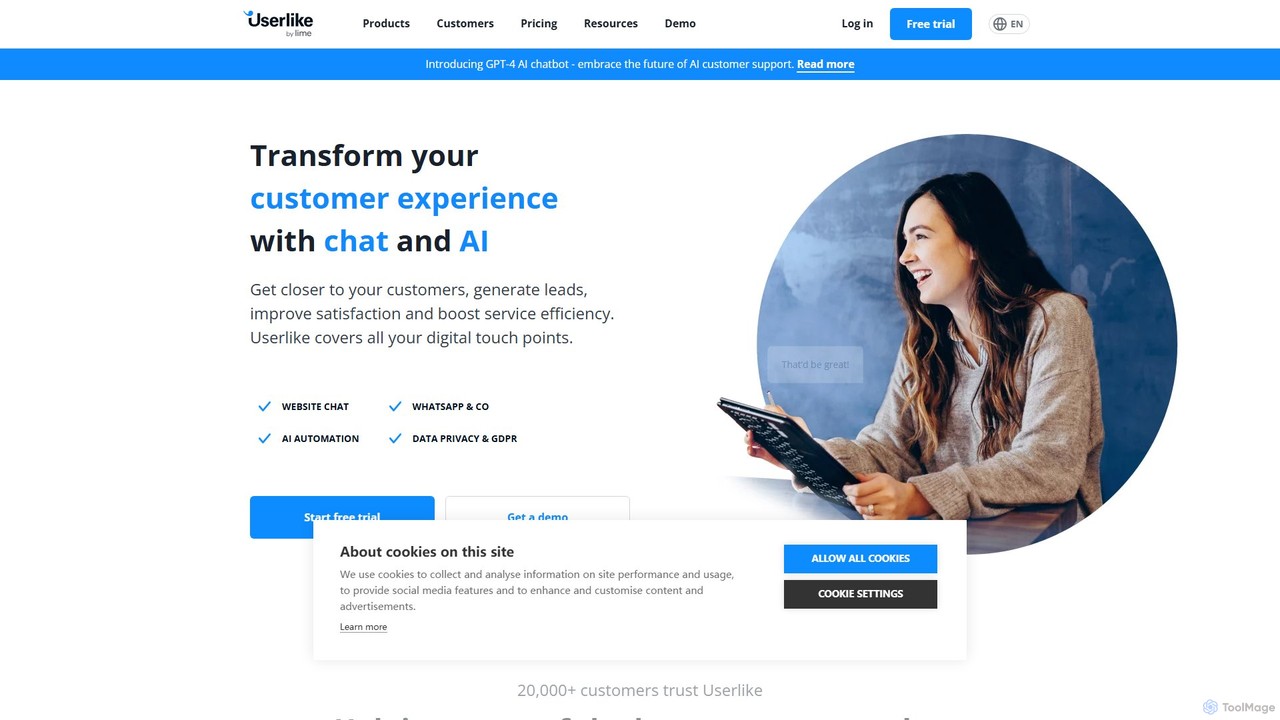
Userlike
Userlike is an all-in-one, AI-powered customer communication platform for websites and messaging apps. It combines live chat, a GPT-4 chatbot, and integrations with channels like WhatsApp to help businesses generate leads, improve customer satisfaction, and boost service efficiency. Born and hosted in Germany, it offers a strong focus on data privacy and GDPR compliance.
Live Chat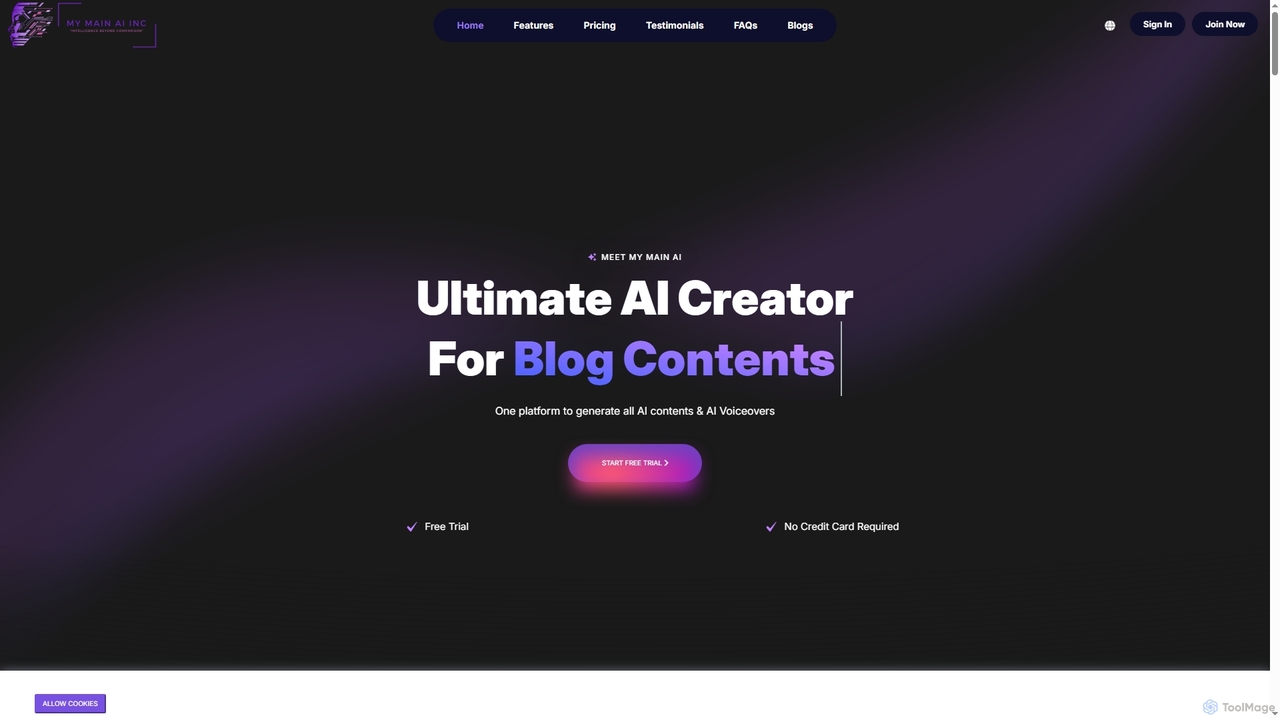
My Main AI
My Main AI is an all-in-one AI platform designed to accelerate content creation, image generation, voiceovers, speech-to-text, and code generation. It offers over 70 templates, multilingual support, and advanced AI models to streamline various tasks for individuals and businesses.
ChatbotsChatGPT For Social Categories
ChatGPT For Social Embed Widget
Copy this embed code to place the badge on your blog, article, or product site and send readers directly to this ToolMage detail page.

Related AI tools
Gustabot
Gustabot enhances WhatsApp by automating messages and integrating with APIs and generative AI services like ChatGPT. It allows users to access information, trigger API calls, generate images, analyze content, and use text-to-speech/speech-to-text, all within the WhatsApp interface.
Chatbot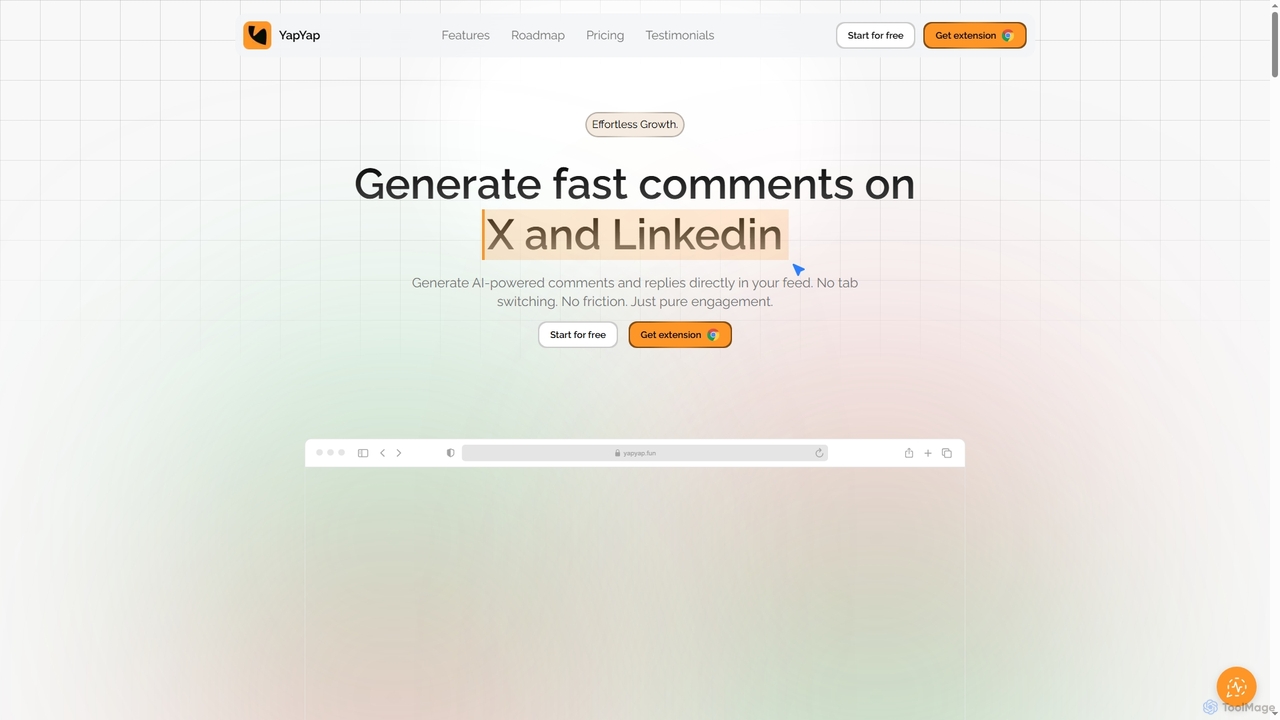
YapYap
YapYap is an AI-powered browser extension designed to boost social media engagement on X and LinkedIn. It generates context-aware comments and replies directly within your feed, eliminating the need for tab switching or copy-pasting. With over 12 authentic tones and a smart pitch mode, YapYap helps creators, influencers, and professionals maintain consistent online presence, foster genuine interactions, and grow their reach effortlessly.
Content Marketing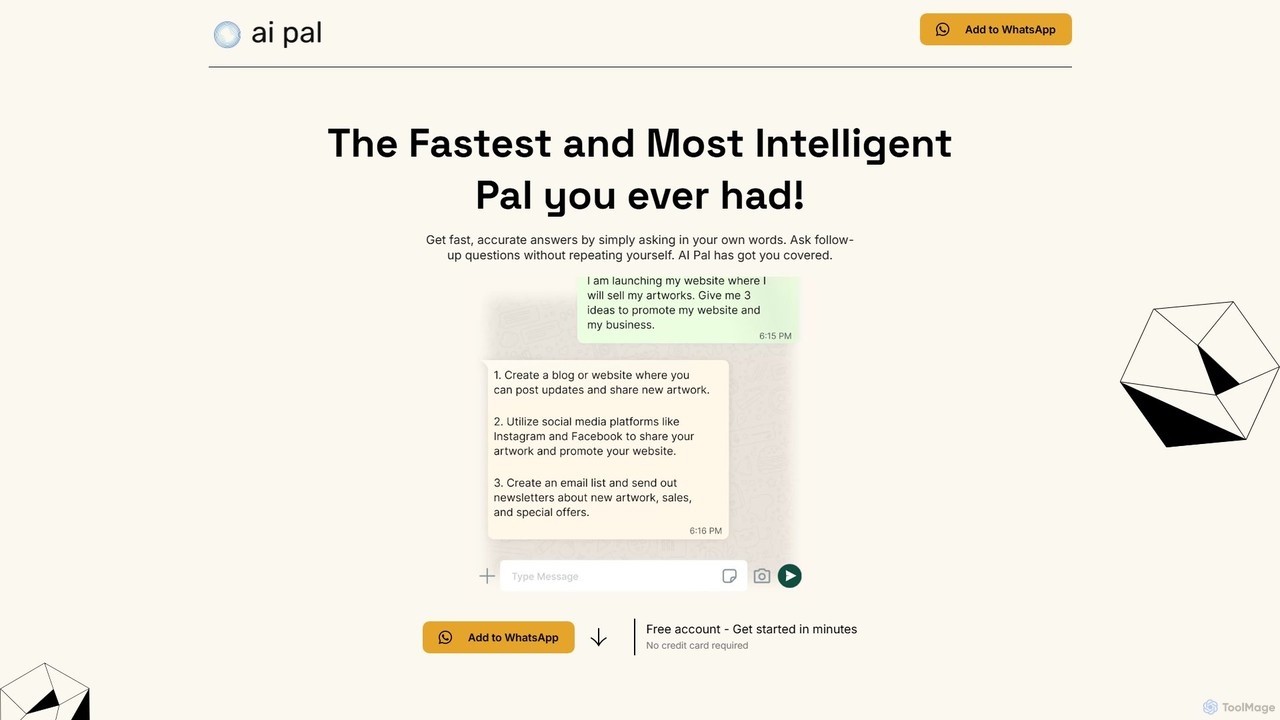
getaipal
getaipal is a powerful AI assistant integrated directly into your WhatsApp. Generate professional emails, captivating social media content, stunning images from text, and personalized travel itineraries without ever leaving your chat app. It's your personal AI companion for productivity, creativity, and daily tasks, available 24/7.
Image Generator
ChatGPT Phantom
ChatGPT Phantom is a free, all-in-one browser extension that enhances your productivity by integrating ChatGPT, Google Bard, and Bing Chat. It provides real-time web access for up-to-date information, helping you generate high-quality content like articles, YouTube scripts, code, and summaries effortlessly. It's designed for copywriters, creators, and developers who need a powerful and private AI copilot.
Search Assistant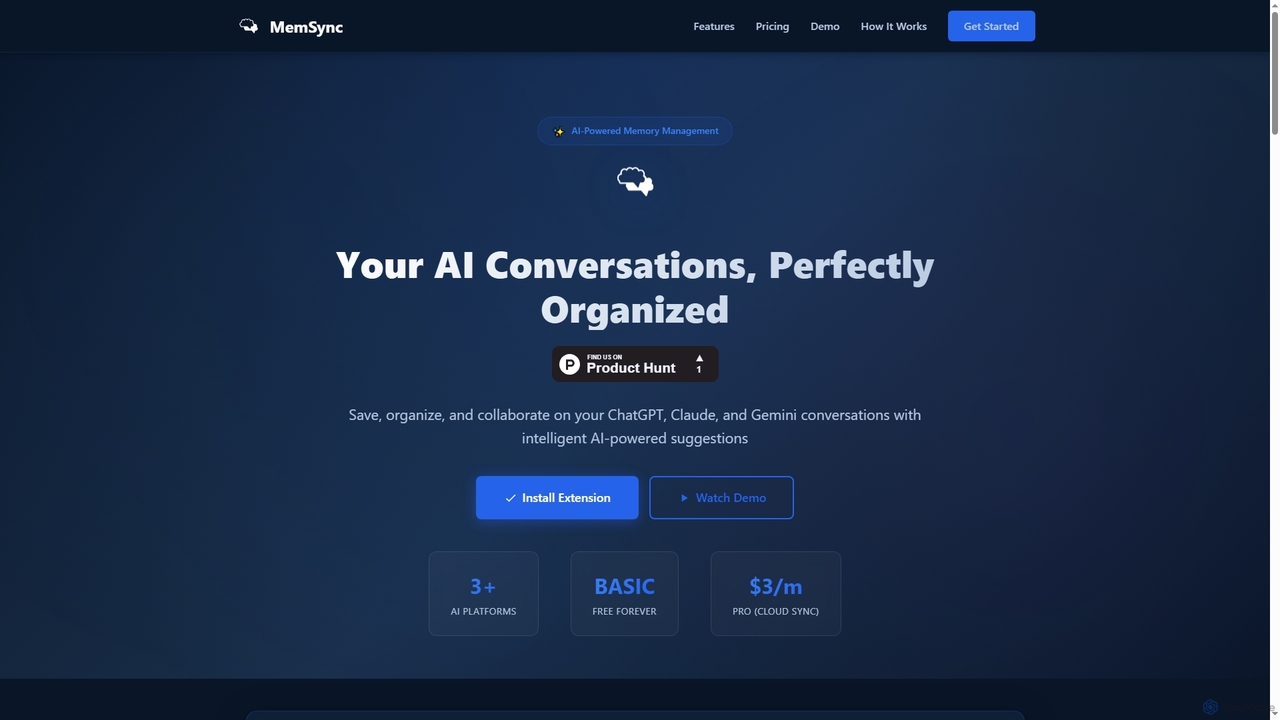
MemSync
MemSync is an AI-powered browser extension designed to effortlessly save, organize, and collaborate on your AI conversations from platforms like ChatGPT, Claude, and Gemini. It offers smart memory saving, AI-driven organization suggestions, and seamless cloud synchronization.
Conversation Tools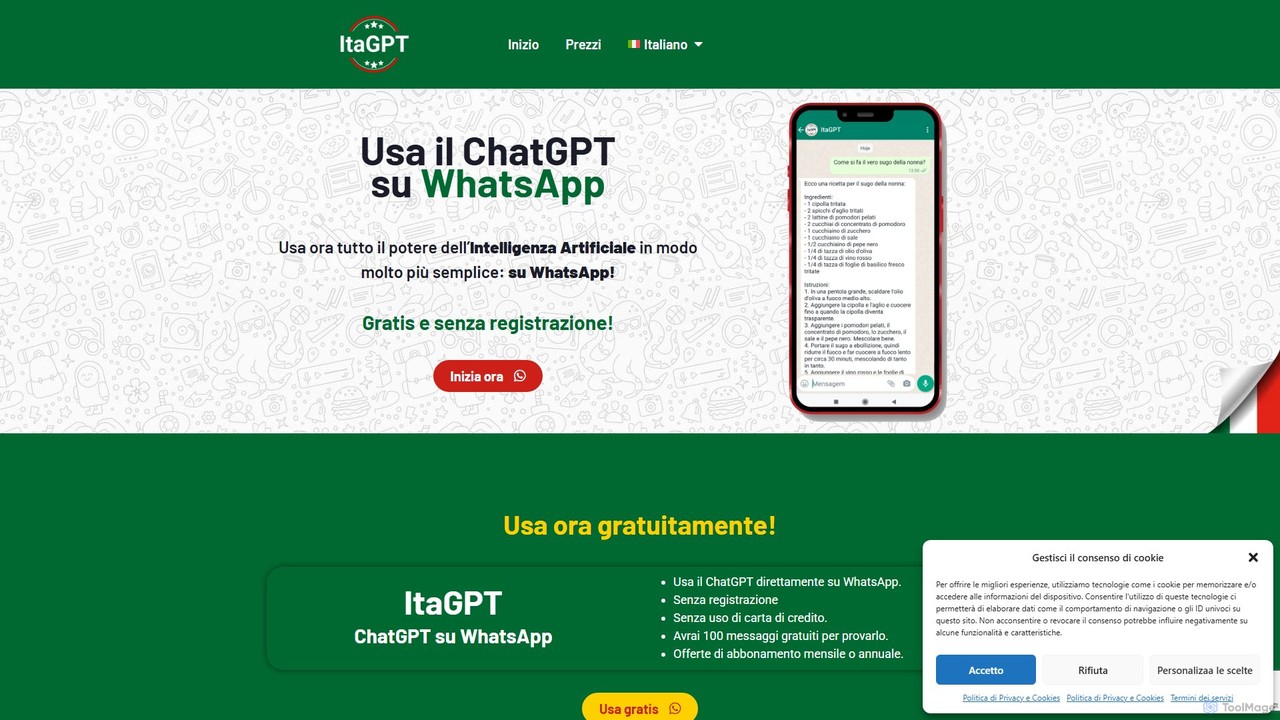
ItaGPT
ItaGPT integrates the power of OpenAI's ChatGPT directly into your WhatsApp, allowing you to use advanced AI without leaving your favorite messaging app. No registration or credit card is required to start. It offers a seamless way to get answers, create content, and boost productivity on the go.
Messaging
ChatGPT Phantom
ChatGPT Phantom is a free, privacy-focused browser extension that integrates ChatGPT, Google Bard, and Bing Chat into a single powerful copilot. It enables users to generate real-time, data-driven content like news articles, YouTube scripts, and code, enhancing productivity for creators, writers, and developers.
ProductivityNotis
Notis is an AI-powered productivity assistant that turns your voice, text, and images into structured entries in Notion. Operating directly from messaging apps like WhatsApp and Telegram, it helps you capture ideas, manage tasks, draft content, and organize your life without ever opening the Notion app.
Content CreationGPT Chain
GPT Chain is a powerful browser extension that transforms ChatGPT into a 24/7 automation engine. It allows you to build, run, and scale complex, multi-step workflows using an intuitive drag-and-drop visual builder. Automate repetitive prompting tasks, generate content at scale, and execute entire prompt sequences with a single click—all without writing code, connecting APIs, or incurring extra costs.
No CodeUserlike
Userlike is an all-in-one, AI-powered customer communication platform for websites and messaging apps. It combines live chat, a GPT-4 chatbot, and integrations with channels like WhatsApp to help businesses generate leads, improve customer satisfaction, and boost service efficiency. Born and hosted in Germany, it offers a strong focus on data privacy and GDPR compliance.
Live ChatMy Main AI
My Main AI is an all-in-one AI platform designed to accelerate content creation, image generation, voiceovers, speech-to-text, and code generation. It offers over 70 templates, multilingual support, and advanced AI models to streamline various tasks for individuals and businesses.
Chatbots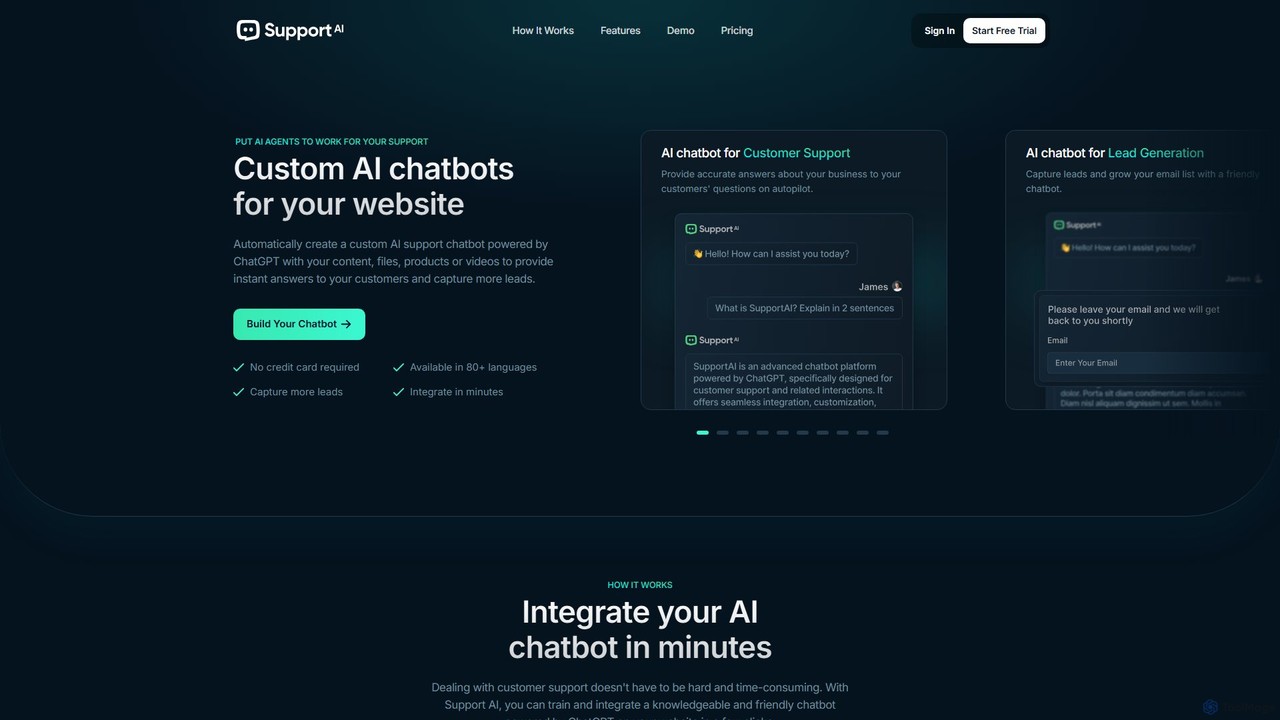
Support AI
Support AI is a no-code platform that allows you to build custom AI chatbots for your website. Train the chatbot on your own content, such as website pages, documents, or FAQs, to provide instant, 24/7 customer support, automate lead generation, and enhance user engagement. It's easy to integrate and customize to match your brand.
Chatbot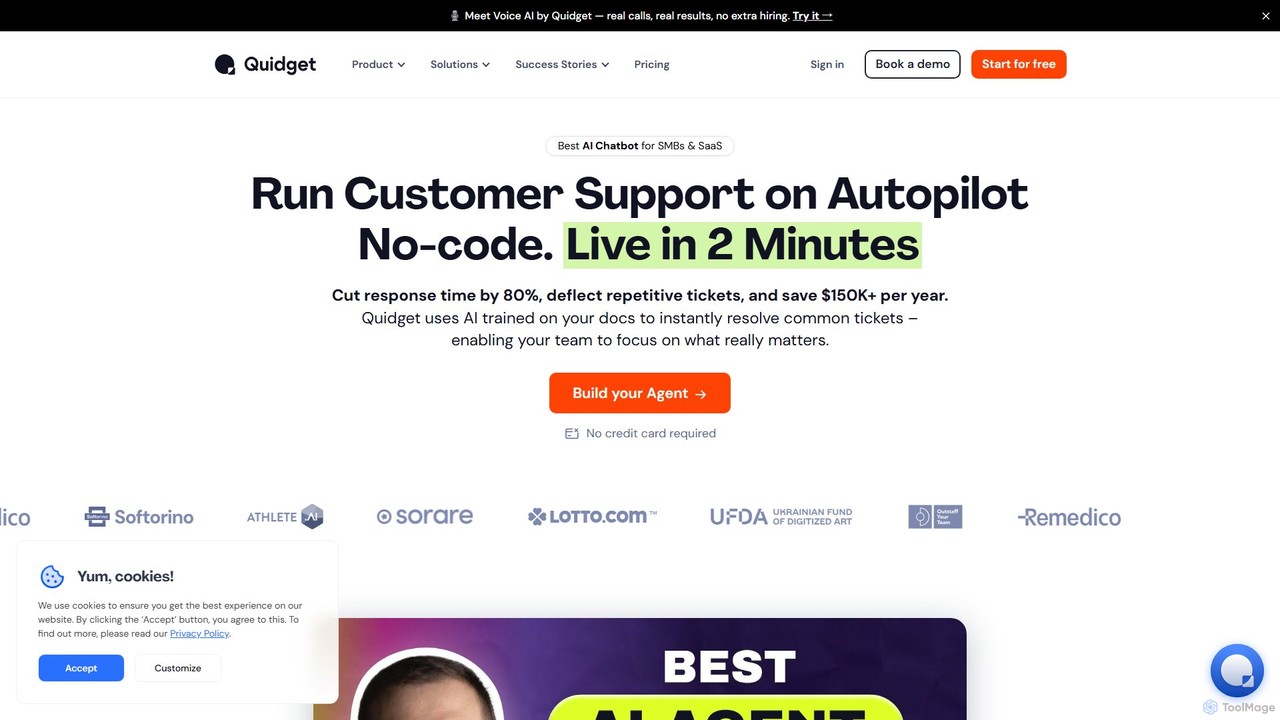
Quidget
Quidget is a no-code AI chatbot designed for SMBs and SaaS companies to automate customer support and lead capture. Trained on your own data, it instantly resolves up to 80% of common queries, offers 24/7 multilingual support, and integrates seamlessly with tools like Zendesk, Slack, and WhatsApp. It features a Voice AI for real calls and provides a human handoff for complex issues.
Chatbot
filliny
filliny is an AI-powered assistant designed to automate the tedious task of filling information. From web forms and applications to generating content for emails and documents, filliny intelligently completes fields and text, saving you time and reducing manual errors. It learns from your input to provide increasingly accurate and personalized suggestions.
Form Filler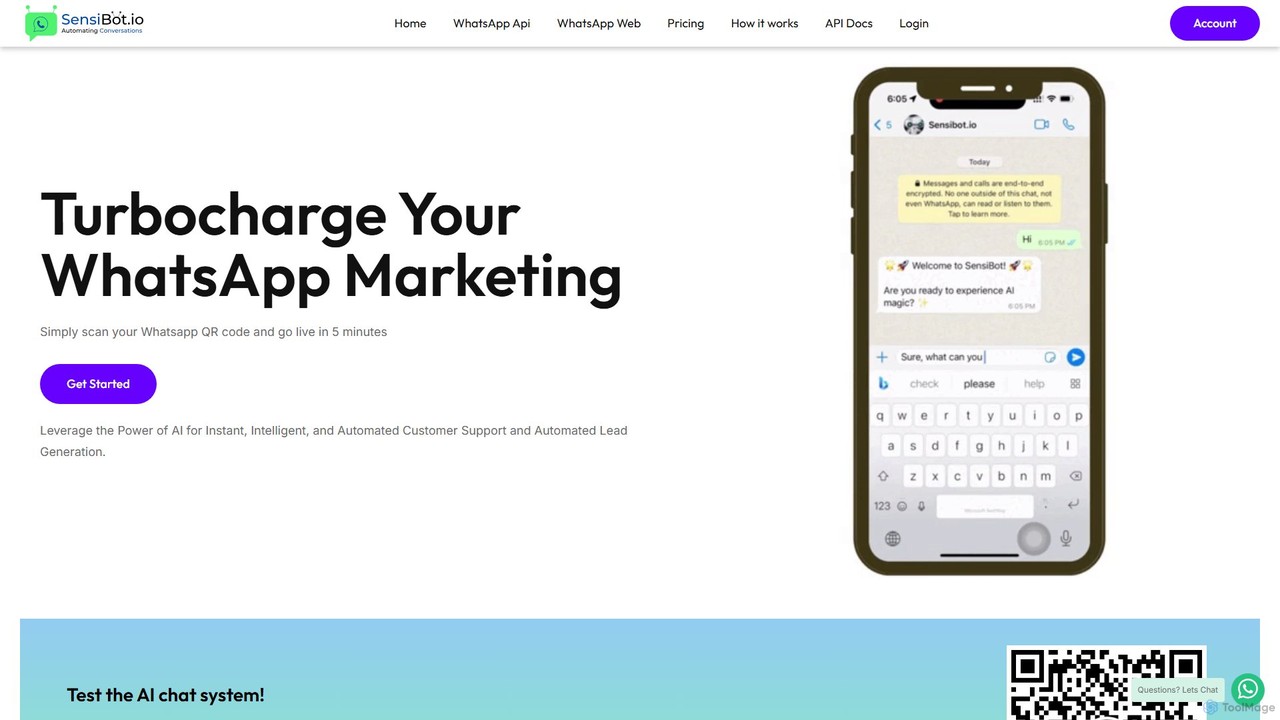
SensiBot
SensiBot is an AI-powered chatbot for WhatsApp that automates customer support, lead generation, and marketing. Powered by ChatGPT, it offers intelligent, 24/7 conversations with a no-code setup that gets you live in just 5 minutes. It integrates with your CRM for seamless workflows.
Chatbot
ChatGPT For Social Comments (0)
Sign in to comment.
Sign inNo comments yet.