
Notis Overview
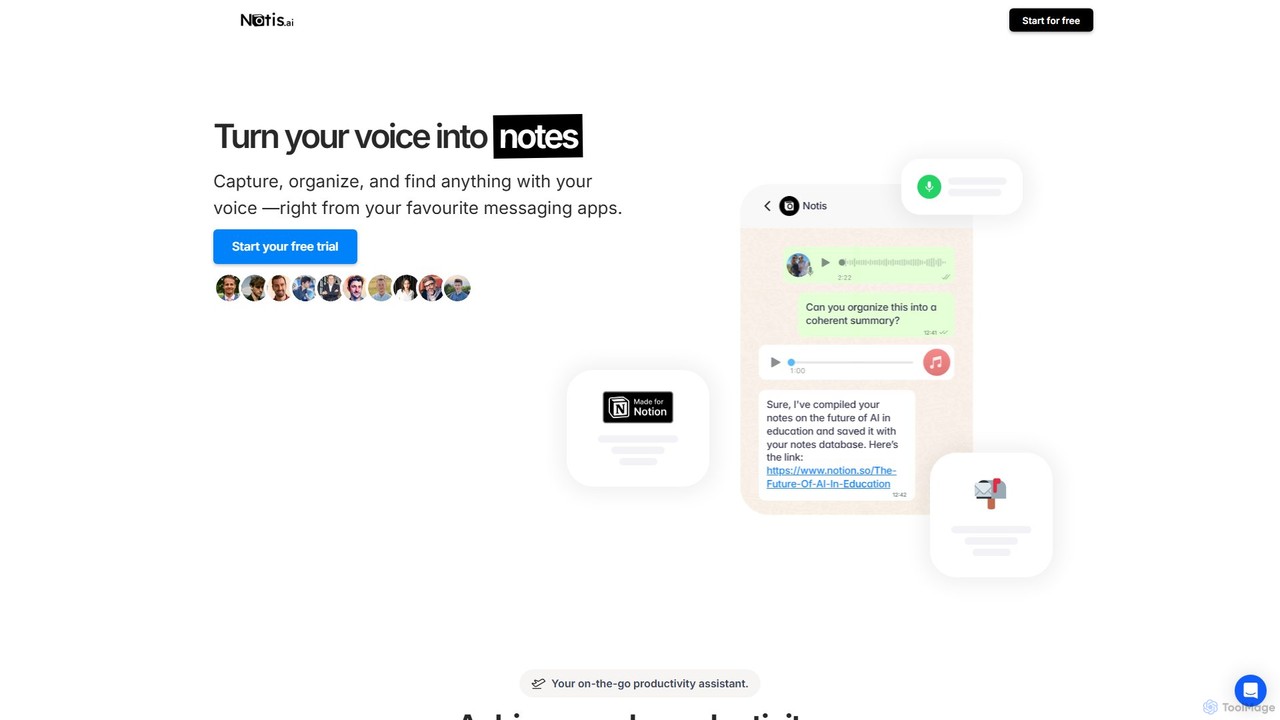
Notis is a revolutionary AI assistant designed to function as your digital second brain, seamlessly integrating with Notion to supercharge your productivity. It operates as an autonomous agent directly within your favorite messaging apps (WhatsApp, Telegram, Email) and through a Raycast extension, eliminating the need to constantly switch contexts or grapple with Notion's interface. The core philosophy of Notis is to allow you to 'fire and forget'—simply capture your thoughts, tasks, or data on the go, and trust Notis to intelligently process, categorize, and save everything in the right place within your Notion workspace.
Powered by advanced AI models like OpenAI's GPT-4.1, Notis goes beyond simple transcription. It understands context, drafts documents in your unique style, manages complex projects, and can even perform research. It's like having a personal assistant who is always available, ready to turn a fleeting voice memo into a structured project plan, a photo of a receipt into an expense entry, or a forwarded email into a new CRM contact.
How to use Notis
Using Notis is designed to be intuitive and fit into your existing workflows. The process is simple:
- Connect to Notion: Start by linking your Notion account to Notis, giving it access to your databases. Notis comes with pre-configured templates for tasks, notes, expenses, and more, but it can also intelligently adapt to your existing Notion setup.
- Capture Anything, Anywhere: Use your preferred platform to send information to Notis. You can record a voice note on WhatsApp, send a text message on Telegram, forward an email, or snap a picture of a business card or receipt. For desktop users, the Raycast extension provides a quick keyboard shortcut to delegate tasks.
- Let Notis Work: Once you send the input, Notis's multi-agent system gets to work. It transcribes audio, understands the intent of your message, extracts relevant information, and determines the appropriate Notion database to save it to. For example, saying "Remind me to follow up with John tomorrow" creates a task with a reminder, while sending a picture of a lunch bill logs an expense.
- Retrieve and Interact: You can also query your Notion workspace through Notis. Ask "What are my priority tasks for this week?" or "Find the notes from the Q3 strategy meeting," and Notis will retrieve the information and send it to you directly in the chat.
Core Features of Notis
- Voice-to-Notion Transcription: Accurately transcribes voice notes in 56 languages and organizes them as structured notes, tasks, or documents in Notion.
- Autonomous Task Management: Create tasks with priorities, assign them to people, and set reminders. Notis can send notifications directly to your WhatsApp or Telegram.
- AI-Powered Content Creation: Draft blog posts, newsletters, social media content, and emails in your personal writing style by learning from your existing Notion documents.
- Meeting Summarization: Record or upload meeting audio, and Notis will generate concise summaries, extract key decisions, and list action items.
- CRM and Contact Management: Effortlessly manage your contacts by forwarding emails or taking pictures of business cards. Notis creates and updates contact entries in your CRM database.
- Expense and Budget Tracking: Snap photos of receipts on the go. Notis automatically categorizes expenses and compiles them into reports, helping you manage your budgets.
- Knowledge Base Management: Build and maintain knowledge bases by sharing articles, notes, or customer feedback. Notis can turn this information into an interactive AI chatbot.
- Advanced Tools: Includes a web scraper powered by Perplexity AI for research, an image generator for creating visuals, and a scheduler for running recurring prompts and tasks.
Use Cases for Notis
Notis is versatile and can be adapted to numerous personal and professional workflows:
- For Busy Professionals: Capture meeting action items, draft follow-up emails, and manage project tasks while commuting or away from the desk.
- For Content Creators: Brainstorm ideas via voice notes, have Notis draft articles or social media posts, and even generate hero images for your content.
- For Consultants and Freelancers: Manage multiple client projects, track billable hours, log expenses, and maintain a simple CRM of your client interactions.
- For Personal Productivity: Organize your life by managing grocery lists, personal journals, bookmarks, and household budgets, all linked to your central Notion system.
- For Sales Teams: Log client calls, update deal statuses in a sales funnel, and quickly retrieve contact information without needing to open a complex CRM software.
Advantages of Notis
Compared to other tools like Notion AI, Notis acts as an autonomous 'butler' rather than a simple 'toaster'. Its key advantages include:
- True Delegation: Offload entire workflows, not just single tasks. Notis works autonomously in the background.
- Seamless Integration: Lives in the apps you use daily, reducing friction and eliminating the need to learn a new interface.
- Context-Aware Intelligence: Understands your unique Notion structure and personal style to provide highly relevant and personalized assistance.
- Multi-Modal Functionality: Accepts voice, text, images, and files, making it a comprehensive capture tool for any situation.
- Simplifies Notion: Unlocks the power of Notion without its steep learning curve, providing pre-built systems that work out of the box.
Pricing and Plans
Notis offers a 30-day free trial to experience all its features. After the trial, you can choose from several plans:
- Pro: $20 per month. Includes all features, powered by OpenAI GPT-4.1, and daily live office hours with the creator.
- Pro+: $60 per month. Includes everything in Pro with 3x the usage limits.
- Ultra: $200 per month. Includes everything in Pro with 20x the usage limits.
An annual subscription offers a 20% discount on all plans.
Traffic
Latest traffic
Status
Monthly traffic trend
- 2025-9: 46.1K
- 2026-1: 89.8K
- 2026-2: 88.6K
- 2026-3: 103.5K
- 2026-4: 123.5K
- 2026-5: 88.8K
Geography
Top 5 countries / regions
- 🇺🇸United States23.8%
- 🇮🇳India22.8%
- 🇧🇷Brazil22.1%
- 🇳🇬Nigeria18.9%
- 🇺🇿Uzbekistan12.5%
Traffic sources
| Source type | Percentage |
|---|---|
Direct | 53.4% |
Referral | 46.6% |
Top keywords
| Keyword | Cost per click |
|---|---|
| notion | $2.07 |
| notion ai | $2.04 |
| notis | $0.33 |
| notis ai | $0.58 |
| openclaw alternative | $5.24 |
Notis Videos on YouTube


AI Tool Corner



King of Automation

King of Automation


Notis Alternatives
ARTU
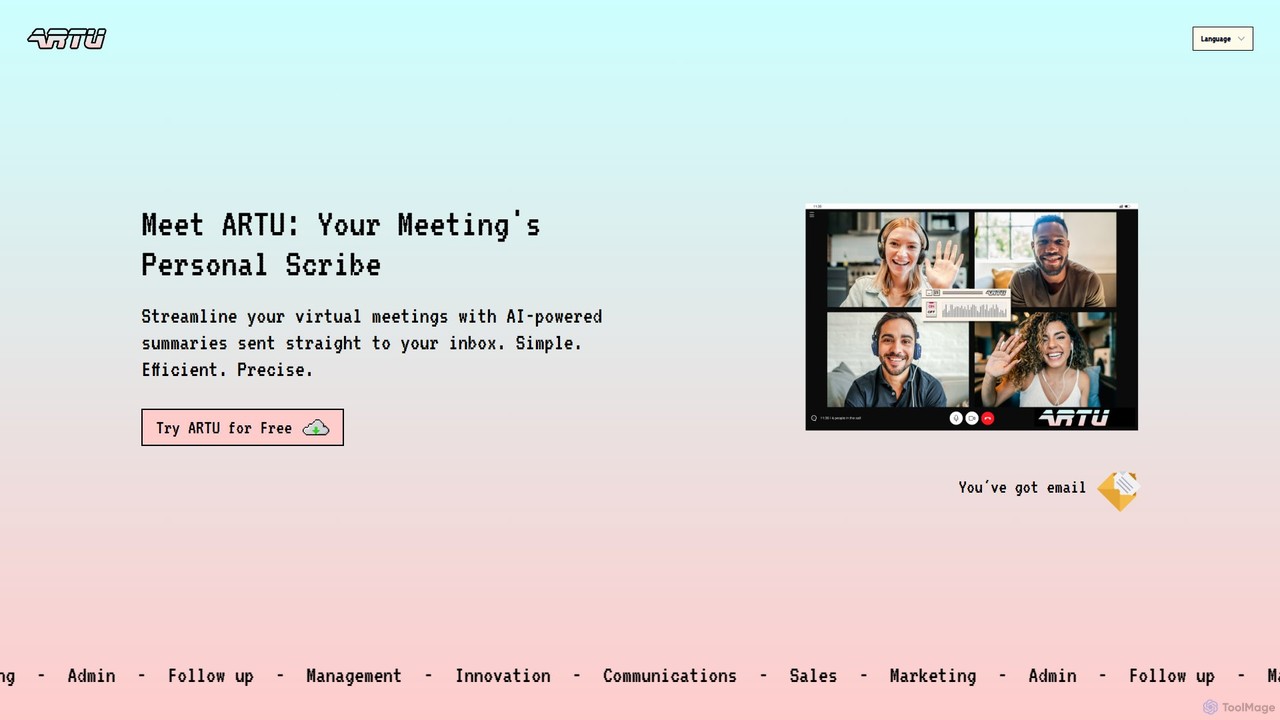
ARTU is a dual-purpose AI copilot designed to streamline both your meetings and personal idea management. It automatically transcribes and summarizes virtual meetings, sending detailed minutes to your inbox. Simultaneously, it acts as a personal assistant, capturing ideas from emails, WhatsApp, and Telegram, then organizing them into your preferred workspace like Notion. This integrated system helps you conquer creative chaos and boost productivity.
Meeting Assistant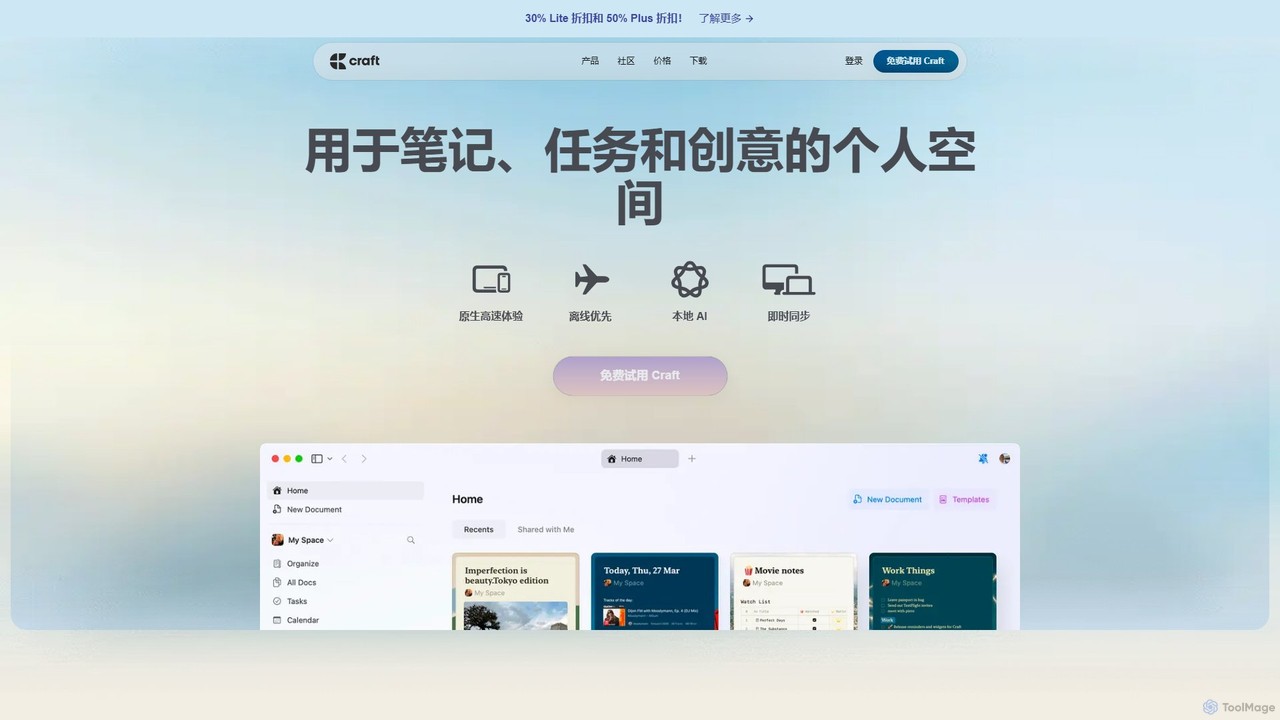
Craft
Craft is a beautifully designed, native document editor for notes, tasks, and ideas. It combines powerful features like a local AI assistant, task management, and flexible organization with a joyful, fast, and offline-first user experience, making it the perfect tool for writers, thinkers, and teams to capture and structure their thoughts.
Knowledge Management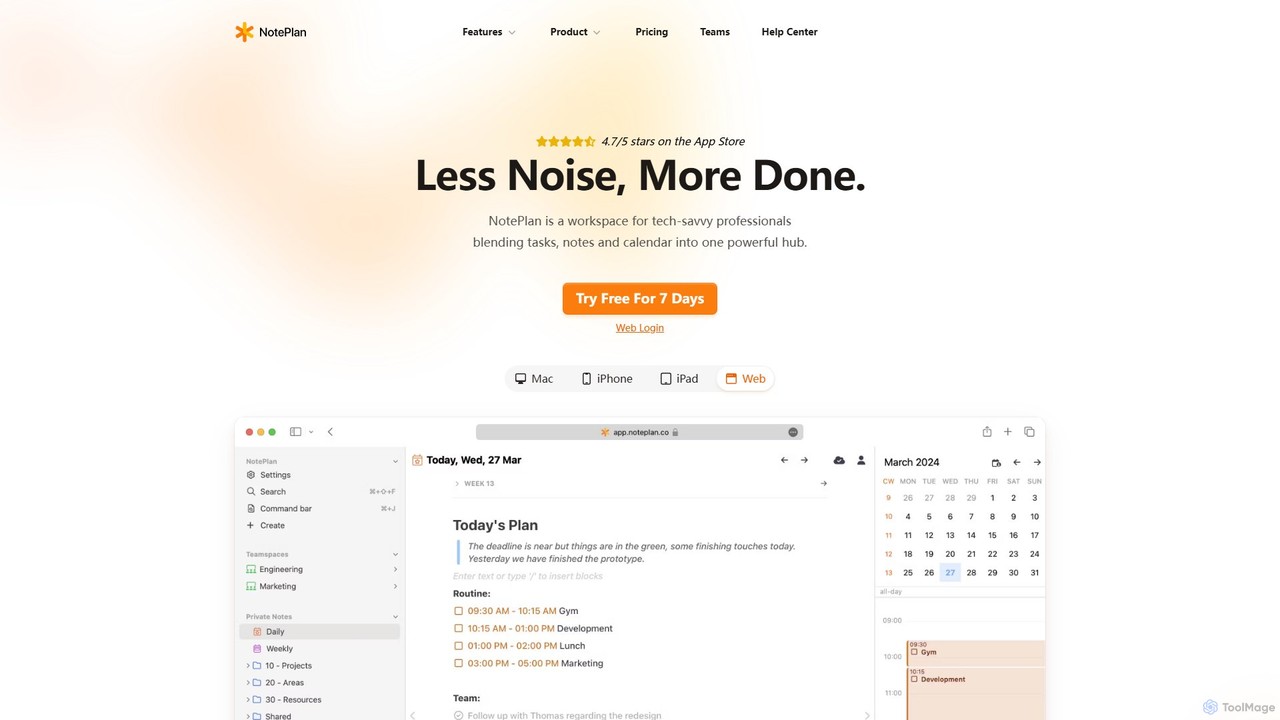
NotePlan
NotePlan is an all-in-one productivity workspace for professionals, blending tasks, notes, and calendar into a single, powerful hub. It supports Markdown, personal knowledge management (PKM) with bi-directional links, and features integrated AI for summarizing, rewriting, and transcribing. Available on Mac, iOS, and Web, it keeps you organized and focused.
Calendar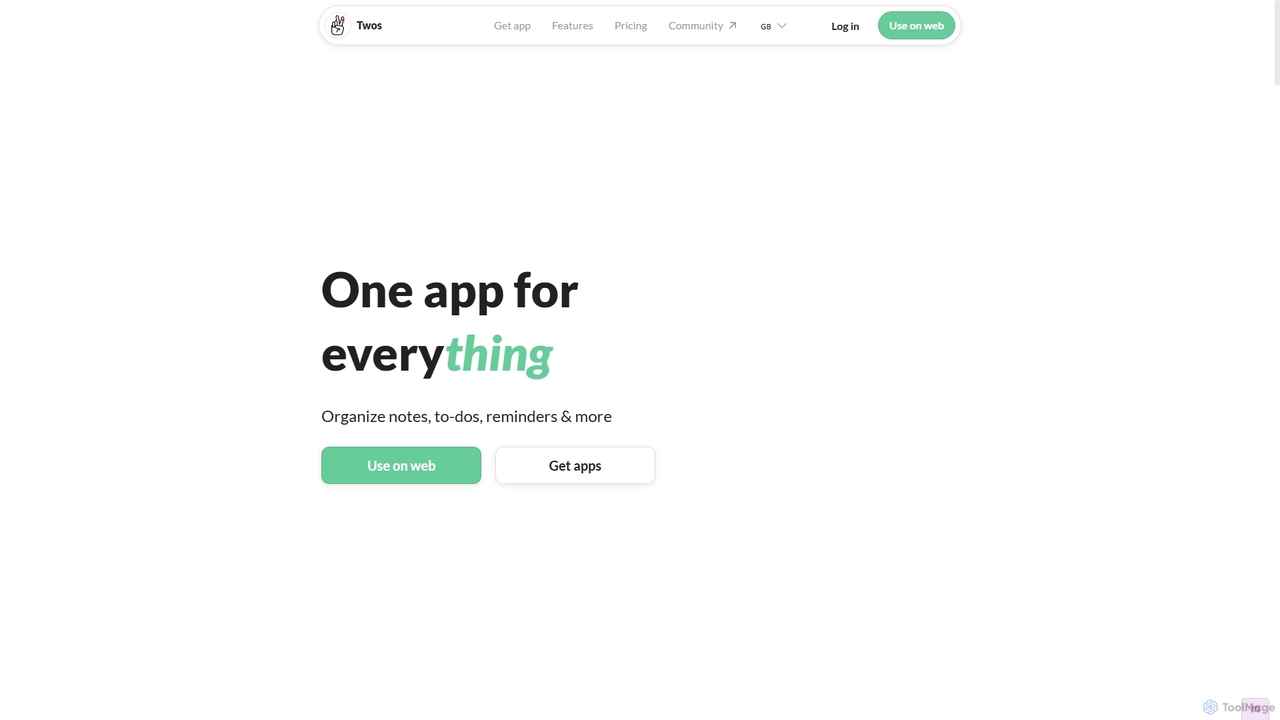
Twos
Twos is an all-in-one productivity app powered by AI that helps you organize notes, to-dos, reminders, lists, and calendar events in one simple place. Capture thoughts quickly as "things" and let the AI assistant, PALs, provide smart suggestions to help you stay organized and productive across all your devices.
Note Taking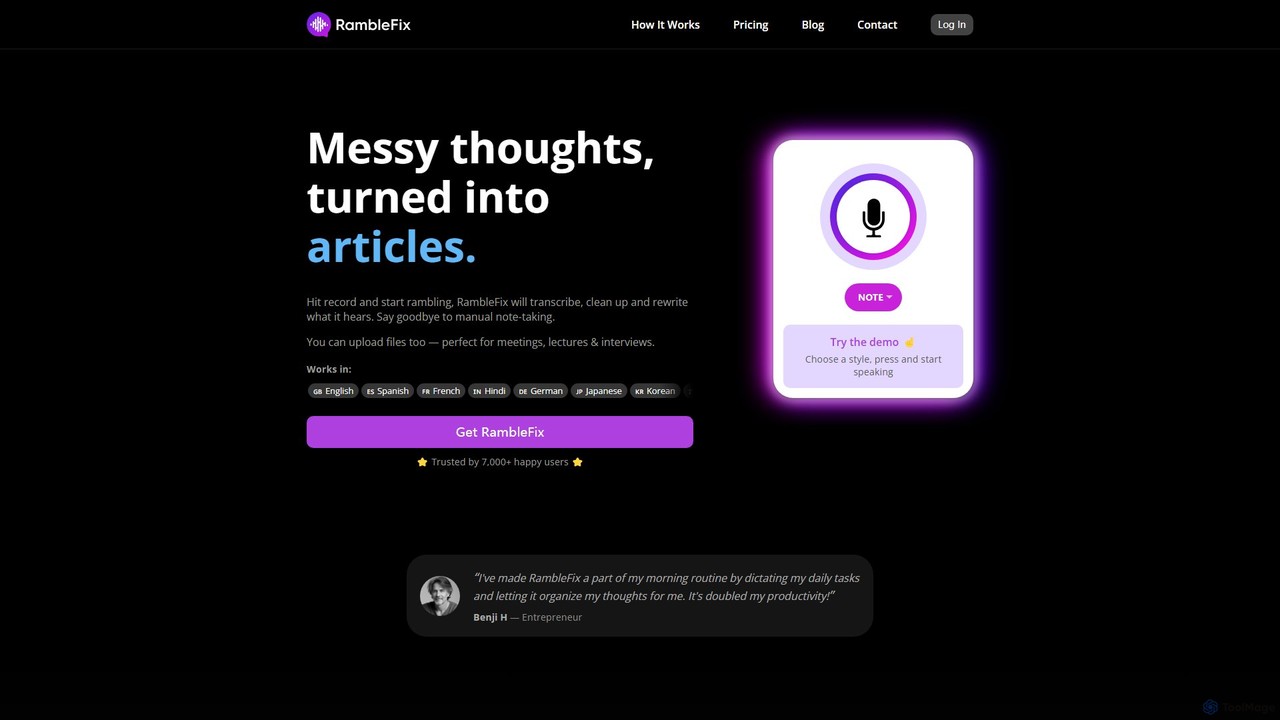
RambleFix
RambleFix is an AI-powered tool that transforms your scattered voice notes and ramblings into structured, polished text. Simply record your thoughts or upload an audio file, and the AI will transcribe, clean up, and rewrite your content into articles, emails, social posts, or organized lists. It supports over 30 languages, making it perfect for boosting productivity, overcoming writer's block, and creating content effortlessly.
TranscriptionNotis Categories
Notis Embed Widget
Copy this embed code to place the badge on your blog, article, or product site and send readers directly to this ToolMage detail page.

Related AI tools
Notability
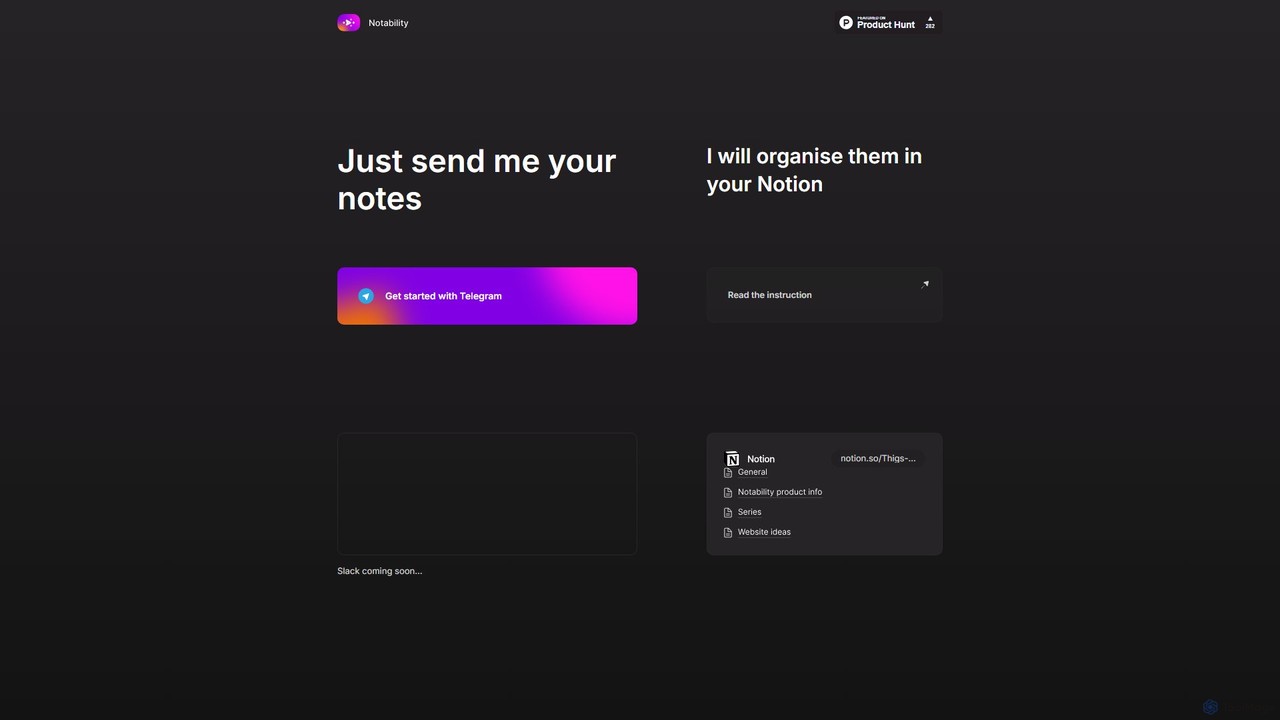
Notability is an AI-powered assistant that streamlines your workflow by automatically organizing notes from Telegram directly into your Notion workspace. Simply send text, voice notes, or links to the Telegram bot, and the AI will intelligently process, categorize, and structure the information within your designated Notion pages and databases. It's designed to eliminate manual data entry and create a frictionless knowledge management system.
Workflow Automation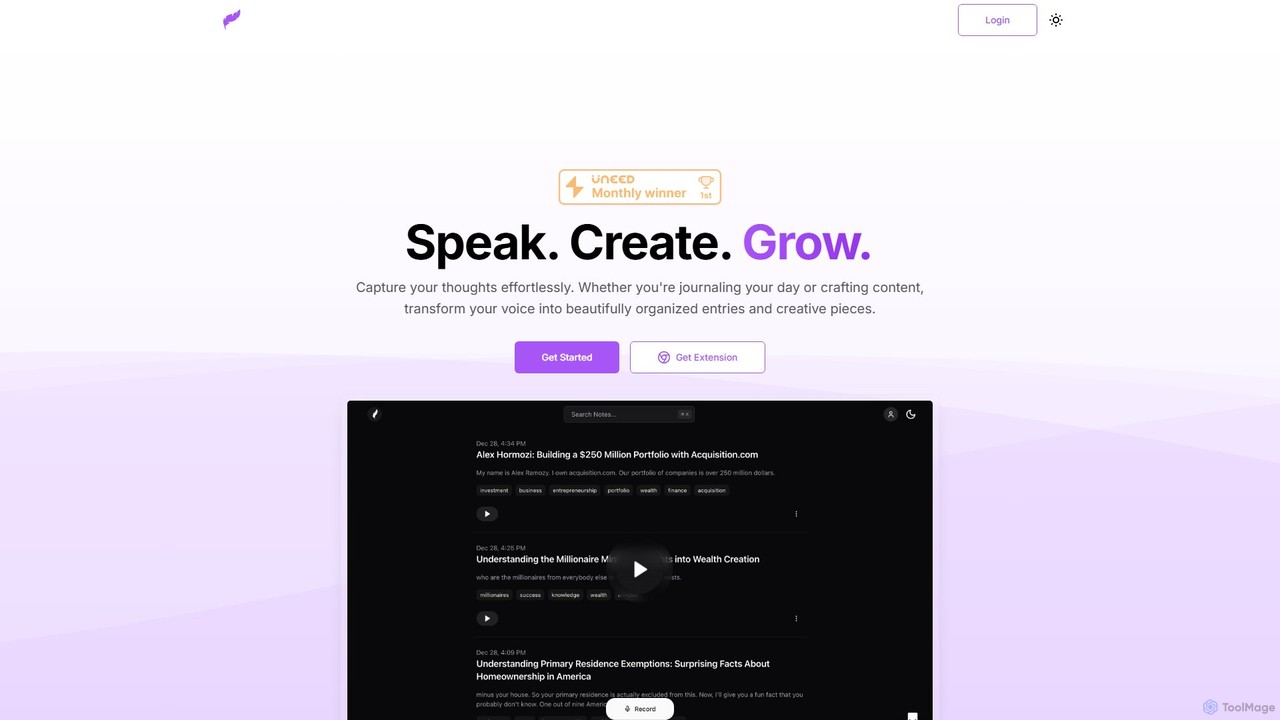
Klarity
Klarity is an AI-powered note-taking assistant that transforms your voice into structured text. Effortlessly capture thoughts, meeting notes, lecture content, and creative ideas, and automatically organize them. It integrates seamlessly with productivity tools like Notion, Obsidian, and Readwise to supercharge your workflow.
TranscriptionARTU
ARTU is a dual-purpose AI copilot designed to streamline both your meetings and personal idea management. It automatically transcribes and summarizes virtual meetings, sending detailed minutes to your inbox. Simultaneously, it acts as a personal assistant, capturing ideas from emails, WhatsApp, and Telegram, then organizing them into your preferred workspace like Notion. This integrated system helps you conquer creative chaos and boost productivity.
Meeting Assistant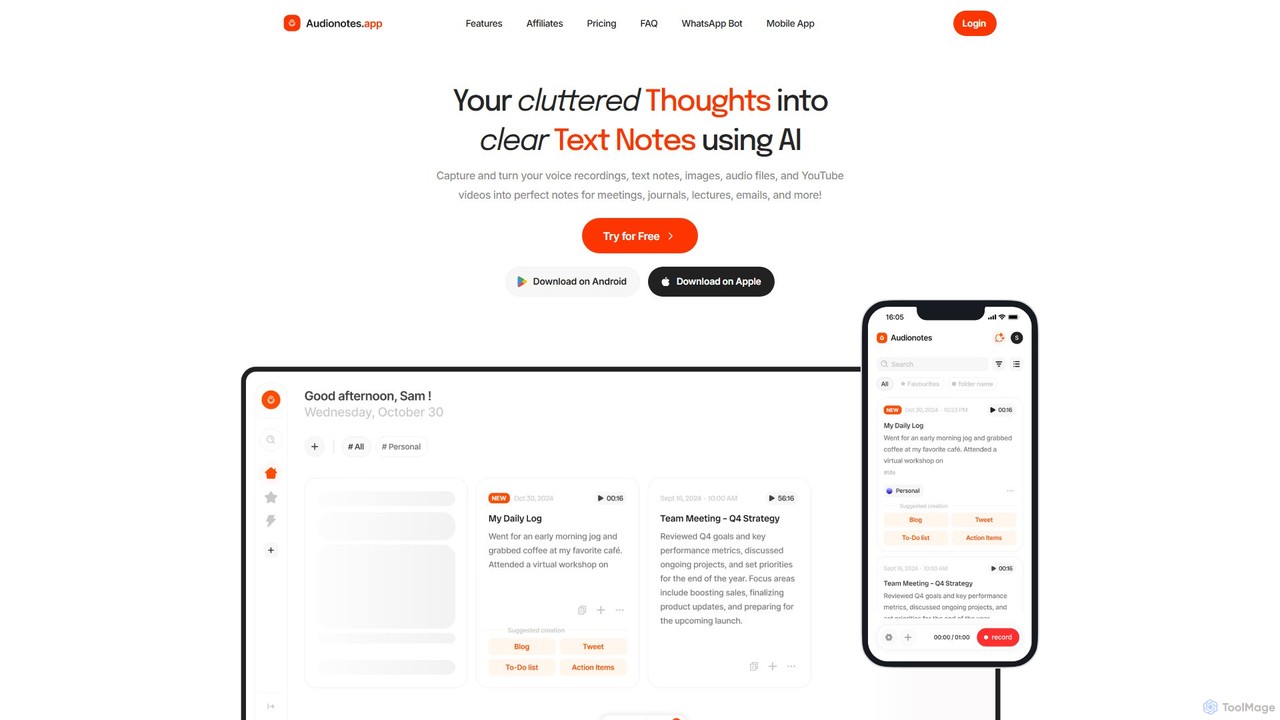
Audionotes.app
Audionotes.app is an AI-powered assistant that transforms your voice notes, text, images, audio/video files, and YouTube videos into clear, structured text. It's designed for professionals, students, and creators to capture ideas, transcribe meetings, summarize lectures, and generate content effortlessly across multiple platforms.
Transcription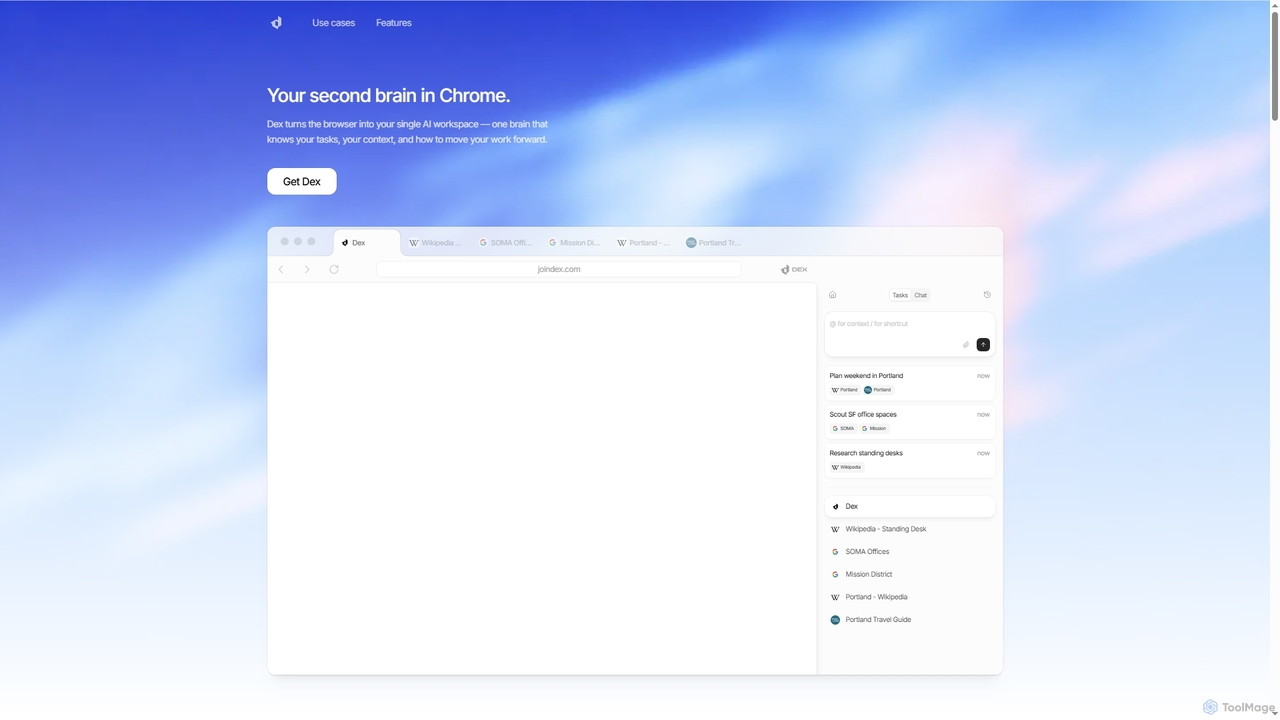
Dex
Dex is an AI-powered Chrome extension that transforms your browser into a smart, integrated workspace. It acts as your second brain, managing tasks, understanding context, and proactively moving your work forward by connecting with over 14 applications to eliminate context switching and boost productivity.
Workflow AutomationCraft
Craft is a beautifully designed, native document editor for notes, tasks, and ideas. It combines powerful features like a local AI assistant, task management, and flexible organization with a joyful, fast, and offline-first user experience, making it the perfect tool for writers, thinkers, and teams to capture and structure their thoughts.
Knowledge ManagementNotePlan
NotePlan is an all-in-one productivity workspace for professionals, blending tasks, notes, and calendar into a single, powerful hub. It supports Markdown, personal knowledge management (PKM) with bi-directional links, and features integrated AI for summarizing, rewriting, and transcribing. Available on Mac, iOS, and Web, it keeps you organized and focused.
CalendarTwos
Twos is an all-in-one productivity app powered by AI that helps you organize notes, to-dos, reminders, lists, and calendar events in one simple place. Capture thoughts quickly as "things" and let the AI assistant, PALs, provide smart suggestions to help you stay organized and productive across all your devices.
Note TakingRambleFix
RambleFix is an AI-powered tool that transforms your scattered voice notes and ramblings into structured, polished text. Simply record your thoughts or upload an audio file, and the AI will transcribe, clean up, and rewrite your content into articles, emails, social posts, or organized lists. It supports over 30 languages, making it perfect for boosting productivity, overcoming writer's block, and creating content effortlessly.
Transcription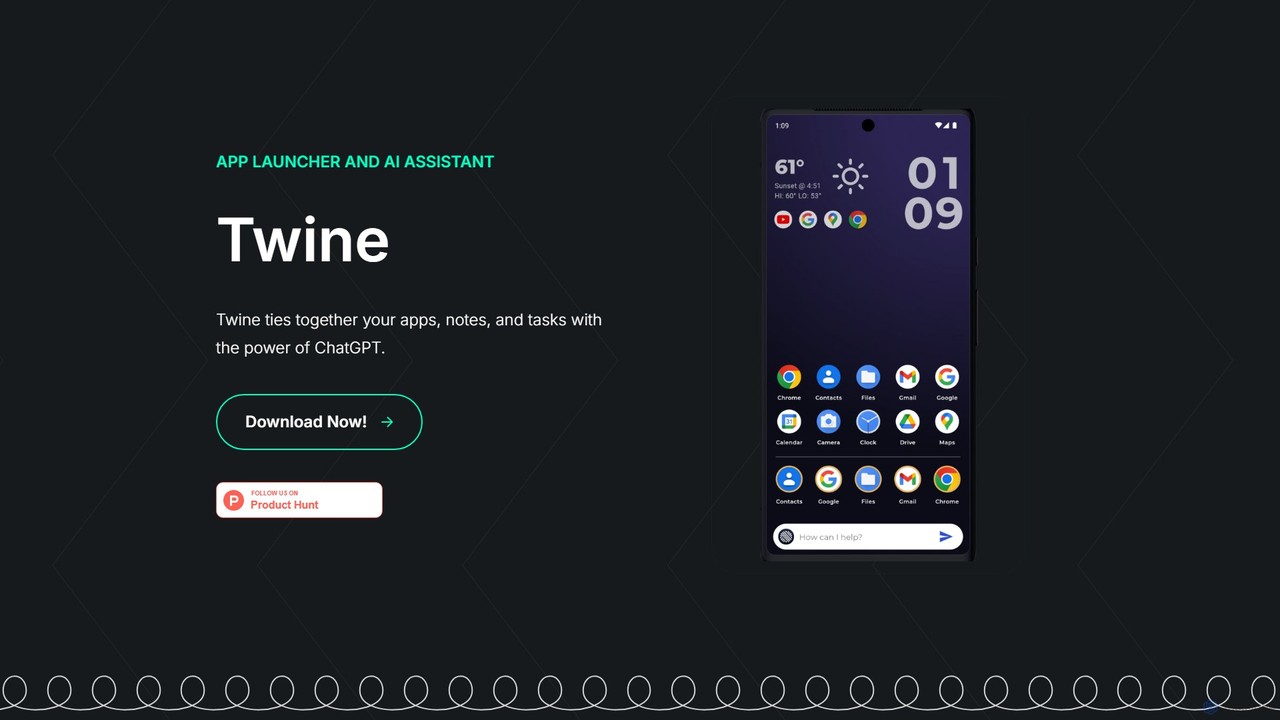
Twine Launcher
Twine Launcher is an intelligent Android app launcher and AI assistant powered by ChatGPT. It integrates your apps, notes, and tasks, allowing you to manage your digital life directly from your homescreen through natural language commands for enhanced productivity.
Launcher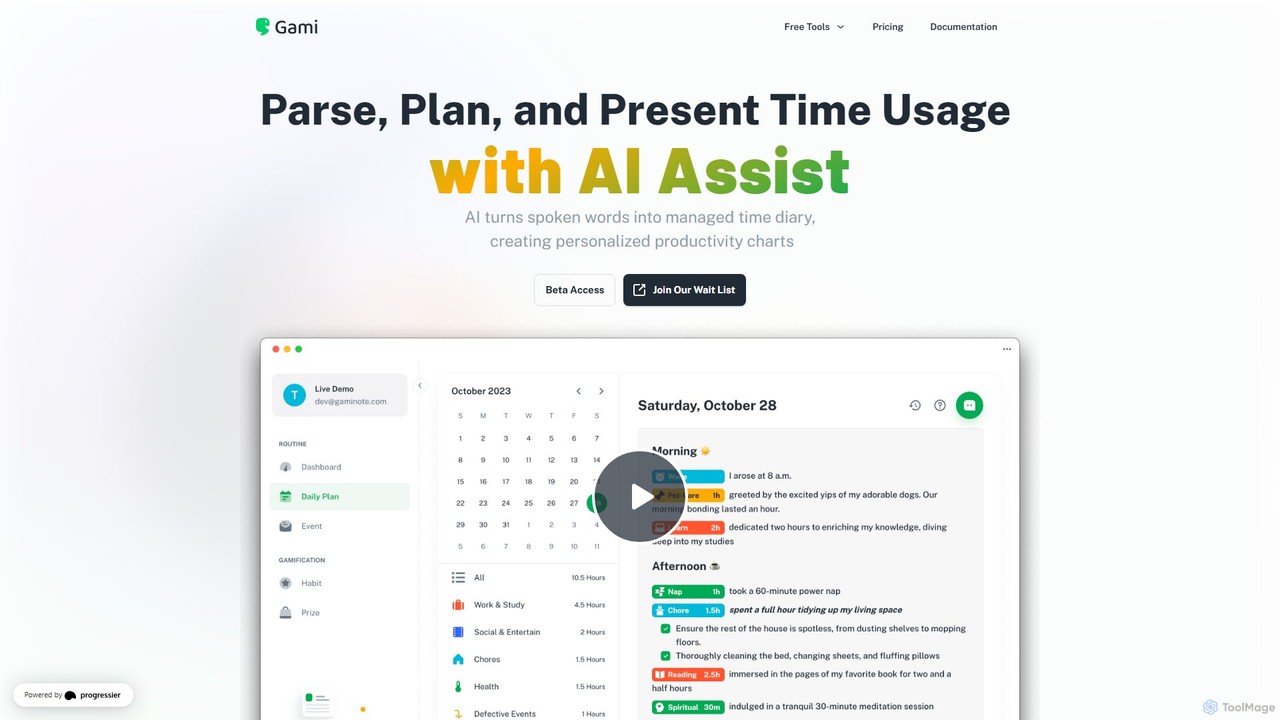
Gaminote
Gaminote is a diary-driven AI time management tool that transforms your spoken or written narratives into structured time logs and visual productivity charts. Simply describe your day, and its AI automatically parses activities, tracks durations, and generates insightful dashboards for effortless time analysis across all your devices.
Note Taking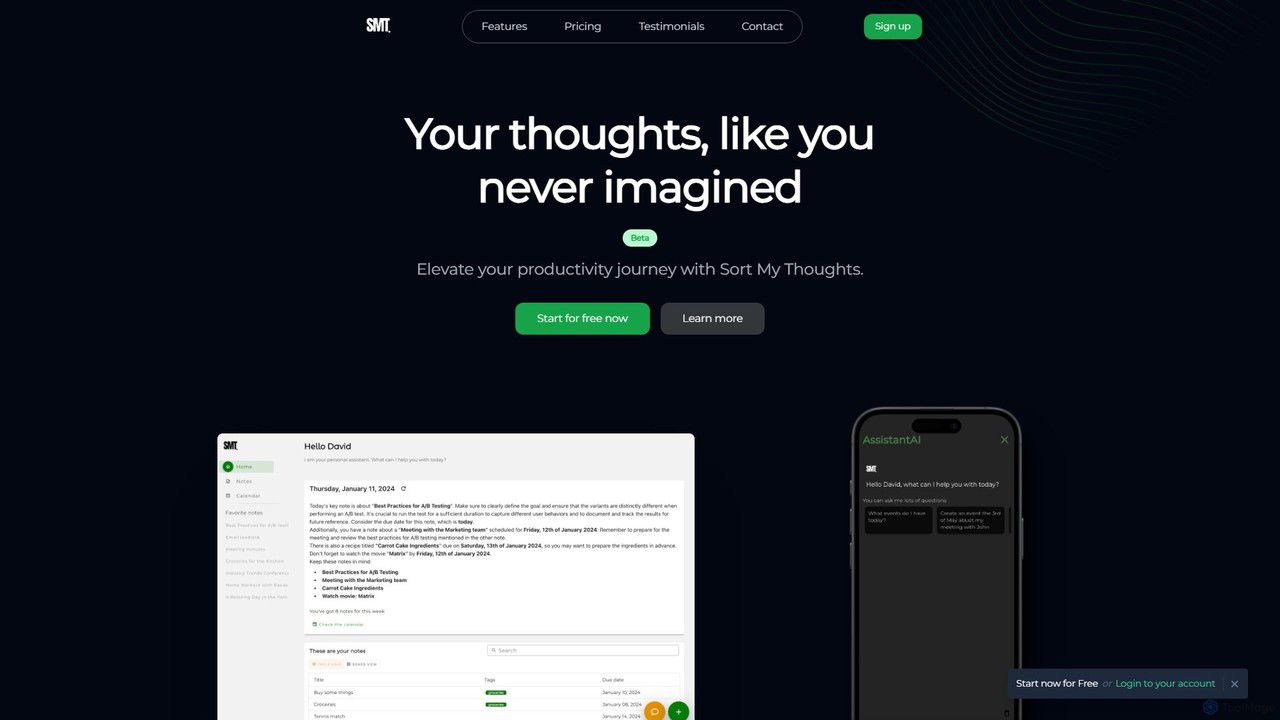
Sort My Thoughts
Sort My Thoughts is a personalized AI assistant designed to enhance productivity by organizing your thoughts, tasks, and schedule. It leverages AI to prioritize tasks, provide daily summaries, offer smart suggestions, and optimize your workflow. With seamless multi-device sync and a rich-text editor, it acts as a unified hub for your digital life, helping you stay organized and focused.
Note Taking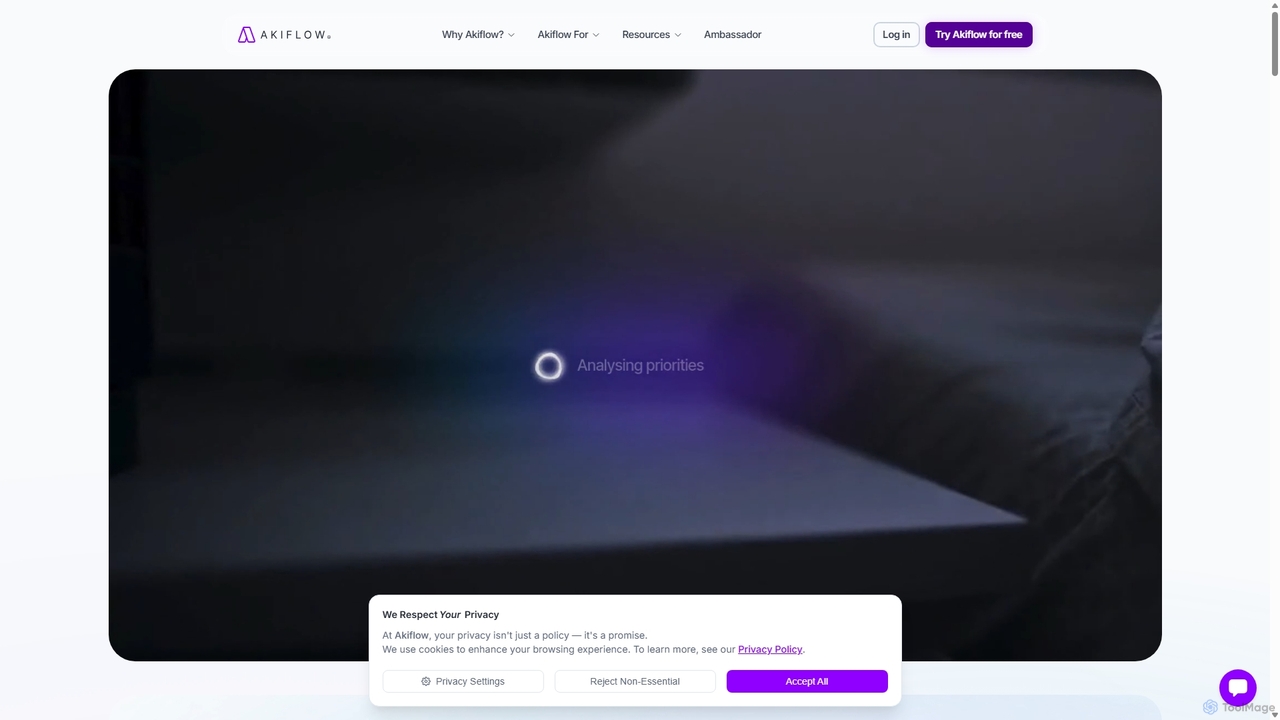
Akiflow
Akiflow is an AI-powered time blocking and task management platform that consolidates all your tasks and calendars into a single, unified workspace. Featuring Aki, an AI executive assistant, it helps you automate scheduling, manage routines, and organize your day with unparalleled speed and efficiency, eliminating the need to switch between multiple apps.
Automation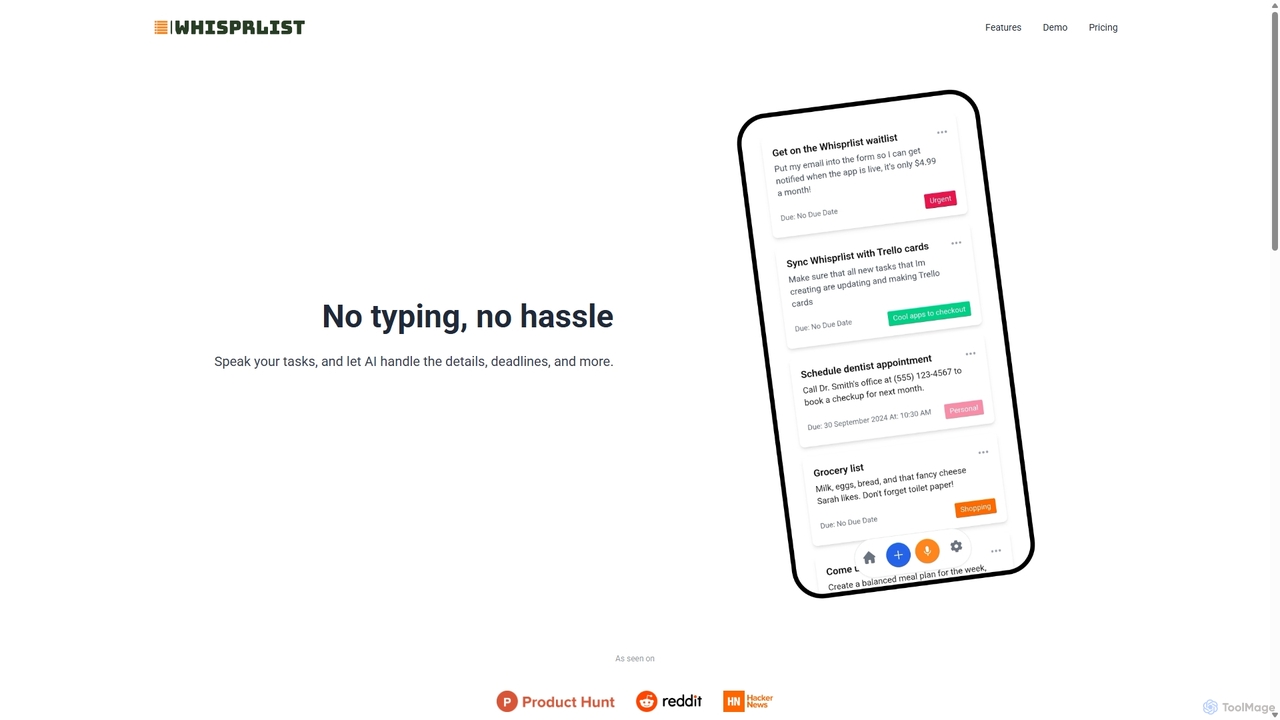
Whisprlist
Whisprlist is an AI-powered task management tool that lets you create and organize your to-do list simply by speaking. It eliminates typing, using advanced voice recognition and AI to parse details, set deadlines, and structure your tasks. Receive a daily summary email to stay on track effortlessly.
Voice Recognition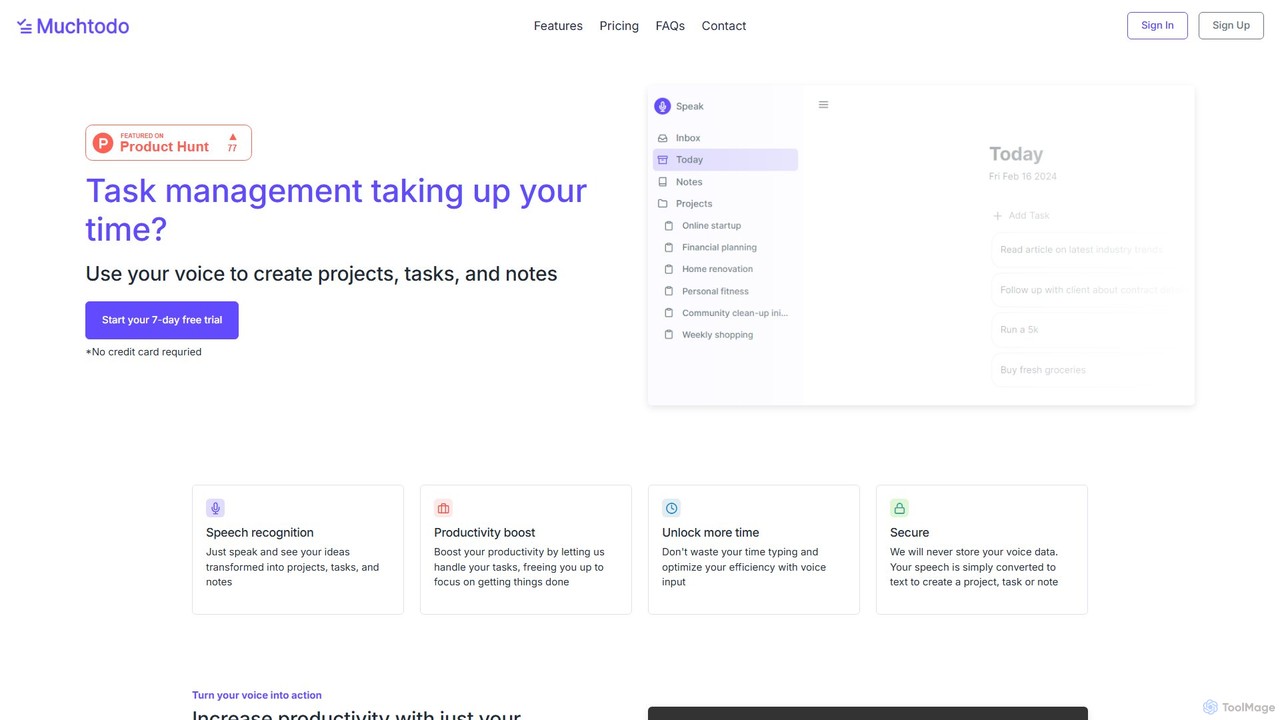
Muchtodo
Muchtodo is an AI-powered task management platform that converts your voice into projects, tasks, and notes. It's designed to boost productivity by minimizing typing, allowing you to capture ideas instantly. It supports 57 languages and includes a Pomodoro timer to enhance focus, ensuring a seamless and efficient workflow.
Note Taking
Notis Comments (0)
Sign in to comment.
Sign inNo comments yet.