
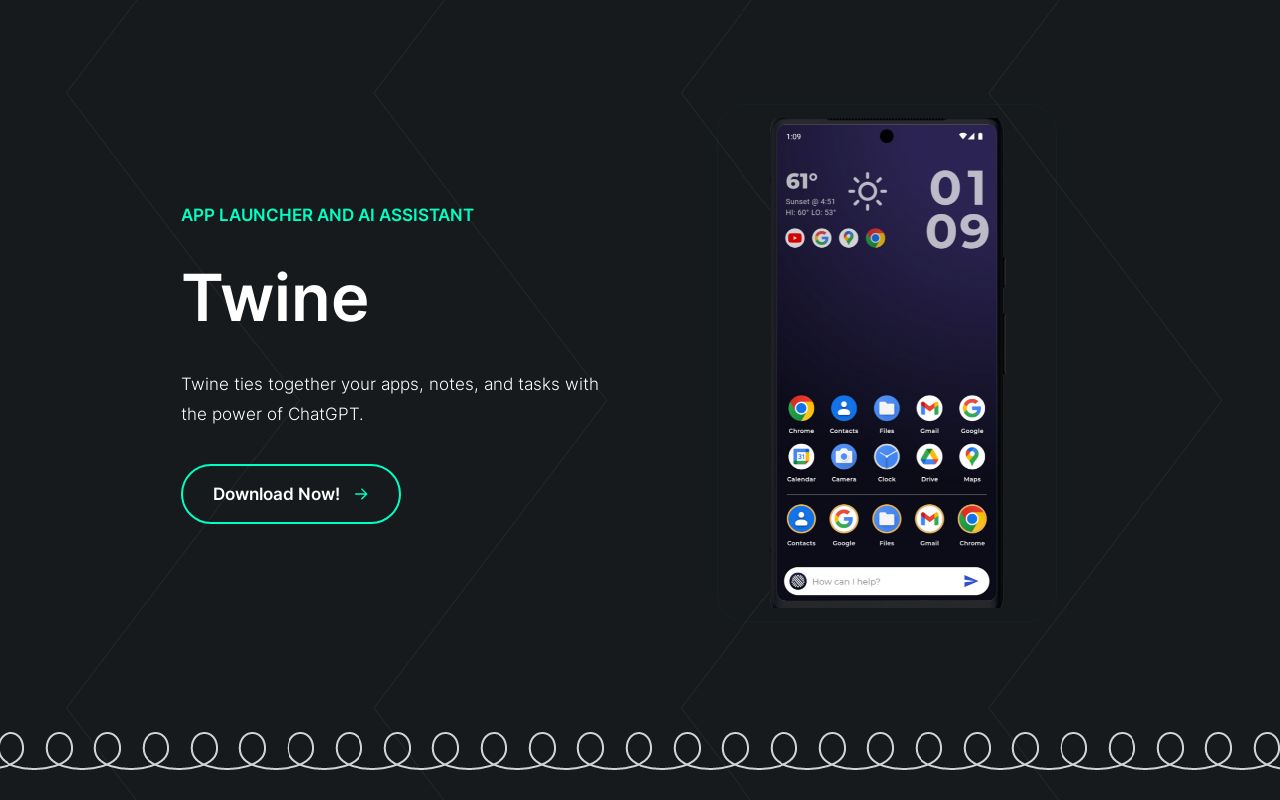
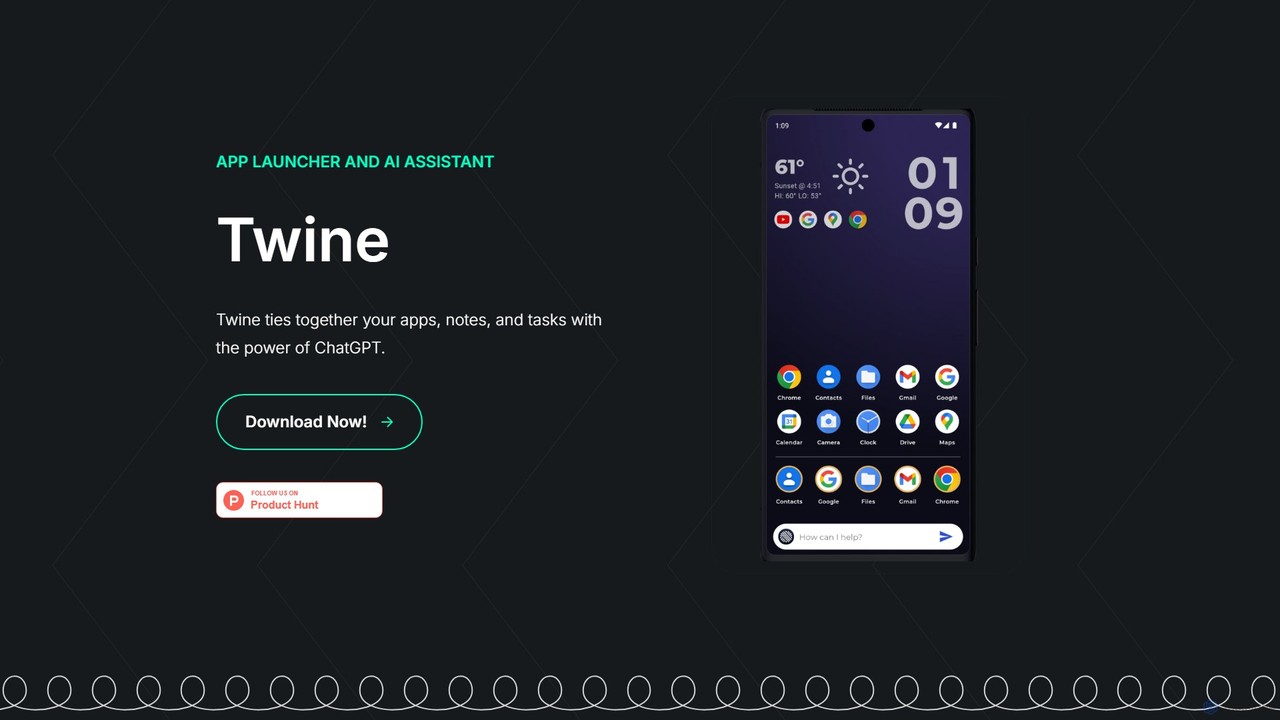
Twine Launcher Overview
Twine Launcher is a revolutionary application designed to transform your Android homescreen into a powerful, centralized command center. By seamlessly integrating an app launcher with a sophisticated AI assistant powered by ChatGPT, Twine aims to streamline your daily digital interactions. It acts as a cohesive layer that 'twines' together your applications, personal notes, tasks, and even information about your contacts, making your smartphone experience more intuitive and efficient.
The core philosophy behind Twine Launcher is to minimize the time spent navigating between different apps for simple tasks. Instead of opening a calendar app to set a reminder, a notes app to jot down an idea, or a browser to ask a question, you can do it all from one place. The AI assistant is always accessible from your homescreen, ready to respond to your voice or text commands, providing a fluid and conversational user experience.
How to use Twine Launcher
Using Twine Launcher is designed to be straightforward and intuitive. Follow these steps to get started:
- Download and Install: Find and download Twine Launcher from the Google Play Store on your Android device.
- Set as Default Launcher: After installation, open the app and follow the on-screen prompts to set Twine Launcher as your default homescreen. This allows it to manage your app drawer and homescreen experience.
- Interact with the AI Assistant: Access the AI assistant directly from a widget or a dedicated gesture on your homescreen. You can type or speak your commands.
- Manage Tasks and Notes: Use natural language to create tasks, reminders, and notes. For example, say "Remind me to buy milk at 5 PM" or "Note that the project idea is about sustainable energy." The AI will parse this and create the appropriate entry.
- Get Quick Answers: Ask any question you would normally ask a search engine or ChatGPT. For instance, "What's the weather like in London?" or "Explain quantum computing in simple terms."
- Utilize People Memory: Tell the AI specific details about your contacts, such as "Remember my colleague Sarah's work anniversary is on October 10th." Twine can then use this context to help you draft congratulatory emails or messages.
Core Features of Twine Launcher
- Integrated ChatGPT Assistant: Get instant access to the power of ChatGPT for quick answers, brainstorming, content creation, and more, directly from your homescreen.
- Unified Task and Note Management: Seamlessly create, organize, and manage your to-do lists, reminders, and notes using simple, conversational commands.
- Contextual People Memory: The AI can store and recall important information about people in your life, helping you personalize your communications and remember key dates.
- Smart App Launcher: Organizes your apps intelligently and provides quick access, while integrating AI functions to enhance their use.
- Natural Language Interface: Interact with your phone in a more human-like way, reducing the need for manual tapping and navigating through menus.
- Streamlined Communication: The assistant can help compose emails and text messages based on your notes, tasks, and stored information about your contacts.
Use Cases for Twine Launcher
Twine Launcher is versatile and can benefit a wide range of users:
- Busy Professionals: Quickly schedule meetings, set reminders for deadlines, and draft follow-up emails while on the move, all through voice commands.
- Students: Use the AI to get help with homework questions, organize study notes by subject, and set reminders for assignments and exams.
- Personal Productivity Enthusiasts: Centralize daily planning by integrating to-do lists, notes, and calendar events into a single, AI-driven interface.
- Socially Active Individuals: Keep track of birthdays, anniversaries, and personal preferences of friends and family, and get help drafting thoughtful messages.
- Technologically Curious Users: Experience the cutting edge of AI by integrating it into the most fundamental part of the smartphone experience—the homescreen.
Advantages of Twine Launcher
The primary advantage of Twine Launcher is its profound integration of AI into the core user experience. It boosts efficiency by eliminating the friction of app-switching. Instead of being a passive grid of icons, your homescreen becomes an active, intelligent assistant. This centralization of control saves time, reduces cognitive load, and makes your device feel truly 'smart'. The contextual awareness, especially regarding people and tasks, allows for a level of personalization that standard launchers cannot offer.
Pricing and Plans
Twine Launcher is available for download from the app store. While the official website does not provide detailed pricing information, tools of this nature typically operate on a freemium model. This would likely mean that the core launcher and basic AI assistant features are available for free, with a potential subscription plan (Twine Pro) for advanced features such as unlimited AI queries, enhanced contextual memory, or deeper third-party app integrations.
Traffic
Latest traffic
Status
Monthly traffic trend
- 2025-9: 1.1K
- 2026-1: 597
- 2026-2: 0
- 2026-3: 179
- 2026-4: 1.4K
- 2026-5: 1.8K
Geography
Top 5 countries / regions
- 🇬🇧United Kingdom54.7%
- 🇺🇸United States45.3%
Top keywords
| Keyword | Cost per click |
|---|---|
| twine ai | $1.14 |
Twine Launcher Alternatives
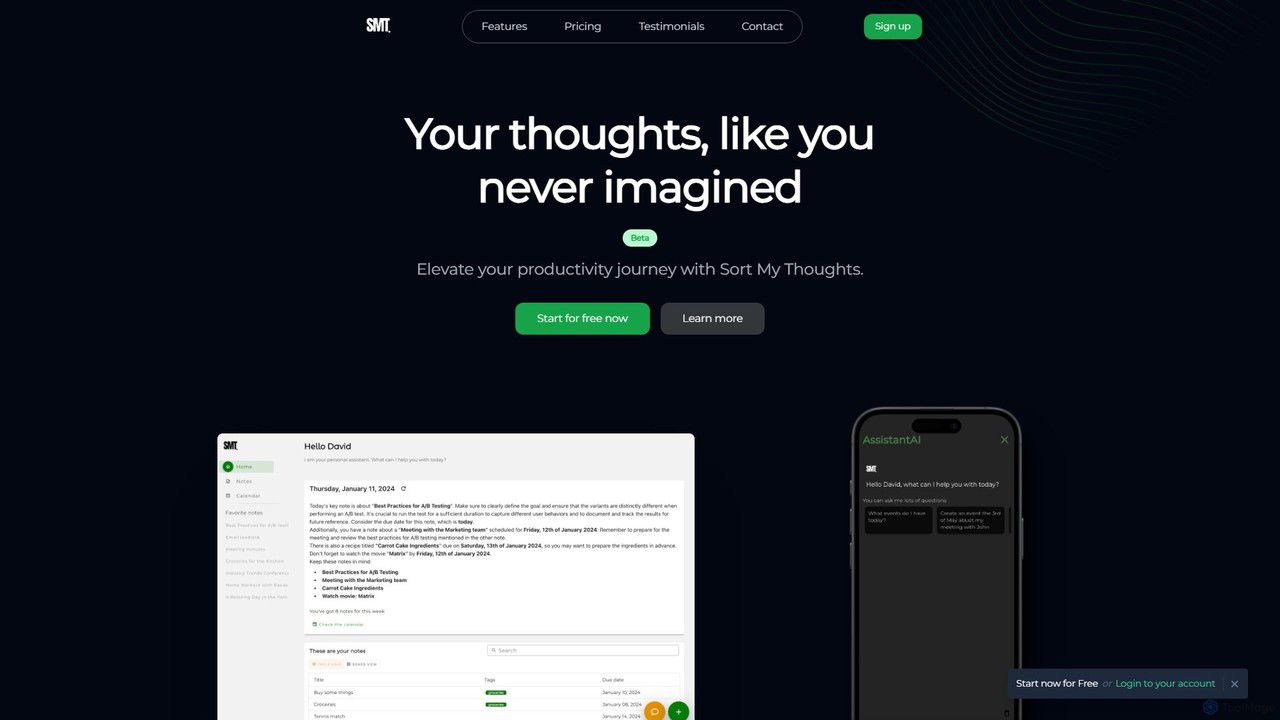
Sort My Thoughts
Sort My Thoughts is a personalized AI assistant designed to enhance productivity by organizing your thoughts, tasks, and schedule. It leverages AI to prioritize tasks, provide daily summaries, offer smart suggestions, and optimize your workflow. With seamless multi-device sync and a rich-text editor, it acts as a unified hub for your digital life, helping you stay organized and focused.
Note Taking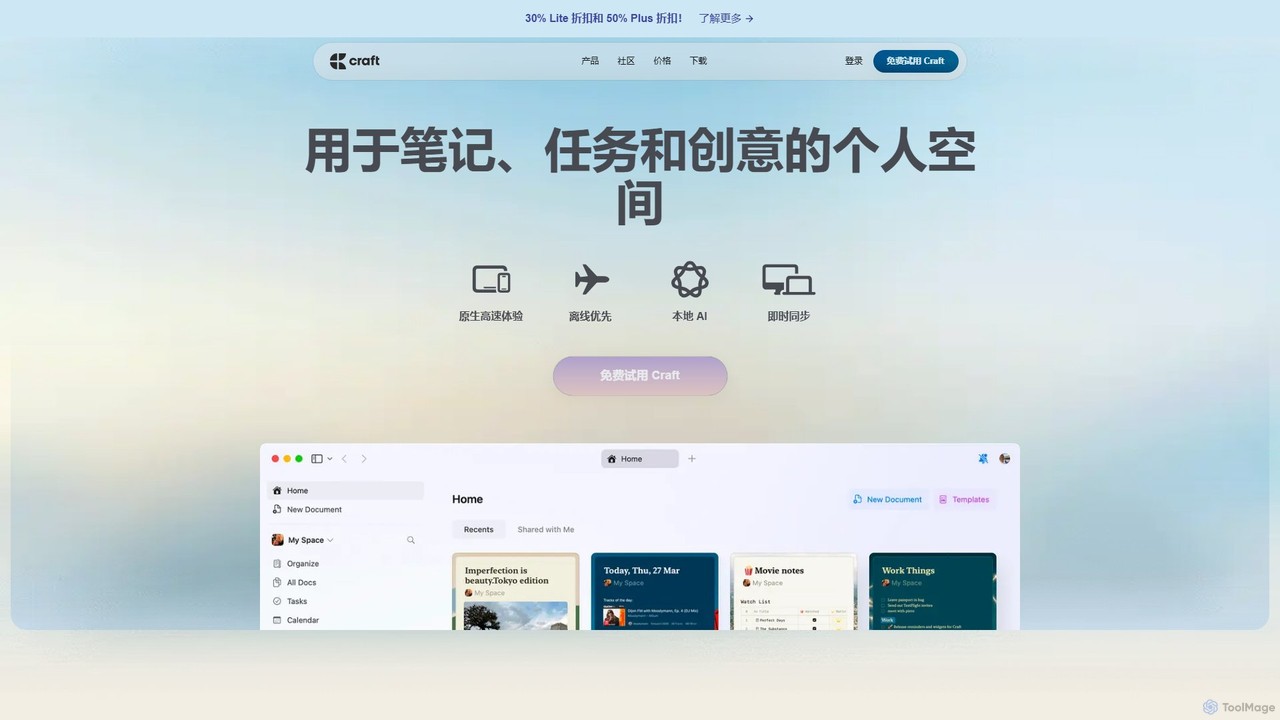
Craft
Craft is a beautifully designed, native document editor for notes, tasks, and ideas. It combines powerful features like a local AI assistant, task management, and flexible organization with a joyful, fast, and offline-first user experience, making it the perfect tool for writers, thinkers, and teams to capture and structure their thoughts.
Knowledge Management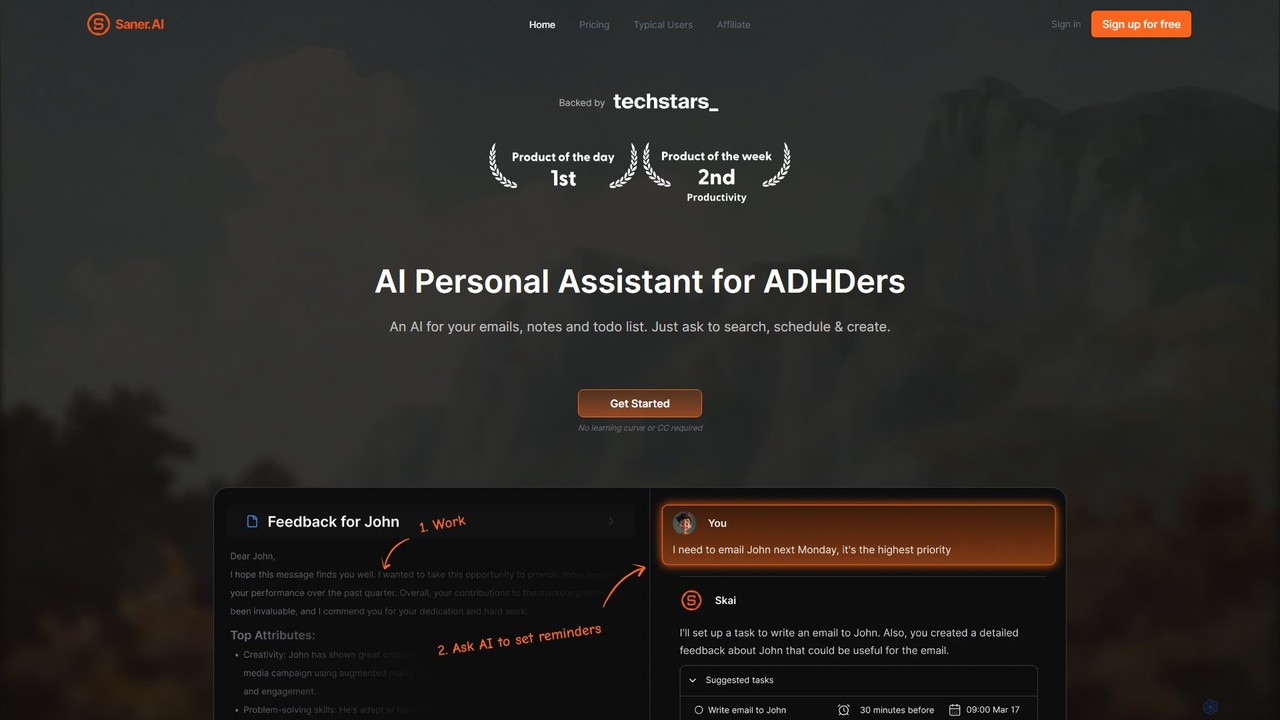
Saner.AI
Saner.AI is an AI personal assistant designed to help users, especially those with ADHD, manage notes, emails, and to-do lists. It acts as a unified workspace to capture, organize, and synthesize information, reducing cognitive load and context switching. With its AI assistant, Skai, it automates task planning, prioritization, and knowledge connection, creating a calmer, more productive workflow.
Second Brain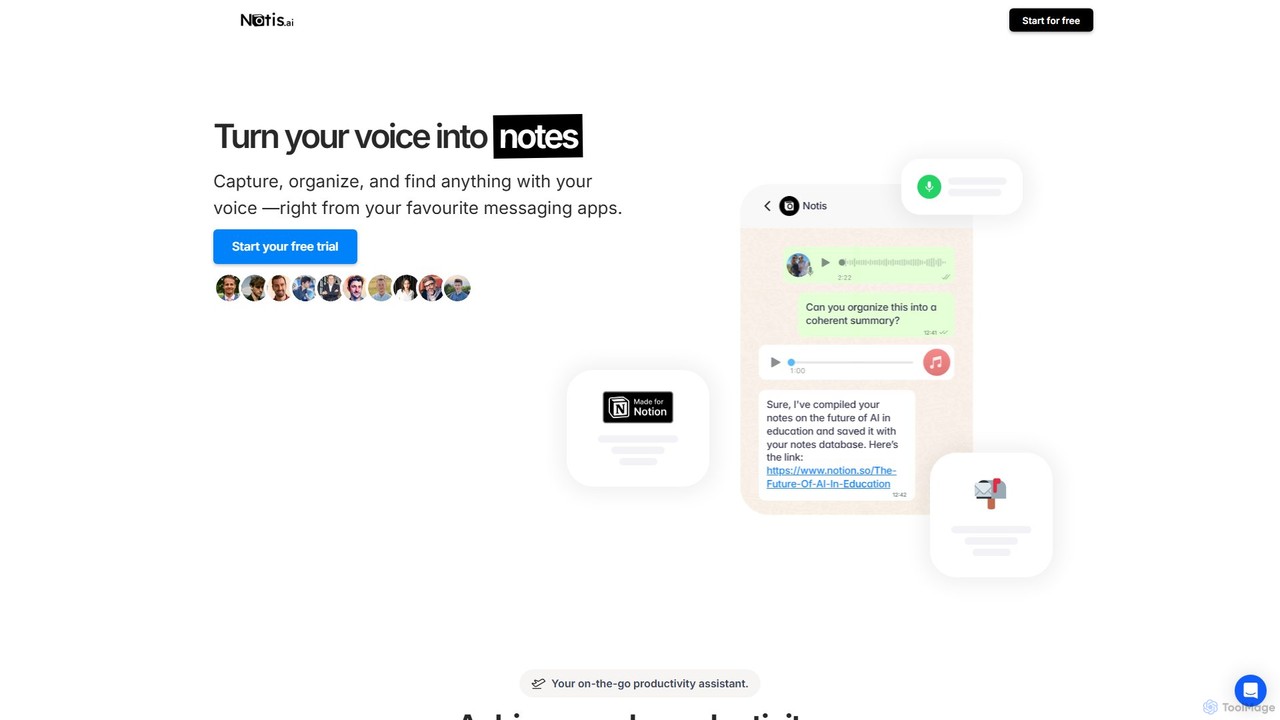
Notis
Notis is an AI-powered productivity assistant that turns your voice, text, and images into structured entries in Notion. Operating directly from messaging apps like WhatsApp and Telegram, it helps you capture ideas, manage tasks, draft content, and organize your life without ever opening the Notion app.
Content Creation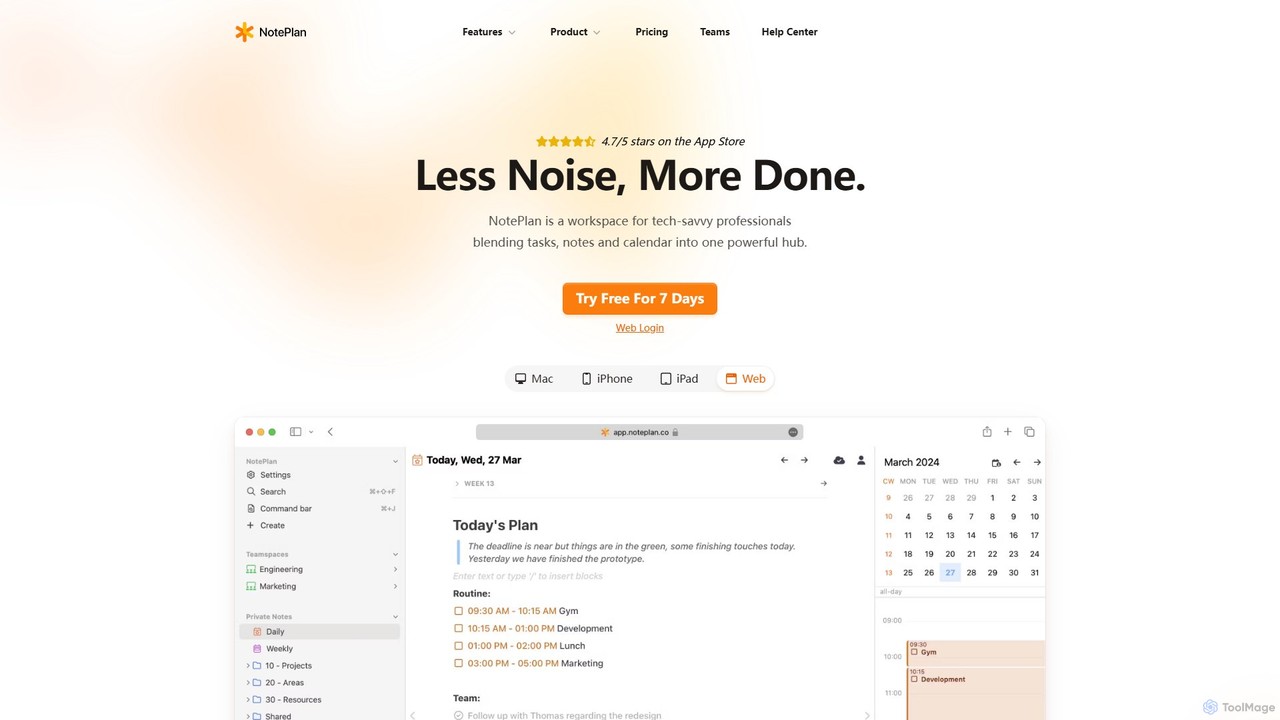
NotePlan
NotePlan is an all-in-one productivity workspace for professionals, blending tasks, notes, and calendar into a single, powerful hub. It supports Markdown, personal knowledge management (PKM) with bi-directional links, and features integrated AI for summarizing, rewriting, and transcribing. Available on Mac, iOS, and Web, it keeps you organized and focused.
CalendarTwine Launcher Categories
Twine Launcher Embed Widget
Copy this embed code to place the badge on your blog, article, or product site and send readers directly to this ToolMage detail page.

Related AI tools
Sort My Thoughts
Sort My Thoughts is a personalized AI assistant designed to enhance productivity by organizing your thoughts, tasks, and schedule. It leverages AI to prioritize tasks, provide daily summaries, offer smart suggestions, and optimize your workflow. With seamless multi-device sync and a rich-text editor, it acts as a unified hub for your digital life, helping you stay organized and focused.
Note Taking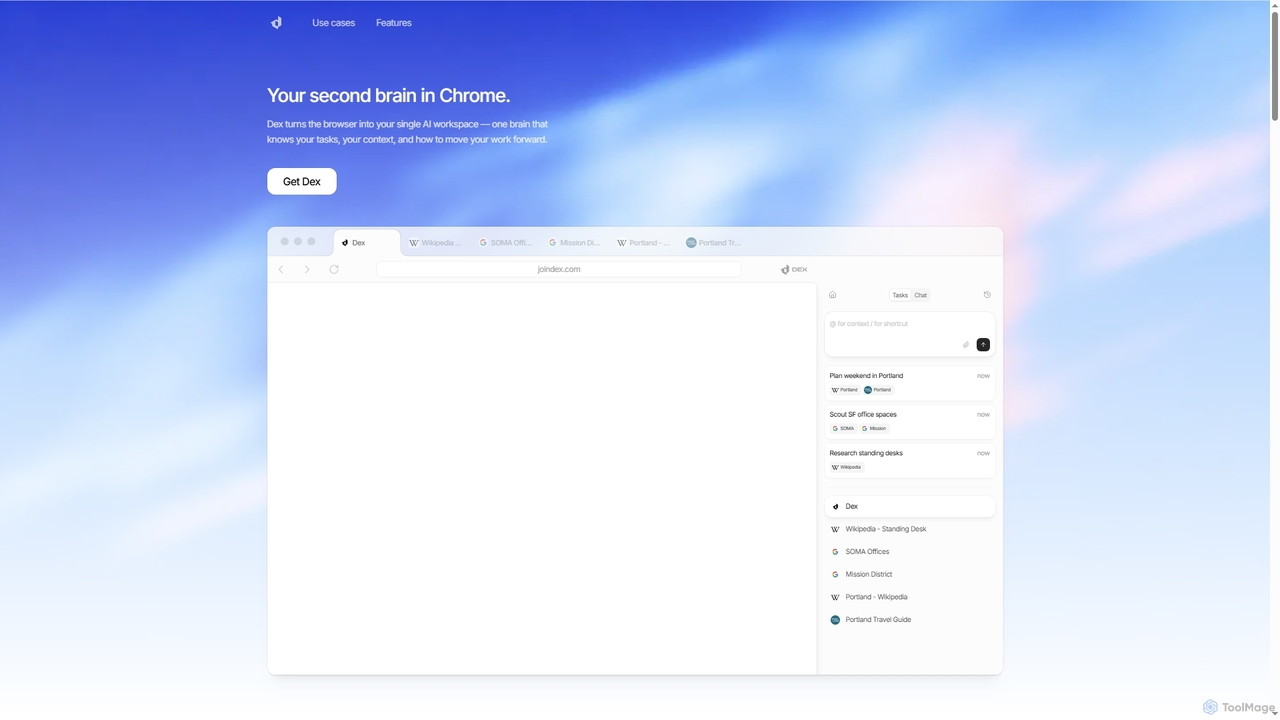
Dex
Dex is an AI-powered Chrome extension that transforms your browser into a smart, integrated workspace. It acts as your second brain, managing tasks, understanding context, and proactively moving your work forward by connecting with over 14 applications to eliminate context switching and boost productivity.
Workflow AutomationCraft
Craft is a beautifully designed, native document editor for notes, tasks, and ideas. It combines powerful features like a local AI assistant, task management, and flexible organization with a joyful, fast, and offline-first user experience, making it the perfect tool for writers, thinkers, and teams to capture and structure their thoughts.
Knowledge ManagementSaner.AI
Saner.AI is an AI personal assistant designed to help users, especially those with ADHD, manage notes, emails, and to-do lists. It acts as a unified workspace to capture, organize, and synthesize information, reducing cognitive load and context switching. With its AI assistant, Skai, it automates task planning, prioritization, and knowledge connection, creating a calmer, more productive workflow.
Second BrainNotis
Notis is an AI-powered productivity assistant that turns your voice, text, and images into structured entries in Notion. Operating directly from messaging apps like WhatsApp and Telegram, it helps you capture ideas, manage tasks, draft content, and organize your life without ever opening the Notion app.
Content CreationNotePlan
NotePlan is an all-in-one productivity workspace for professionals, blending tasks, notes, and calendar into a single, powerful hub. It supports Markdown, personal knowledge management (PKM) with bi-directional links, and features integrated AI for summarizing, rewriting, and transcribing. Available on Mac, iOS, and Web, it keeps you organized and focused.
Calendar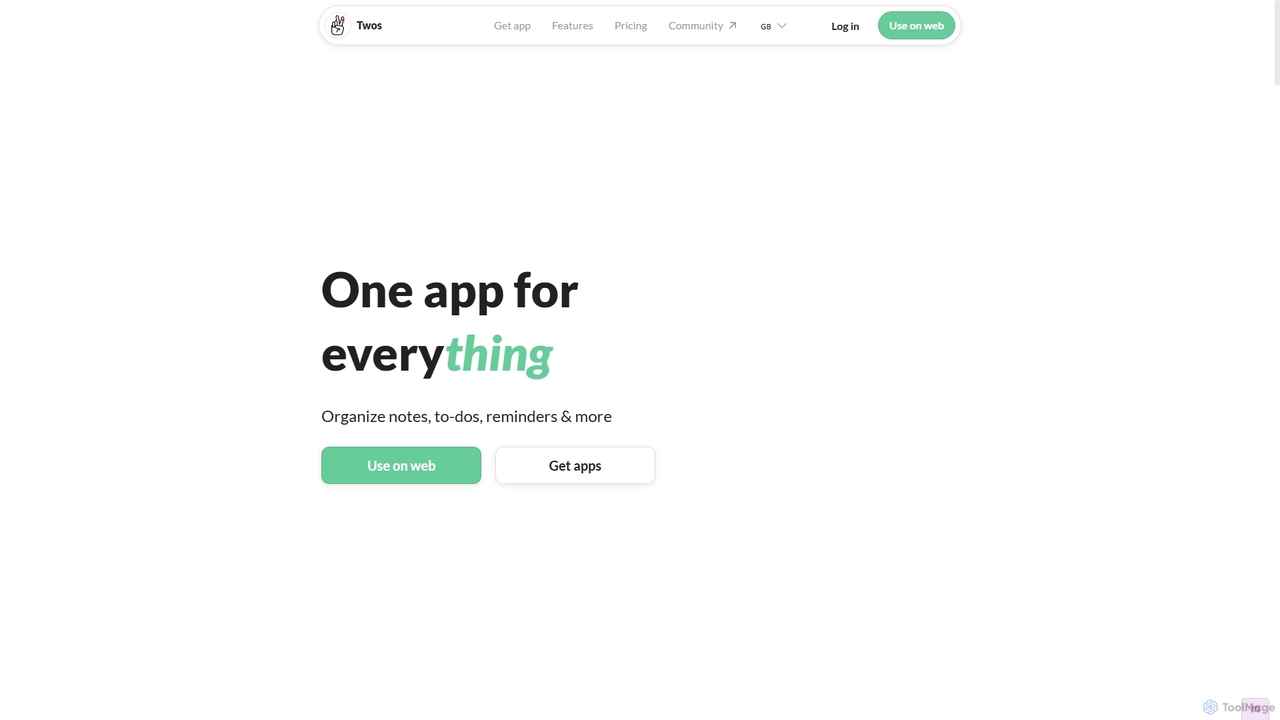
Twos
Twos is an all-in-one productivity app powered by AI that helps you organize notes, to-dos, reminders, lists, and calendar events in one simple place. Capture thoughts quickly as "things" and let the AI assistant, PALs, provide smart suggestions to help you stay organized and productive across all your devices.
Note Taking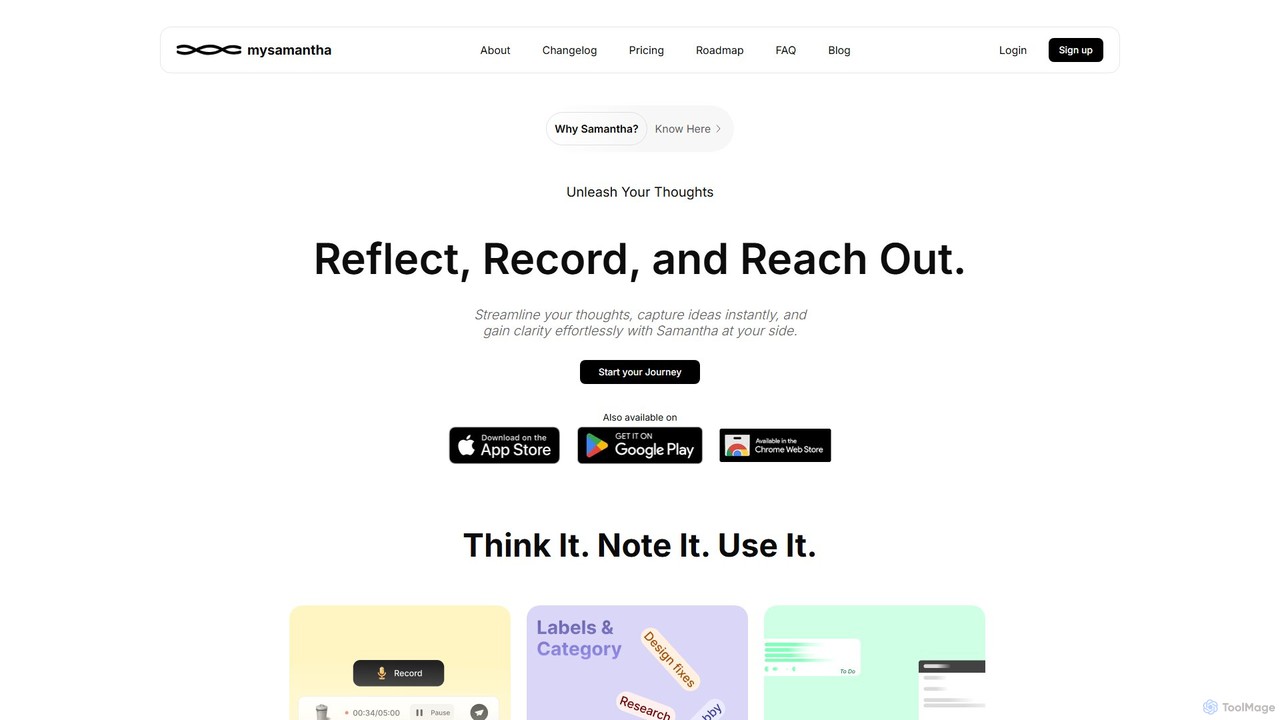
mysamantha
mysamantha is an AI-powered personal assistant designed to enhance productivity and mental well-being. It helps you capture thoughts via voice or text, organizes notes, manages tasks, and offers an empathetic journaling experience. With adaptive AI personas, it provides personalized support, acting as a coach, listener, or advisor to help you gain clarity, stay organized, and navigate life's challenges.
Mental Health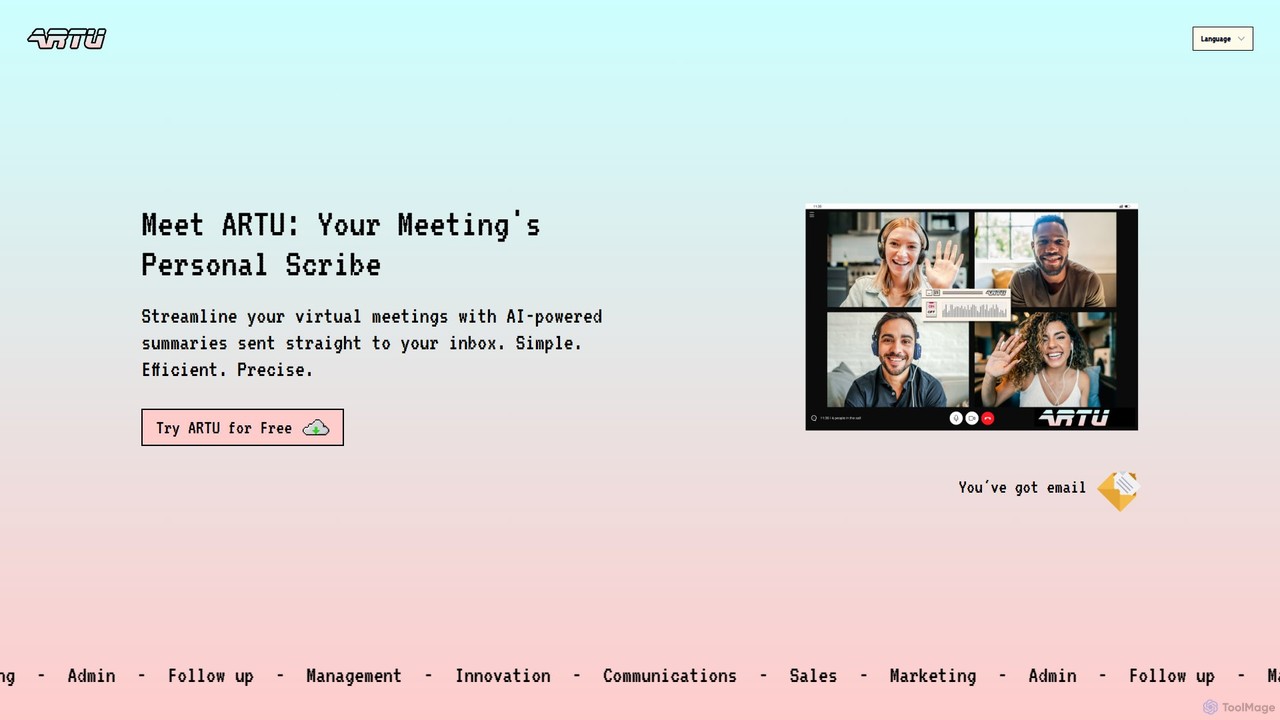
ARTU
ARTU is a dual-purpose AI copilot designed to streamline both your meetings and personal idea management. It automatically transcribes and summarizes virtual meetings, sending detailed minutes to your inbox. Simultaneously, it acts as a personal assistant, capturing ideas from emails, WhatsApp, and Telegram, then organizing them into your preferred workspace like Notion. This integrated system helps you conquer creative chaos and boost productivity.
Meeting Assistant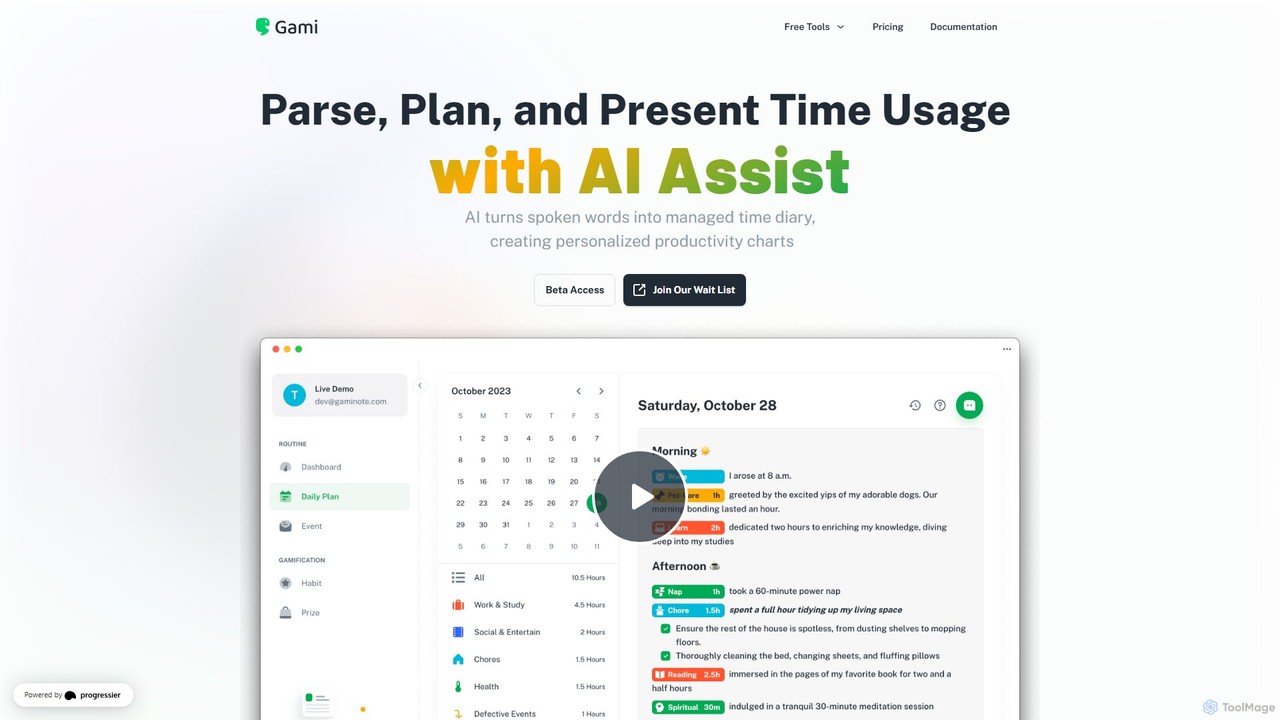
Gaminote
Gaminote is a diary-driven AI time management tool that transforms your spoken or written narratives into structured time logs and visual productivity charts. Simply describe your day, and its AI automatically parses activities, tracks durations, and generates insightful dashboards for effortless time analysis across all your devices.
Note Taking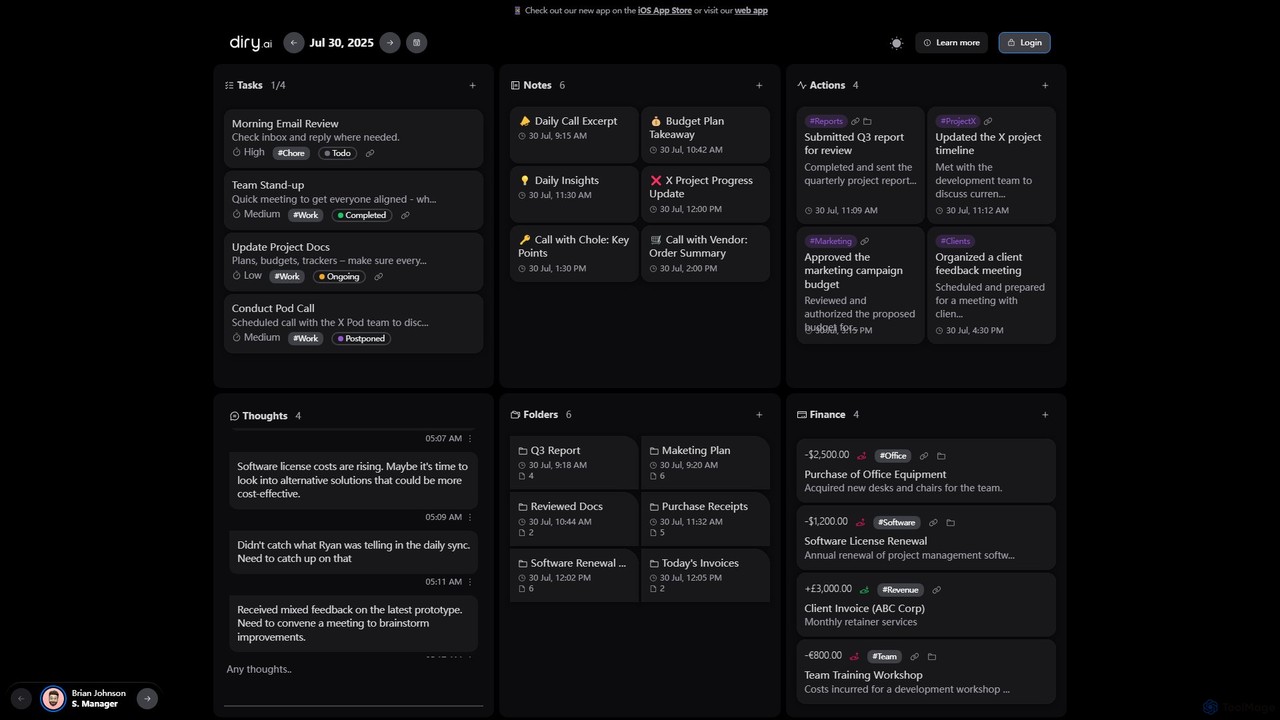
Diry AI
Diry AI is an intelligent life organizer that uses AI to automatically capture, categorize, and connect your daily tasks, notes, thoughts, and finances. It acts as a unified workspace, streamlining your personal and professional life by transforming unstructured inputs into organized, actionable information.
Expense Tracking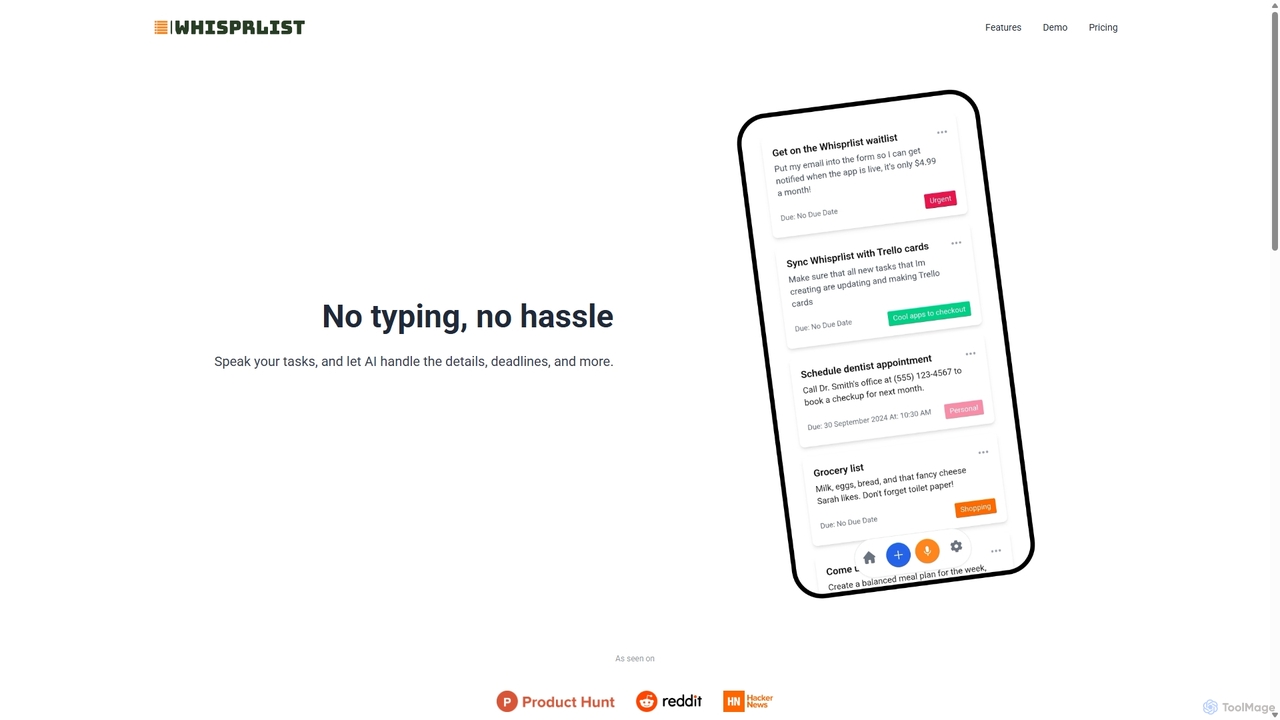
Whisprlist
Whisprlist is an AI-powered task management tool that lets you create and organize your to-do list simply by speaking. It eliminates typing, using advanced voice recognition and AI to parse details, set deadlines, and structure your tasks. Receive a daily summary email to stay on track effortlessly.
Voice Recognition
Sparky
Sparky is an AI-powered personal hub designed to streamline your daily life. It's more than a note-taking app; it's an all-in-one solution for capturing ideas, tasks, and memories through voice, text, images, or links. Sparky uses AI to automatically transcribe, organize, and tag your entries, turning scattered thoughts into structured, actionable insights. From daily planning and habit tracking to financial logging, Sparky helps you understand and manage your life effortlessly.
Personal Growth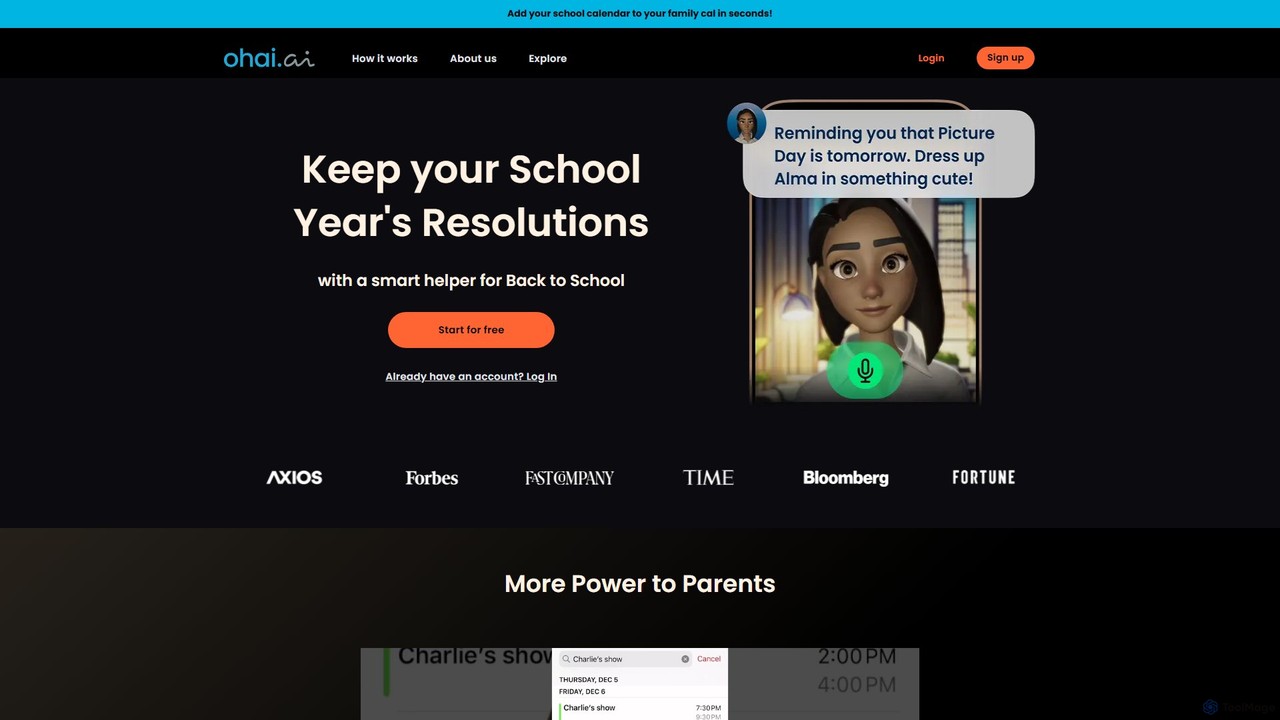
Ohai.ai
Ohai.ai is an AI-powered personal assistant designed to simplify family life and reduce the mental load for parents. It automates scheduling by syncing school and work calendars, manages to-do lists, plans meals, coordinates social events, and sends thoughtful reminders. By centralizing household management, Ohai helps families stay organized, connected, and on top of their busy lives, giving them more time to focus on what matters.
Family & Parenting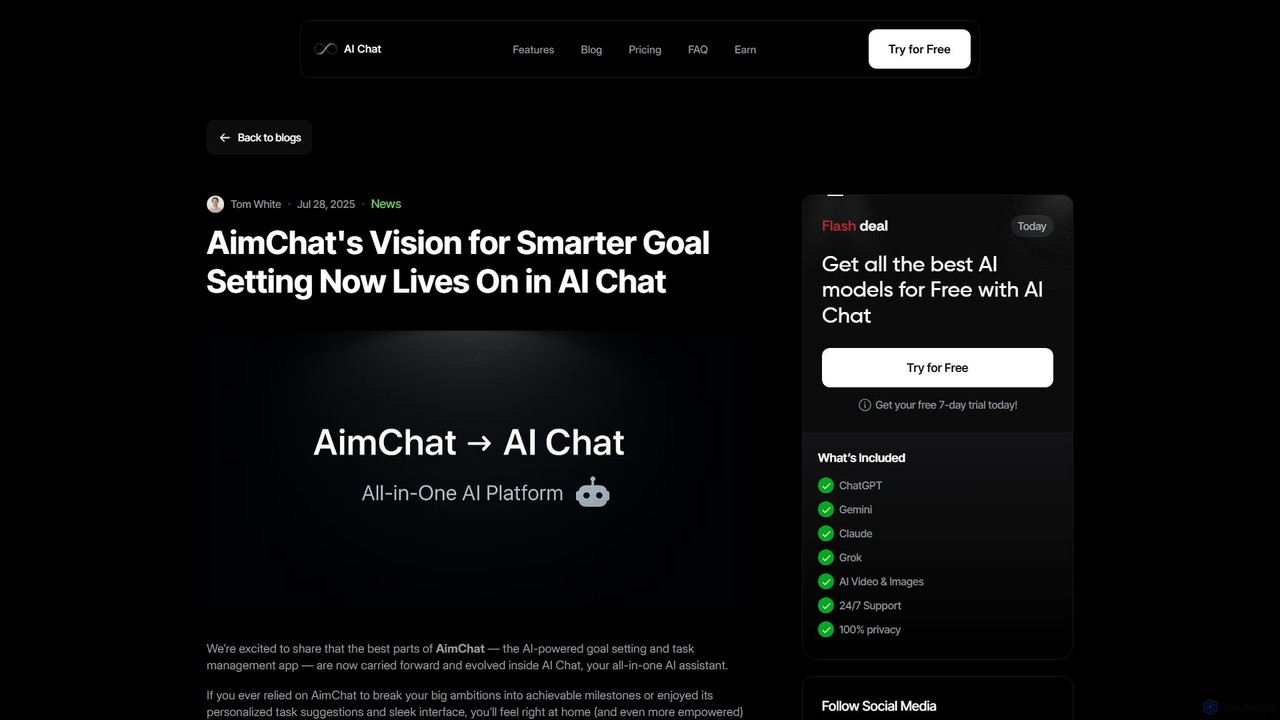
AI Chat
AI Chat is an all-in-one AI assistant that integrates the powerful goal-setting and task management capabilities of the former AimChat. It empowers users to turn ambitious goals into actionable plans by leveraging multiple advanced AI models like ChatGPT, Claude, and Gemini. Go beyond simple to-do lists with intelligent task breakdown, multi-modal workflows (text, image, voice), and personalized AI coaching, all within a single, privacy-first interface designed for ultimate productivity.
Ai Assistant
Twine Launcher Comments (0)
Sign in to comment.
Sign inNo comments yet.