Productivity Best in category 4 results Launcher AI Tool

Popular AI tools in the Launcher field of Productivity include Raycast、Twine Launcher、alfredsearch, etc., helping you quickly improve efficiency.

Raycast

Raycast

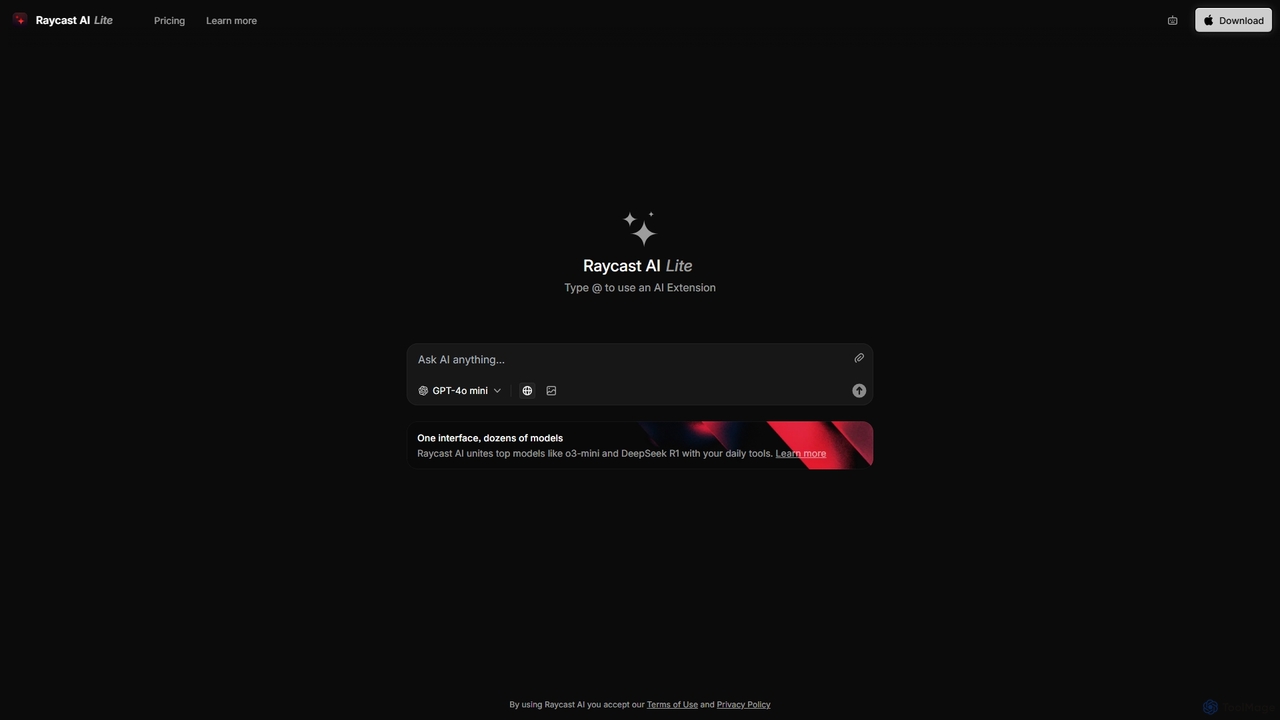
Raycast is a blazingly fast, extensible launcher for macOS that supercharges your productivity. It acts as a central …

25.4K
alfredsearch

alfredsearch

alfredsearch is an award-winning productivity application for macOS that boosts your efficiency. It allows you to search your …

3.0K
Twine Launcher

Twine Launcher

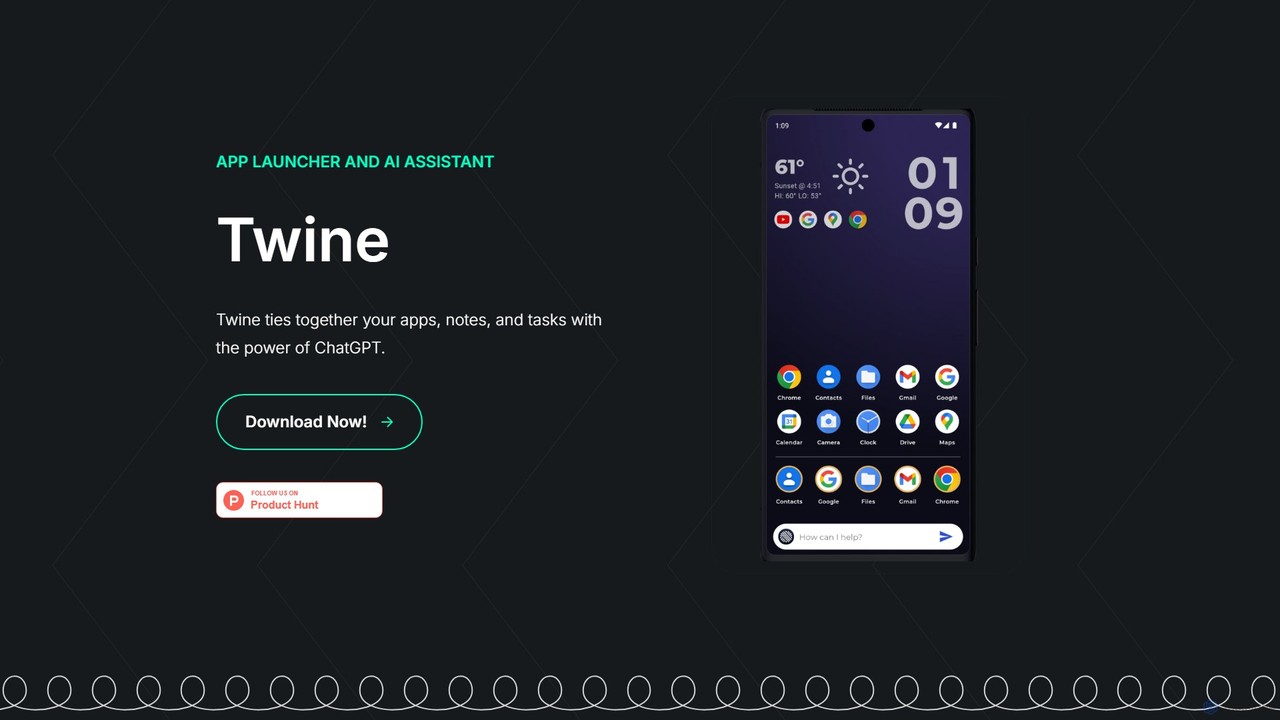
Twine Launcher is an intelligent Android app launcher and AI assistant powered by ChatGPT. It integrates your apps, …

4.3K
Raycast

Raycast

Raycast is a blazingly fast, extendable launcher for macOS that supercharges your productivity. It replaces Spotlight with a …

850.1K

About Launcher

AI Launchers are productivity tools that provide quick, unified access to various AI functionalities. They integrate seamlessly into operating systems or applications, allowing users to invoke AI commands or services without context switching. This significantly streamlines workflows, enabling instant AI assistance for tasks like content generation, data summarization, or code completion. By acting as a central command palette, they enhance efficiency and reduce friction in daily digital interactions.

Core Features

  • Quick Command Execution: Instantly trigger AI actions (e.g., summarize text, generate ideas) via keyboard shortcuts or search.
  • Contextual AI Integration: Apply AI functions directly to selected text, images, or files within any application.
  • Customizable Workflows: Define and save personalized AI prompts and automation sequences for repetitive tasks.
  • Multi-AI Model Support: Connect to and switch between different AI models (e.g., GPT, Claude, DALL-E) from a single interface.
  • Intelligent Search & Retrieval: Use AI to quickly find information, files, or applications based on natural language queries.

Use Cases

AI Launchers are indispensable for professionals seeking to embed AI directly into their daily operations. Content creators leverage them for instant writing assistance, while developers use them to generate code snippets or debug suggestions. Researchers benefit from rapid document summarization and key information extraction, making complex tasks more manageable and efficient.

How to Choose

When selecting an AI Launcher, prioritize integration compatibility with your existing operating system and frequently used applications. Evaluate the depth of customization options for creating personalized commands and automated workflows. Consider its flexibility in supporting various AI models and the ease of switching between them. Finally, assess its performance, resource consumption, and the security protocols for data handling.

LauncherUse Cases

1

Instant Content Generation for Marketers

A marketing specialist uses an AI launcher to quickly generate social media captions, ad copy variations, or blog post outlines based on a few keywords, directly within their browser or content management system. This allows them to produce diverse marketing materials rapidly, significantly reducing the time spent on initial drafting and brainstorming, and ensuring consistent brand messaging across platforms.

2

Code Snippet Generation for Developers

A software developer invokes the AI launcher from their Integrated Development Environment (IDE) to generate boilerplate code, suggest function implementations, or explain complex code sections. This accelerates the development process by providing instant coding assistance, reducing repetitive manual coding, and helping developers understand unfamiliar codebases more quickly, thereby boosting overall productivity.

3

Email Summarization and Drafting for Professionals

A busy executive uses the launcher to summarize long email threads or draft quick replies with AI assistance, without opening a separate AI application. This saves significant time on communication management, allowing them to process information and respond efficiently, especially when dealing with a high volume of correspondence or needing to quickly grasp the essence of lengthy discussions.

4

Research & Information Extraction for Analysts

A market analyst selects a paragraph from a report and uses the AI launcher to extract key data points, identify trends, or summarize findings. This streamlines their research process by providing immediate insights from dense texts, allowing them to quickly pinpoint critical information and accelerate the analysis phase, leading to more informed decision-making.

5

Creative Brainstorming for Designers

A graphic designer uses the AI launcher to generate diverse ideas for design concepts, color palettes, or imagery descriptions, sparking creativity directly from their design software. This helps overcome creative blocks and provides a wide range of starting points for projects, allowing designers to explore more options and refine their vision efficiently without interrupting their creative flow.

6

Quick Language Translation & Correction for Global Teams

A member of a global team uses the AI launcher to instantly translate selected text in documents or chat messages, or to correct grammar and spelling. This ensures clear and accurate cross-cultural communication, breaking down language barriers and improving the efficiency of international collaboration by providing immediate linguistic assistance without switching tools.

LauncherFrequently Asked Questions