ToolMage
Sign in

Best 16 Workflow Automation AI tools for Developer Tools

Popular Workflow Automation AI tools in Developer Tools include ComfyUI, Raycast, Inngest, itsdart, FlowGPT, Agor, Sketch2scheme, Prompt Dress, Figma Autoname, and Promptify, helping you work more efficiently.

Agor

Agor

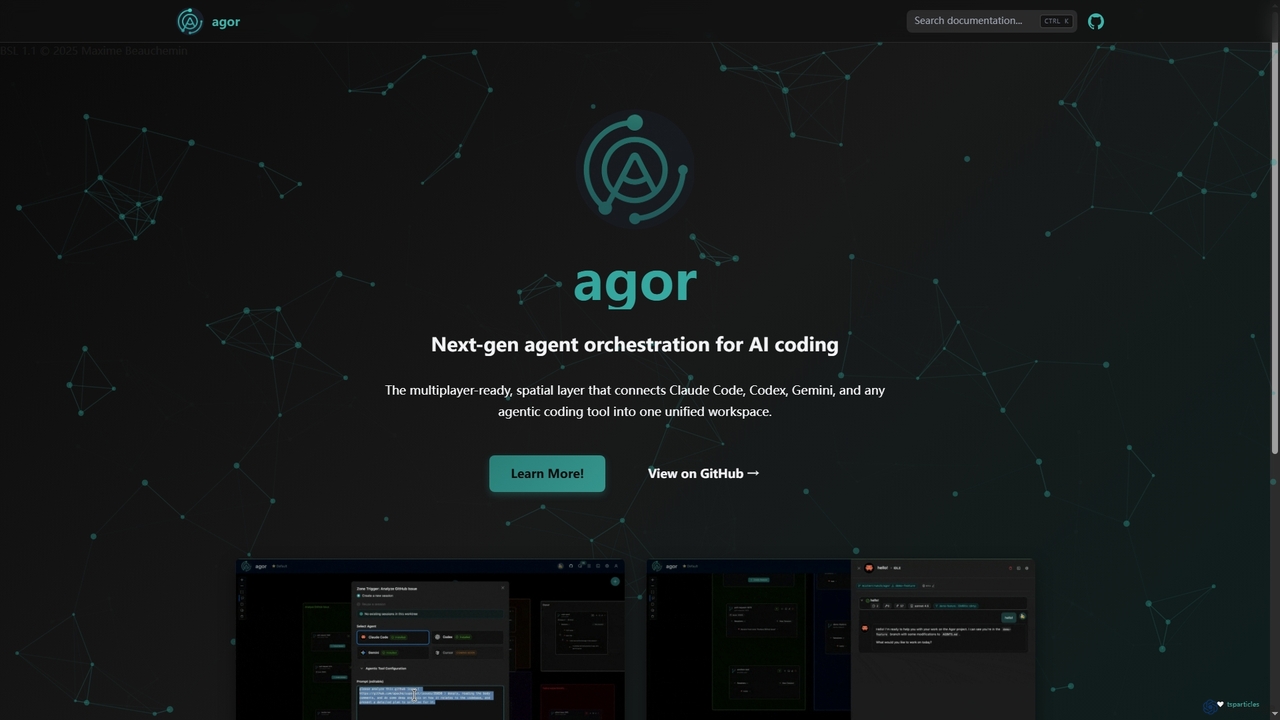
Agor is a next-generation agent orchestration platform for AI coding. It provides a multiplayer, spatial canvas that unifies coding agents like Claude Code, Codex, and Gemini into a single workspace. Teams can visualize, coordinate, and automate complex coding workflows in real-time, using isolated environments to enhance parallel development.

Ai Code Assistant
Visits 9.4KFavorites 113Likes 110
MCP Showcase
Freemium

MCP Showcase

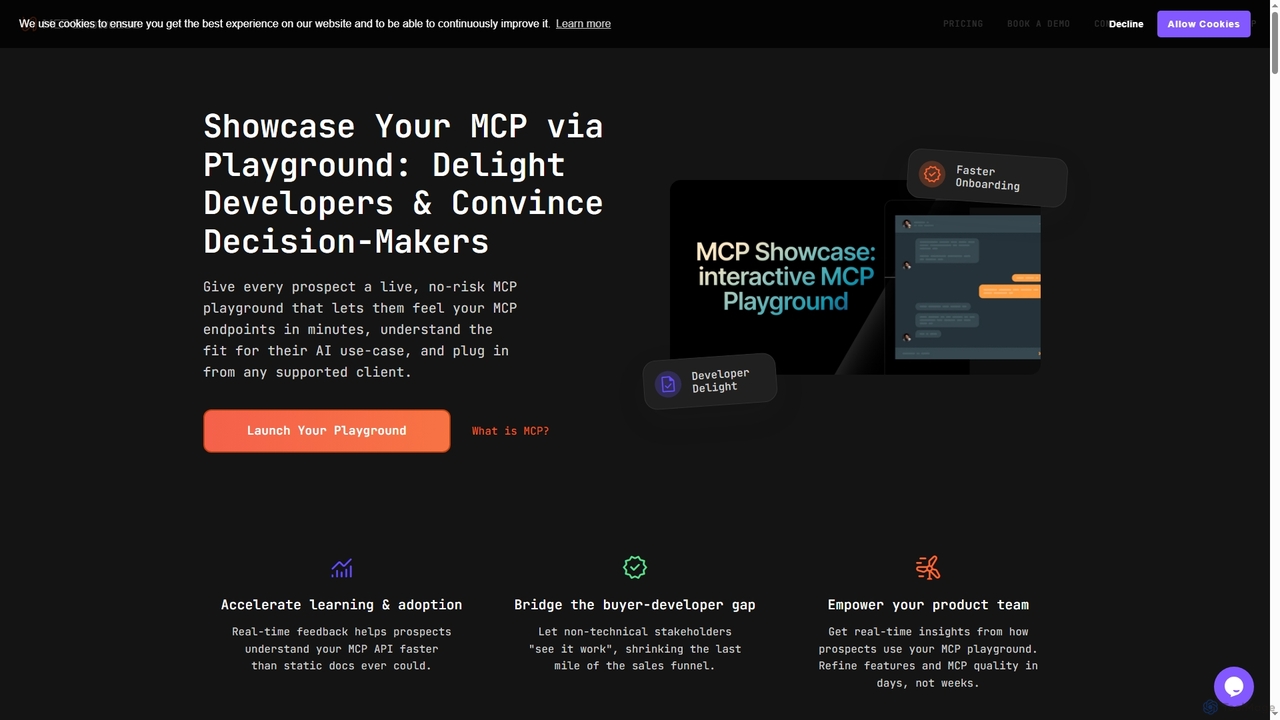
MCP Showcase is a pioneering platform demonstrating the Model Context Protocol (MCP), an open standard enabling AI assistants to seamlessly integrate with diverse external services like GitHub, Hugging Face, and Teamwork. It transforms complex API interactions into natural language conversations, empowering AI with real-time context and action capabilities across various domains.

Api Management
Visits 3.9KFavorites 144Likes 113
FlowGPT
Freemium

FlowGPT

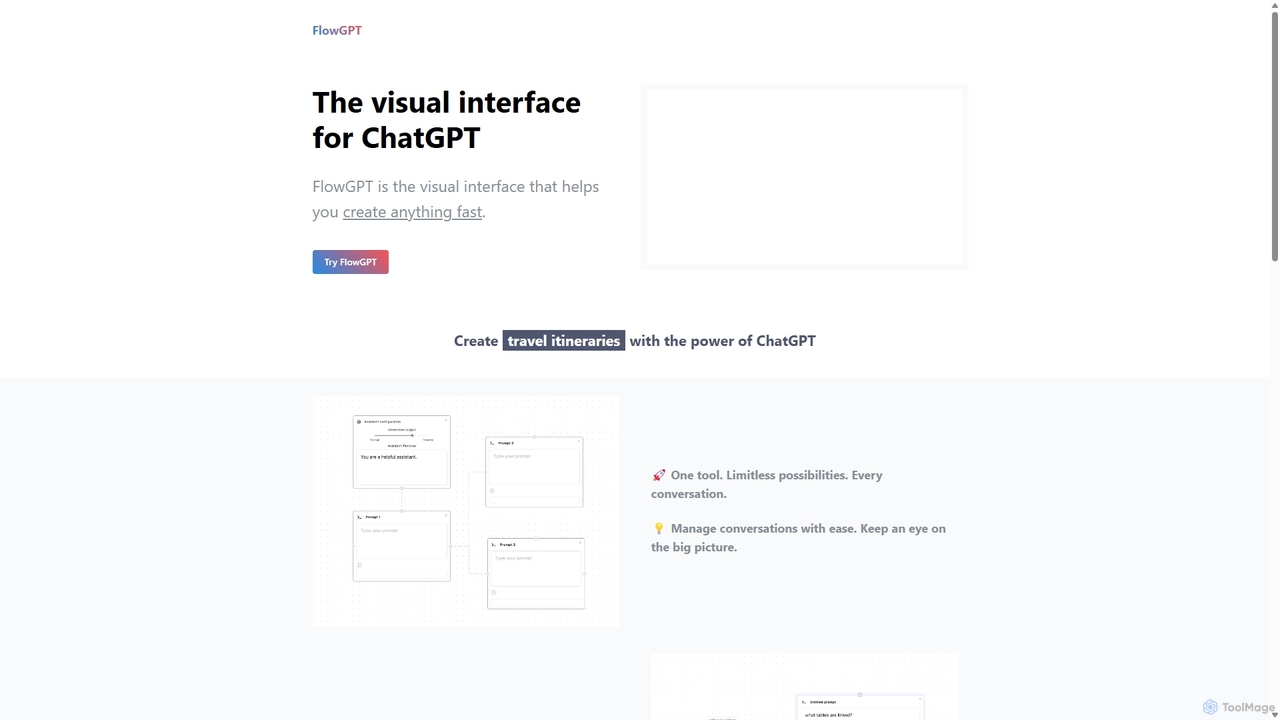
FlowGPT is a visual interface for ChatGPT that allows users to create, manage, and visualize complex AI conversations using a node-based, flowchart-style canvas. It enhances prompt engineering, content creation, and data analysis by enabling multi-threaded dialogues, document uploads, and collaborative workflows. Ideal for marketers, writers, and developers looking to unlock the full potential of AI.

Workflow Automation
Visits 27.3KFavorites 118Likes 107
ComfyUI
Free

ComfyUI

ComfyUI is a powerful, free, and open-source node-based graphical user interface for generative AI. It offers unparalleled control and flexibility for creating complex workflows to generate images, videos, 3D assets, and audio, designed for artists, developers, and researchers.

3D Modeling
Visits 3.3MFavorites 125Likes 128
Raycast
Freemium

Raycast

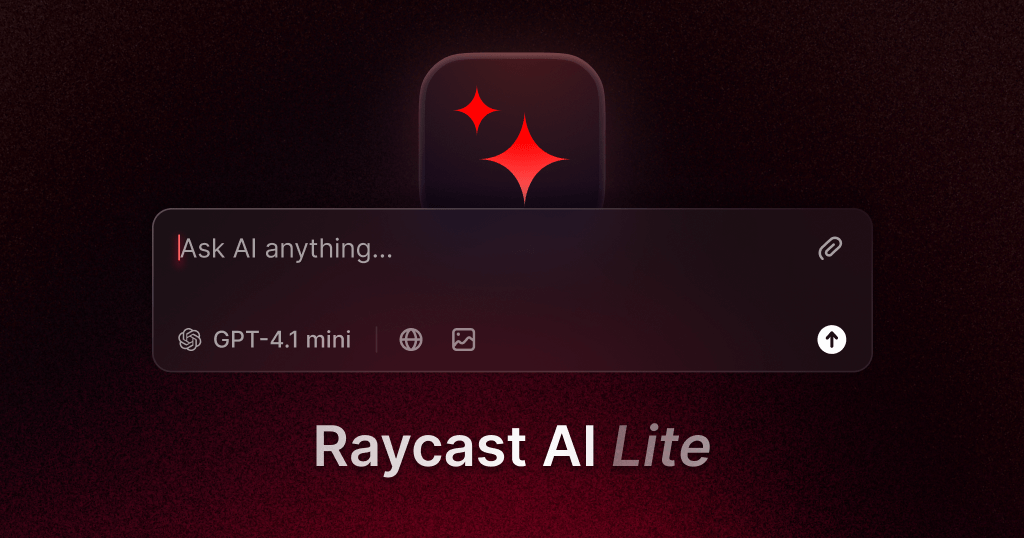
Raycast is a blazingly fast, extensible launcher for macOS that supercharges your productivity. It acts as a central command bar to control your tools, with integrated AI, an extensive extension store, and powerful built-in features like window management and clipboard history. It's designed to reduce context switching and keep you in the flow.

Personal Assistant
Visits 29.2KFavorites 94Likes 99
Prompt Dress
Freemium

Prompt Dress

Prompt Dress is a powerful browser extension designed to manage, organize, and quickly access all your AI prompts. It acts as a central library, eliminating scattered text files and streamlining your workflow with AI models. Ideal for marketers, developers, writers, and anyone who frequently uses AI.

Workflow Automation
Visits 5.4KFavorites 117Likes 113
EnConvo
Freemium

EnConvo

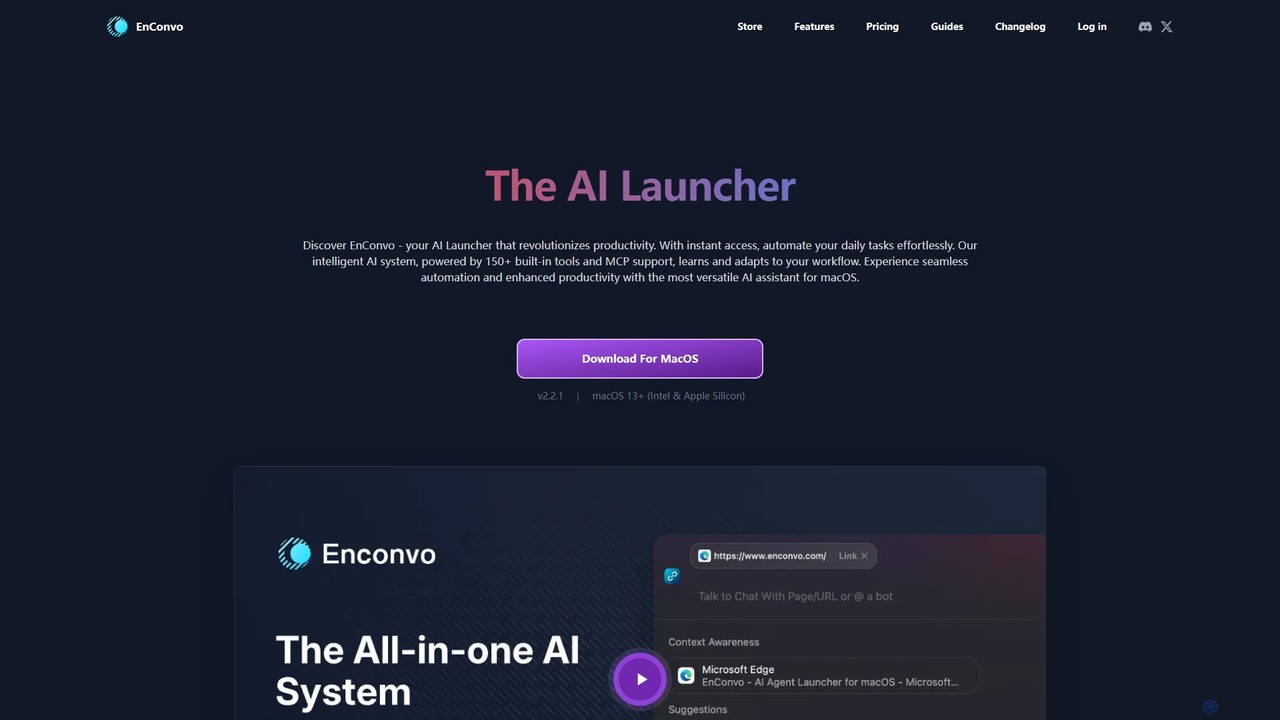
EnConvo is a powerful AI agent launcher for macOS designed to automate tasks and boost productivity. It integrates seamlessly into your workflow with a Spotlight-like interface, offering over 150 tools, custom workflows, context awareness, and support for local LLMs, transforming how you interact with your Mac.

Workflow Automation
Visits 3.8KFavorites 90Likes 101
Figma Autoname
Free

Figma Autoname

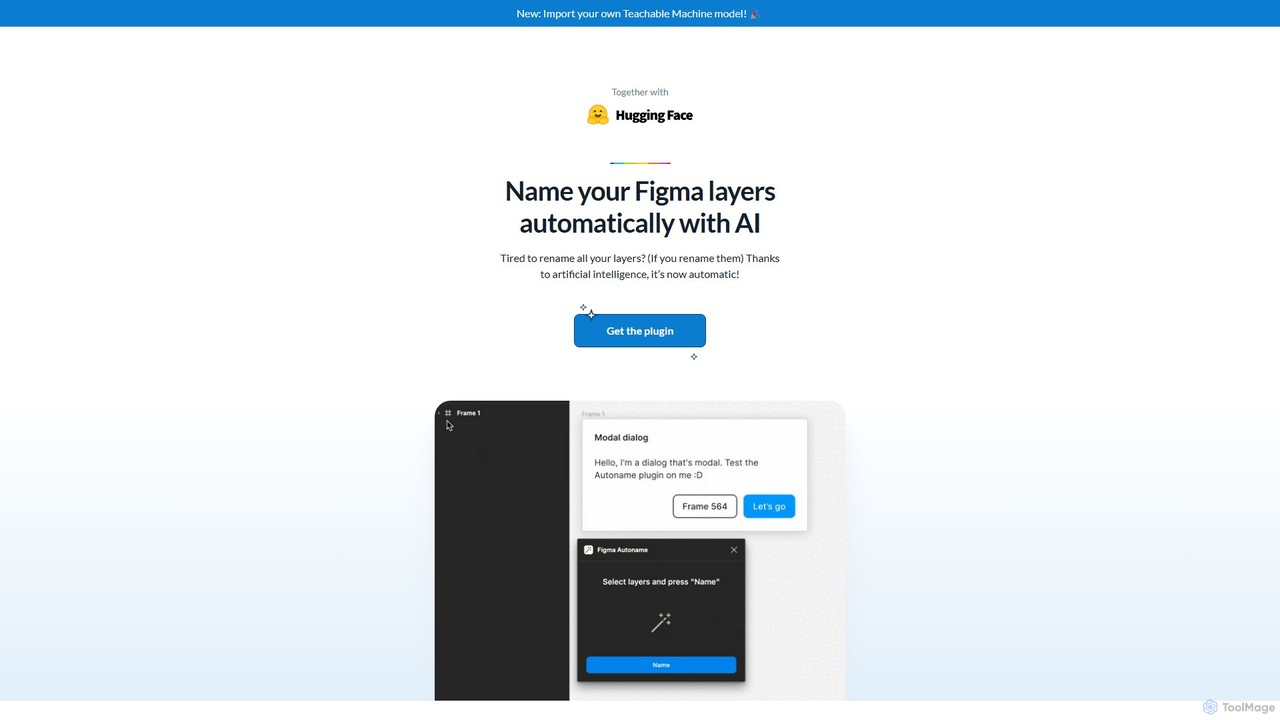
An AI-powered Figma plugin that automatically renames all your design layers in a single click. It intelligently preserves component names, supports custom naming models, and is completely free and open-source, saving designers countless hours of tedious work.

Productivity
Visits 4.9KFavorites 150Likes 152
Ticket Artisan
Freemium

Ticket Artisan

Ticket Artisan is an AI-powered tool that transforms UI design screenshots into detailed, developer-ready tickets for project management platforms like Jira and Asana. It automates the tedious process of writing user stories and technical tasks, bridging the gap between design and development. By analyzing visual elements, it helps product managers, designers, and developers streamline sprint planning, reduce ambiguity, and accelerate the development lifecycle, ensuring design fidelity is maintained from concept to code.

Handoff
Visits 3.4KFavorites 104Likes 103
Tersa
Freemium

Tersa

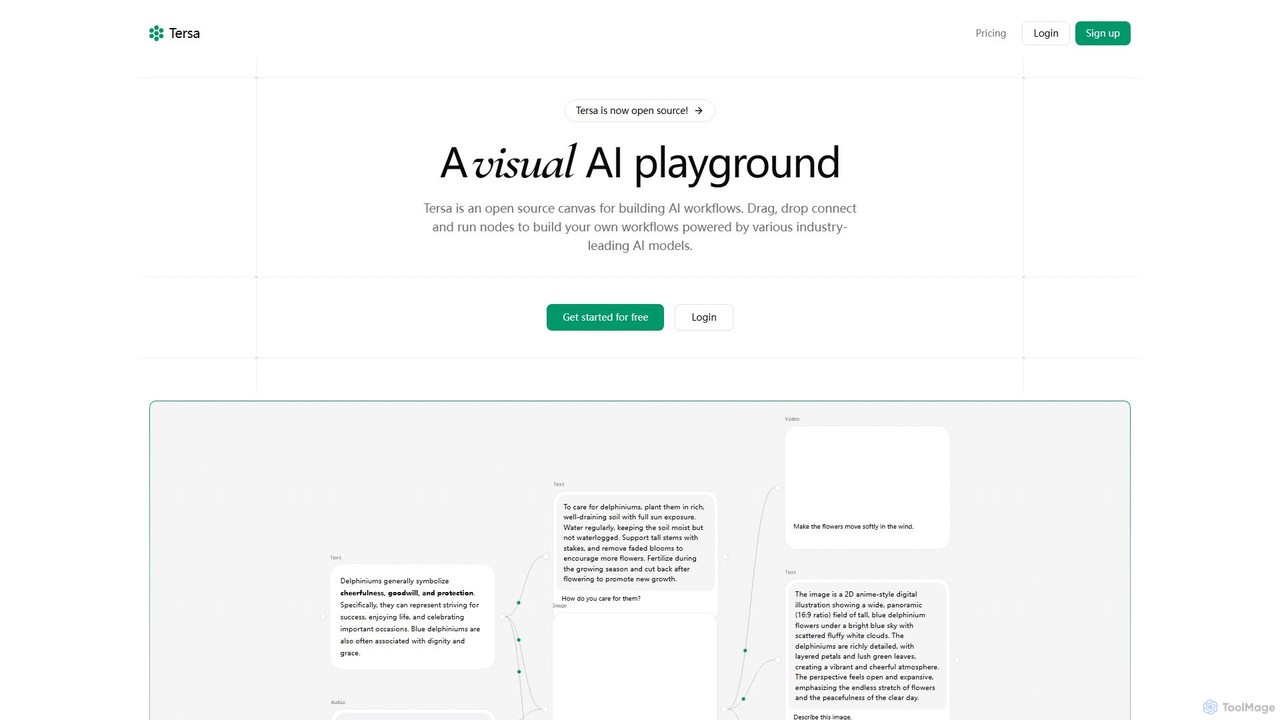
Tersa is an open-source visual AI playground for building complex AI workflows. It features a drag-and-drop canvas where users can connect nodes to integrate over 100 AI models from leading providers like OpenAI and Anthropic. It supports multi-modal operations, including text generation, image creation, video synthesis, audio transcription, and code transformation, making it a versatile tool for developers and creators.

Generative Ai
Visits 3.4KFavorites 91Likes 91
Sketch2scheme
Paid

Sketch2scheme

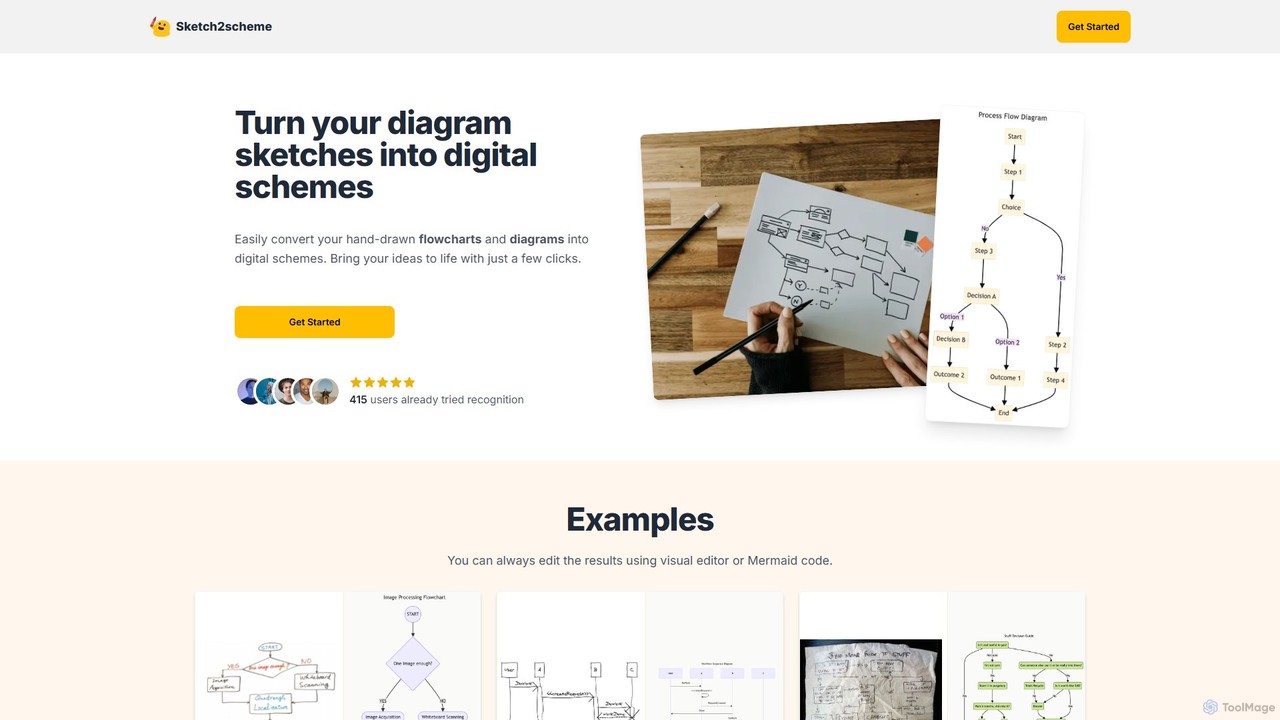
Sketch2scheme is an AI-powered tool that effortlessly converts your hand-drawn diagram sketches into polished, editable digital schemes. Simply upload a picture of your flowchart or diagram, and the AI will recognize nodes, connections, and text, transforming your analog ideas into digital assets in seconds. It's perfect for developers, project managers, and students who want to bridge the gap between paper brainstorming and digital implementation.

Prototyping
Visits 5.6KFavorites 145Likes 161
Inngest
Freemium

Inngest

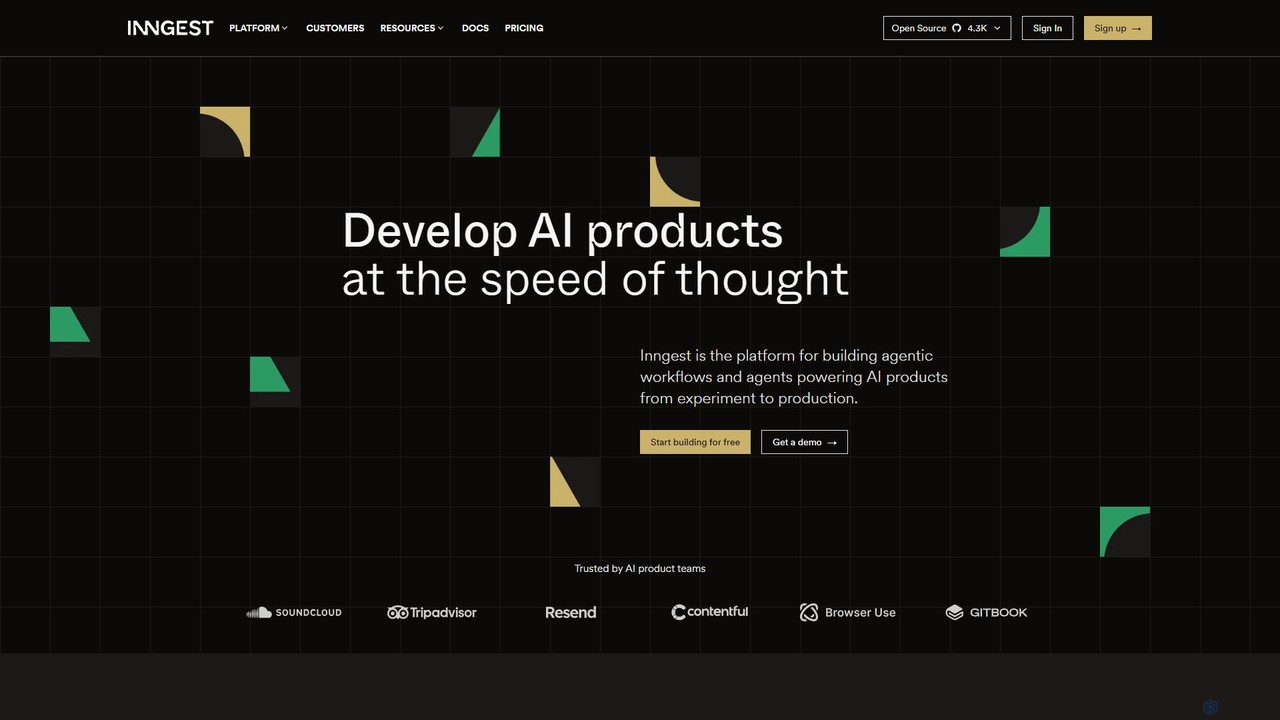
Inngest is a developer platform for building, orchestrating, and scaling reliable AI and backend workflows. It provides a robust orchestration engine for creating fault-tolerant AI agents and applications with features like automatic retries, step-by-step debugging, and full observability. Go from local prototype to production at any scale, focusing on product logic instead of infrastructure management.

Backend
Visits 267.7KFavorites 81Likes 91
gluegroups
Freemium

gluegroups

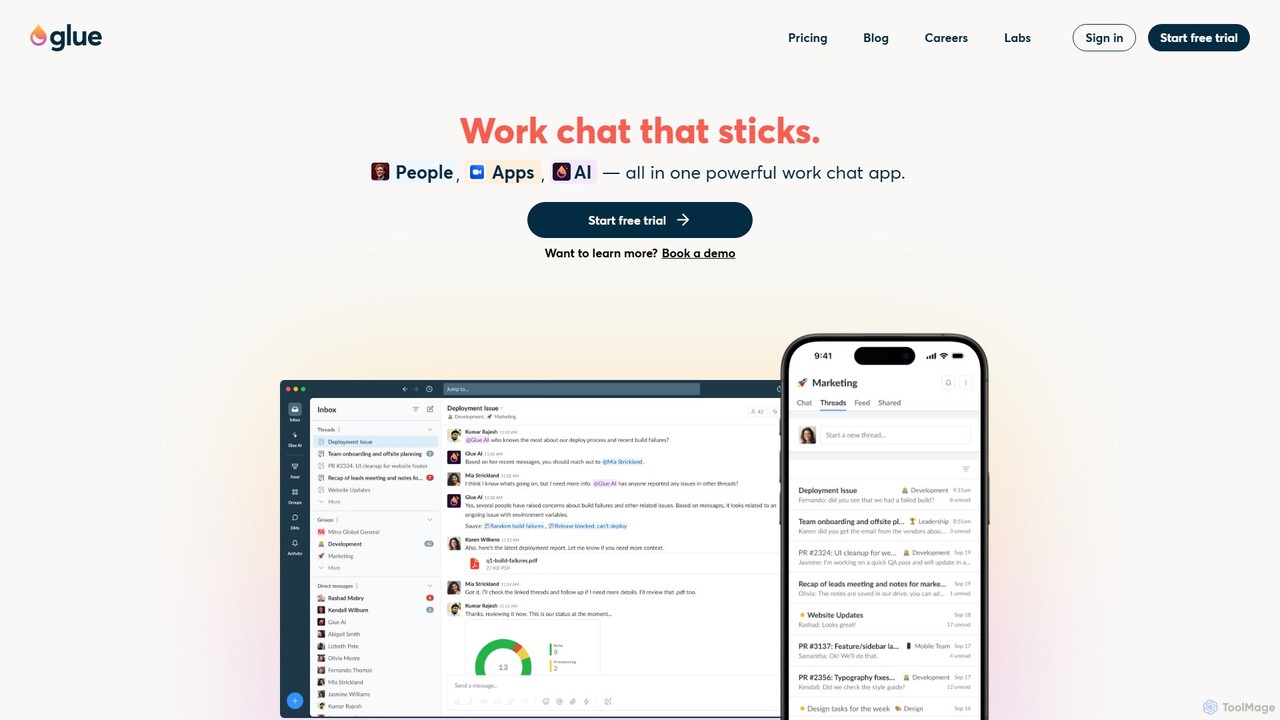
gluegroups is an AI-powered work chat platform designed for focused communication. It replaces traditional channels with independent, named threads to reduce noise. Featuring an integrated AI assistant (Glue AI), it supports brainstorming, collaborative problem-solving, and intelligent integrations, creating a more organized and efficient team workspace.

Chat
Visits 3.4KFavorites 107Likes 113
itsdart
Freemium

itsdart

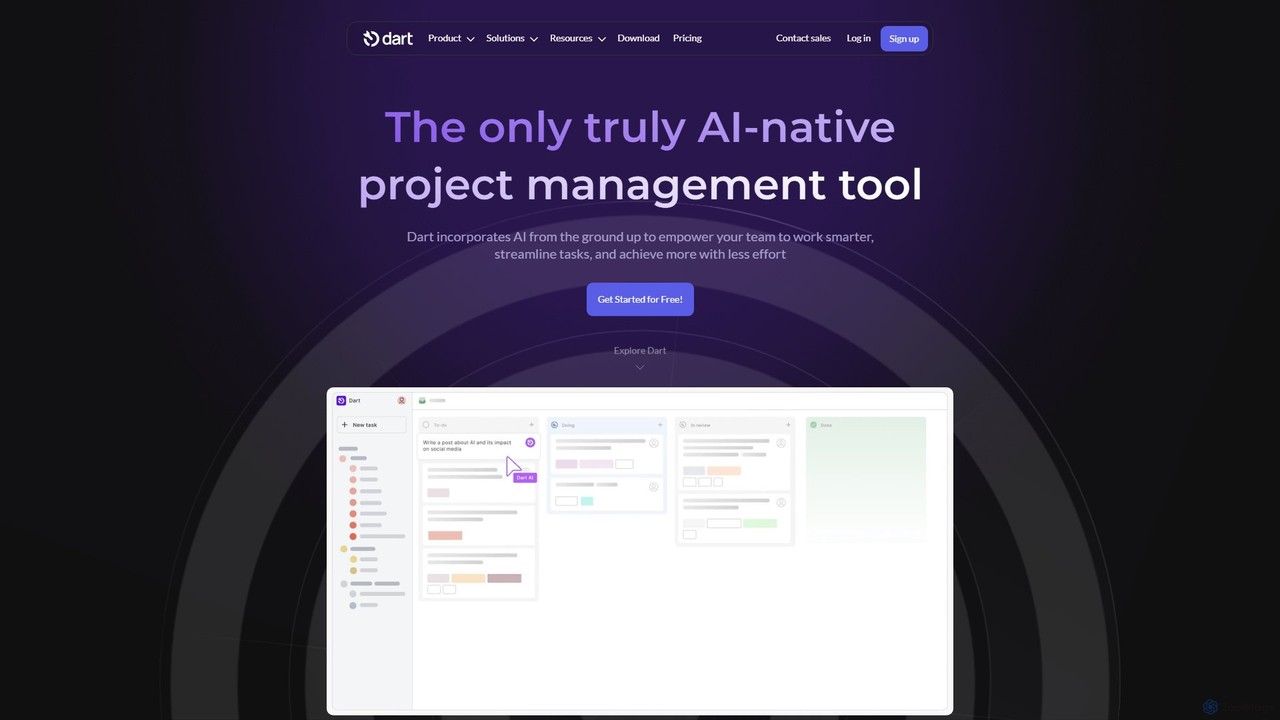
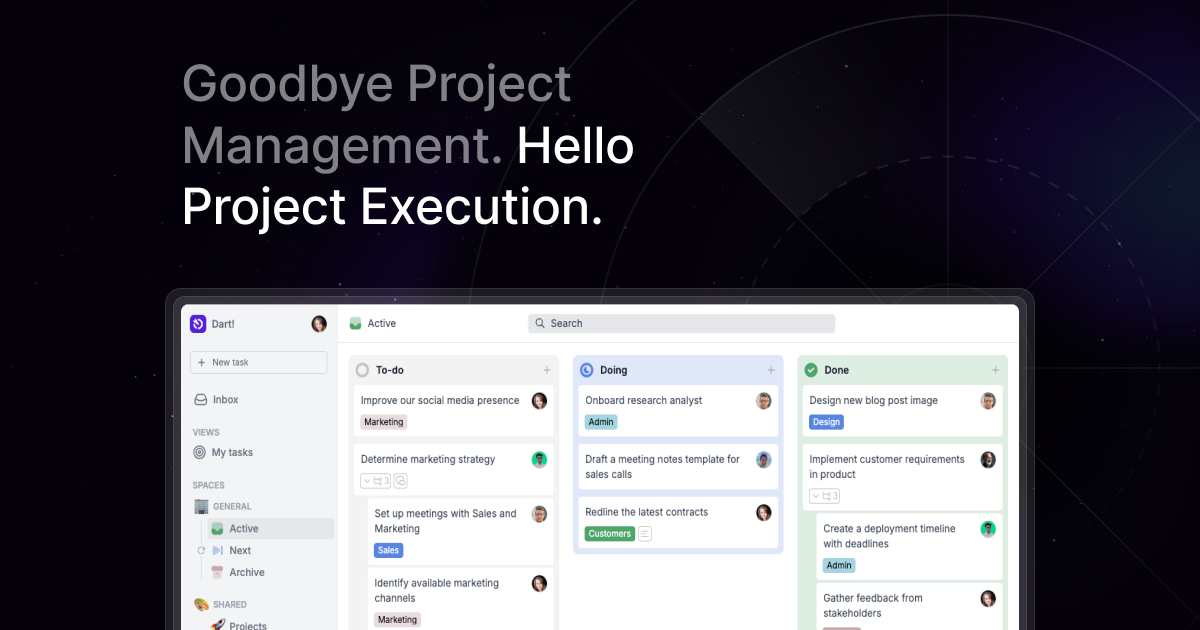
Dart is an AI-native project management platform designed to automate workflows and enhance team productivity. It integrates AI from the ground up to handle tasks like subtask generation, project planning, and report creation. With features like intelligent task management, AI agents, integrated documents, and seamless integrations with tools like Slack and GitHub, Dart helps teams streamline operations, reduce manual overhead, and achieve goals faster.

Collaboration
Visits 57.5KFavorites 140Likes 134
Raycast
Freemium

Raycast

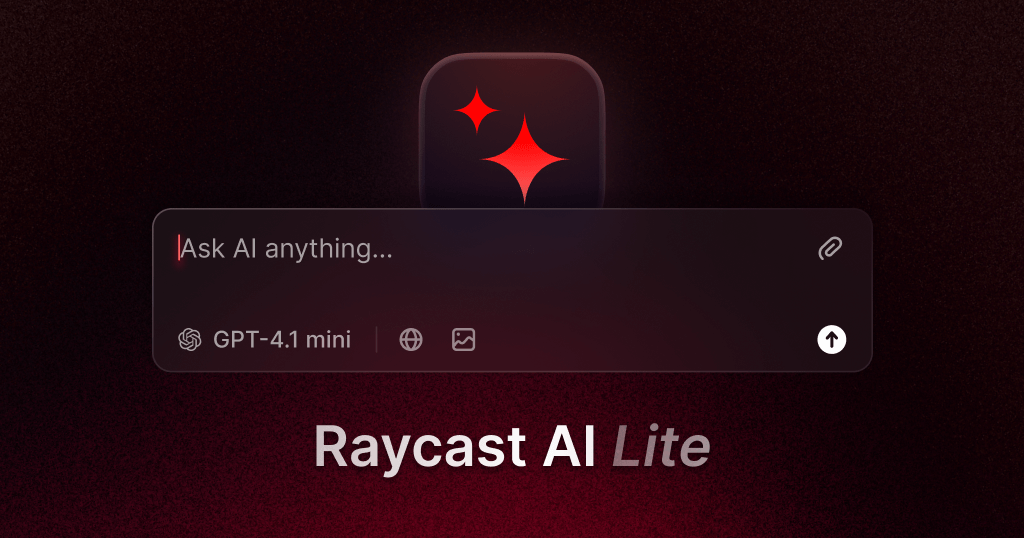
Raycast is a blazingly fast, extendable launcher for macOS that supercharges your productivity. It replaces Spotlight with a powerful command-line interface to control your tools, search files, run scripts, and automate tasks. With an integrated AI assistant, a vast store of community-built extensions, and features like Clipboard History, Snippets, and Window Management, Raycast centralizes your workflow, saving you time and context-switching.

Workflow Automation
Visits 1.1MFavorites 125Likes 128
Promptify
Freemium

Promptify

Promptify is an all-in-one AI platform designed to enhance creativity and productivity. It offers a vast library of prompt templates, an intuitive Prompt Builder for custom needs, powerful GPTs for workflow automation, and a seamless Chrome extension for on-the-go assistance with models like ChatGPT and Claude.

Workflow Automation
Visits 4.1KFavorites 103Likes 102

About Workflow Automation

Workflow Automation tools are AI-powered solutions designed to streamline and optimize repetitive tasks and complex processes within development and operational workflows. Leveraging machine learning and robotic process automation (RPA), these tools automate data transfer, code deployment, testing, and system monitoring, significantly reducing manual effort and accelerating project delivery. They empower developers and IT teams to build more efficient, error-free, and scalable systems, freeing up valuable time for innovation and strategic initiatives.

Core Features

  • Task Orchestration: Automate sequences of tasks across different applications and services, ensuring smooth process flow.
  • Data Integration: Seamlessly connect and transfer data between disparate systems, databases, and APIs without manual intervention.
  • Intelligent Scheduling: Optimize task execution based on predefined triggers, dependencies, and real-time resource availability.
  • Error Handling & Alerts: Automatically detect, log, and attempt to resolve common issues, or send immediate notifications to relevant teams.
  • Low-Code/No-Code Interface: Provide intuitive visual builders for creating complex workflows, reducing the need for extensive coding.

Applicable Scenarios

Workflow Automation tools are essential for DevOps teams managing CI/CD pipelines, IT operations automating incident response, and software development teams streamlining testing and deployment. They are also valuable for data engineers automating ETL processes and business analysts seeking to optimize cross-departmental data flows.

How to Choose

When selecting a Workflow Automation tool, consider its integration capabilities with your existing tech stack, the complexity of workflows it can handle, and its scalability to grow with your needs. Evaluate the ease of use (low-code/no-code options), robust error handling features, and the pricing model based on usage or features. Security and compliance standards are also crucial for sensitive data.

Featured tool rankings

Workflow Automation use cases

1

Automating CI/CD Pipelines for Software Deployment

DevOps engineers can use workflow automation tools to automatically trigger code builds, run unit and integration tests, deploy applications to staging environments, and notify teams upon completion. This ensures faster, more consistent software releases and reduces manual configuration errors, accelerating the development cycle and improving software quality.

2

Automating Incident Response in IT Operations

IT operations teams can configure automation workflows to detect system anomalies, automatically create incident tickets in service desk software, trigger diagnostic scripts, and notify on-call engineers via Slack or email. This drastically reduces mean time to resolution (MTTR) by initiating immediate actions and ensuring critical alerts reach the right personnel without delay.

3

Streamlining Data ETL Processes for Analytics

Data engineers can automate Extract, Transform, Load (ETL) processes by setting up workflows that pull data from various sources (databases, APIs, cloud storage), clean and transform it according to predefined rules, and load it into a data warehouse for analysis. This ensures data consistency, reduces manual data preparation time, and provides up-to-date information for business intelligence dashboards.

4

Automating Cloud Resource Provisioning

Cloud architects and developers can use workflow automation to provision and de-provision cloud resources (VMs, databases, storage) based on demand or scheduled events. This ensures optimal resource utilization, reduces cloud spending by shutting down unused resources, and standardizes infrastructure deployment, leading to more efficient and cost-effective cloud management.

5

Automating Code Review and Quality Checks

Software development teams can implement workflows that automatically trigger static code analysis tools, run security vulnerability scans, and check for coding standard compliance upon every pull request. If issues are found, the workflow can automatically assign tasks to developers or block merges, ensuring higher code quality and security standards before integration into the main branch.

6

Automating Customer Support Ticket Routing

While primarily a developer tool, workflow automation can extend to operations by integrating with customer support systems. It can automatically categorize incoming support tickets based on keywords, assign them to the most appropriate technical team or individual, and escalate critical issues based on predefined service level agreements (SLAs). This improves response times and ensures specialized support for complex technical queries.

Workflow Automation FAQ

What are Workflow Automation tools?

Workflow Automation tools are AI-driven solutions that automate repetitive, rule-based, or complex sequences of tasks across various software applications and systems. They typically feature capabilities like task scheduling, data integration, and intelligent decision-making, aiming to improve operational efficiency and reduce human error in processes such as software deployment, data processing, and IT operations. These tools are a key component within the broader category of developer tools, focusing on streamlining development and operational workflows.

How do Workflow Automation tools differ from traditional scripting?

Workflow Automation tools offer a more comprehensive and visual approach compared to traditional scripting. While scripting involves writing code for specific tasks, automation tools provide low-code/no-code interfaces, pre-built connectors for various applications, and advanced features like error handling, monitoring, and intelligent scheduling. They are designed for orchestrating complex, multi-step processes across disparate systems, making them more scalable and maintainable for enterprise-level automation than custom scripts.

What are the key benefits of implementing Workflow Automation in development?

Implementing Workflow Automation in development brings several key benefits. It significantly reduces manual effort and human error in repetitive tasks like testing, deployment, and data synchronization, leading to faster release cycles and improved software quality. It also enhances team collaboration by standardizing processes and providing clear visibility into workflow progress. Ultimately, it frees up developers' time from mundane tasks, allowing them to focus on innovation, complex problem-solving, and strategic coding initiatives.

Who typically uses Workflow Automation tools?

Workflow Automation tools are primarily used by various roles within the developer and IT operations ecosystem. This includes DevOps engineers for CI/CD pipelines, IT administrators for infrastructure management and incident response, software developers for automating testing and code quality checks, and data engineers for ETL processes. Business analysts and project managers also leverage these tools to streamline cross-functional processes and improve project visibility, especially when integrating with development workflows.

How to choose the right Workflow Automation tool for your development team?

Choosing the right Workflow Automation tool involves assessing several factors. First, evaluate its integration capabilities with your existing development stack (e.g., Git, CI/CD platforms, cloud providers). Consider the complexity of workflows you need to automate and whether the tool offers sufficient flexibility and customization. Look for robust error handling, monitoring, and reporting features. Finally, assess the learning curve, community support, and pricing model to ensure it aligns with your team's technical expertise, budget, and long-term scalability requirements.