

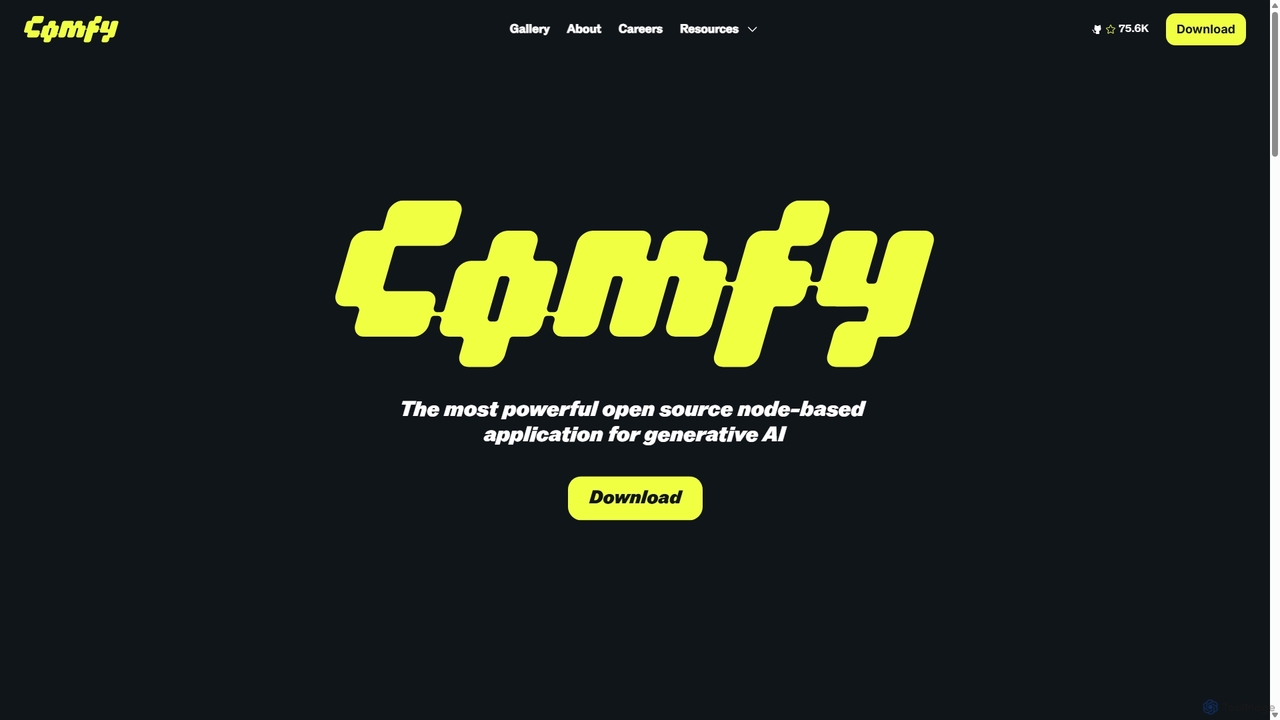
ComfyUI Overview
ComfyUI stands as the most powerful and flexible open-source node-based application for generative AI. It provides a graphical interface that allows users to design and execute advanced AI workflows, particularly for models like Stable Diffusion. Unlike traditional linear interfaces, ComfyUI empowers users with complete control over the entire creative process, enabling the generation of high-quality images, videos, 3D assets, and audio without writing a single line of code.
The core philosophy of ComfyUI is to provide a set of building blocks (nodes) that can be connected in limitless combinations. This approach caters to both beginners who can use pre-made workflows and experts who can build intricate, customized pipelines from scratch. Its mission is to become the foundational operating system for visual AI, empowering individual creators and startups to leverage AI without being dependent on large, closed AI companies.
How to use ComfyUI
Using ComfyUI involves a visual, graph-based approach. First, you need to download and install it to run on your local machine, which ensures speed and privacy. Once launched, you are presented with a blank canvas. You begin by adding nodes, which represent different operations like loading a model, writing a prompt, setting a seed, or applying a sampler. You then connect the outputs of one node to the inputs of another, creating a logical flow. For example, you would connect a 'Load Checkpoint' node to a 'CLIP Text Encode' node (for your prompt) and a 'KSampler' node. As you build and adjust your workflow, a live preview feature provides instant visual feedback, allowing for rapid iteration and fine-tuning. Once a workflow is complete, it can be saved and shared. A standout feature is that generated images automatically embed the entire workflow in their metadata, so you can simply drag and drop an image into ComfyUI to instantly load the exact process used to create it.
Core Features of ComfyUI
- Node-Based Workflow Editor: Visually construct complex AI generation pipelines by connecting nodes on a canvas. This provides granular control over every parameter and process step.
- Reusable & Shareable Workflows: Save, load, and share entire workflows. Generated files contain the full workflow metadata for perfect reproducibility.
- Live Preview: See the results of your adjustments in real-time, enabling faster iteration and experimentation.
- Free and Open Source: ComfyUI is 100% free and open-source, with no subscriptions or hidden costs, and is maintained by its original creators.
- Extensible with Custom Nodes: A vast and active community develops custom nodes that add new functionalities, models, and integrations, such as AnimateDiff for video or advanced ControlNets.
- Local & Fast Execution: Runs directly on your hardware for maximum performance, lower costs, and complete data privacy.
- API Integration: Can be used as a powerful backend engine to power other applications, websites, or automated services.
Use Cases for ComfyUI
ComfyUI's flexibility makes it suitable for a wide range of applications. Digital artists and graphic designers use it to create unique AI art, illustrations, and complex image manipulations. Animators and video creators leverage custom nodes like AnimateDiff to produce AI-generated videos and animations. Game developers can use it to generate 3D assets, textures, and concept art. AI researchers and developers use it as a powerful tool for experimenting with new models and techniques without extensive coding. It's also used to power commercial applications via its API and has even been featured in creative art exhibits.
Advantages of ComfyUI
The primary advantage of ComfyUI is its unparalleled control and flexibility. The node-based system allows for complex logic, branching paths, and A/B testing that are impossible in simpler interfaces. It offers complete transparency, as users can see the exact data flow through the entire process. This leads to perfect reproducibility, a critical feature for both creative and professional work. Furthermore, being free, open-source, and community-driven means it evolves rapidly and is not locked into a corporate ecosystem. Running locally guarantees speed and privacy, eliminating reliance on and costs associated with cloud services.
Pricing and Plans
ComfyUI is, and always will be, 100% free and open-source. There are no subscription fees, no hidden costs, and no paid versions. It is maintained by the core team and a vibrant community of contributors, ensuring it remains an accessible tool for everyone, from individual hobbyists to commercial enterprises.
Traffic
Latest traffic
Status
Monthly traffic trend
- 2025-9: 2.0M
- 2026-1: 3.5M
- 2026-2: 3.0M
- 2026-3: 3.6M
- 2026-4: 3.5M
- 2026-5: 3.3M
Geography
Top 5 countries / regions
- 🇨🇳China39.8%
- 🇺🇸United States32.0%
- 🇮🇳India11.9%
- 🇩🇪Germany8.4%
- 🇹🇼Taiwan7.8%
Traffic sources
| Source type | Percentage |
|---|---|
Direct | 75.6% |
Referral | 23.4% |
Email | 0.9% |
Top keywords
| Keyword | Cost per click |
|---|---|
| comfy | $0.83 |
| comfy ui | $0.68 |
| comfyui | $0.50 |
| comfyui download | $1.52 |
| comfyui manager | $0.76 |
ComfyUI Videos on YouTube

![AI is finally controllable! …with a stick [FREE ComfyUI Workflow + Tutorial]](https://i.ytimg.com/vi/pUb58eAZ3pc/maxresdefault.jpg)






ComfyUI Alternatives
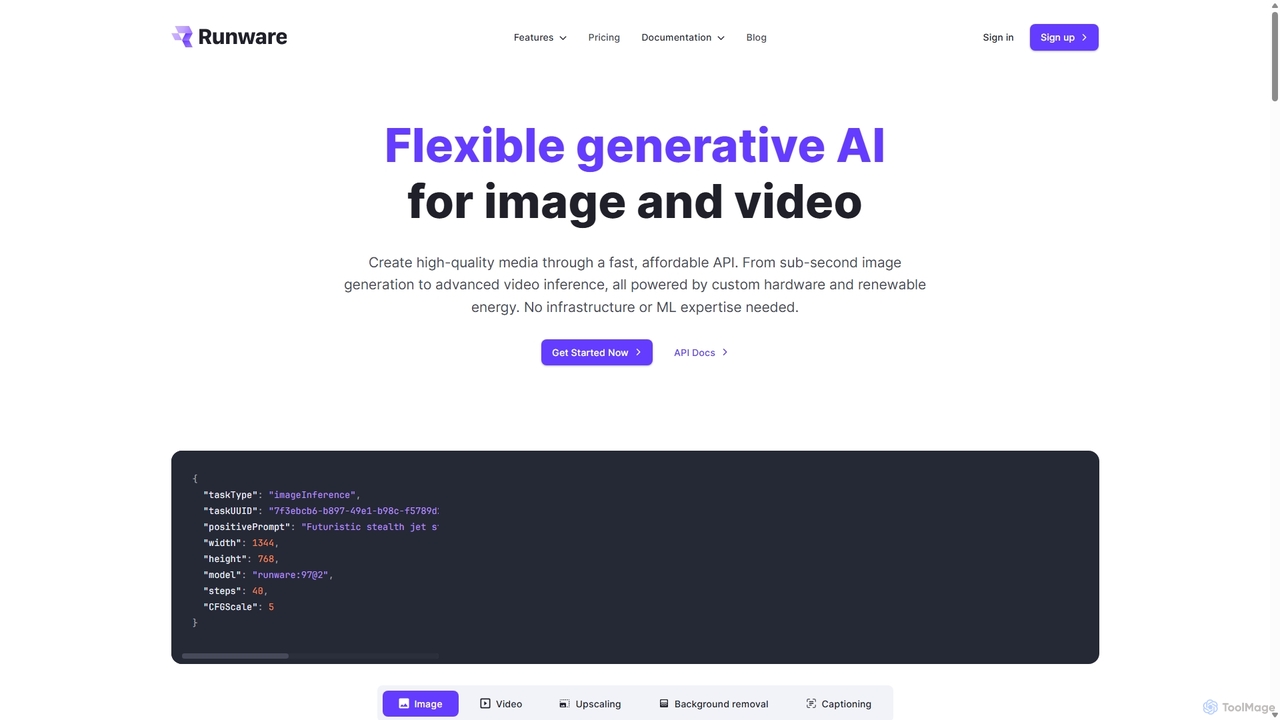
Runware
Runware provides a high-performance, low-cost API for developers to integrate generative AI for image and video creation. Leveraging custom hardware and renewable energy, it offers industry-leading inference speeds for over 300,000 models, including Stable Diffusion, FLUX.1, and Kling. It's a scalable, easy-to-use platform that requires no ML expertise, designed for building next-generation AI-native applications.
Api Platform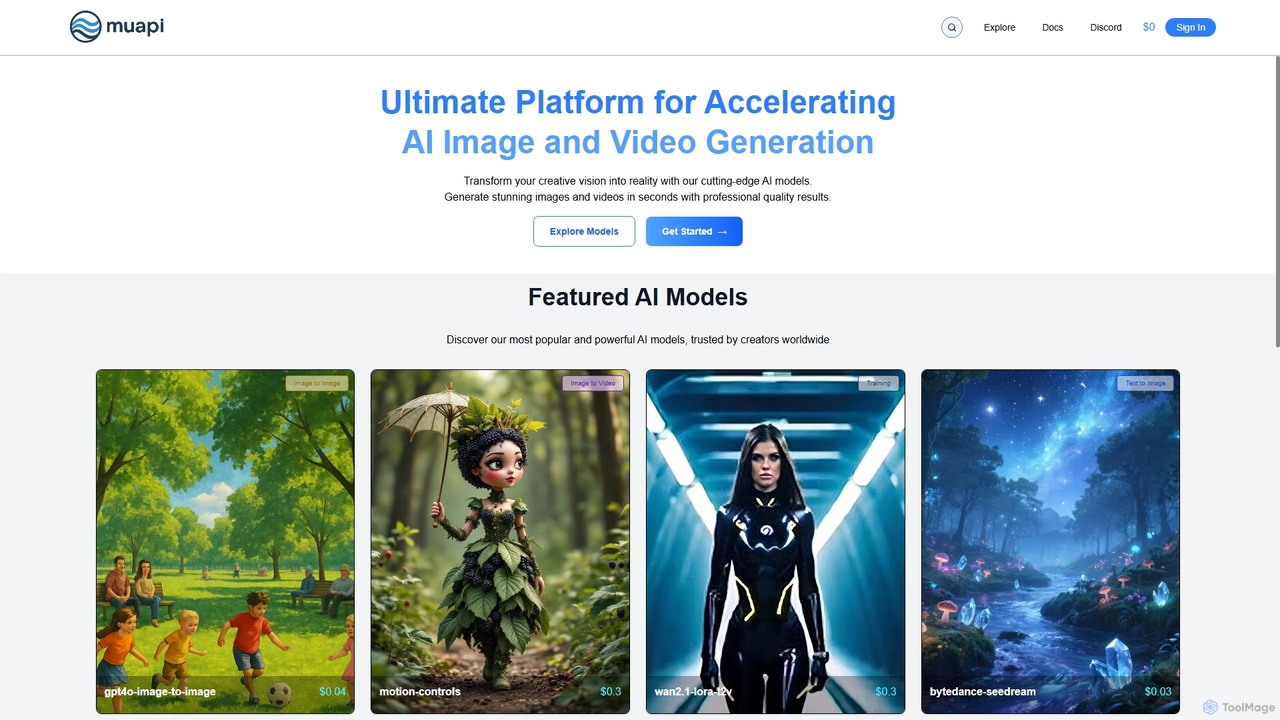
Muapi
Muapi is a powerful API platform designed to accelerate AI image and video generation. It provides developers and creators with unified access to a diverse range of cutting-edge AI models. With Muapi, you can easily integrate functionalities like text-to-video, image-to-video, consistent character generation, and style transfer into your applications. The platform simplifies the development process, offering a single API endpoint for multiple advanced generative AI tasks, backed by a clear, pay-as-you-go pricing structure.
Api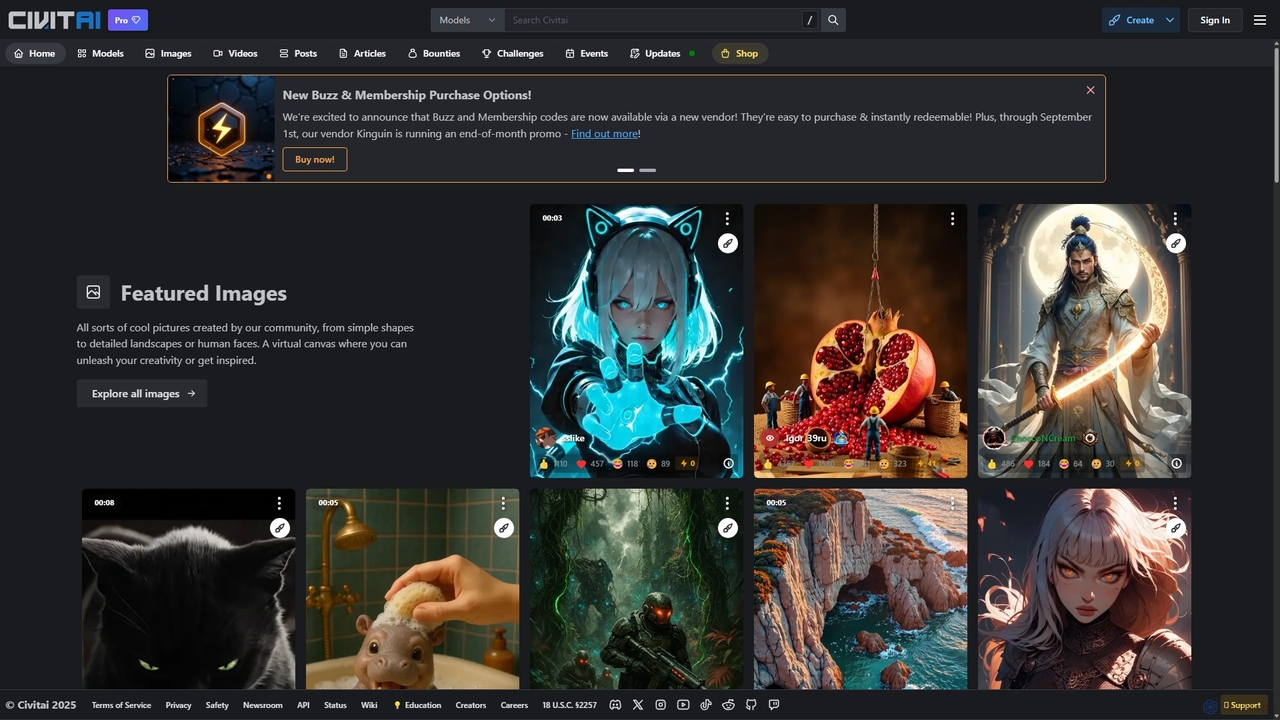
Civitai
Civitai is the leading hub for the open-source generative AI community. It serves as a massive repository for discovering, sharing, and downloading AI models like Stable Diffusion checkpoints and LoRAs. The platform also features an integrated AI image and video generator, allowing users to create content directly on the site, fostering a vibrant ecosystem for AI artists, developers, and enthusiasts.
Creative Communities
Frosting.ai
Frosting.ai is a versatile AI creation suite that combines advanced text-to-image and text-to-video generation with private AI chatbot capabilities. It offers a user-friendly interface for beginners and powerful, detailed controls like ControlNet and LoRAs for professionals, all within a freemium model.
Chatbots
PayPerQ
PayPerQ is a versatile, pay-as-you-go AI platform offering a wide range of capabilities. It integrates text generation (powered by models like GPT-4o), AI-powered web research, high-quality image and video creation, code refactoring, document analysis, and advanced image upscaling. Its flexible credit-based system allows users to pay only for the resources they use, making it an accessible and cost-effective solution for various creative and technical tasks.
ApiComfyUI Categories
ComfyUI Jobs
ComfyUI Embed Widget
Copy this embed code to place the badge on your blog, article, or product site and send readers directly to this ToolMage detail page.

Related AI tools
Runware
Runware provides a high-performance, low-cost API for developers to integrate generative AI for image and video creation. Leveraging custom hardware and renewable energy, it offers industry-leading inference speeds for over 300,000 models, including Stable Diffusion, FLUX.1, and Kling. It's a scalable, easy-to-use platform that requires no ML expertise, designed for building next-generation AI-native applications.
Api PlatformMuapi
Muapi is a powerful API platform designed to accelerate AI image and video generation. It provides developers and creators with unified access to a diverse range of cutting-edge AI models. With Muapi, you can easily integrate functionalities like text-to-video, image-to-video, consistent character generation, and style transfer into your applications. The platform simplifies the development process, offering a single API endpoint for multiple advanced generative AI tasks, backed by a clear, pay-as-you-go pricing structure.
Api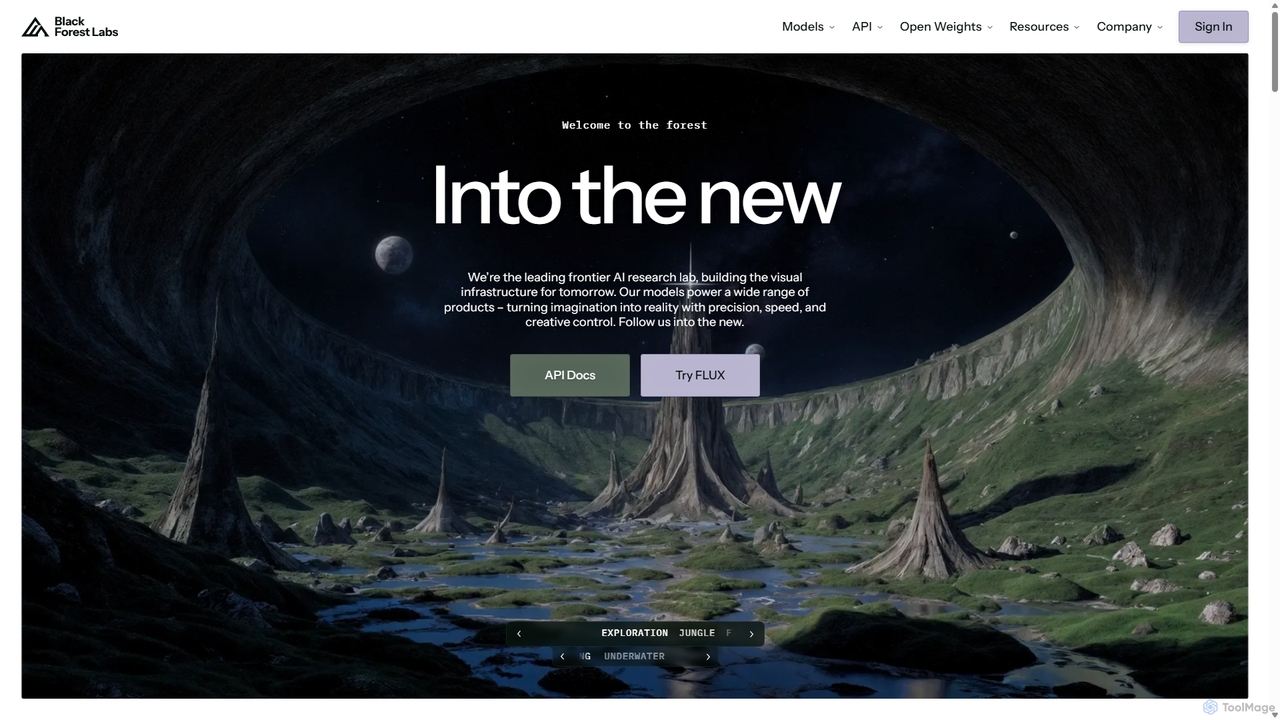
Blackforestlabs
Black Forest Labs is a frontier AI research lab developing advanced visual infrastructure. Their flagship FLUX models offer state-of-the-art, high-speed image generation and editing. They provide access via a user-friendly Playground, a powerful API for developers, and open-weight models for custom deployment, turning imagination into reality with unparalleled precision and creative control.
Api
Prodia
Prodia is a developer-first API platform that enables seamless integration of fast, high-quality generative AI models into any application. It offers a diverse range of models for text-to-image, text-to-video, image editing, and more, designed for scalability and record-fast setup times.
Image Generation
Stable Horde
Stable Horde is a free, open-source, and crowd-sourced distributed cluster for AI image and text generation. It allows anyone to access powerful AI models by leveraging the volunteer-contributed computing power of a global community, without needing their own high-end hardware.
ApiCivitai
Civitai is the leading hub for the open-source generative AI community. It serves as a massive repository for discovering, sharing, and downloading AI models like Stable Diffusion checkpoints and LoRAs. The platform also features an integrated AI image and video generator, allowing users to create content directly on the site, fostering a vibrant ecosystem for AI artists, developers, and enthusiasts.
Creative CommunitiesFrosting.ai
Frosting.ai is a versatile AI creation suite that combines advanced text-to-image and text-to-video generation with private AI chatbot capabilities. It offers a user-friendly interface for beginners and powerful, detailed controls like ControlNet and LoRAs for professionals, all within a freemium model.
ChatbotsPayPerQ
PayPerQ is a versatile, pay-as-you-go AI platform offering a wide range of capabilities. It integrates text generation (powered by models like GPT-4o), AI-powered web research, high-quality image and video creation, code refactoring, document analysis, and advanced image upscaling. Its flexible credit-based system allows users to pay only for the resources they use, making it an accessible and cost-effective solution for various creative and technical tasks.
Api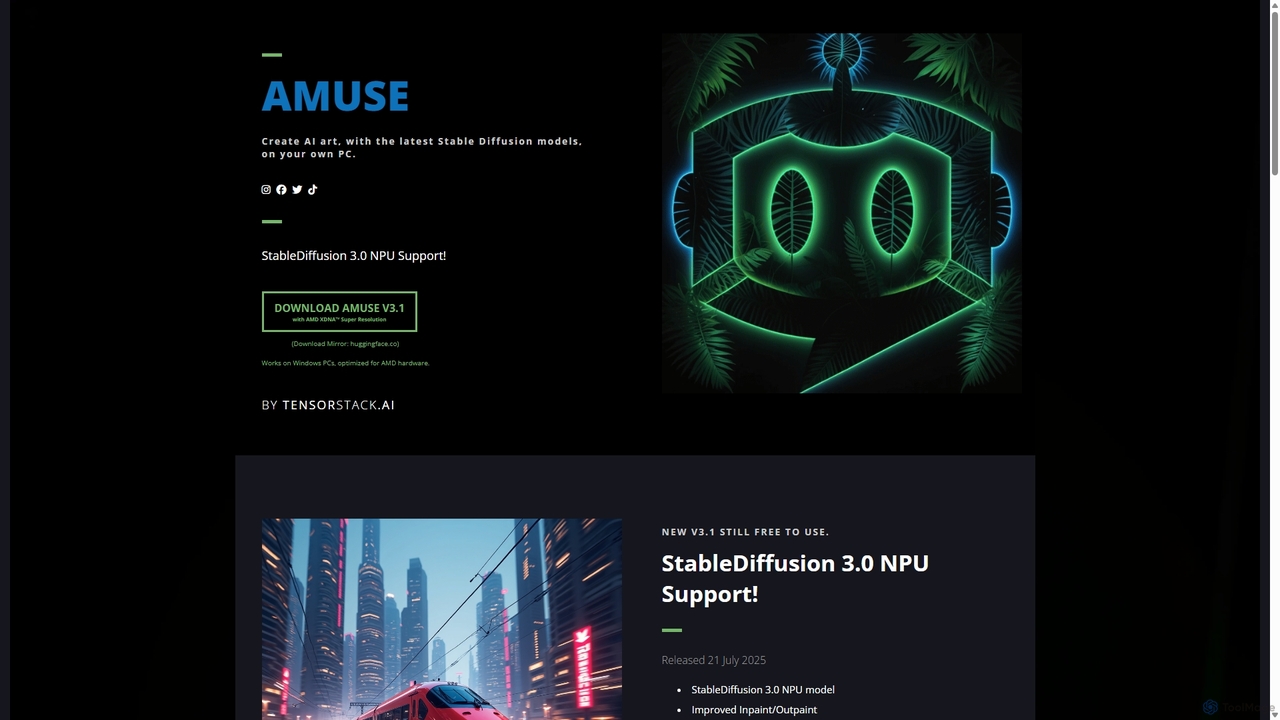
Amuse
Amuse is a free, powerful AI image and video generation tool for Windows PCs that runs locally on your hardware. It features Stable Diffusion 3.0, an easy mode for beginners, an expert mode for advanced users, and is highly optimized for AMD hardware with NPU support. Create stunning art, apply custom AI filters, and experiment with video generation without any cost or login requirements.
Generative Art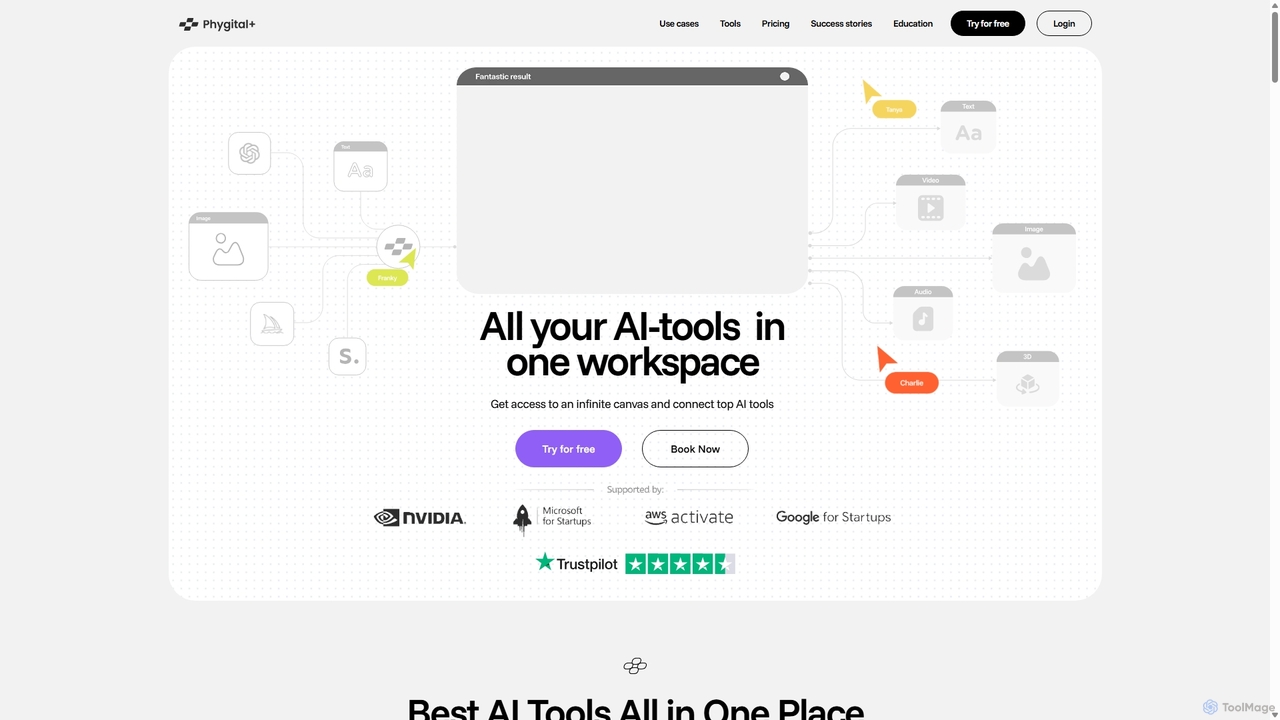
Phygital+
Phygital+ is an all-in-one AI creative workspace that integrates over 30 top generative AI models like GPT-4o, Midjourney, and Stable Diffusion. It offers a unified infinite canvas for generating and editing images, text, videos, and 3D models. Designed for creative professionals and teams, it streamlines workflows, ensures brand consistency through custom model training, and accelerates content production for marketing, design, and game development.
Generative Art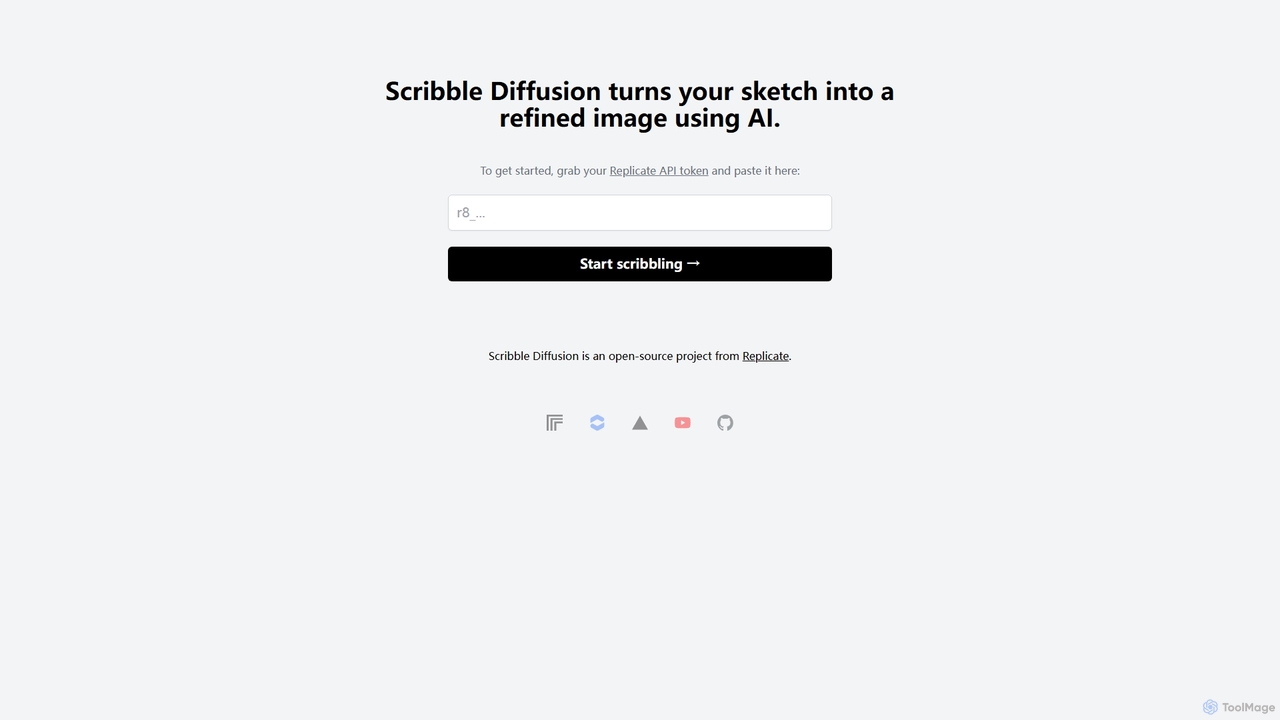
Scribble Diffusion
Scribble Diffusion is a powerful AI tool that transforms your simple sketches and doodles into detailed, high-quality images. Just draw a rough outline, provide a text prompt, and watch as the AI brings your vision to life with stunning artistic detail. It's an open-source project, making it accessible for both creative exploration and developer integration via API.
Creative Tools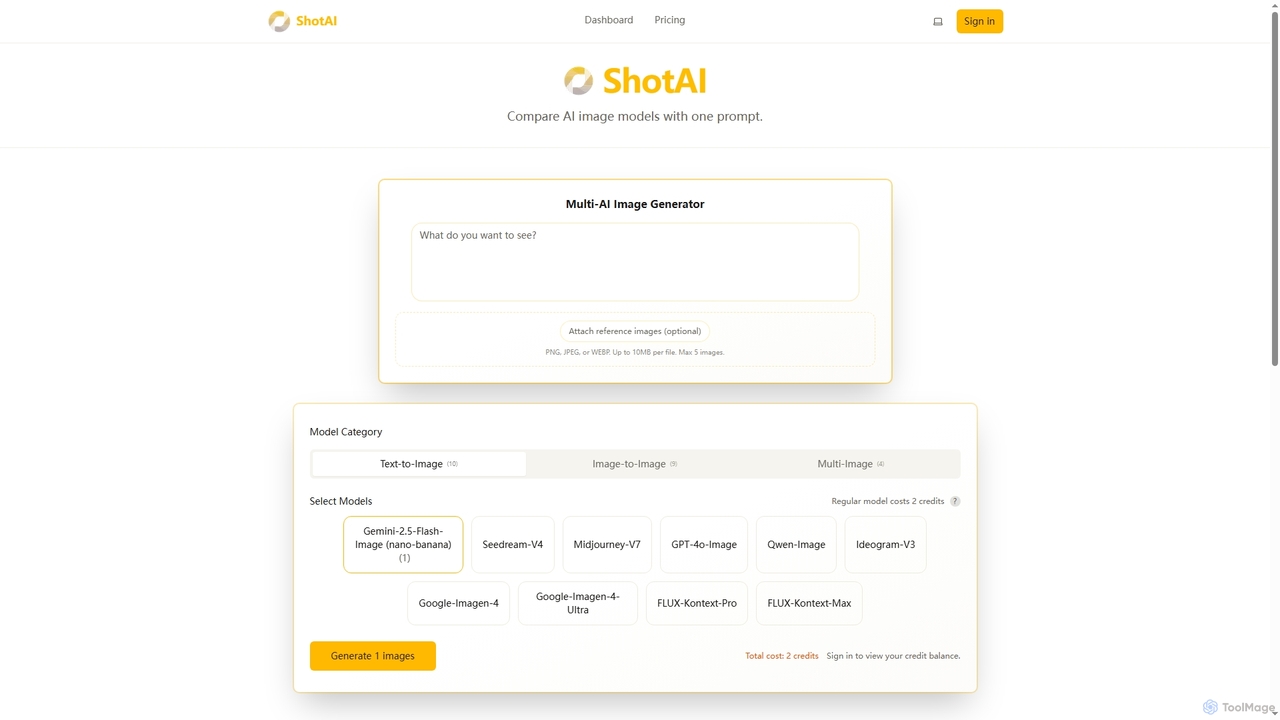
ShotAI
ShotAI is a multi-model AI image generation platform that allows users to compare outputs from various AI models simultaneously with a single prompt. It streamlines the creative process by offering instant side-by-side comparisons and professional tools for creators.
Ai Art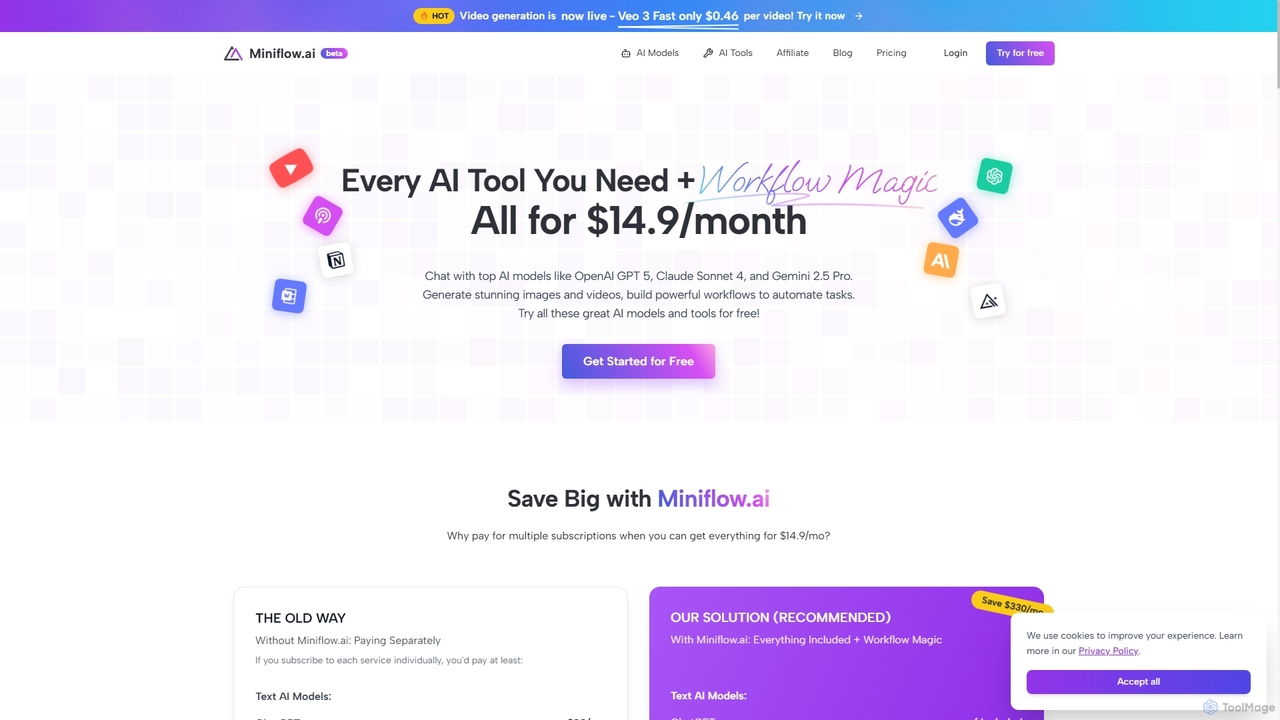
Miniflow.ai
Miniflow.ai is an all-in-one AI platform that consolidates top AI models for text, image, and video generation into a single subscription. It features a powerful no-code visual workflow builder, allowing users to chain multiple AI models and automate complex tasks, saving significant costs compared to individual subscriptions.
Ai Platform
Runway
Runway is an advanced AI-powered creative suite for content creation. It offers a wide range of tools, including state-of-the-art text-to-video (Gen-2), video-to-video (Gen-1), image generation, AI-powered video editing, and more. It's designed for filmmakers, artists, and marketers to ideate, generate, and edit content like never before, streamlining complex creative workflows.
Image Generation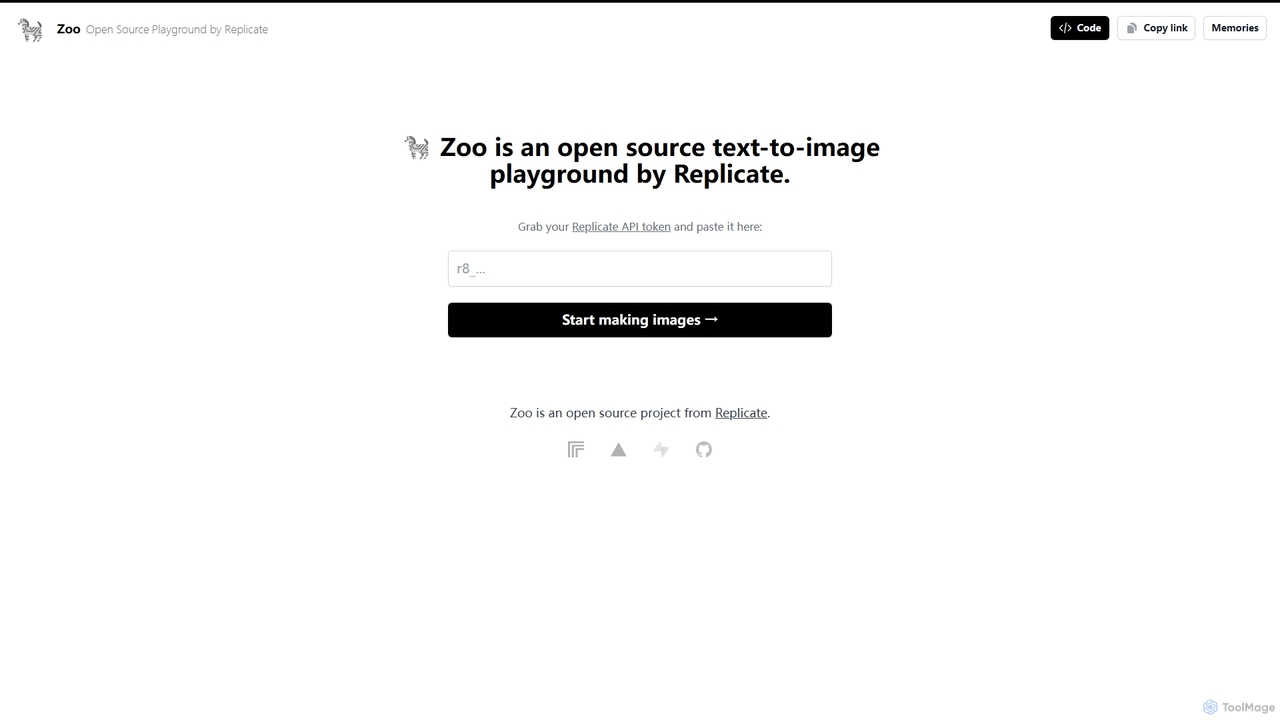
Zoo
Zoo is an open-source text-to-image playground developed by Replicate. It provides a simple, web-based interface for users to experiment with various AI image generation models available on the Replicate platform. By using their Replicate API token, developers, artists, and enthusiasts can generate high-quality images from text prompts without writing any code, making it an ideal tool for rapid prototyping and creative exploration.
Creative Tools
ComfyUI Comments (0)
Sign in to comment.
Sign inNo comments yet.